Advanced Profile Page
Invision Community 5
- Category Integrations
- Downloads 93
- Compatibility IC5: 5.0.0+
- App Version 5.0.9
- Updated


Overview
Transform your profiles into a space where creativity and self-expression thrive with Advanced Profile Page!Description
Key Features:
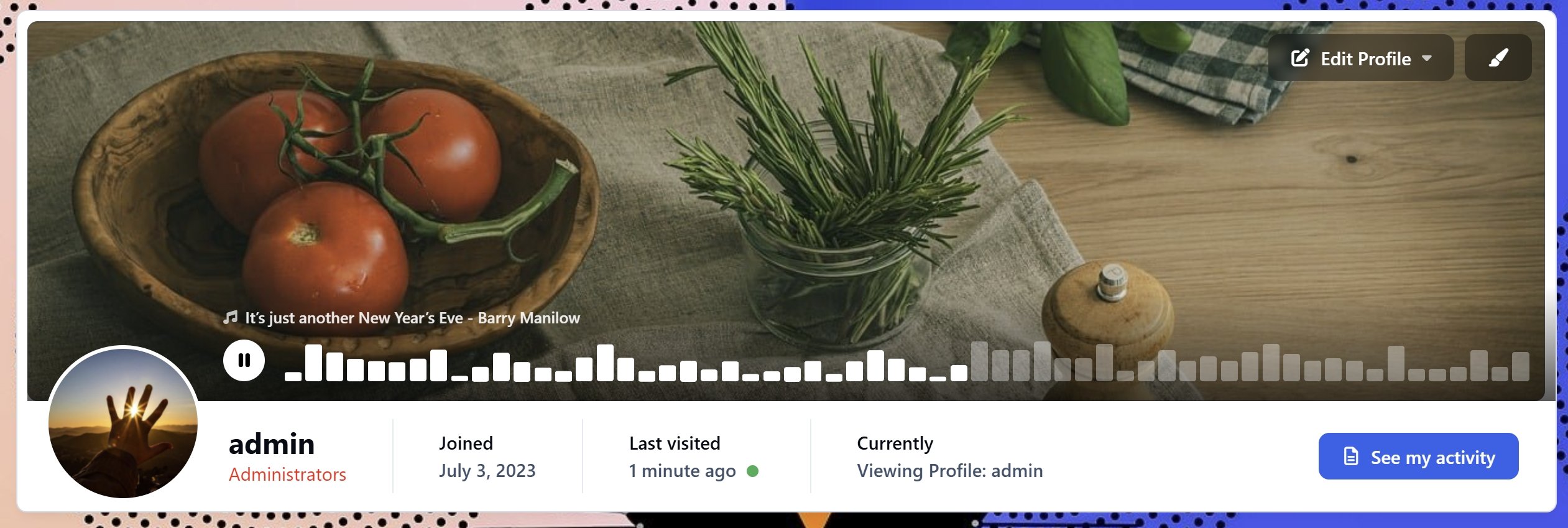
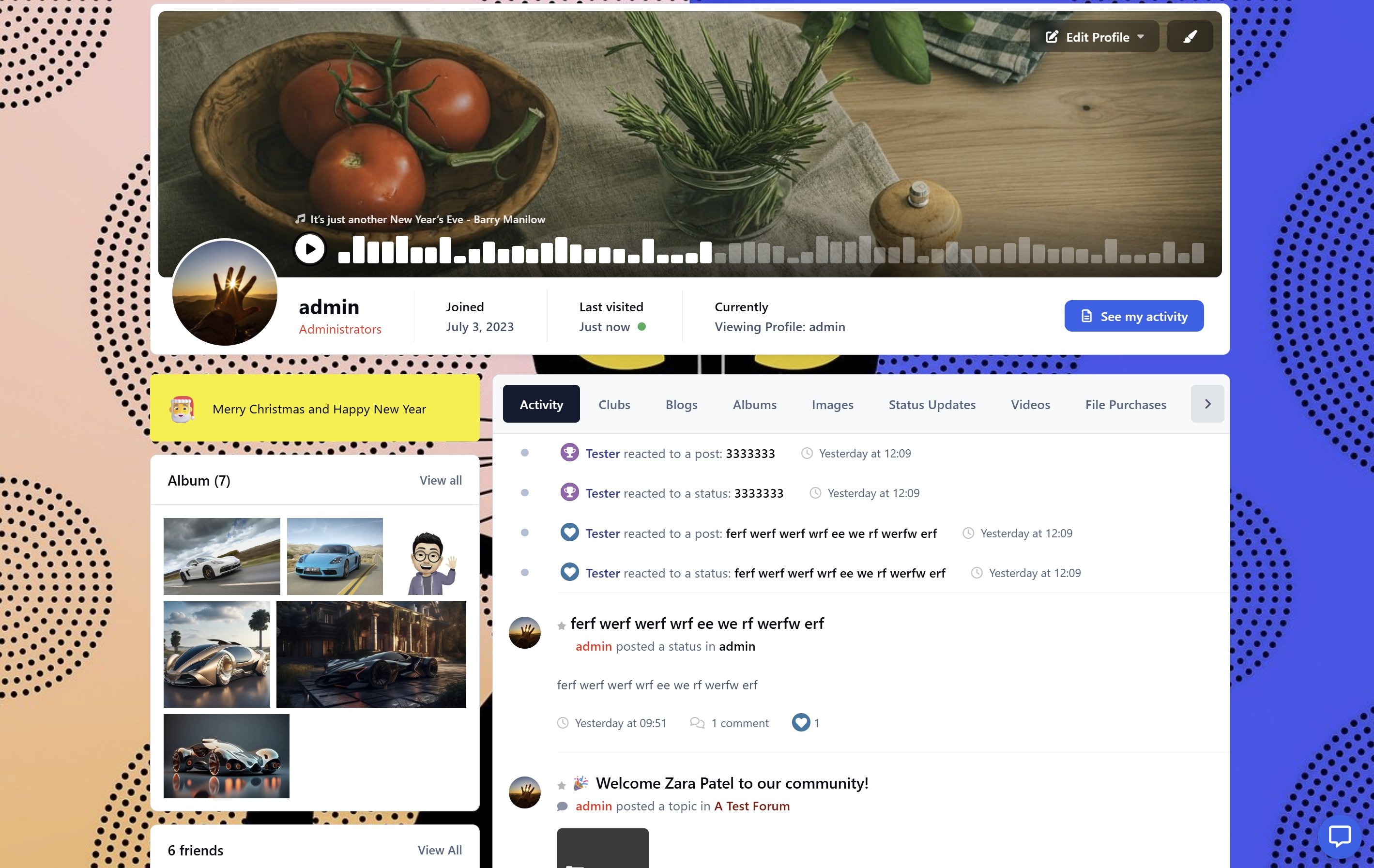
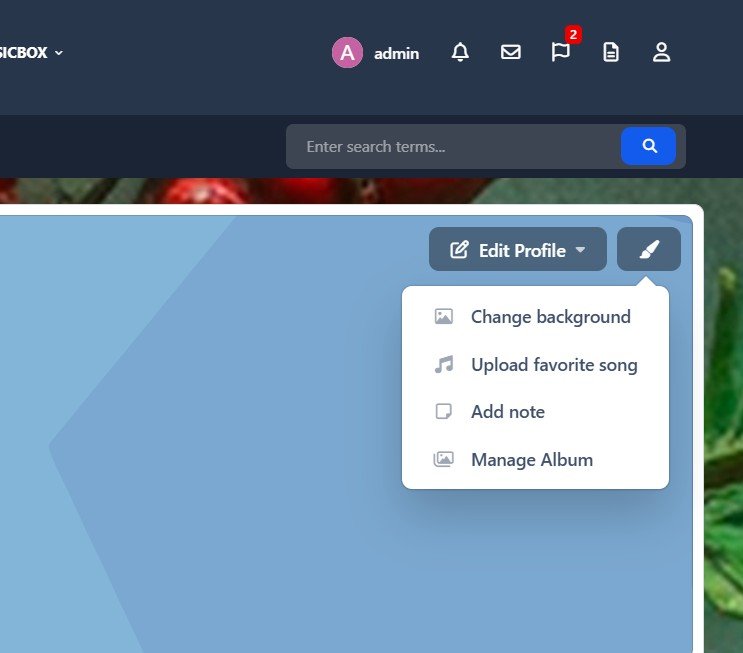
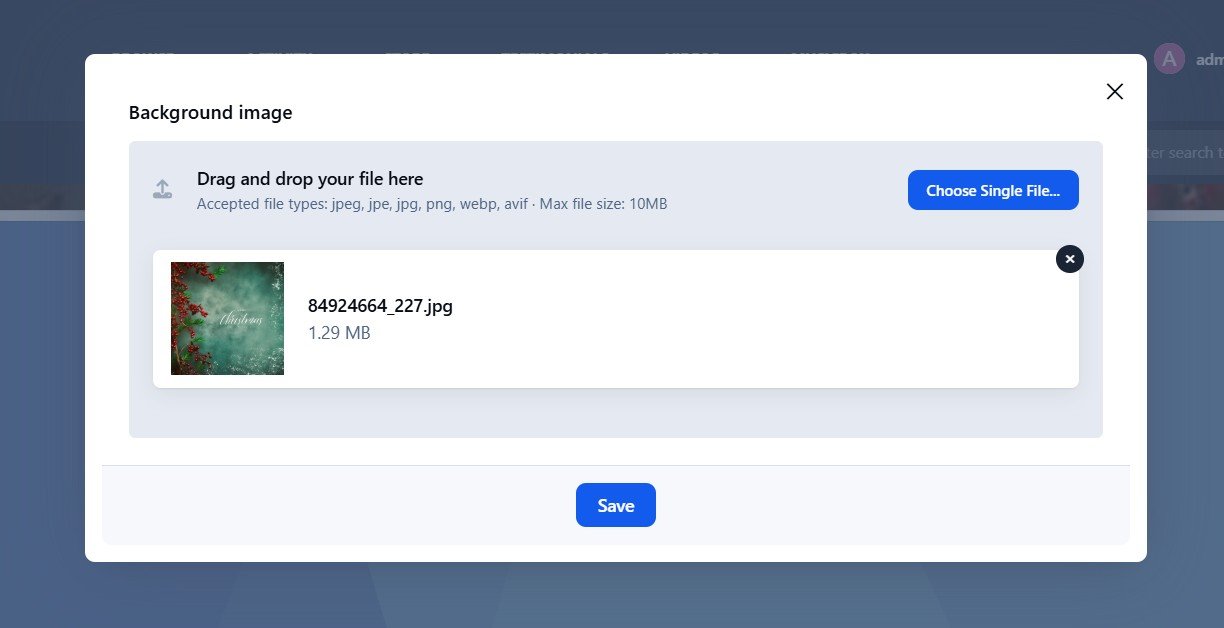
Custom Backgrounds: Let members personalize their profile with custom backgrounds that reflect their personality.
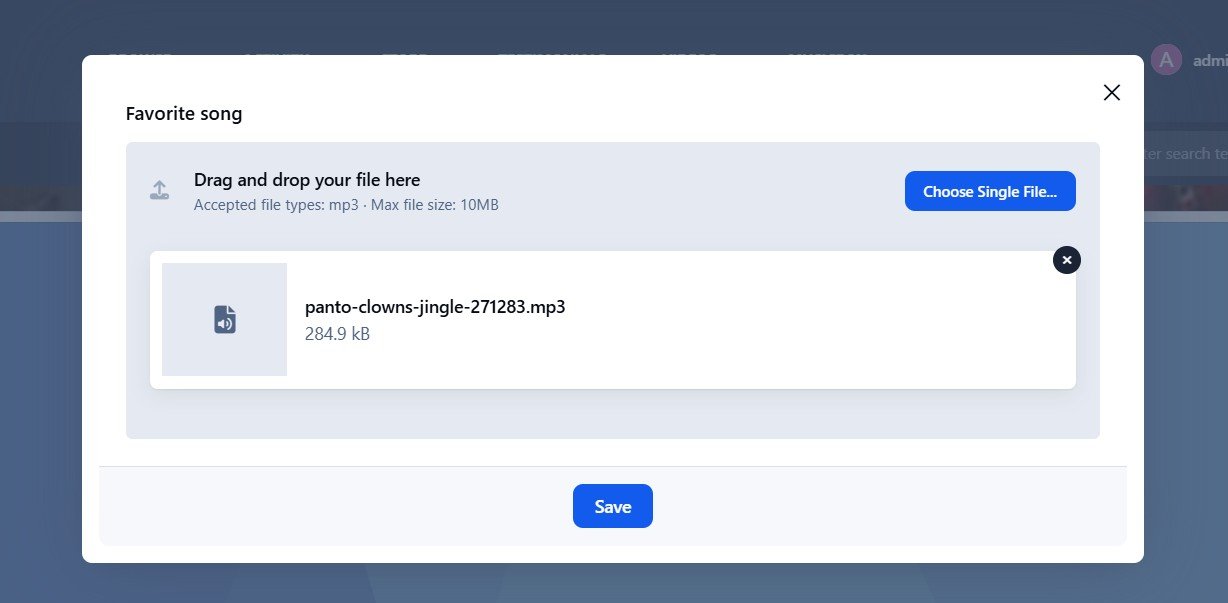
Favorite Song: Add a favorite song with a custom title and let others experience your vibe. Display it exactly how you want as a compact sidebar widget or a gorgeous header overlay with dynamic audio bars.
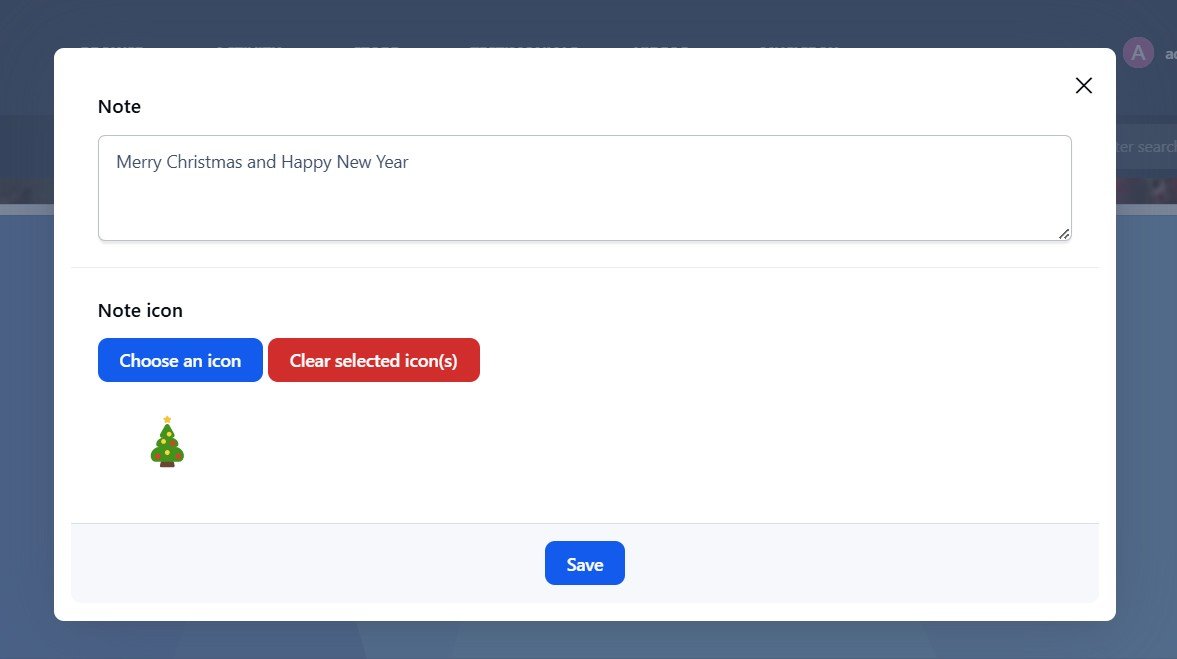
Notes with Style: Update moods, statuses, or share thoughts using text notes with support for emojis, Font Awesome icons, customizable background and text colors.
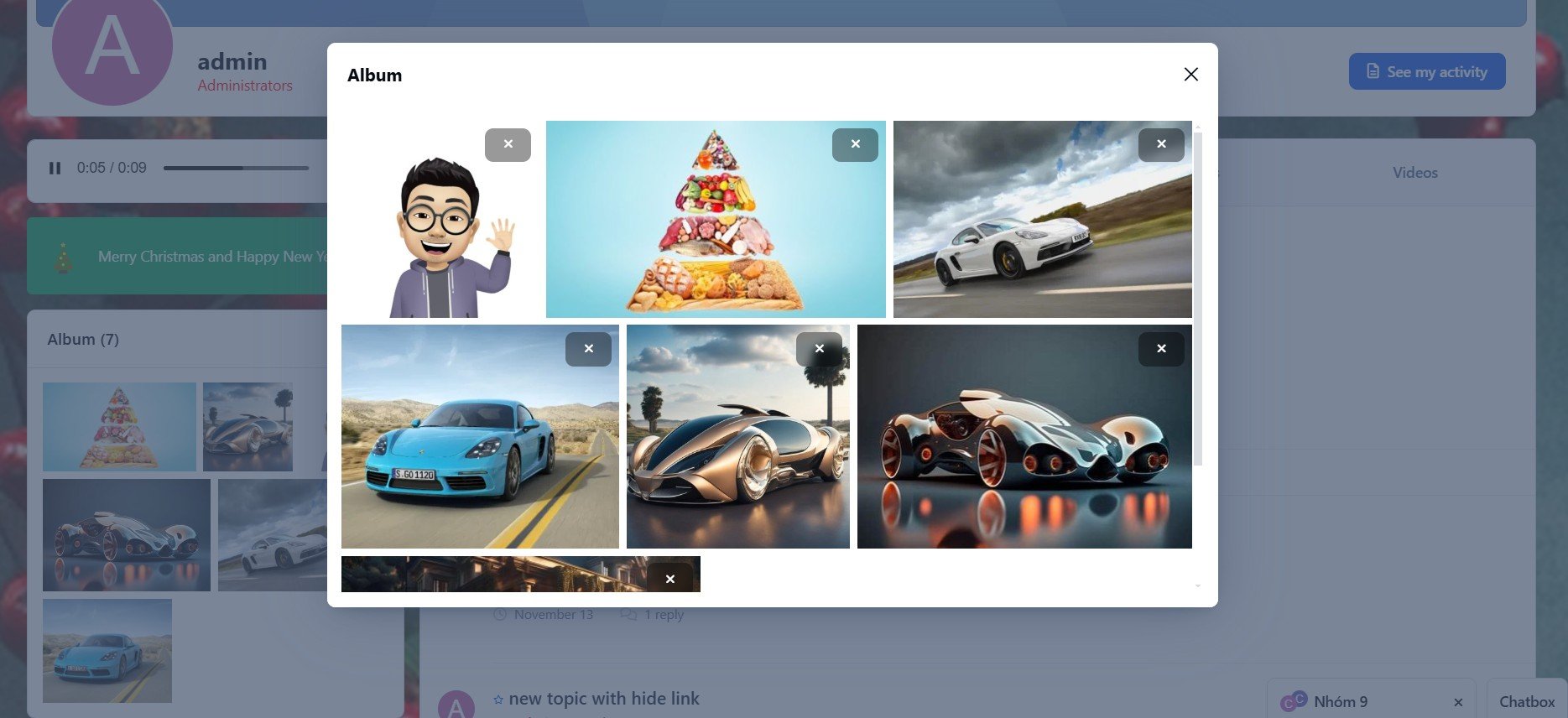
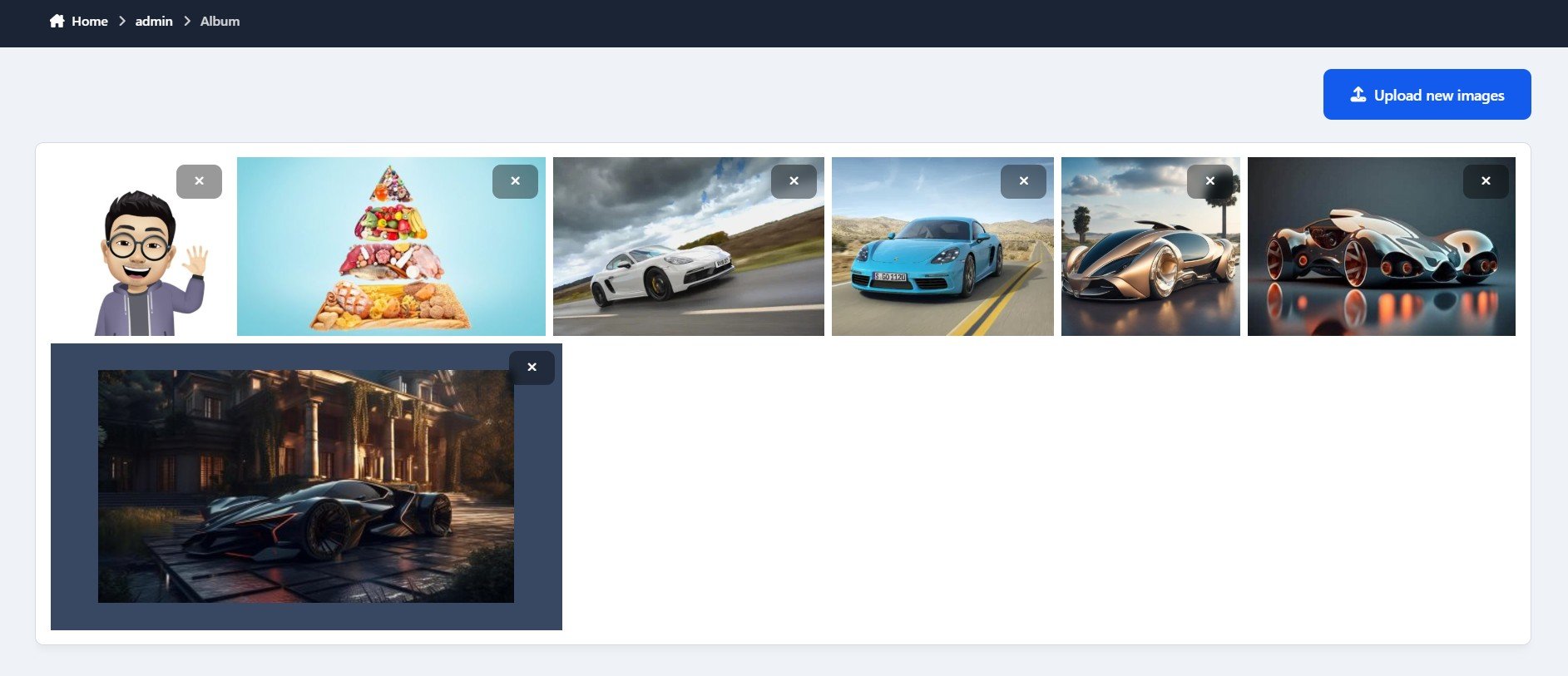
Photo Albums: Members can upload and showcase their favorite images in a beautiful album format.
All these features are conveniently displayed in a stylish sidebar, enhancing the visual appeal and interaction of profile pages. Admins can easily manage feature availability with ACP settings, enabling or disabling individual features for specific member groups.
Create an account or sign in to leave a review
There are no reviews to display.