Integrations
-
IPS5.0.0+
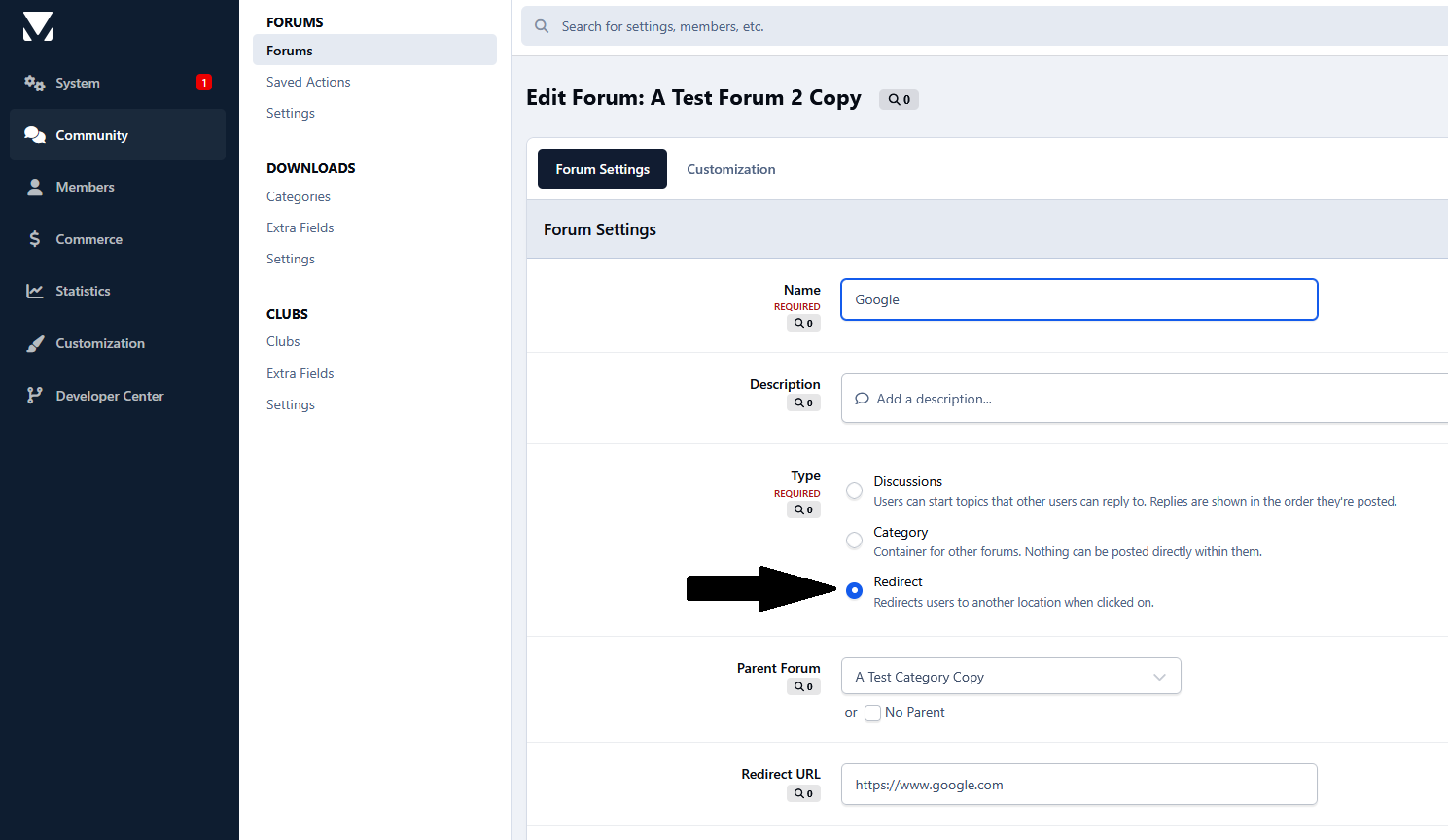
This application opens redirect forums in a new browser tab, preventing users from being taken away from your community. It works on the Forums index and on forum/category pages, including redirect subforums.
-
IPS5.0.4+
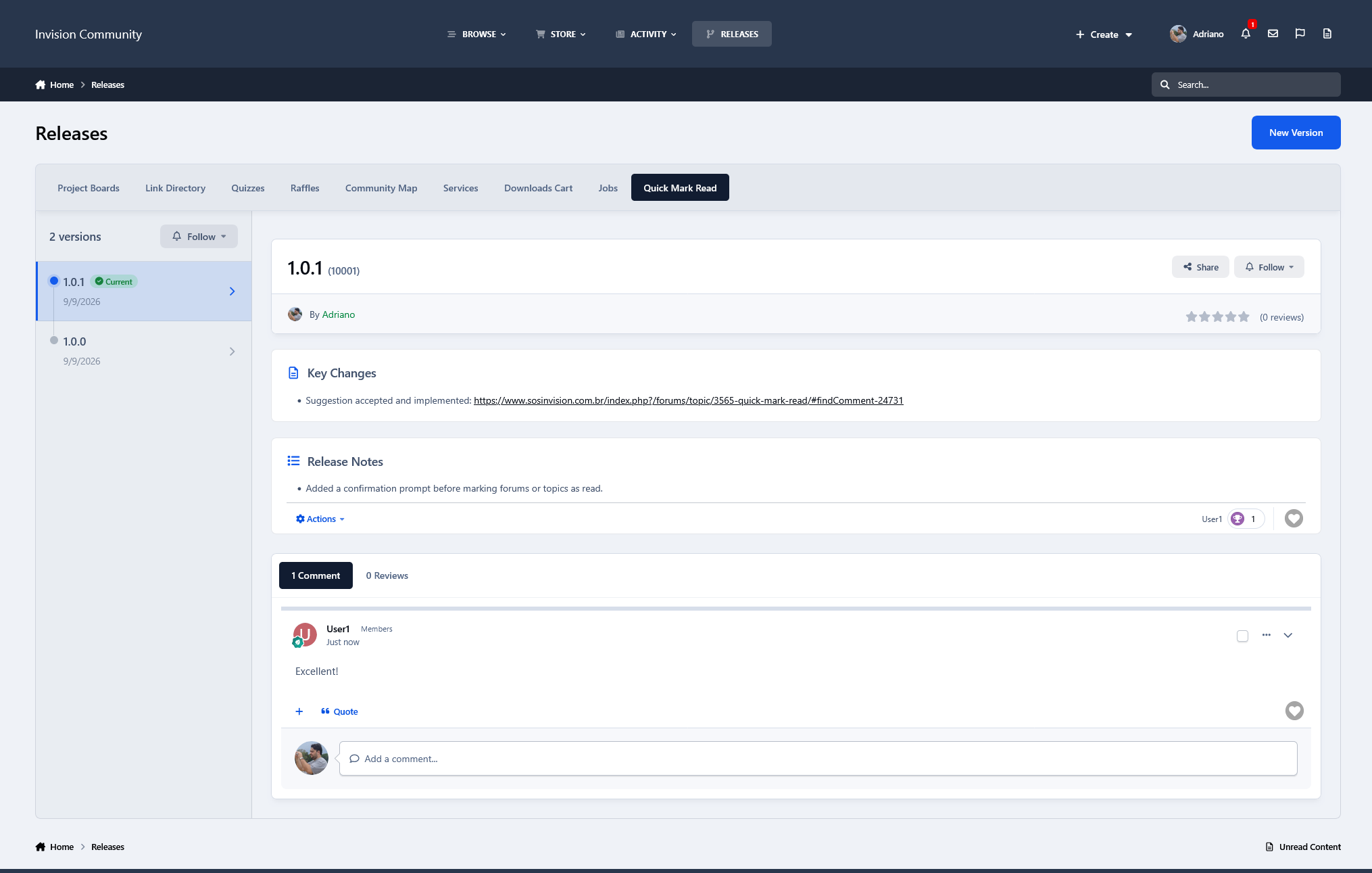
Releases provide a clean and organized way to publish and manage software releases in your community. Projects are displayed in a simple tabbed interface, with their versions listed chronologically and the selected release showing its key changes, release notes, comments, reviews, and other relevant information. Members can also follow projects to receive notifications when new versions are published.
The application includes optional integration with Downloads. A Project can be linked to a Downloads file, allowing new file versions and changelogs to automatically create or update the corresponding Release version.
The interface is visually based on the Releases page used by Invision Community for IPS4.
Features include:
Projects with multiple release versions
Current Release and Security Release indicators
Key Changes and Release Notes
Comments and reviews
Project following and notifications
Optional Downloads integration
Automatic release creation/update from linked Downloads files
Responsive IPS5 interface
Fully integrated with the IPS framework, including search, follows, notifications, reactions, comments, reviews, and other native content features.
-
IPS5.0.0+
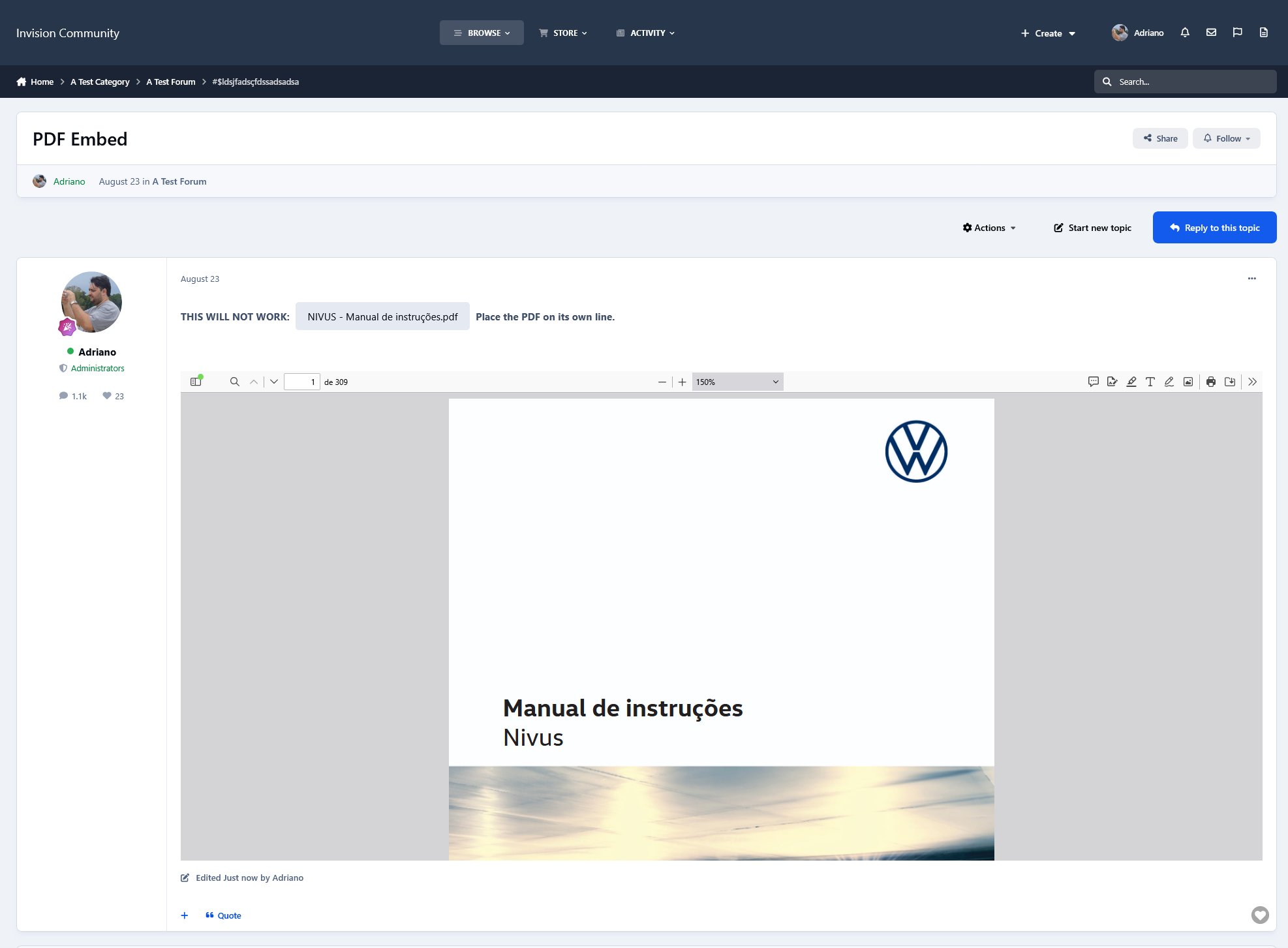
PDF Embed automatically displays PDF attachments directly within content across the entire community suite, allowing users to read documents without leaving the page.
PDFs are embedded only when placed on their own line, preserving the normal attachment display when included alongside other content.
Administrators can configure the viewer width, height, and initial PDF zoom level.
-
IPS5.0.0+
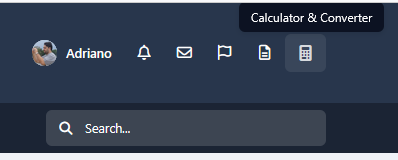
Calculator & Converter adds a convenient site-wide pop-up for quick calculations and unit conversions without leaving the current page. Calculations are performed instantly in the browser, with no page reloads required.
It includes percentage calculations, percentage increase/decrease, and discount calculations, plus converters for:
Temperature: Celsius (°C), Fahrenheit (°F) and Kelvin (K)
Data Storage: bit, kbit, Mbit, Gbit, Tbit, B, kB, MB, GB, TB, Kibit, Mibit, Gibit, Tibit, KiB, MiB, GiB and TiB
Length: mm, cm, m, km, inches, feet, yards and miles
Weight: mg, g, kg, ounces and pounds
Data storage conversions correctly distinguish between decimal units based on 1000 and binary units based on 1024.
-
IPS5.0.0+
Downloads Cart allows members to add paid Downloads files to the Commerce cart and purchase multiple files in a single checkout.
Users can add the same file more than once when multiple copies are needed, while payments, renewals, commissions, fees, and purchases continue to be handled by the native Commerce system.
Features:
Add paid Downloads files to the Commerce cart
Purchase multiple files in one checkout
Add the same file multiple times
AJAX cart updates
Native Commerce checkout and payment flow
Requirement:
Downloads application
Commerce application
-
IPS5.0.0+
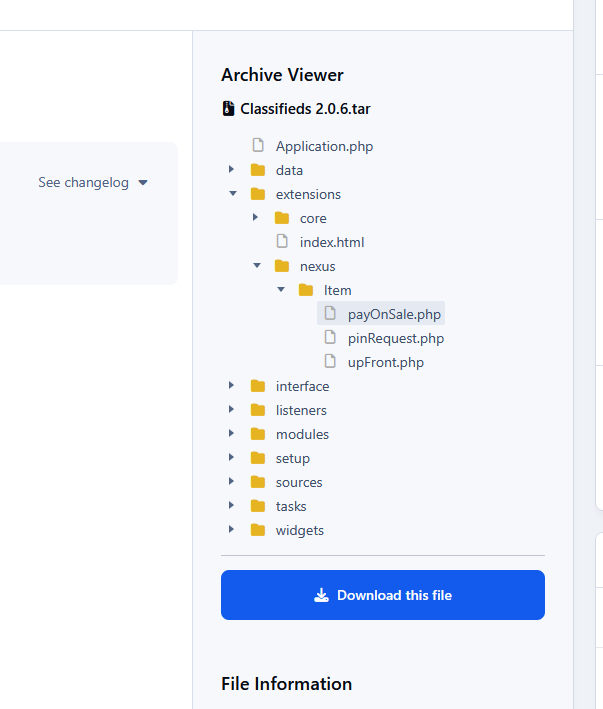
Downloads Archive Viewer allows users to browse the contents of archive files directly from the Downloads file page, without downloading or extracting them first. Archive contents are displayed in an interactive folder tree, making it easy to inspect directories and files before downloading. When multiple archives are available, they are displayed in a convenient pop-up dialog.
Features:
Supports ZIP and TAR-based archives (.zip, .tar, .tar.gz, and .tgz).
Interactive folder/file tree.
Supports multiple archives per Downloads file.
Archive contents are read server-side without extracting the files.
Integrates directly with the Downloads file page.
Uses the third-party jsTree JavaScript plugin for the interactive tree interface.
Note: Currently, only ZIP and TAR archive formats are supported.
Requirements
Downloads application
PHP ZIP and Phar extensions must be enabled on the server.
-
IPS5.0.6+
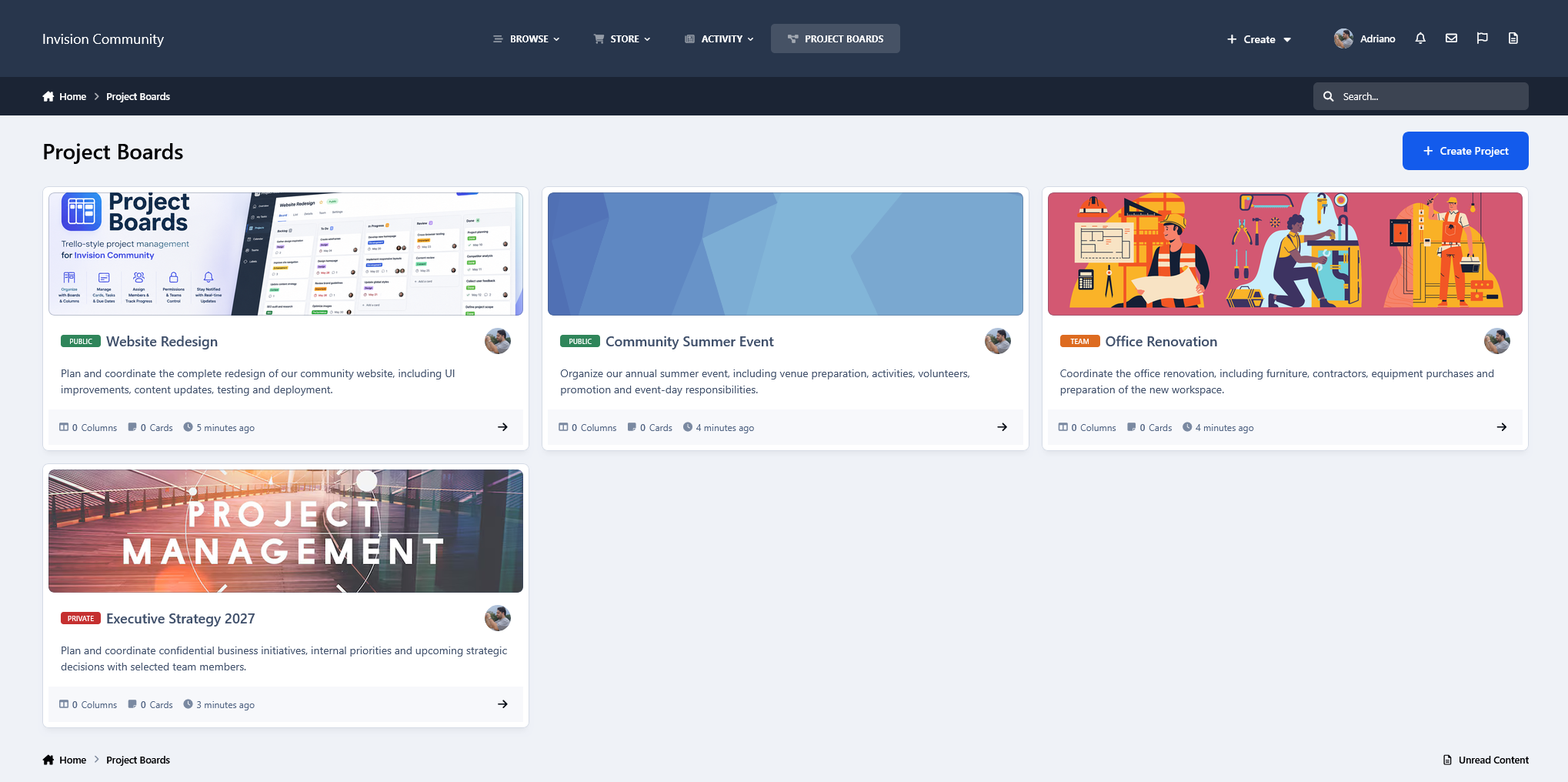
Create projects with customizable columns and manage cards directly from the front end. Cards support descriptions, priorities, due dates, labels, member assignments, ownership, comments, and participant tracking. Cards and columns can be reordered with AJAX-powered drag-and-drop, while several management actions use AJAX and IPS dialogs for a fast, seamless experience.
Projects support different visibility modes, dedicated project teams, and granular participant permissions, giving project owners control over who can create, edit, delete, and move cards, manage columns, and perform other board actions.
Most day-to-day project management is handled entirely from the front end, including cards, columns, assignments, teams and permissions, while administrators retain centralized control through dedicated AdminCP sections for Projects, Columns, Labels and Settings.
Members can also receive inline and email notifications when they are assigned to or unassigned from cards, receive card ownership, or are added to or removed from project teams.
Projects can be cloned, reordered, and marked as completed, preserving completed boards as read-only records.
Whether you're managing development, staff tasks, community projects, content planning, or collaborative workflows, Project Boards brings a familiar Trello-style experience directly into your Invision Community.
-
IPS5.0.6+
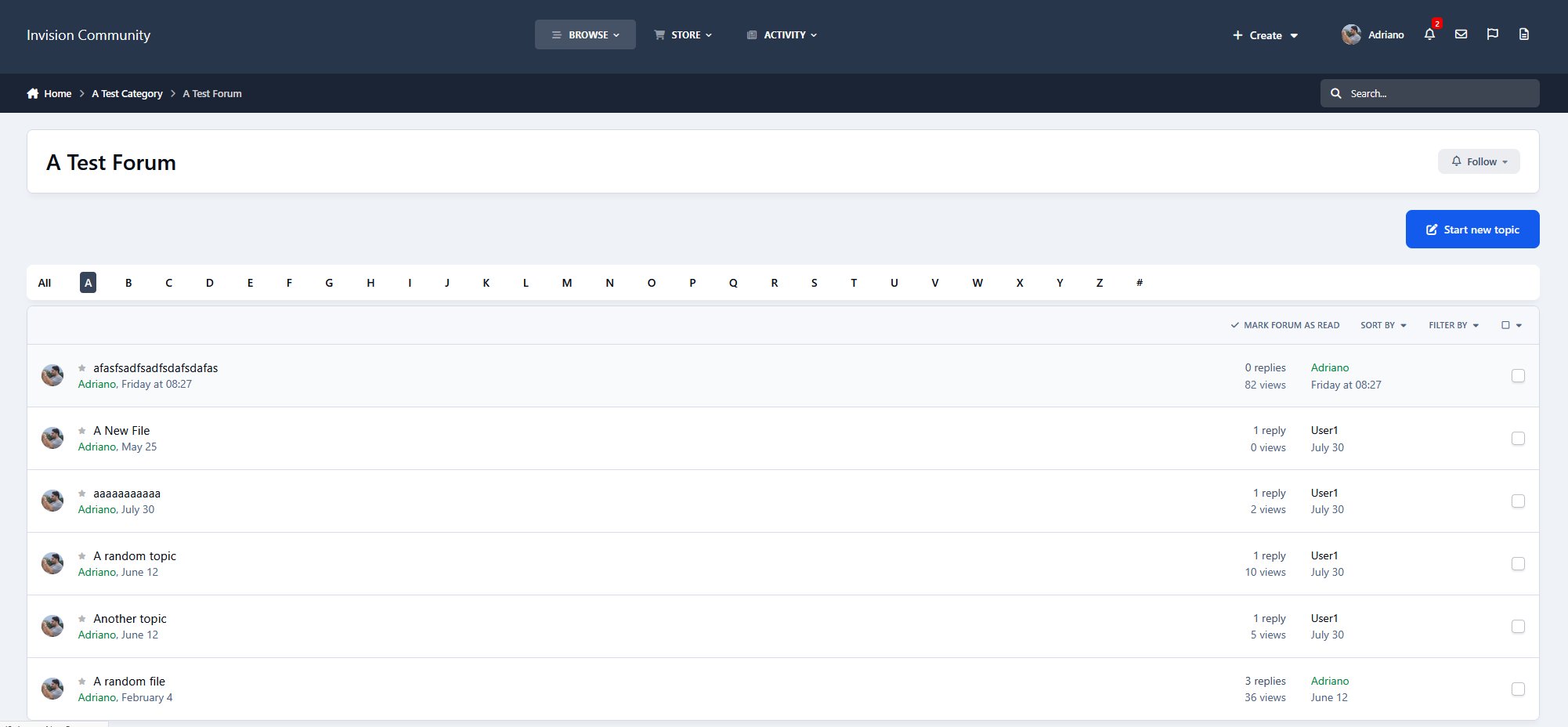
This application allows users to quickly filter topics in the forum view by the first letter of the topic title, making it easier to find and browse specific topics.
Settings:
Groups allowed to use the topic filter
Forums where the topic filter will be available
Note:
Not compatible with Fluid view.
Requirement: Forums app.
-
IPS5.0.0+
Help Desk is a complete support ticket system for your community, providing an organized way for members to request assistance and for staff to manage those requests from start to finish.
Tickets are organized into configurable departments, statuses, and priorities, with staff assignment and a dedicated dashboard that provides an overview of the current workload and highlights tickets requiring attention. Members can follow the progress of their tickets, reply directly to staff, and receive notifications as their requests are handled.
Staff have a comprehensive set of quick actions available directly from the ticket, including assigning tickets, changing status or priority, locking/reopening tickets, and other common management tasks. Most interactions are AJAX-powered, allowing tickets and the dashboard to be managed quickly without unnecessary page reloads.
The app also includes Macros, which allow administrators to combine multiple actions into a single reusable operation. For example, a macro can change a ticket's status and priority, assign it to a staff member, and perform other configured actions at once, making repetitive support workflows significantly faster.
Additional features include configurable notification and email preferences, automatic status changes based on staff or requester replies, moderation history, requester environment information for troubleshooting, related content, ticket search and filtering, and the ability to create a ticket directly from an existing forum post with its title and content automatically populated.
The result is a fully integrated Help Desk designed to handle everything from simple support requests to structured staff workflows without leaving the community.
Note:
Compatible with the Create Content Menu application: https://www.sosinvision.com.br/index.php?/file/520-create-content-menu/
-
IPS5.0.0+
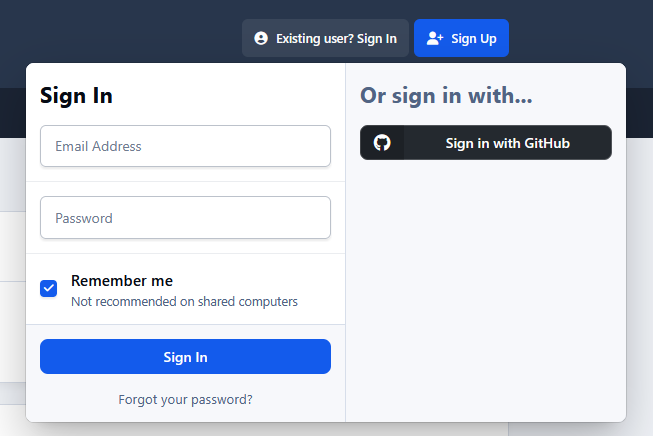
This application connects a GitHub account to an IPS5 account. It allows users to sign up and sign in using their GitHub account, as well as synchronize their display name and/or profile photo.
You must register your application at https://github.com/settings/developers to obtain:
Client ID
Secret
-
IPS5.0.0+
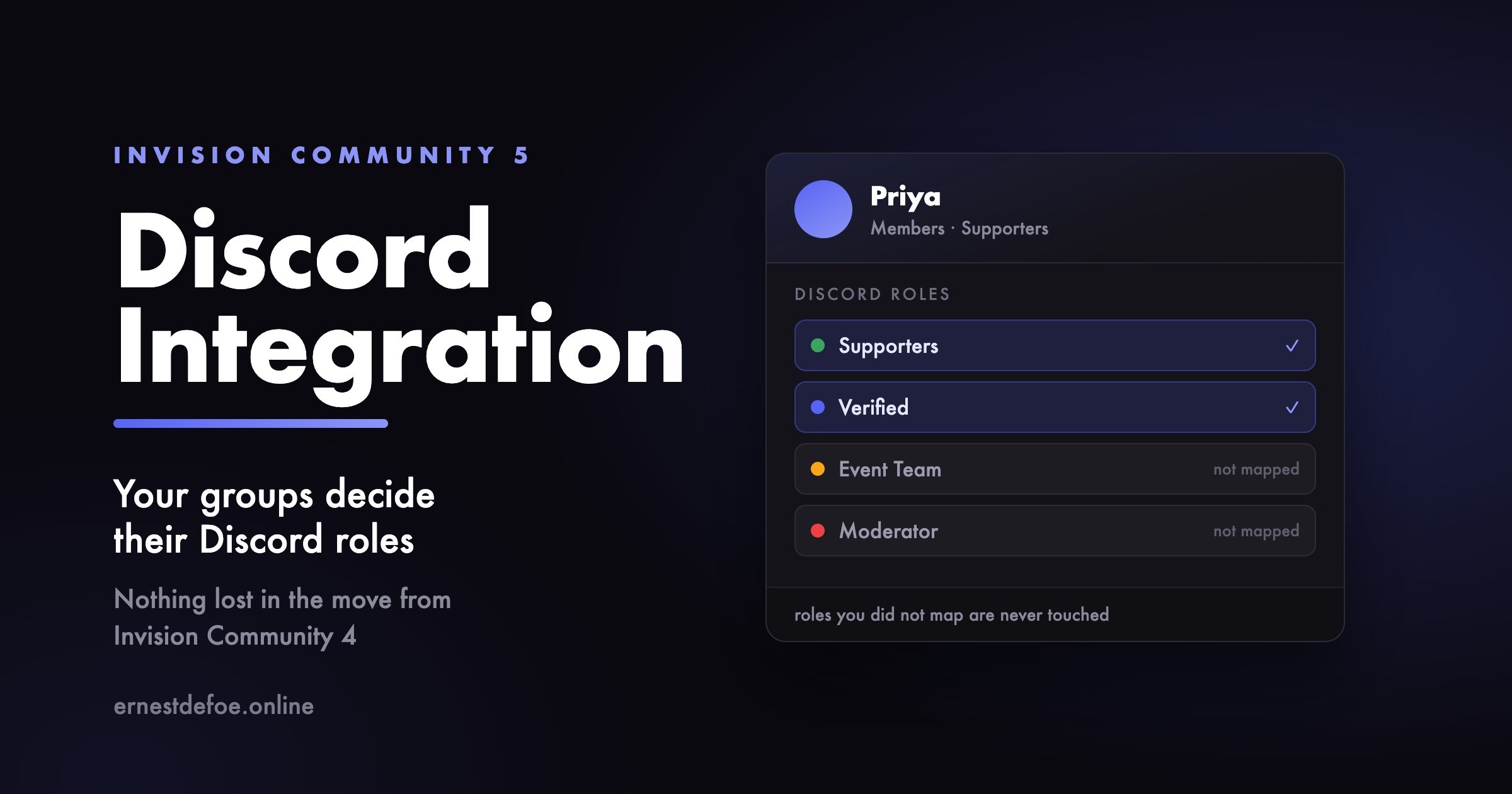
Connect your community to your Discord server, and keep the two in step without anybody doing it by hand.
Roles that follow your groups
Map an Invision Community group to a Discord role and members get it automatically — when they connect their account, when you promote them, and on a regular sweep that catches anything missed while Discord was unreachable. Secondary groups count too.
It only ever touches roles you mapped. Colour roles, bot roles and anything a moderator handed out inside Discord are left exactly alone.
The reverse matters as much: ban somebody, flag them as a spammer or delete them, and the roles come off straight away. For a lot of communities the Discord server is the thing actually being revoked.
Names that match
Each member's Discord nickname is set to their display name here, so people are recognisable in both places and nobody can quietly impersonate a regular.
Announcements, from anywhere in the suite
Send new content to a Discord channel — forum topics, replies, gallery images, calendar events, downloads, blog entries, products, and every Pages database you have, including their comments and reviews. Around 25 content types on a normal install, and it finds new ones by itself rather than working from a list that goes stale.
Filter by category, by author, or by a minimum post count so brand-new accounts cannot broadcast to your server. Rich embeds, or plain messages if you prefer Discord's own link previews.
Content held for moderation is never announced — it goes out if and when it is approved, and not before.
Moderator reports in Discord
When a member reports something, your moderators can hear about it in a channel of their own, in a colour that stands out from ordinary announcements. Reports never travel through the normal rules, so they cannot end up somewhere public by accident.
Invites you control
Create invite links in the AdminCP, restrict them to chosen groups, and hand them out instead of an ordinary Discord invite. Optionally make people ask first: a request goes to your staff, who approve it once or for good, and the member is added to the server immediately.
Invites only mean something if your Discord server has no ordinary invite links of its own. The setup guide covers this — it is the one step people miss.
Sign in with Discord
Switched on for you when setup finishes. Members connect once and everything else follows from that.
A widget for your sidebar
Discord's live widget in either theme, or any of its four banner badges, optionally with a join button pointing at one of your own invites.
Moving from another Discord app?
The expensive part of switching is not settings — those take minutes. It is the members who already connected their Discord account, because most will never do it a second time, and a community that loses those links loses the role syncing it was paying for.
So this reads your database, finds another integration's connected accounts by the shape of the data rather than by guessing at table names, shows you exactly how many it found, and imports them only when you say so. It works whichever application you are leaving.
Set up in two steps
Paste three values from your Discord application, then pick your server from a list. Nothing asks you to switch on Developer Mode or copy an eighteen-digit ID by hand.
The bot asks for permission to manage roles and nicknames, create invites and post messages. It never asks to be an administrator of your server.
When something goes wrong
Every call and every sync is logged with its reason, so “it stopped working” is a question you can actually answer. Secrets are never written to it.
-
IPS5.0.0+
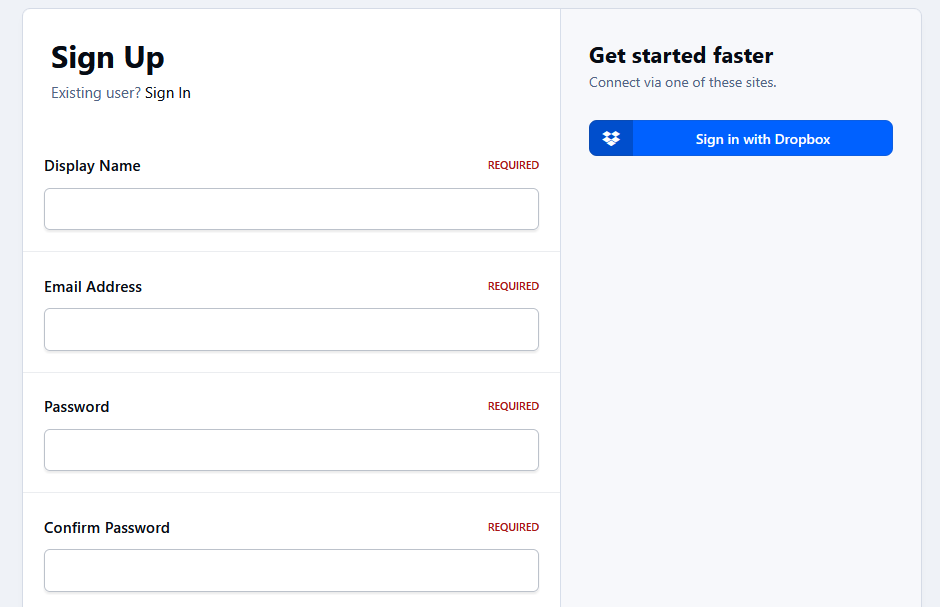
This application connects a Dropbox account to an IPS5 account. It allows users to sign up and sign in using their Dropbox account, as well as synchronize their display name and/or profile photo.
You must register your application at https://www.dropbox.com/developers/apps to obtain:
App key (Client ID)
App Secret (Client Secret)
-
IPS5.0.0+
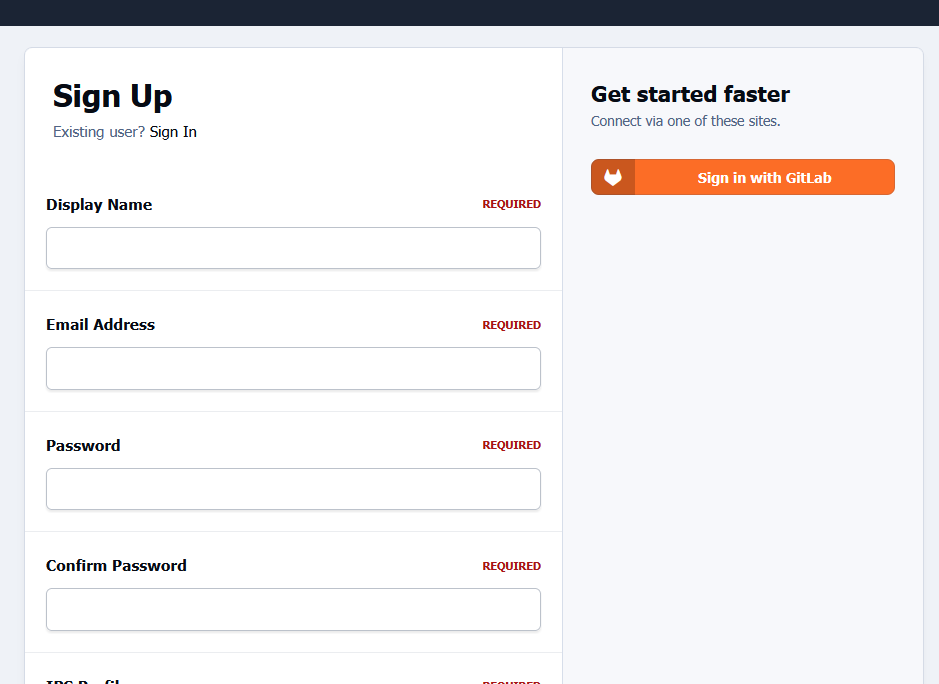
This application connects a GitLab account to an IPS5 account. It allows users to sign up and sign in using their GitLab account, as well as synchronize their display name and/or profile photo.
You must register your application at https://gitlab.com/-/user_settings/applications to obtain:
Application ID (Client ID)
Secret (Client Secret)
-
IPS5.0.0+
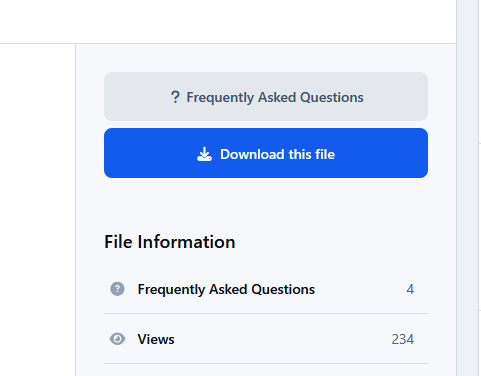
This application adds a Frequently Asked Questions (FAQ) section to Downloads files, helping file authors reduce repetitive support requests by providing answers to common questions in advance.
File submitters and moderators (with the appropriate permission) can create, edit, enable, disable, and manage questions and answers directly from the file page.
Settings
File View: Display number of Faq records
ACP Faq Listing: Questions per page
Categories where the FAQ feature is enabled
Requirement
Downloads application
-
IPS5.0.0+
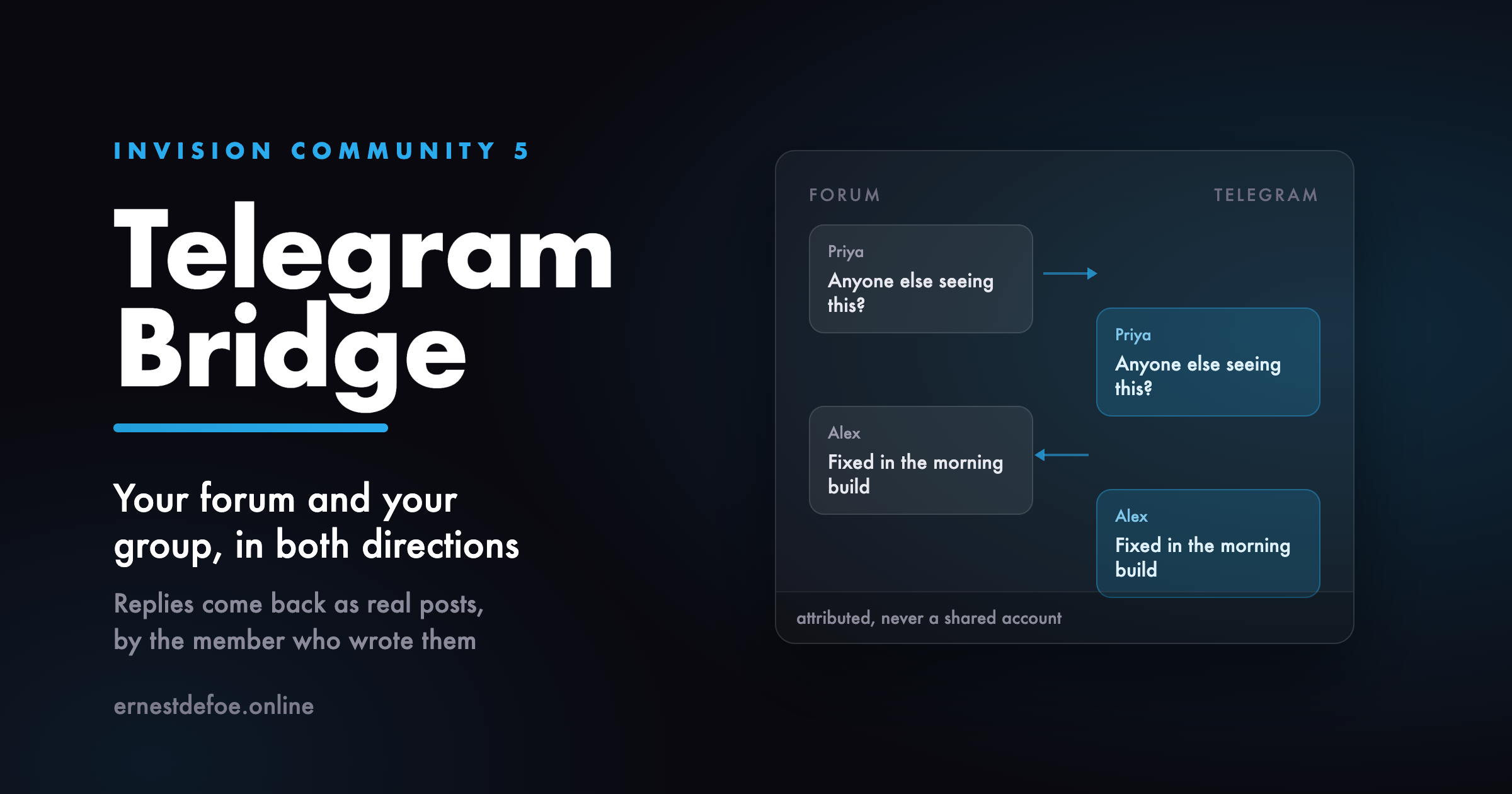
A two-way bridge between a forum and a Telegram group. Posts go out; replies come back and become real forum posts, written by the member who wrote them.
Why two-way
Sending forum posts to a Telegram channel is something you can already do with any webhook tool, including one you may already own. The half nobody offers is the return path: a message typed in the Telegram group becoming a post in the forum, attributed to the member who typed it, so the conversation is in one place instead of two.
How members are identified
A member links their own account from their forum settings. They are shown a one-time code, and they send that code to the bot in a direct message never in the group, because a code pasted into a group is a code everybody in it can use.
Until somebody links, their messages are ignored rather than guessed at. If you would rather nothing was lost, you can nominate an account for unlinked messages instead — but the strict setting always wins, so turning it on cannot be undone by a stray configuration elsewhere.
What it will not do
It will not post its own messages back to the forum, or forum posts that arrived from Telegram back to Telegram. The loop is closed in both directions.
It will not accept a call to its endpoint that cannot prove it came from Telegram, and it fails closed rather than open if the secret is missing.
It will not post the same message twice when Telegram retries a delivery.
Requirements
Invision Community 5
A Telegram bot token from @BotFather — free
Your community reachable over HTTPS, so Telegram can deliver to it