Invision Community 5
Invision Community 4
- Category Integrations
- Downloads 55
- Compatibility IC5: 5.0.4+ IC4: 4.7.15+
- App Version 2.0.1
- Updated
Overview
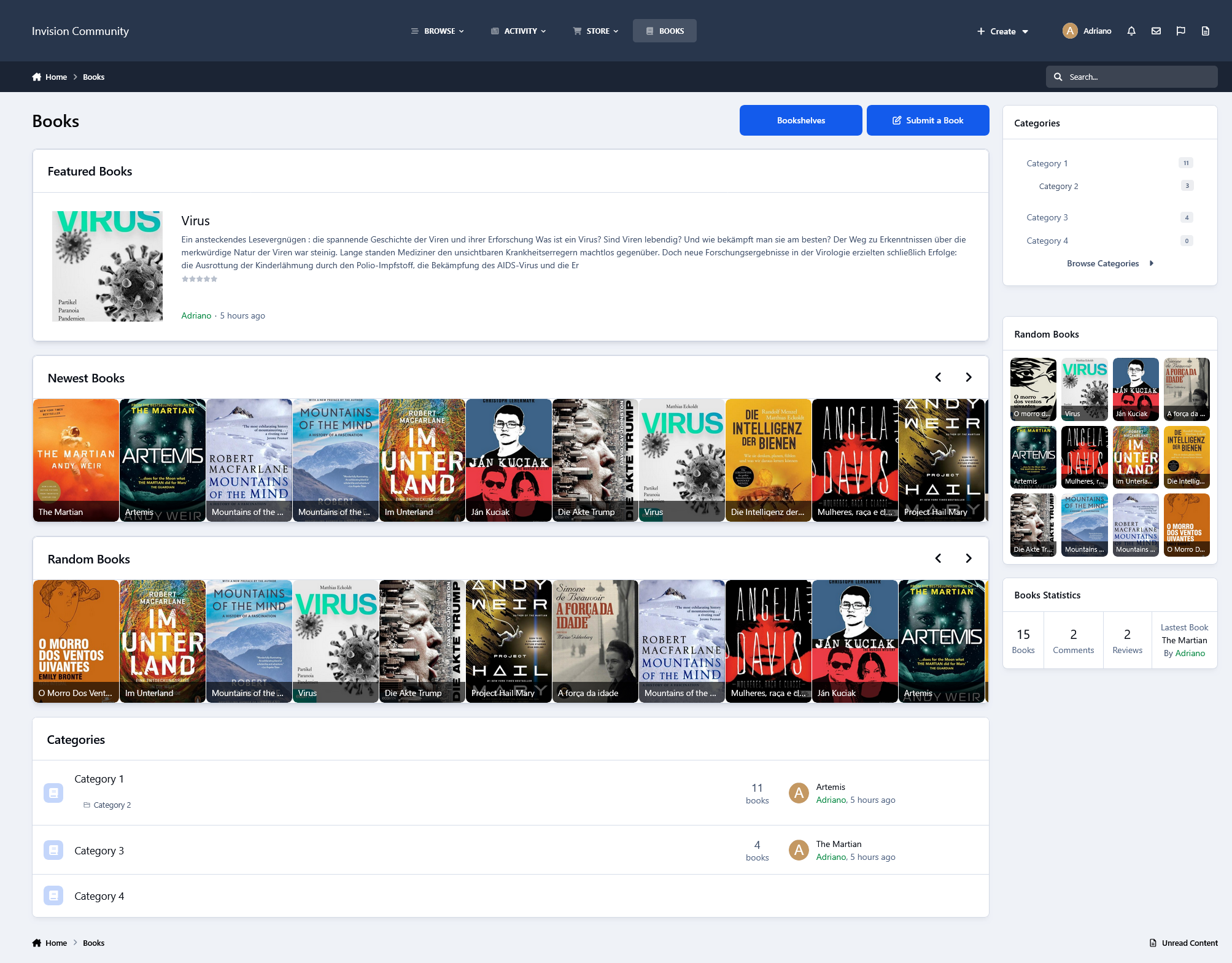
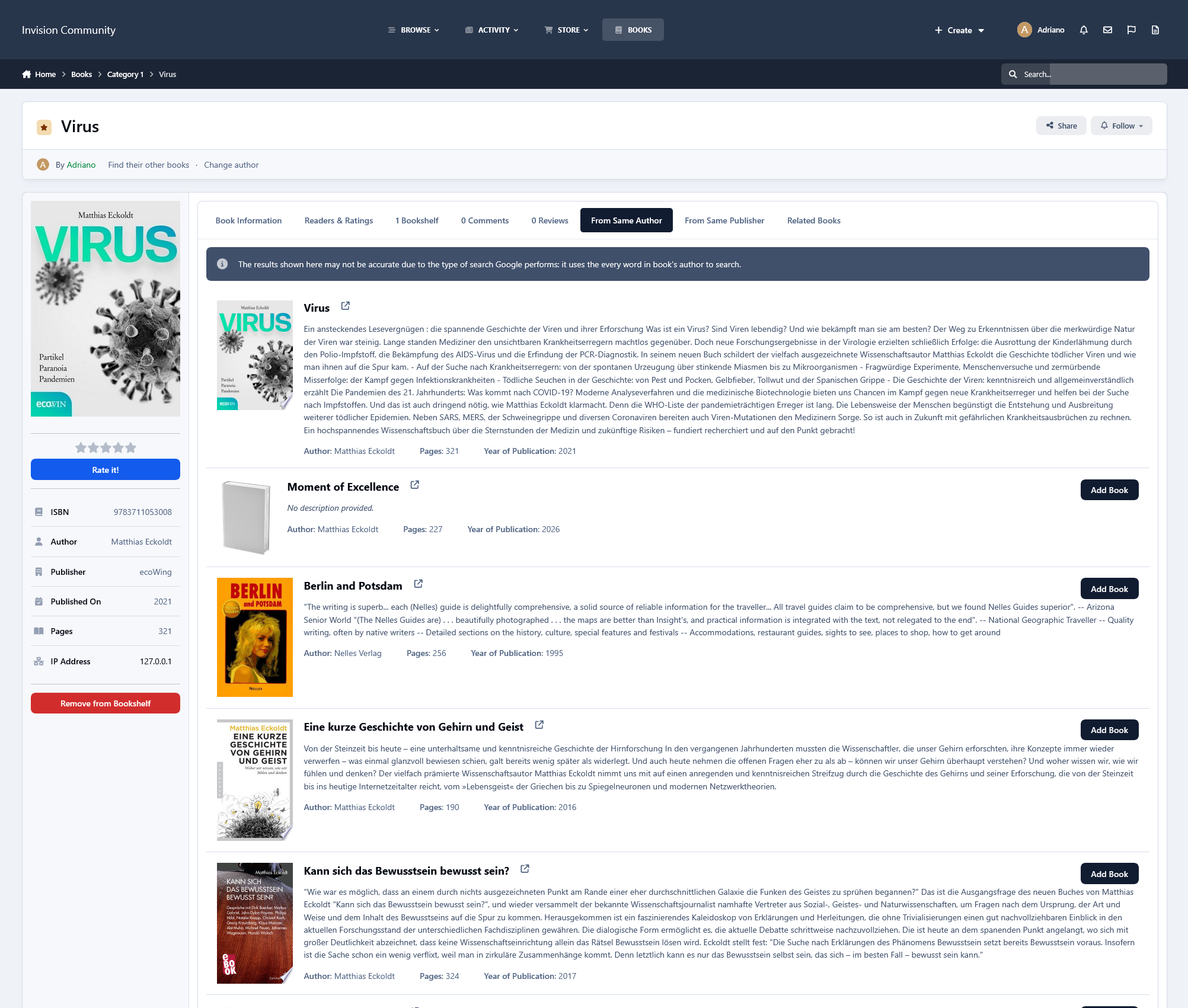
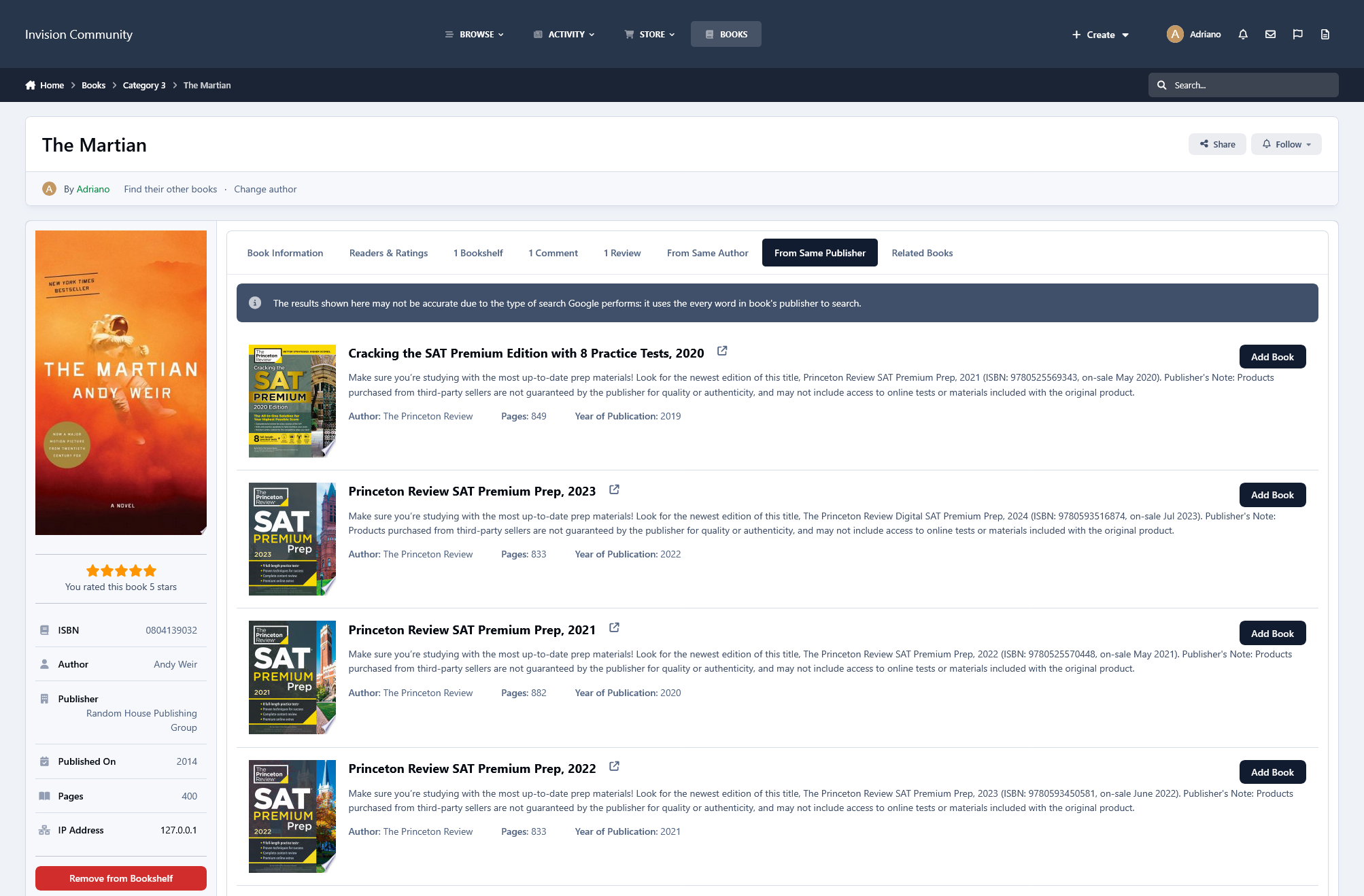
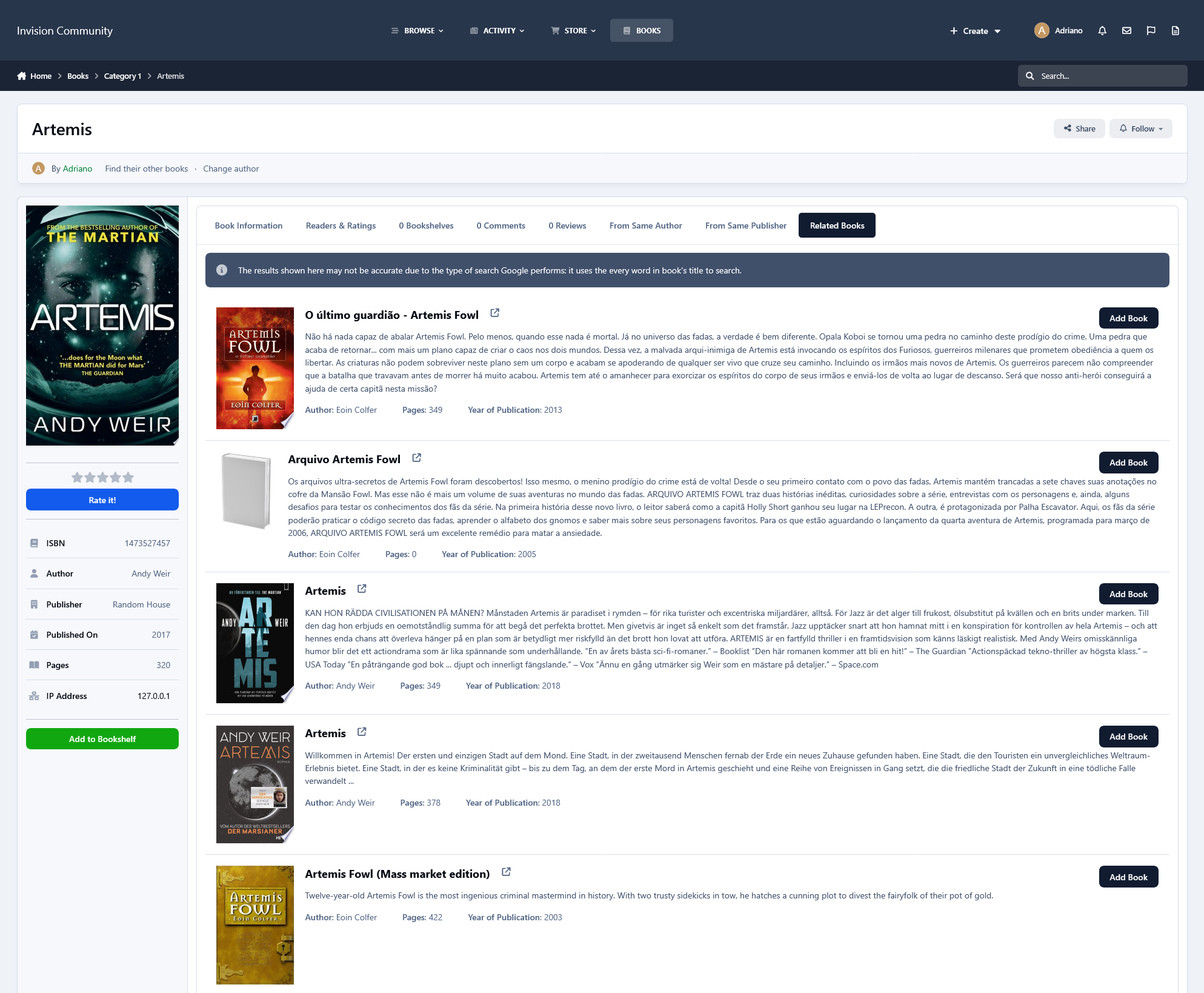
This resource integrates with the Google Books API to automatically fetch book data into your community, as long as the information is available on Google Books. It supports both 10 and 13-digit ISBN formats.Description
This resource integrates with the Google Books API to automatically fetch book data into your community, as long as the information is available on Google Books. It supports both 10 and 13-digit ISBN formats.
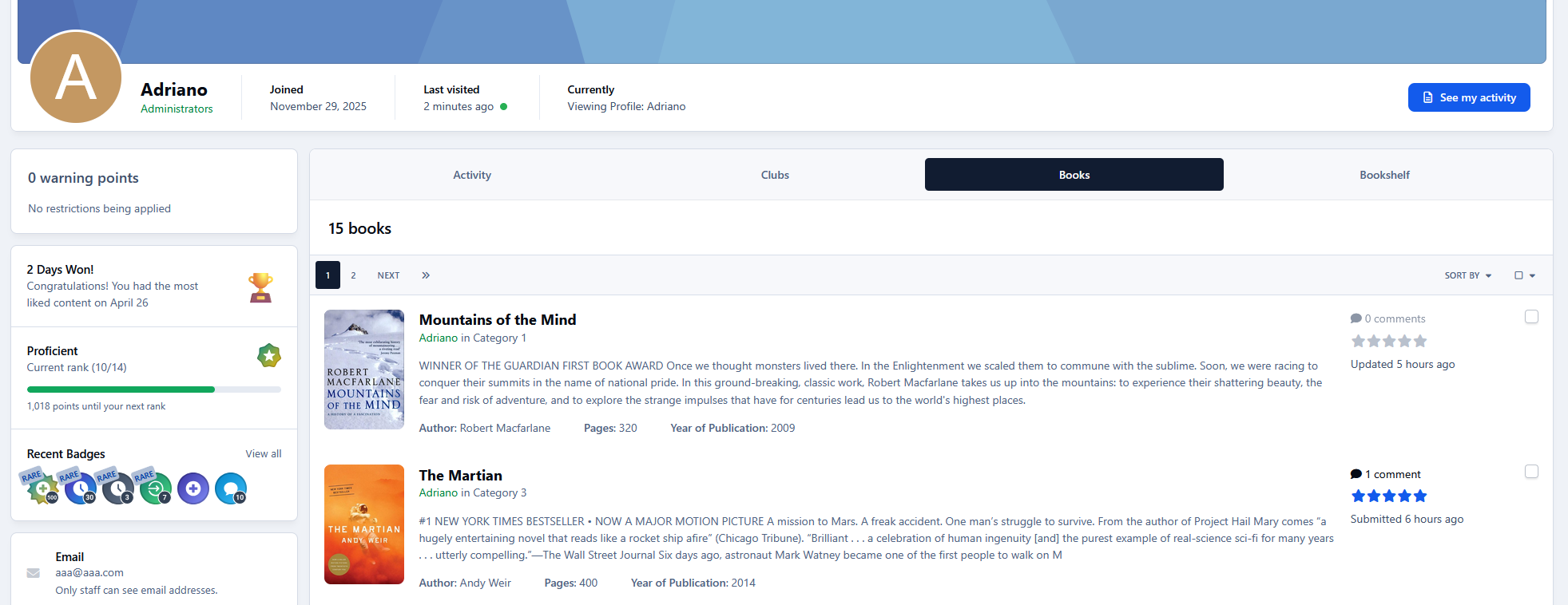
Simply enter the ISBN and the app will handle the rest*:
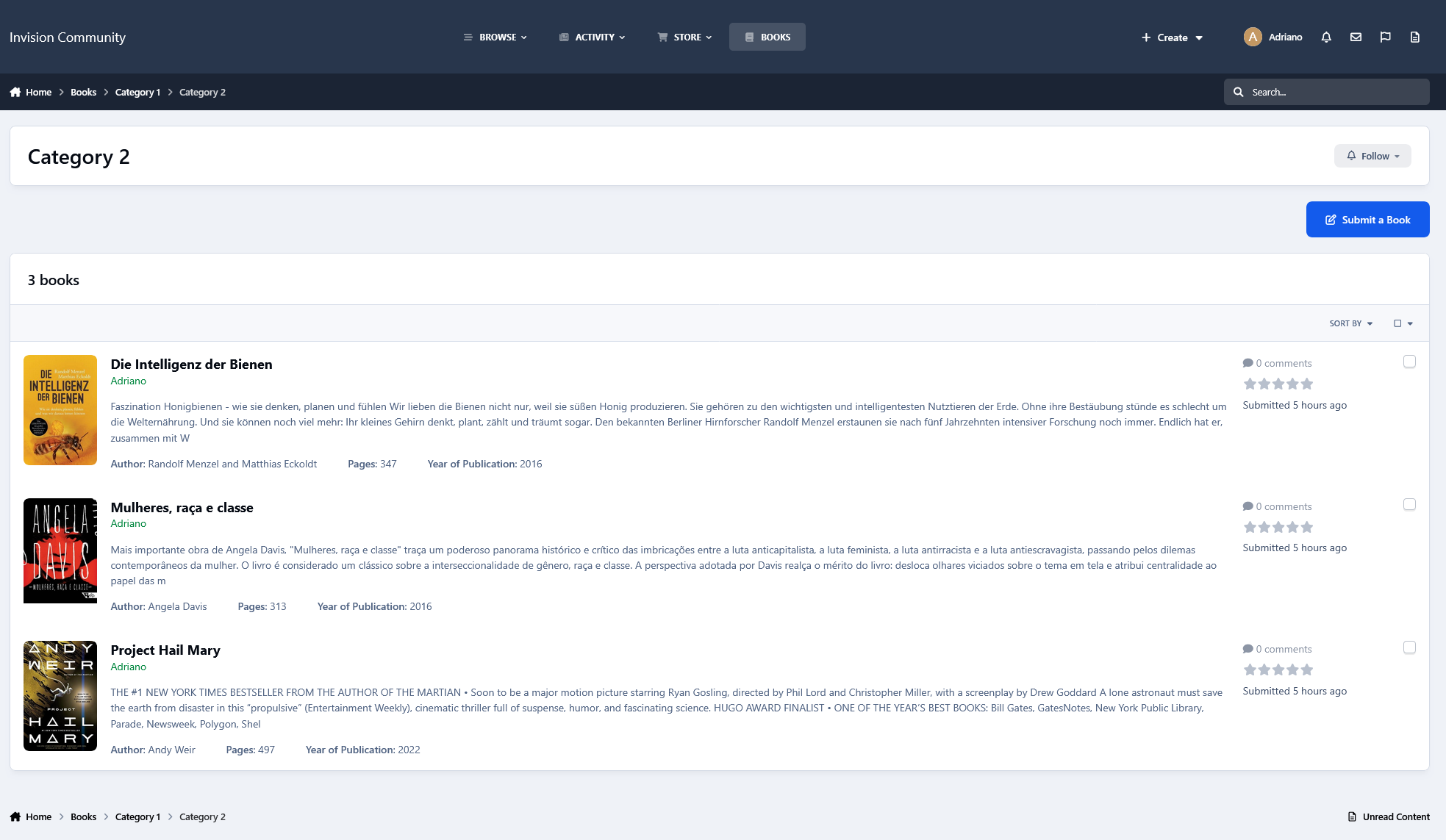
Title
Subtitle (if available)
Description
Author
Publisher
Year of publication
Number of pages
Most importantly, the book cover is automatically downloaded and stored locally
(*) Data is retrieved only if the book is found on Google Books.
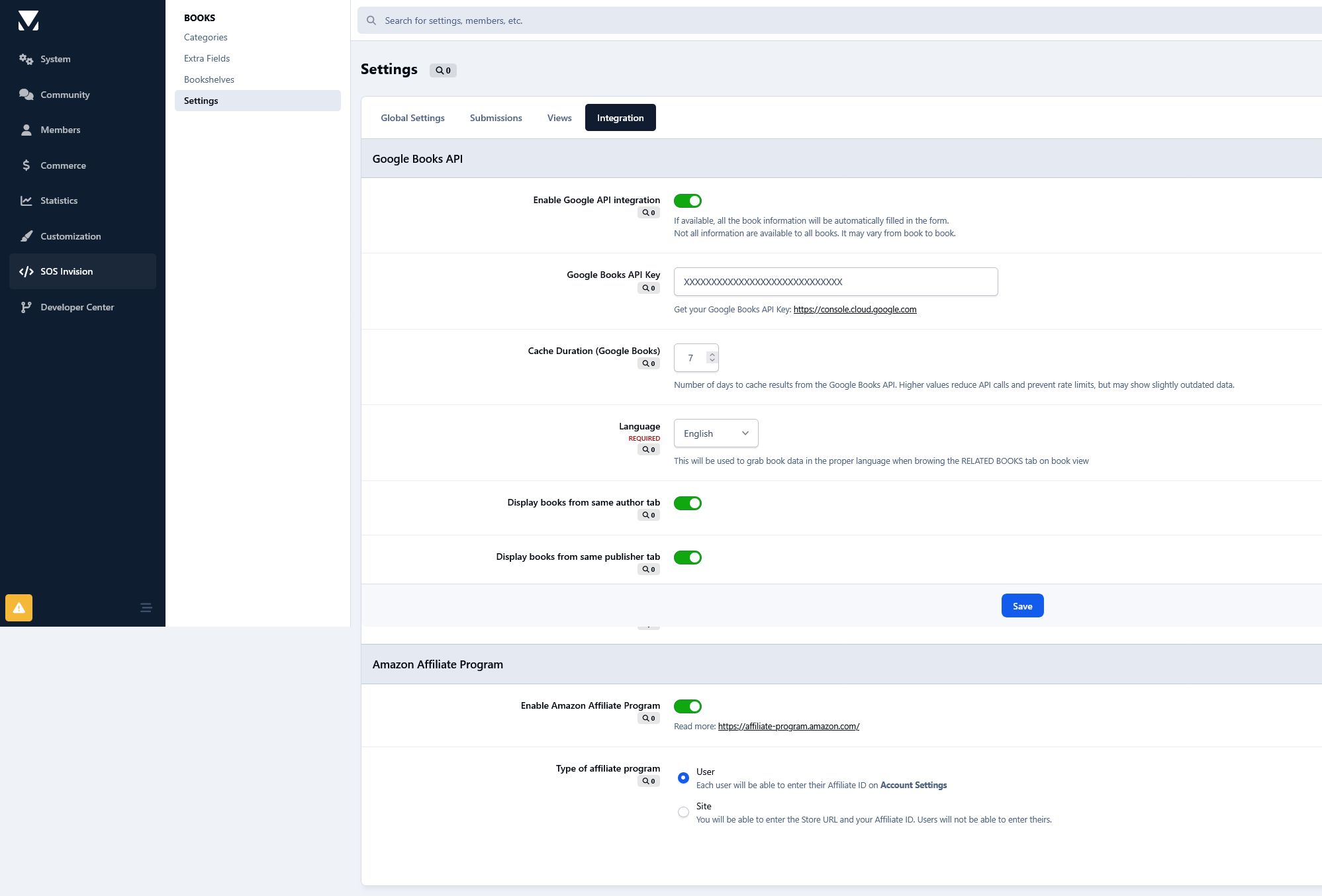
For better reliability and performance, you can optionally provide your own Google API key. The app also includes a built-in caching system to minimize API requests, prevent rate limits, and improve loading times.
Per book features
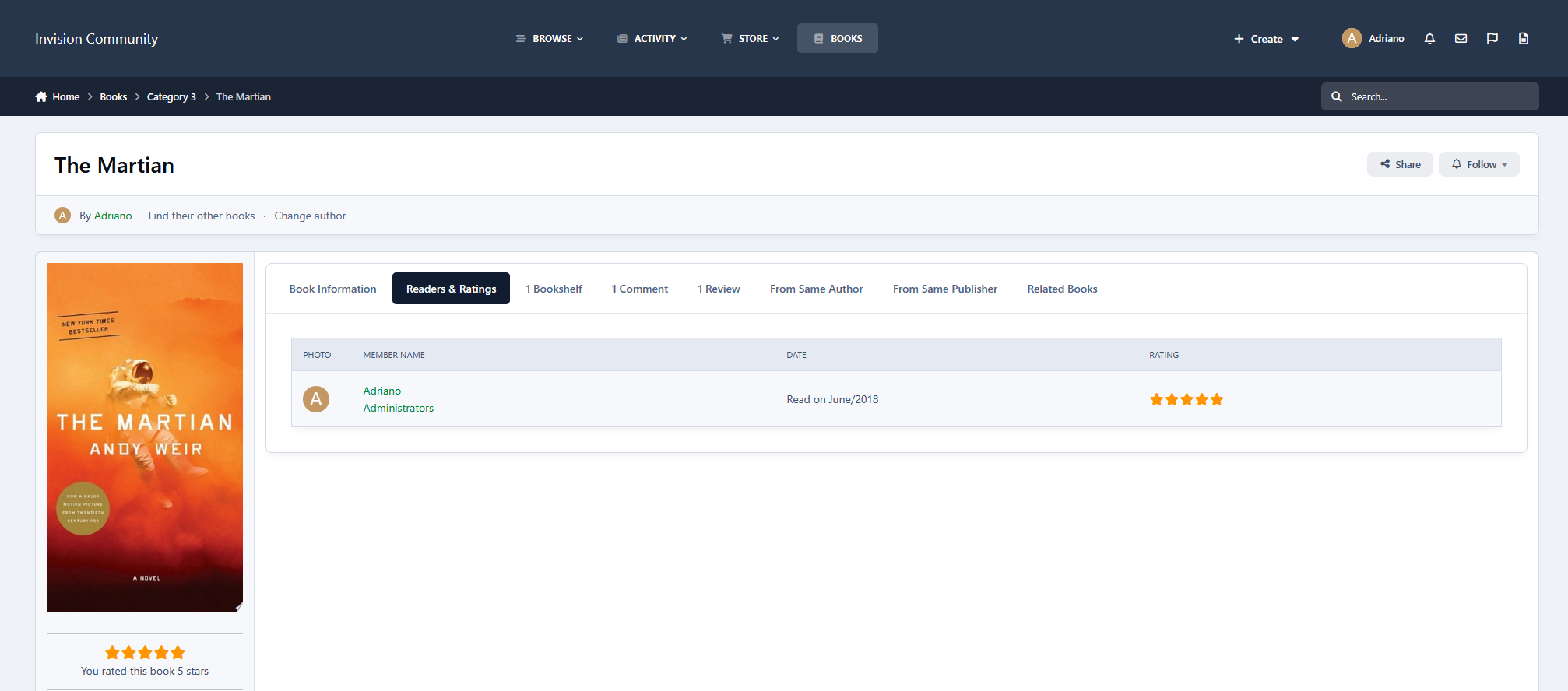
Readers & Rating: track reading dates and rate books
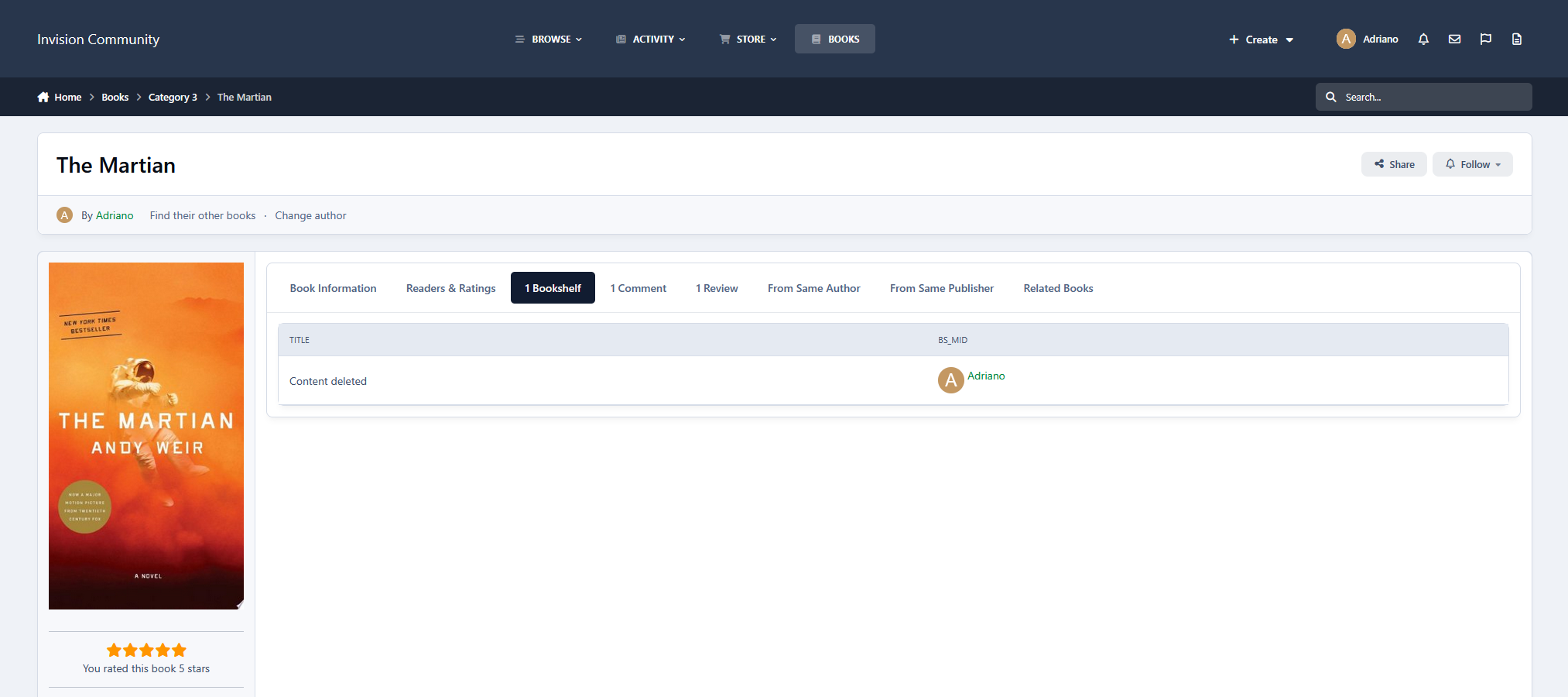
Bookshelves the book belongs to
Comments
Reviews
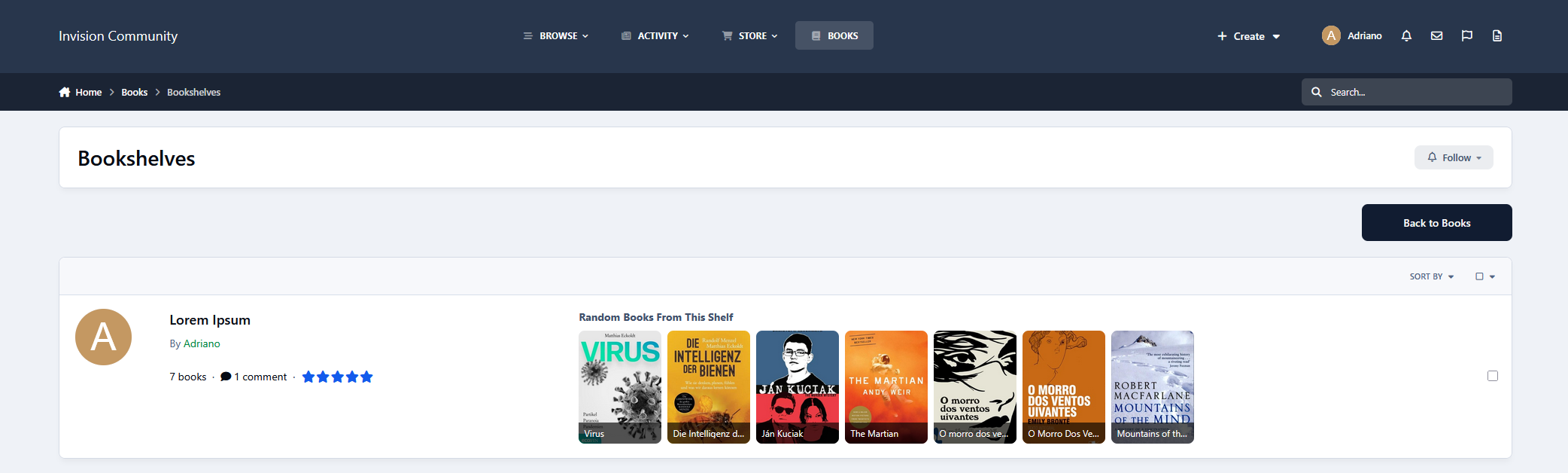
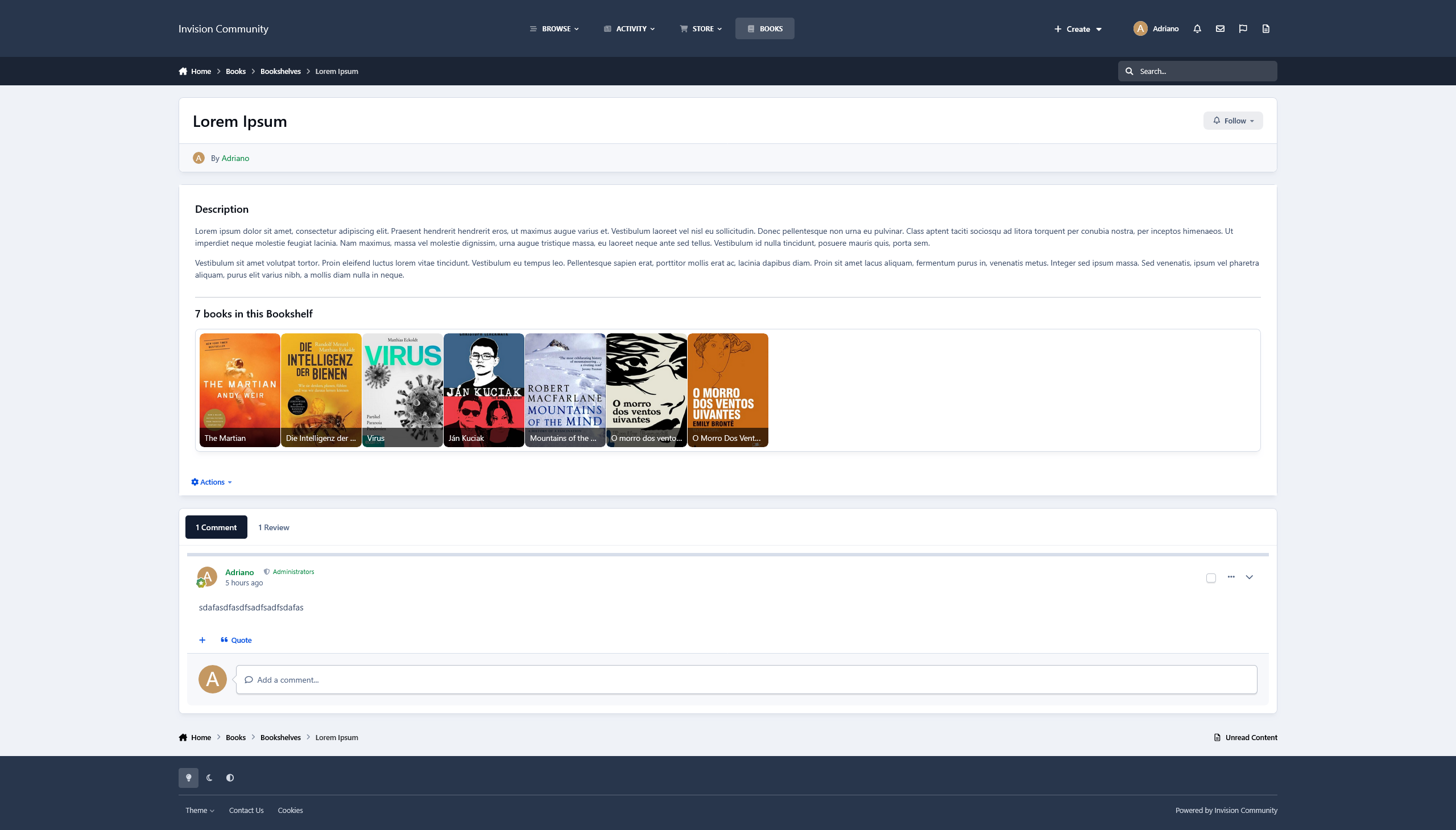
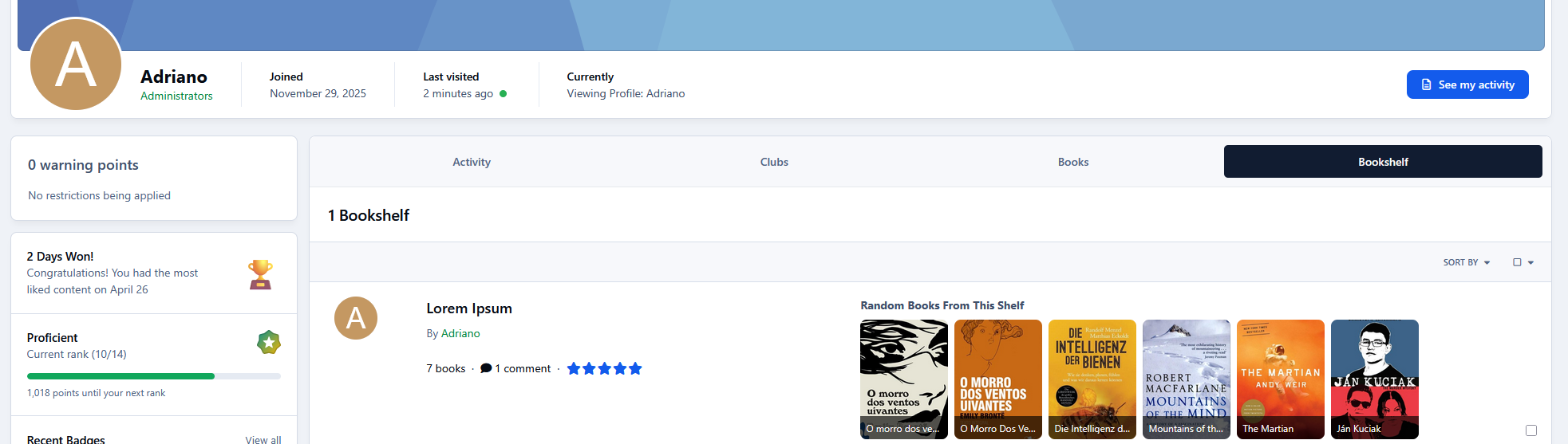
Bookshelves
Create your own bookshelves
Follow other bookshelves
Add books you own or have already read
Allow comments and reviews from other members
Other features
Fully integrated into the IPS framework: REST API, categories, custom fields, notifications, search, tags, follow system, reactions, promotion tools, and more
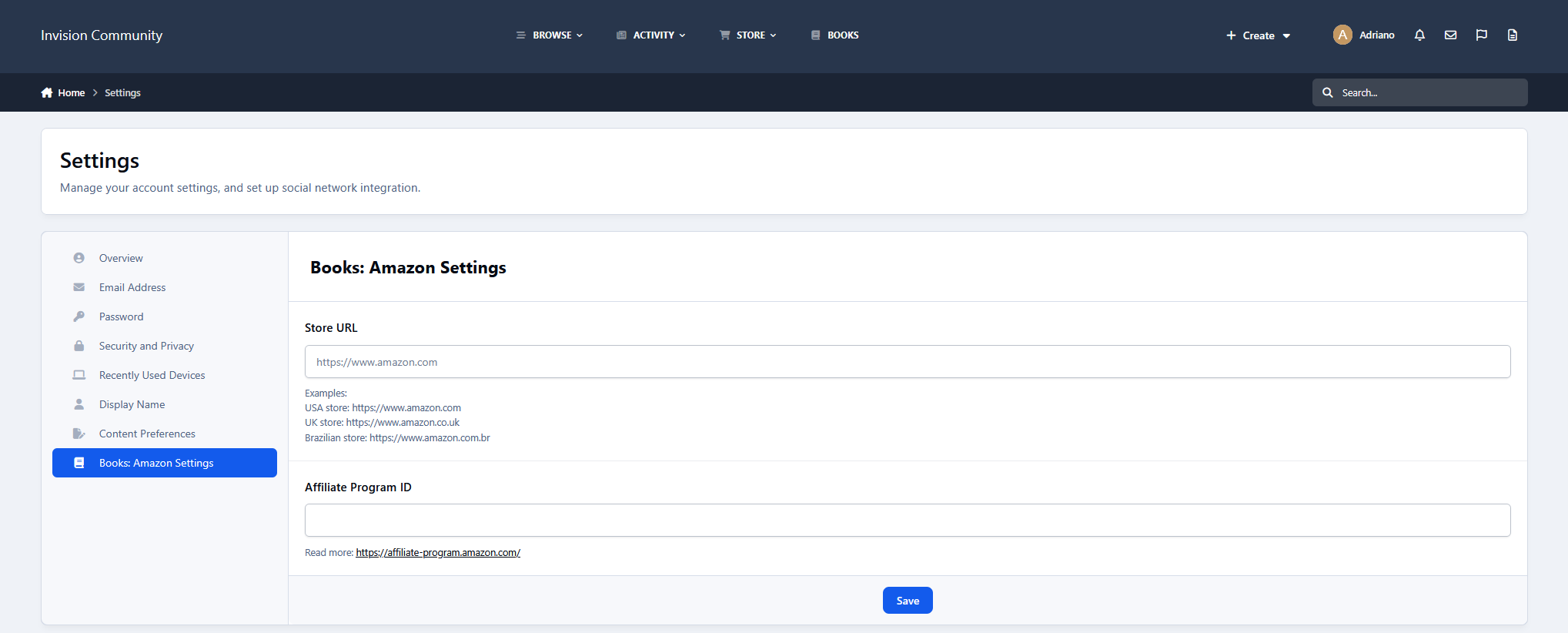
Settings
Flexible settings to control behavior across the app
Optional Google API key configuration
Configurable cache duration to balance performance and data freshness
Create an account or sign in to leave a review
There are no reviews to display.