Invision Community 5
- Category Integrations
- Downloads 36
- Compatibility IC5: 5.0.0+
- App Version 5.0.2
- Updated
Overview
This app allows you to define your own embed rules by matching URLs with a specific pattern, then replacing them with custom HTML. This gives you full control over how external media or content appears in posts.Description
This app allows you to define your own embed rules by matching URLs with a specific pattern, then replacing them with custom HTML. This gives you full control over how external media or content appears in posts.
How It Works
Each rule includes:
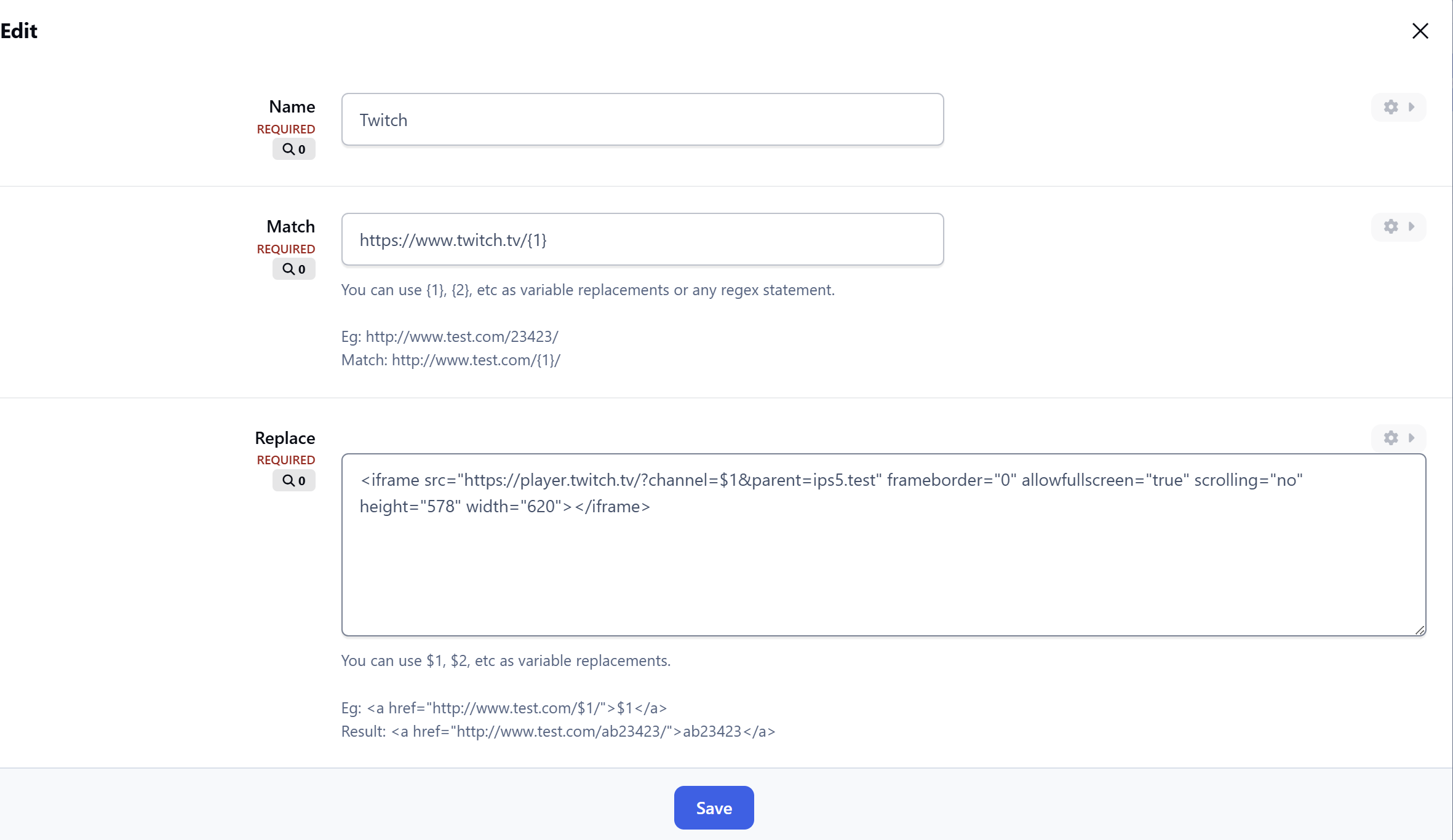
A Match pattern (based on a URL structure, using code like
{1},{2}for dynamic parts)A Replace template (where variables like
$1,$2are inserted into your custom HTML)
When a user pastes a URL that fits your match pattern into the editor, it will be automatically replaced by the specified embed HTML.
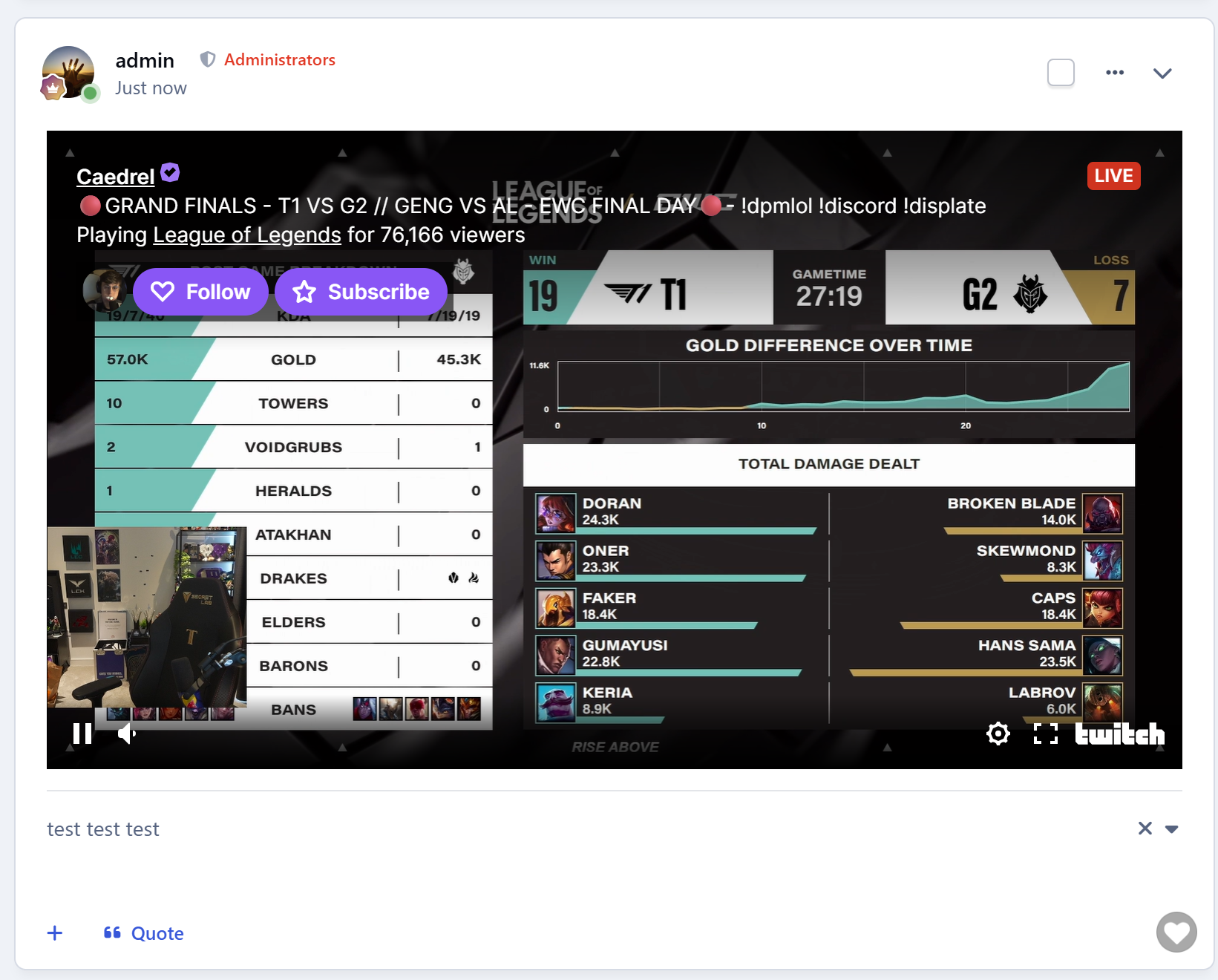
📌 Example: Embed Twitch Channel
Match: https://www.twitch.tv/{1}
Replace: <iframe src="https://player.twitch.tv/?channel=$1&parent=yourdomain.com" frameborder="0" allowfullscreen="true" scrolling="no" height="578" width="620"></iframe>
Now when a user this URL to editor https://www.twitch.tv/examplechannel
It will automatically render HTML <iframe src="https://player.twitch.tv/?channel=examplechannel&parent=yourdomain.com" ...></iframe>
⚠️ Note: The pasted URL must include the same dynamic part (e.g. examplechannel) that your embed code expects.
Prebuilt Embed Rules Included
The app comes with ready-to-use rules for:
HTML5 Audio
HTML5 Video
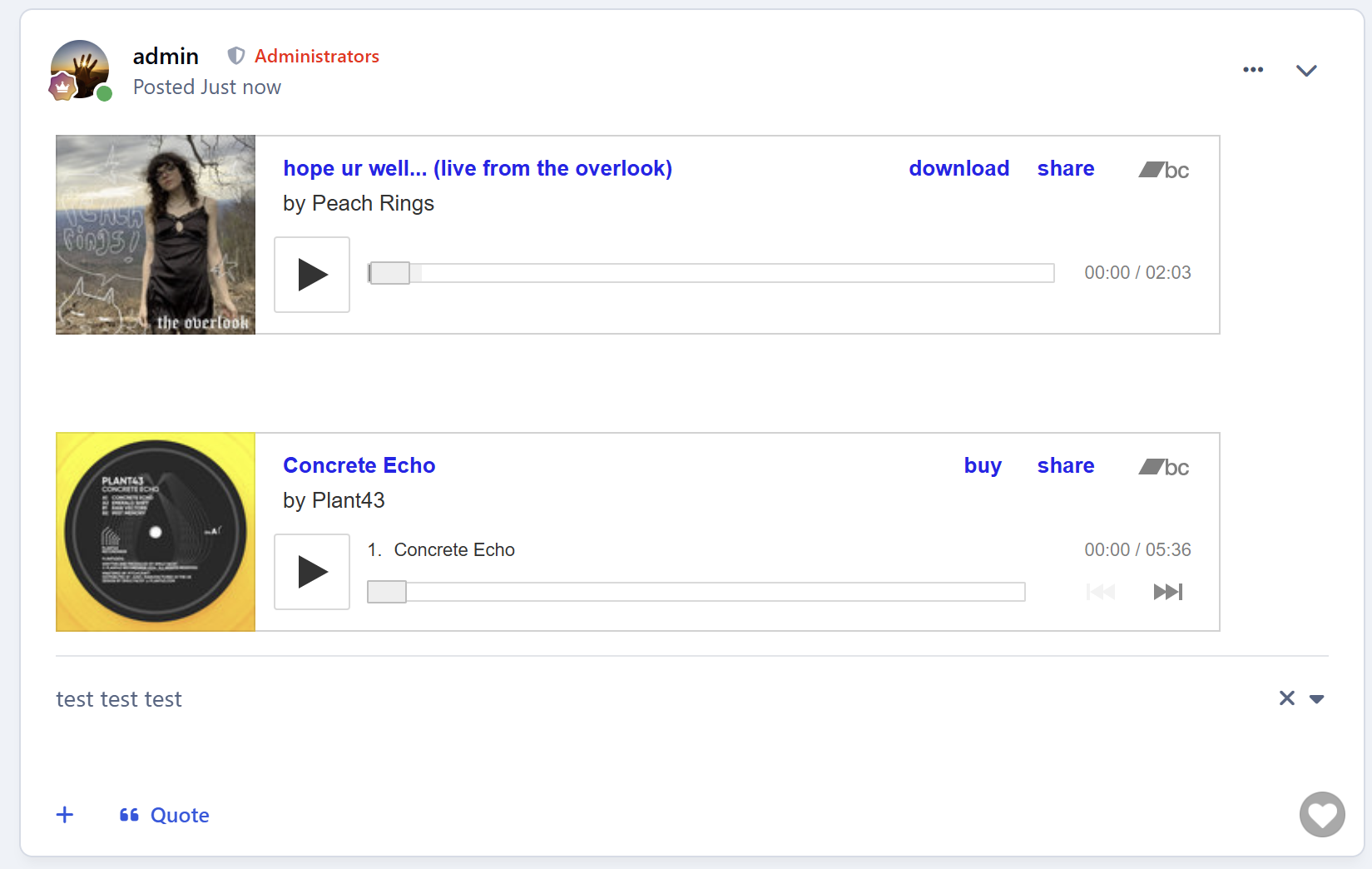
Bandcamp track
Create an account or sign in to leave a review
There are no reviews to display.