Jump to content
View in the app

A better way to browse. Learn more.

Invision Marketplace

A full-screen app on your home screen with push notifications, badges and more.

To install this app on iOS and iPadOS
  1. Tap the Share icon in Safari
  2. Scroll the menu and tap Add to Home Screen.
  3. Tap Add in the top-right corner.
To install this app on Android
  1. Tap the 3-dot menu (⋮) in the top-right corner of the browser.
  2. Tap Add to Home screen or Install app.
  3. Confirm by tapping Install.

Everything you need for your community

Everything you need for your community

Invision Community 5
  • Category Integrations
  • Downloads 12
  • Compatibility IC5: 5.0.0+
  • App Version 1.0.1
  • Updated

Description

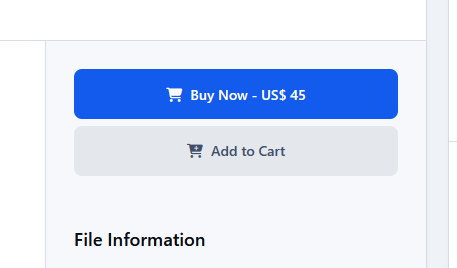
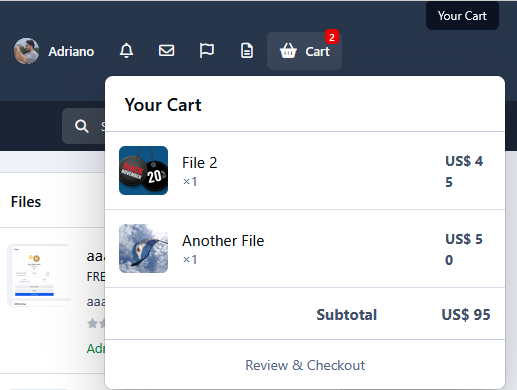
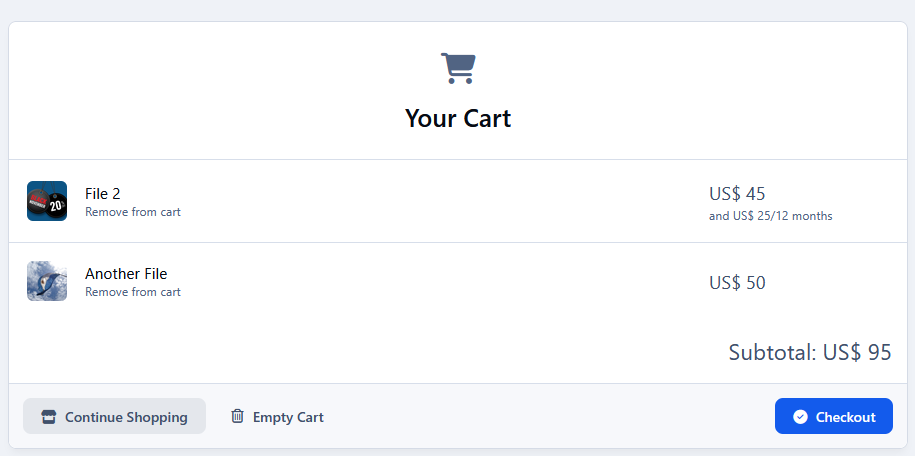
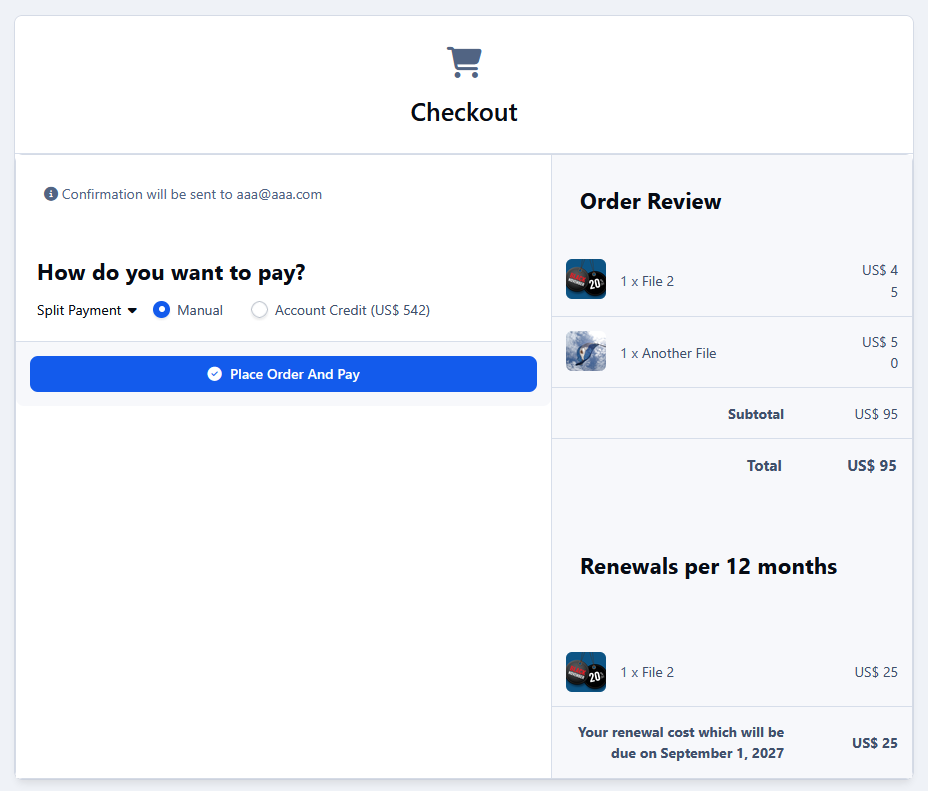
Downloads Cart allows members to add paid Downloads files to the Commerce cart and purchase multiple files in a single checkout.

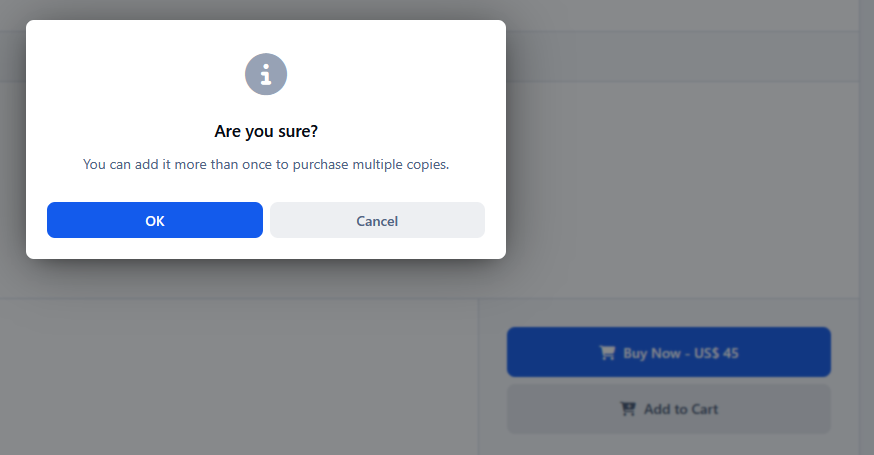
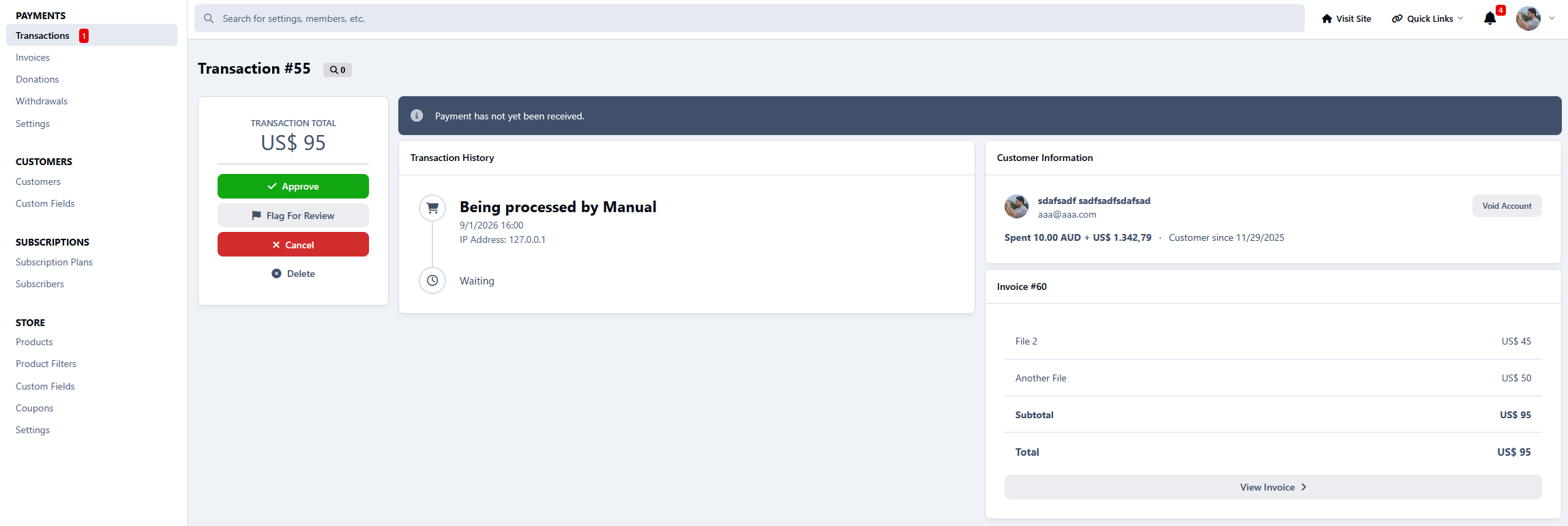
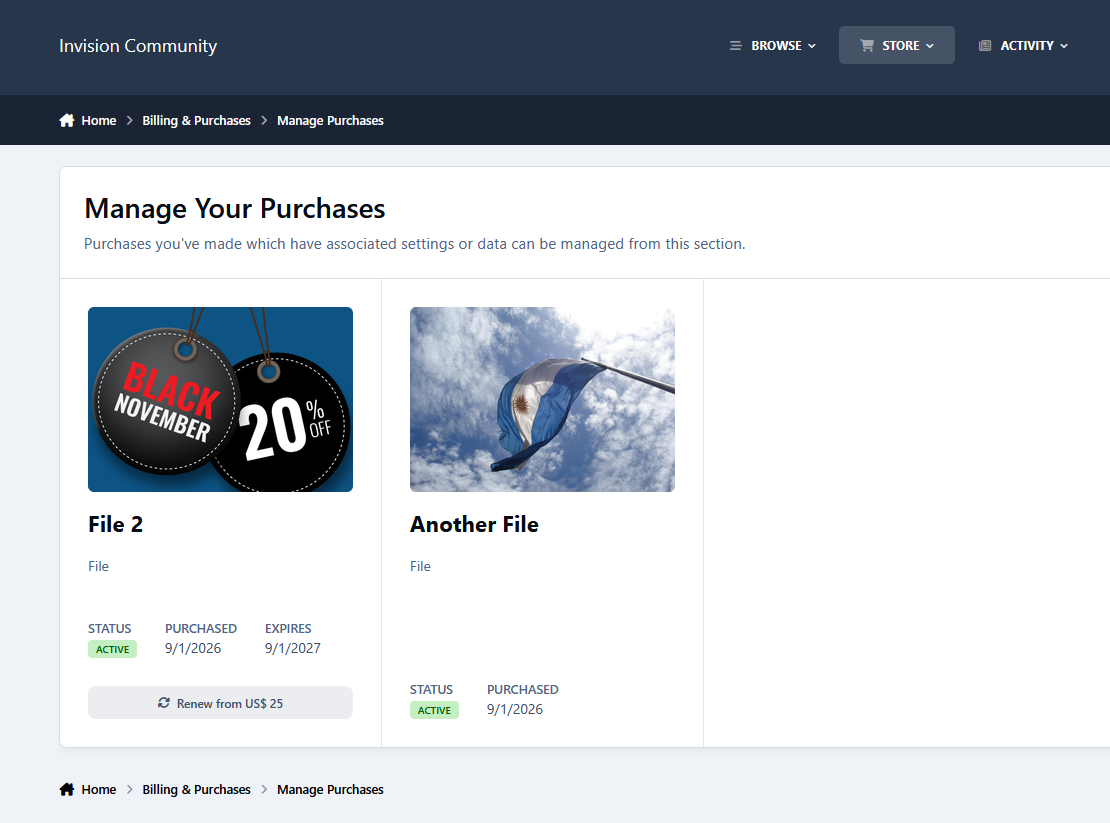
Users can add the same file more than once when multiple copies are needed, while payments, renewals, commissions, fees, and purchases continue to be handled by the native Commerce system.

Features:

  • Add paid Downloads files to the Commerce cart

  • Purchase multiple files in one checkout

  • Add the same file multiple times

  • AJAX cart updates

  • Native Commerce checkout and payment flow

Requirement:

  • Downloads application

  • Commerce application

User Feedback

Create an account or sign in to leave a review

There are no reviews to display.

Configure browser push notifications

Chrome (Android)
  1. Tap the lock icon next to the address bar.
  2. Tap Permissions → Notifications.
  3. Adjust your preference.
Chrome (Desktop)
  1. Click the padlock icon in the address bar.
  2. Select Site settings.
  3. Find Notifications and adjust your preference.