- Category Integrations
- Downloads 56
- Compatibility IC5: 5.0.0+
- Updated
Description
Federation
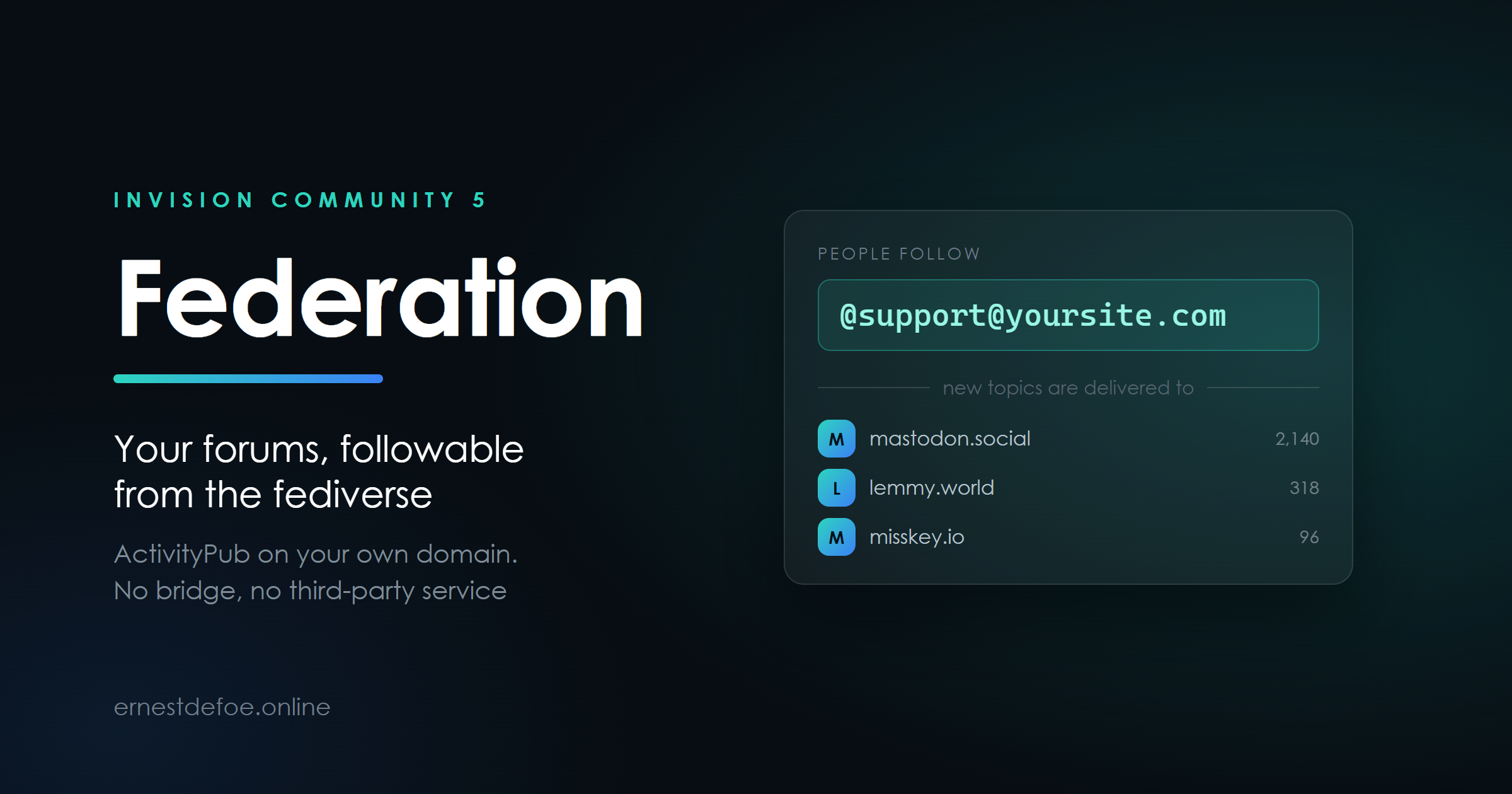
Somebody on Mastodon searches for @support@yoursite.com, presses follow, and from then on every new topic in that forum arrives in their timeline. They reply from where they already are. Nobody signs up for anything.
Federation makes your forums followable from the fediverse over ActivityPub — from your own domain, with no bridge and no third-party service in the middle.
How it works
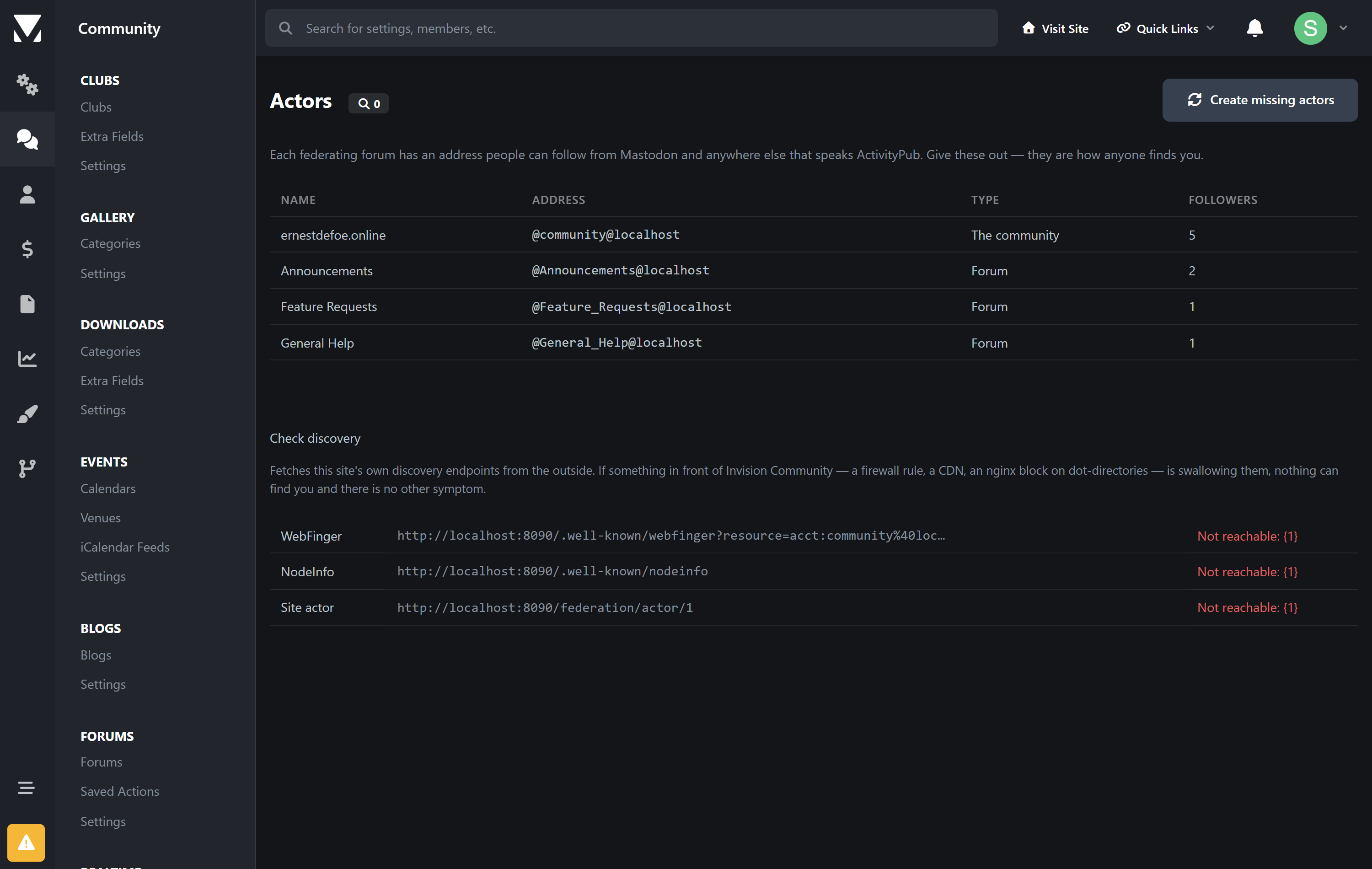
Each forum is an address | Choose which forums federate and each becomes a followable account — |
|---|---|
Topics go out | A new topic is delivered to everyone following that forum. Replies follow as replies, so the thread reads as a thread rather than a pile of unrelated posts. |
People come back | Follows, likes and boosts arrive from anywhere that speaks ActivityPub — Mastodon, Lemmy, Misskey, Pixelfed and the rest. |
Your domain, your posts | Nothing is relayed through anybody else's server. The addresses are yours and the content is served from your site. |
No server configuration. Most ActivityPub implementations hand you an nginx rewrite rule and wish you luck. This one is an application: install the tar, pick your forums, done. It serves its own WebFinger, NodeInfo and actor documents through Invision Community's own routing.
Built to be safe with a stranger's instructions
An inbox is the only endpoint on a forum that acts on requests from people you have never heard of, so the checking matters more than the feature list.
Every incoming request is verified with HTTP Signatures — and not only that the signature passes, but what it covers. A signature that omits the request target can otherwise be replayed against a different endpoint, turning a harmless activity into a destructive one.
The body digest is checked against the body. A valid signature over a swapped payload is refused.
Replays are rejected, so a repeated delivery cannot become a duplicate post.
A delete for one of your posts from a remote server is refused outright. Only the original author's server may withdraw their own content.
Stale requests are refused, with enough tolerance for a server whose clock has drifted.
Delivery that tells you the truth
Queued, not inline | Nobody waits on a remote server to finish posting. Delivery runs in the background. |
|---|---|
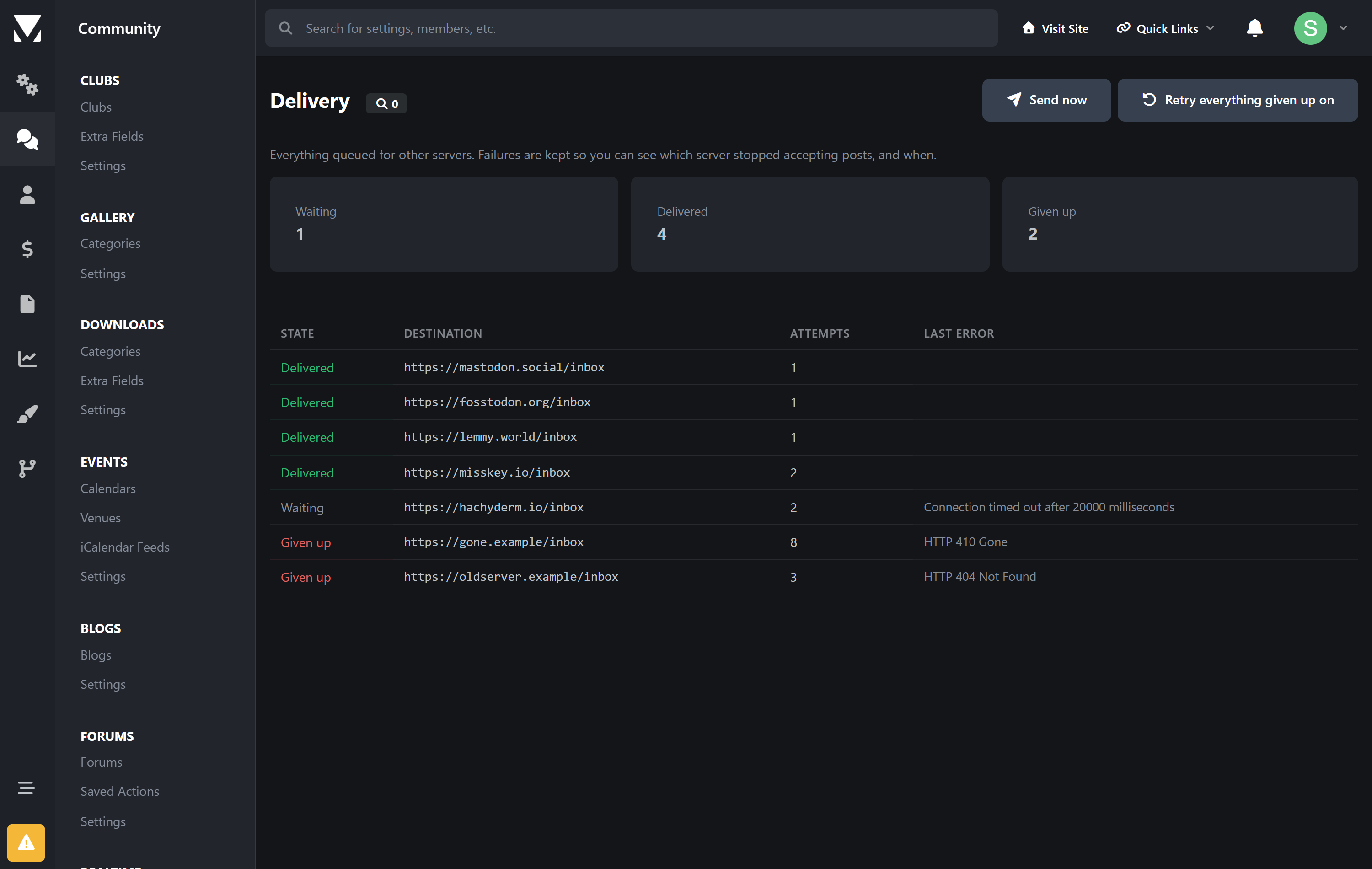
Retries that widen | A server being restarted is retried gently; a server that has gone for good is given up on within about a day and marked, rather than retried forever. |
One copy per server | Where a remote offers a shared inbox it gets a single delivery for all its followers, instead of one request each. |
Failures kept | The queue shows what went where, how many attempts, and the last error — so "why did that server stop receiving posts" has an answer. |
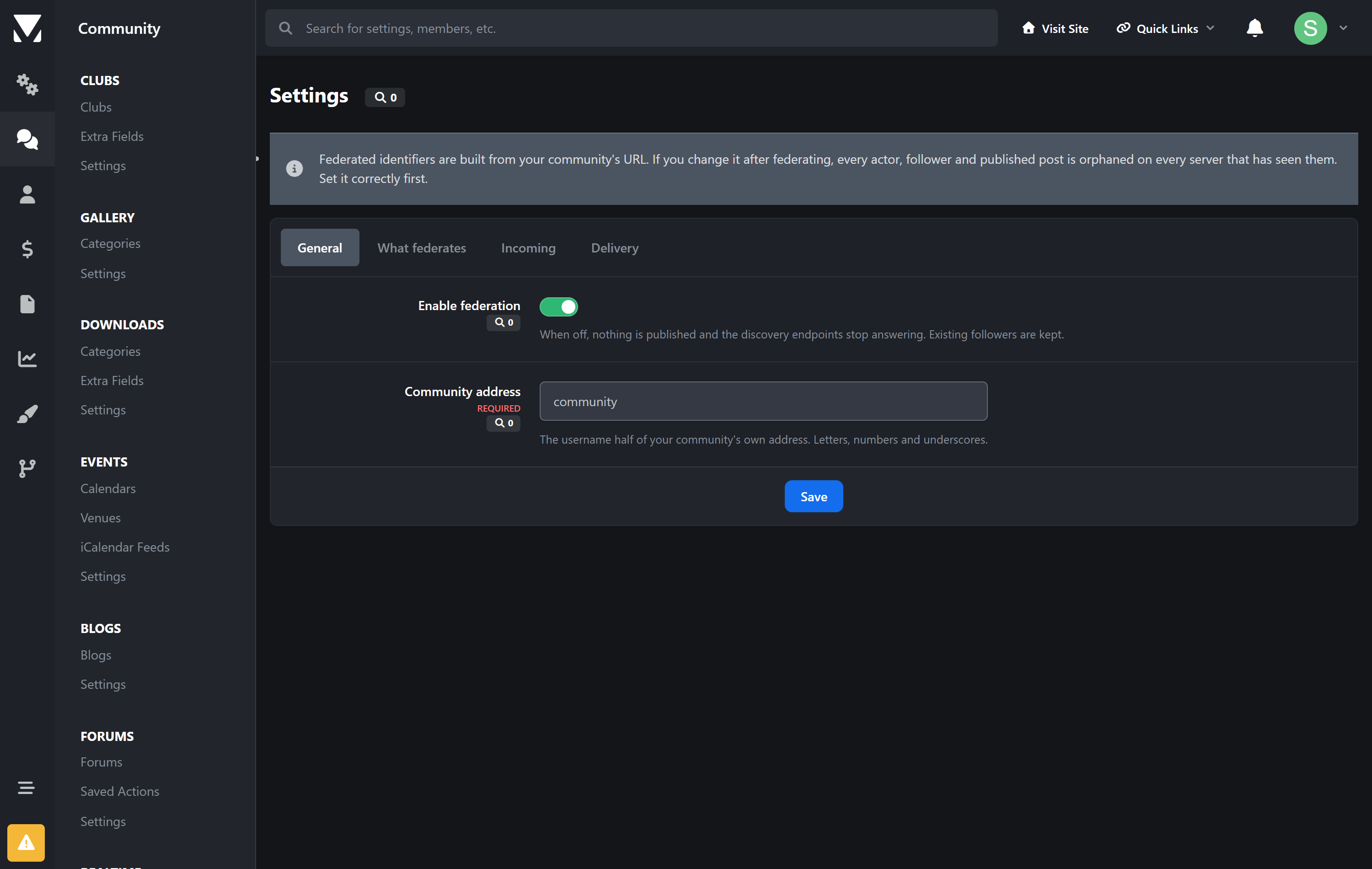
Publishing is one-way and permanent. Anything federated leaves your server and is stored on other people's. It cannot be recalled — a delete is a request that well-behaved servers honour, not a guarantee. Choose the forums deliberately, and do not federate anything you would not put on a public timeline. Federation ships switched off with no forums selected, and stays that way until you choose.
Check it actually works
The AdminCP fetches your own discovery endpoints from the outside and tells you what came back. If a firewall, a CDN rule or an nginx block on dot-directories is swallowing them, you are invisible to the fediverse and there is no other symptom — you simply never appear in anyone's search. This turns that into a line of text you can read.
Requirements
Invision Community 5.0 or newer (self-hosted)
A public hostname over HTTPS, and PHP with OpenSSL
The task scheduler running, since delivery is queued
No account with me, no external service, no per-post fee
Set your community's URL before you federate. Every address this creates is built from it, and other servers remember them. Changing the board URL afterwards orphans every actor, follower and published post on every server that has seen them.
Create an account or sign in to leave a review
There are no reviews to display.