- Category Integrations
- Downloads 36
- Compatibility IC5: 5.0.0+
- App Version 1.0.3
- Updated



Description
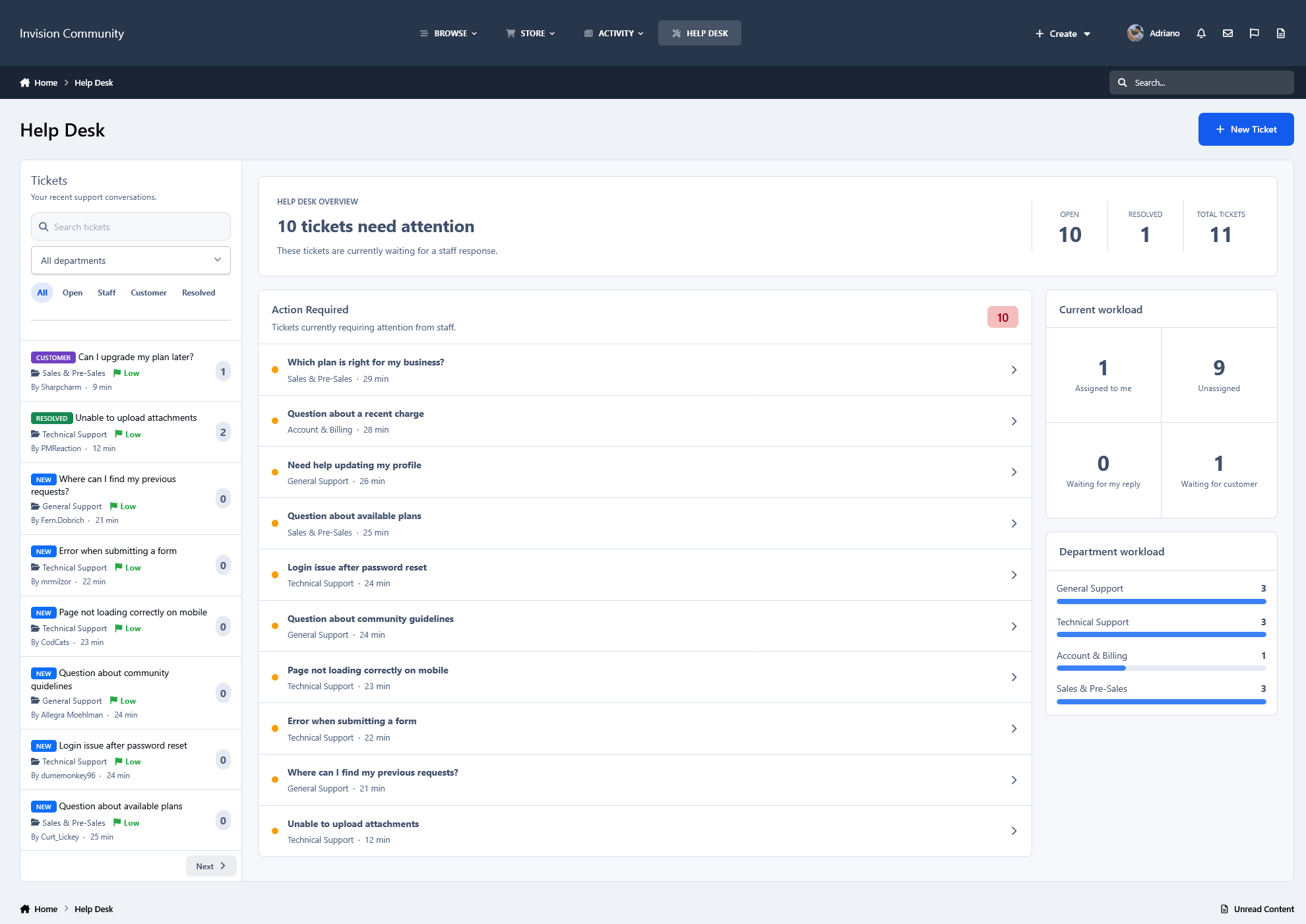
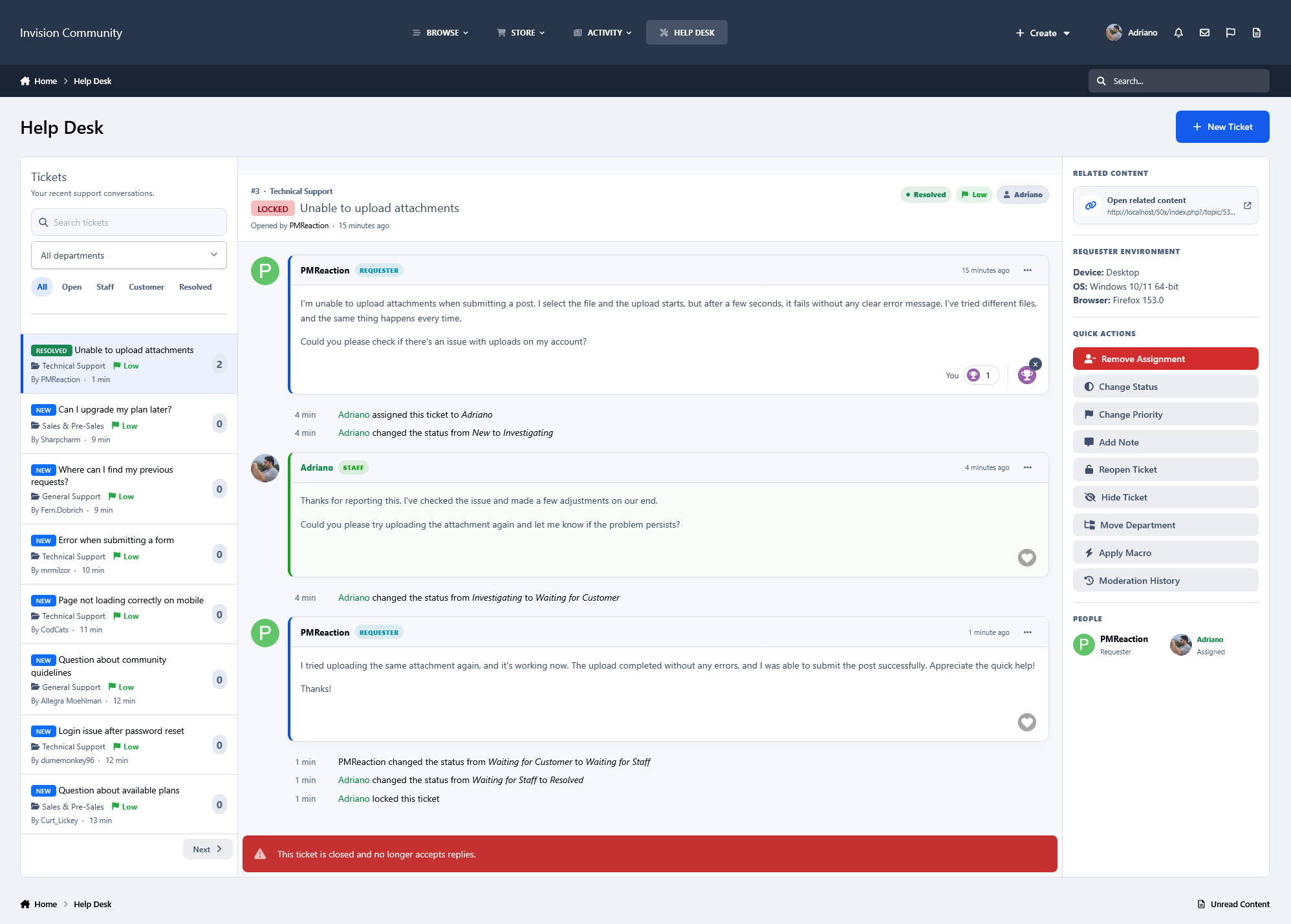
Help Desk is a complete support ticket system for your community, providing an organized way for members to request assistance and for staff to manage those requests from start to finish.
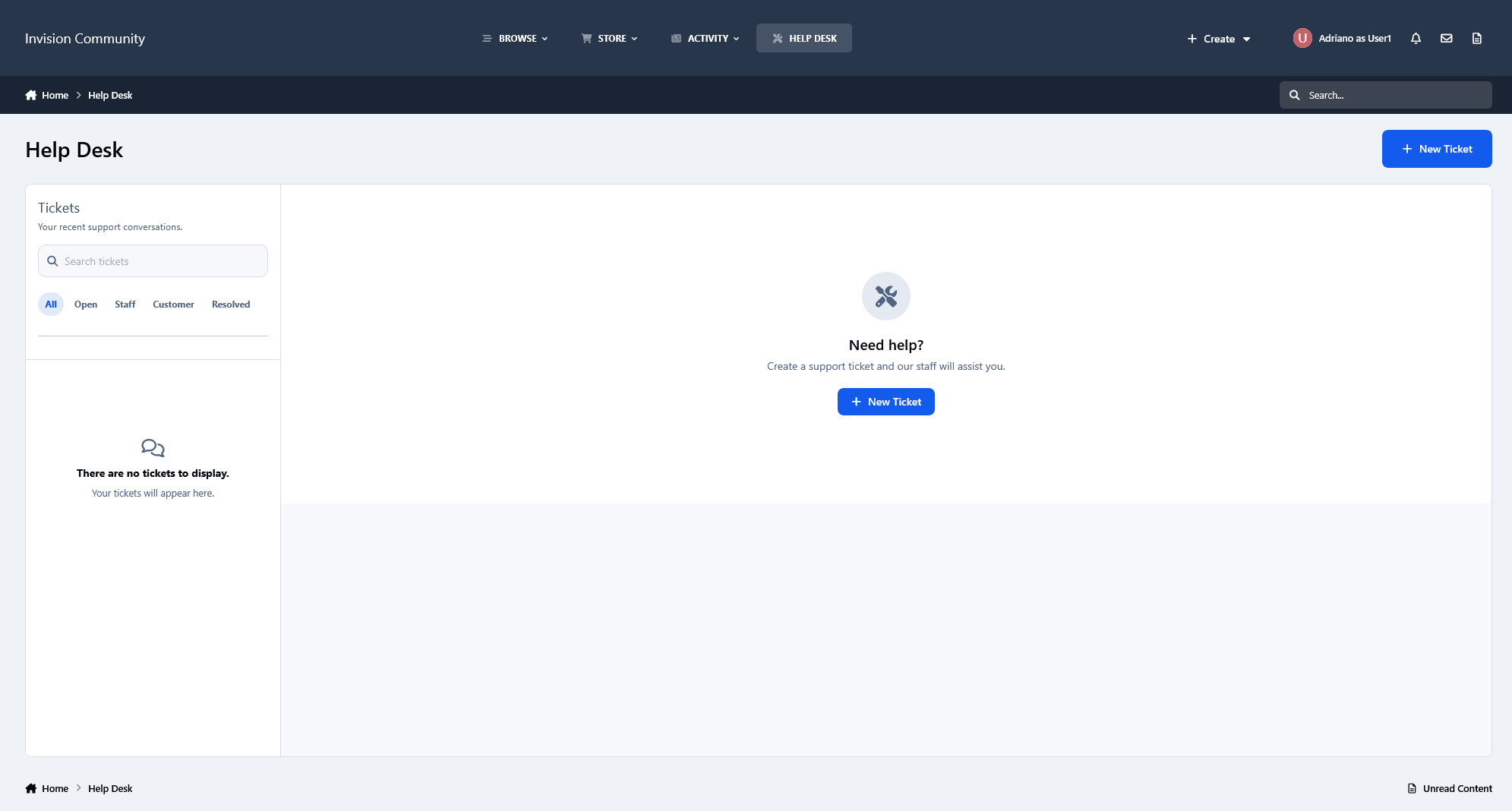
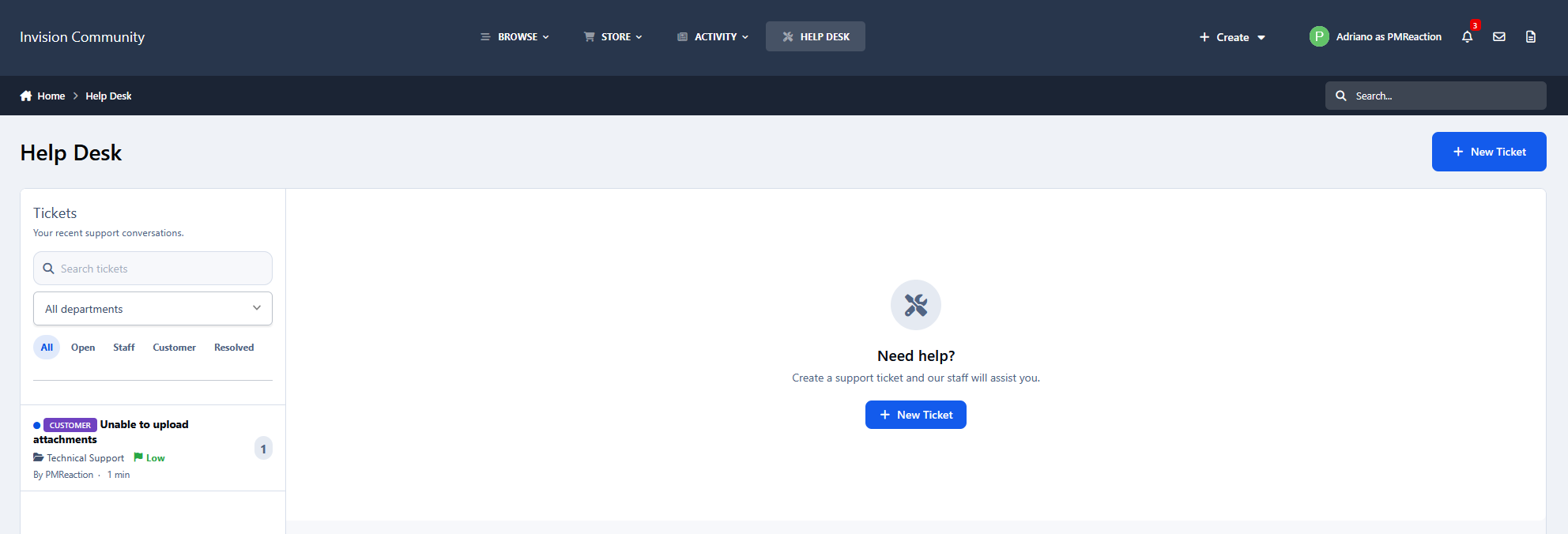
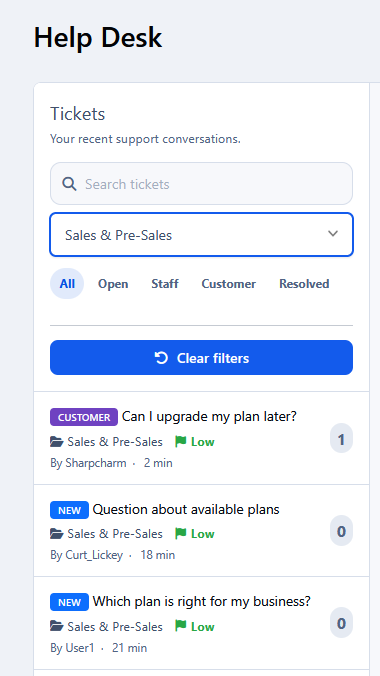
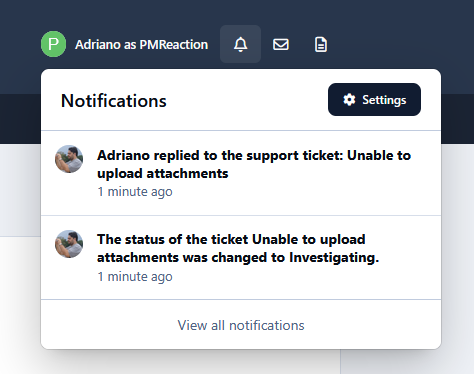
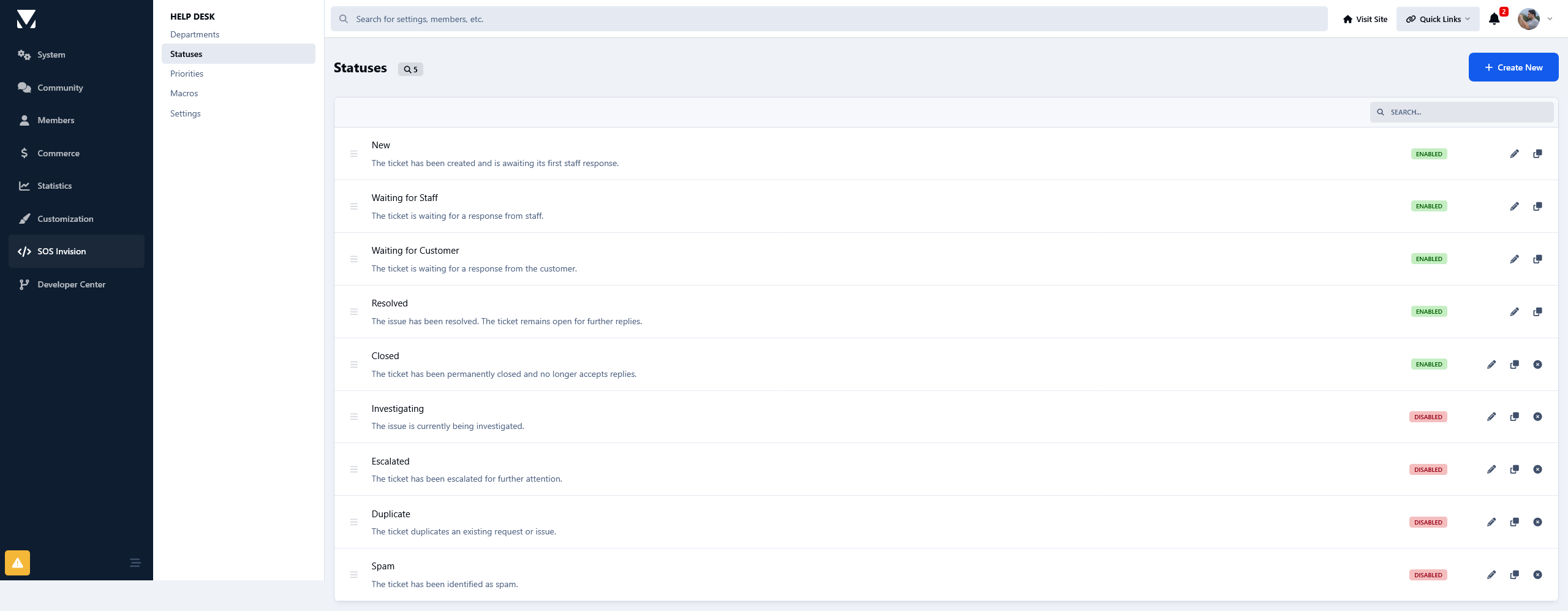
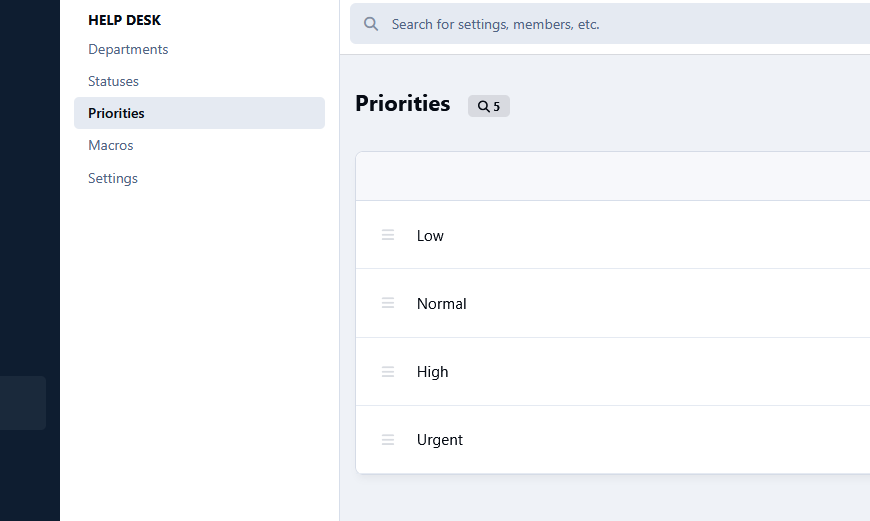
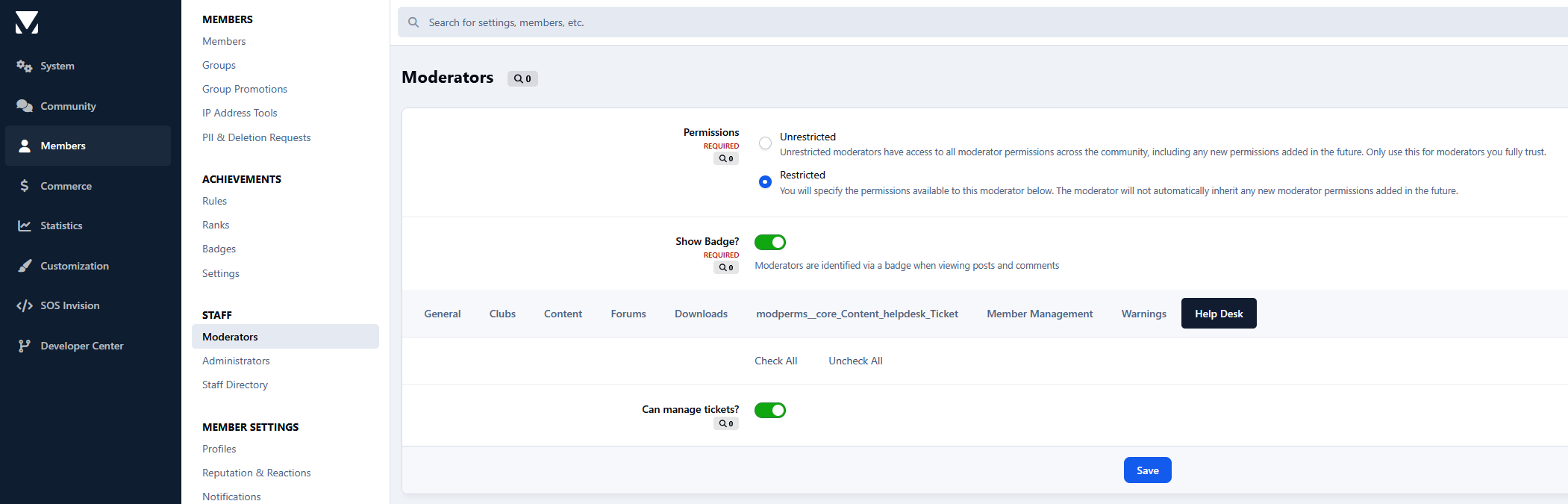
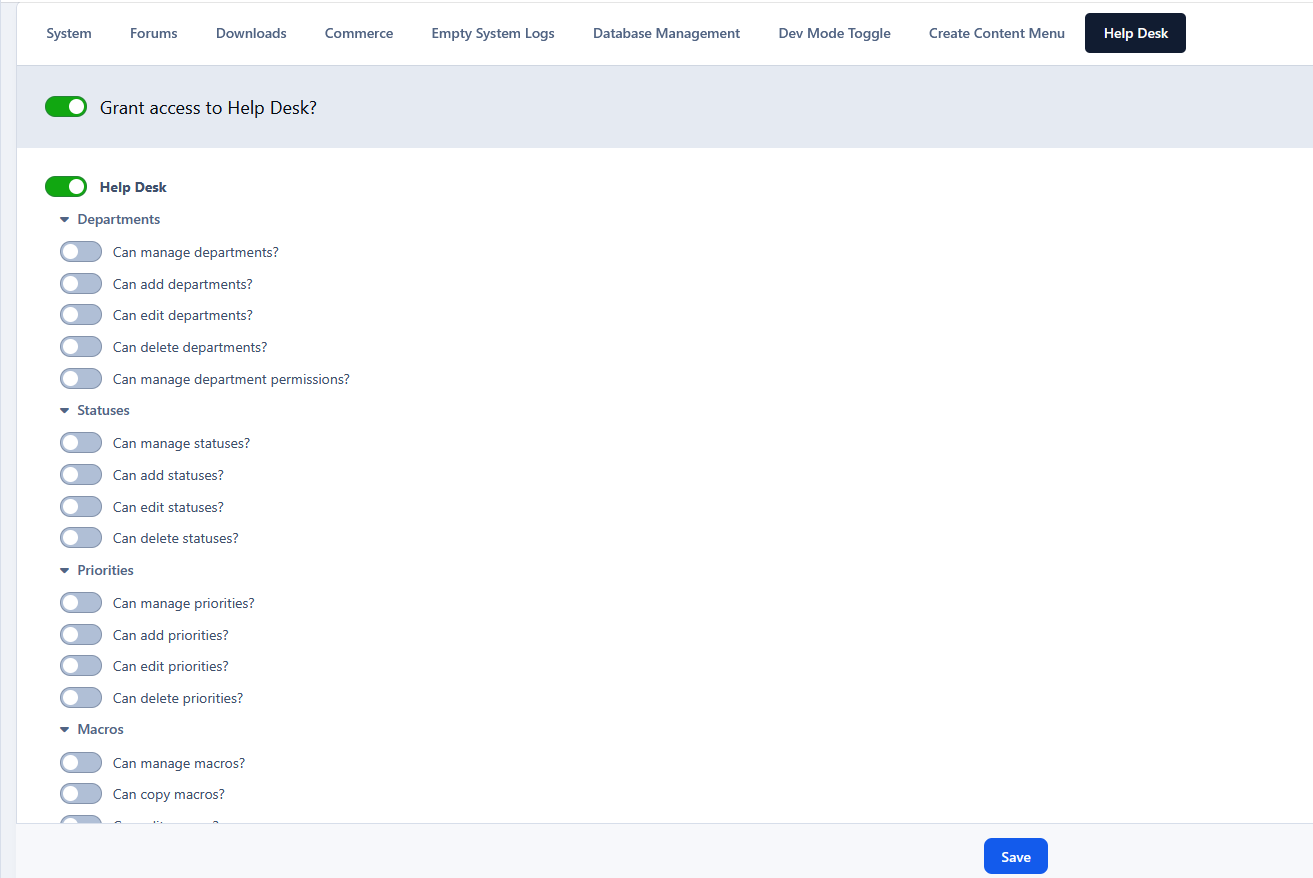
Tickets are organized into configurable departments, statuses, and priorities, with staff assignment and a dedicated dashboard that provides an overview of the current workload and highlights tickets requiring attention. Members can follow the progress of their tickets, reply directly to staff, and receive notifications as their requests are handled.
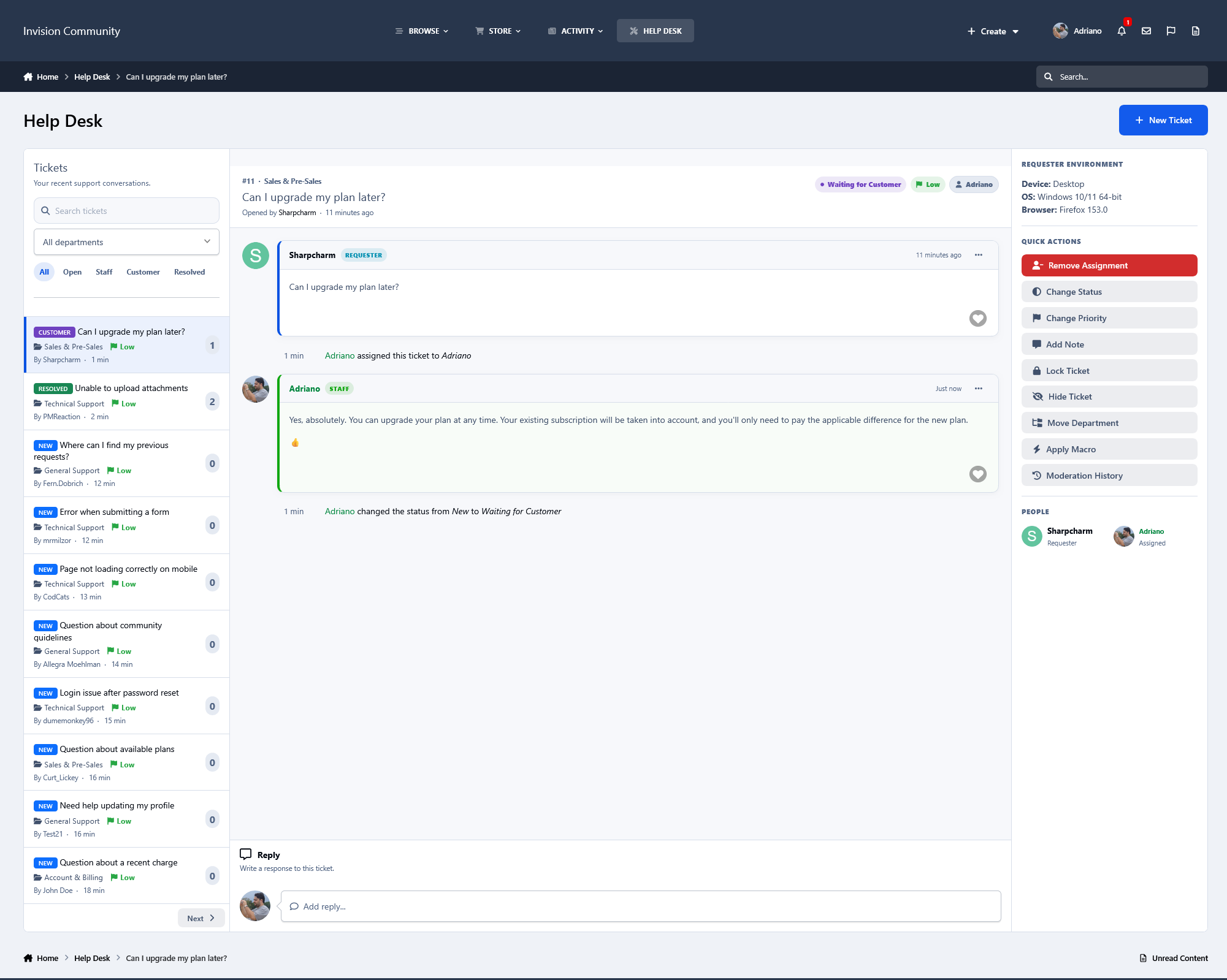
Staff have a comprehensive set of quick actions available directly from the ticket, including assigning tickets, changing status or priority, locking/reopening tickets, and other common management tasks. Most interactions are AJAX-powered, allowing tickets and the dashboard to be managed quickly without unnecessary page reloads.
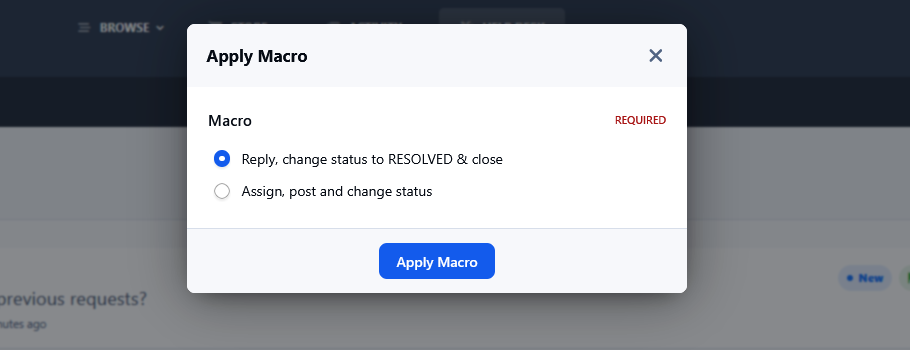
The app also includes Macros, which allow administrators to combine multiple actions into a single reusable operation. For example, a macro can change a ticket's status and priority, assign it to a staff member, and perform other configured actions at once, making repetitive support workflows significantly faster.
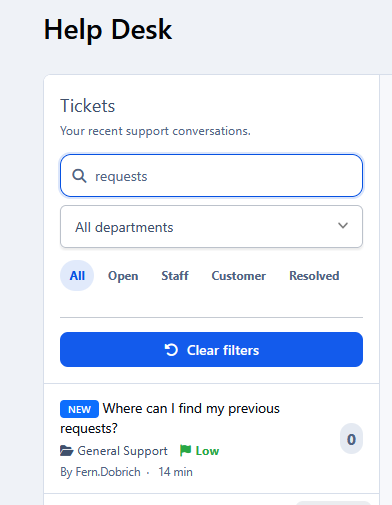
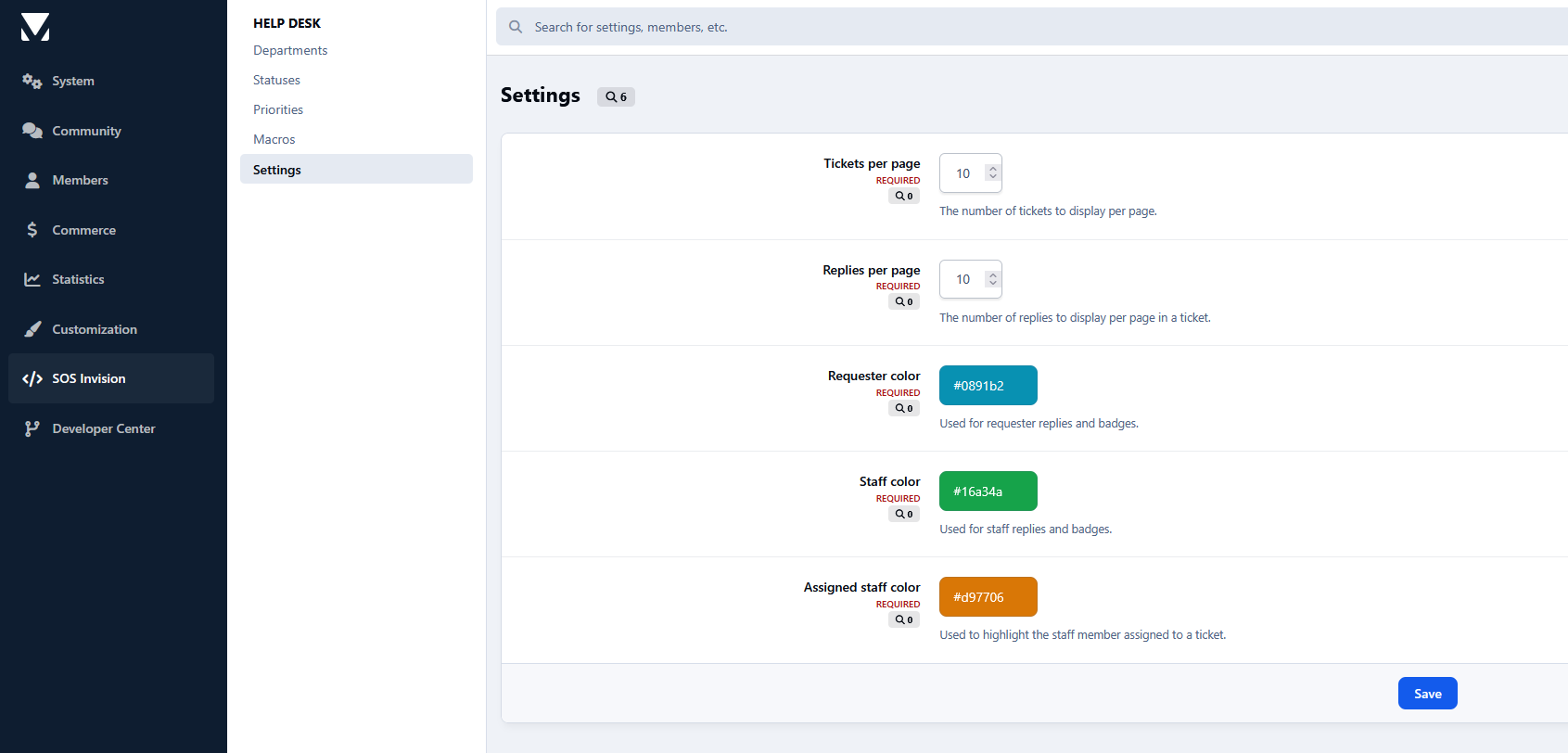
Additional features include configurable notification and email preferences, automatic status changes based on staff or requester replies, moderation history, requester environment information for troubleshooting, related content, ticket search and filtering, and the ability to create a ticket directly from an existing forum post with its title and content automatically populated.
The result is a fully integrated Help Desk designed to handle everything from simple support requests to structured staff workflows without leaving the community.
Note:
Compatible with the Create Content Menu application: https://www.sosinvision.com.br/index.php?/file/520-create-content-menu/
-
 1
1
There are no reviews to display.