Invision Community 5
Invision Community 4
- Category Integrations
- Downloads 61
- Compatibility IC5: 5.0.4+ IC4: 4.7.15+
- Updated
Overview
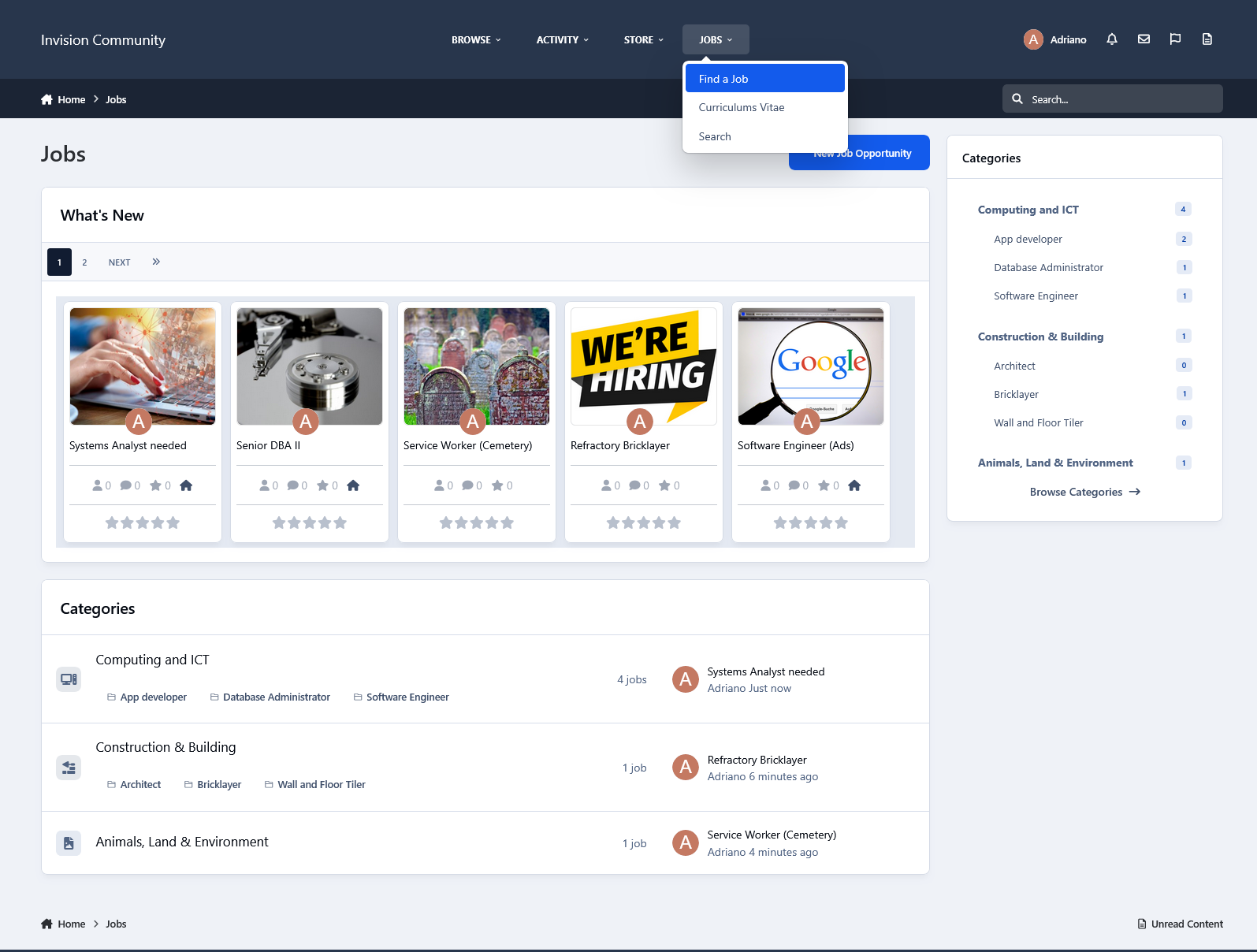
This application will allow members to submit job opportunities and curriculum vitae to help people find jobs.Description
This application will allow members to submit job opportunities and curriculum vitae to help people find jobs.
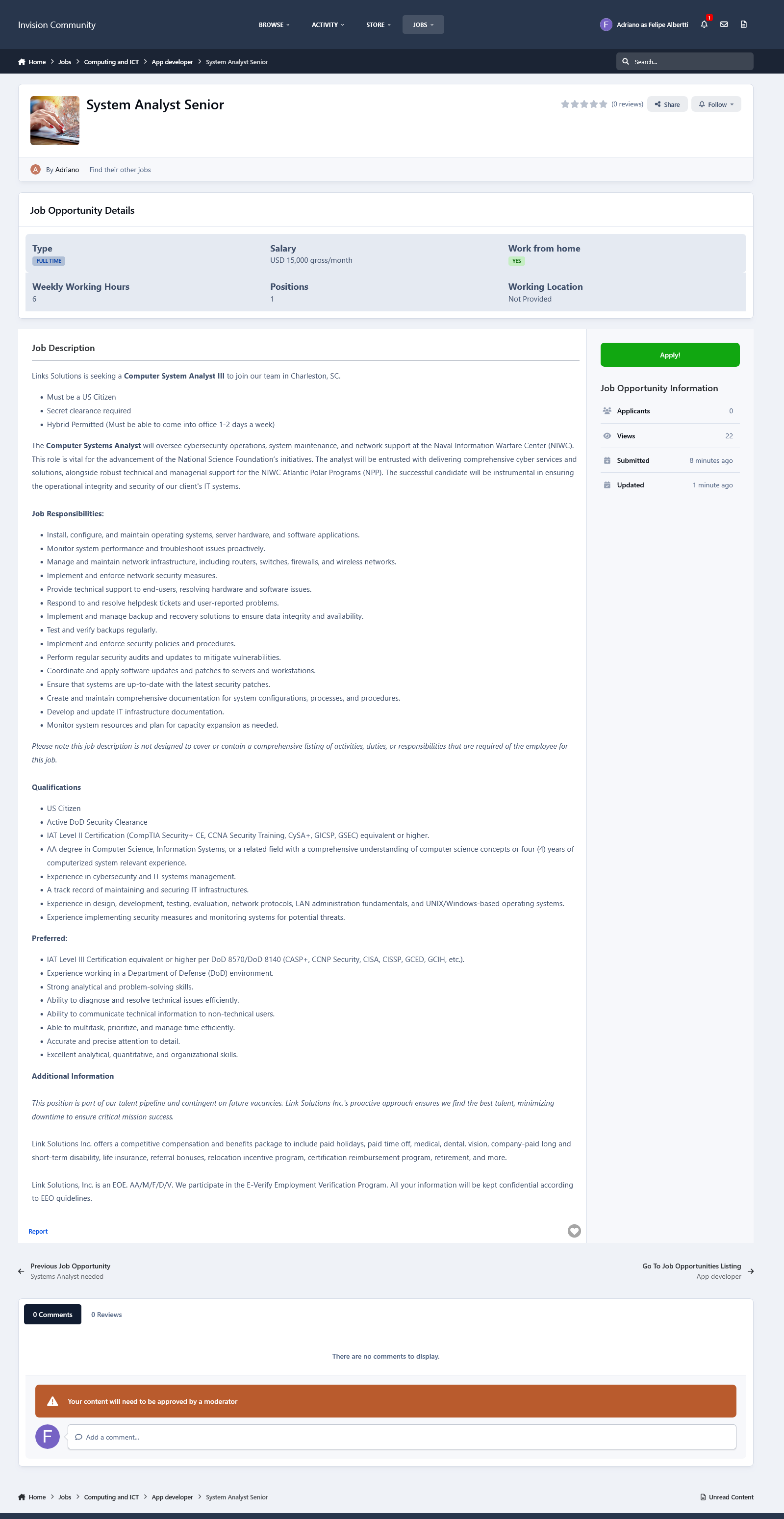
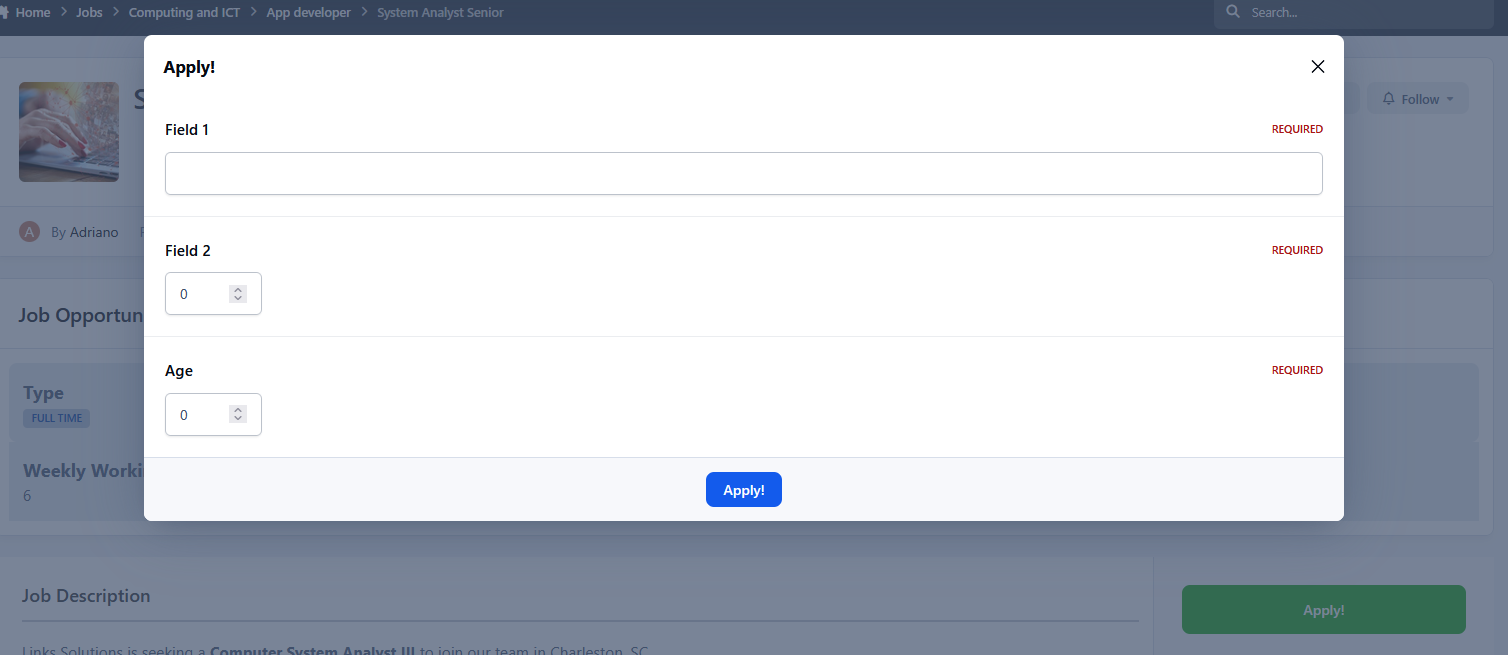
Job Opportunity submissions:
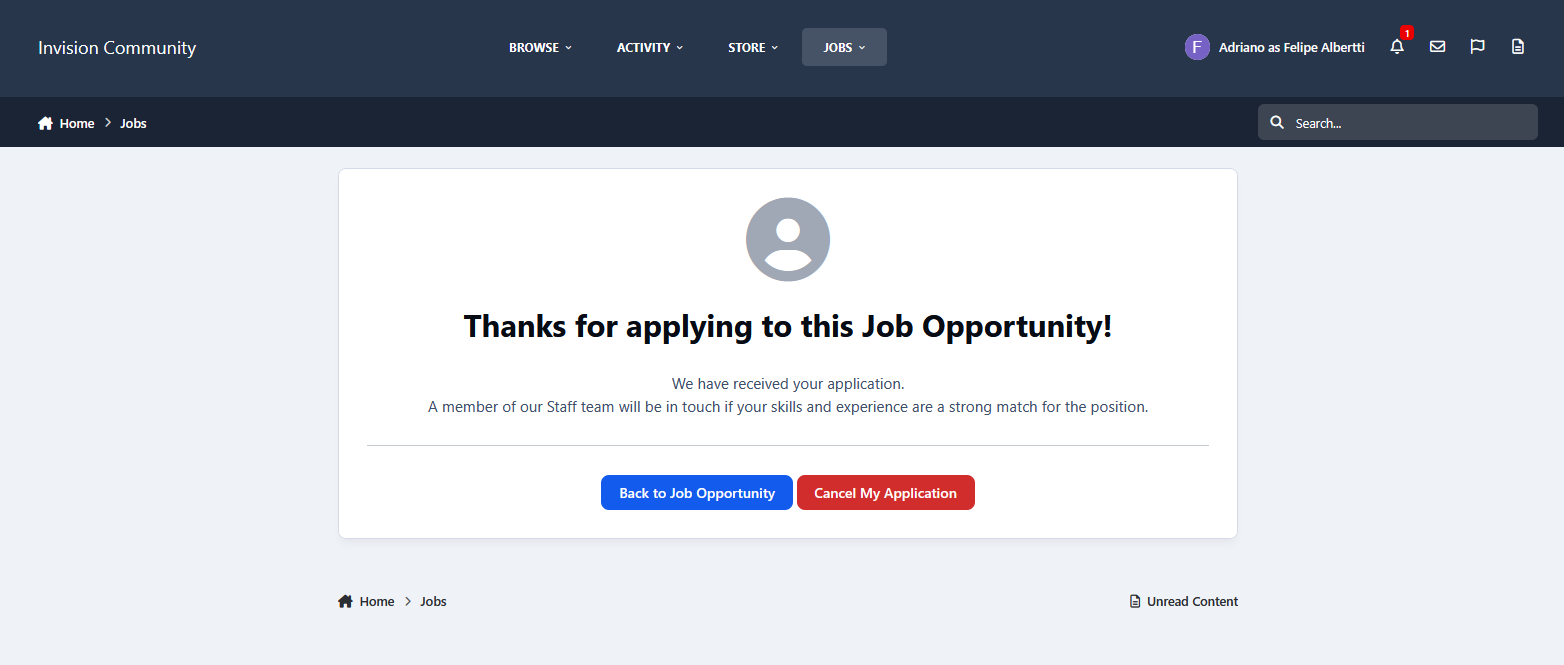
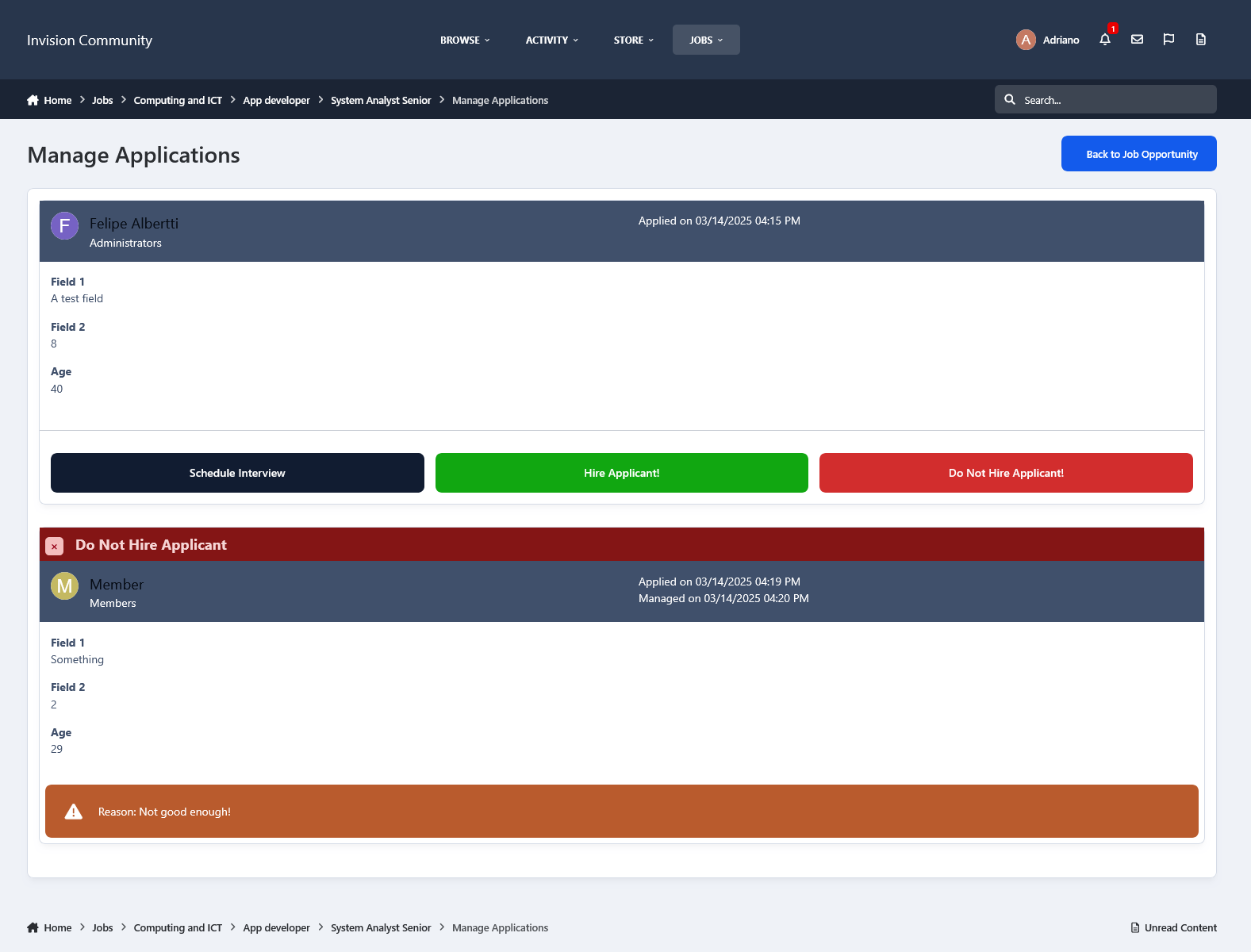
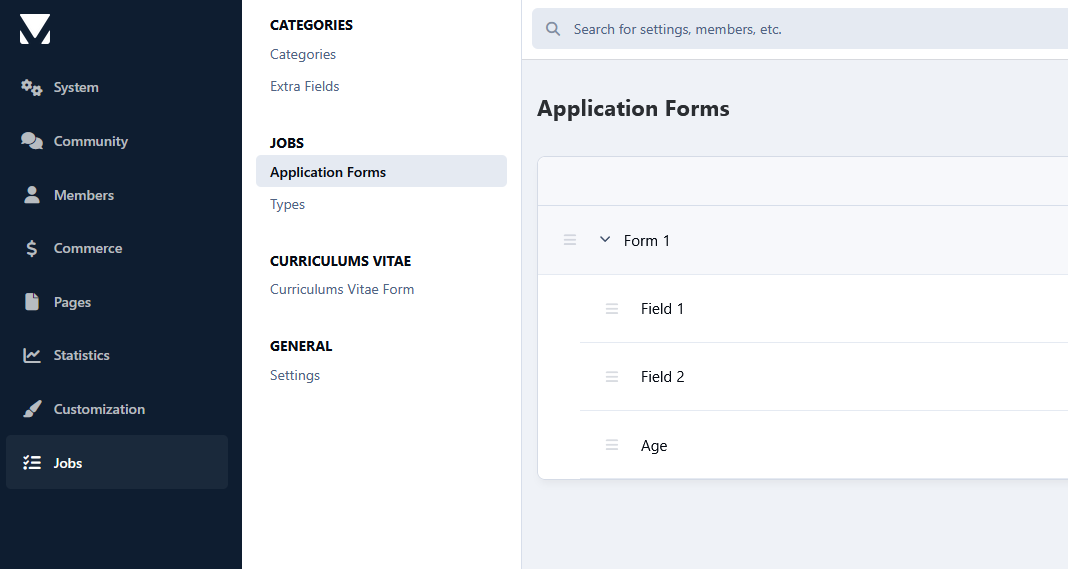
You can build your forms with the fields you judge necessary.
Each form can be assigned to specific groups via permission.
You can add email addresses to be alerted when someone applies for a job opportunity.
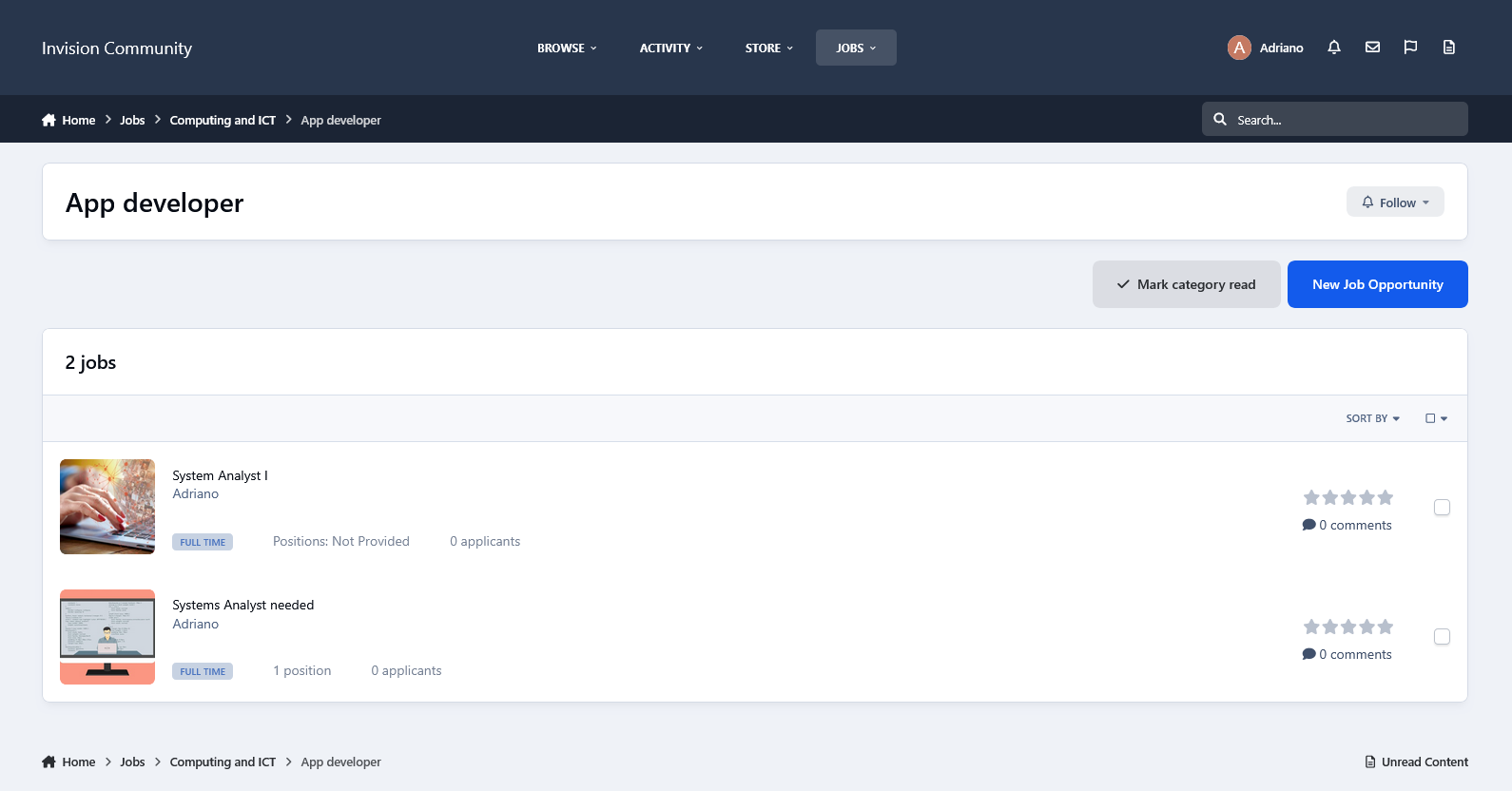
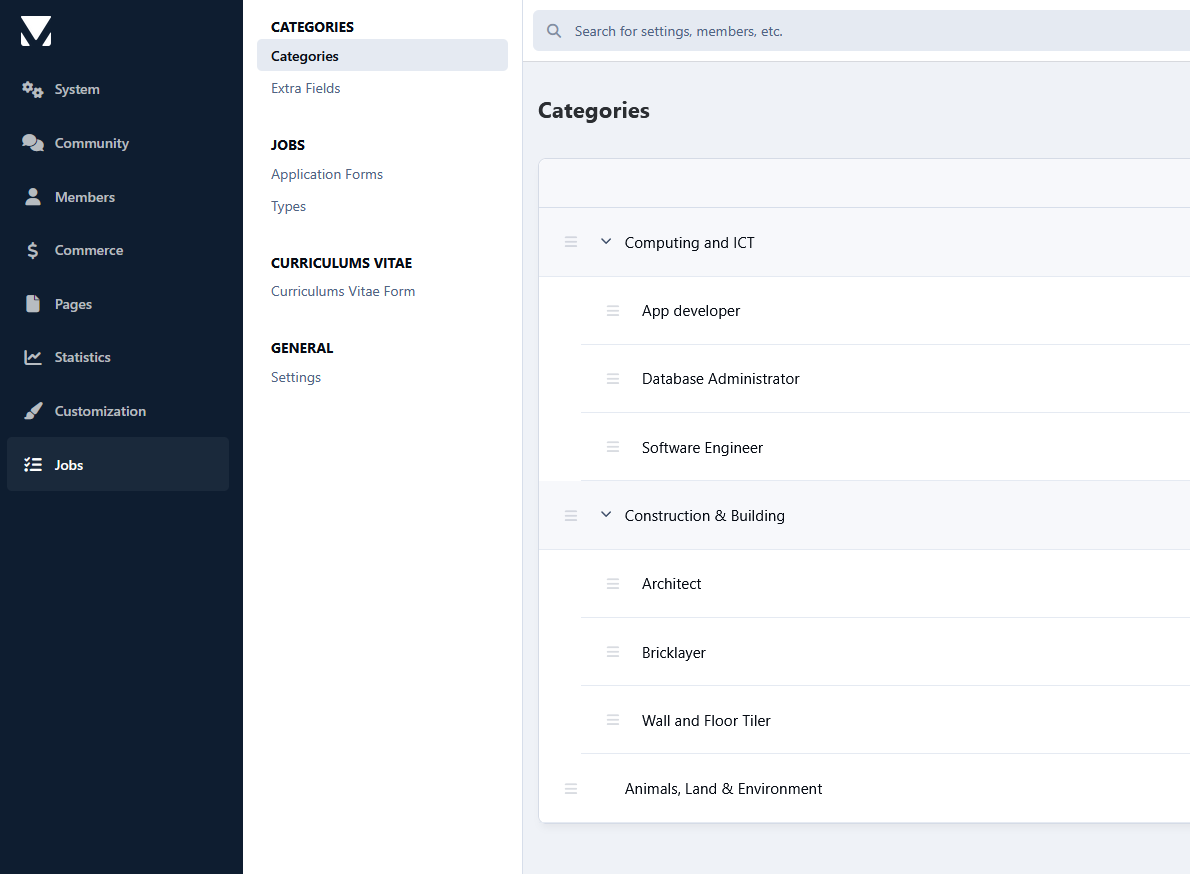
Unlimited categories, plus the unlimited depth of parent-child relationships.
The ability to set a category as a container to other categories so it won't accept submissions.
Polls.
Extra fields (grouped).
Feature Color.
Icon.
Comments and Reviews.
Ability to choose which packages will work in the category, If you have Commerce installed.
Etc.
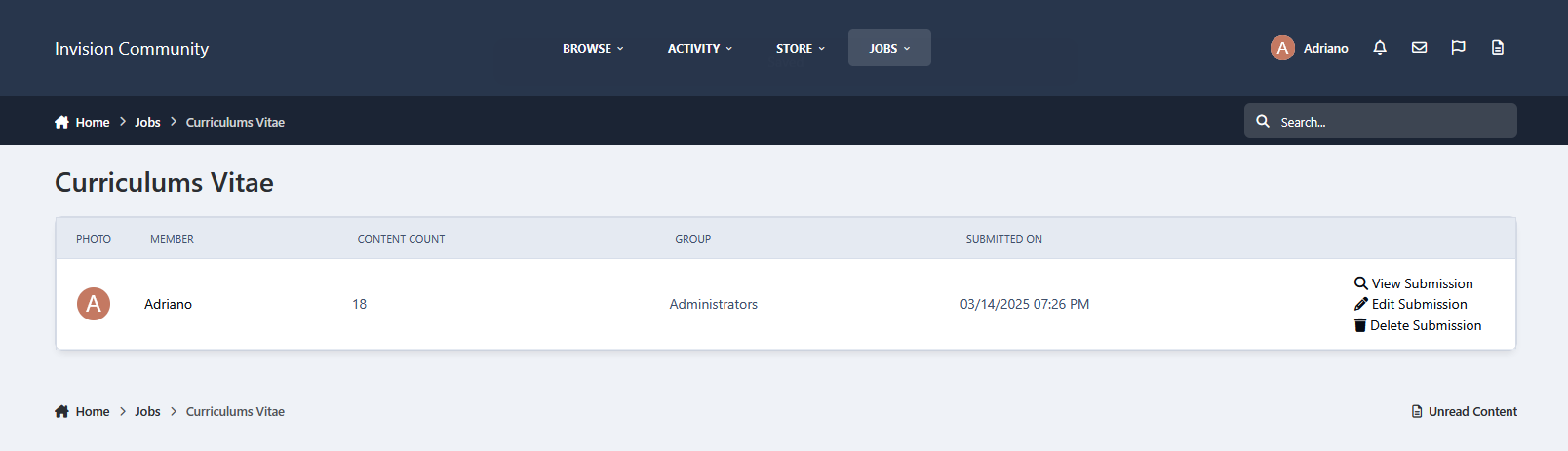
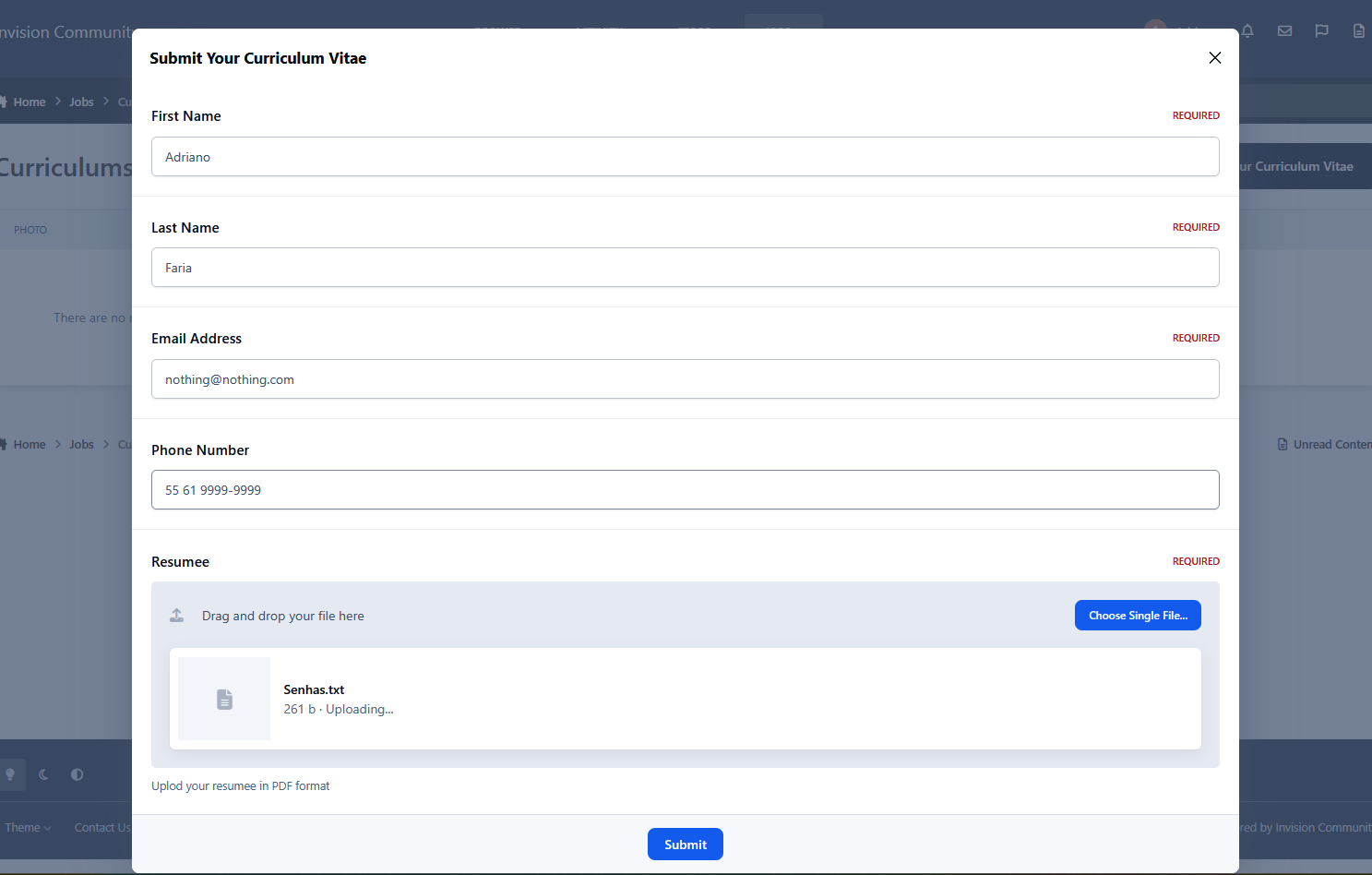
Curriculum Vitae submissions:
You can add the fields you judge as necessary.
You have permission to submit your CV and to view submitted CVs.
Search:
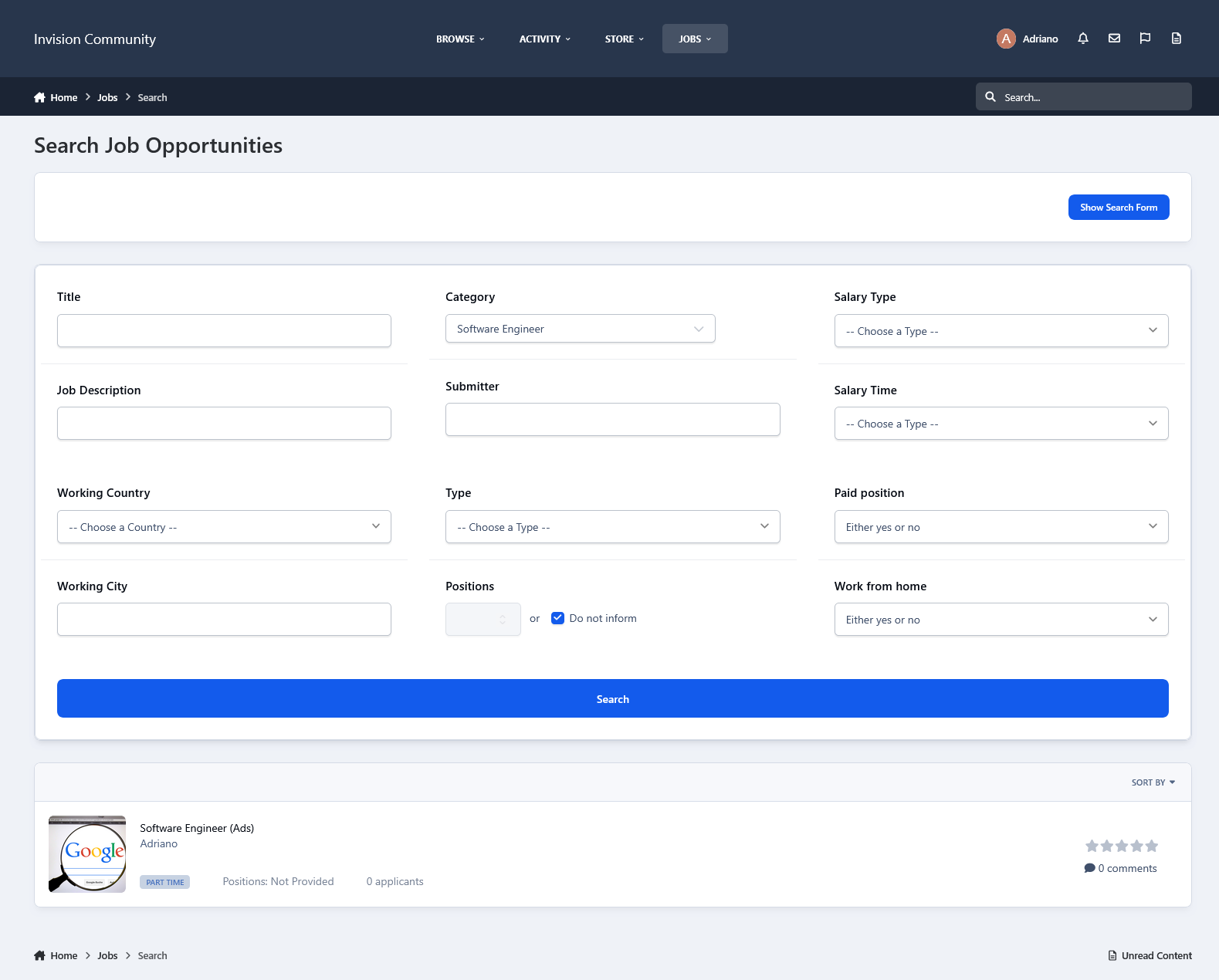
This application has an internal search so you can easily find job opportunities by:
Title
Category
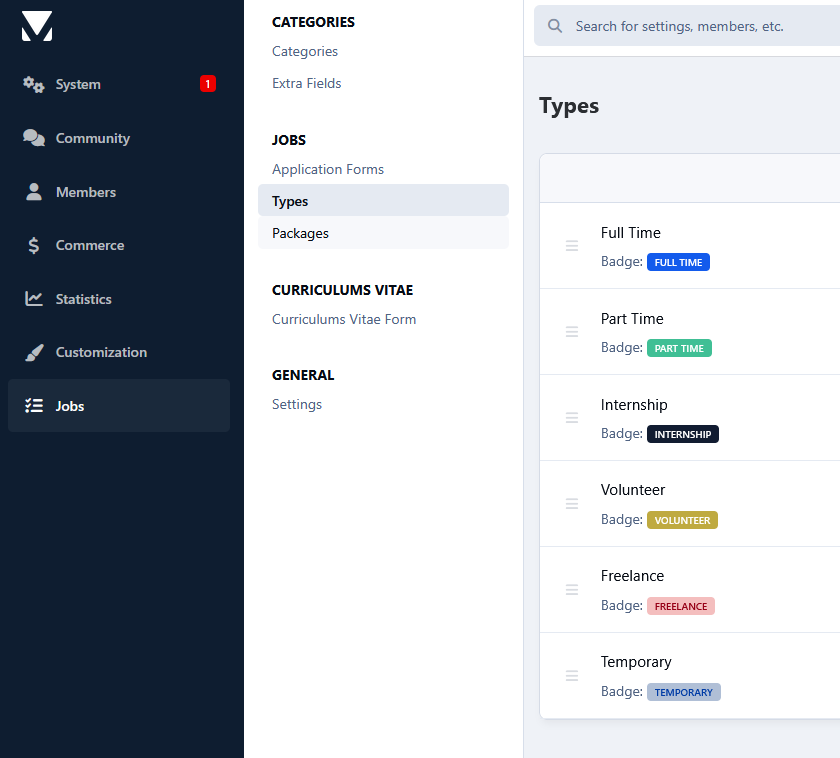
Type
Country
State/Region
City
Work from home
Monetize your site:
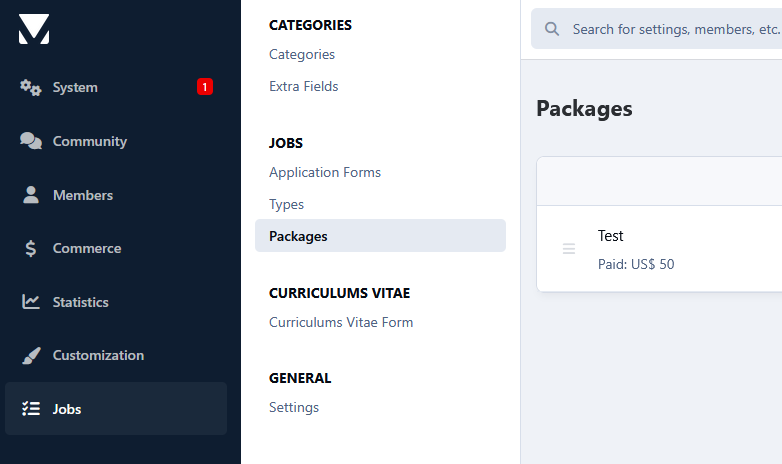
You can create Packages to charge for job opportunity submissions, with renewals.
Package features:
Number of days to keep the submission active
Paid submissions with their cost
If submissions can be renewed, with the term and cost
Groups allowed to use that package
If new submissions will be pinned
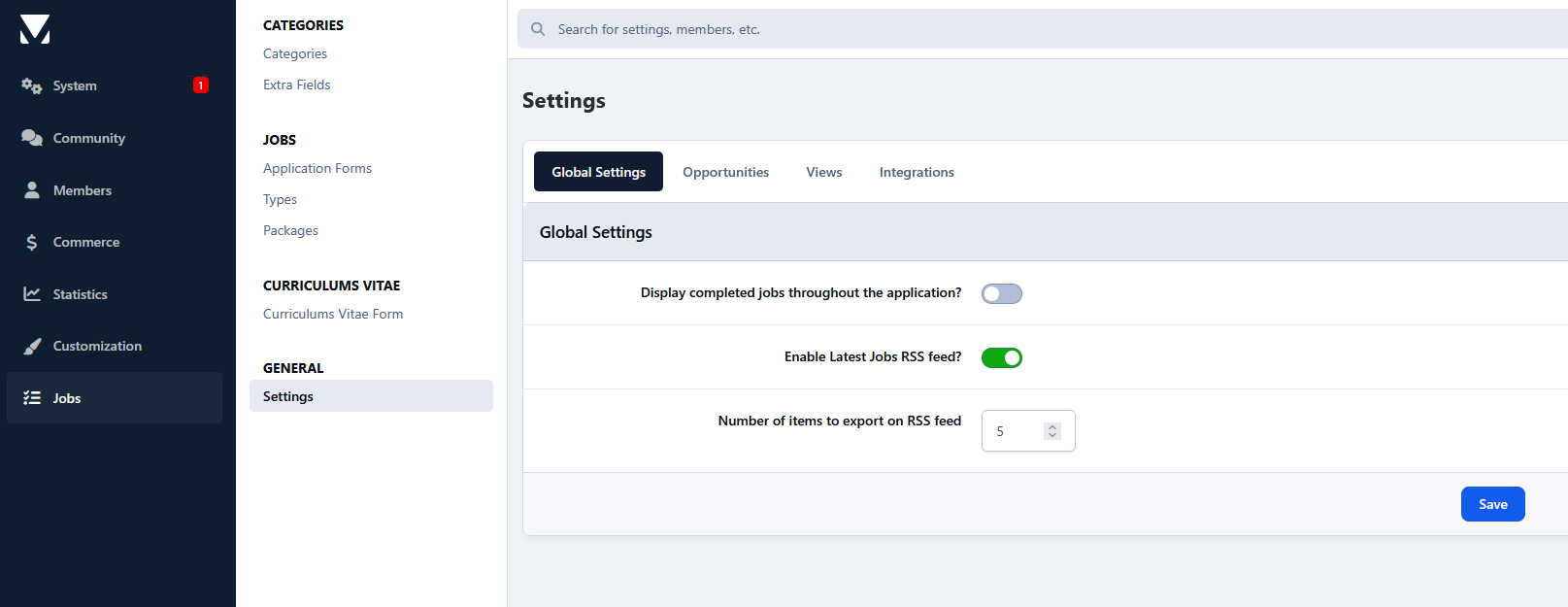
Settings:
Settings to control the app's behavior in several places/situations.
Create an account or sign in to leave a review
There are no reviews to display.