Invision Community 5
Invision Community 4
- Category Integrations
- Downloads 80
- Compatibility IC5: 5.0.4+ IC4: 4.7.15+
- App Version 6.0.15
- Updated
Overview
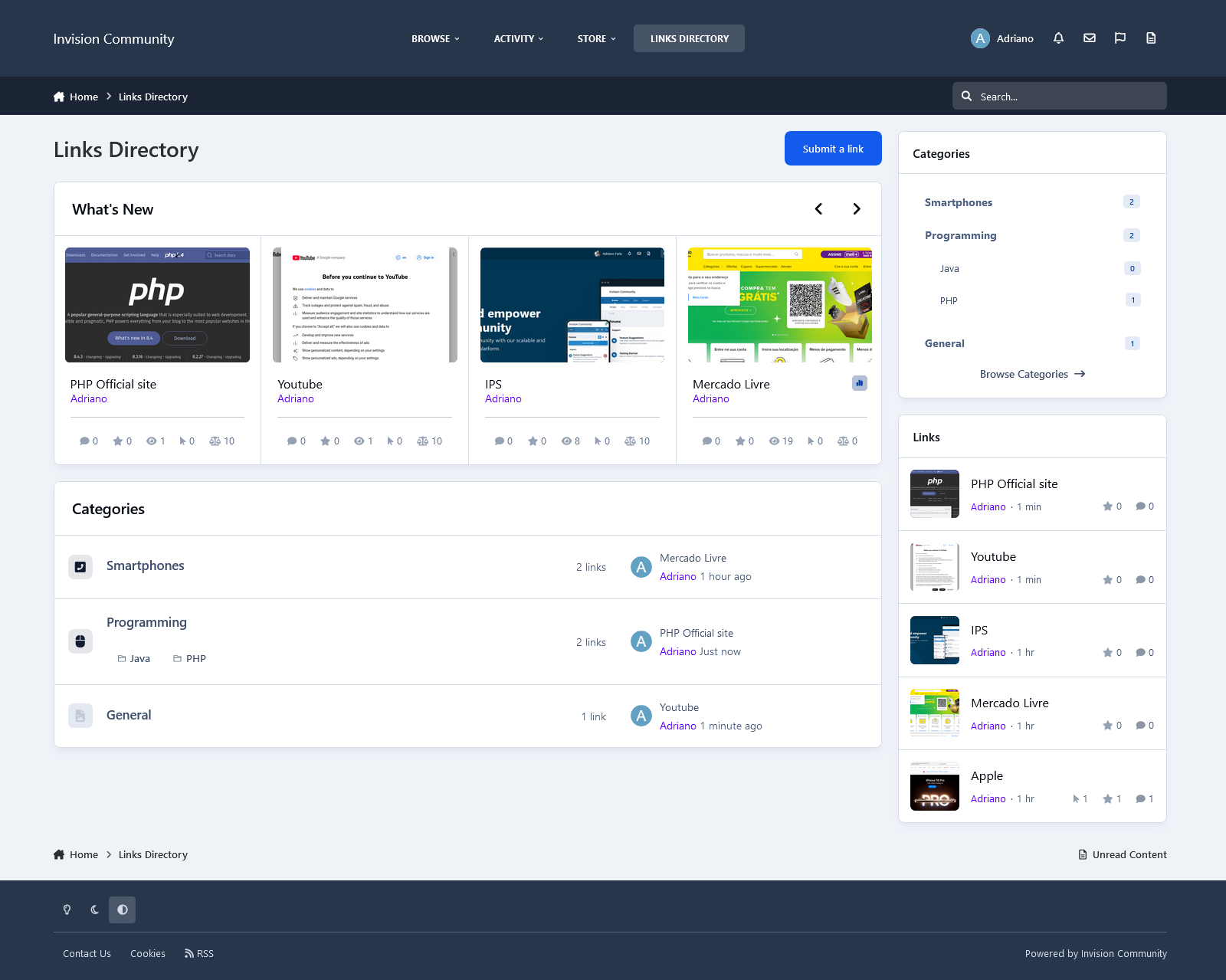
Links Directory is an application that provides your community with a member-driven web directory. Allow members to submit websites for approval in categories you define. Users can comment and rate other member’s submissions. You can also mark websites as official affiliates, fostering traffic between friends.Description
Links Directory is an application that provides your community with a member-driven web directory. Allow members to submit websites for approval in categories you define. Users can comment and rate other member’s submissions. You can also mark websites as official affiliates, fostering traffic between friends.
Features
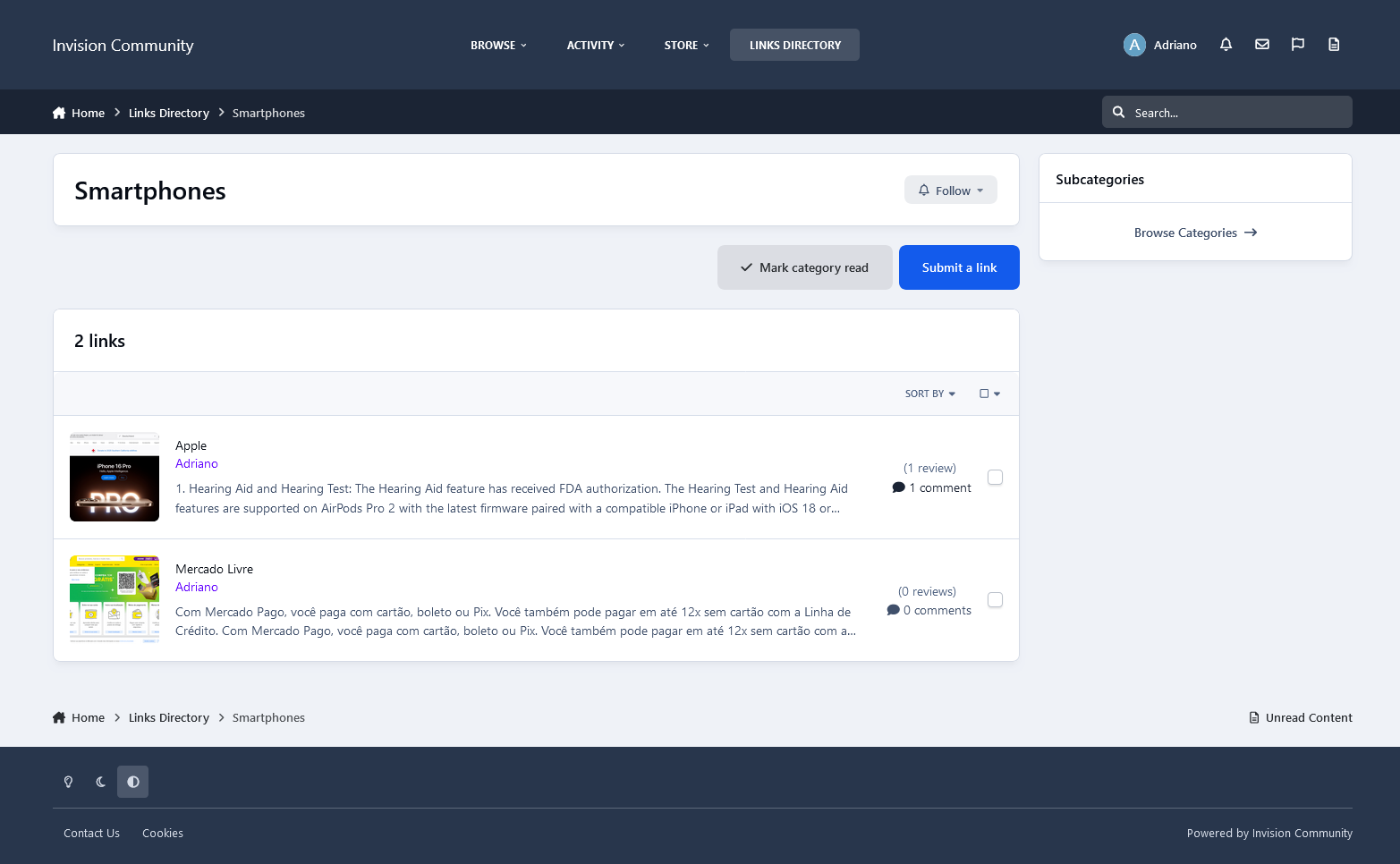
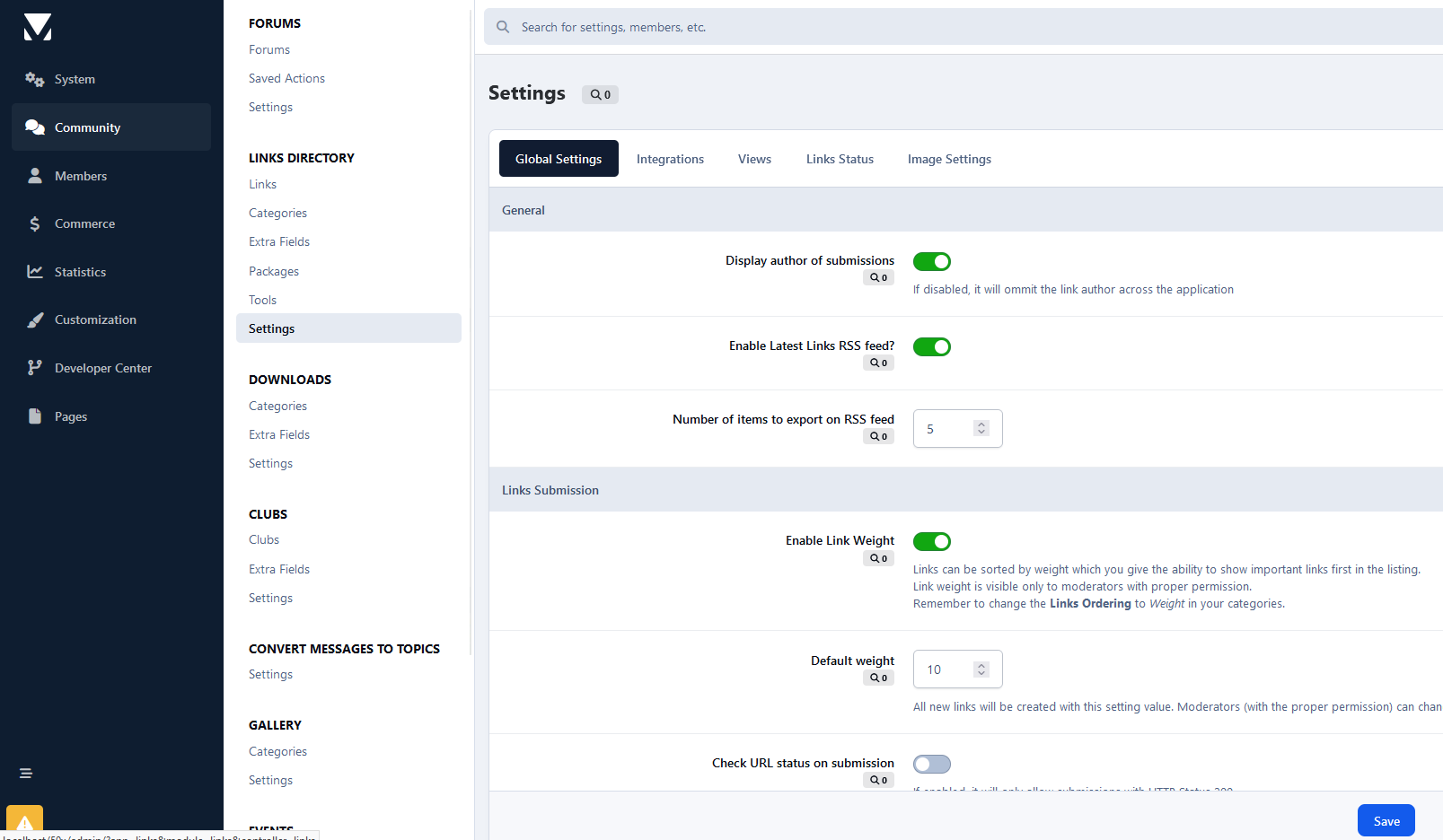
Submit links to websites along with a title, description, and an image generated from extensible APIs: Sneak.pw, WebThumbnail, Thumbshots (requires an API Key), and Upload field. You can also save the image locally, which will reduce the API call. The image is updated when you update the link. The admin can choose if new links are moderated, per category.
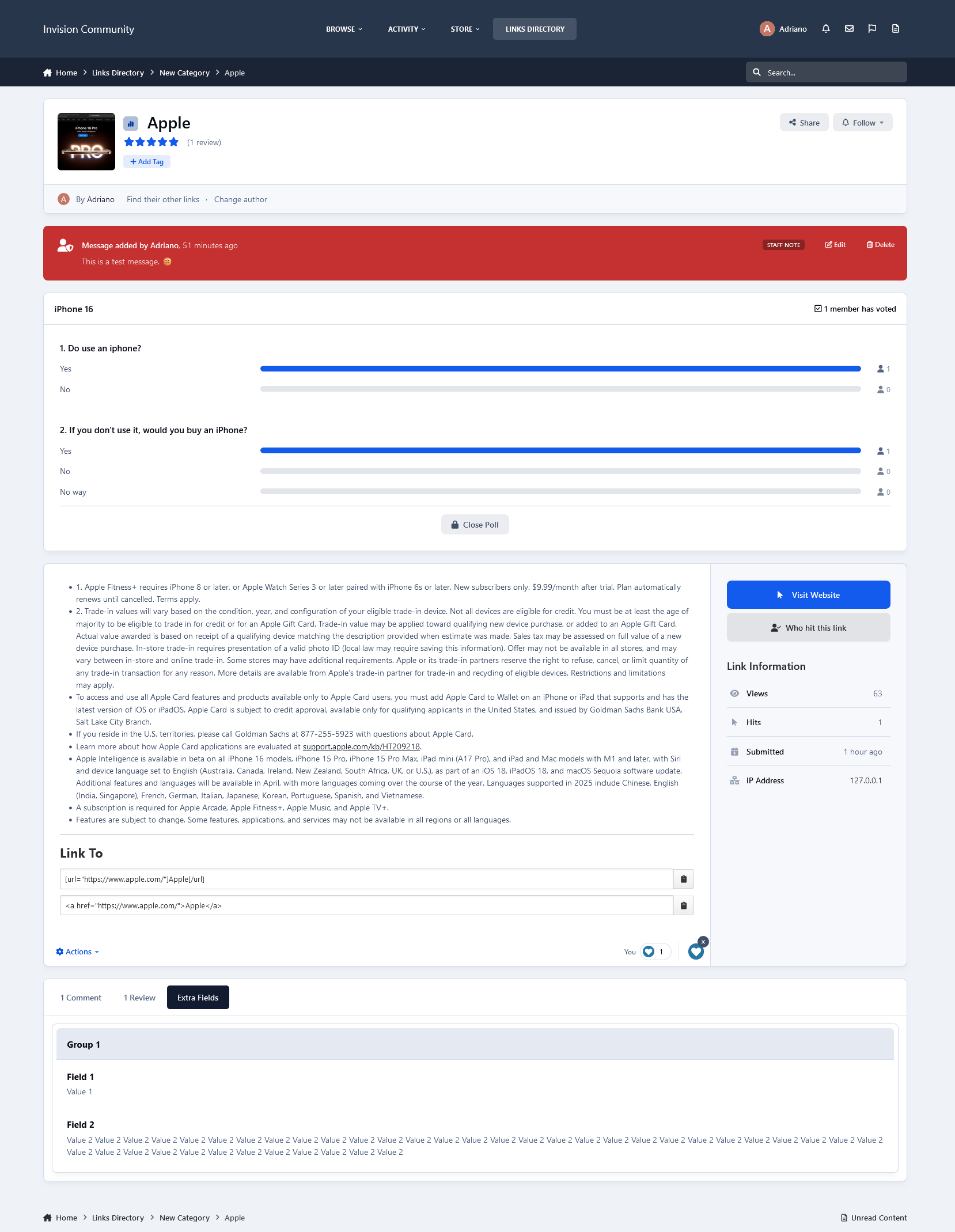
Ability to charge per link, integrated into Commerce.
Submit comments to links. Admin can choose if new comments are moderated, per category.
Rate links using the star rating system used throughout the IPS4. Per category setting.
Integrates to Share Links to share or email inks.
Integrates to Google Maps if an address is provided in the link submission (IPS 4.1.13+: Google Map APIs now require an API key. Go to AdminCP -> System -> Community Enhancements to enable Google Maps support)
The ability for users to report potentially offensive content or broken links using the built-in Report Center
Search integration: search links along with the rest of your community’s content
Supports item marking, allowing your users to see what links have been added or commented on
Integrates into Activity Streams.
Supports the built-in tagging system including prefixes.
Support for notifications such as new links and comments on user links.
Ability to follow/like categories and individual links.
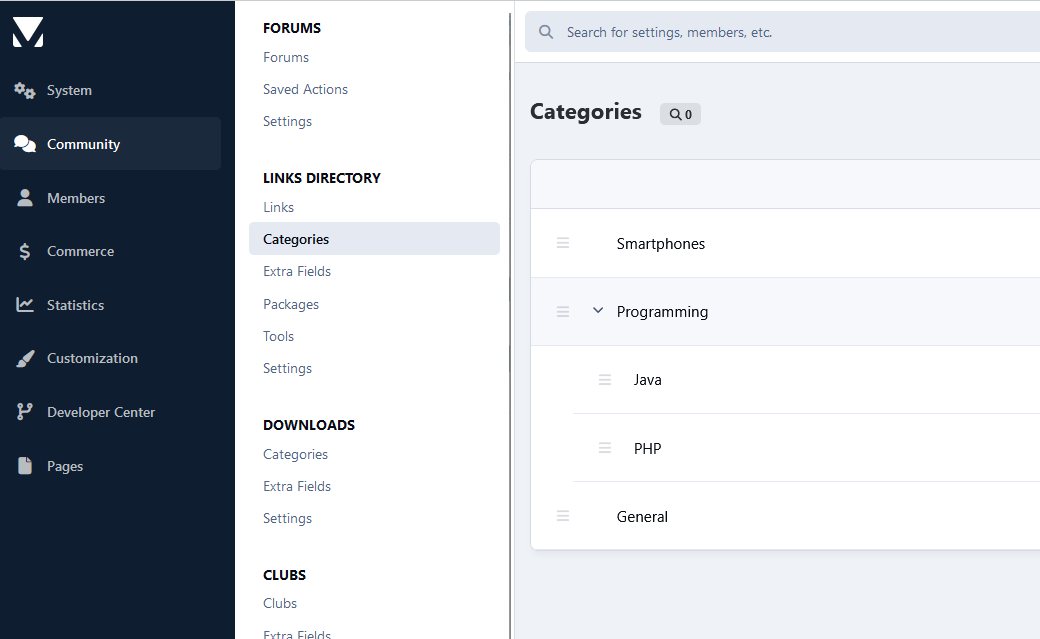
Unlimited categories of links, plus the unlimited depth of parent-child relationships
Category Icons
Drag & drop reordering of categories in the ACP.
Per-category permissions to show categories, view links, submit links, add comments, and avoid approval queues
Provide a “link back” code so other websites can link back to yours.
Mark links as official affiliates and display them in a different section on the Links Directory Index
Integrates into IPS4 Moderating system, which all common permissions, such as pin, unpin, delete, feature, move, etc.
Per-category Permissions allow you to specify which permission sets are allowed to view categories, view links, add links, edit links, comment, rate, and avoid moderation at a granular level.
Robust Admin Restrictions.
Integration with the Advertisement system
Integration with the Sitemap system to include links in your sitemap
Ability to create RSS feeds of all links
Integration with ACP Live Seach (Links categories)
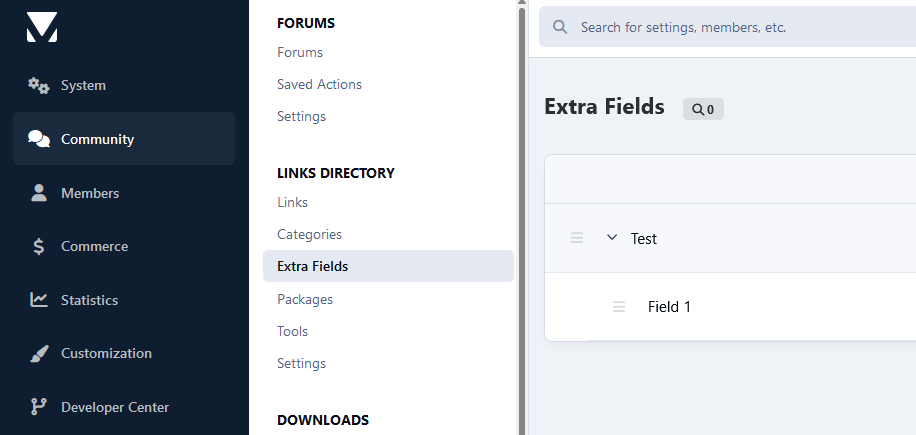
Support Extra Fields so you can define different fields per category
Friendly URLs for links and categories
Ability to configure the Links Index page to display the blocks you want
And much, much more!
Notes
Each purchase entitles you to the use of Links on one Community installation.
Create an account or sign in to leave a review
There are no reviews to display.