Invision Community 5
Invision Community 4
- Category Integrations
- Downloads 54
- Compatibility IC5: 5.0.4+ IC4: 4.7.15+
- App Version 2.0.9
- Updated
Overview
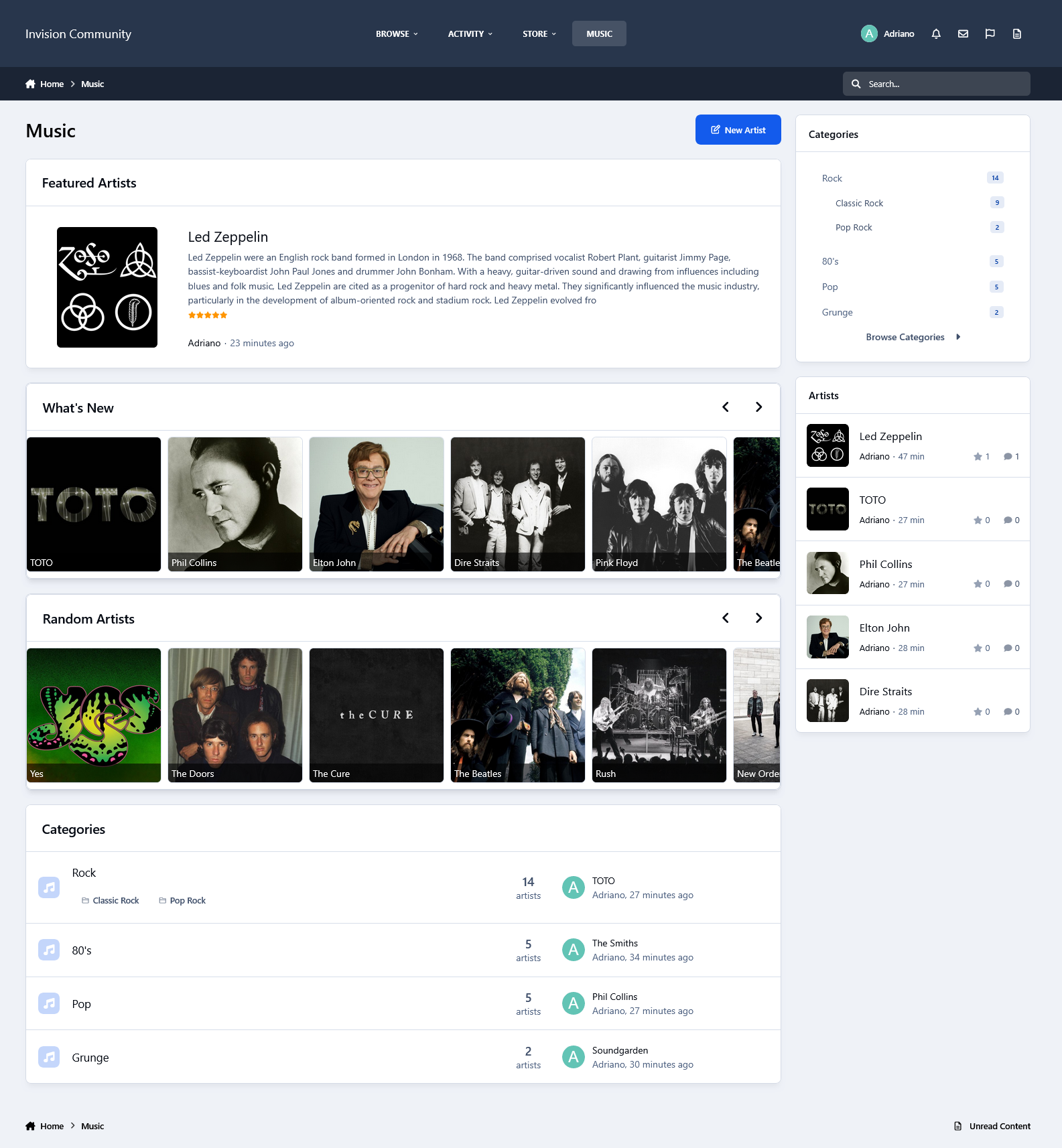
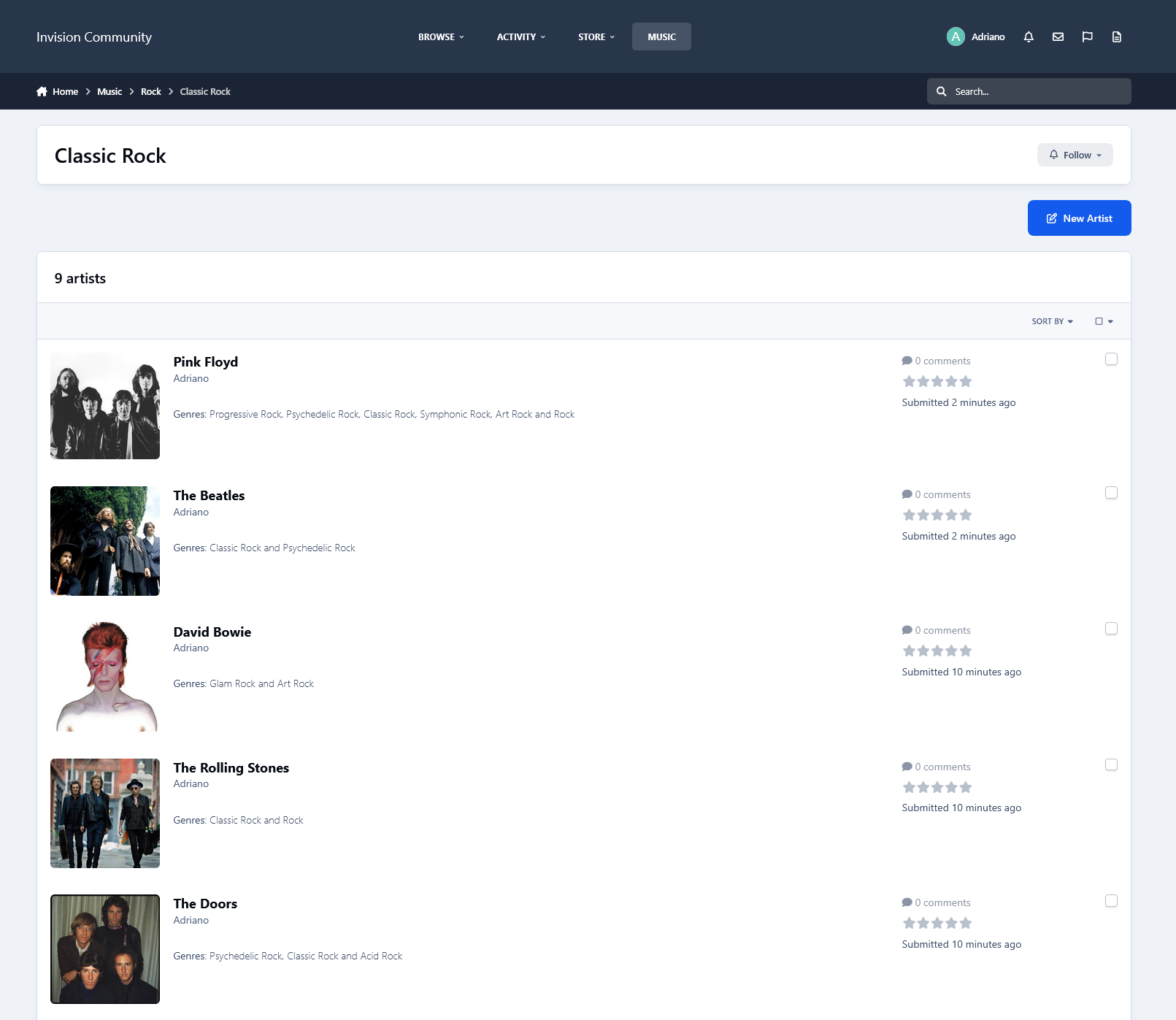
This resource uses the Spotify API to grab data from artists for your site.Description
This resource uses the Spotify API to grab data from artists for your site.
IMPORTANT NOTICE: Please do not purchase this application if you do not agree with the terms. All sales are final and non-refundable.
Spotify does not provide artist biographies, monthly listeners, photos, and playlists in their api endpoints anymore.
You will have to get the biography elsewhere (Google, Wikipedia, official site, etc.) and paste it into the editor.
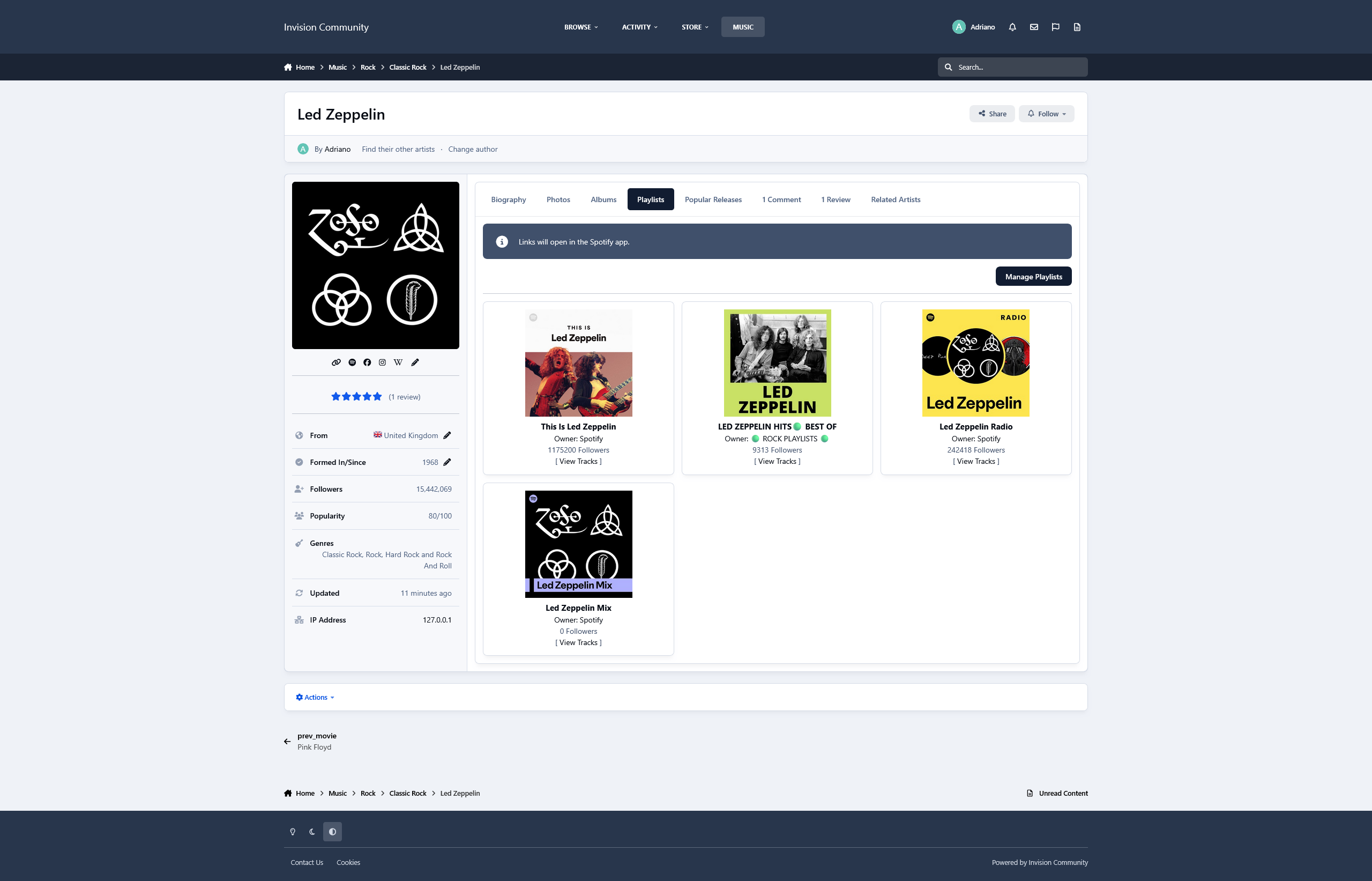
Photos and playlists are manually added now.
Music integrates with Perplexity AI to automatically retrieve the artist’s biography when creating a record
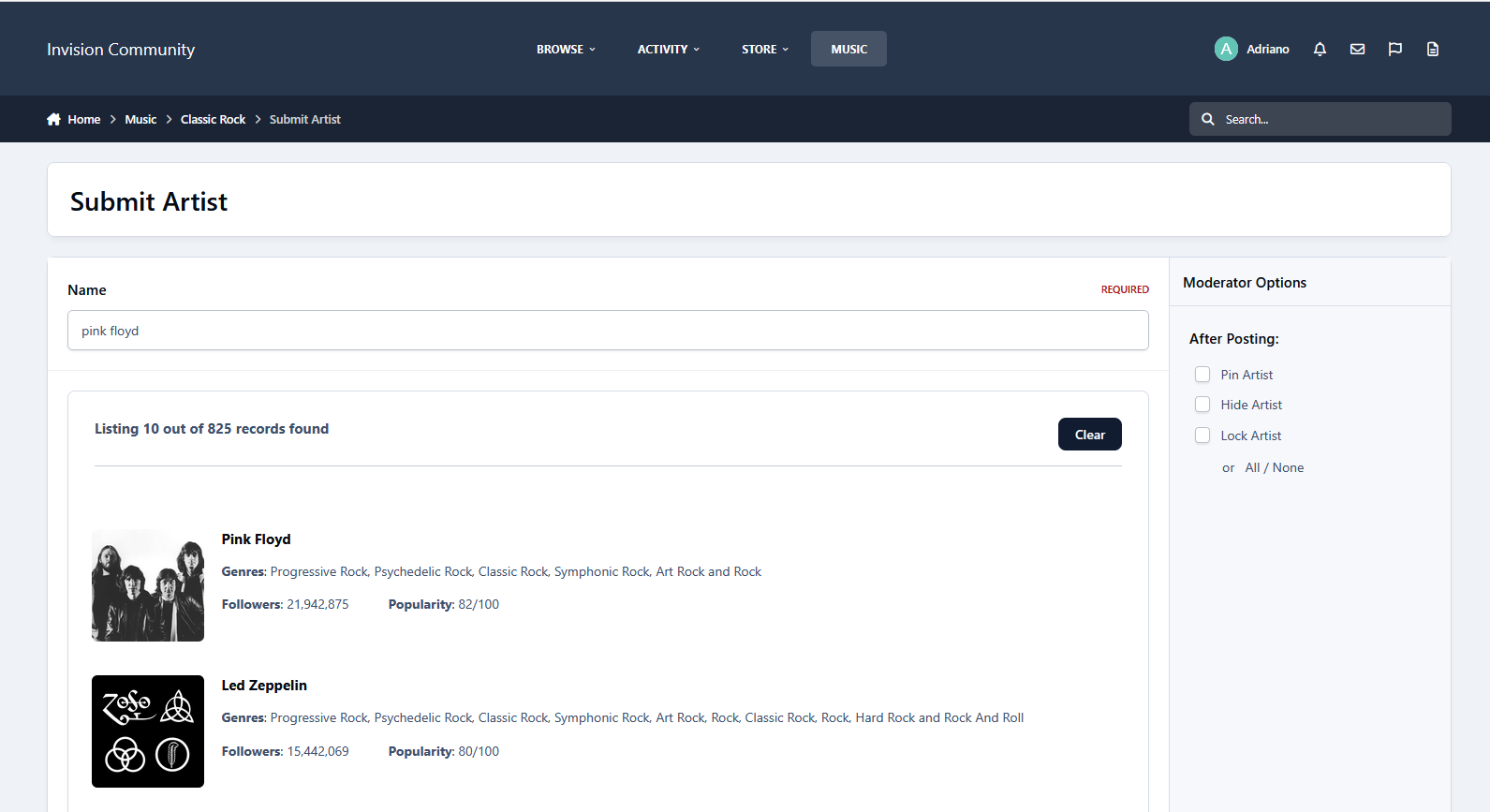
All you have to do is type a word from the artist's name, and then a list of matches will appear. From now on, with just a click, you will have to submit the form:
Name
Main Photo
Global Chart Position
Followers
Popularity
Genres
Spotify link
Social Media links (X, Facebook, and Instagram) if available
Tabs:
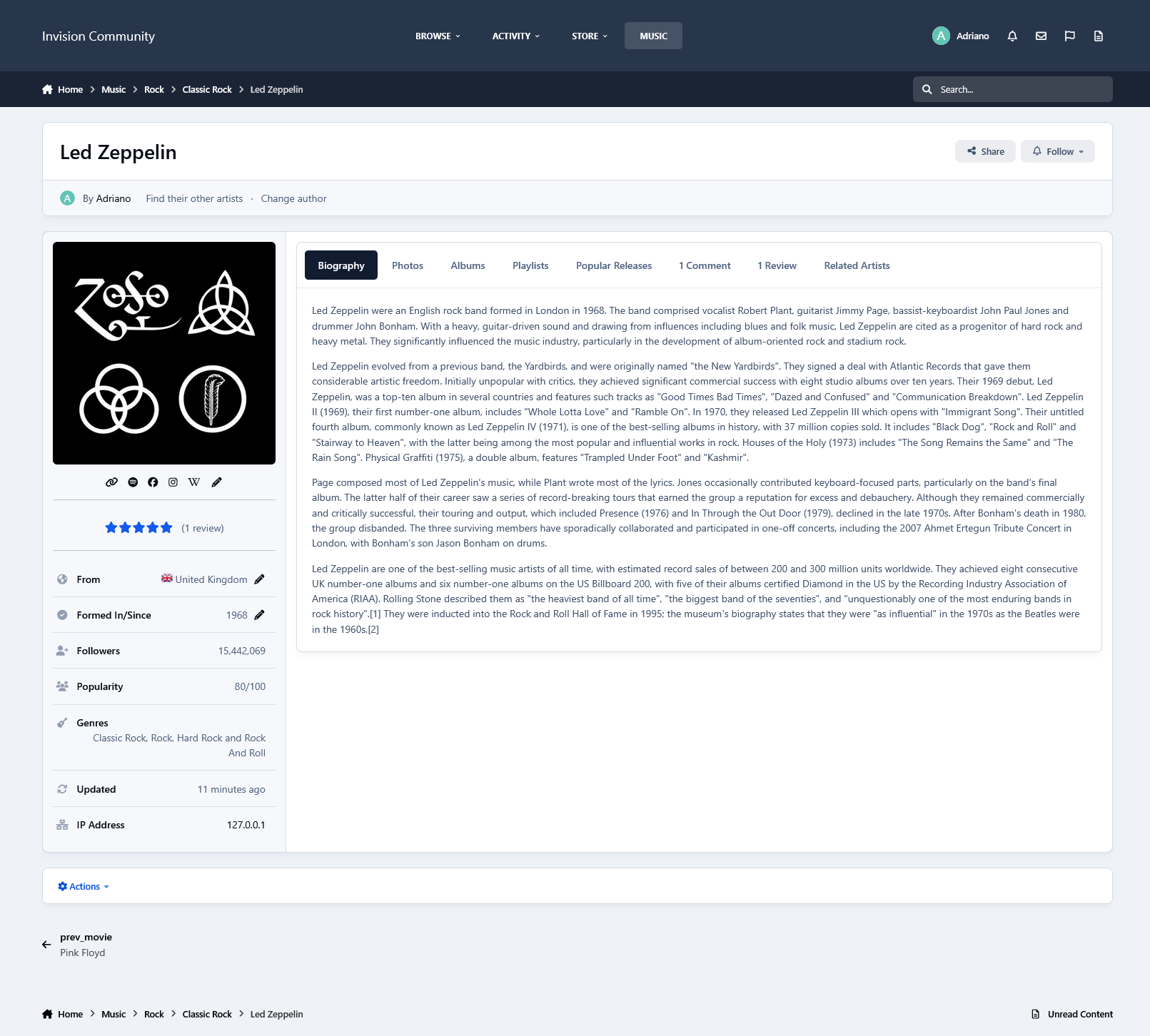
You will also have tabs to display:
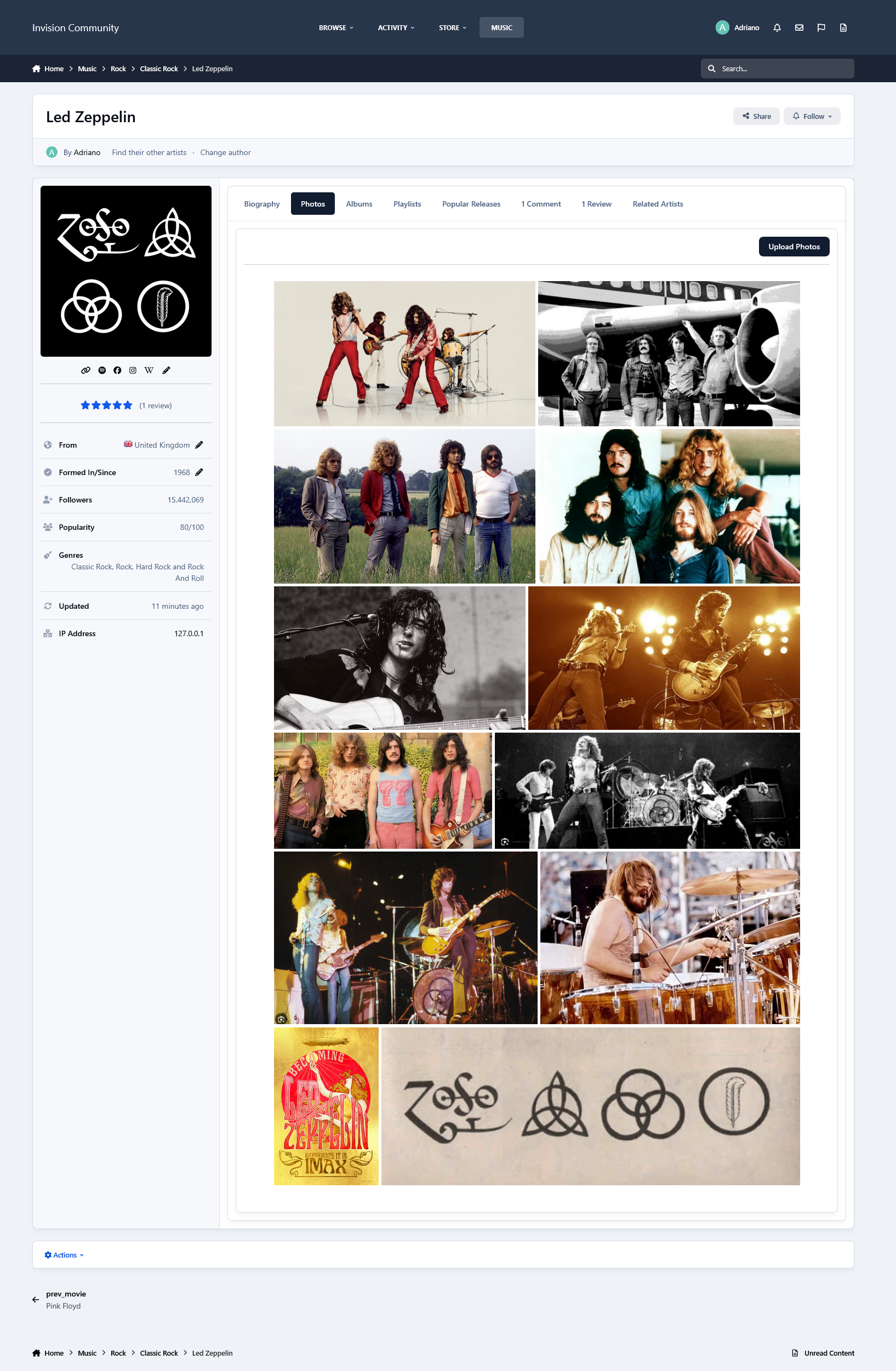
Photos from the artist in a grouped lightbox
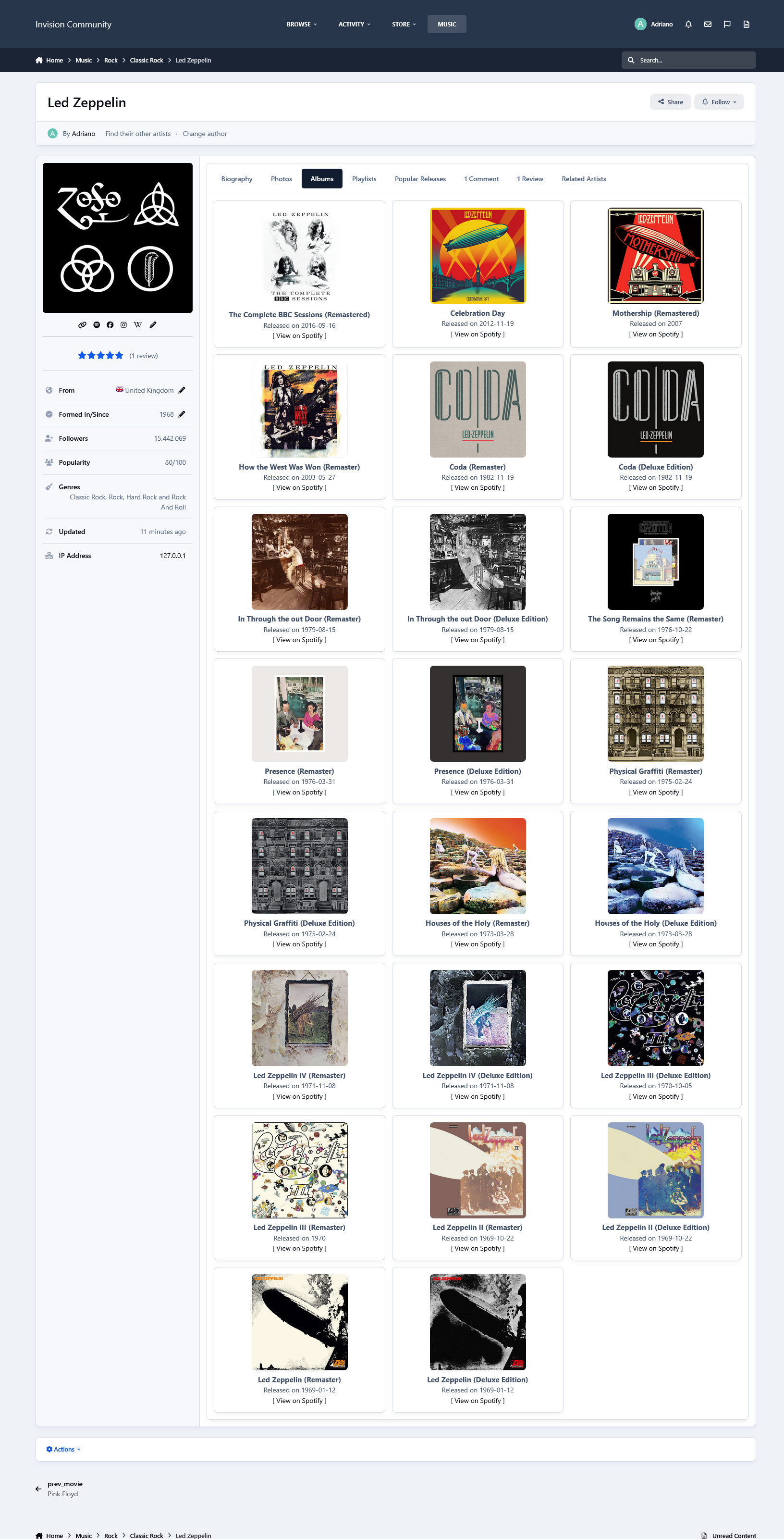
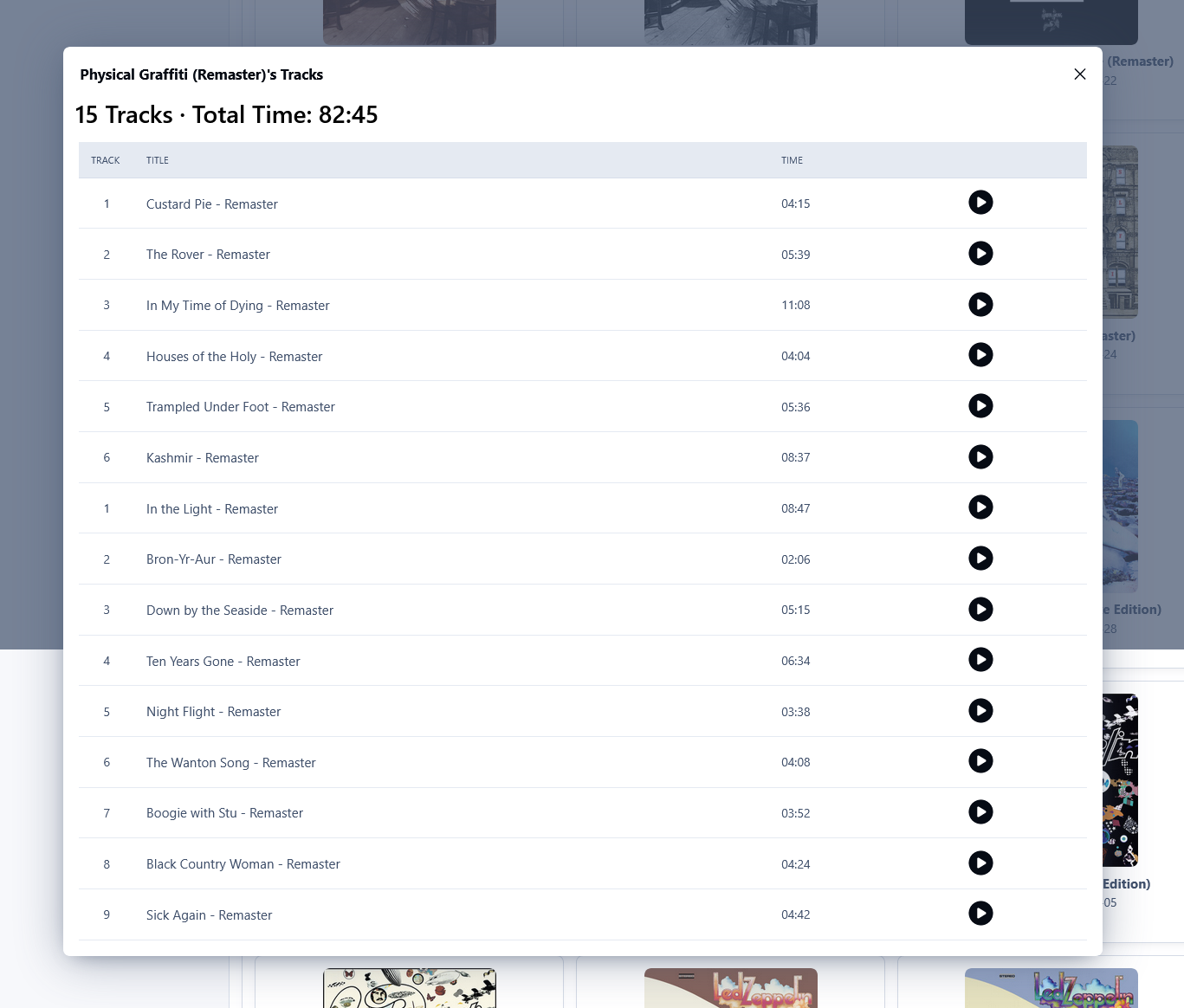
Albums (linked to Spotify)
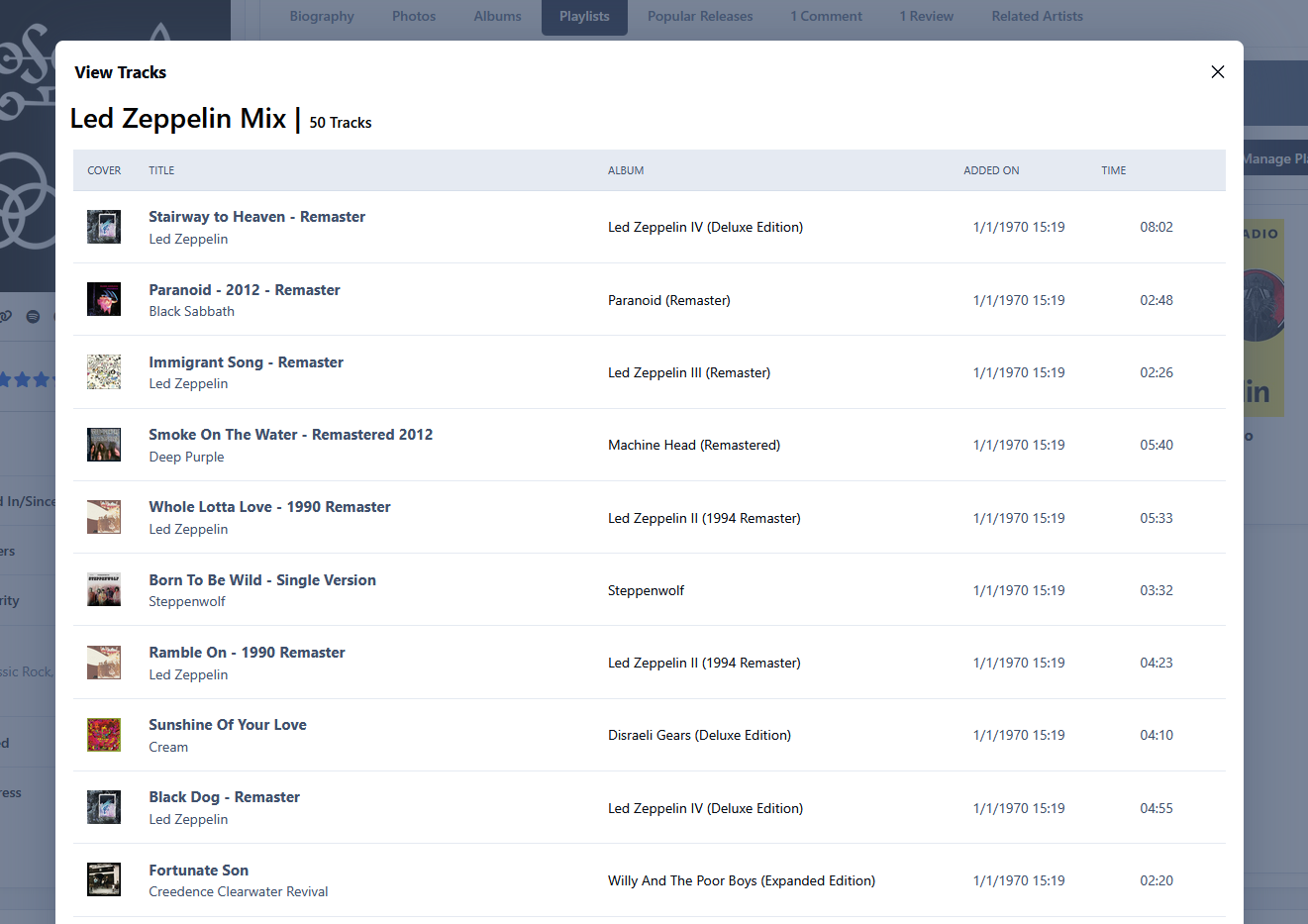
Playlists (linked to Spotify)
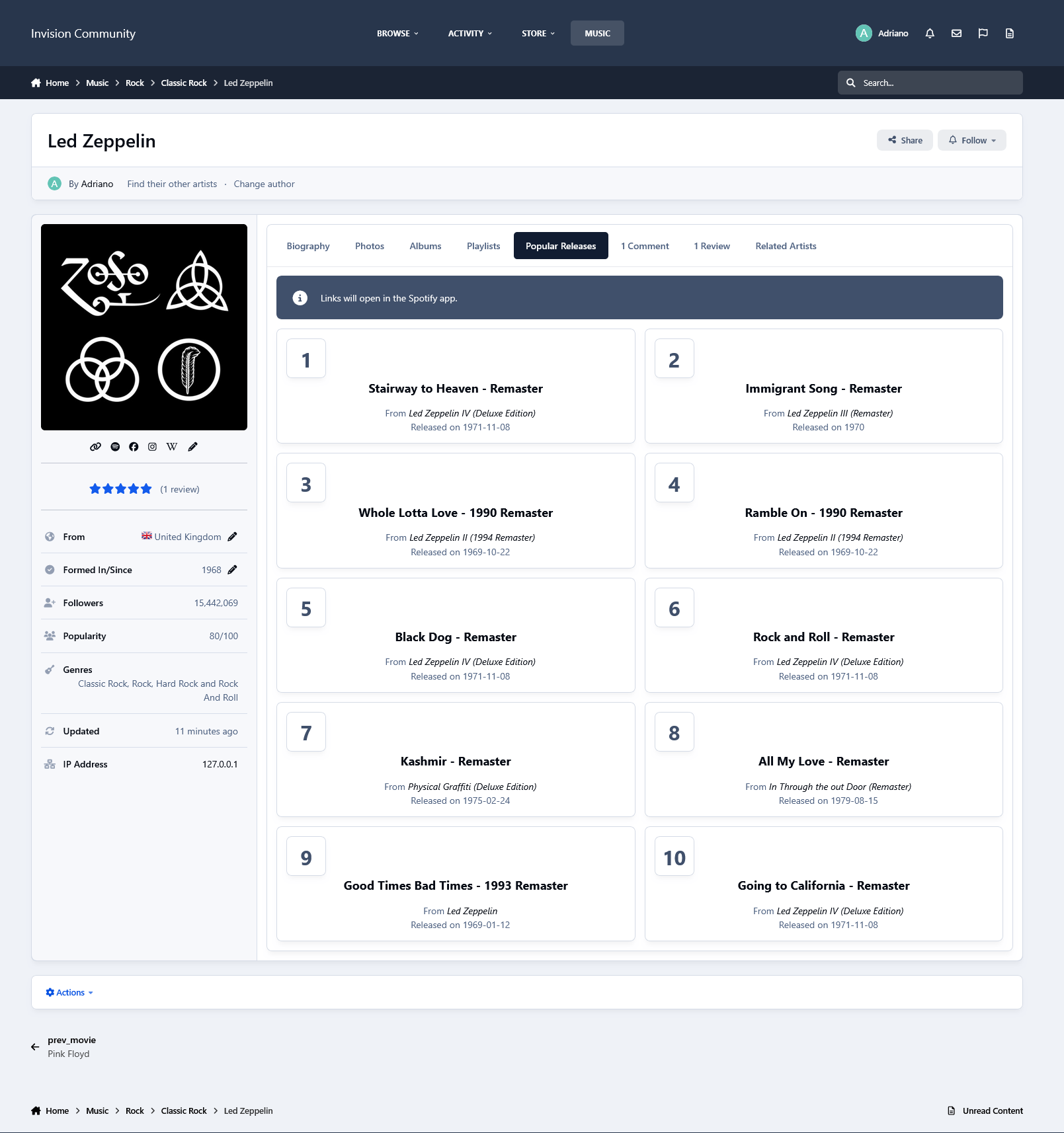
Popular Releases (linked to Spotify)
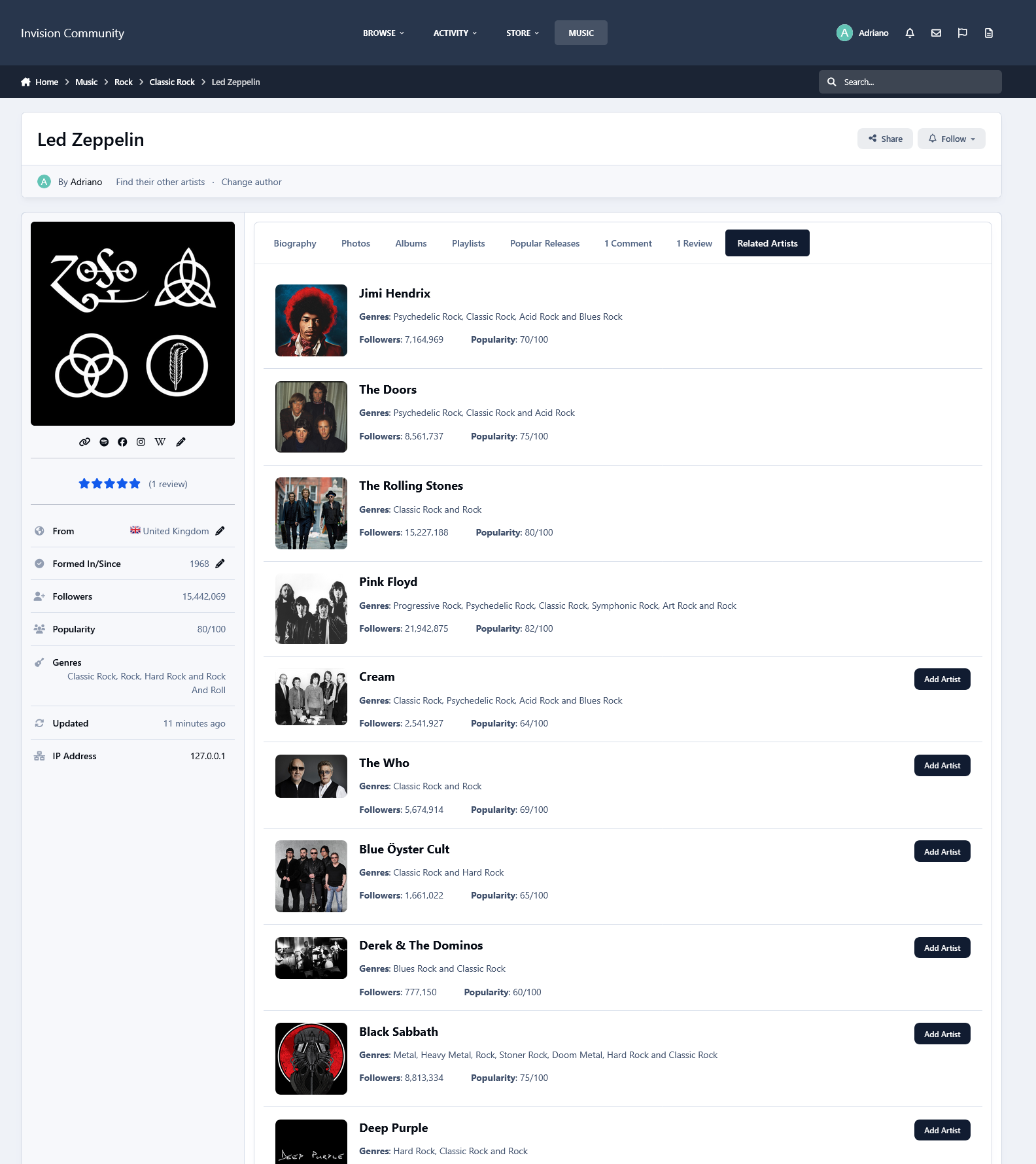
Related Artists
The tabs ALBUMS, POPULAR RELEASES, and RELATED ARTISTS are Ajax-loaded and represent the artist's current state on Spotify.
Other features:
Fully integrated into the framework: Rest API, categories, extra fields, notifications, search, tags, follow, reactions, promote, etc.
Settings:
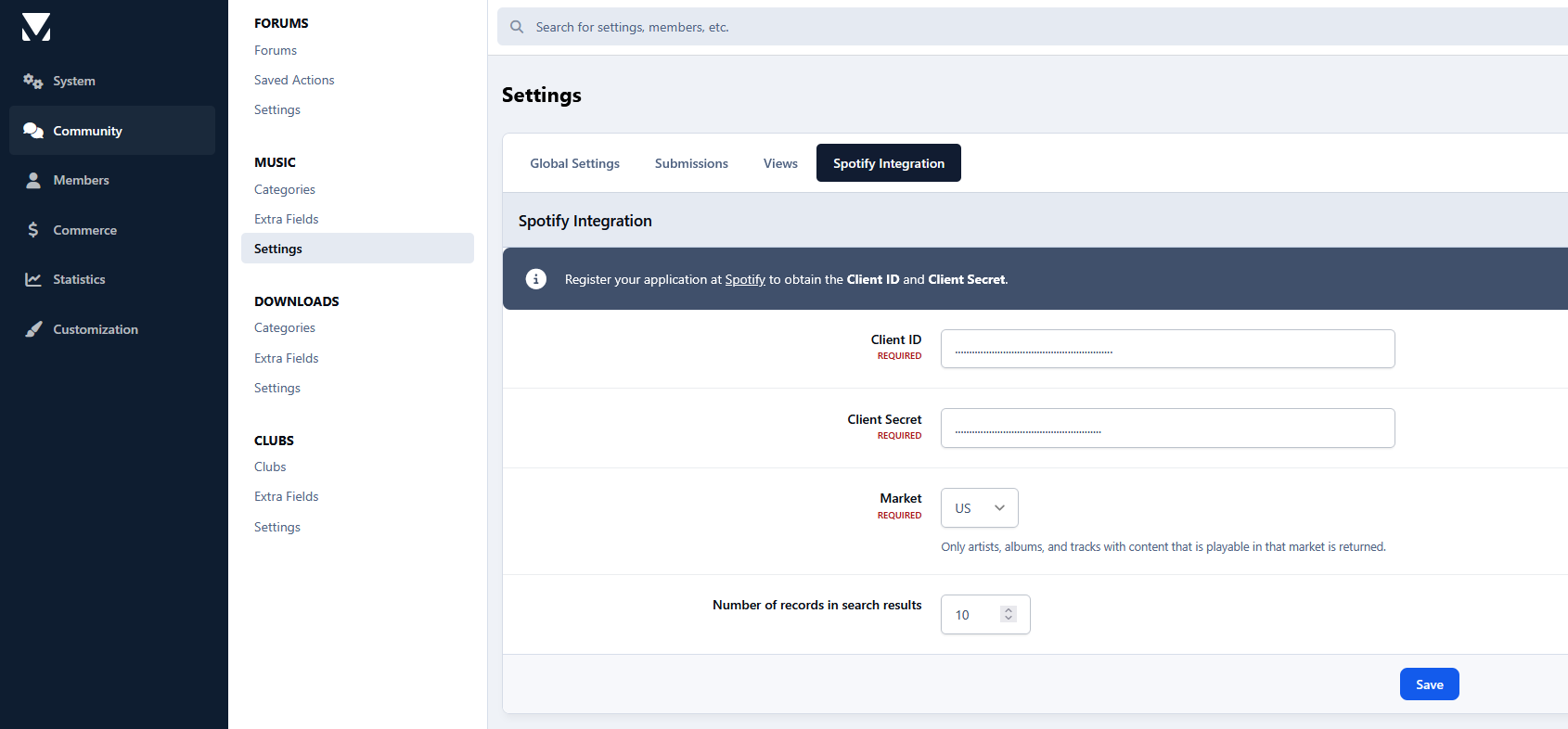
Settings to control the app's behavior in several places/situations.
Create an account or sign in to leave a review
There are no reviews to display.