Invision Community 5
- Category Integrations
- Downloads 99
- Compatibility IC5: 5.0.6+
- App Version 1.0.0
- Updated
Overview
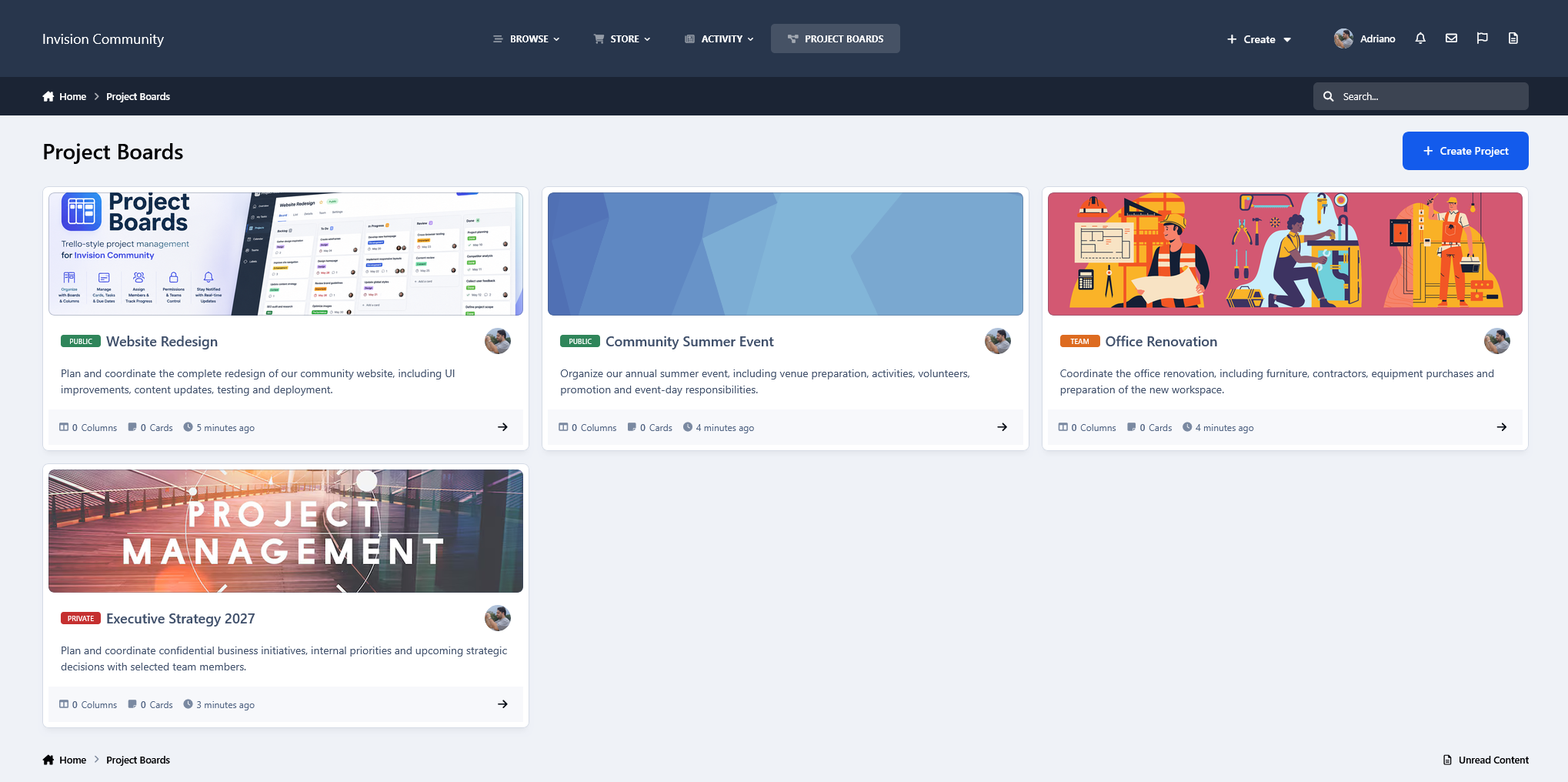
Turn your Invision Community into a collaborative project management workspace with Project Boards, a Trello-style application built specifically for IPS 5.Description
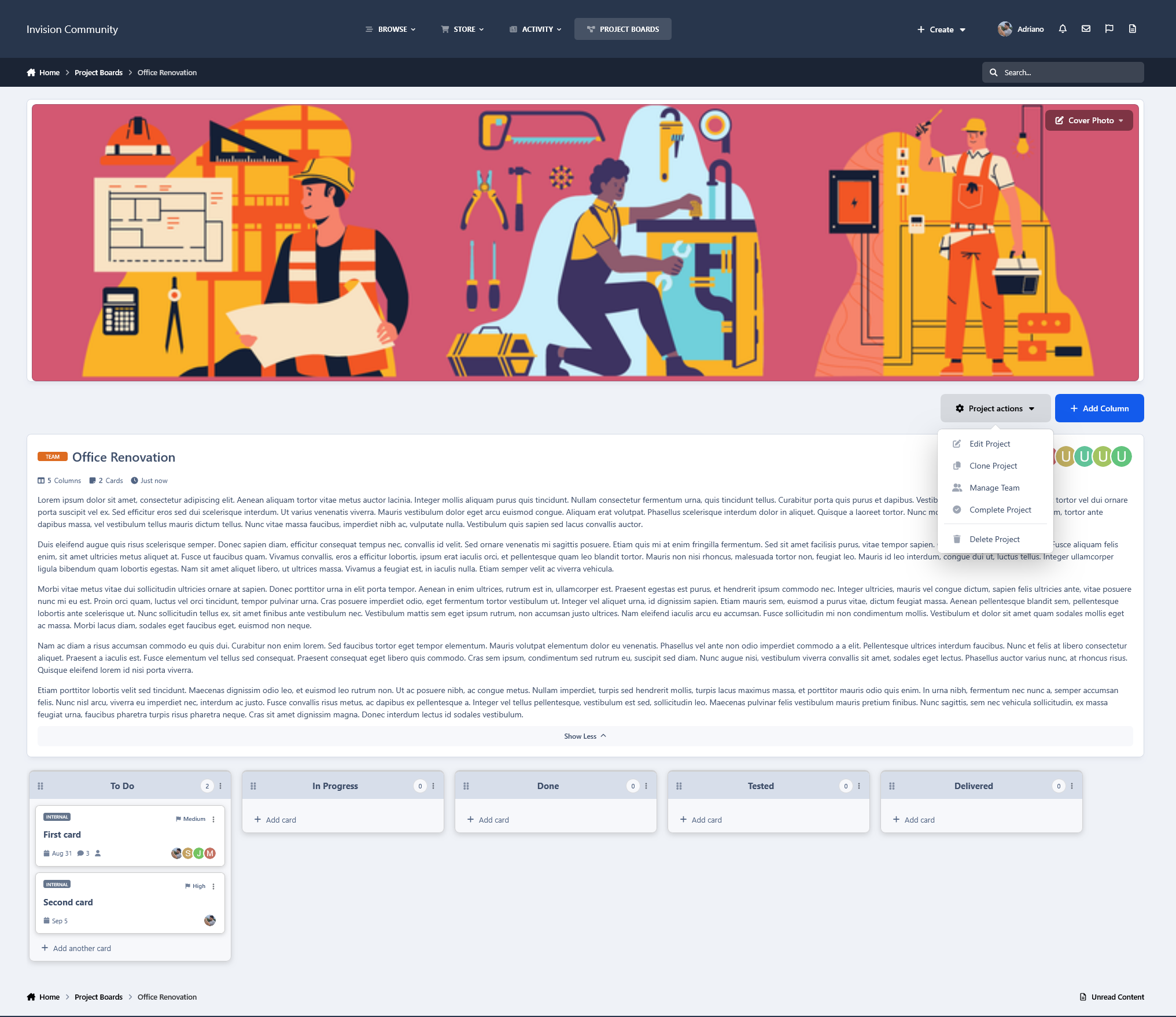
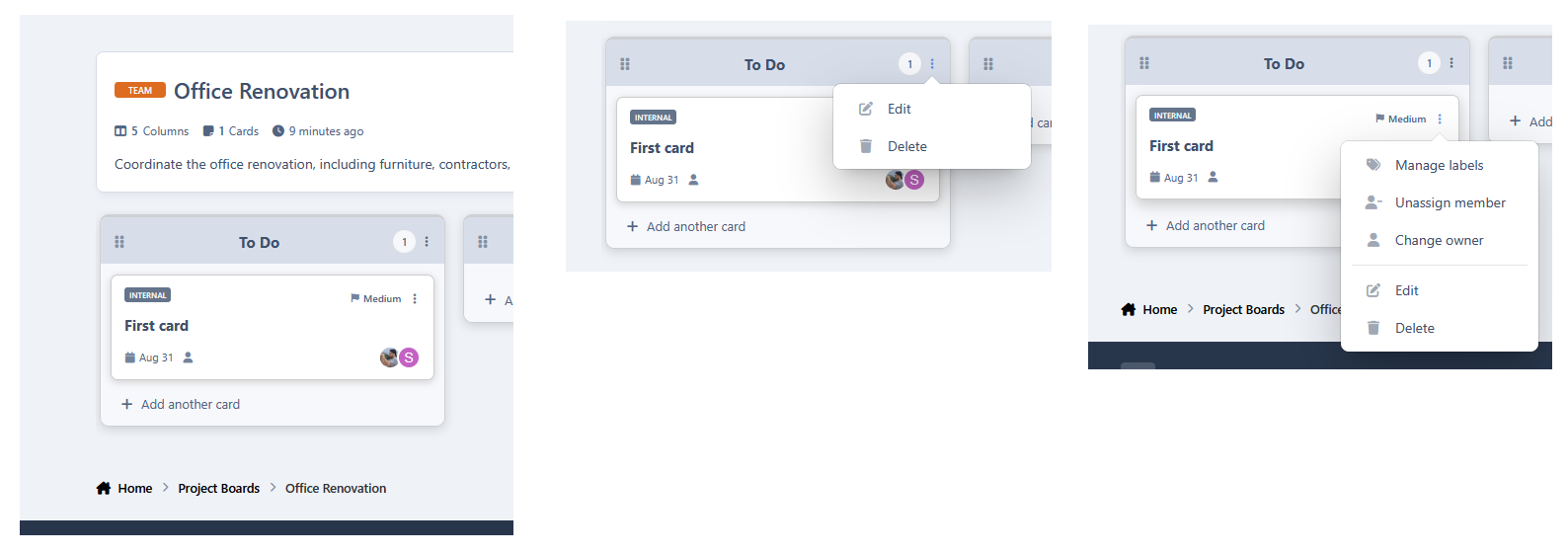
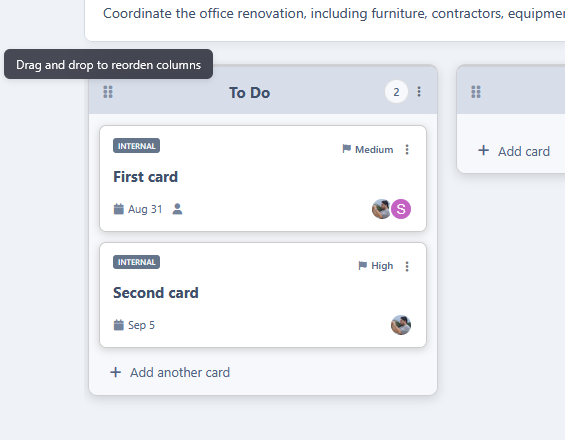
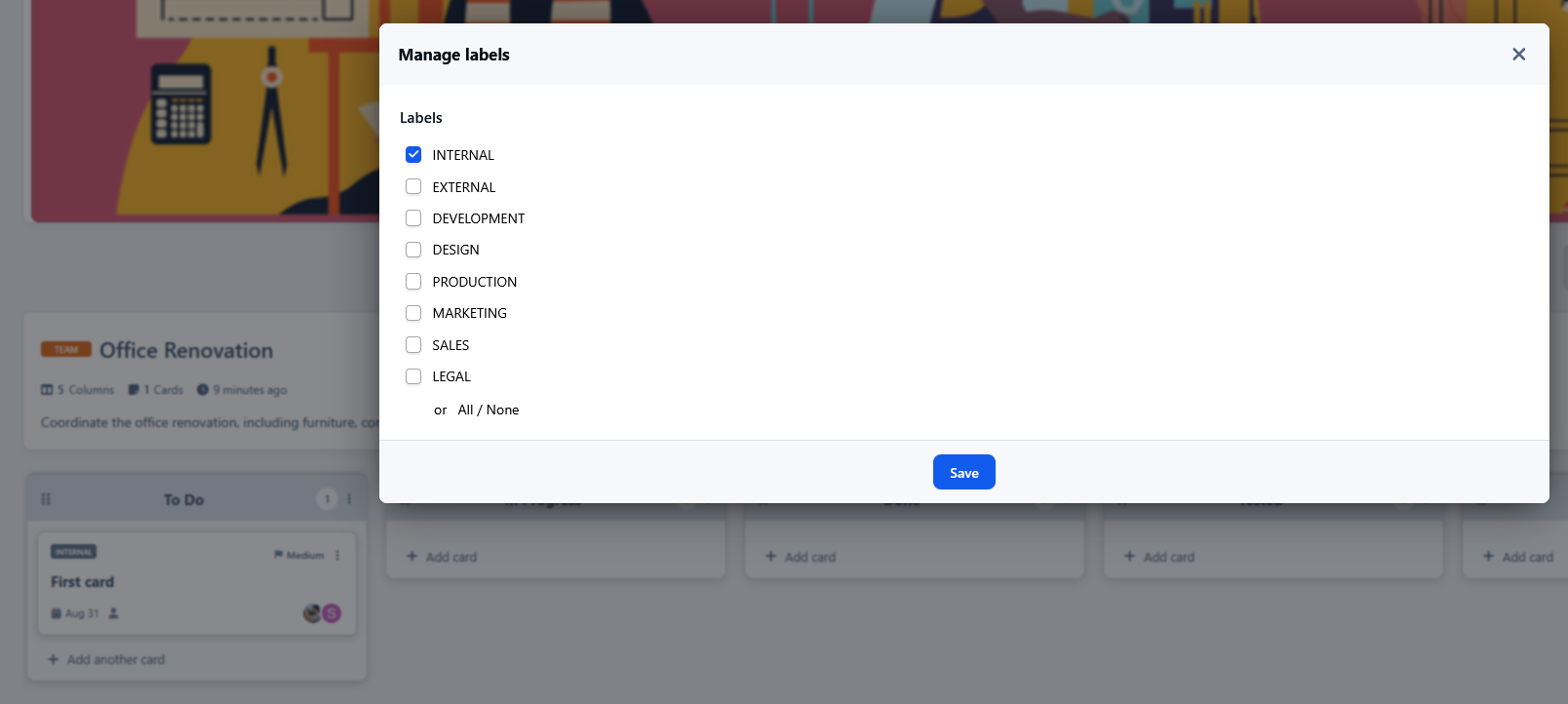
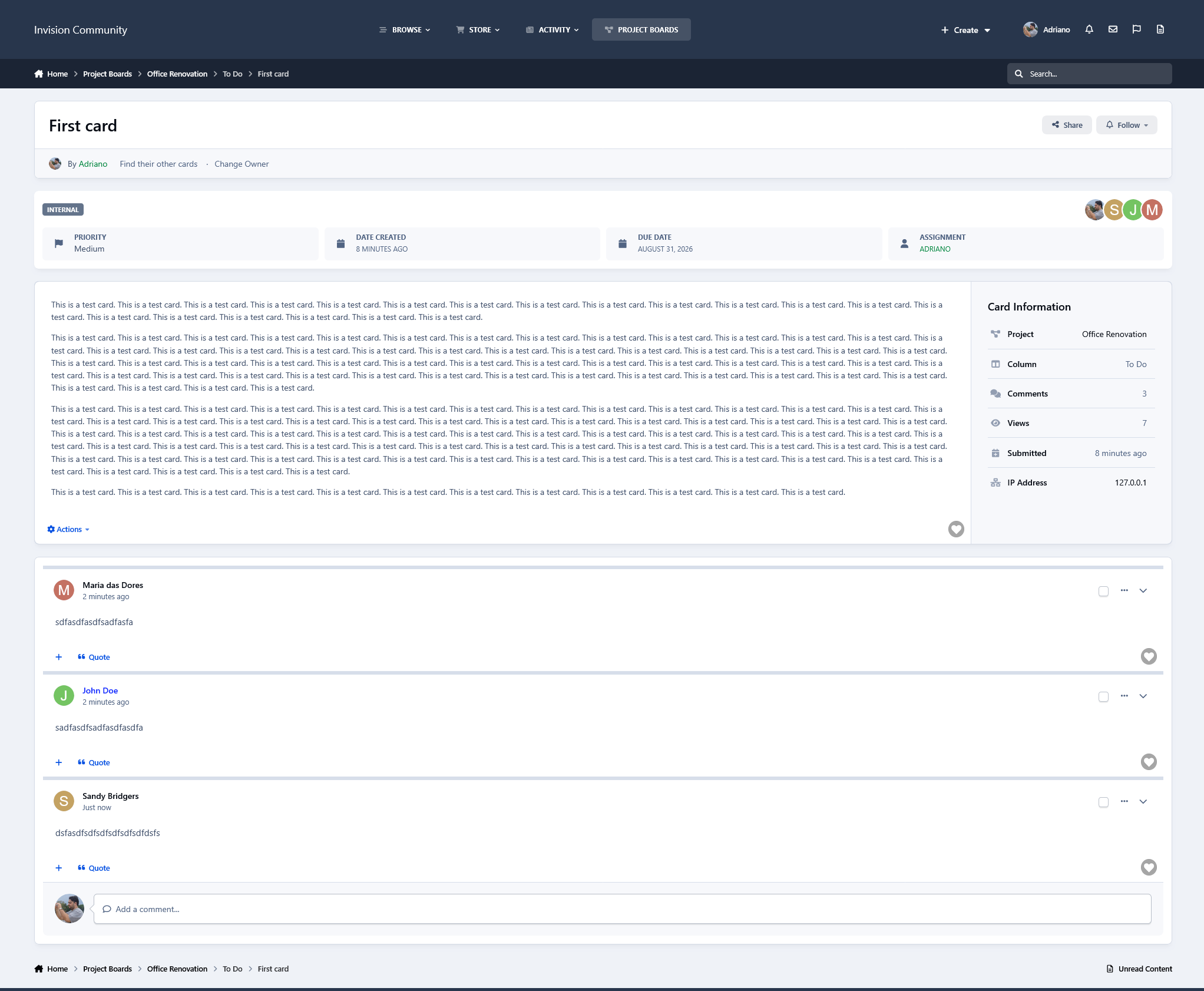
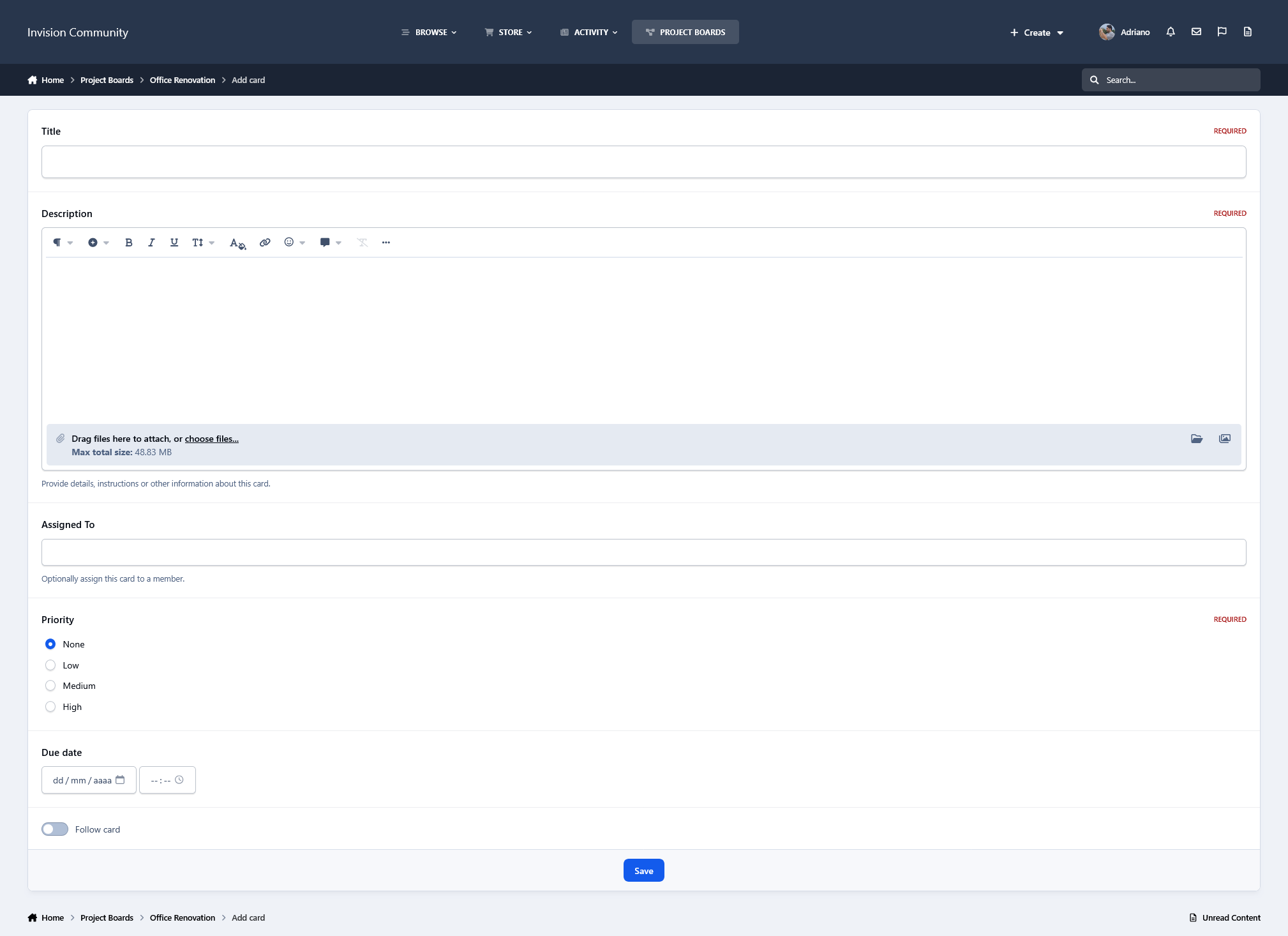
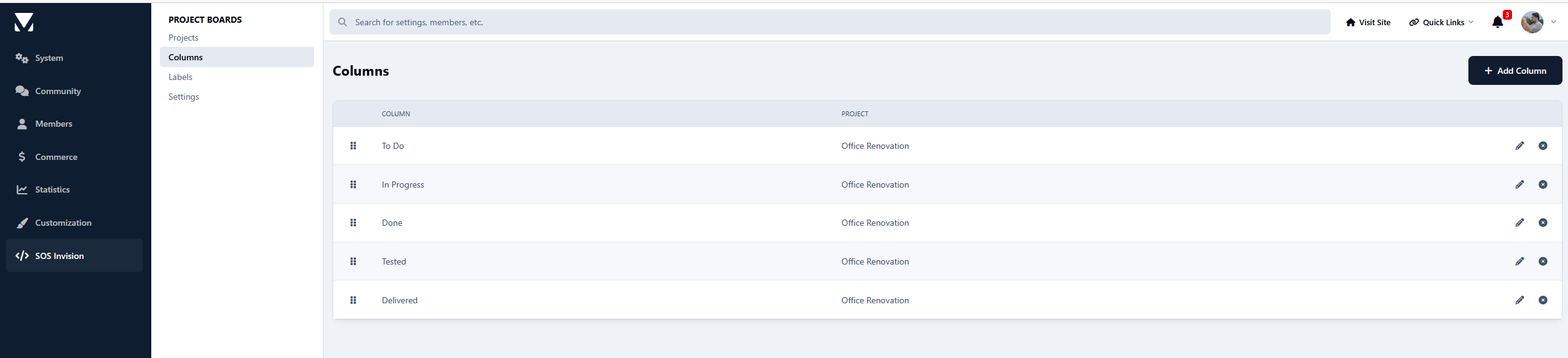
Create projects with customizable columns and manage cards directly from the front end. Cards support descriptions, priorities, due dates, labels, member assignments, ownership, comments, and participant tracking. Cards and columns can be reordered with AJAX-powered drag-and-drop, while several management actions use AJAX and IPS dialogs for a fast, seamless experience.
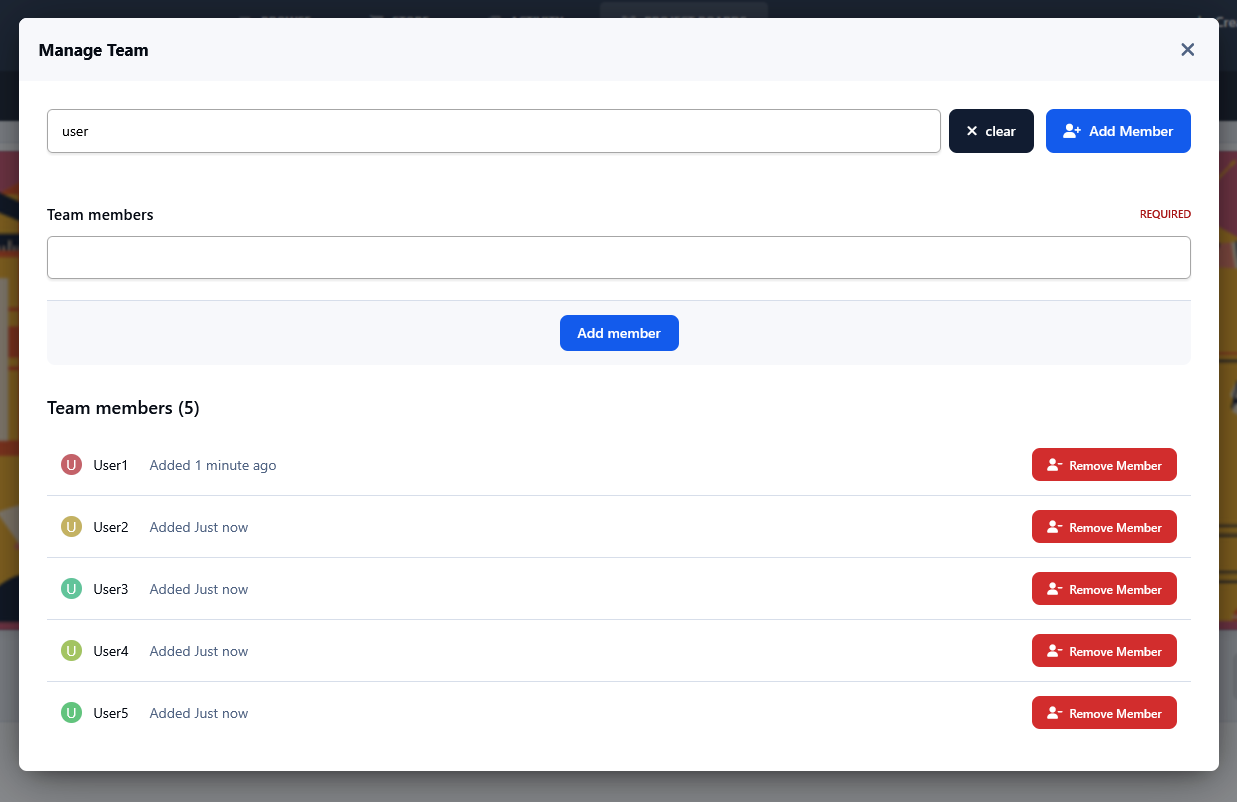
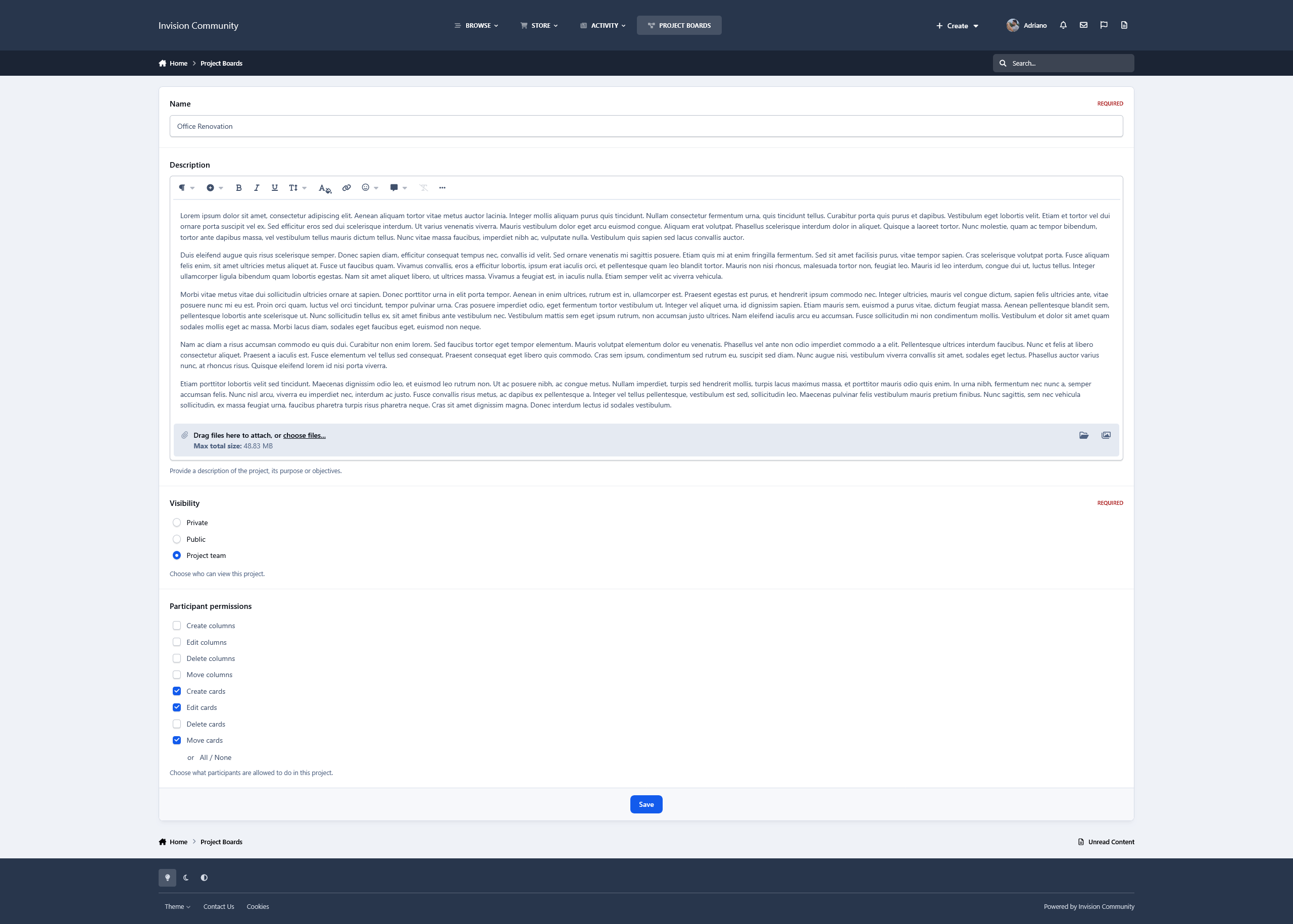
Projects support different visibility modes, dedicated project teams, and granular participant permissions, giving project owners control over who can create, edit, delete, and move cards, manage columns, and perform other board actions.
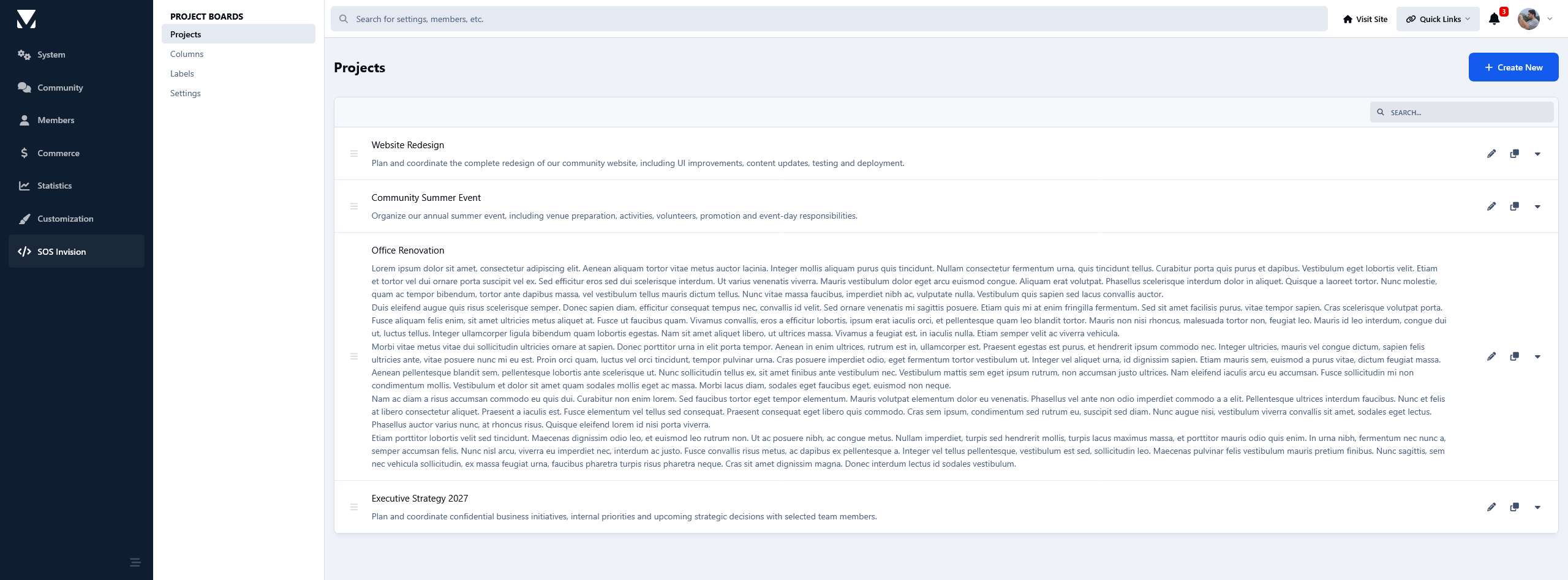
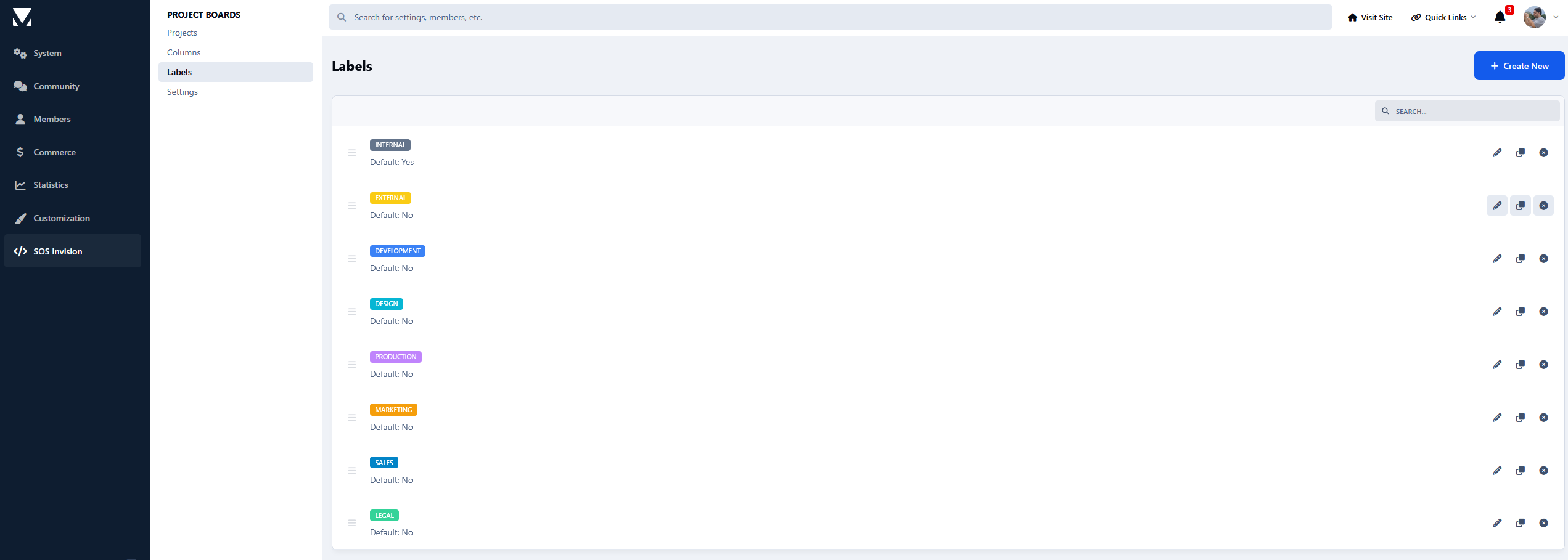
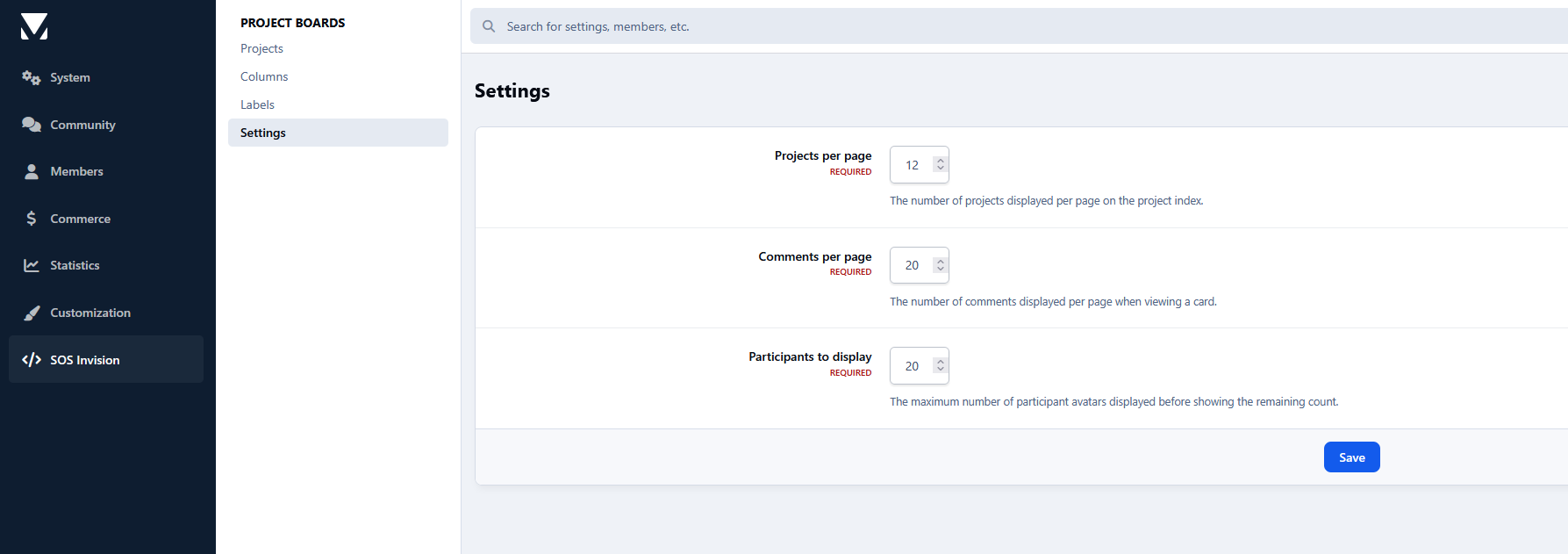
Most day-to-day project management is handled entirely from the front end, including cards, columns, assignments, teams and permissions, while administrators retain centralized control through dedicated AdminCP sections for Projects, Columns, Labels and Settings.
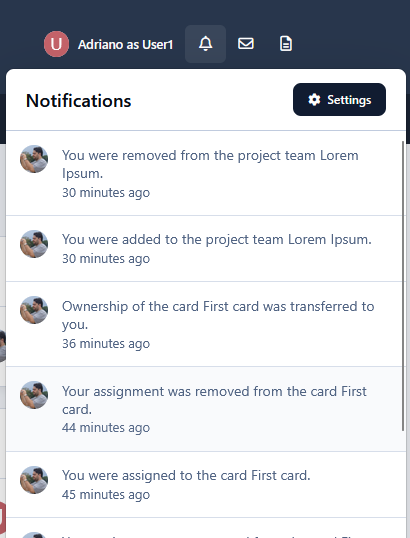
Members can also receive inline and email notifications when they are assigned to or unassigned from cards, receive card ownership, or are added to or removed from project teams.
Projects can be cloned, reordered, and marked as completed, preserving completed boards as read-only records.
Whether you're managing development, staff tasks, community projects, content planning, or collaborative workflows, Project Boards brings a familiar Trello-style experience directly into your Invision Community.
There are no reviews to display.