Invision Community 5
Invision Community 4
- Category Integrations
- Downloads 76
- Compatibility IC5: 5.0.4+ IC4: 4.7.15+
- App Version 3.0.9
- Updated
Overview
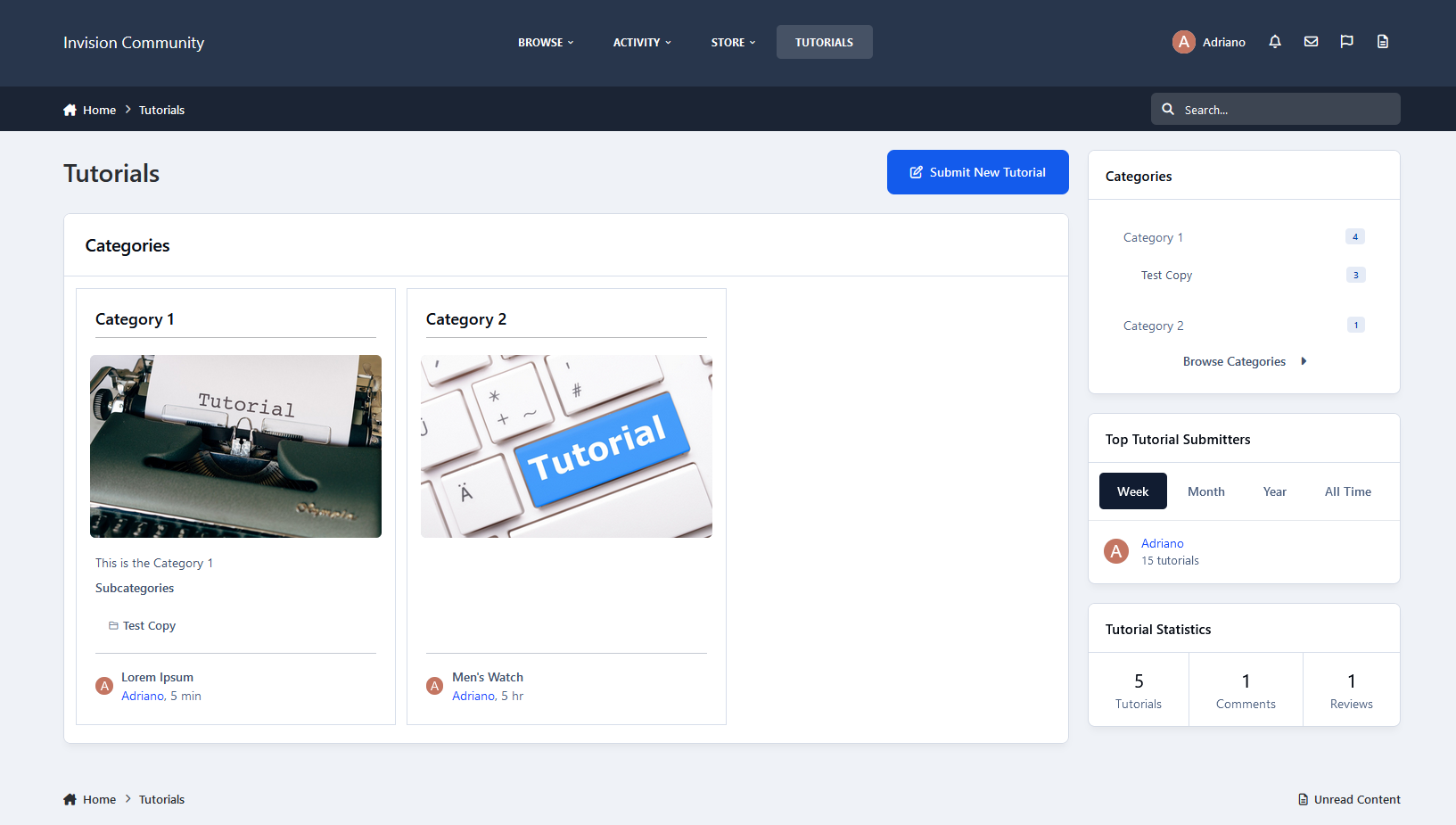
A full-featured Tutorials/Article system for your IPS Community.Description
A full-featured Tutorials/Article system for your IPS Community.
Here's a quick rundown of some of the features of this application:
Fully compatible with the framework:
Clubs, Reactions, Recommended Comments, Follow categories and tutorials, Content Messages, Search, Tags, Reports, RSS Feed, RSS/Atom Feed Imports, Advertisement, Bulk Mail, Sitemap, etc.
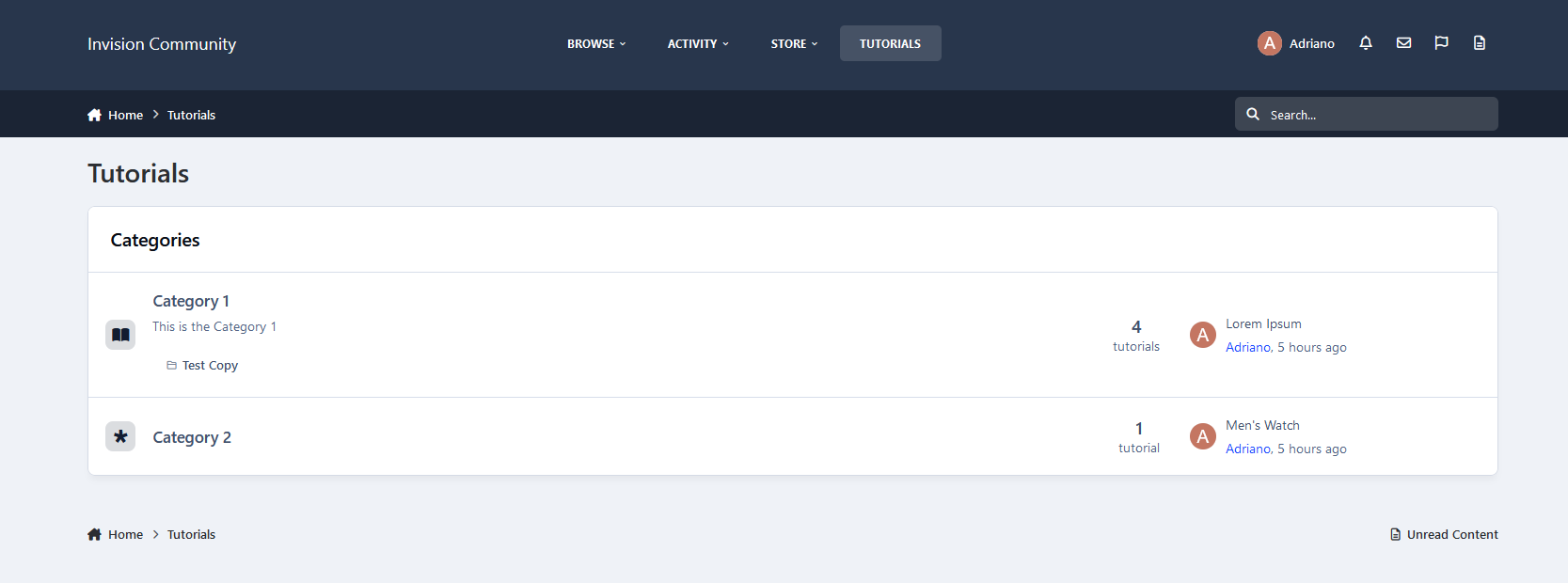
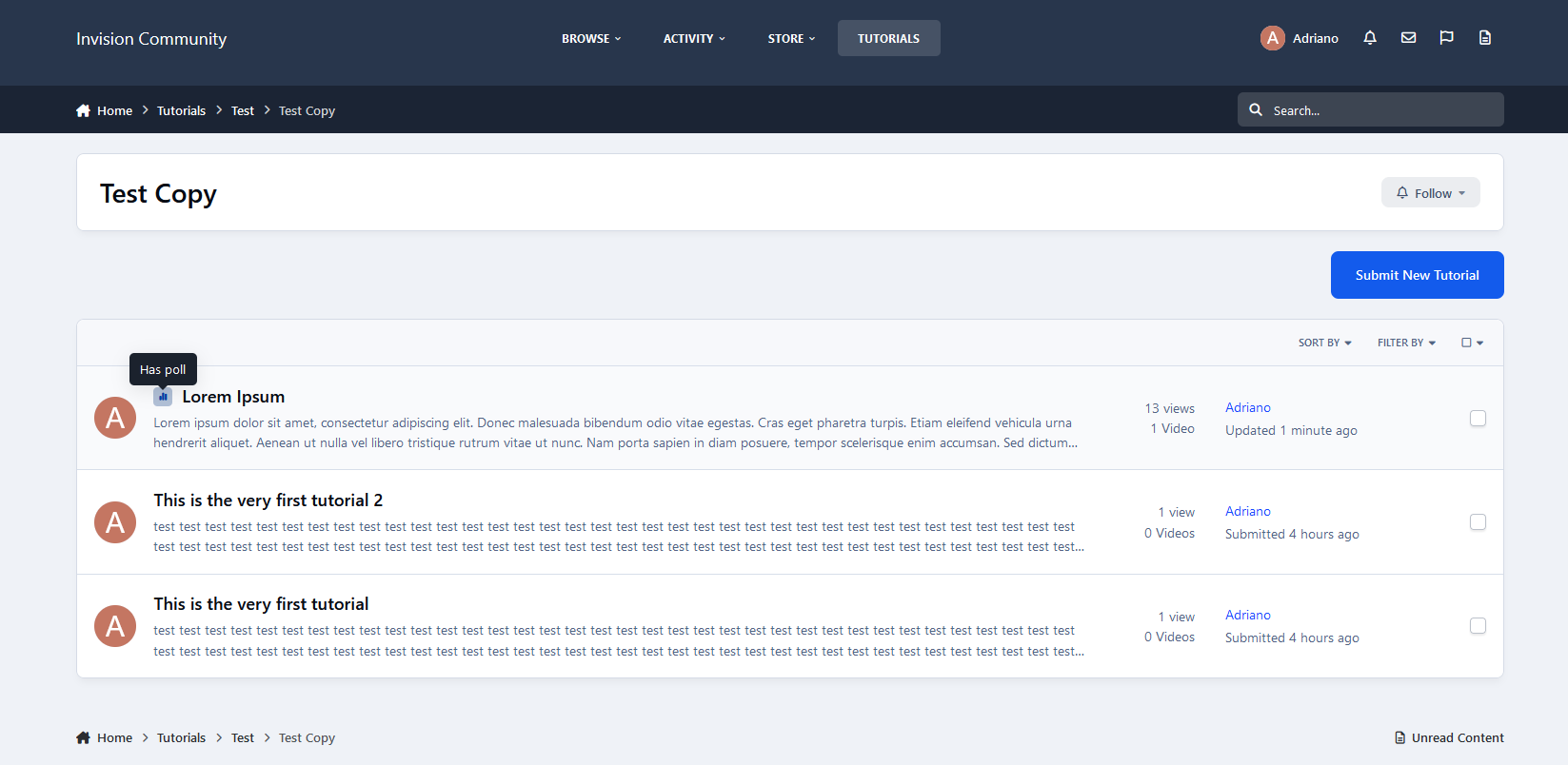
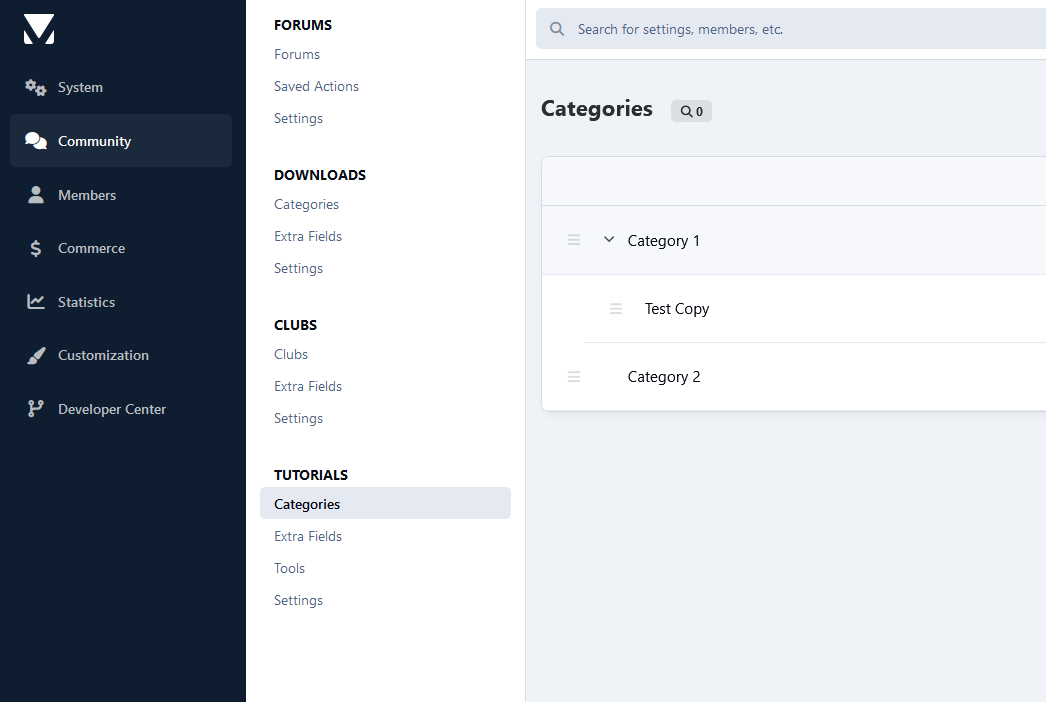
Unlimited categories of articles, plus the unlimited depth of parent-child relationships
Category Image and Icon
Ability to use the comments system or support topics, or both
Per-category permissions to show categories, read articles, submit articles, add comments, and avoid approval queues
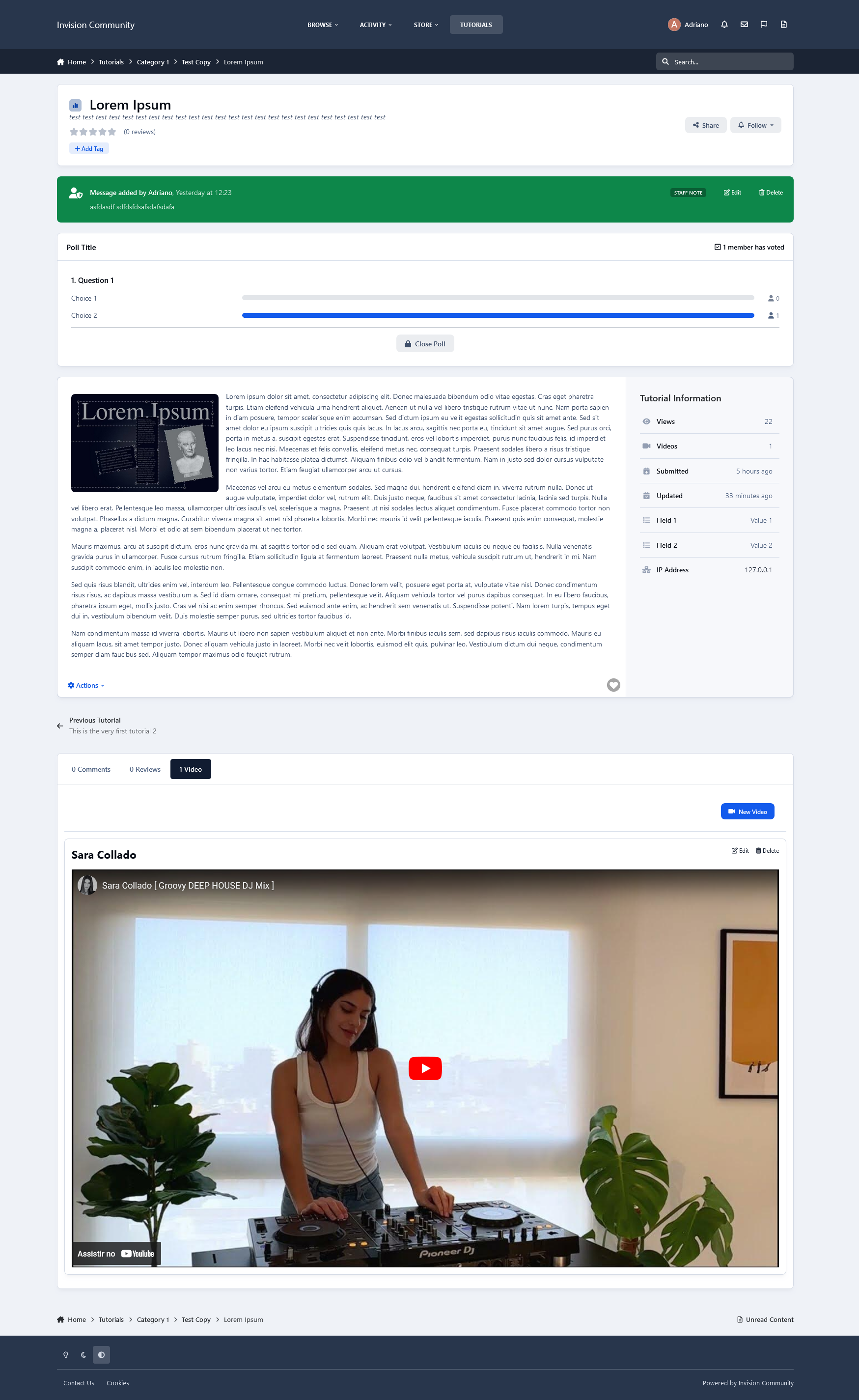
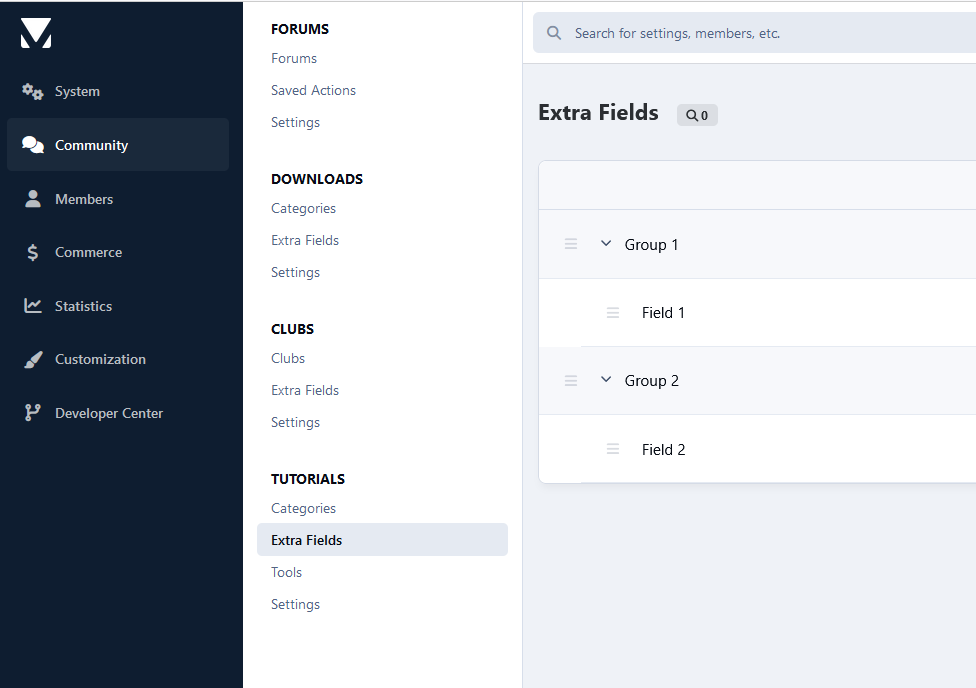
Extra Fields that can be used per category, grouped (just like profile fields)
Ability to create polls in tutorials
Group permissions on specific actions
Moderator actions on articles and comments
Ability to attach files to tutorials and comments
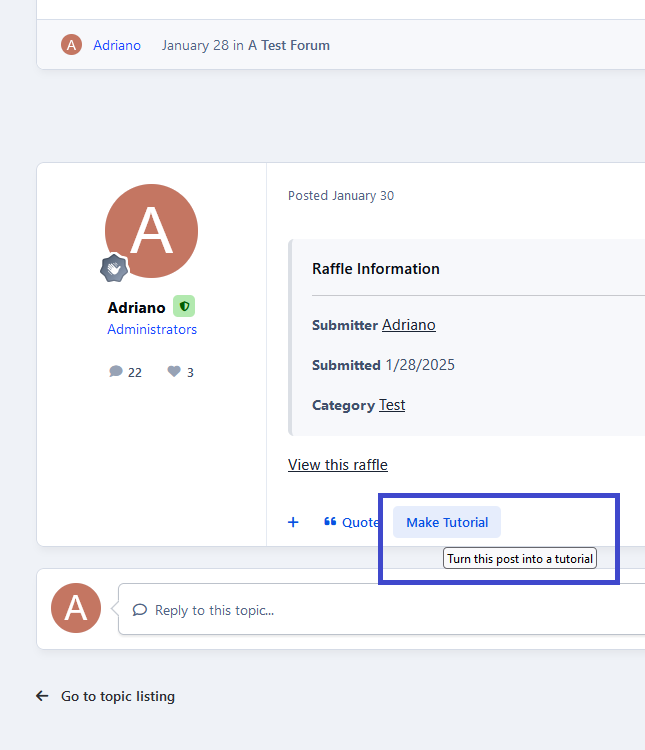
Ability to quickly convert a forum post into a new tutorial
Ability to copy a tutorial from one category to another or the same category
Friendly URLs for tutorials and categories
Ability to rate tutorials
Ability to follow categories and tutorials to receive notifications on updates
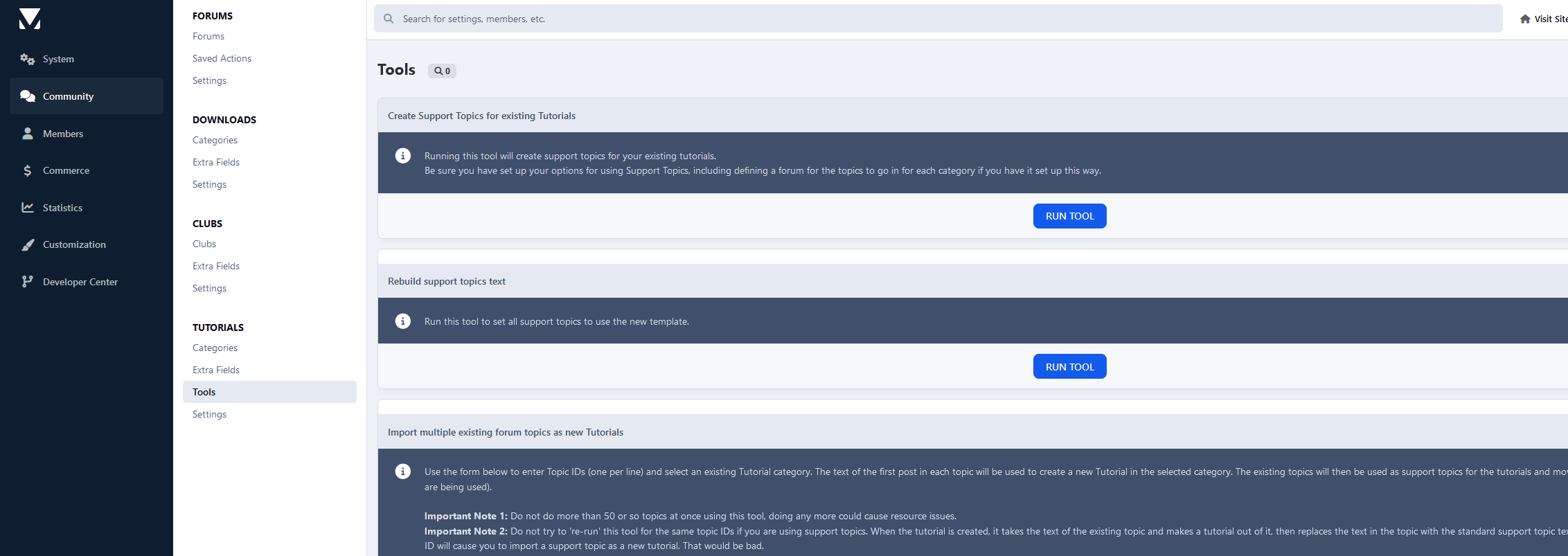
Tools to create topics for existing tutorials, make tutorials of topics, and rebuild support topics text if you have changed the template on Tutorials settings.
And much, much more!
Create an account or sign in to leave a review
There are no reviews to display.