Invision Community 5
Invision Community 4
- Category Integrations
- Downloads 76
- Compatibility IC5: 5.0.4+ IC4: 4.7.15+
- App Version 2.0.17
- Updated

Overview
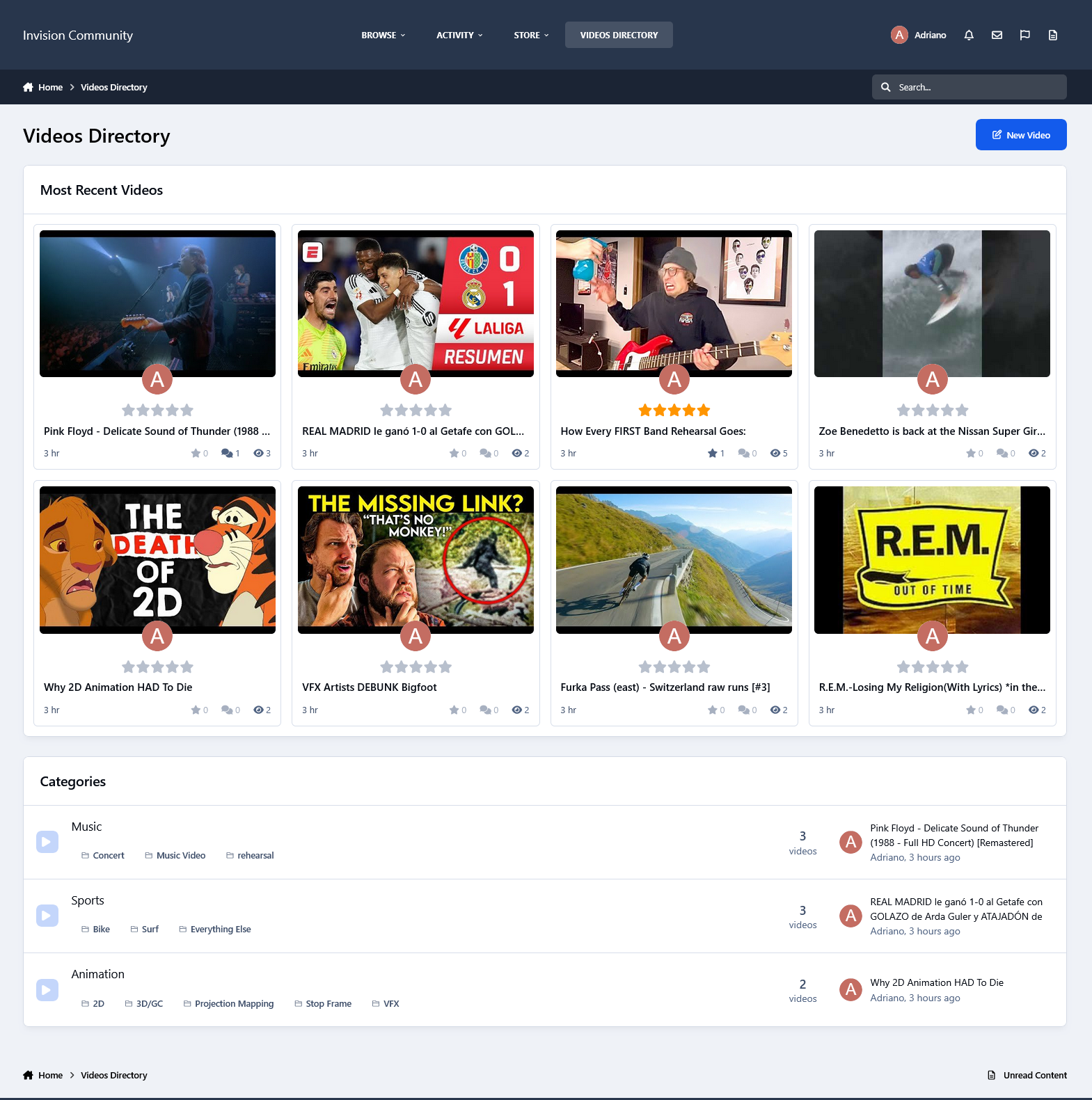
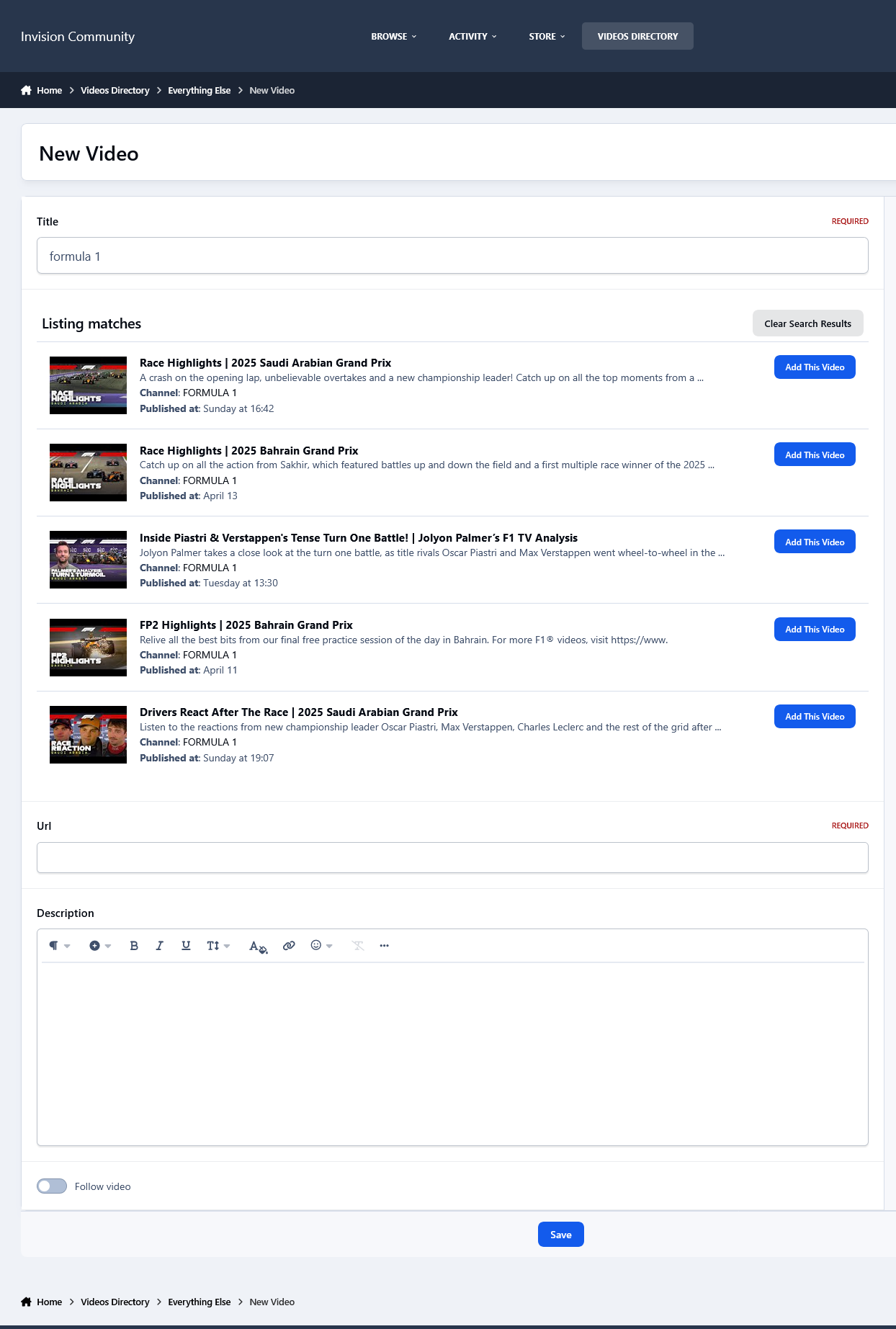
This application will allow users to create records from their preferred videos on YouTube (including regular and short videos), Vimeo, and Dailymotion, or even upload videos. The application automatically retrieves video thumbnails, so all you need to do is enter the video title, paste the URL, and optionally add a description—that's it.Description
This application will allow users to create records from their preferred videos on YouTube (including regular and short videos), Vimeo, and Dailymotion, or even upload videos. The application automatically retrieves video thumbnails, so all you need to do is enter the video title, paste the URL, and optionally add a description—that's it.
Key features of this application include:
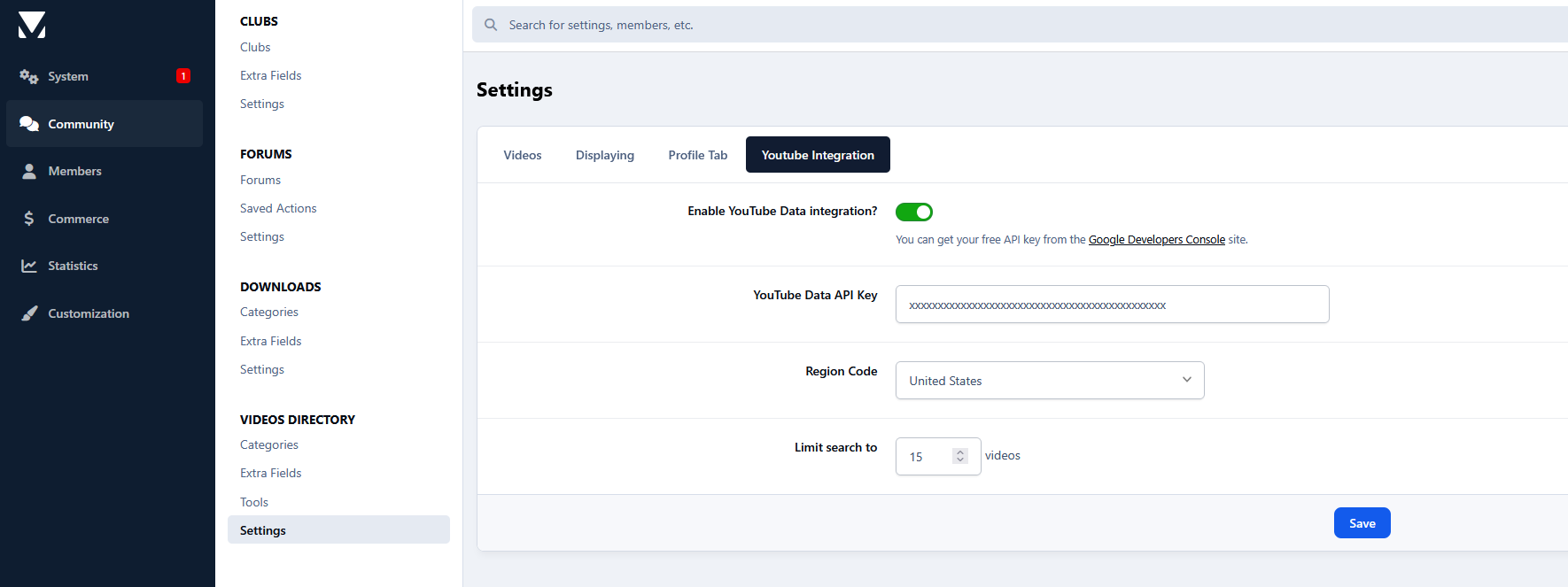
Integrated with the YouTube Data API to grab data from videos via search to add them quickly.
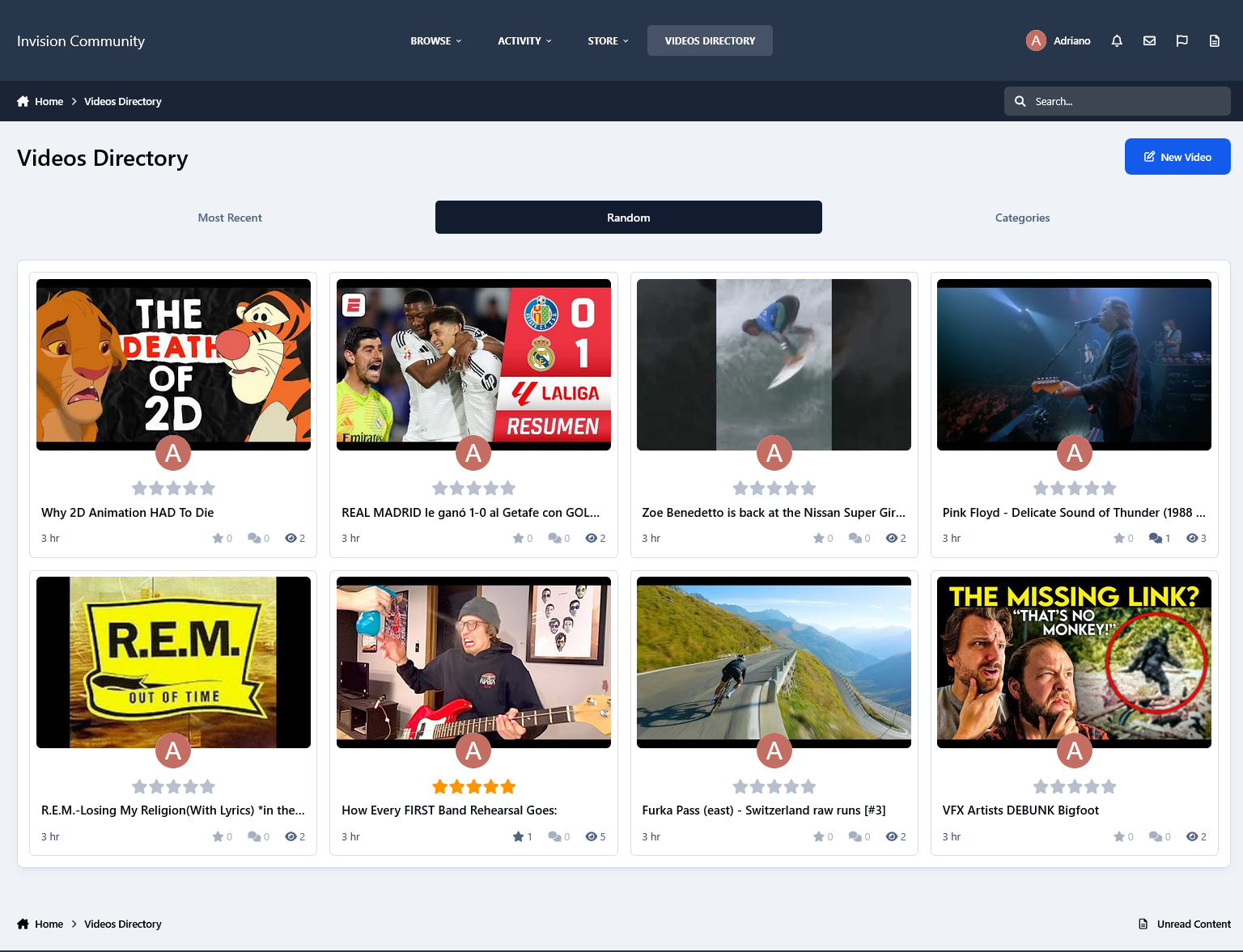
Two options to choose how the index will look like: Blocks or Tabs.
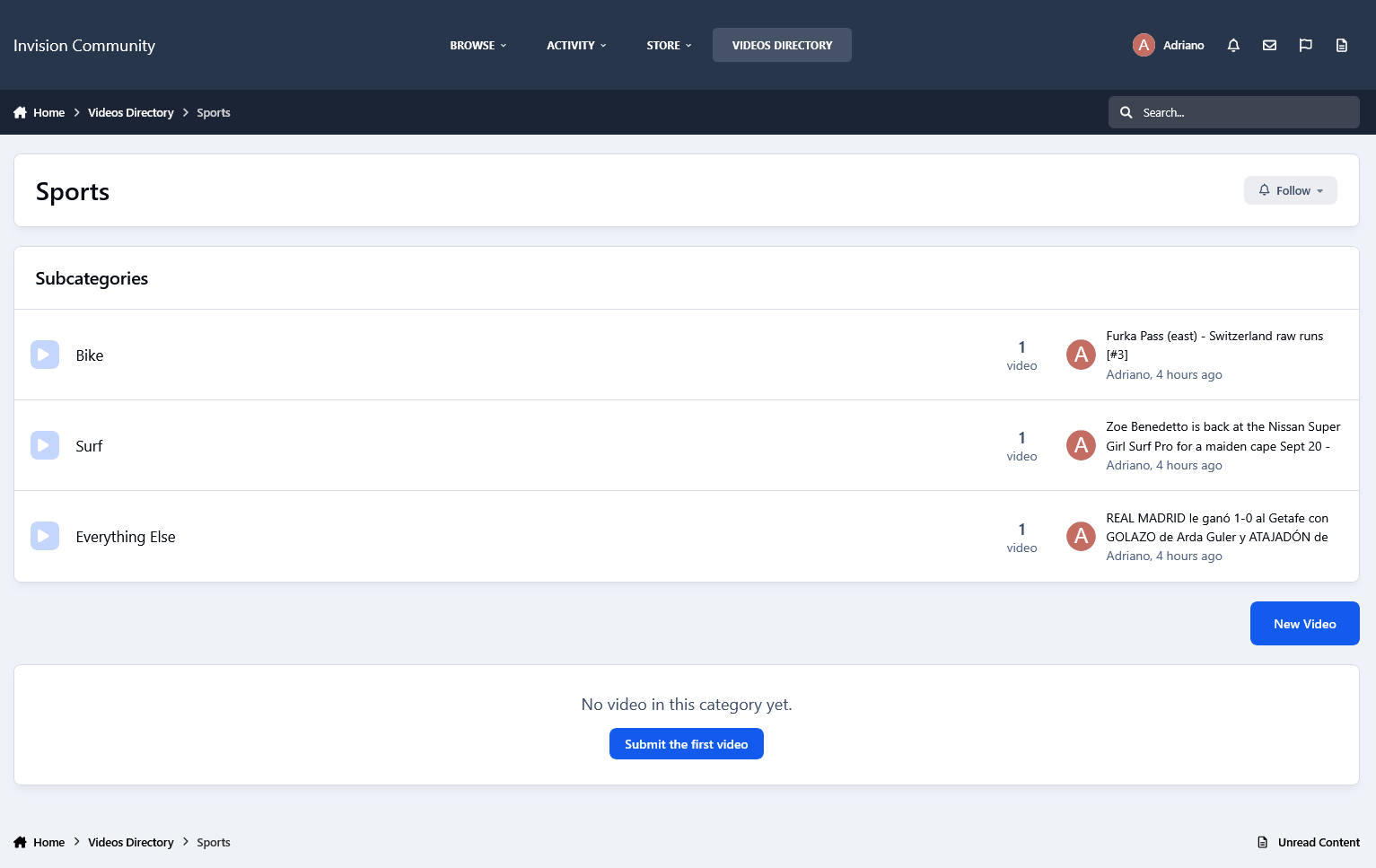
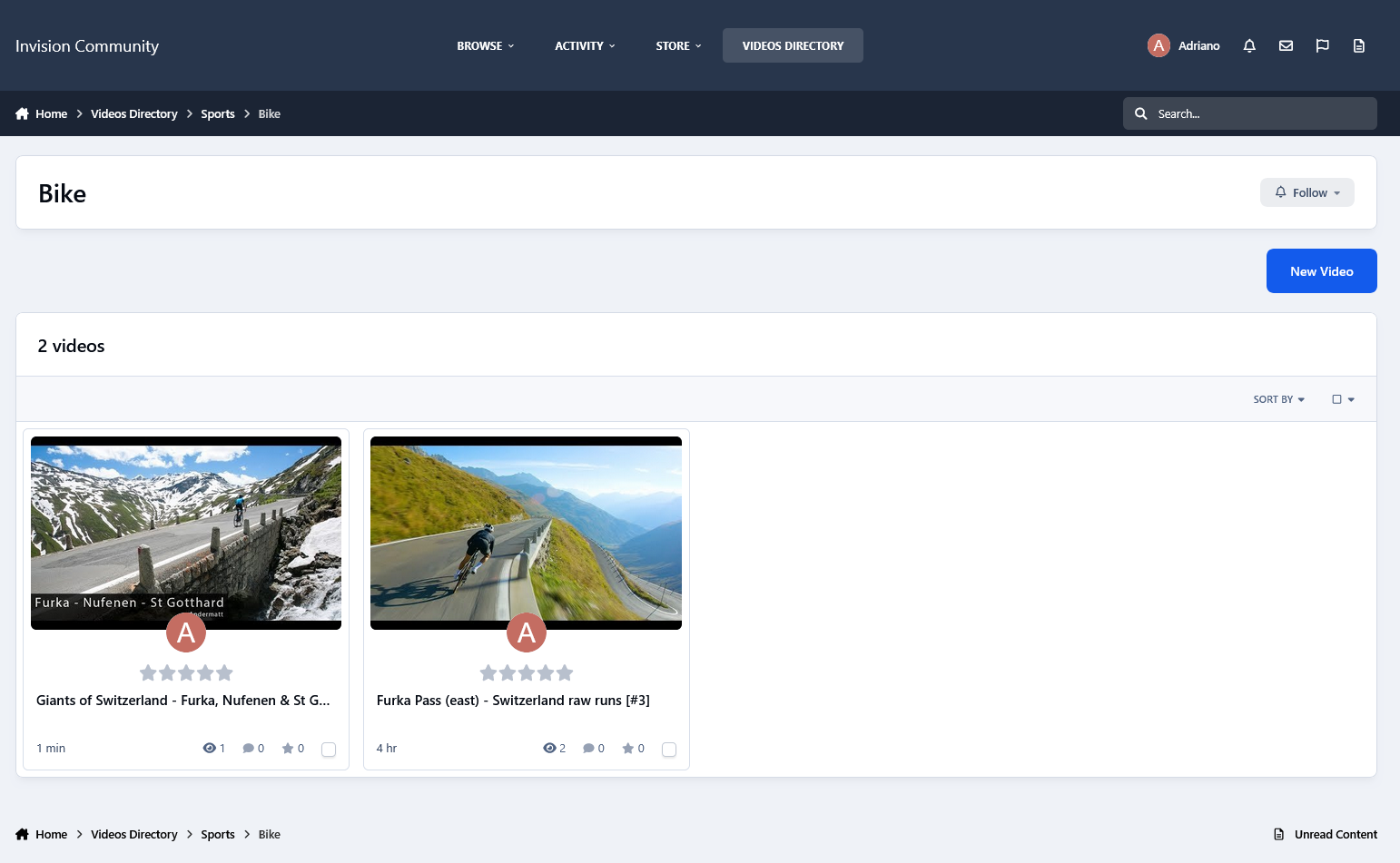
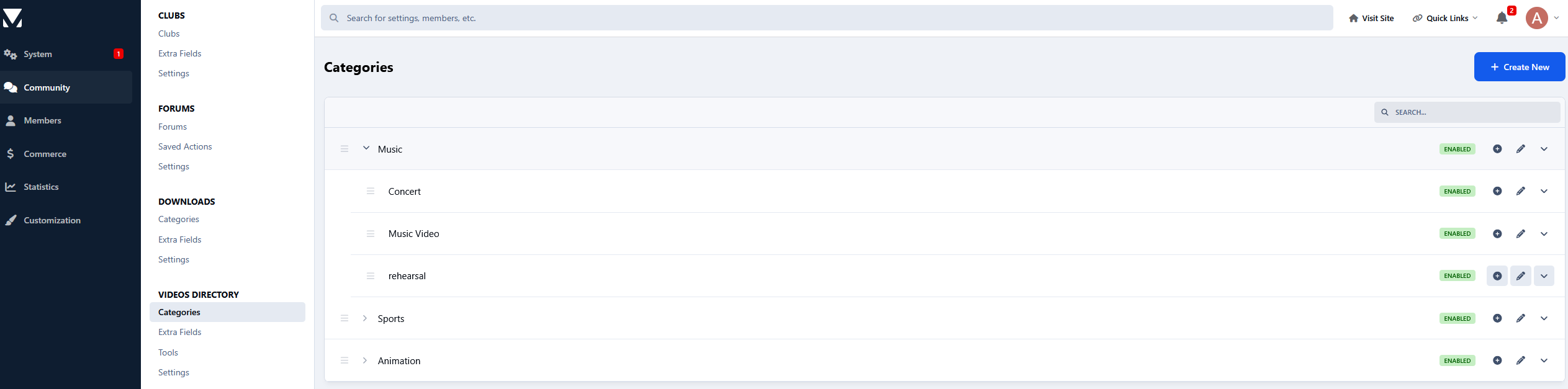
Unlimited categories with support for unlimited parent-child relationships.
Customizable category icons.
Flexible options to enable a comments and reviews system per category.
Ability to add polls to videos.
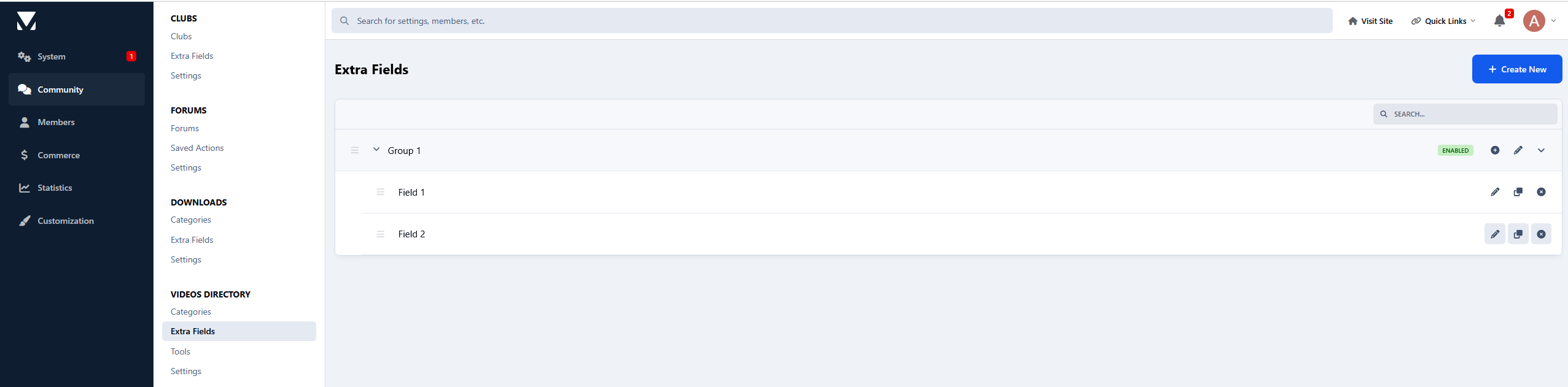
An Extra Fields group that can be used per category.
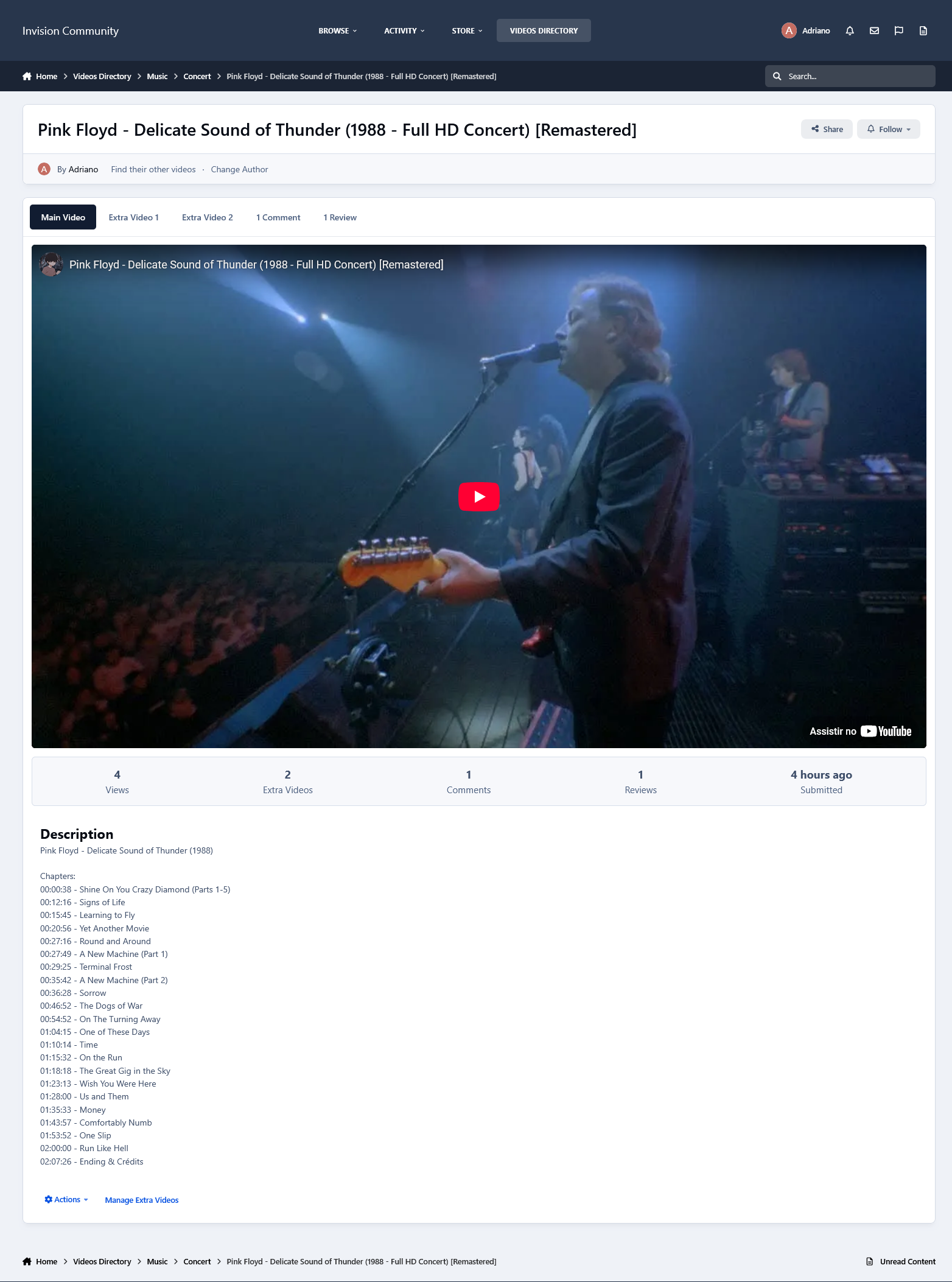
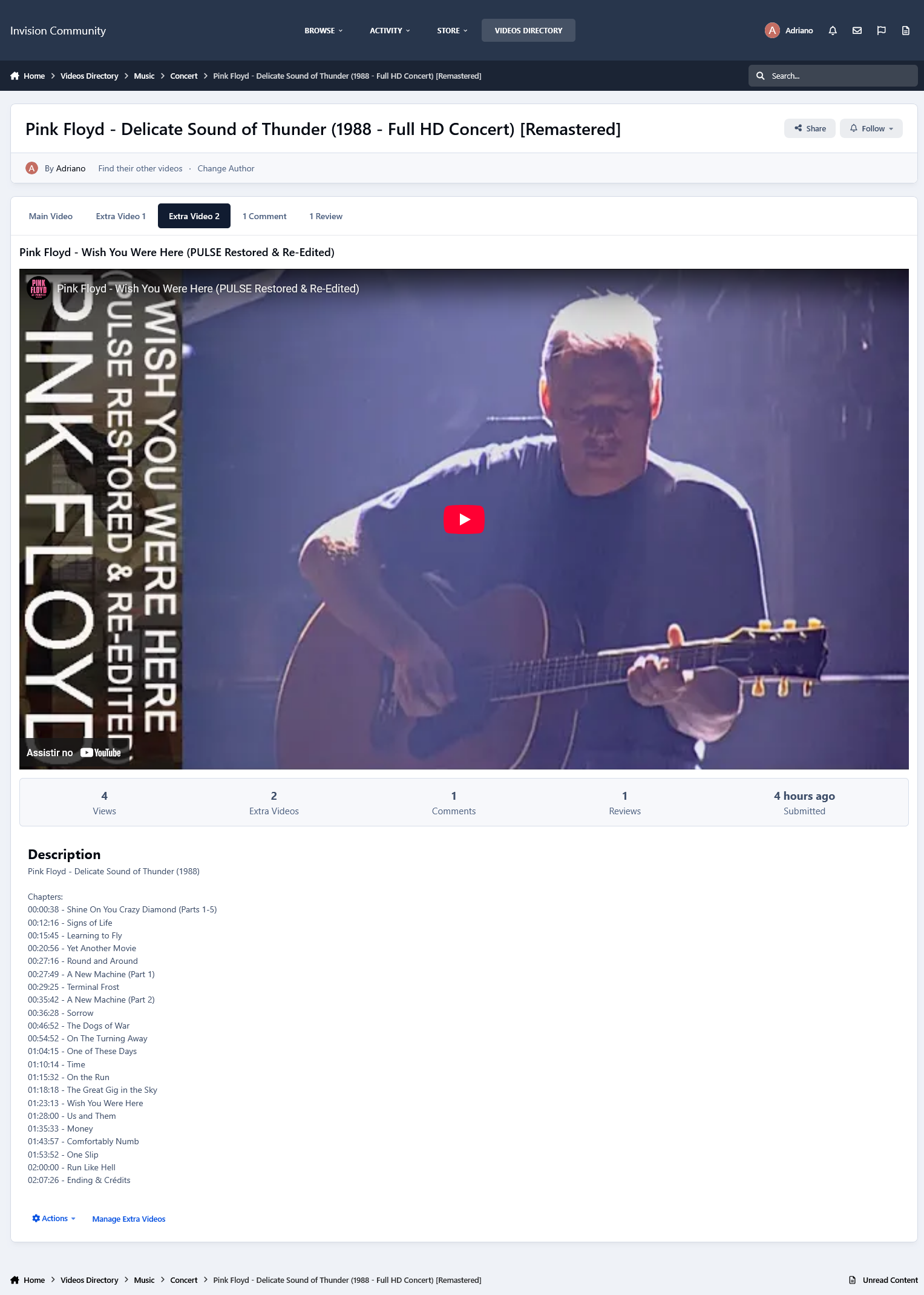
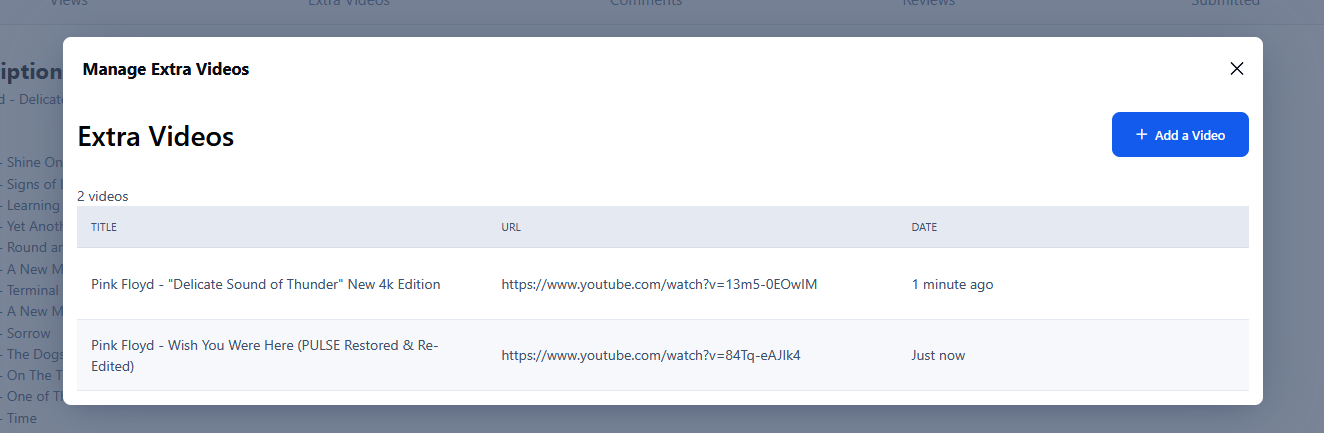
Additional Videos: videos added within a video.
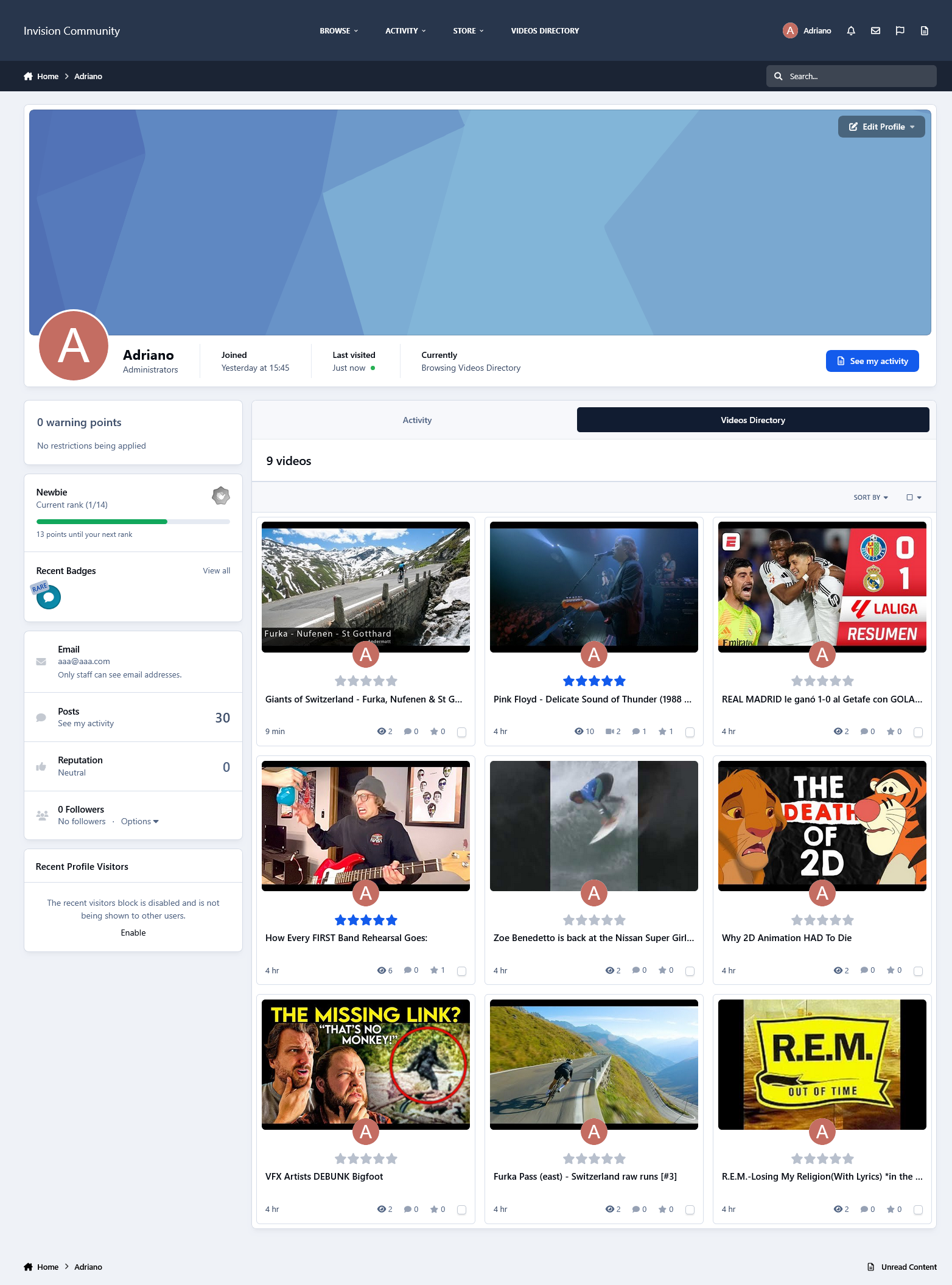
The Profile tab displays the videos submitted by the profile owner.
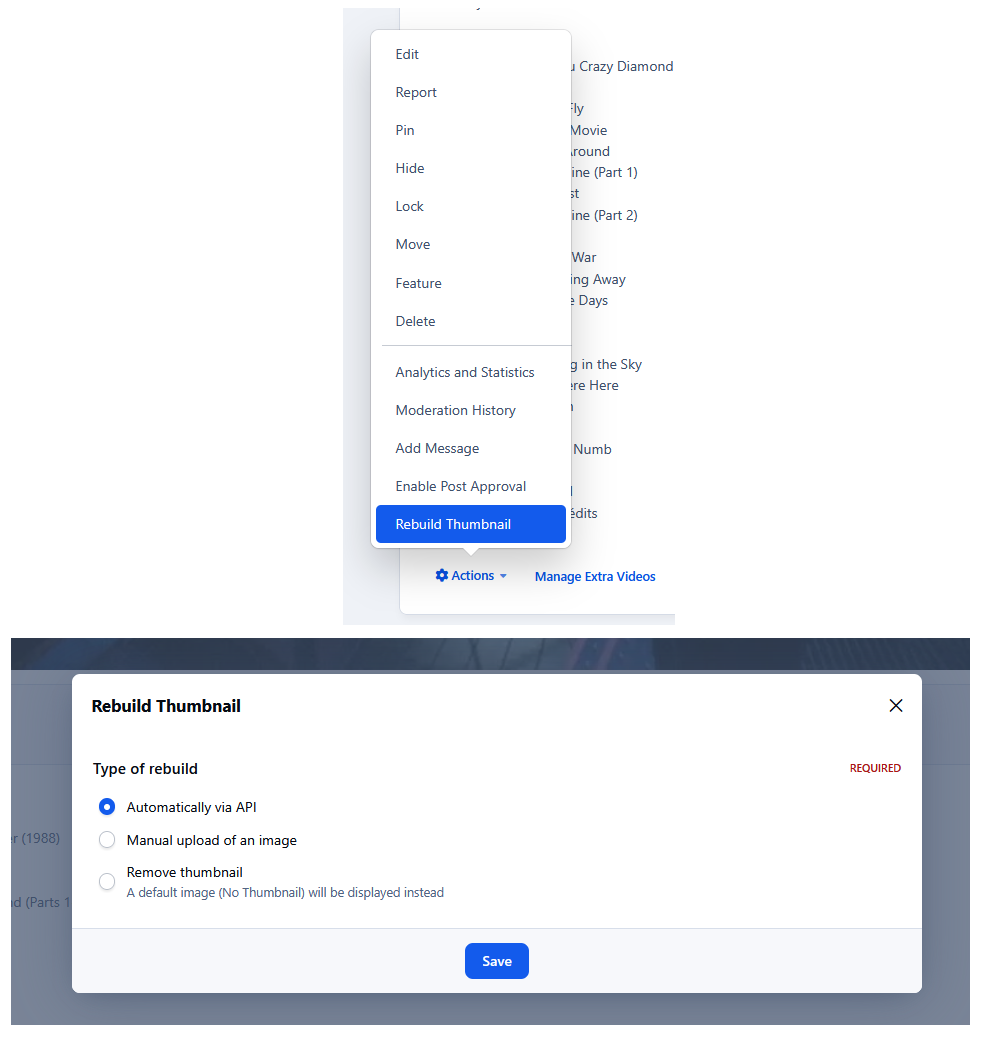
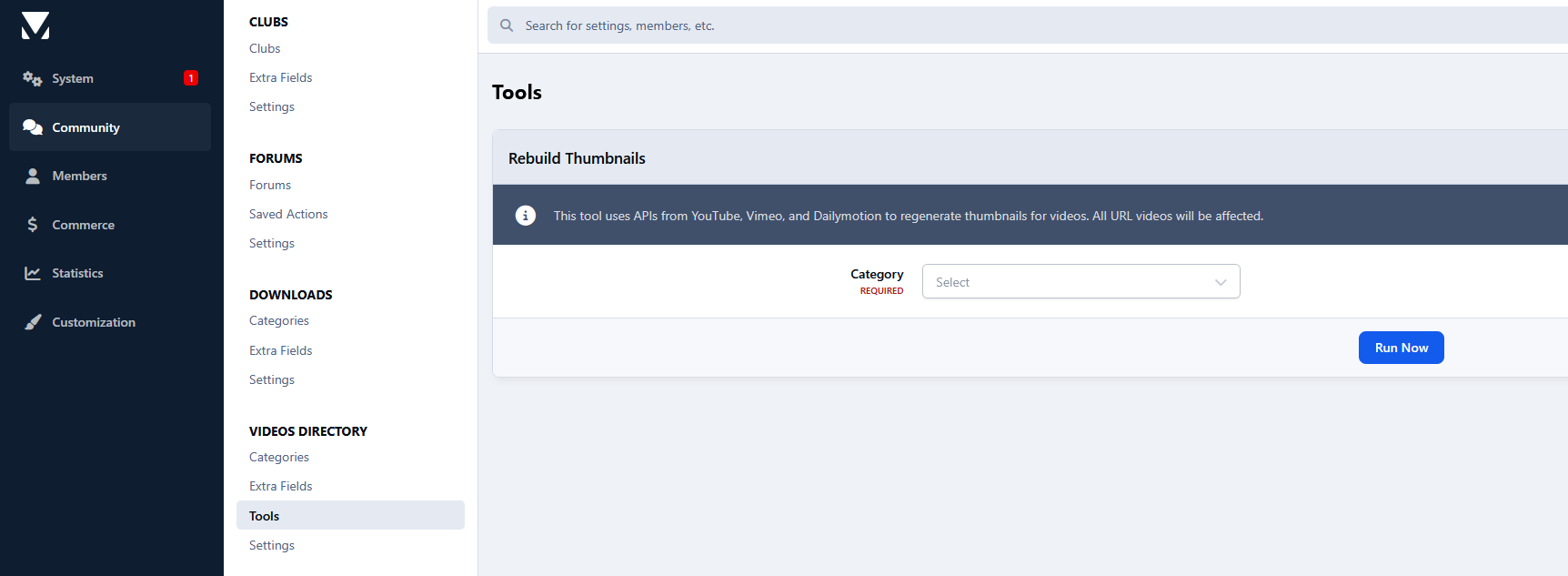
Thumbnail management.
Several places to display advertisements.
Other features:
Integrated with the framework, including features such as search, tags, follow functionality, reactions, and more.
Integration to RSS/Atom Feed Imports.
Support for Rest API
Support for Webhooks
Settings:
Settings to control the application behavior in several places/situations.
Note:
This version does not include a converter for the old Videos application by Mike J. It will be reworked and added in a future update.
Create an account or sign in to leave a review
There are no reviews to display.