(DP5) Single Use License Keys
Invision Community 5
Invision Community 4
- Category Advertising & Marketing
- Downloads 89
- Compatibility IC5: 5+ IC4: 4.7.x+
- Updated
Overview
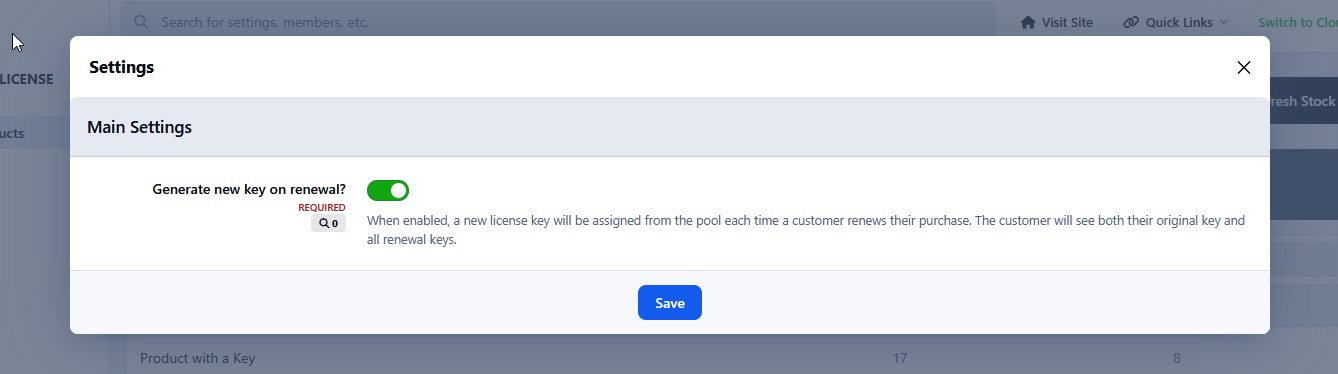
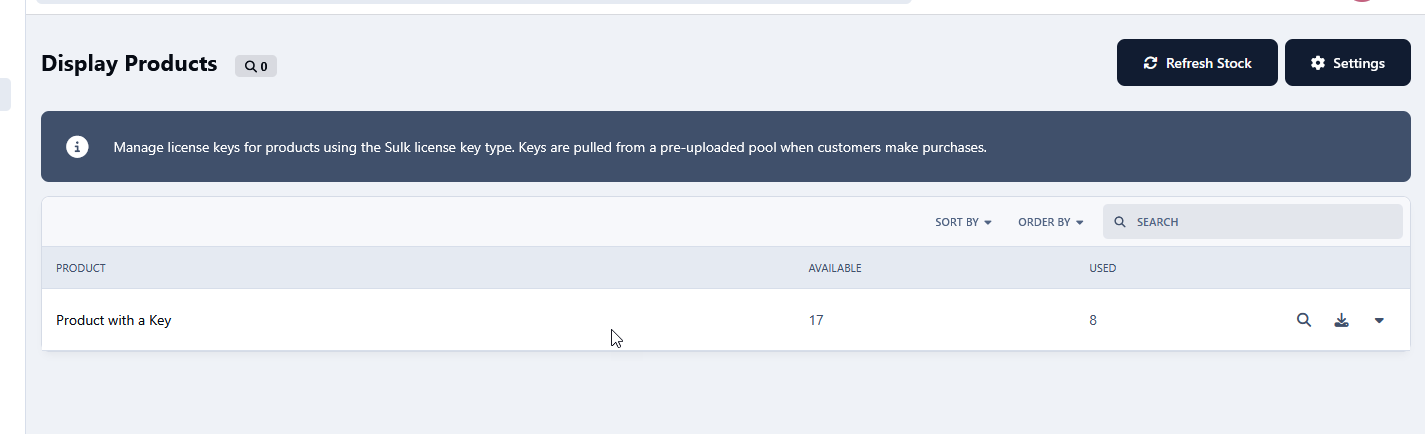
A powerful extension for Invision Community's Commerce module that enables the sale of pre-generated license keys - keys that were created externally by a third-party system or software vendor.Description
A powerful extension for Invision Community's Commerce module that enables the sale of pre-generated license keys - keys that were created externally by a third-party system or software vendor.
The Problem It Solves
By default, Commerce generates random license keys at the moment of purchase, with no control over their format or value. This makes it impossible to sell keys generated by external systems - meaning software vendors, game developers, and SaaS providers are forced to use meaningless random strings instead of their own license infrastructure.
How It Works
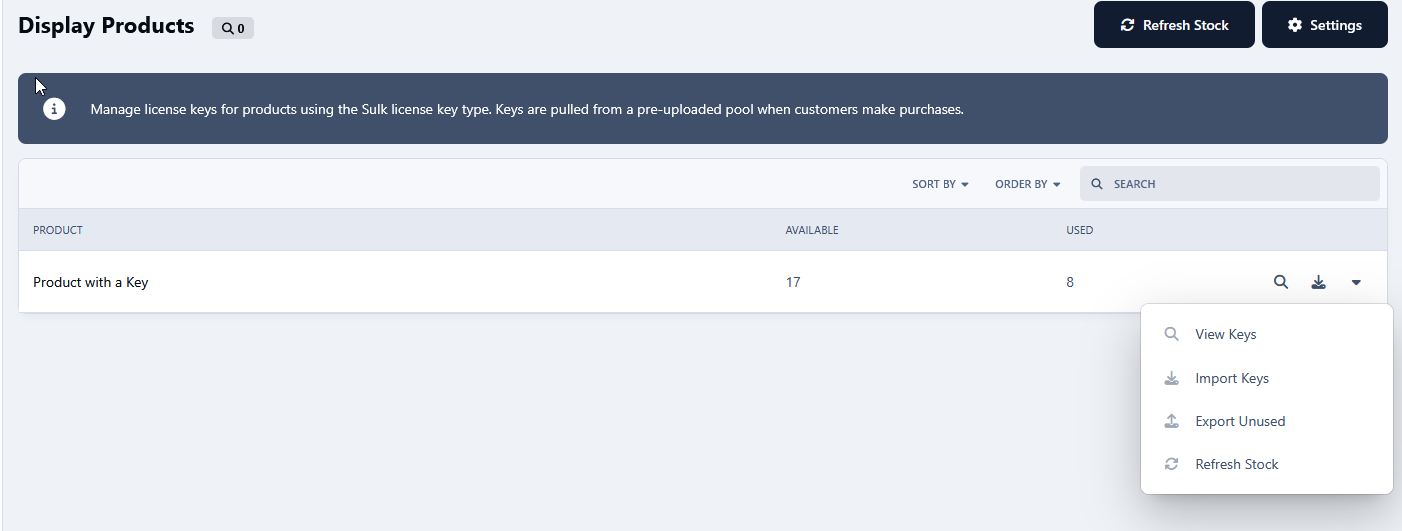
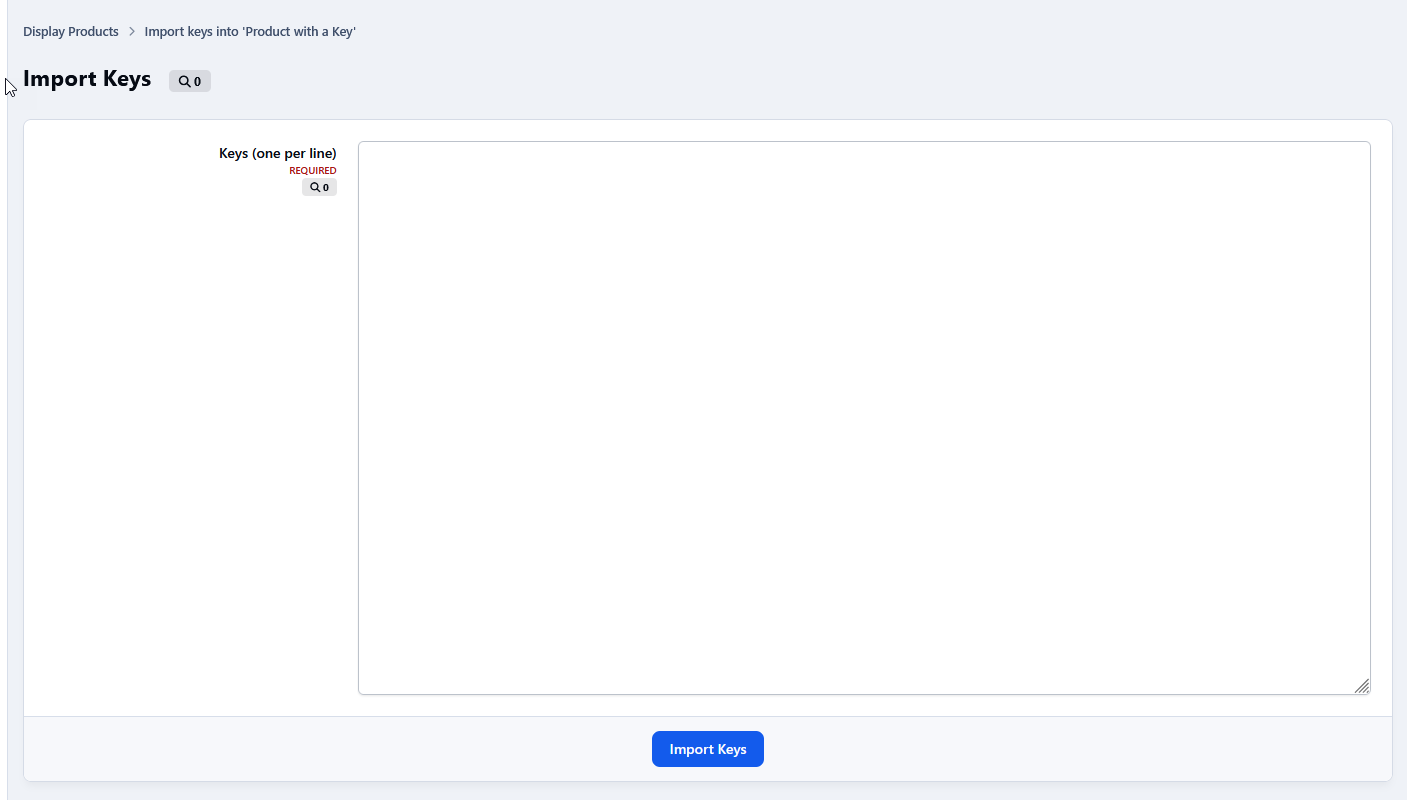
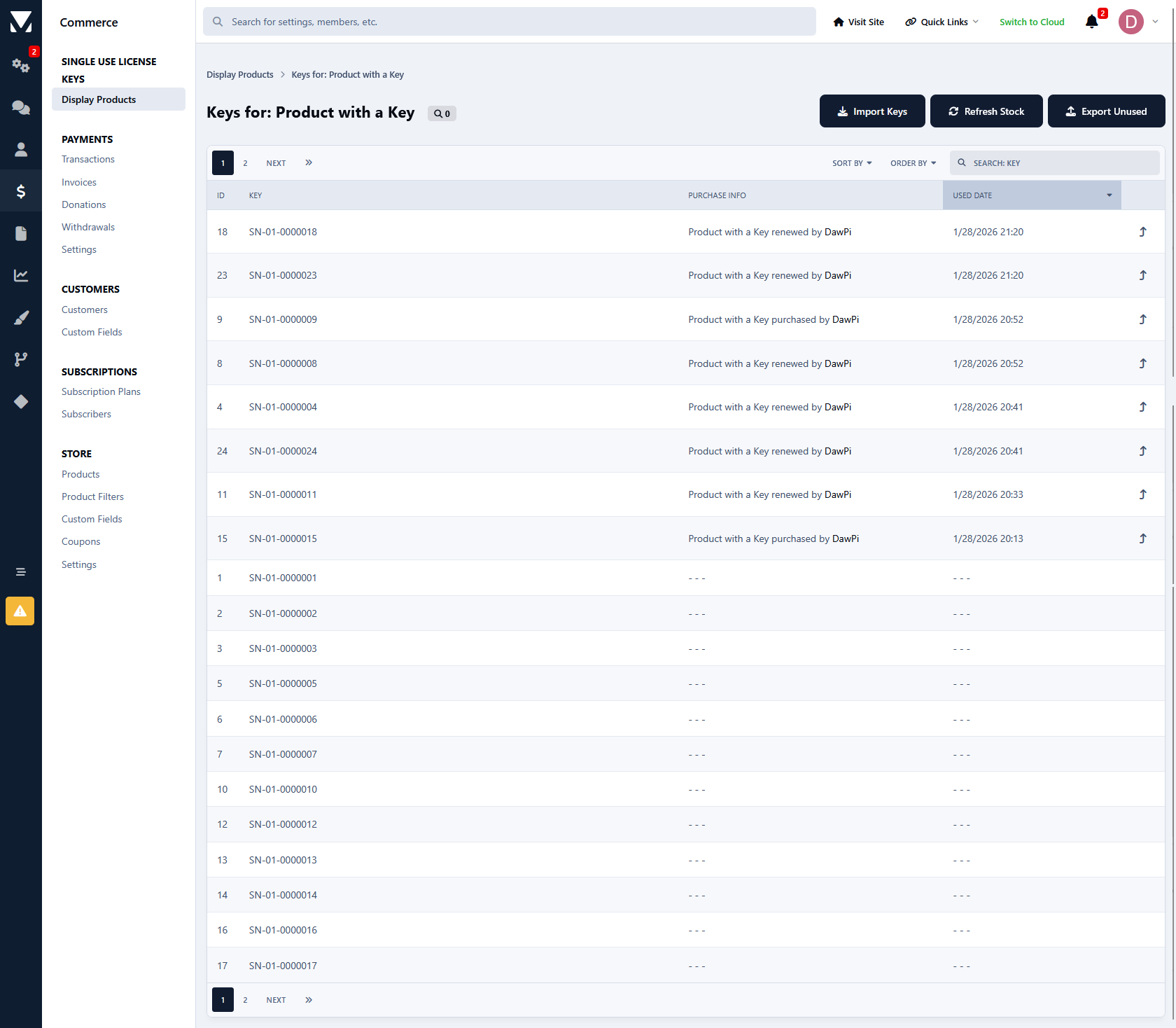
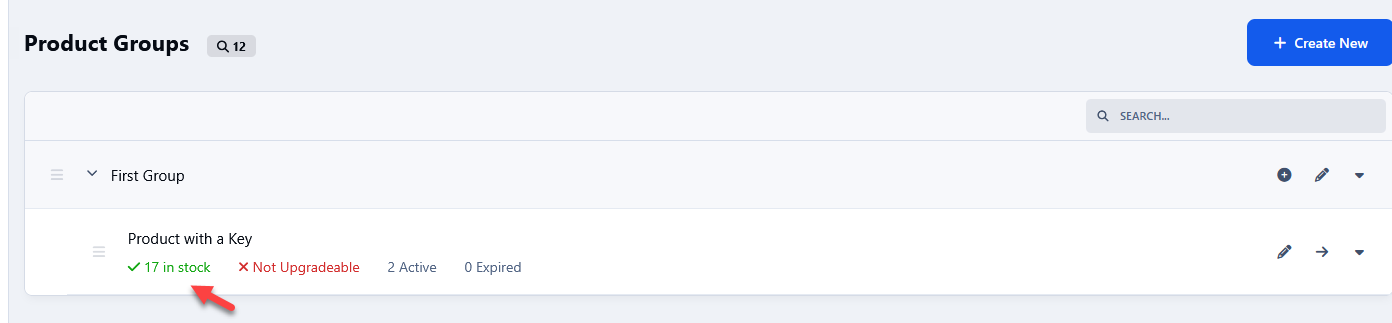
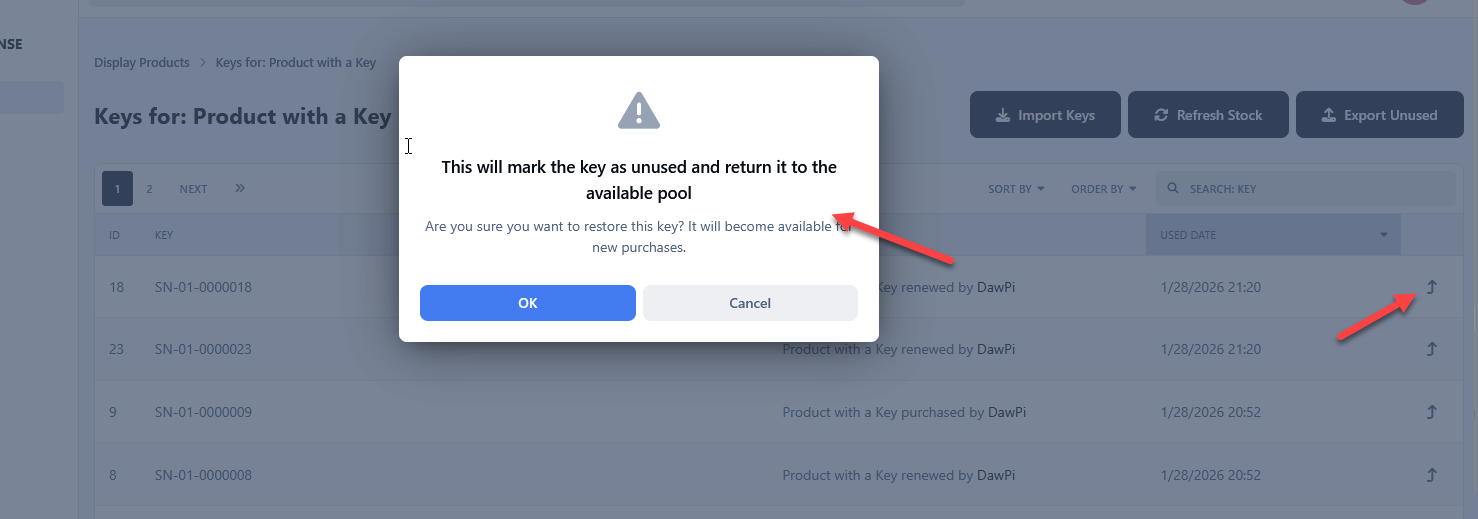
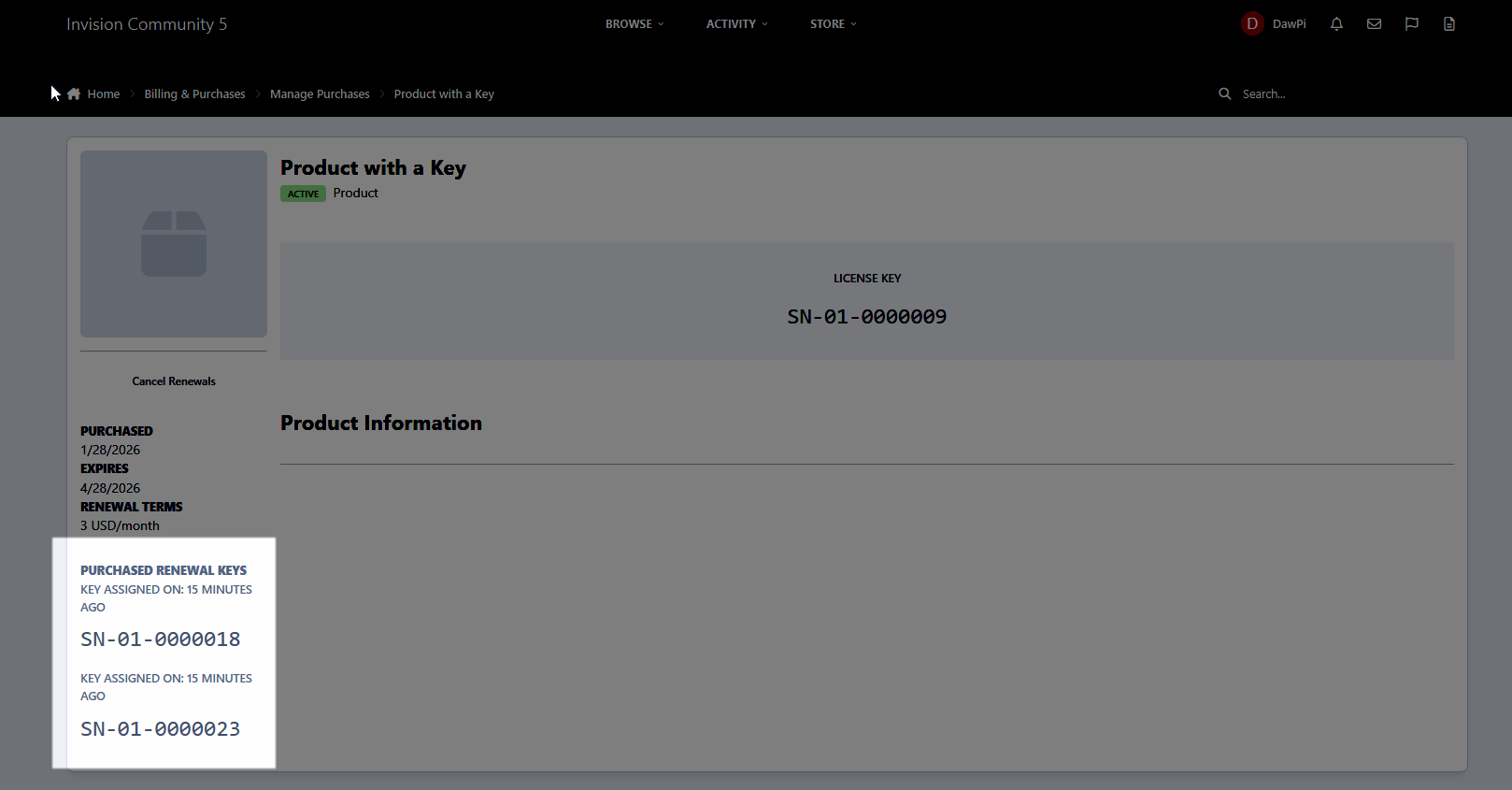
You upload a pool of keys to the application (manually or via import), assign them to a specific Commerce product, and after a successful purchase the system automatically assigns the next available, unused key from the pool to the buyer. Each key is single-use - once assigned to an order, it can never be issued again.
Example Use Cases
Selling game activation keys (e.g. Steam keys or keys for your own game)
Distributing software licenses (e.g. plugins, themes, desktop applications)
Selling access codes to external platforms or SaaS services
Distributing coupon or access codes generated by an external loyalty system
Providing API keys or access tokens from third-party systems
Key Benefits
Full control over key format and value, automatic delivery upon purchase, protection against key reuse, and seamless integration with existing license generation infrastructure.
Upgrading from version 4.x to 5.x
Before proceeding, you must create a full database backup. This is mandatory - without it, you will not be able to verify data integrity after migration or restore your data if something goes wrong.
Follow these steps in order:
Install version 5.x - do NOT uninstall version 4.x first
Go to AdminCP and verify that your license keys are visible in the new version
Check that all data has been migrated correctly
Only after confirming the data is intact, uninstall the old 4.x version
The new version will automatically migrate your existing data during installation, but the above order of steps must be strictly followed.
Important: I am not responsible for any data loss resulting from incorrect upgrade procedures, skipping the database backup, or failure to follow the instructions above. You use this application and perform any upgrades at your own risk.
-
 2
2
Create an account or sign in to leave a review
There are no reviews to display.