Activity Streaks
Invision Community 5
- Category Member Tools
- Downloads 108
- Compatibility IC5: 5.0.0+
- Updated

Overview
Drive engagement - give members a reason to come back tomorrow.Description
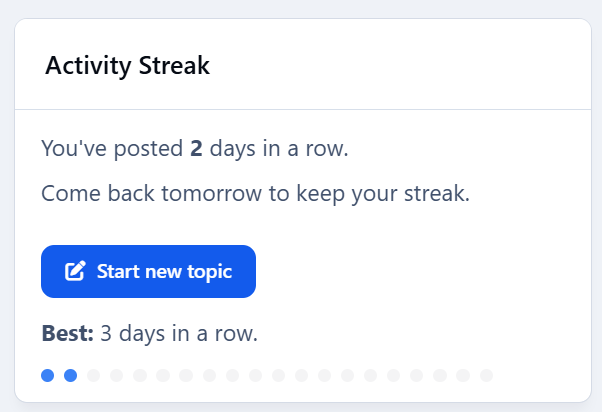
Drive engagement - give members a reason to come back tomorrow. Activity Streaks tracks consecutive posting days, shows a friendly widget, and plugs into Achievements so you can award points/badges at milestones (3, 7, 14, 30, 100… you choose).
Highlights
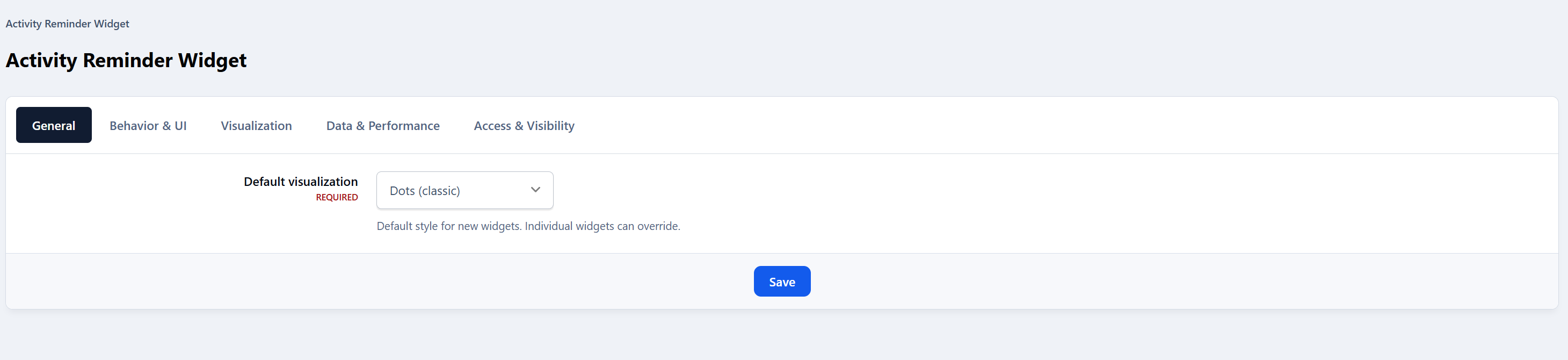
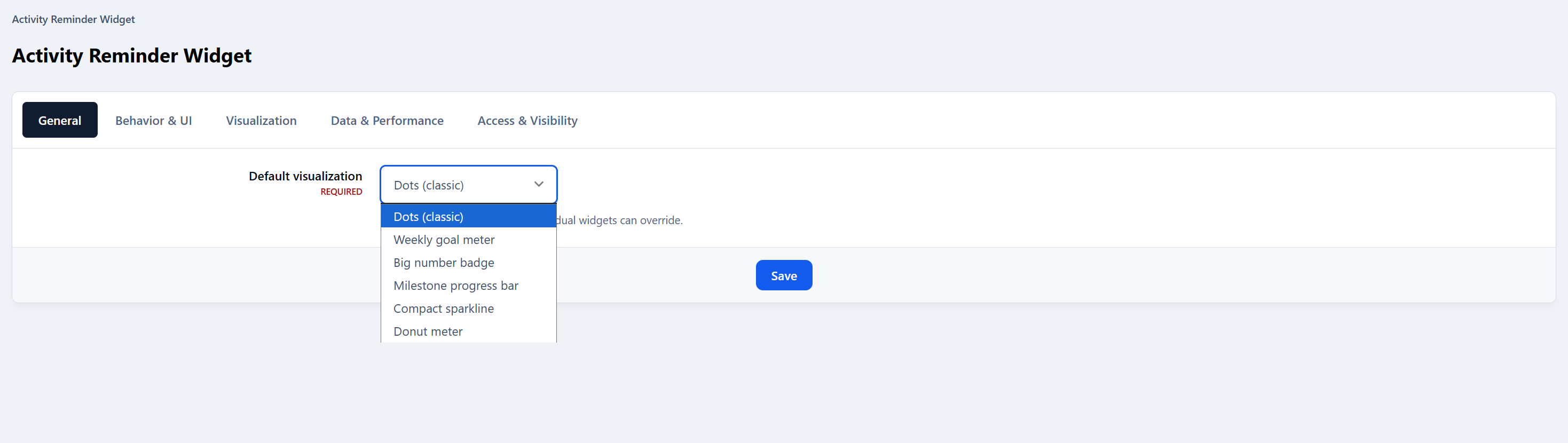
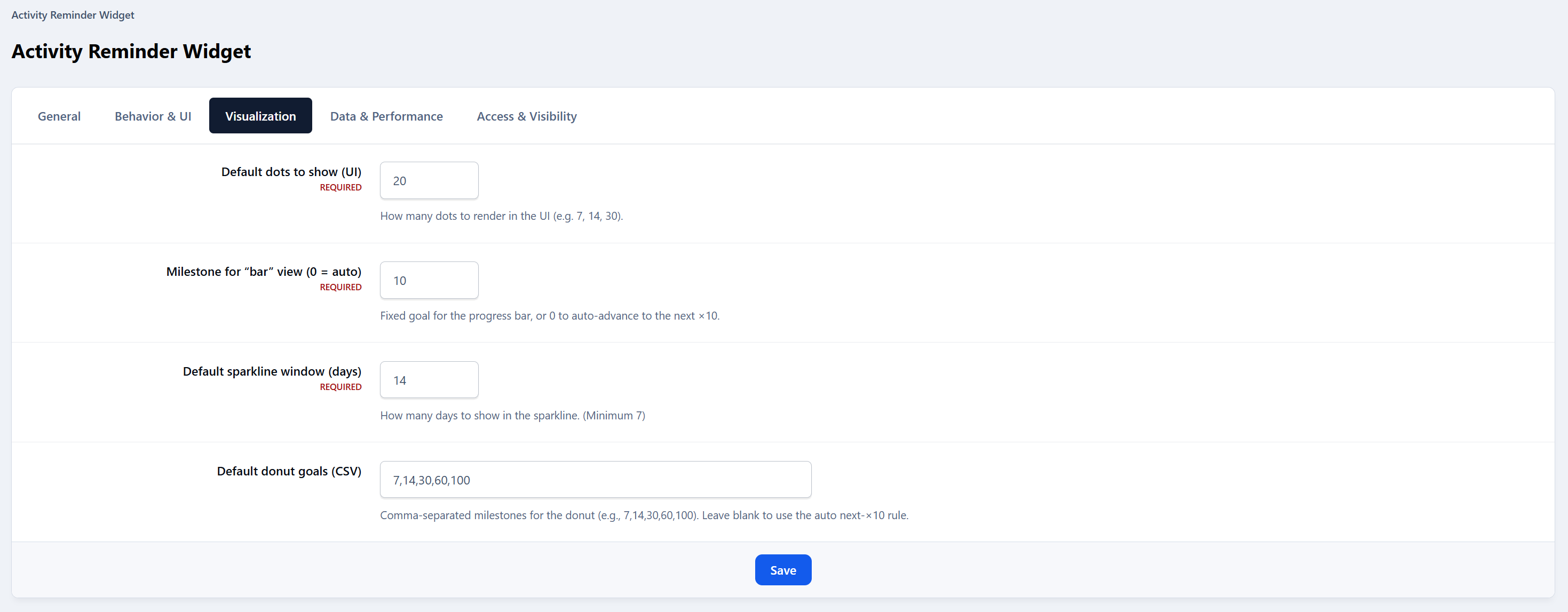
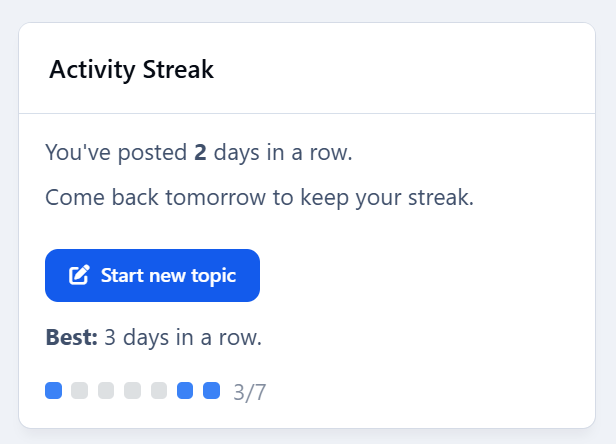
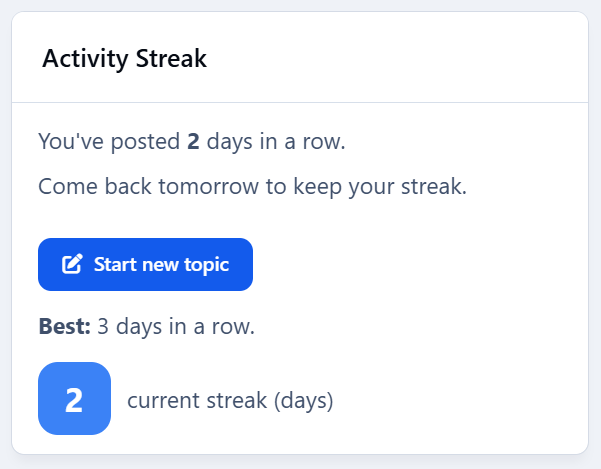
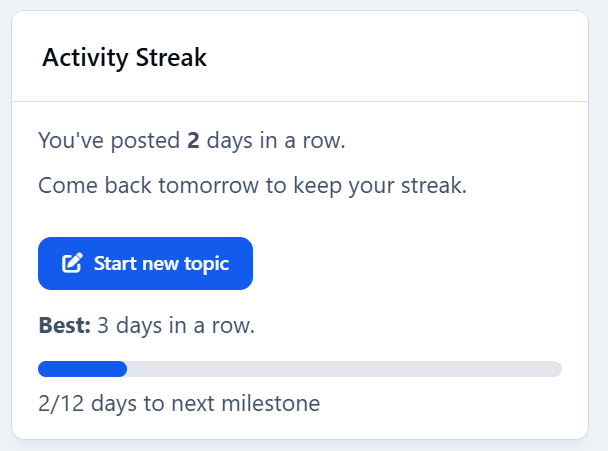
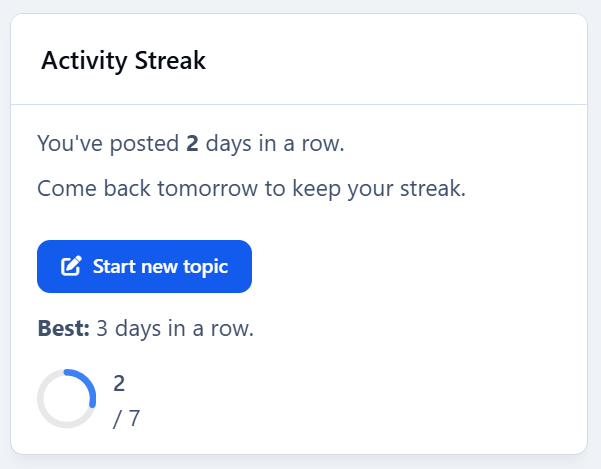
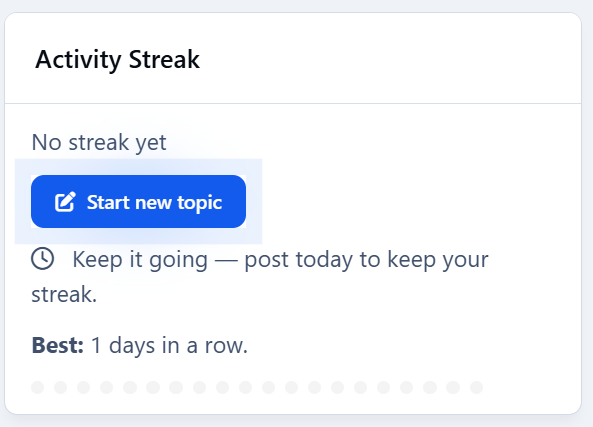
Streak widget with multiple visualizations: Dots (classic), Weekly goal meter, Big number badge, Milestone progress bar, Compact sparkline, Donut meter.
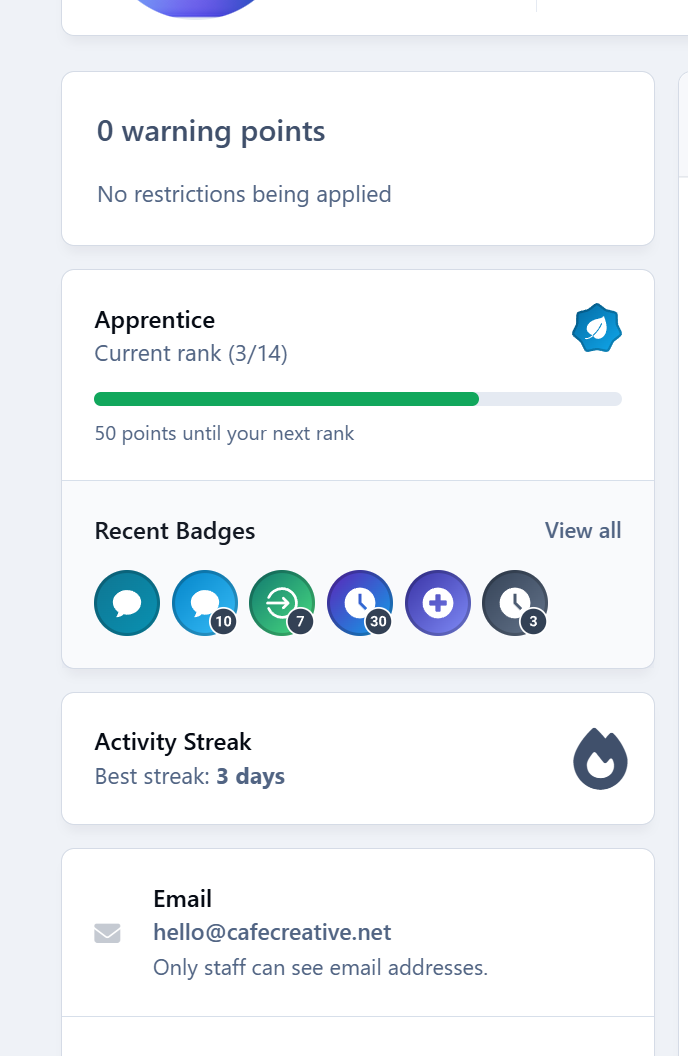
“Best streak” label (member & profile sidebar support).
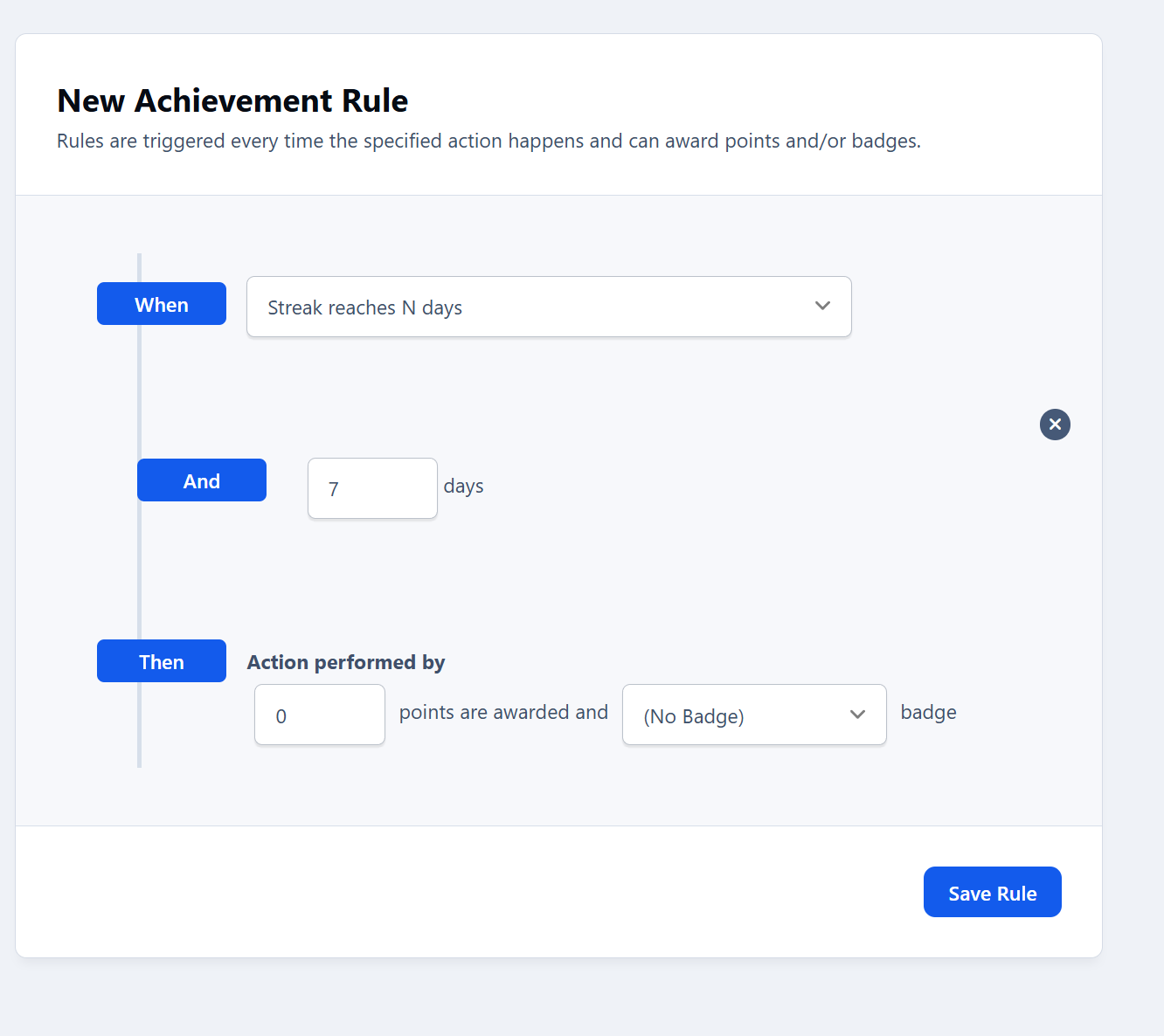
Achievements action: Streak reaches N days — award points/badges at the exact day threshold.
Admin-friendly rules: create multiple thresholds (e.g., 3/7/14/30/100) with your own points/badges.
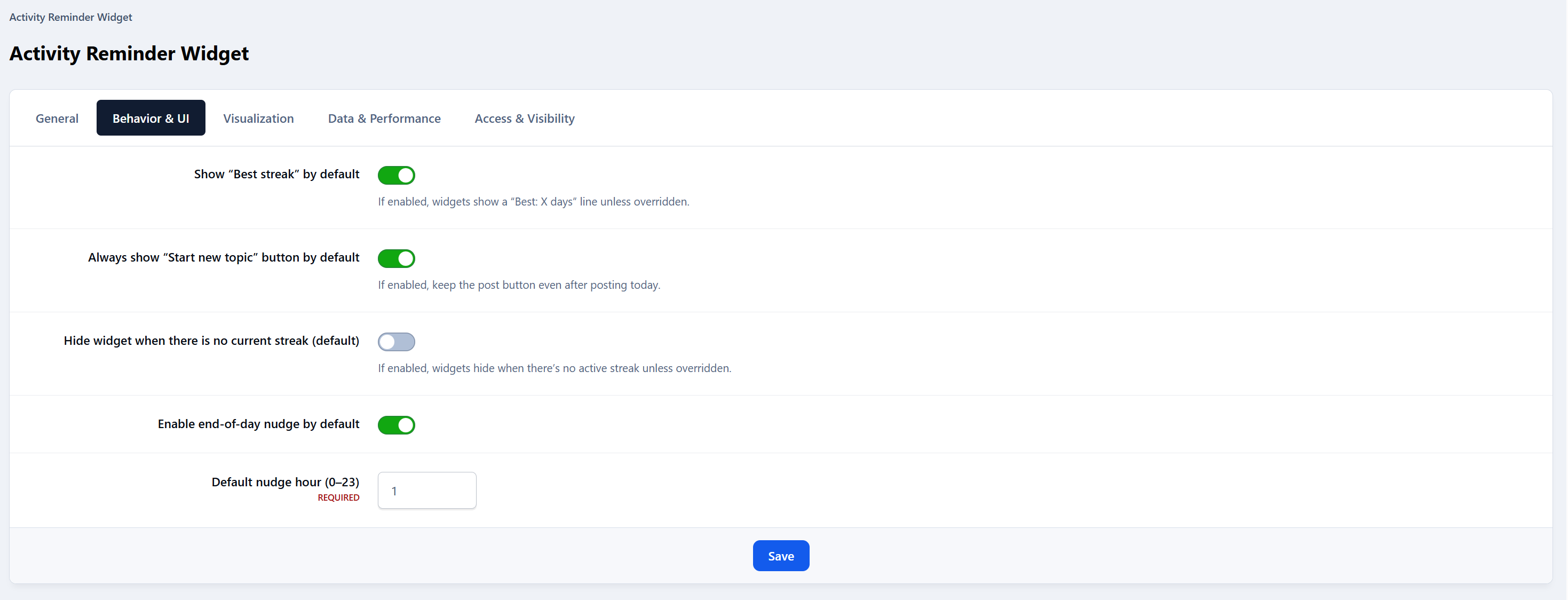
End-of-day nudge (optional): configurable reminder hour.
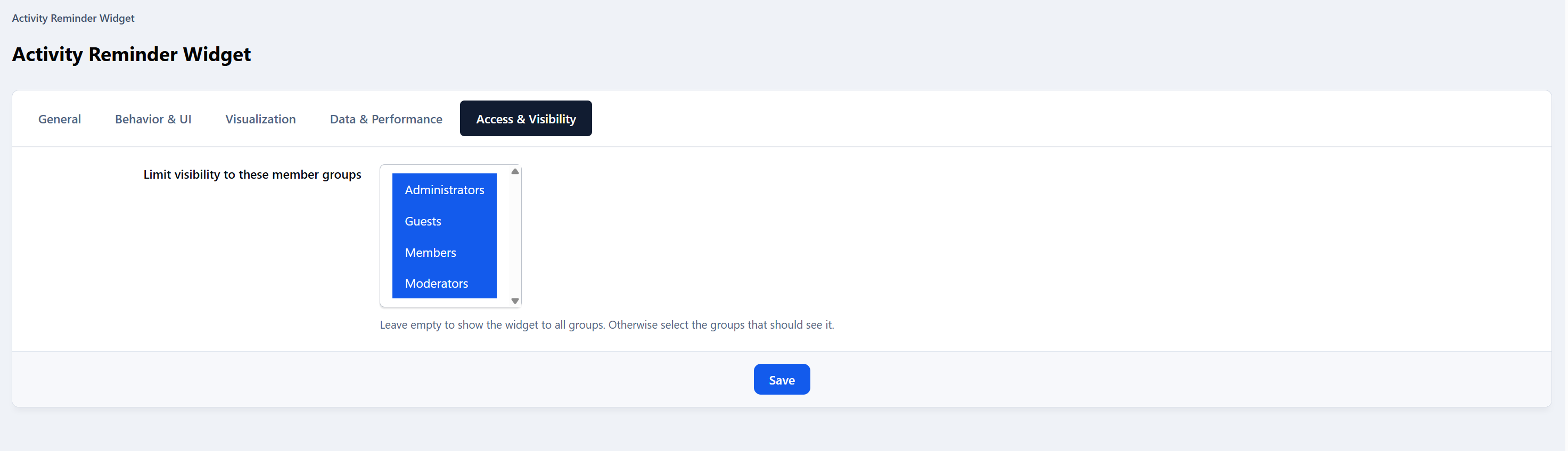
Visibility controls: limit the widget to selected member groups.
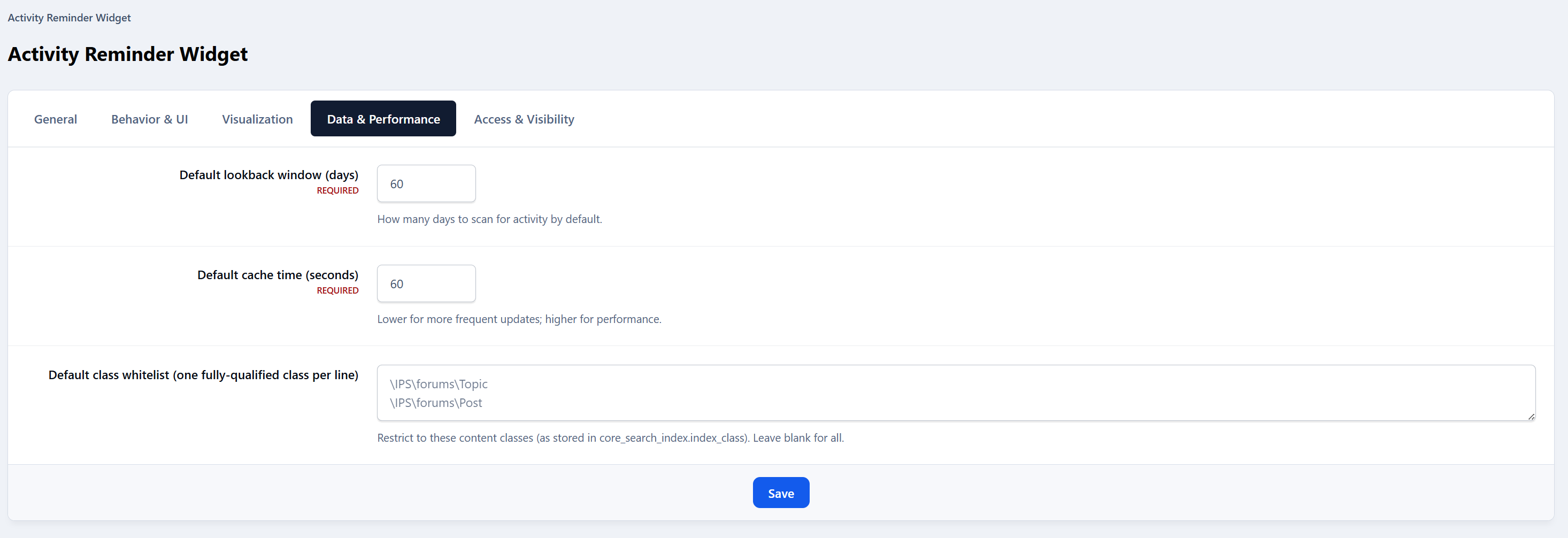
Performance aware: lightweight queries with caching; adjustable TTL.
No external services: respects IPS permissions; zero tracking.
"Enable end-of-day nudge by default" will show a subtle effect reminding people to post.
Admin controls
Per-widget override of visualization style.
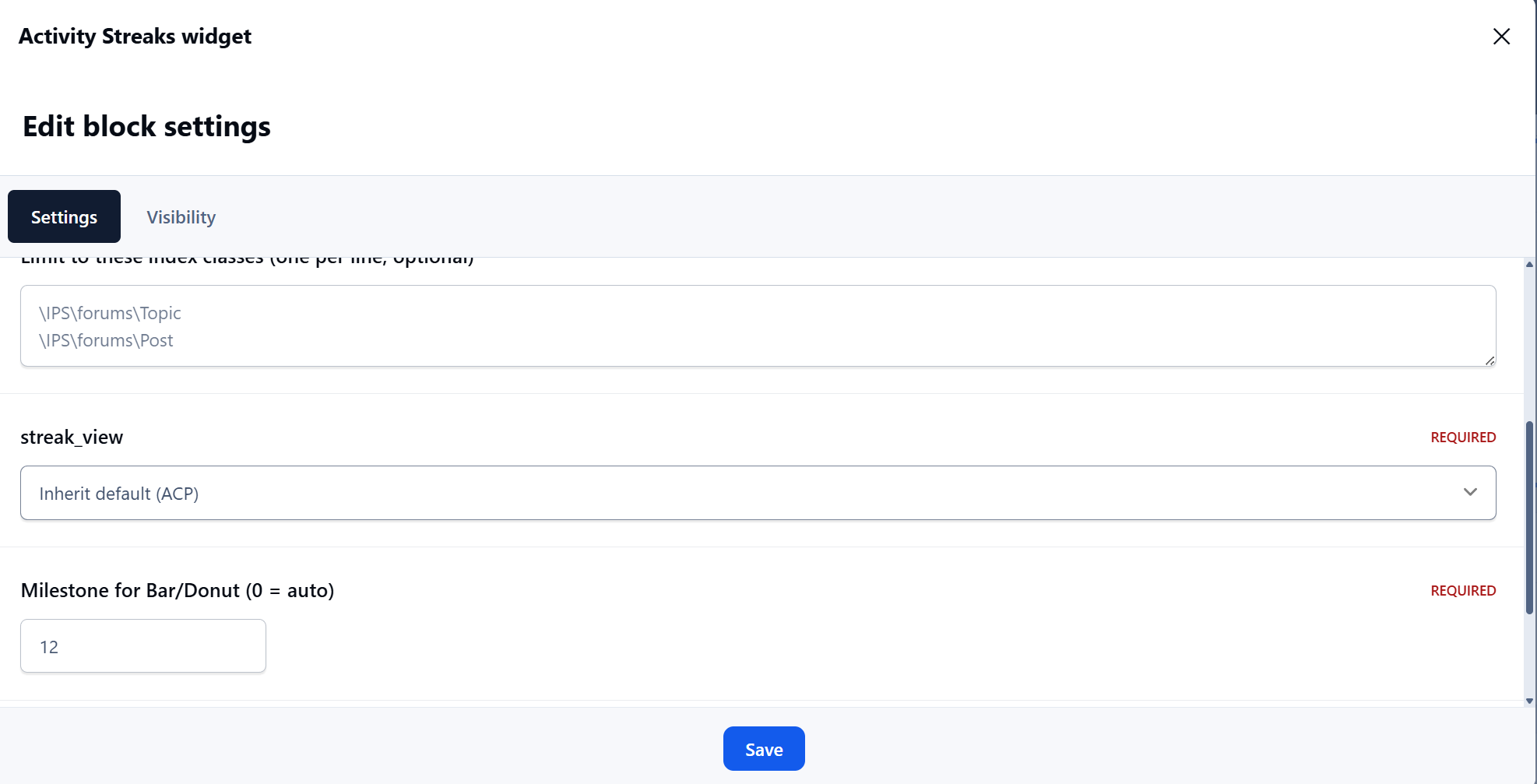
Fixed or auto milestones for bar/donut views.
Optional custom donut goals (CSV).
Group visibility allow-list.
Cache TTL (seconds).
What’s included
Application
Example rule presets to import.
Install & setup (2 minutes)
Upload & install the app in ACP.
Add the Activity Streak widget to a sidebar or block area.
(Optional) In Achievements → Rules, add rules like:
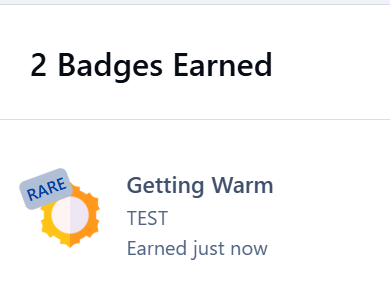
3 days → 10 pts + “Getting Warm” badge
7 days → 25 pts + “1-Week Streak” badge
14 days → 50 pts + “Two Weeks on Fire” badge
30 days → 100 pts + Silver badge
100 days → 300 pts + Gold badge
Save. Members earn awards the moment they hit each threshold.
Notes
Streaks are based on days with at least one qualifying post (or allowed content) - not logins.
Timezone behavior follows your IPS configuration.
Changelog
v1.0.0 – Initial release.
Feedback, bugs or feature requests? Don't hesitate to let me know.
Create an account or sign in to leave a review
There are no reviews to display.