Invision Community 5
- Category Member Tools
- Downloads 155
- Compatibility IC5: 5.0.0+
- Updated


Overview
A Full Marketplace System for Your CommunityDescription
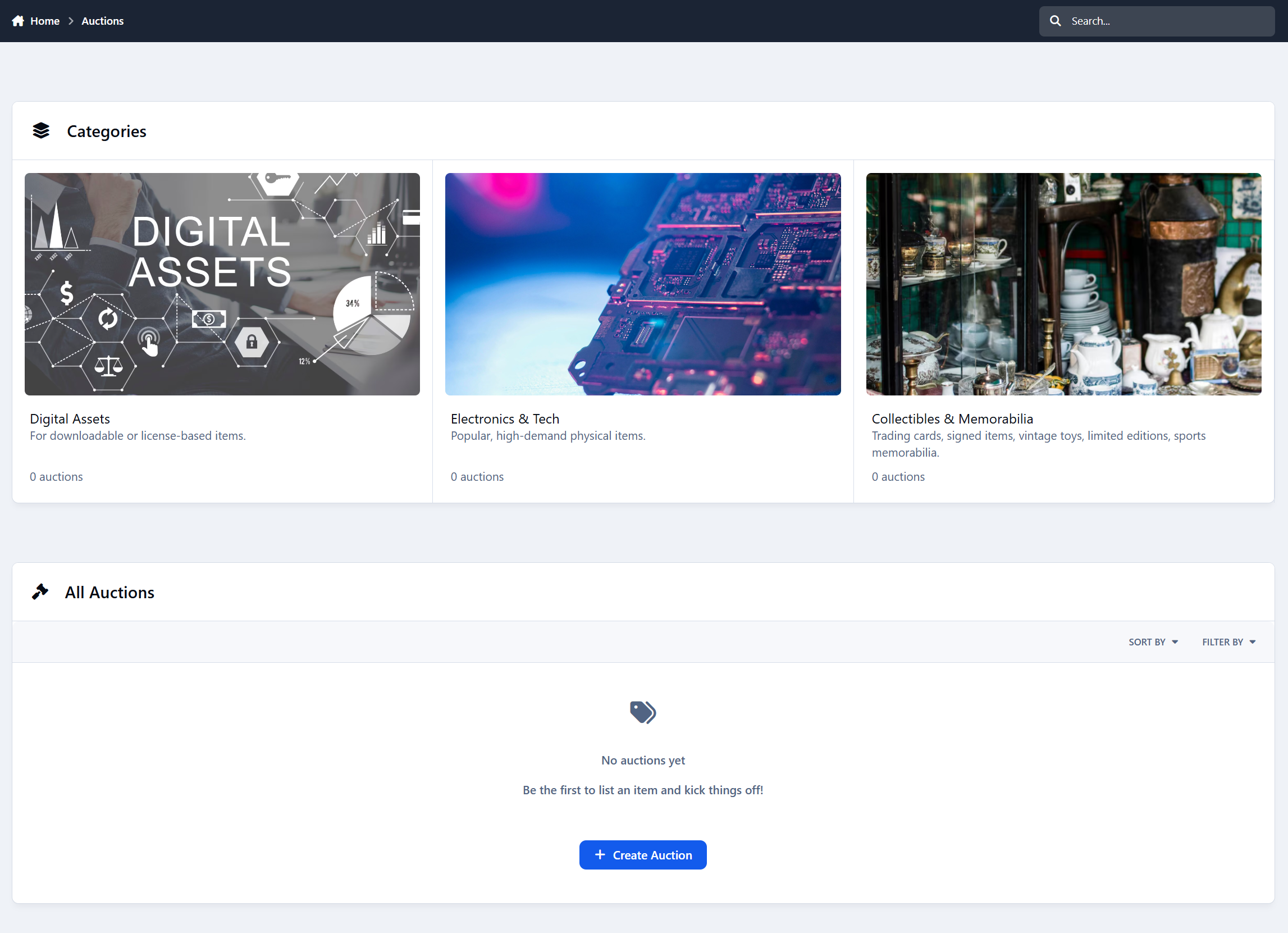
Auctions turns your community into a complete buying and selling platform. Members can list items, place bids, sell digital or physical products, and manage everything through simple dashboards. It feels like a proper marketplace, not just a forum add-on.
Built-In Commission for Admins
Every completed auction automatically applies a platform commission. You set the percentage, and the system handles the rest.
When a buyer pays, the commission is deducted instantly and the seller receives the remaining balance. No manual math, no extra steps, and no chasing payments.
Your marketplace doesn’t just run itself - it can generate revenue for you at the same time.
Key Features at a Glance
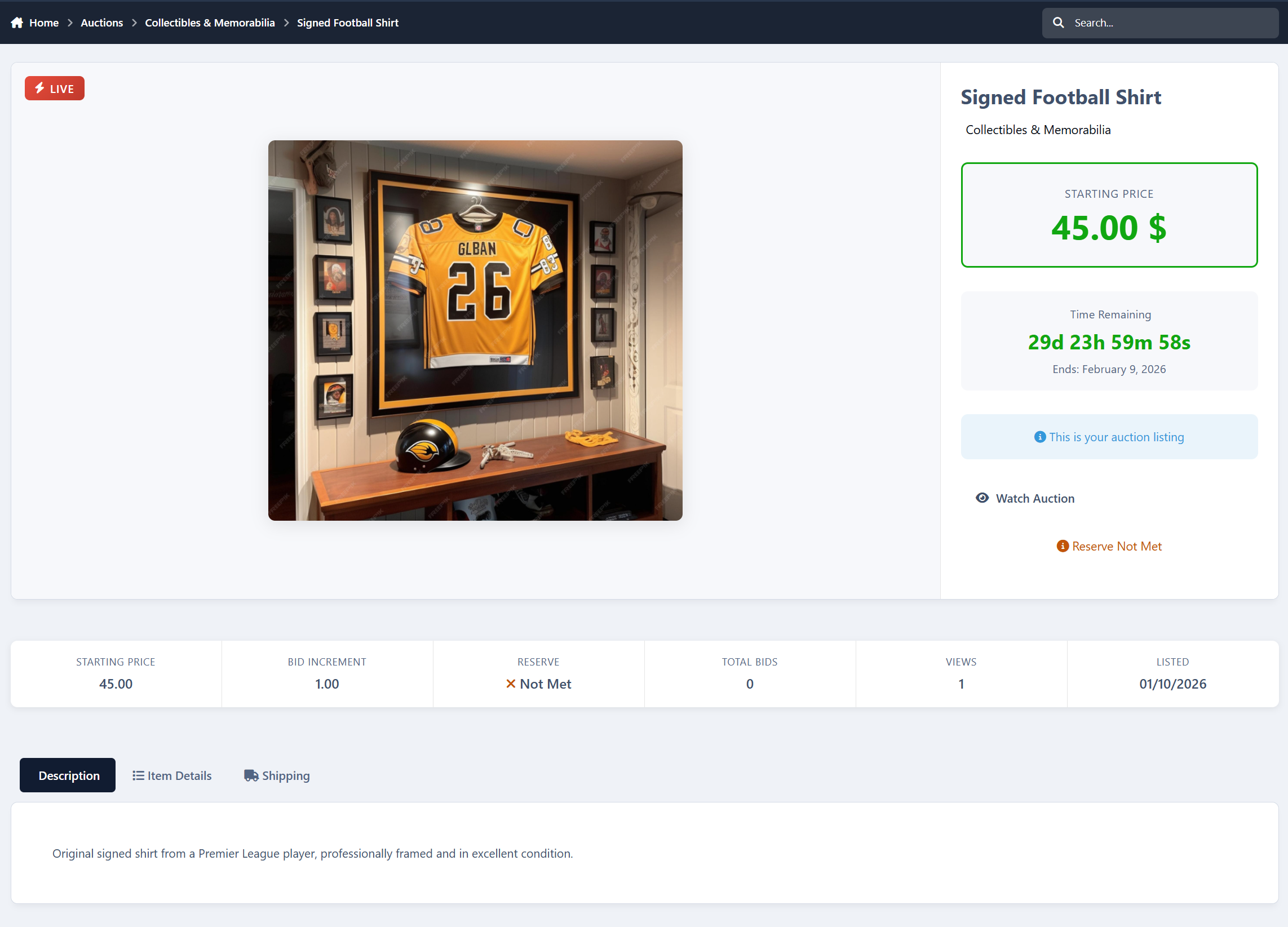
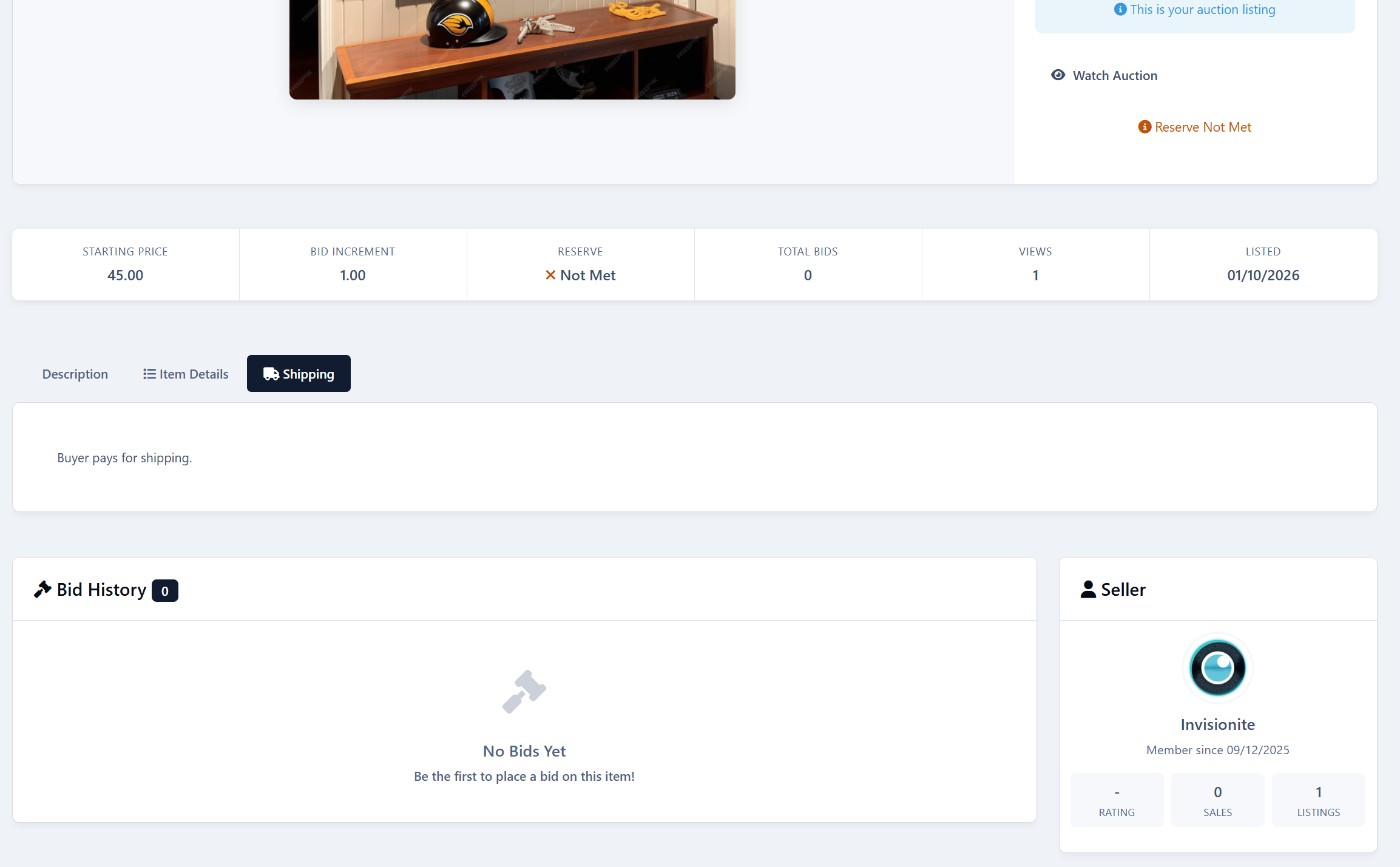
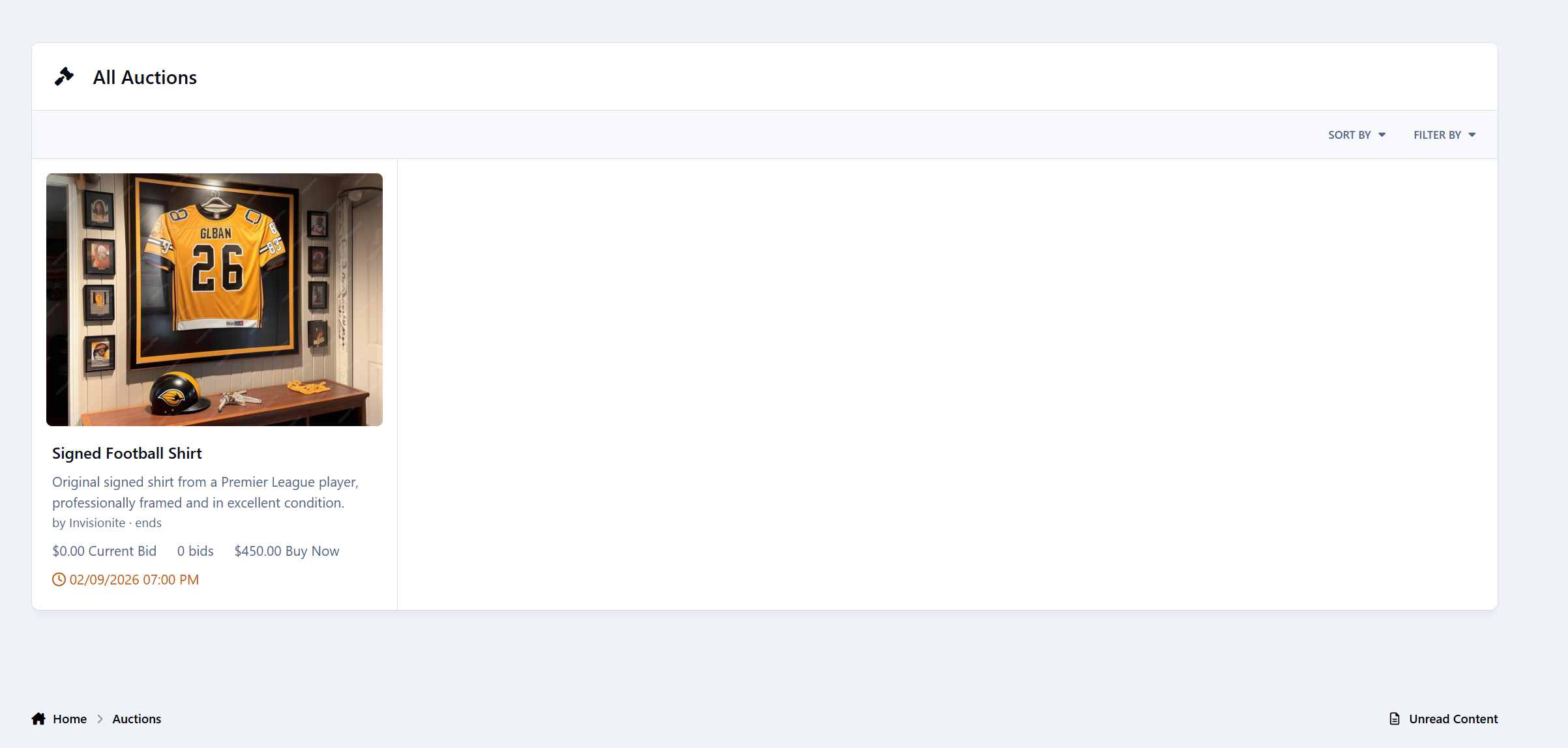
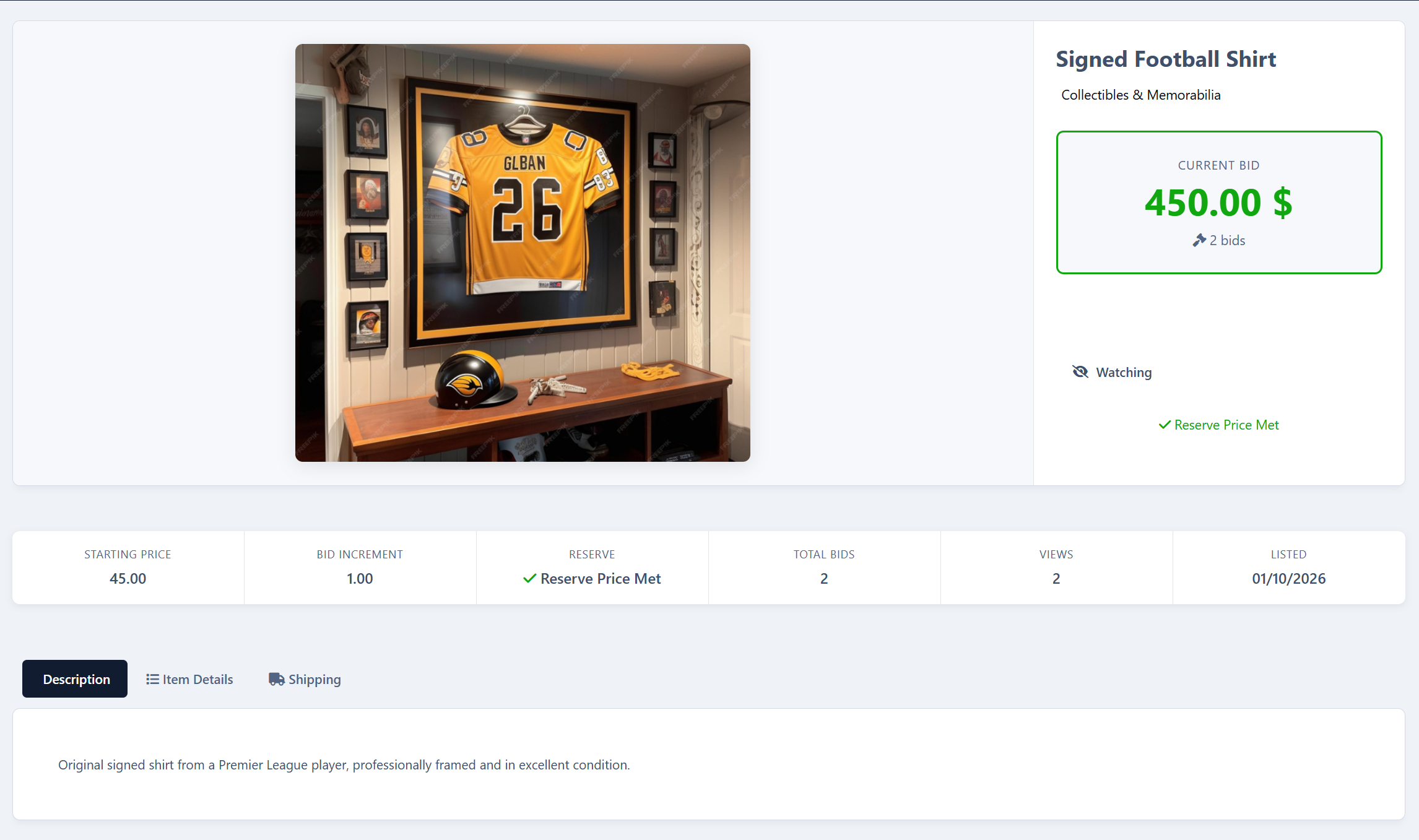
Members can create auctions with images, pricing options, durations, and categories
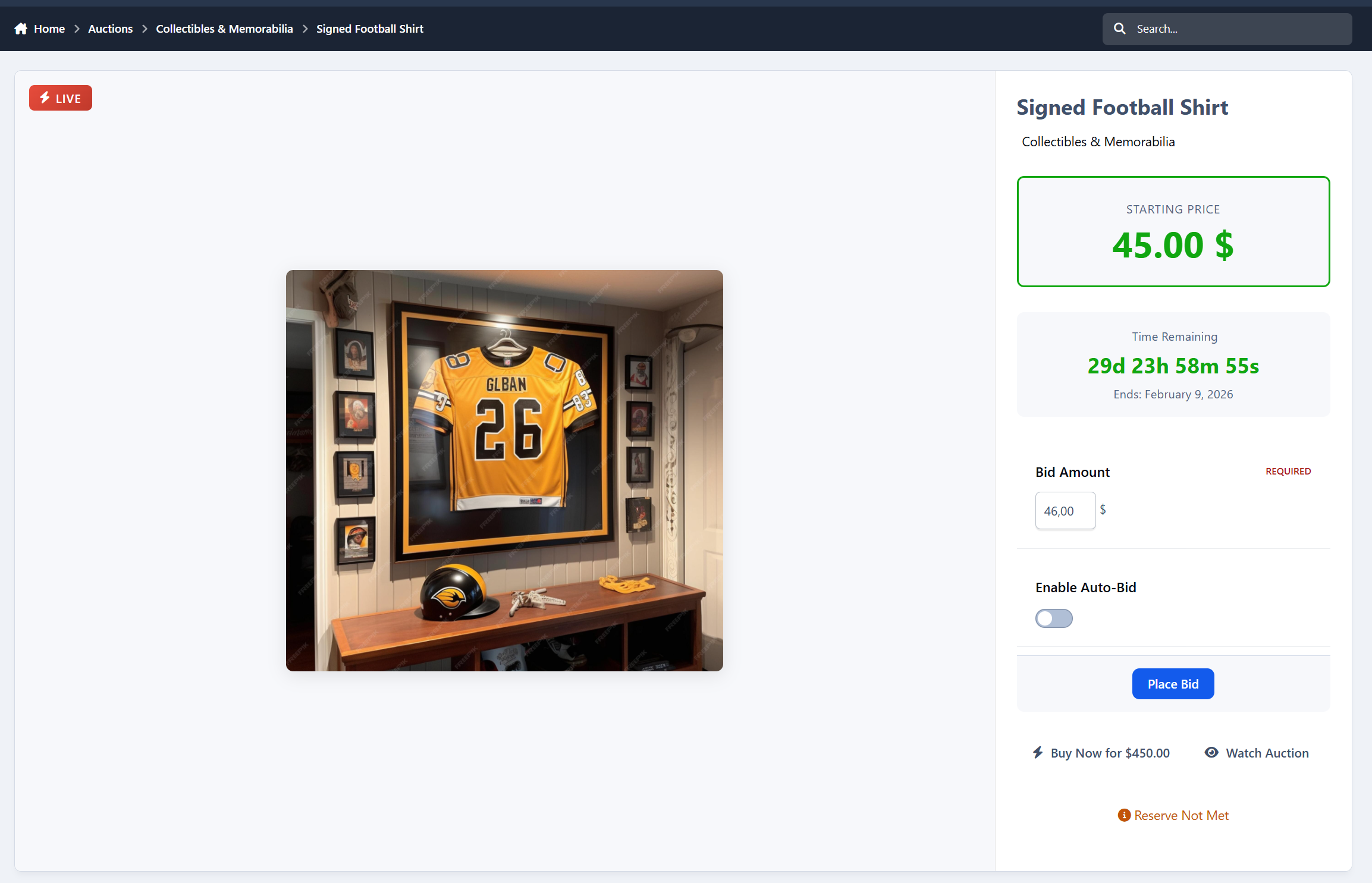
Manual bidding, auto-bidding, and Buy Now purchases
Automatic winner selection and Nexus invoice creation
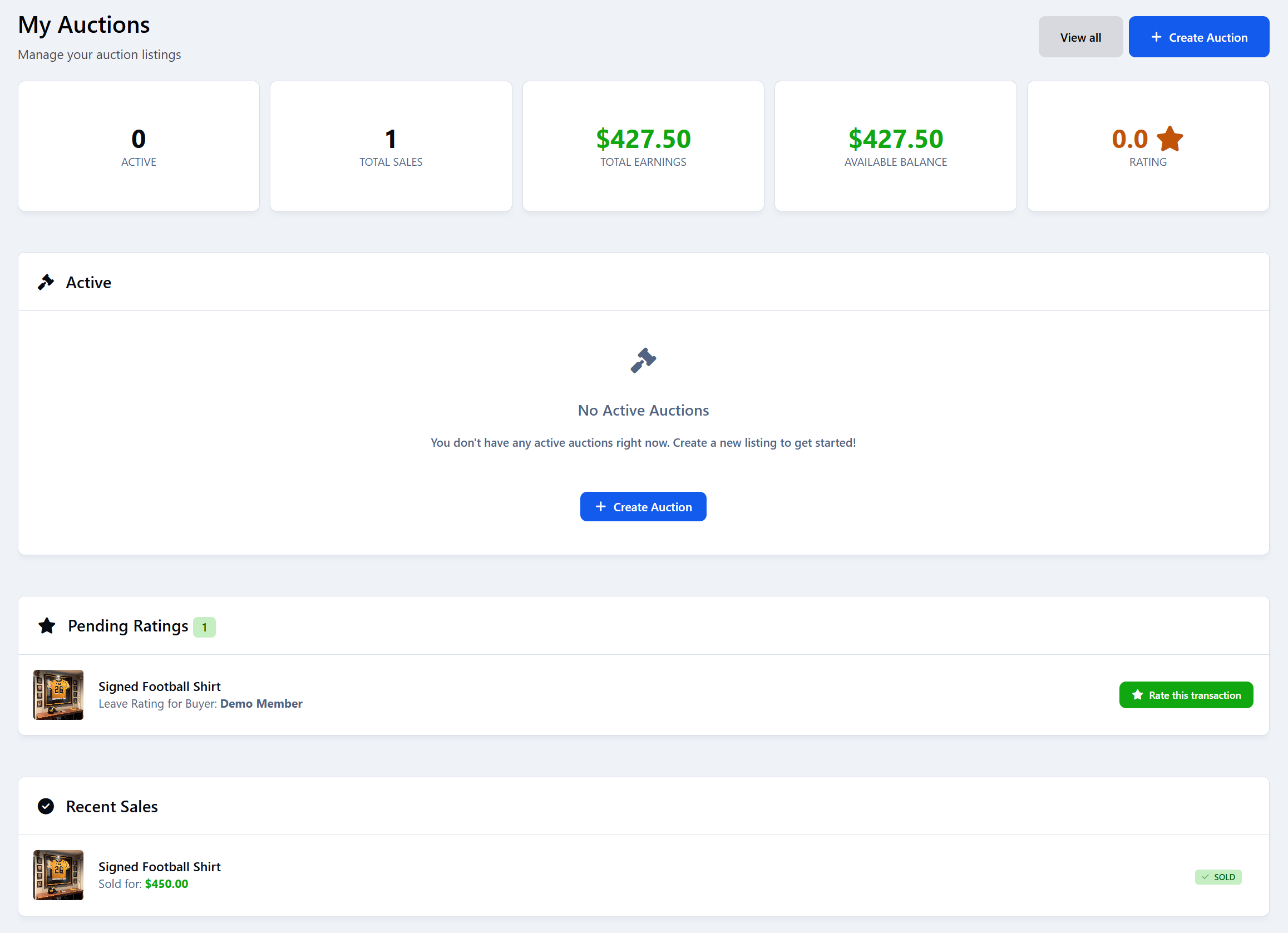
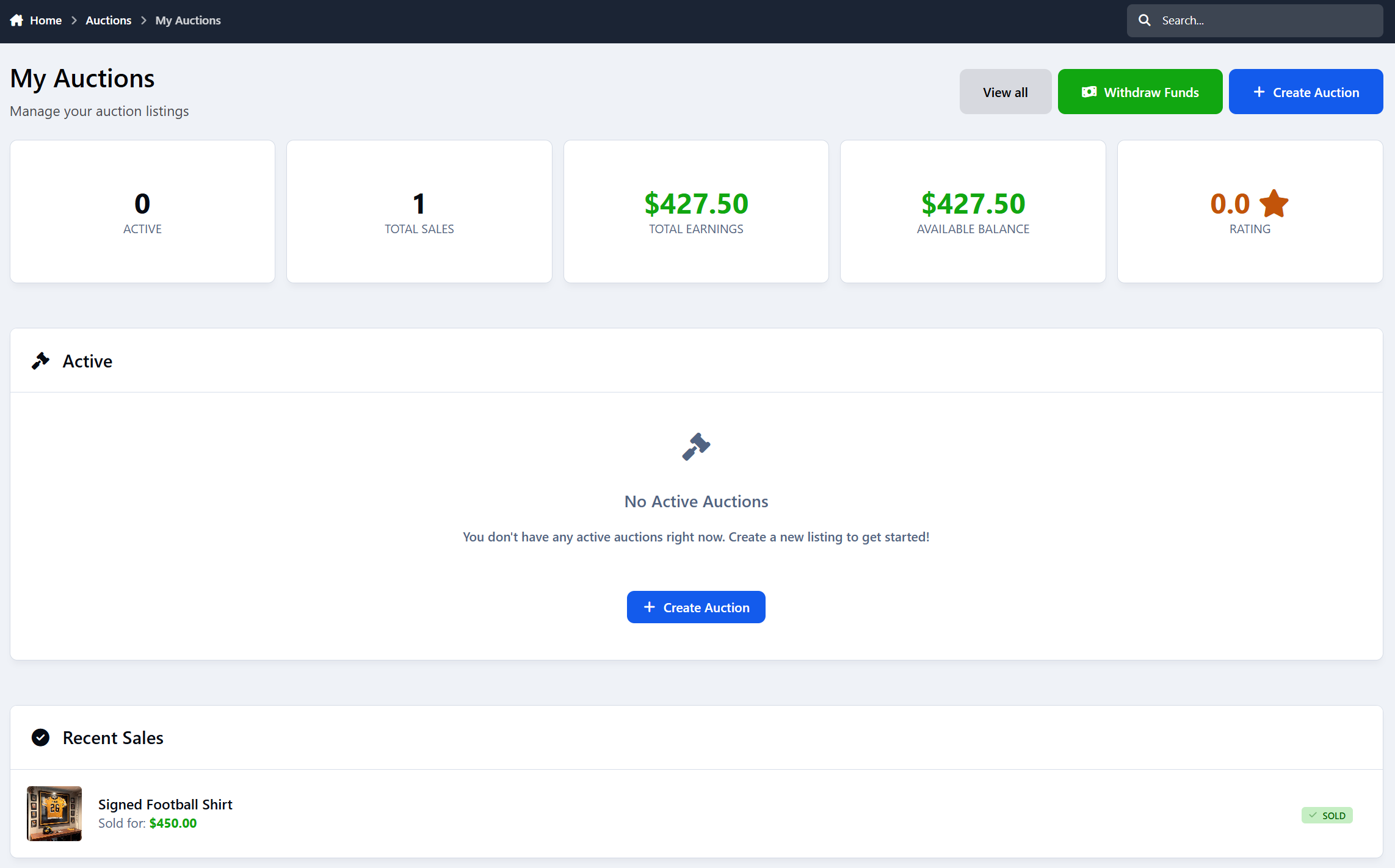
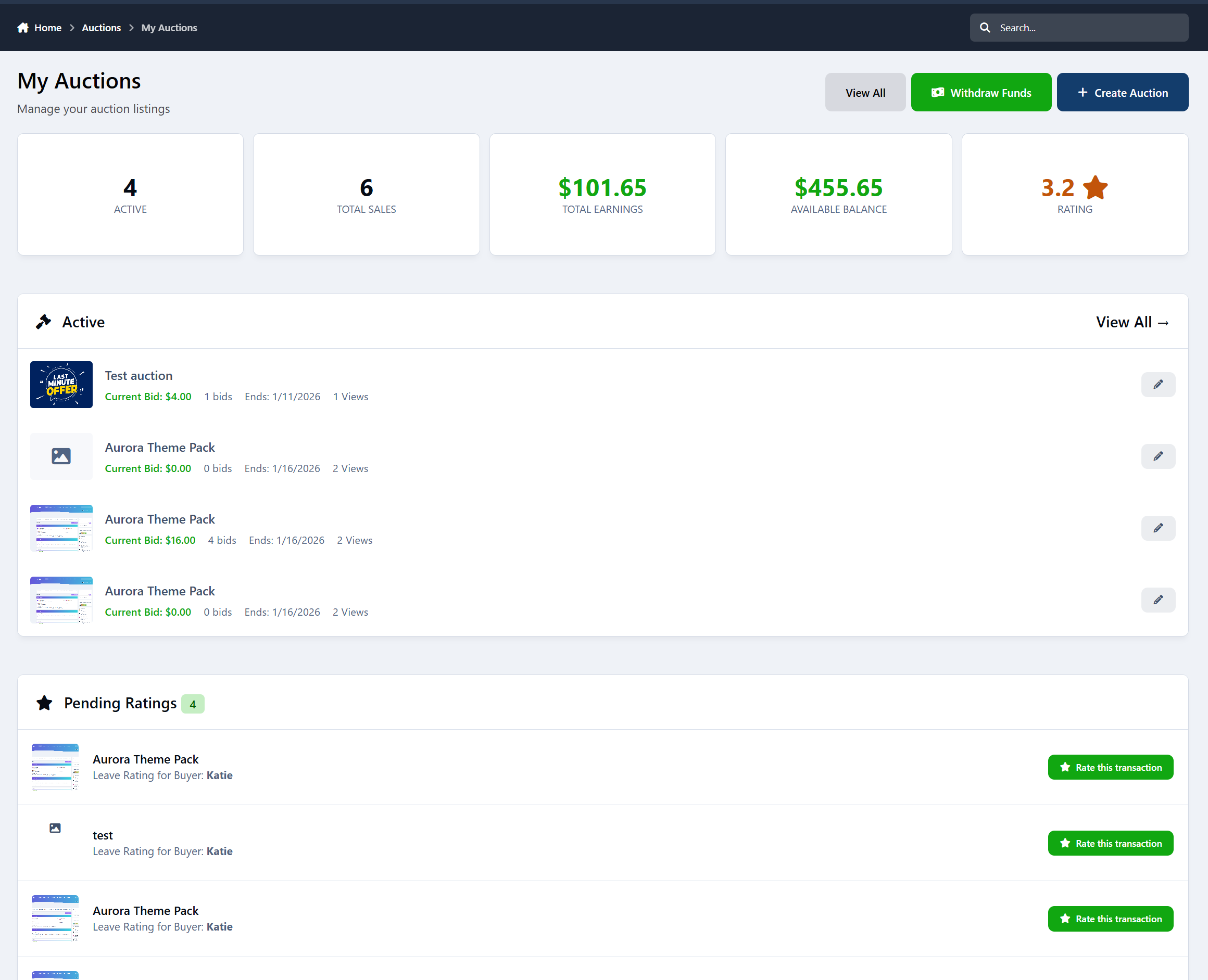
Seller and buyer dashboards with earnings, bids, and history
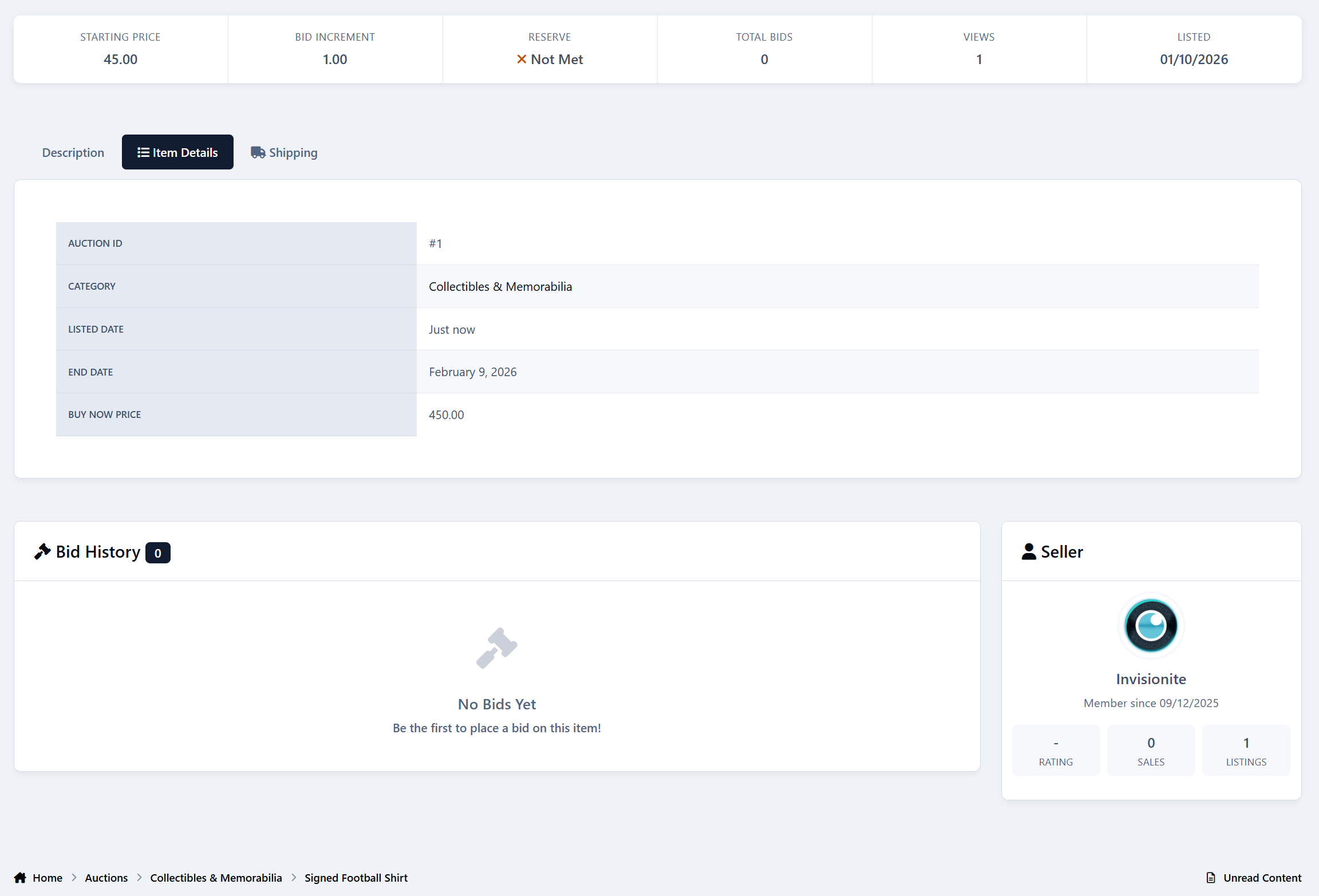
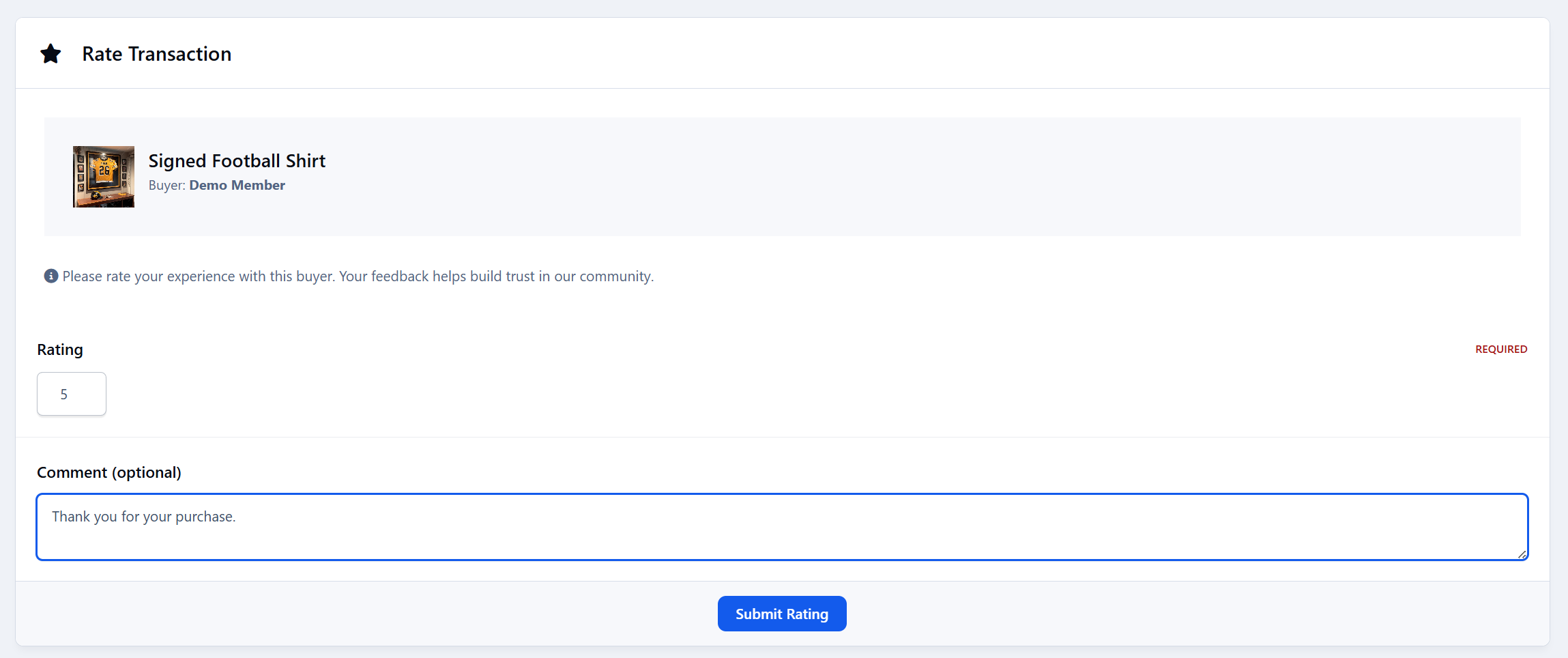
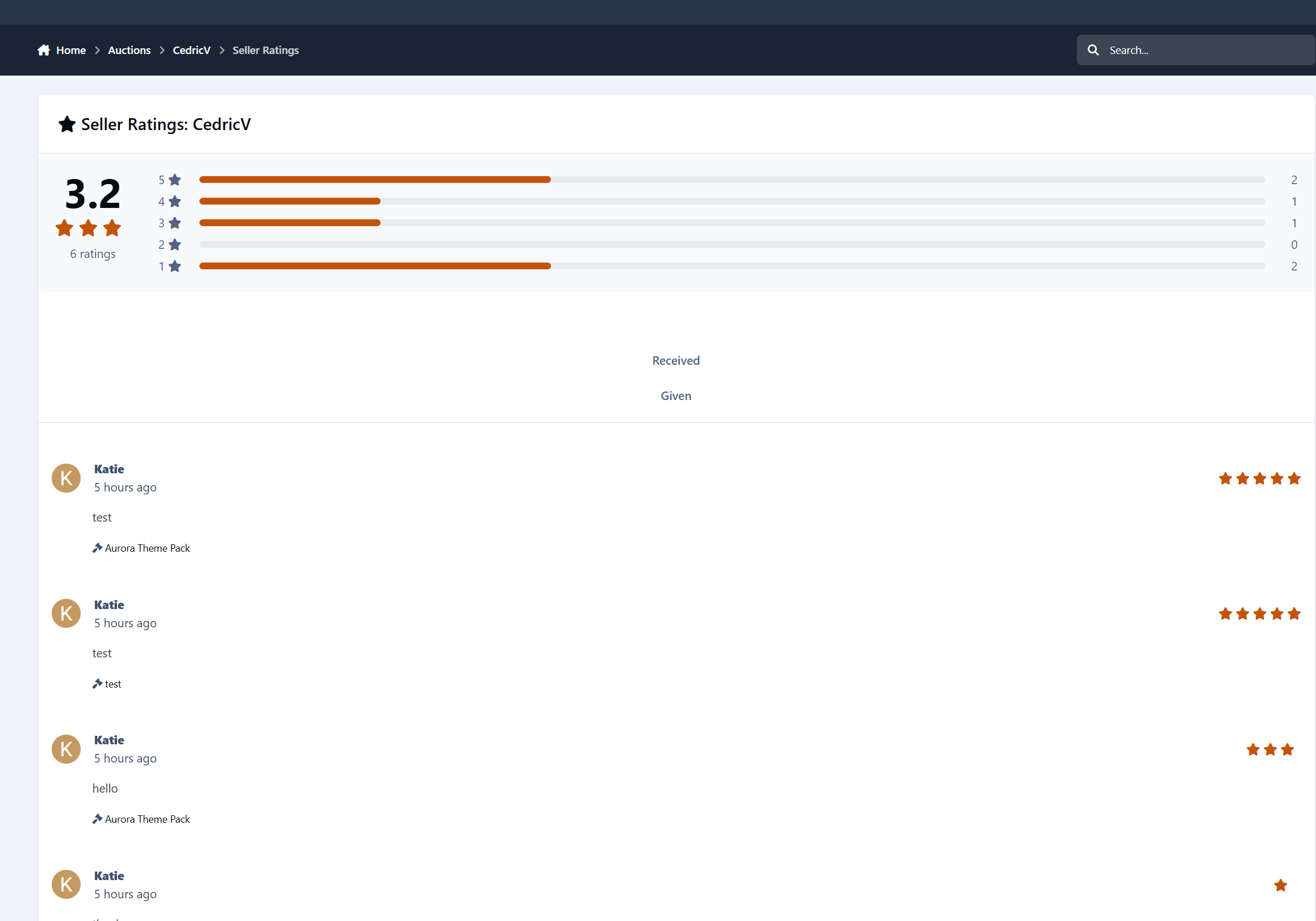
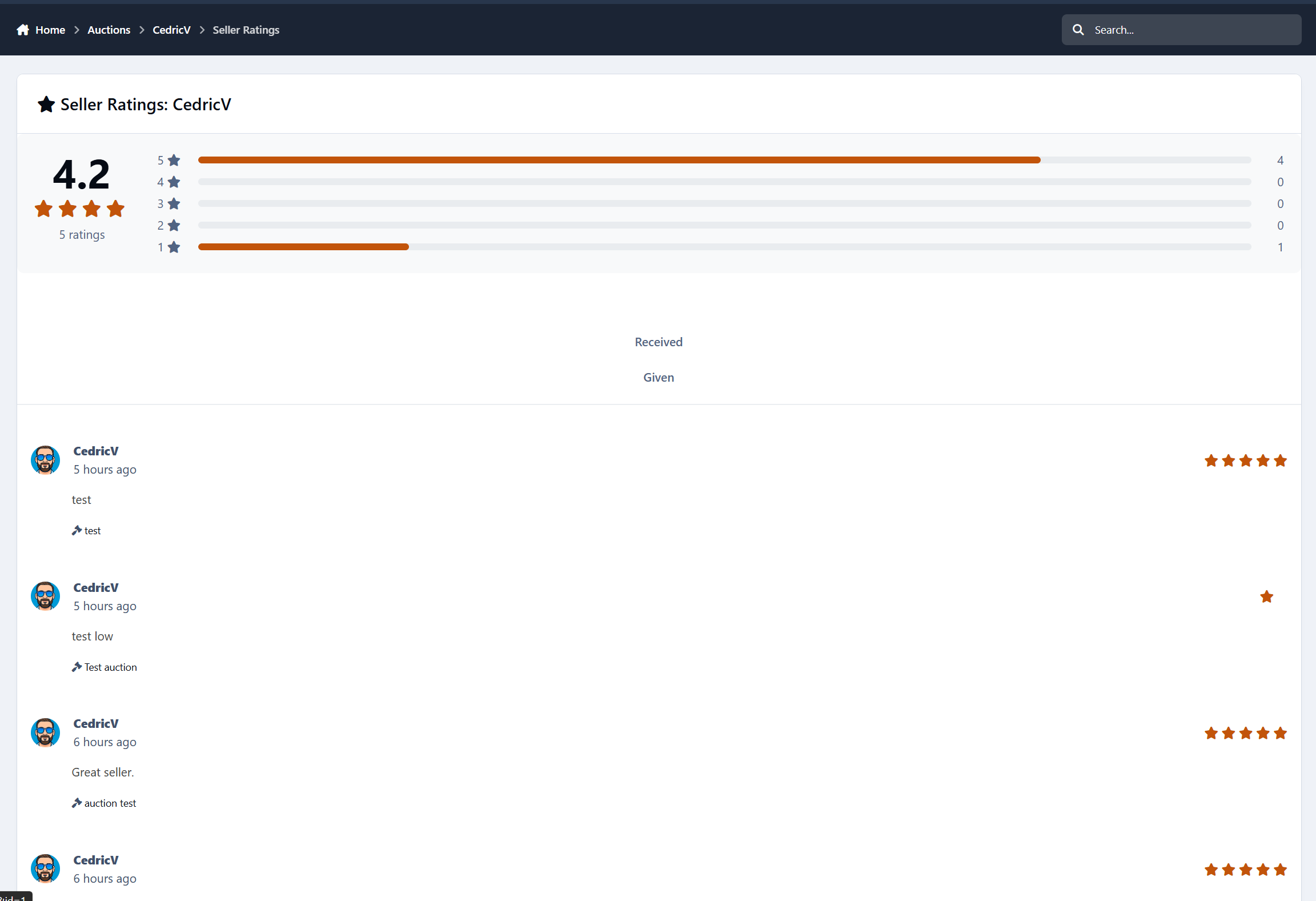
Built-in rating system with public trust scores, integrated in profile once rated is given.
Commission system
Full moderation tools and approval queues
Integrated profile rating tabs
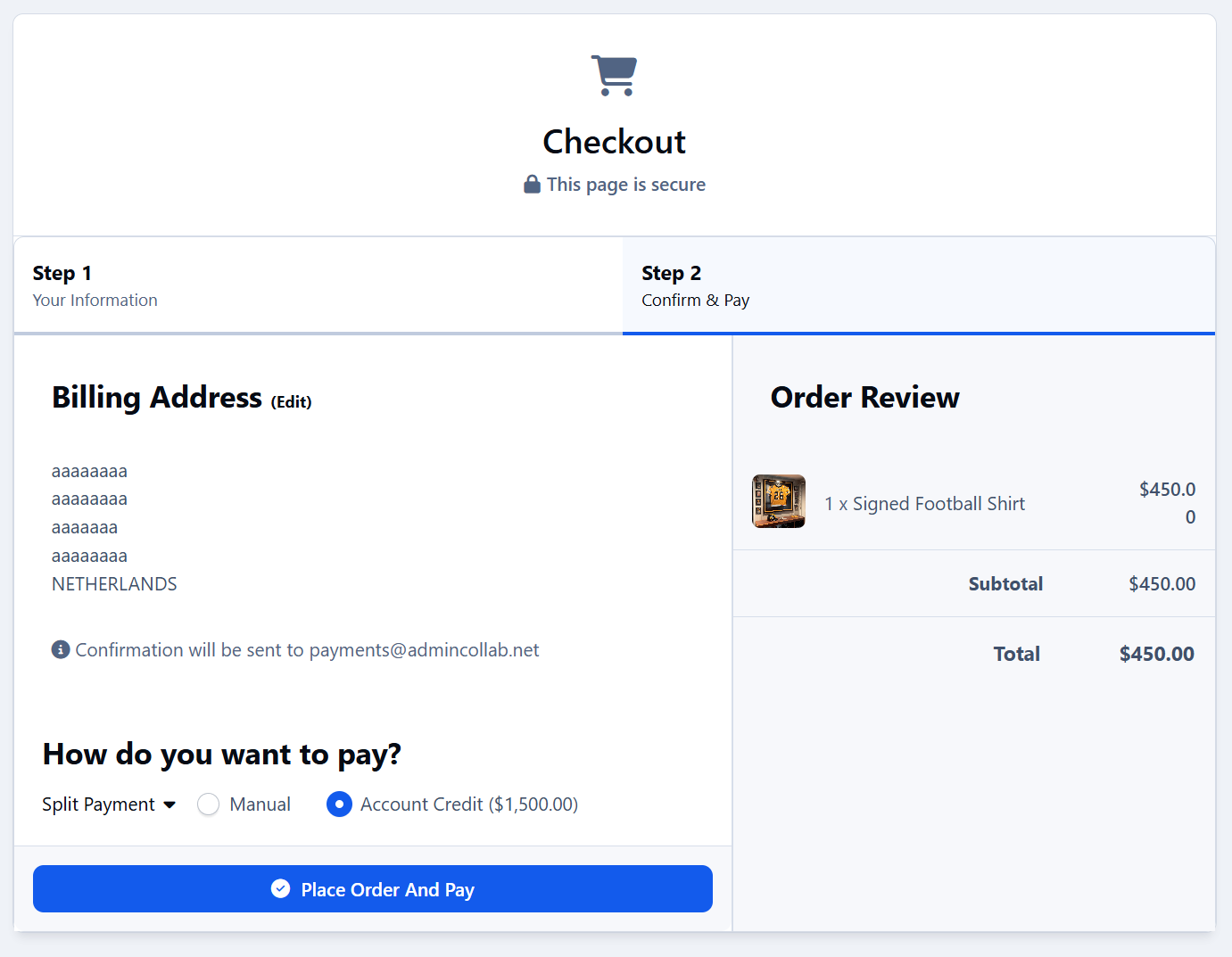
Payments handled through Nexus (PayPal, Stripe, Account Credit, etc.)
Admin control over permissions, pricing rules, and marketplace settings
Smart, Fair Bidding
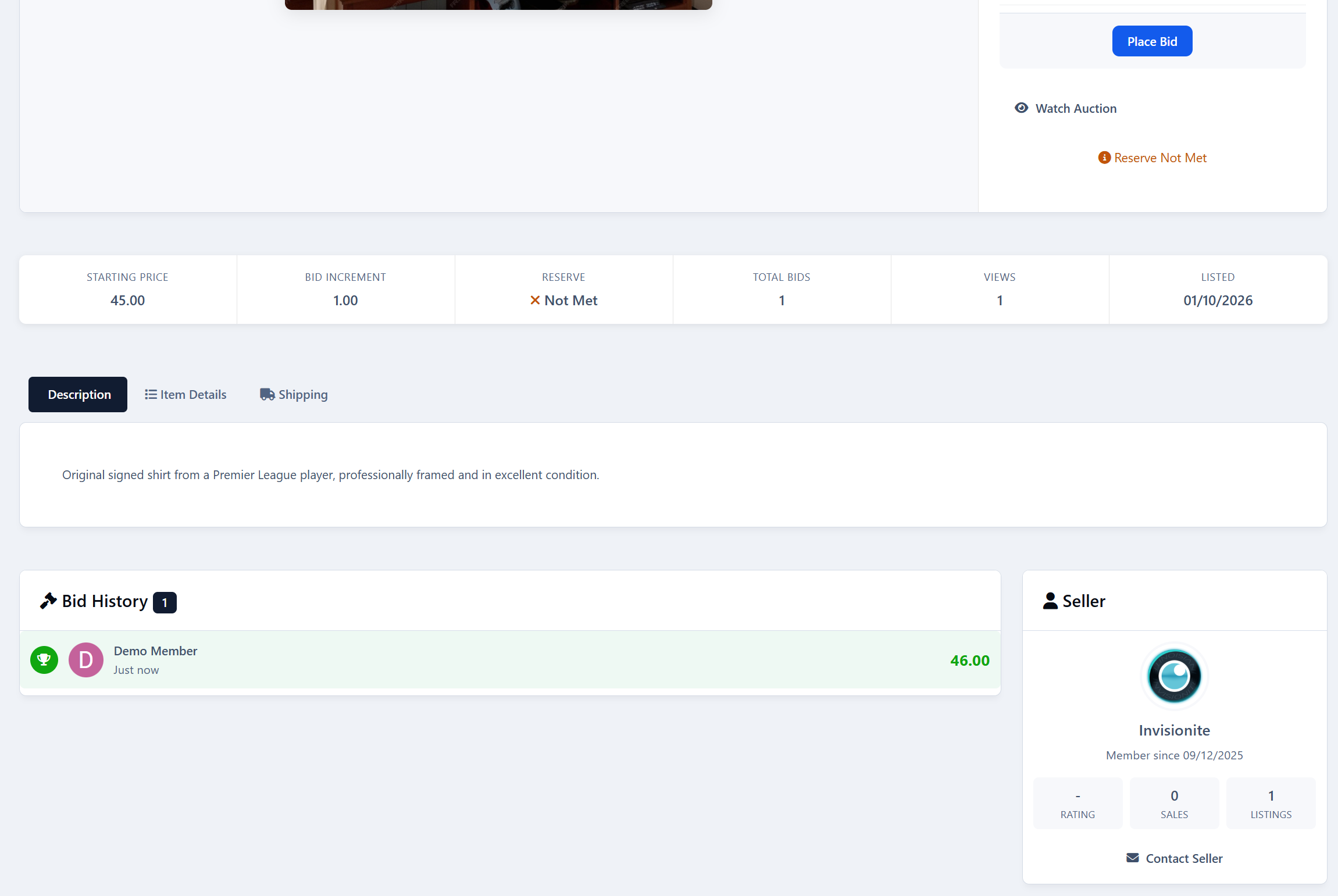
Bidding is simple and transparent. Users can place manual bids, use auto-bidding, or buy instantly if Buy Now is enabled.
The system enforces bid increments, and sends notifications when users are outbid. Anti-snipe protection keeps things fair by extending the timer if last-minute bids come in.
Clean Dashboards for Buyers & Sellers
Sellers get a clear overview of their auctions, sales, earnings, and ratings.
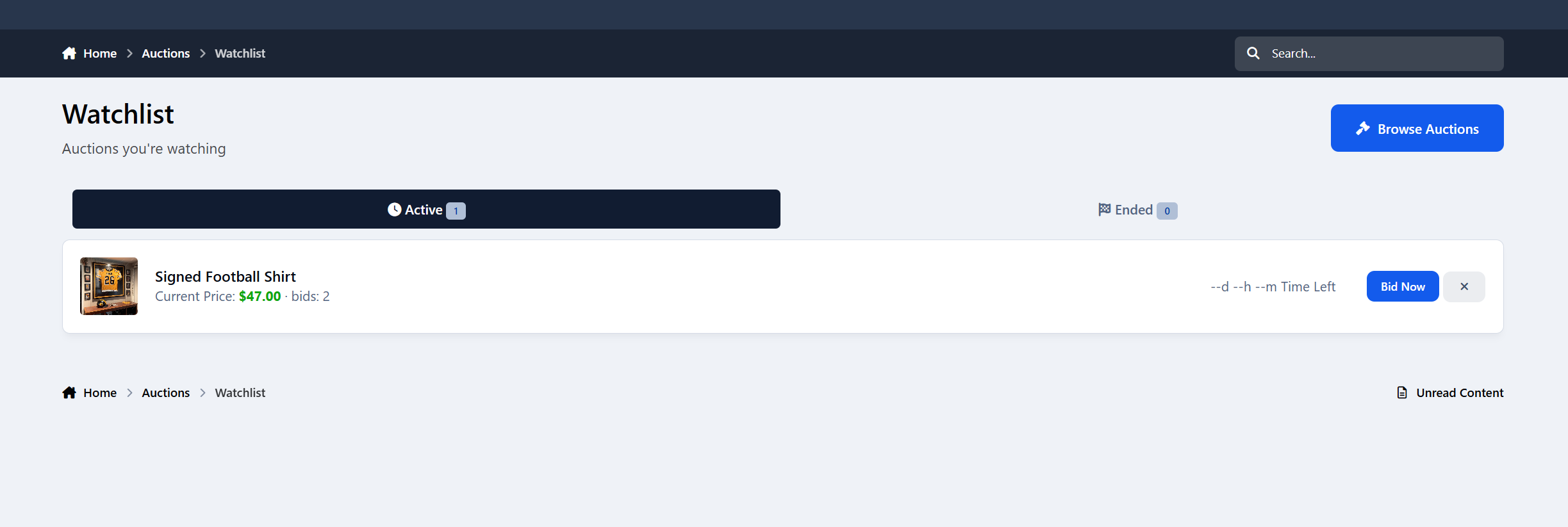
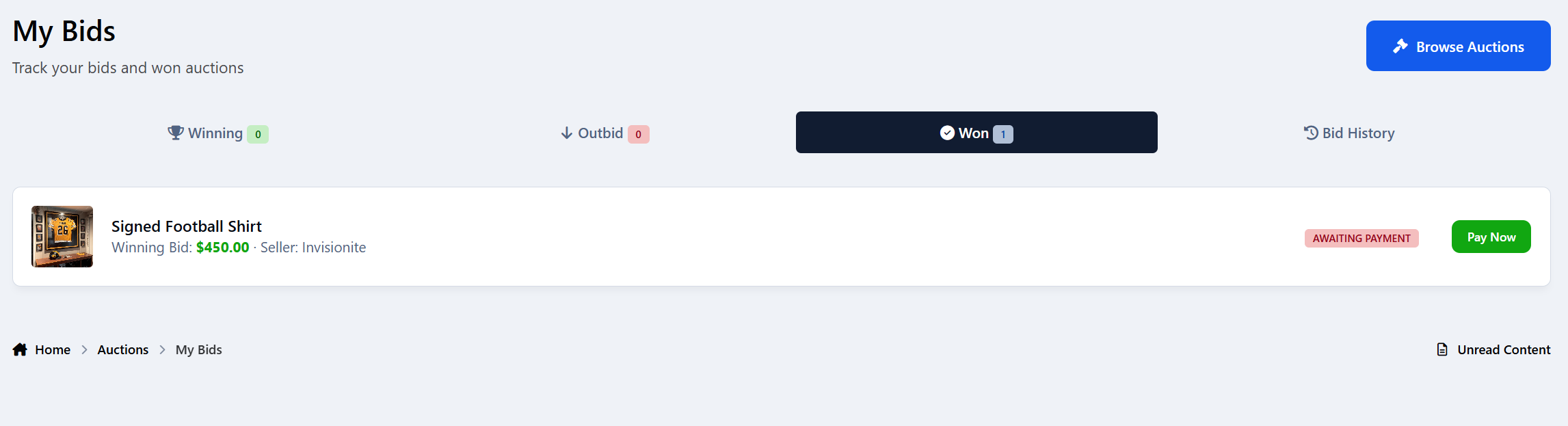
Buyers can track their bids, wins, watchlisted auctions, and payment status.
Everything is organized, easy to understand, and designed to save time.
Sellers can withdraw funds on the dashboard
Ratings & Trust
After each sale, both buyers and sellers can leave ratings. Over time, this builds a public trust score that helps users know who they’re dealing with.
Seller profiles show ratings, sales history, and overall reputation.
Payments Through Nexus
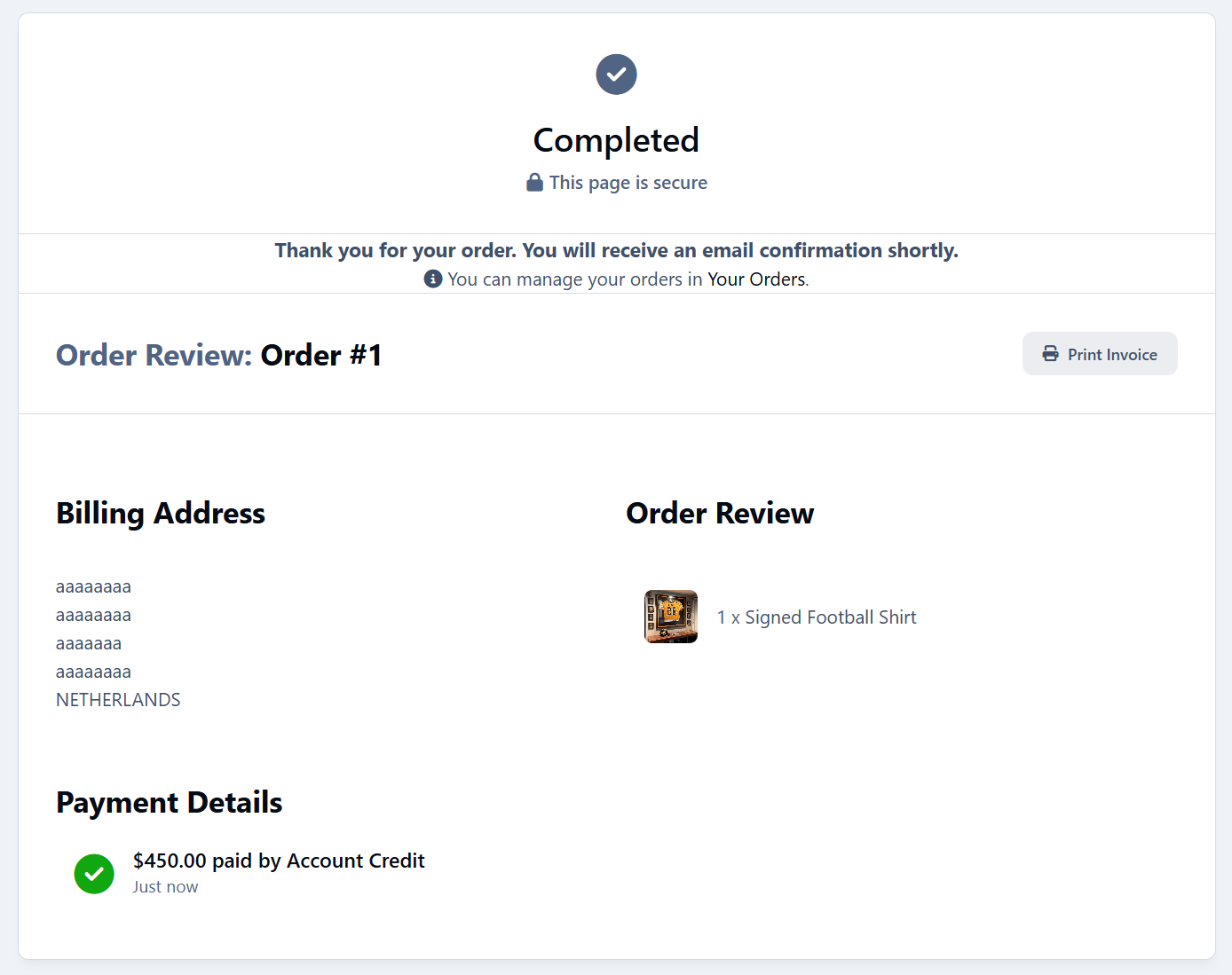
When an auction ends, a Nexus invoice is created automatically. Buyers can pay using any payment method you already support.
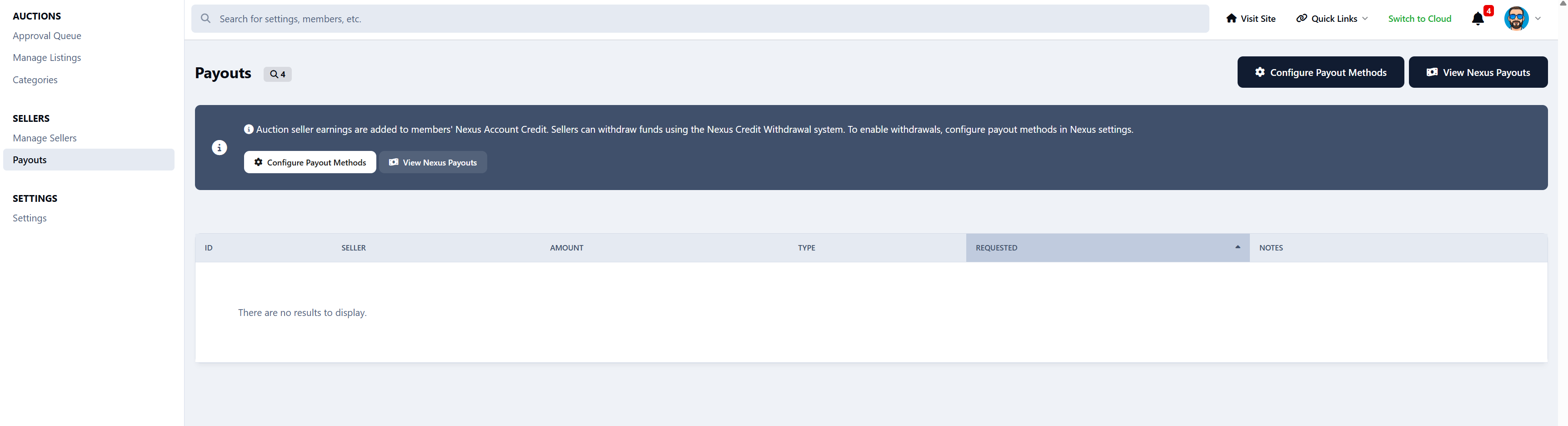
The platform takes its commission, and the seller receives their earnings as Account Credit. Withdrawals are handled through Nexus, keeping everything clean and controlled.
Full Moderation Control
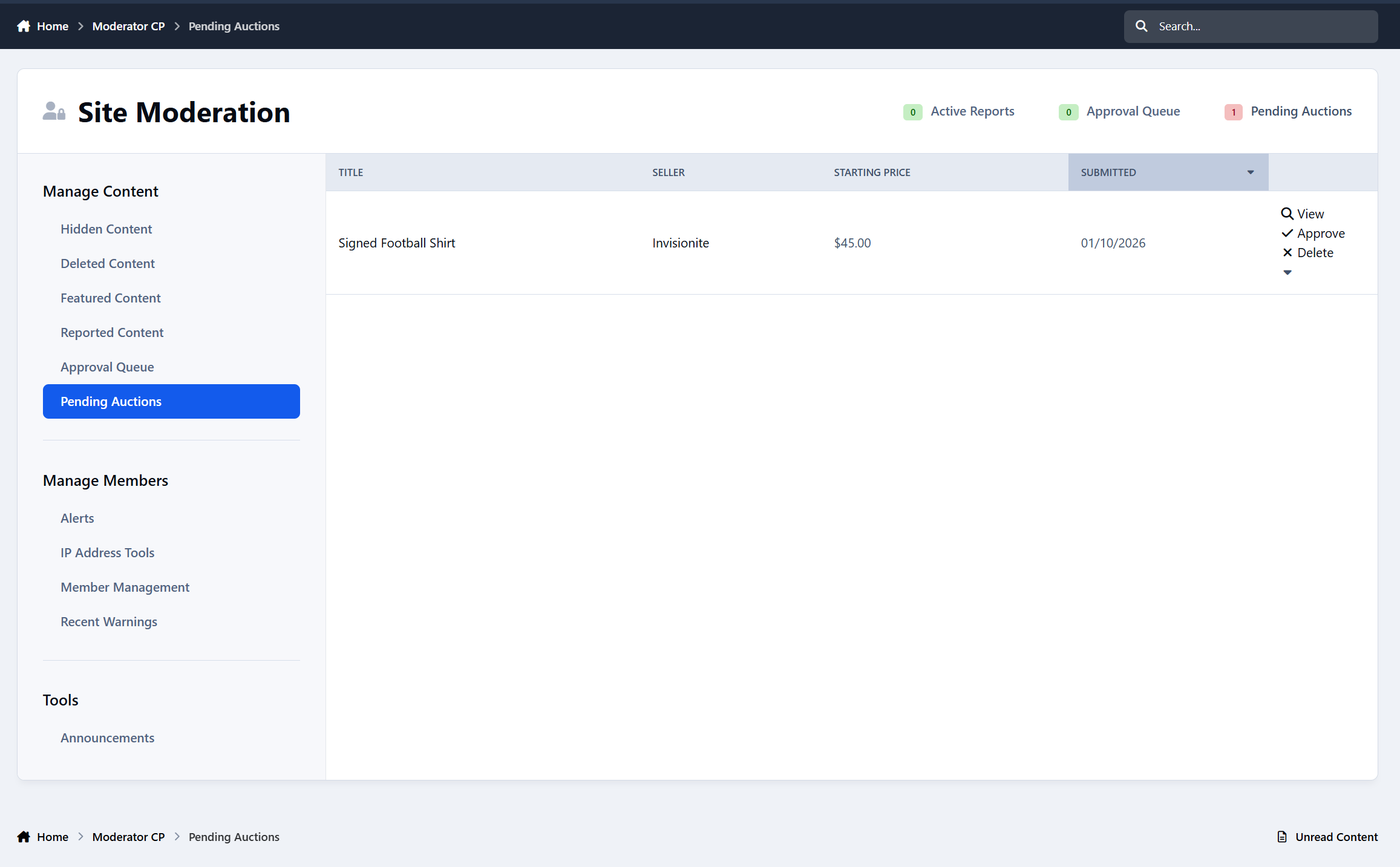
Staff can approve listings, hide or lock auctions, feature selected items.
There’s a dedicated approval queue and full moderation support, just like any other IPS content.
Full Admin Control
The ACP gives you control over everything:
Pricing rules, durations, bidding options, commissions, approvals, reputation requirements, category permissions, and more.
You decide how strict or open your marketplace should be.
Coming Soon
Featured monetization tools
Listing Fees
Digital file delivery for downloads
Built-in dispute system for buyer/seller issues
Relist unsold items
-
 1
1
Create an account or sign in to leave a review
There are no reviews to display.