Invision Community 5
- Category Member Tools
- Downloads 170
- Compatibility IC5: 5.0.0+
- Updated
Overview
A Powerful Contest System for Invision Community v5Description
Turn your community into an active, competitive, and creative space with Community Contests - a full-featured contest management application for Invision Community v5.
Run photography contests, writing challenges, video competitions, design battles, and more - all with automated phases, voting, judges, prizes, and leaderboards.
Reward creativity, boost engagement, or run paid competitions, this app has you covered.
What Is Community Contests?
Community Contests is a complete contest system that lets you:
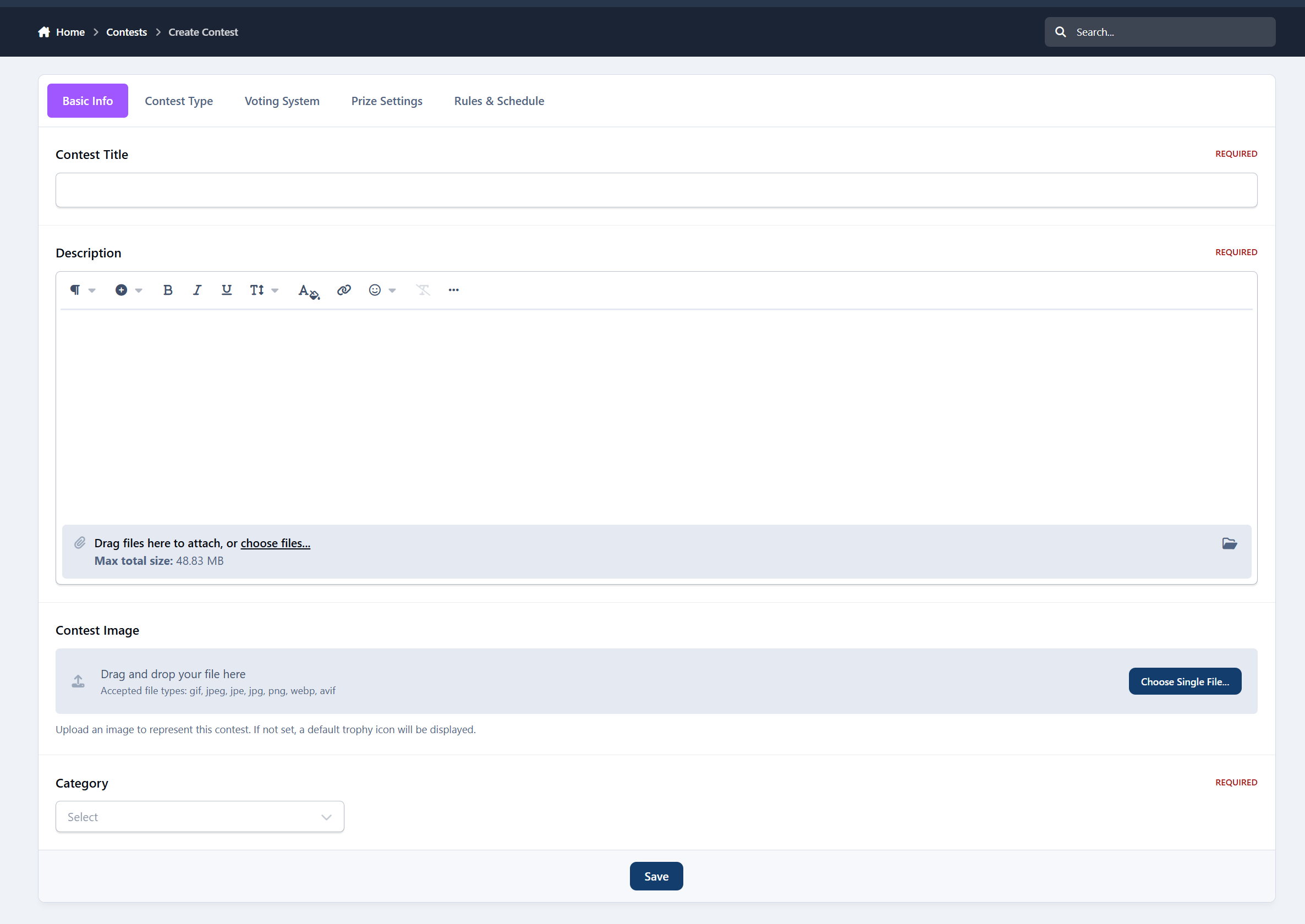
Create structured competitions
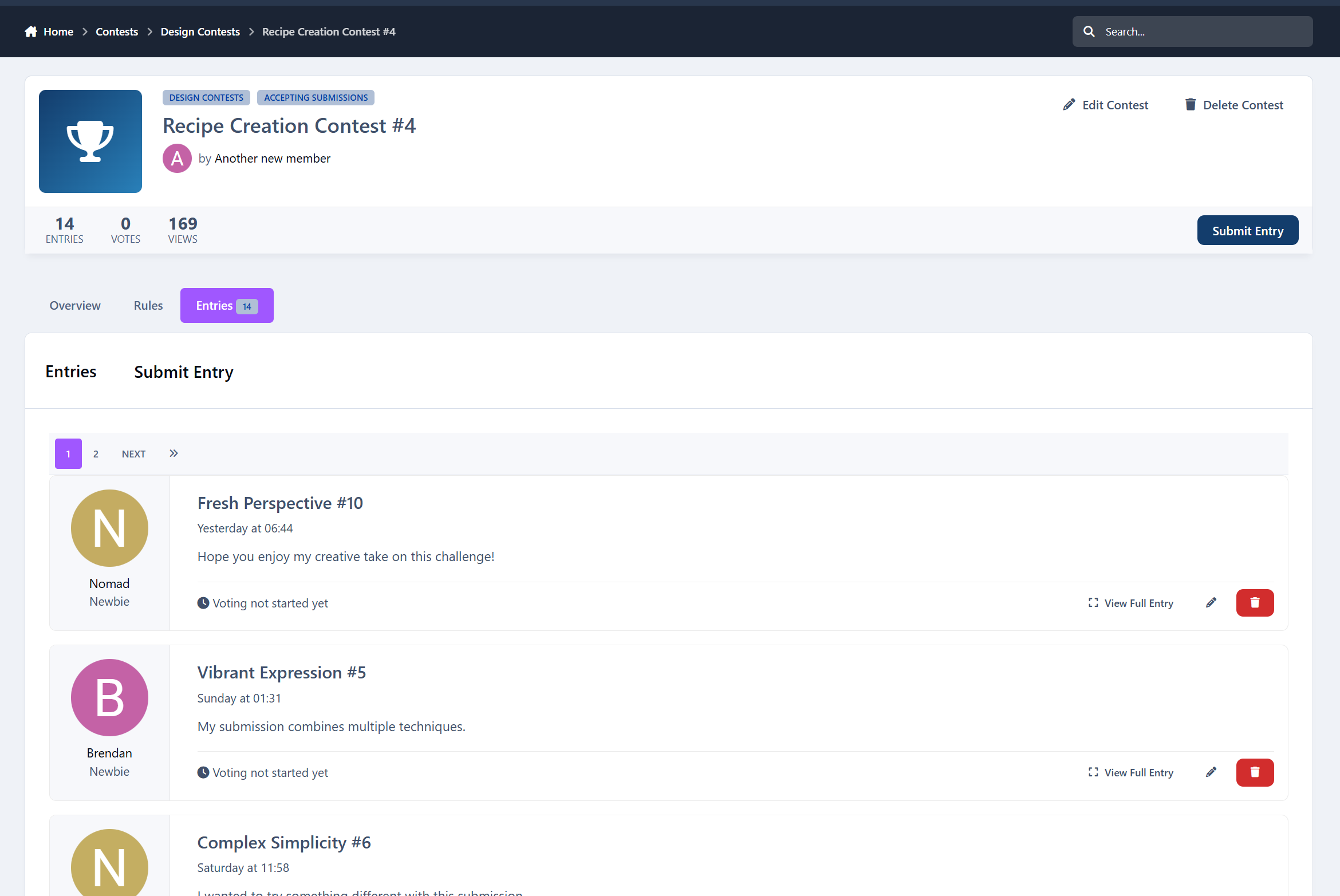
Accept member submissions
Enable voting or judging
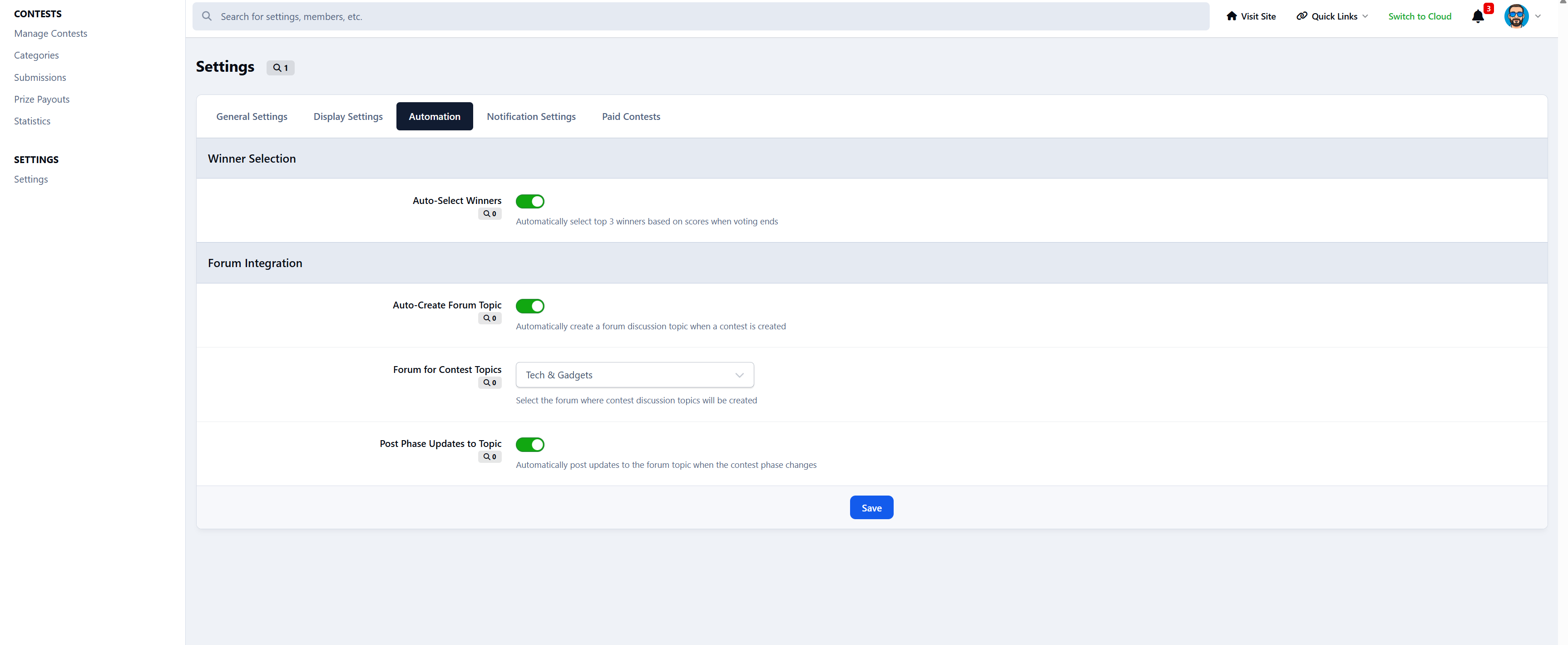
Pick winners automatically
Award prizes
Track stats and achievements
Everything is fully integrated into Invision Community’s content system.
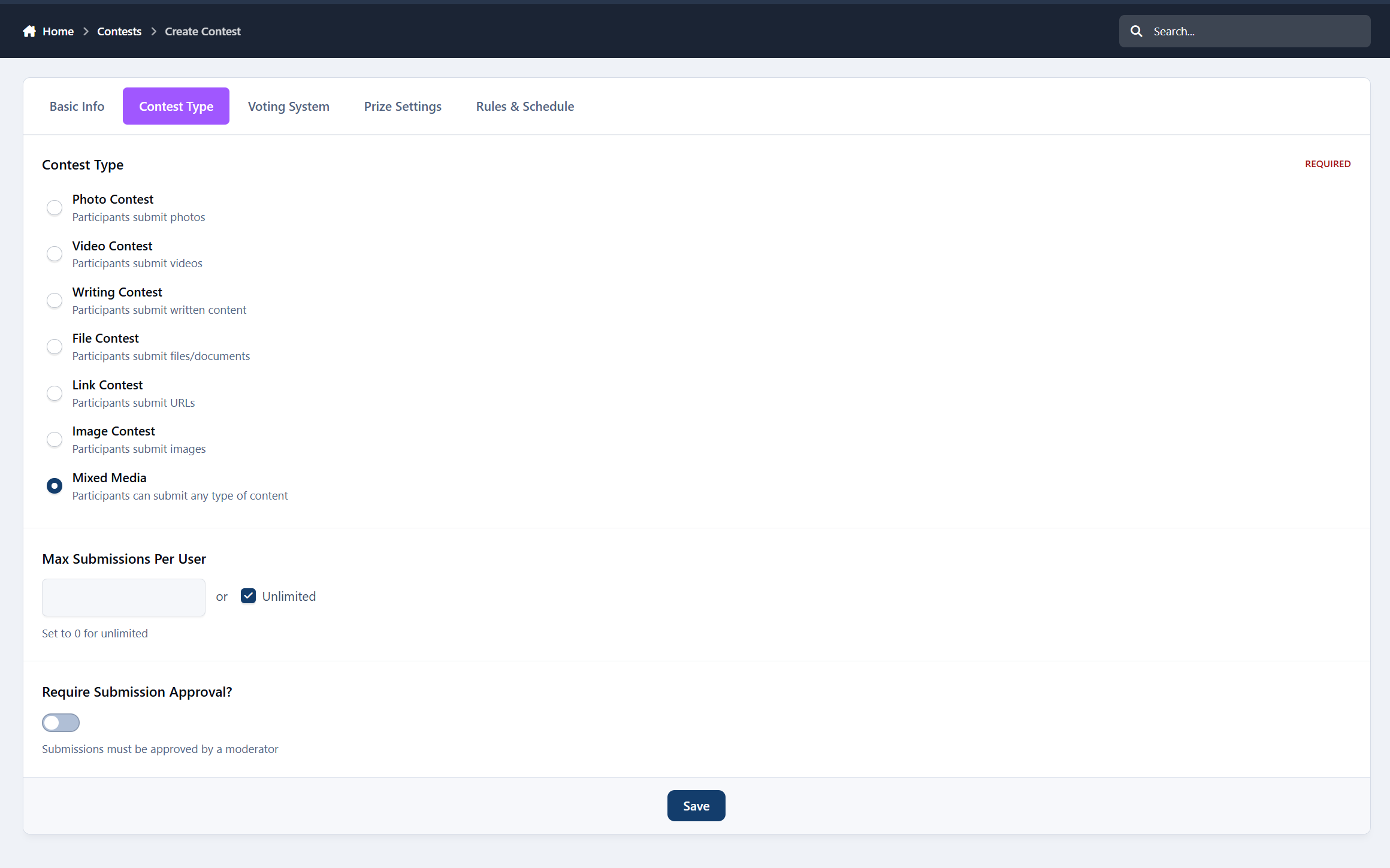
Contest Types
Create contests for:
Photo submissions
Video entries
Writing / essays
File uploads
External links
Or any mixed format
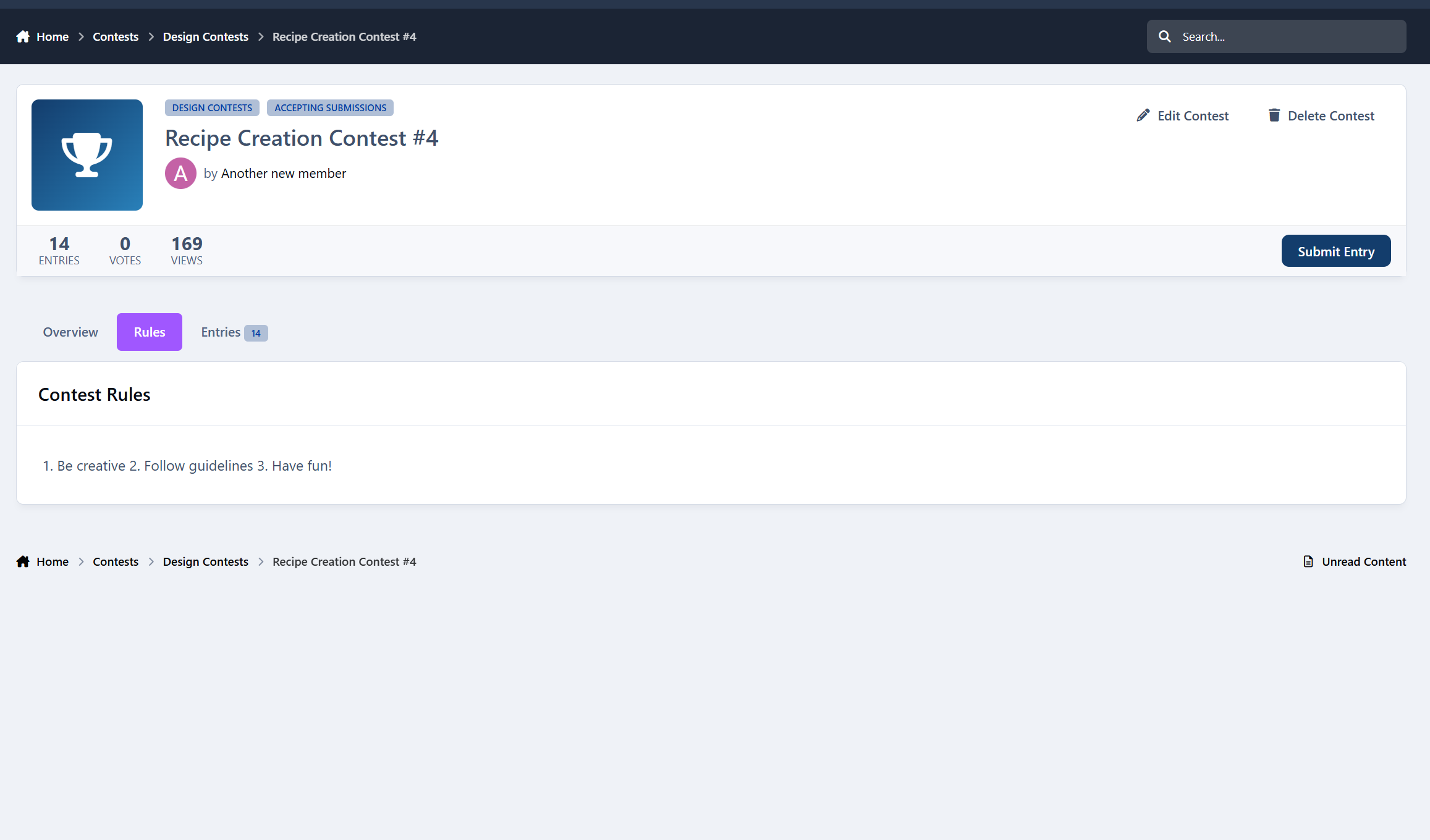
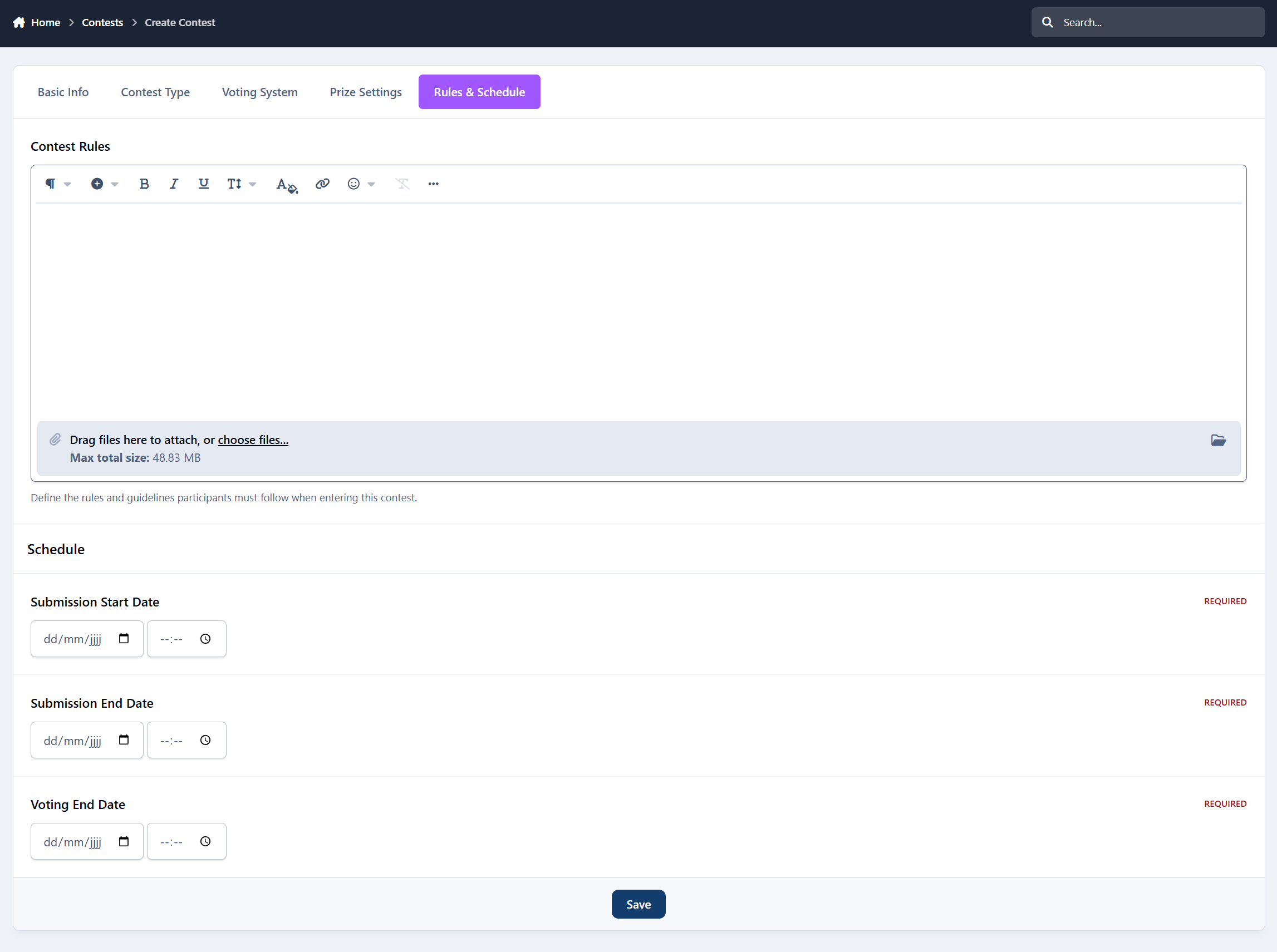
Each contest can have its own rules, images, categories, and settings.
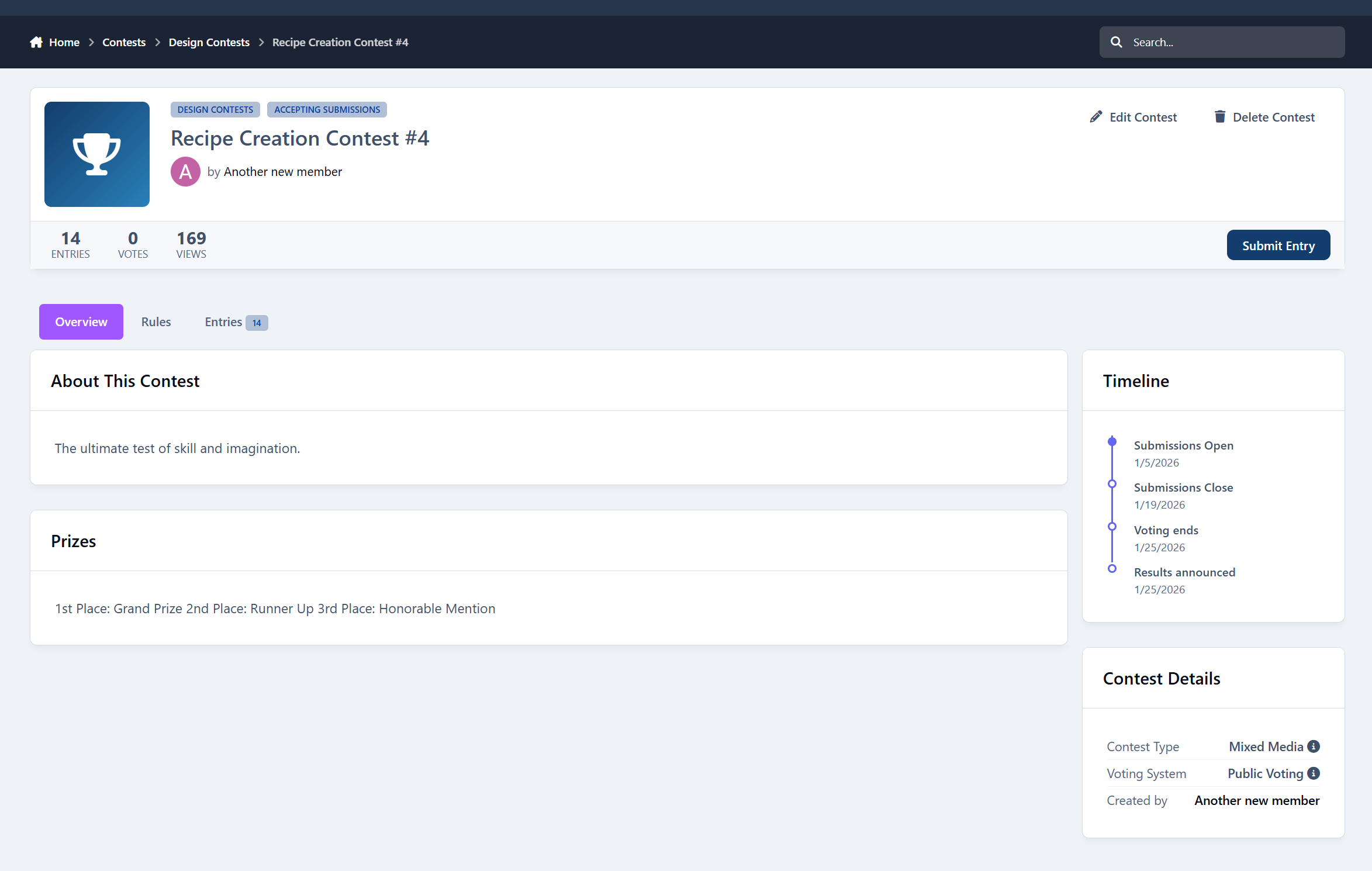
Automated Contest Phases
No manual switching required.
Contests automatically move through:
Pending
Accepting Submissions
Voting
Completed
You control the dates, and the system handles the rest.
Flexible Voting System
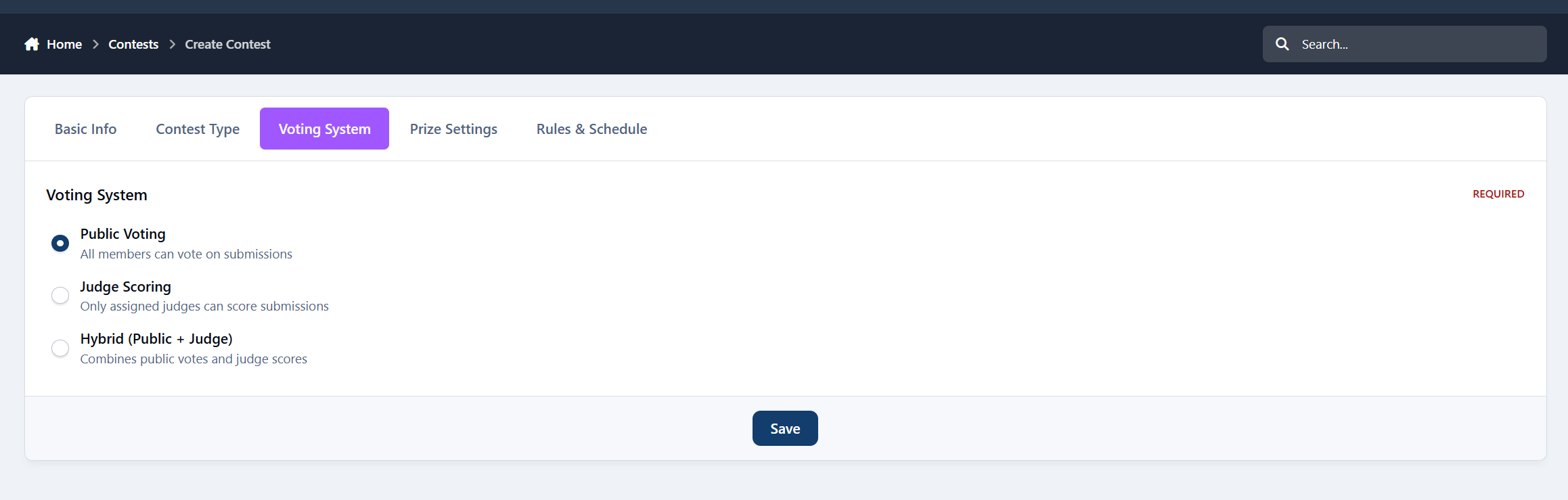
Choose how winners are decided:
Public Voting
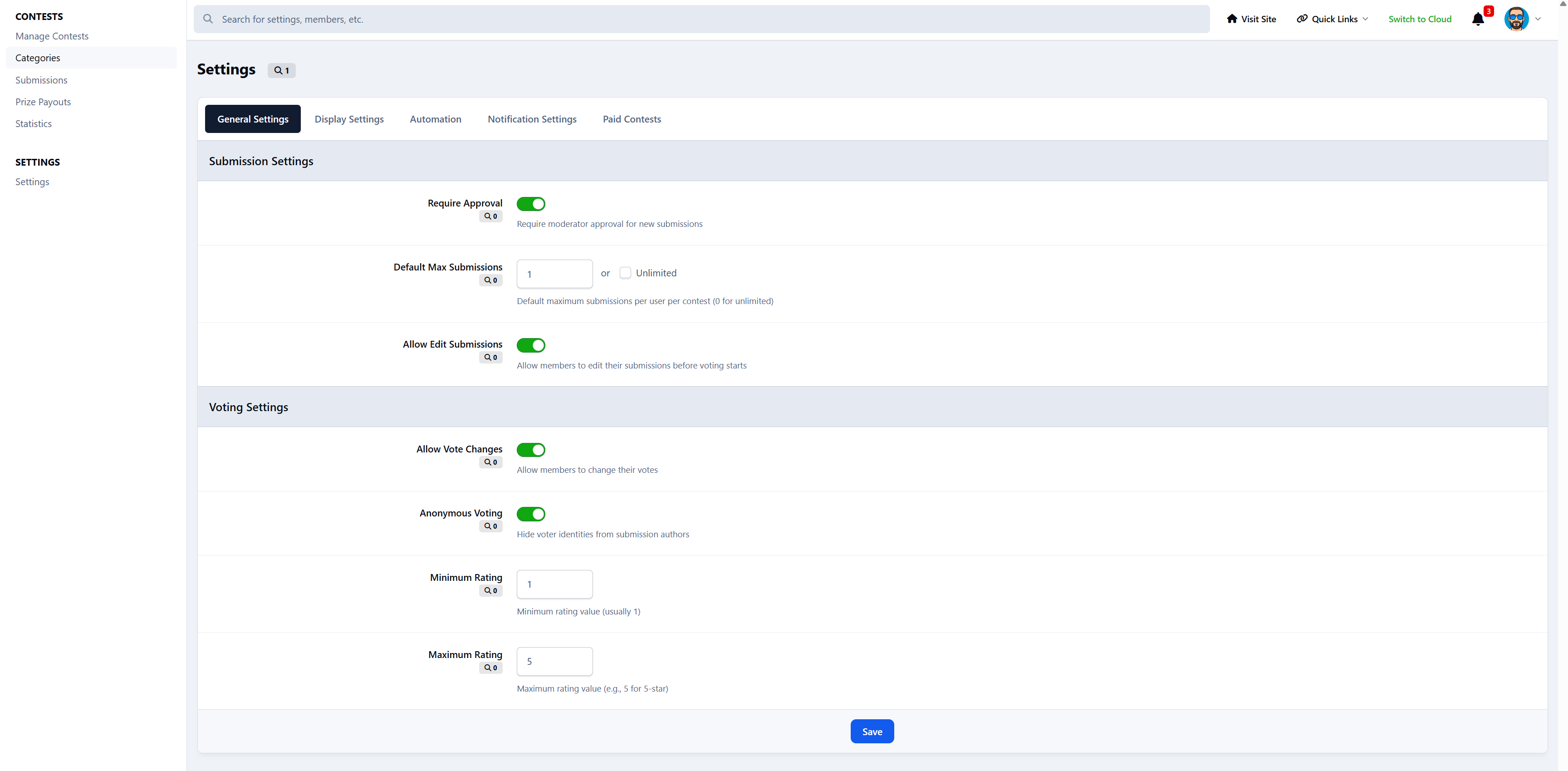
Members rate entries (1–5 stars)
Judge Scoring
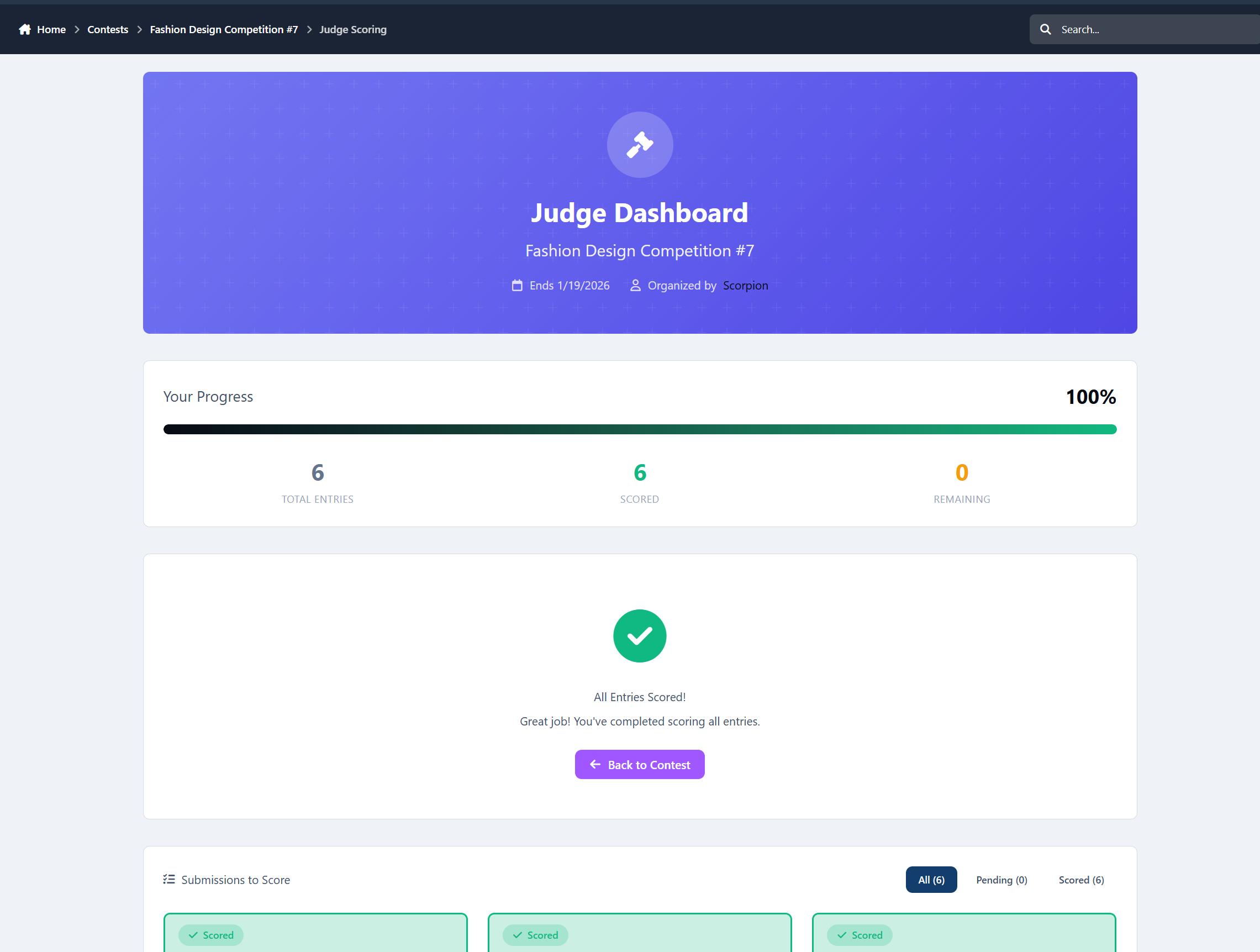
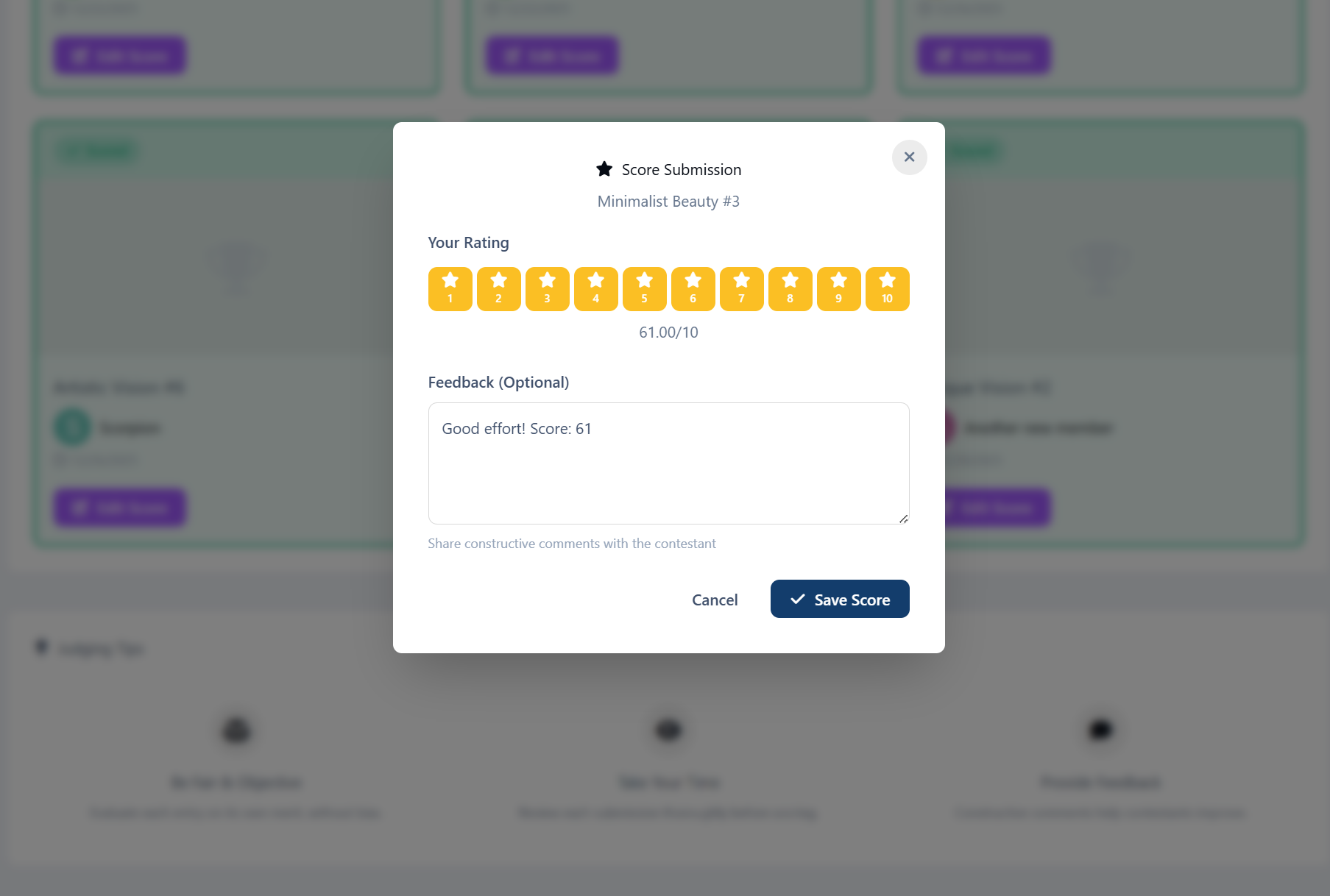
Assigned judges have a dedicated dashboard to score entries (1–10) with optional feedback
Hybrid Mode
Combine public votes + judge scores
Features include:
Vote change options
Anonymous voting
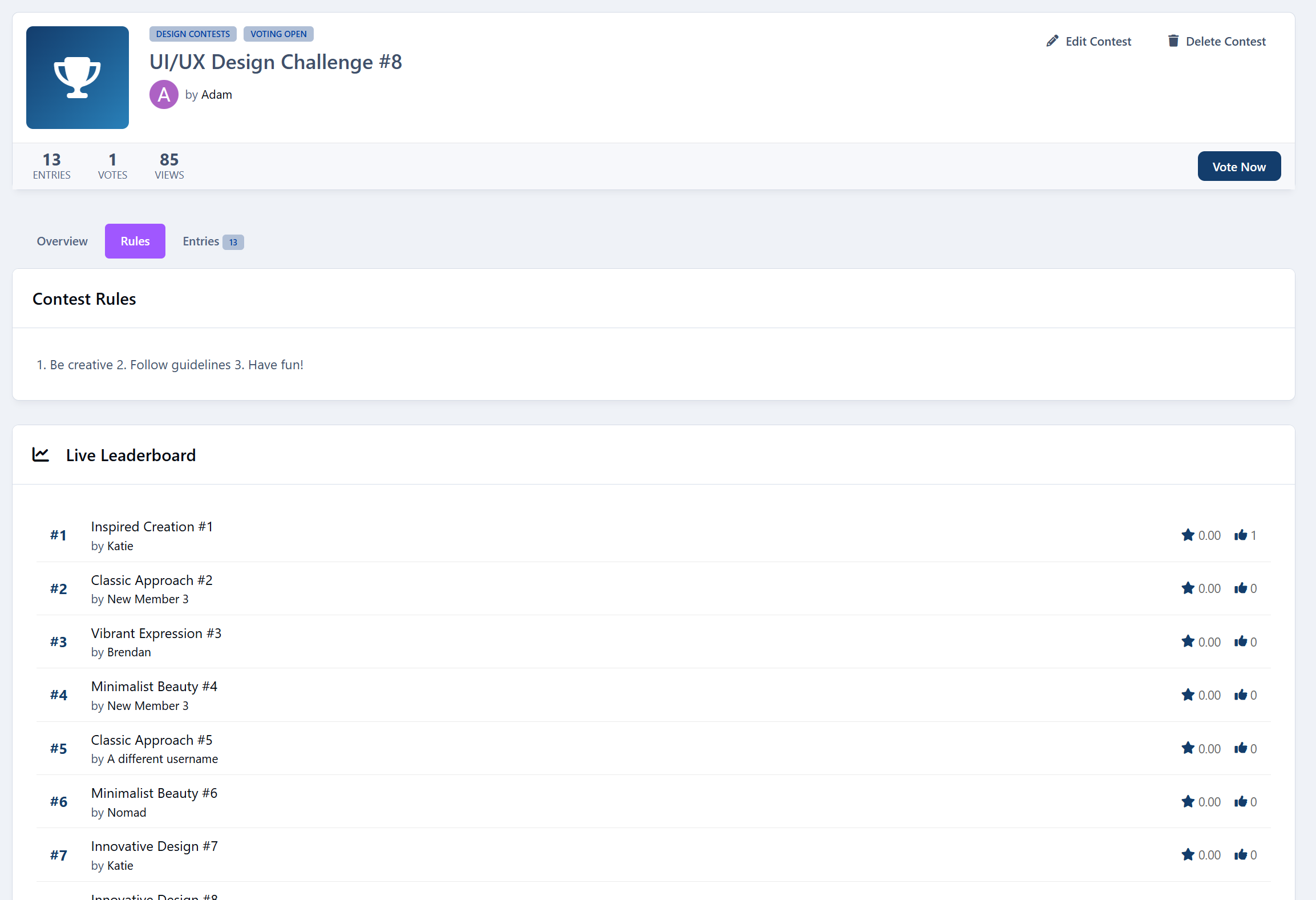
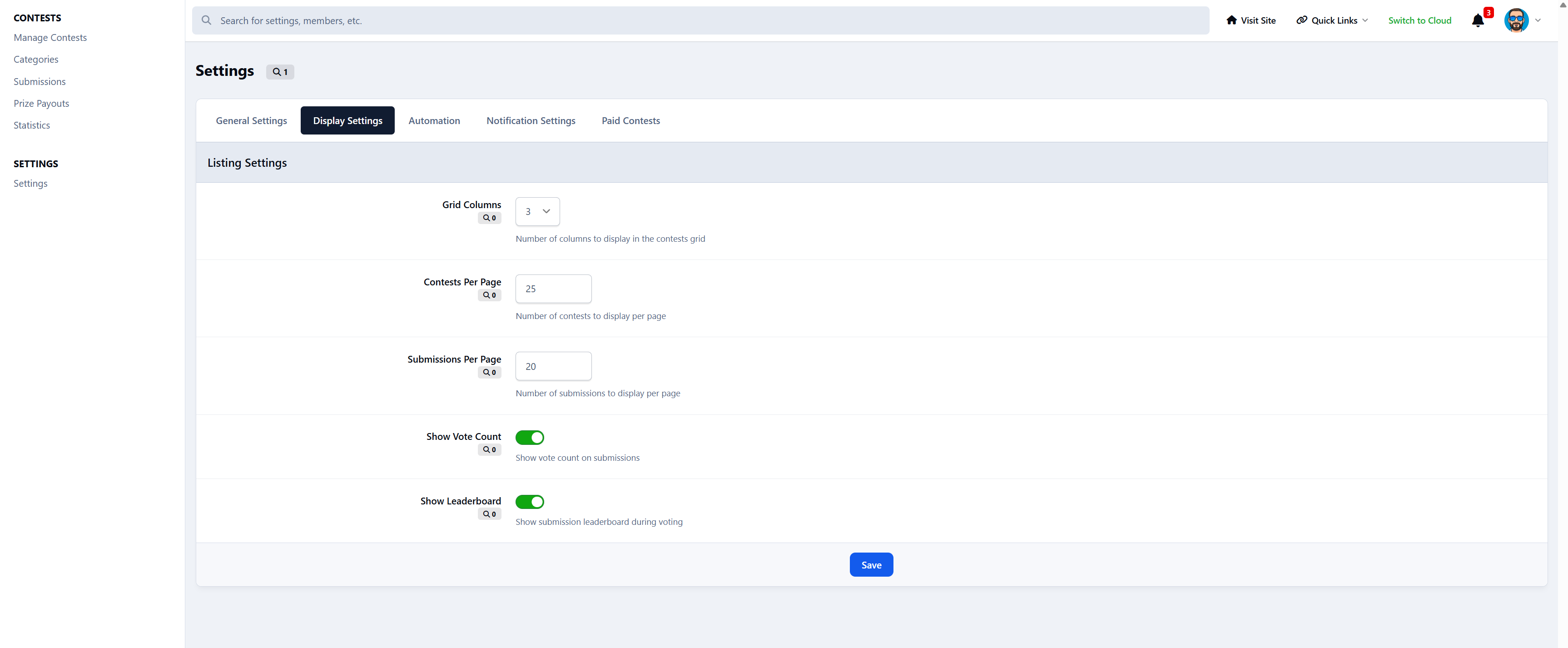
Live leaderboards
Automatic score calculation
Built-In Judge System
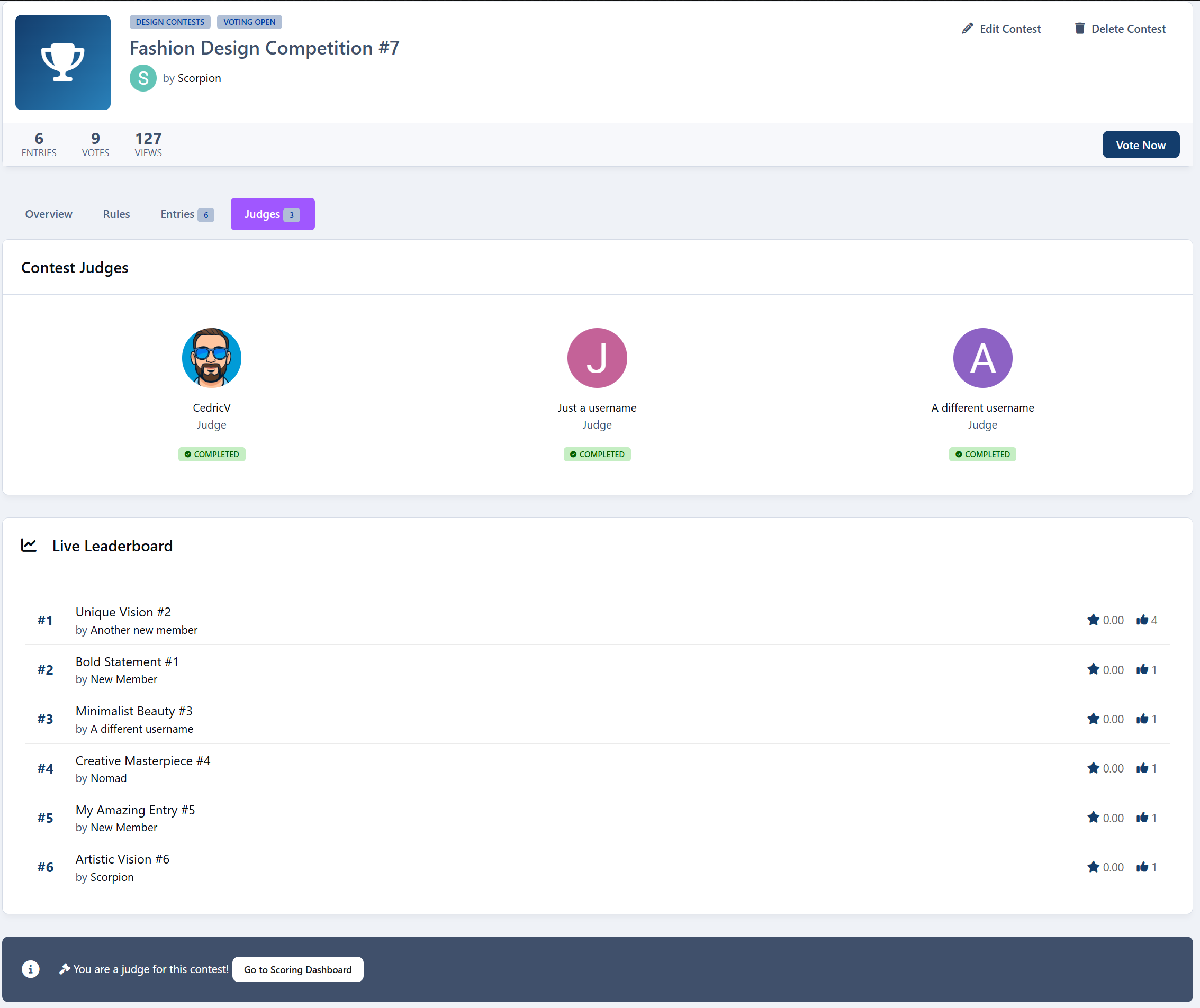
Assign multiple judges per contest with:
A dedicated judging dashboard
Progress tracking
Visual status indicators
Score + feedback per entry
Perfect for serious competitions or staff-run events.
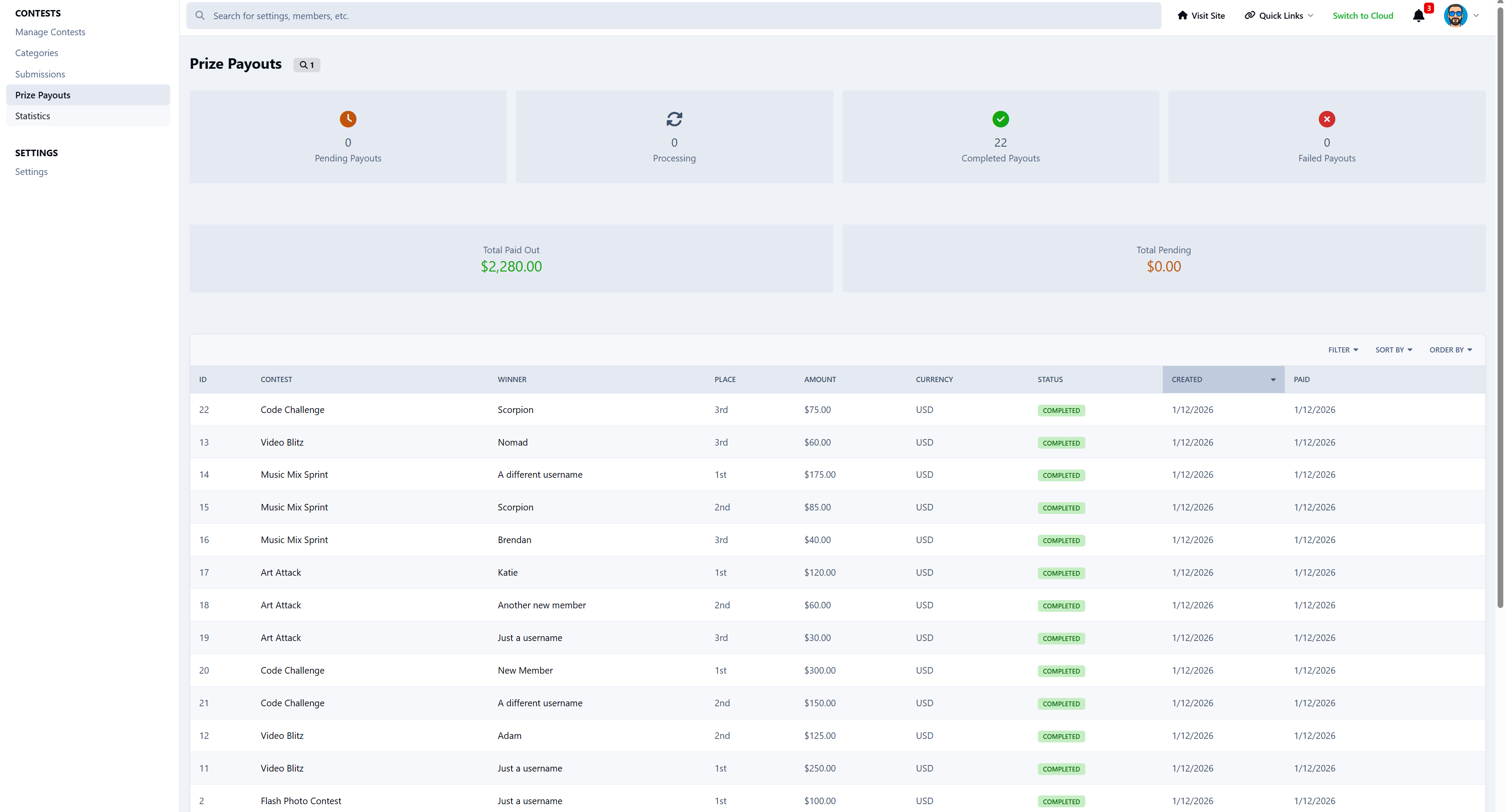
Winners & Prizes
Support for:
1st, 2nd, and 3rd place
Automatic or manual winner selection
Winner announcements & notifications
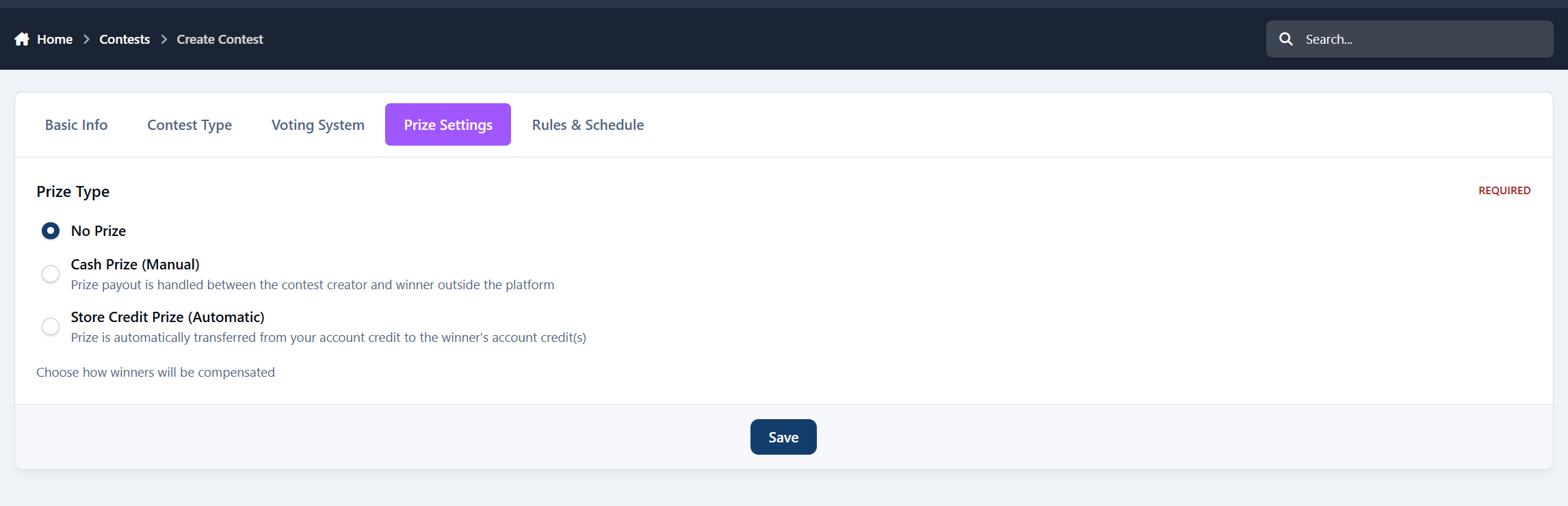
Prize options:
Cash
Store credit (Nexus), Invoices included
Or just recognition
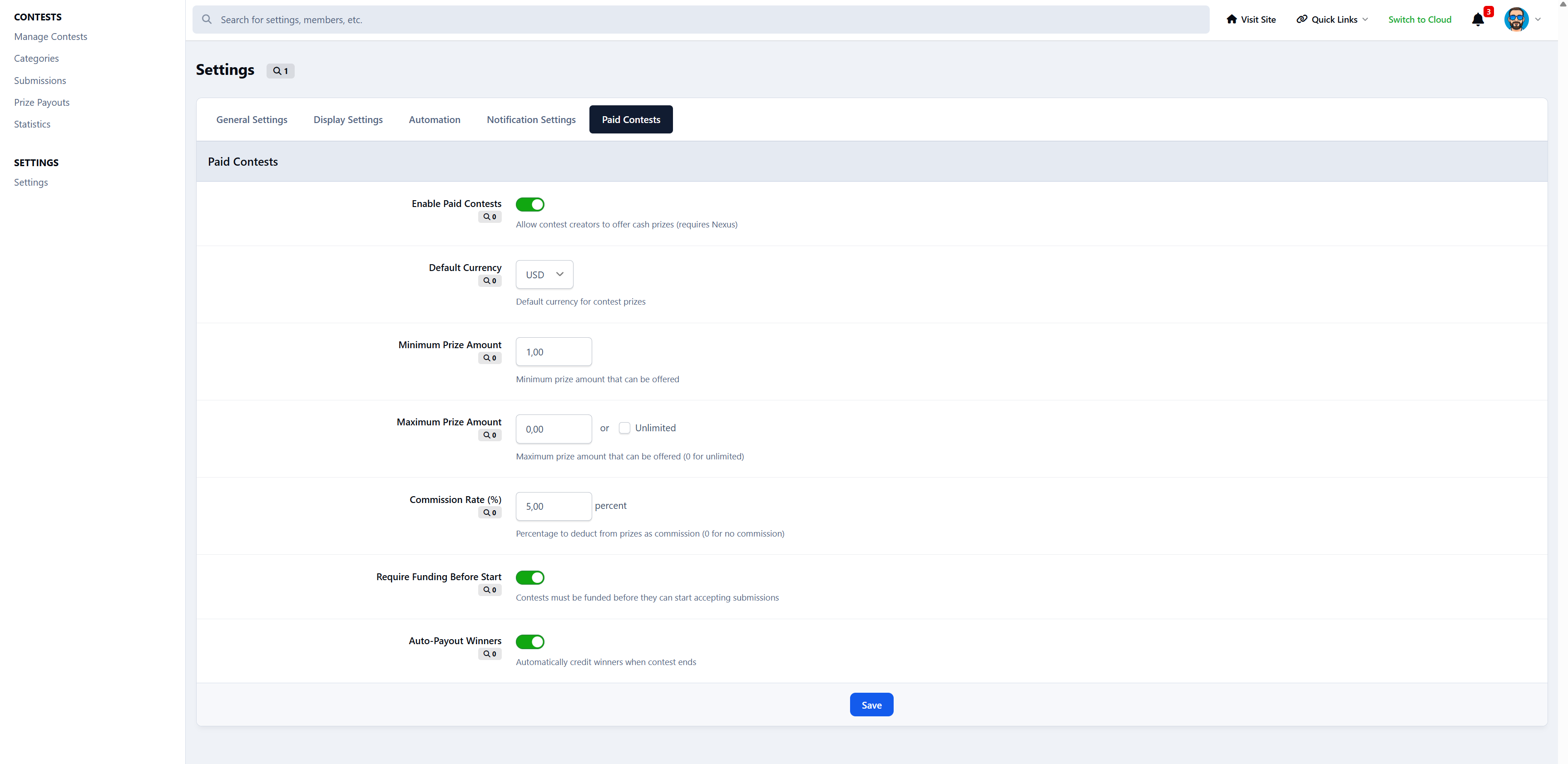
Paid contests are supported with:
Entry fees
Invoice-based prize funding
Automatic payouts
Multi-currency support
Submission System
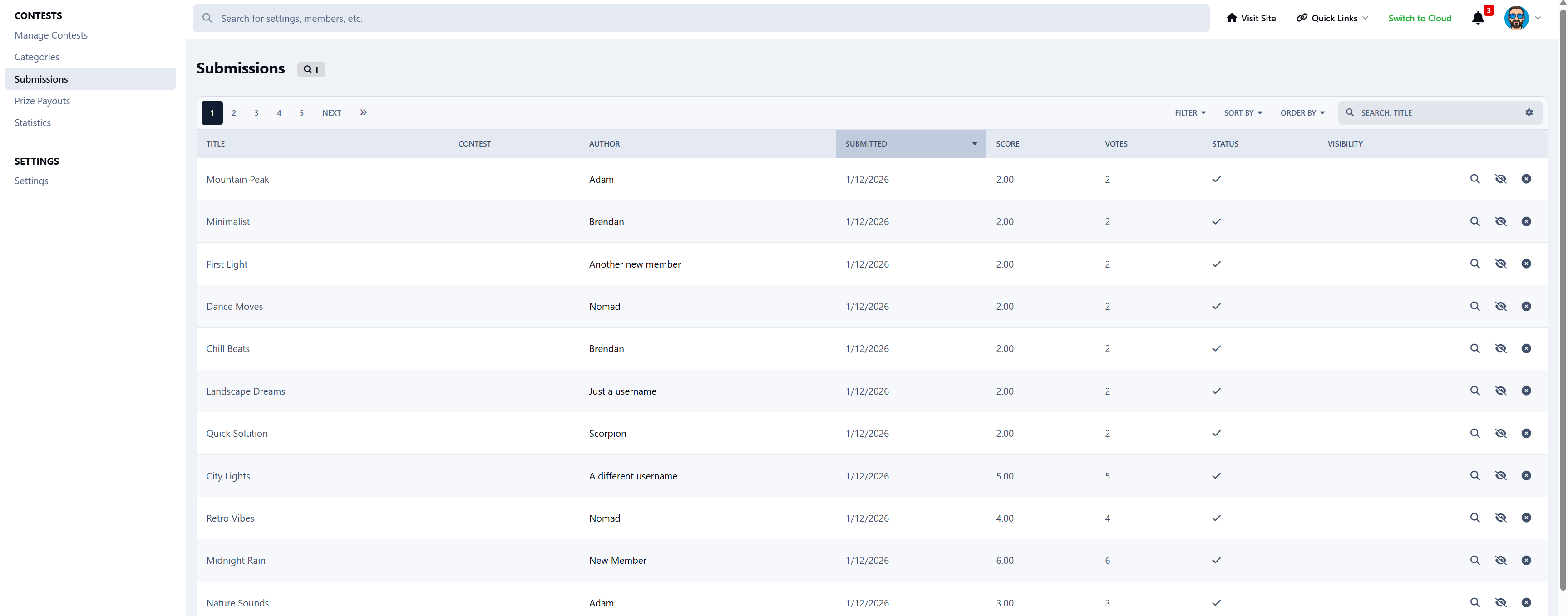
Members can submit:
Rich text entries
Images & files
External links
With features like:
View counters
Comment system
Edit permissions
Approval queues
Admin moderation tools
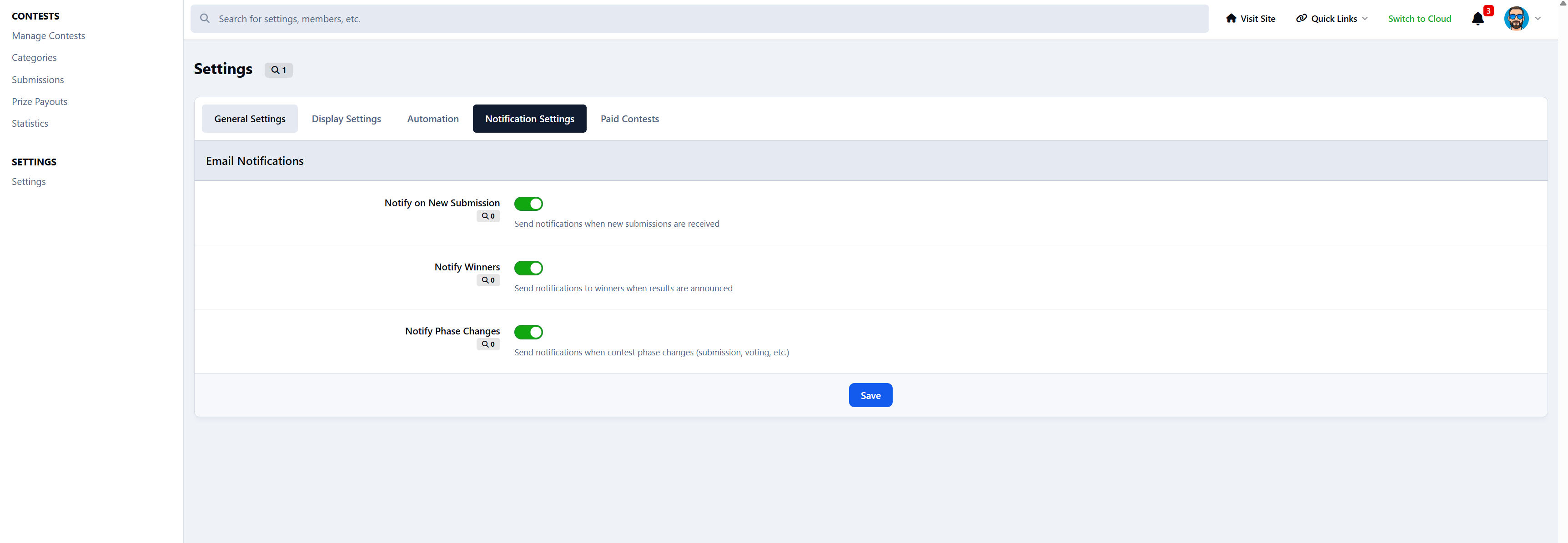
Smart Notifications
Members are notified when:
Contests start
Voting opens
Contests end
They win
Prizes are paid
Submissions are approved
New comments arrive
Keeps everyone engaged without manual announcements.
Achievements Integration
Automatically unlock achievements for:
Entering contests
Voting
Winning
Great for gamification and motivation.
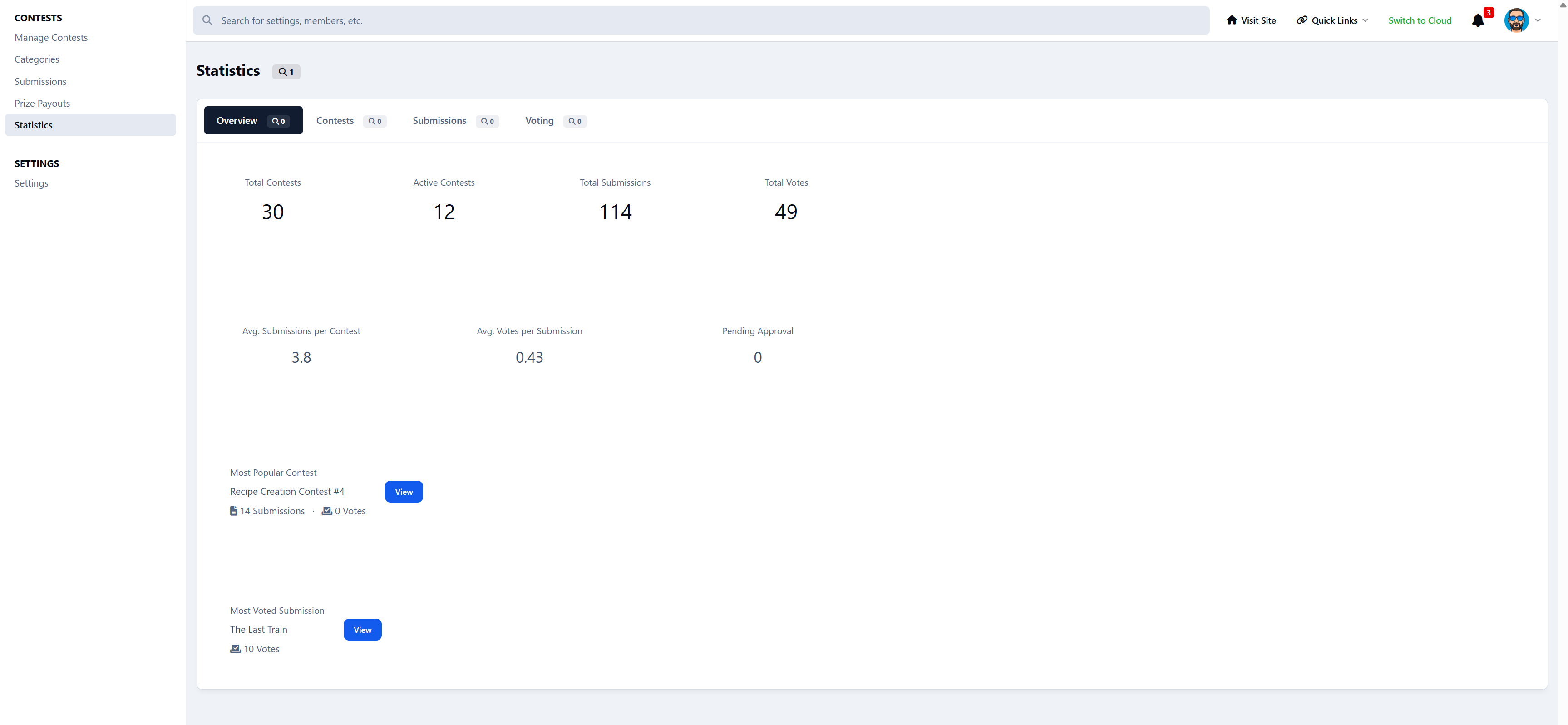
Stats & Leaderboards
Track everything:
Total contests
Submissions
Votes
Prize money
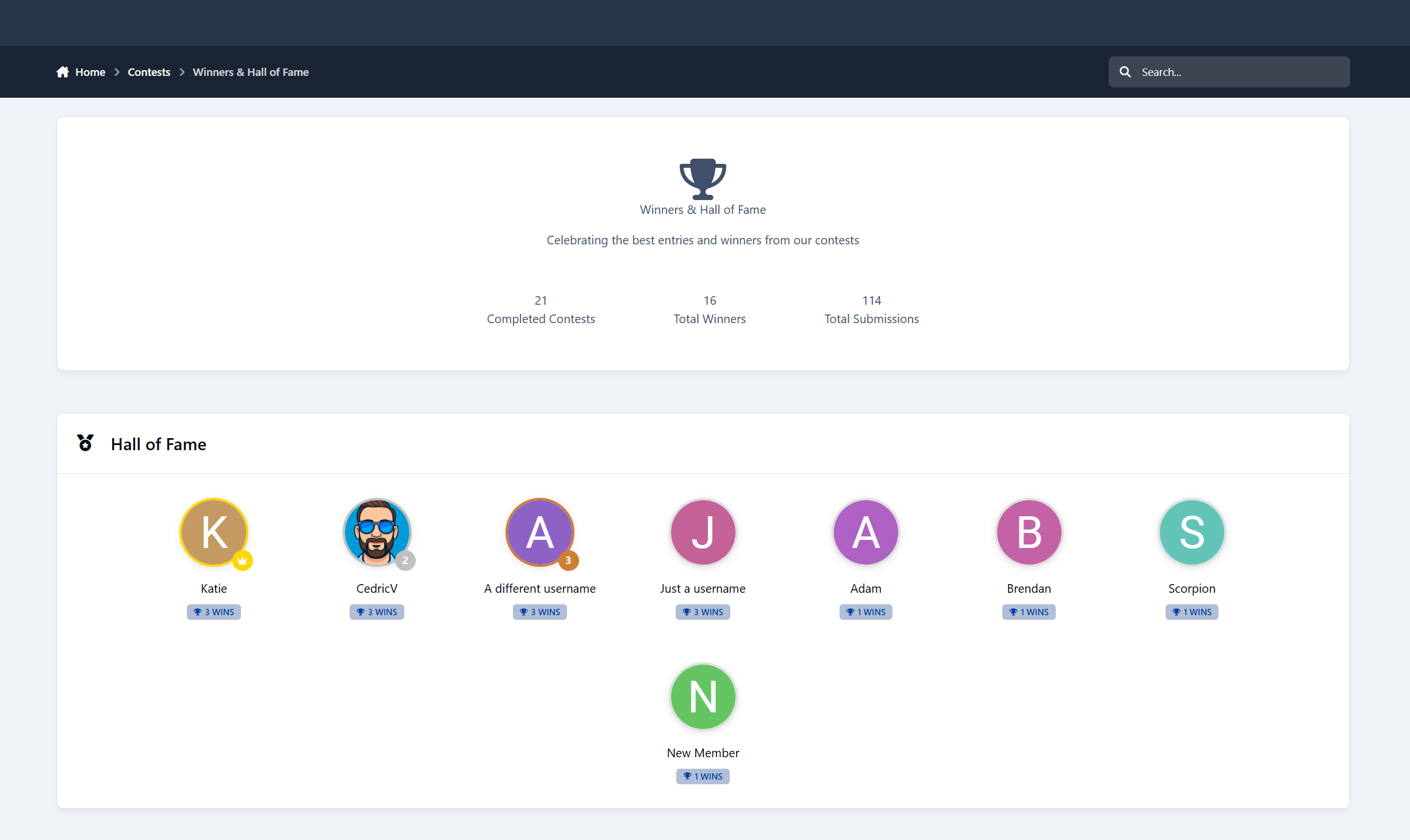
Top winners
Earnings leaderboard
Hall of Fame
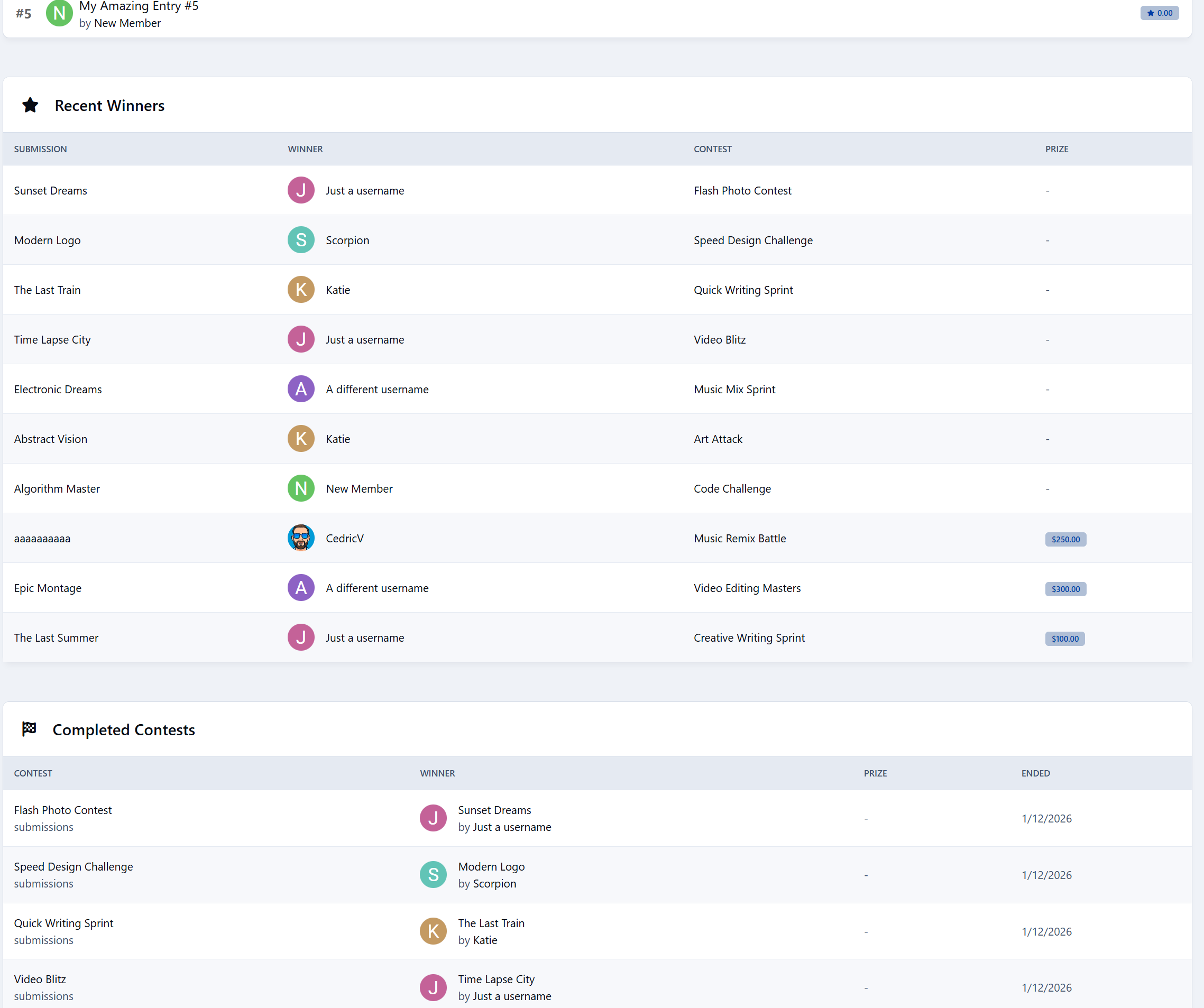
Recent winners
Includes live leaderboards during voting.
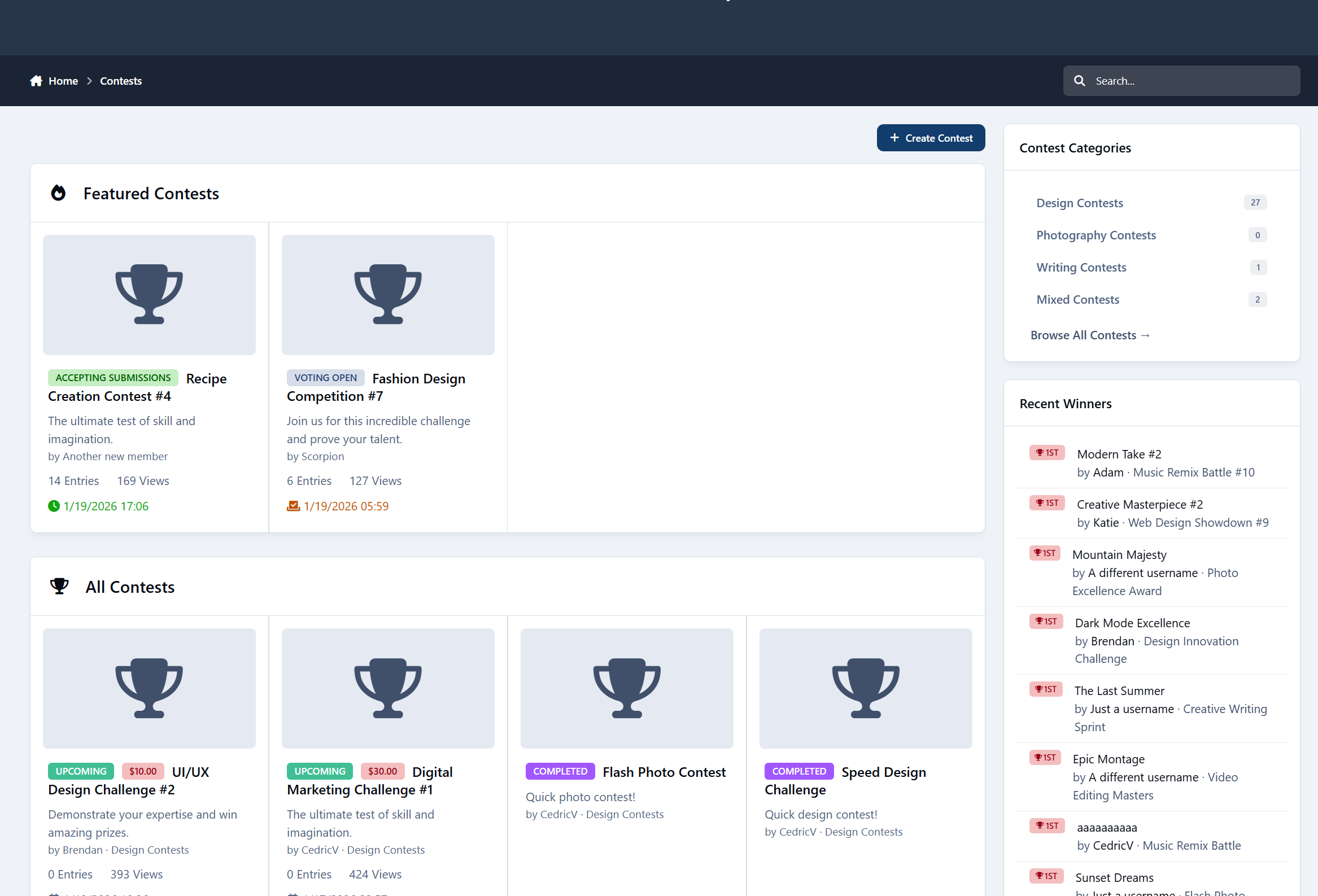
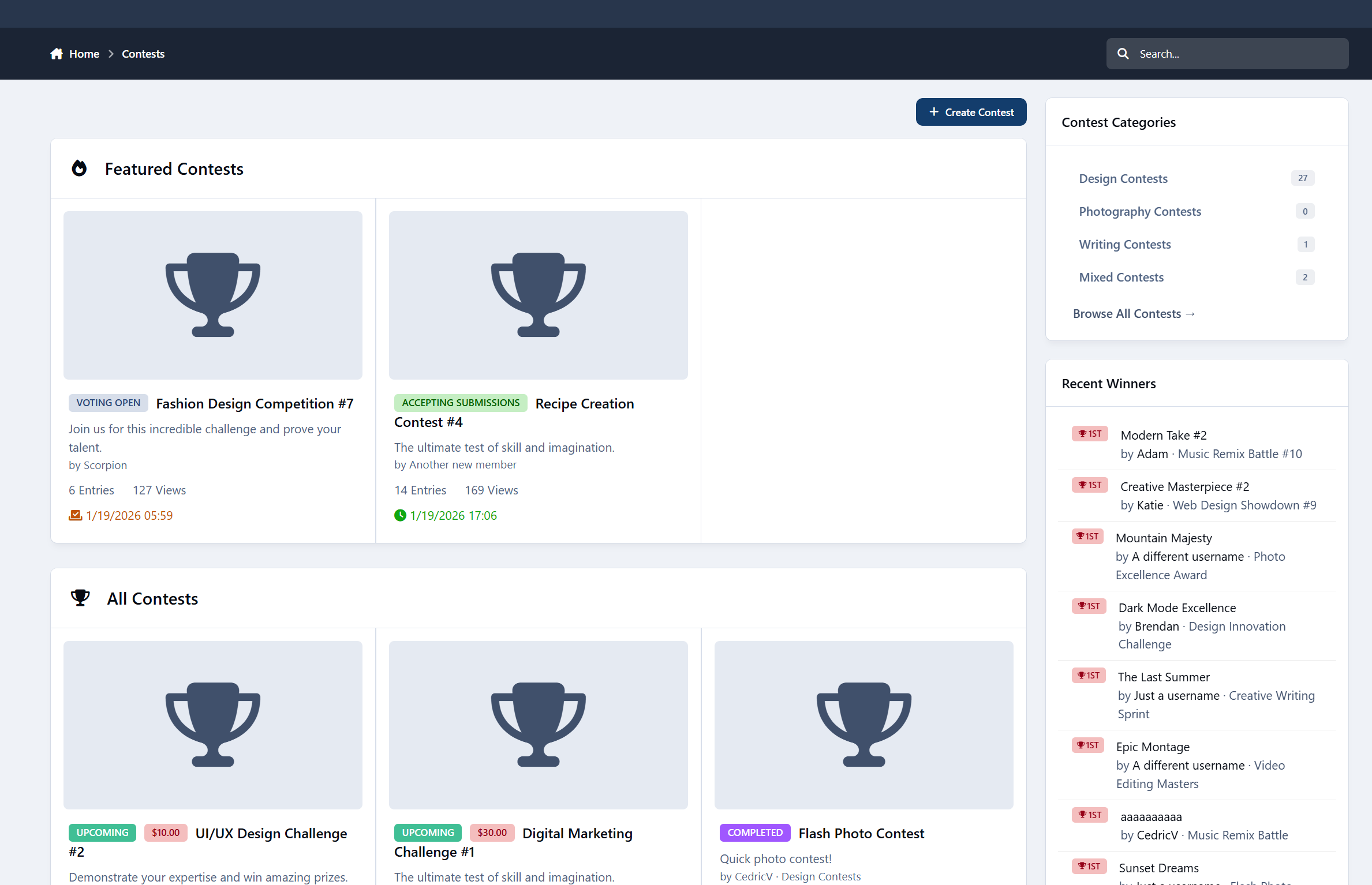
Widgets Included
Display contests across your community with:
Active Contests
Featured Contests
Countdown Timers
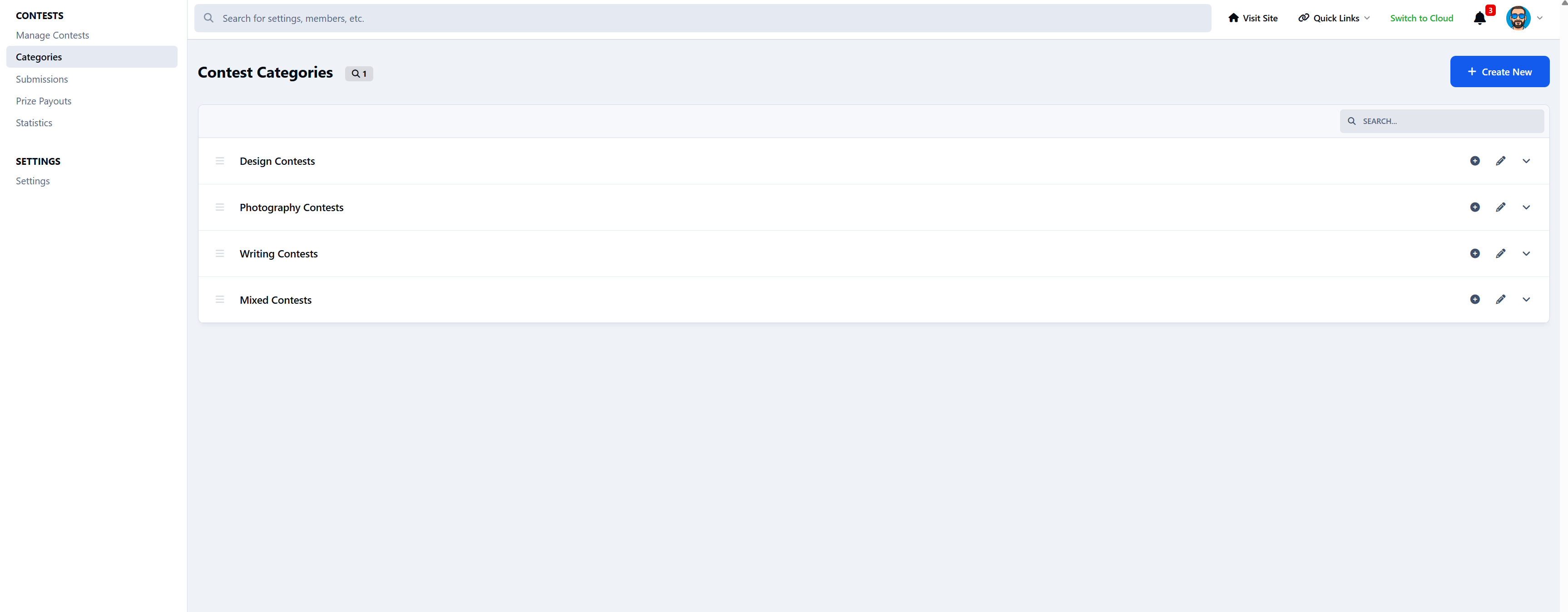
Categories
Recent Winners
Perfect for the homepage or sidebars.
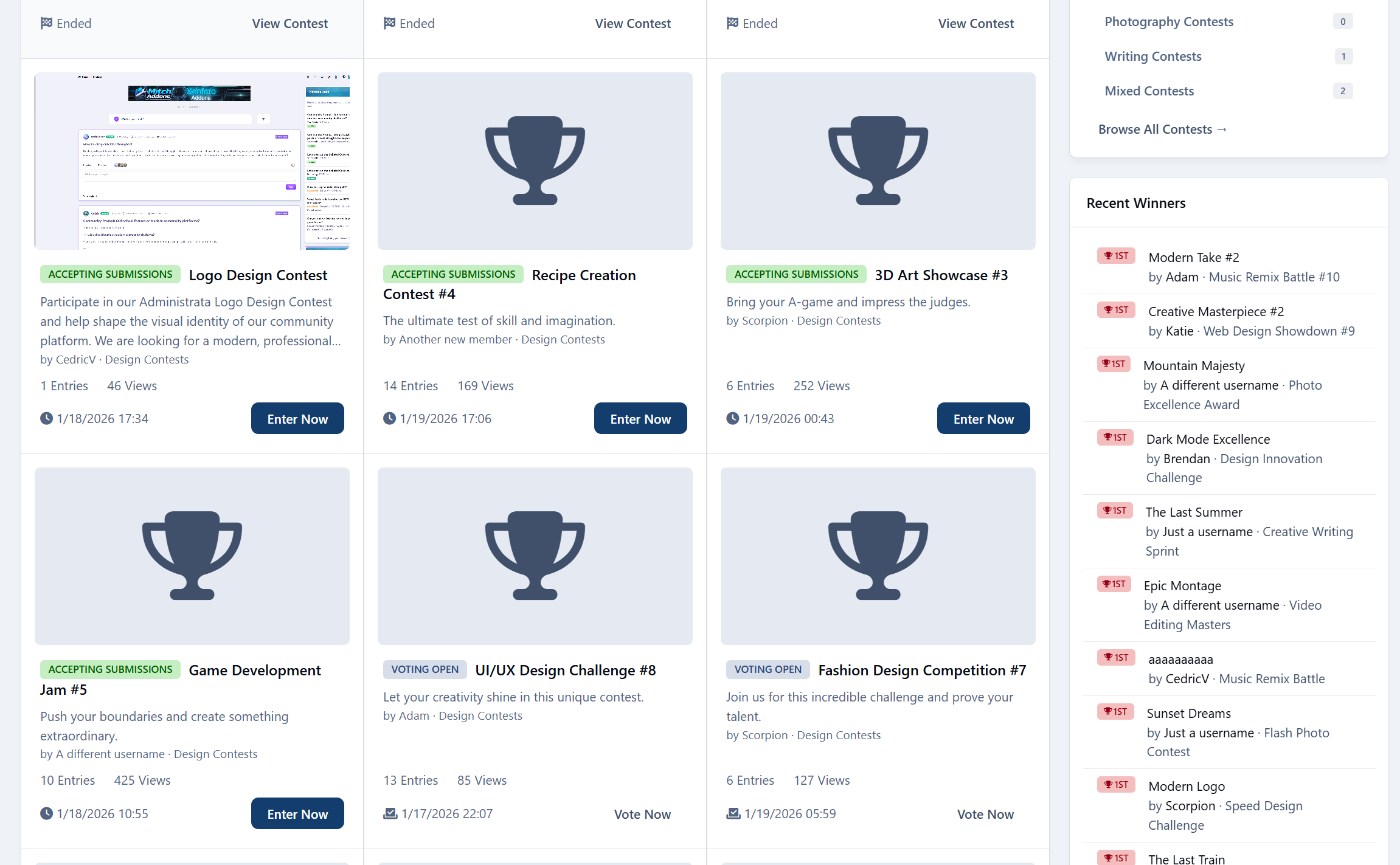
Frontend Experience
Mobile-friendly
SEO URLs
Category filtering
Contest search
Image lightbox
Tabbed contest layout
Clean, theme-aware design
Looks great on any device.
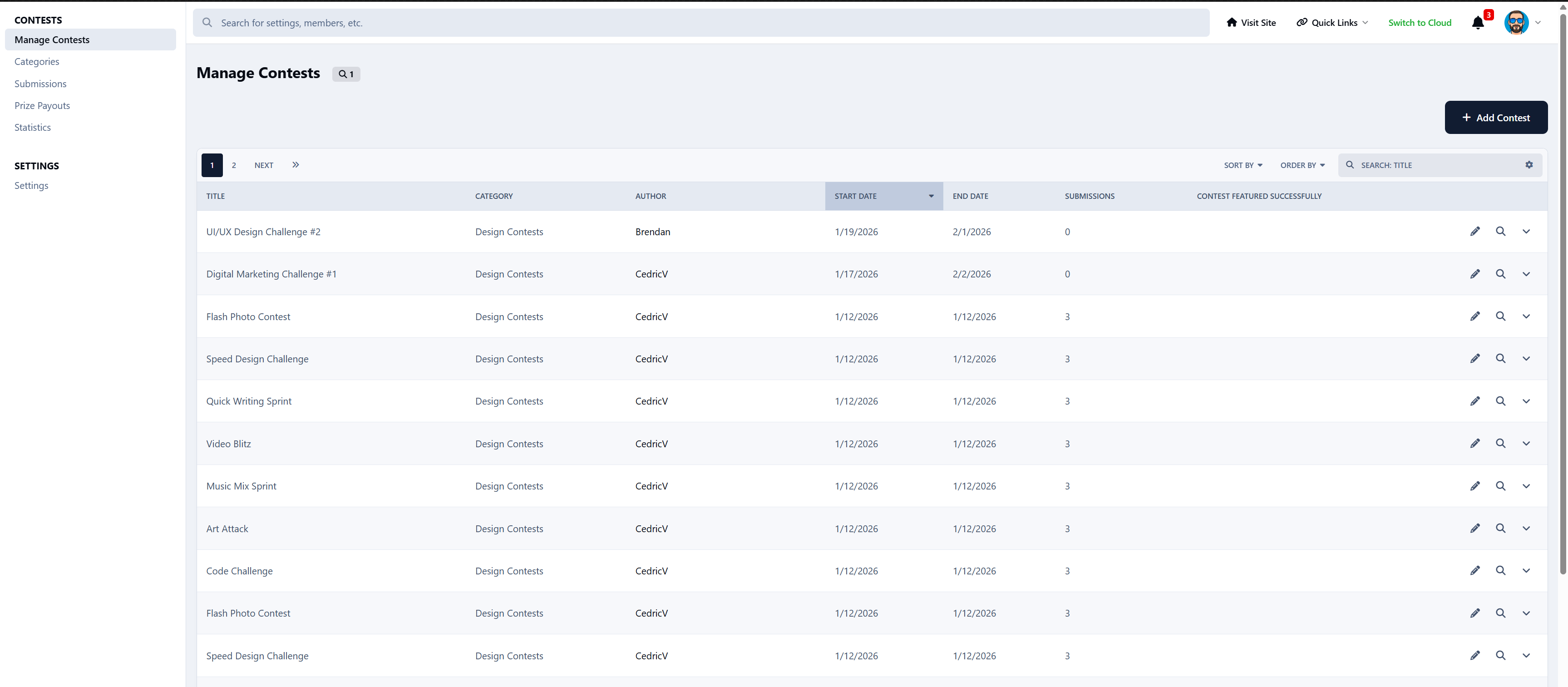
Admin Control Panel
Full admin control:
Create & manage contests
Moderate submissions
Assign judges
Manage winners
Track payouts
Configure global settings
View statistics
Permissions System
Control who can:
View contests
Create contests
Submit entries
Vote
Moderate
Manage contests
Works with Invision’s permission system.
Perfect For
Photography communities
Writers & bloggers
Designers
YouTubers
Gaming events
Recipe contests
Music challenges
Creative communities
If your members create content – this app makes it competitive and fun.
-
 2
2
Create an account or sign in to leave a review
There are no reviews to display.