Invision Community 5
- Category Member Tools
- Downloads 134
- Compatibility IC5: 5.0.0+
- Updated
Overview
Highlight trending discussions and show what’s popular right nowDescription
Hot Topics helps bring attention to the discussions that matter most on your community. By highlighting active topics and showing what’s currently popular, members can quickly spot conversations worth jumping into instead of scrolling past pages of quiet threads.
Using a smart activity-based scoring system and a configurable Popular Now widget, Hot Topics makes it easier to discover ongoing discussions, encourages more clicks and replies, and helps your forum feel active and alive - even during quieter periods. It adds modern engagement cues without getting in the way or adding unnecessary complexity.
Features
Hot Topic Indicator
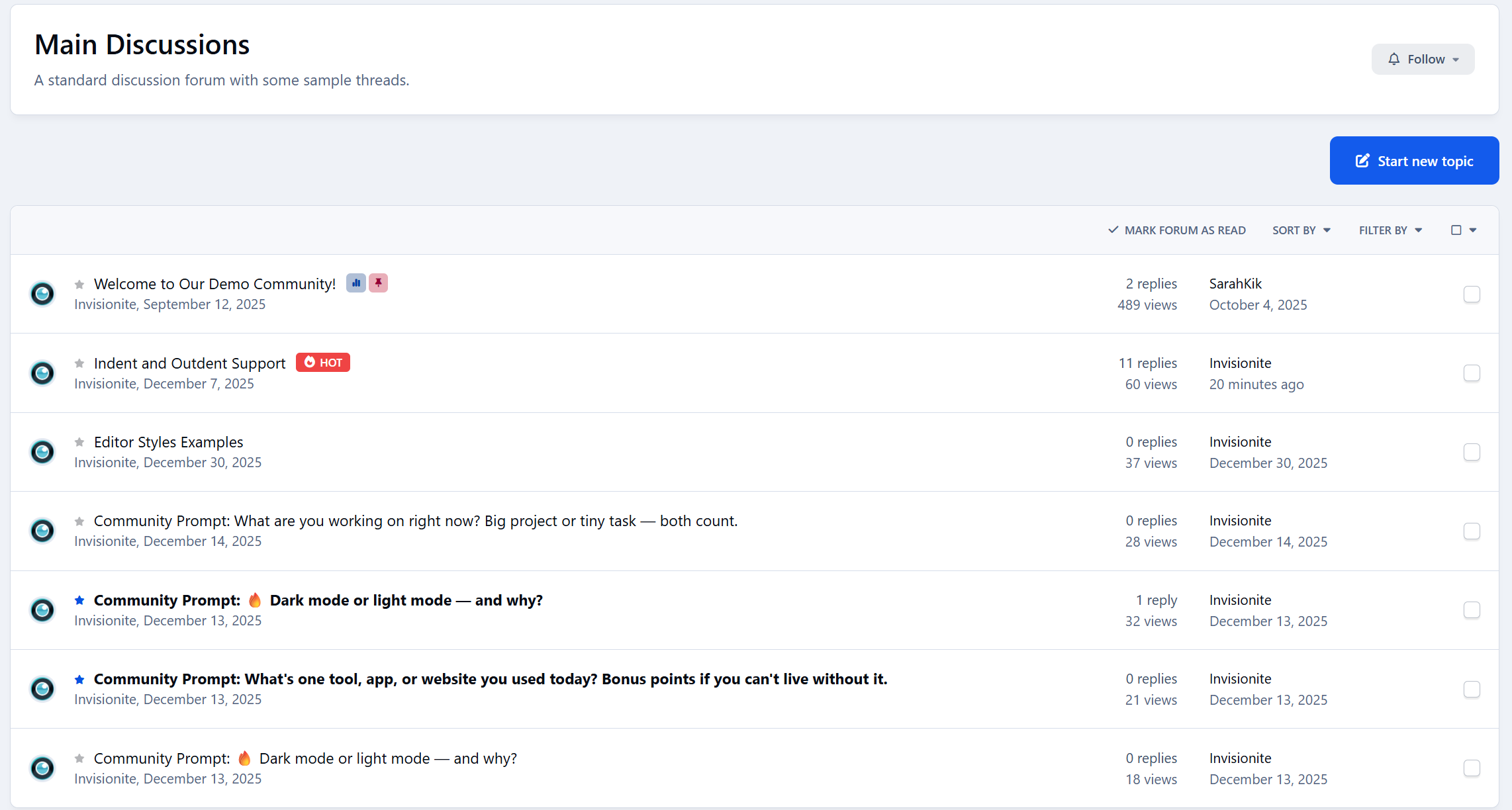
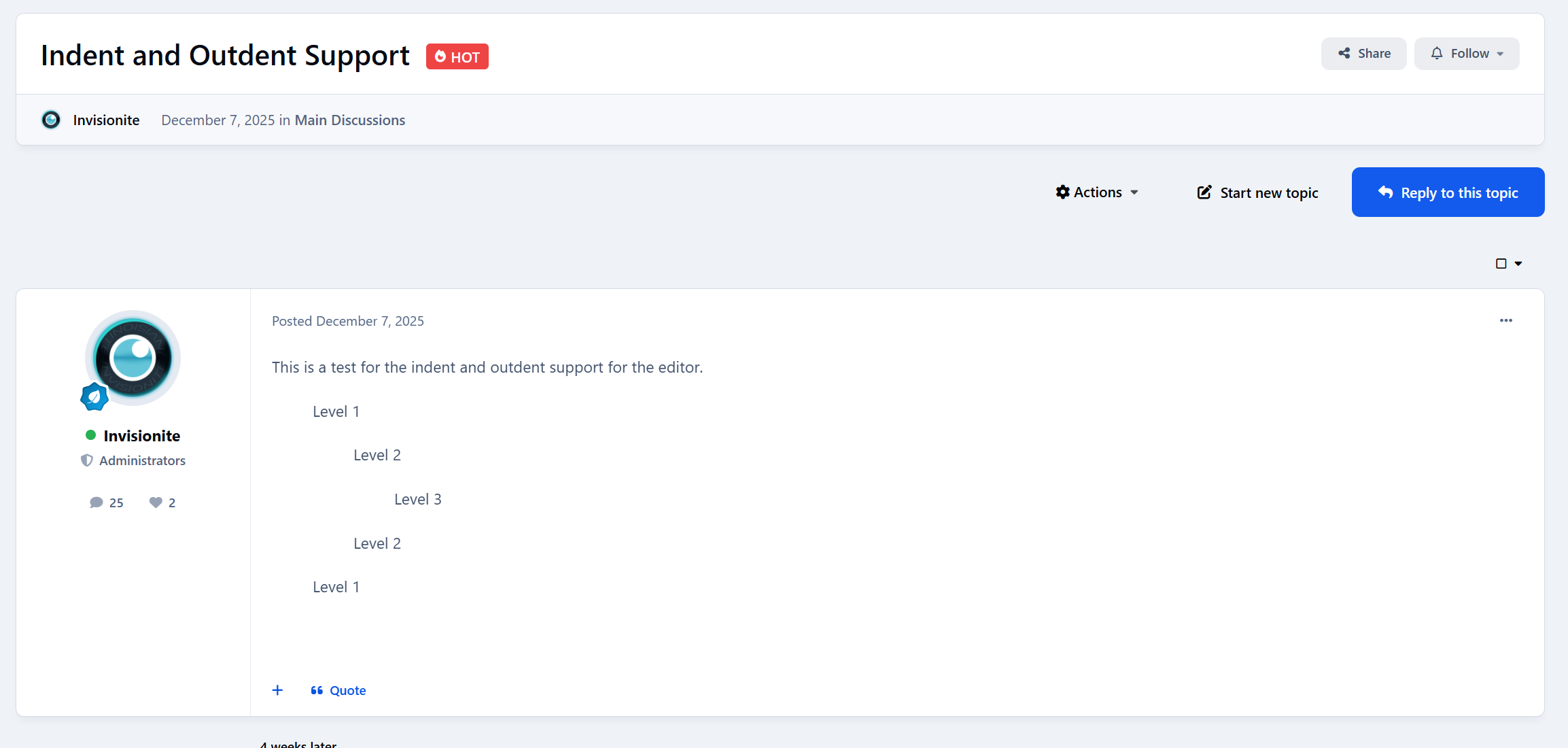
Displays a hot indicator after the topic title in forum listings
Automatically detects active discussions based on replies, views, and recent activity
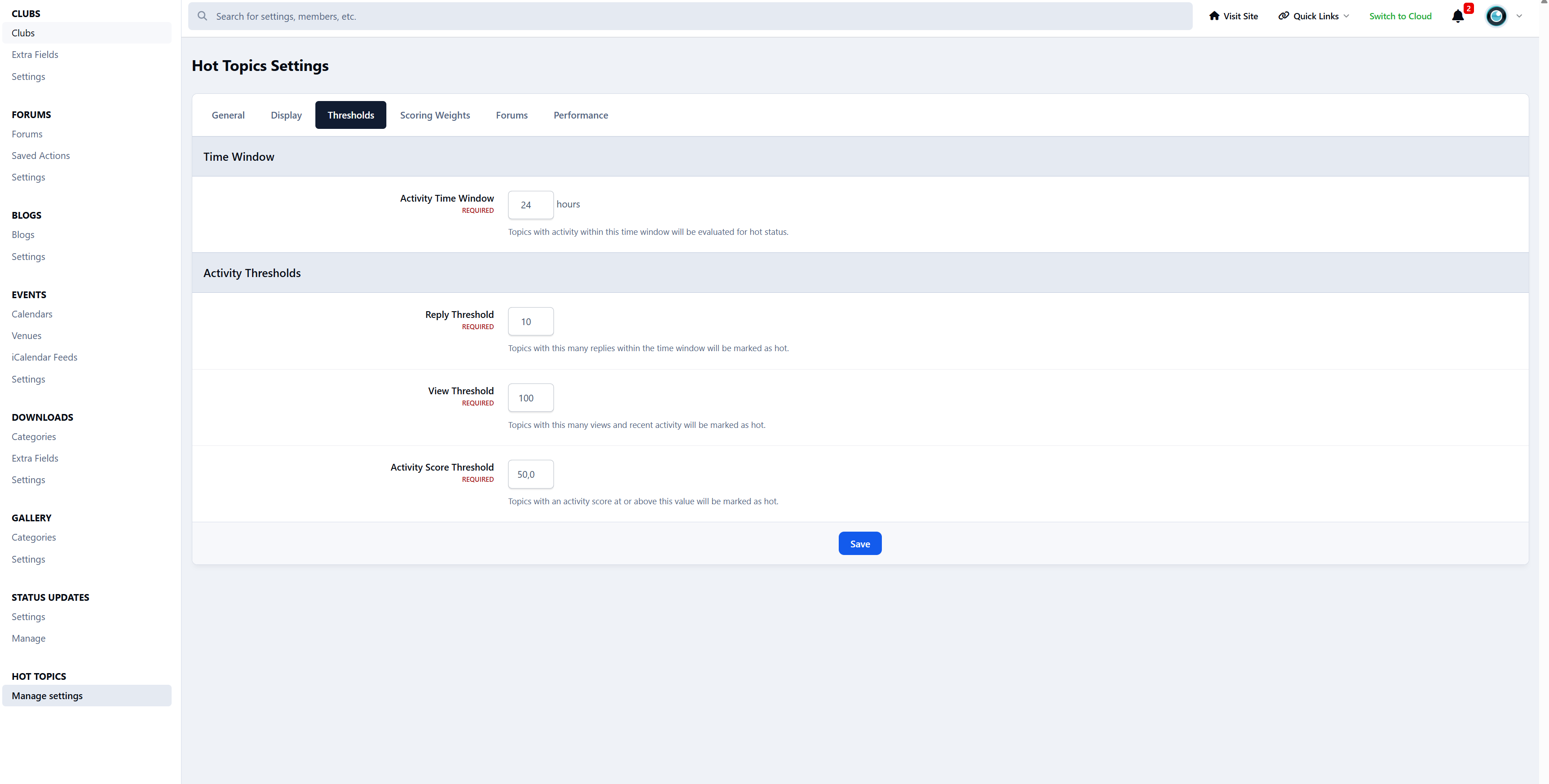
Fully configurable thresholds and time windows
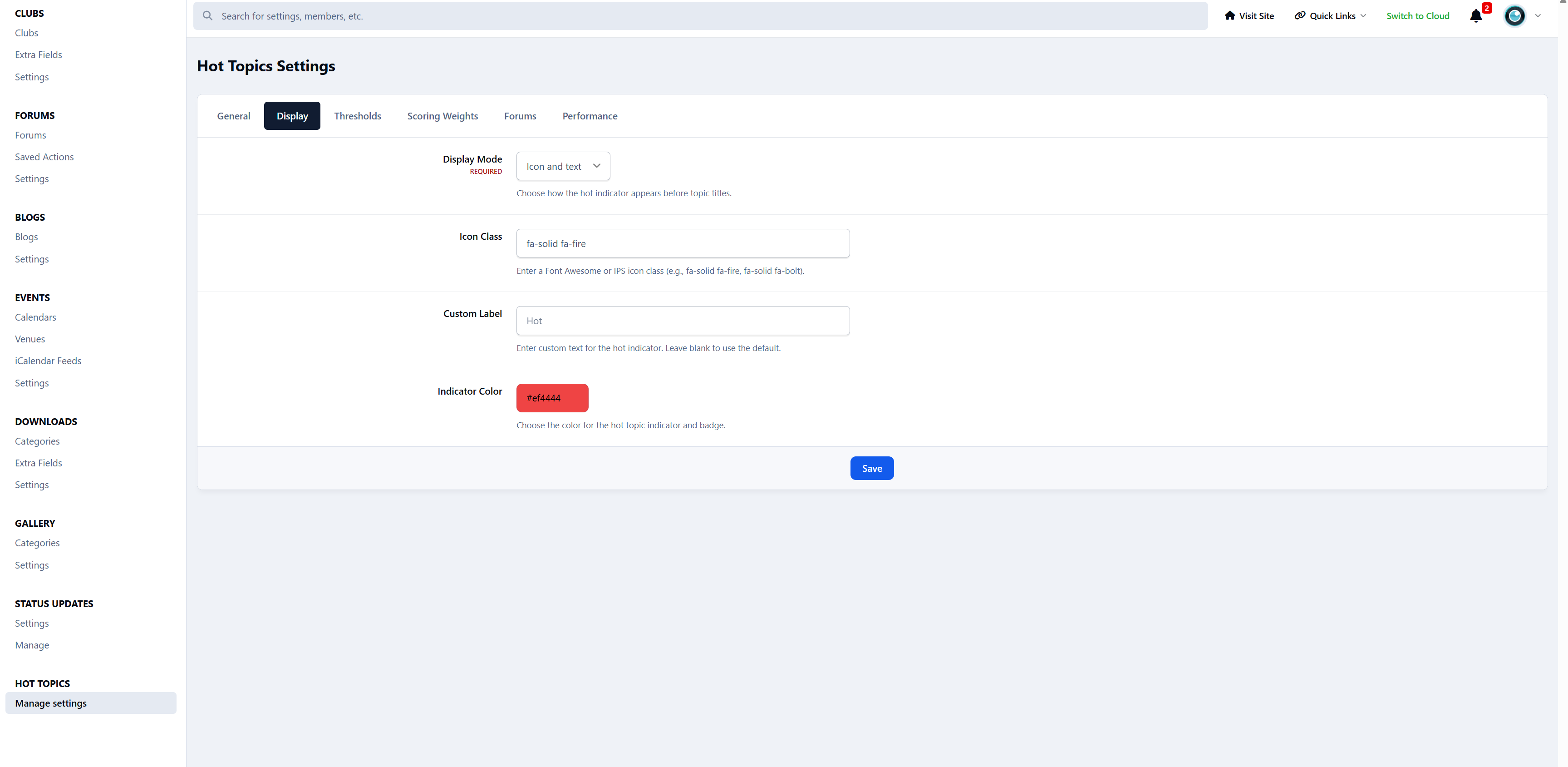
Choose between an icon, text label, or icon + text and change the color to your preference.
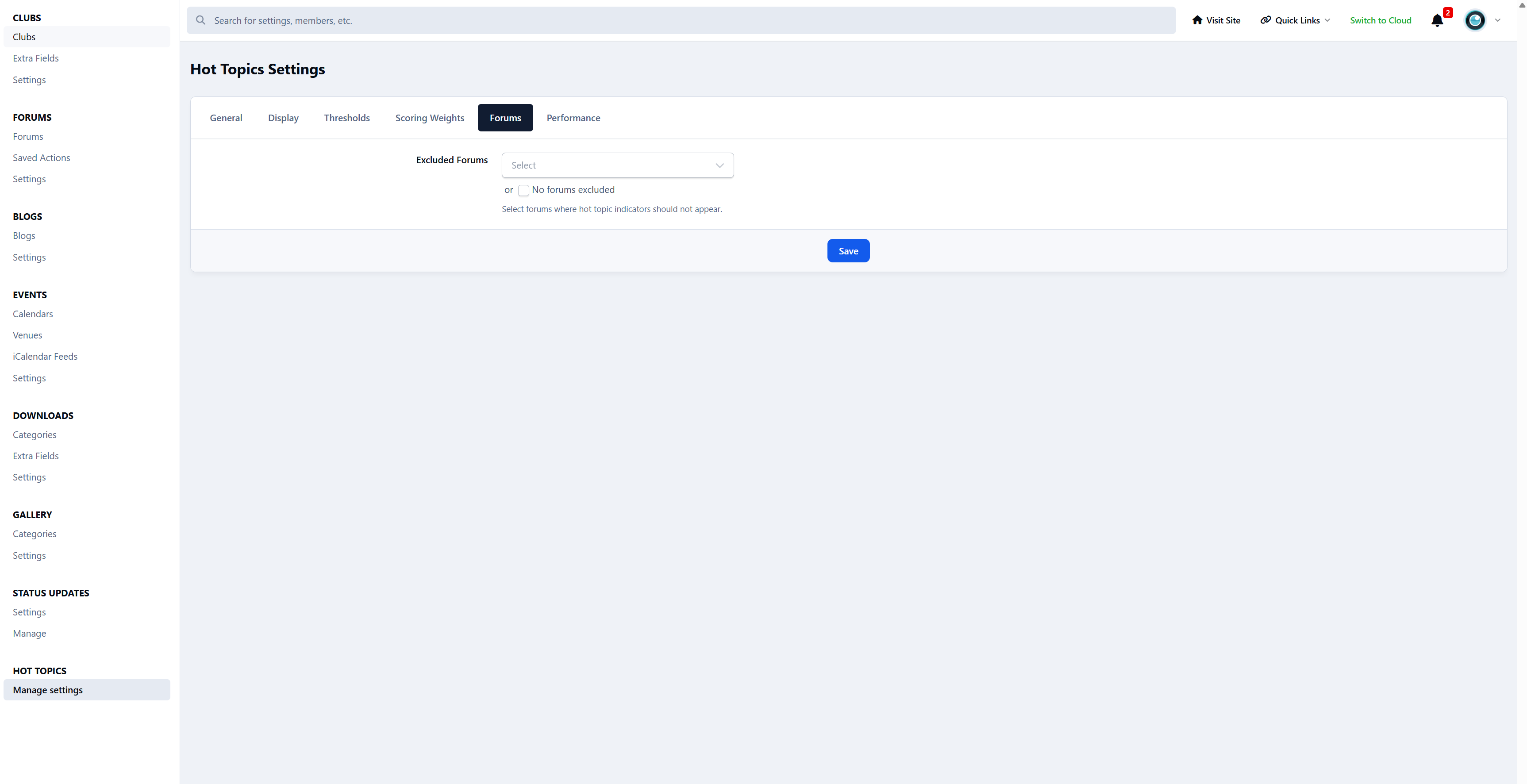
Enable or disable per forum
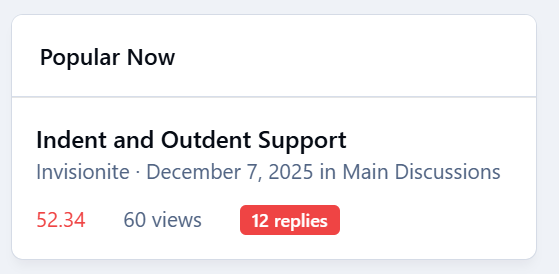
Popular Now Widget
Shows trending topics based on recent activity
Works in sidebar areas
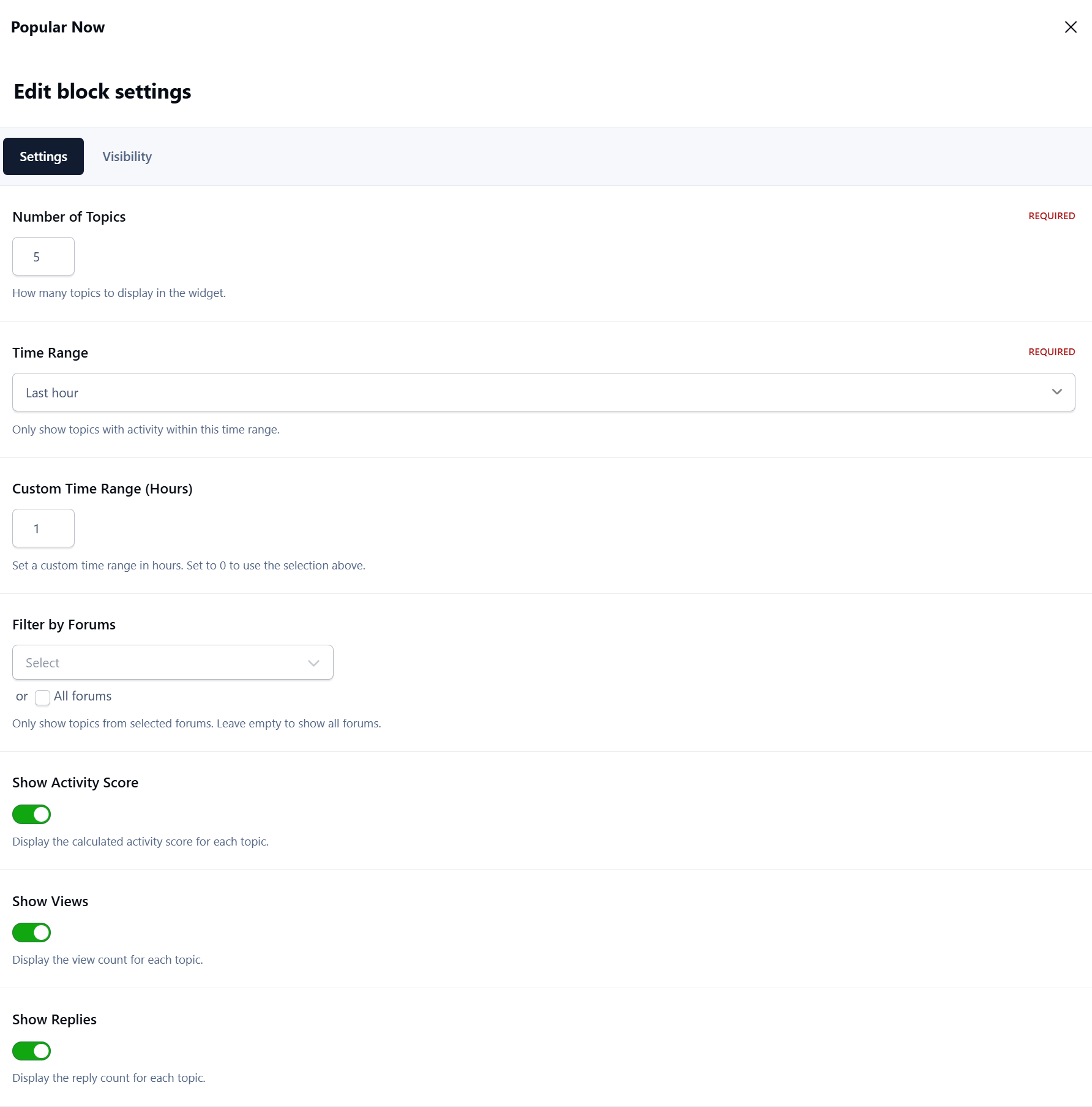
Configurable time ranges (1h, 6h, 24h, or custom)
Adjustable topic limits and forum filtering
Focuses on current conversations, not old popular threads
Smart Activity Scoring
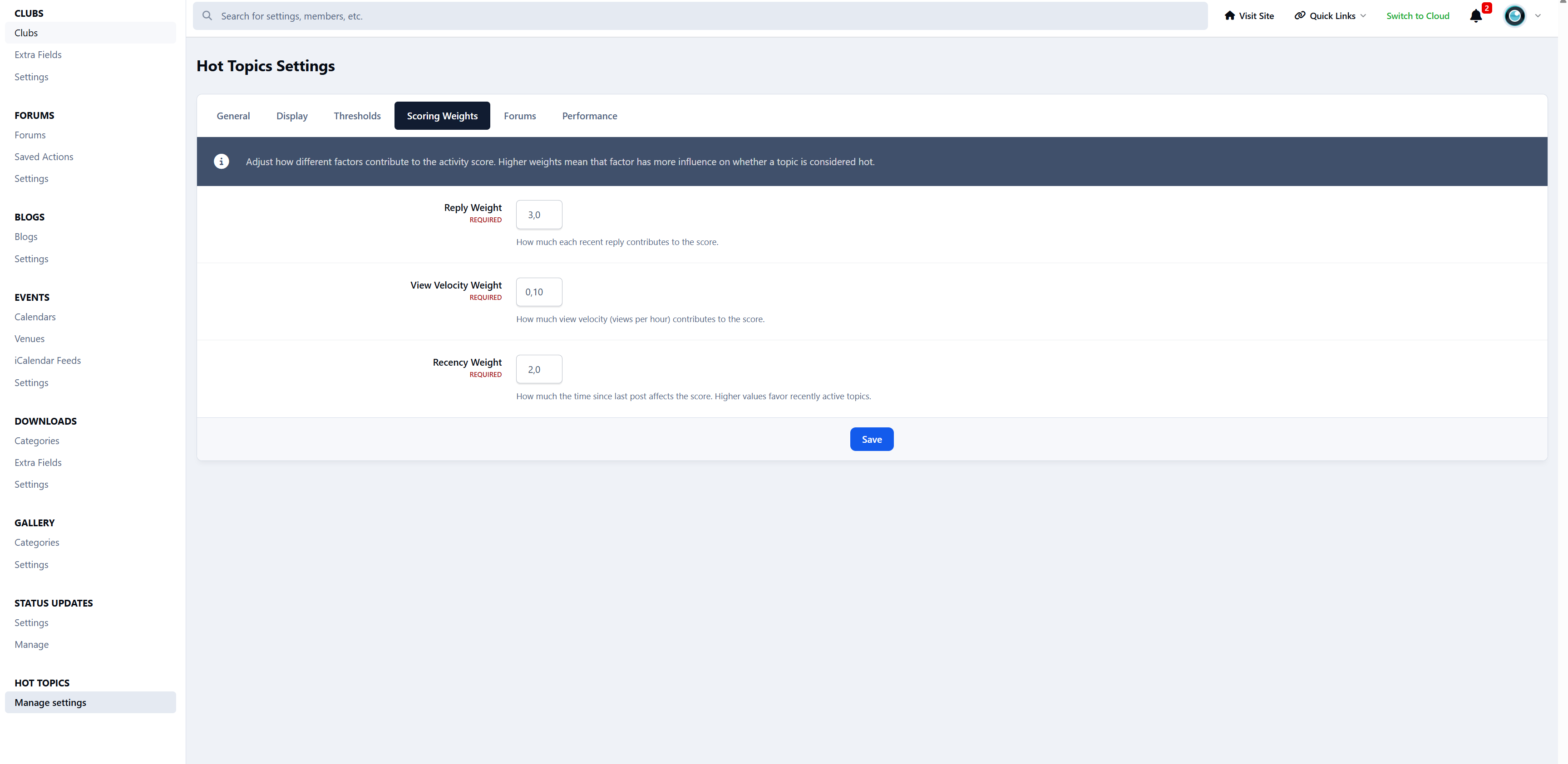
Weighted scoring using replies, views, and recency
Uses exponential decay to prevent older topics from staying “hot” forever
Designed to prioritise momentum and recent engagement
Admin Control
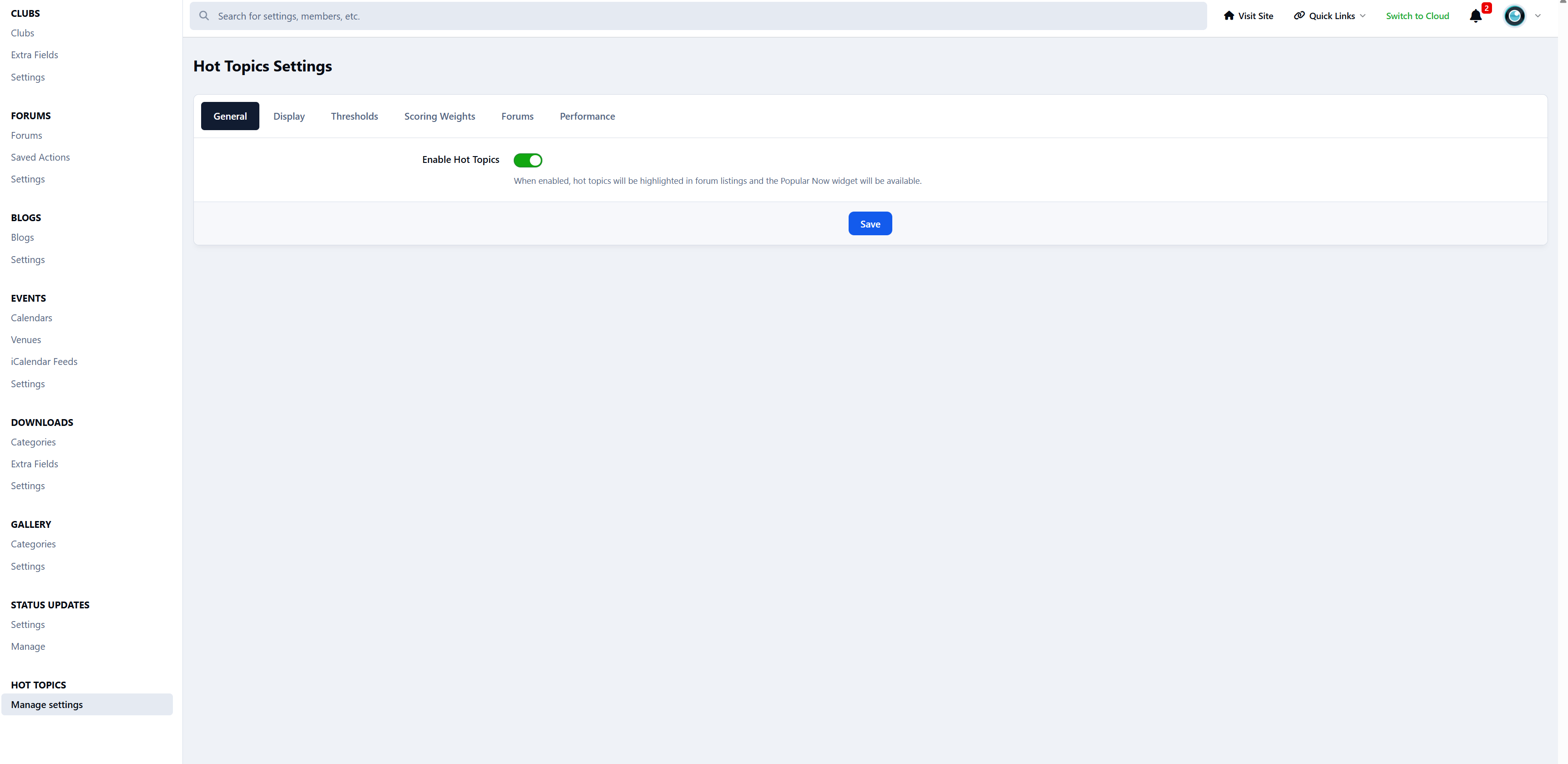
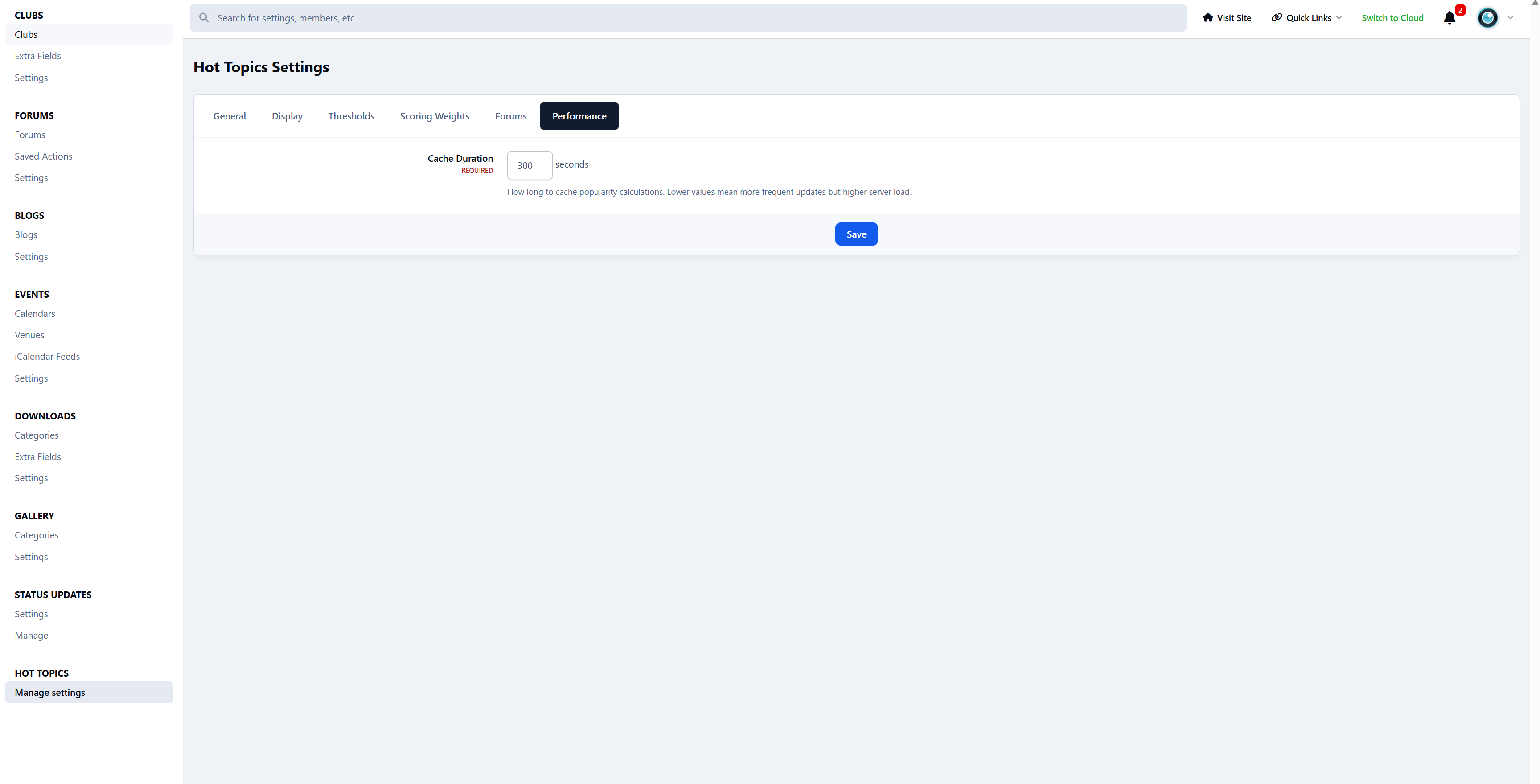
Dedicated ACP settings panel with clearly organised tabs
Global and per-forum configuration options
Sensible defaults, with full control when you want to fine-tune
Would you like to see it in action? Visit Administrata.
Create an account or sign in to leave a review
There are no reviews to display.