Member Credits, Shop & Collections
Invision Community 5
- Category Member Tools
- Downloads 117
- Compatibility IC5: 5.0.0+
- Updated


Overview
Turn Community Activity Into Real ValueDescription
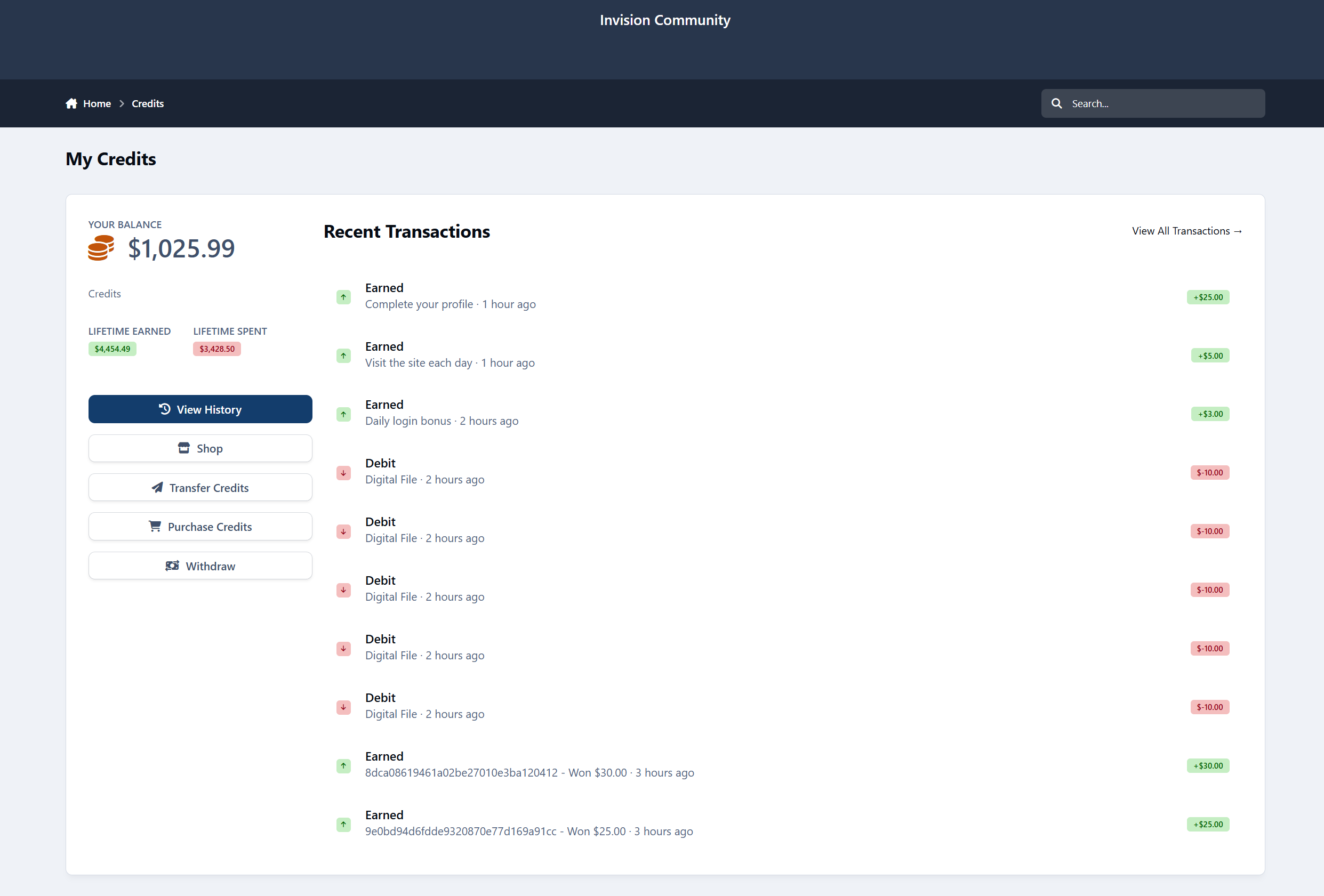
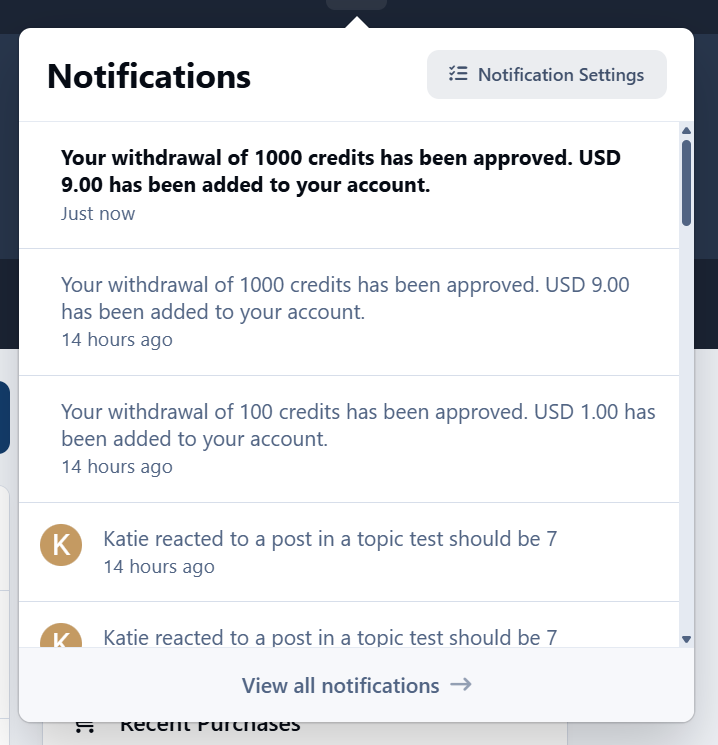
Credits & Shop adds a full credit economy to your Invision Community, allowing members to earn credits naturally through participation and spend them on perks, rewards, and upgrades - all while staying fully under your control.
No pressure.
No forced engagement.
Just a system that rewards people for being part of your community.
Looking to migrate your data from [EOL] Members Shop for Invision Community v4? Contact me.
The importer is ready and has already successfully migrated 7.5 years of data and more than 1,000,000 records from a live database.
Earning credits feels natural
Members earn credits simply by doing what they already do:
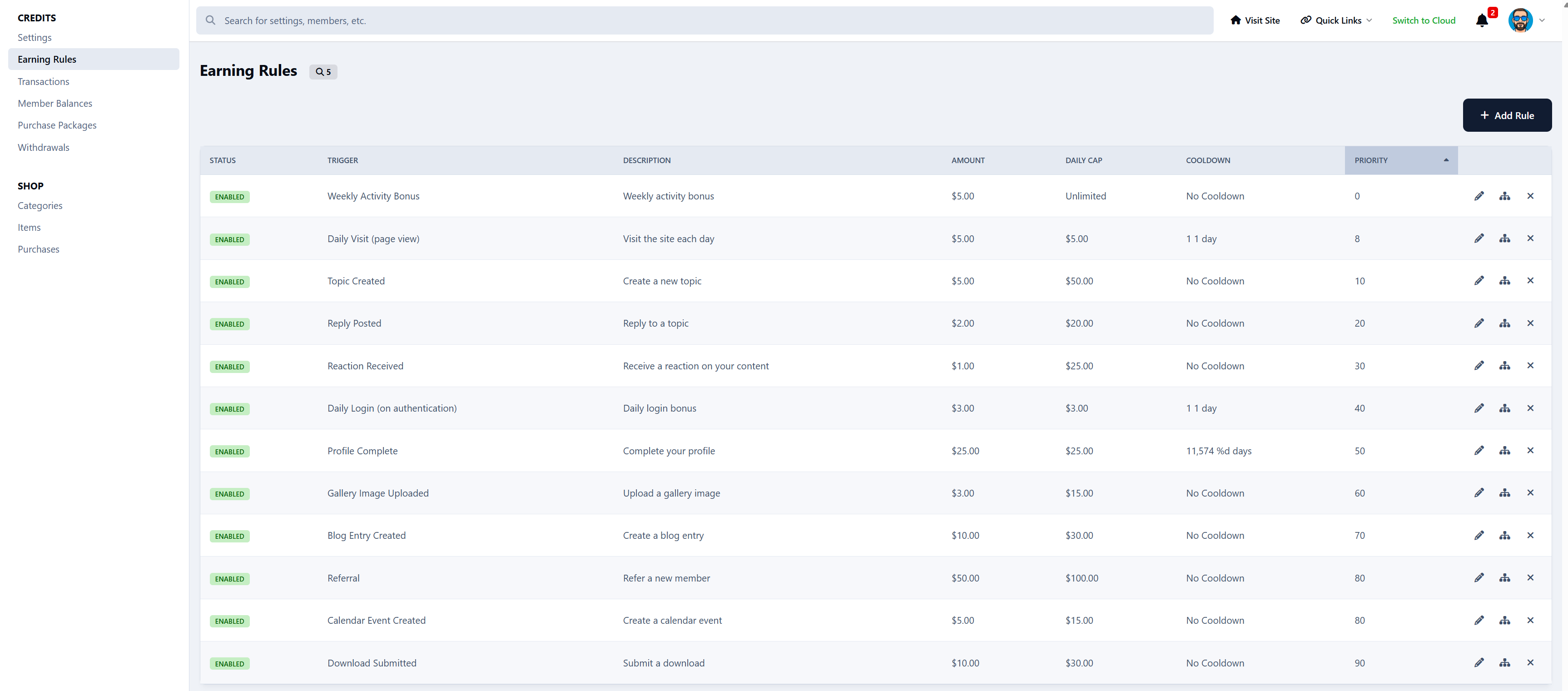
Creating topics and replies
Receiving reactions
Having solutions accepted
Daily visits and login bonuses
Unlocking achievements and milestones
Uploading images, files, blogs, or events
Referrals and general participation
You control everything:
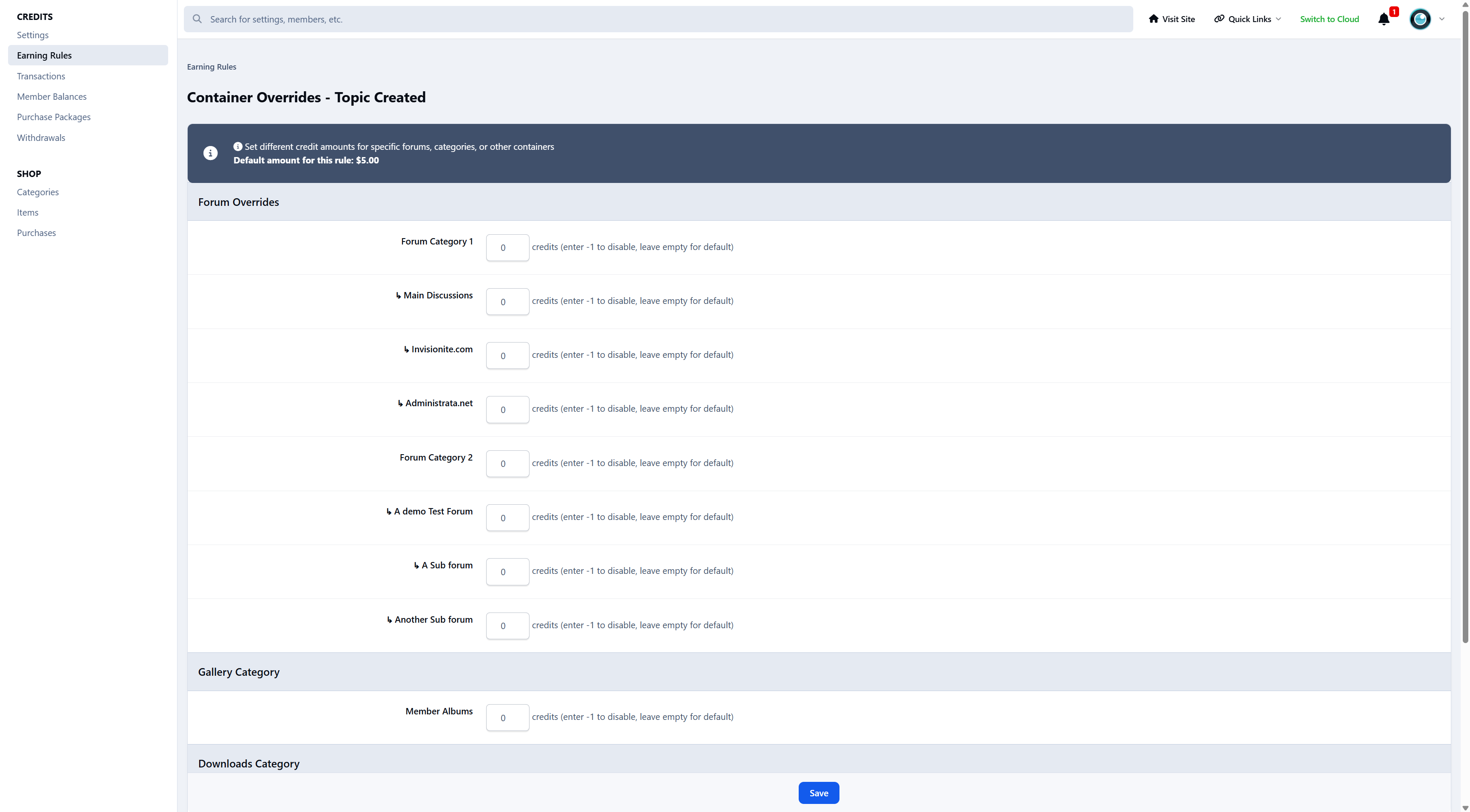
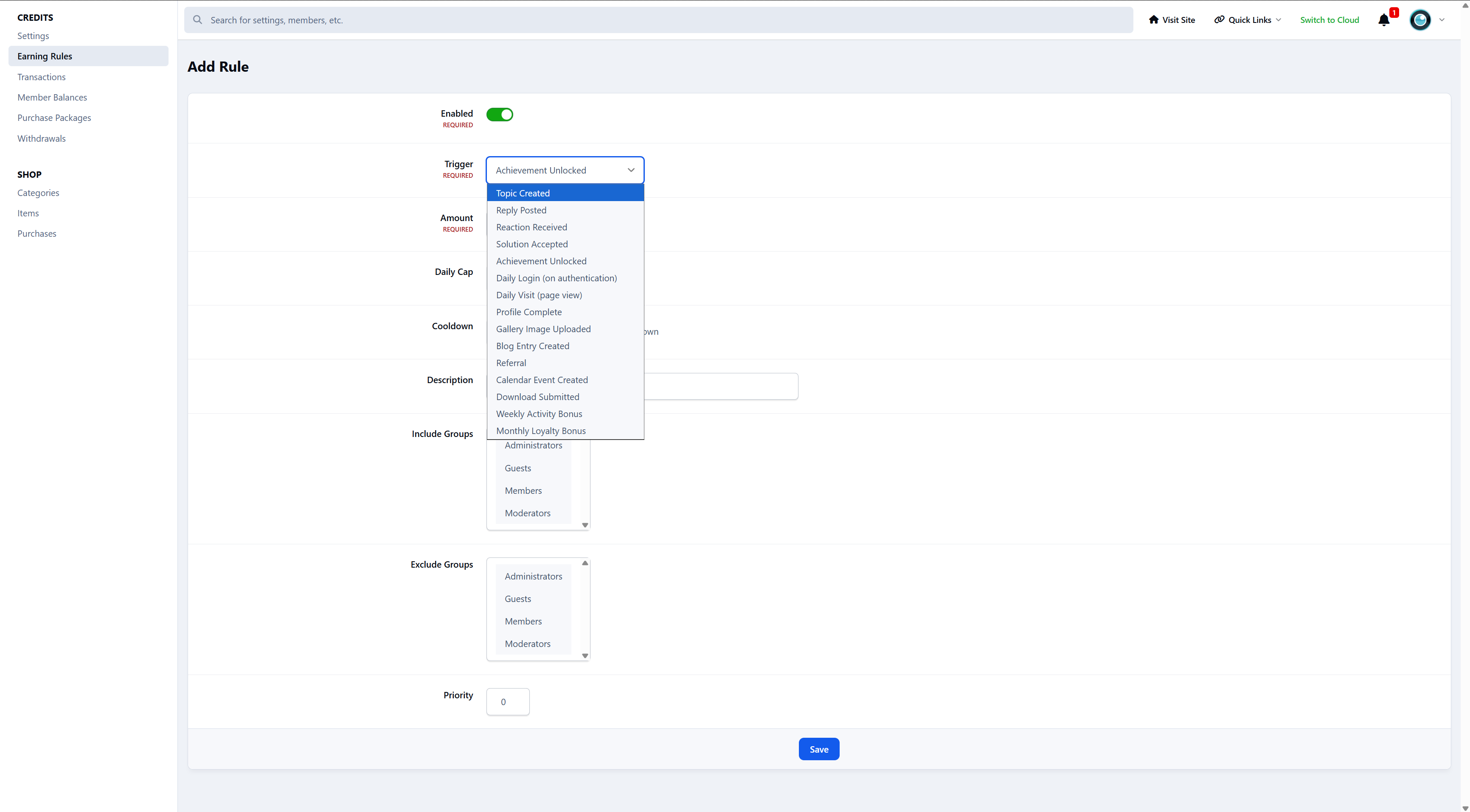
How much each action earns
Per-forum or per-area values
Daily caps and cooldowns
Group-based rules and exclusions
Credits are earned because members are active - not because they’re chasing points.
A real, transparent credit system
Members can:
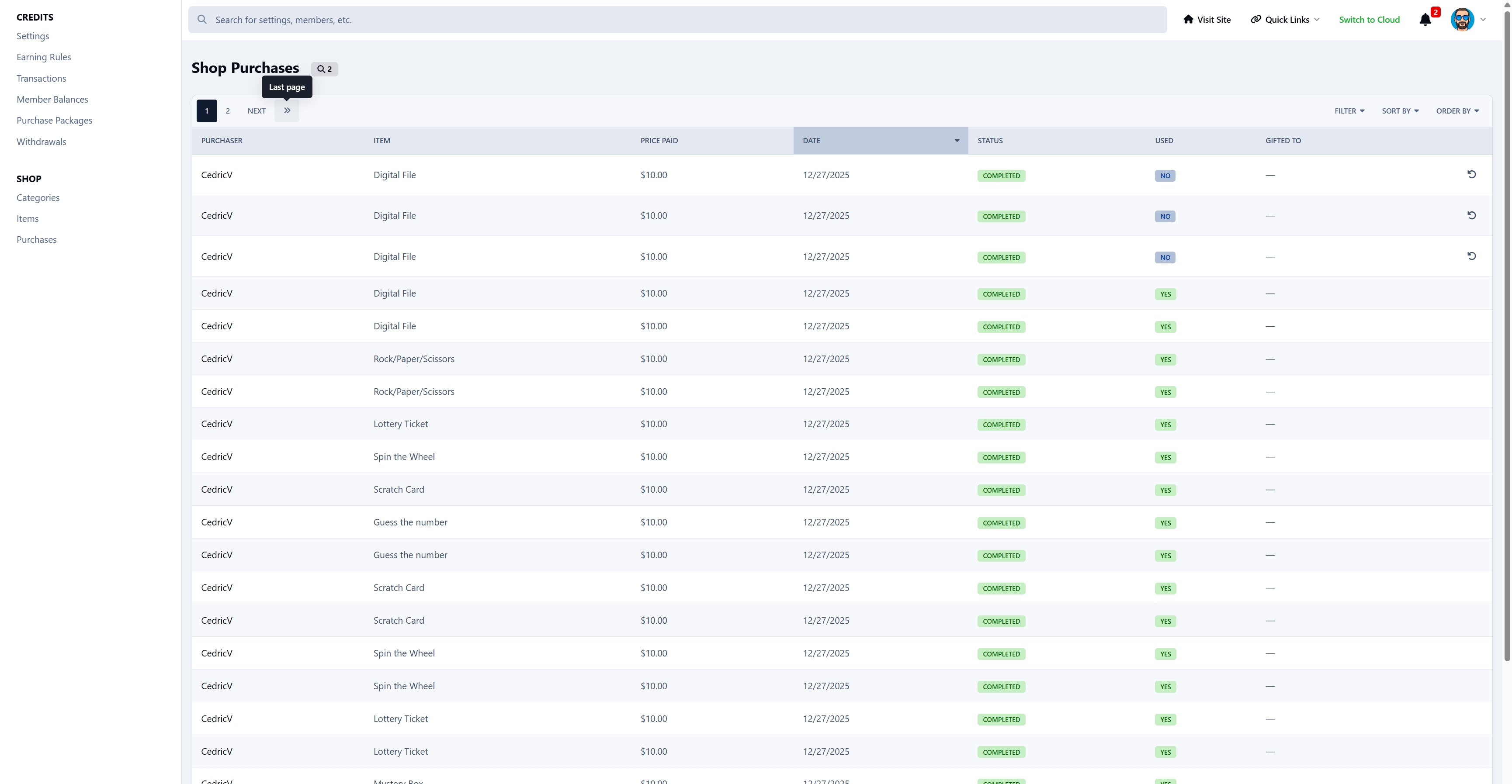
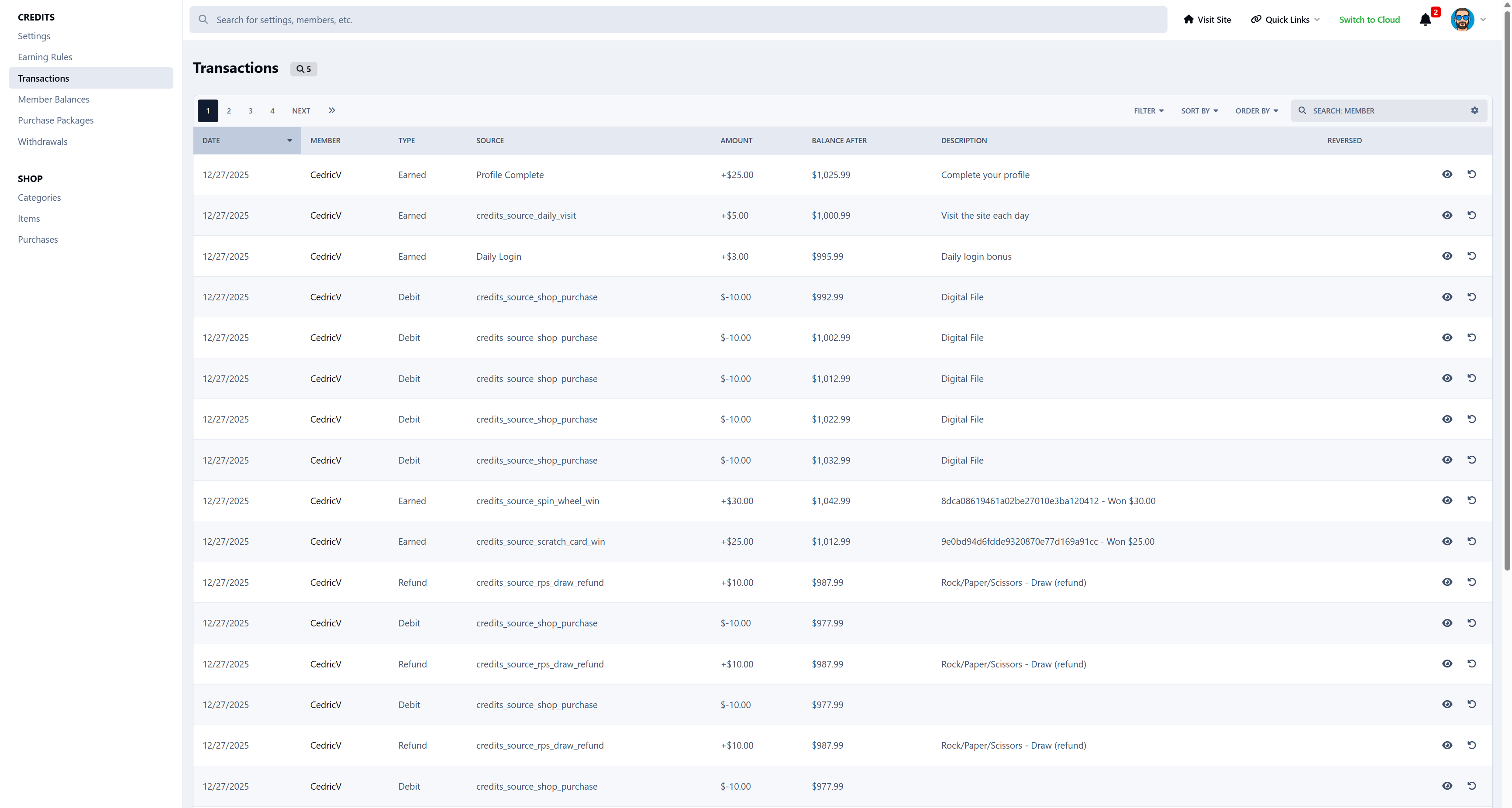
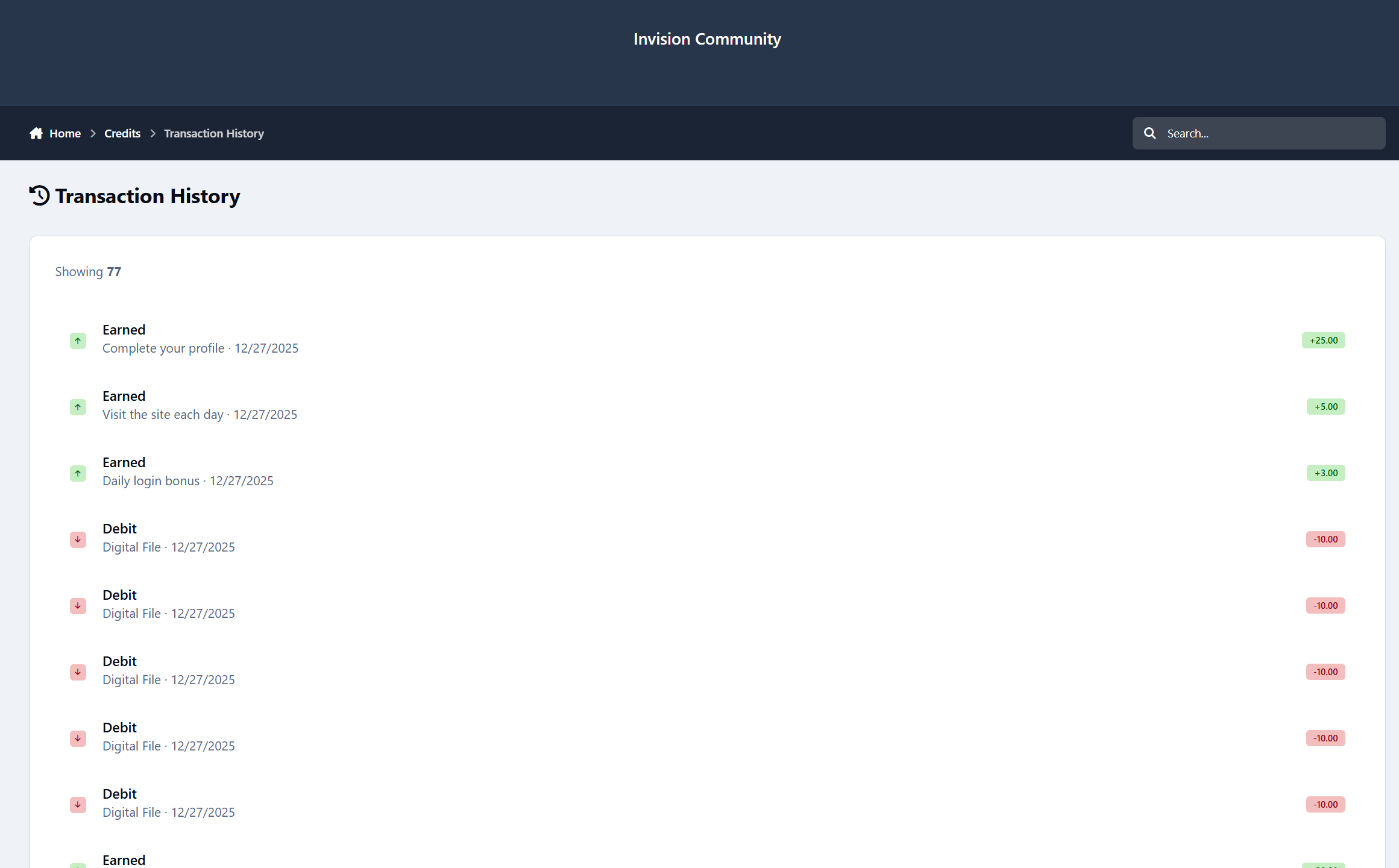
View a full transaction history
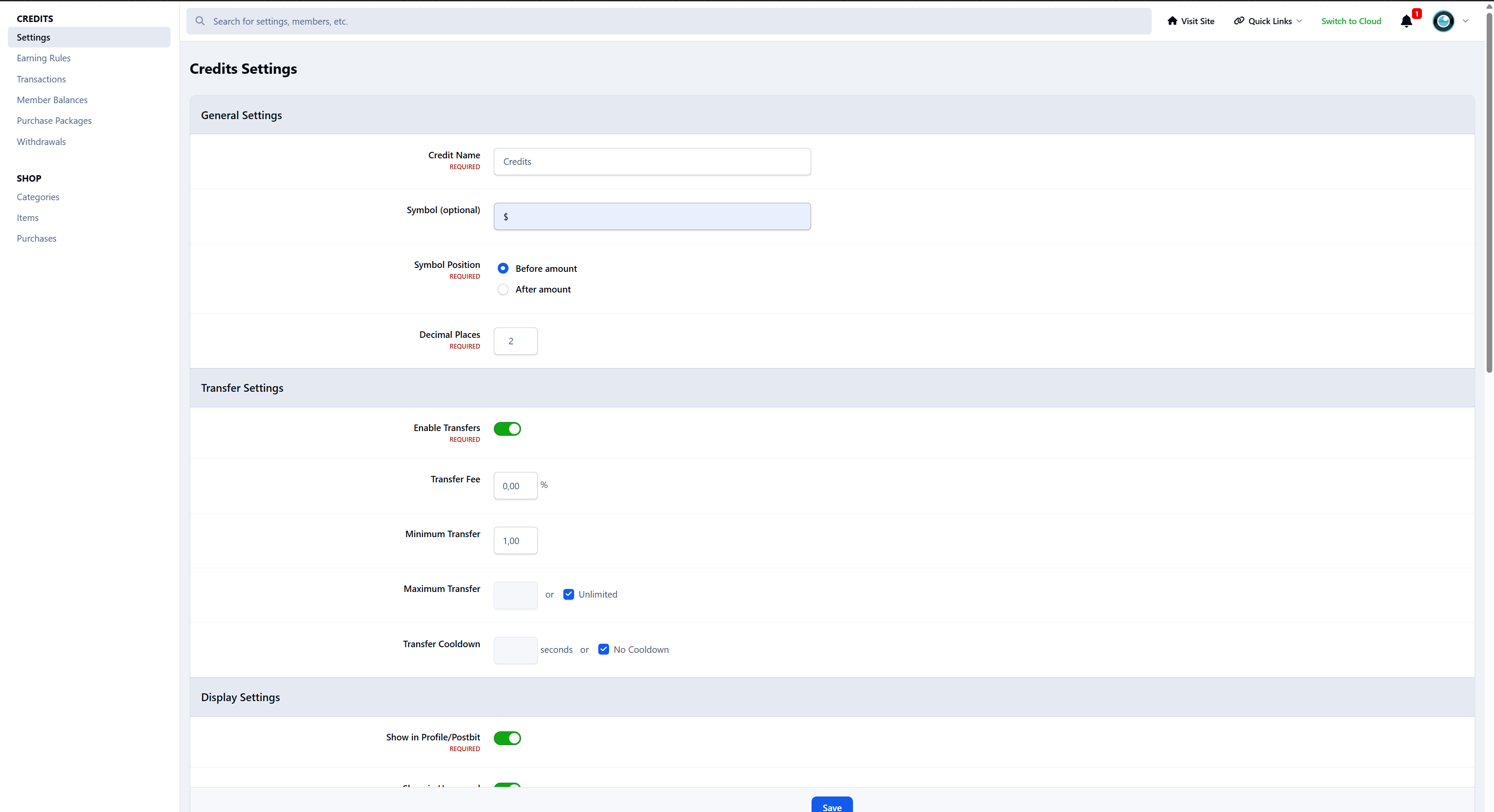
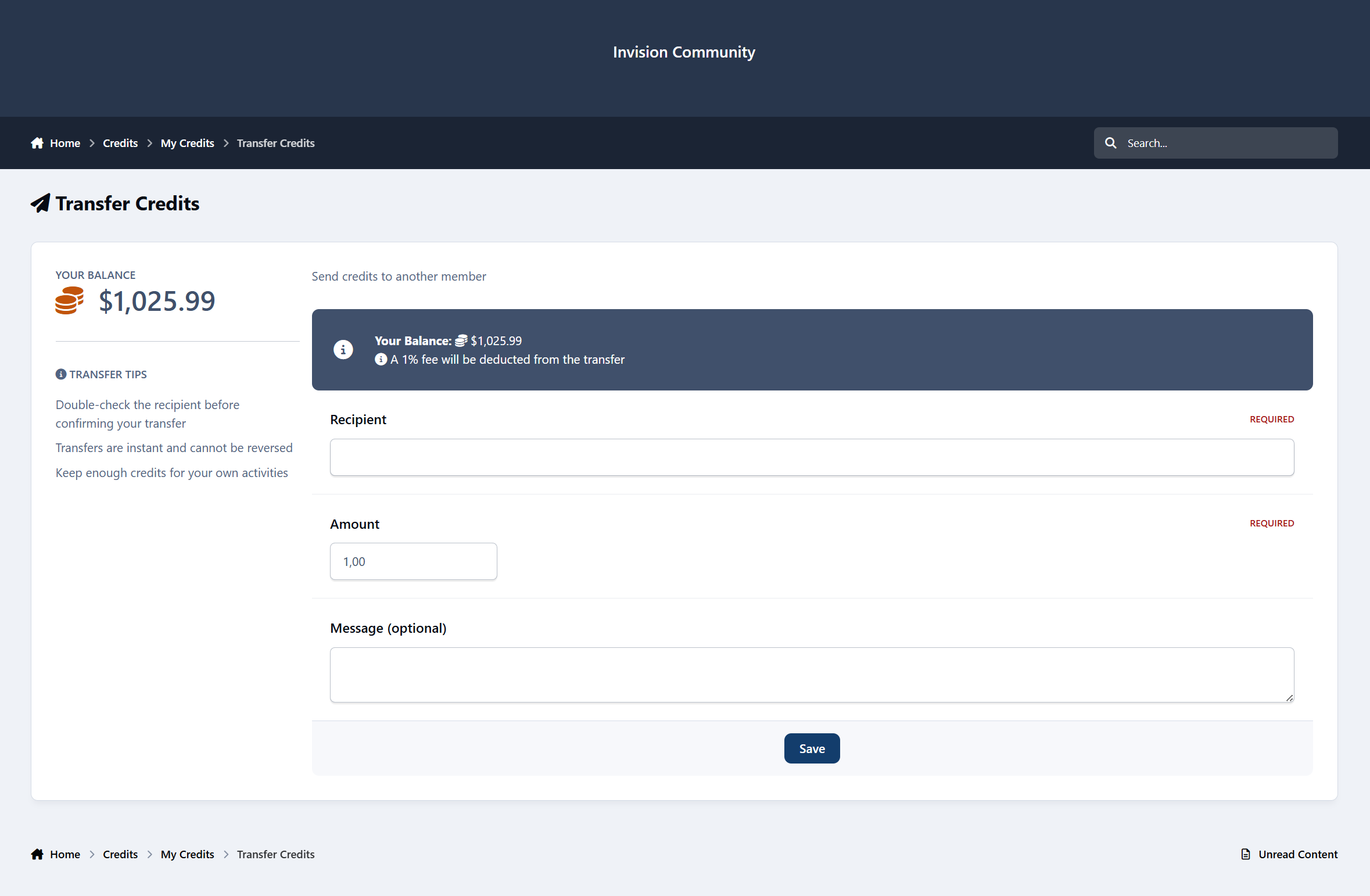
Transfer credits to other members
Donate credits
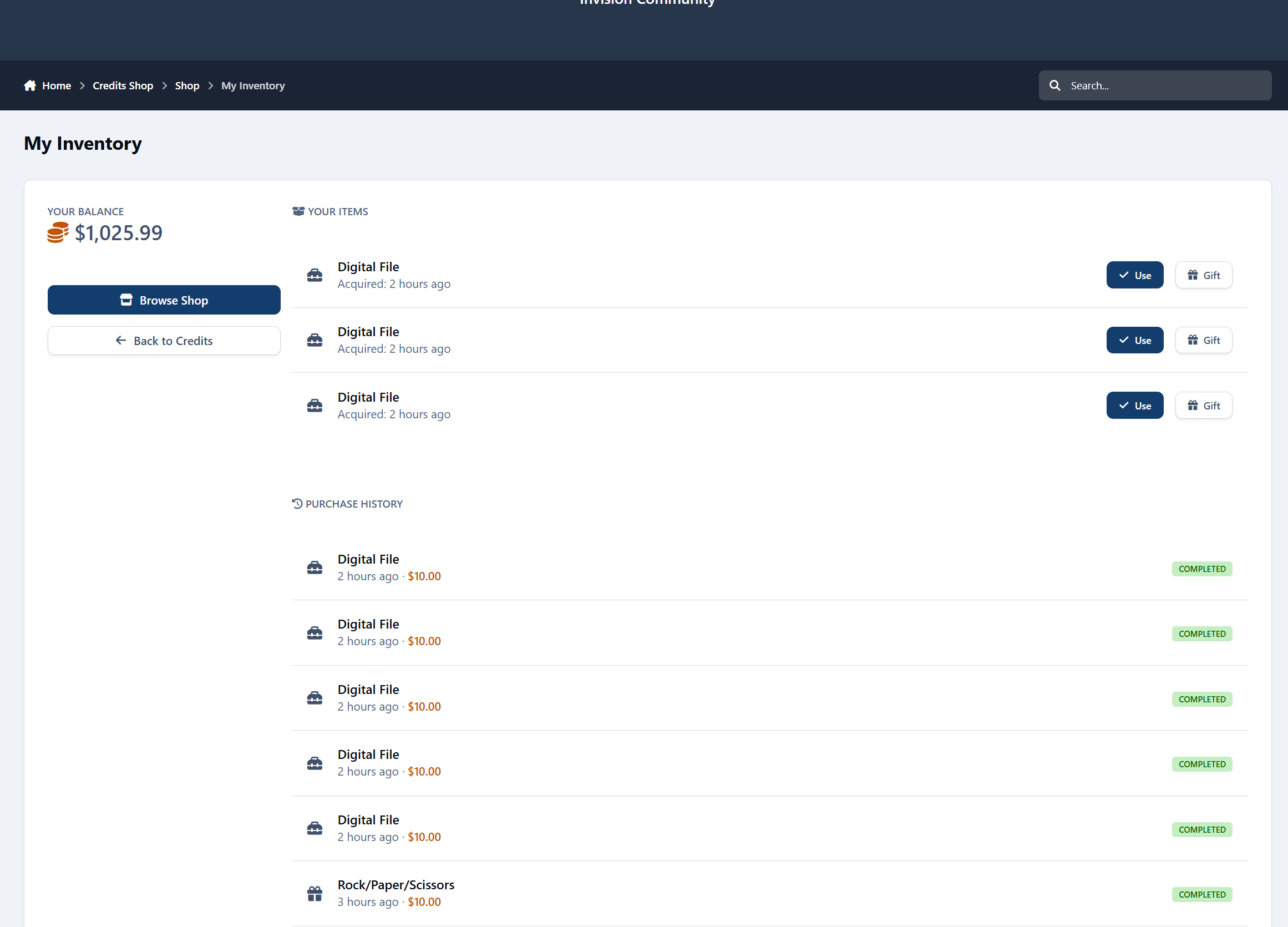
Store items for later use
Apply temporary earning boosts
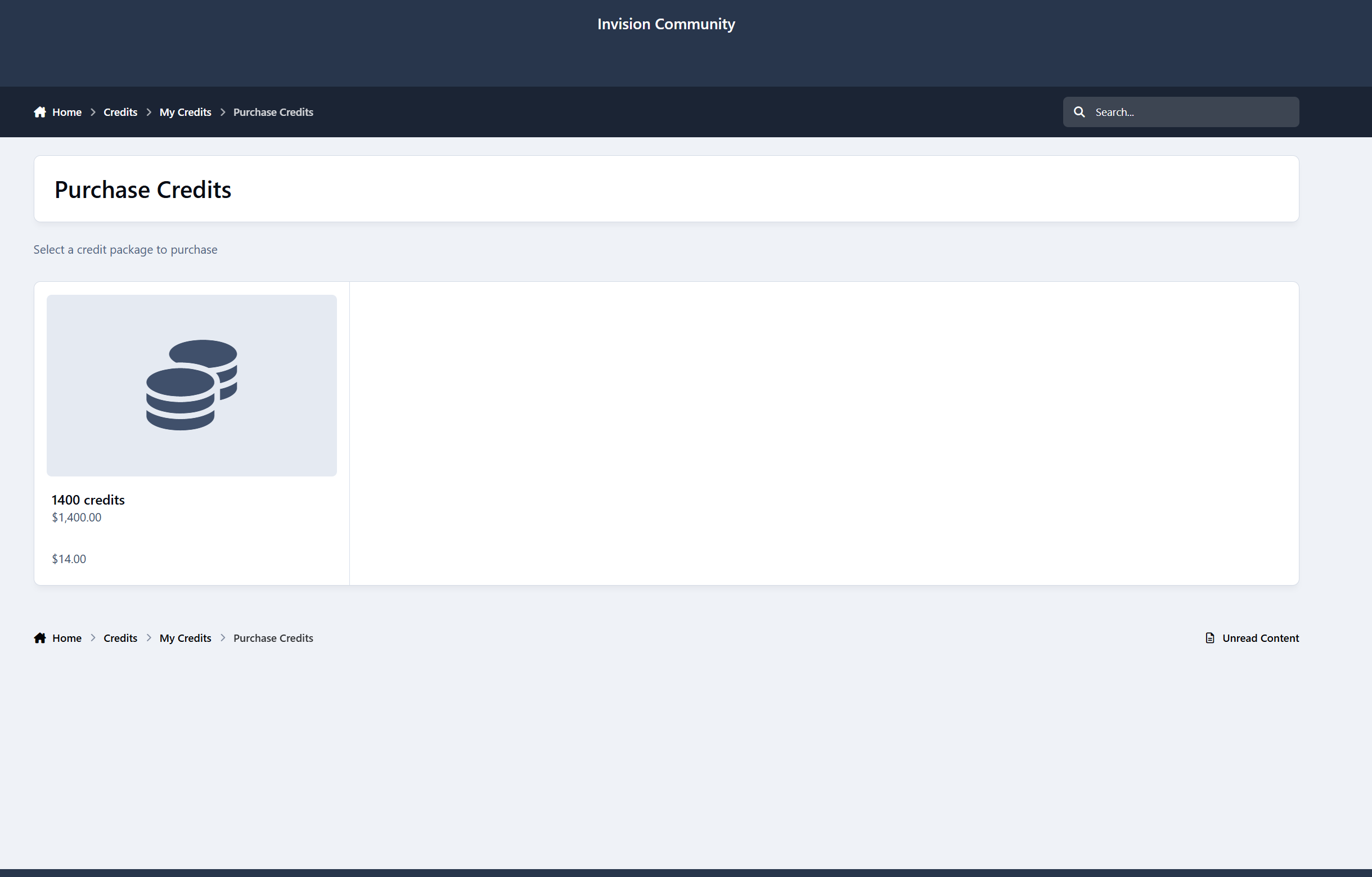
Optionally purchase credits
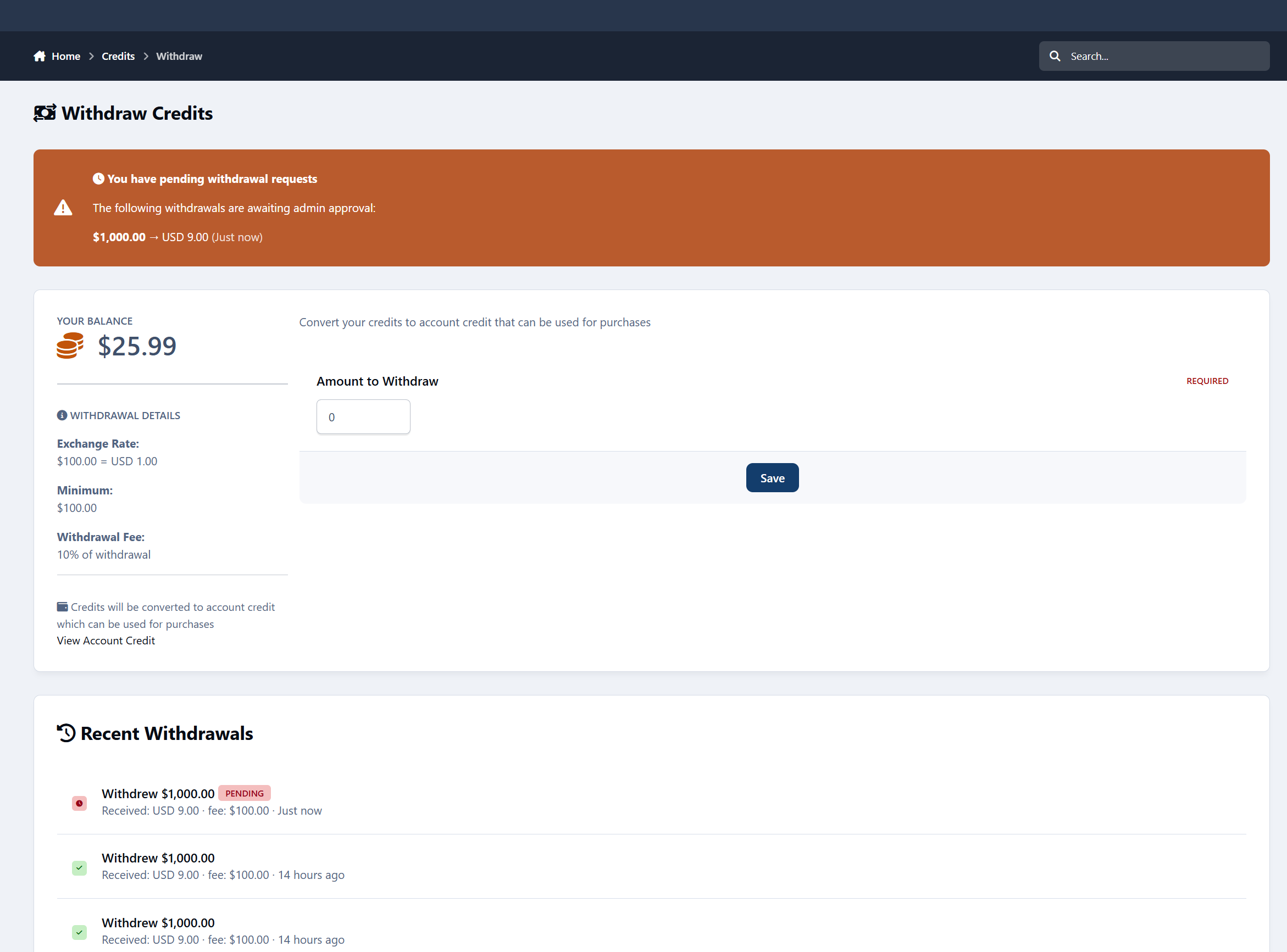
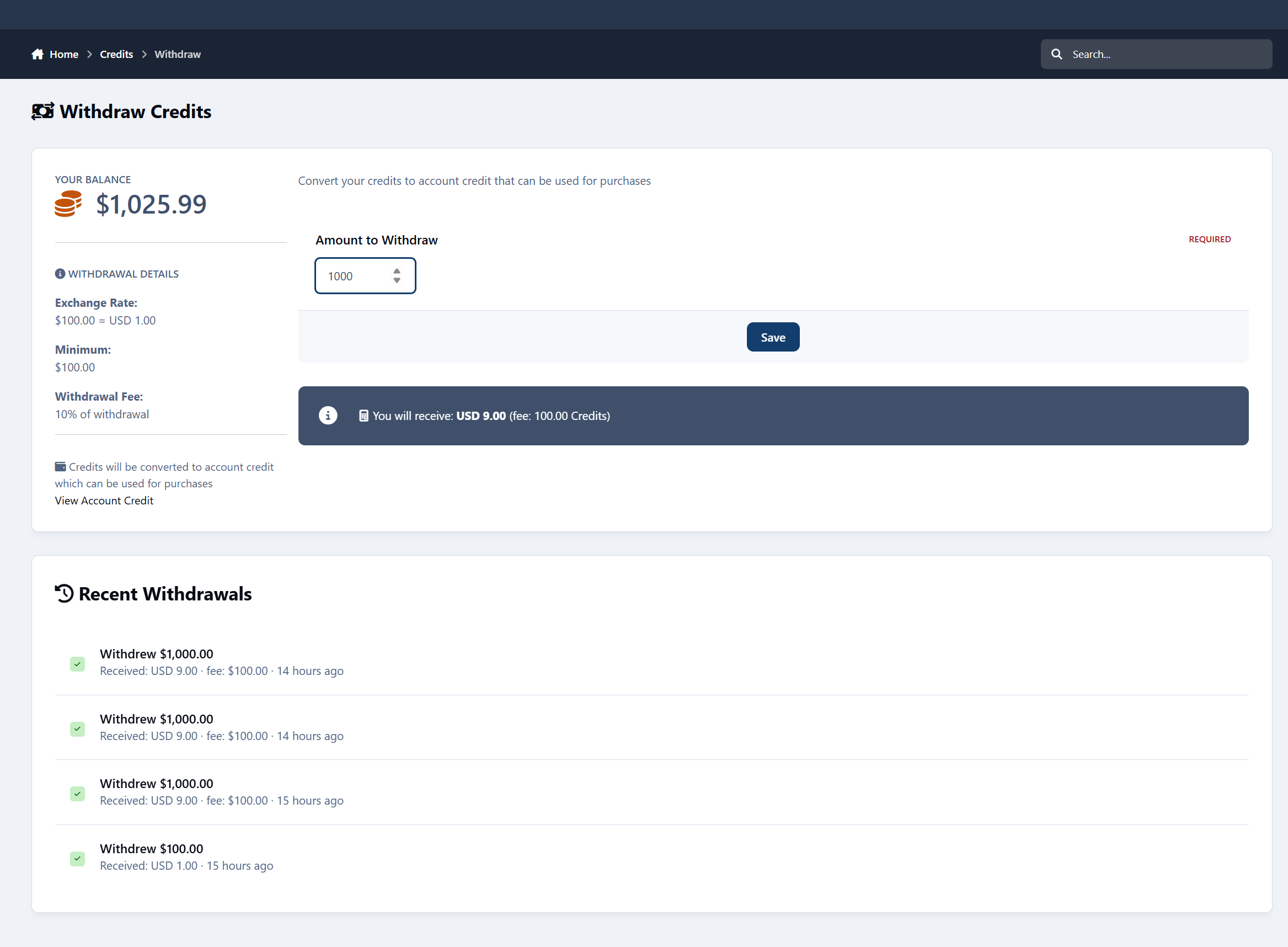
Optionally withdraw credits to account credit
Admins can:
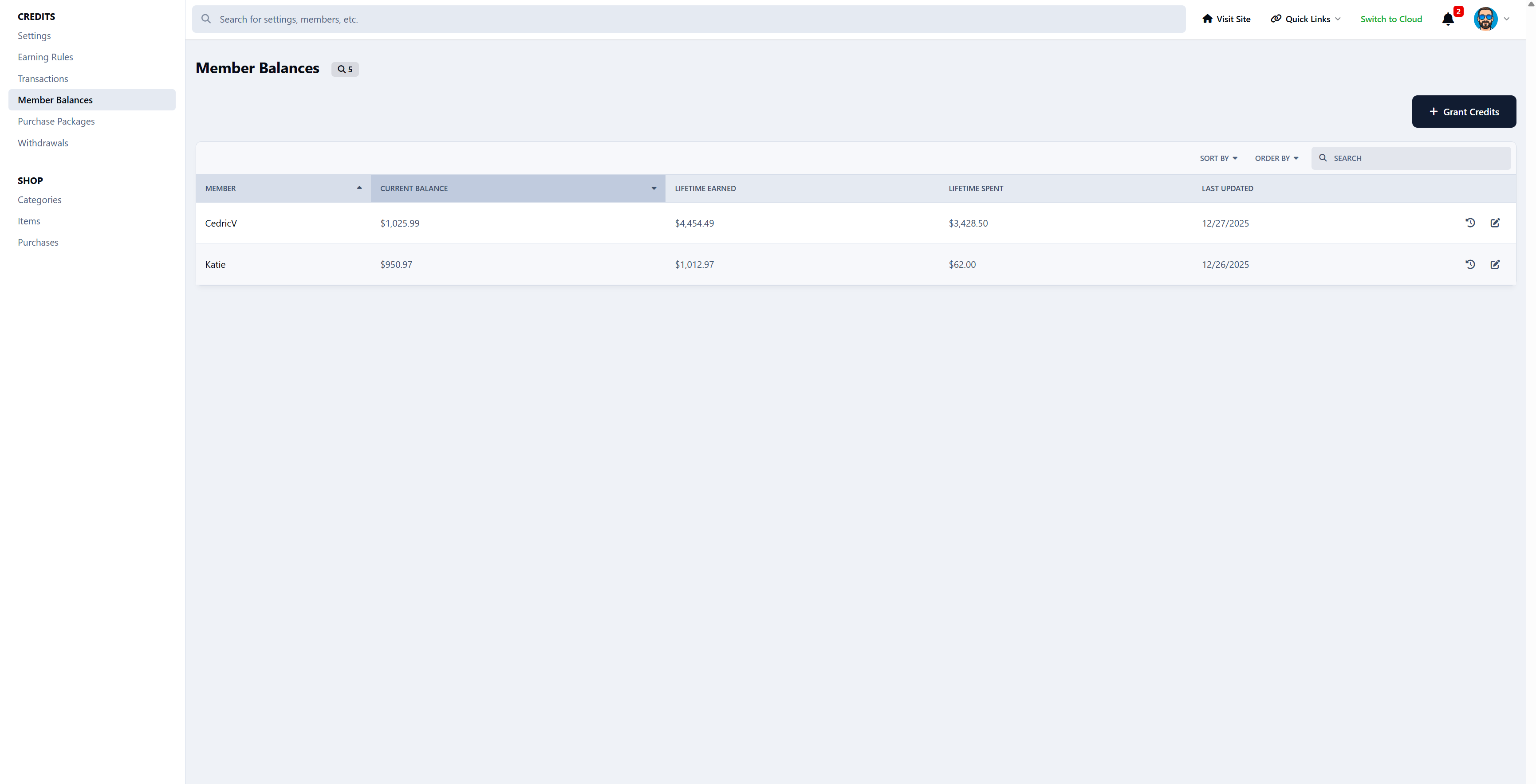
Adjust balances
Reverse transactions
Set limits, fees, and permissions
See exactly where credits come from and where they go
Every change is logged.
Nothing happens silently.
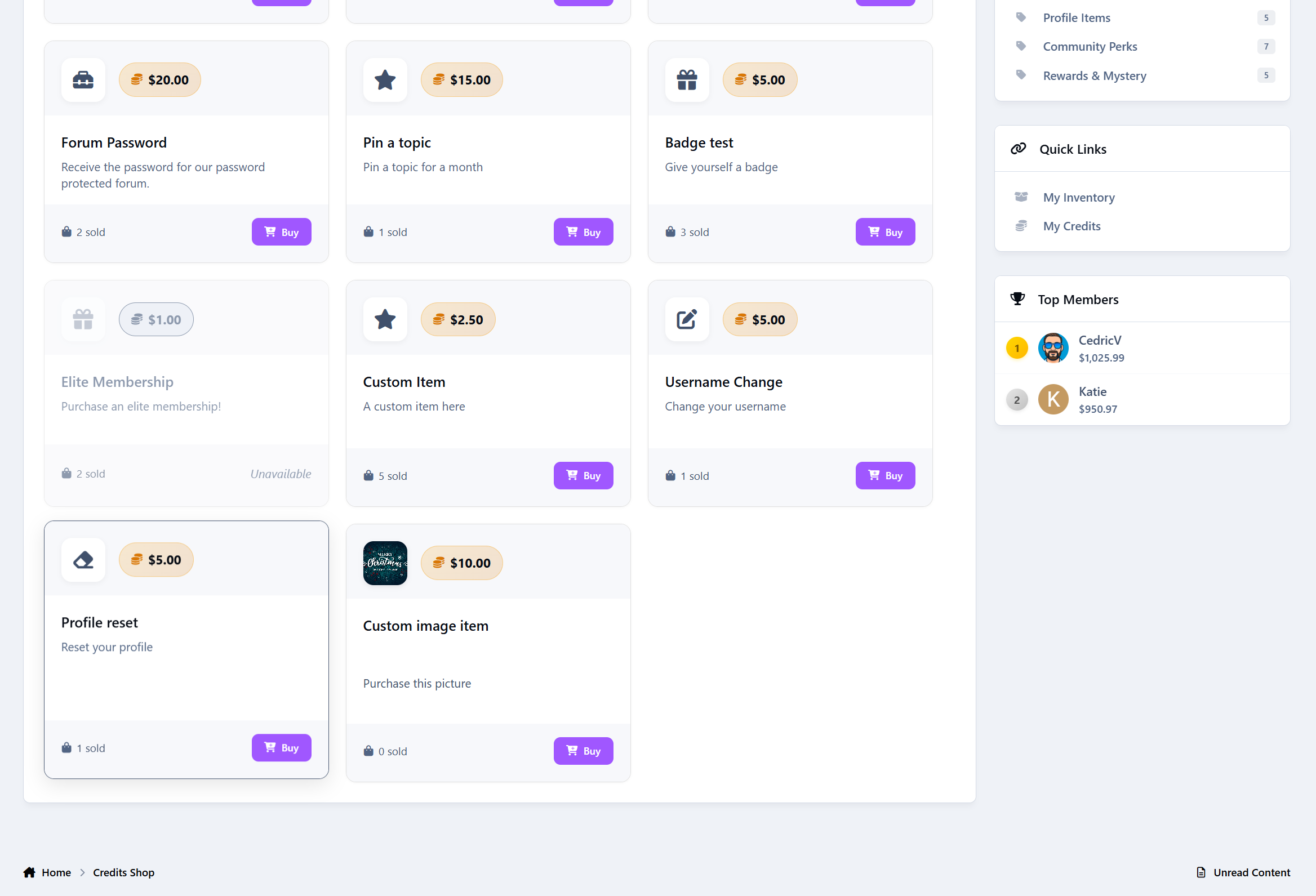
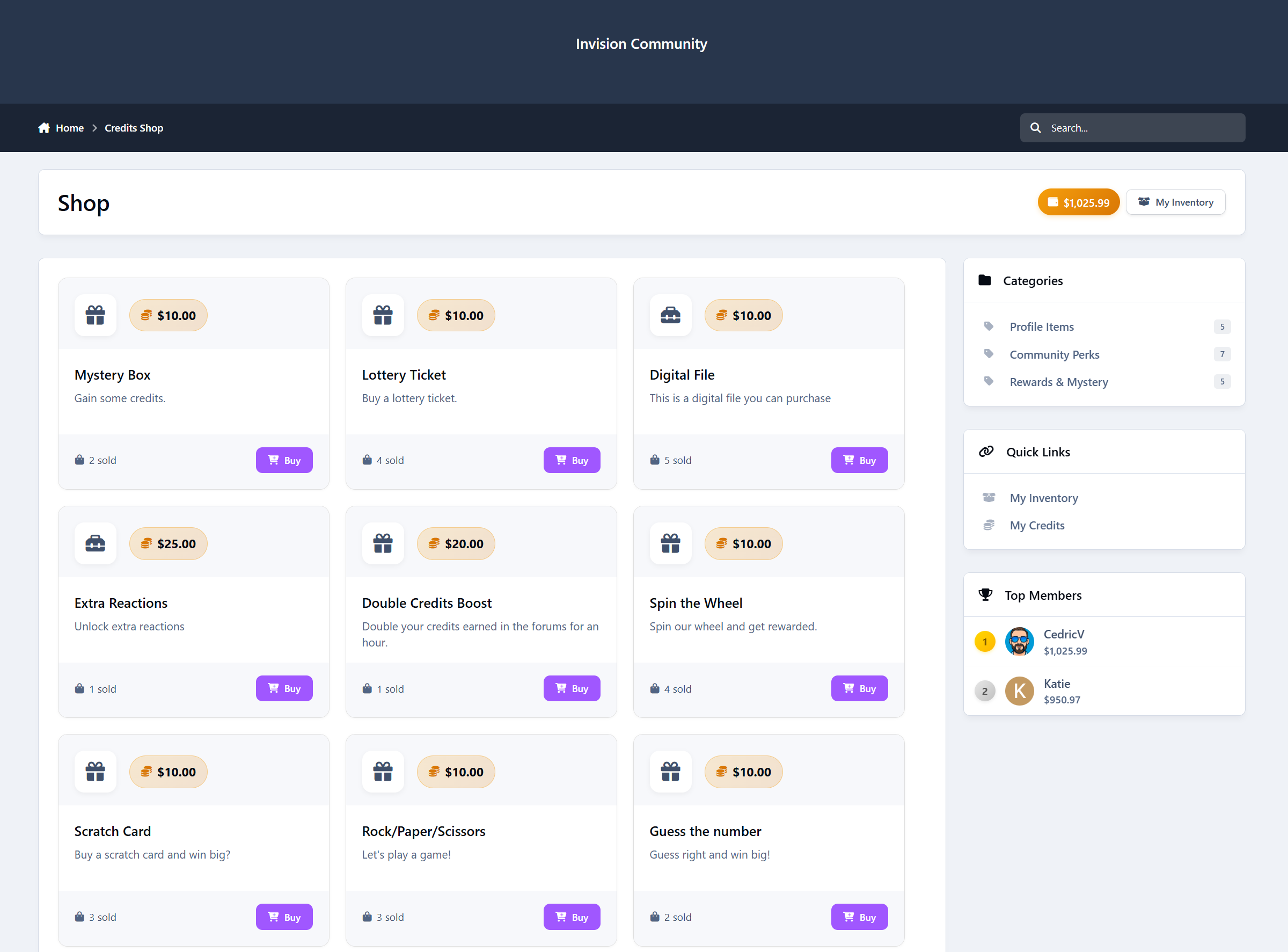
The Members Shop
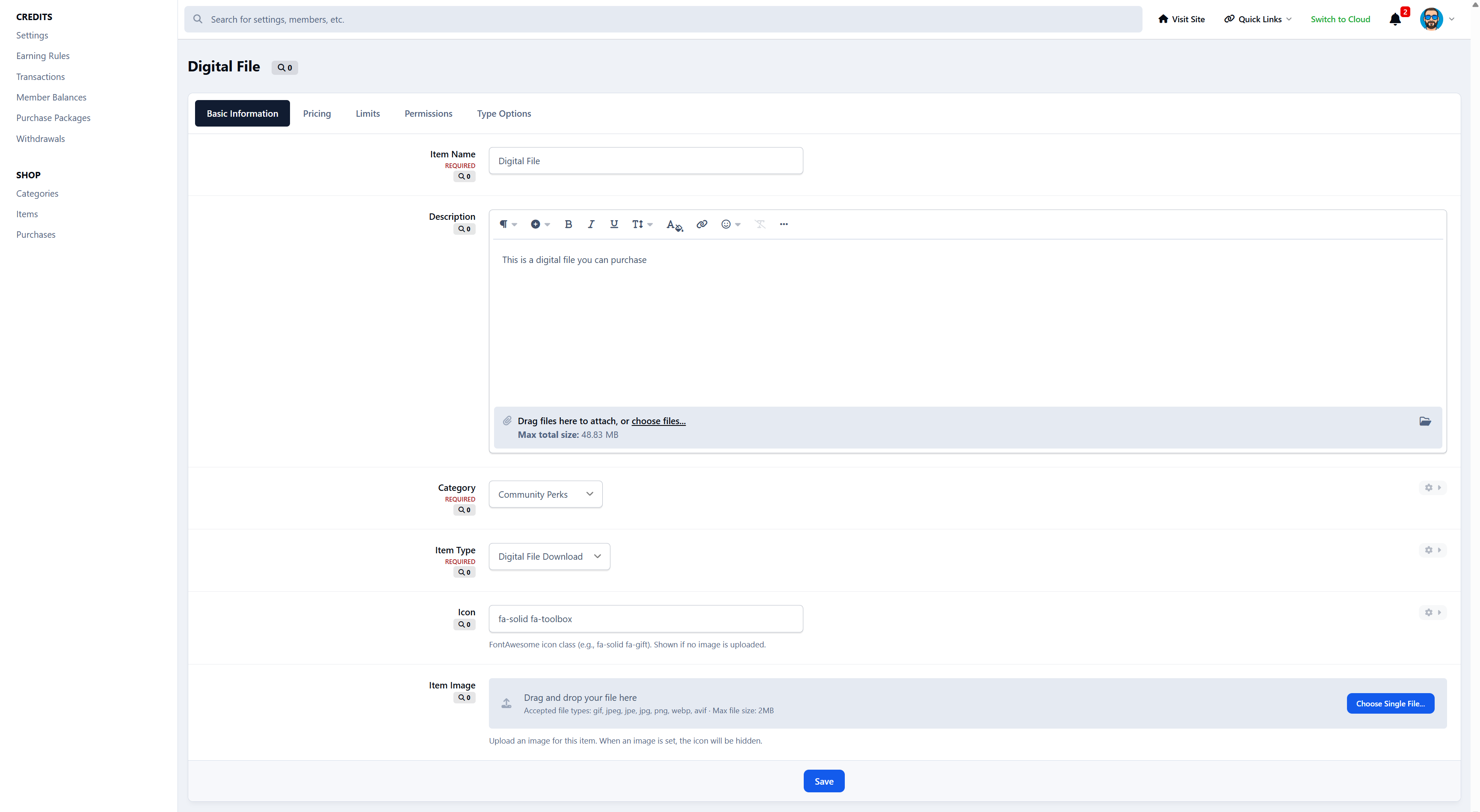
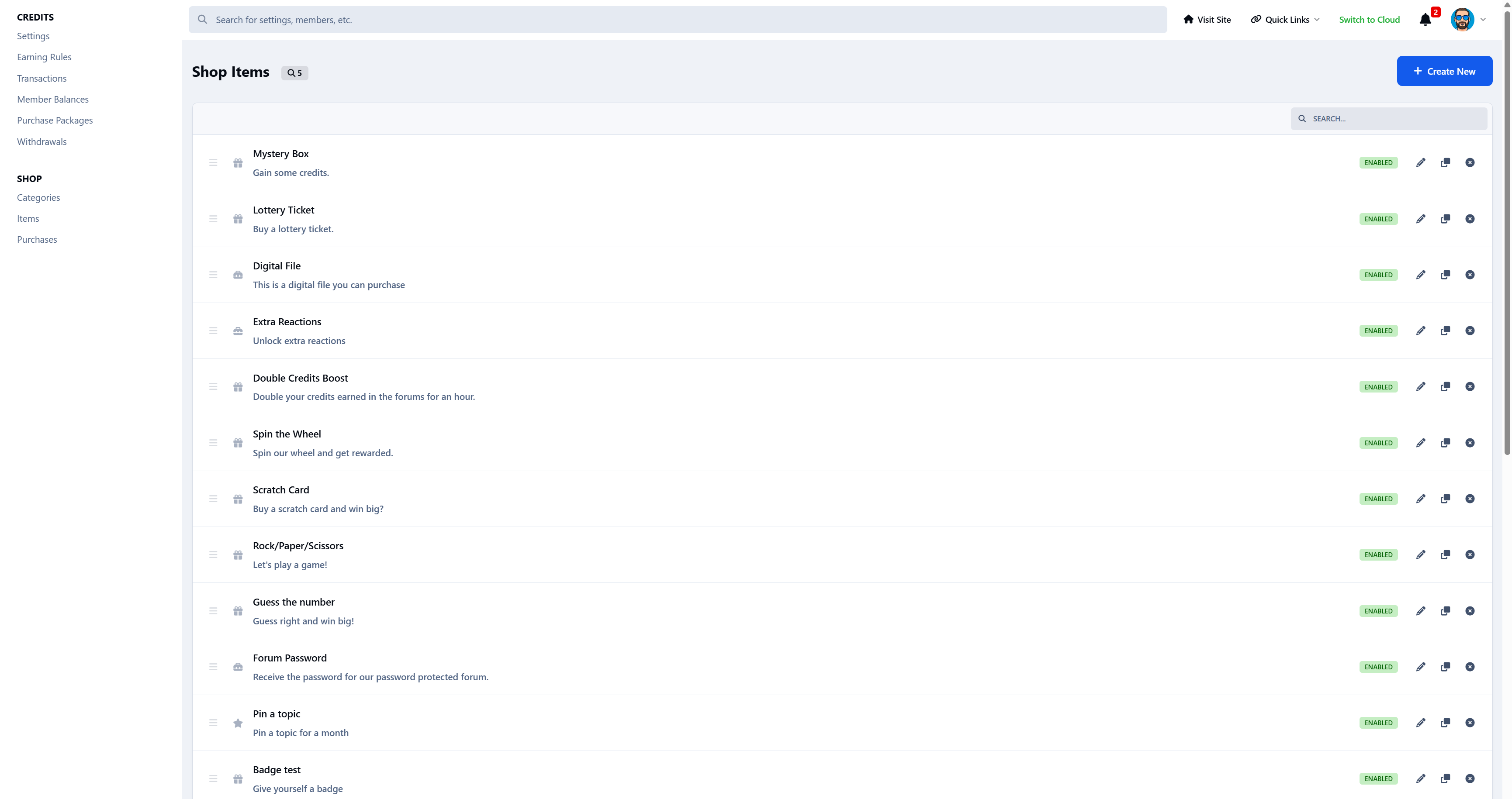
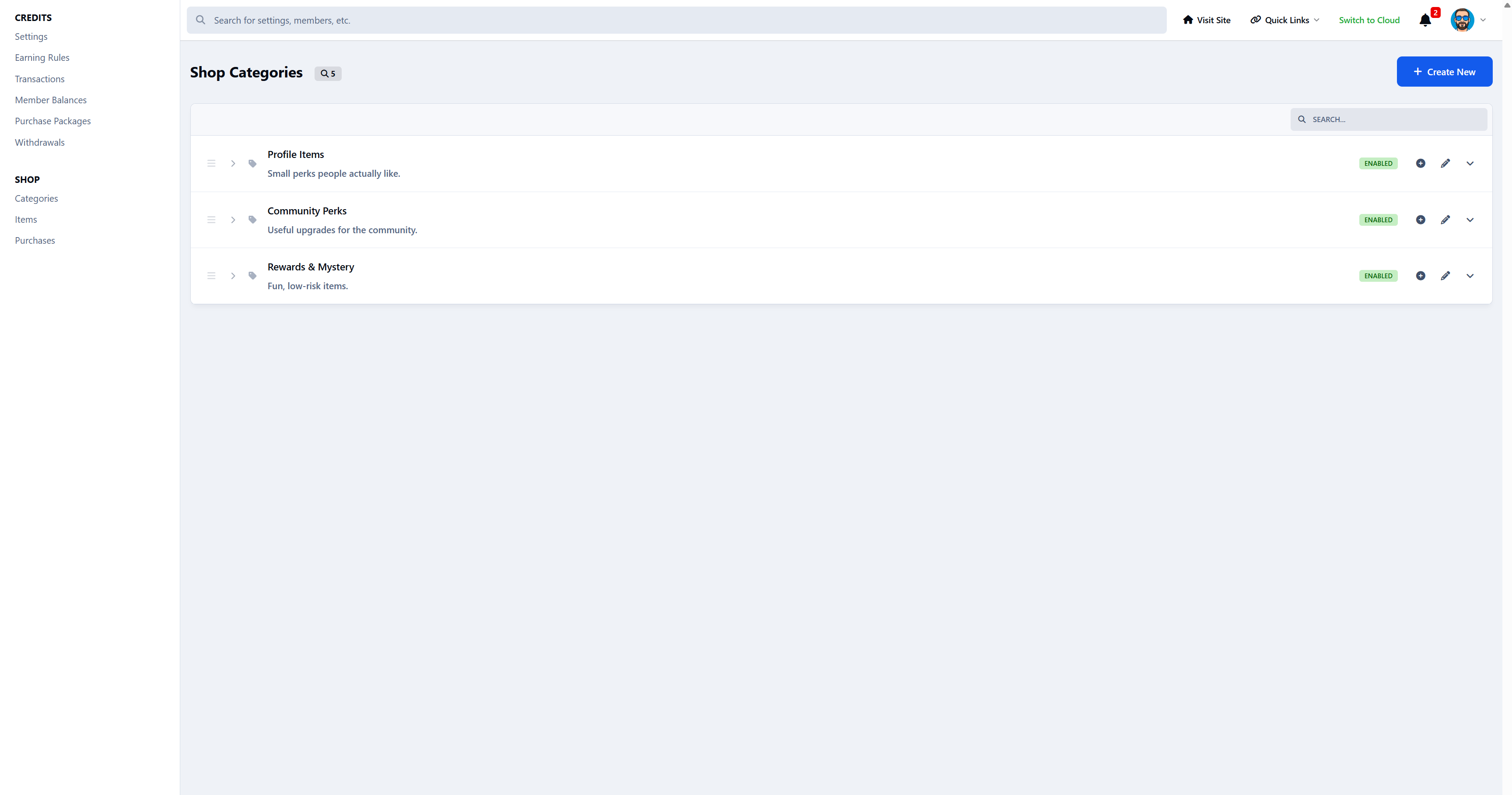
Credits can be spent in a built-in Members Shop
Example shop items:
Username or profile changes
Badges and cosmetic perks
Password protected forum unlocks
Temporary or permanent group upgrades
Mystery boxes and random rewards
Credit boosts
Games and chance-based items
Unlocks and special abilities
Custom items
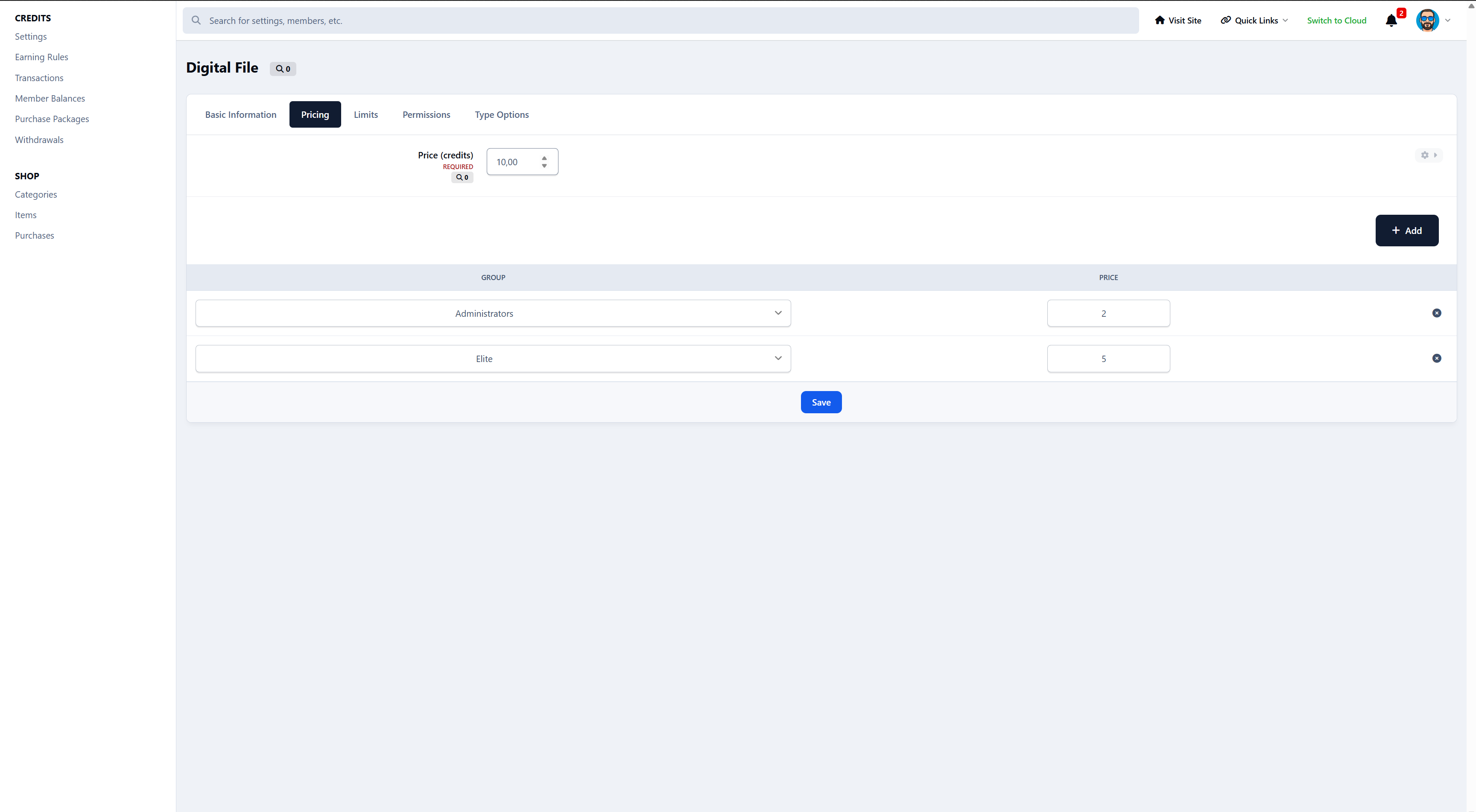
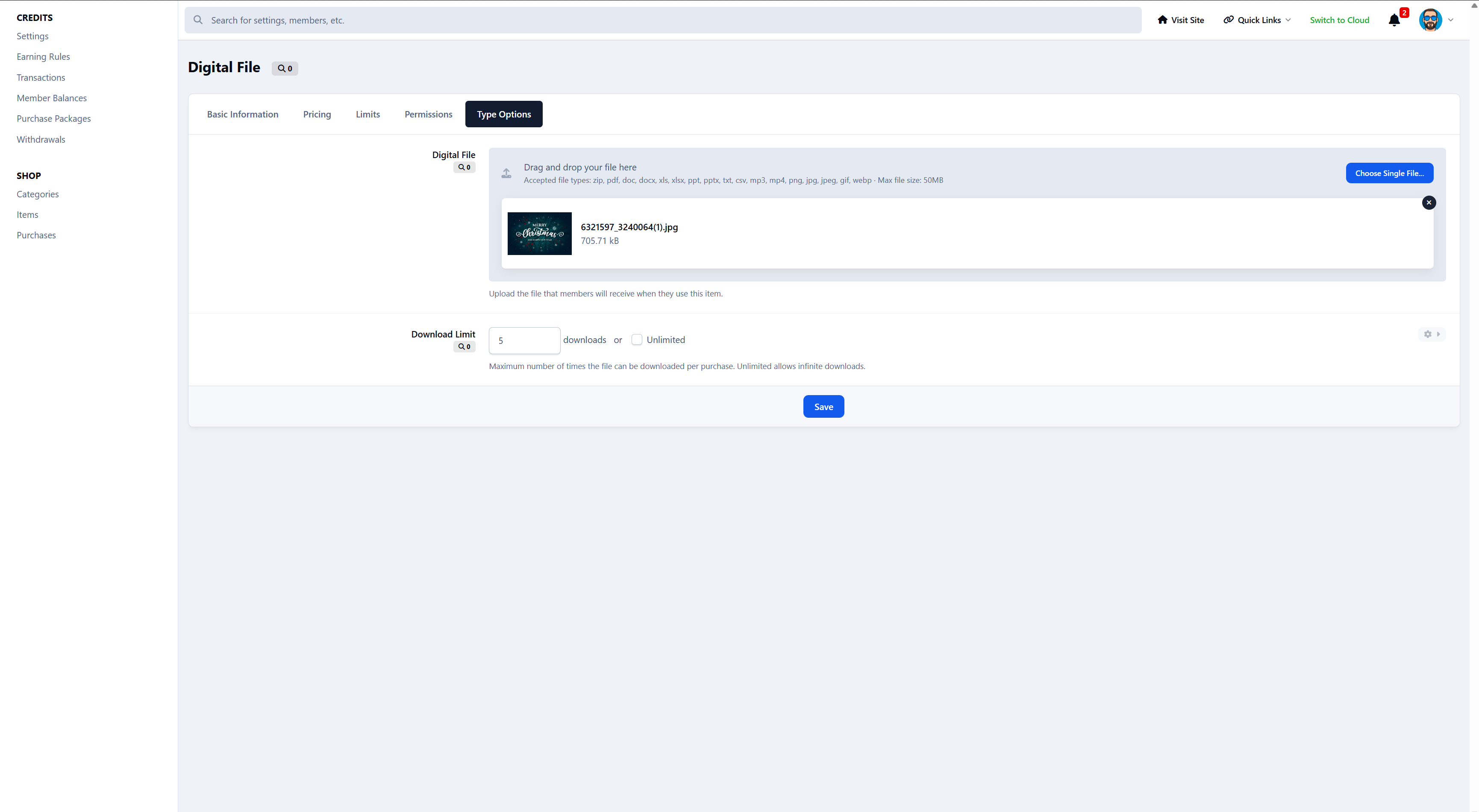
Digital downloads allows you to sell downloads for credits.
Members can:
Buy and use items instantly
Store items in their inventory
Gift items to other members
Admins stay in full control:
Pricing per group
Stock limits
Cooldowns
Permissions
Manual or automatic rewards
Use as much or as little of the shop as you like.
Games, bonuses & optional extras
When it fits your community, you can enable fun extras like:
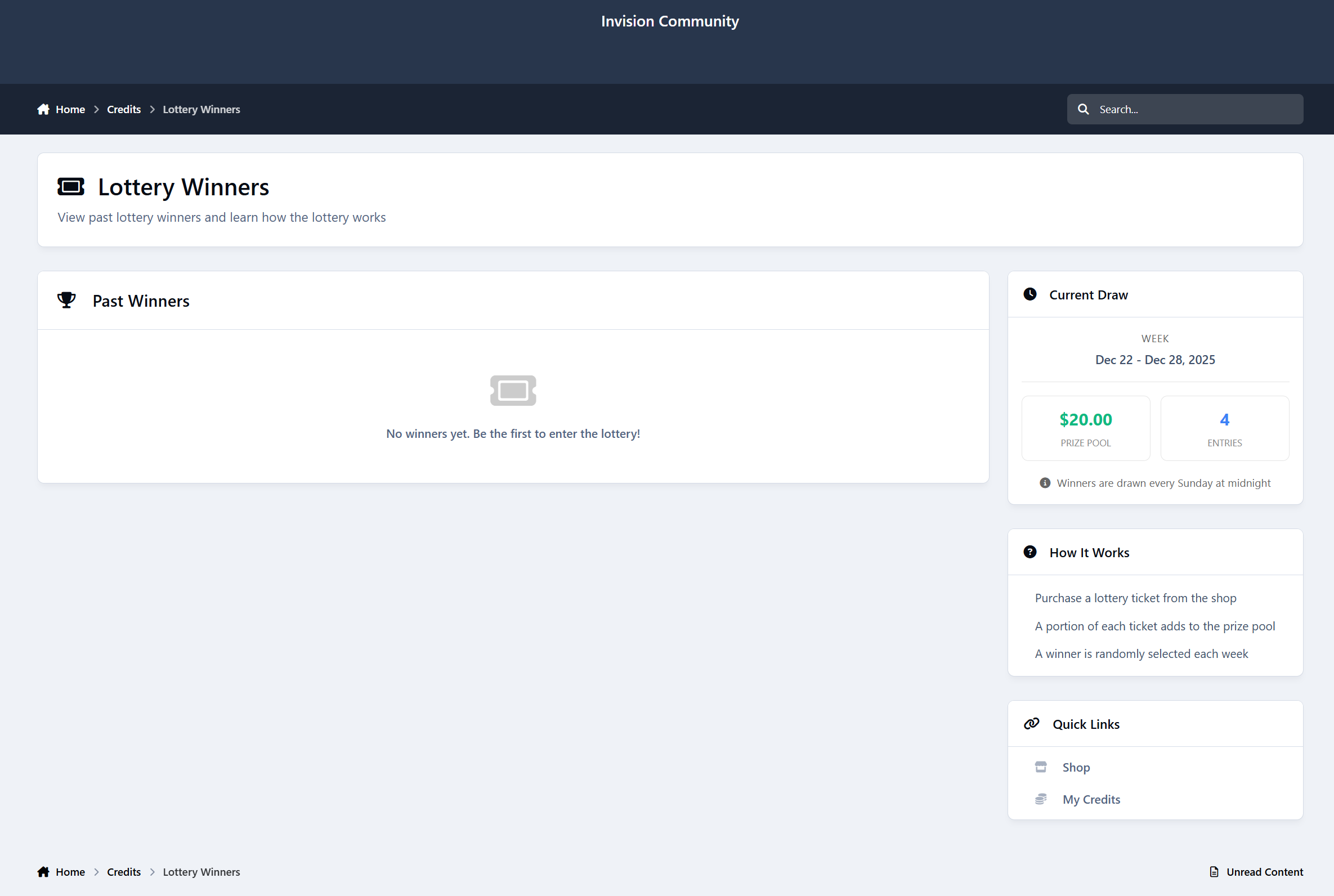
Lottery system
Spin the wheel
Scratch cards
Rock / Paper / Scissors
Number guessing games
Daily, weekly, or monthly bonus credits
These are entirely optional.
Turn them on for engagement - or leave them off for a more serious setup.
Optional: Sell credits directly to members
If you want, you can also sell credits directly to your members.
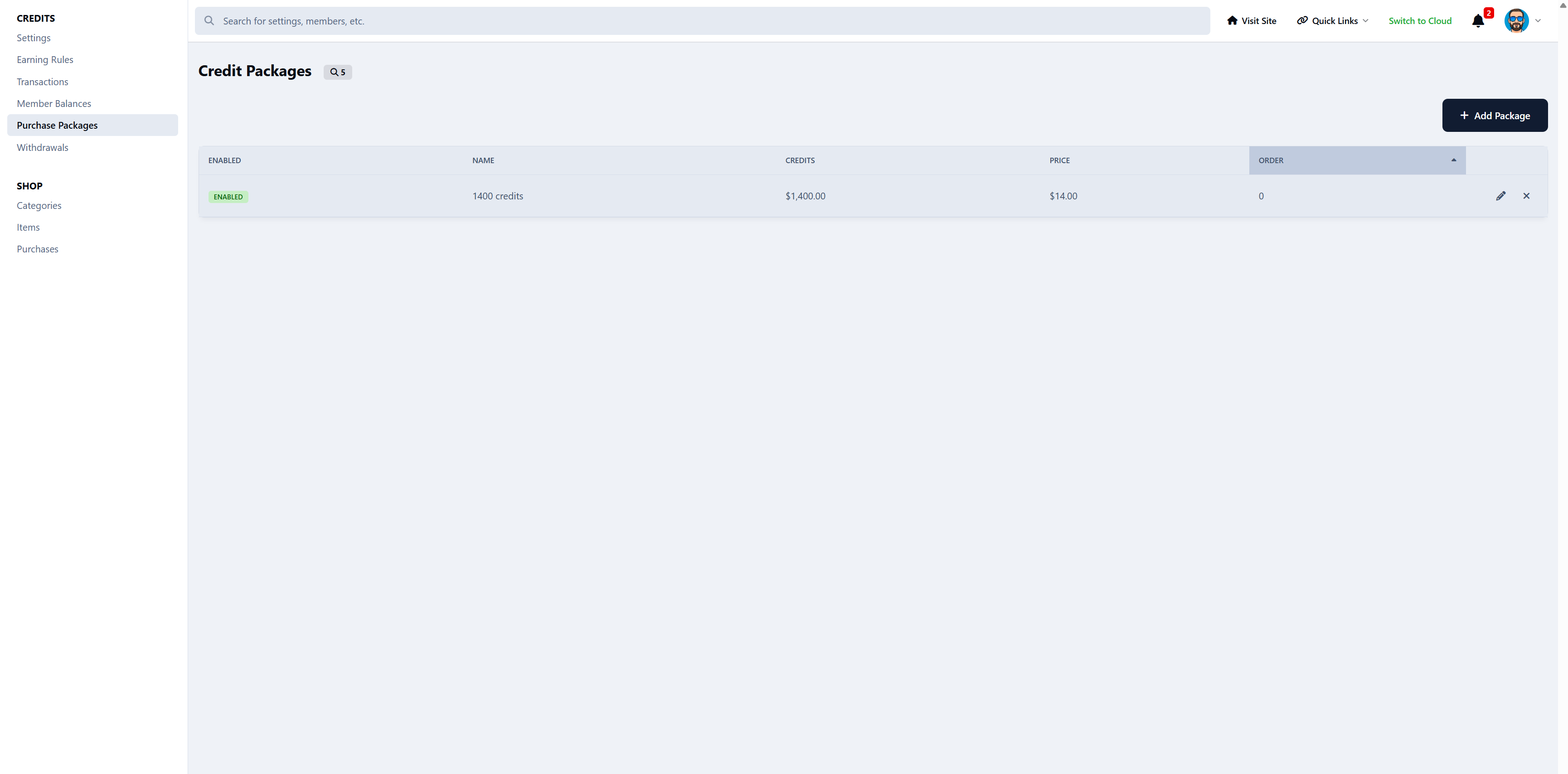
Create credit packages
Set prices and amounts
Let members buy credits instantly
Automatically deliver credits after successful payment
This works perfectly alongside earned credits, giving members two paths:
earn credits through activity
or buy credits when they want something now
You decide if selling credits makes sense for your community - it’s completely optional.
Optional: Convert credits into real account credit
For communities using Commerce, Credits & Shop can turn engagement into something tangible.
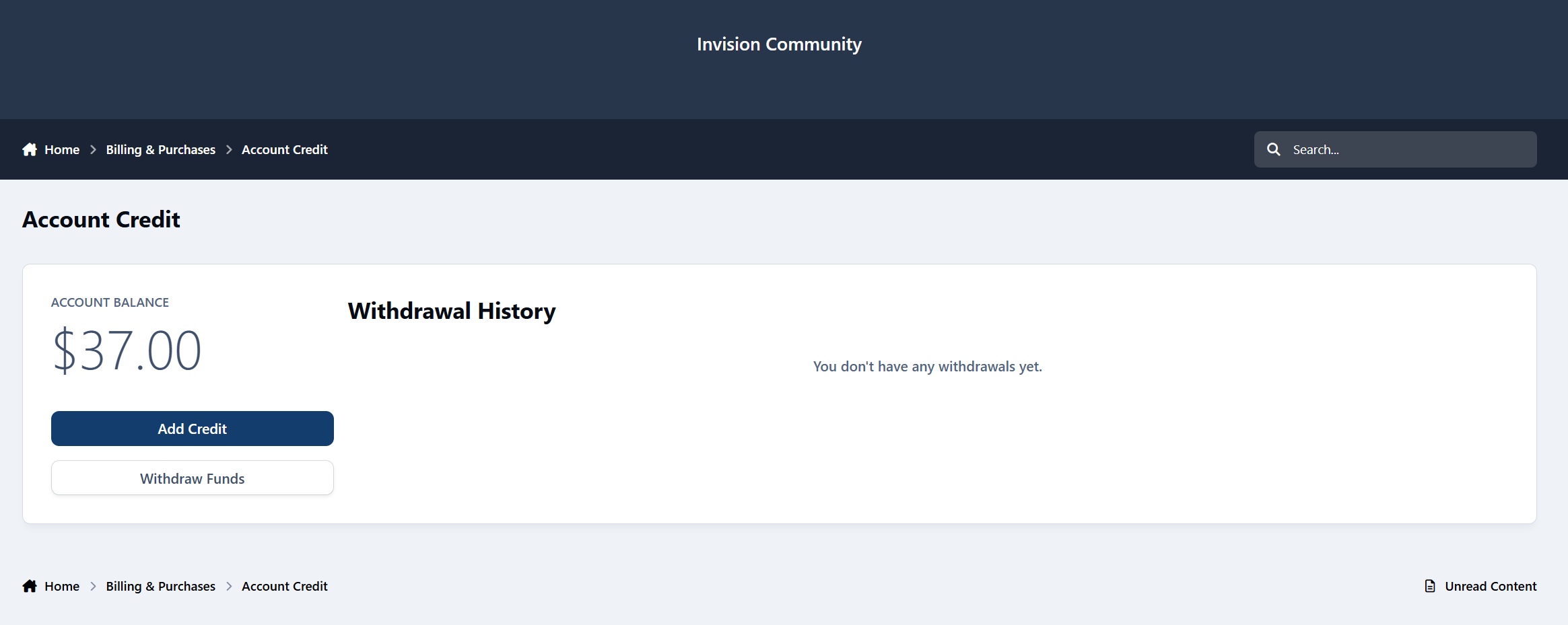
Members can optionally convert their earned credits into Commerce account credit, which they can then use to:
Purchase products from your IPS store
Pay for subscriptions or upgrades
Or, if you choose, request an actual payout
This creates a strong incentive to stay active - without turning your community into a grind.
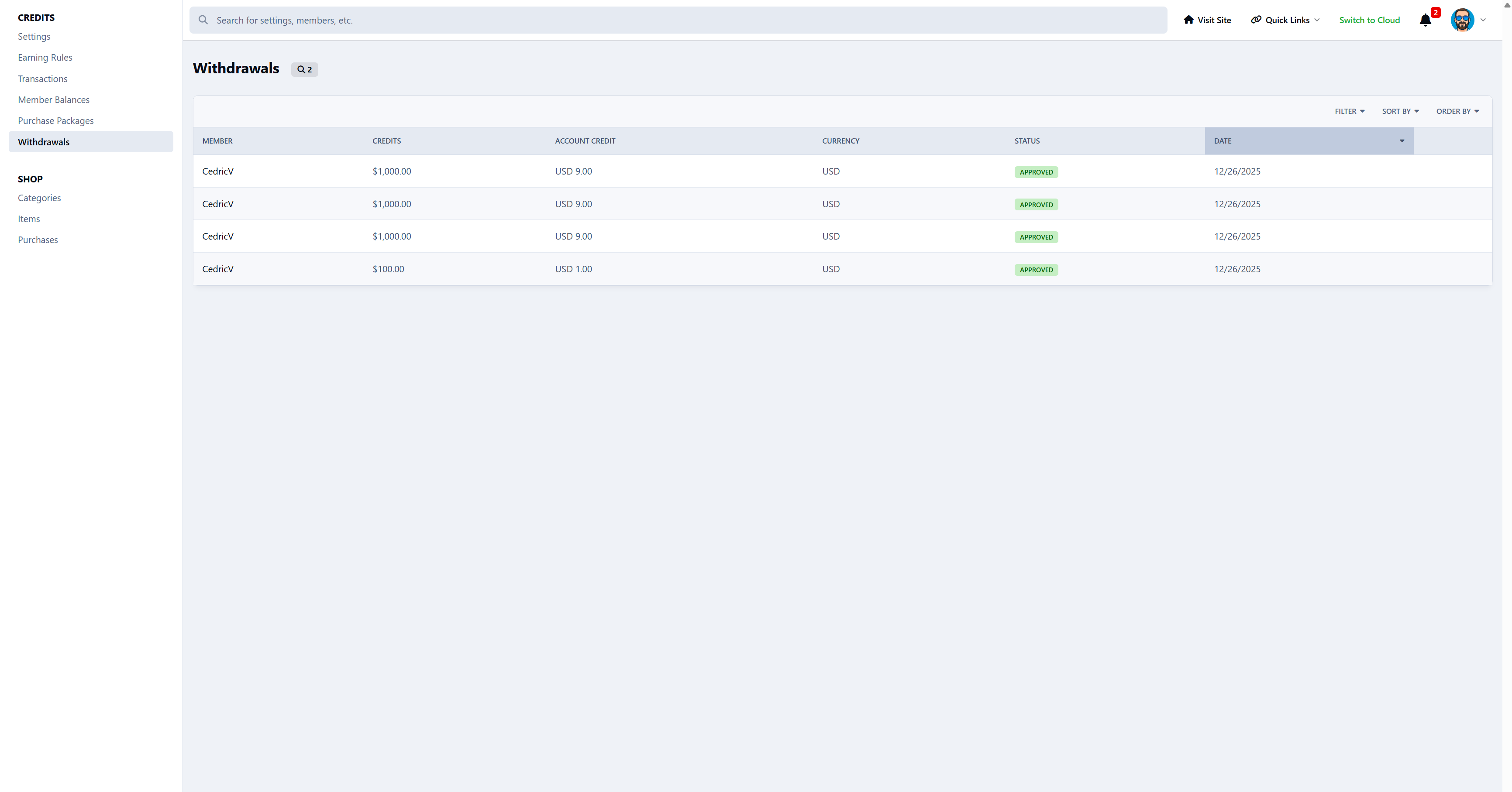
How withdrawals work
You stay fully in control.
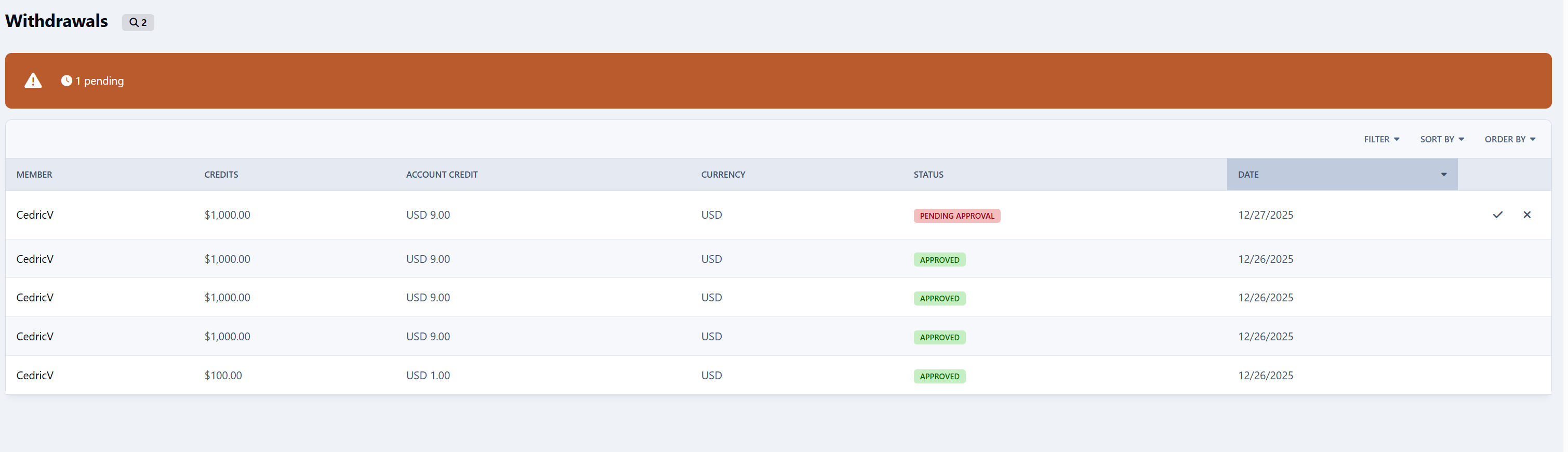
Members request a withdrawal
You can approve or decline each request
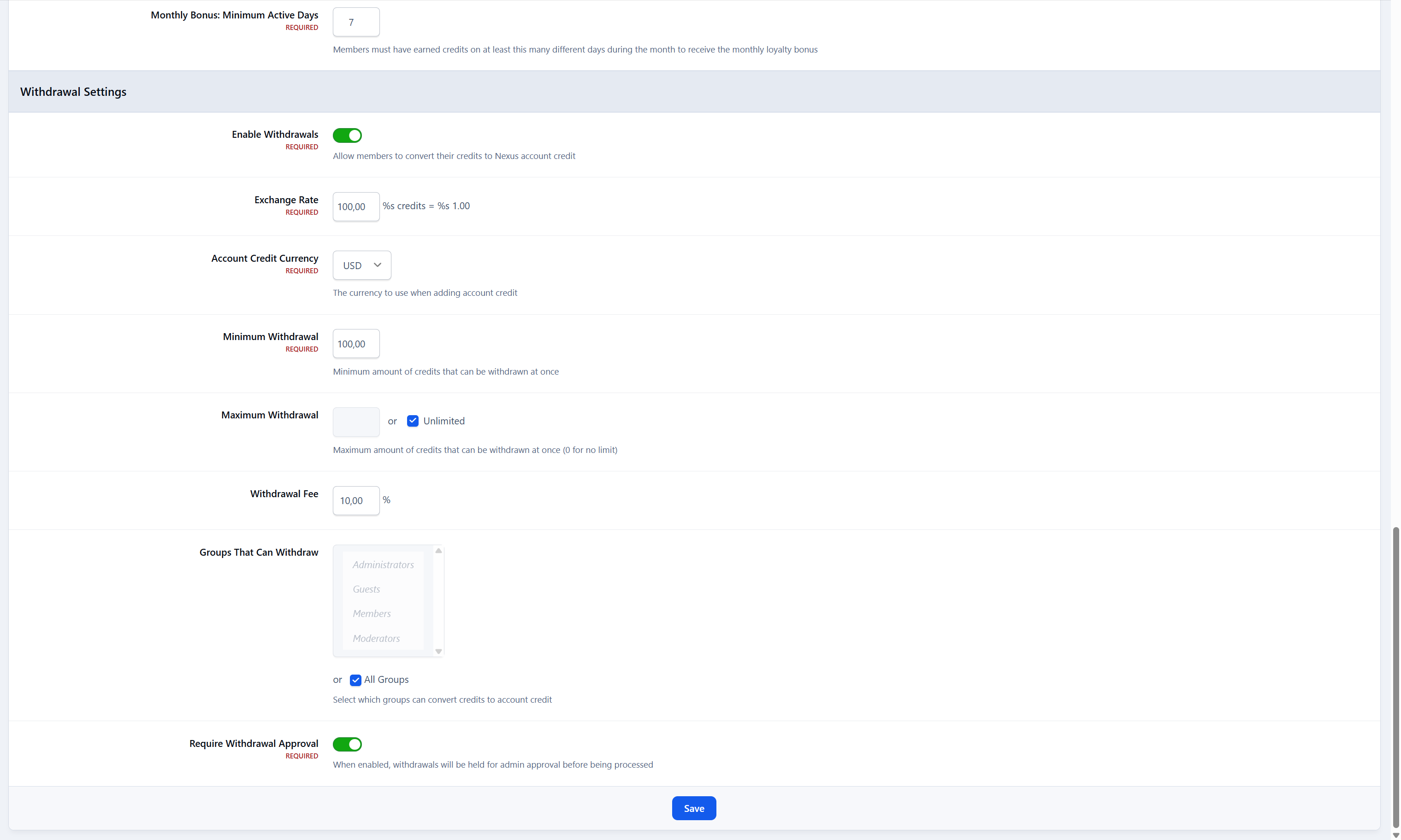
Set a conversion rate (credits → account credit)
Apply a withdrawal fee (or none at all)
Define minimum and maximum withdrawal amounts
Restrict withdrawals by user group
Nothing is automatic unless you want it to be.
Why this matters for engagement
This feature bridges the gap between:
activity → rewards → real value
Members aren’t just earning points “for fun”.
They’re earning something that can be used across your Commerce ecosystem - or even withdrawn.
That means:
More participation
More motivation
More reasons to stick around
And because it’s optional and controlled, it works just as well for:
hobby communities
creator communities
support forums
marketplaces
UPDATE 1.1.2
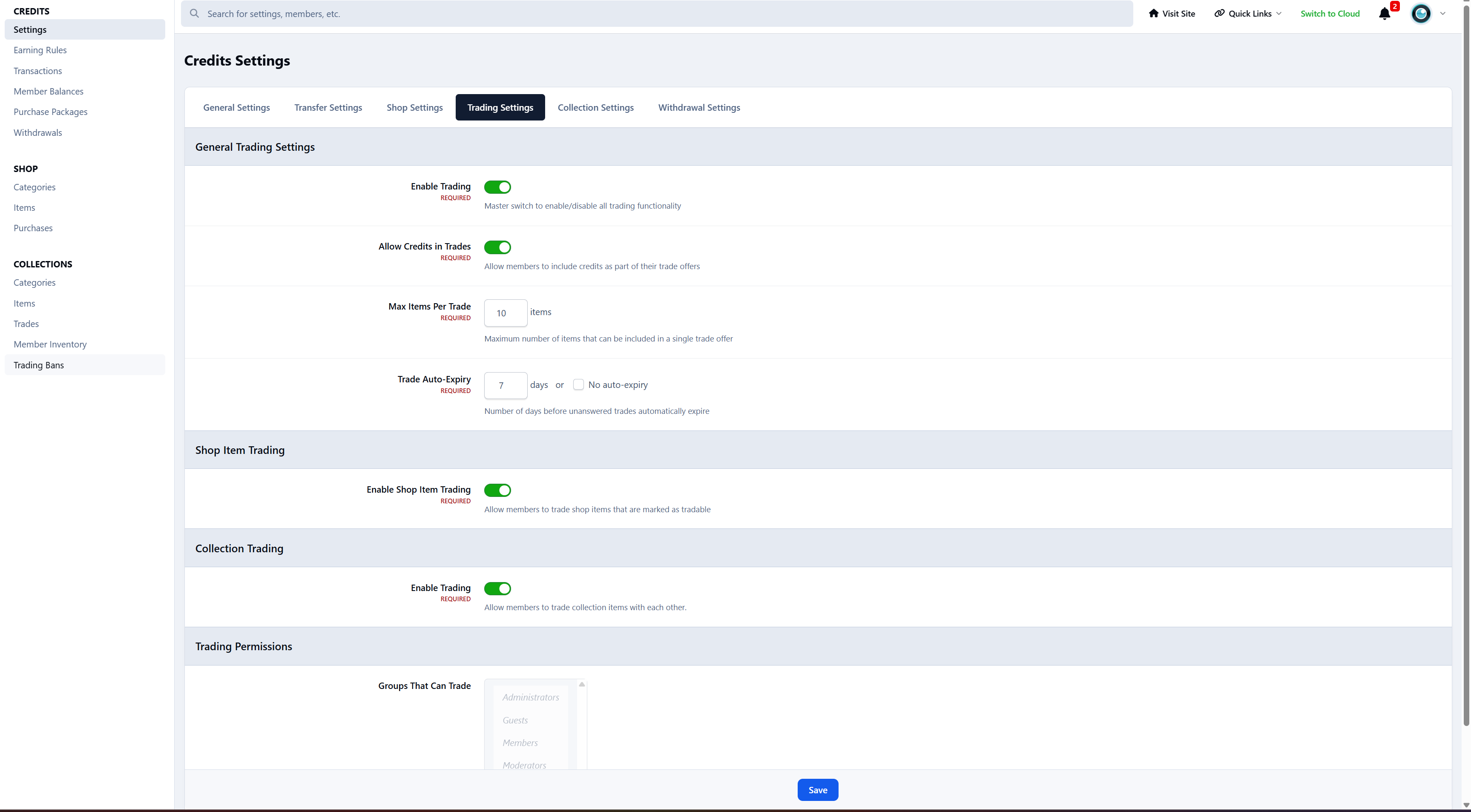
Collections & Trading Expansion
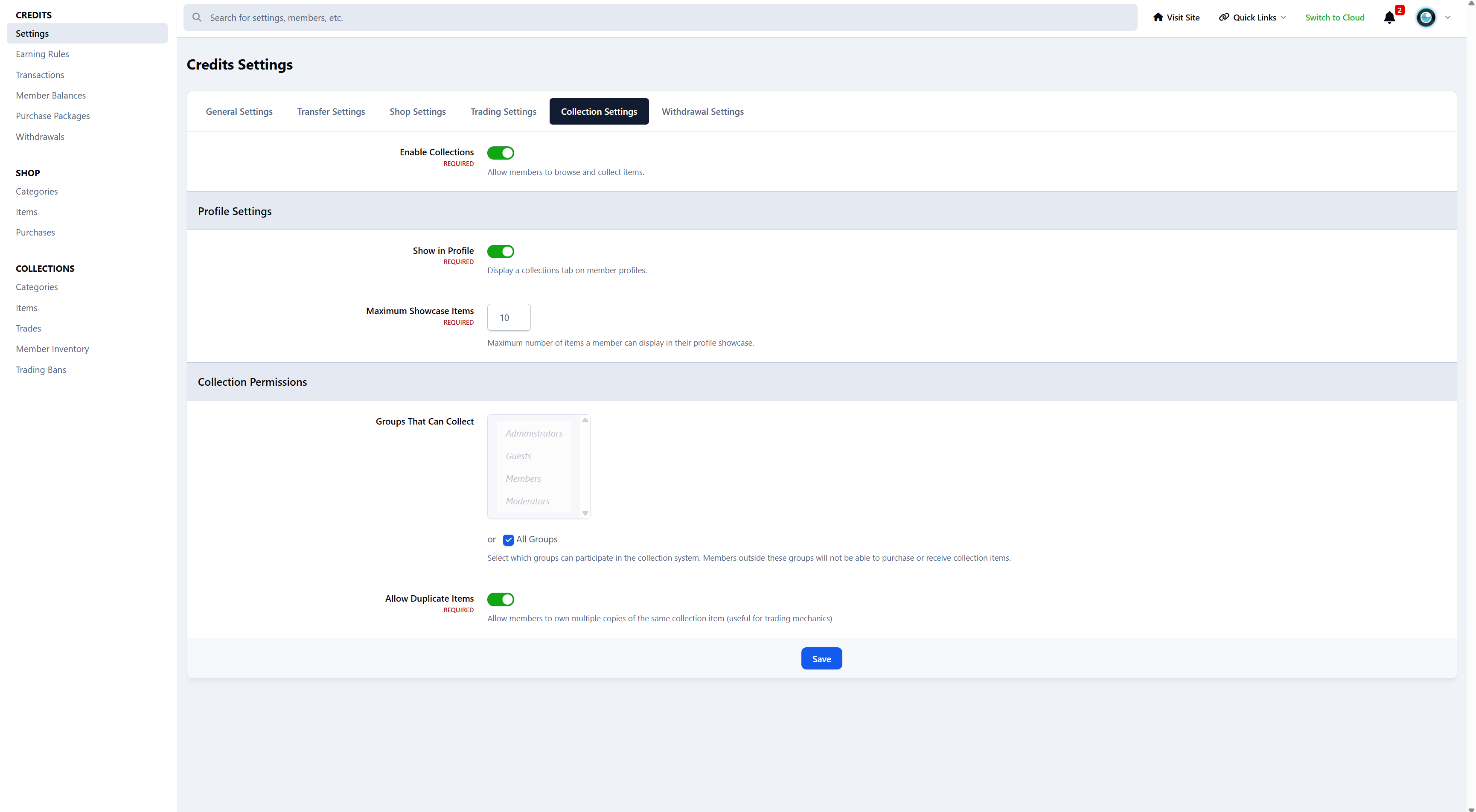
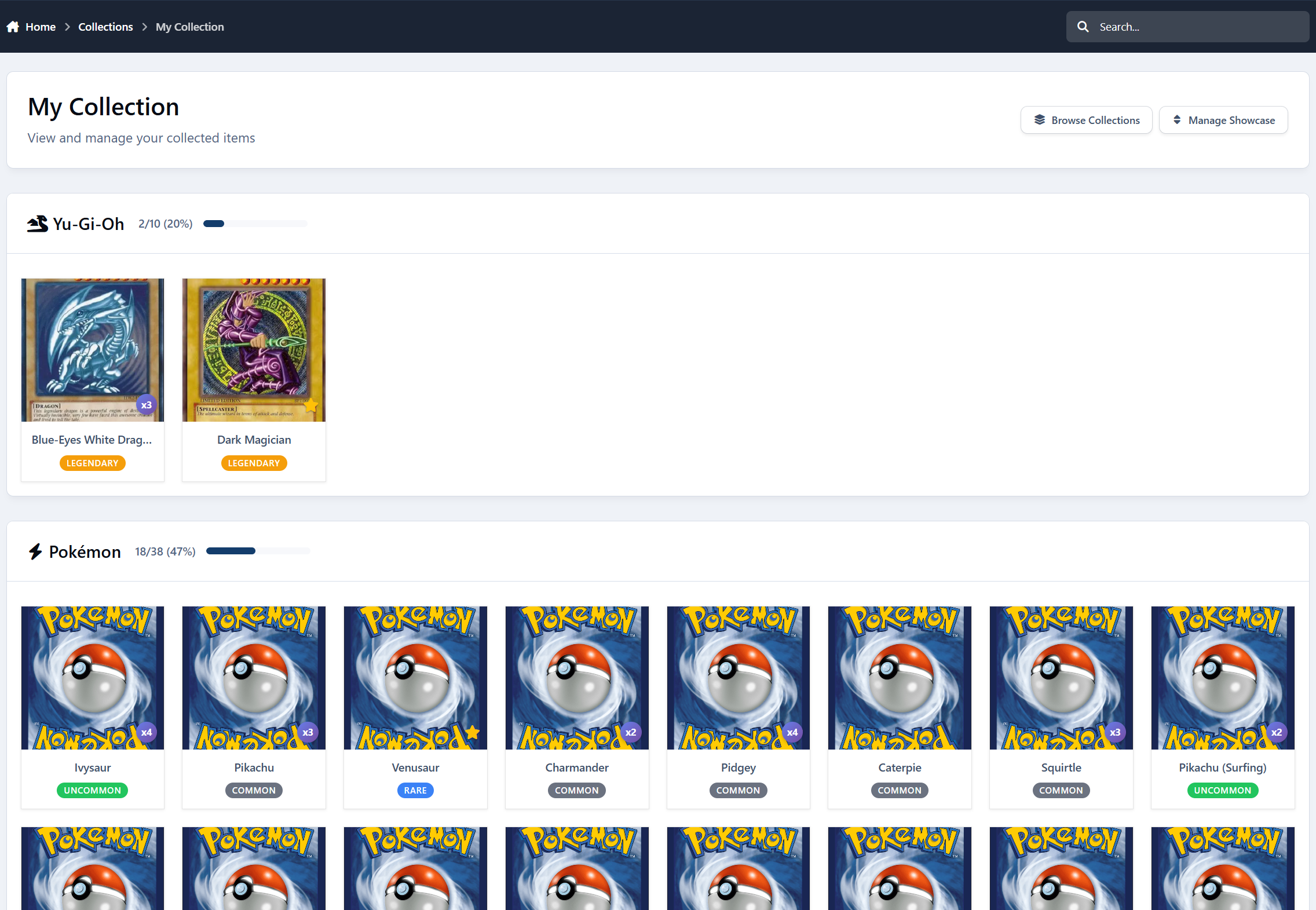
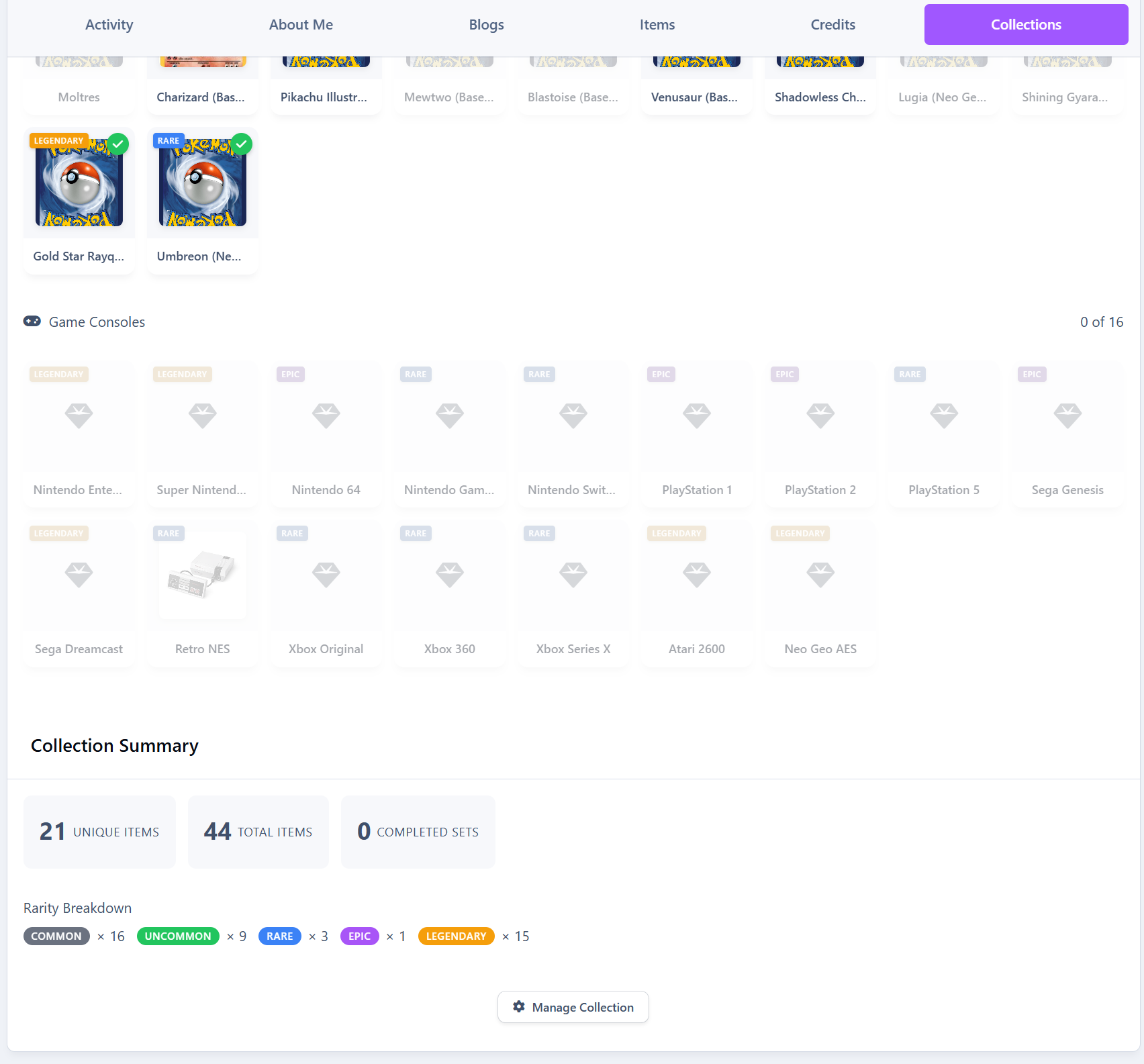
A complete digital collectibles system for Invision Community 5
Expands the Credits system into a fully-featured collectible, trading, and reward ecosystem.
Perfect for digital cards, profile gifts, seasonal items, rarity-based rewards, and community engagement systems.
Core Collection Features
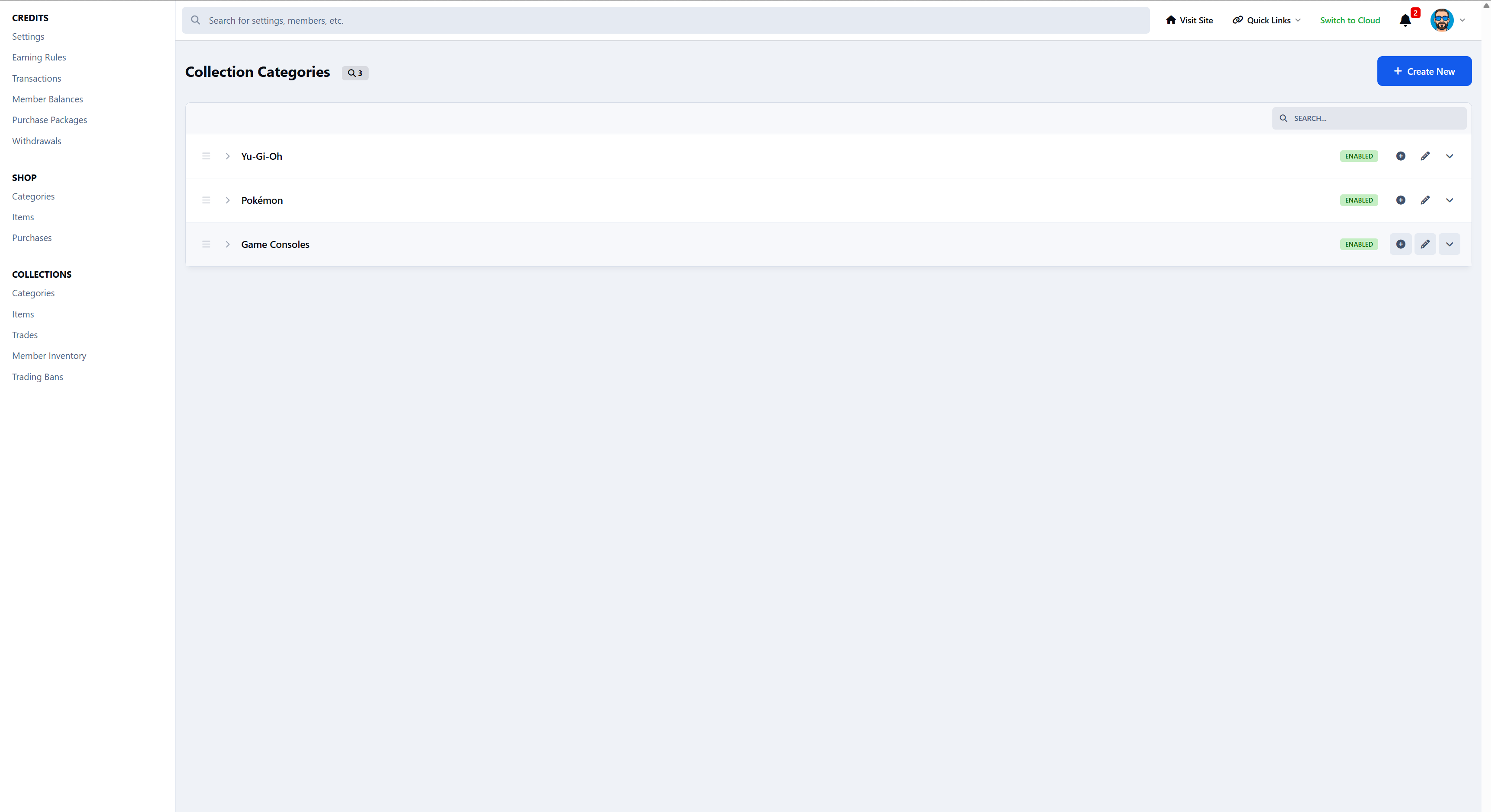
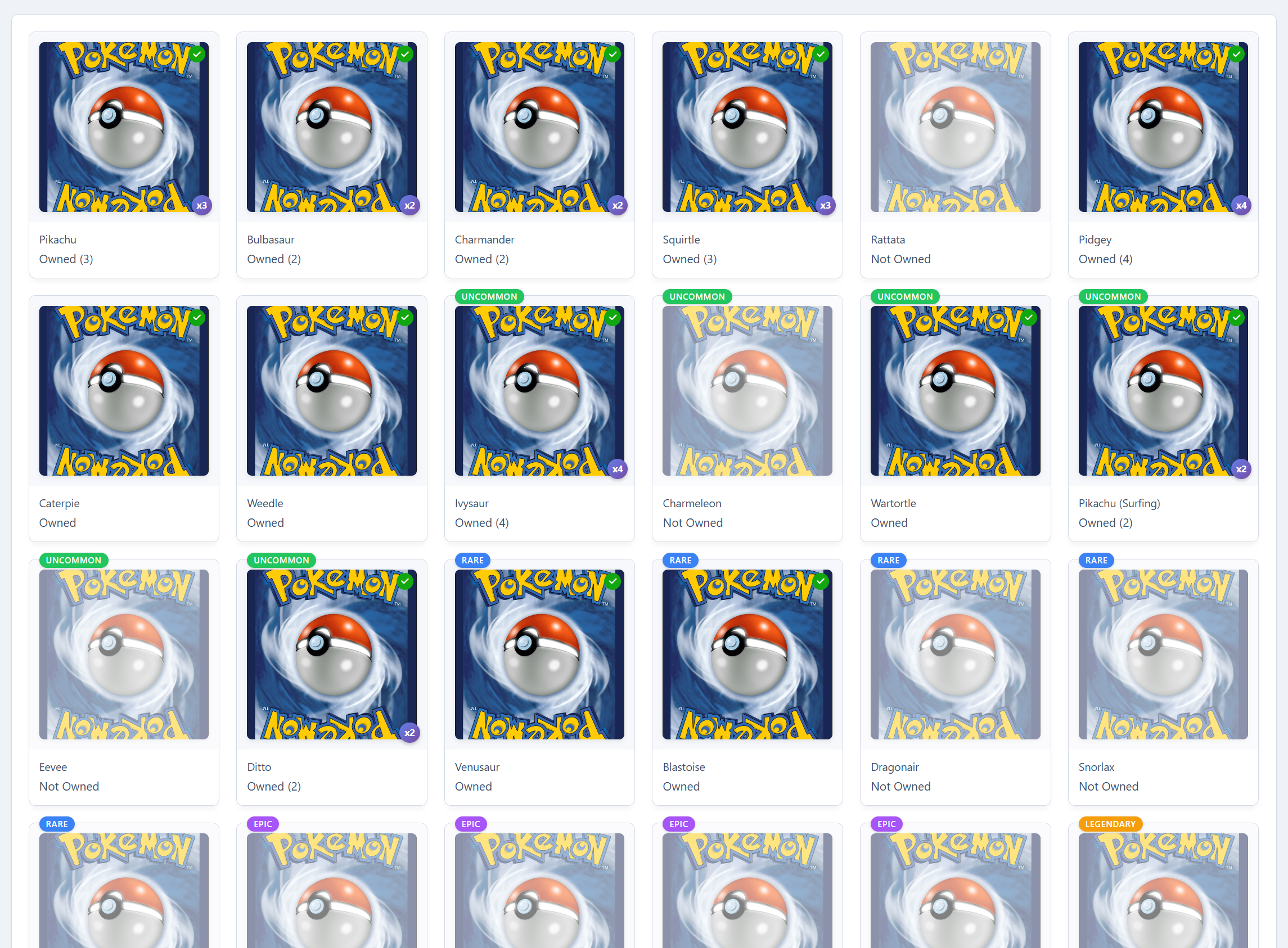
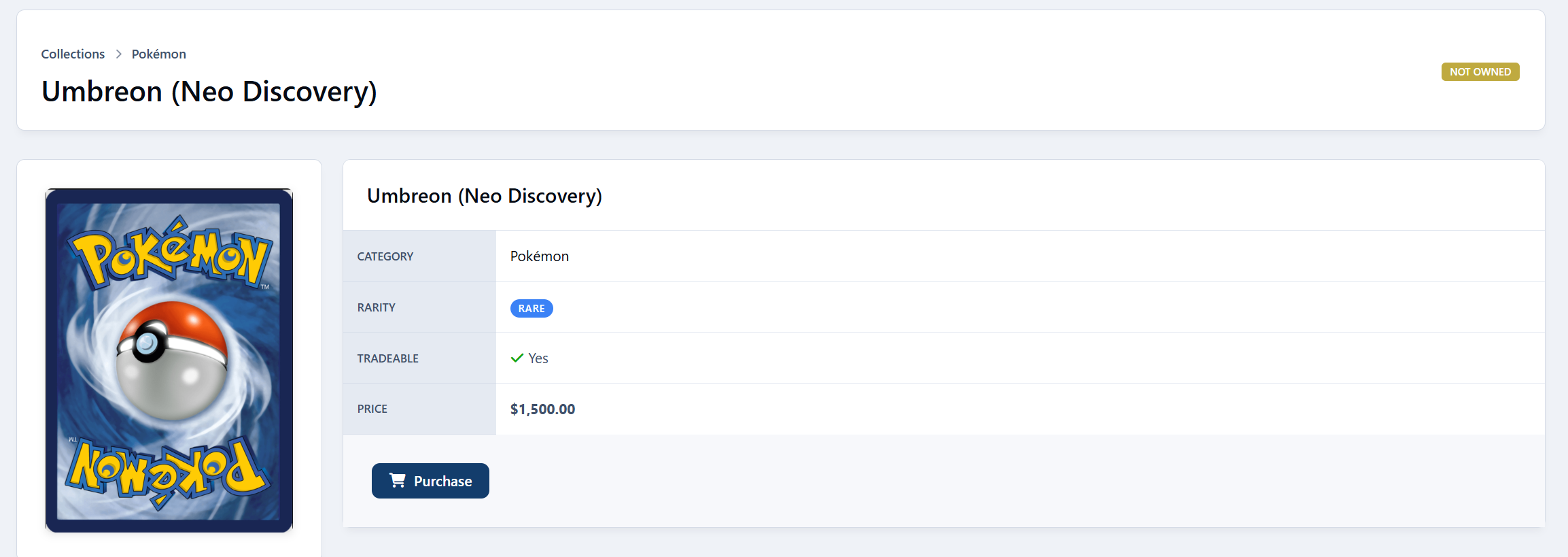
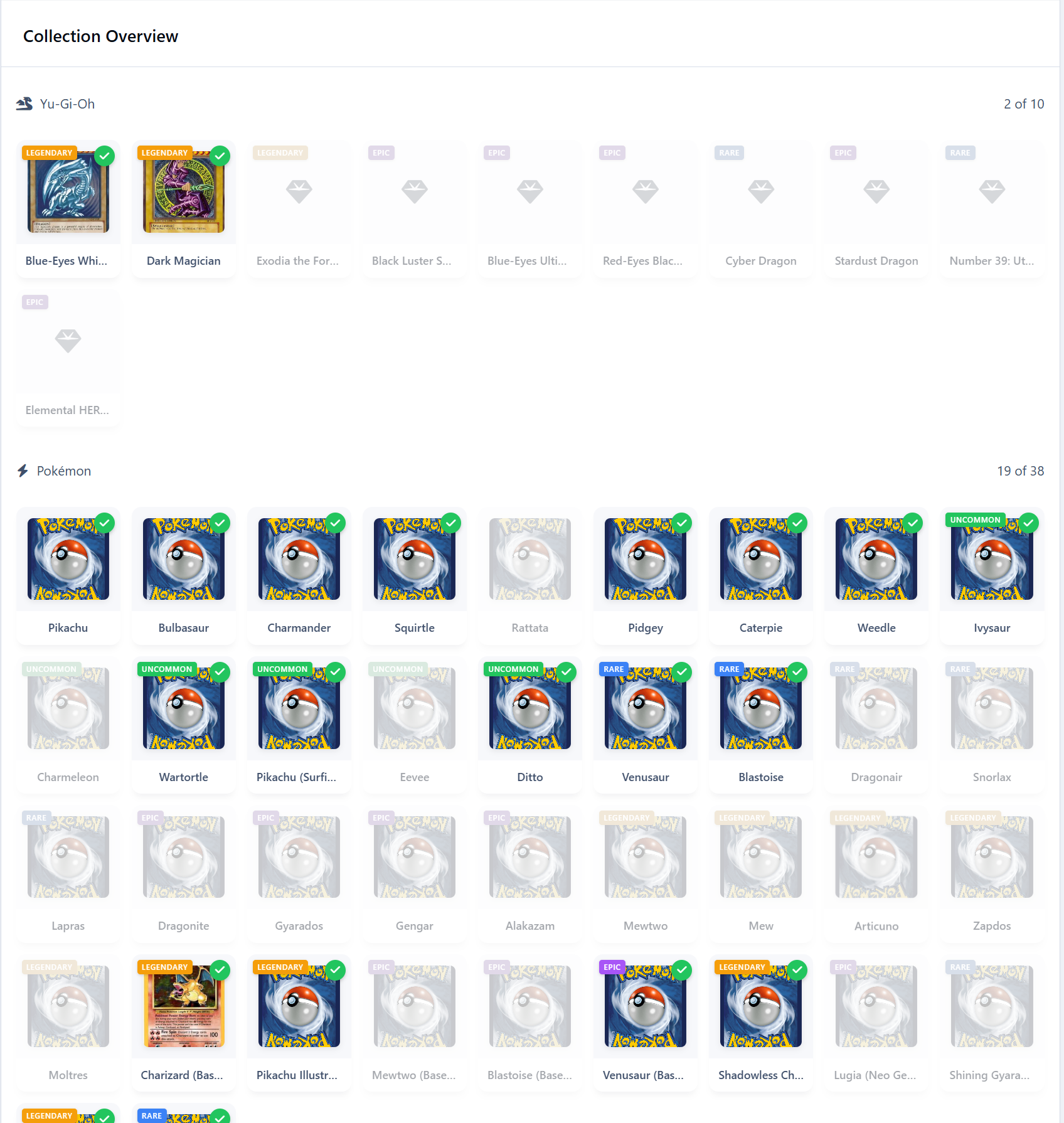
Collection Categories - Organize items into themed categories (e.g., Pokémon, Retro Gaming)
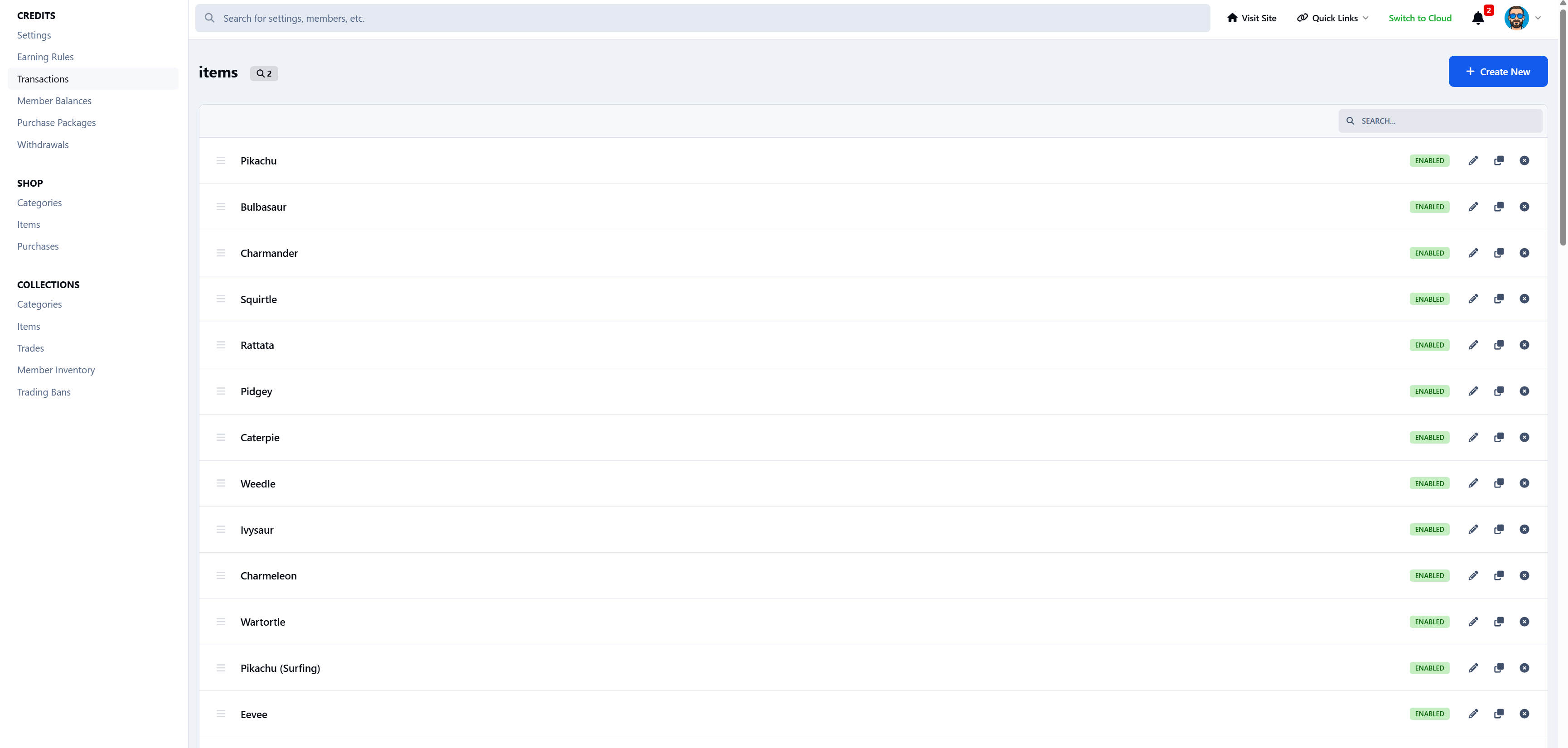
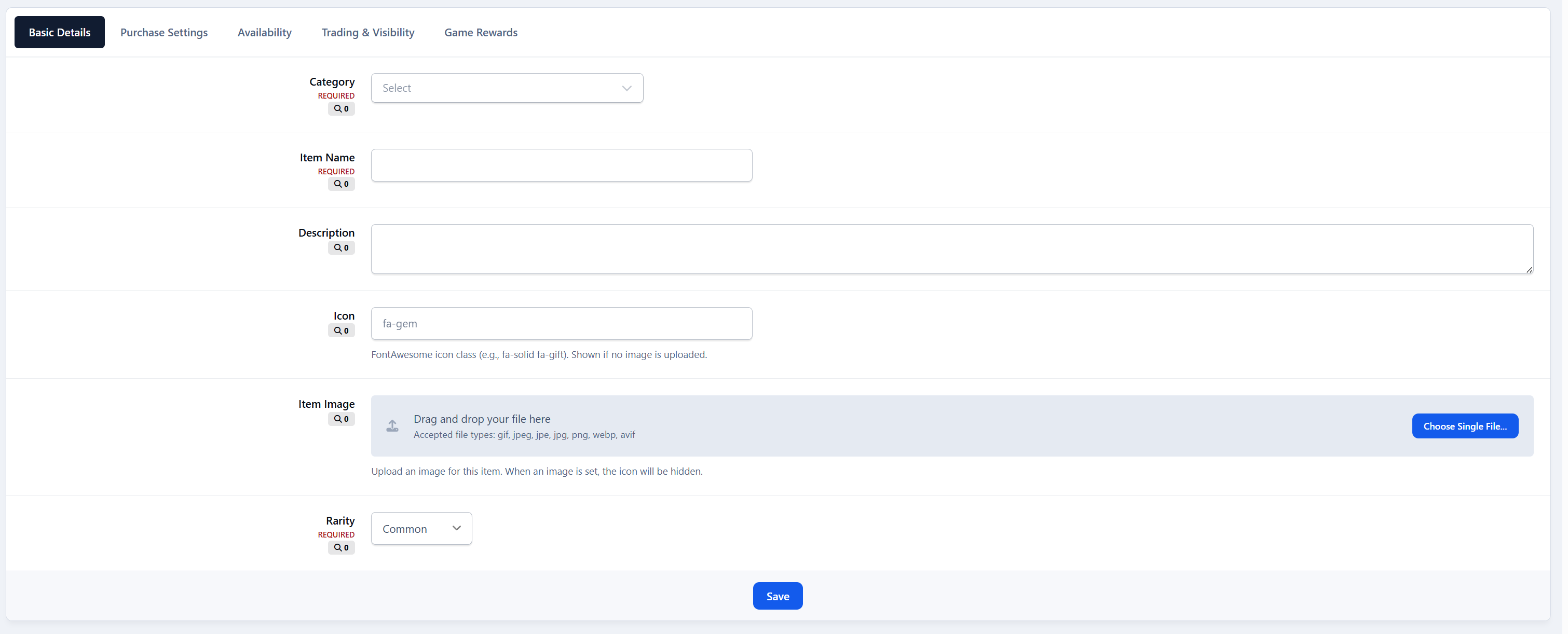
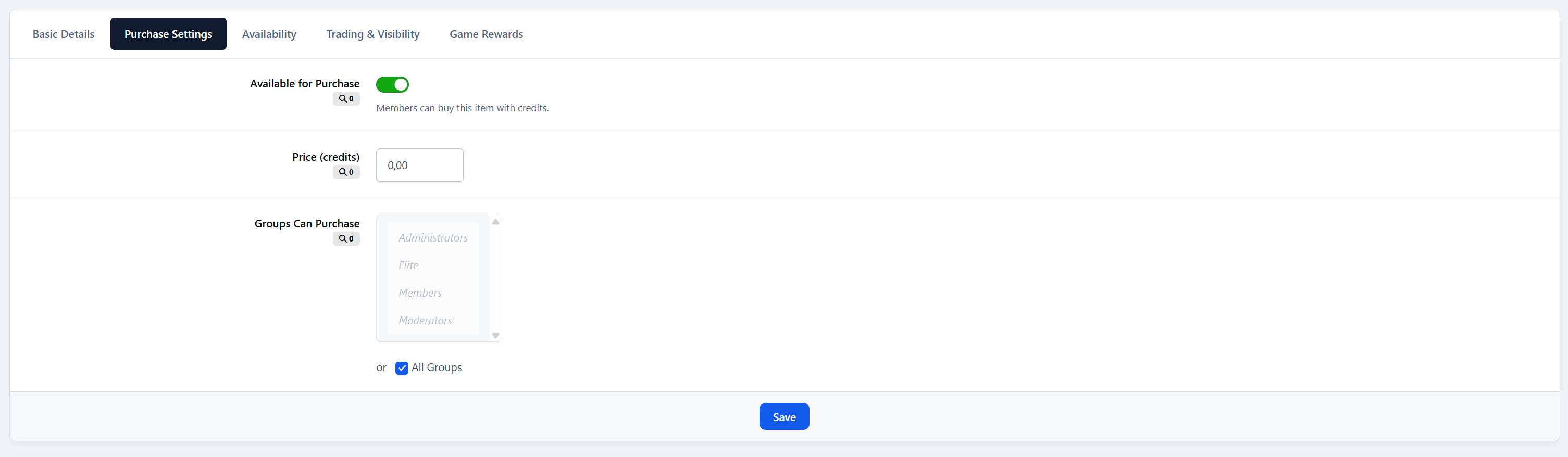
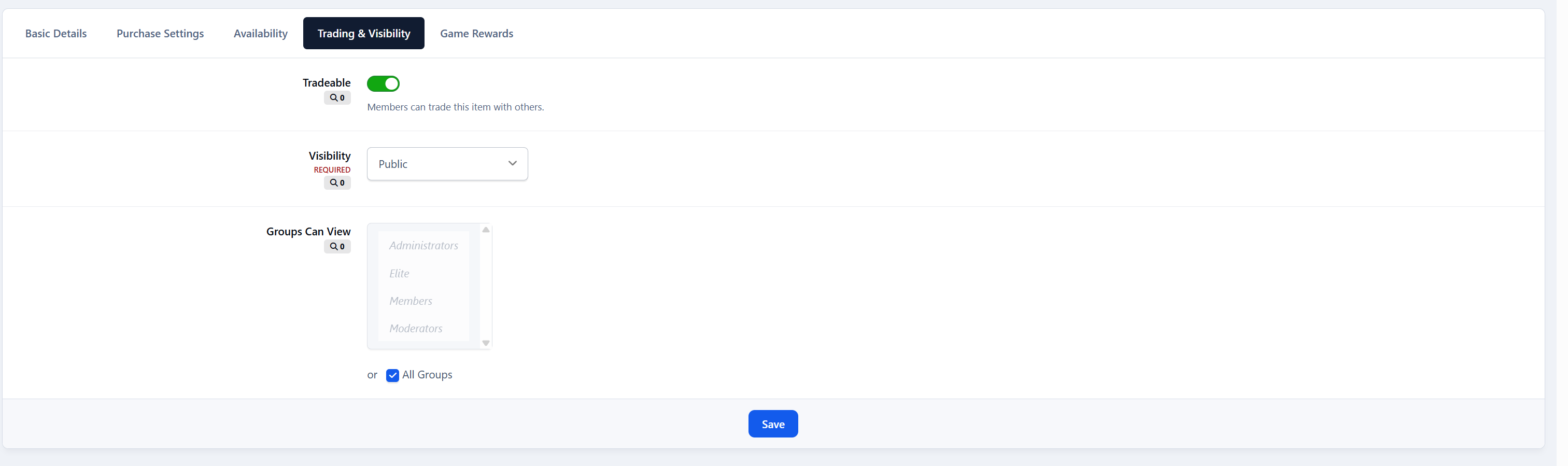
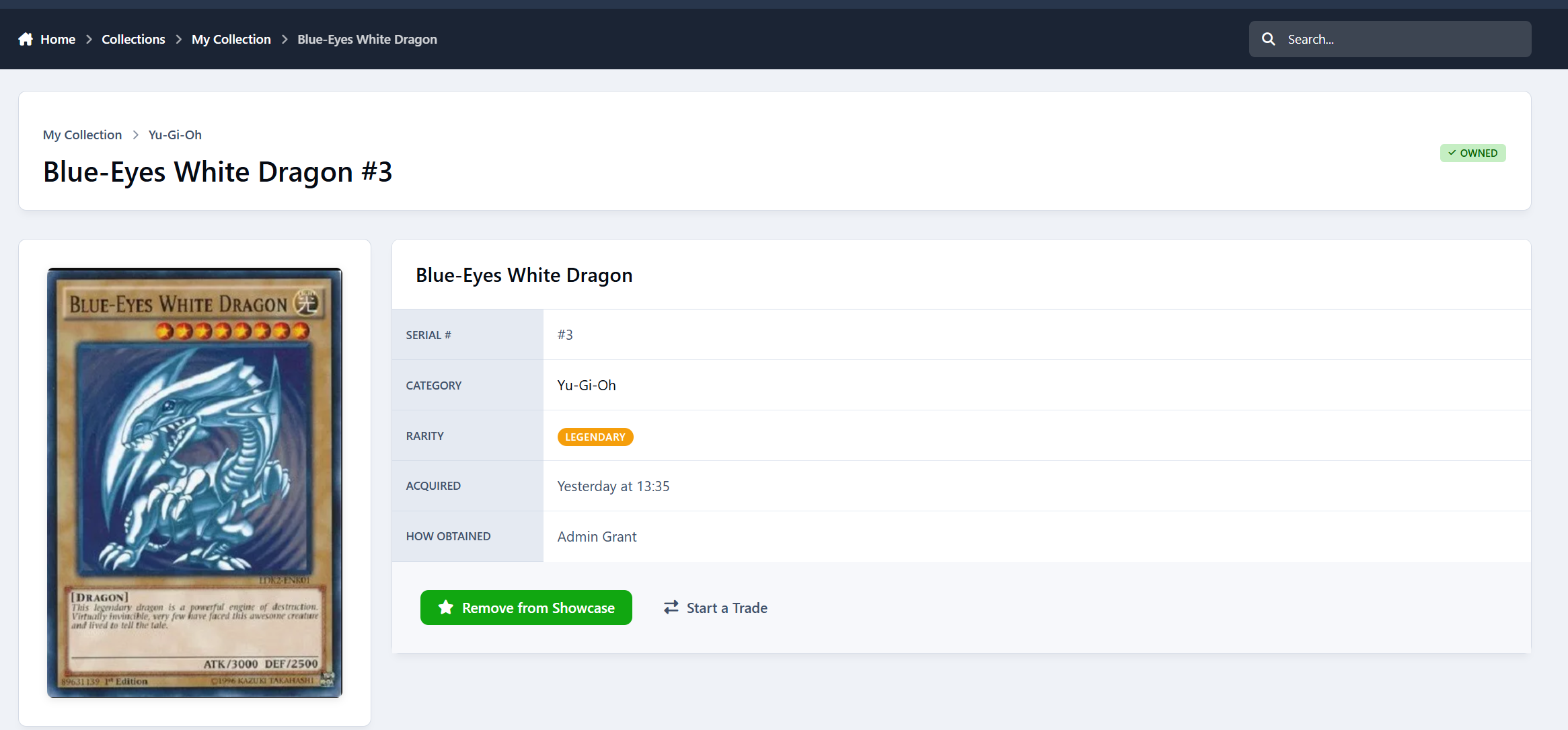
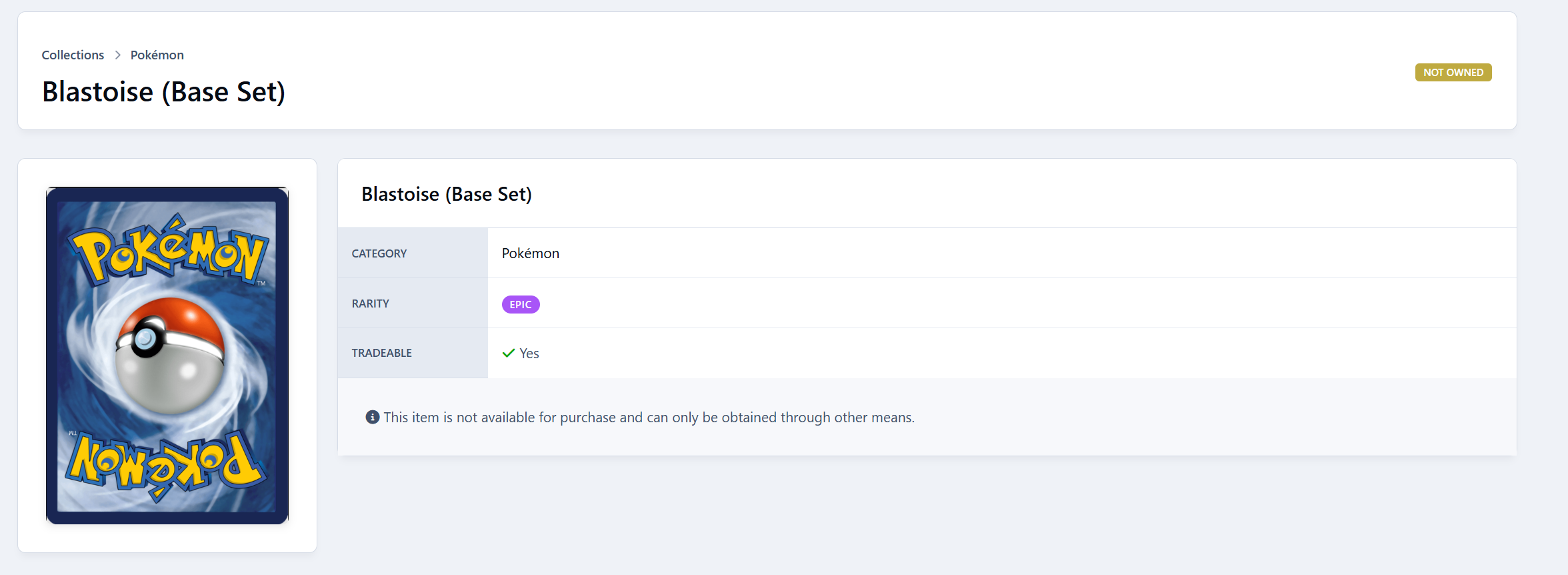
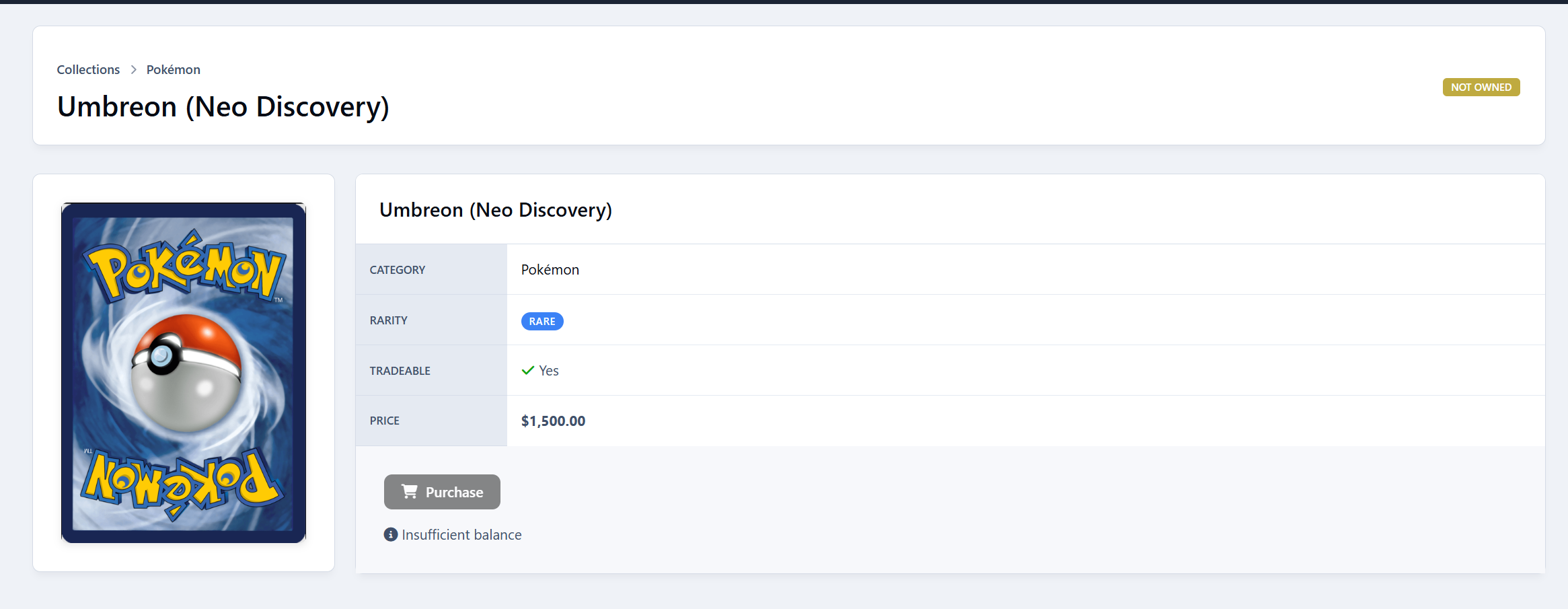
Collection Items - Individual collectible items with:
Name, description, icon, and full image
Rarity levels (Common, Uncommon, Rare, Epic, Legendary, Special)
Purchaseable toggle with credit pricing
Tradeable toggle (per-item and per-category)
One-per-member restriction option
Game reward drop chance configuration
Serial number tracking per item instance
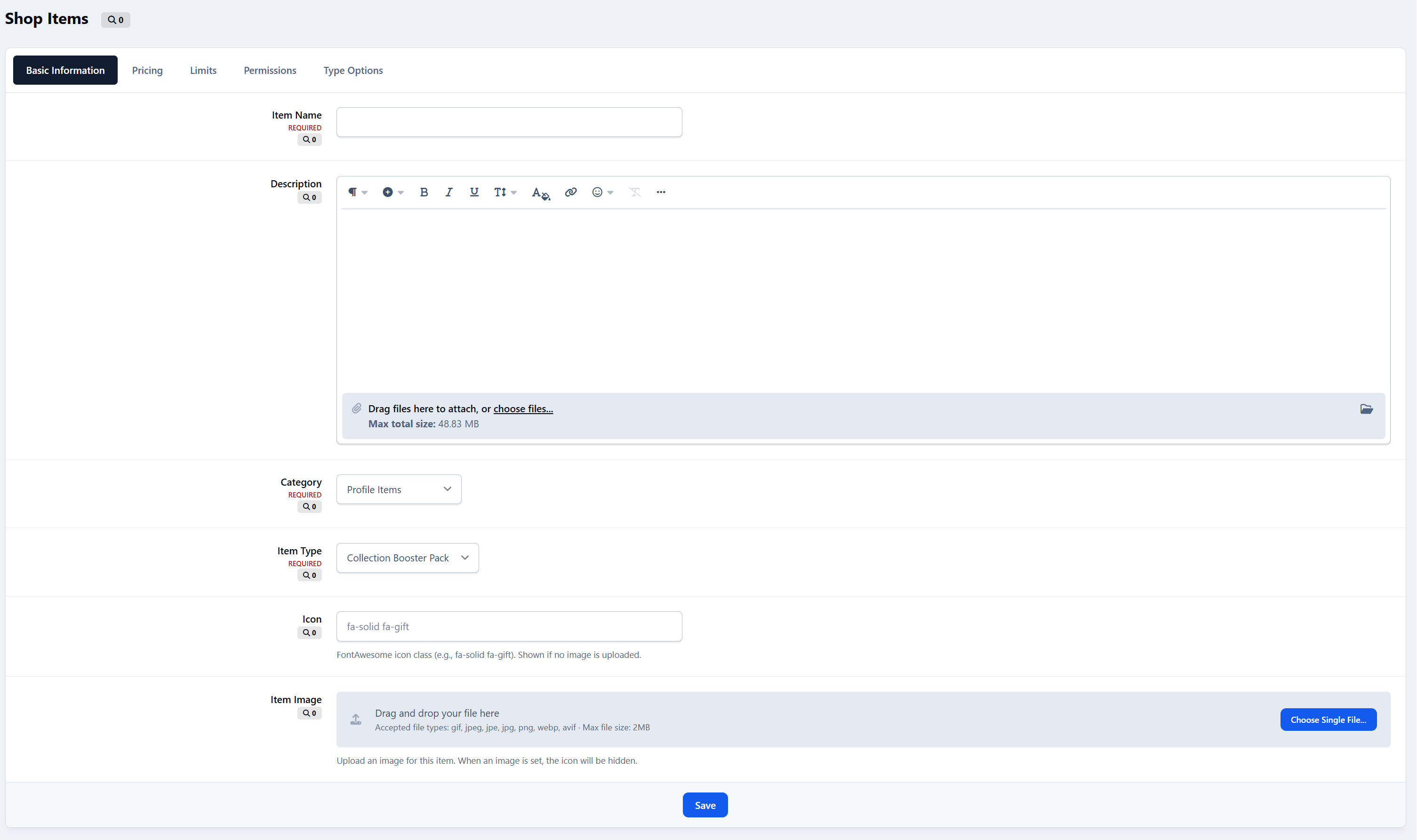
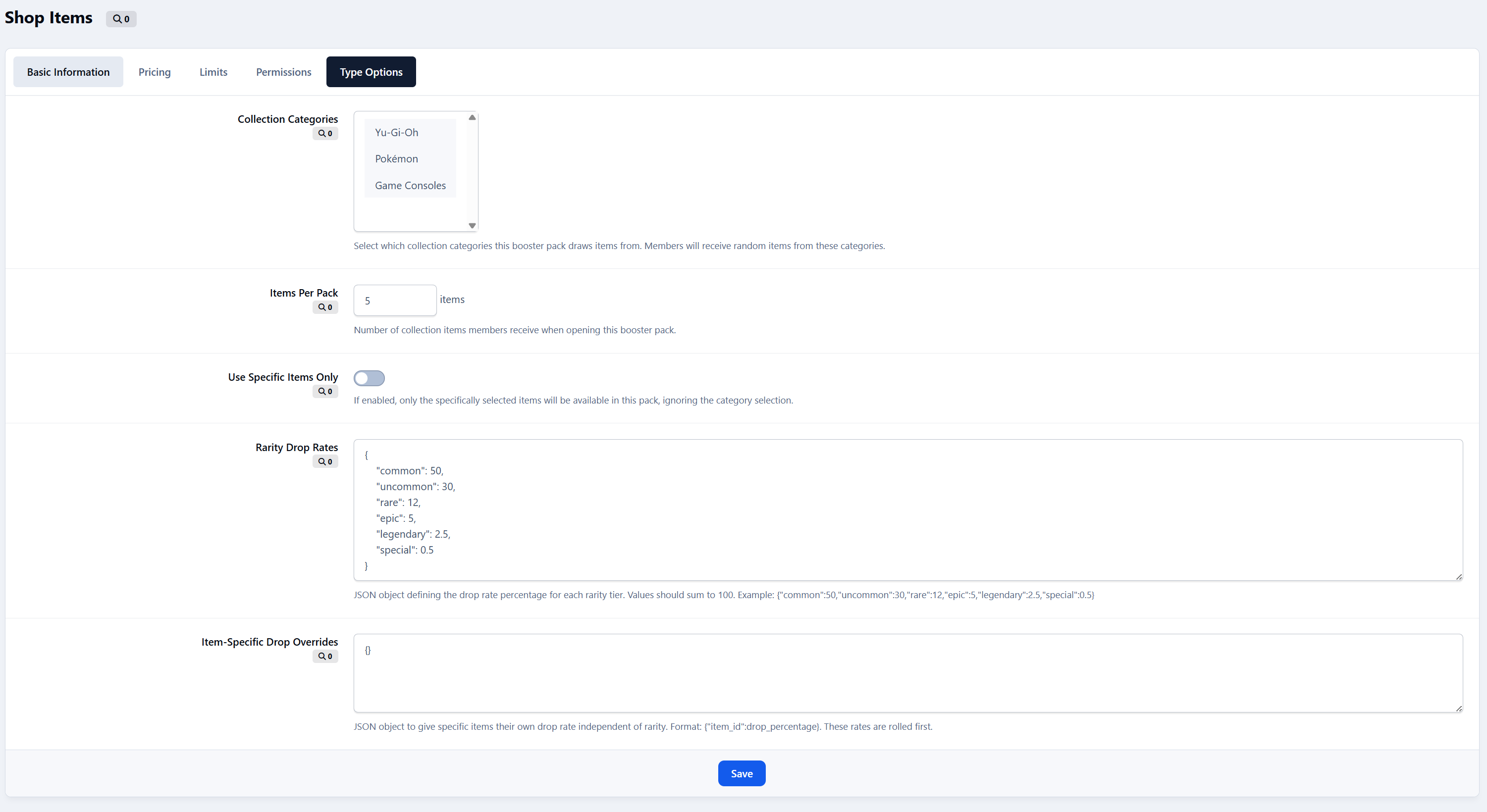
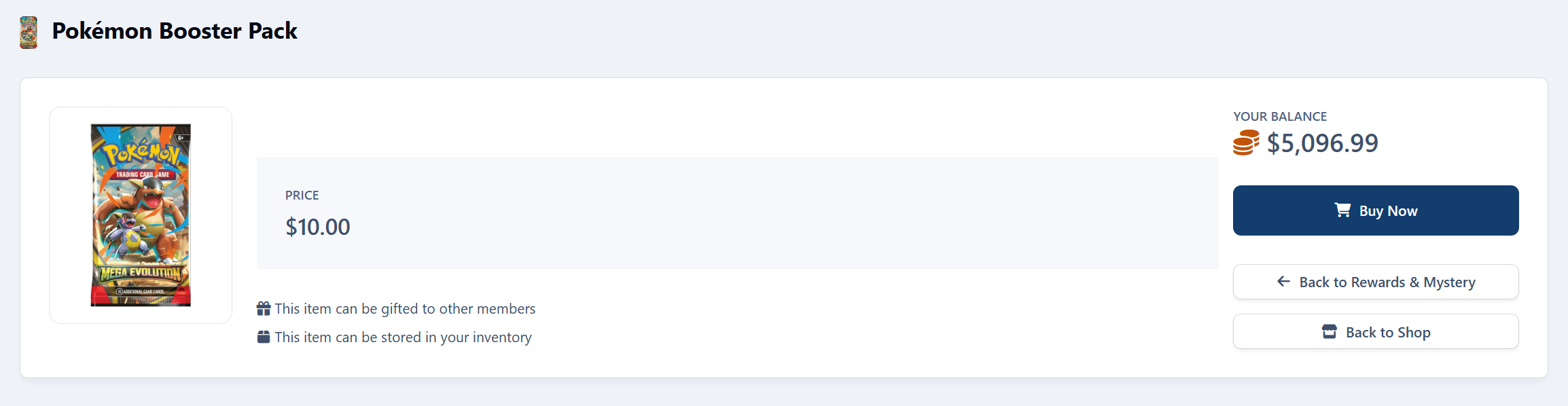
New shop item: Collection Booster Packs allows you to gamify the collection by adding packs with rarity drops
Inventory System
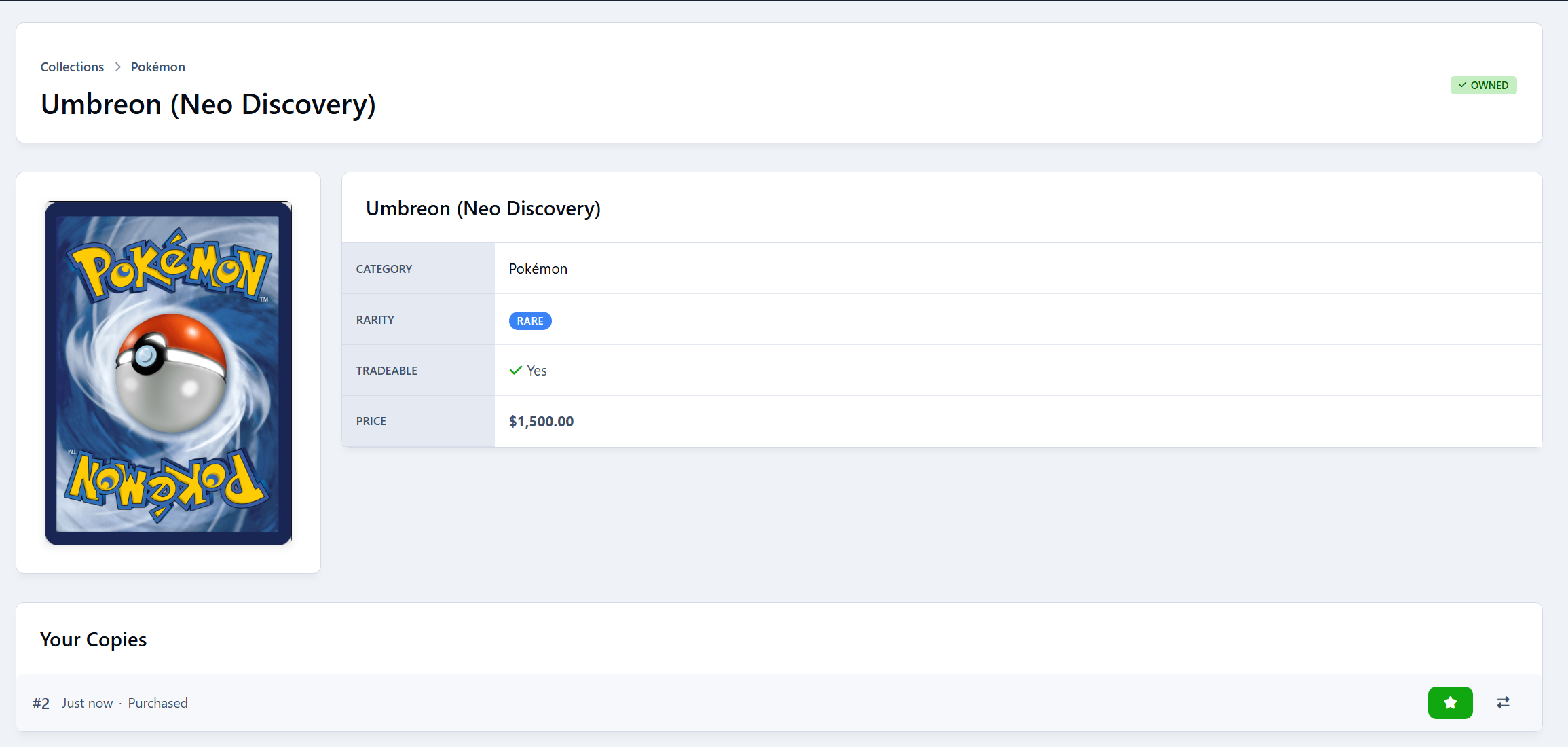
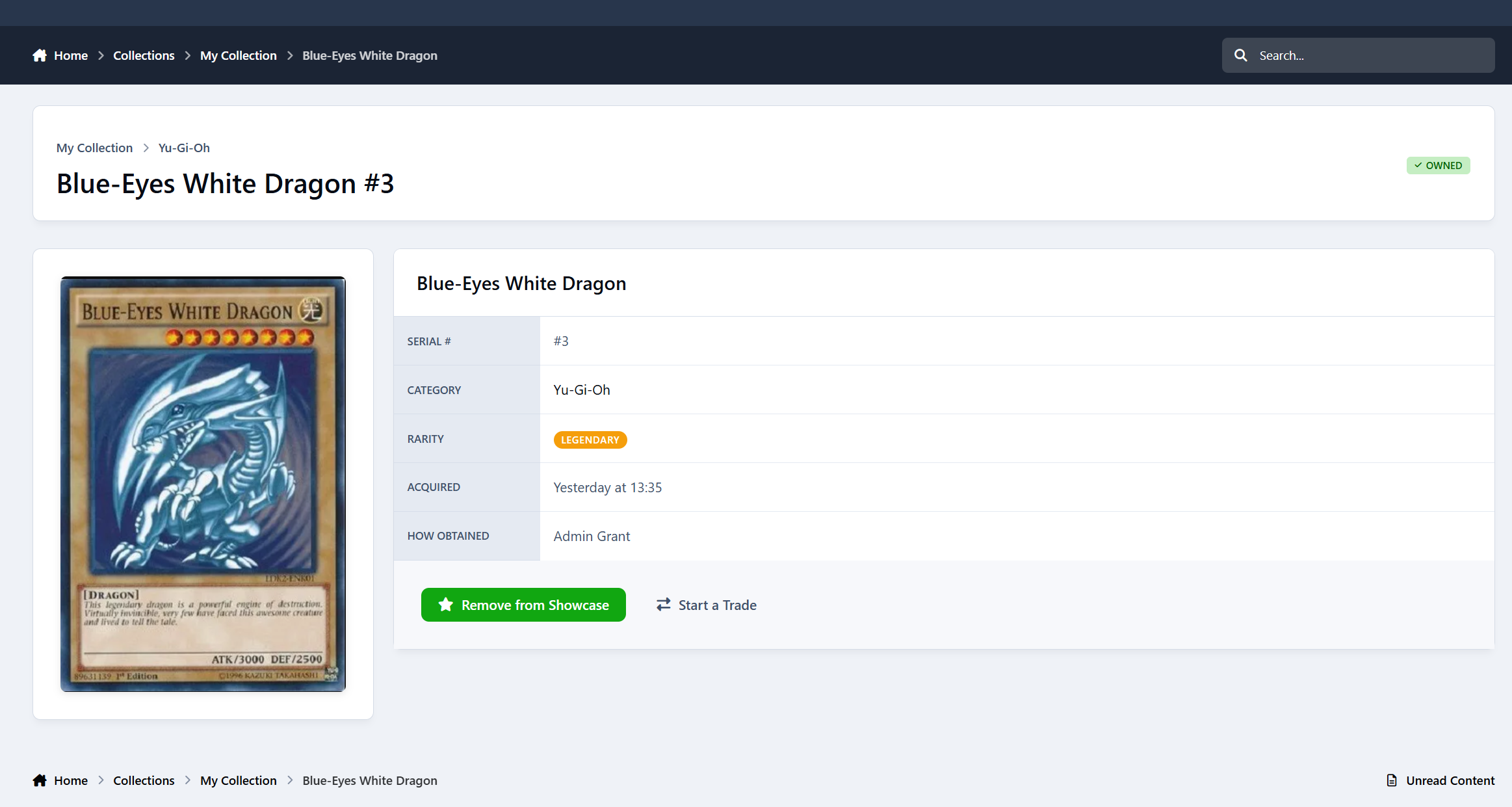
Personal Inventory - Members own instances of collection items
Acquisition Methods - Track how items were obtained (purchase, trade, gift, game, admin, other)
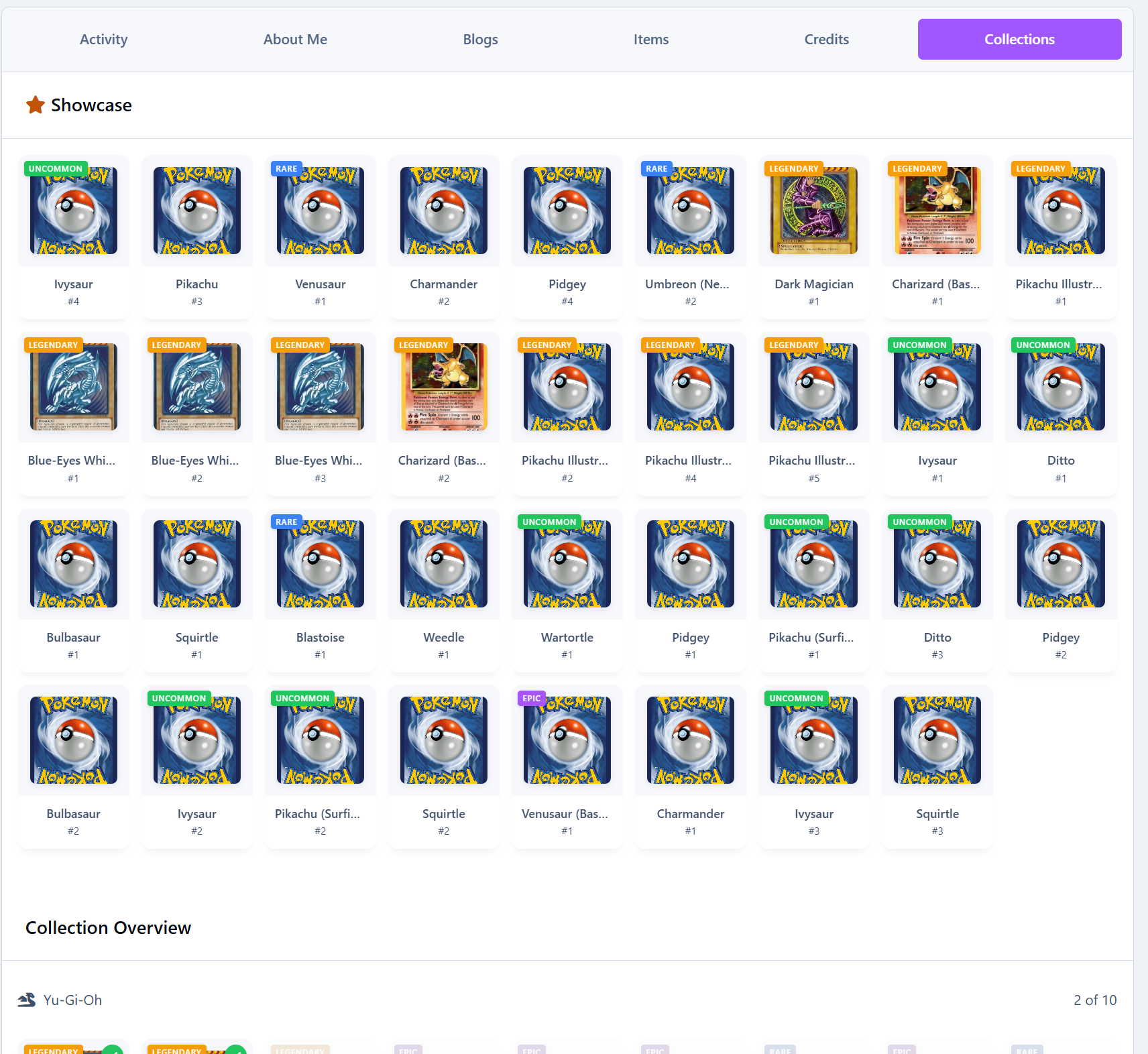
Showcase System - Members can feature favorite items on their profile
Serial Numbers - Unique serial numbers for each item instance
Trading System
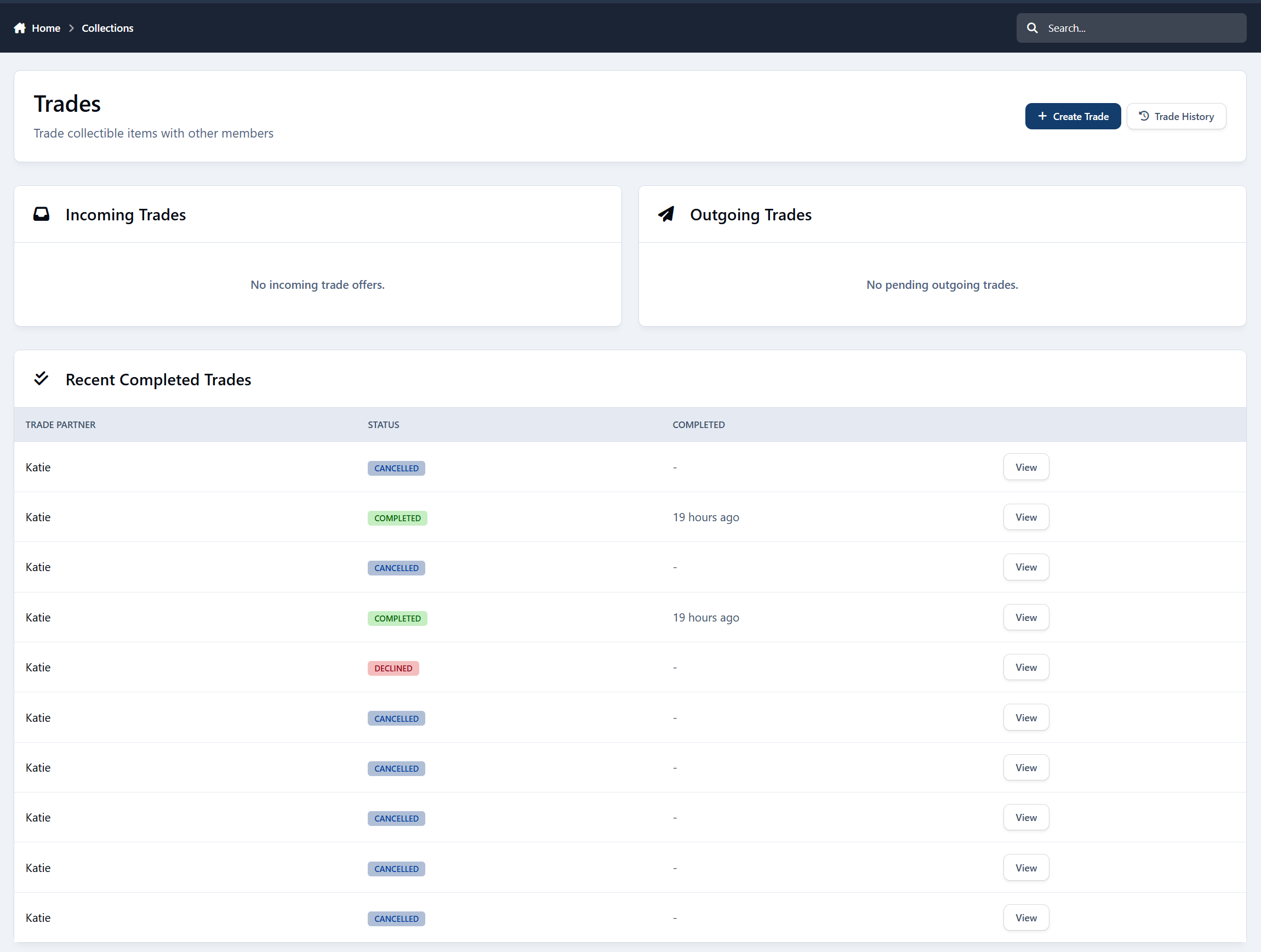
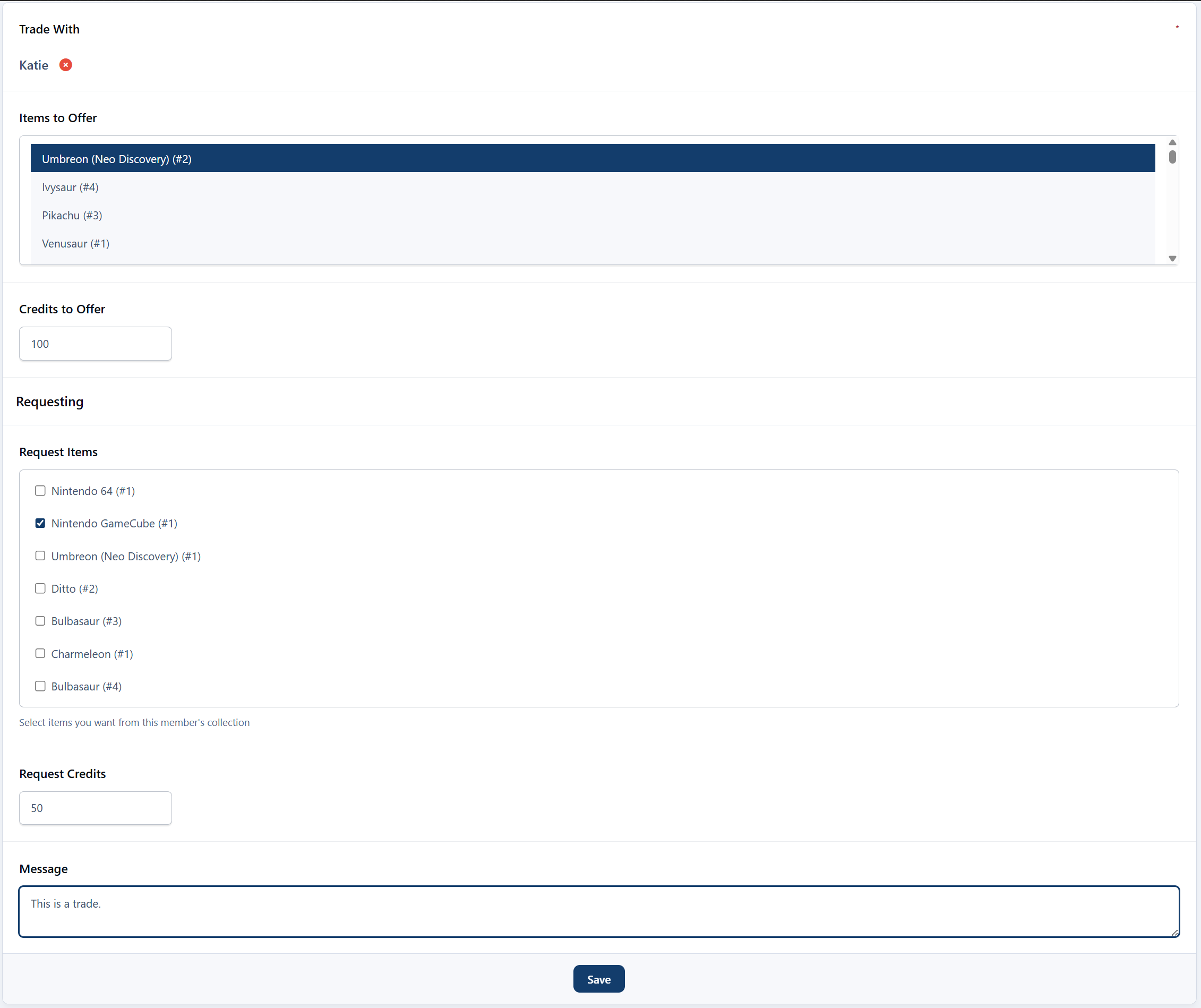
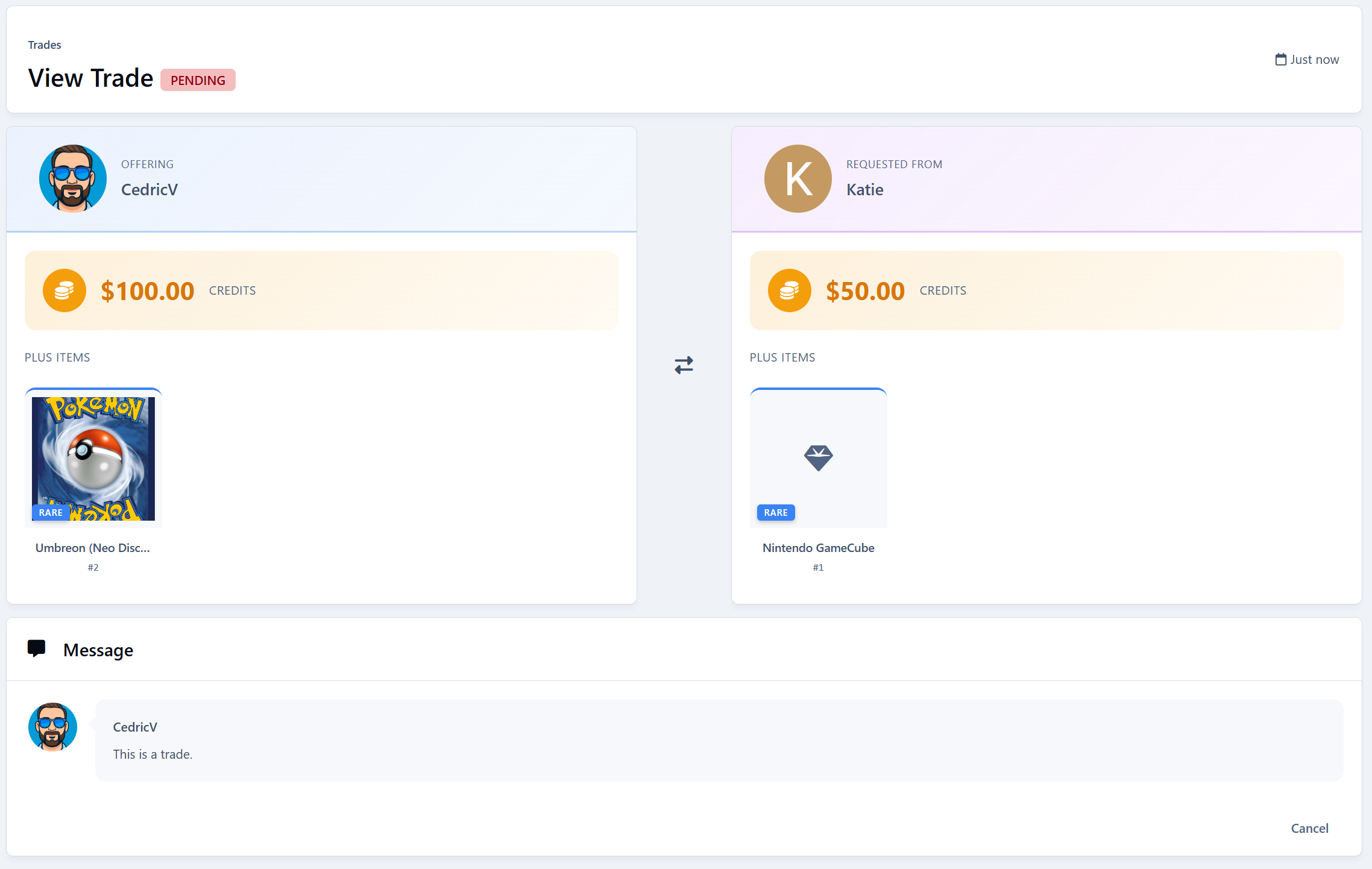
Trade Creation - Propose trades with other members
Trade Offers Include:
Multiple collection items from your inventory
Optional credit amounts (initiator and/or recipient)
Personal message with the offer
Trade Workflow:
Pending → Accepted/Declined/Cancelled
Only recipient can accept/decline
Either party can cancel while pending
Trade Notifications:
New trade offer received
Trade accepted
Trade cancelled
Trade History - Full history of all trades with status filtering
User Preferences (Account Settings)
Trading Preferences Tab - New tab in Account Settings
Allow Trade Offers - Toggle to opt-out of receiving trade offers
Matches IPS Content Preferences styling
Admin Features
Collection Management (ACP):
Create/edit categories
Create/edit items with full configuration
Issue items directly to members
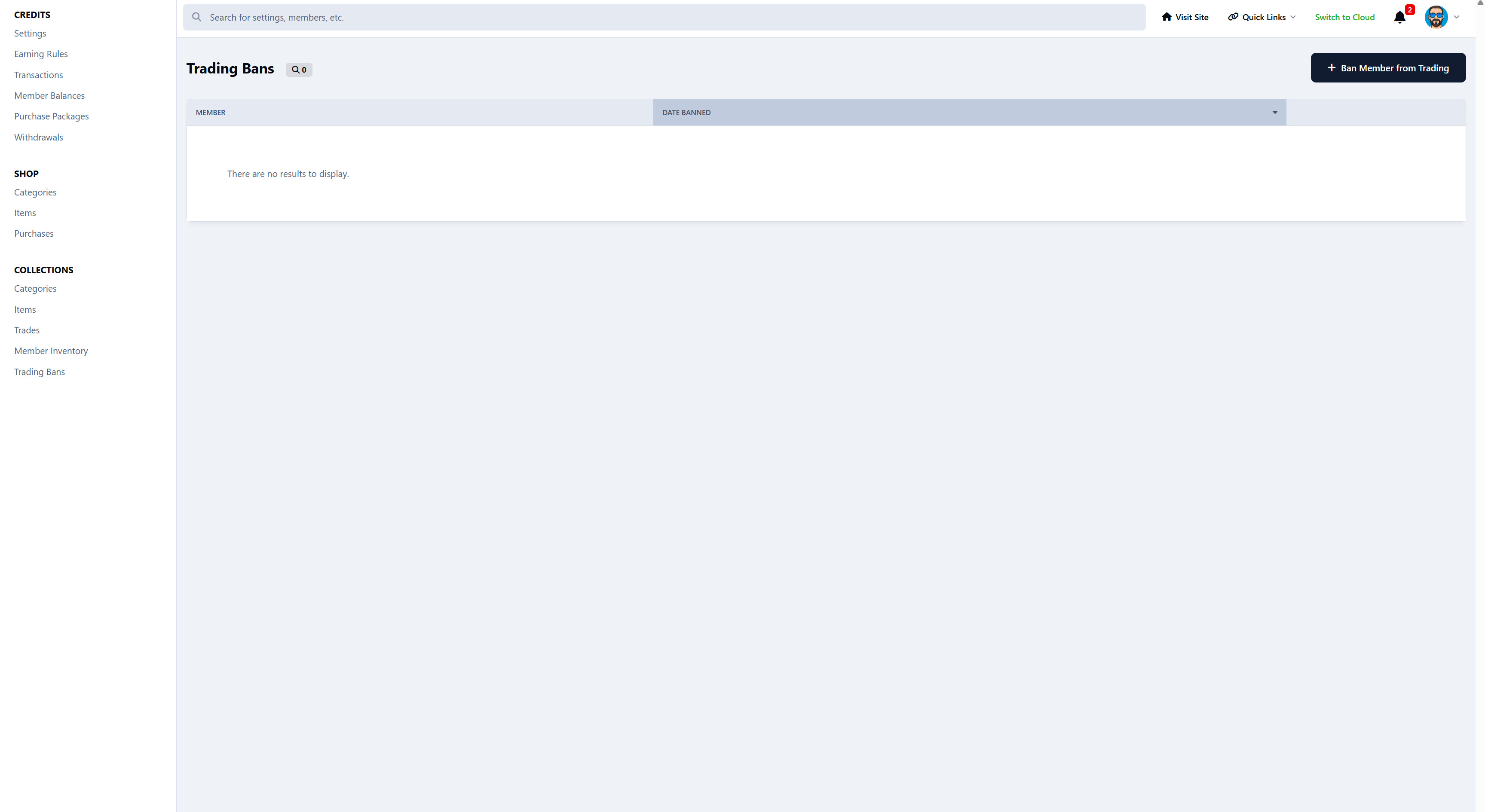
Trading Bans (ACP):
Ban members from trading
View list of banned members
Unban members
Actions logged to member history
Member Restrictions Integration:
Trading ban shows in member profile restrictions
Can ban/unban from member profile "Edit Restrictions"
Collection Item Purchase
Direct Purchase - Buy collection items with credits
Confirmation Form - Confirm before purchase
Transaction Logging - Records purchase in credit history
Profile Integration
Collection Showcase - Display favorite items on member profile
Collection Statistics - Show completion progress
For any feature requests and bug reports, please use the forums. I'm open for any wanted change or additional feature.
-
 1
1
Create an account or sign in to leave a review
There are no reviews to display.