Invision Community 5
- Category Member Tools
- Downloads 127
- Compatibility IC5: 5.0.0+
- Updated

Overview
IPS ships with a built-in "Similar Content" feature. It works by matching tags - and only tags. If your members don't tag their content (and let's be honest, most don't), Similar Content shows nothing. Your sidebar stays empty, and your members never discover the conversations they'd actually care about.Description
IPS ships with a built-in "Similar Content" feature. It works by matching tags - and only tags. If your members don't tag their content (and let's be honest, most don't), Similar Content shows nothing. Your sidebar stays empty, and your members never discover the conversations they'd actually care about.
Related Content does it differently.
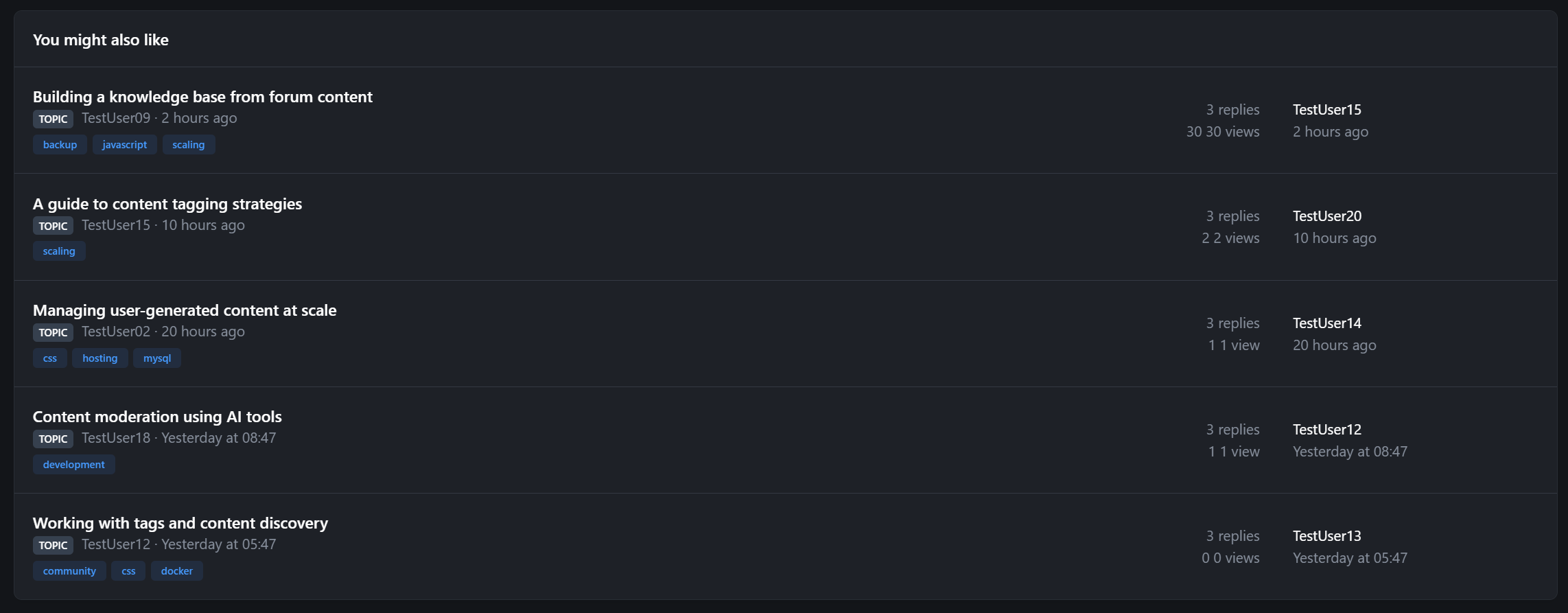
Instead of relying on members to manually tag everything, Related Content reads the actual title of whatever your member is viewing and finds content that shares the same meaningful words. No tagging required. No manual curation. It just works.
Three matching methods, one widget
Keyword Matching: Extracts significant words from the title (filtering out noise like "the", "and", "how"), then searches across your entire content index using word-boundary matching. A topic called "Building REST APIs" will find other content about building, REST, and APIs - but won't false-match on words that merely contain those letters.
Tag Matching: For communities that do use tags, Related Content also supports tag-based discovery.
Hybrid Mode: Gets the best of both. Fills results from tag matches first, then supplements with keyword matches to always show relevant suggestions. No more empty sidebars.
Cross-content discovery
Related Content searches across your entire community:
Forum topics
Blog entries
Club posts
Pages/CMS articles
Database records
Any content type in the search index
A member reading a forum topic about "Migrating from MySQL 5 to MySQL 8" will see related blog posts, knowledge base articles, and database records - not just other forum topics.
Elasticsearch native support
If your community runs Elasticsearch, Related Content automatically uses its built-in "More Like This" query - a machine-learning-grade similarity engine that analyzes the full content, not just titles. No configuration change needed; it detects your search backend and adapts.
Permission-aware, always
Every result respects IPS group permissions. If a member can't see a forum, they won't see its topics in Related Content. If content is hidden or pending approval, it's excluded. No information leaks.
Configurable per widget
Drop the Discover widget into any sidebar, footer, or widget area. Each instance is independently configurable:
Custom title
Number of results (1-25)
Matching method (tags, keywords, or hybrid)
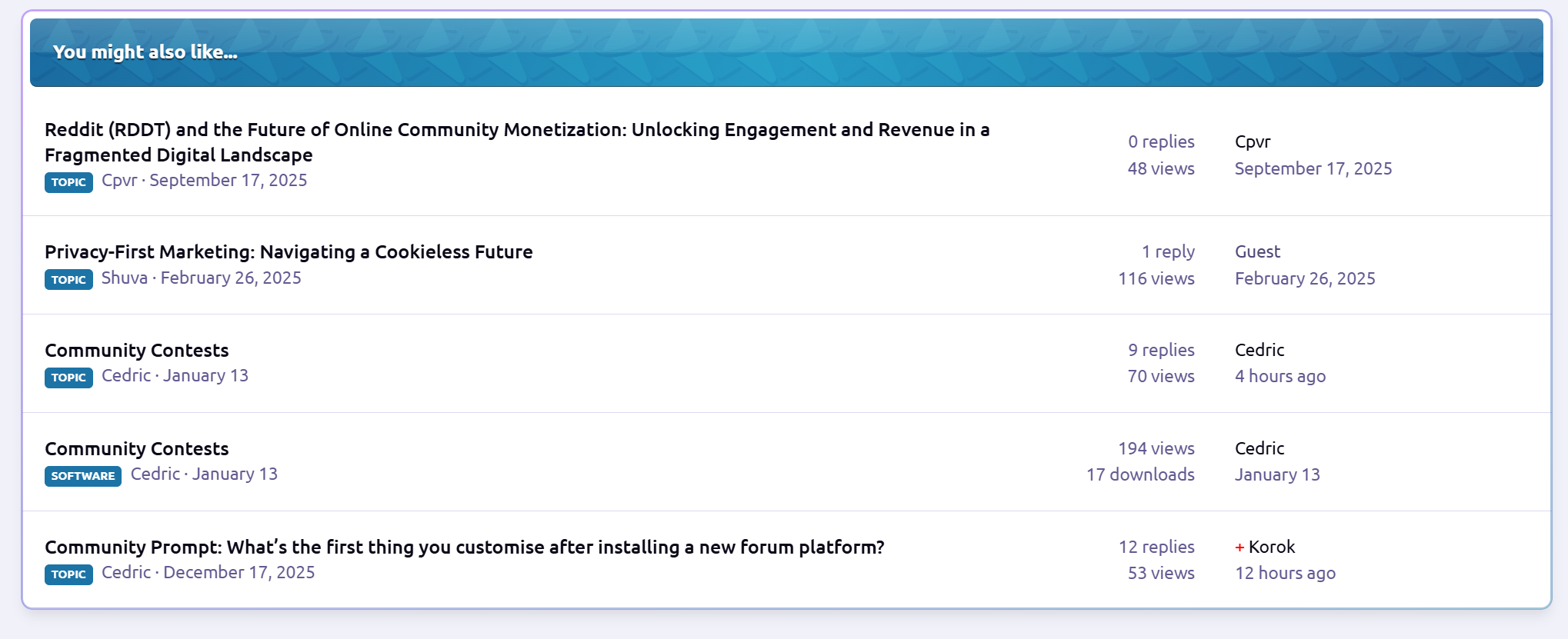
Place it on topic pages, blog entries, CMS articles - it automatically detects what content the member is viewing and finds related items.
ACP settings
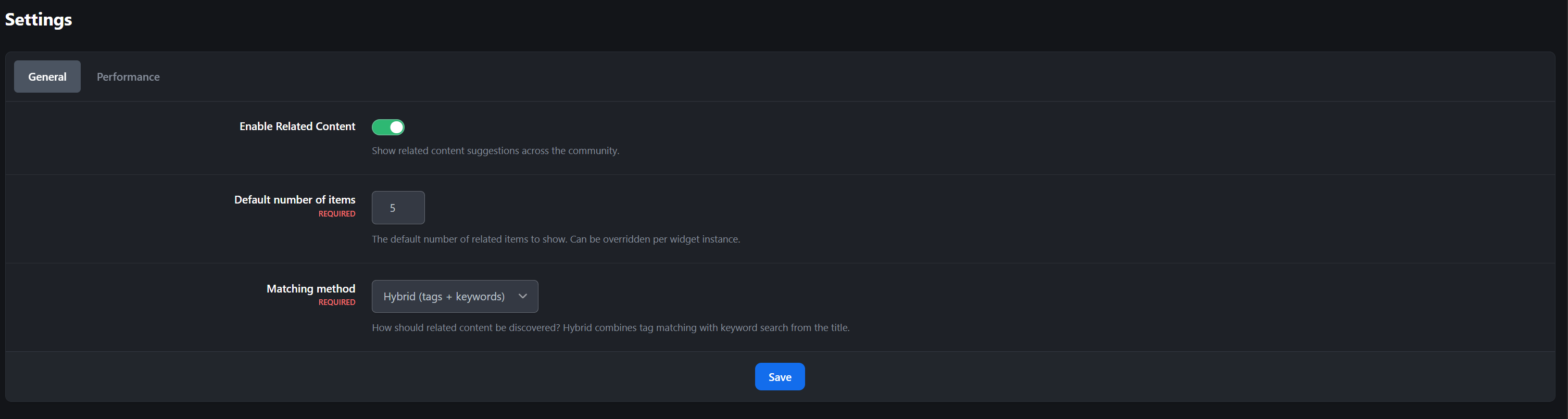
Enable/disable globally with one toggle
Set the default matching method and result limit
Configure cache TTL for performance (default: 15 minutes)
More content discovery means more page views, longer sessions, and higher engagement. Members find conversations they didn't know existed. Old content resurfaces naturally. Your community feels bigger and more active - because it is.
-
 1
1
Create an account or sign in to leave a review
There are no reviews to display.