Invision Community 5
- Category Multimedia
- Downloads 41
- Compatibility IC5: 5.0.0+
- App Version 5.0.7
- Updated
Overview
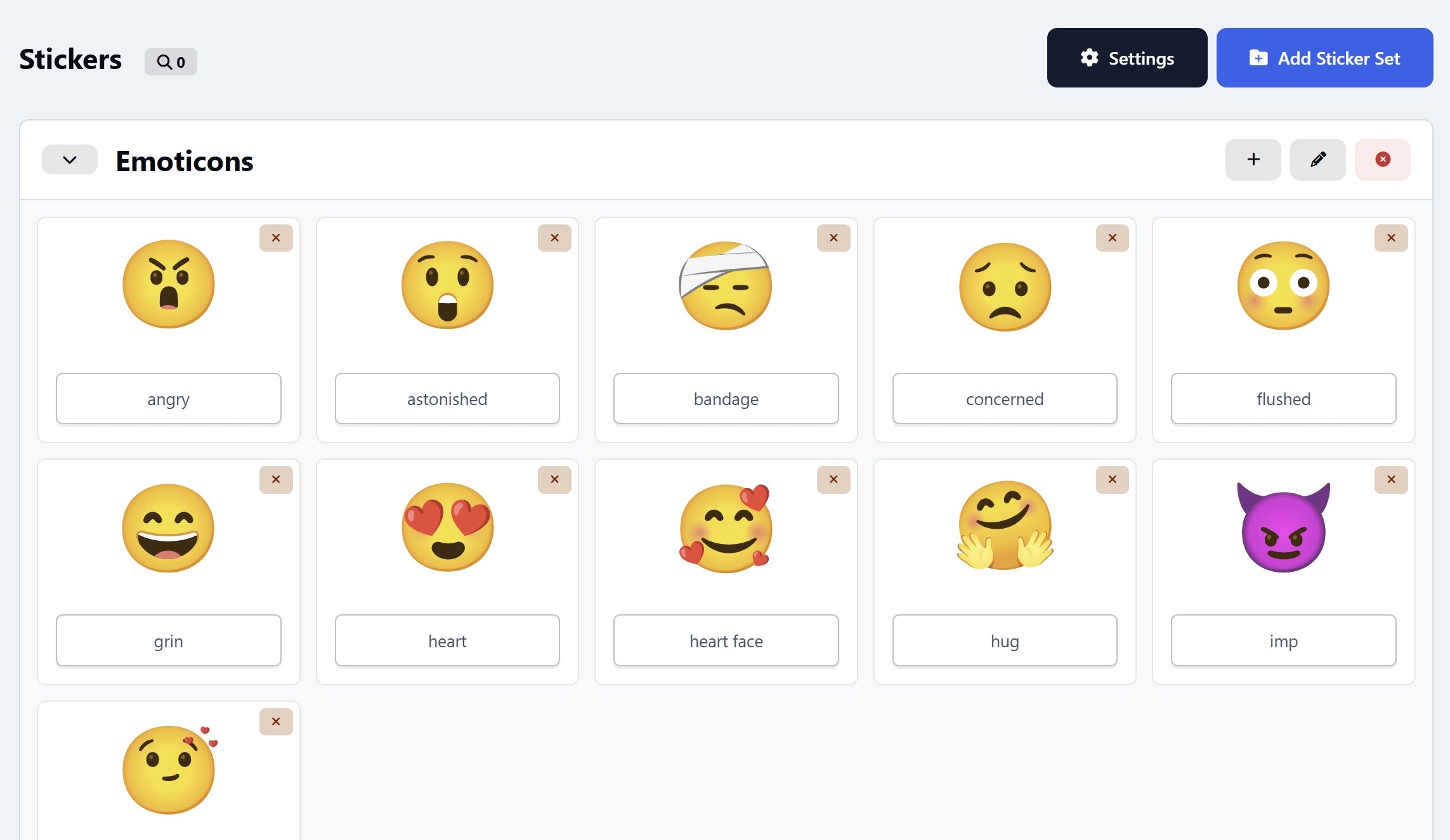
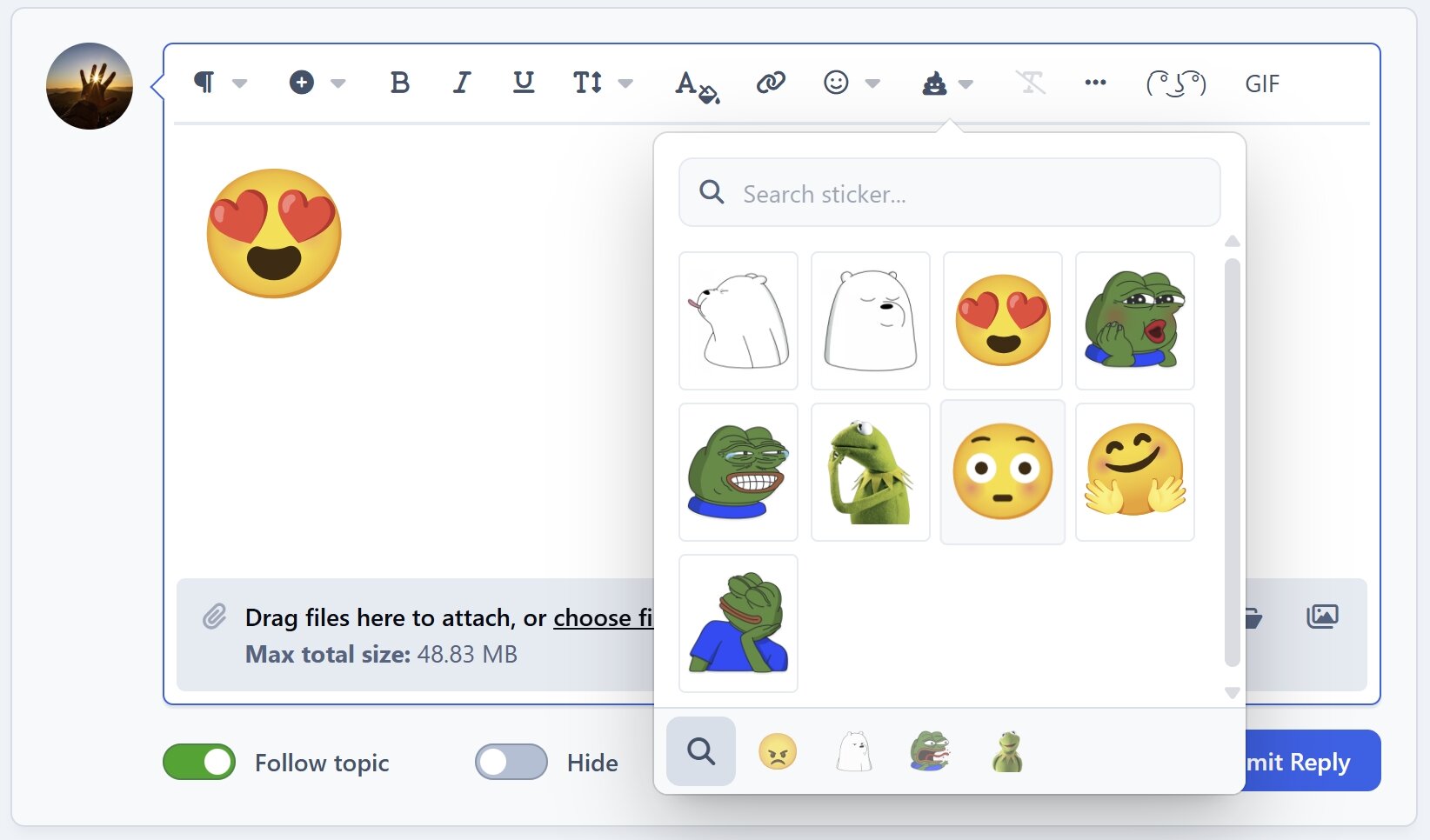
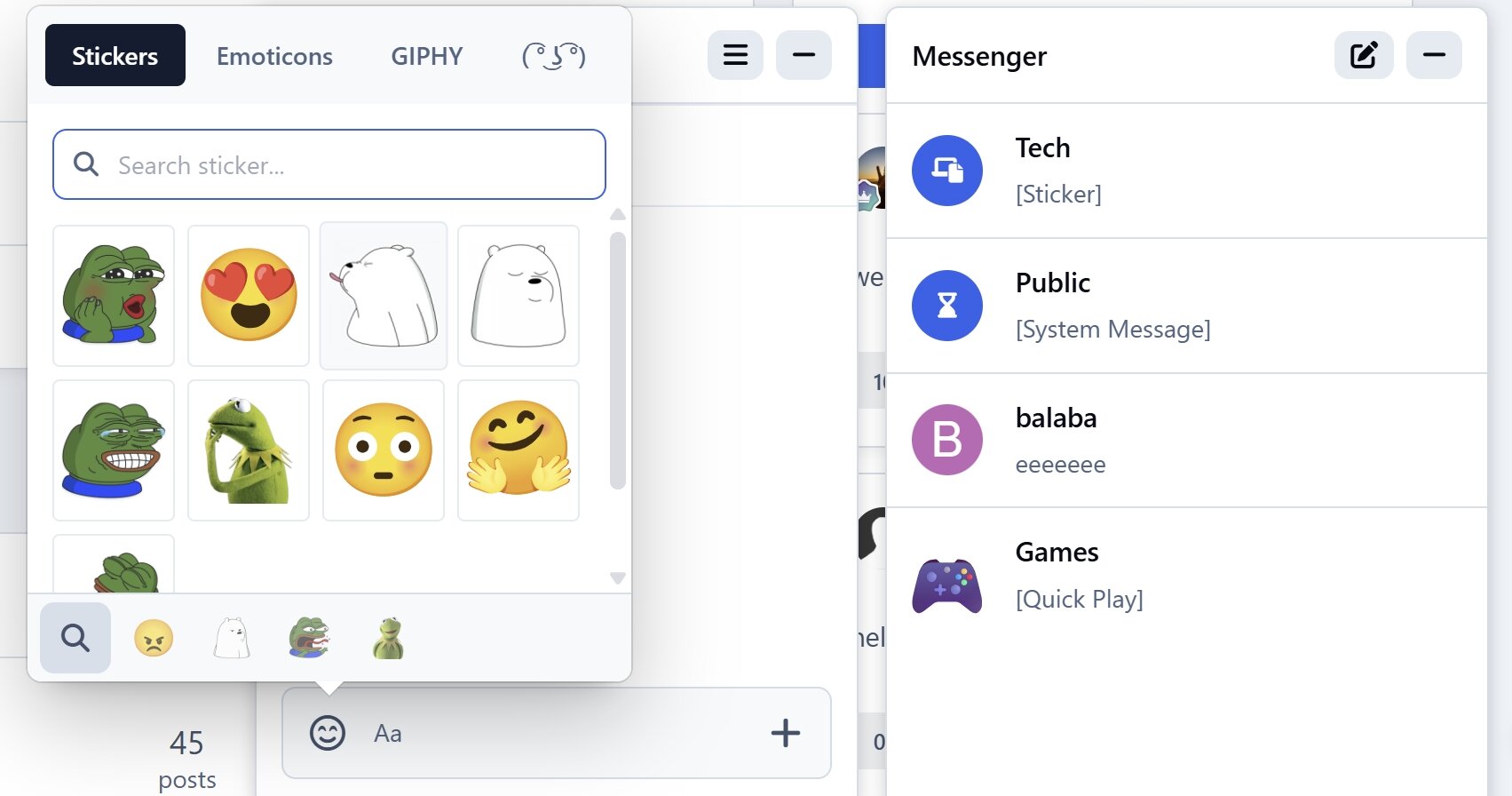
New Stickers is a simple and powerful app that makes managing and using stickers easier than ever. It provides a clean, visual interface where users can quickly browse, search, and select stickers from a rich collection of categories.Description
New Stickers is a simple and powerful app that makes managing and using stickers easier than ever. It provides a clean, visual interface where users can quickly browse, search, and select stickers from a rich collection of categories. It works seamlessly with the IPS Editor and all versions of Chatbox (Free, Plus, and Pro). It also comes bundled with 1000+ cute and fun sample stickers across many themes, giving your community plenty of expressive options right from the start.
Key features:
Easy and visual sticker management
Tab-based sticker categorie
Supports multiple formats (PNG, GIF, JSON, Lottie, and more)
Find any sticker in seconds with smart search and quick access to recent picks
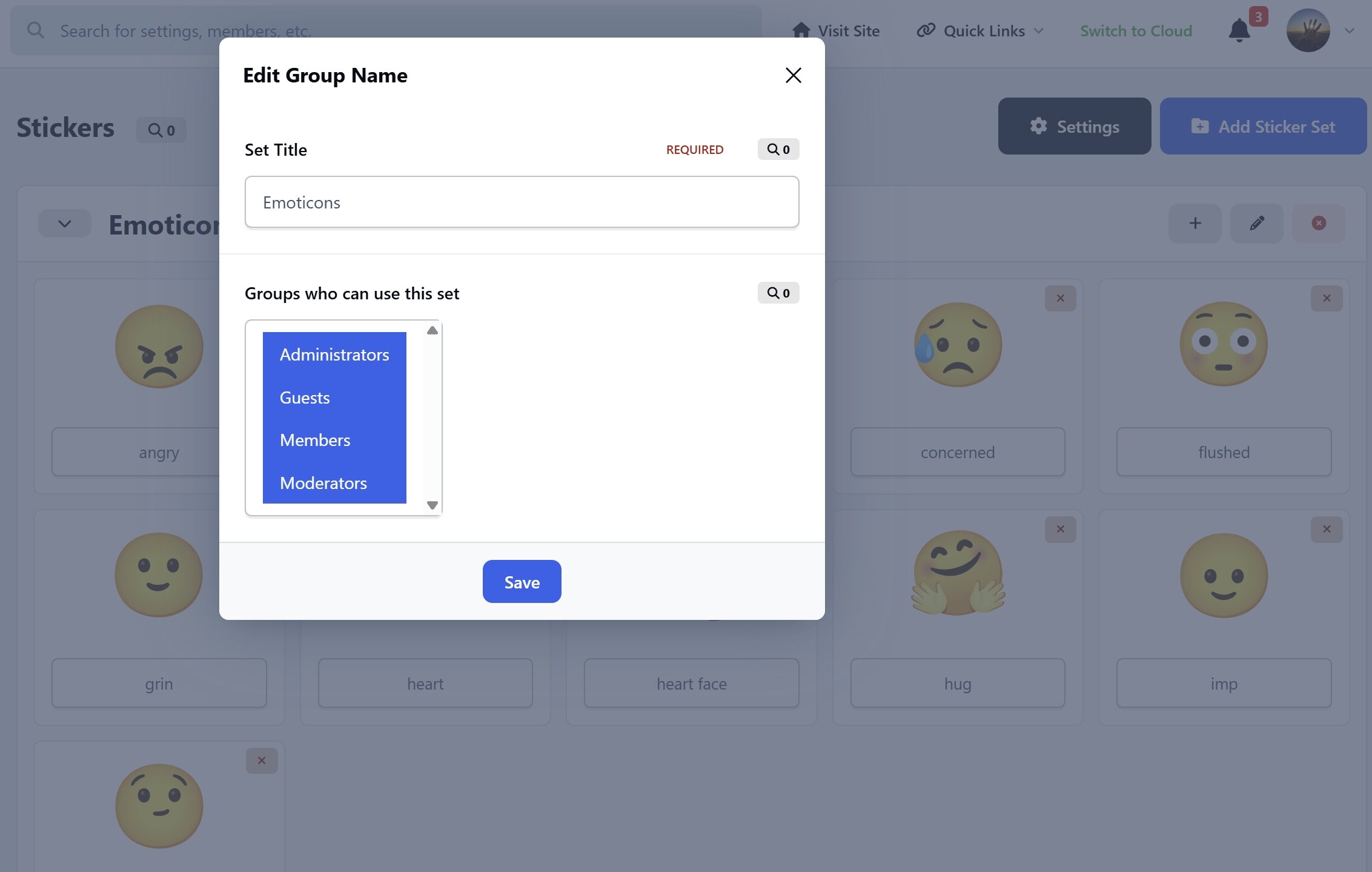
Flexible permissions system to control which user groups can access each sticker collection
Compatible with IPS Editor and Chatbox (Free, Plus, Pro)
Make conversations more fun, expressive, and engaging with New Stickers. 🎉
-
 1
1
Create an account or sign in to leave a review
There are no reviews to display.