Multimedia
-
IPS5.0.0+
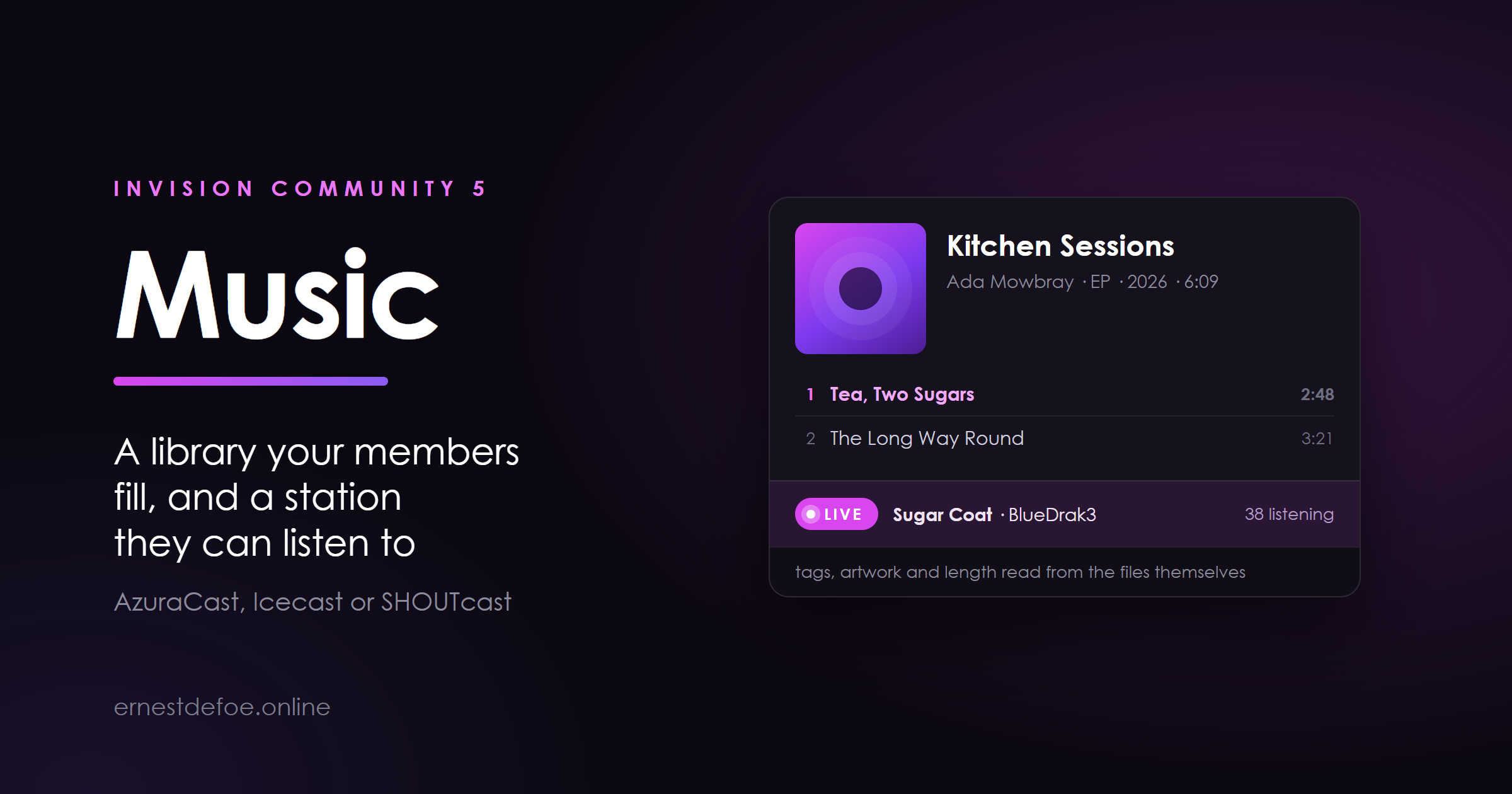
A music library your members can add to, and a live station page that shows what is on air right now. One application, because a community that has a radio station usually has an archive as well, and running two add-ons that do not know about each other is how you end up with neither.
The library
Releases live in categories you set up, each with artwork, an artist, a year, a genre and a track list. Members open a release and play a track straight from the page — no download, no separate player, no leaving the community.
Tracks are playable by click or keyboard, and the list rolls on to the next one the way a record does.
Releases are proper Invision Community content: search, tags, comments, reactions, follows, moderation, reports and the activity stream all work because it is built on the same foundation as your forums.
Optionally start a discussion topic for every release.
Members can add music, on your terms
Four separate gates decide who may upload: the master switch, a per-group permission, the category, and your own moderation queue. Turn uploads off entirely and only staff add music — everything already added stays exactly where it is.
Tags are read from the files themselves
Upload an MP3, FLAC, M4A or OGG and the title, artist, track number, length and embedded cover art are filled in from the file. Whatever the member typed always wins; the file only fills the blanks.
No external tools, no shell access, no extra PHP extensions. The tag reader is part of the application. It does not shell out to ffprobe, it does not need getID3, and it works on shared hosting where you cannot install anything.
The station
Point Music at your stream and the station page shows what is playing right now — artwork, artist, title, the live listener count, and recently played.
Works with AzuraCast, Icecast and SHOUTcast. AzuraCast needs no API key unless you have closed off its public endpoint.
It knows the difference between a real DJ and the AutoDJ, and says so — a live badge with the presenter's name when somebody is actually on the decks.
Recently played survives quiet spells. Icecast and SHOUTcast publish no history at all and AzuraCast often returns none, so Music keeps its own airplay log and shows that instead of an empty box.
A Test button in the AdminCP asks your station and reports exactly what came back.
A player that follows people around your community
A small dock sits at the foot of every page with the station playing in it. Members can hide it, and it stays hidden.
Being straight with you about one thing. Invision Community loads a whole new page on every click, which stops any audio element on it. So the dock reconnects on the next page rather than pretending to play through the click — and there is a pop-out window for anyone who wants the music to genuinely keep going while they read. Both ship. Neither is oversold.
Built to leave running
One check per interval, shared by everybody. Fifty members on the station page is one request to your radio server, not fifty.
Every call to your station is capped at four seconds and every failure becomes a plain “not answering”.
Uploads go through Invision Community's own file storage, so Amazon S3 and other storage methods work.
The airplay log trims itself.
What you need
For the library, nothing at all — install it and it works. For the station, the address of an AzuraCast, Icecast or SHOUTcast server. The setup guide walks through all three, and the library is entirely usable without a station if you never intend to broadcast.
-
IPS5.0.0+
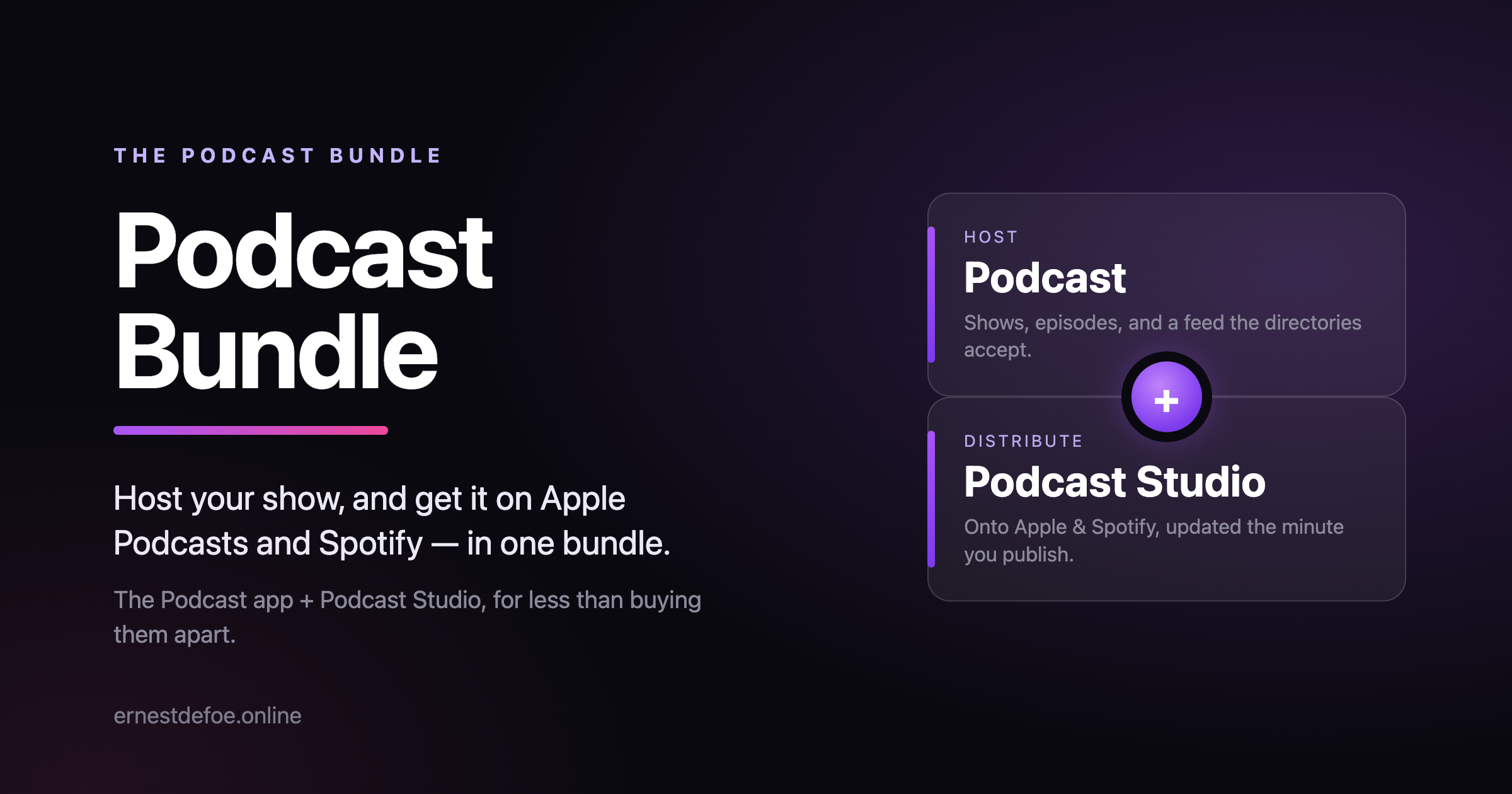
Everything you need to run a podcast from your community and get it onto Apple Podcasts and Spotify — the Podcast app and Podcast Studio, together, for less than buying them apart.
Buy the bundle and save against the two on their own. One purchase, both apps, one renewal. Podcast — host the show
A feed Apple Podcasts, Spotify, Overcast and the rest will accept — the iTunes namespace, owner verification, categories and artwork done to spec. Permanent, opaque episode IDs, so renaming an episode never makes every subscriber re-download your back catalogue. Schedule episodes, keep drafts invisible, and give each episode its own forum topic so the conversation happens with your members. A page and the browser's own audio player per show and per episode. No third-party host, no monthly fee — the feed address is yours. Podcast Studio — publish and distribute it
A guided walk-through to get each show onto Apple Podcasts and Spotify, tracking where every show stands on each. Instant publishing over WebSub: the moment you publish, directories that honour it — Apple among them — fetch the new episode in minutes instead of hours. A pre-flight check that tells you exactly what would get a show rejected before you submit it. It can read the ownership verification code out of your mailbox for you — optional, read-only, encrypted. What you need
Invision Community 5. Install Podcast first, then Podcast Studio. Everything else is built in — no external service to sign up for.
-
IPS5.0.0+
Chat Calls
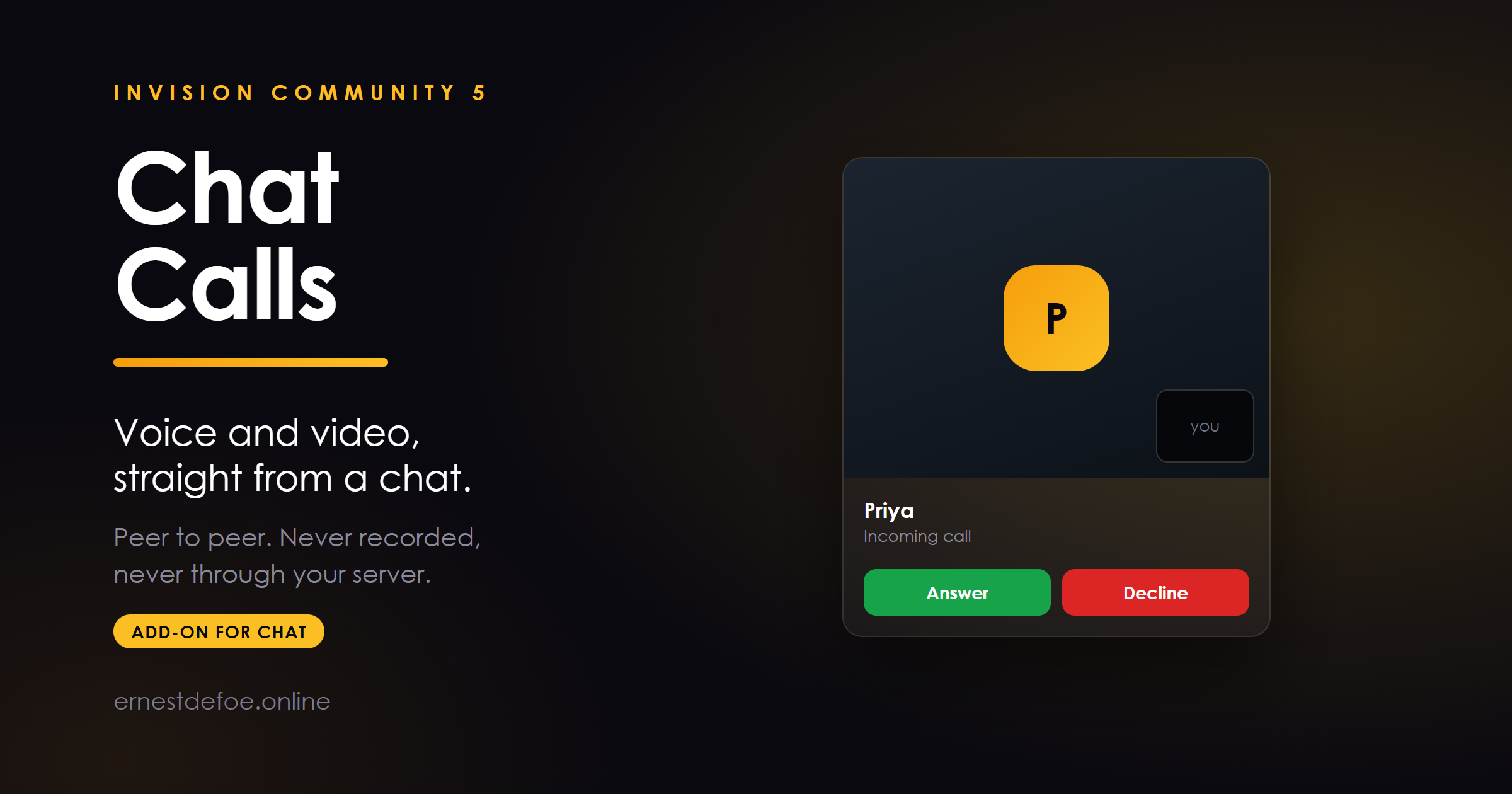
Voice and video calling for Chat. A call button appears in every one-to-one chat window; press it and the other person's browser rings.
The audio and video go directly between the two browsers. They do not pass through your server, they are not recorded, and there is no per-minute charge from anybody.
What it does
Voice calls from any private conversation. Video calls, if you allow them — your own camera in the corner, theirs filling the panel. Ring, answer, decline, with the caller told which of those happened rather than left listening. Busy handling — someone already on a call is not interrupted, and the caller is told why. No answer times out instead of ringing forever. Per-group permission. Off for every group until you turn it on. Works on a phone. It bolts on — it does not modify Chat
This installs as its own application and attaches through the extension points Chat publishes. Install it and the call buttons appear. Remove it and they disappear, with no trace of a missing feature and nothing edited in Chat itself.
It also needs no change to your Realtime gateway. Two people in a conversation are already connected to it, so the call sets itself up over the connection they have.
Requirements
Invision Community 5 Chat — this is an add-on to it and does nothing on its own Realtime, which Chat already requires HTTPS. Browsers refuse microphone and camera access on an insecure page. This is not negotiable and not something an application can work around. A TURN server — see below You will want a TURN server, and here is the honest reason why.
Roughly a third of real connections cannot go directly between two browsers, because of how home and office networks are configured. Those calls need a relay, and that relay is TURN.
Without one, calling will look like it works. You will test it, it will connect, and you will ship it — because the two people testing are almost always on the same network, which is the case that always works. It will then fail for a meaningful share of your members, and the reports you get will say "it just doesn't connect" with nothing to go on.
The download includes a ready-made coturn setup — a compose file and a configuration file with the three values you need to change marked. It takes about ten minutes. The AdminCP tells you plainly whether one is configured.
One to one, for now
This version does two people. Group calling needs an entirely different piece of server software routing everybody's video to everybody else, with real processing and bandwidth cost on your machine. That is planned as a later version rather than promised here — a call quality problem you cannot fix is worse than a feature you do not have yet.
Privacy
Media is peer to peer and encrypted by the browser. Your server sees only the handful of small messages that set the call up, and stores none of them. Nothing is recorded anywhere, by design — there is no recording feature to switch off.
TURN credentials are generated for one member and expire on their own, so a browser never holds a lasting key to your relay.
-
IPS5.0.0+
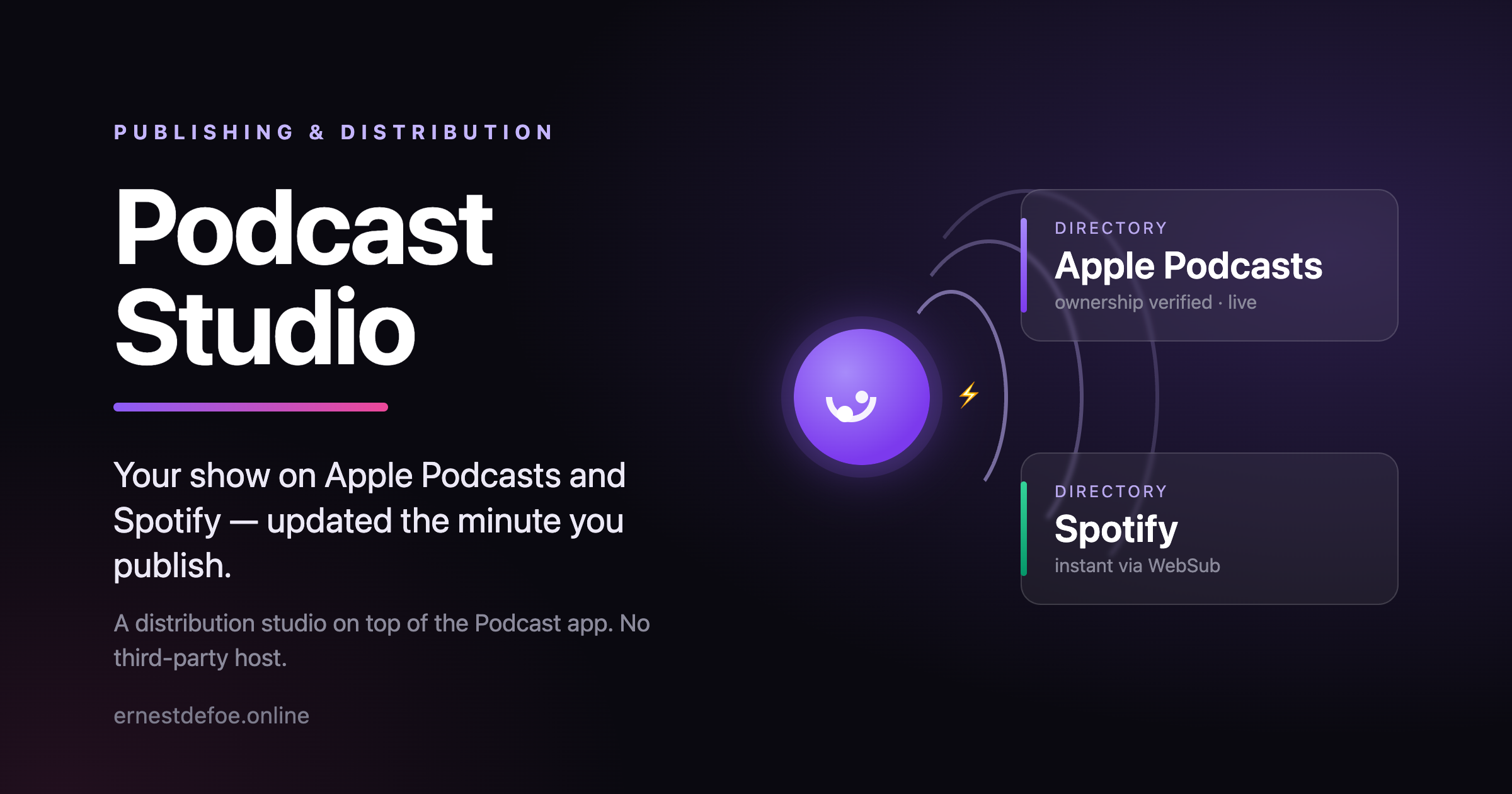
Podcast Studio takes the shows you host with the Podcast app and gets them onto Apple Podcasts and Spotify — then keeps them fed with new episodes as fast as those platforms allow. No third-party host, no monthly fee, no juggling three tabs. Your community is the studio.
Get onto Apple and Spotify, step by step
A guided walk-through for each platform, one obvious action at a time: copy your feed address, submit it, get the code the platform emails you, confirm ownership, done. It tracks where each show stands on Apple and on Spotify separately, so you always know the next thing to do.
Instant publishing, not “sometime today”
Apple and Spotify re-check a feed on their own schedule, often hours apart. Podcast Studio advertises a WebSub hub on your feed and pings it the moment you publish, so directories that honour it — Apple among them — fetch the new episode in minutes instead. It is exactly how the big podcast hosts do “instant”, built into your community.
Honest about the platforms. Neither Apple nor Spotify lets anyone push an episode into their apps directly — every host, this one included, publishes through your RSS feed. Podcast Studio makes that feed the fastest and cleanest it can be, and removes every manual step it is allowed to. What it will never do is promise a button that does not exist. Catch a rejection before it happens
A show gets bounced by Apple for small, fixable reasons — no cover art, no owner email, an episode whose audio never finished uploading. Podcast Studio reads your show and its episodes and tells you, in plain language, exactly what would stop it, before you submit rather than days later when Apple emails you.
It can read the verification code for you
When Apple or Spotify emails the ownership code, Podcast Studio can fetch it out of the mailbox for you instead of you digging for it — optional, off by default, the mailbox opened read-only and the password stored encrypted. Prefer to paste it yourself? That box is always right there.
Built to sit on Podcast
Podcast Studio does not store a second copy of anything. Your shows, episodes and audio stay in the Podcast app; Studio is the layer that distributes and publishes them. Turn it off and your feeds carry on exactly as before — a lapsed copy never takes a live show down with it.
What you need
The Podcast app installed and enabled — that is the library Studio distributes. Everything else is built in; the default WebSub hub works out of the box, so there is nothing else to sign up for.
-
IPS5.0.0+
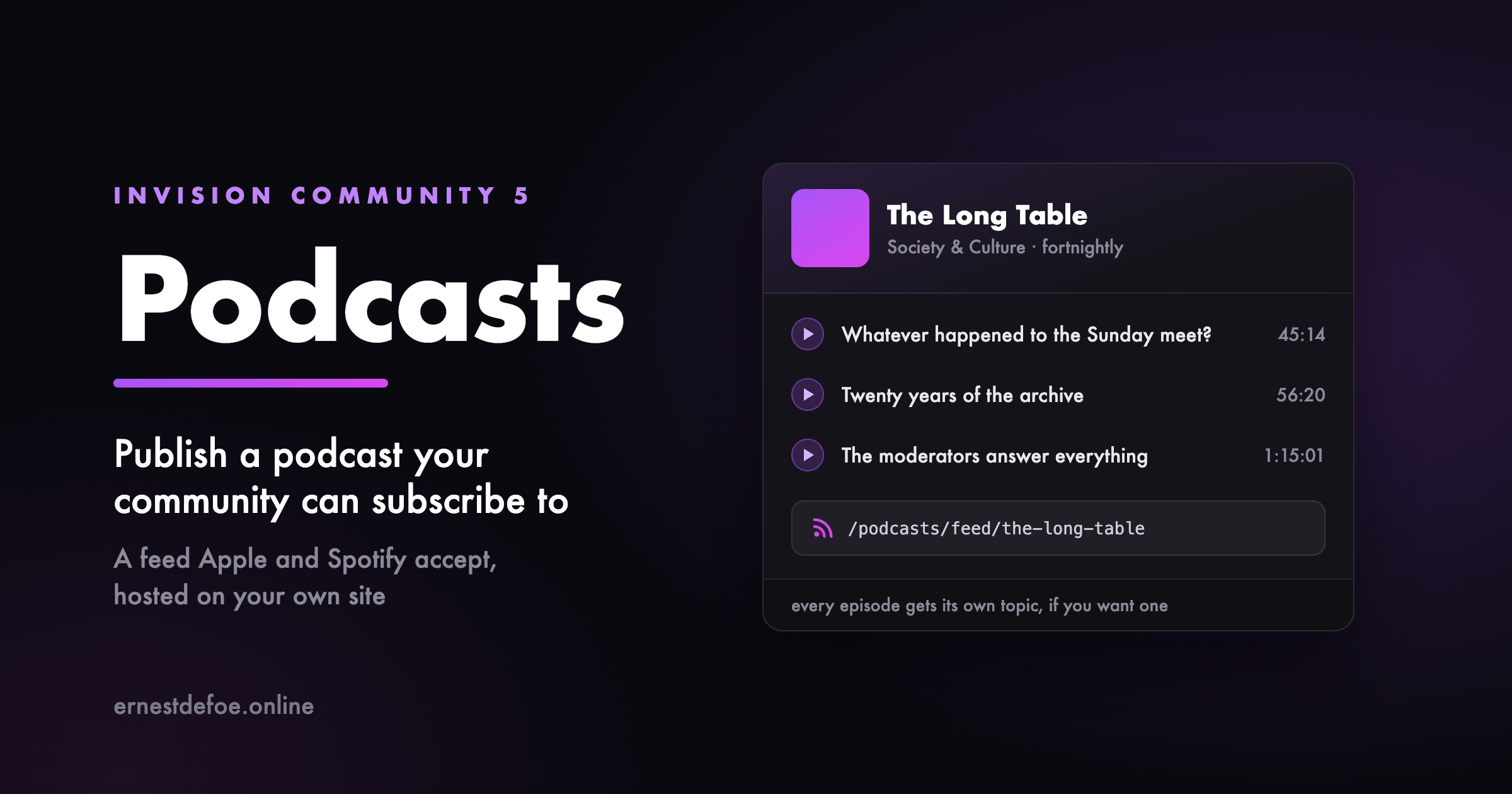
Run a podcast from your community, with a feed that Apple Podcasts, Spotify, Overcast and the rest will accept.
The feed is the point
A podcast is not a page with a play button on it — it is an RSS feed, and directories are unforgiving about the details. This gets them right: the iTunes namespace, owner verification, categories and artwork as attributes rather than text, episode and season numbers, episodic versus serial ordering, and enclosure lengths in real bytes so players can draw a scrub bar and seek properly.
Episode identifiers are permanent and opaque. That sounds like a detail until you rename an episode with a feed that derives them from the title, and every subscriber's app re-downloads your entire back catalogue and sends them a notification for each one.
Publish when you mean to
Give an episode a future date and it stays out of the feed until then. Nothing reaches a subscriber early, because “early” means already downloaded. Drafts are invisible, and so are their pages — not merely unlinked.
Every episode can have its own topic
This is the thing a podcast host cannot do for you. Choose a forum and publishing an episode opens a topic for it, so the conversation happens with your members instead of in someone else's comment section. Optional, per show, and off unless you ask.
On your site as well as in apps
A page per show and per episode, with the browser's own audio player — which means keyboard control, playback speed, media keys and screen-reader support you would otherwise have to build and maintain. The feed is advertised in the page head, so a podcast app pointed at your show page finds it by itself.
Details that save a support ticket
Artwork is checked against Apple's size limits when you upload it, not months later when your show is rejected. Durations can be typed as 1:02:03, 62:03 or a number of seconds. Whichever your editor gave you is fine. The audio's real byte size and MIME type are read from the file rather than guessed. Deleting a show deletes its audio, so you are not paying to store episodes nothing references. What you need
Somewhere to put the audio — your own uploads directory, or any file storage Invision Community is already configured to use, including S3-compatible object storage. No third-party podcast host, no monthly hosting fee, and the feed address is yours.
-
IPS5.0.0+
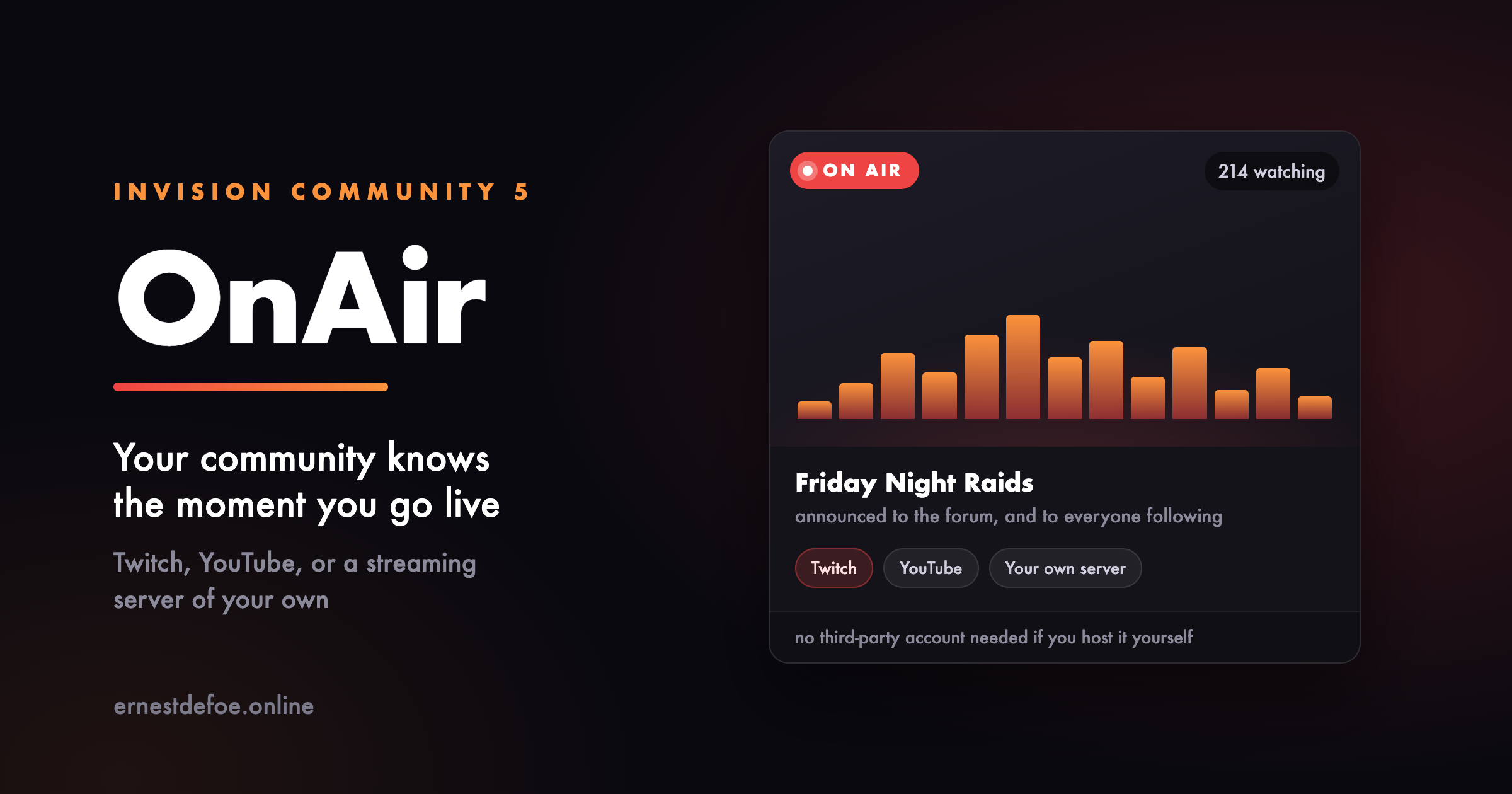
Your community should not find out you were streaming afterwards. OnAir watches your channels and tells them the moment you go live.
Three ways to stream
Twitch — live status, the current title, and the viewer count. YouTube — live status and title. Your own server — point it at a MediaMTX instance on your VPS or dedicated box. No platform account, no third party, and nobody else's advertising in front of your members. Add as many channels as you like, in any mix. They can belong to you, to your staff, or to members you want to feature.
Announced where people will see it
Going live can post a topic in a forum you choose, with the player embedded in it, so the conversation happens on your site rather than somewhere else. Followers are notified the way they already expect to be.
A page, and a block
A page listing whatever is on air right now with the stream playing inline, and the channels that are not. Plus a sidebar block for anywhere on your site.
The block shows nothing at all when nobody is streaming, rather than sitting there permanently announcing that nobody is streaming.
Works with Live Topics, if you have it
If you also run Live Topics, going on air can open one automatically so people have somewhere to talk while they watch, and close it when the stream ends.
Entirely optional. OnAir does not require Live Topics and never will. If it is not installed the setting is not offered, and everything else works exactly the same.
Built to be left alone
A platform having a bad minute is treated as unknown, never as offline — so a blip cannot end a broadcast that is still running and announce it all over again. YouTube is checked less often than the others on purpose. Its API charges heavily for the question, and polling it like the rest would exhaust a day's allowance before lunch and then report everything as offline. Nothing OnAir does can hold up a page load, even on a community with no cron job set up. What you need
For Twitch, a free developer application. For YouTube, an API key. For your own server, a MediaMTX install and its address — the setup guide covers it. Use one, two, or all three.
-
IPS5.0.0+
MangaHub is feature-rich application designed to build your own professional Manga, Manhwa, or Manhua reading community. Built with a focus on speed and user experience, it provides everything you need to manage a library of titles and chapters seamlessly.
Key Features:
Categories: Organize your library into unlimited categories and subcategories.
Genres: Powerful genre system with dedicated landing pages for each genre.
Custom Fields: Add specific information for each Manga (Author, Artist, Serialized, Country...).
Manga Status: Easily track "Ongoing" or "Completed" titles.
Chapters Management: Easily manage chapters by uploading images or using external image URLs.
Integrated with Nexus, allowing members to sell manga and earn commissions.
Watermark: Automatically add customizable watermarks to protect your manga images.
Secure image links: Use protected, time-limited URLs to prevent hotlinking and unauthorized access.
Reading Experience:
Clean, intuitive, and performance-optimized reader:
Infinite Scroll for a seamless reading experience.
Single Page mode works perfectly on all devices.
Automatically saves reading progress so users can continue anytime.
User Features:
Personal library allowing users to save favorite mangas and track reading progress.
Fast and efficient live search to quickly find content.
Framework Integration:
Comments
Star Ratings
Reactions
Notifications
Follow
Sharing
Tags
Report
Forum Integration
App Compatibility:
Active Viewers
Who Viewed
Widgets System:
A variety of widgets with multiple layouts to fully customize your website:
Manga Feed
Comment Feed
New Chapter Updates
Categories
Genre
Stats
-
IPS5.0.0+
New Stickers is a simple and powerful app that makes managing and using stickers easier than ever. It provides a clean, visual interface where users can quickly browse, search, and select stickers from a rich collection of categories. It works seamlessly with the IPS Editor and all versions of Chatbox (Free, Plus, and Pro). It also comes bundled with 1000+ cute and fun sample stickers across many themes, giving your community plenty of expressive options right from the start.
Key features:
Easy and visual sticker management
Tab-based sticker categorie
Supports multiple formats (PNG, GIF, JSON, Lottie, and more)
Find any sticker in seconds with smart search and quick access to recent picks
Flexible permissions system to control which user groups can access each sticker collection
Compatible with IPS Editor and Chatbox (Free, Plus, Pro)
Make conversations more fun, expressive, and engaging with New Stickers. 🎉
-
IPS5.0.0+
This application allows adding cover images or HTML in forum view quickly and easily.
Features:
Show a single image or multiple images (slider style) in the top of forum view.
Option to display forum cover in topic view.
Support HTML.
Various customization options for slider style such as navigation buttons, auto slide, max height, interval, transition effect, display forum's title & description in cover.
Fully responsive.
Demo: https://demo.ipsappzone.com/forum/2-a-test-forum/
-
IPS5.0.0+
Quick Search is a small application that instantly brings an intuitive search form and smart autocomplete. Results are displayed with eye-catching thumbnails, providing a seamless browsing experience across all applications. Make finding content easier and faster with Quick Search!
Settings:
Enable/Disable.
Permissions for member groups.
Max results.
Search incomplete words
Find results in Content titles only | Content titles and body
Search Mode: OR / AND
Set default search type for all pages
Show category and author in search results.
Display Quick Search in mobile & tablet.
Support widgets
Demo: http://demo.ipsappzone.com
-
IPS5.0.0+
Features:
Import videos to Forums.
Import videos to Pages.
Import videos to Videobox.
Supports Youtube feed: User, Channel, Playlist, Search Term
Creating tasks to import videos automatically.
Running task manually to import latest 10 videos or all videos.
-
IPS5.0.0+
🏆 Key Features
League Management
Create and manage multiple leagues with logo, banner, info, custom fields...
Custom league rules and score
Automatically updated league tables based on fixture results
Team Organization
Comprehensive team profiles with logos, descriptions, and statistics
Team roster management with detailed player information
Team fixtures tracking across seasons
Player Database
Complete player profiles with name, photos, info, custom fields...
Highlights of matches involving players.
Custom player fields for sport-specific data
Fixture Management
Easy to create multiple fixtures
Countdown timer
Result recording with detailed match statistics
Comment system
Rating System
Match Event System
Custom fields system
Auto post a topic when a fixture is created
Widget System
Ready-to-use widgets for any page on your site
Fixture lists, league tables, and team information widgets
Supports multiple layouts: list, table, grid, carousel
Support for API integration from thesportsdb.com:
Ability to import leagues, teams, players, and fixtures
Automatic synchronization of fixture scores
Get SportsApp today and transform your sports community into a dynamic, engaging platform that keeps members coming back for more!
-
IPS5.0.0+
Bring your Downloads section to life with HoverShots - a smooth, eye-catching way to preview multiple screenshots right from the file card.
On desktop, simply hover over a file’s thumbnail and watch the screenshots cycle automatically. On mobile, a discreet Preview button appears inside the image, letting visitors tap to start a short preview without opening the file page.
HoverShots works seamlessly in category listings, the main Downloads page, and other grid-based displays. It respects mobile usability as it skips small/minimal grid items, and avoids interfering with clicks or navigation.
Give your files the attention they deserve and make browsing more engaging for your community.
preview.mp4
-
IPS5.0.0+
EasyPopup offers a powerful, customizable solution for creating eye-catching popups on your website. Configure everything from size, position, and transitions to timing, content, and audience targeting. With IPS Member Filters, you can tailor popups to suit specific groups and boost user engagement effortlessly.
Features:
Width/Height.
Transition open/close: FadeIn/FadeOut, SlideIn, SlideUp, SlideDown, SlideBack.
Transition speed.
Positions: Top Left, Top Center, Top Right, Middle Left, Middle Center, Middle Right, Bottom Left, Bottom Center, Bottom Right
Background color.
Compose popup content using the Editor or HTML, or simply upload an image.
Supports advertisement tag in the HTML code: {advertisement="key"}
Auto close and show timer on popup.
Showing popups every page loads or every X minutes.
Waiting for X miliseconds to show.
Easily set specific URLs for popup display.
IPS Member Filter System to show popups. (filter by groups, content count, joined date, last posted, last visited, reputation, member of the day....)
-
IPS5.0.0+
TMDB EasyPost – Create Movie & TV Show Topics Instantly from TMDB!
TMDB EasyPost is the ultimate tool for creating captivating topics about movies and TV shows from TheMovieDB (TMDB) with just a URL or by searching by title! Perfect for movie communities, review websites, and entertainment forums, this app simplifies content creation, helping you engage your audience with rich, detailed posts.
✨ Key Features:
🚀 Instant Post Creation: Generate fully detailed posts from TMDB URLs or by searching TV shows and movies by title in seconds.
🌍 Multi-Language Support: Import movie details in any ISO-639-1 language supported by TMDB
🎯 Multi-App Integration: Seamlessly publish to Forums, Pages, Downloads, and Videobox.
📊 Rich Content: Automatically includes poster, trailers, cast, crew, genres, backdrops and more.
With TMDB EasyPost, creating professional-looking movie and TV show topics has never been easier. Delight your audience and grow your community effortlessly! 🎬🌟
🫱Demo:
https://demo.ipsappzone.com/topic/1203-alarum-2025
https://demo.ipsappzone.com/video/view/525-gladiator-ii-2024/