Invision Community 5
- Category CMS Pages
- Downloads 71
- Compatibility IC5: 5.0.0+
- Updated
Overview
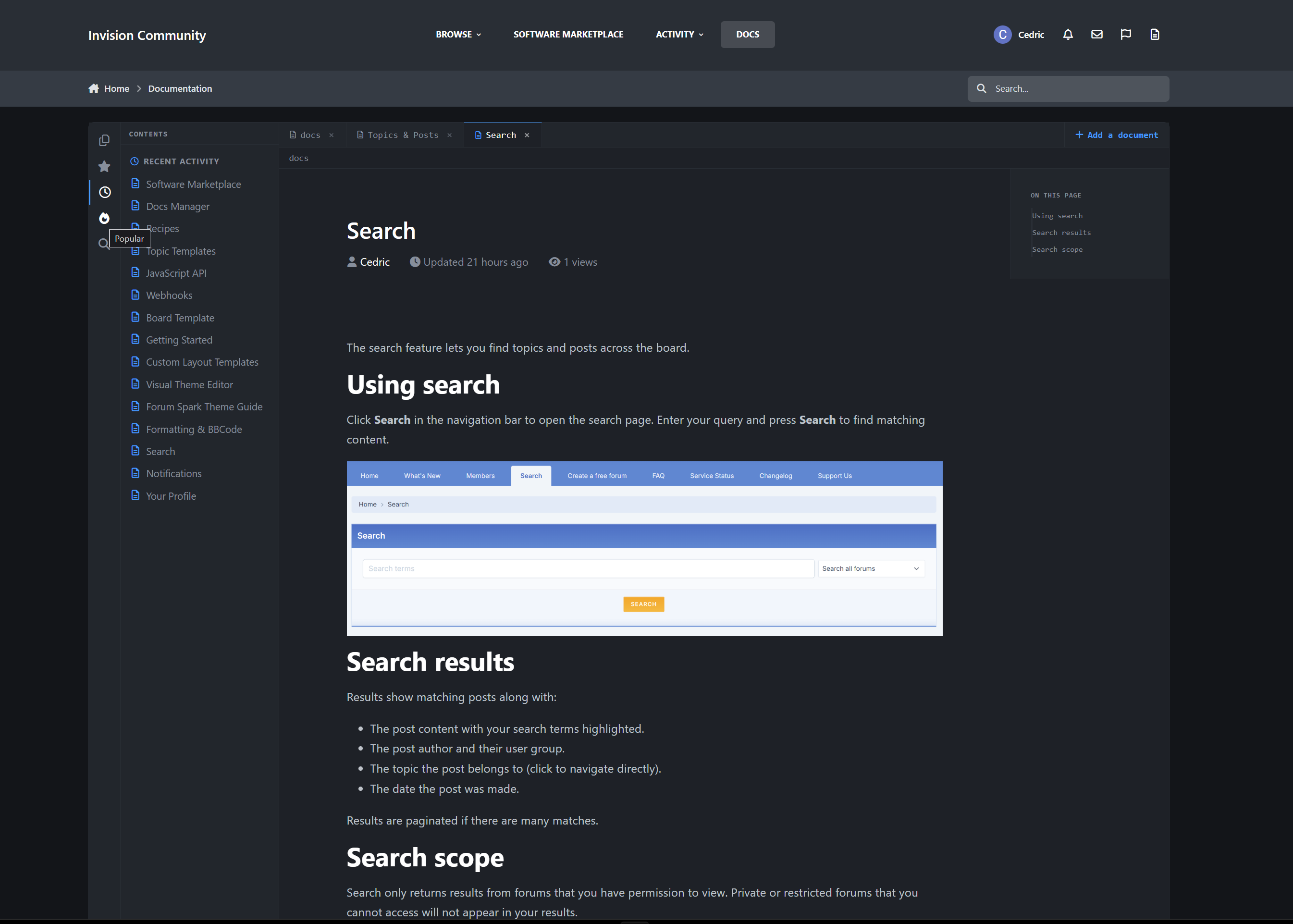
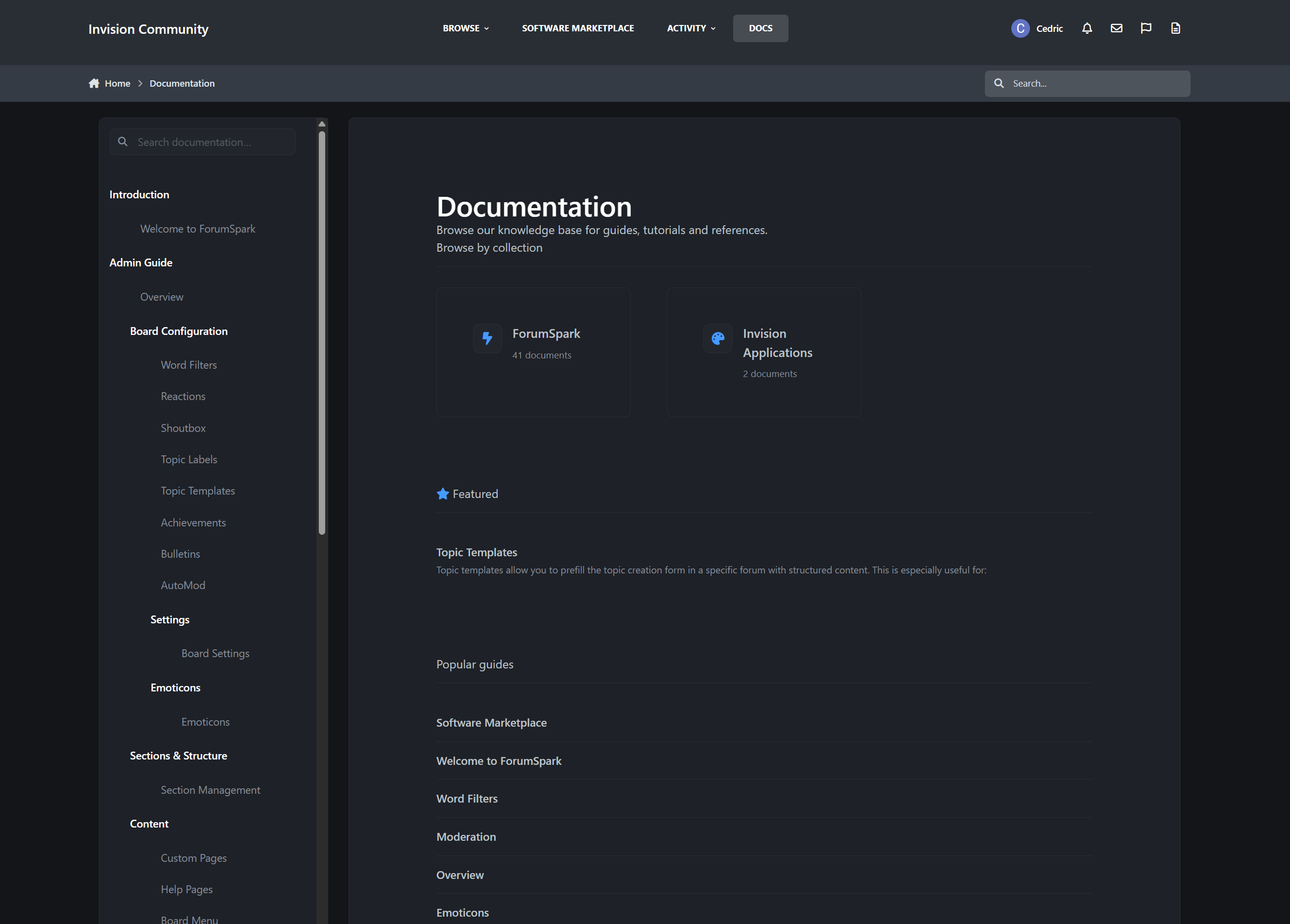
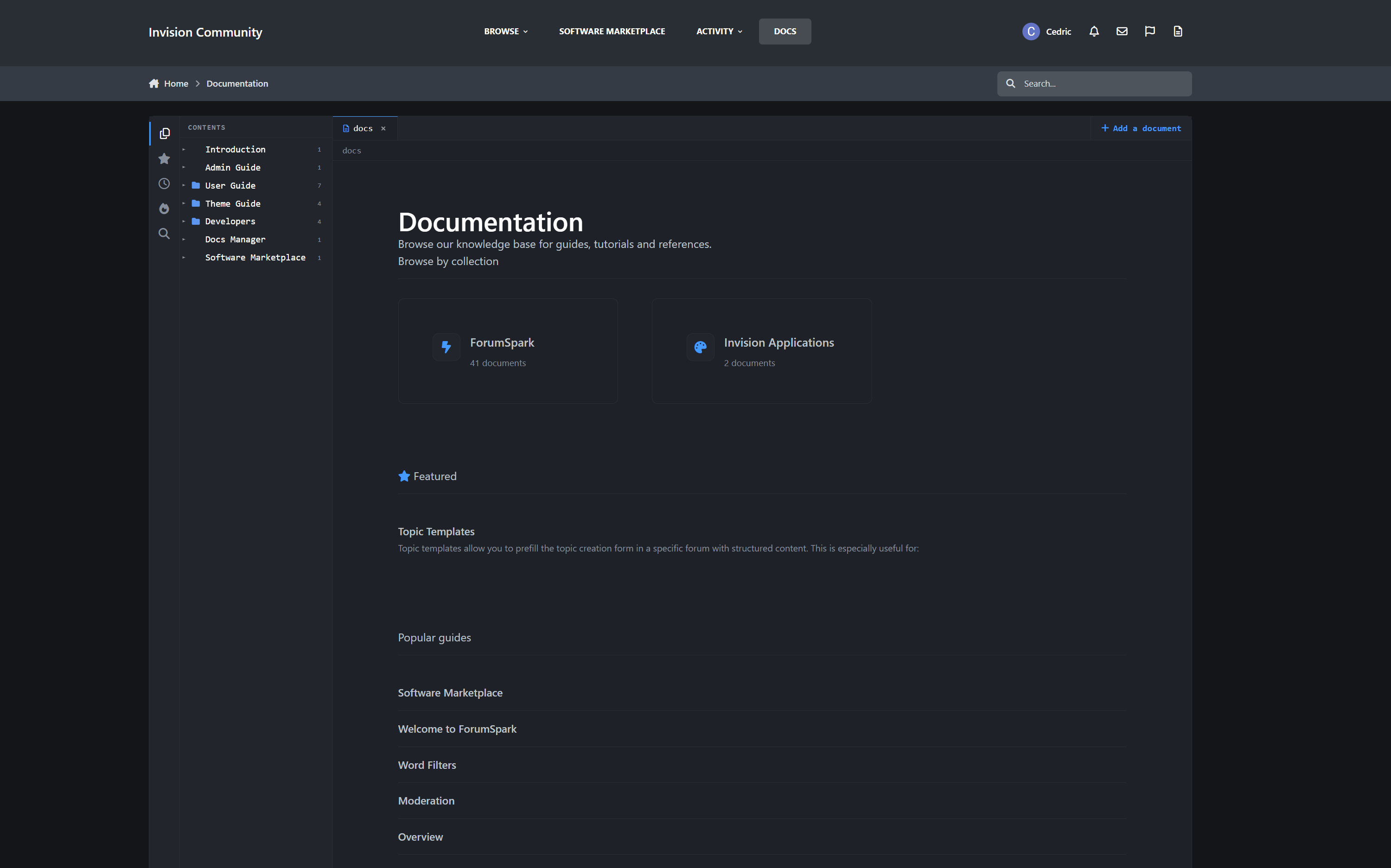
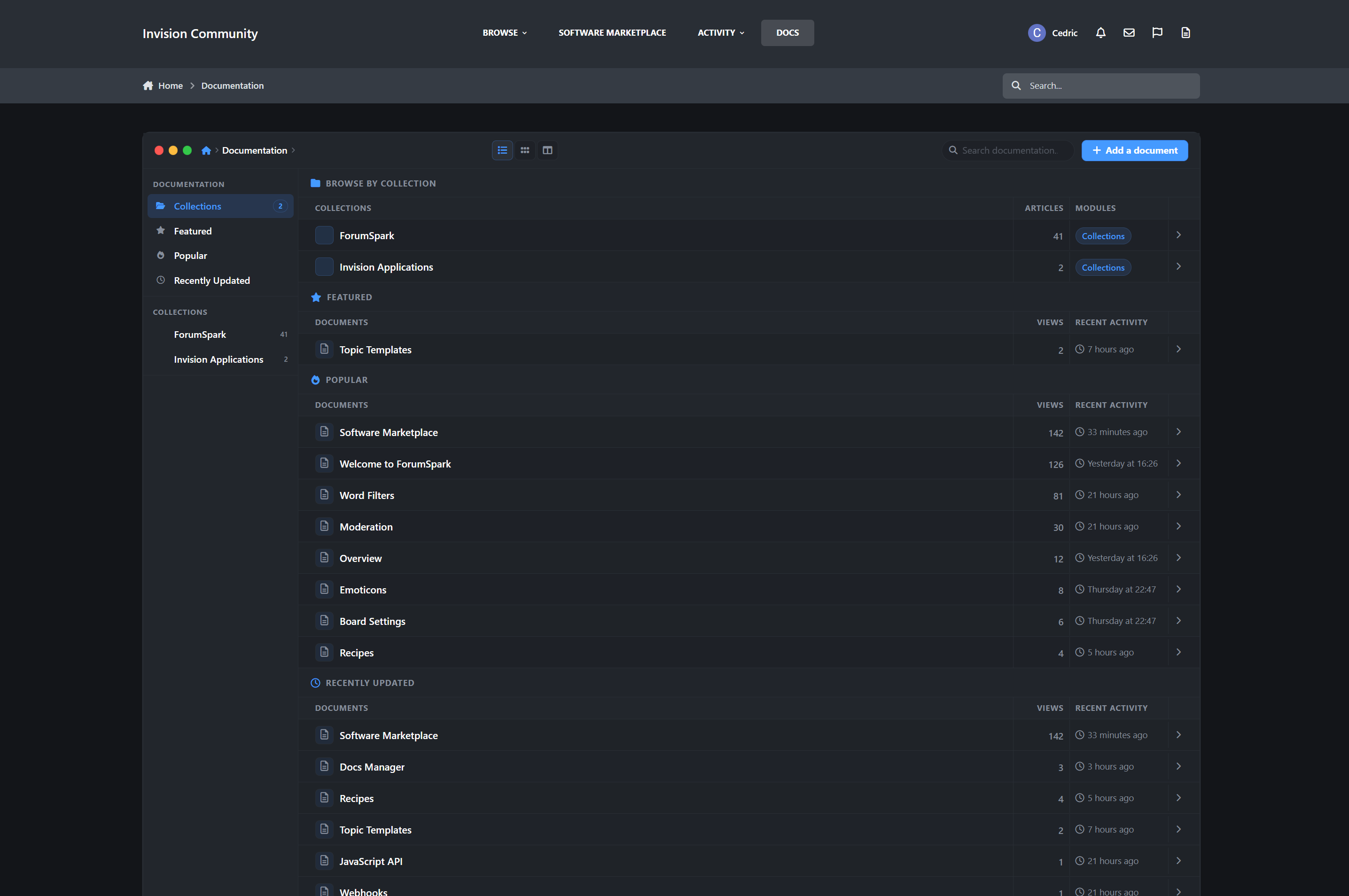
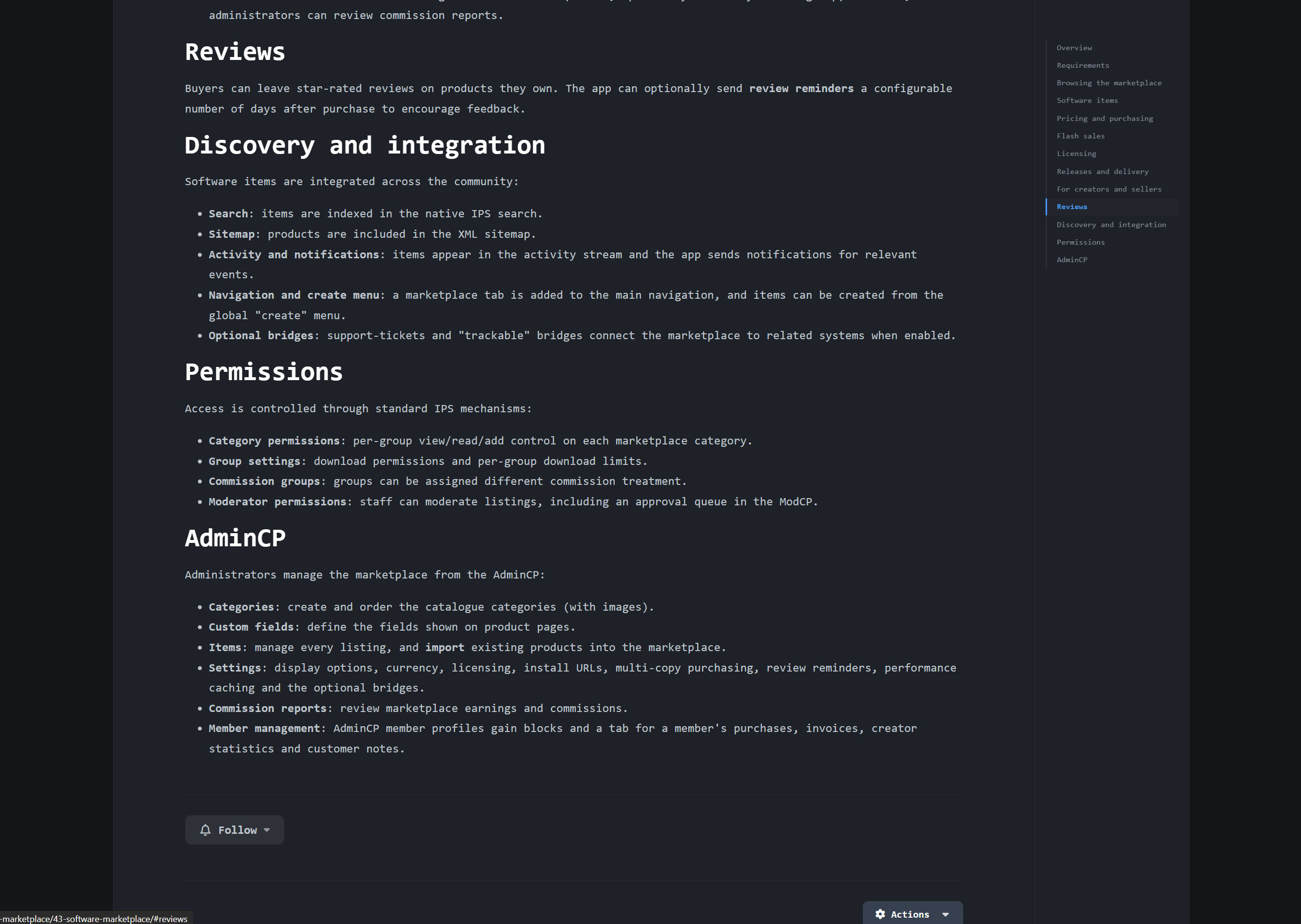
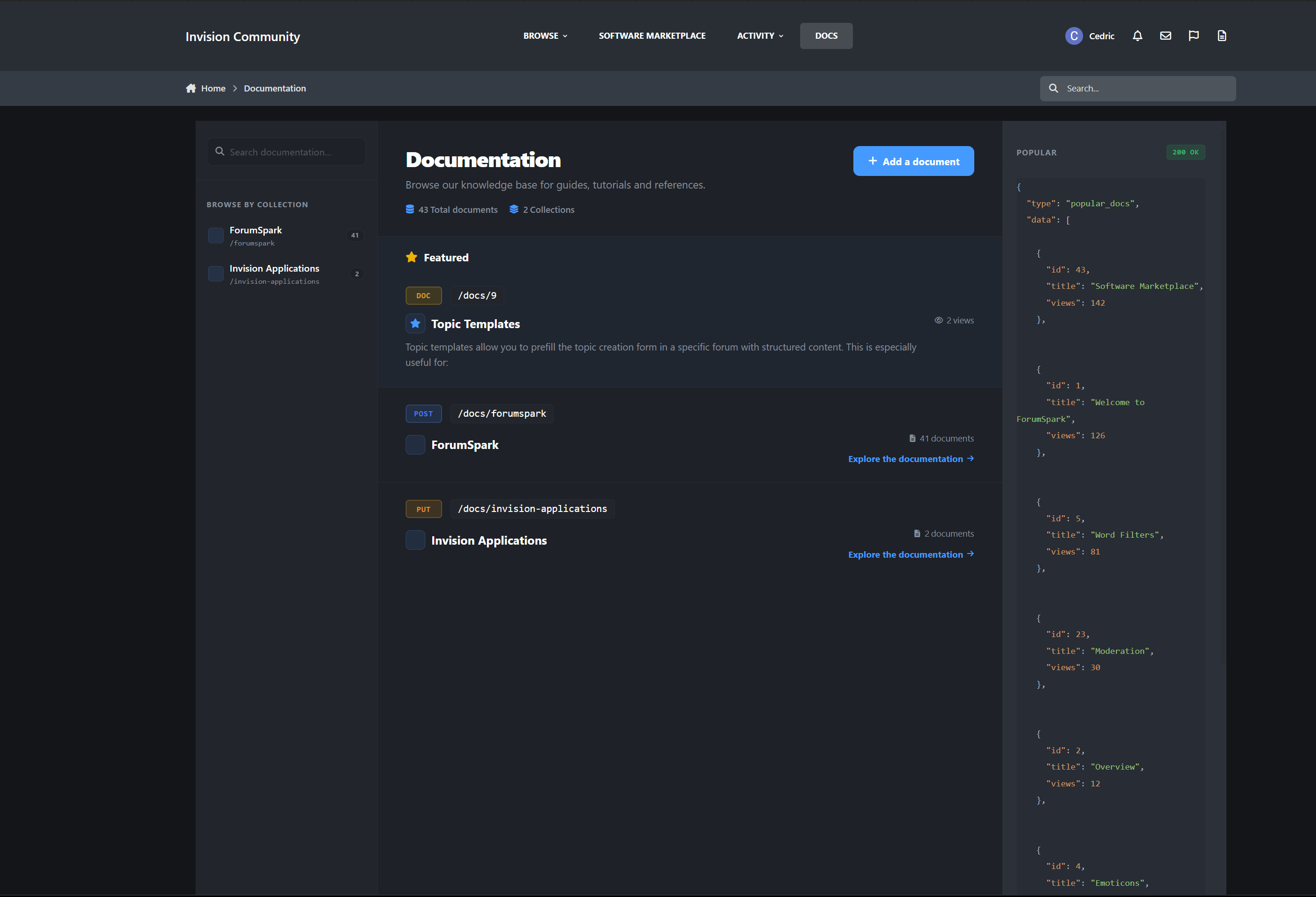
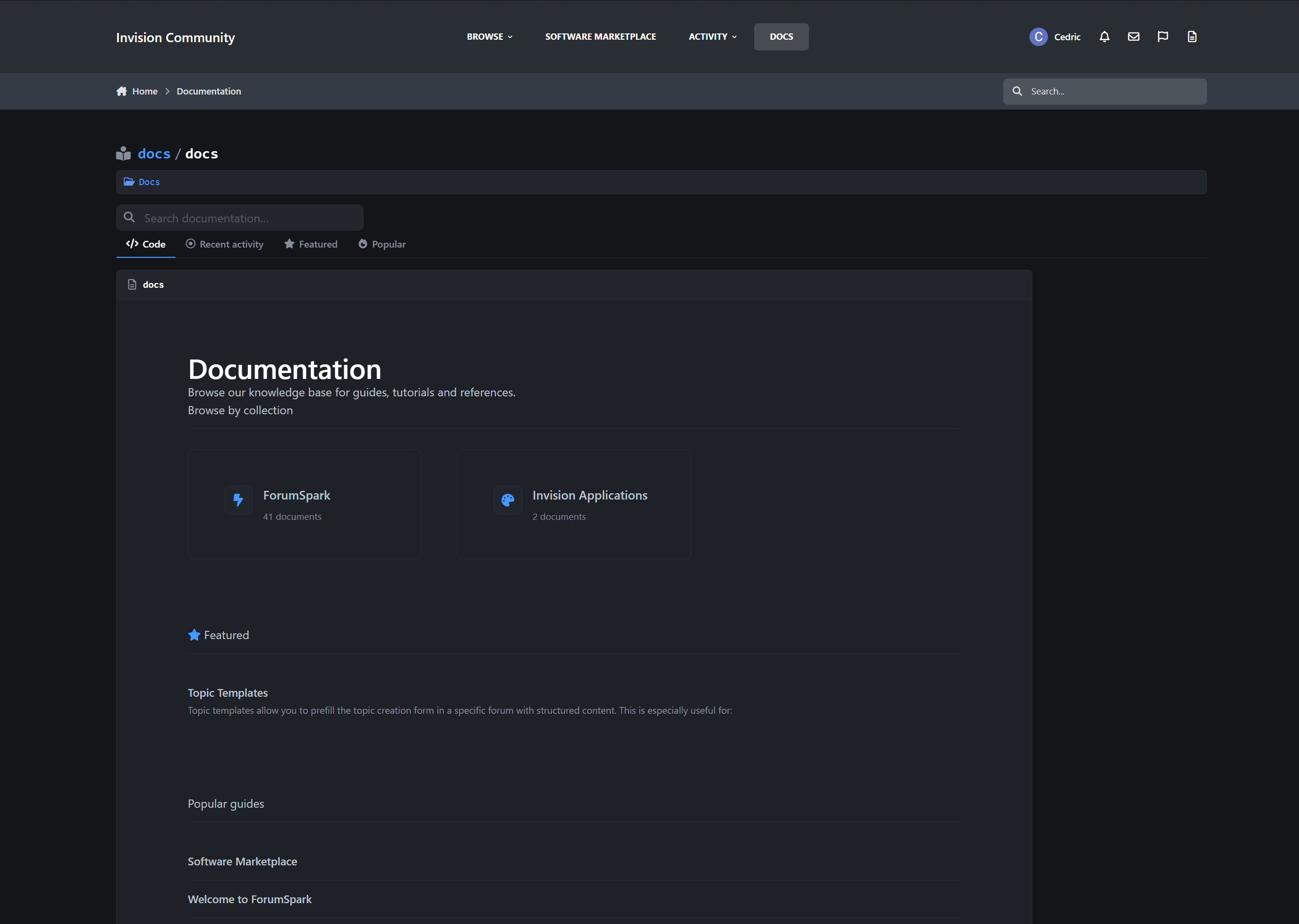
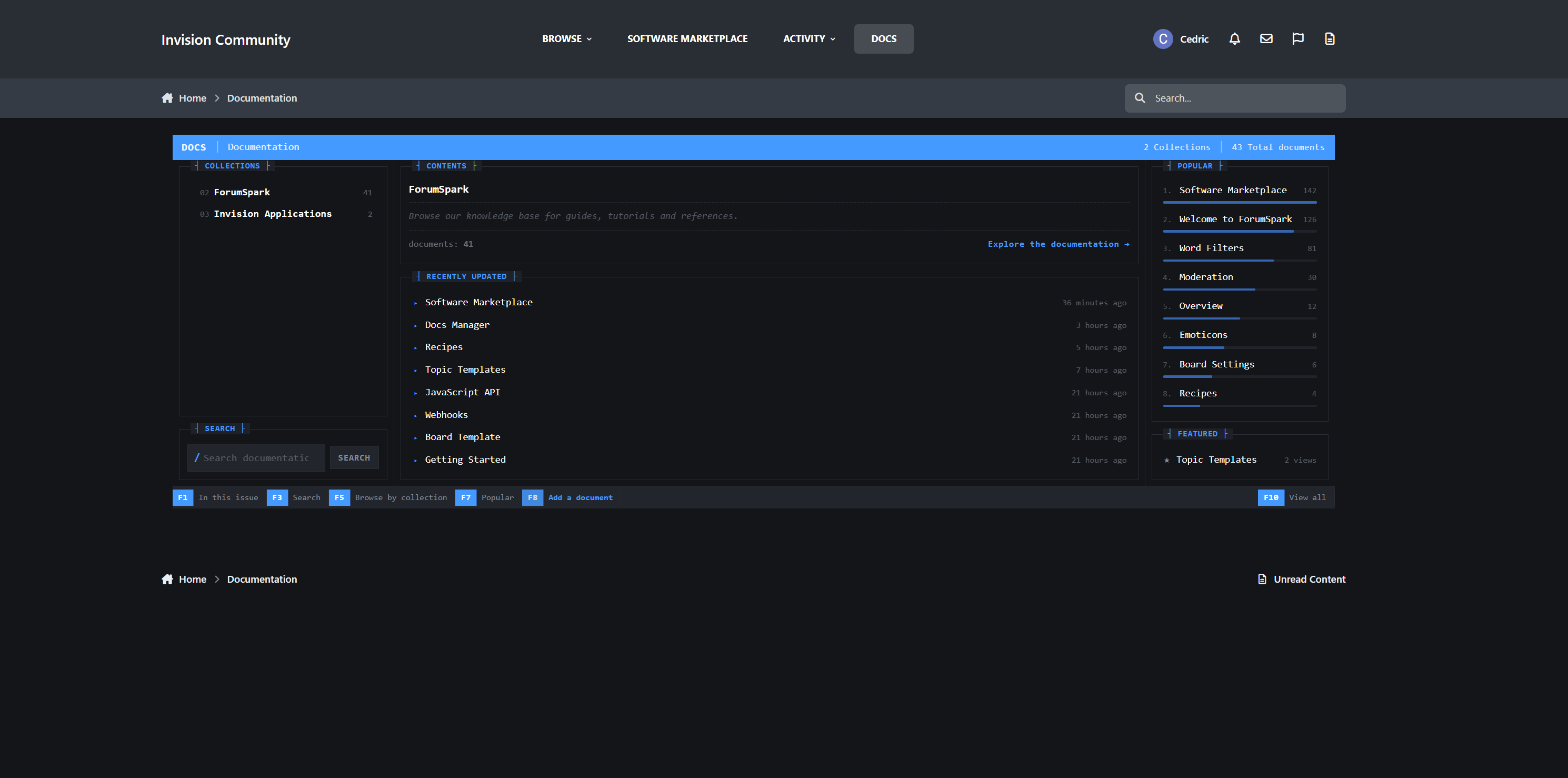
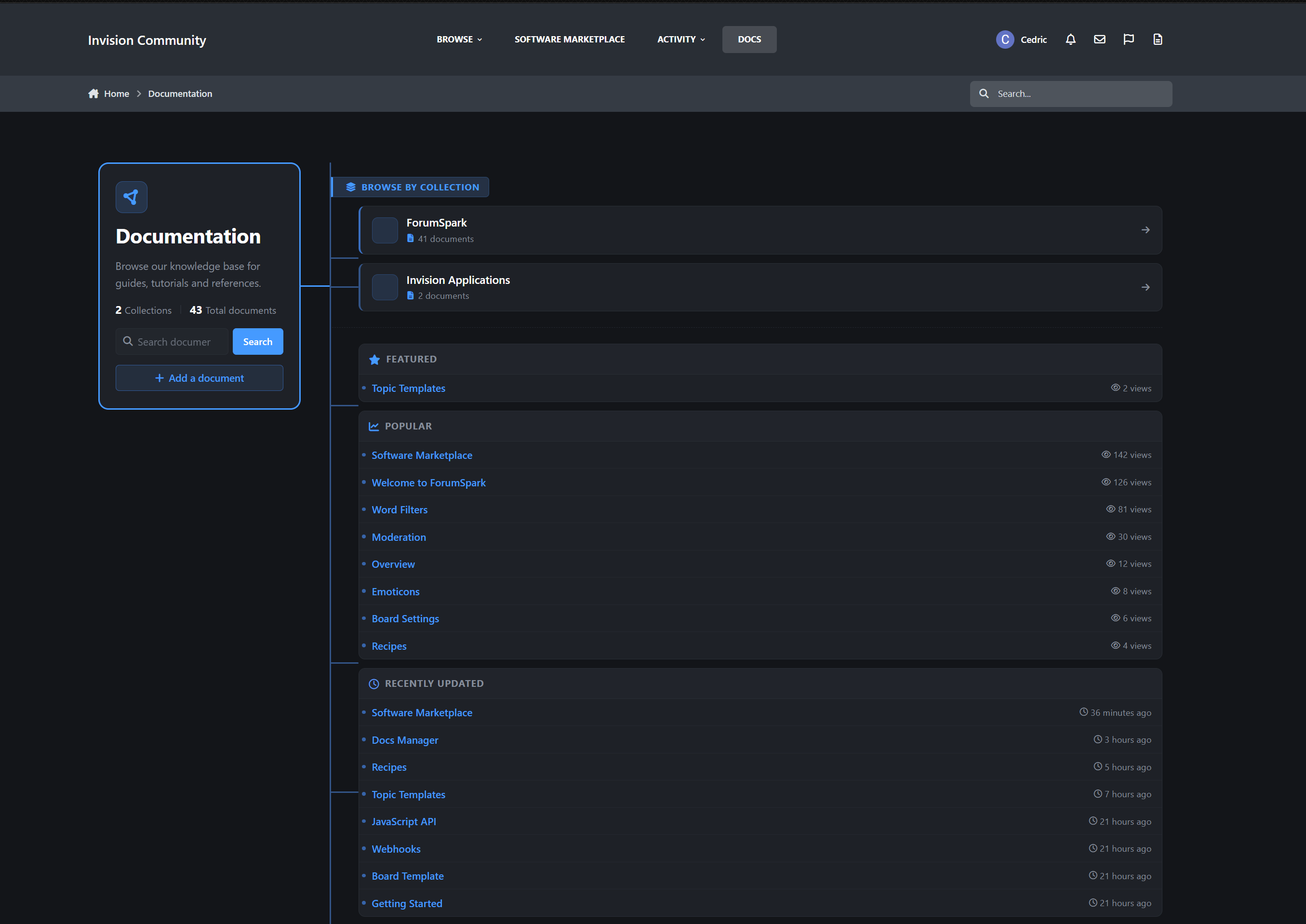
Docs Manager is a full knowledge-base and documentation application for Invision Community Suite v5. It lets you write, organize, publish, and maintain documentation directly inside your community, complete with 13 selectable front-end designs, automatic tables of contents (sticky by design), revision history, reader feedback, member contributions, and deep IPS framework integration including native search, profiles, notifications, reactions, and sitemap support.Description
Docs Manager is a full knowledge-base and documentation application for Invision Community Suite v5. It lets you write, organize, publish, and maintain documentation directly inside your community, complete with 13 selectable front-end designs, automatic tables of contents (sticky by design), revision history, reader feedback, member contributions, and deep IPS framework integration including native search, profiles, notifications, reactions, and sitemap support.
A demo can be found here:
https://administrata.net/docs/
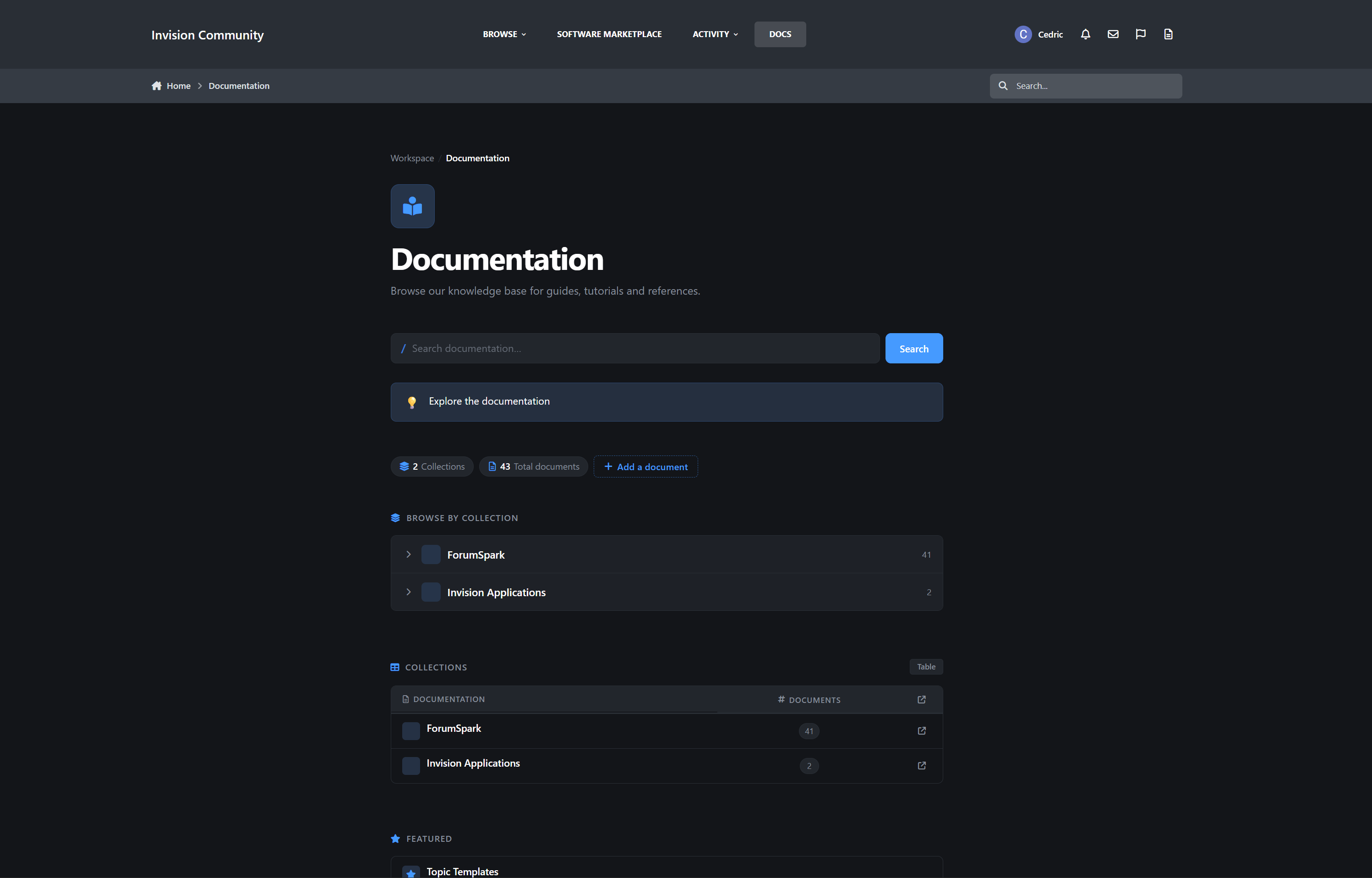
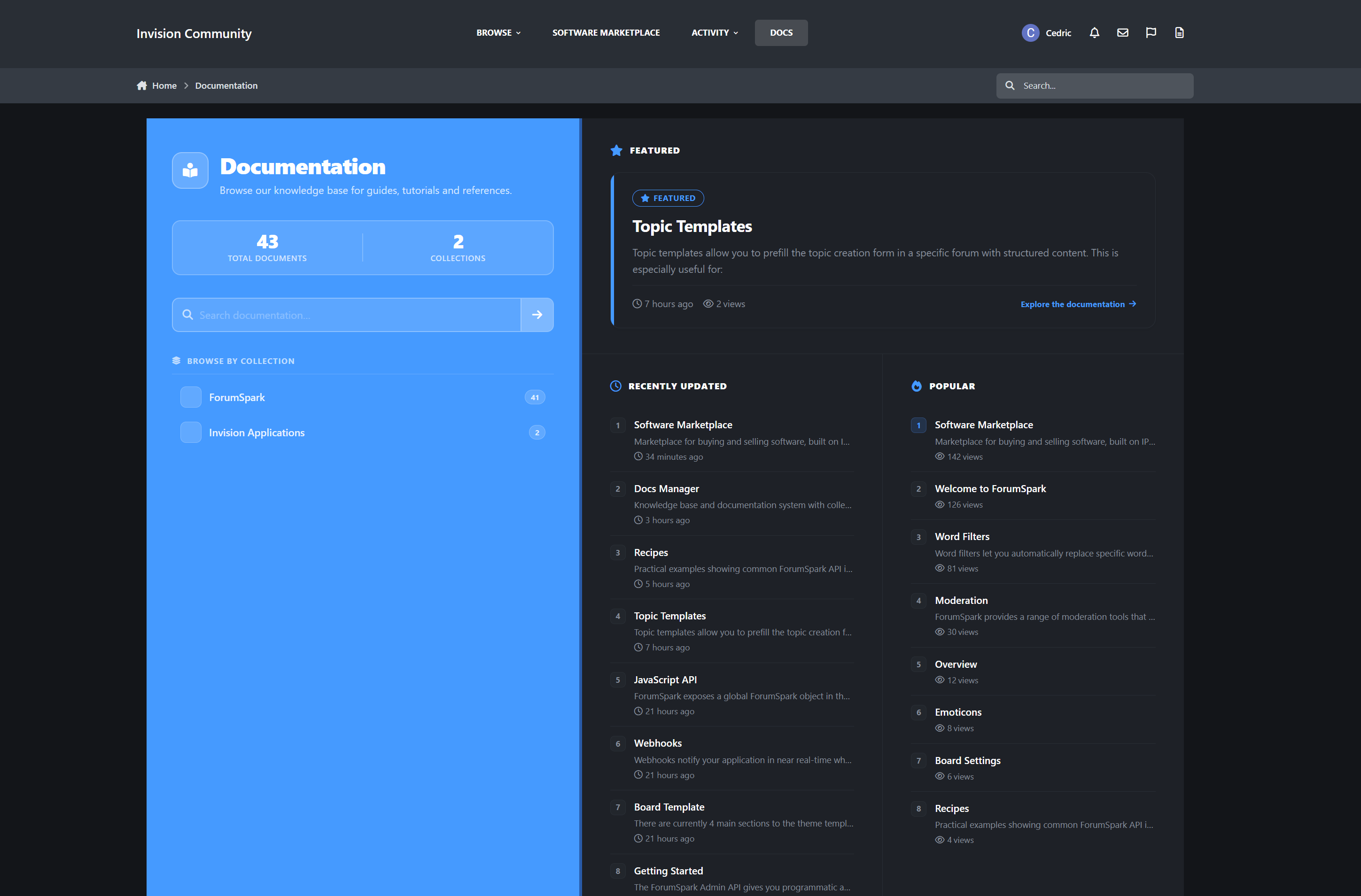
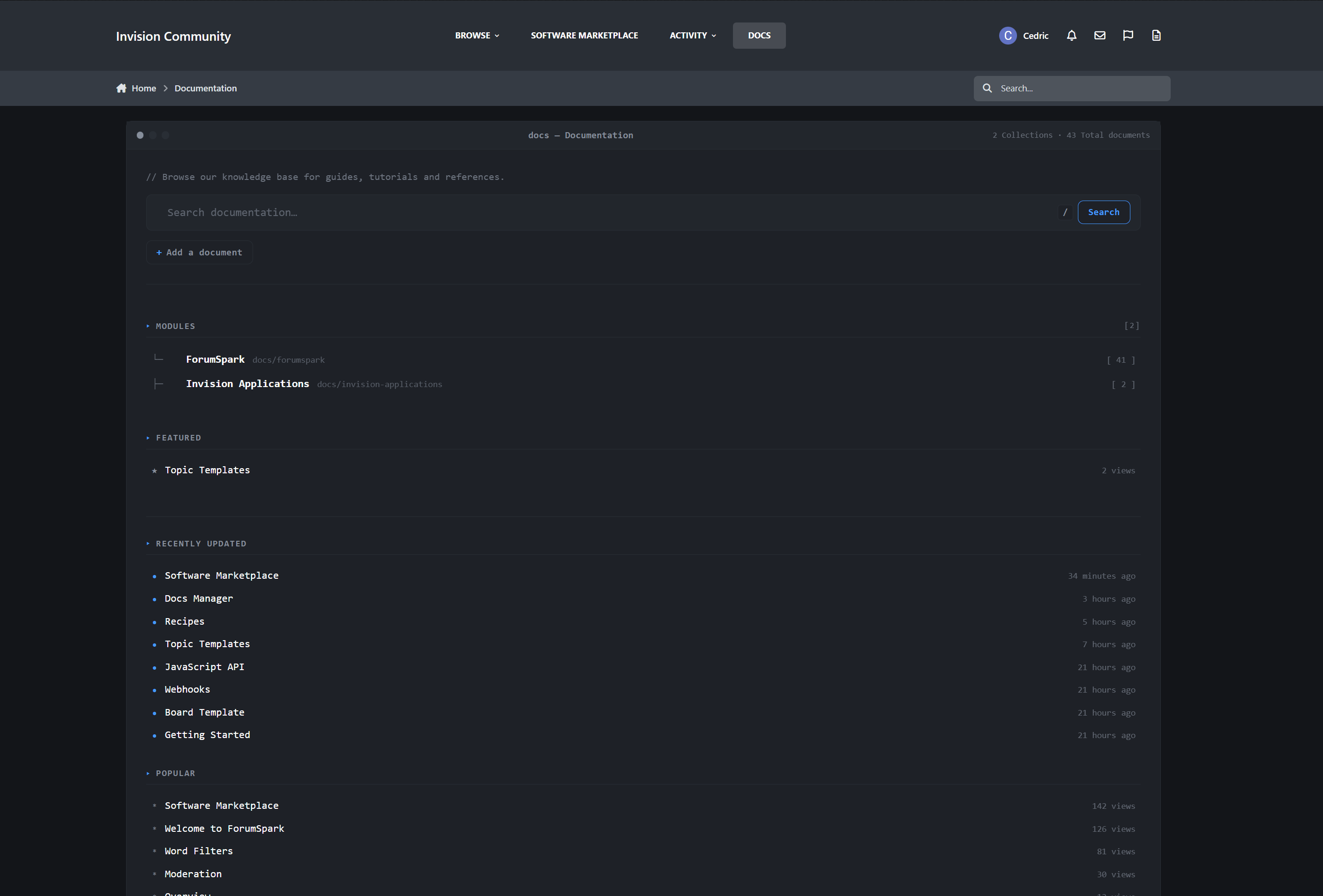
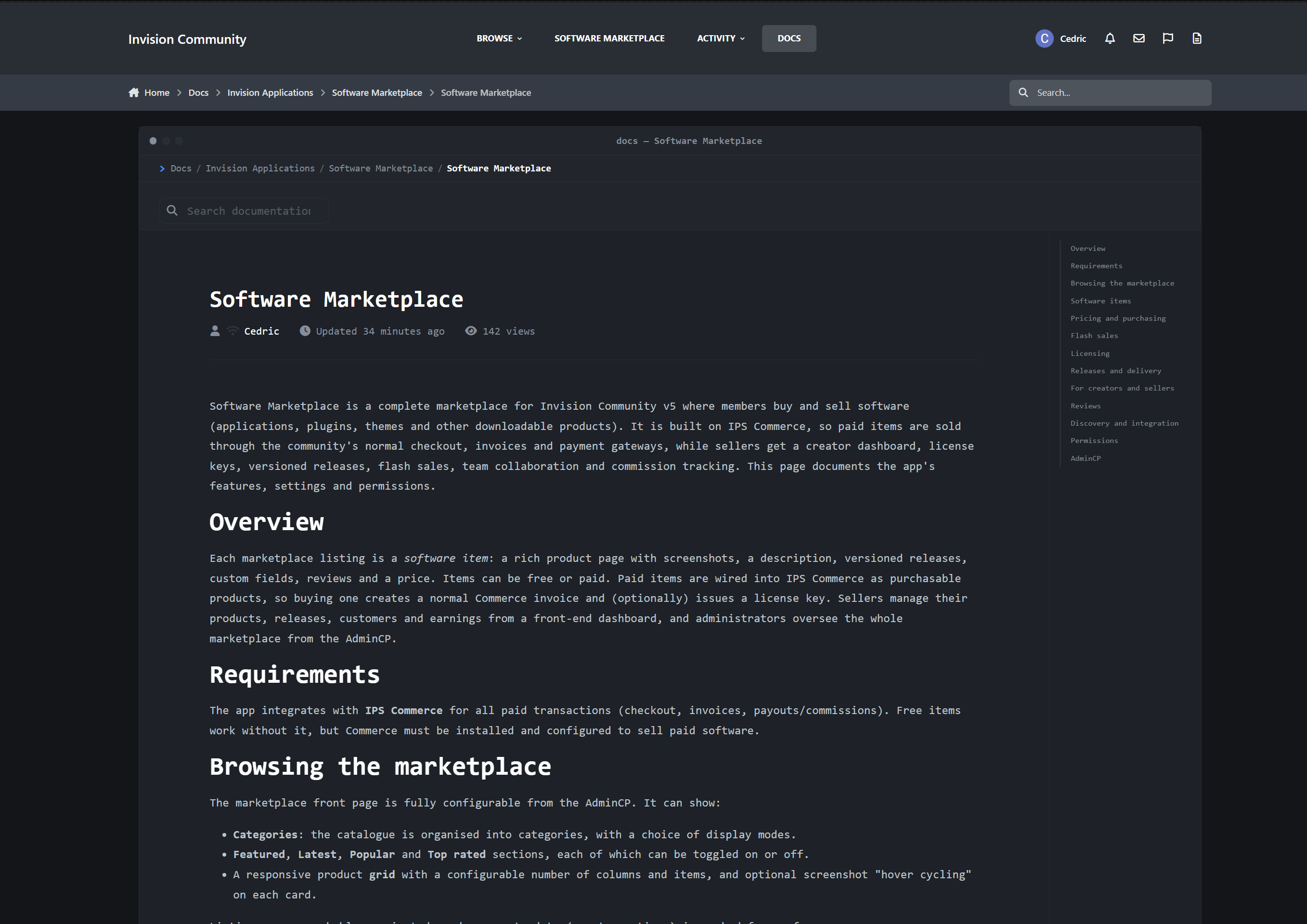
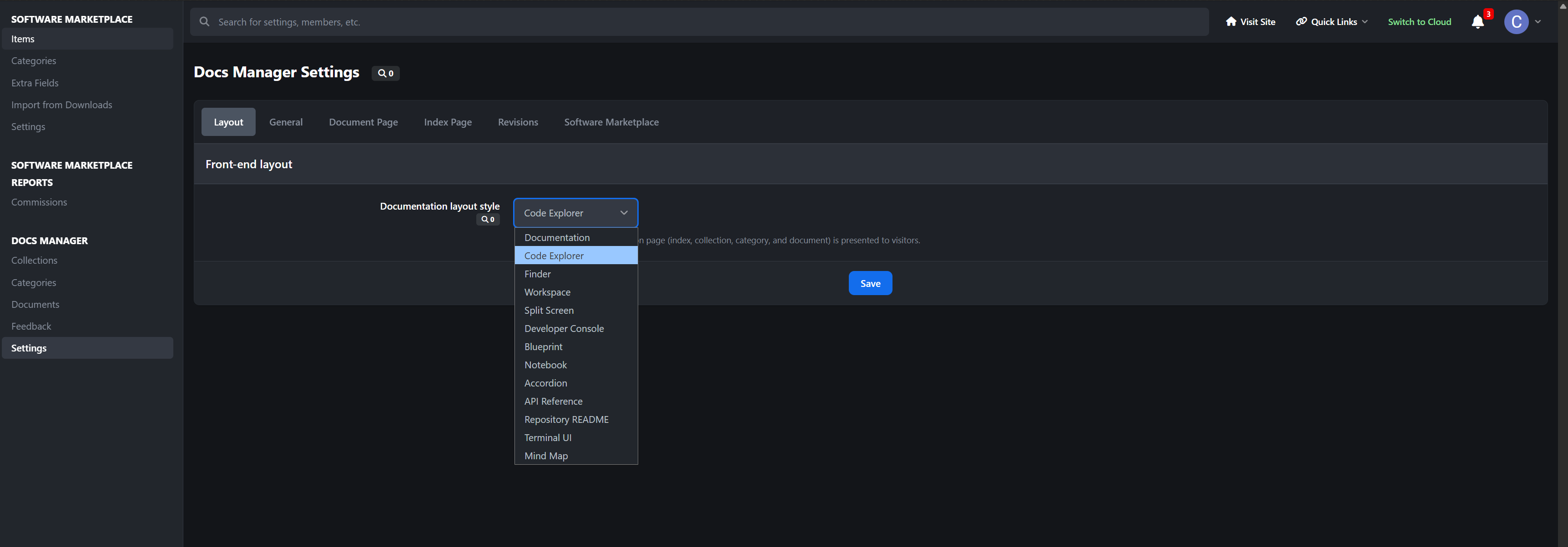
Choose Your Look: 13 Front-End Layouts
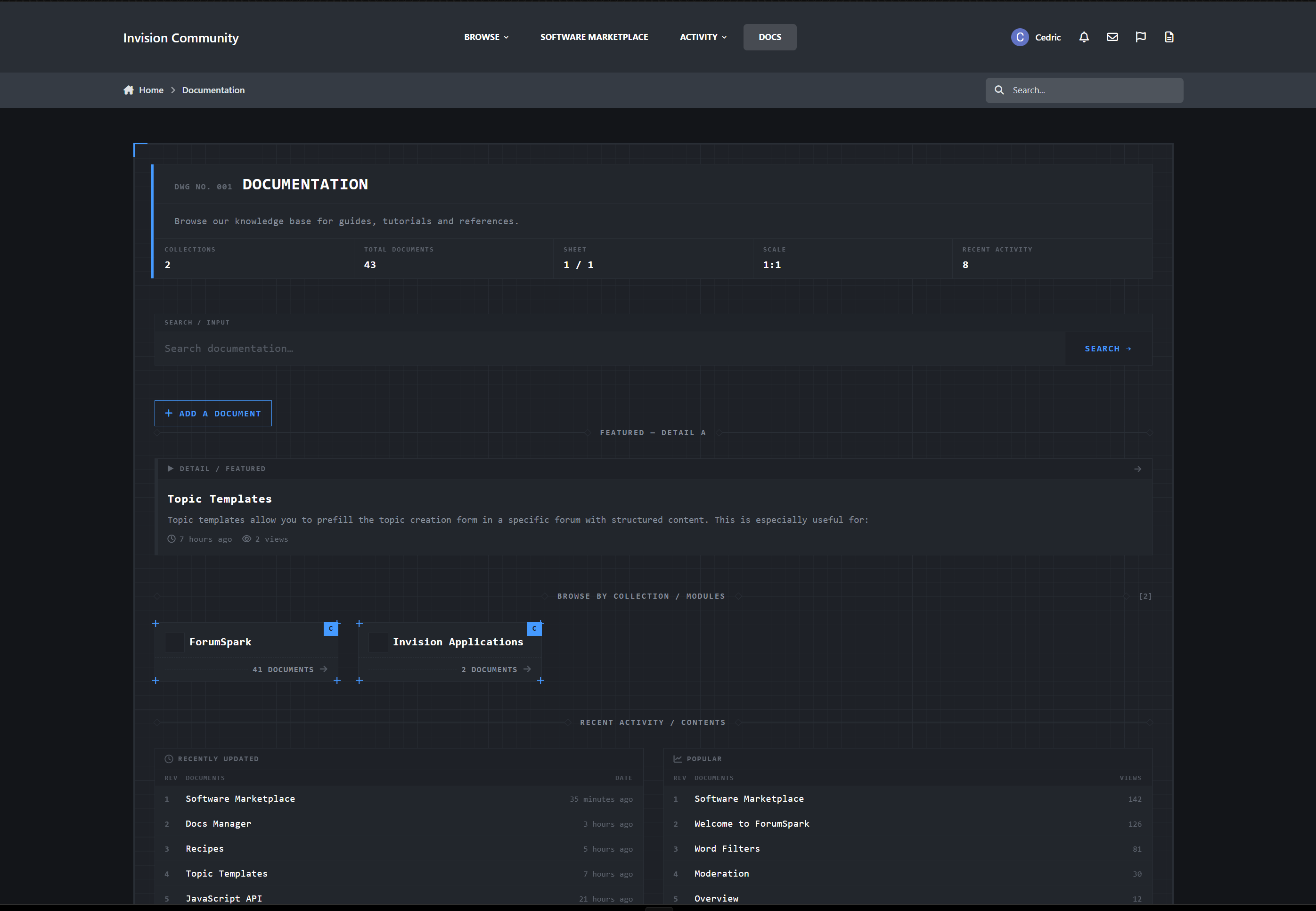
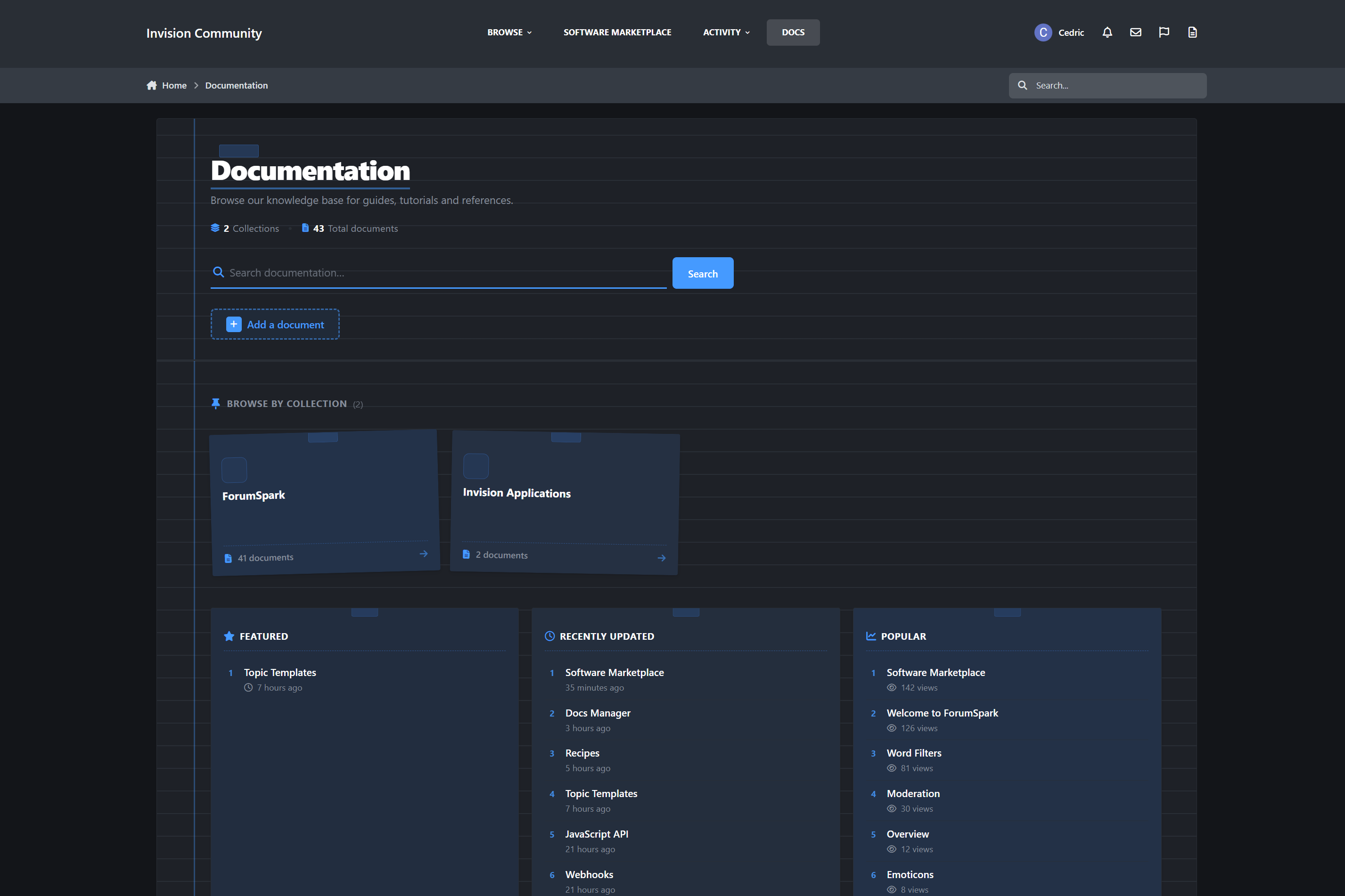
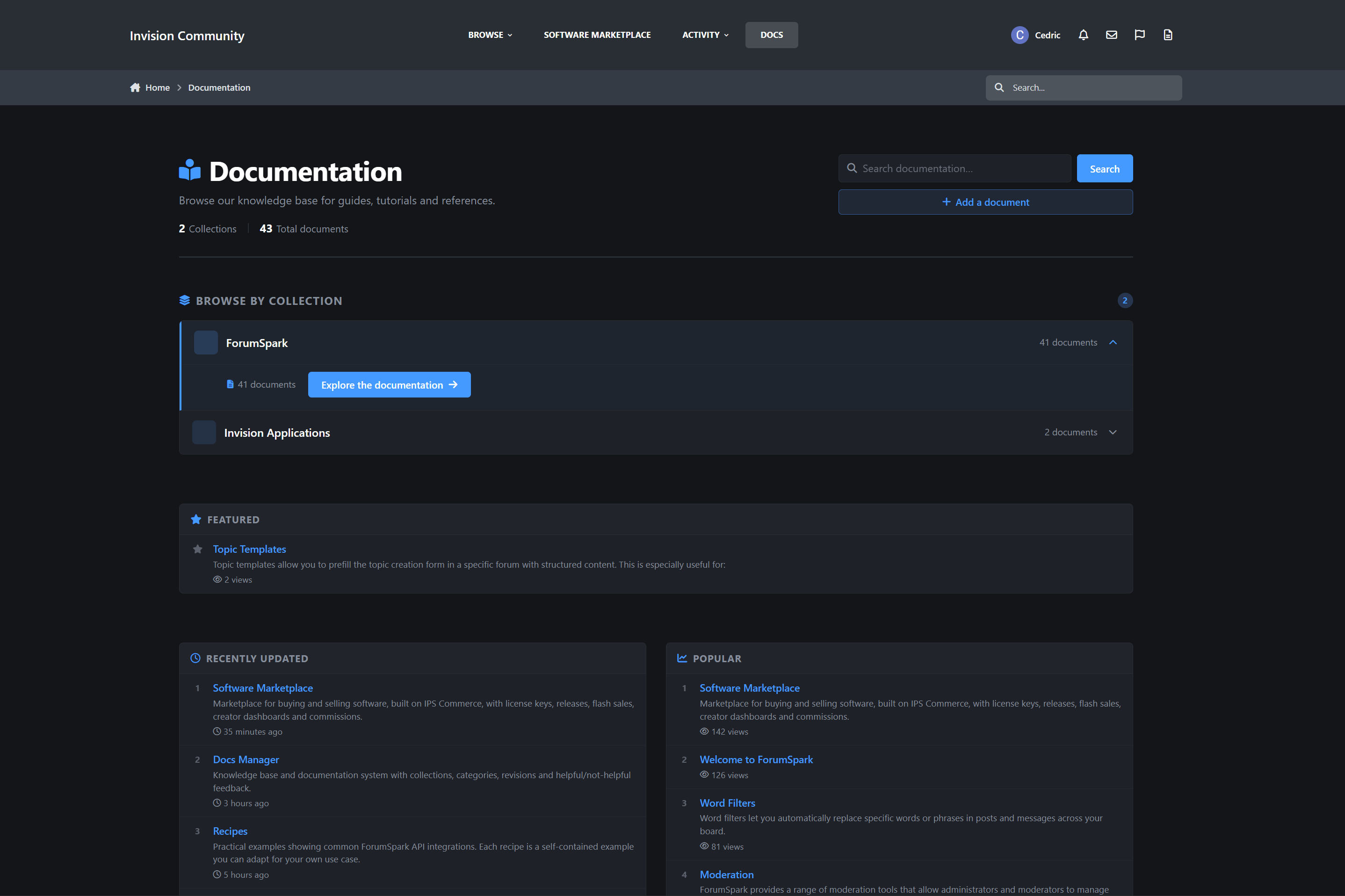
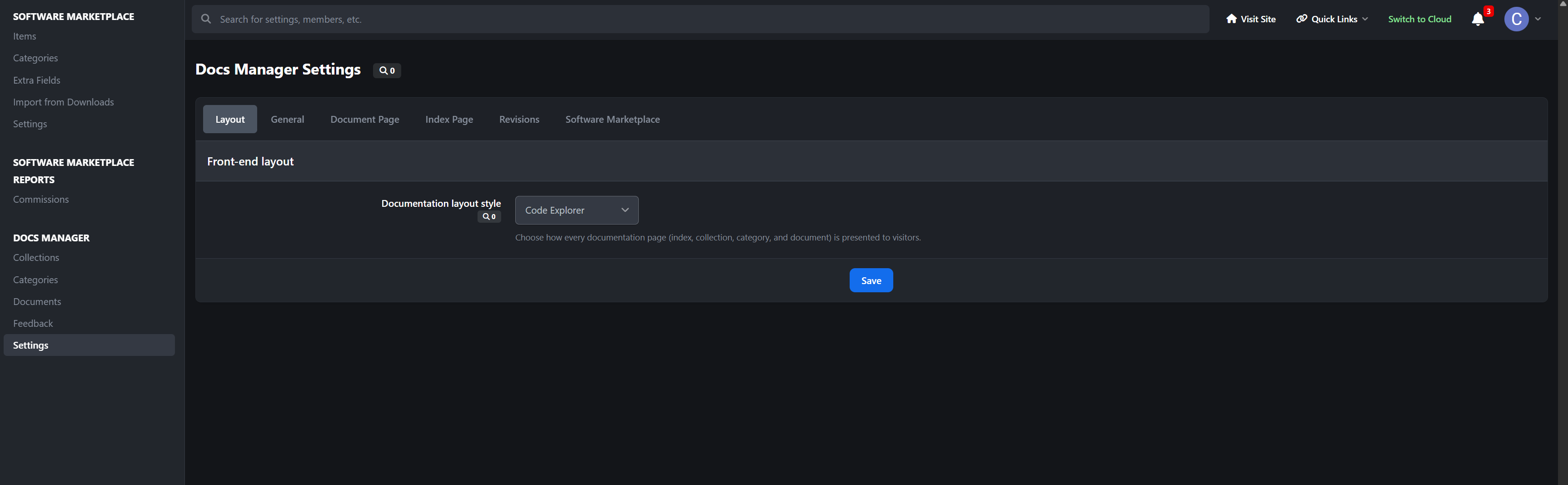
The biggest thing that sets Docs Manager apart is choice. Pick the entire reading experience from the AdminCP with one setting:
documentation (default · sidebar + sticky TOC) · explorer (VS Code / IDE) · finder · notion · split · terminal · blueprint · notebook · accordion · apiref · readme · tui · mindmap
Every layout applies across the whole app - index, collections, categories, and document pages. Each one is fully responsive, and is built entirely around your theme’s variables.
Your docs don’t look like a forum add-on.
They look like a product.
Structure & Organization
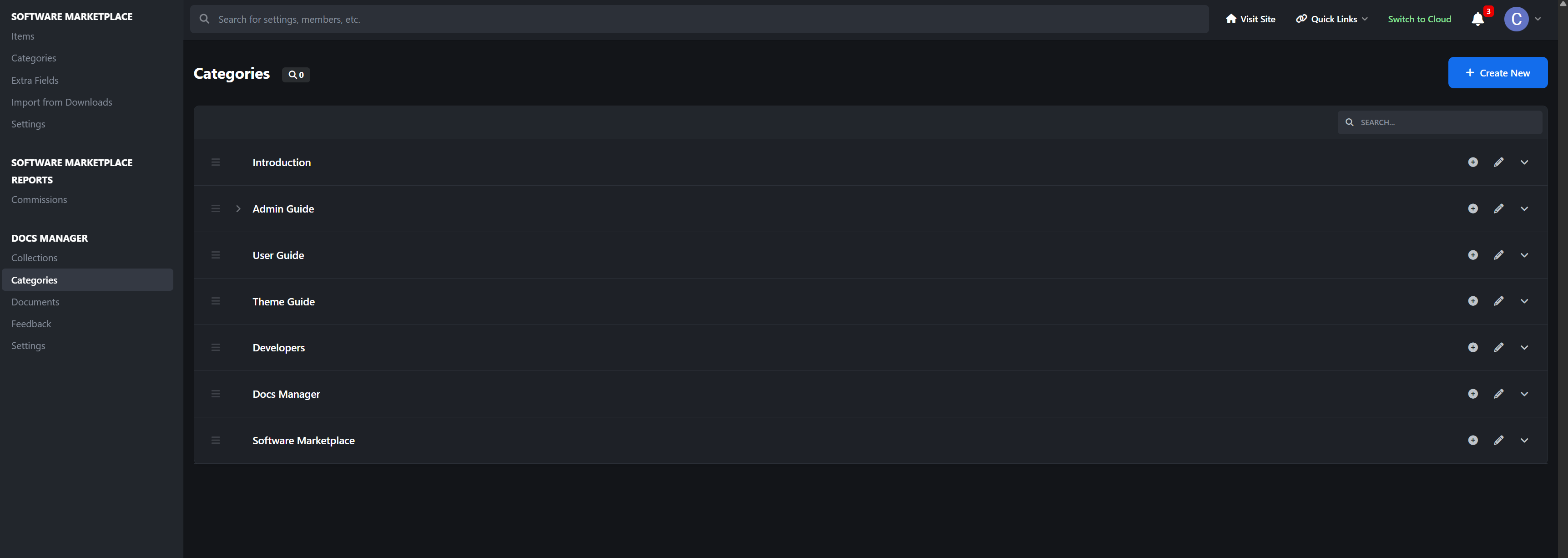
Collections → nested categories → documents
Drag-and-drop ordering for documents and categories in the ACP
SEO-friendly nested URLs
Per-collection navigation trees with subcategory nesting
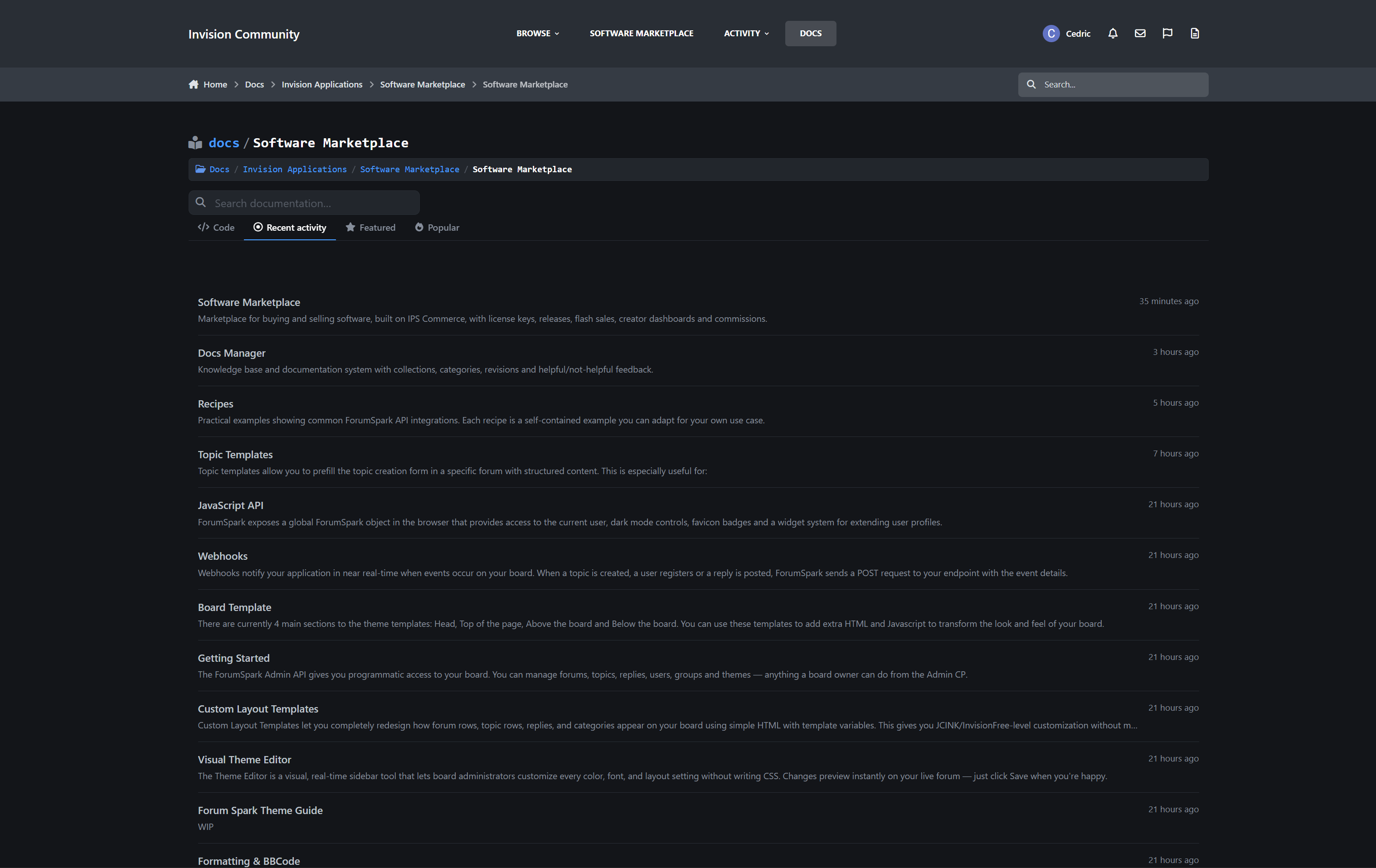
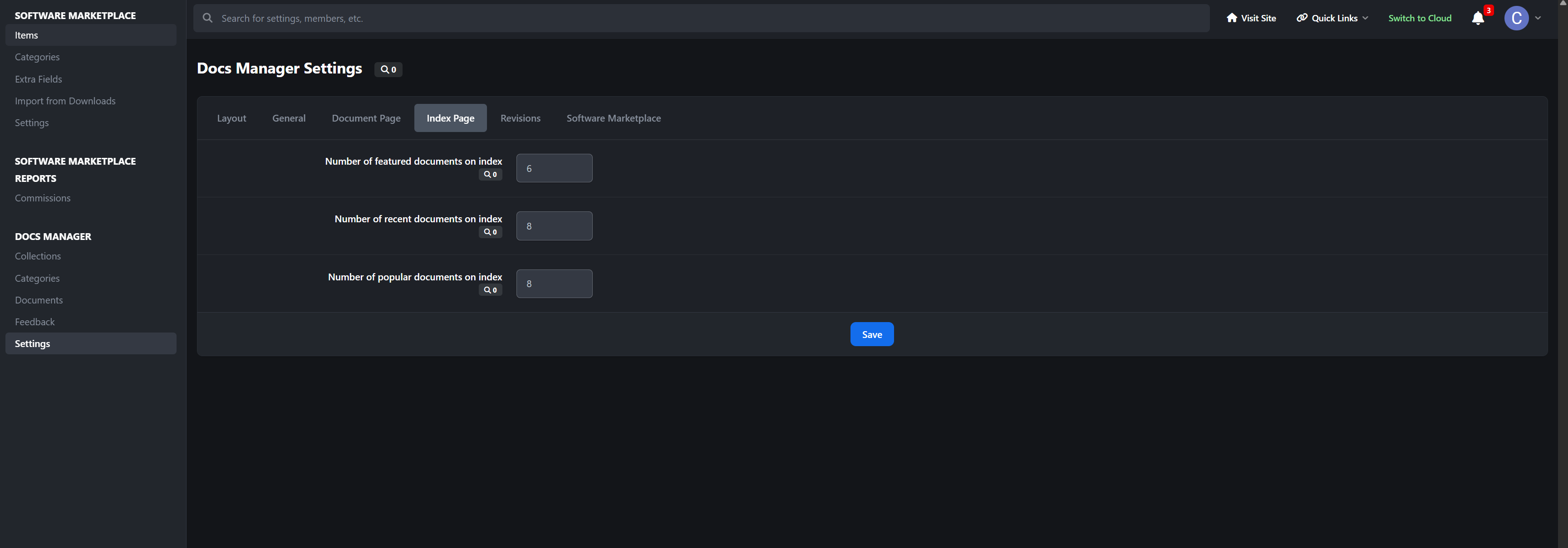
index page with Featured, Popular, and Recently Updated sections
Organize a 5-page guide or a 500-article knowledge base with the same clean structure.
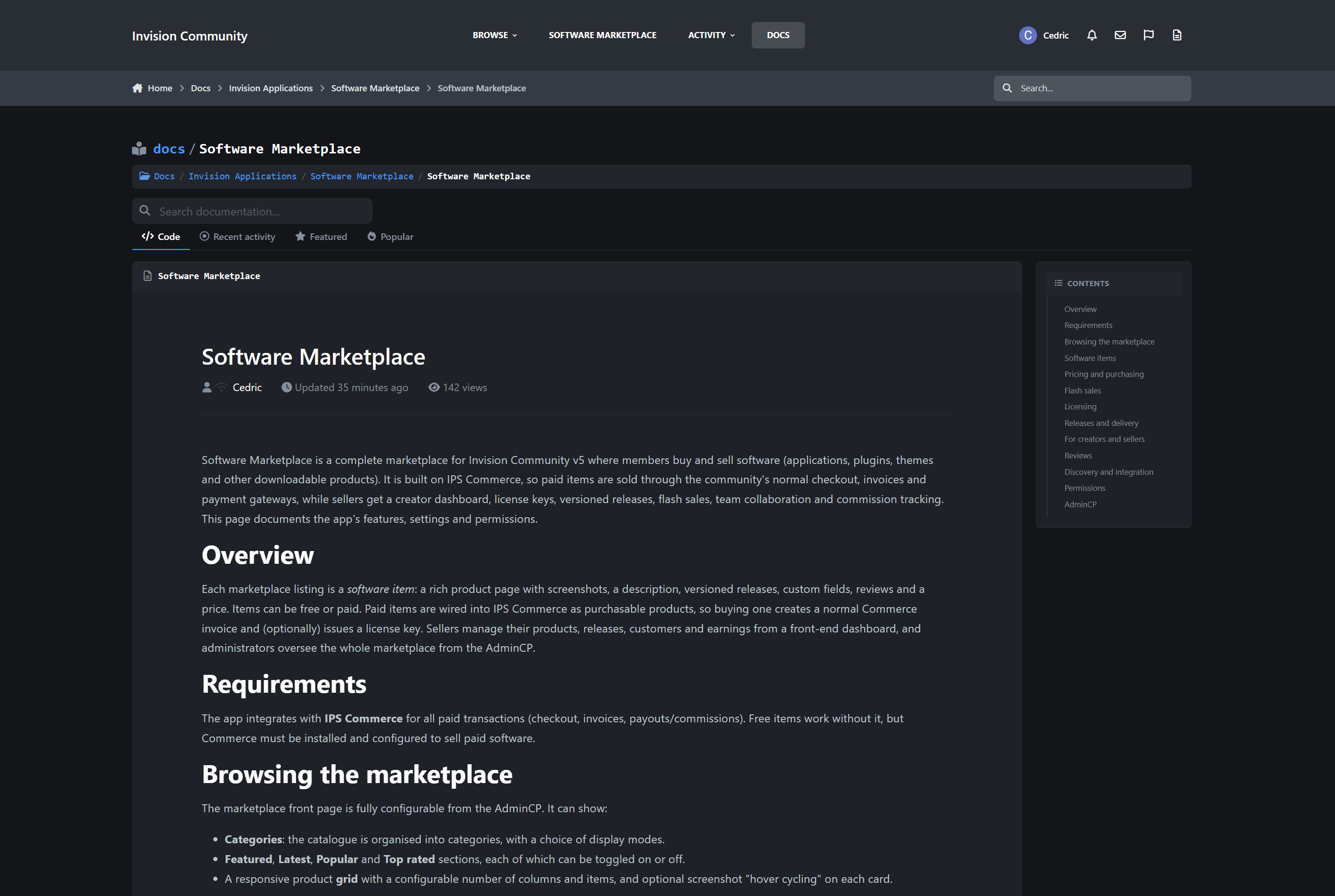
The Document Page
Each document includes:
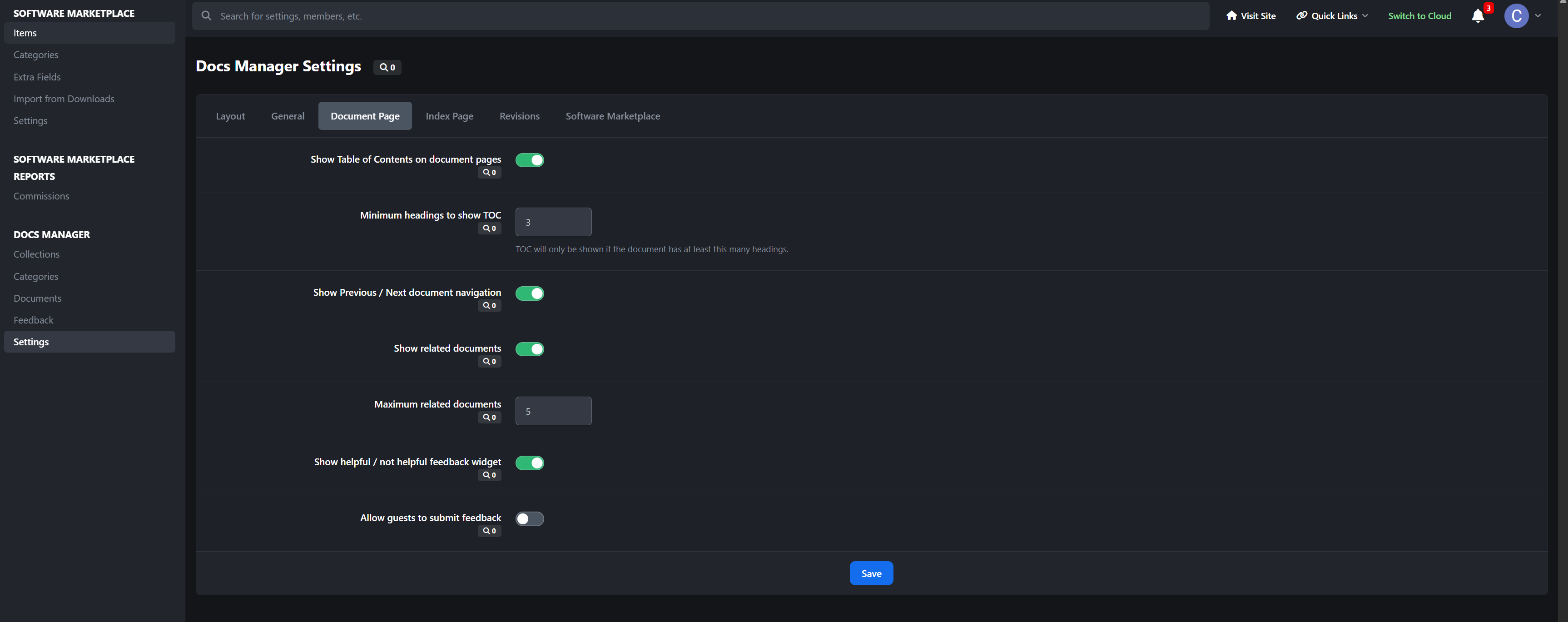
Automatic table of contents generated from headings, with a configurable minimum
Previous / Next navigation within a category
Related Documents, either hand-picked or using smart category fallback
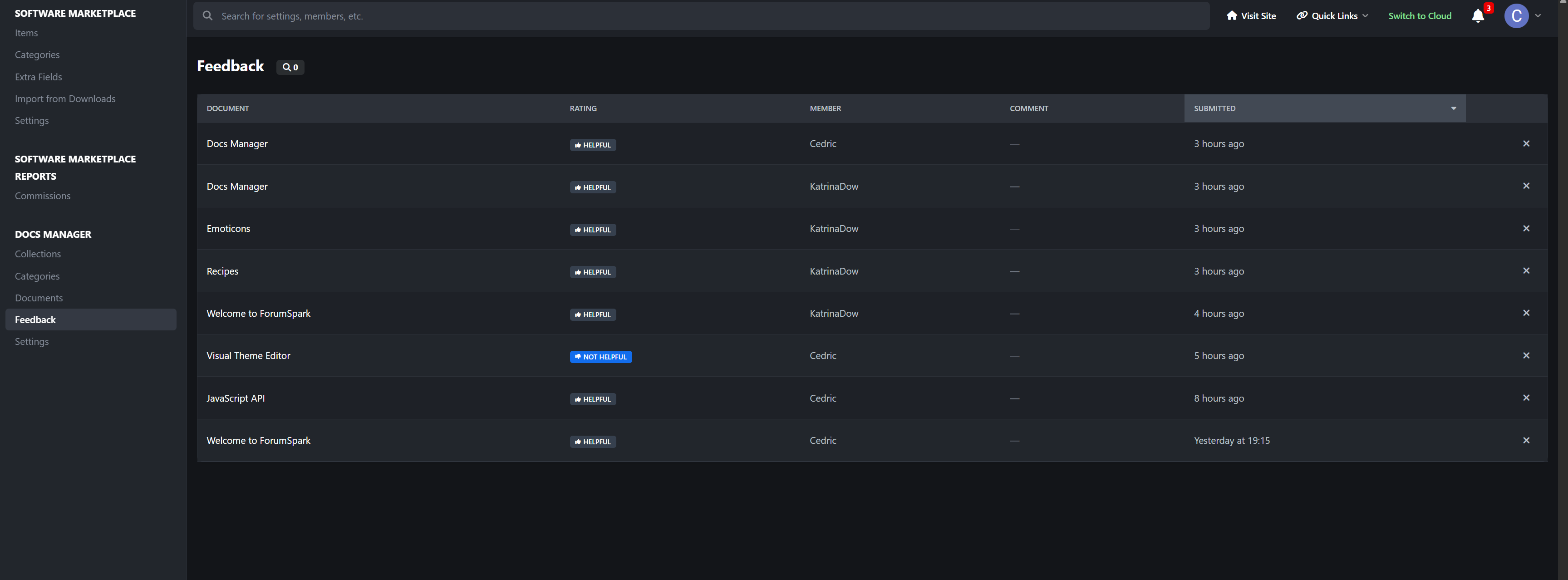
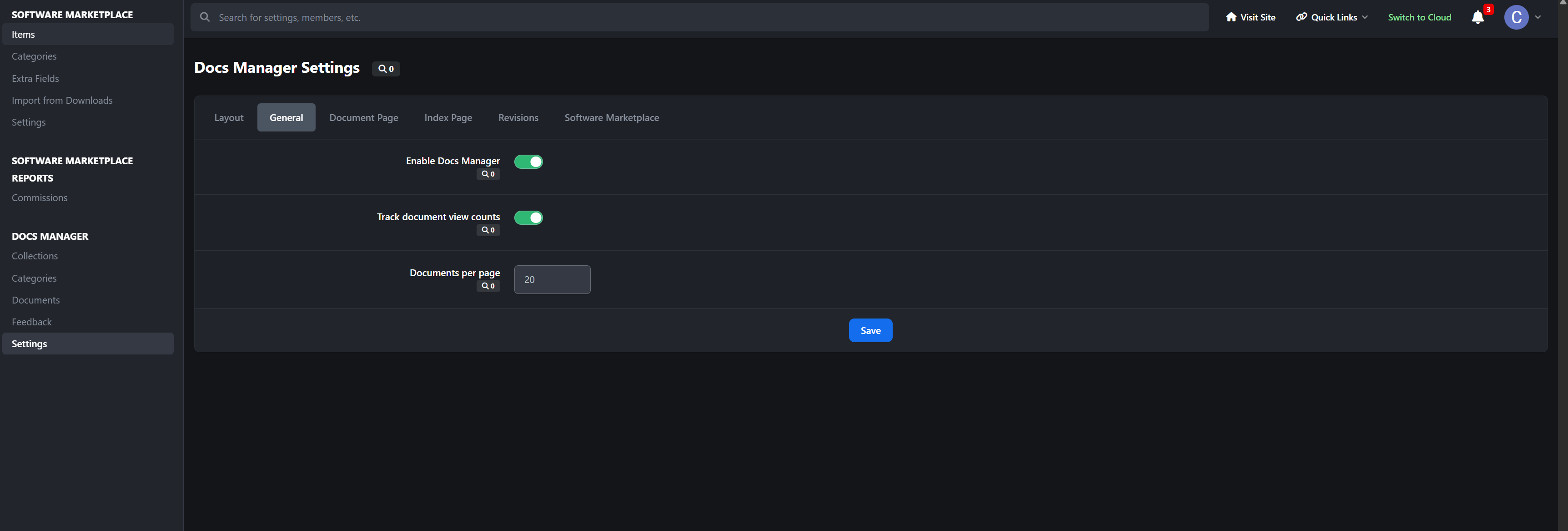
“Was this helpful?” feedback with accurate up/down counters
Optional guest voting
Reactions and Follow
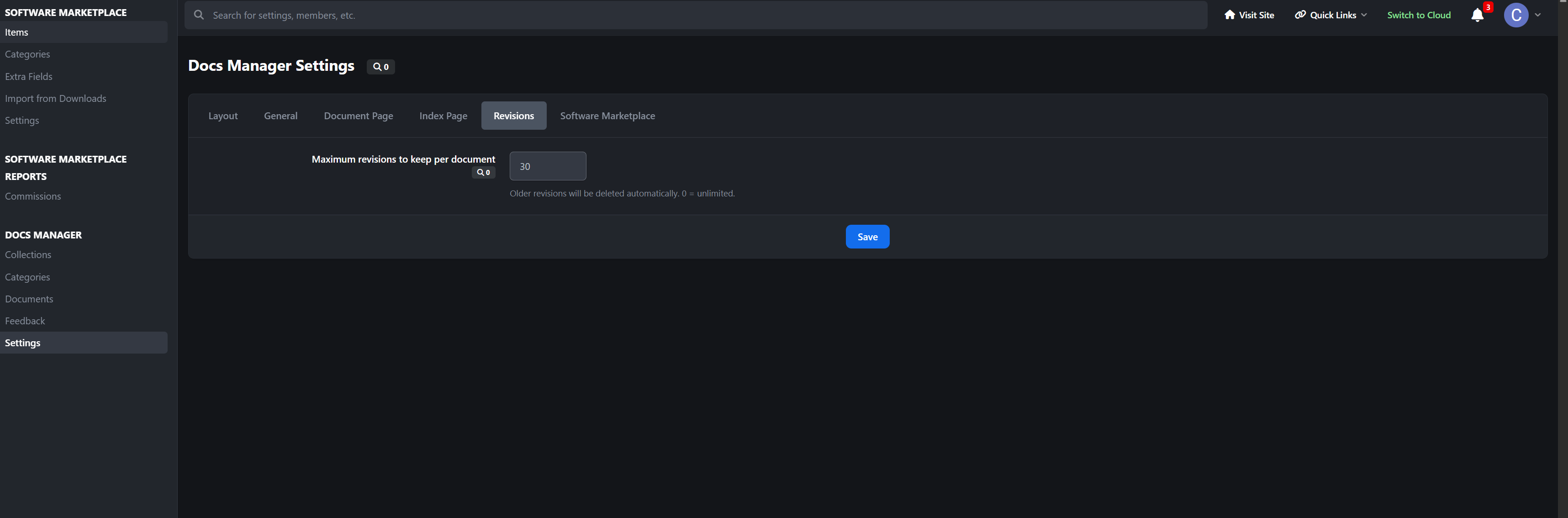
Full revision history with configurable retention
Permission-gated Actions menu: edit, feature, hide, move, change author, delete
Deep IPS Framework Integration
Docs Manager is built on \IPS\Content\Item, so it behaves like first-class IPS content:
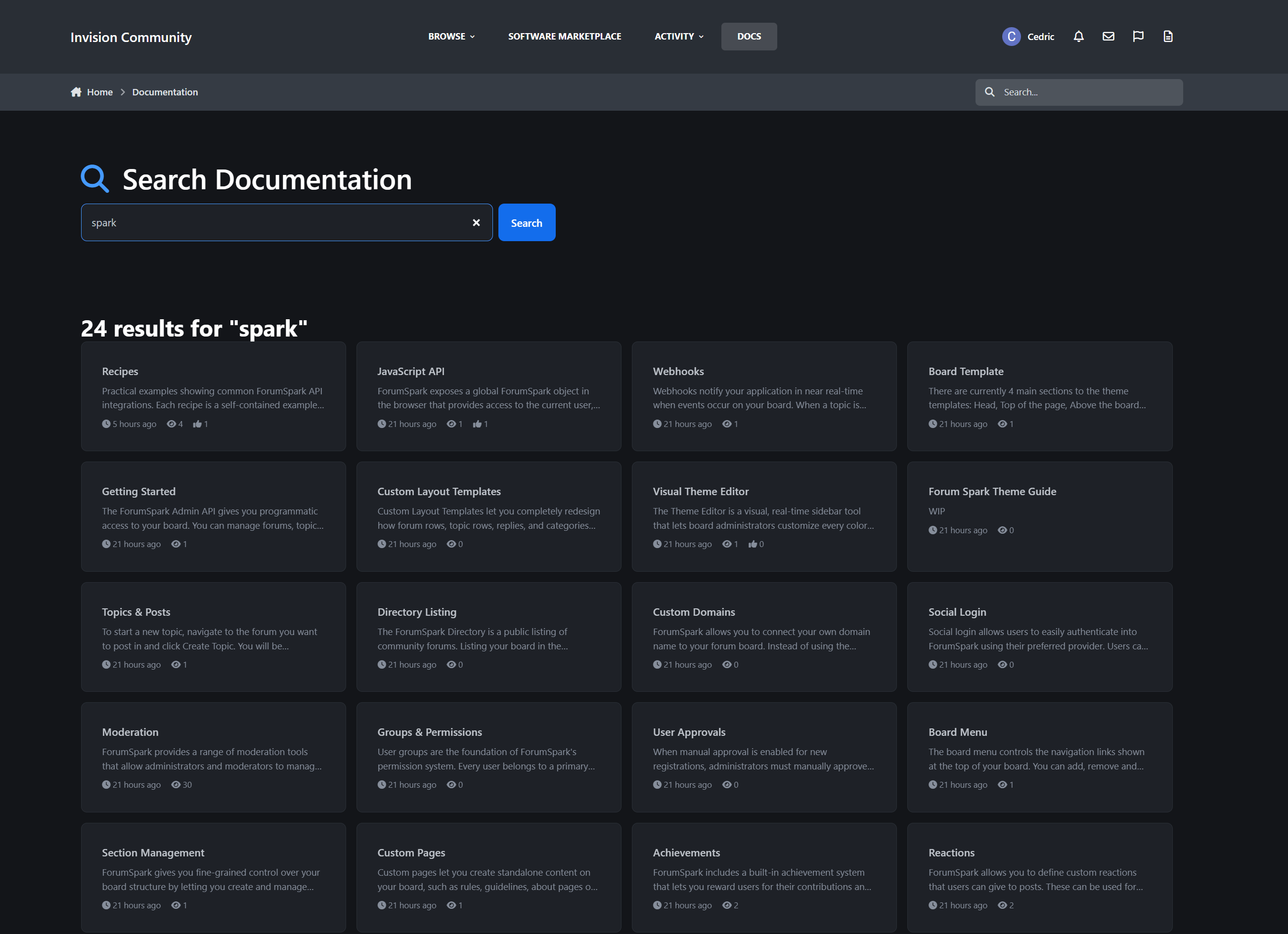
Indexed in native IPS Search and the Activity / Discover stream
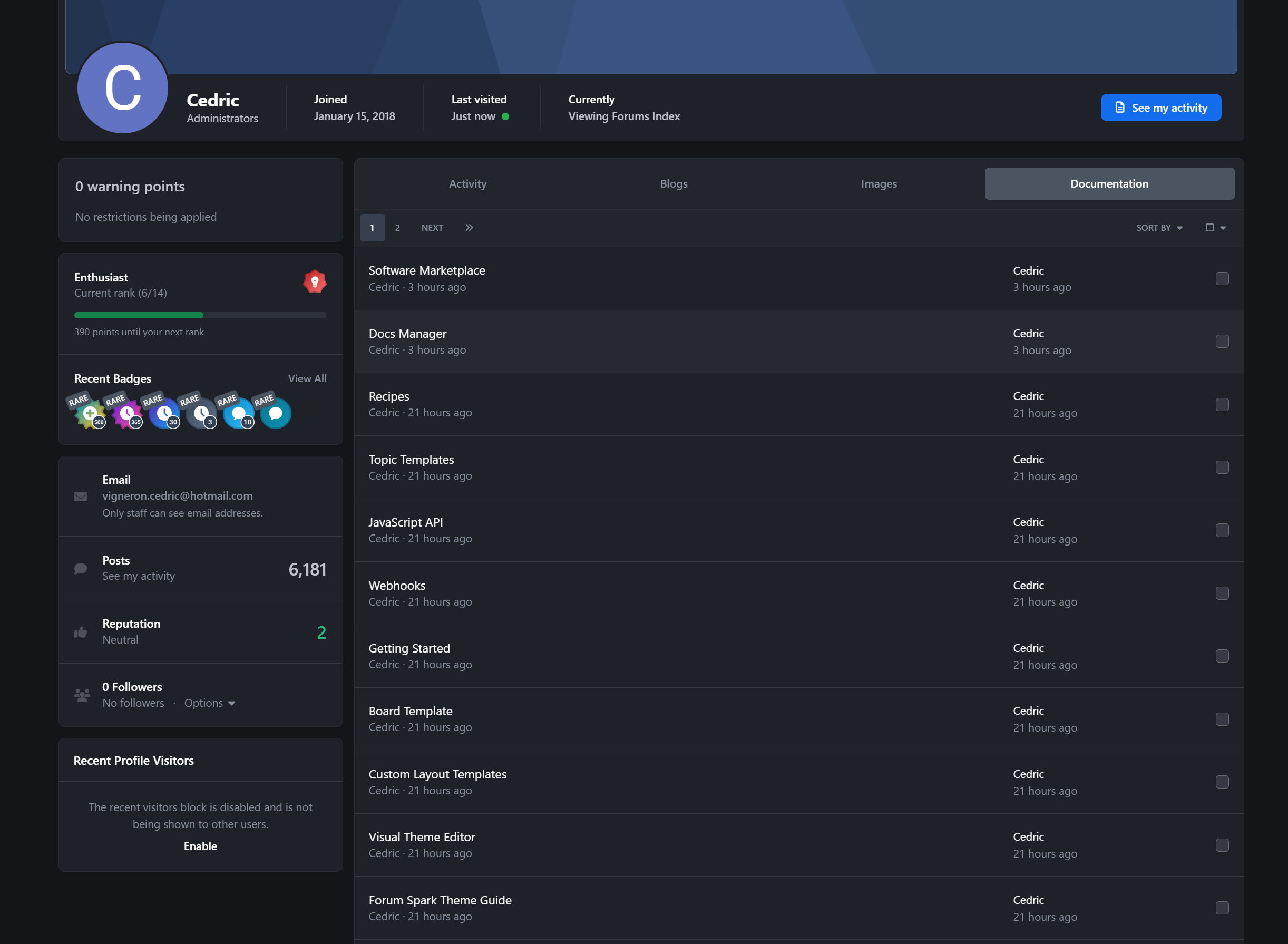
A “Documentation” tab on member profiles, plus entries in
/profile/X/content/Automatic XML sitemap inclusion
Notifications for new documents, updates to followed docs, and reader feedback
Reactions, Follow, and moderation states handled the IPS-native way
Member Contributions
Let your community help write the docs safely:
Front-end submit and edit forms
Draft → Published workflow, with optional auto-publish per group
Granular group permissions: create, edit own / any, delete own / any
Per-group daily submission rate limits
Every edit automatically snapshots a revision
Reader Engagement
Helpful / Not helpful feedback, unique per member and guest IP
Reactions on documents
Follow documents and categories for update notifications
Comments are deliberately not part of Docs Manager. Documentation thrives on structured feedback and revisions, not threaded replies.
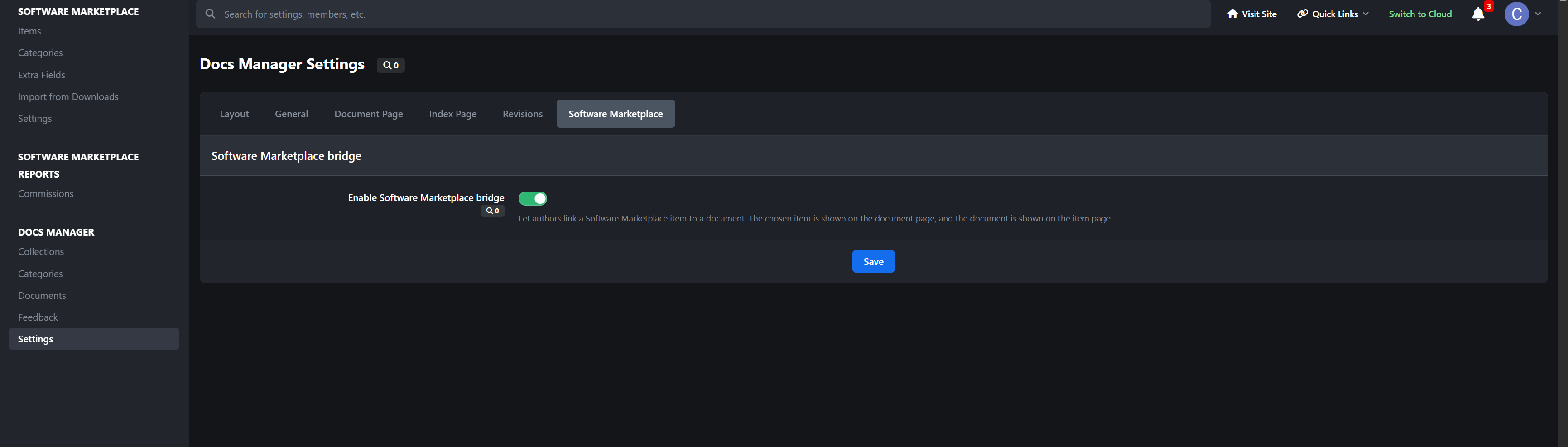
Software Marketplace Bridge
If you also run Software Marketplace, link the two together:
Attach a documentation article to any software item, where it appears as a button in the item sidebar
Show a “Related Software” card on the document, above related docs
One-to-one linking, kept in sync both ways
The setting only appears when both apps are installed
Built-in Widgets
Docs Manager includes 5 layout-aware widgets:
Featured Documents
Popular Documents
Recently Updated
Category Navigation
Documentation Search
Each widget is styled to match the active design.
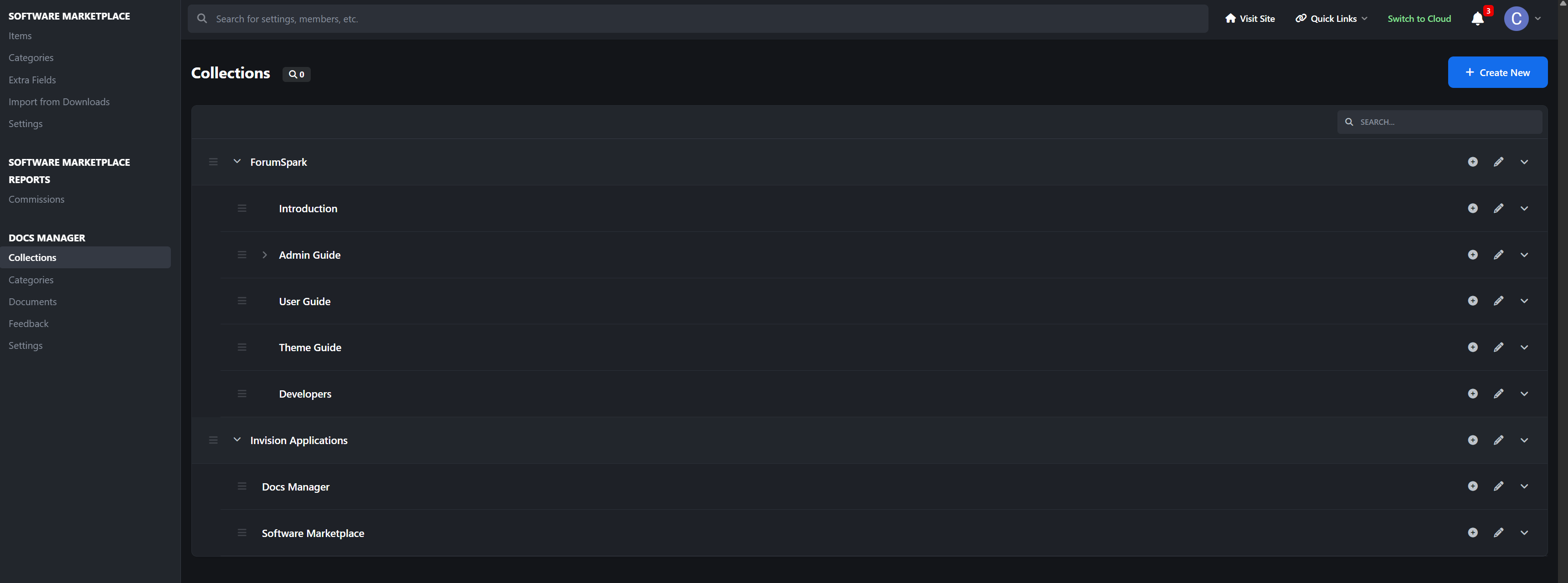
Powerful Admin Control Panel
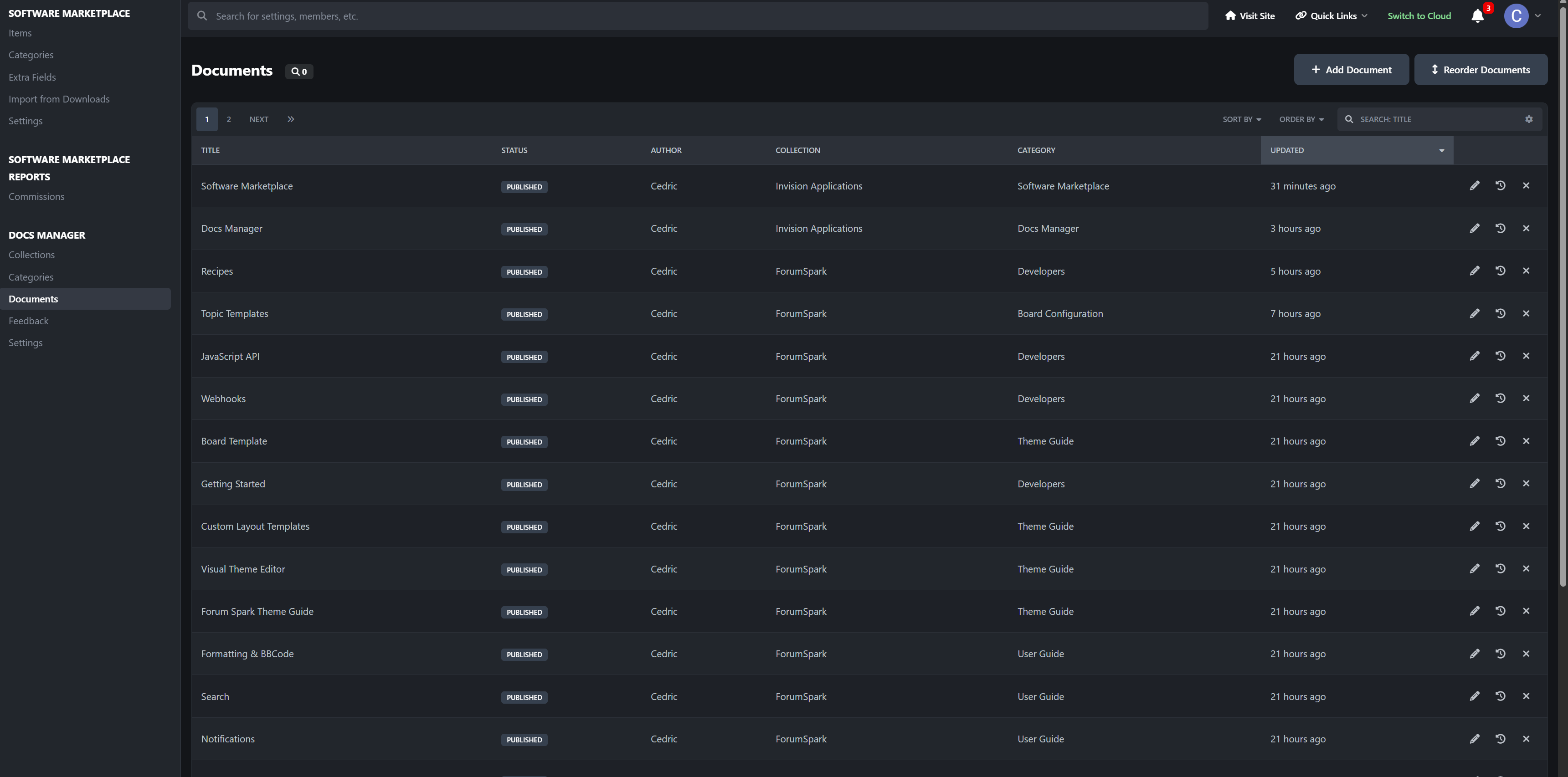
A full IPS-native ACP experience:
Node-based Collections and Categories with permissions
Document management: approve, feature, hide, move, change author, delete
Drag-and-drop reordering
Configurable layout, TOC, feedback, index, and revision settings
Document-count recount task to keep totals exact
Perfect For
Product and app documentation
Help centers and knowledge bases
Developer docs and API references
Internal team wikis
Guides, tutorials, and onboarding
Release notes and changelogs
-
 3
3
Create an account or sign in to leave a review
There are no reviews to display.