Community Prompts
Invision Community 5
- Category Social Networks
- Downloads 157
- Compatibility IC5: 5.0.0+
- Updated

Overview
Community Prompts lets you post short, low-effort questions to your community - daily, weekly, or whenever you choose - and gives members an easy way to jump in without overthinking it.Description
Community Prompts — Better Conversations, Every Day
Keeping a community active isn’t always about big features.
Sometimes it’s just about giving people something easy to respond to.
Introducing: Community Prompts
Community Prompts lets you post short, low-effort questions to your community - daily, weekly, or whenever you choose - and gives members an easy way to jump in without overthinking it.
No pressure. No long posts required. Just a simple prompt and a conversation that grows naturally.
Features:
Daily/Weekly rotating community prompts to engage members
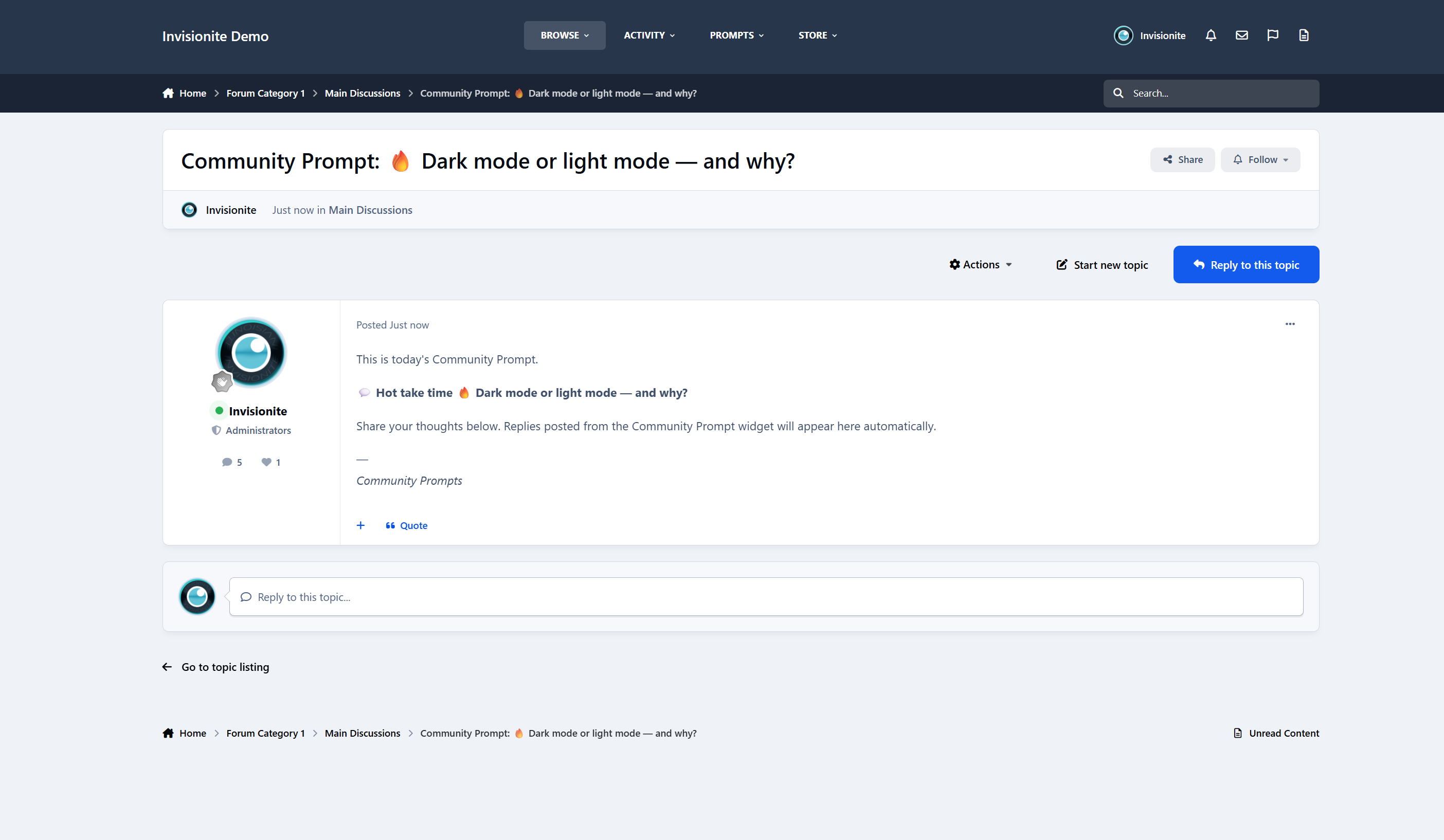
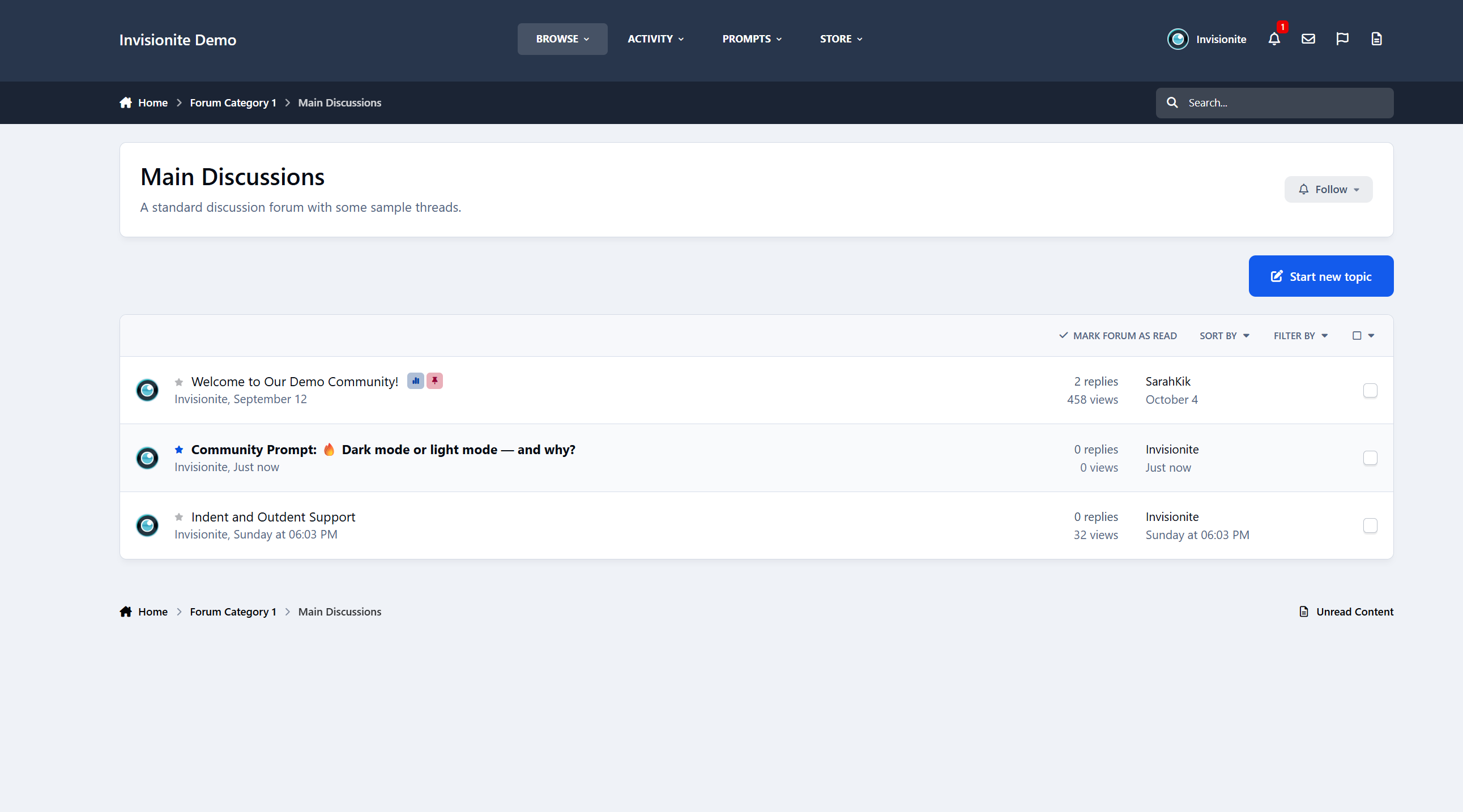
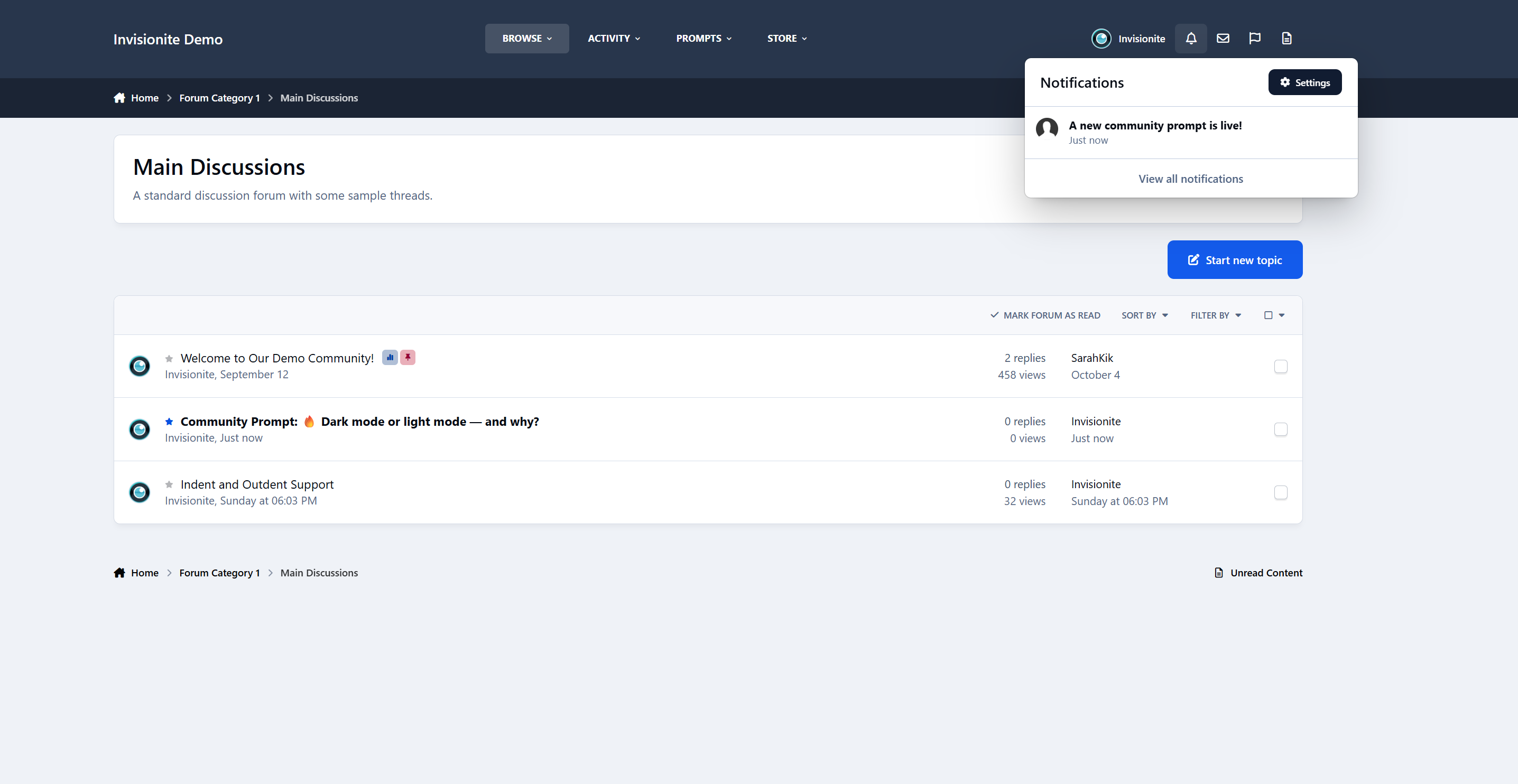
Optional automatic topic creation.
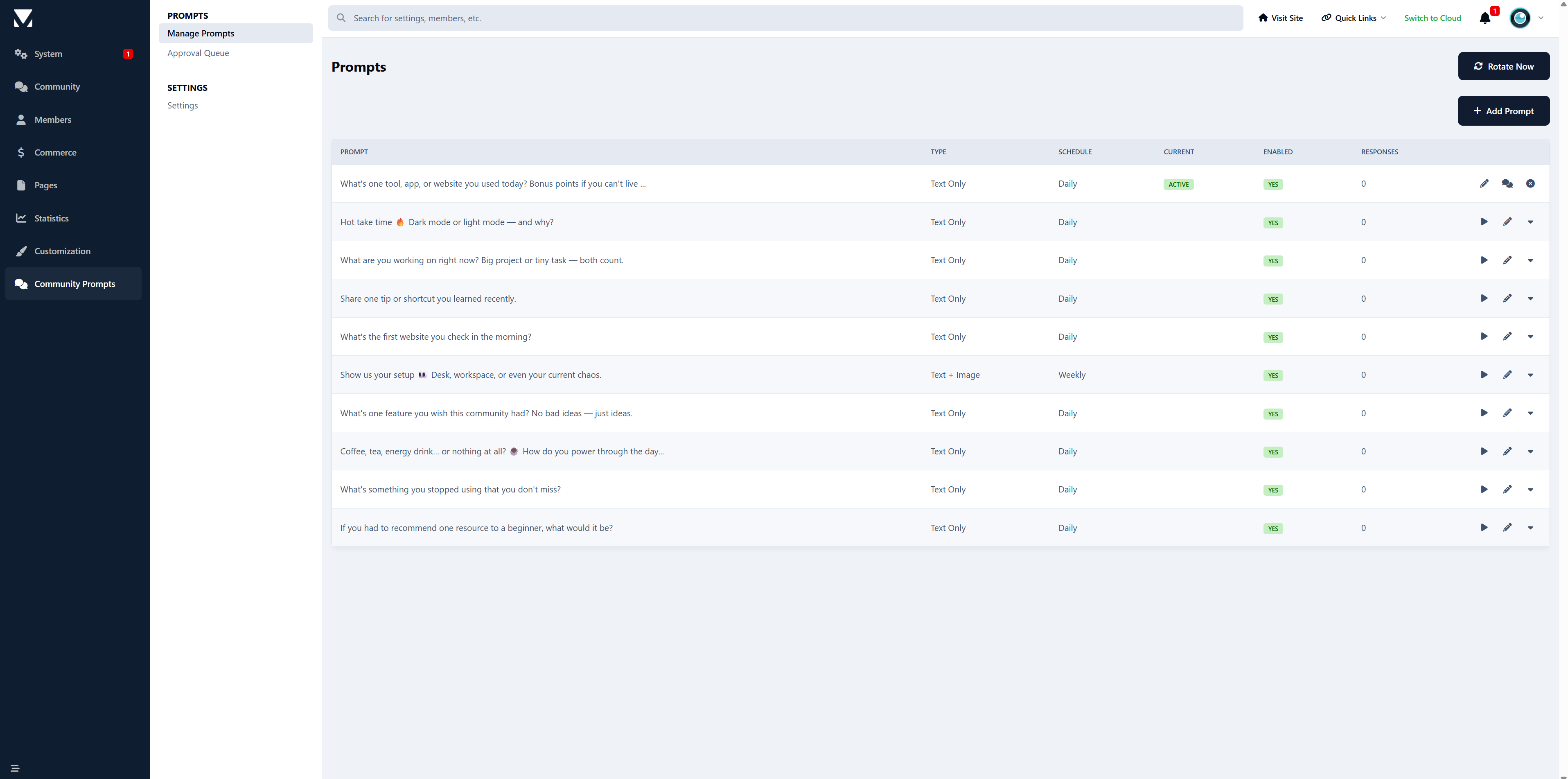
10 premade prompts to get started
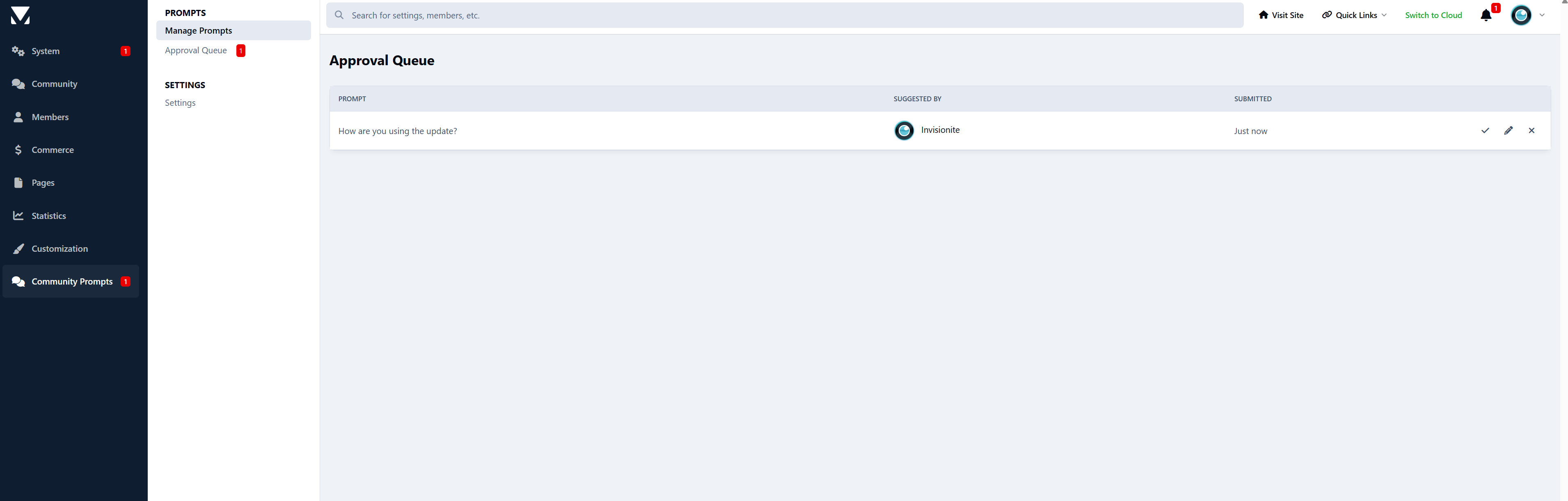
Prompt approval queue for administrators
Notification system:
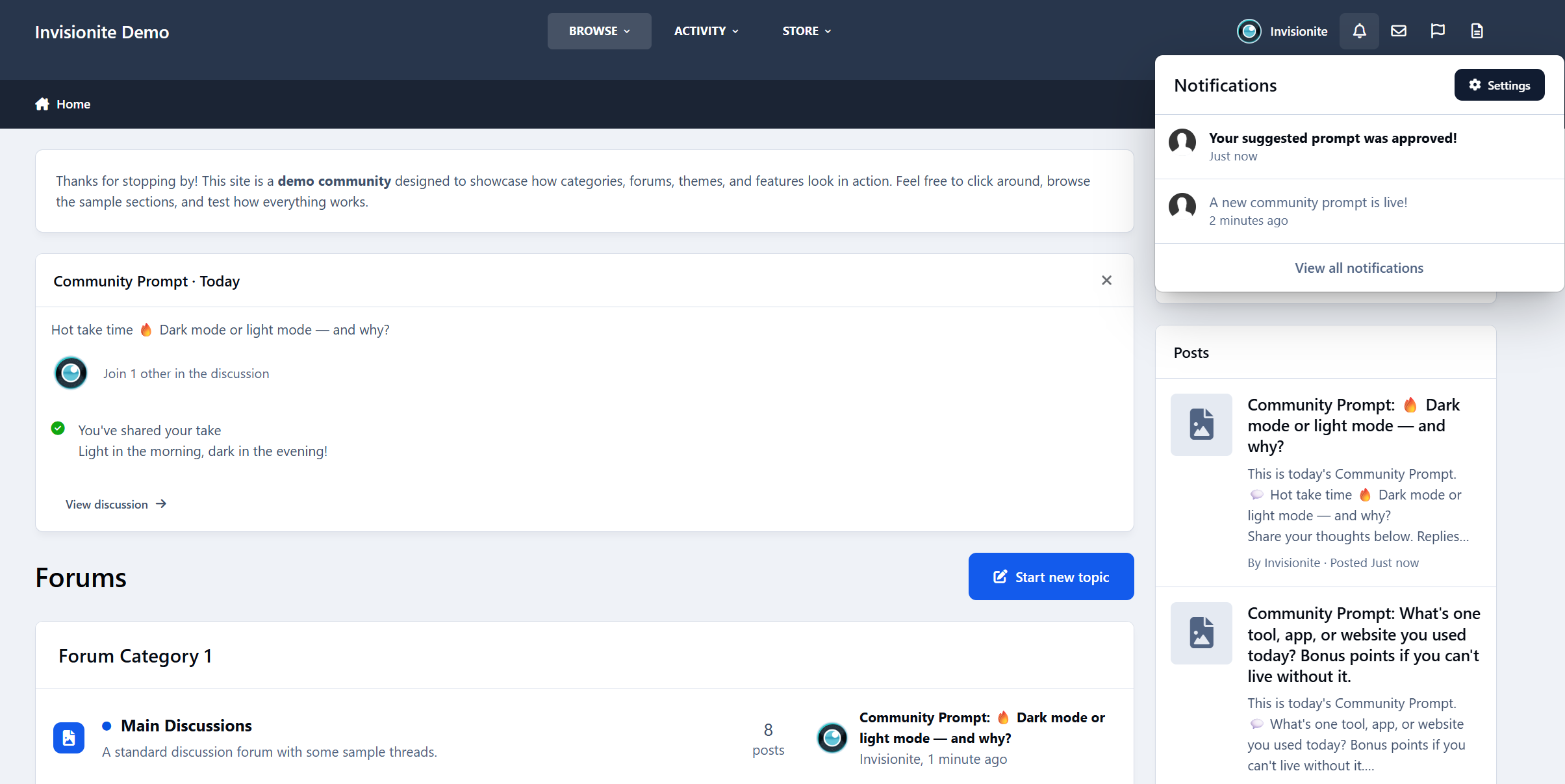
Notifies members when a new community prompt is live
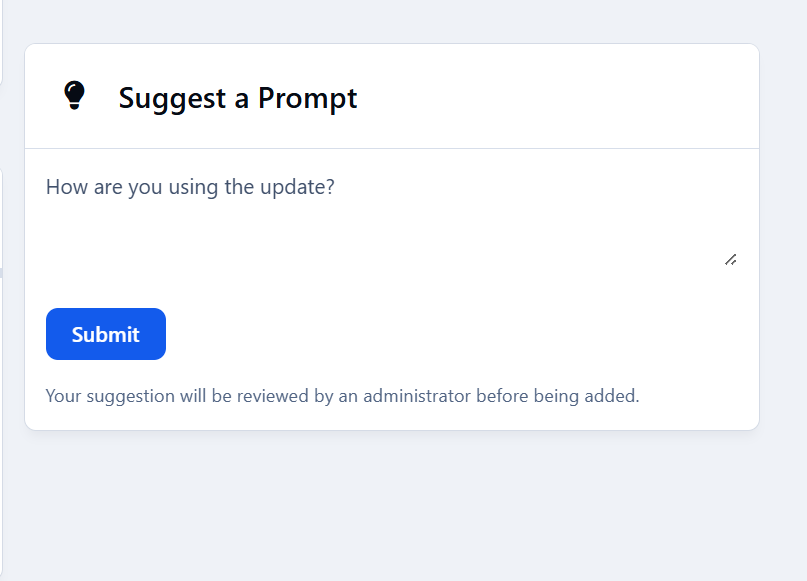
Notifies members when their suggested prompt is approved/denied
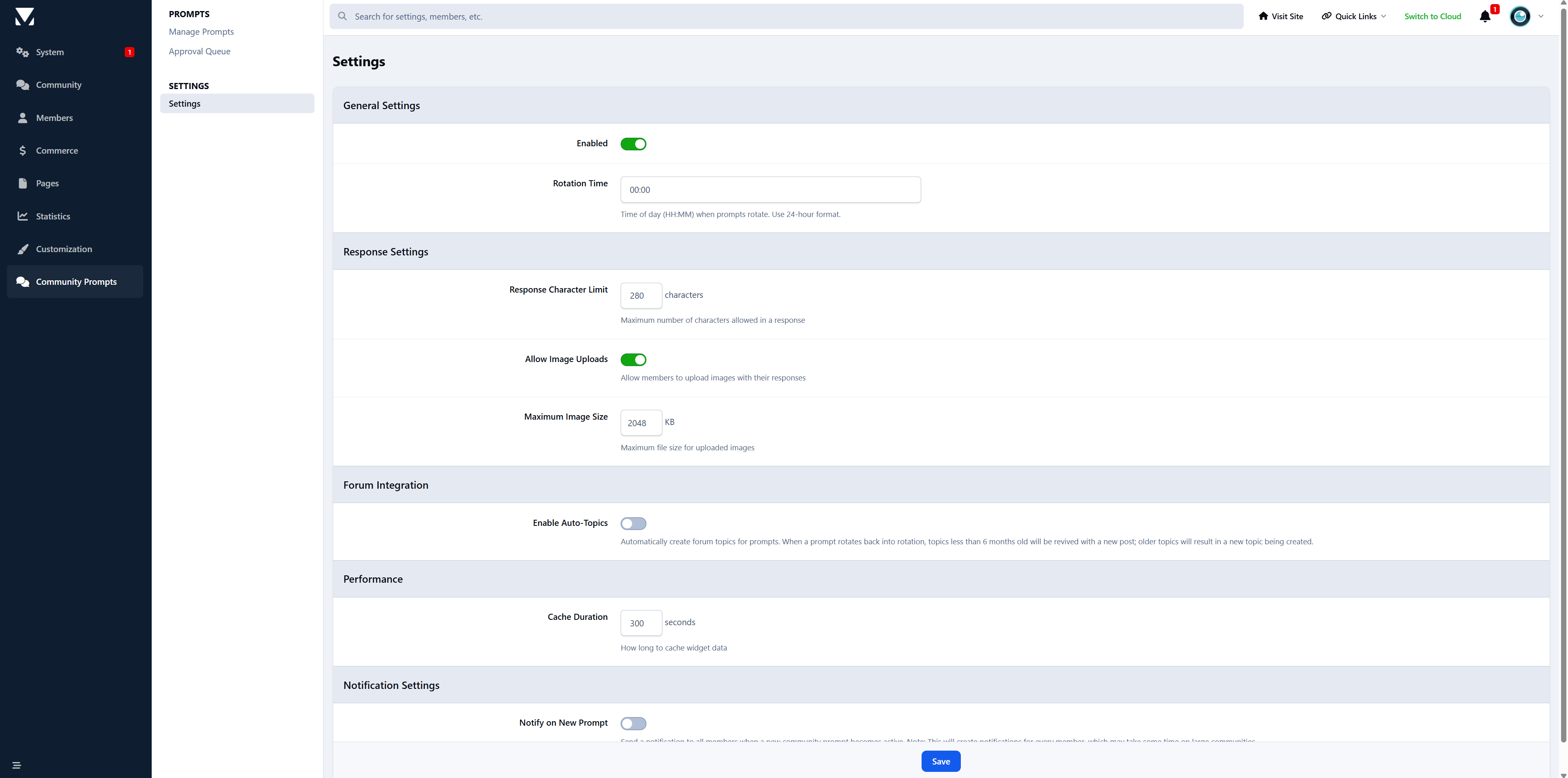
ACP setting to enable/disable new prompt notifications
Batch notification delivery for performance (with notification count updates)
ACP management:
Add, edit, delete, and activate prompts
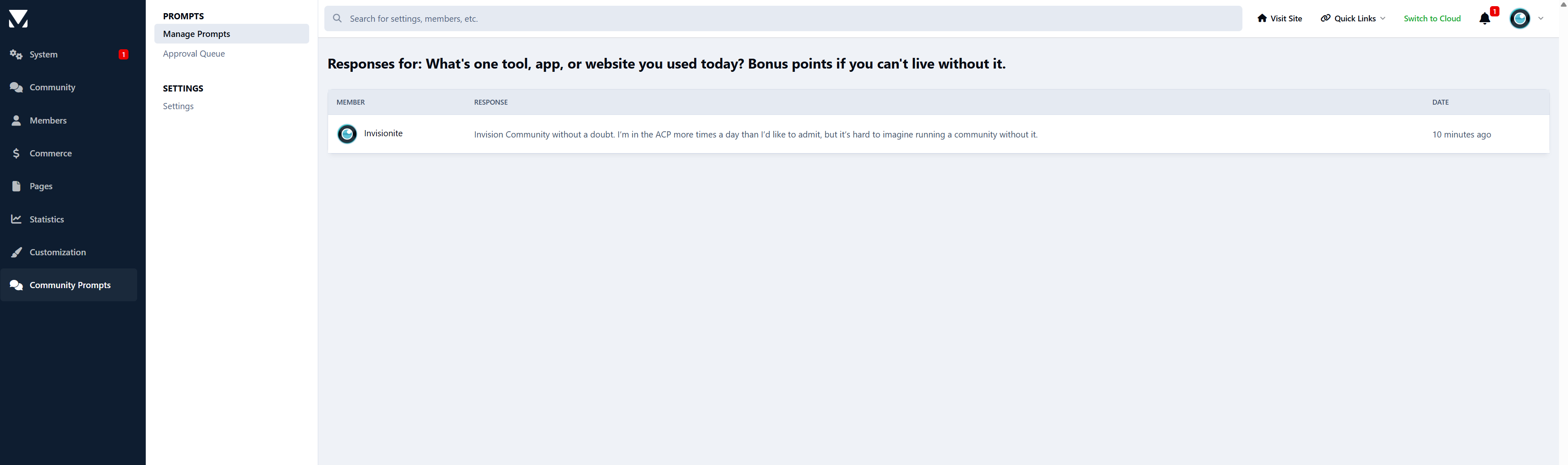
View and manage prompt responses
Settings section for notification preferences
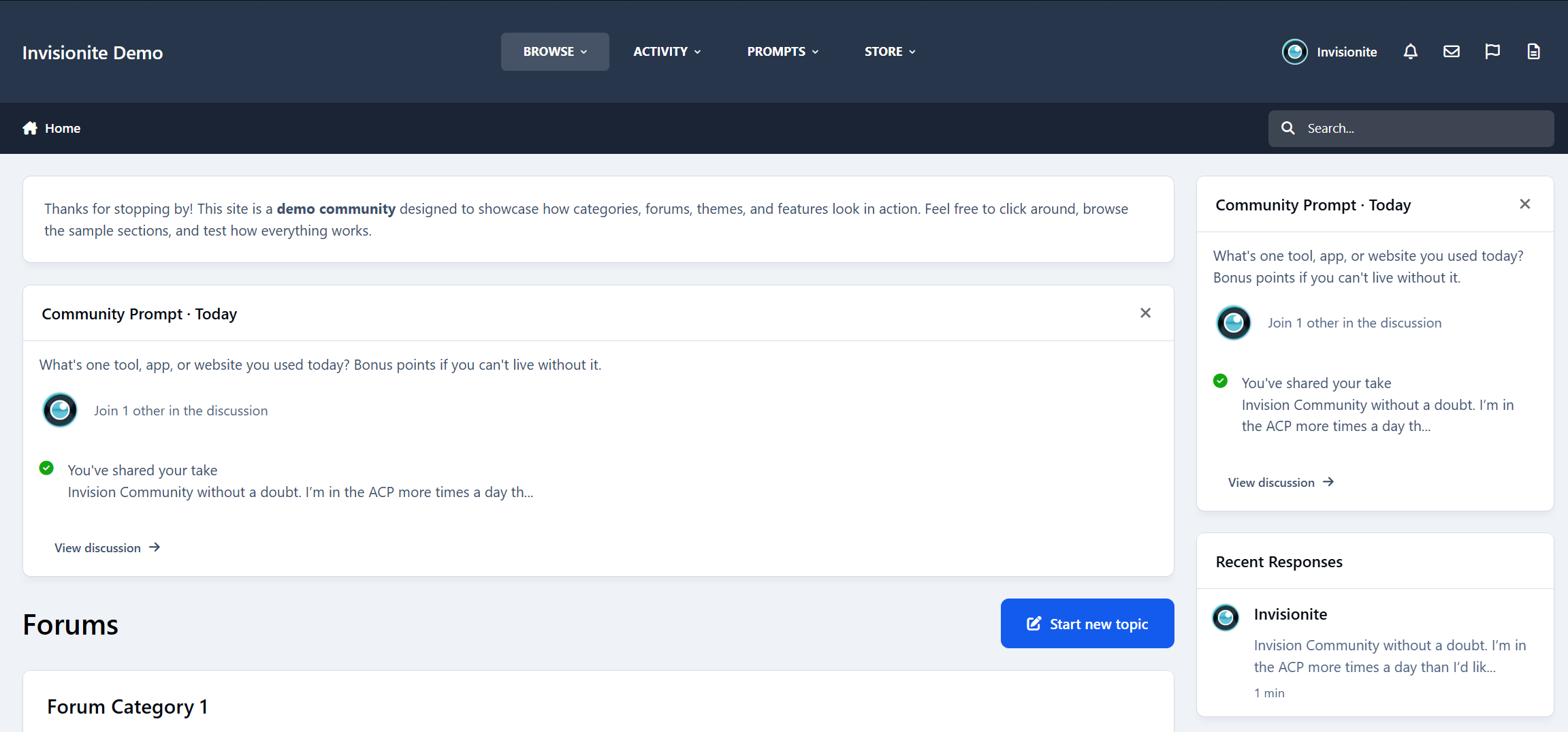
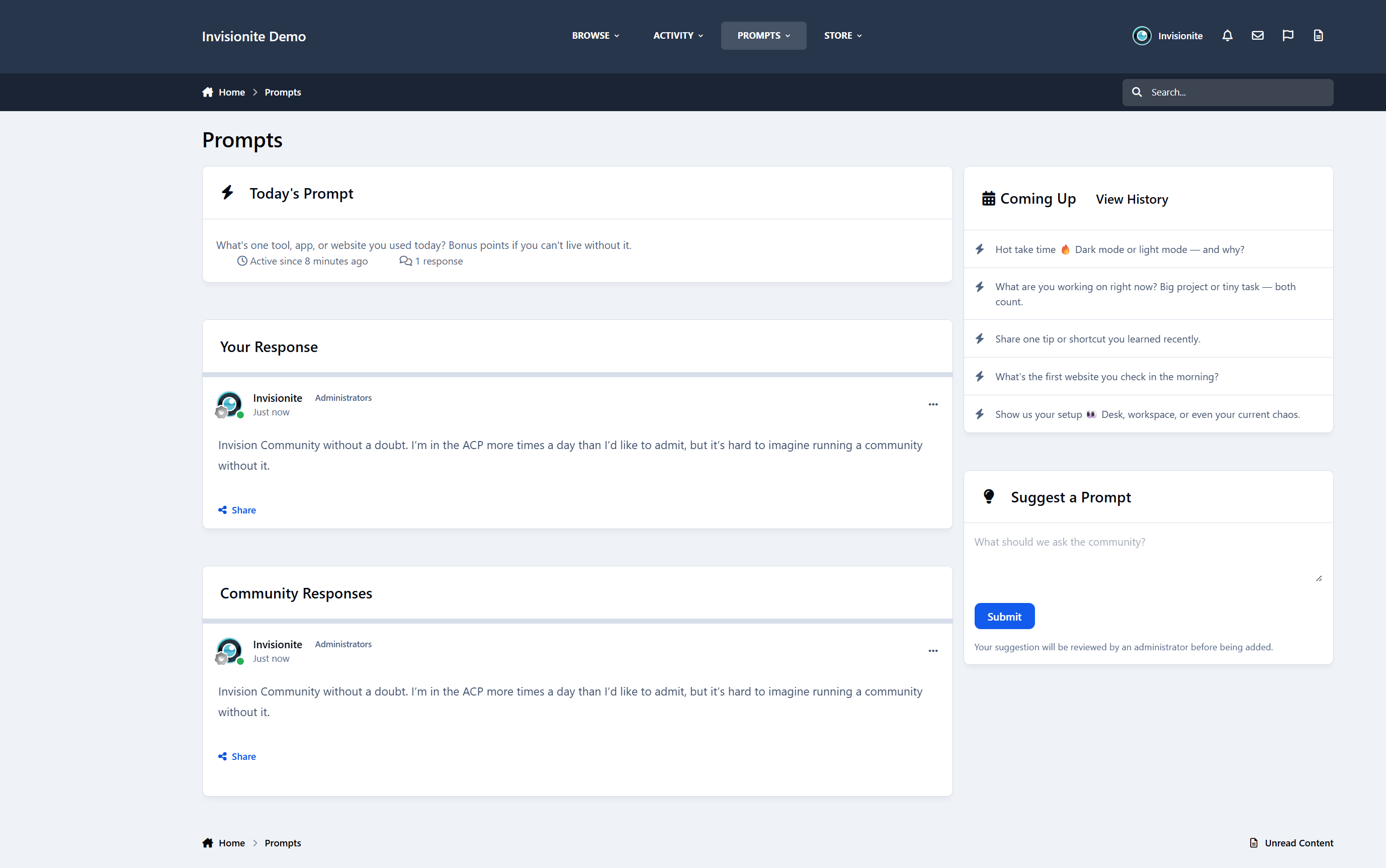
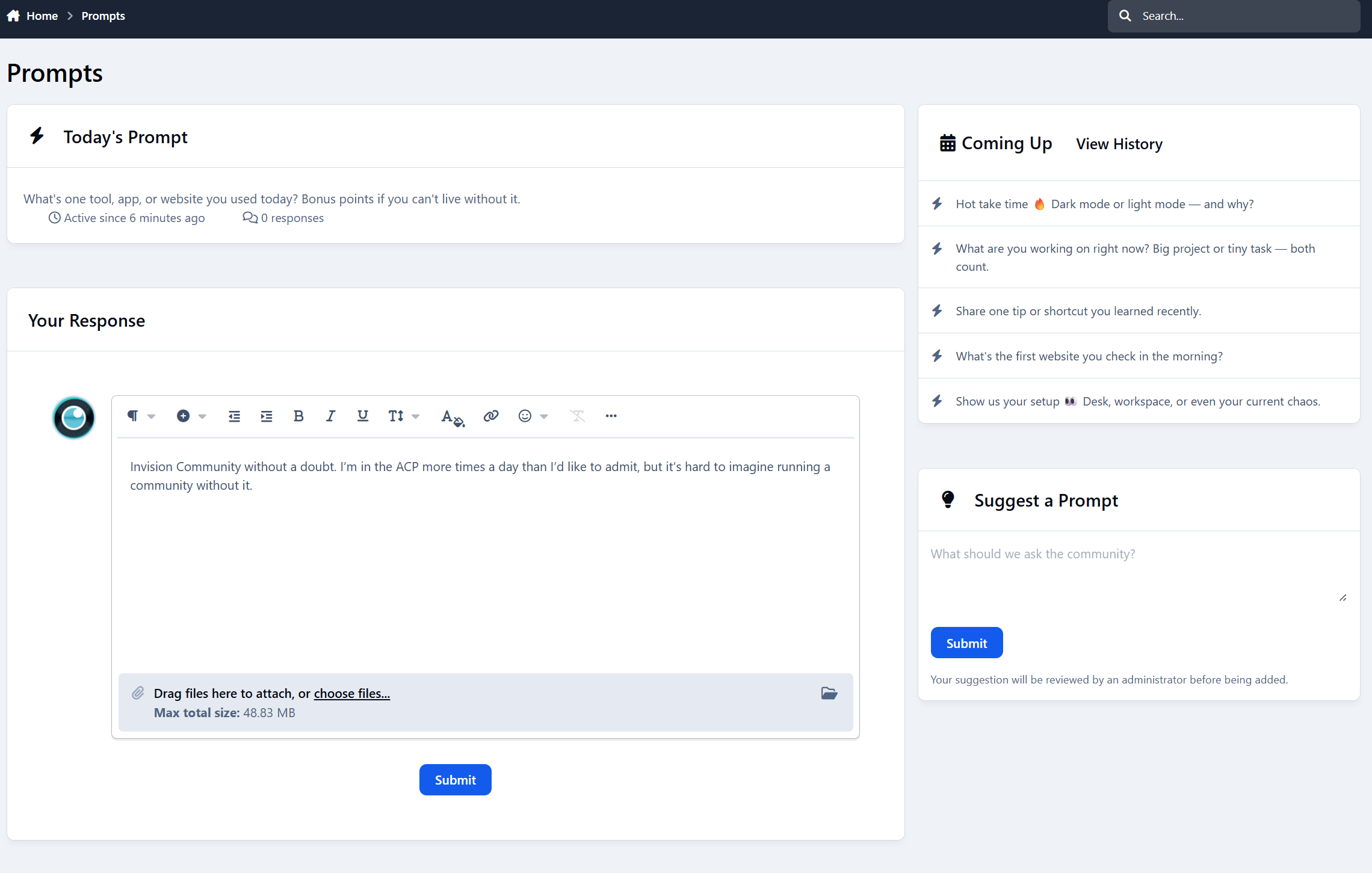
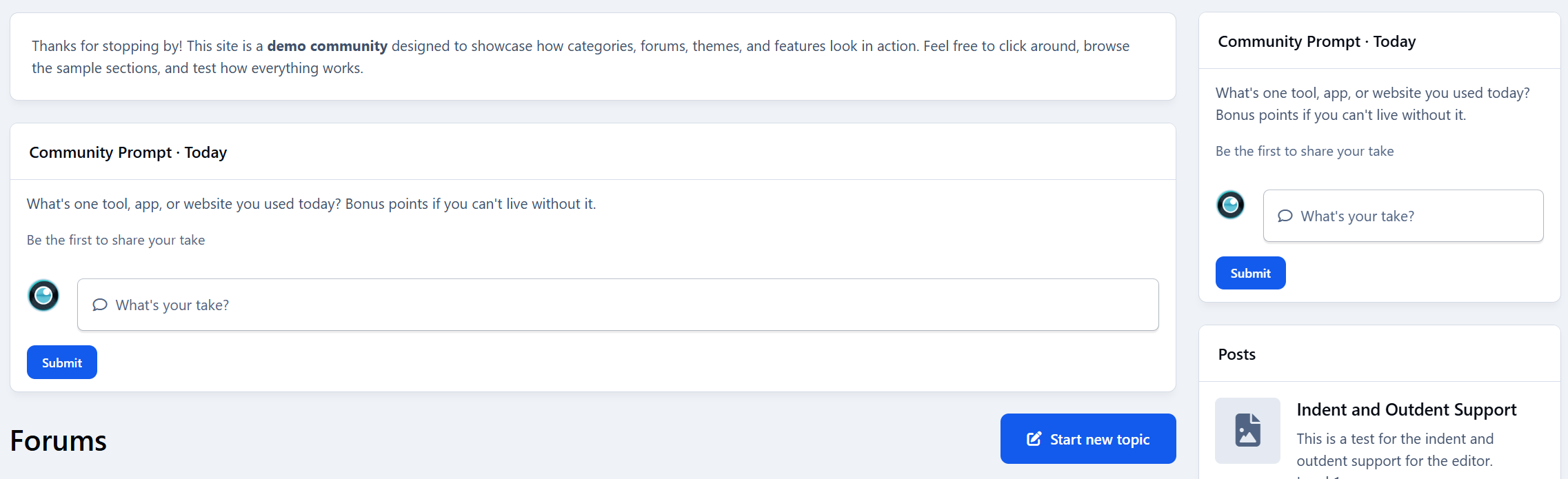
Widget for displaying today’s prompt and recent responses
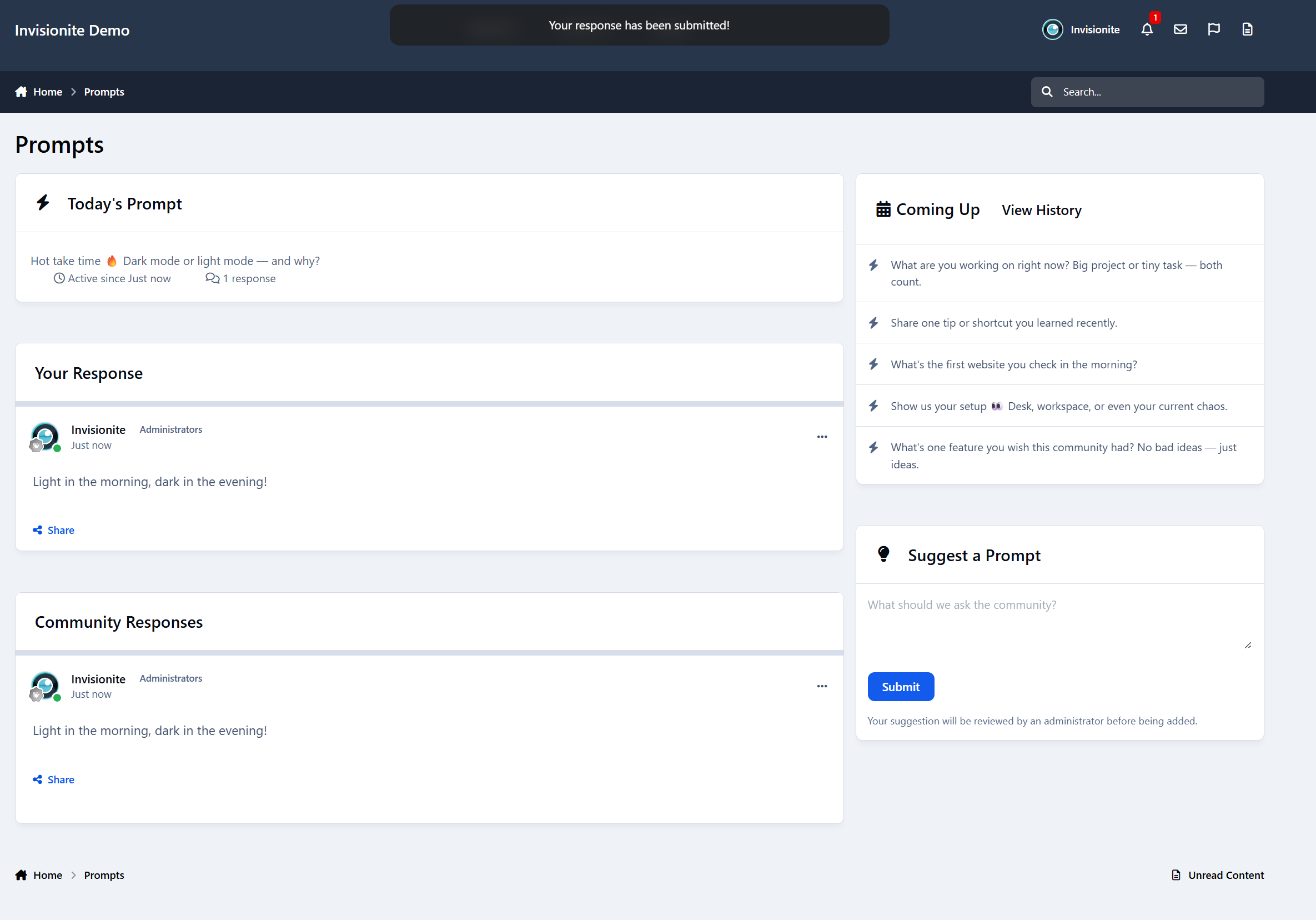
Current prompt page
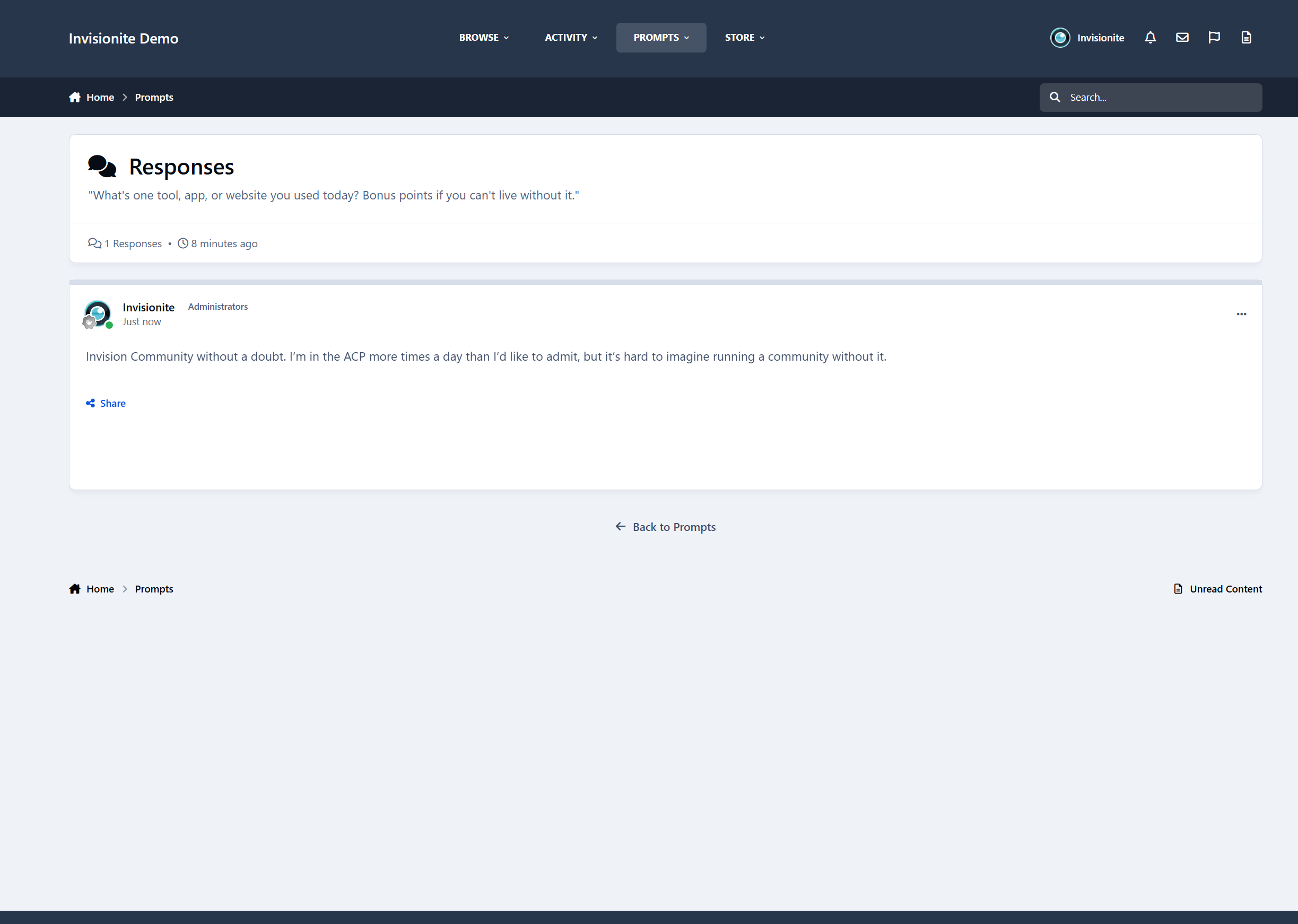
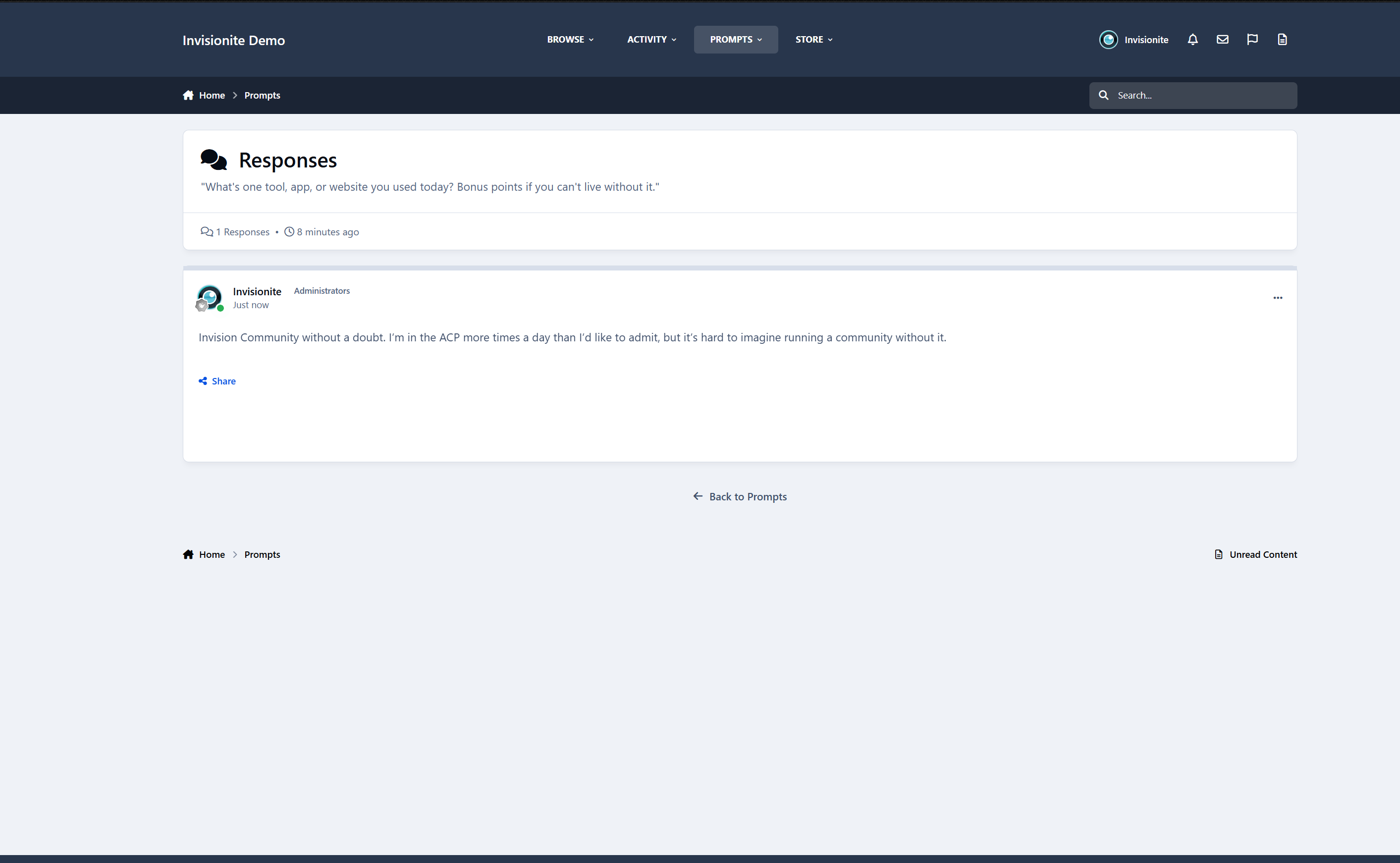
Responses page
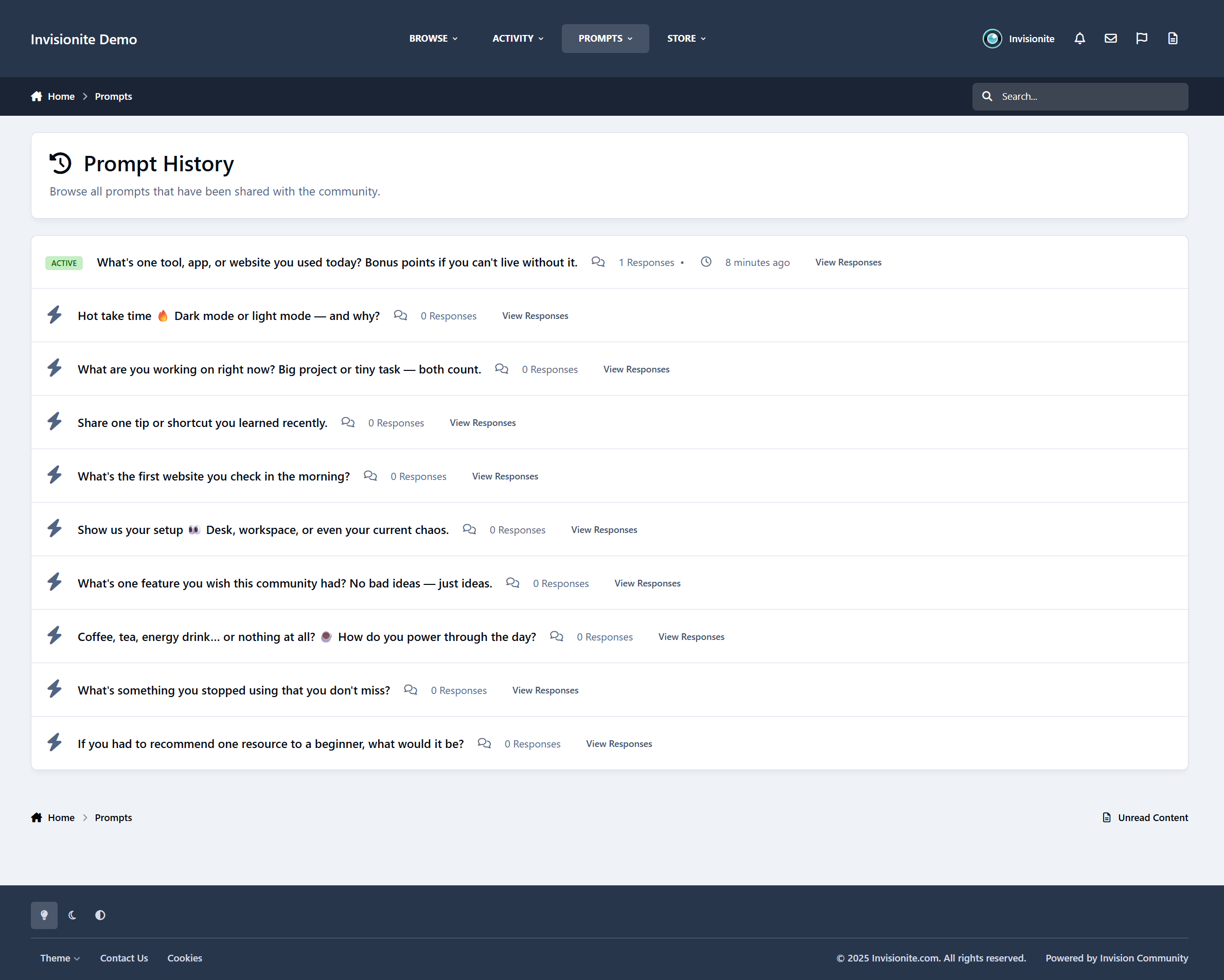
History page
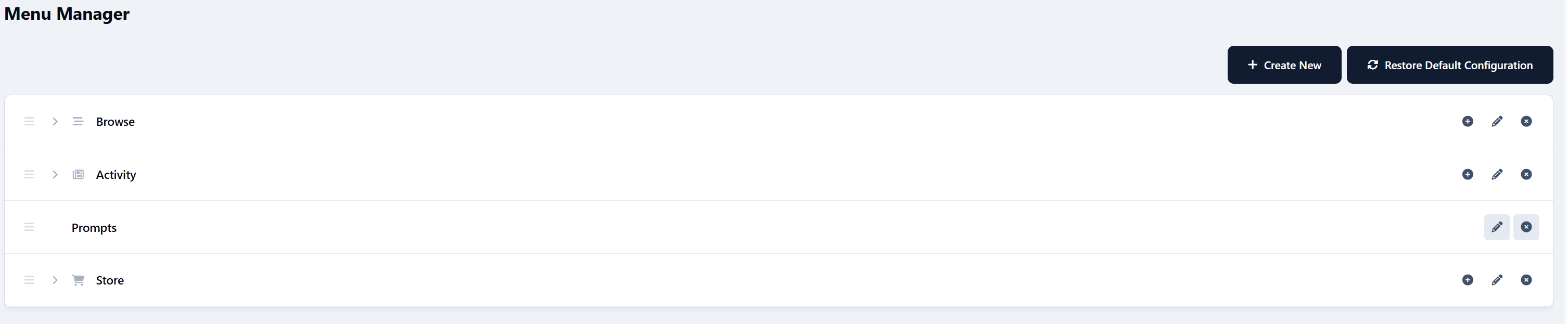
Clean integration with IPS navigation
So… what can you actually use it for?
A lot, as it turns out. It's exceptionally powerful.
Here are some of the most common (and effective) ways your community could use it for.
Community Icebreakers
For new or quiet communities, starting a conversation can feel awkward.
Prompts work as soft icebreakers:
“How did you find this community?”
“Where are you posting from today?”
“What’s one thing you’re hoping to learn here?”
New members don’t have to create a full thread or introduction.
They just reply - and suddenly they’re part of the conversation.
Micro-Surveys (Without Survey Fatigue)
Instead of formal polls or surveys, prompts let you ask questions casually.
Examples:
“Do you prefer shorter or longer tutorials?”
“What feature should we improve next?”
“Dark mode or light mode?”
You get real feedback, but it feels like a conversation - not a questionnaire.
When auto-topics are enabled, replies are automatically collected into a discussion thread you can review later.
Content Seeding Tool
Every community has days where things feel… quiet.
Community Prompts helps you seed discussion without forcing it:
“What’s one challenge you’re facing right now?”
“Share one tip you wish you knew earlier.”
“What are you working on this week?”
Members don’t have to think of something to post — the prompt does the work for them.
Culture Steering (Without Rules or Lectures)
You can subtly shape the tone of your community just by asking the right questions.
For example:
“Help someone today with advice you wish you had.”
“What’s one positive thing you’ve seen in the community recently?”
“What’s a beginner mistake we can help people avoid?”
No enforcement. No announcements.
Just gentle direction that encourages the kind of replies you want to see more of.
Events & Announcements Companion
Prompts work beautifully alongside announcements and launches.
Instead of one-way posts:
“We just launched a new feature - what do you think so far?”
“How are you using the update?”
“What should we focus on next?”
The announcement goes out as usual, and the prompt gives people a place to respond naturally.
Education & Learning Reinforcement
For learning communities, prompts act as lightweight reflection tools:
“What’s one thing you learned today?”
“Which part of the lesson was confusing?”
“What would you explain differently to a beginner?”
This encourages active thinking and peer-to-peer help - without turning learning into homework.
Creator & Expert Visibility
Prompts are a great way to surface experienced members without putting them on the spot.
Examples:
“What’s one mistake beginners should avoid?”
“What would you do differently if you started today?”
Experts reply naturally, newer members learn, and knowledge gets shared without formal roles or titles.
A Lightweight Social Feed (Forum-Friendly)
Some communities want short-form interaction without turning into a chat app.
Community Prompts creates a controlled, low-noise feed:
One prompt at a time
Focused discussion
No endless scrolling
It feels modern, but still fits naturally into a forum environment.
A Living Community Archive
Over time, prompts become a snapshot of your community:
Opinions changing
Tools evolving
Trends appearing
Ask the same prompt once a year and you’ll literally see growth and change - all stored neatly in auto-created discussion topics.
How It Works (At a Glance)
Prompts appear via widgets on the forum index
Members reply directly from the prompt
Optional automatic discussion topics collect replies
Admins can manually or let the time automatically rotate prompts
Members can suggest and vote on future prompts
Everything stays lightweight and easy to manage.
Smart Topic Creation
Community Prompts handles discussion topics intelligently to avoid clutter and keep conversations relevant:
If a discussion topic already exists for a prompt and is still recent, it will be reused, with a short notice added to let members know the prompt is live again.
If a topic exists but hasn’t been active for over six months, a new discussion topic will be created.
If no topic exists for the prompt, a new topic will be created automatically.
This keeps your forums tidy, avoids duplicate threads, and ensures recurring prompts always feel fresh and relevant.
Final Thought
Community Prompts isn’t about forcing activity.
It’s about lowering the barrier so conversations happen naturally.
A simple question.
A few replies.
A community that feels alive again.
If you’ve ever thought “people just need a reason to post” - this is that reason.
-
 1
1
Create an account or sign in to leave a review
There are no reviews to display.