Native Social Embeds (Facebook added etc)
Invision Community 5
- Category Social Networks
- Downloads 99
- Compatibility IC5: 5.0.0+
- Updated
Overview
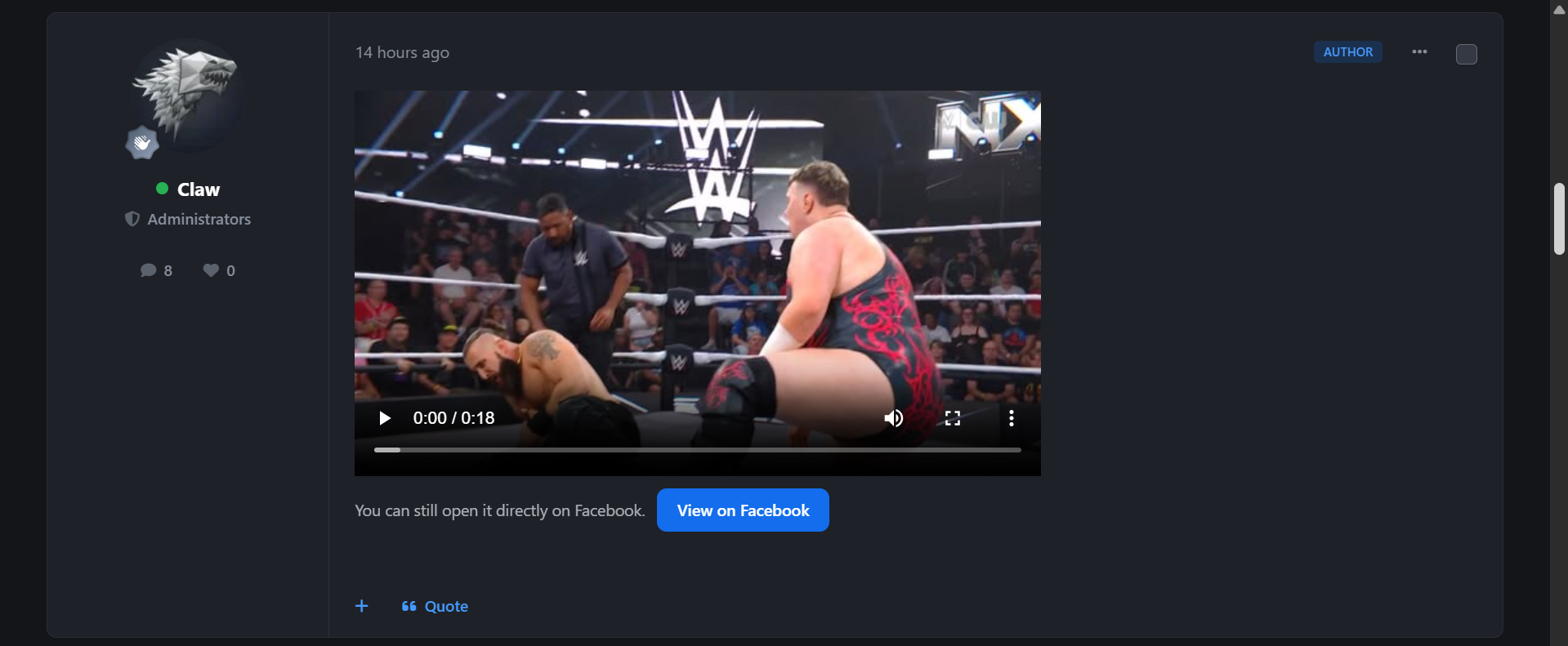
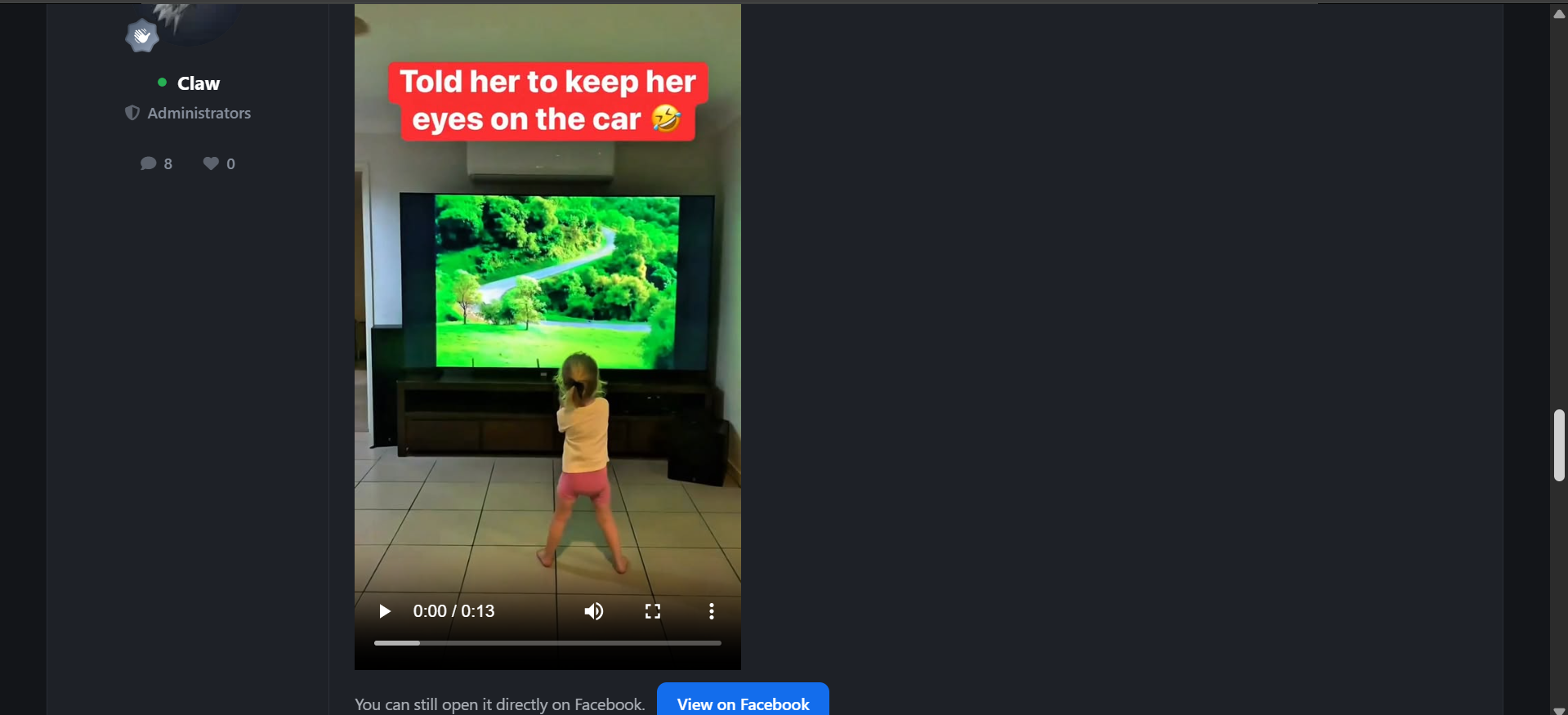
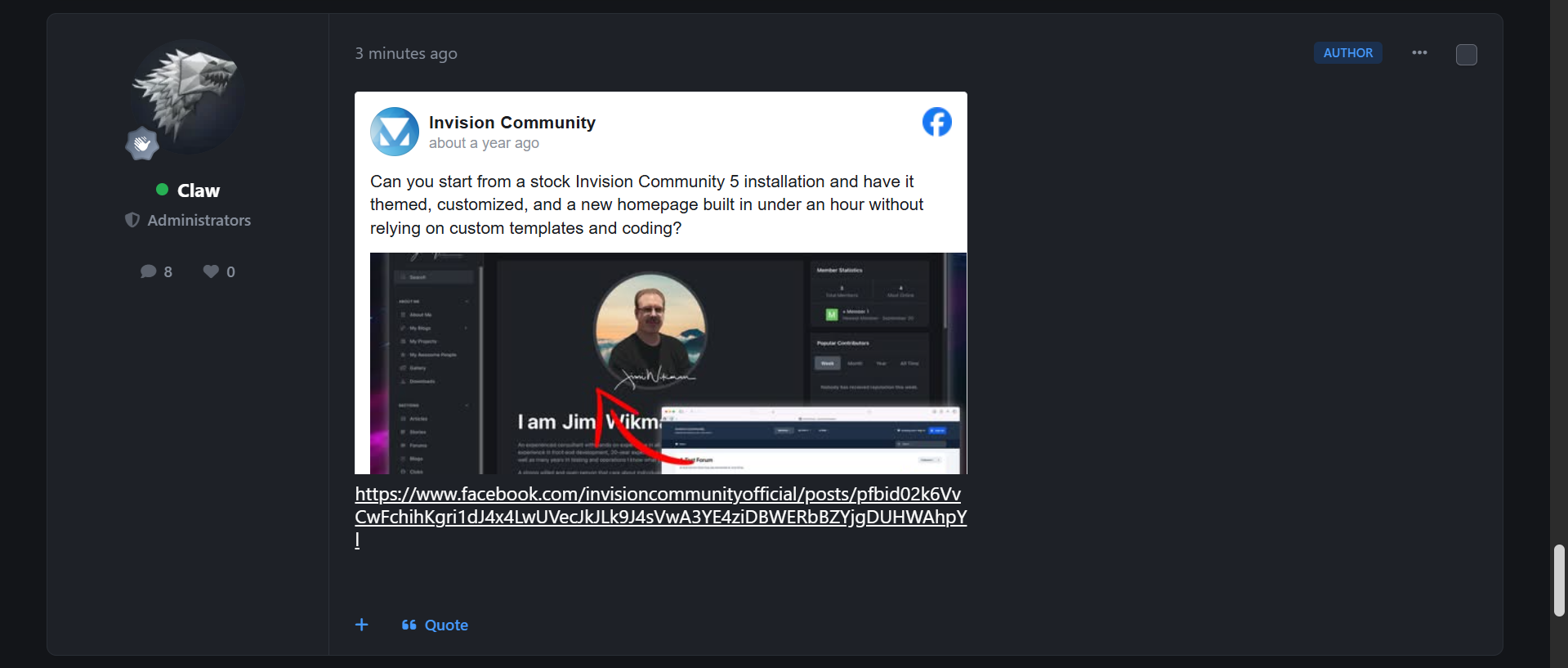
Native Social Embeds enhances Invision Community’s social media embed experience by making supported links cleaner, safer, faster, and more consistent across posts and parsed content.Description
Rather than replacing Invision’s own native embed support, the app works as a controlled enhancement layer. It improves how standalone social URLs are detected, rendered, cached, and handled when an embed cannot load.
Supported handling includes YouTube, Vimeo, Facebook, SoundCloud, Spotify, TikTok, and X/Twitter, with provider-aware logic instead of a one-size-fits-all approach.
The app focuses especially on better Facebook handling, including posts, videos, reels, watch links, share links, permalink/story links, and fb.watch short links.
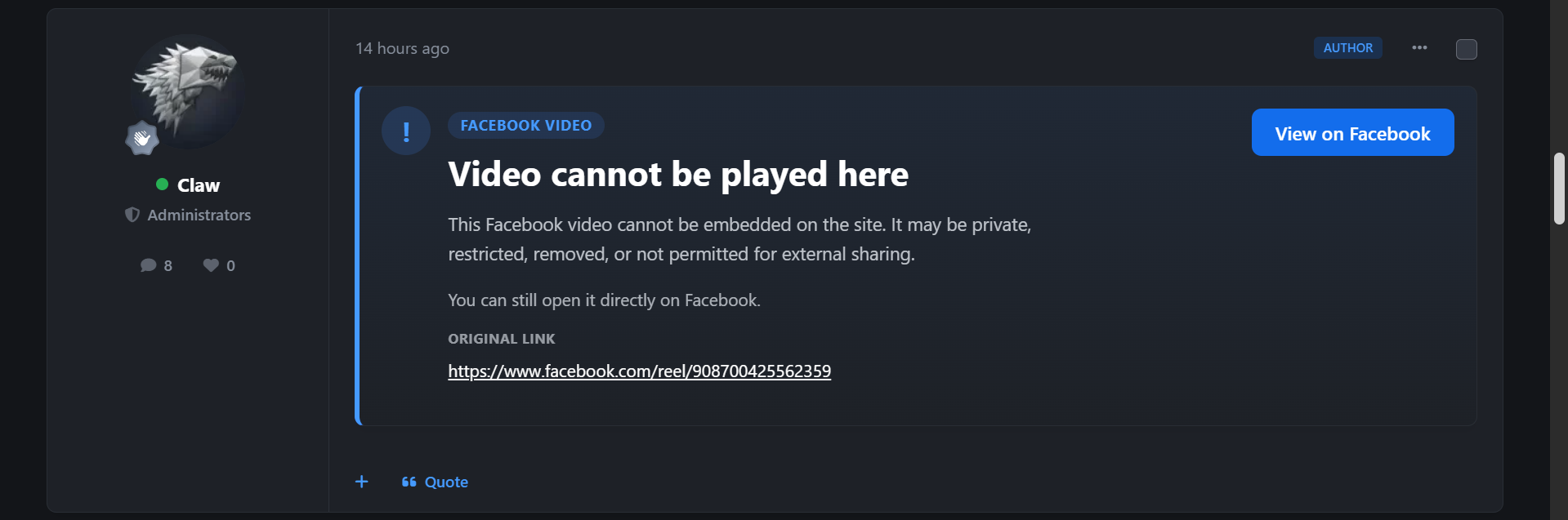
If content is private, restricted, removed, unsupported, or unavailable, Native Social Embeds can show a clean fallback card with the original source link, rather than leaving users with a broken or empty embed.
Core features include:
Enhanced native social embed handling
Provider-specific embed logic
Cleaner standalone URL detection
Responsive native-looking embed cards
Lazy loading support
Optional click-to-load embeds
Visible fallback cards for failed embeds
Original source-link preservation
Advanced Facebook link handling
Embed result caching for performance
Failed-embed caching to reduce repeat checks
Per-post and per-page embed limits
AdminCP provider controls
Cache and fallback settings
Diagnostics for embed status and failures
Native Social Embeds is built for communities that want social media content to feel more polished, reliable, and naturally integrated, while keeping administrators in control and avoiding broken embed experiences.
More unsupported native social embeds will be added whenever possible, without an increase in price. This resource will stay locked in at the price of $15.
I am happy to listen to feedback, suggestions and offer help via the support topic.
-
 1
1
Create an account or sign in to leave a review
There are no reviews to display.