Social Profiles Enhancer
Invision Community 5
- Category Social Networks
- Downloads 105
- Compatibility IC5: 5.0.0x
- Updated

Overview
Social Profiles Enhancer improves how social links are managed and displayed across Invision Community, offering a cleaner, more flexible, and more consistent way to present social profiles throughout your site.Description
This application allows administrators to manage shared social links centrally, control where they appear, and offer members their own profile-level social presence where enabled.
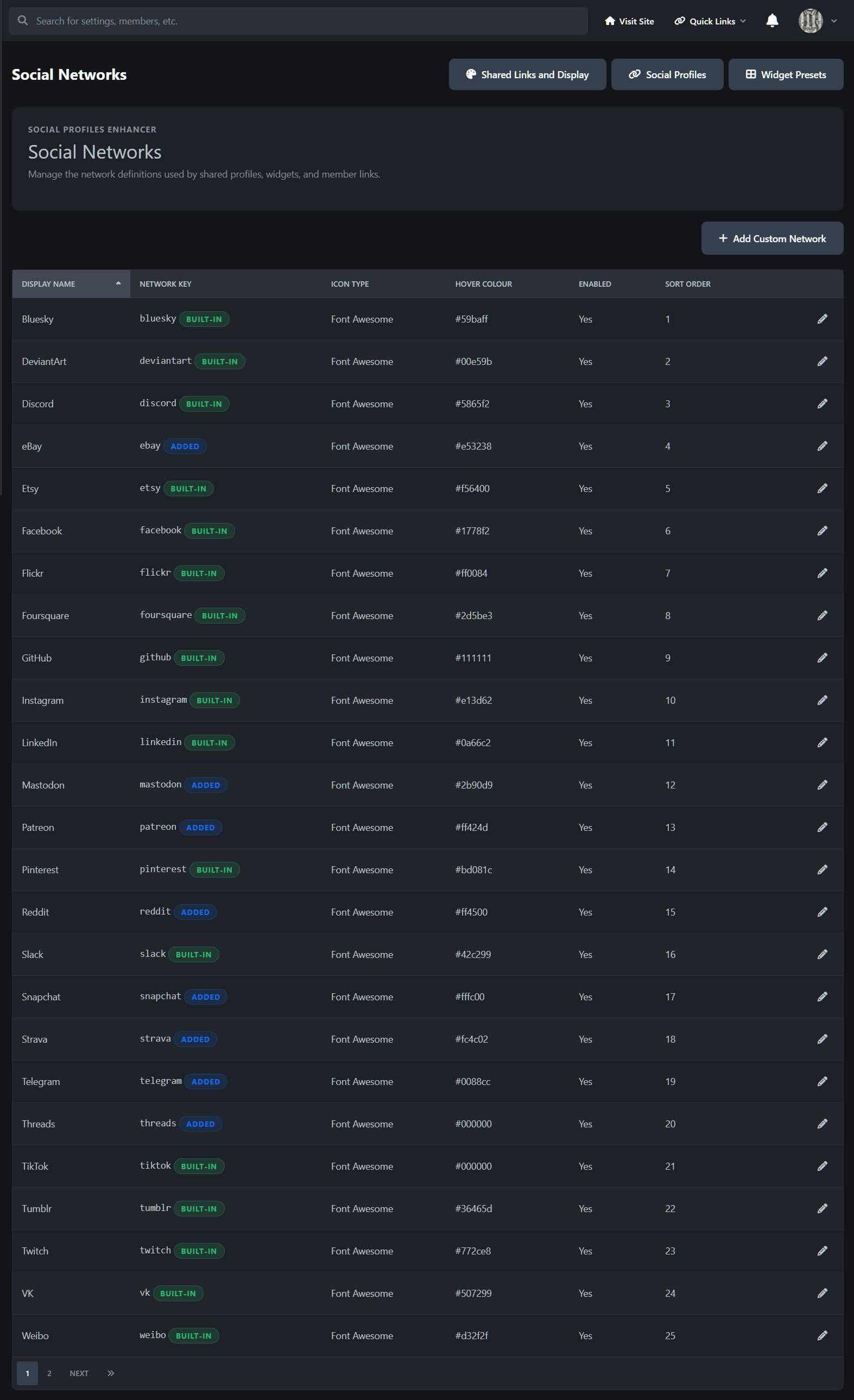
The application also adds support for eBay, Mastodon, Patreon, Reddit, Snapchat, Strava, Telegram, Threads, and WhatsApp, while allowing fully custom social networks to be created using Font Awesome, SVG, or a standard image.
Rather than relying on scattered template edits or one-off theme customisations, Social Profiles Enhancer keeps social output self-contained within the application, making it easier to manage across the front end and AdminCP.
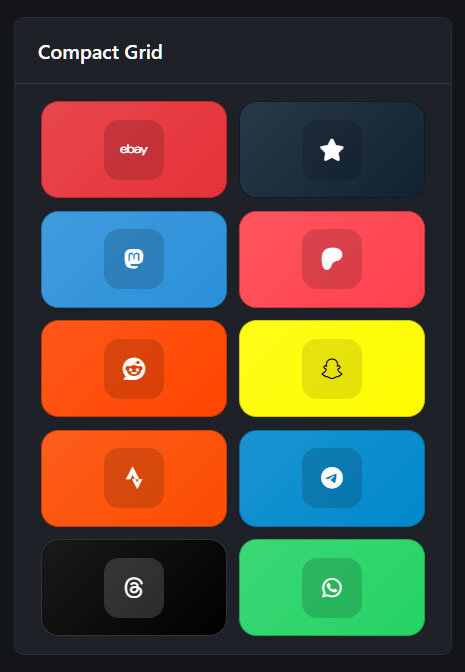
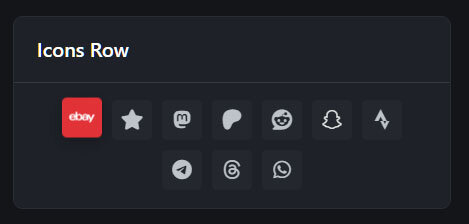
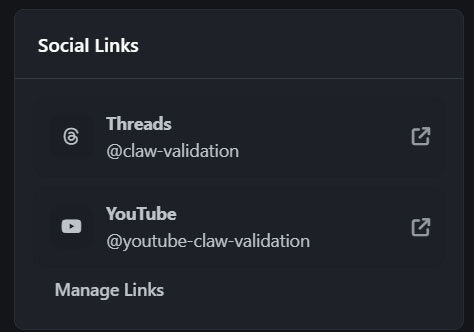
Bonus! The sidebar widget has 5 different layouts: pill buttons, compact grid, icons row, spotlight list and metro tiles.
Core application features
Centralised shared social profile management
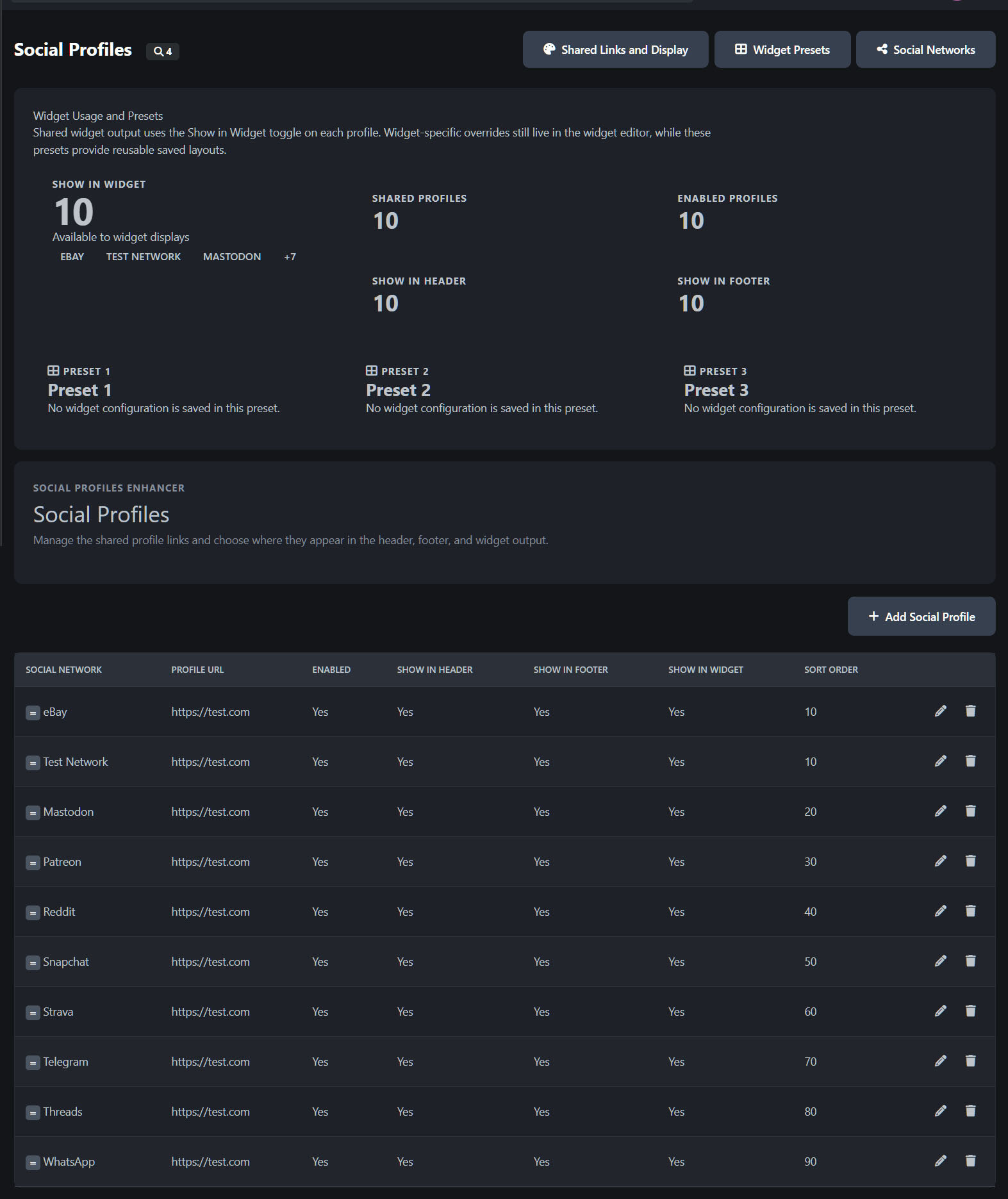
Manage shared social links from the AdminCP
Define common social destinations for community-wide display
Keep social output consistent across multiple front-end areas
Update shared links without manual template edits
Custom social network support
Use built-in social networks
Create custom social networks
Define custom titles, keys, and display behaviour
Support uploaded icons/images for custom networks
Maintain a cleaner, more tailored social set for your site
Front-end display integration
Optional header social links output
Optional footer social links output
Optional widget-based social links display
Optional member profile social output where enabled
Social output remains application-controlled rather than theme-fragmented
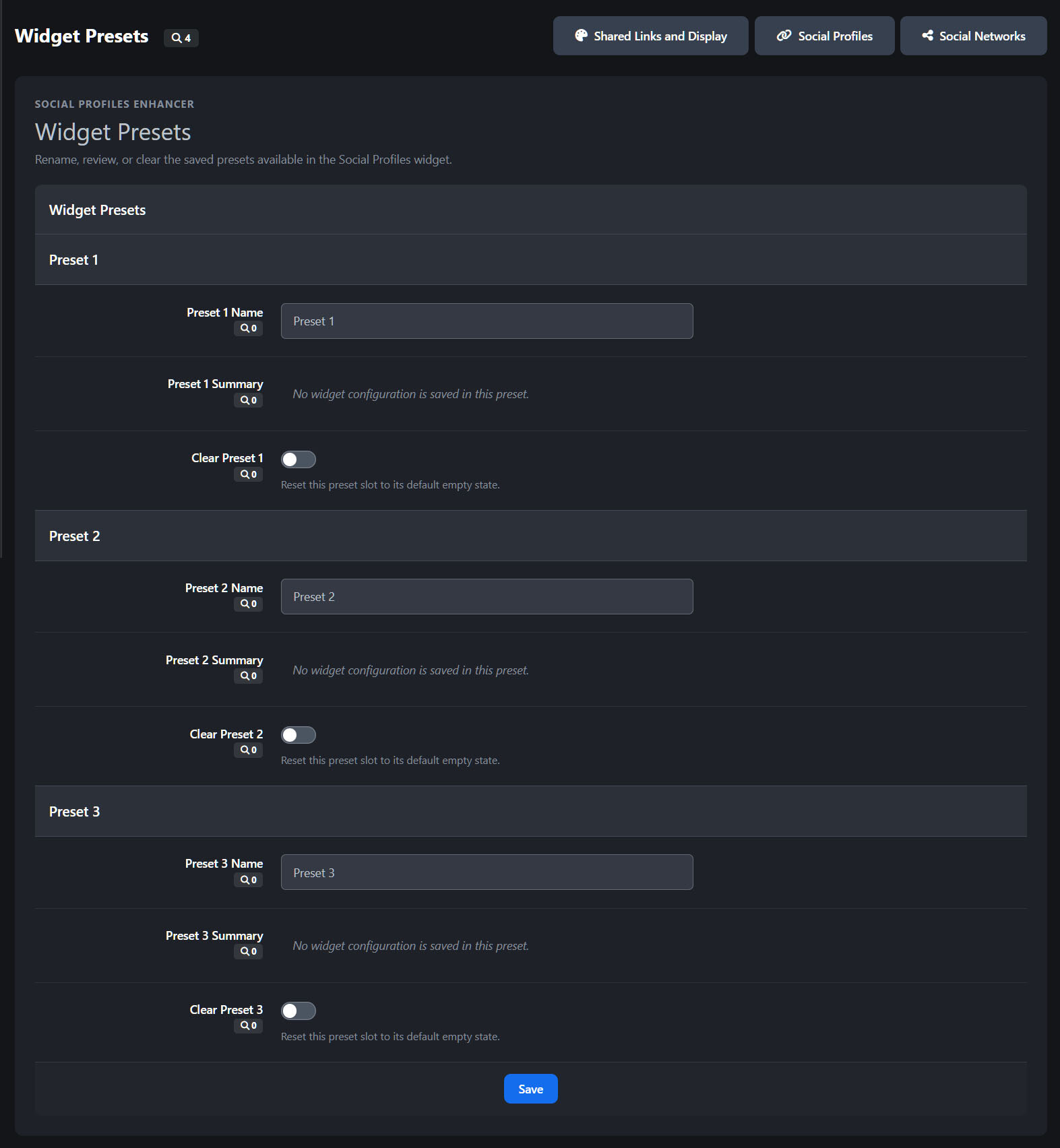
Widget preset support
Create and manage widget presets from the AdminCP
Reuse saved widget configurations more easily
Keep widget presentation more consistent across placements
Simplify repeat widget setup for different areas of the site
Display and styling features
Flexible presentation across multiple areas
Shared links can be presented in the header
Shared links can be presented in the footer
Social links can be displayed through dedicated widgets
Member-facing social areas can be presented more cleanly on profile surfaces
More polished social icon presentation
Consistent icon styling across supported outputs
Hover and focus states for interactive clarity
Cleaner idle-state presentation for header and footer icons
Better visual consistency between light and dark mode
Cleaner AdminCP presentation
Dedicated AdminCP areas for:
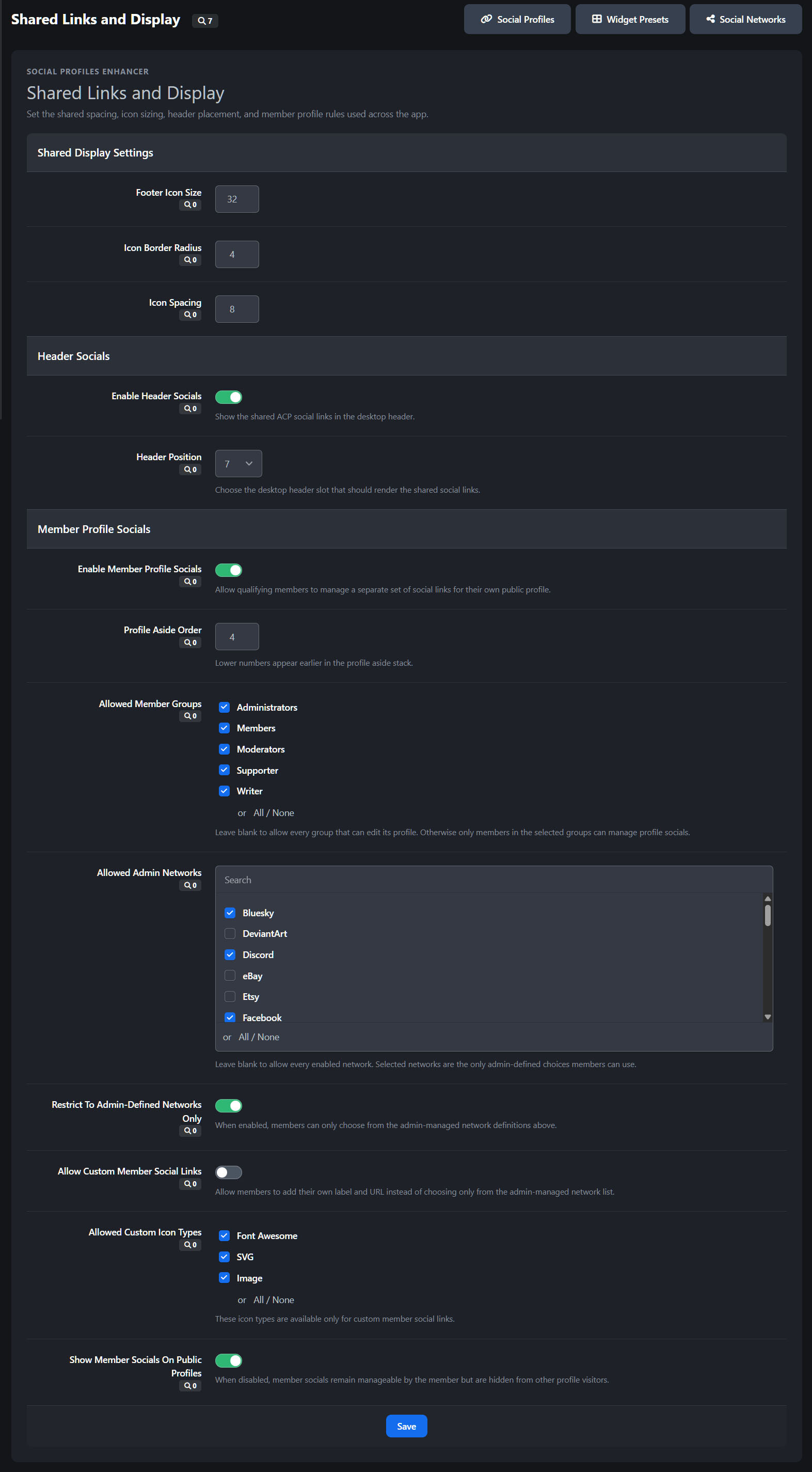
Shared Links and Display
Widget Presets
Social Networks
Social Profiles
Improved structure for managing settings, presets, and output locations
More deliberate page flow compared with ad-hoc template-based approaches
Member social profile support
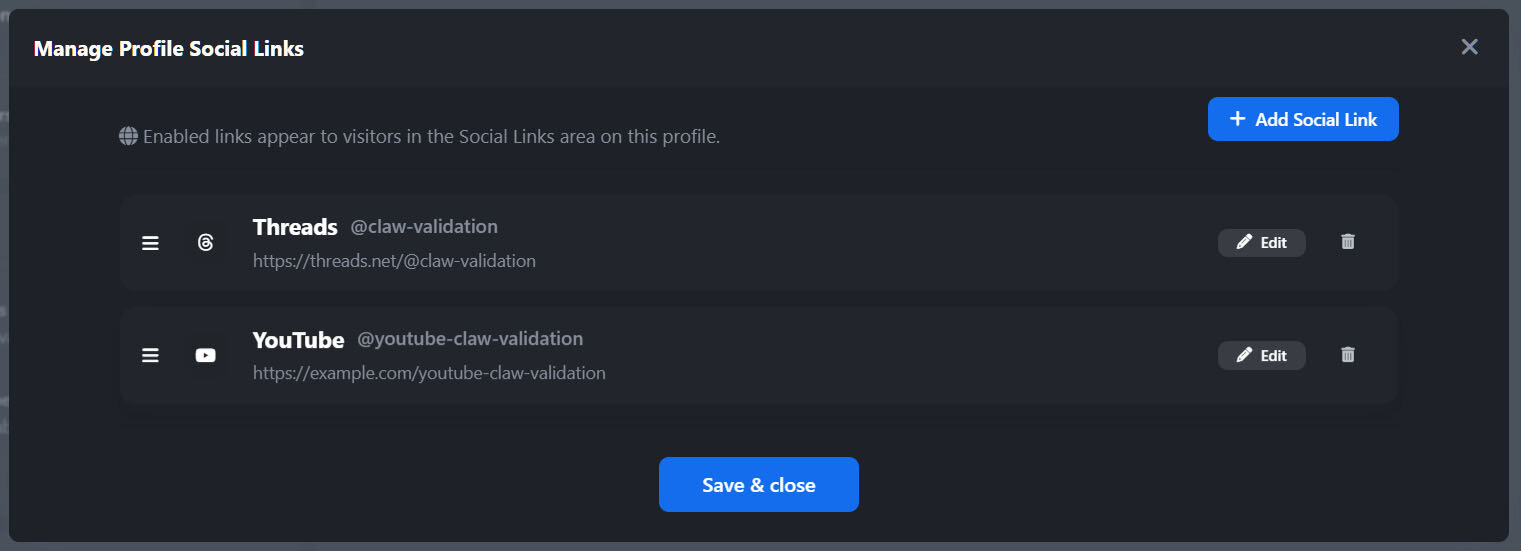
Members can manage their own social links where permitted
Social links can be shown on profile-related areas
Profile output can be integrated into the member experience more naturally
Member-facing management is kept separate from shared admin-managed links
Profile visibility and presentation control
Control whether member social links are publicly visible
Keep shared/admin-managed links separate from member-managed links
Allow social profile presentation without cluttering the main profile layout
Configuration and management features
Admin-controlled behaviour
Configure display locations through application settings
Control the shared social profile output centrally
Manage available networks from one place
Keep application behaviour self-contained and easier to maintain
I am happy to listen to feedback, suggestions and offer help via the support topic.
-
 2
2
Create an account or sign in to leave a review
There are no reviews to display.