- Category Themes
- Downloads 49
- Compatibility IC5: 5.0.0+
- Updated
Description
Font Awesome — use the icons you already pay for
Invision Community ships Font Awesome 6 Free and gives you no way to change it. If you have a Font Awesome Pro subscription, none of it works here. If you want an icon added since 2024, it isn't there.
This is a small, free application that fixes both.
It costs nothing. There is no licence key and nothing to renew. If you use Kit mode you are using the Font Awesome subscription you already have — this simply lets Invision Community see it.
Two modes
Mode | What you get |
|---|---|
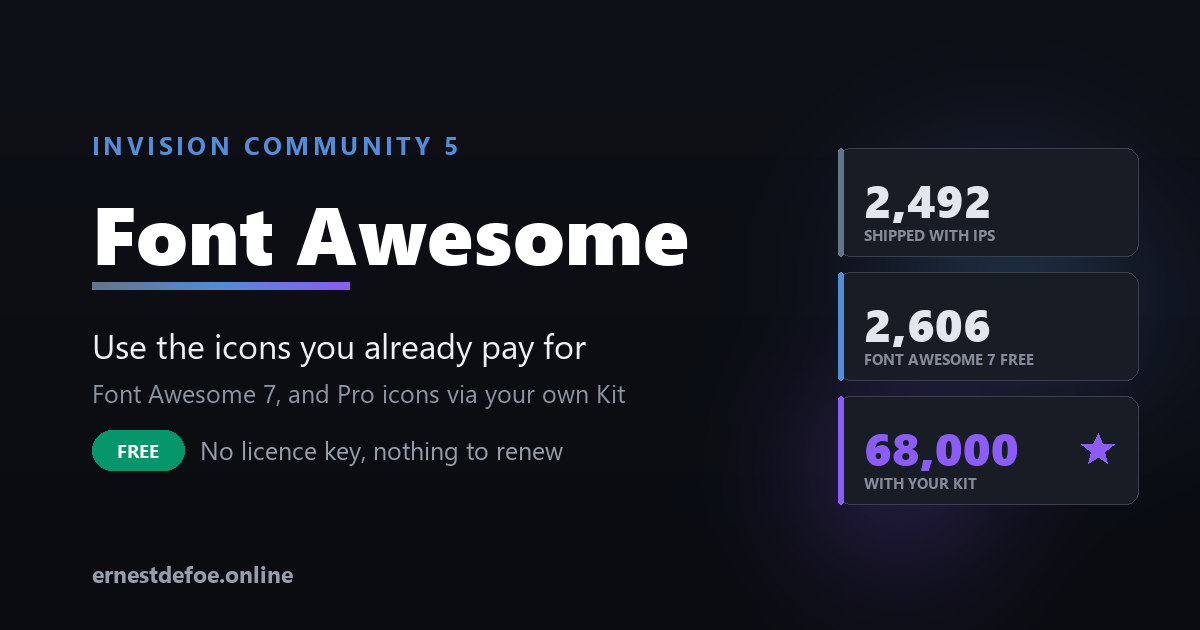
Font Awesome 7 Free | 2,606 icons instead of 2,492 — 115 more than Invision ships. No account needed. |
Your Kit | The full Pro set — around 68,000 icons across six styles, plus Sharp and Duotone if your plan includes them. |
Both load from Font Awesome's own CDN, not a third-party mirror.
Kit setup is one field
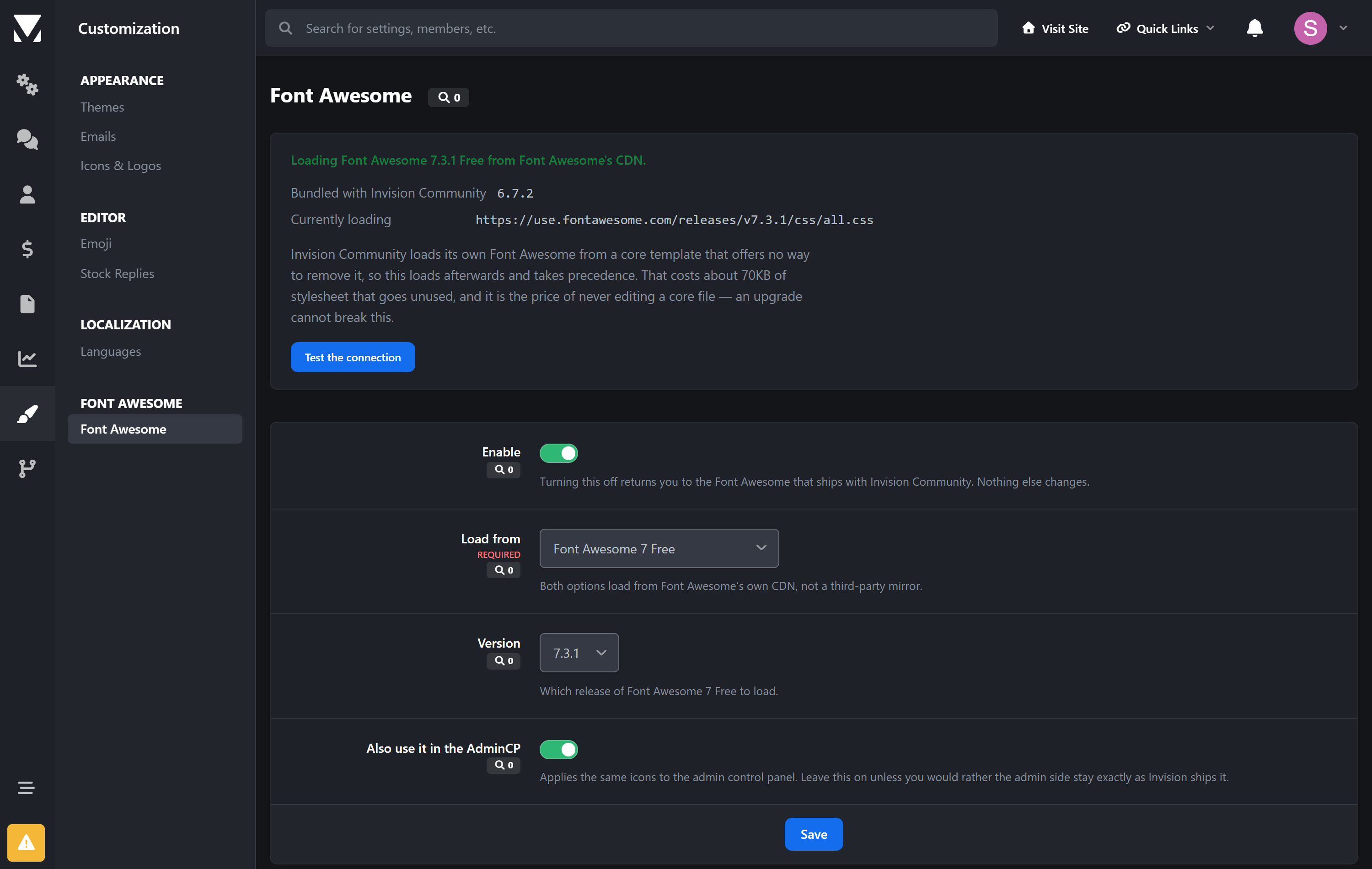
Paste your Kit ID and save. It accepts whatever you have to hand — the bare ID, the kit URL, or the entire <script> tag copied from your Font Awesome dashboard. There is a Test the connection button that tells you what actually loaded before you go looking at your site.
Nothing breaks
This is the part worth understanding, because it is why the application is safe to install on a live community.
Invision Community loads its own Font Awesome from a core template that offers no way to remove it. Rather than edit that file — which an upgrade would overwrite — this loads afterwards and takes precedence.
That has a real benefit beyond upgrade safety. Font Awesome 7 dropped exactly one icon that existed in 6 (fa-vector-square). Because Invision's copy is still underneath, that icon keeps working. An application that replaced Font Awesome outright would have broken it silently on every site using it.
The cost is about 70KB of stylesheet that goes unused. That is the trade, stated plainly.
What you control
Which mode — Free 7 or your Kit
Which release of Font Awesome 7
Whether the AdminCP uses it too, or stays exactly as Invision ships it
Turn it off at any time and you are back to stock, immediately
Requirements
Invision Community 5.0 or newer (self-hosted)
For Kit mode: a Font Awesome account with a published kit. Free plans have kits too.
Outbound HTTPS from visitors' browsers to Font Awesome's CDN
No core files are edited, no database tables are created, and nothing is stored except your settings.
Create an account or sign in to leave a review
There are no reviews to display.