Invision Community 5
- Category Admin & Mod Tools
- Downloads 148
- Compatibility IC5: 5.0.0+
- Updated
Overview
Run contests, recognize members, and celebrate your community automatically.Description
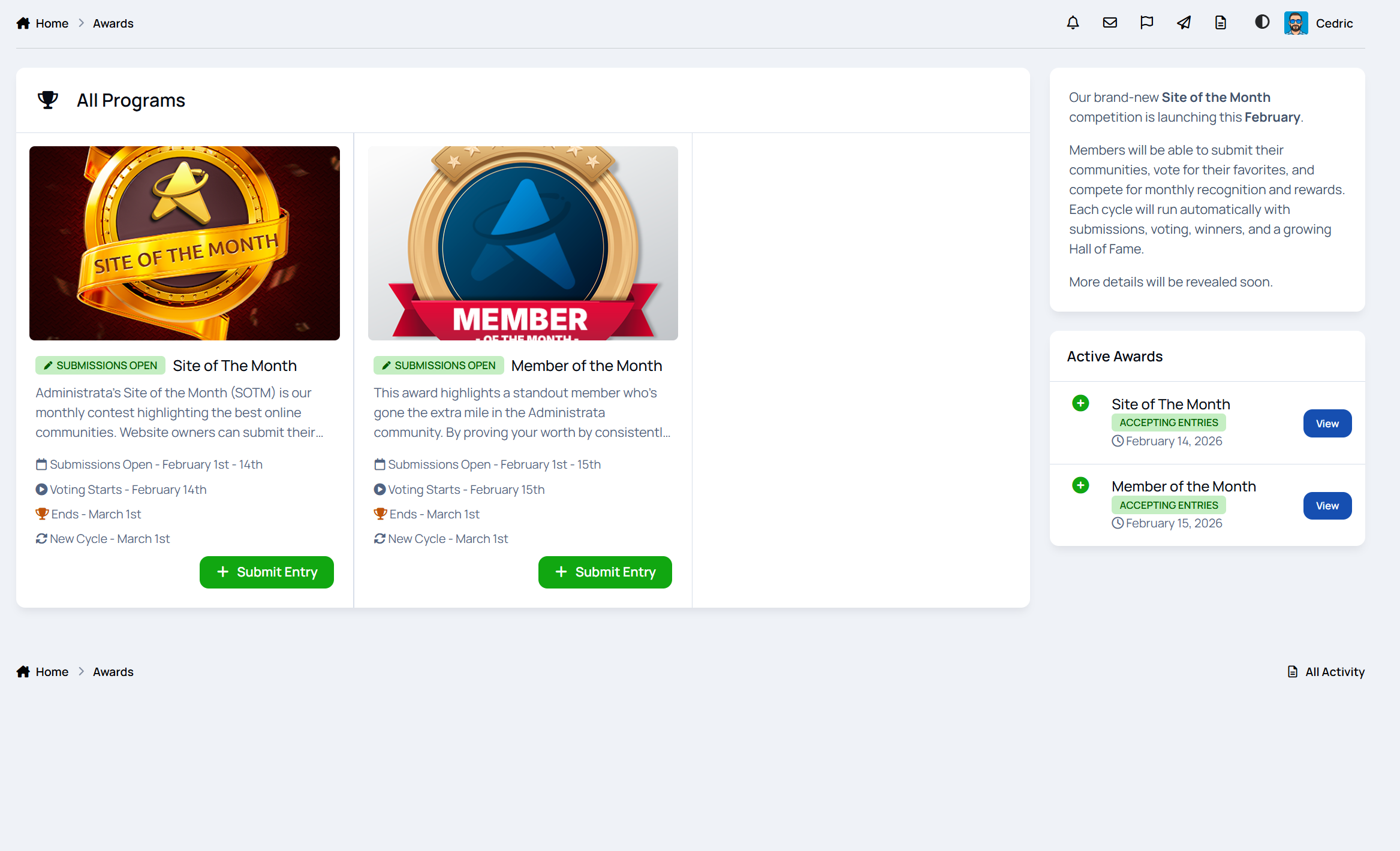
Monthly Awards lets you run structured, recurring awards like Member of the Month, Site of the Month, or Post/Topic of the Month without spreadsheets, manual threads, or constant admin work.
Everything runs on a clear cycle. Submissions open, voting starts, winners are selected, rewards are handed out, and the next month is ready to go.
If you want recognition, engagement, and friendly competition that actually sticks, this app does the heavy lifting for you.
A demo of this can be found here on Administrata
Why this app exists
Communities thrive when people feel noticed.
Monthly Awards gives you a simple but powerful way to:
highlight great members
reward quality content
encourage participation
create recurring events people look forward to
It works just as well for public contests as it does for internal staff or team recognition.
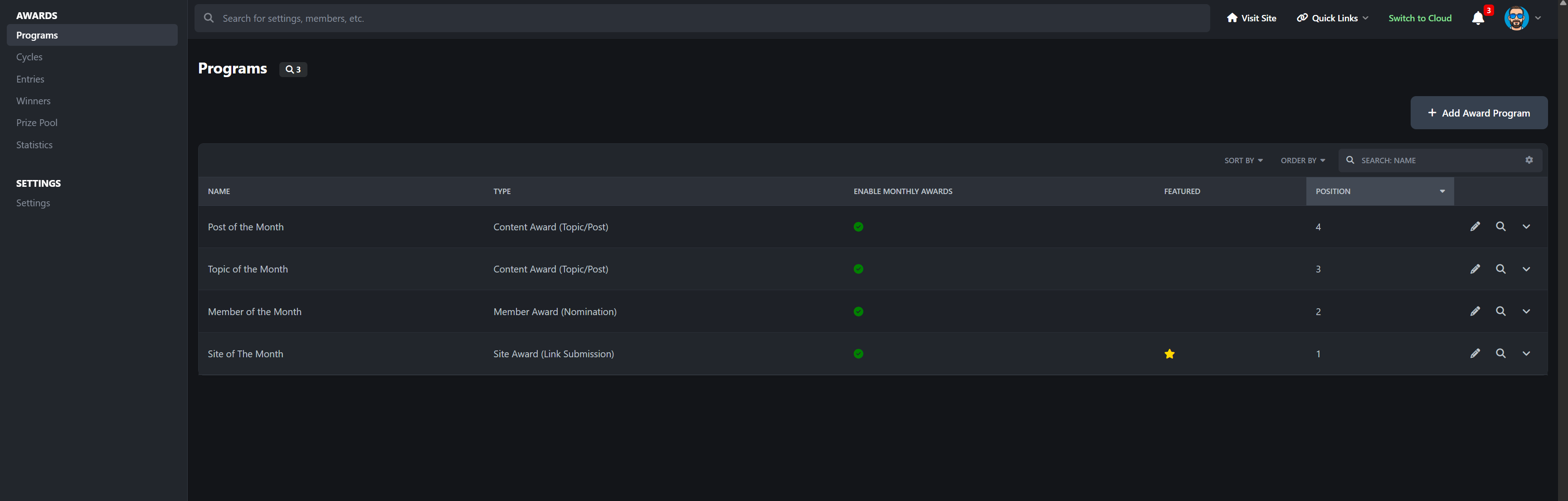
Award programs that fit your community
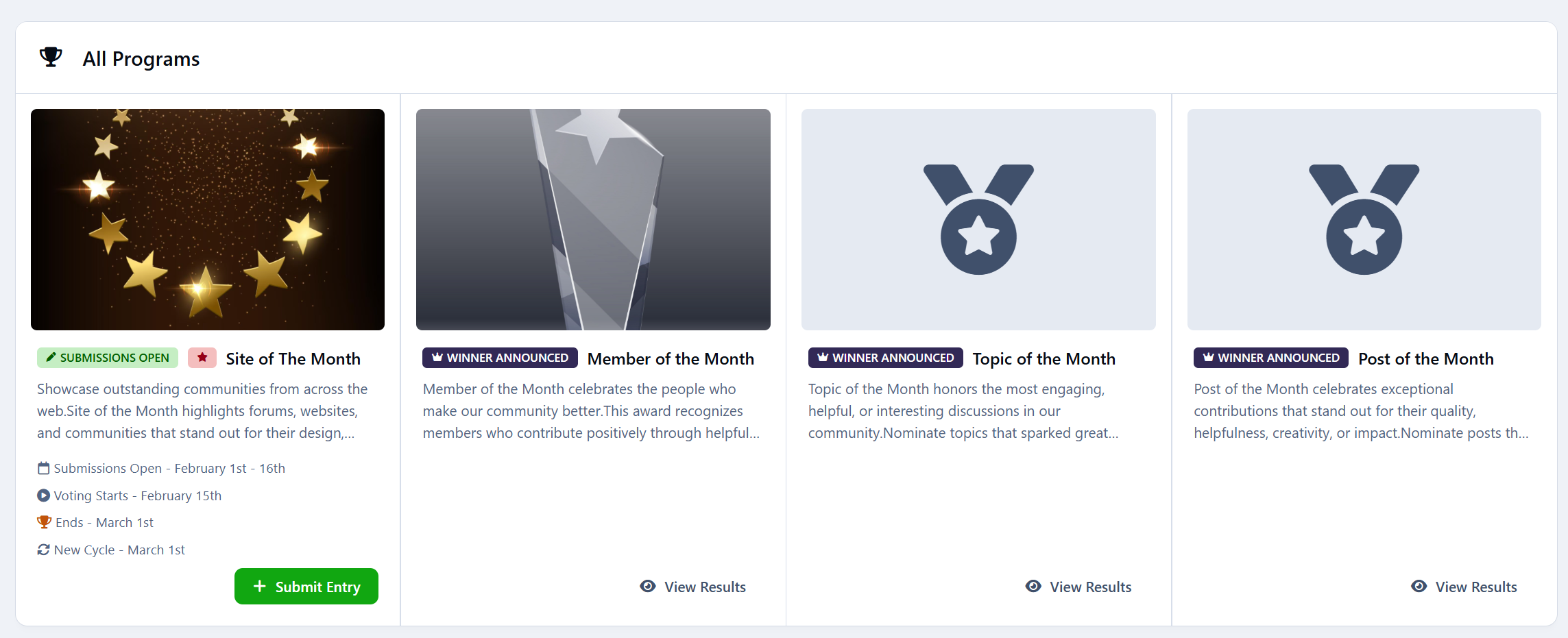
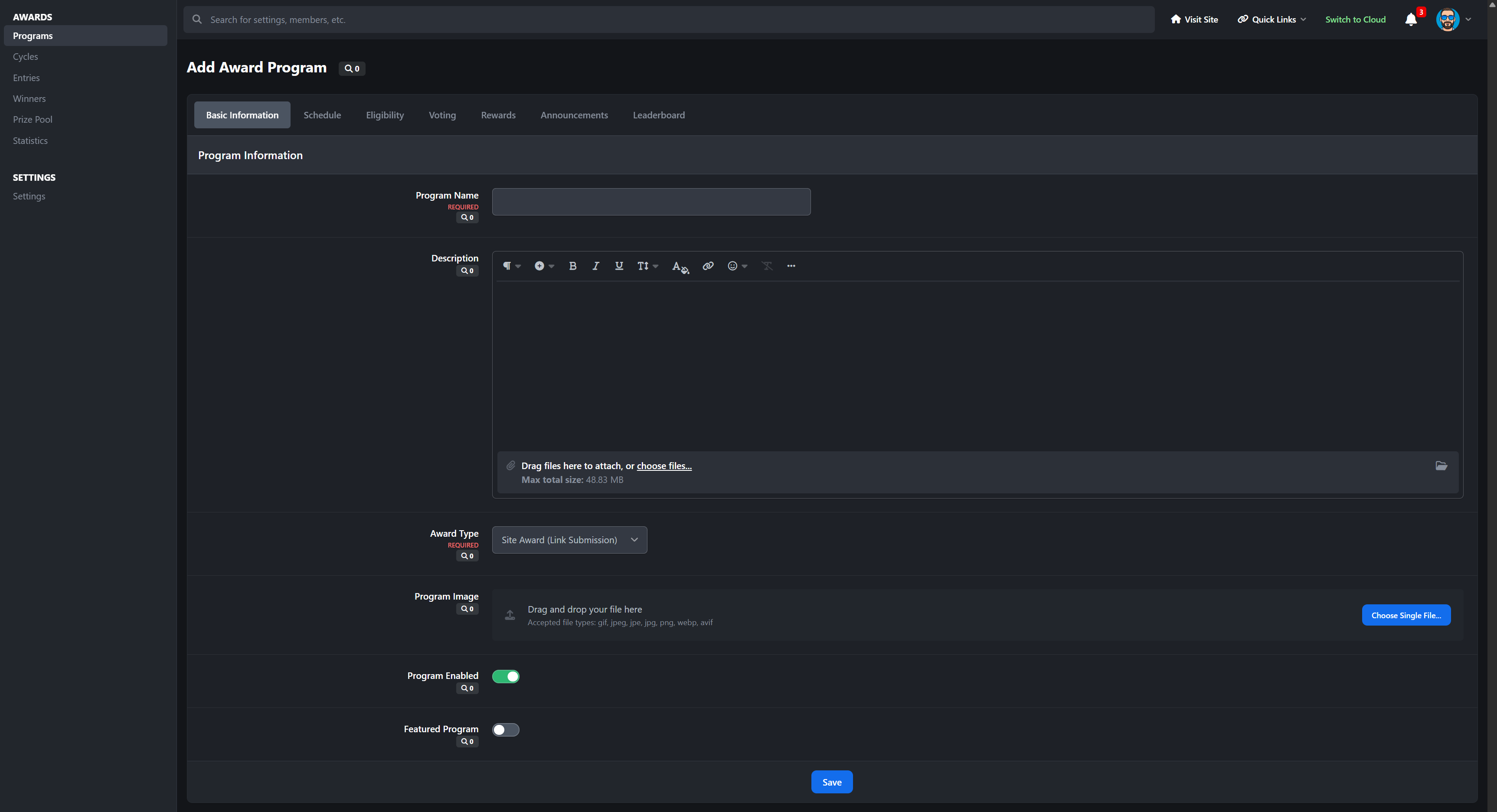
Create as many award programs as you want, each with its own purpose and style.
You can run:
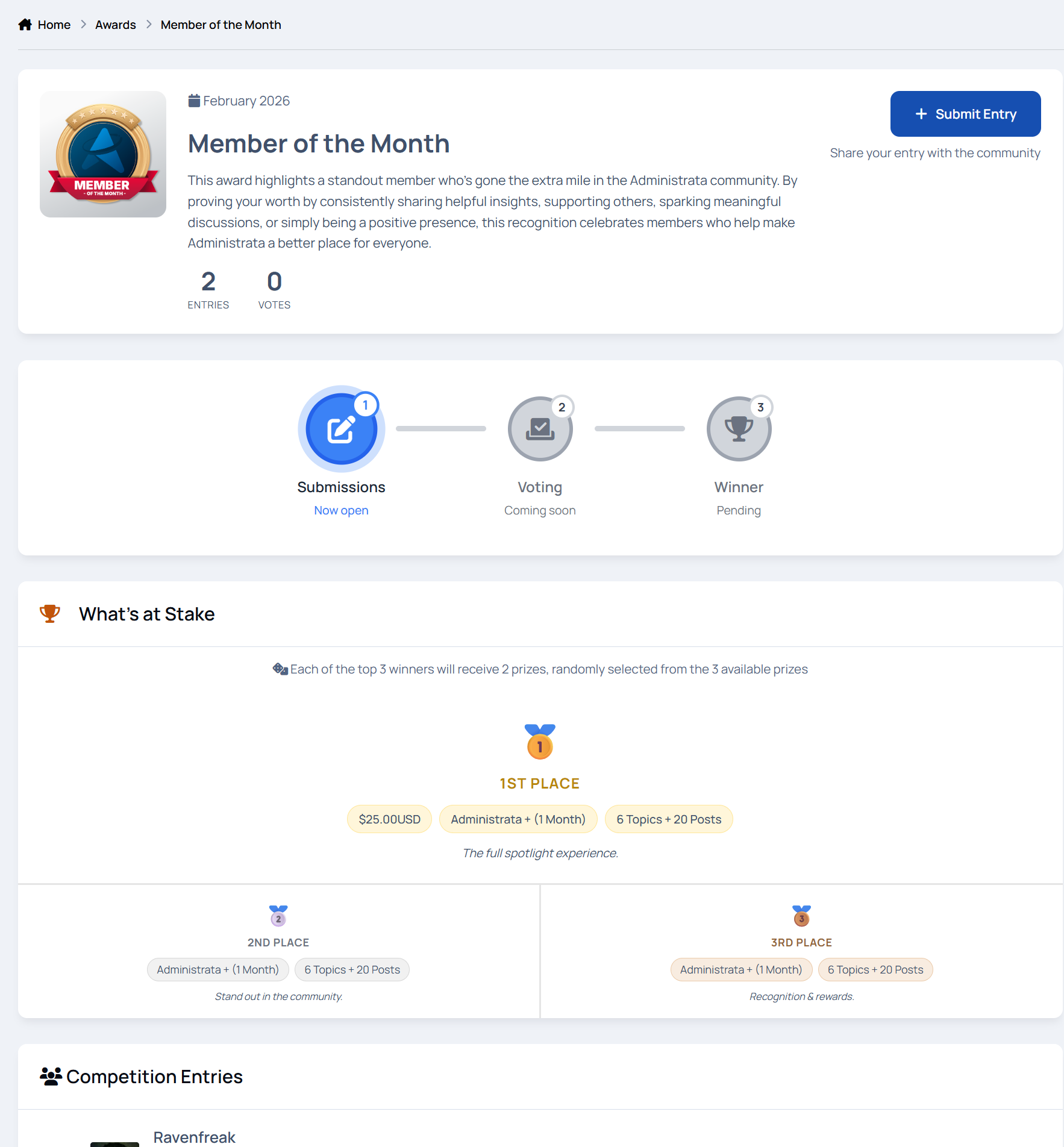
Member of the Month to reward helpful or active members
Content of the Month for posts, images, downloads, or any community content
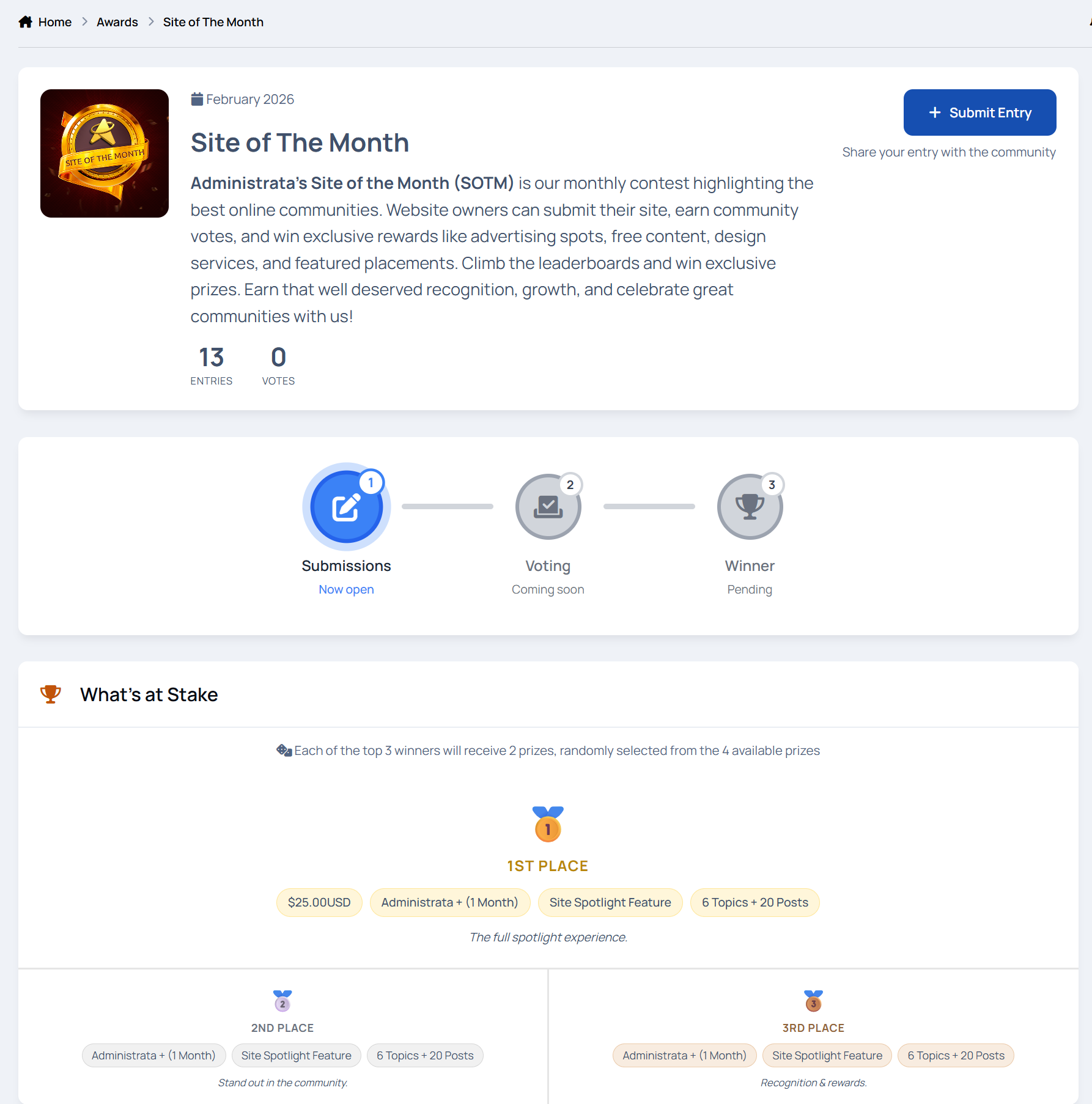
Site of the Month to showcase member websites or projects
Each program has its own description, images, rules page, and schedule, so everything is clear and easy to follow.
Featured programs can be highlighted on the awards homepage to draw attention.
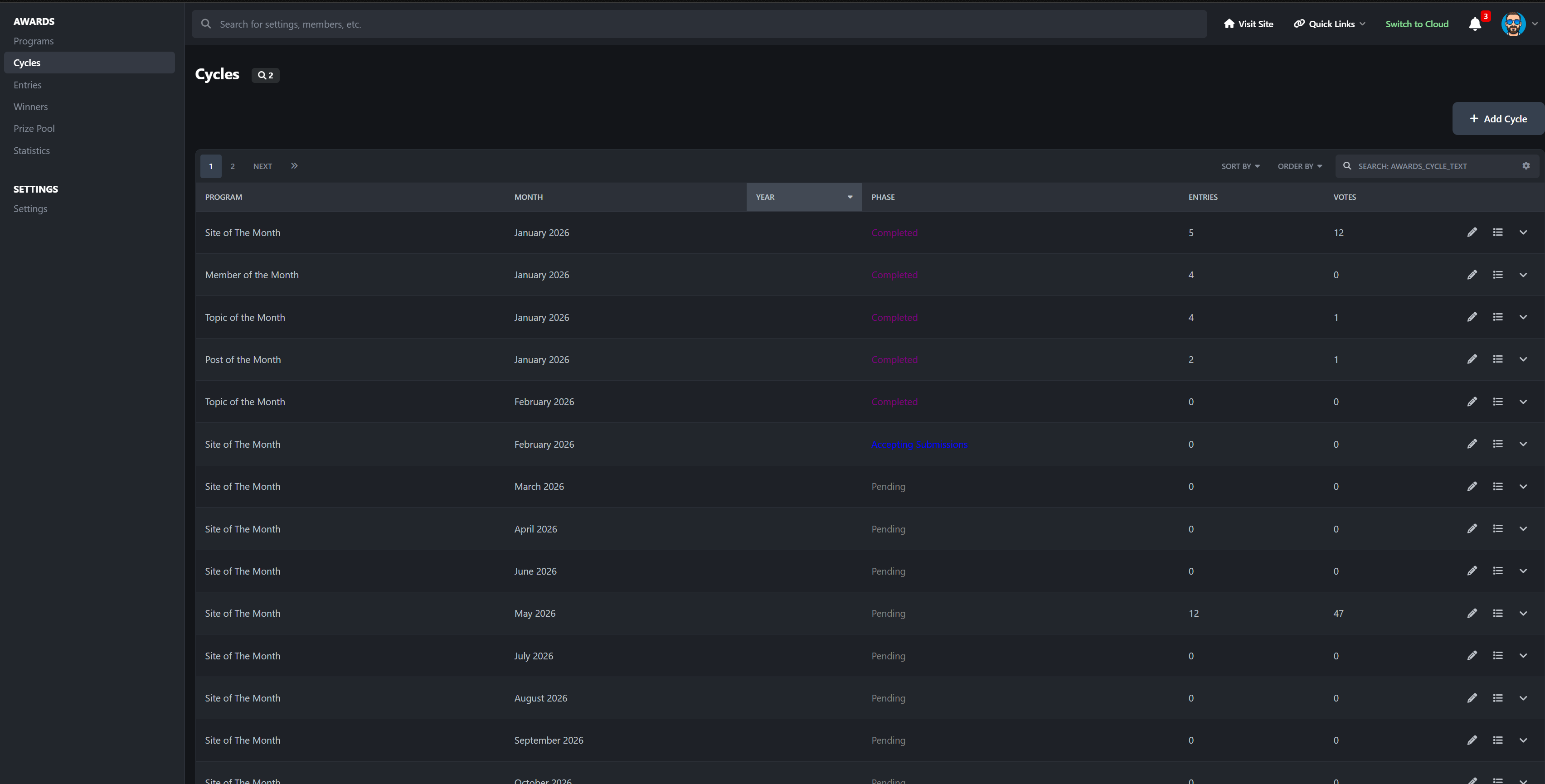
Automatic monthly cycles
Every award runs on a repeating monthly cycle with clear phases:
pending
submission
voting
completed
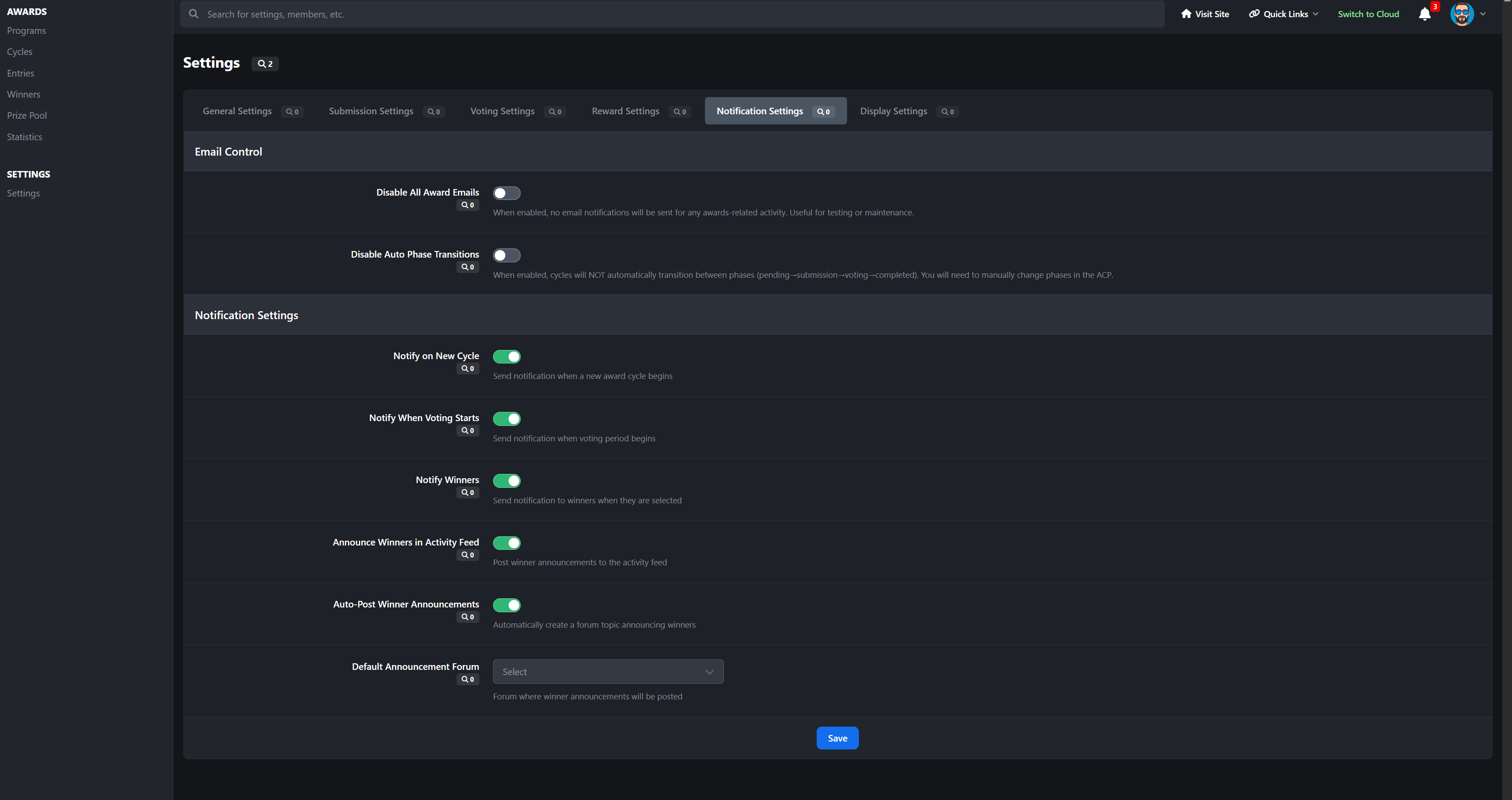
Phases move automatically based on dates, so you are not babysitting the system every month. You can still step in manually if needed.
Each cycle can have its own theme, prizes, and statistics, making every month feel fresh instead of copy-paste.
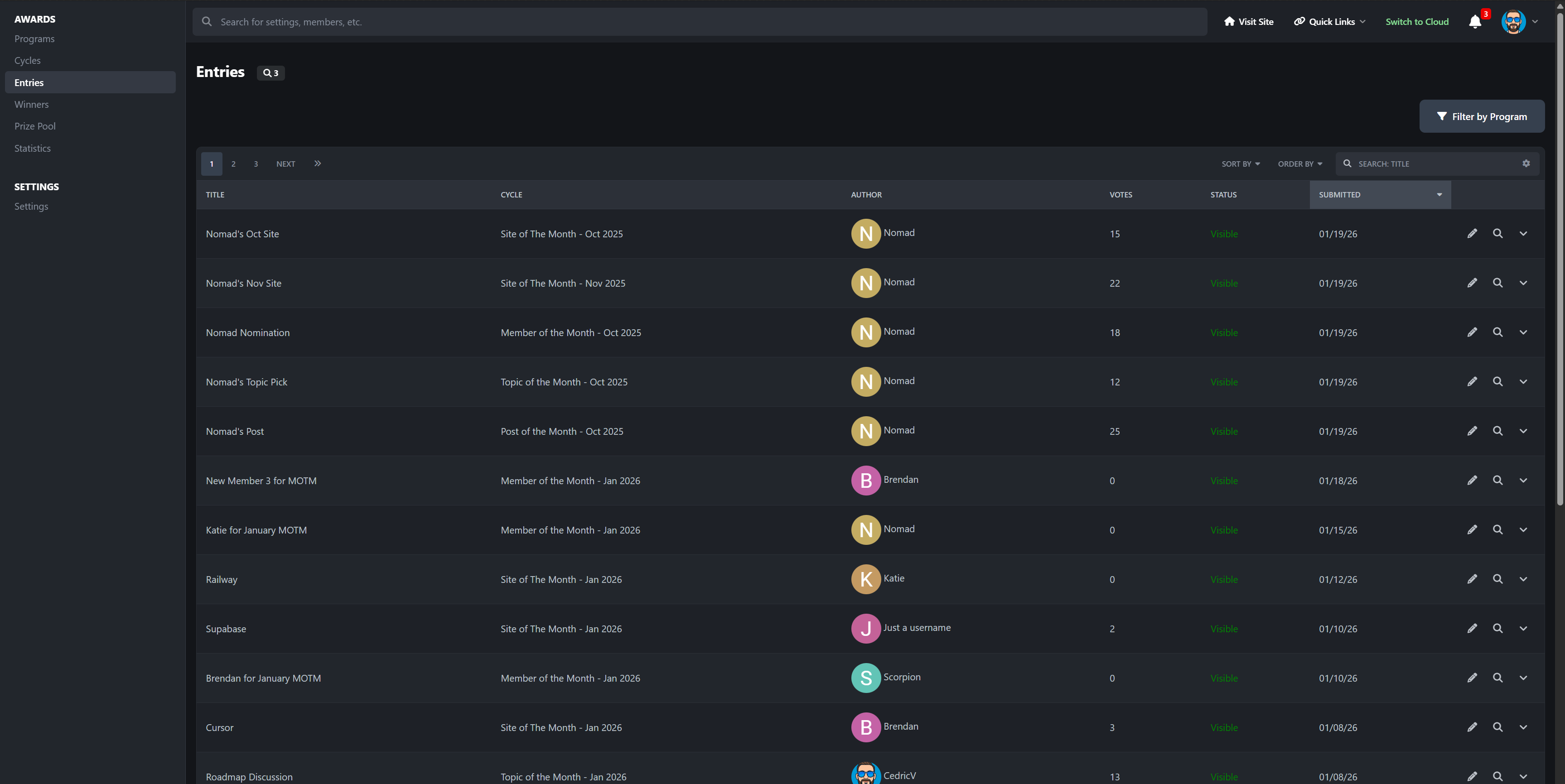
Simple submissions for members
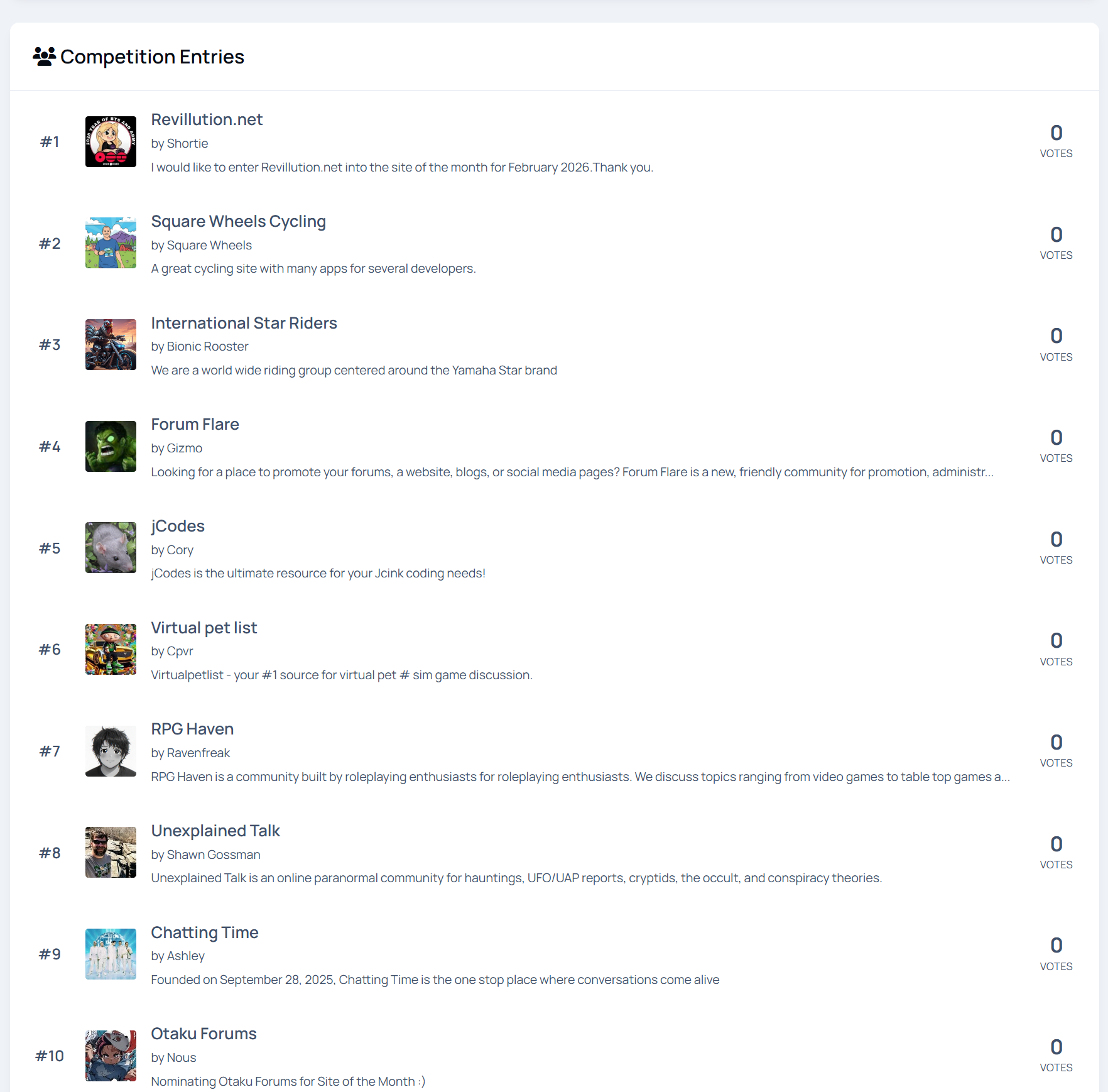
Members can submit entries in ways that make sense for each award:
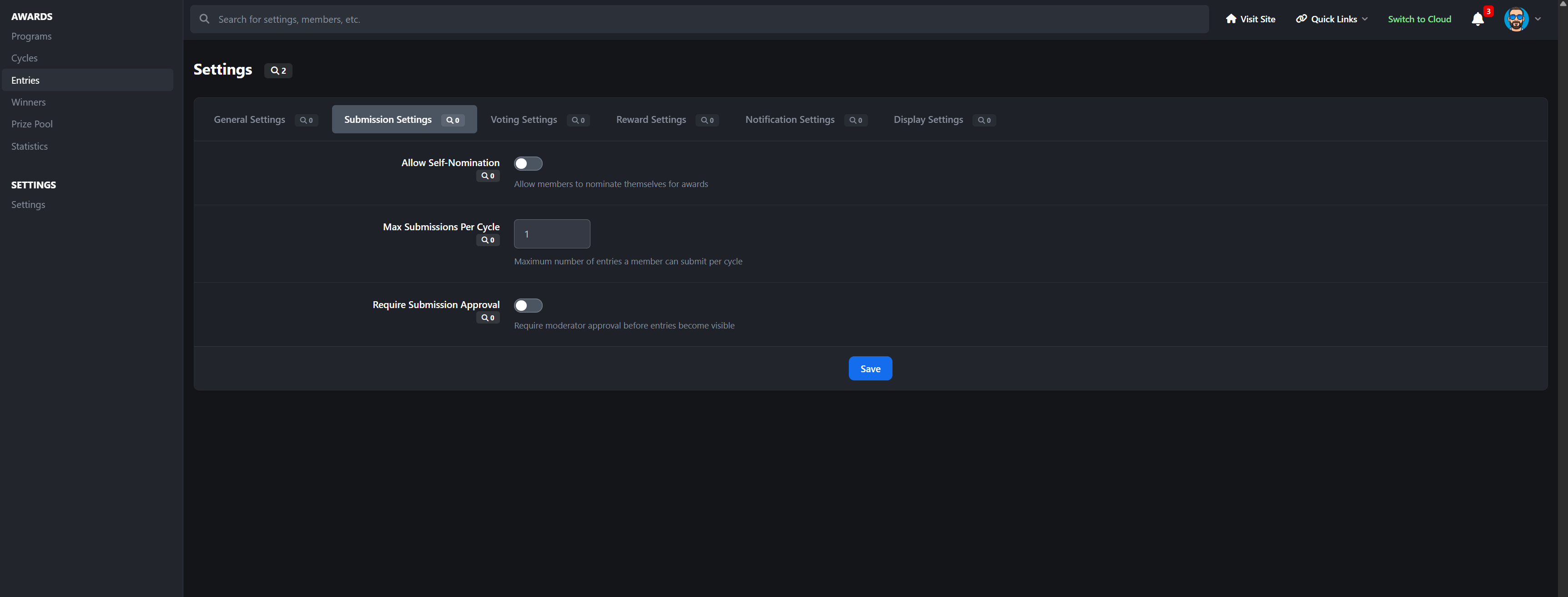
nominate another member
submit their own website or project
link to forum posts, gallery images, or other content
Entries support images and rich descriptions, so submissions feel polished instead of rushed.
Members can manage their own entries, and nominated users are notified so nothing goes unnoticed.
Voting that feels fair and fun
Voting is designed to encourage participation without chaos:
vote for one entry or multiple entries
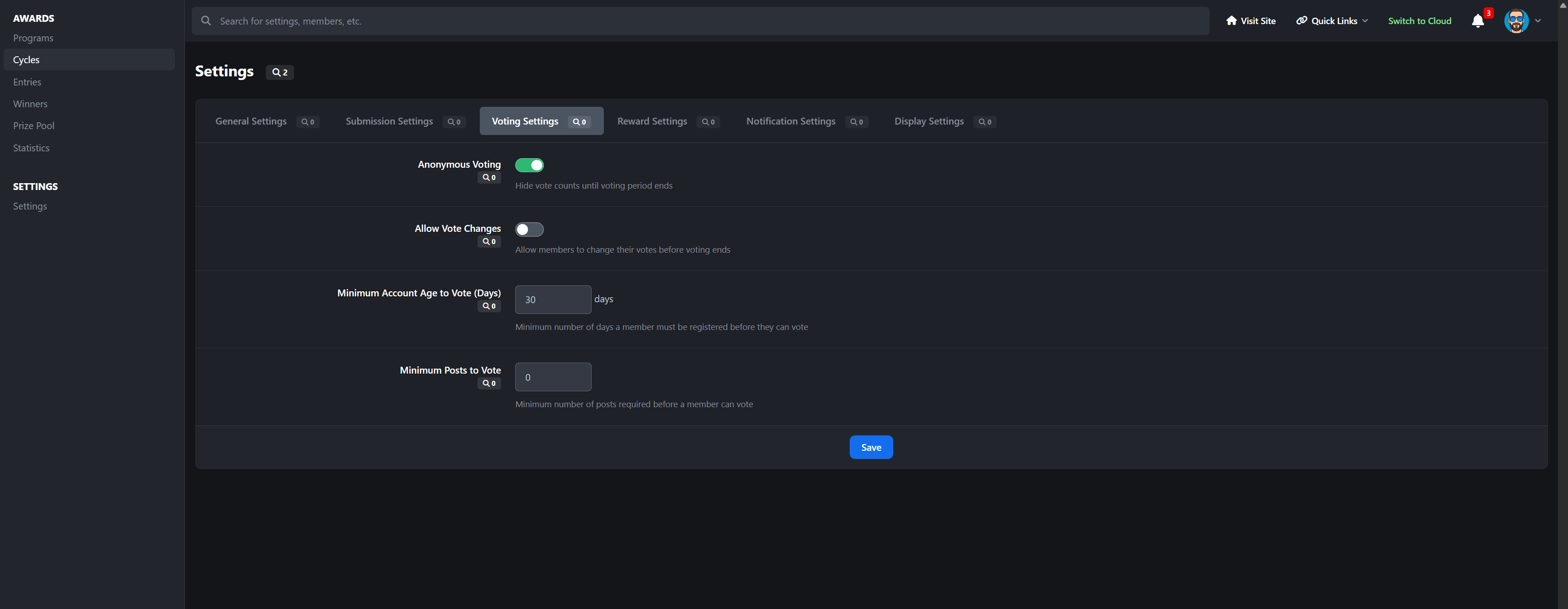
optional anonymous voting
real-time vote counts
notifications when entries receive votes
This makes feature contests, content awards, and popularity-based recognition feel transparent and engaging.
Clear winners and permanent history
Winners can be selected automatically by vote count or manually if needed.
You can award:
first, second, and third place
multiple winners
tied positions
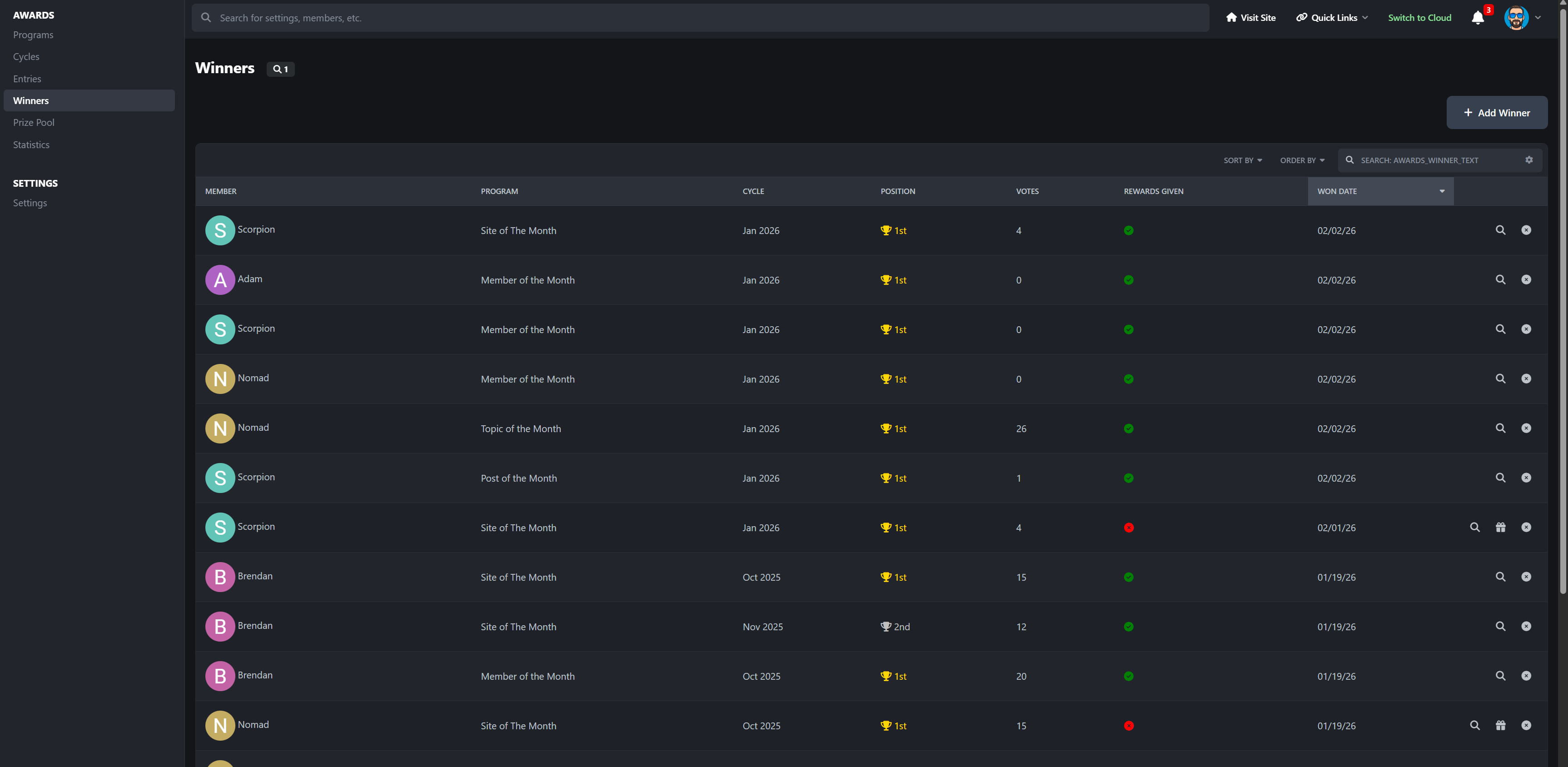
Every win is saved permanently. Past winners are never lost, making it easy to build a real history instead of resetting every month.
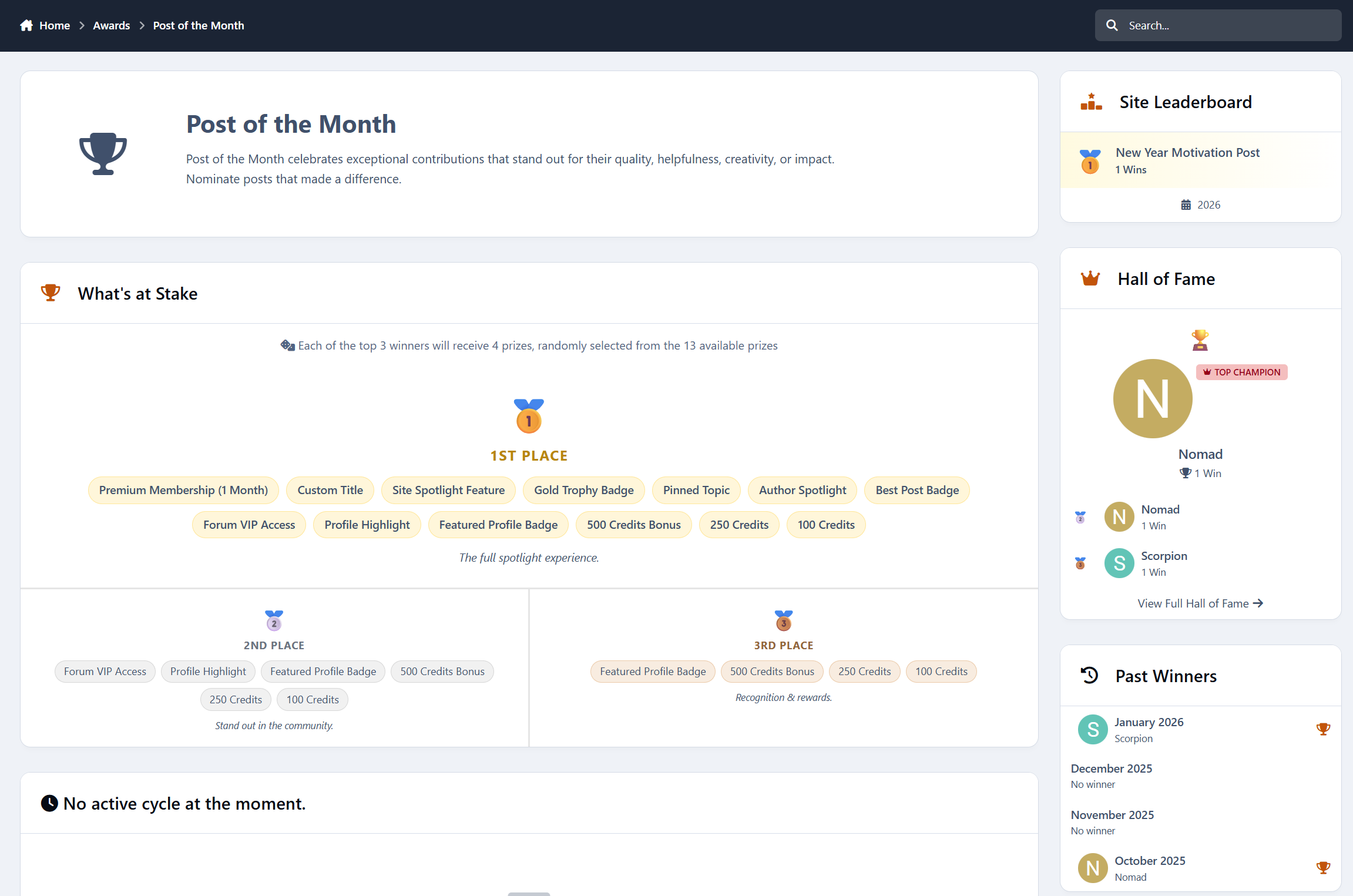
Rewards that actually matter
Winning an award should feel good.
Winners can receive:
badges
reputation points
group promotions
store credits
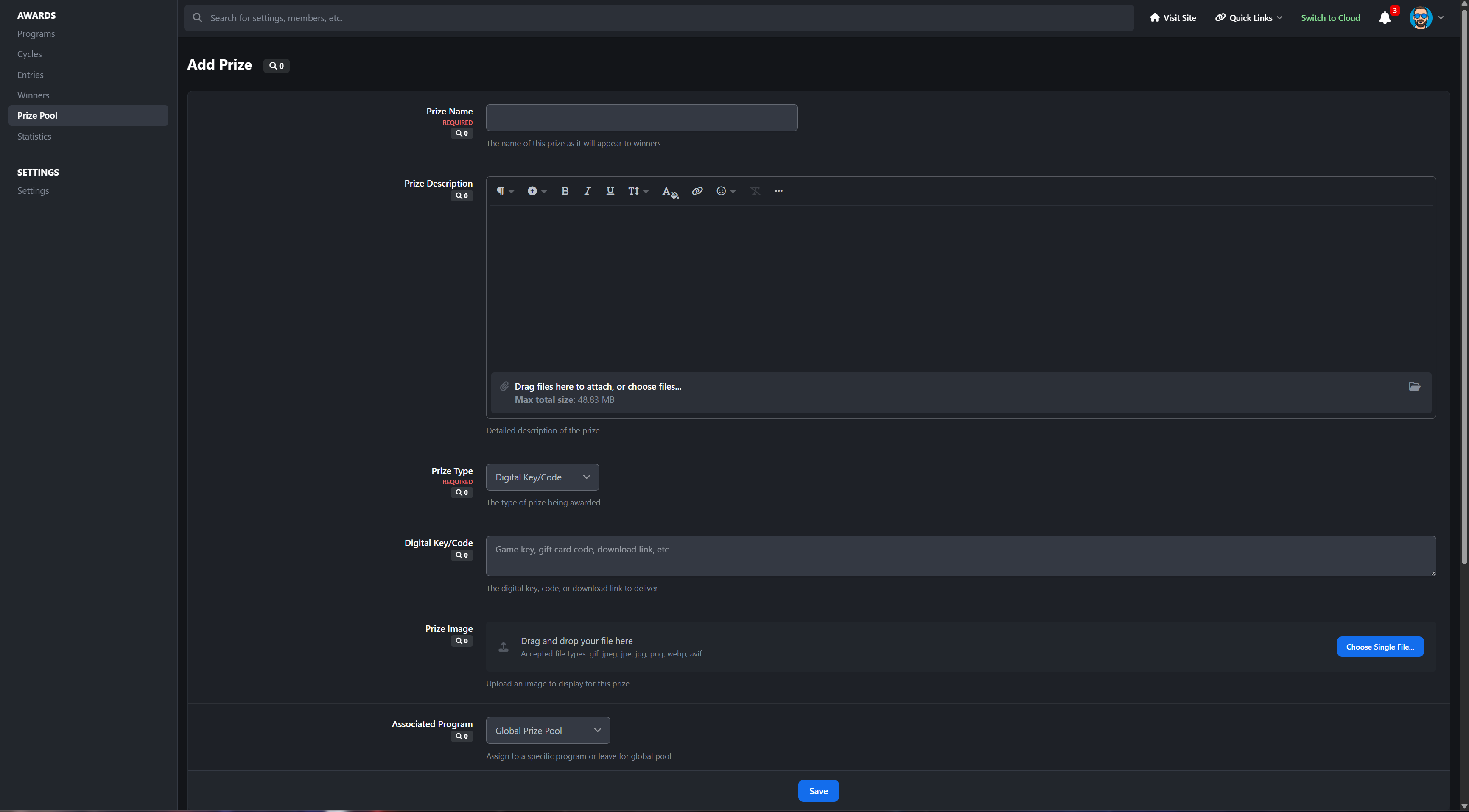
custom or digital prizes
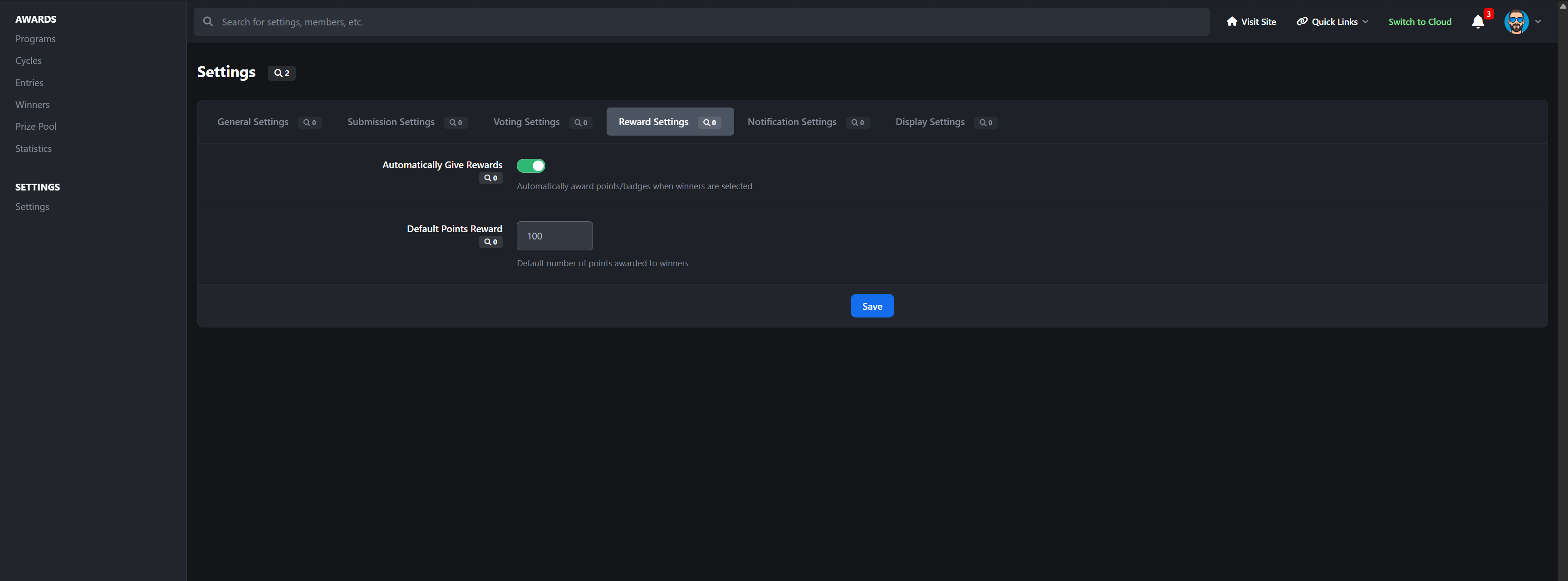
Rewards are handed out automatically when winners are chosen, so there is no follow-up work or forgotten promises.
Prize pools for bigger contests
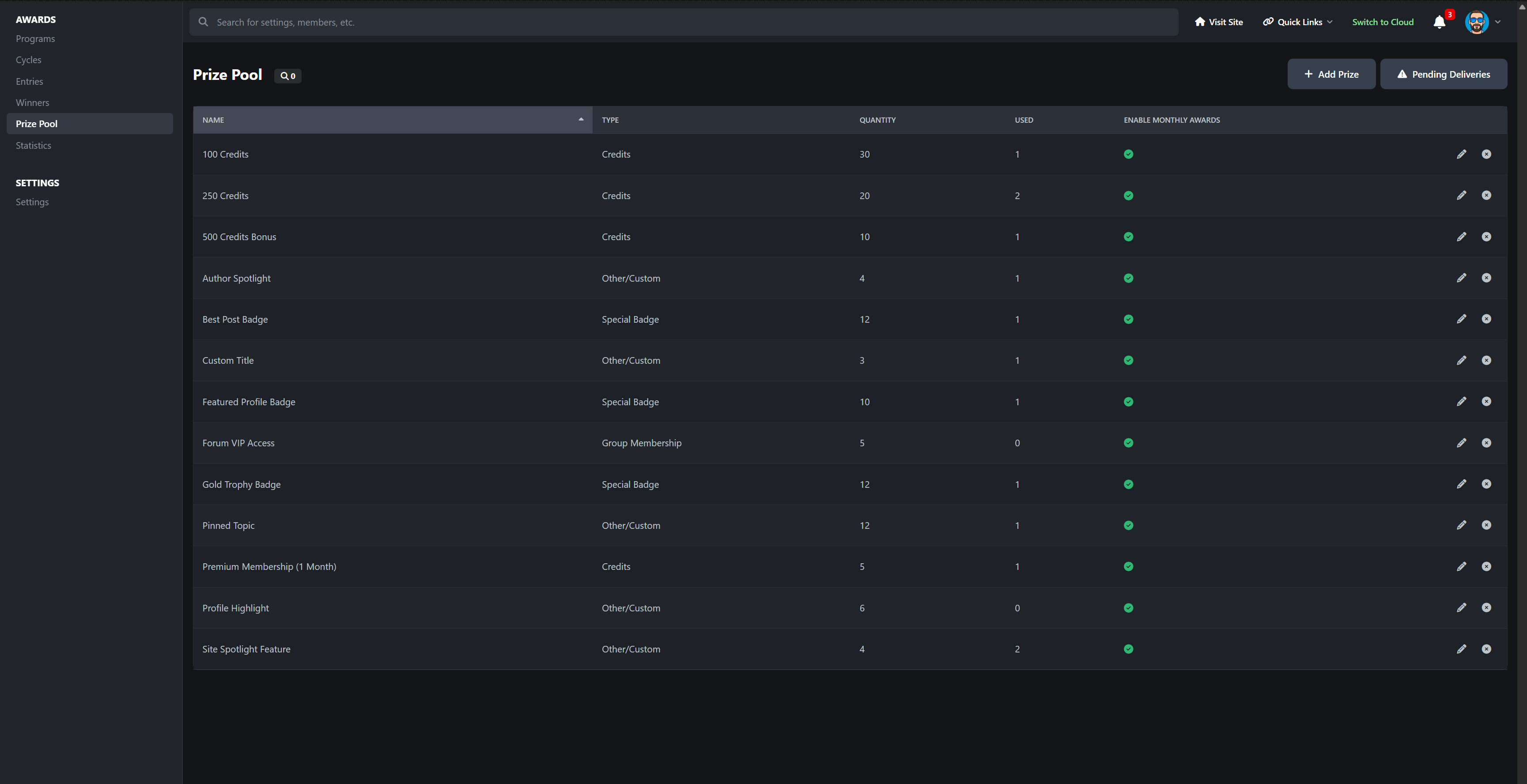
For giveaways and larger events, you can build prize pools with:
multiple prize types
limited inventory tracking
position-based prizes
random weighted selection
This is perfect for sponsor giveaways, digital keys, or seasonal competitions.
Announcements and notifications
Members stay informed without needing to hunt for updates:
new cycle started
submissions open
voting open
reminders before deadlines
winner announcements
prizes won
Announcements can also be posted automatically to your forums, keeping activity visible and driving traffic.
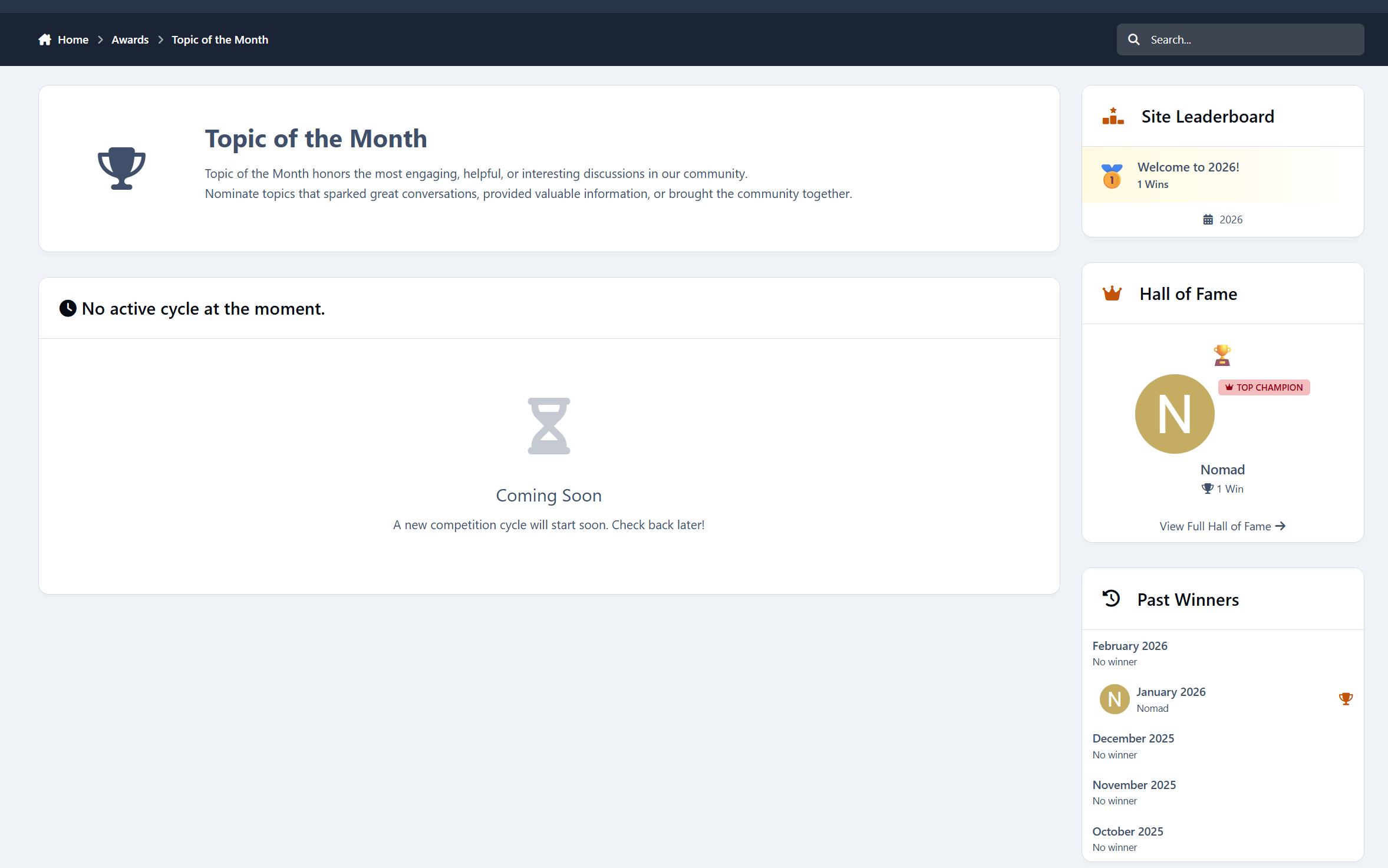
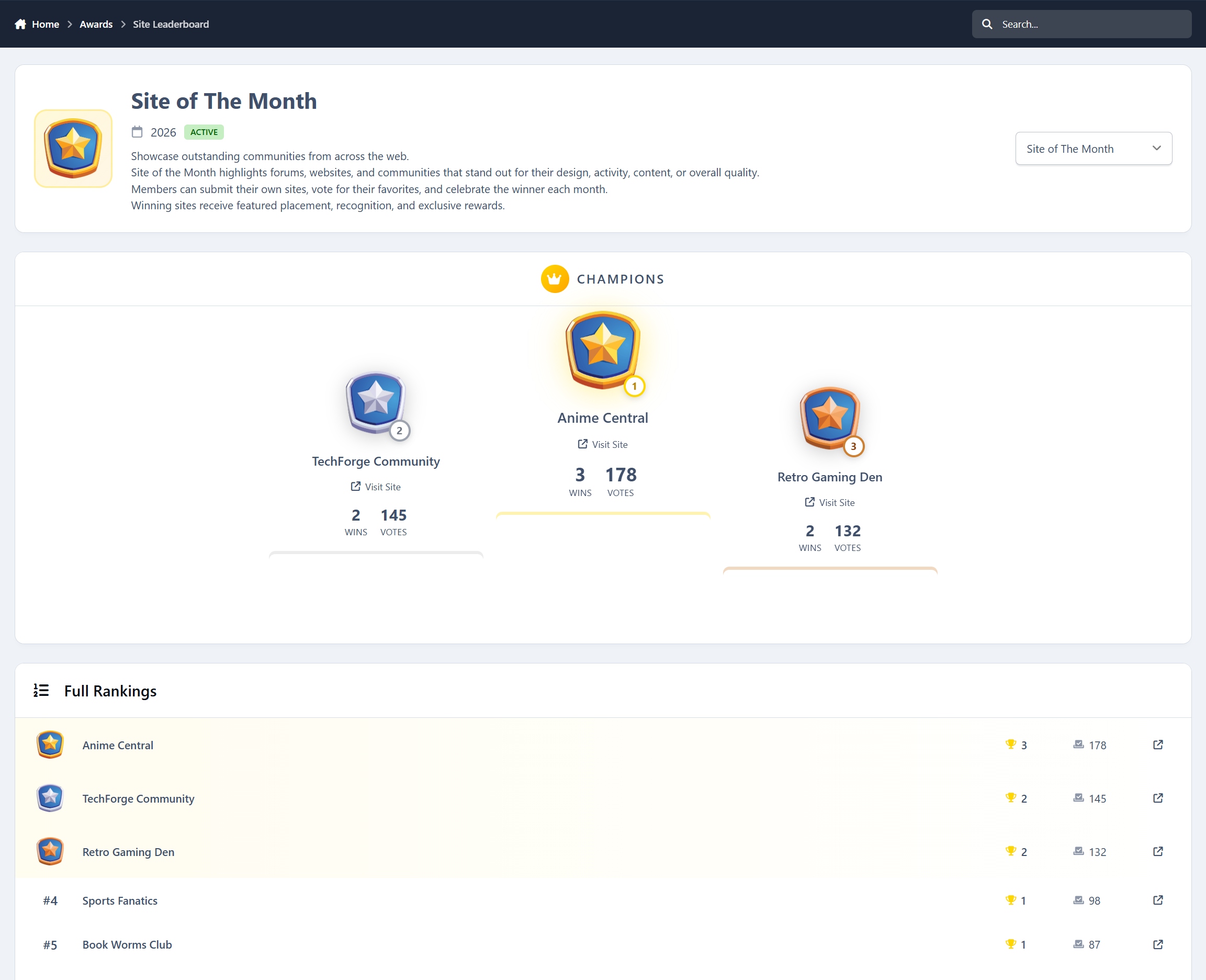
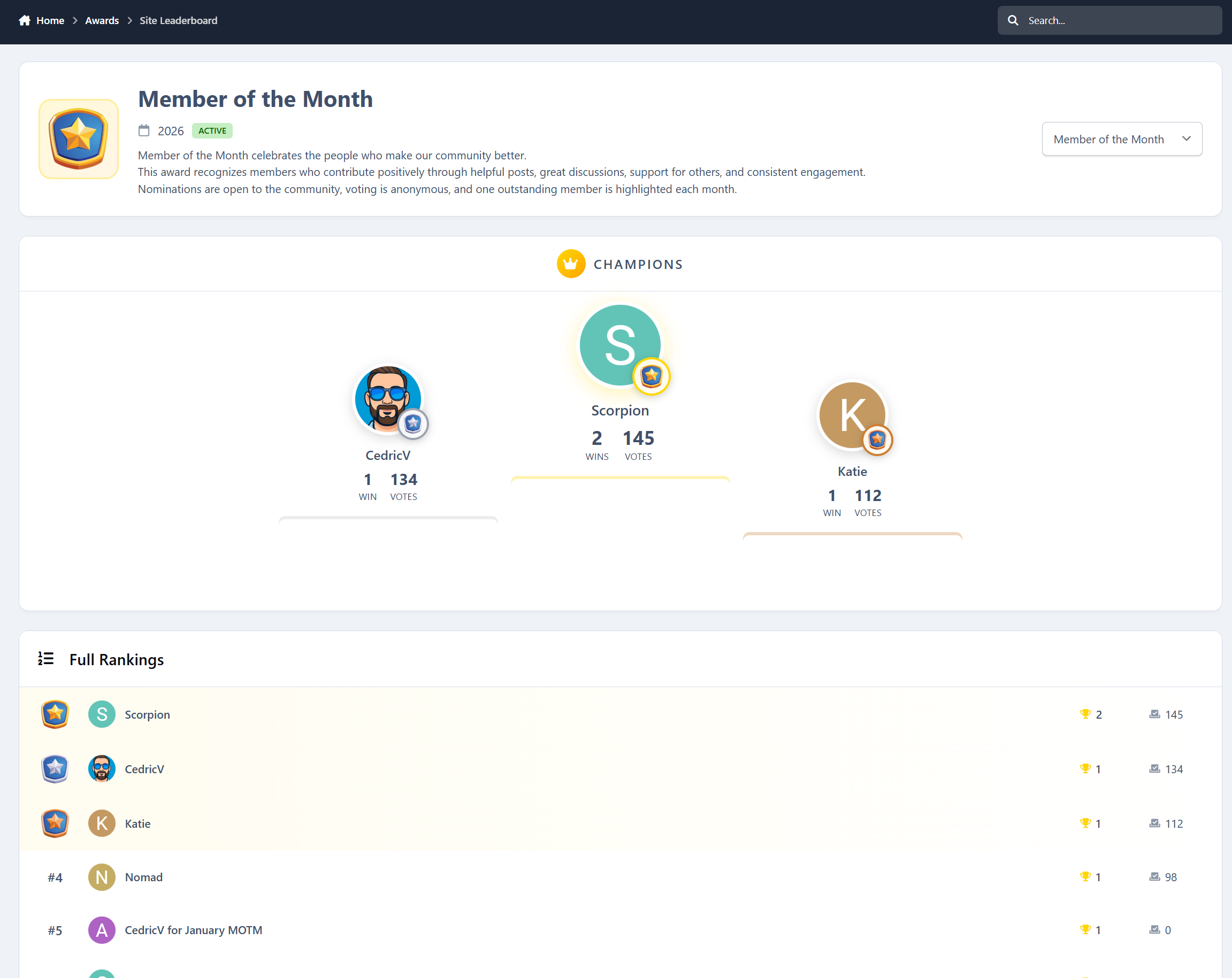
Leaderboards and recognition
Recognition does not stop at one win.
The app includes:
yearly leaderboards
per-program rankings
total wins and votes received
historical browsing of past years
This turns awards into long-term motivation instead of one-off events.
Profile integration
Members get a dedicated awards area on their profile showing:
awards won
prizes received
win and vote statistics
earned badges
It becomes a visible status symbol, not just a forgotten badge.
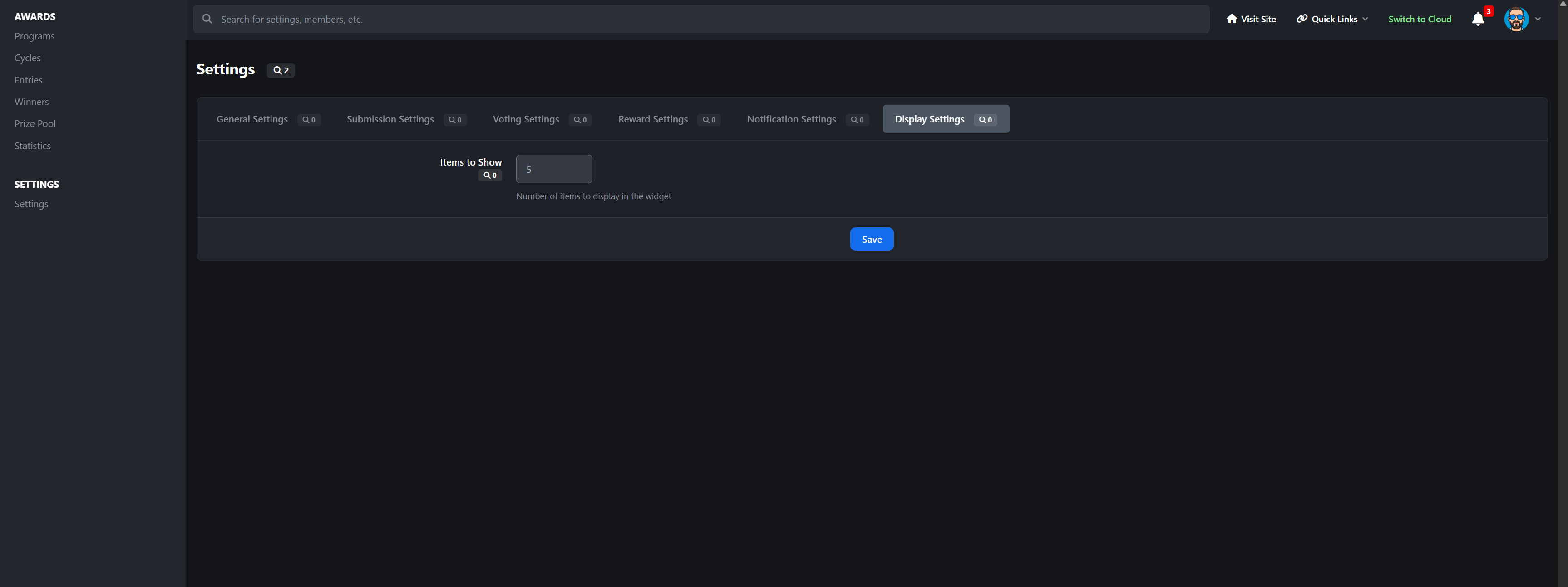
Widgets for visibility
Show awards across your community with widgets like:
active awards
awards currently in voting
recent winners
hall of fame
featured program
This keeps awards visible instead of hidden in a menu.
-
 1
1
Create an account or sign in to leave a review
There are no reviews to display.