Services Manager
Invision Community 5
- Category Admin & Mod Tools
- Downloads 110
- Compatibility IC5: 5.0.0+
- Updated




Overview
Full Service Marketplace for Invision Community 5Description
Service Manager is a complete service-order and task-fulfilment system for Invision Community v5.
It allows communities to sell structured services, assign work to staff or providers, track progress, manage commissions, and collect public feedback - all inside the IPS ecosystem.
You can offer things like:
Content services
Moderation teams
Design or development services
Consulting
Community management
Coaching
Support services
etc
Service Manager provides a professional, automated workflow to monetize your community’s expertise.
What Service Manager Does
For Customers
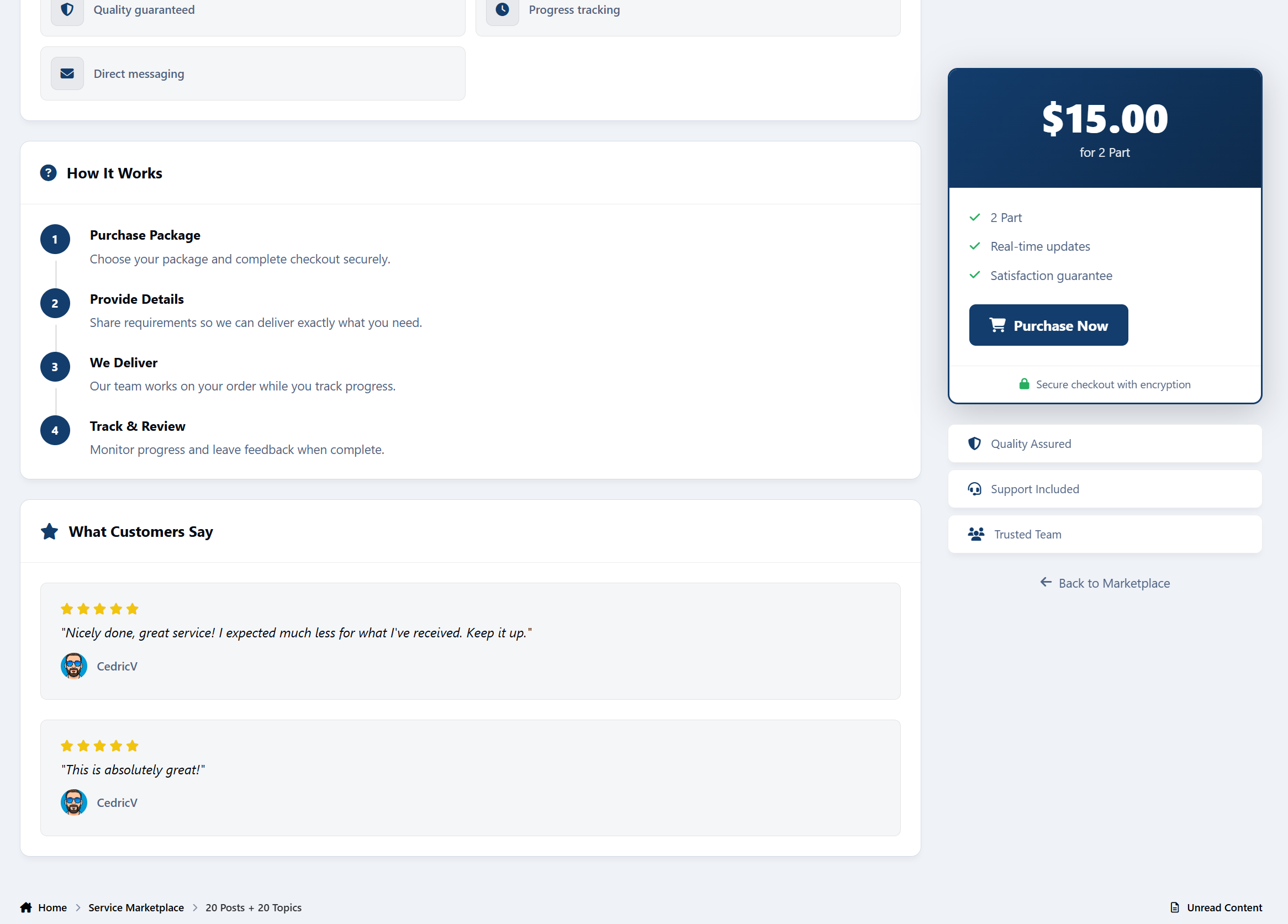
Browse service packages
Place structured orders
Track progress in real time
Communicate with staff
Leave public feedback
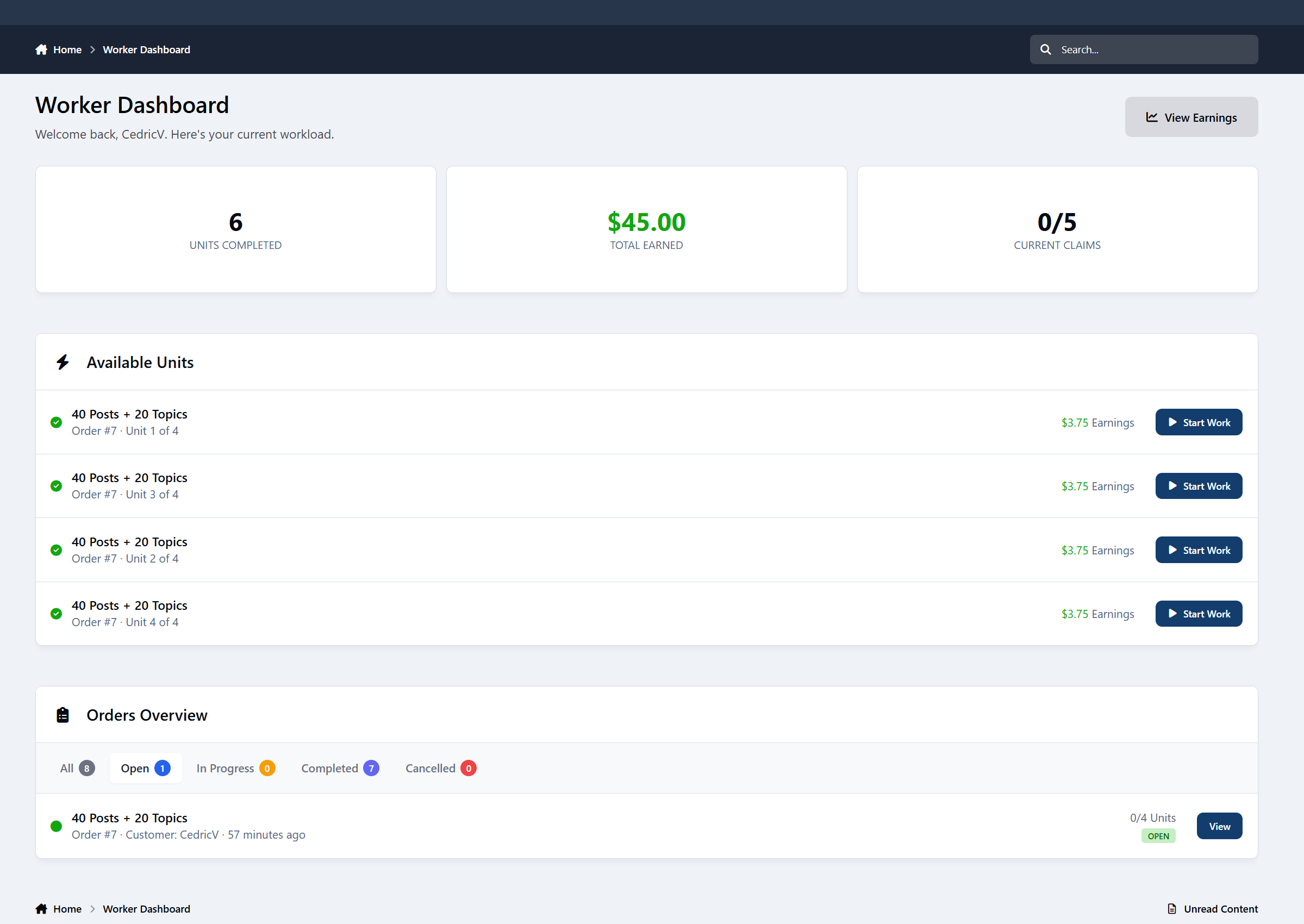
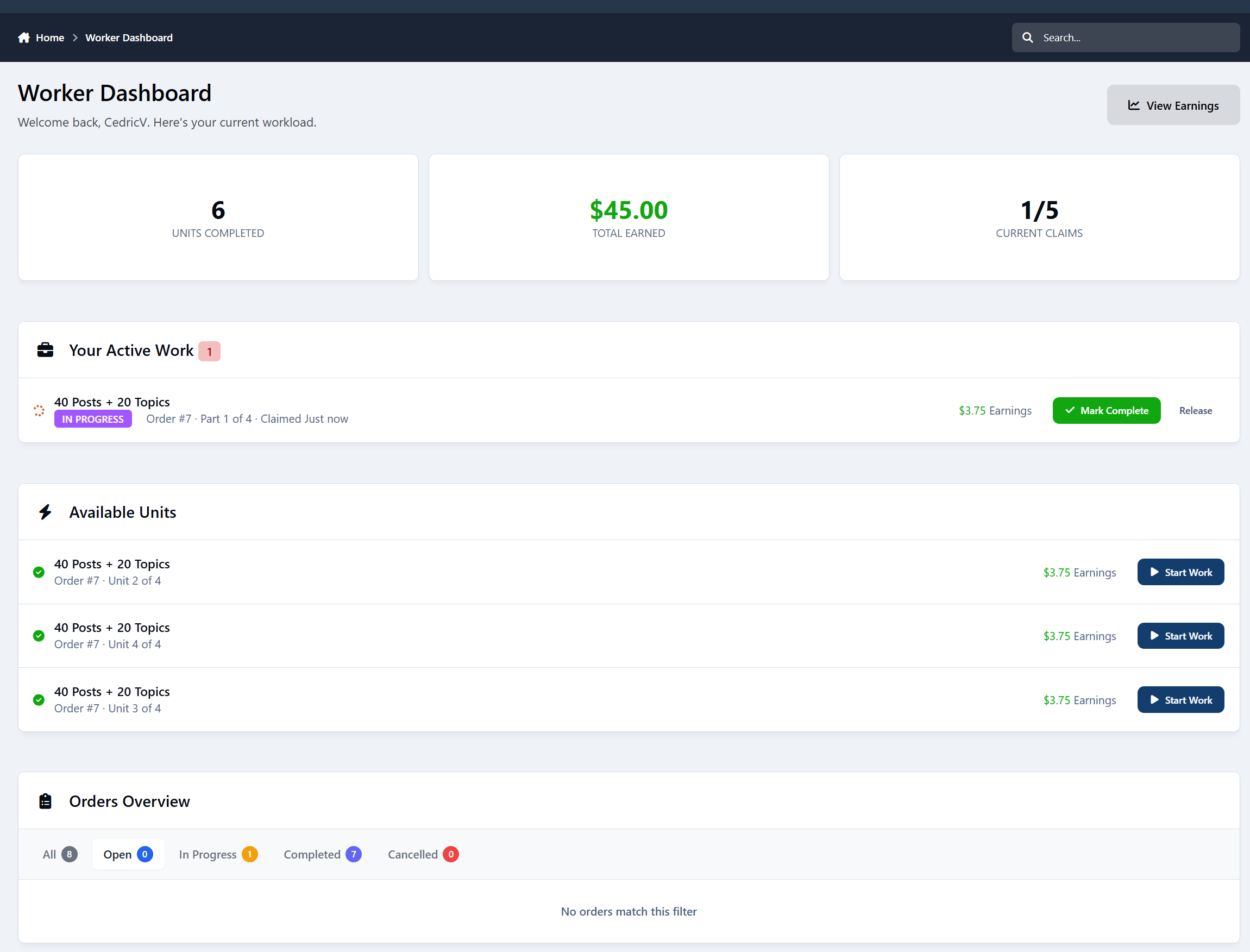
For Workers
View available task units
Claim and complete work
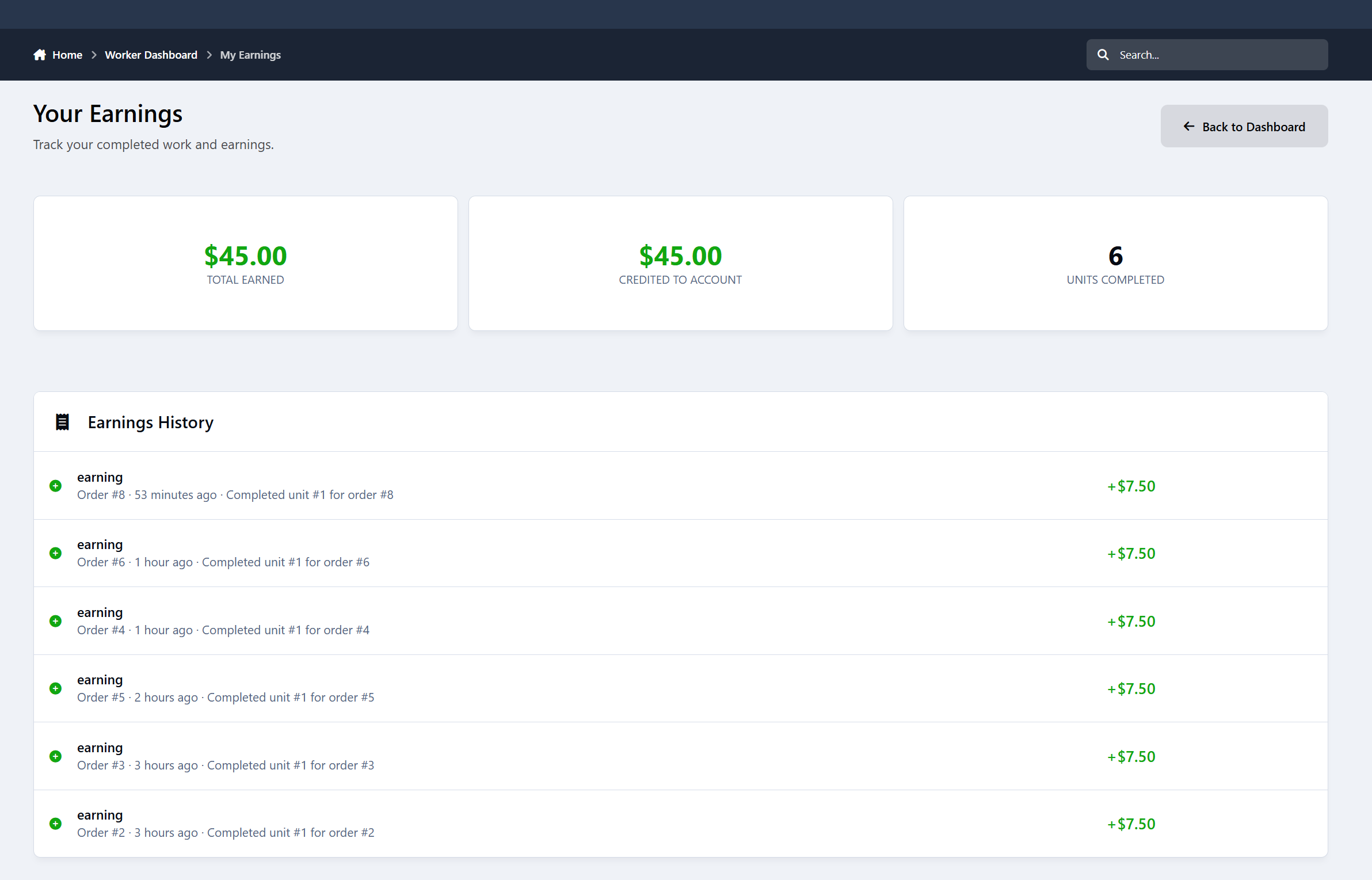
Track earnings
View performance statistics
Receive secure account credit payouts
For Admins
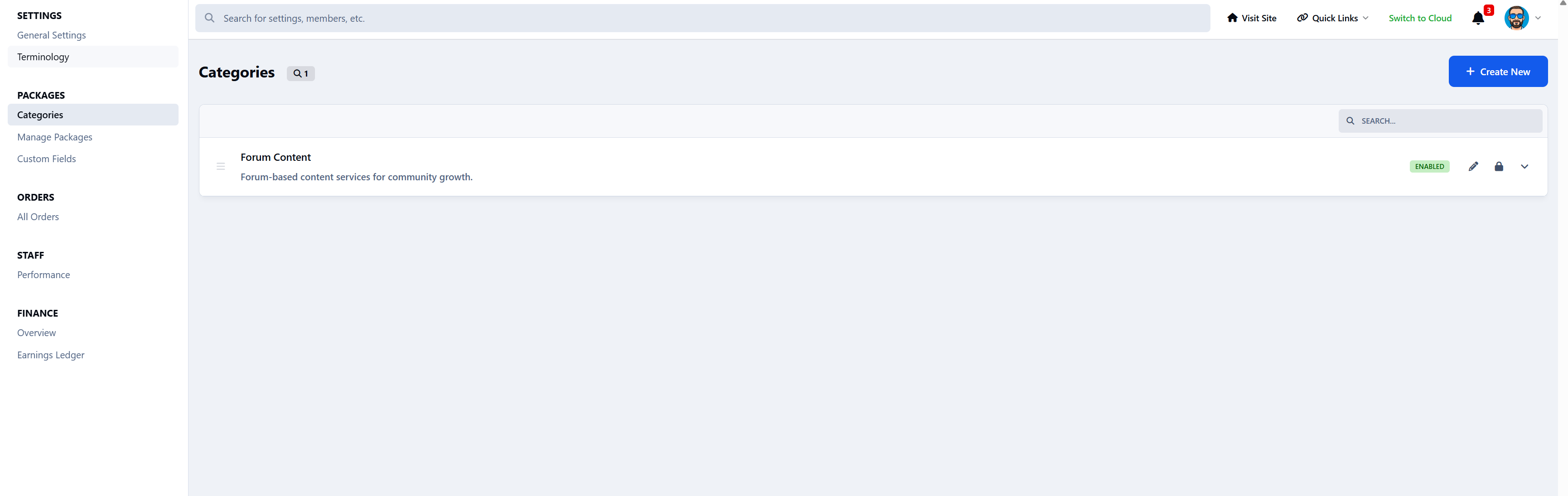
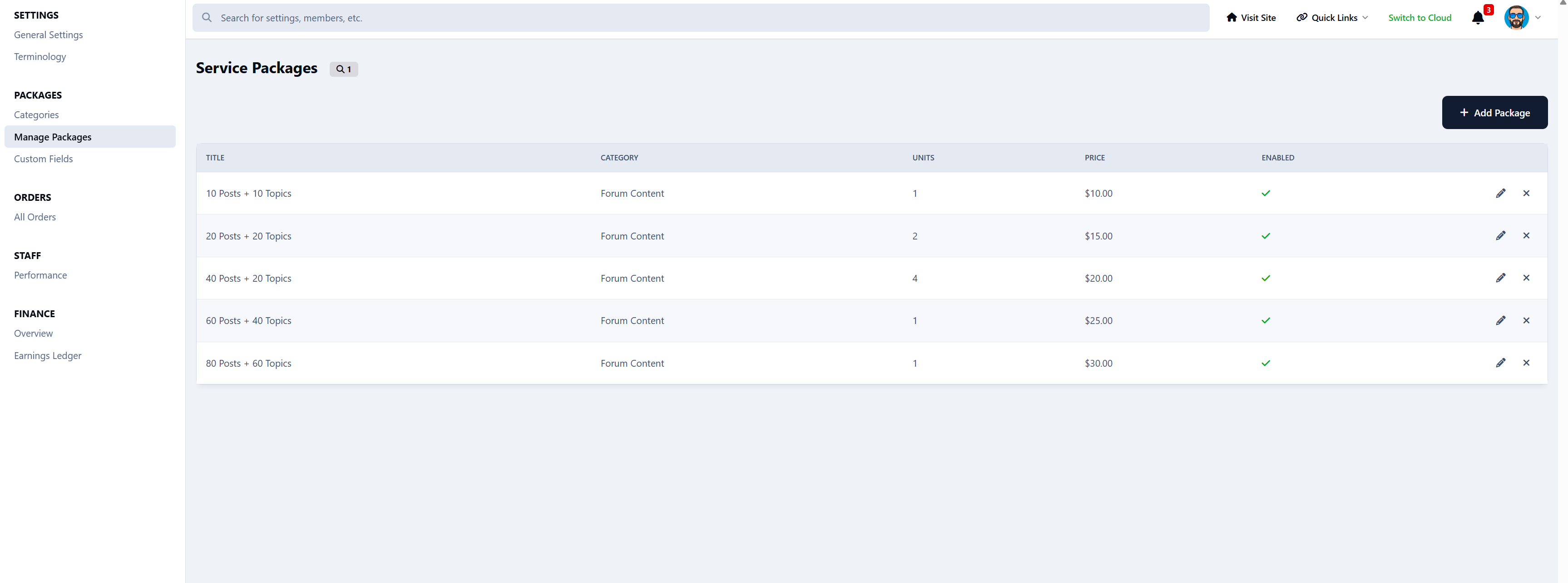
Create and manage service packages
Control commission and system rules
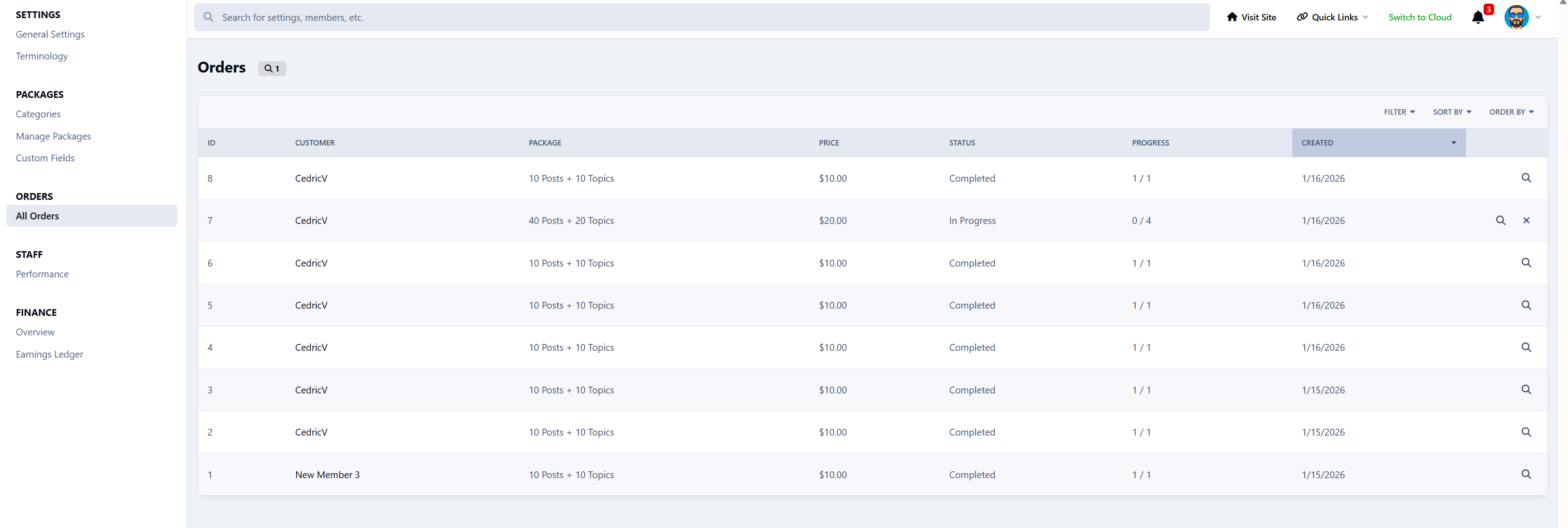
View all orders
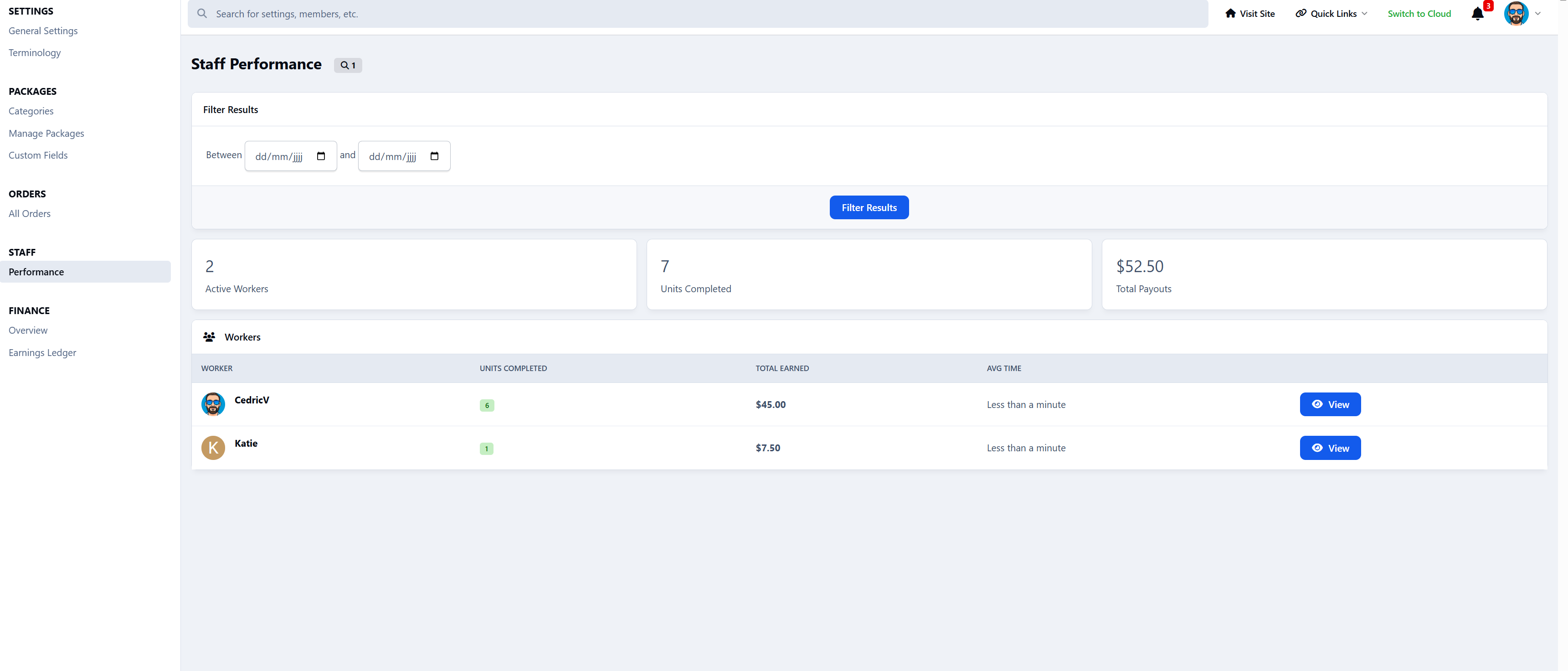
Monitor staff performance
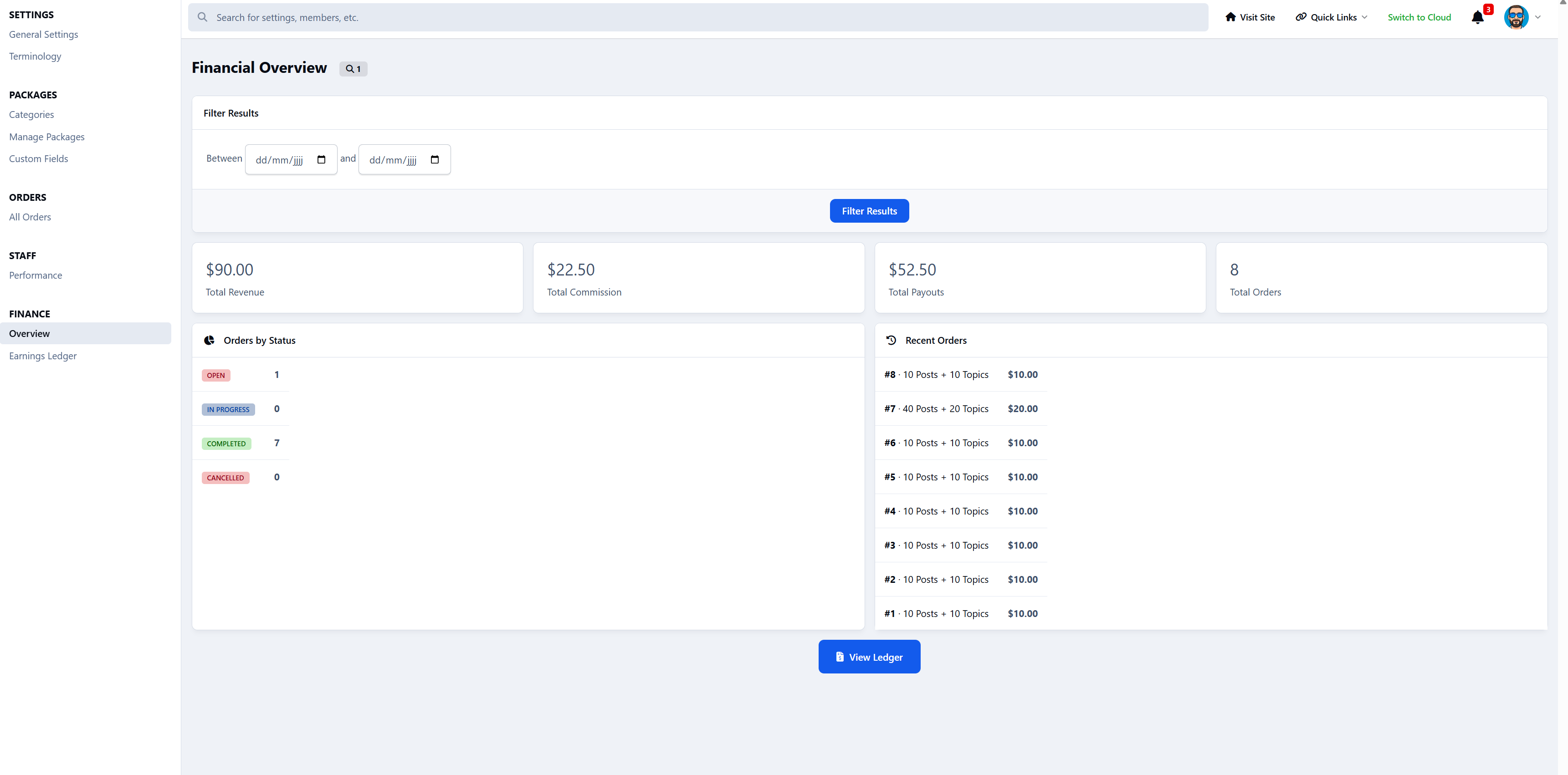
Access financial reports
Configure the entire system
Service Packages
Admins can create fully configurable service packages with:
Categories
Pricing
Images
Rich text descriptions
Estimated completion time
Task unit quantities
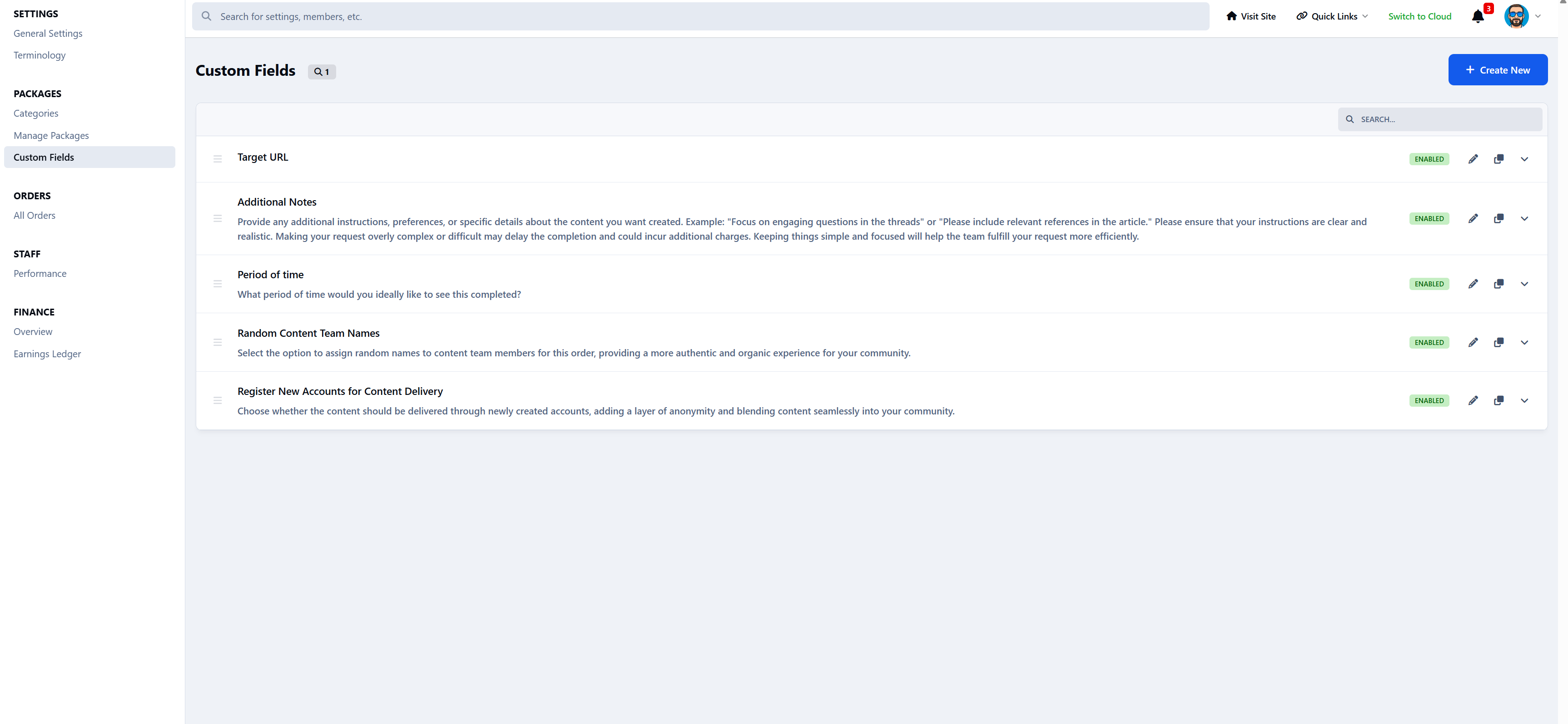
Custom fields (13 types)
Enable/disable controls
Per-package rules
Each purchase automatically creates a Service Order and splits it into Task Units for workers to claim.
Automated Workflow
Customer purchases a service
Payment is confirmed via Nexus
A service order is created
Task units are generated
Workers claim units
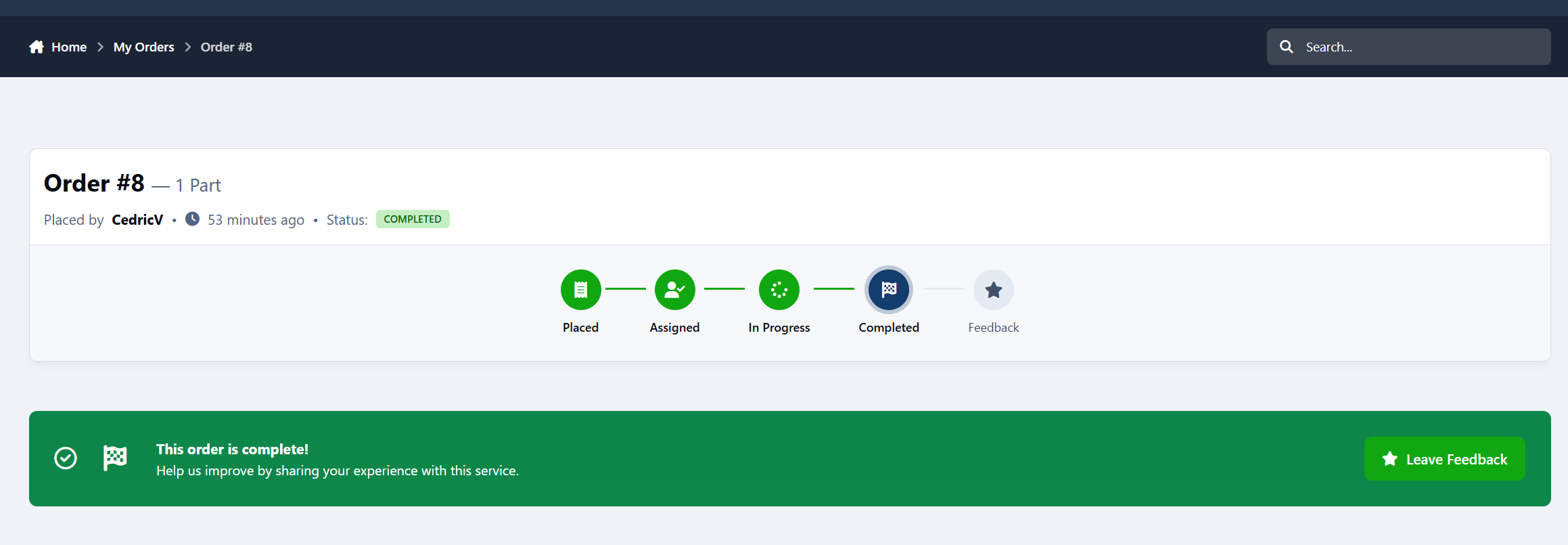
Work is completed
Earnings are credited
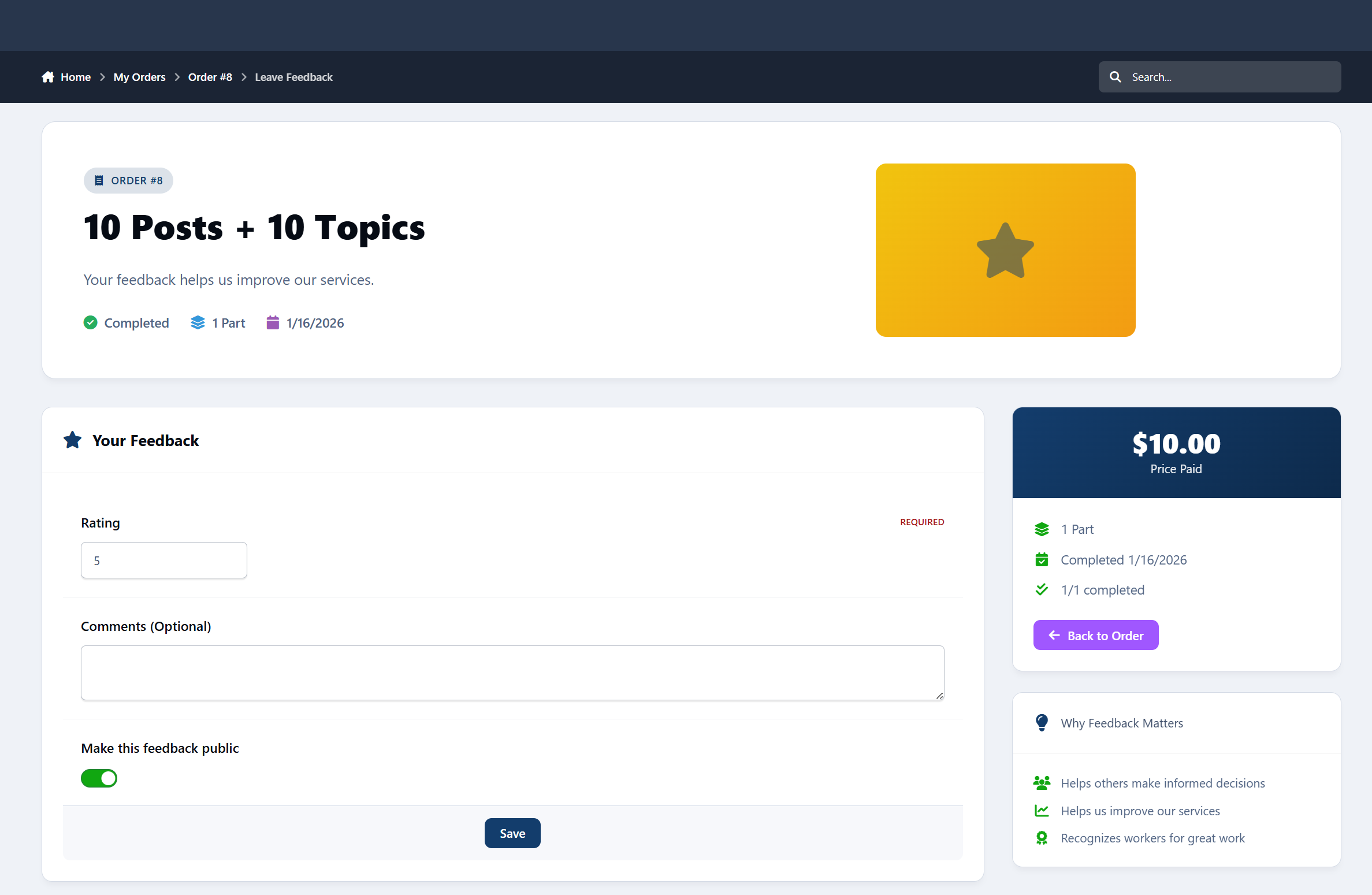
Customer leaves feedback
All activity is logged, tracked, and secure.
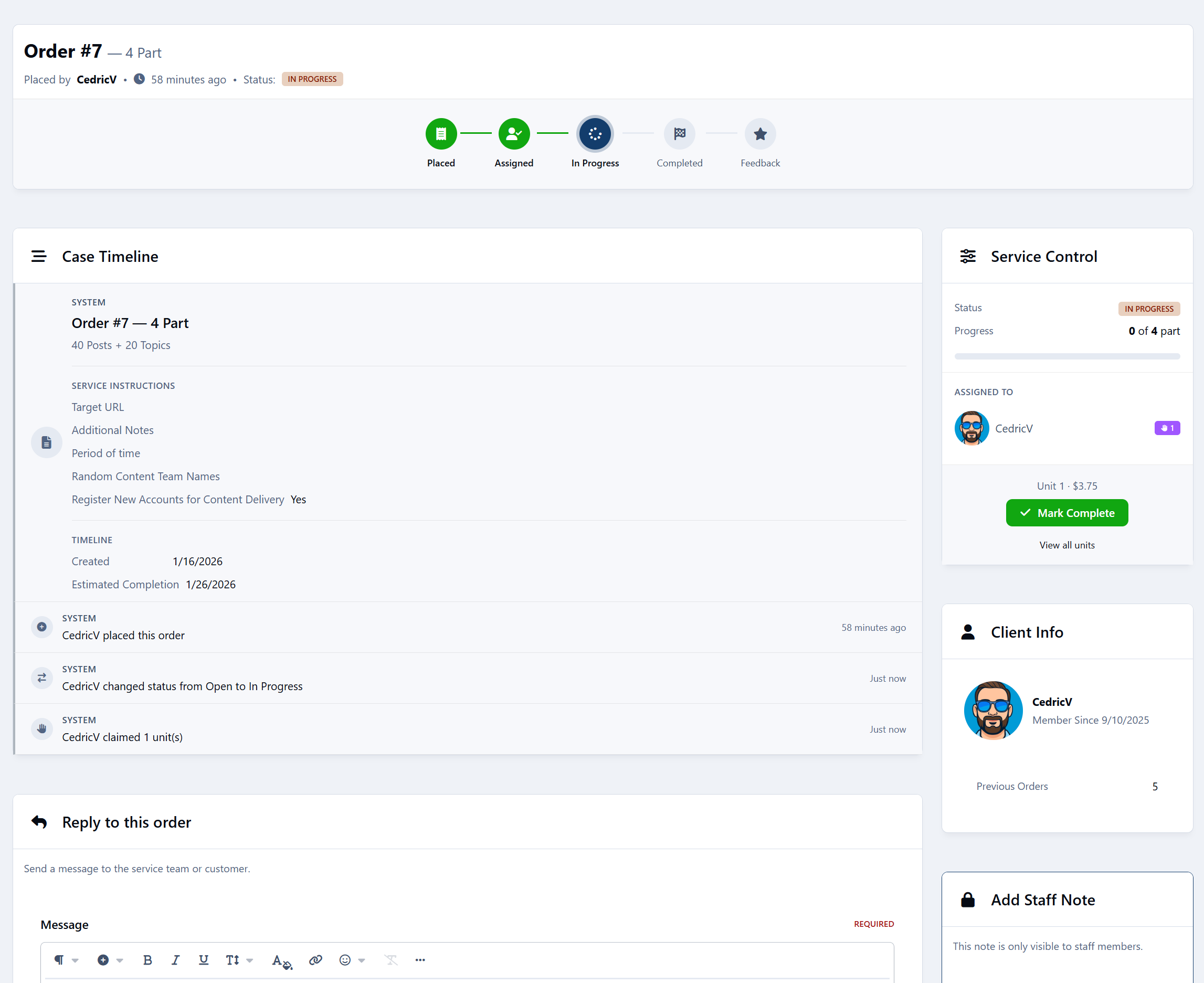
Built-In Communication
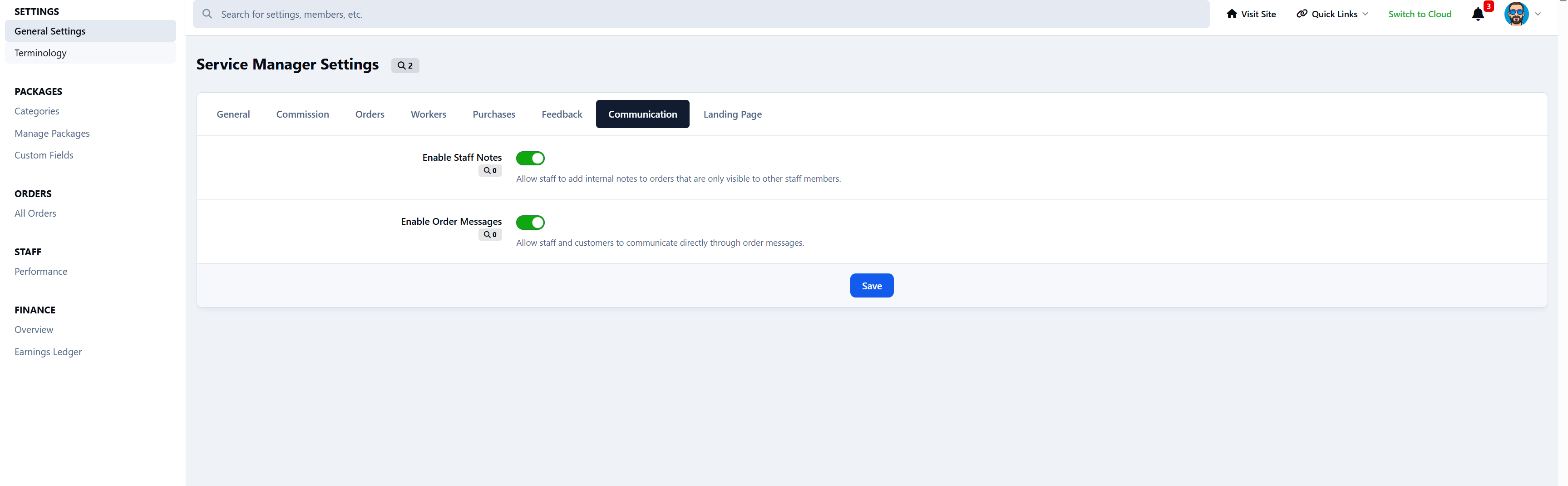
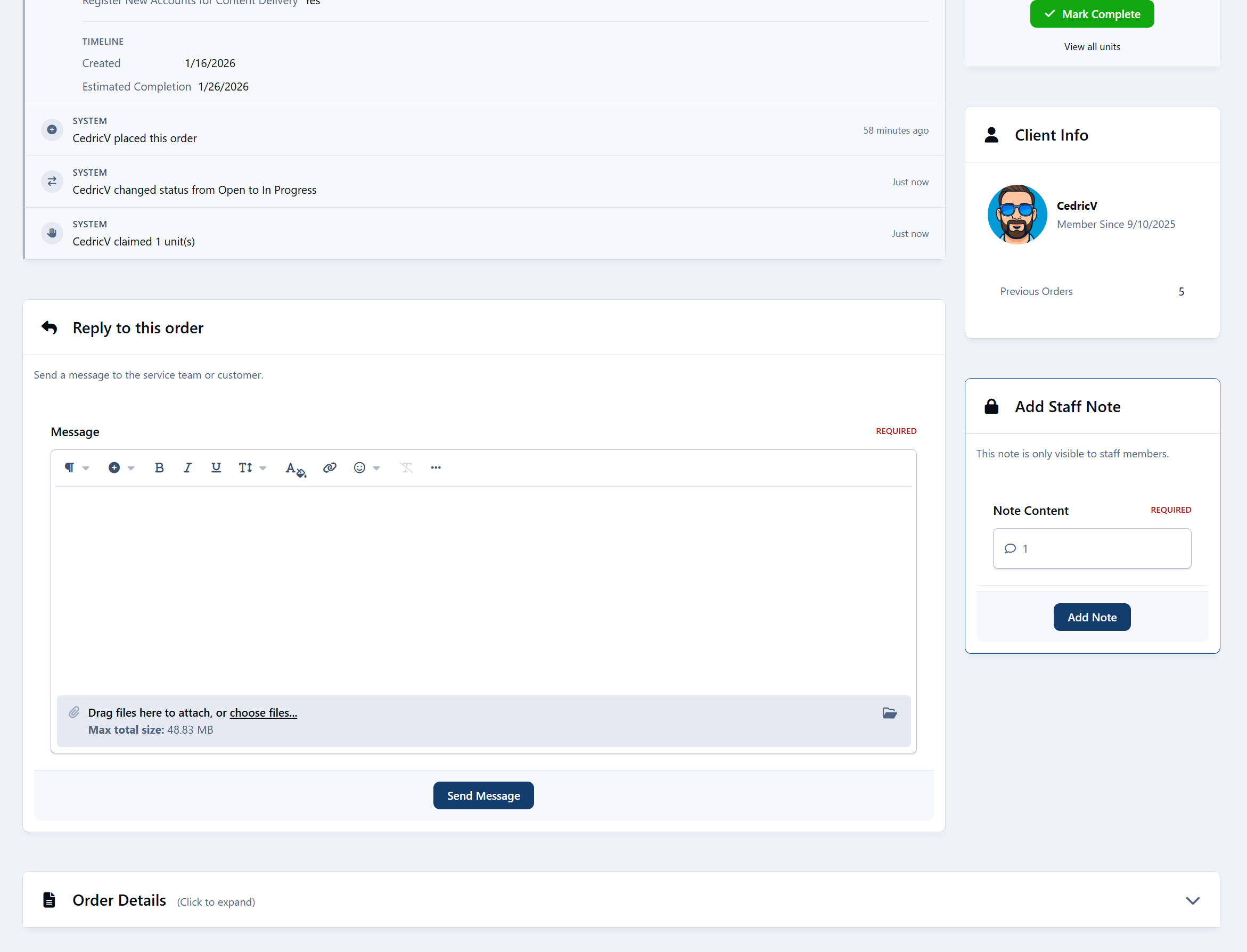
Customer to staff messaging
Internal staff notes
Message editing (15-minute window)
Order activity timeline
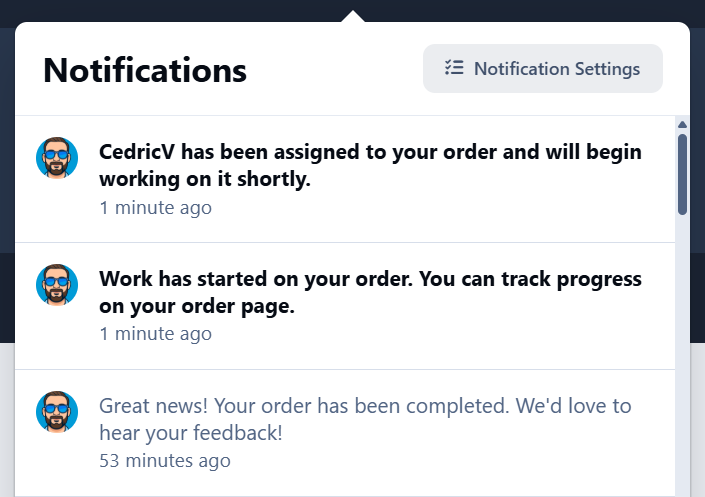
Notification system
Financial System
Configurable commission system
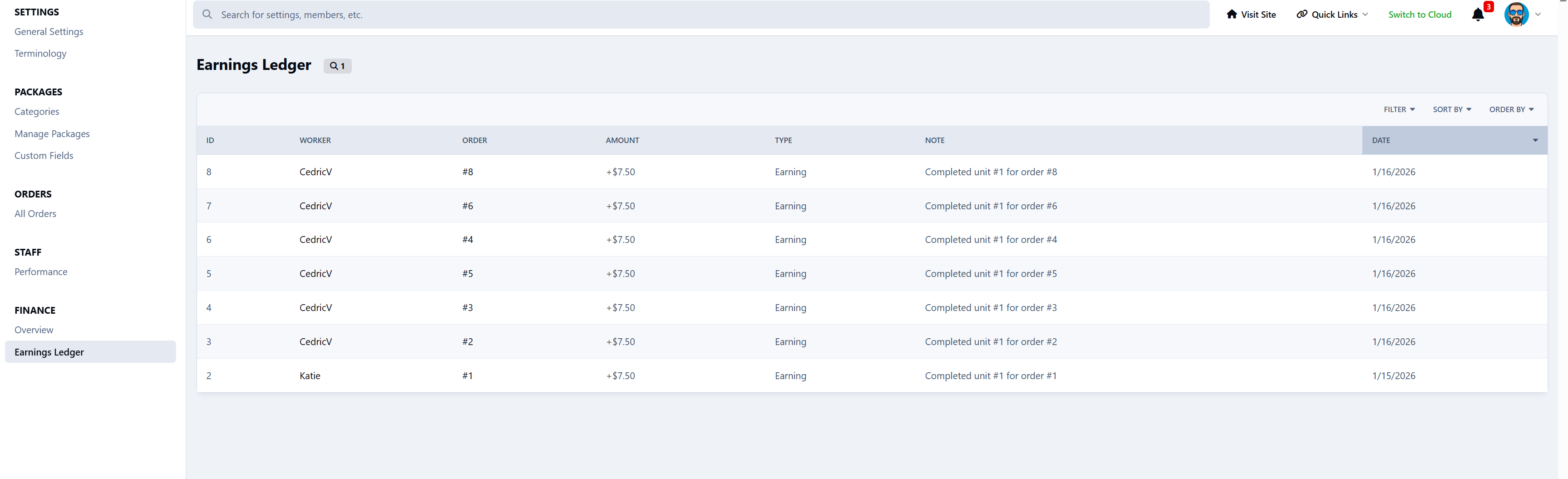
Earnings ledger
Automatic credit to Nexus accounts
Financial overview in the ACP
Worker performance statistics
Date range filtering
Feedback System
One review per completed order
Publicly visible feedback
Marketplace integration
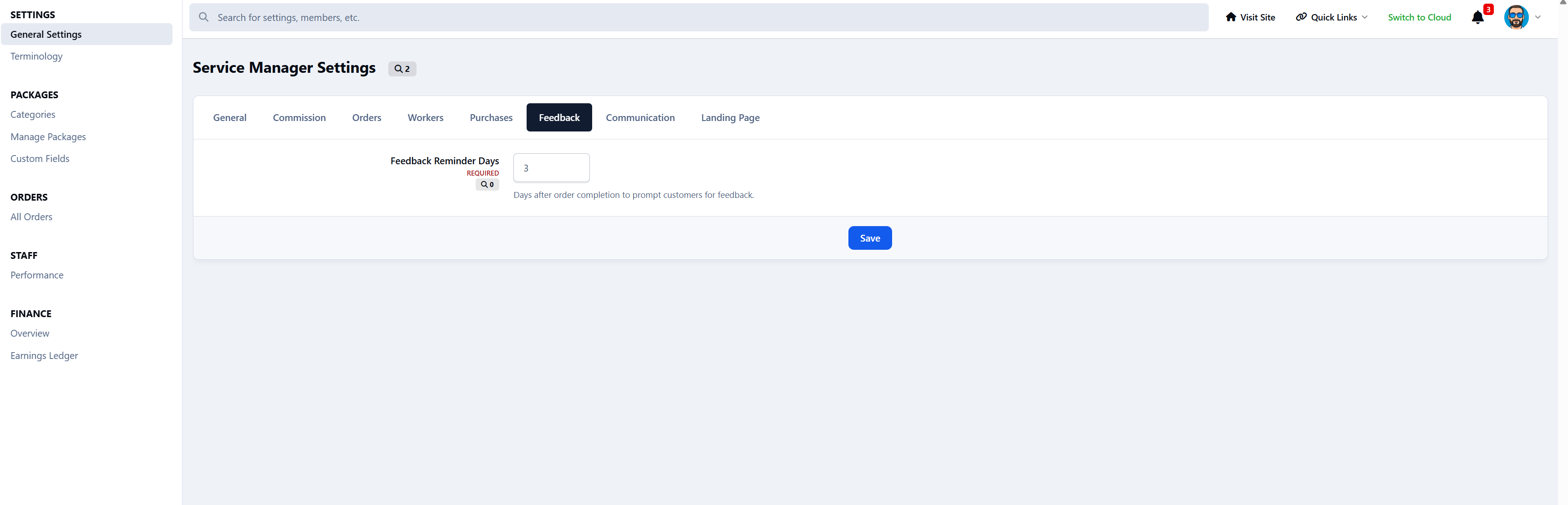
Automated 3-day reminder
Dashboards
Customer Dashboard
Order history
Status tracking
Feedback submission
Worker Dashboard
Available work
Active work
Earnings overview
Performance statistics
Admin Control Panel
Order management
Financial reports
Staff performance
System settings
Widgets
Open Orders Counter
Recent Feedback Display
No private data is exposed.
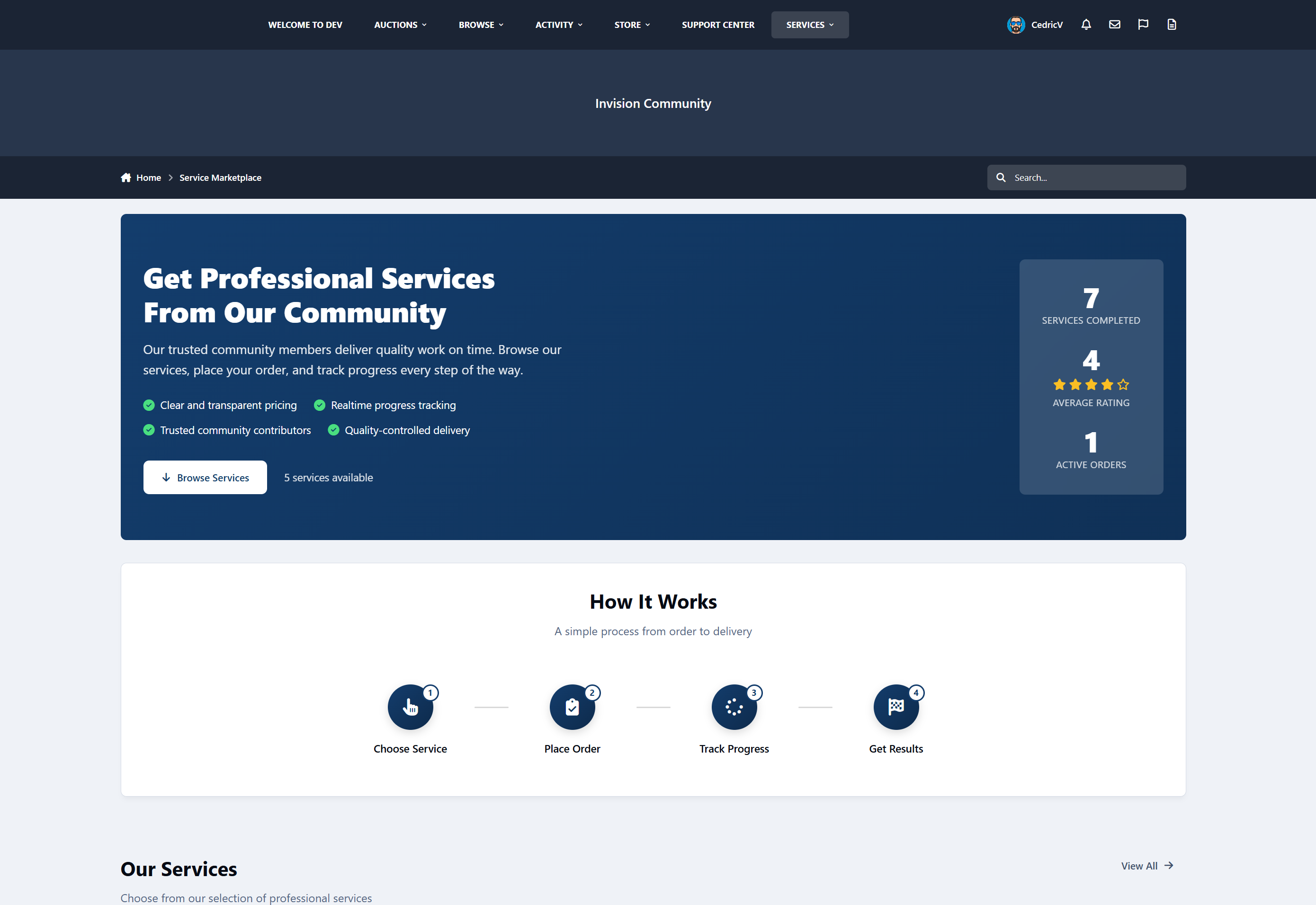
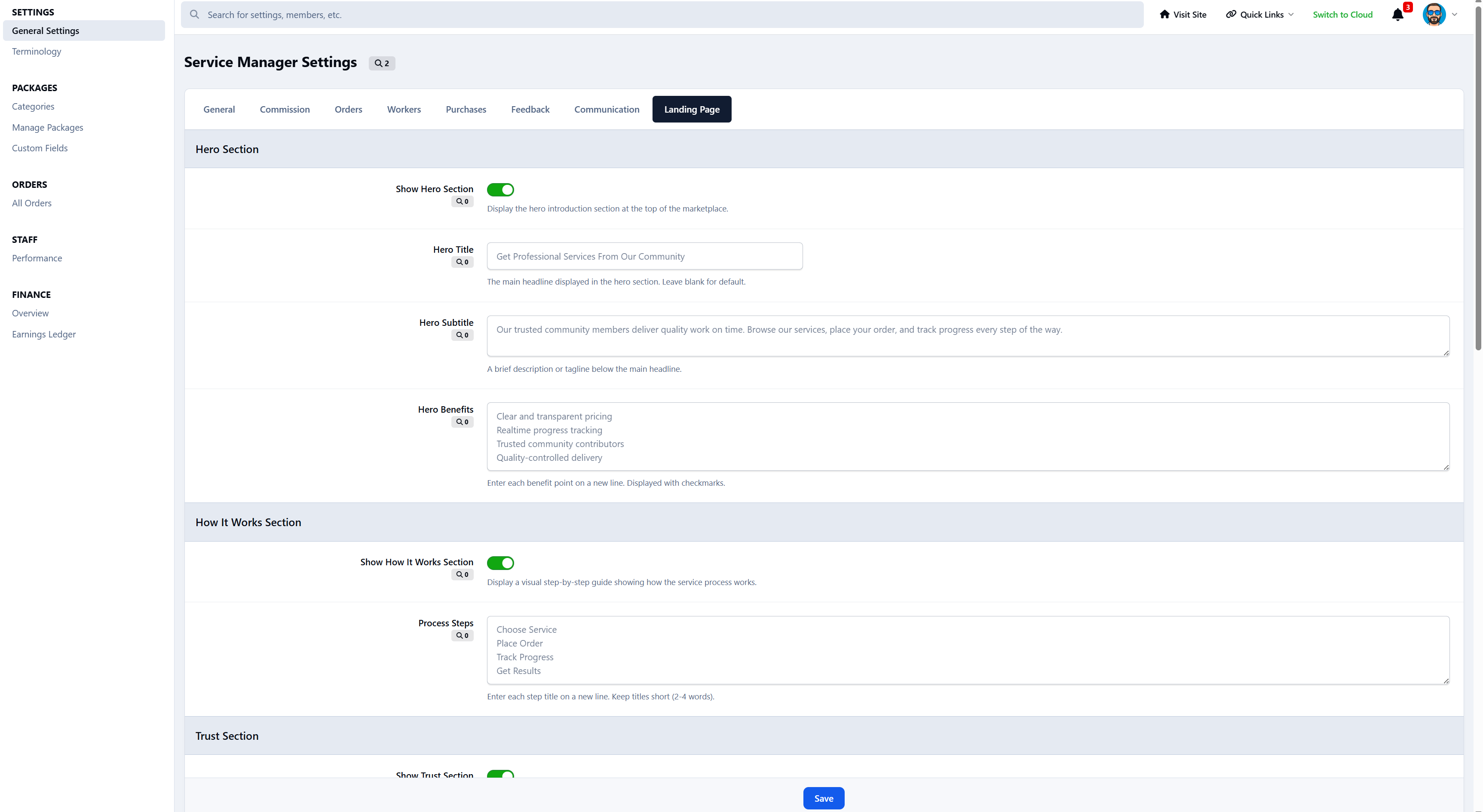
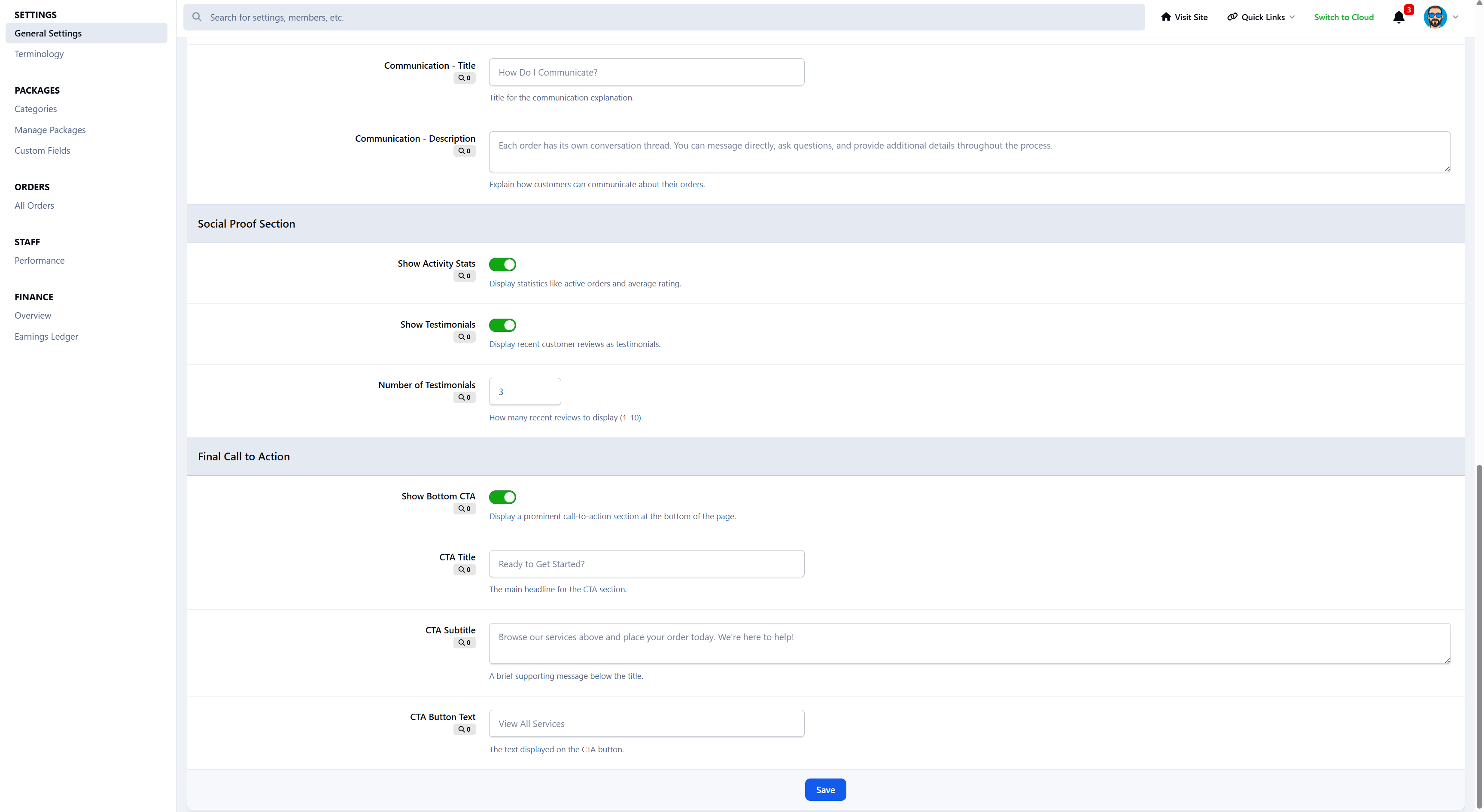
Fully Customizable Marketplace Landing Page
Service Manager includes a fully configurable marketplace landing page that lets you control how your services are presented to visitors.
From the Admin Control Panel, you can customize:
Hero section (title, subtitle, benefits)
“How it works” steps
Trust and transparency content
Social proof (stats and testimonials)
Final call-to-action section
Each section can be enabled, disabled, and edited without touching any code, making it easy to adapt the marketplace to any service type or community style.
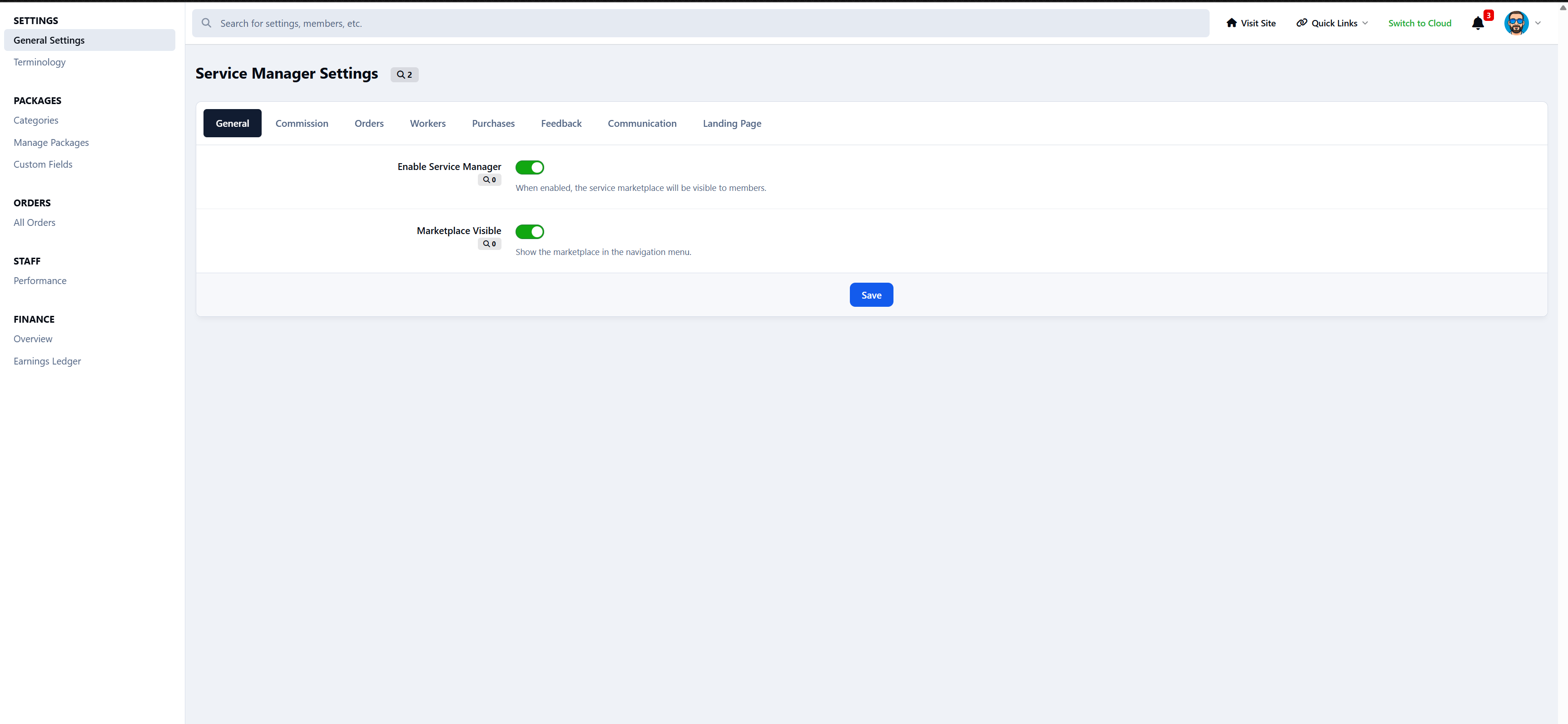
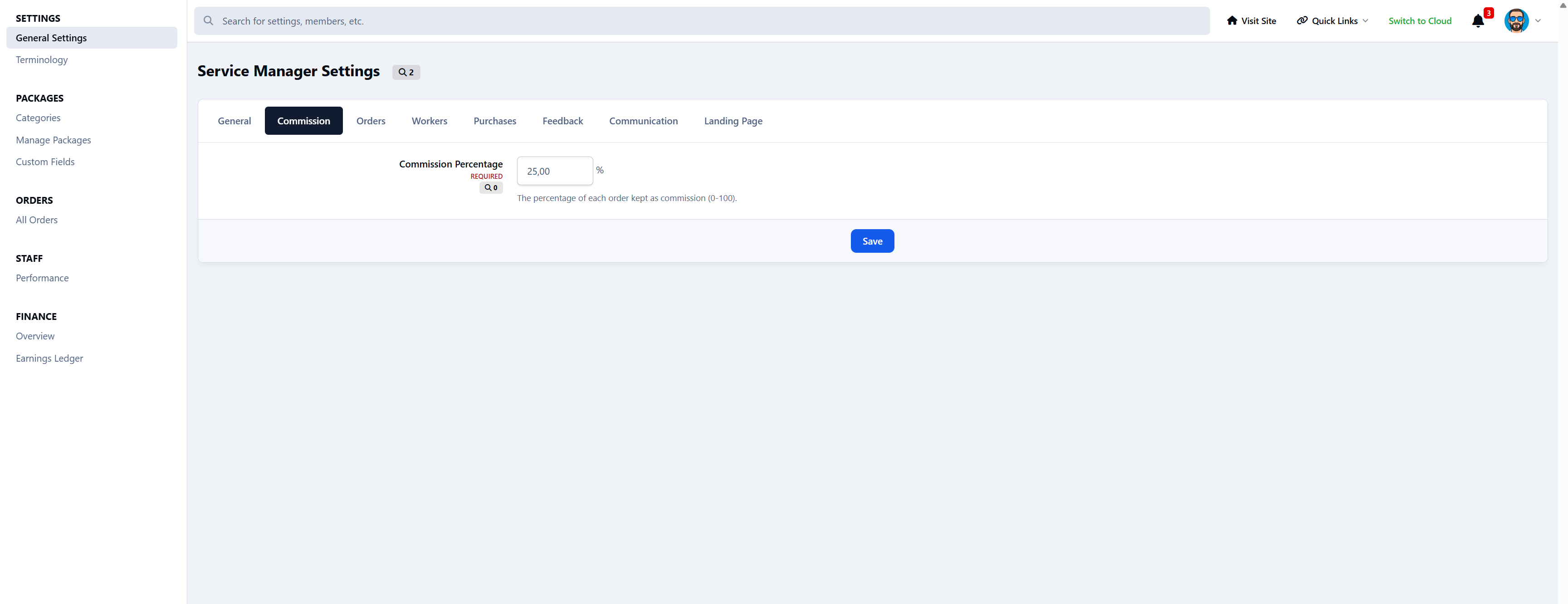
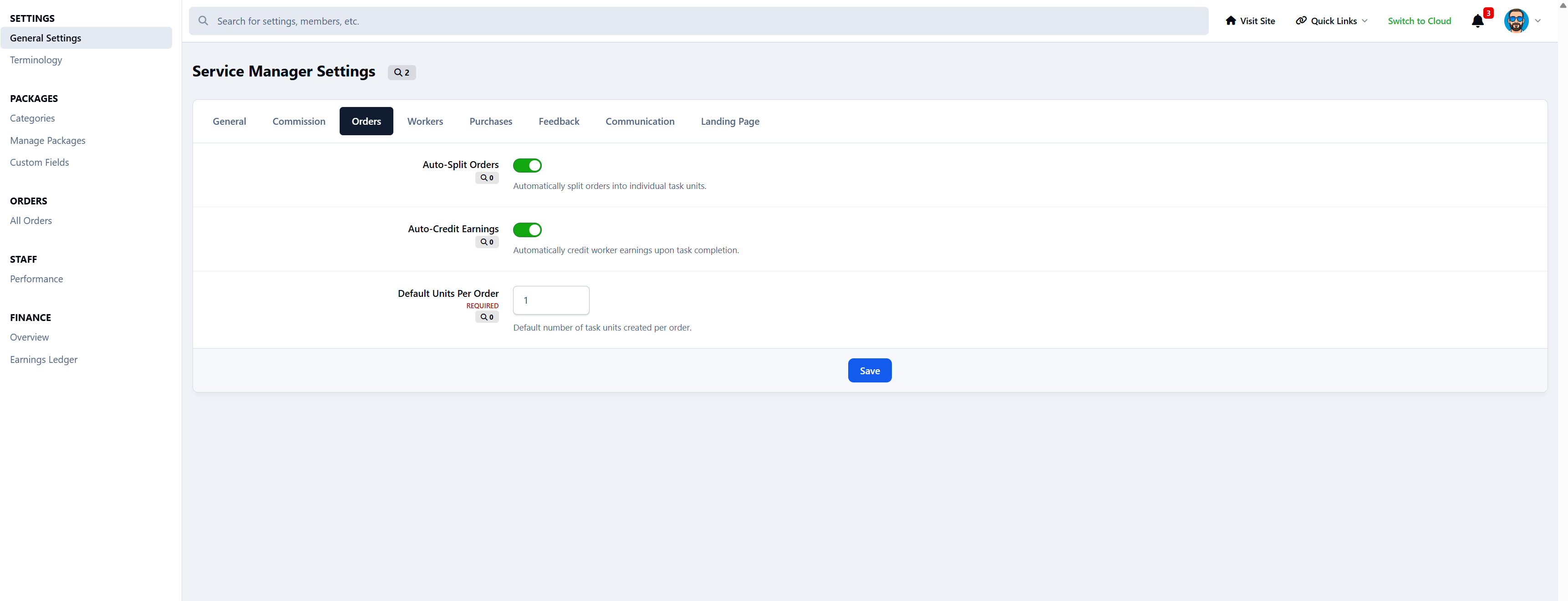
32+ Configurable Settings
Commission percentage
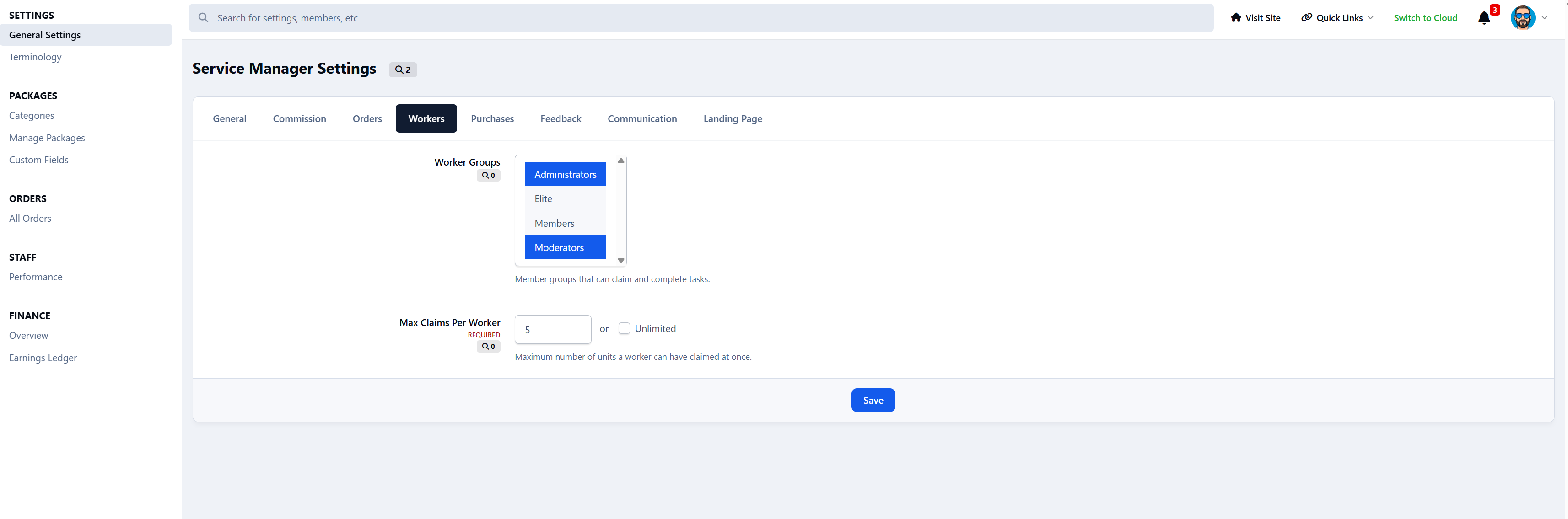
Worker group eligibility
Maximum claims per worker
Auto-splitting rules
Auto-credit behavior
Feedback reminder delay
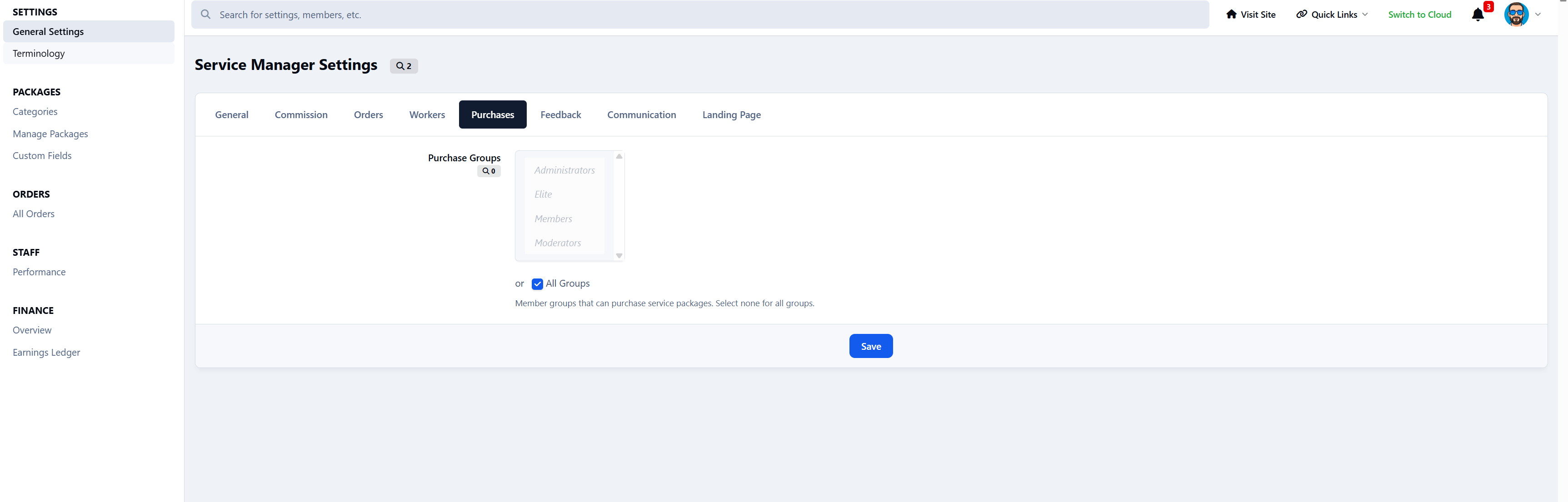
Marketplace visibility
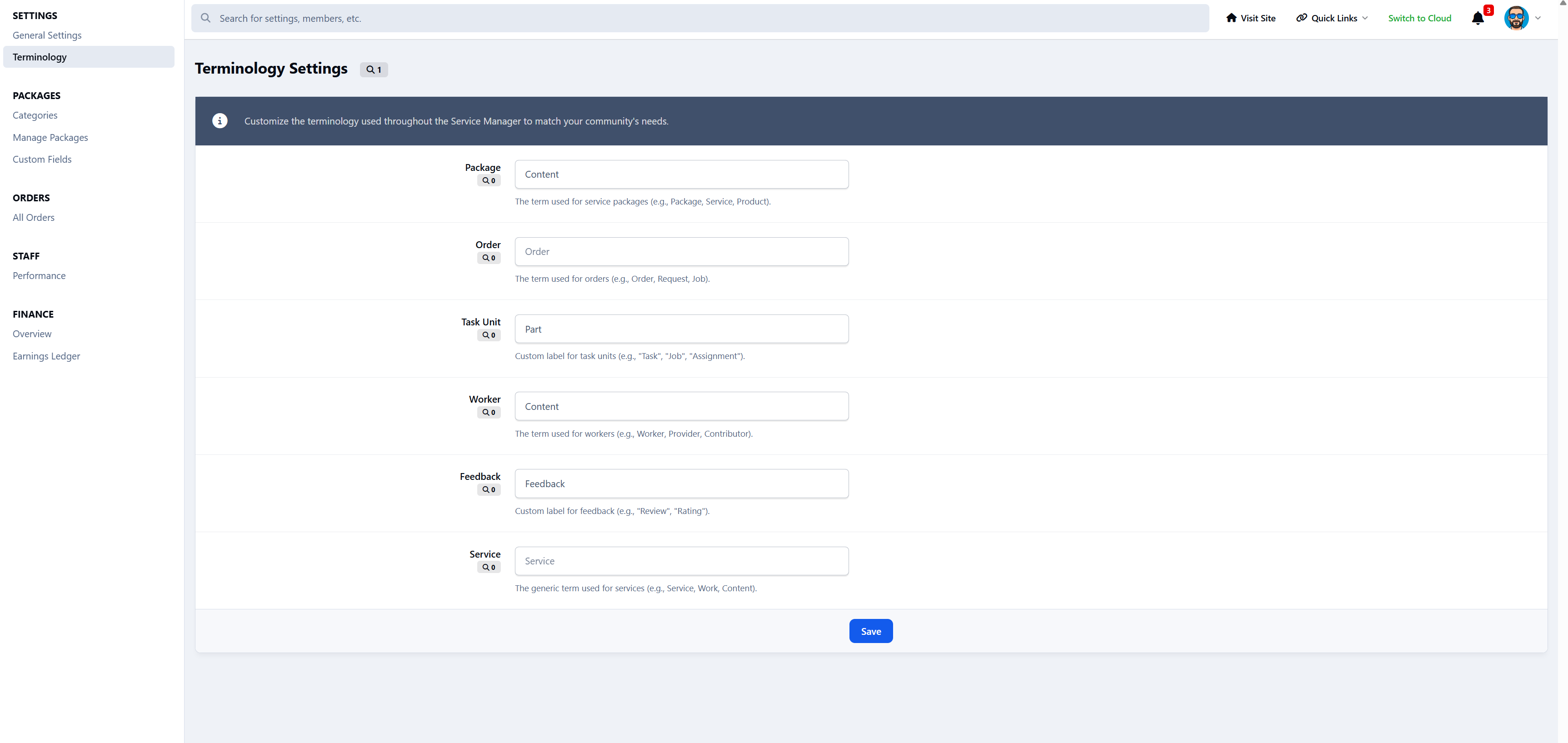
Terminology customization
All system terminology can be renamed, for example:
Package => Job
Worker => Staff
Task Unit => Task
Order => Project
Feedback => Review
No logic changes required.
Nexus Commerce Integration
Custom invoice item type
Supports all Nexus payment methods
Free packages supported
Invoice cancellation handling
Automatic order creation
Coming Soon
Front-end service creation: Allow members to create and sell their own services
Worker ratings and reviews: Customers can rate individual workers.
Dispute and refund system: Handle service issues and payment disputes
Worker / Provider Directory
Public profiles showing:
Services offered
Ratings
Reviews
Performance history
Create an account or sign in to leave a review
There are no reviews to display.