Software Marketplace
Invision Community 5
- Category Admin & Mod Tools
- Downloads 185
- Compatibility IC5: 5.0.0+
- Updated
Overview
Turn your community into a full-featured digital software distribution platform.Description
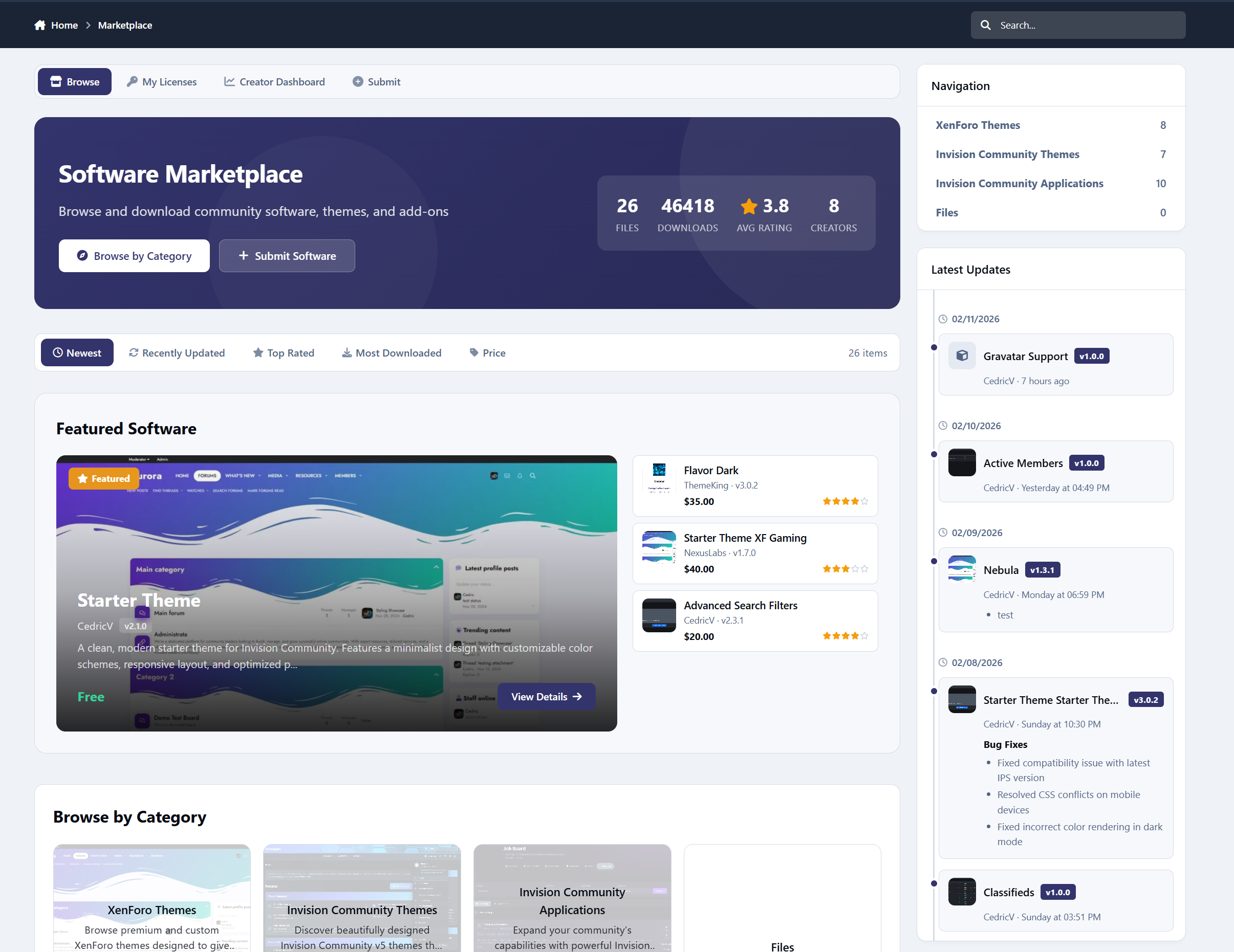
Software Marketplace is a powerful storefront application for Invision Community Suite v5 that allows you to sell, distribute, manage, and monetize software, themes, plugins, and digital resources - complete with Commerce integration, reviews, creator dashboards, commissions, and deep IPS framework integration.
A demo can be found here: https://administrata.net/software/
Storefront & Discovery
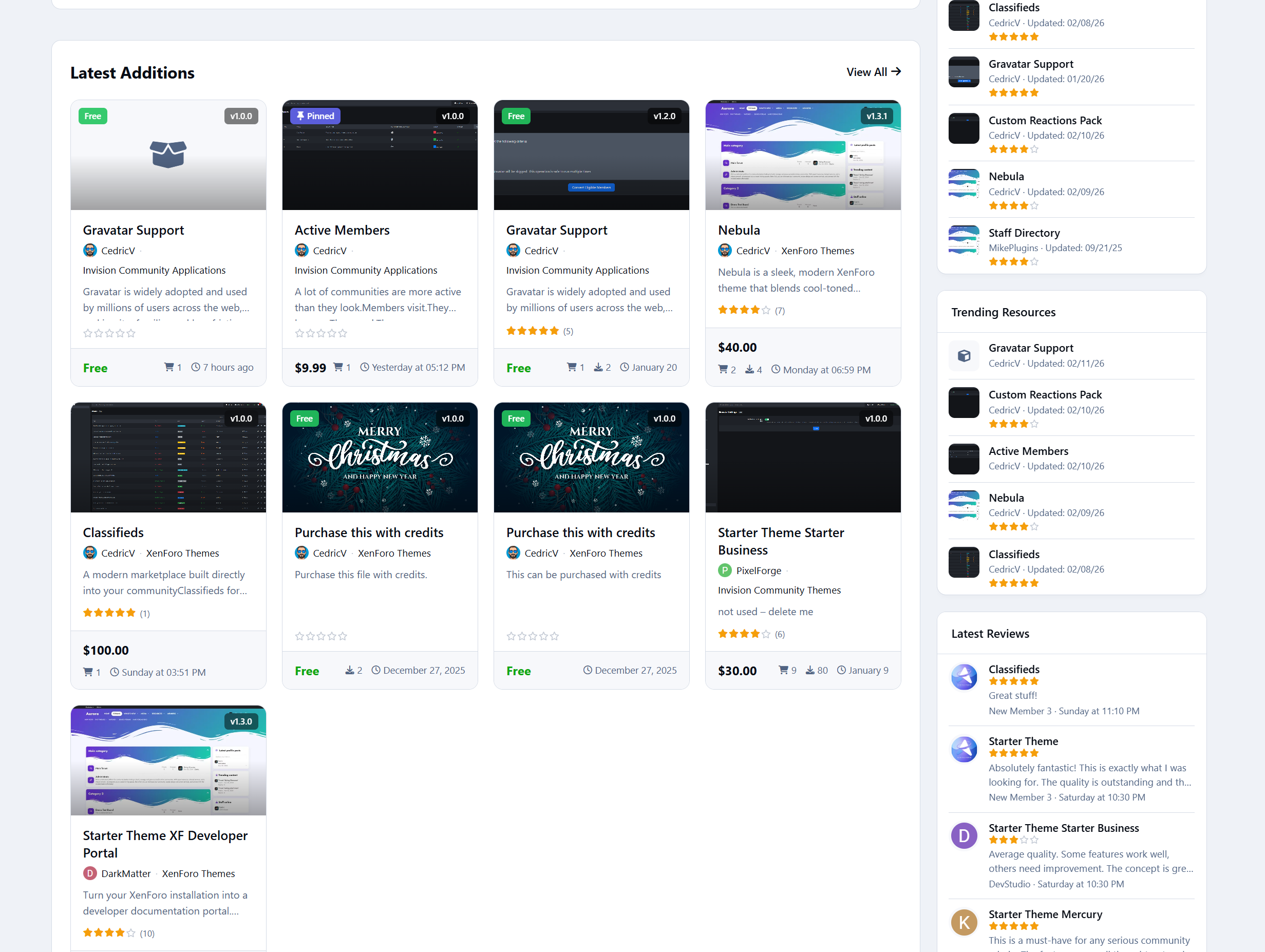
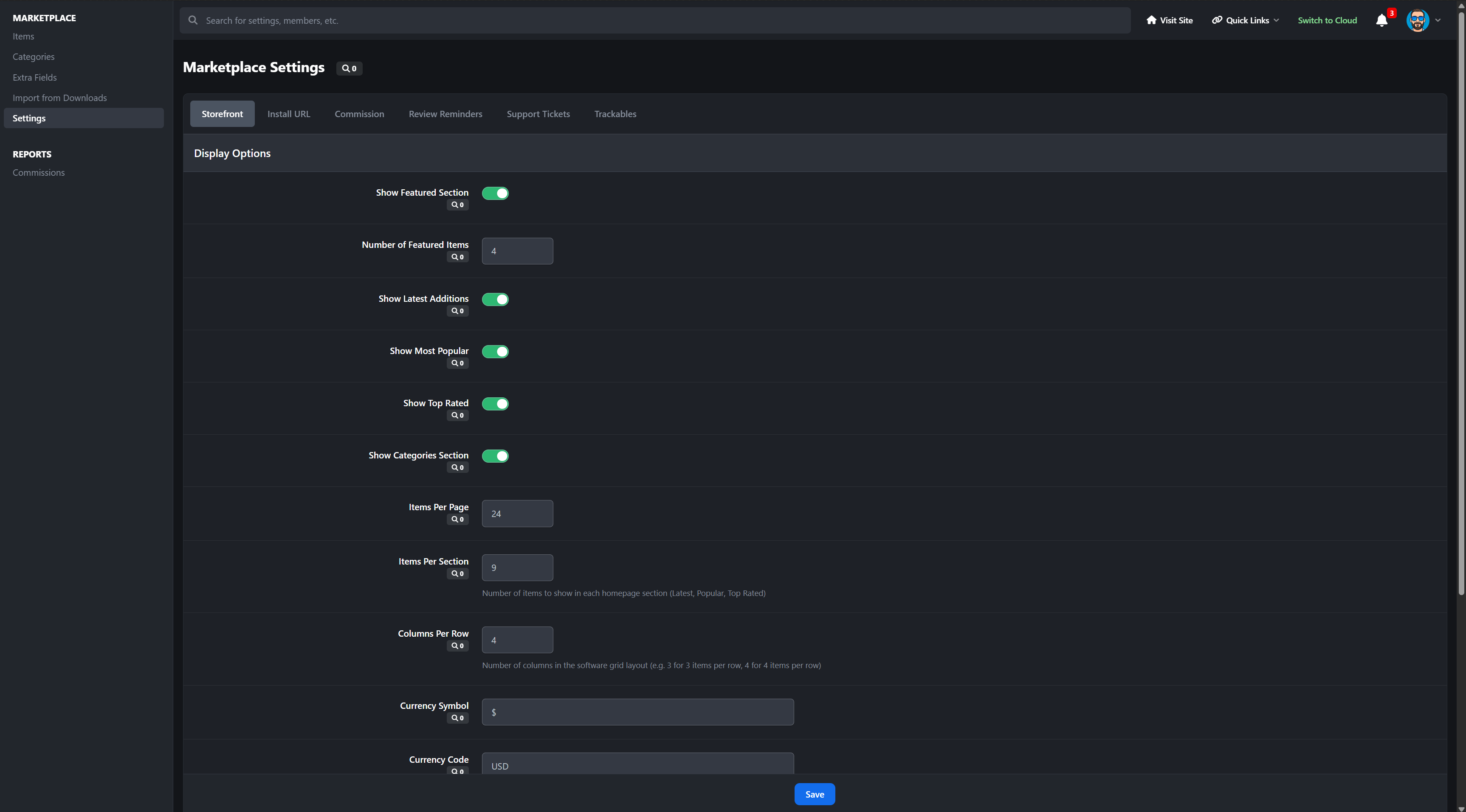
Configurable homepage sections: Featured, Latest, Most Popular, Top Rated, Recently Updated
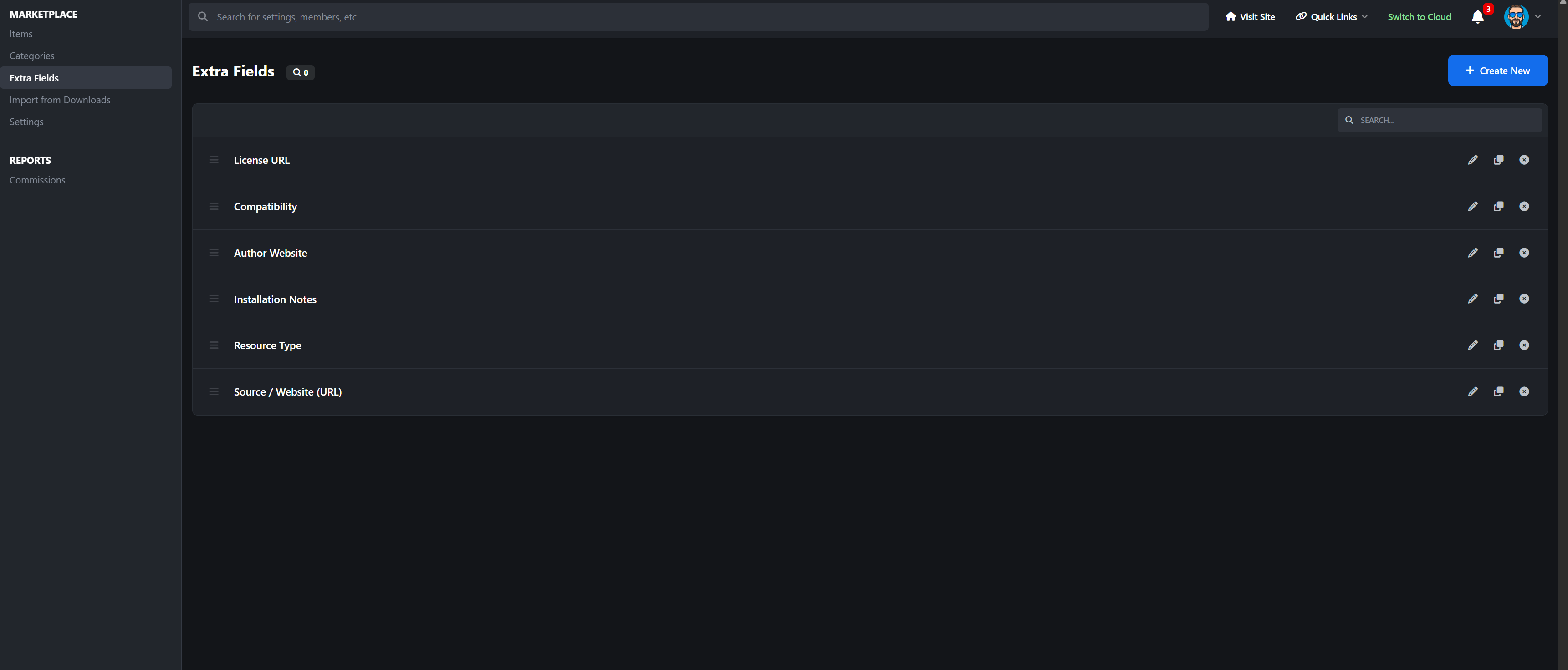
Unlimited nested categories with drag-and-drop ordering
Responsive CSS Grid layout (2–6 columns configurable)
Screenshot cycling on hover (adjustable speed)
Advanced sorting (date, updated, downloads, rating, price, name)
SEO-friendly URLs
IPS Search + Sitemap integration
Full pagination everywhere
Your marketplace looks modern, fast, and built-in.
Software Item Pages
Each item includes:
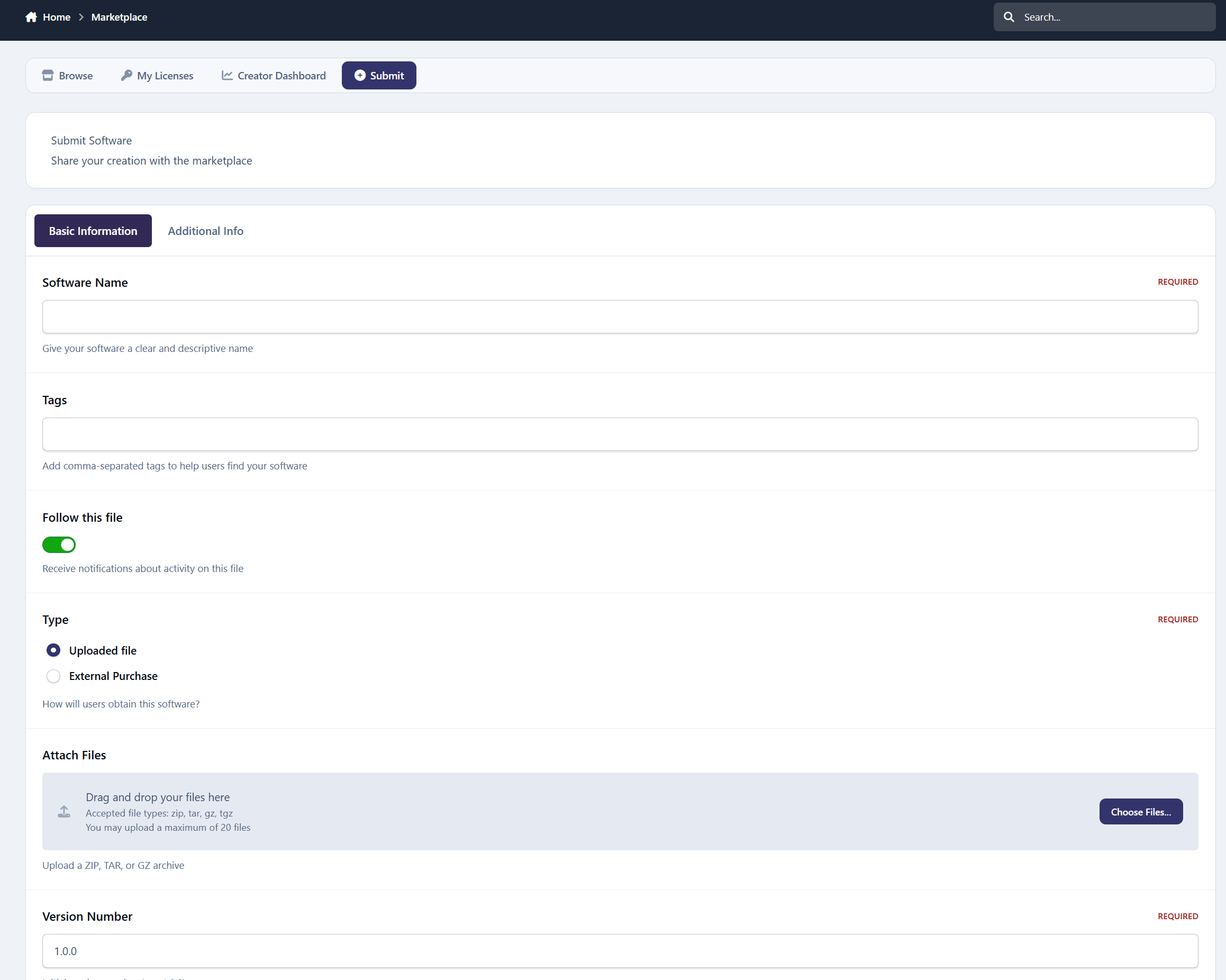
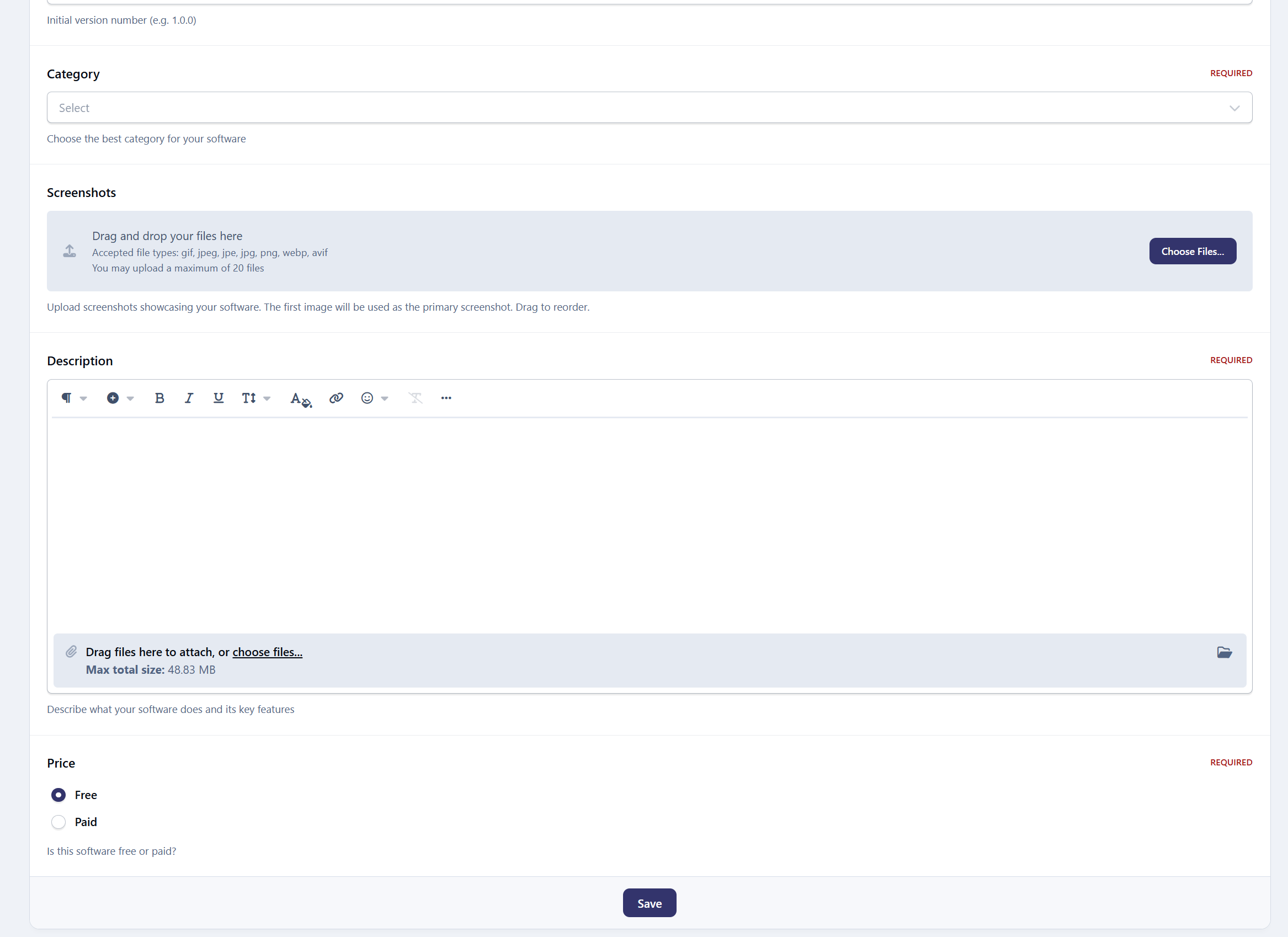
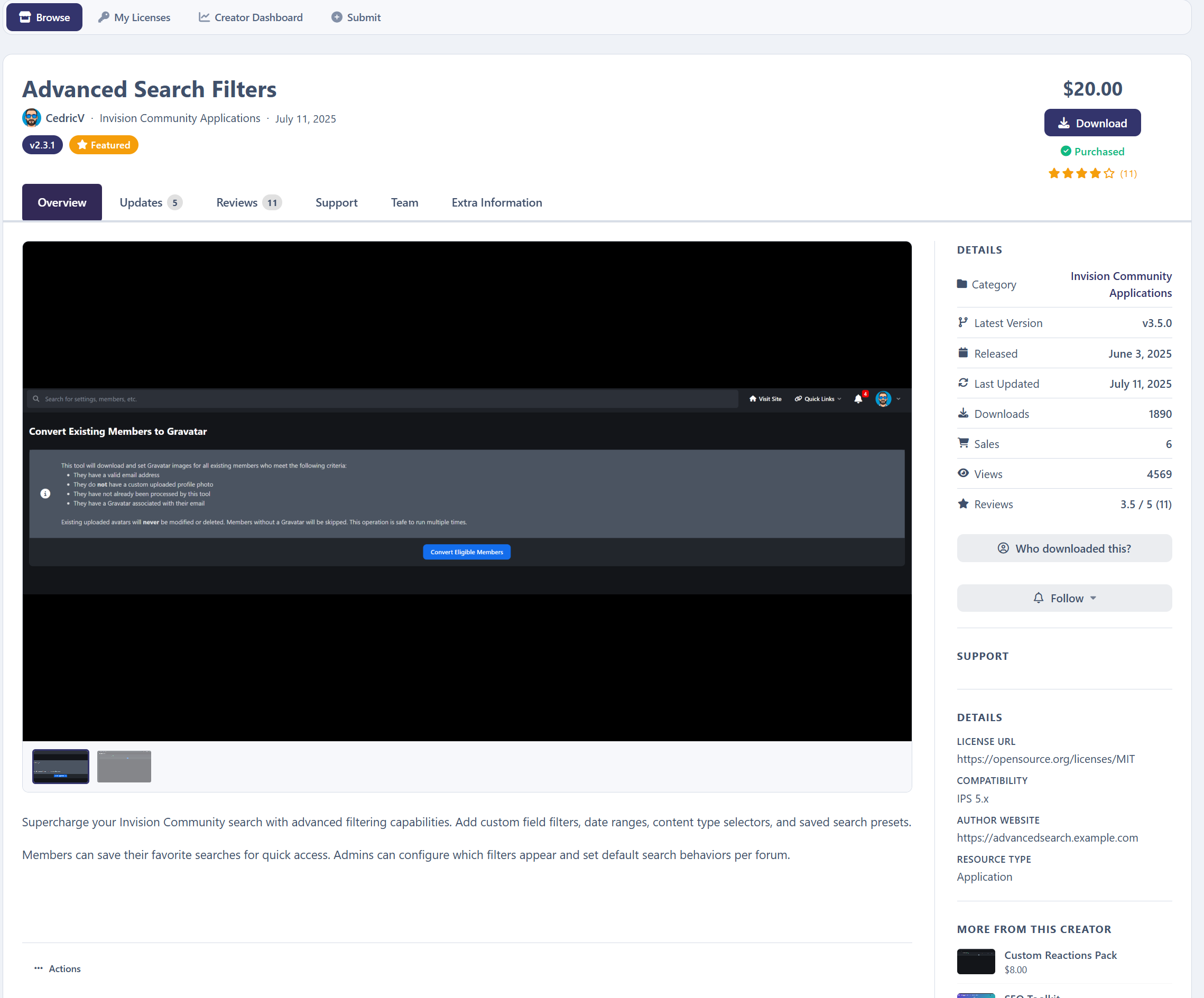
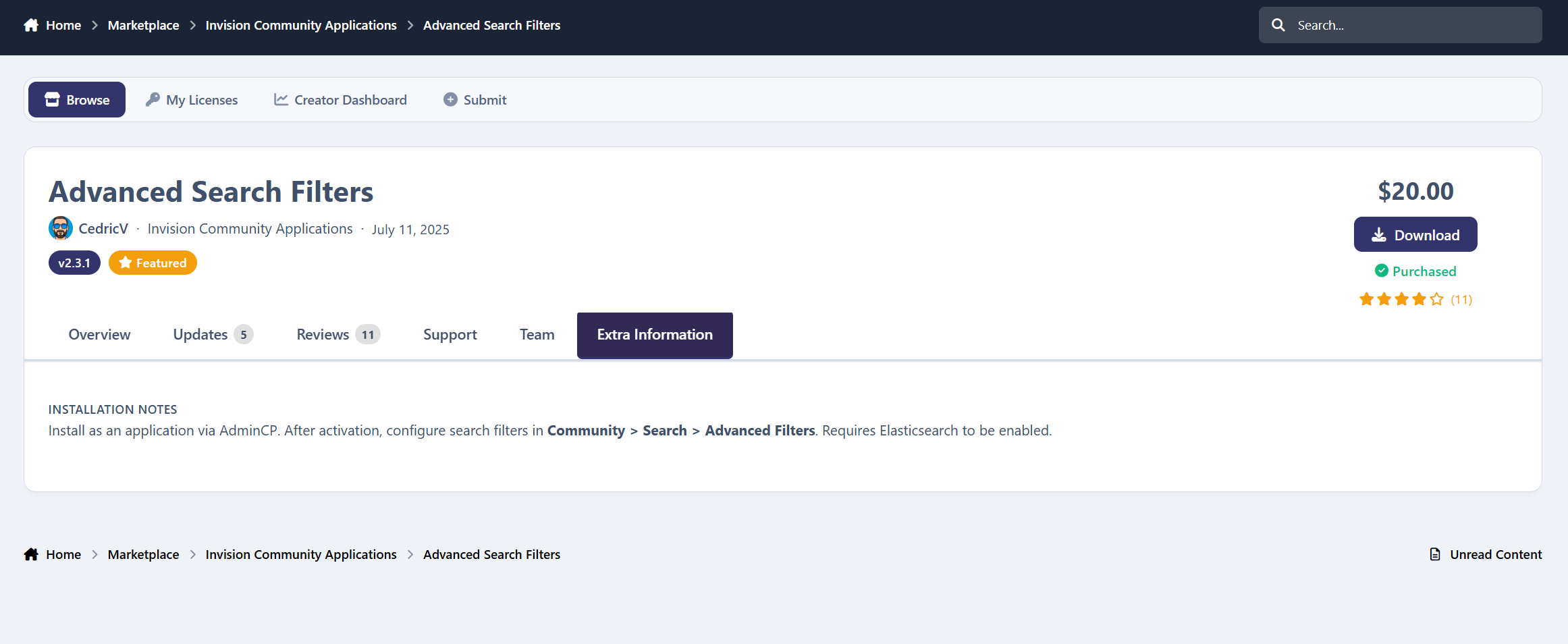
Full detail page with screenshots, description, version info
Interactive gallery
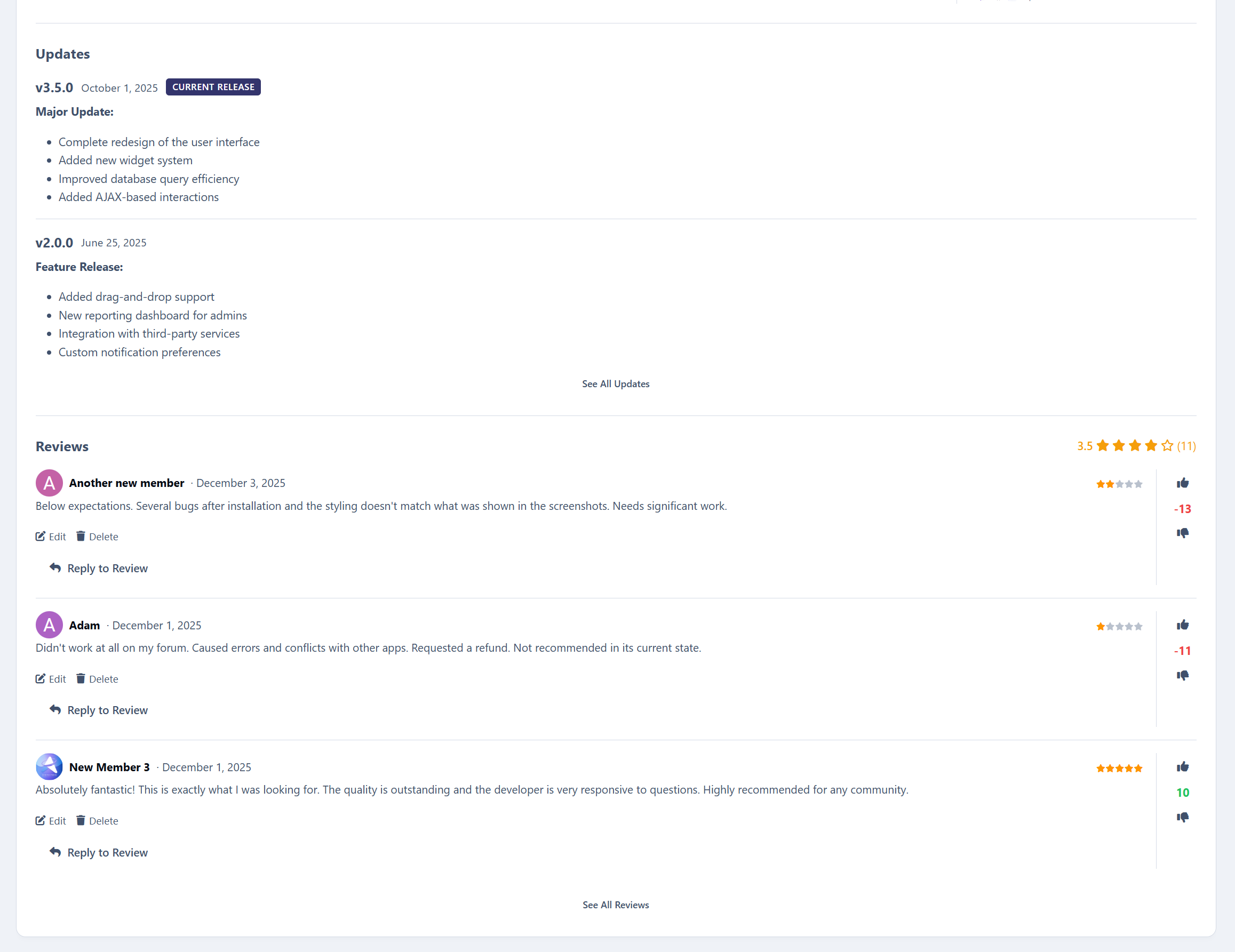
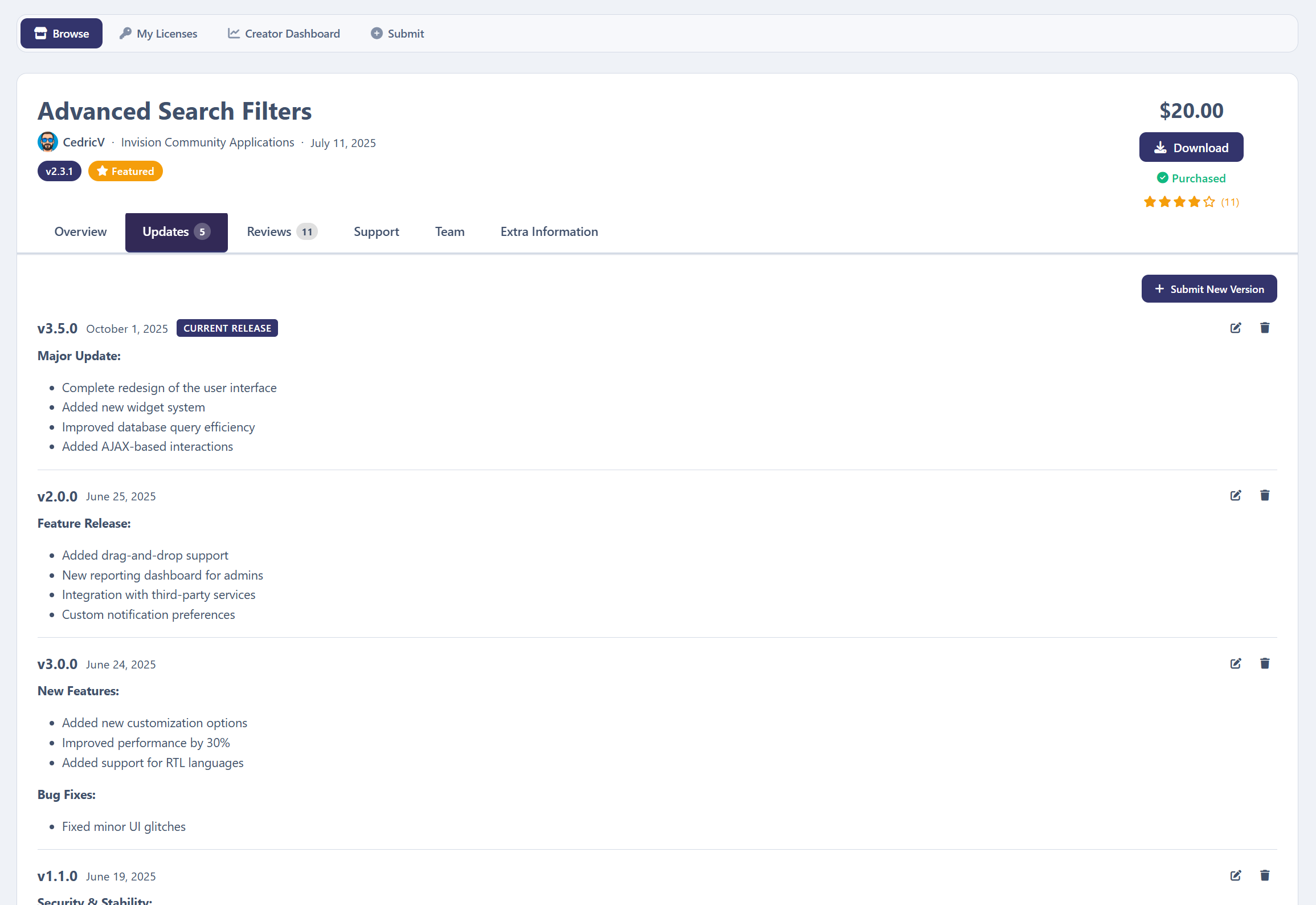
Complete version history with changelogs
Multi-file releases (up to 20 files per version)
“More from this Creator” auto section
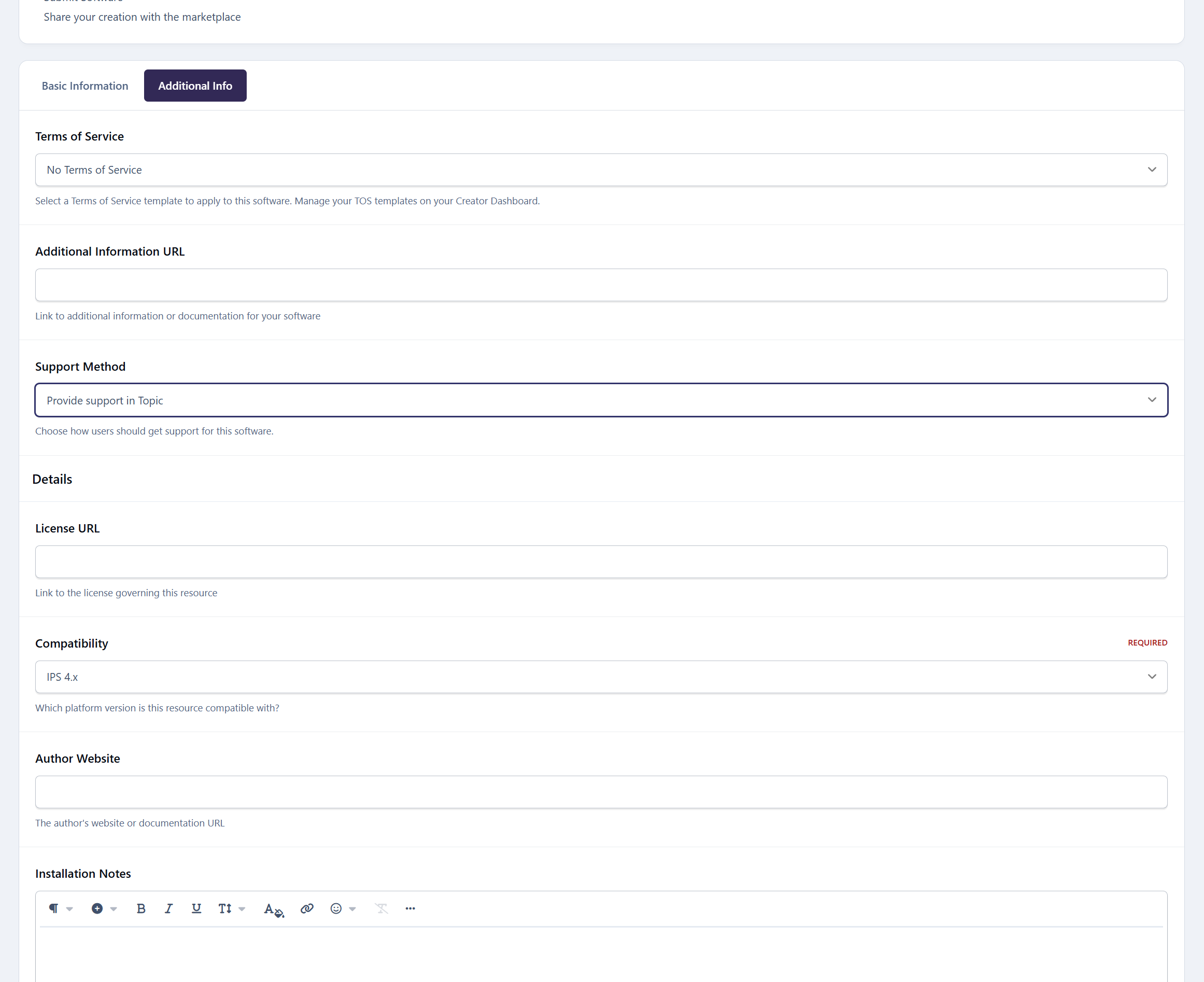
Admin-defined custom fields (with purchasers-only visibility option)
Optional install URL requirement
Automatic forum topic creation (per category)
Creator TOS agreement dialog before purchase
Commerce & Monetization
Deep integration with Invision Community and its Commerce system.
Free & paid items
IPS Commerce (Nexus) invoice flow
Refund callbacks auto-deactivate licenses
Optional recurring renewals (1–60 months)
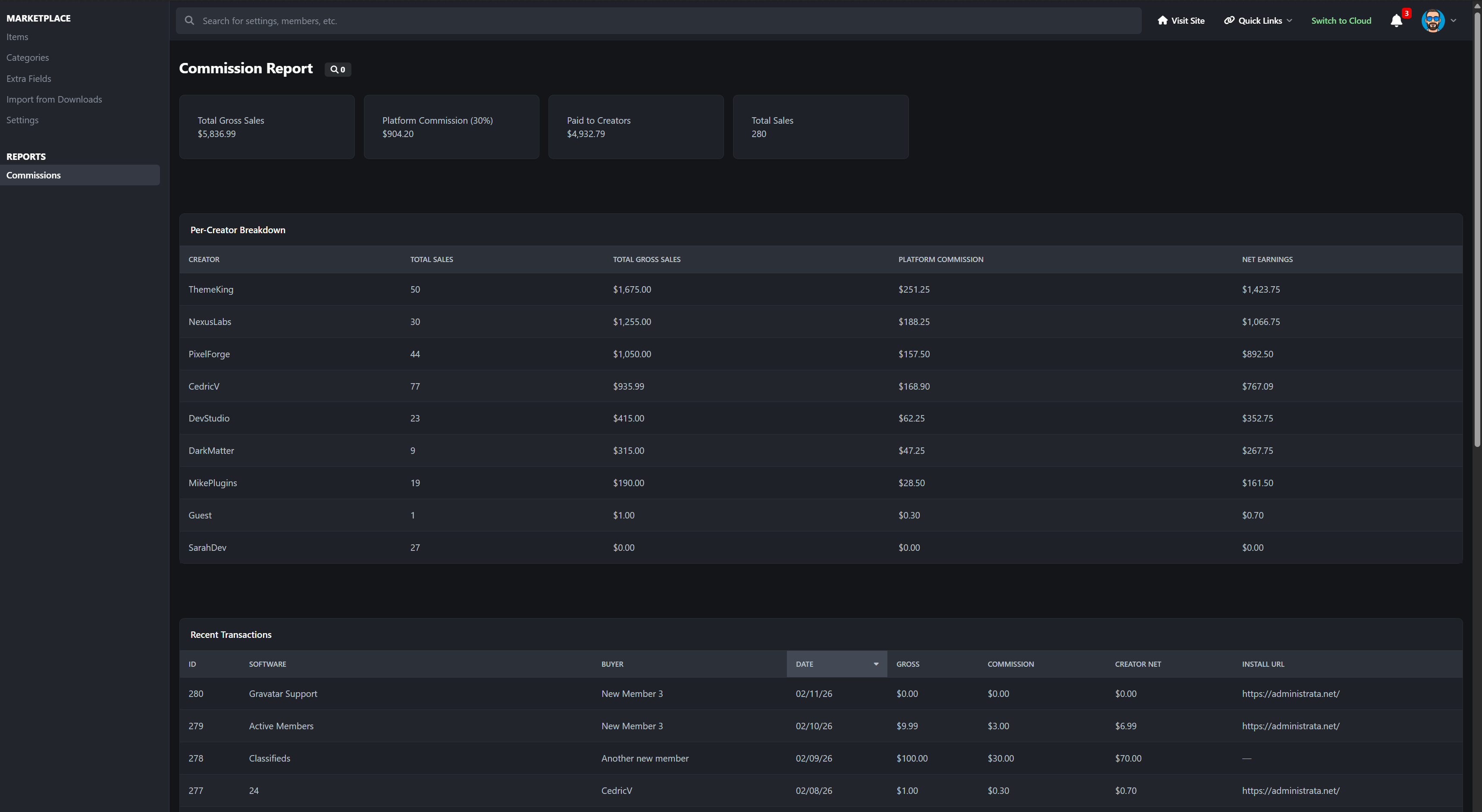
Platform commission system (0–100%, 2 decimals)
Automatic creator net calculation
External purchase links supported
You control the commission. Creators see transparent earnings. Everything is automated.
Reviews & Social Features
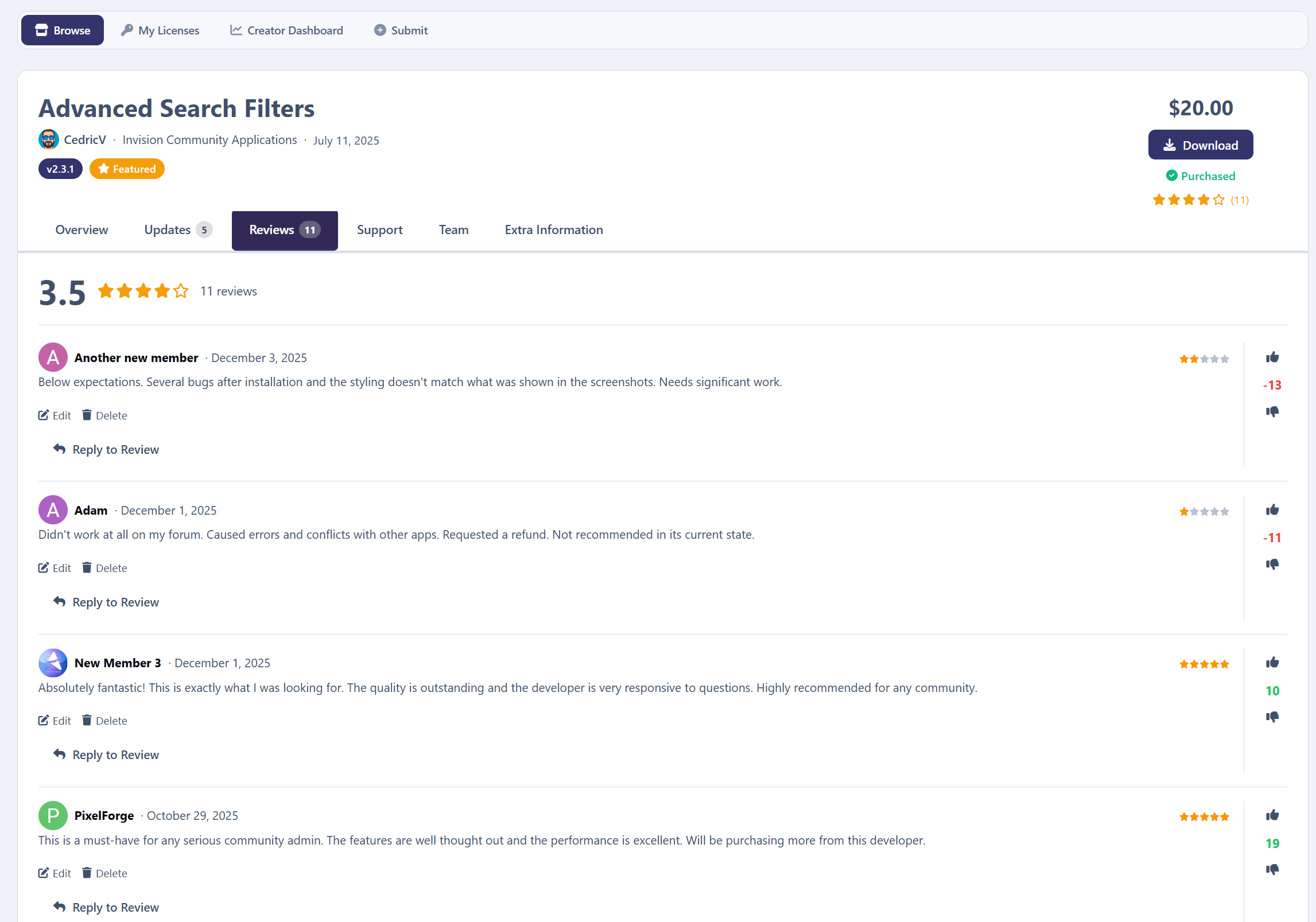
1–5 star purchaser-only reviews
Author replies
Up/down voting
Review editing & moderation
Report Center integration
Follow items or categories
Version update subscriptions
9 built-in notification types
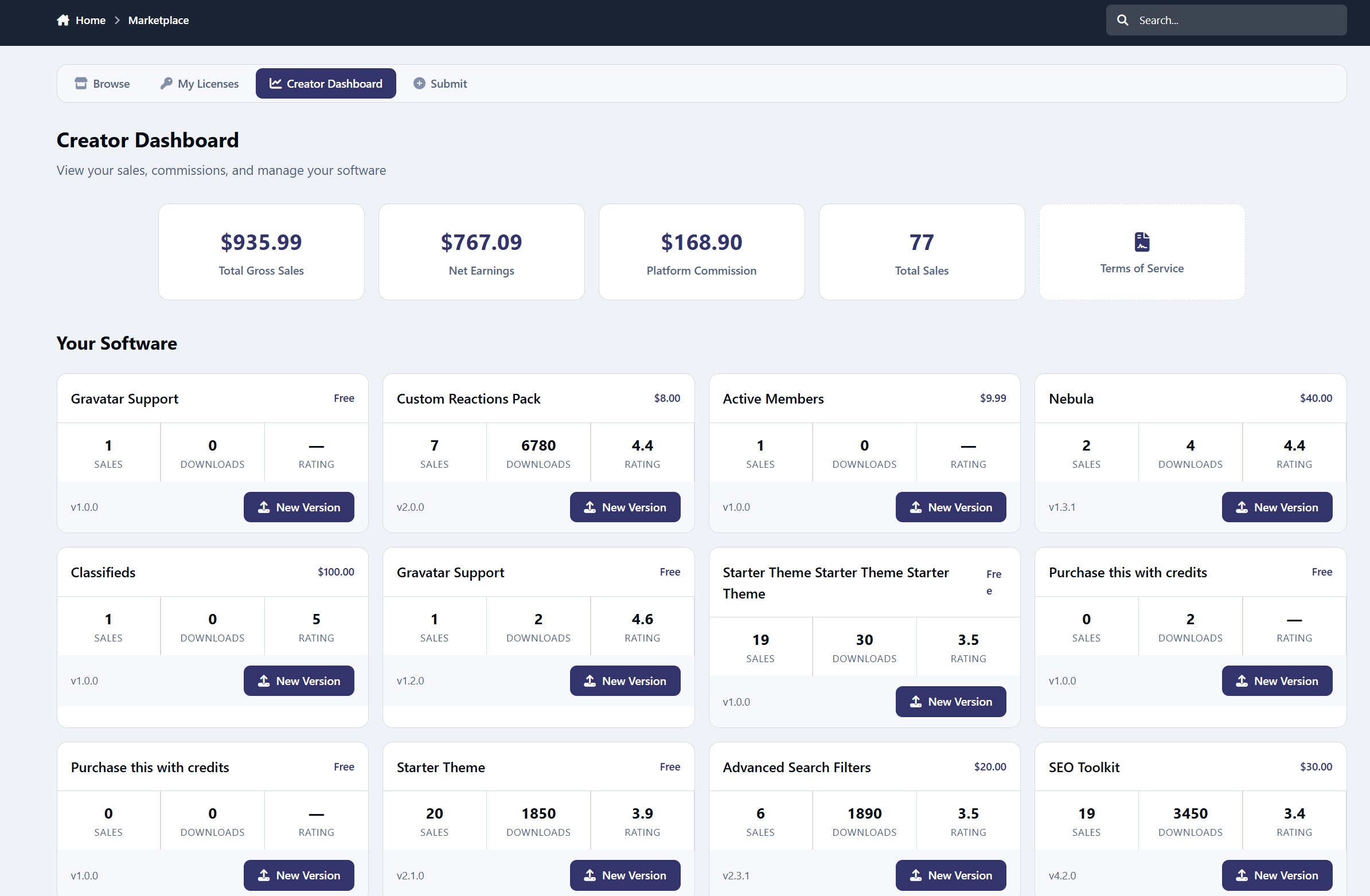
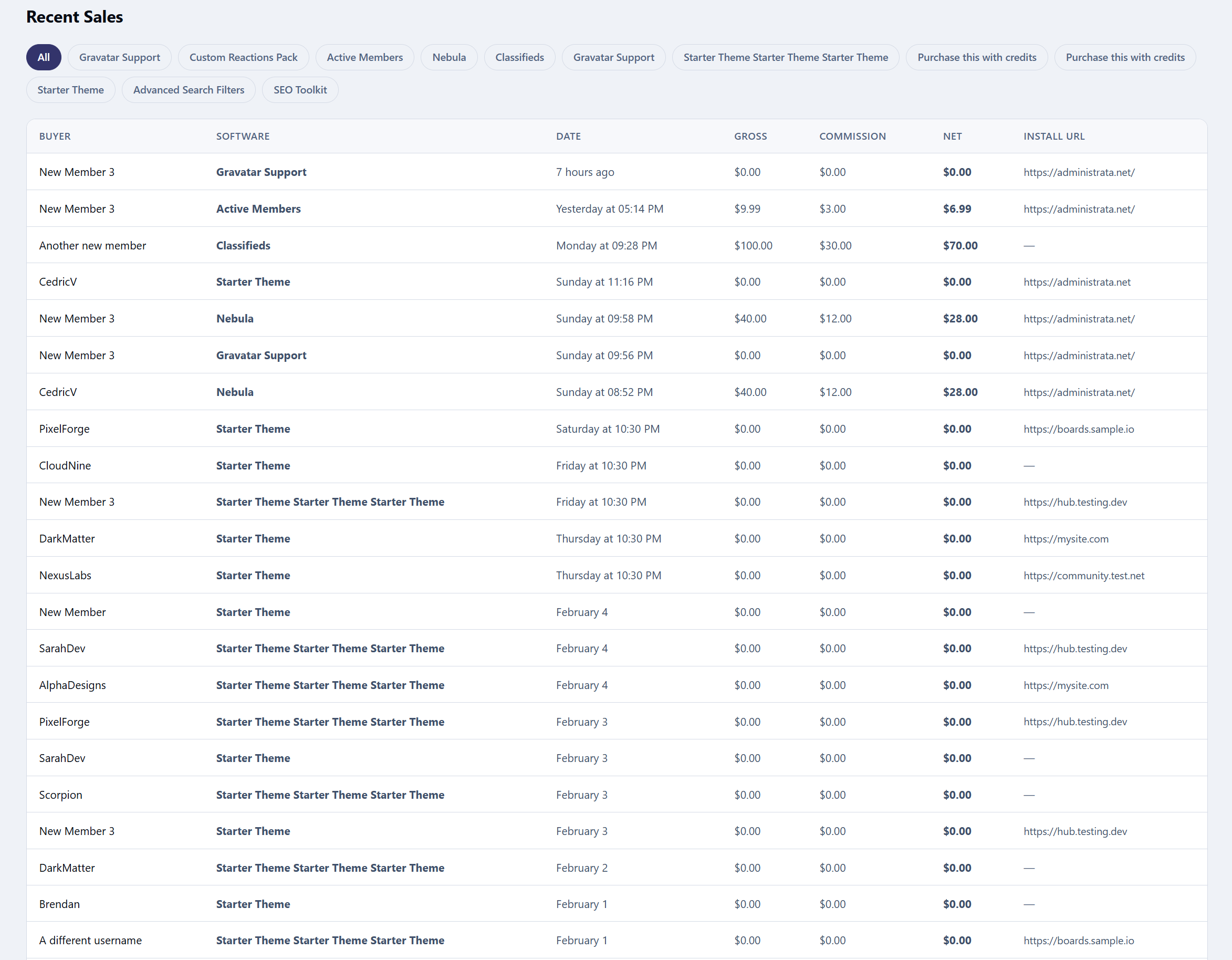
Creator Dashboard
Creators get a professional control center:
Item management panel
Sales overview (gross, commission, net)
Sales history filtering
TOS template manager
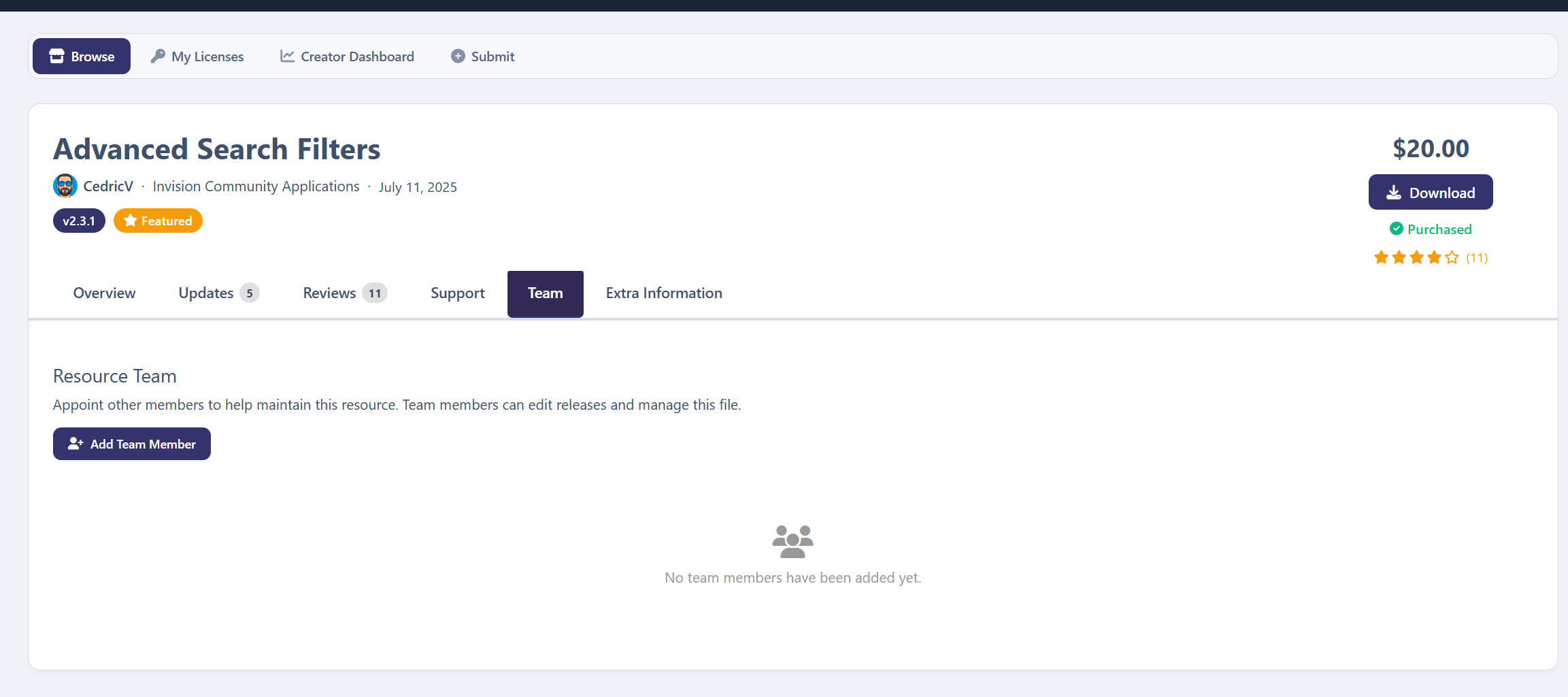
Resource Teams (collaborator permissions)
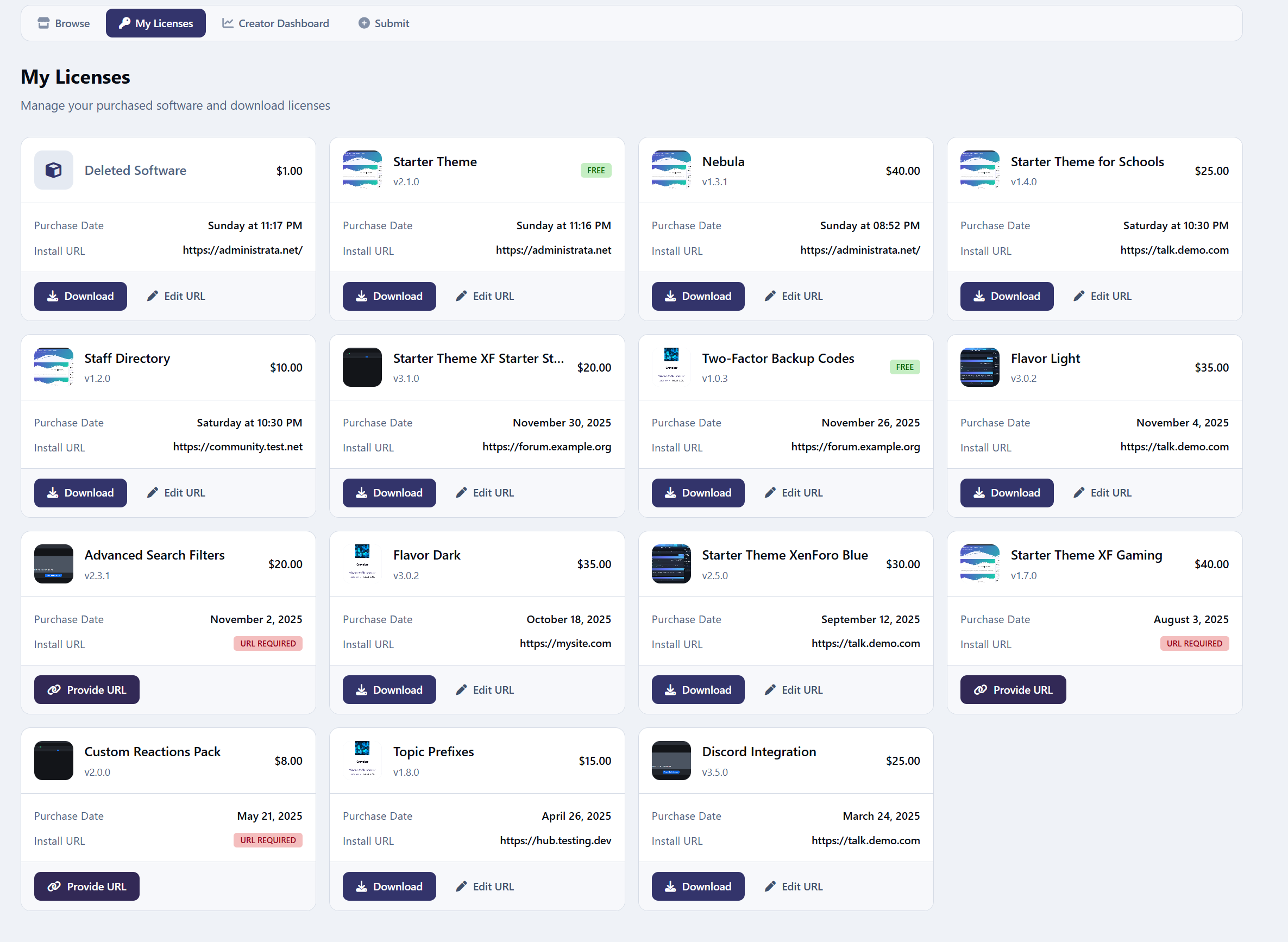
Buyer Dashboard (My Licenses)
Buyers can:
View purchase history
Manage install URLs
Download latest or older versions
Access gated files securely
Powerful Admin Control Panel
Full IPS-native ACP experience:
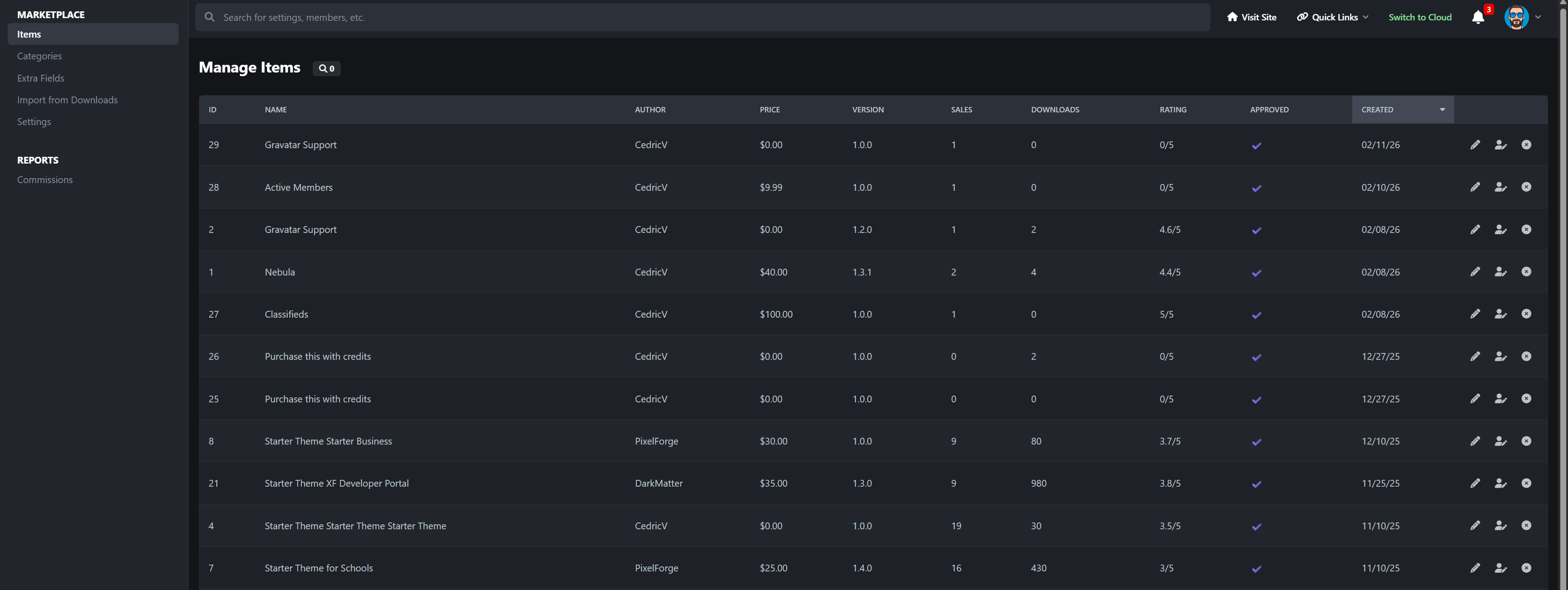
Manage items (approval, feature, author change, delete)
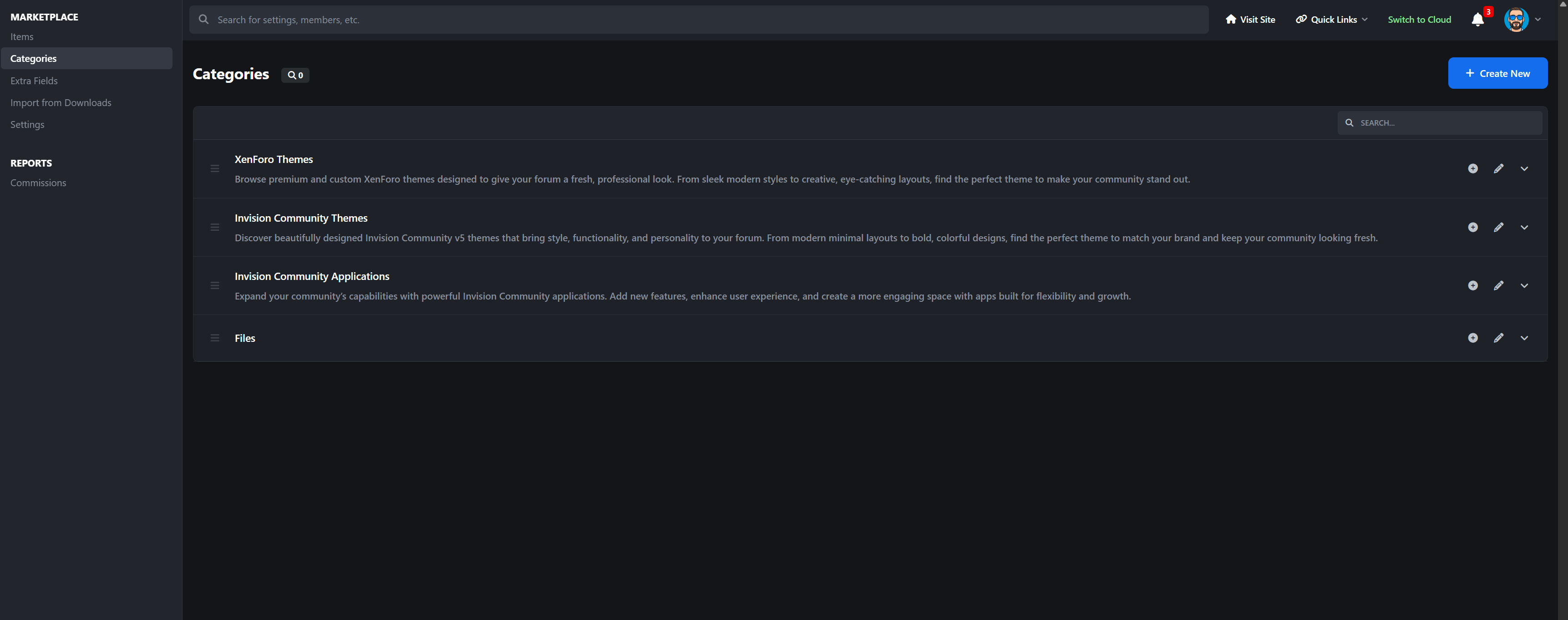
Full Node-based category system
Advanced custom fields (IPS CustomField-powered)
Commission reporting with breakdown tables
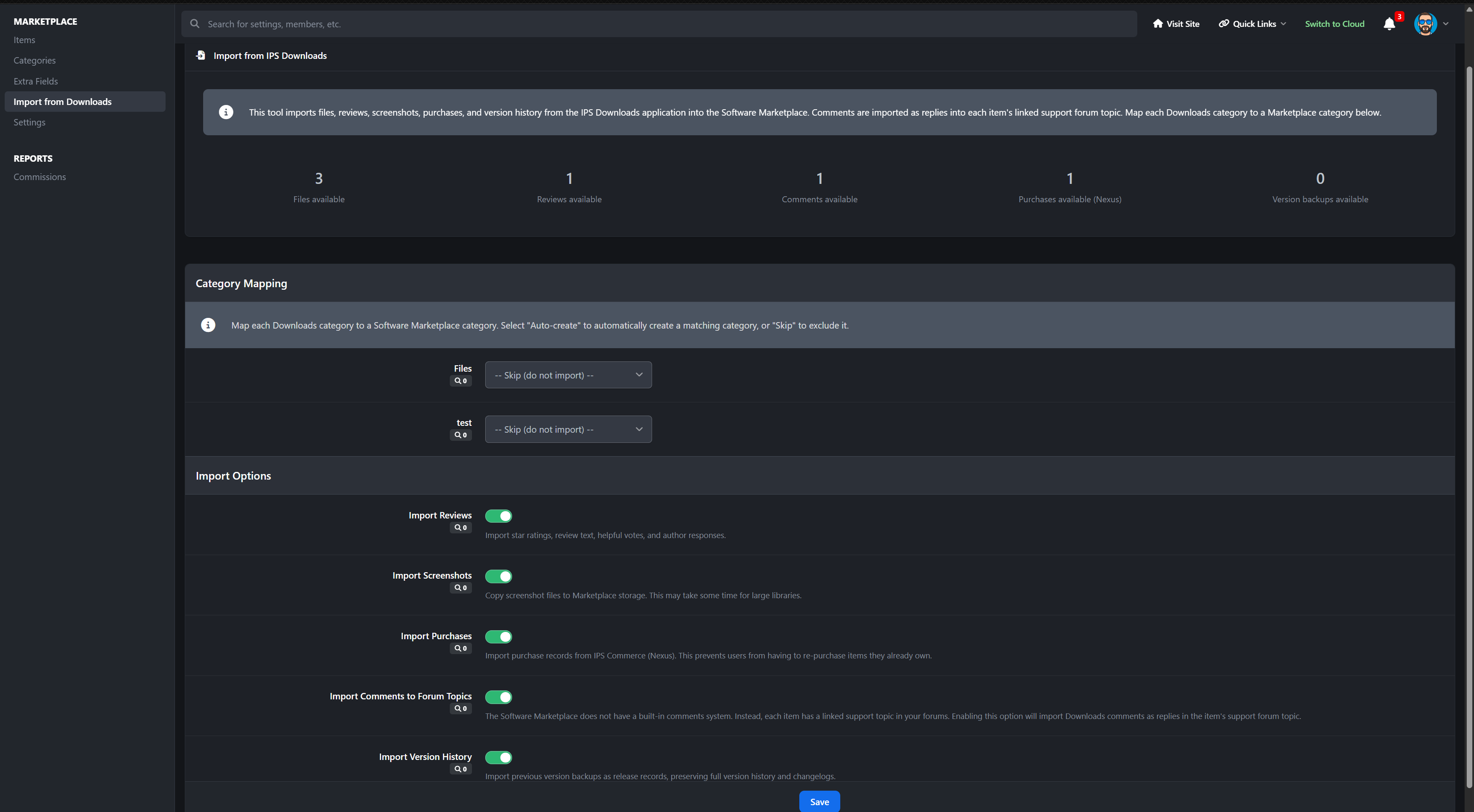
Downloads importer
Background tasks (review reminders, trending algorithm snapshots)
Cross-app bridges (Support Tickets, Trackable)
Built-in Widgets (6)
Category Navigation
Latest Reviews
Latest Updates
Trending Resources (velocity-based algorithm)
Top Resources
Resource Stats
Each widget supports configurable limits (1–25 items).
Migration Tool Included
Import directly from IPS Downloads:
Files (multi-file supported)
Screenshots
Version history
Reviews
Comments are deliberately not a feature in Software Marketplace. Instead the comments will be imported to the forum topic
Nexus purchases
No manual rebuilding required. You don't lose ANY data.
Perfect For
Theme marketplaces
Plugin marketplaces
Code distribution hubs
Community-driven developer ecosystems
Premium add-on stores
Private licensing portals
There are no reviews to display.