Invision Community 5
- Category Admin & Mod Tools
- Downloads 149
- Compatibility IC5: 5.0.0+
- Updated
Overview
Professional Helpdesk for Invision Community 5Description
Support Tickets is a full-featured helpdesk and ticket management application built specifically for Invision Community 5.
It gives communities, SaaS platforms, and marketplaces a clean, structured way to handle user support, billing issues, reports, and internal requests - all inside their existing IPS ecosystem.
From simple support questions to urgent billing problems, everything is organized, trackable, and easy to manage.
Support Tickets is perfect for:
Communities & Forums
Handle member support, reports, and account issues professionally.SaaS Platforms
Manage customer support, bug reports, and feature requests.Marketplaces
Resolve disputes, billing problems, and seller/buyer questions.Membership Sites
Support premium users with structured ticket workflows.
If you run anything that involves users, payments, or support, this app fits right in.
Core Features
Ticket - Main support request with 5 statuses
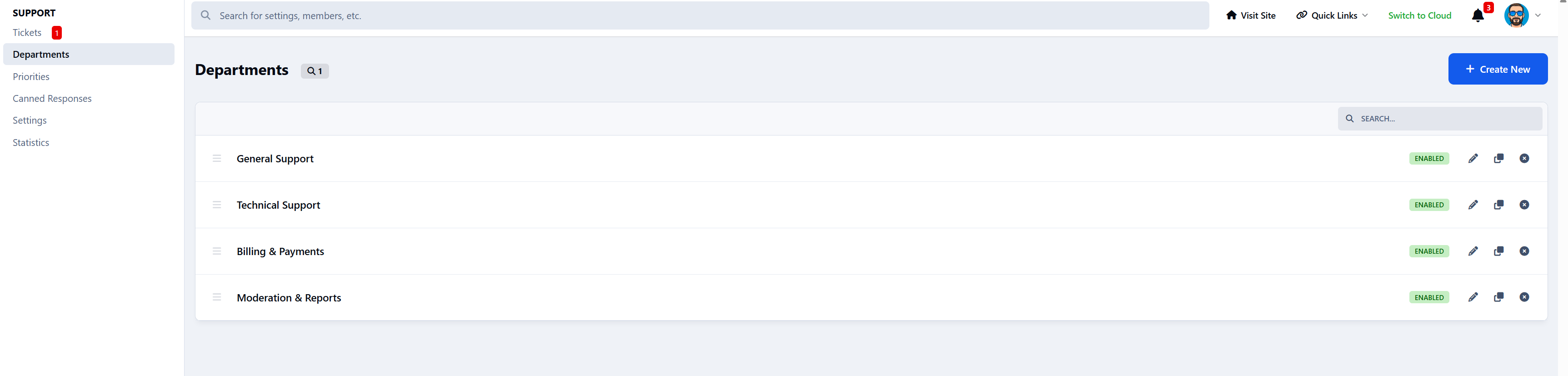
Department - Organize tickets by support category
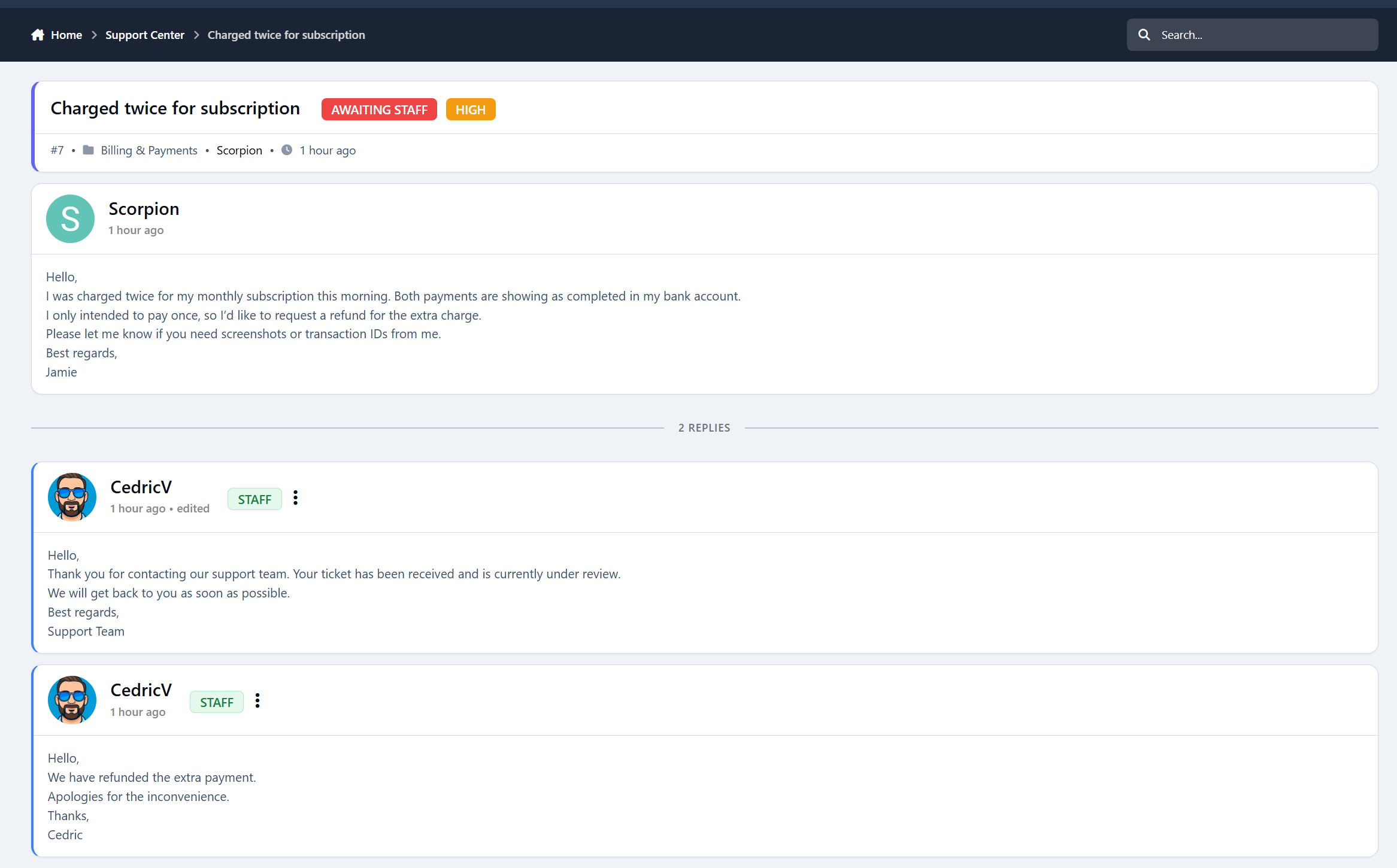
Reply - Threaded staff & user responses
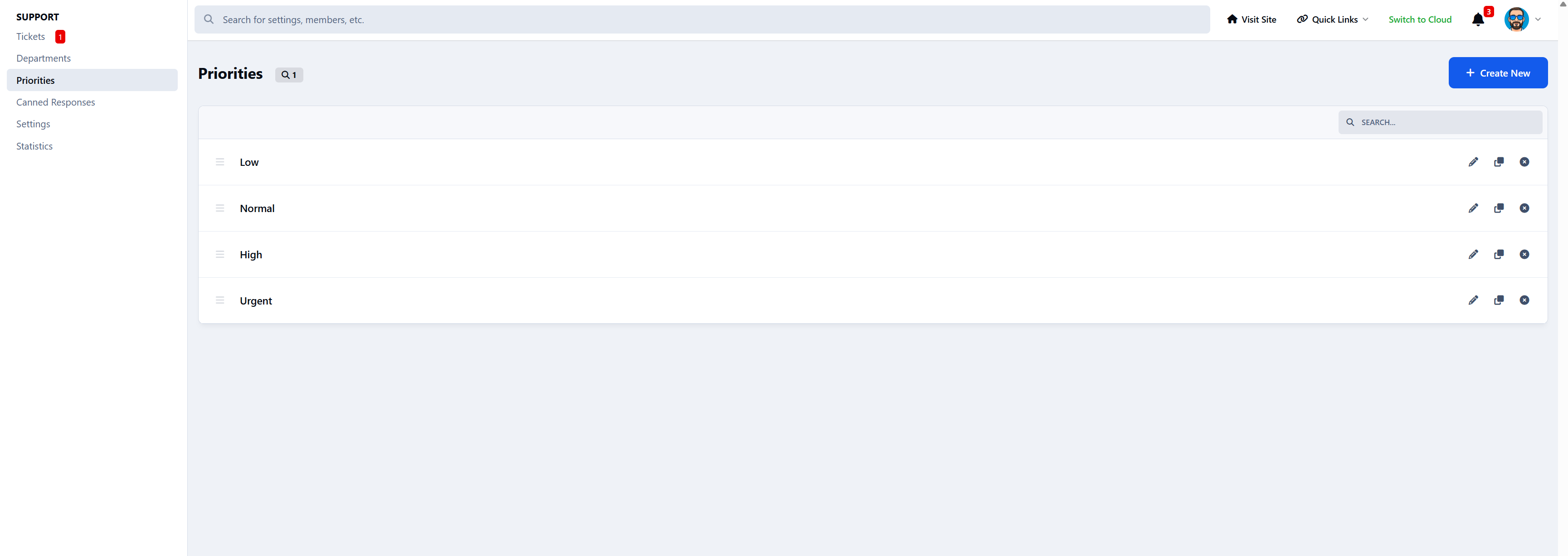
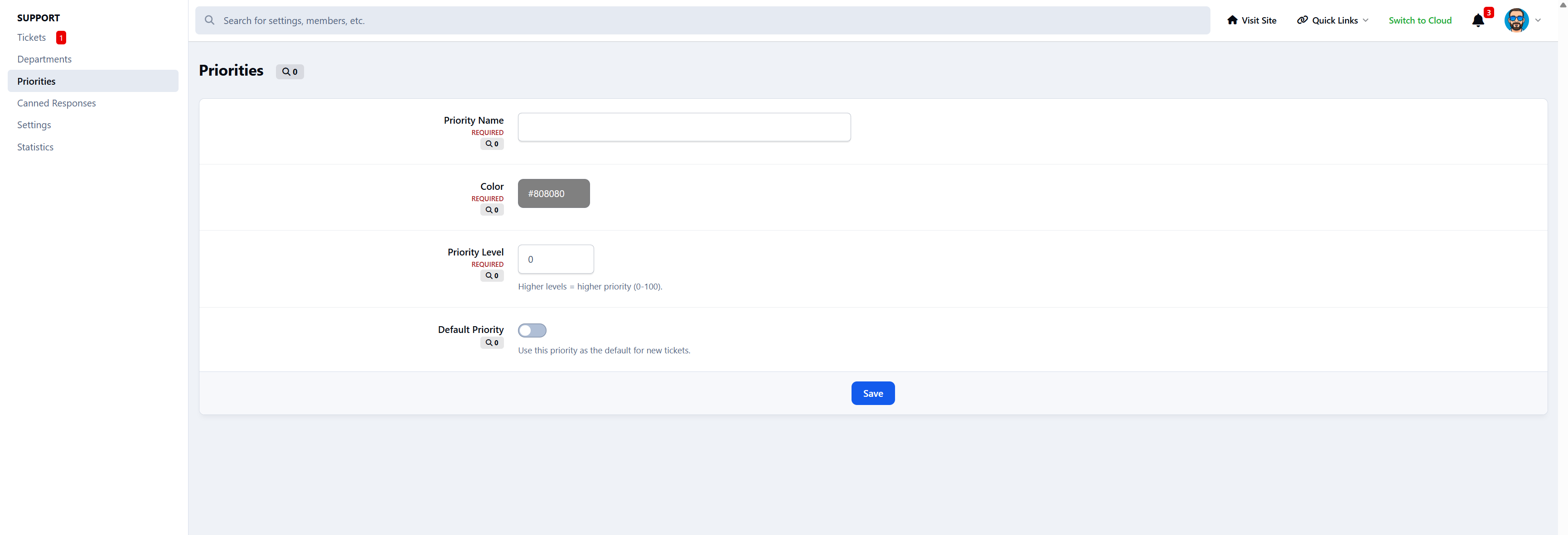
Priority - Low / Normal / High / Urgent
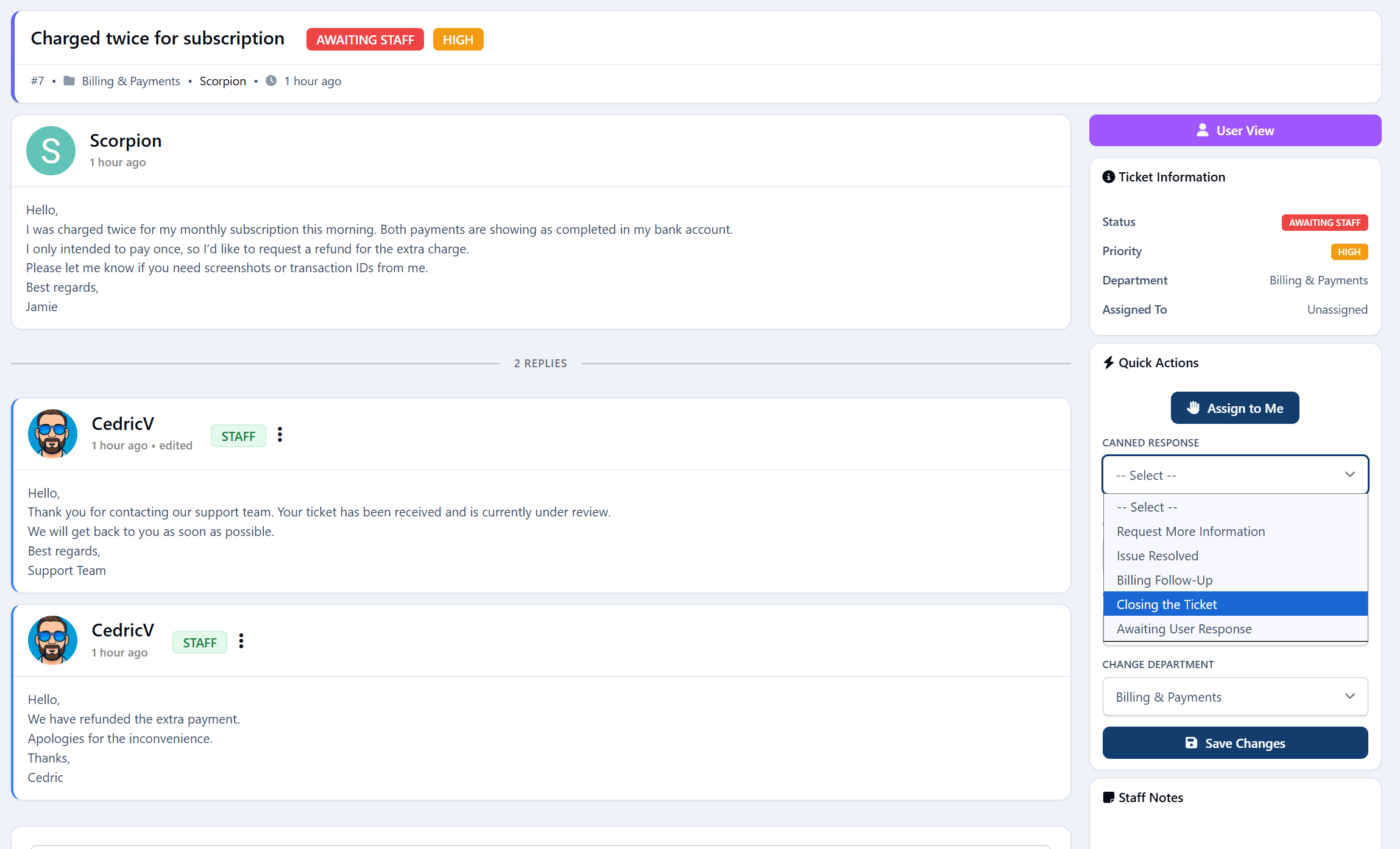
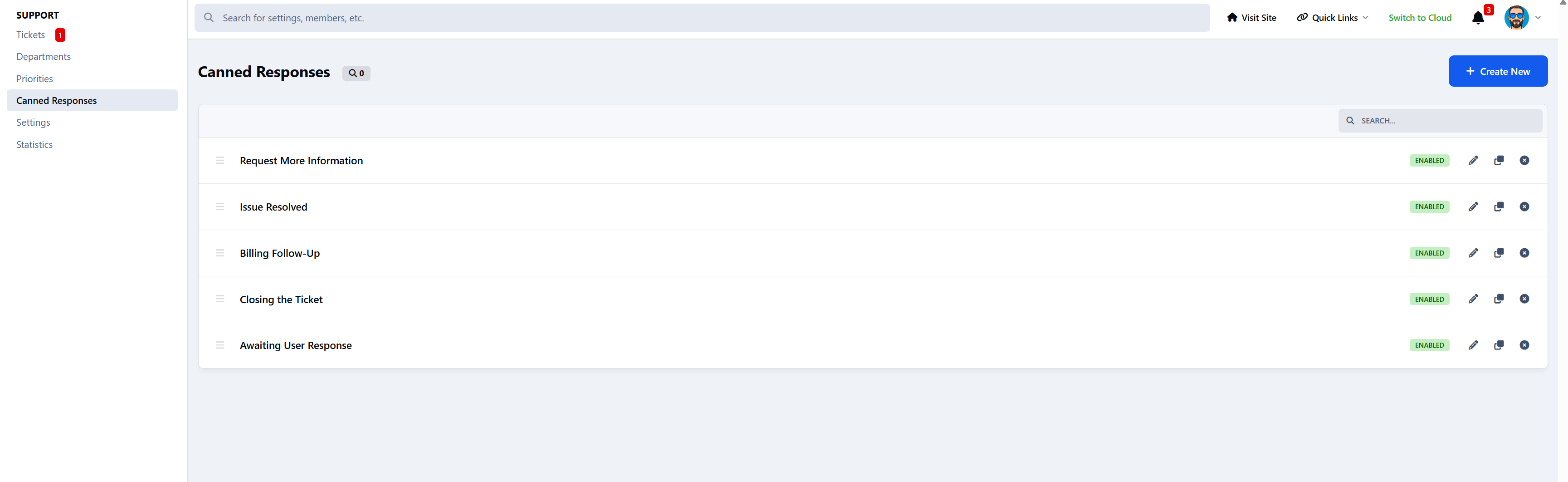
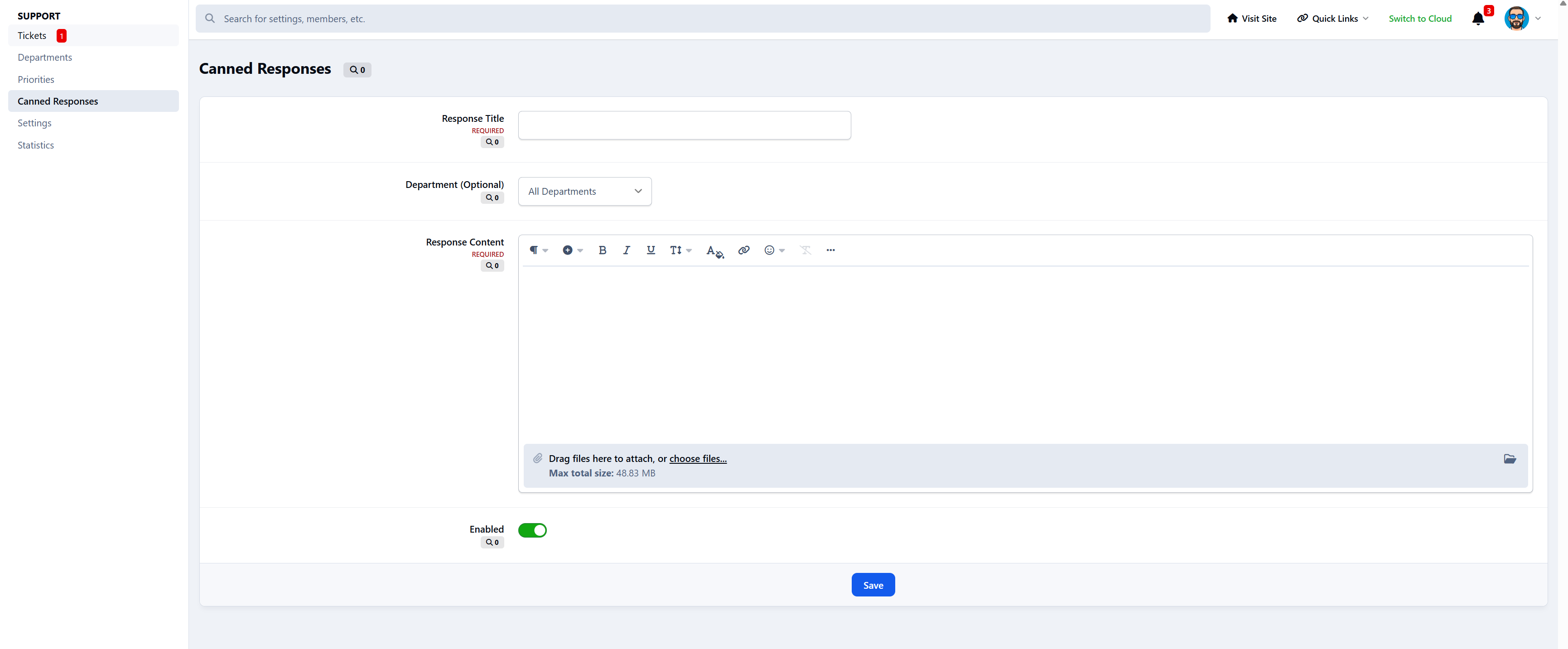
Canned Responses - Quick staff replies
Notes - Internal staff-only comments
Logs - Full activity tracking
Admin & Staff Tools
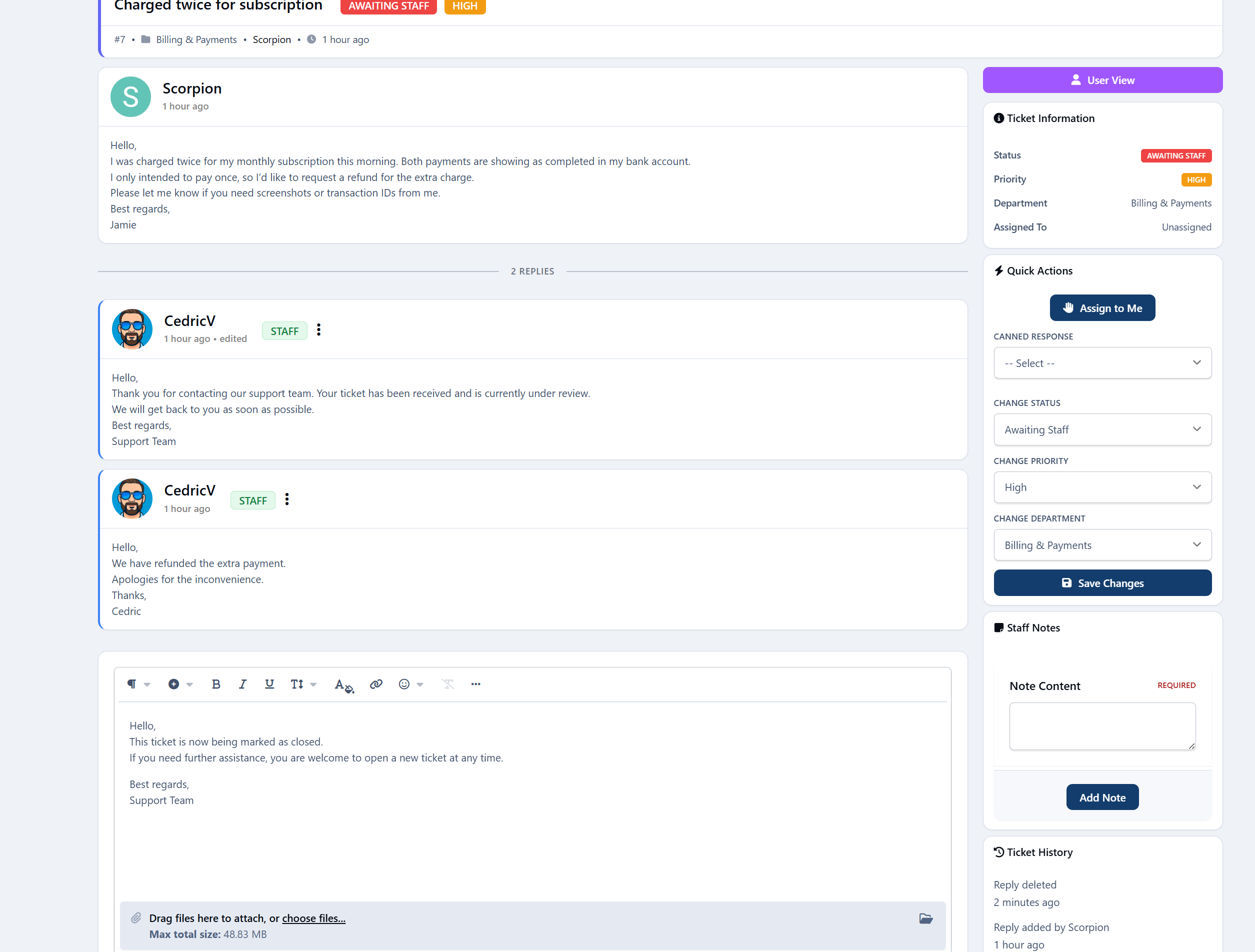
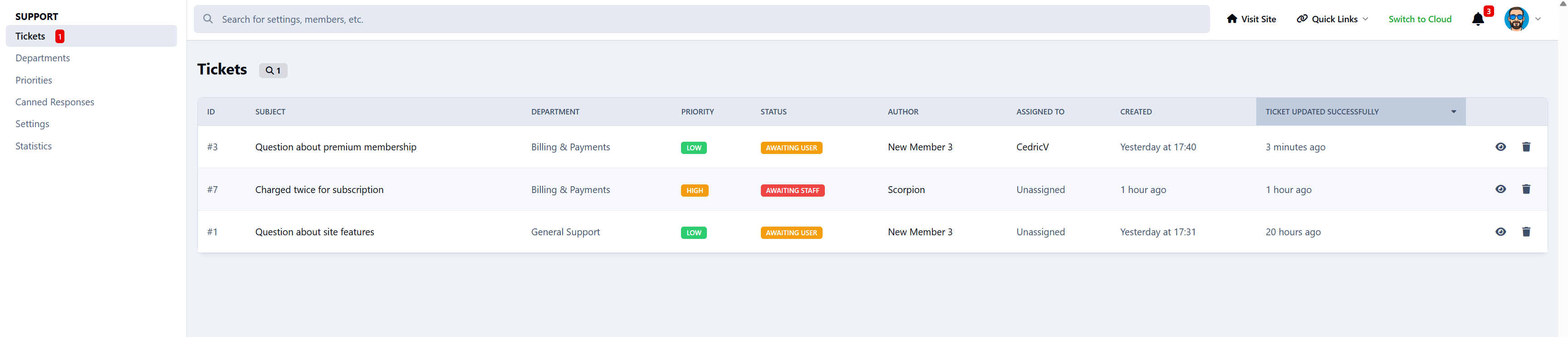
Full ticket management (view, reply, assign, delete, close)
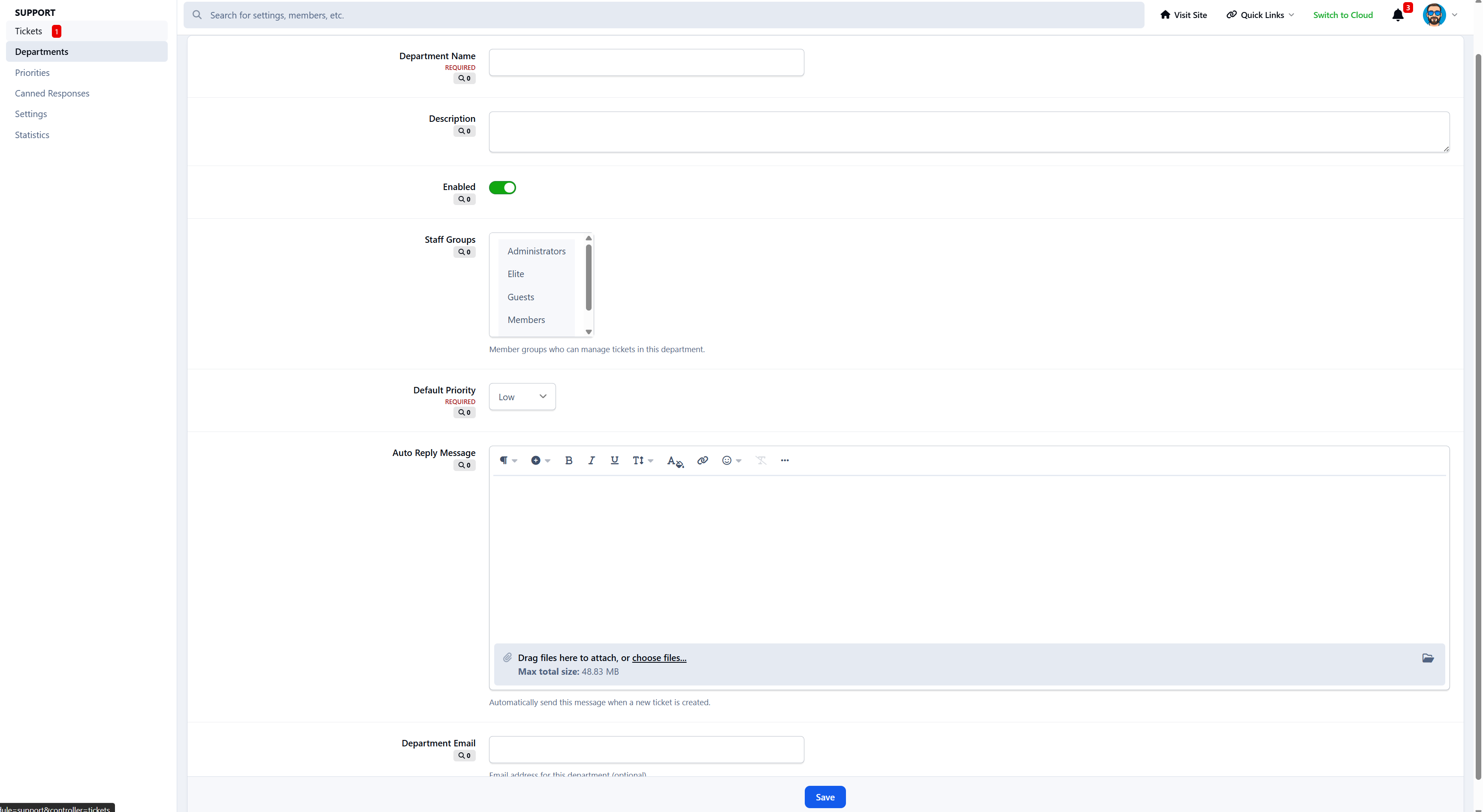
Department management with staff group assignments
Priority system with color-coded levels
Canned response management
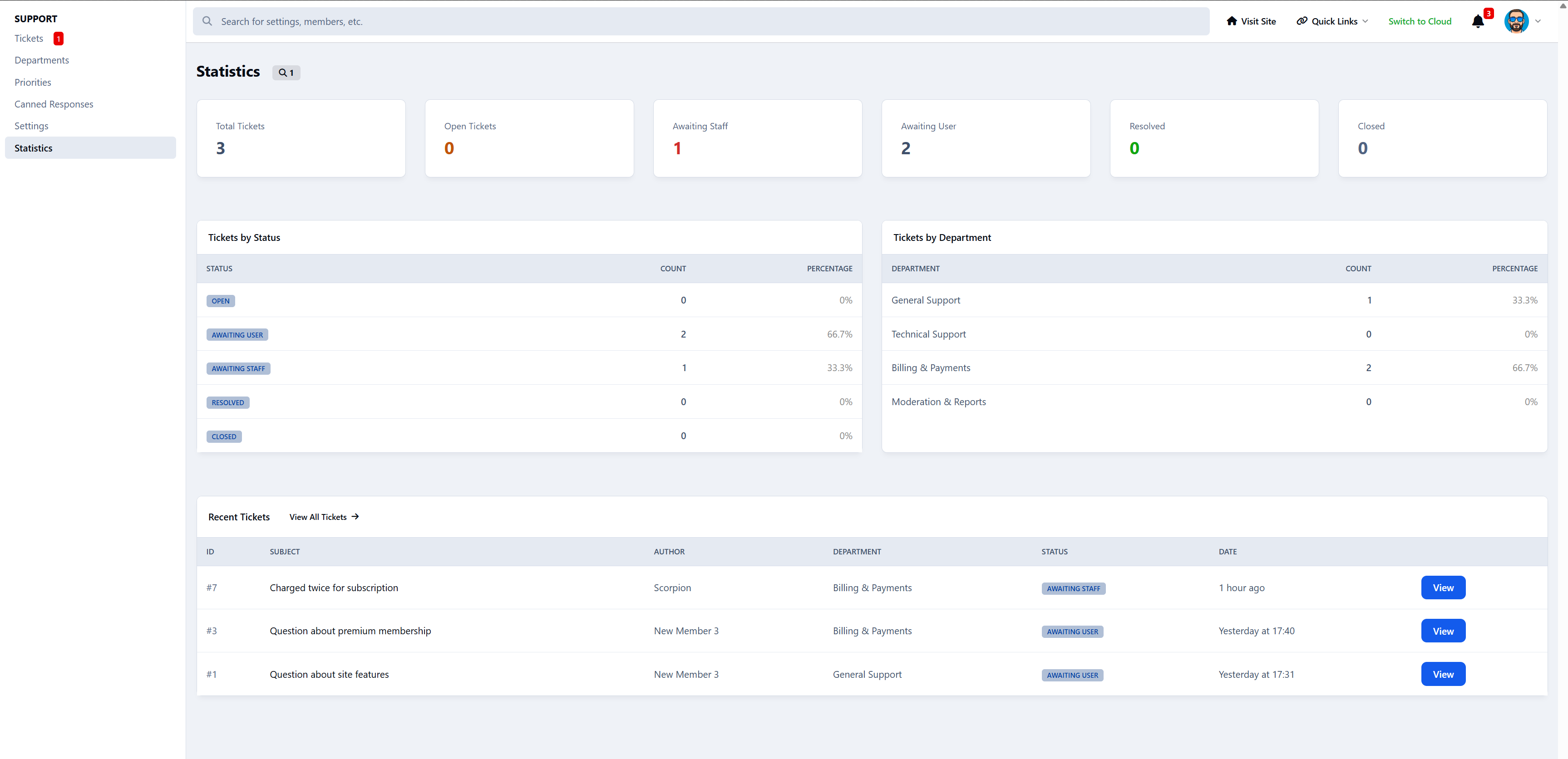
Statistics dashboard with date filtering
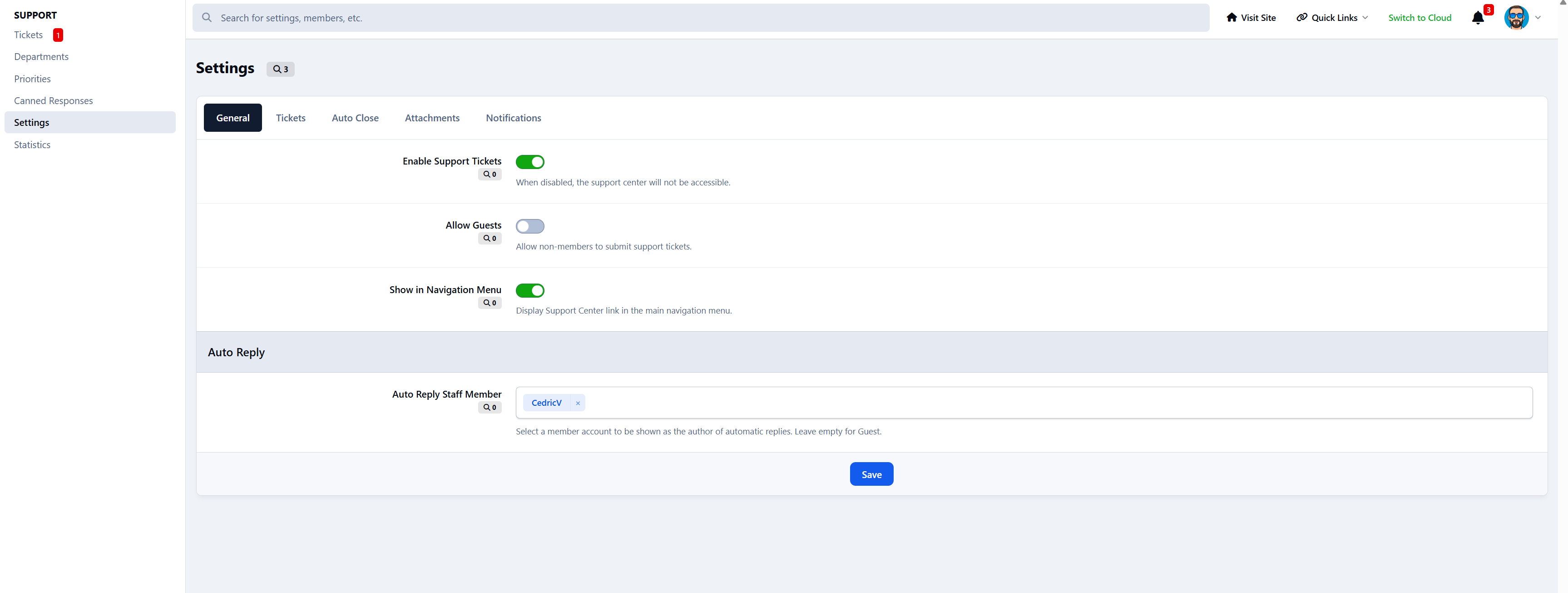
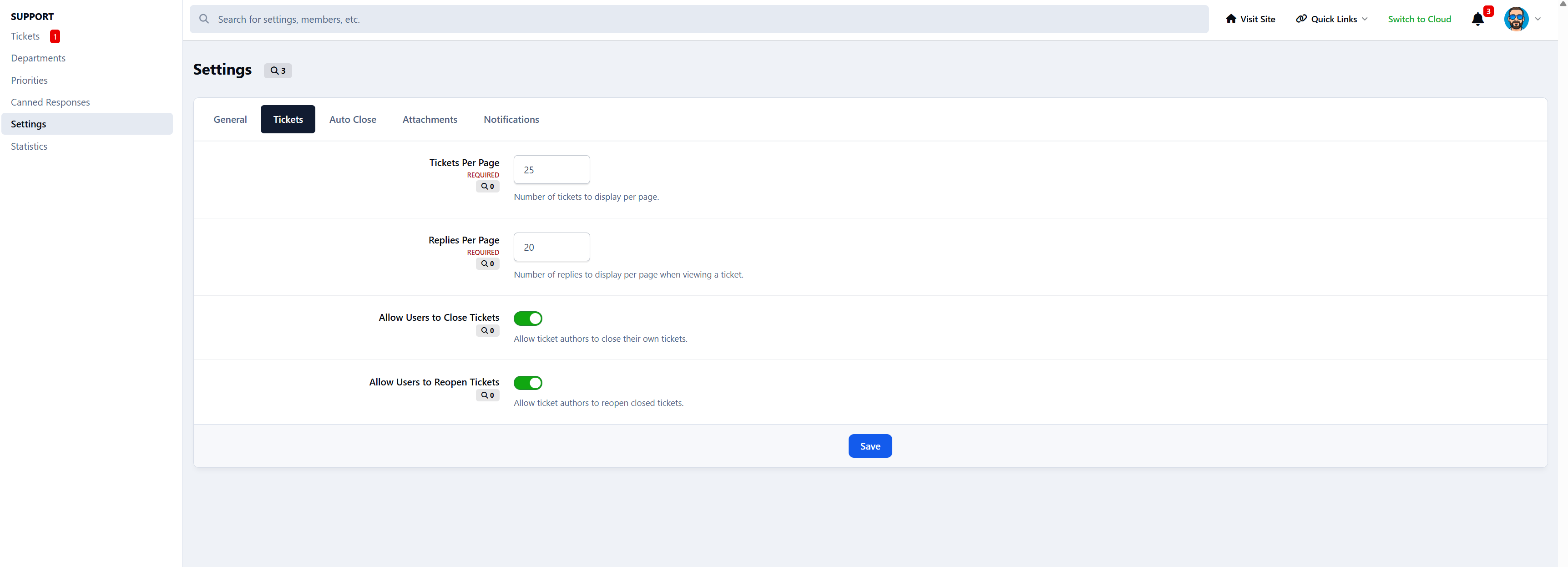
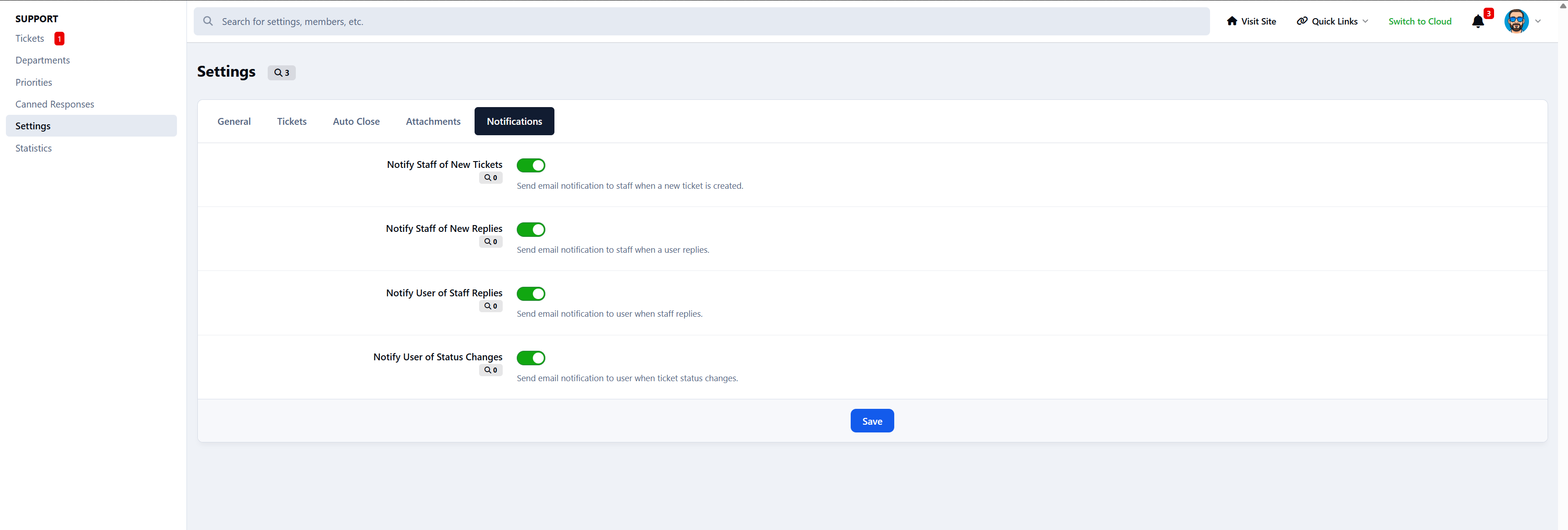
Configurable settings for fine-tuning
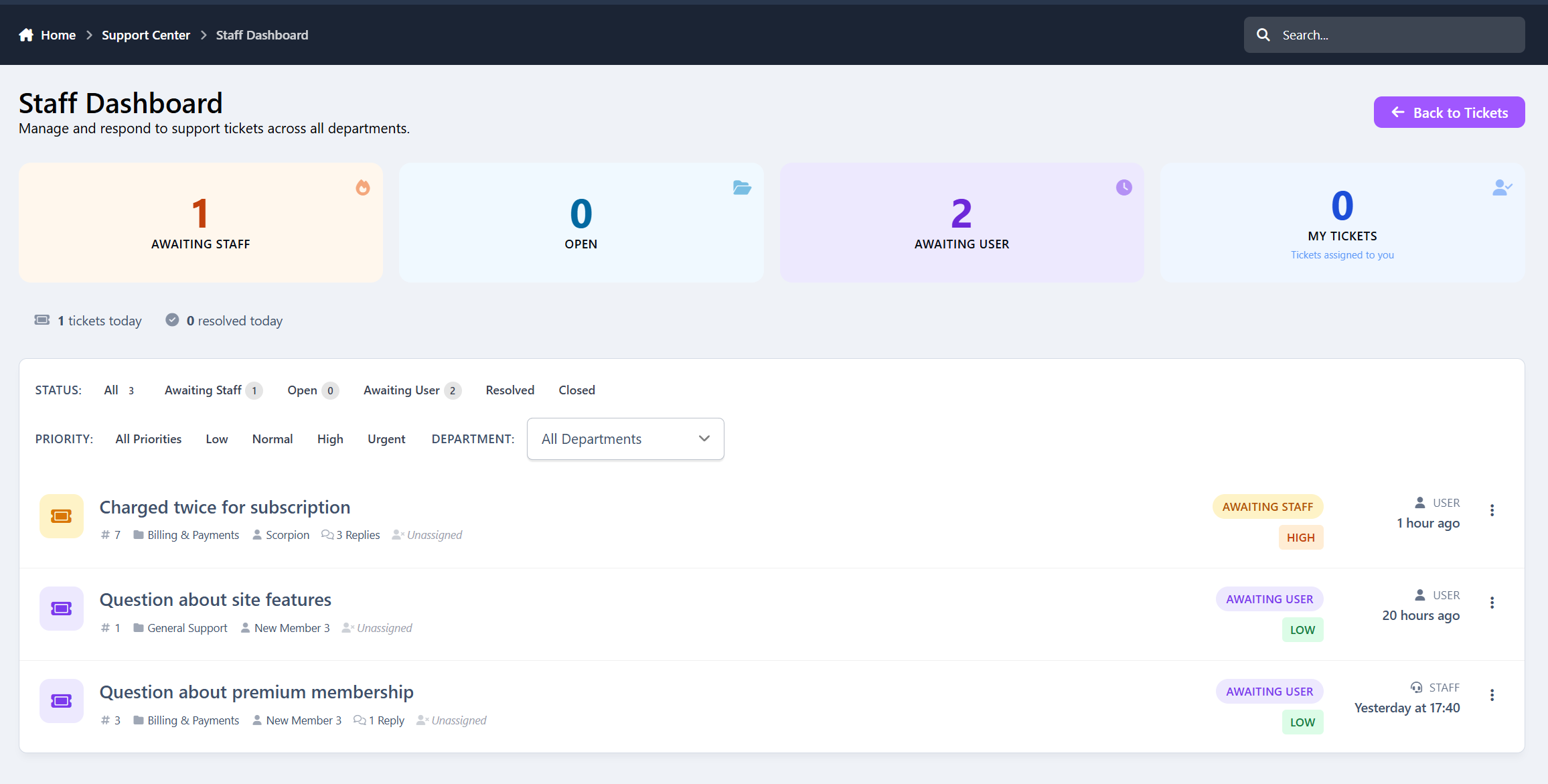
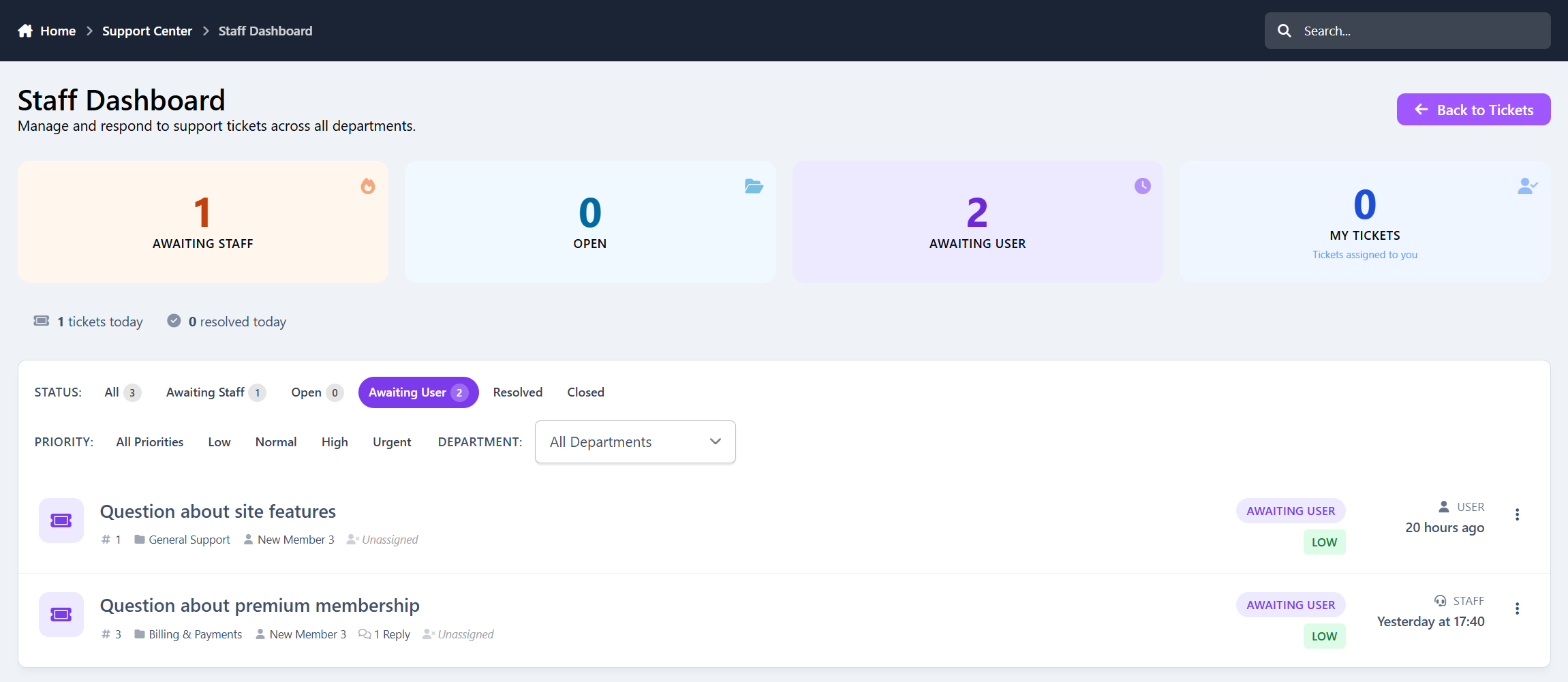
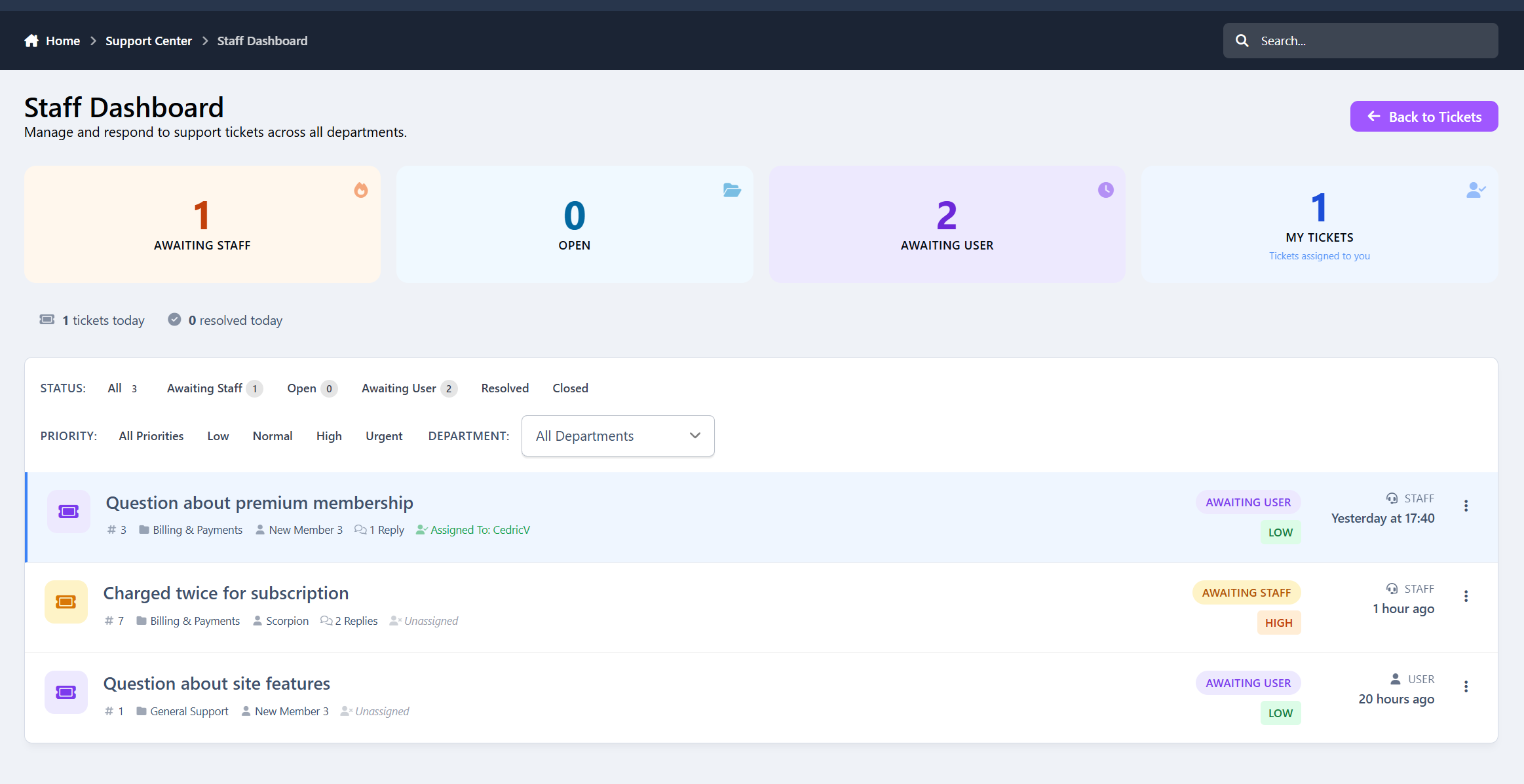
Staff dashboard with filters (status, priority, department, assigned)
User Features
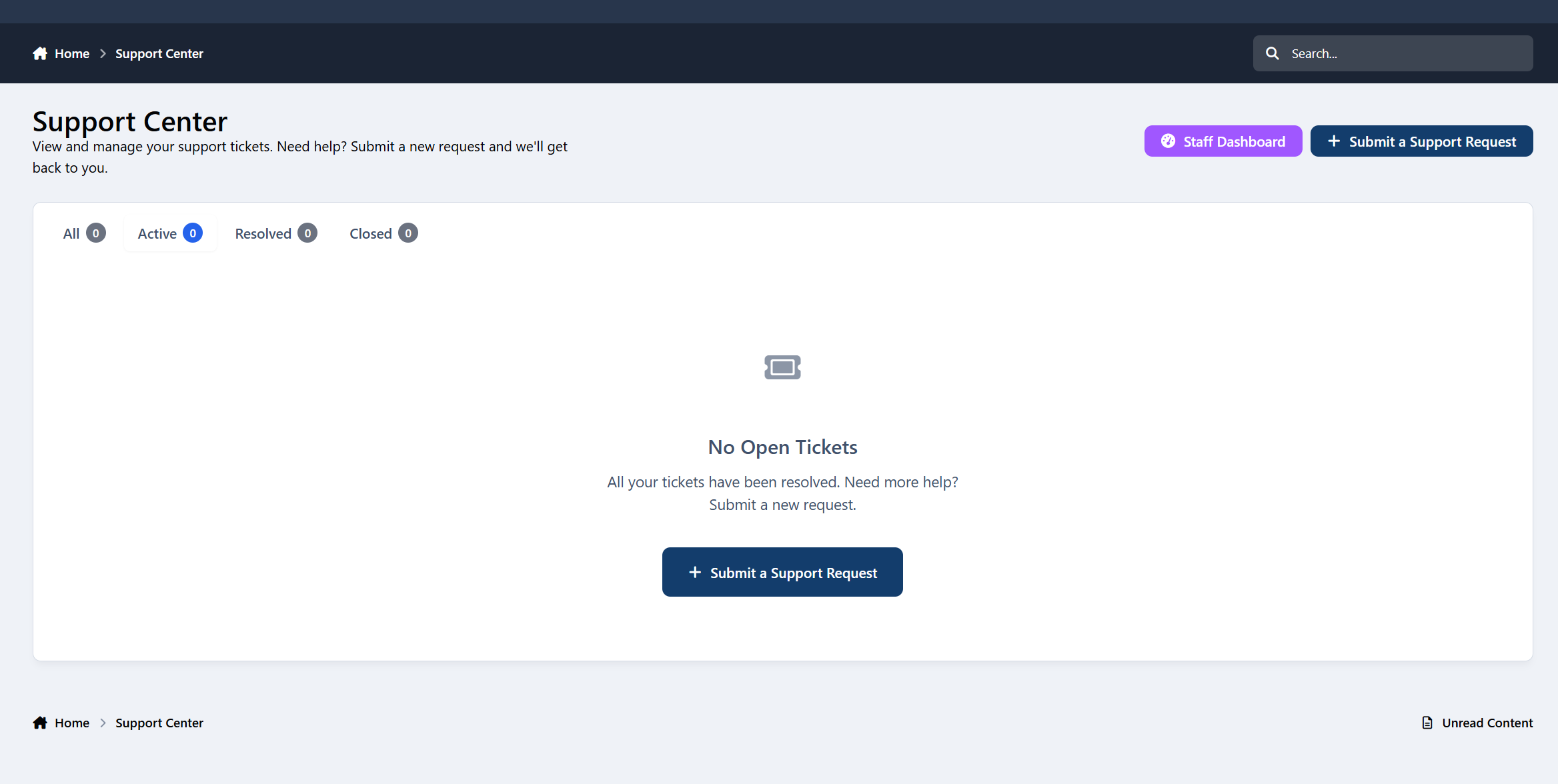
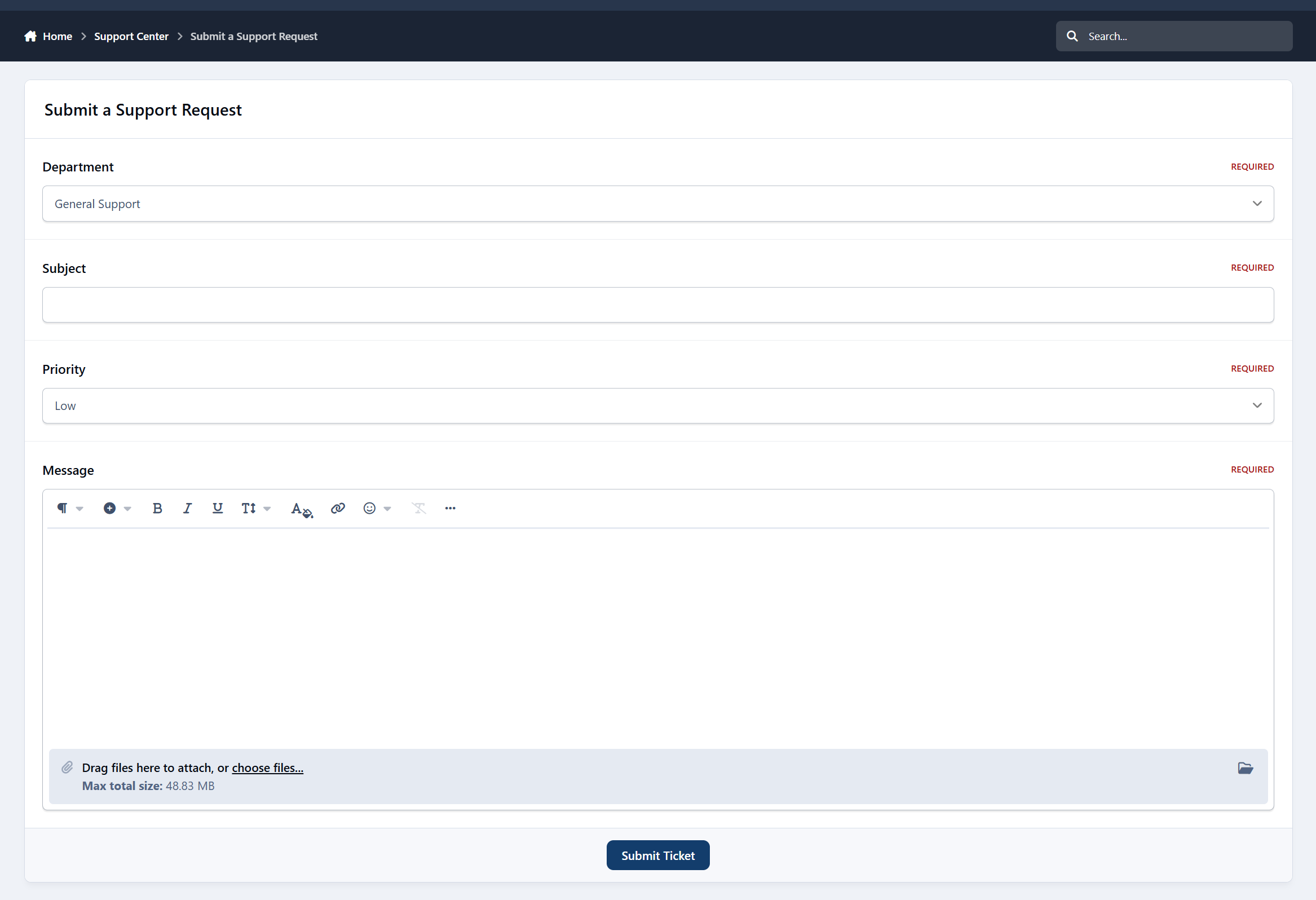
Submit support tickets from the front-end
Track ticket status and replies
Reply to staff responses
View ticket history
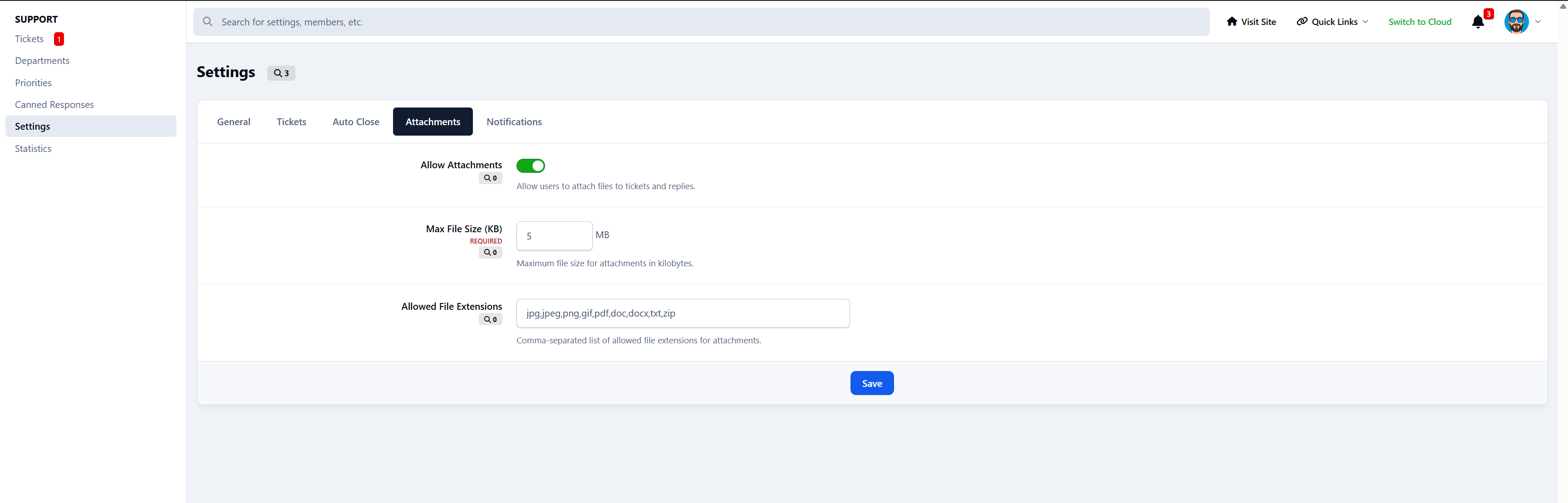
Upload attachments
Staff Workflow
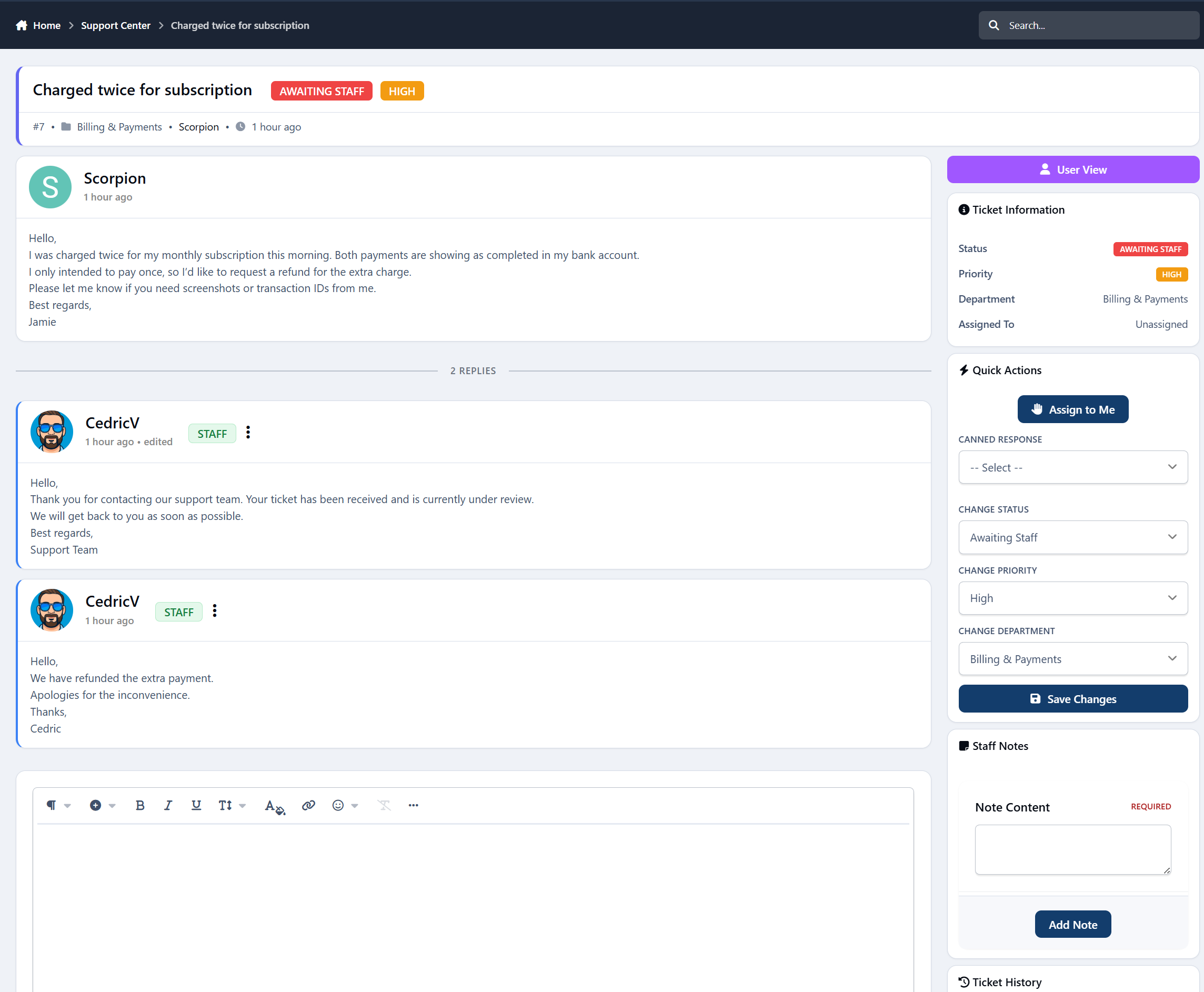
Assign tickets to yourself
Change status, priority, and department
Add internal notes
View full activity history
Use canned responses
Staff-only dashboard
Automation & Notifications
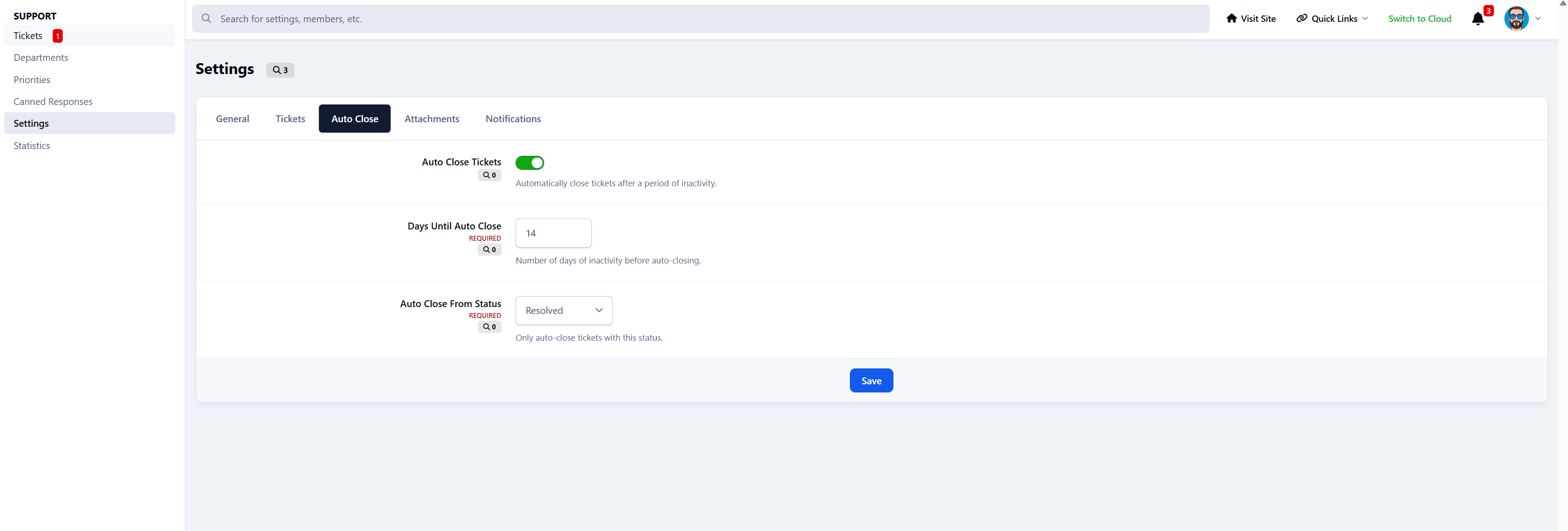
Auto-close inactive tickets
4 notification types
Custom email templates
Navigation menu integration
Clean, Modern Interface
Support Tickets is designed to feel:
Professional
Clean
Easy to scan
Optimized for staff workflows
Friendly for users
No clutter, no confusion - just efficient support management.
-
 1
1
Create an account or sign in to leave a review
There are no reviews to display.