Invision Community 5
- Category Admin & Mod Tools
- Downloads 109
- Compatibility IC5: 5.0.0+
- Updated
Overview
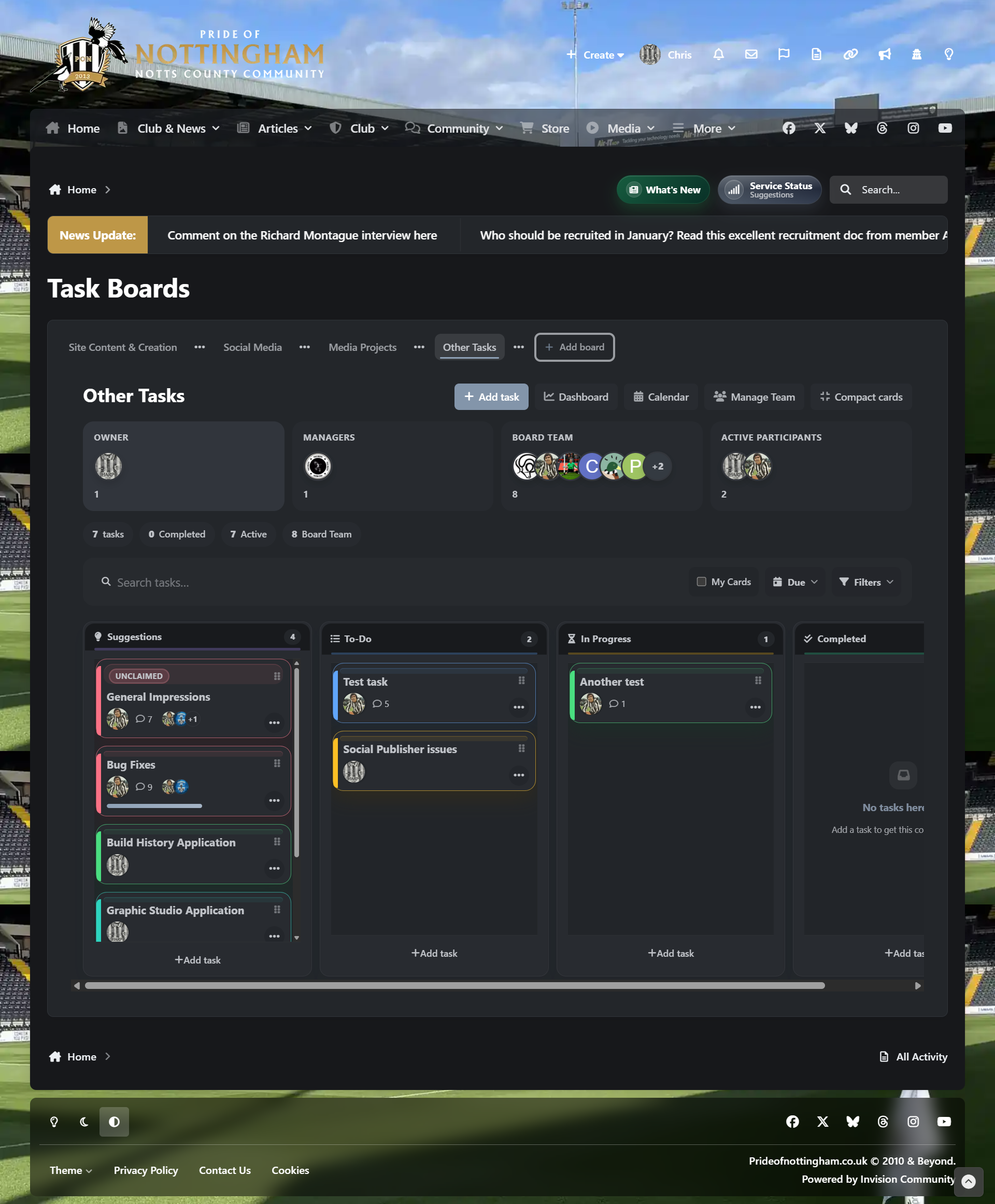
Task Manager is a responsive project and workflow management application for Invision Community 5, designed to bring structured task boards, team collaboration and organised productivity directly into your community.Description
It allows communities, staff teams, project groups, content teams and support teams to create boards, manage tasks, assign work, track progress, discuss tasks, use labels and tags, organise deadlines and build repeatable workflows without relying on an external platform.
This application has been under development for several months and is the result of working very closely with another client, shaping the app around real workflow needs, practical project management and day-to-day community use.
Feature set
Fully responsive layout for desktop, tablet and mobile users
Front-end task boards for community and team workflows
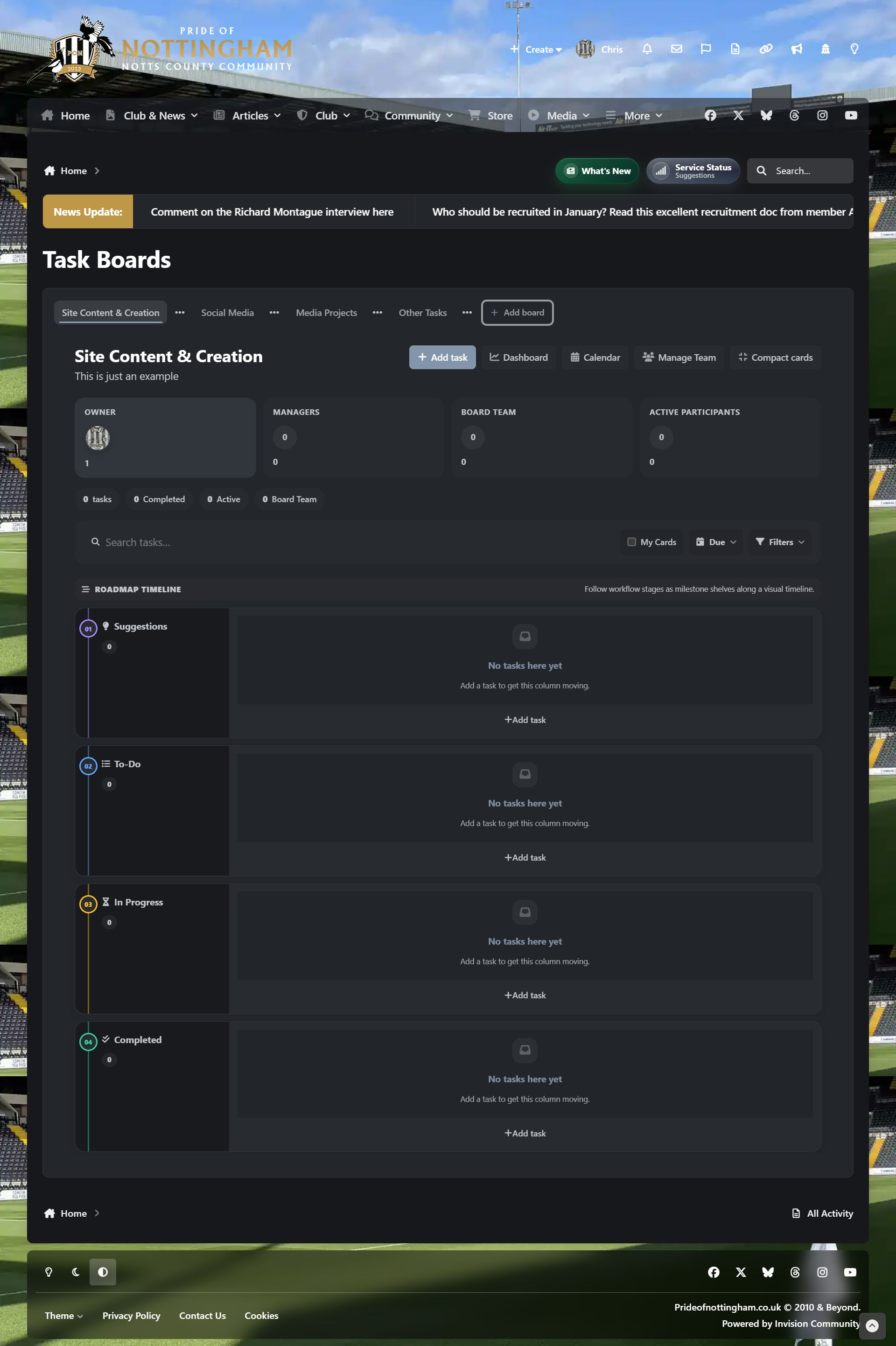
Multiple board layouts, including Kanban, Compact, Editorial, Triage, Release QA, Focus Workspace, Matrix Workspace and Roadmap Timeline
Board dashboard with search, filters, task groups and key task metrics
Calendar view for due dates and scheduled tasks
Task creation, editing, archiving and deletion
Task assignments, followers and ownership controls
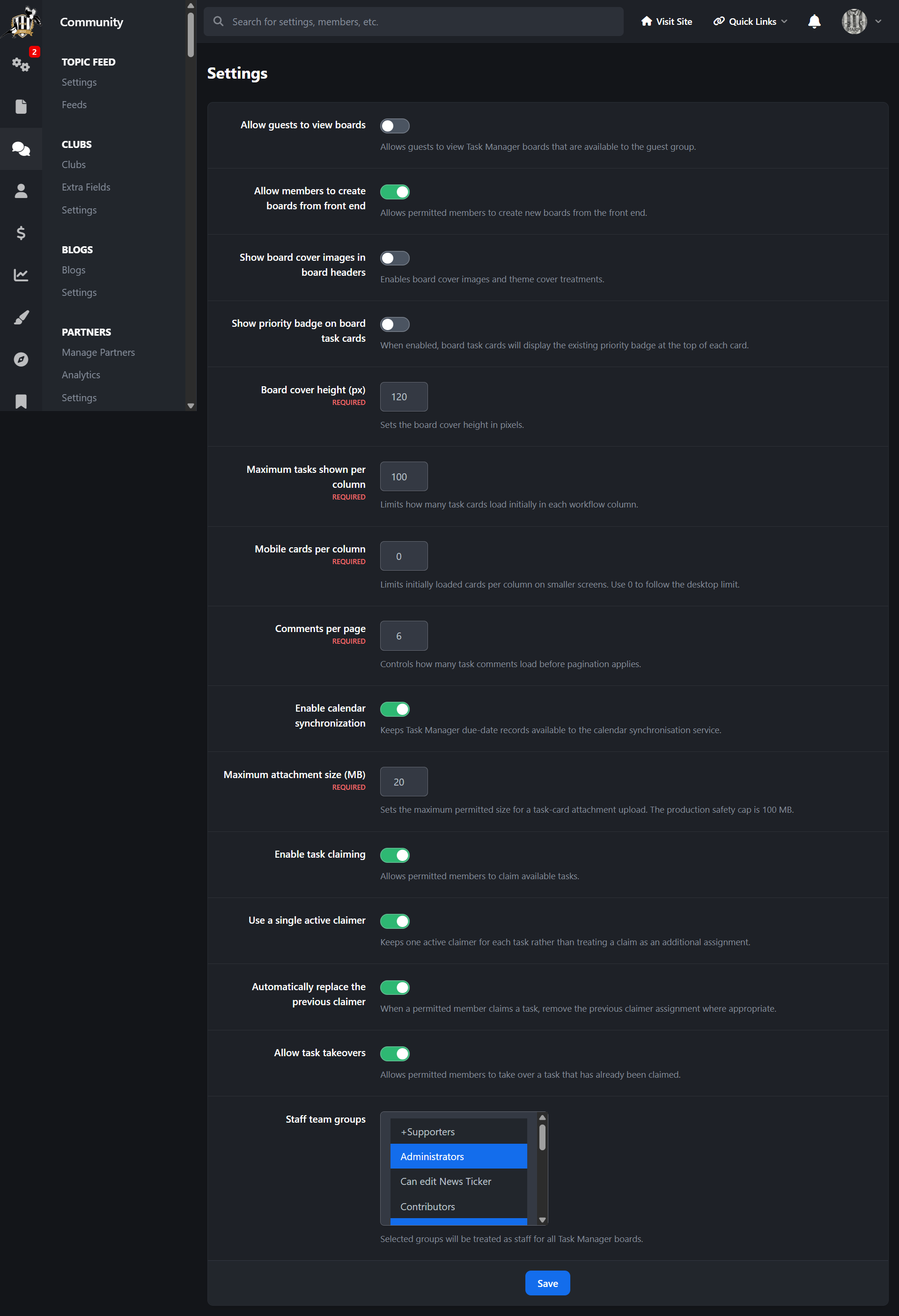
Task claiming, release and takeover options
Task priorities, due dates, reminder dates and completion percentage tracking
Task comments with mentions, reactions and pagination
Checklist support with completion tracking
File attachments with configurable upload size limits
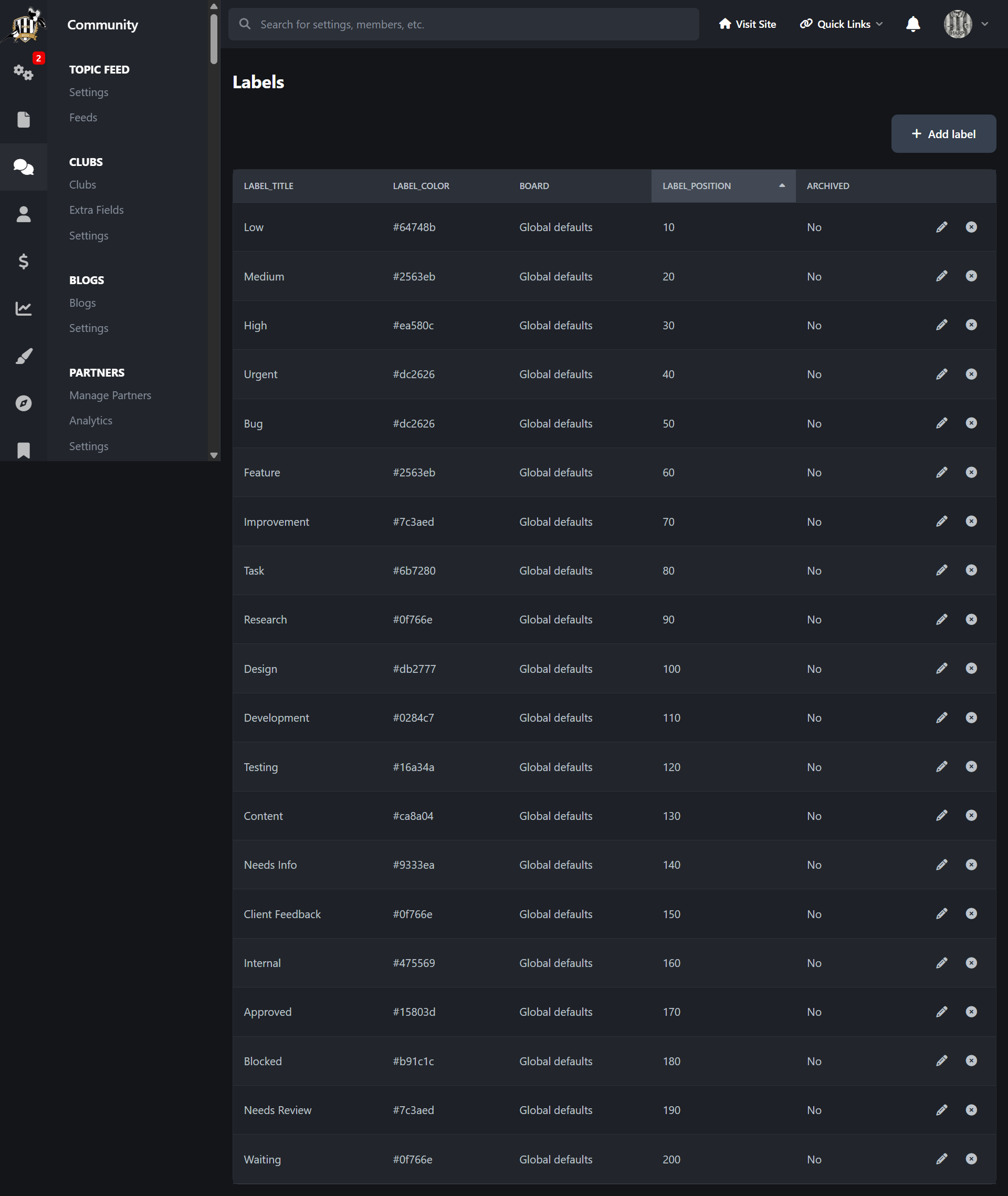
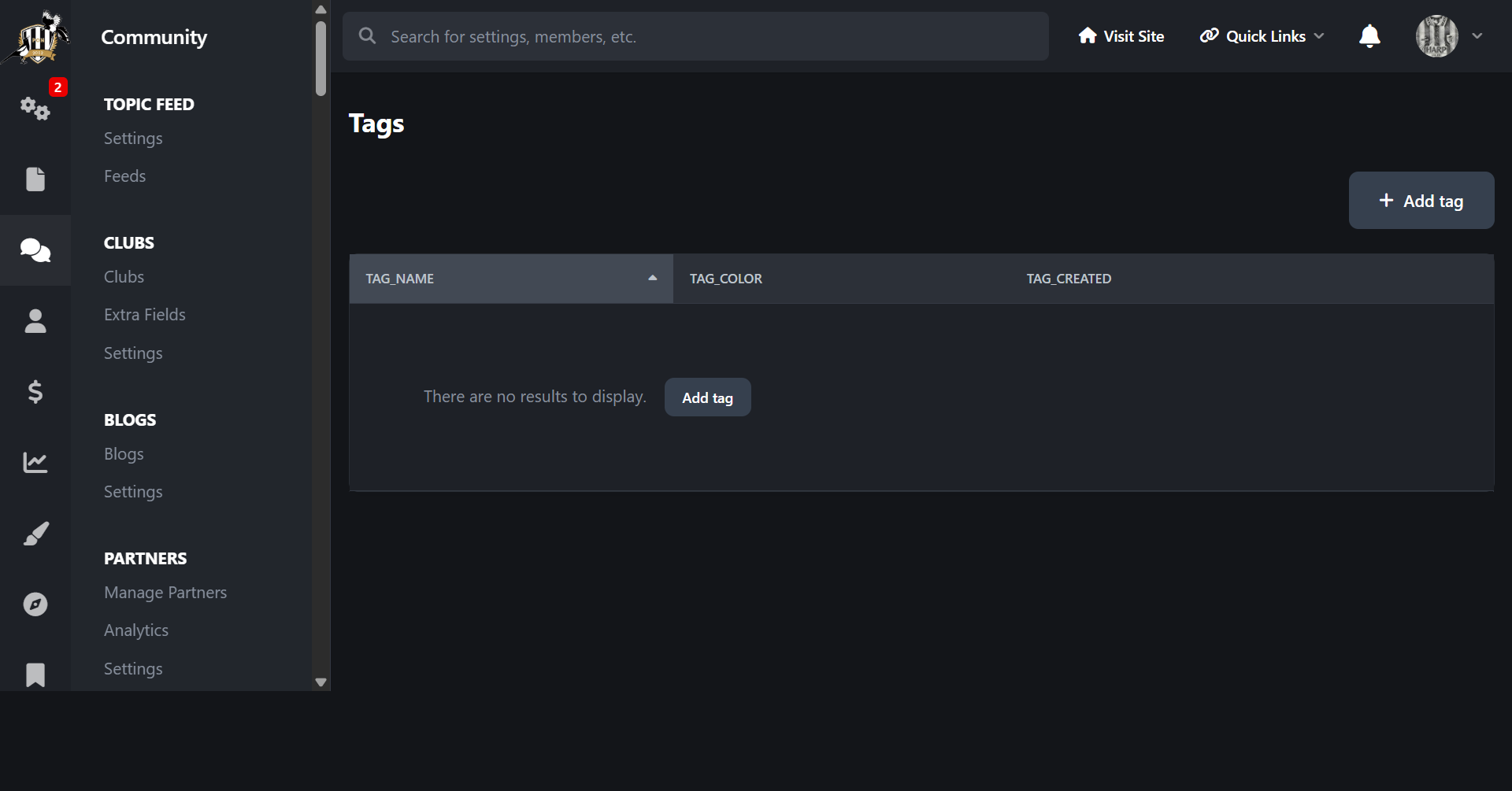
Labels and tags for better task organisation
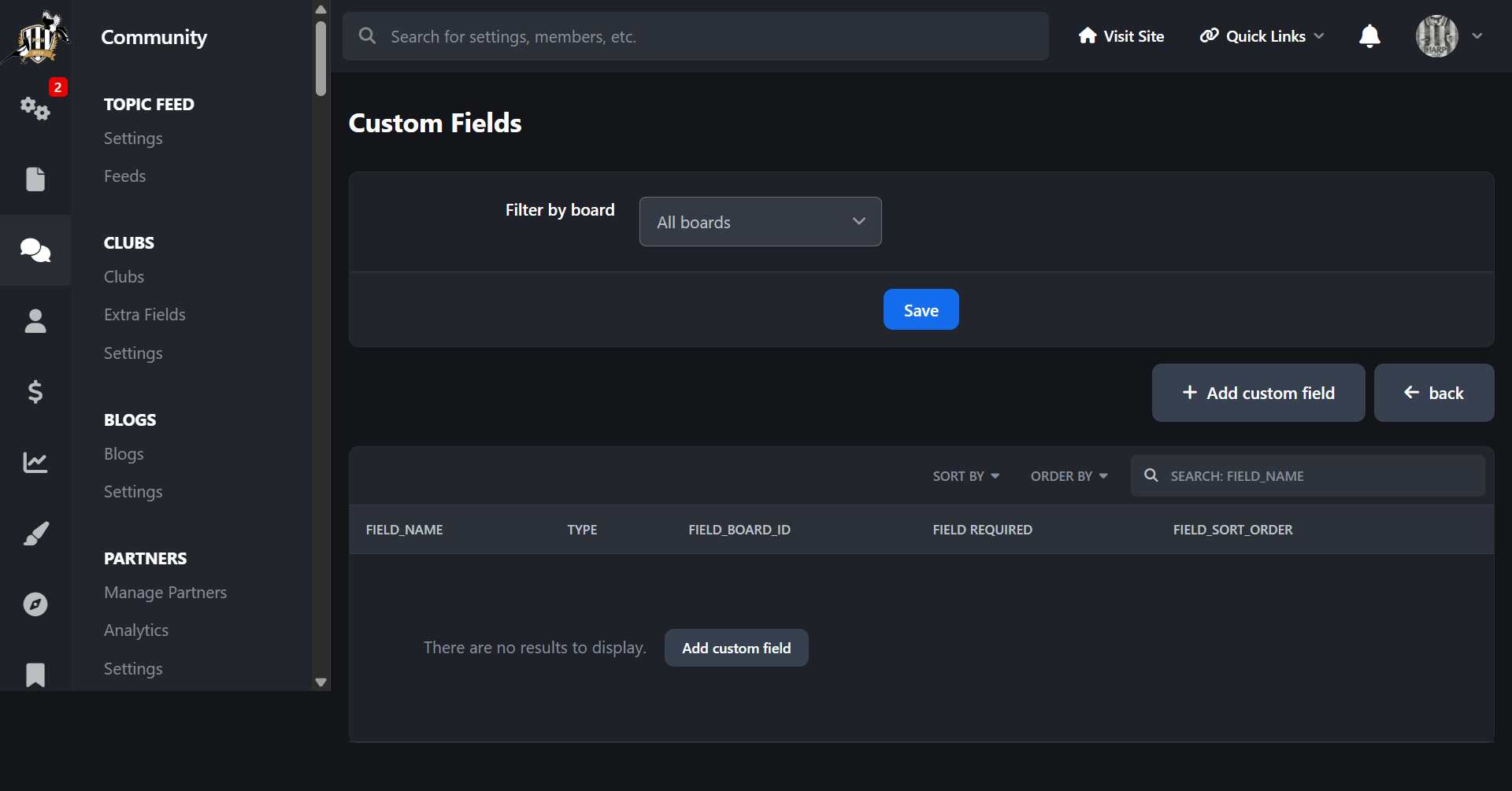
Custom fields for board-specific task data
Board cover images and visual board themes
Board team management with owners, managers, members and pending invites
Board-specific permissions for viewing, creating, claiming, editing and managing tasks
Group-level Task Manager permissions
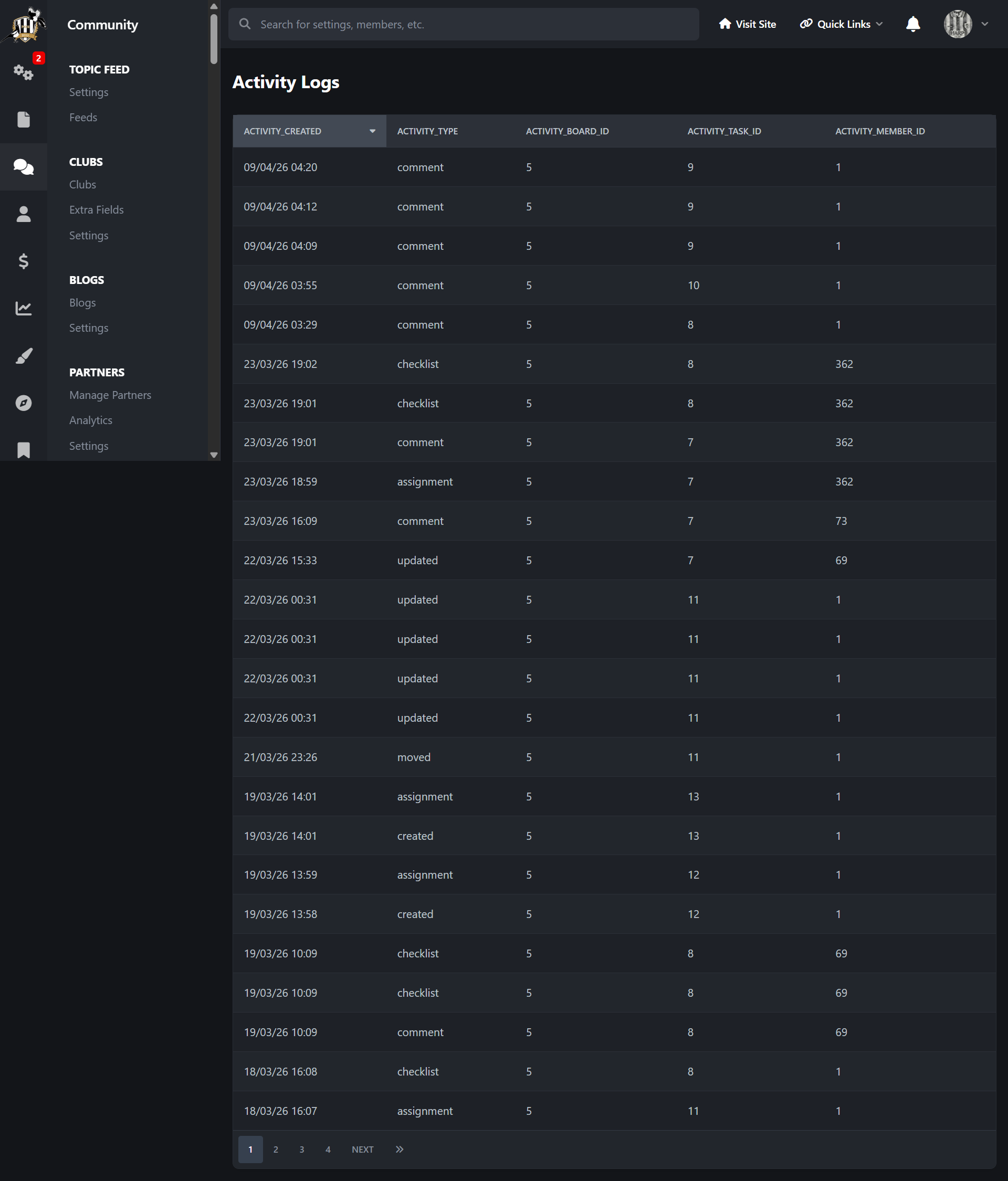
Activity logging for task updates, comments, movement, assignments, checklists and attachments
Built-in task search across available boards
Drag-and-drop style task movement between workflow columns
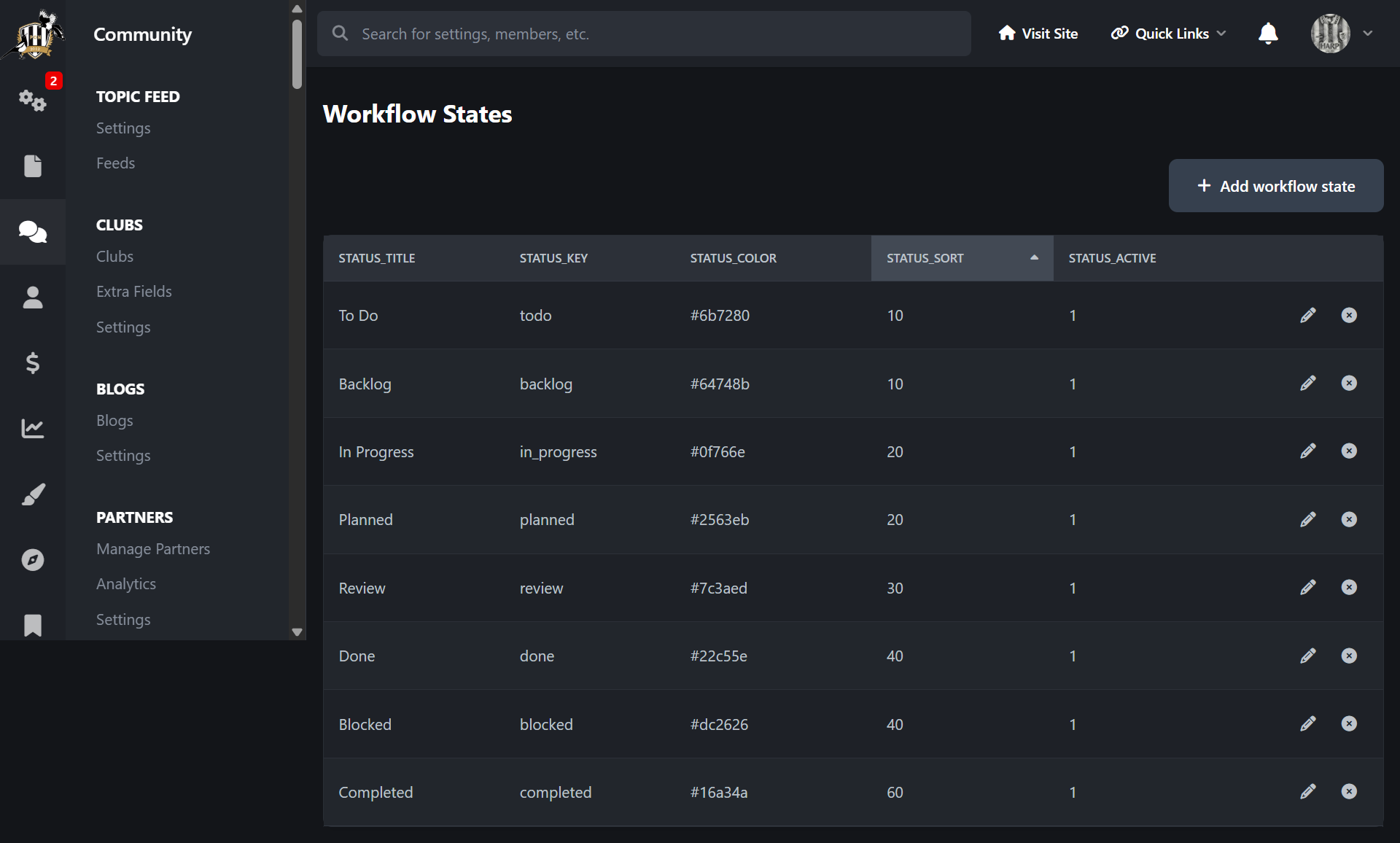
Workflow states and custom columns
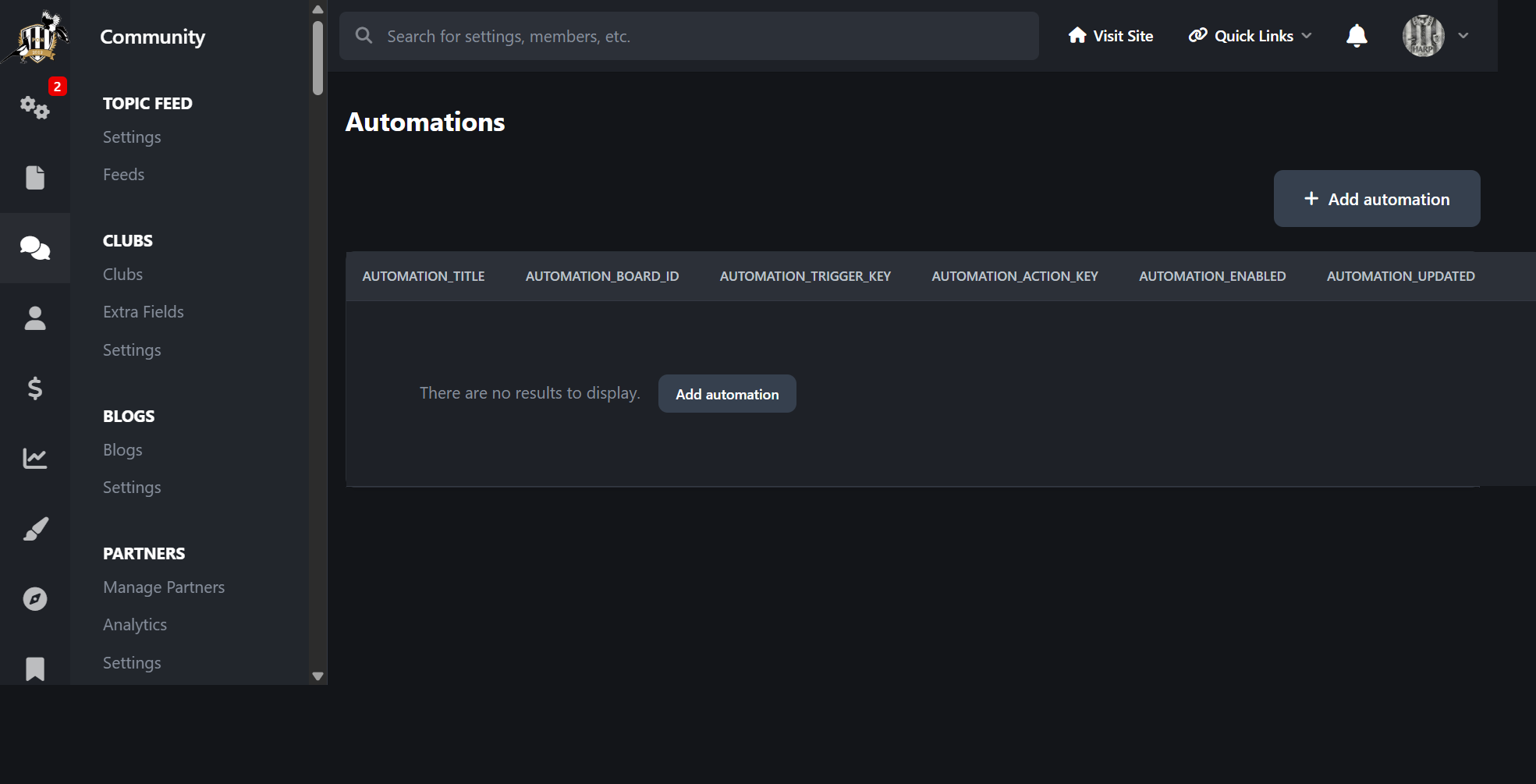
Automation rules for actions such as moving cards, changing priority and adding labels
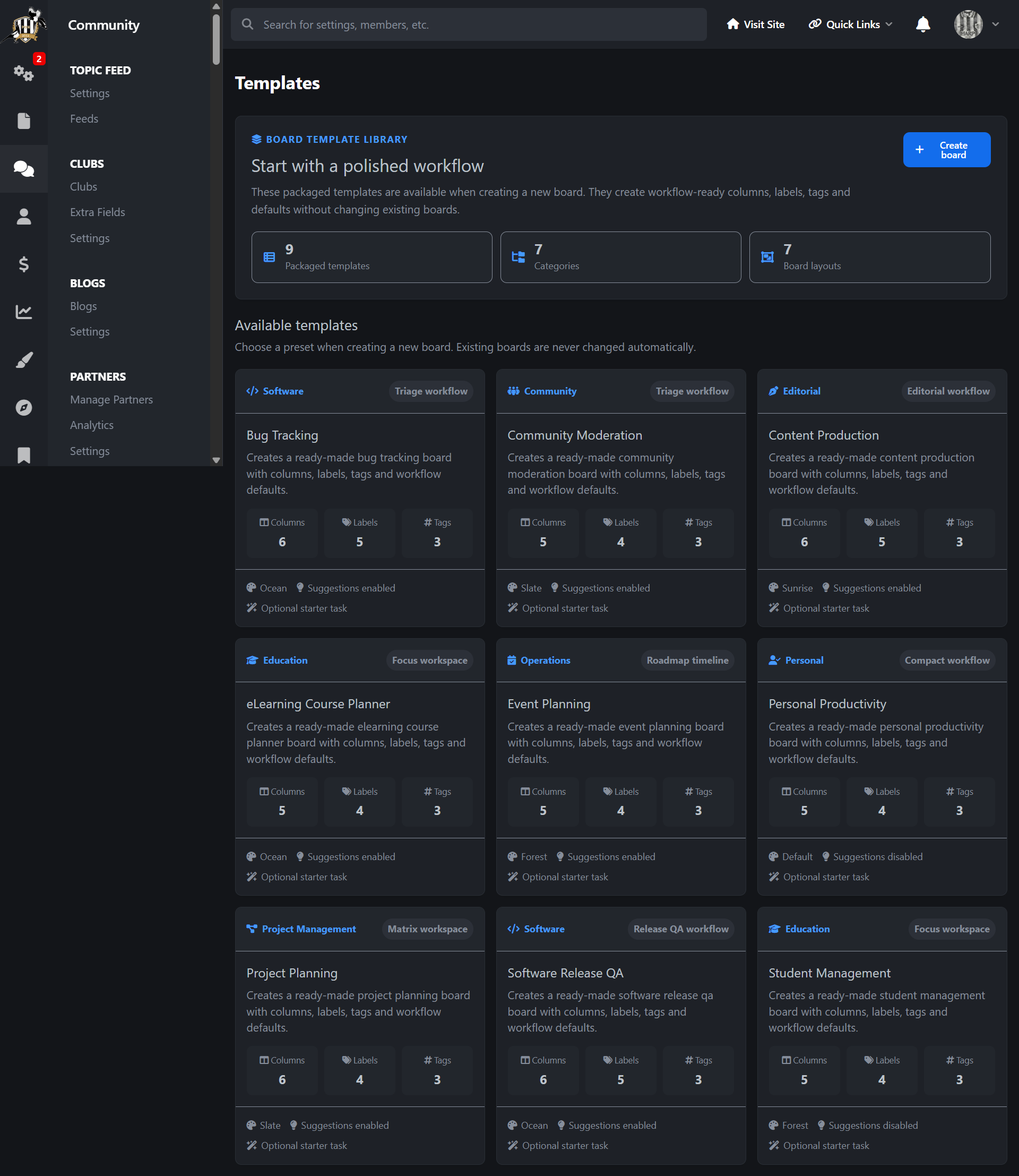
Packaged board templates for quick setup
Ready-made templates for bug tracking, content production, project planning, software release QA, community moderation, event planning, eLearning, student management and personal productivity
Optional sample tasks when creating boards from templates
Suggestions column support for community-driven workflows
Time tracking with manual time logging and task timers
Task notifications for comments, mentions, assignments and claims
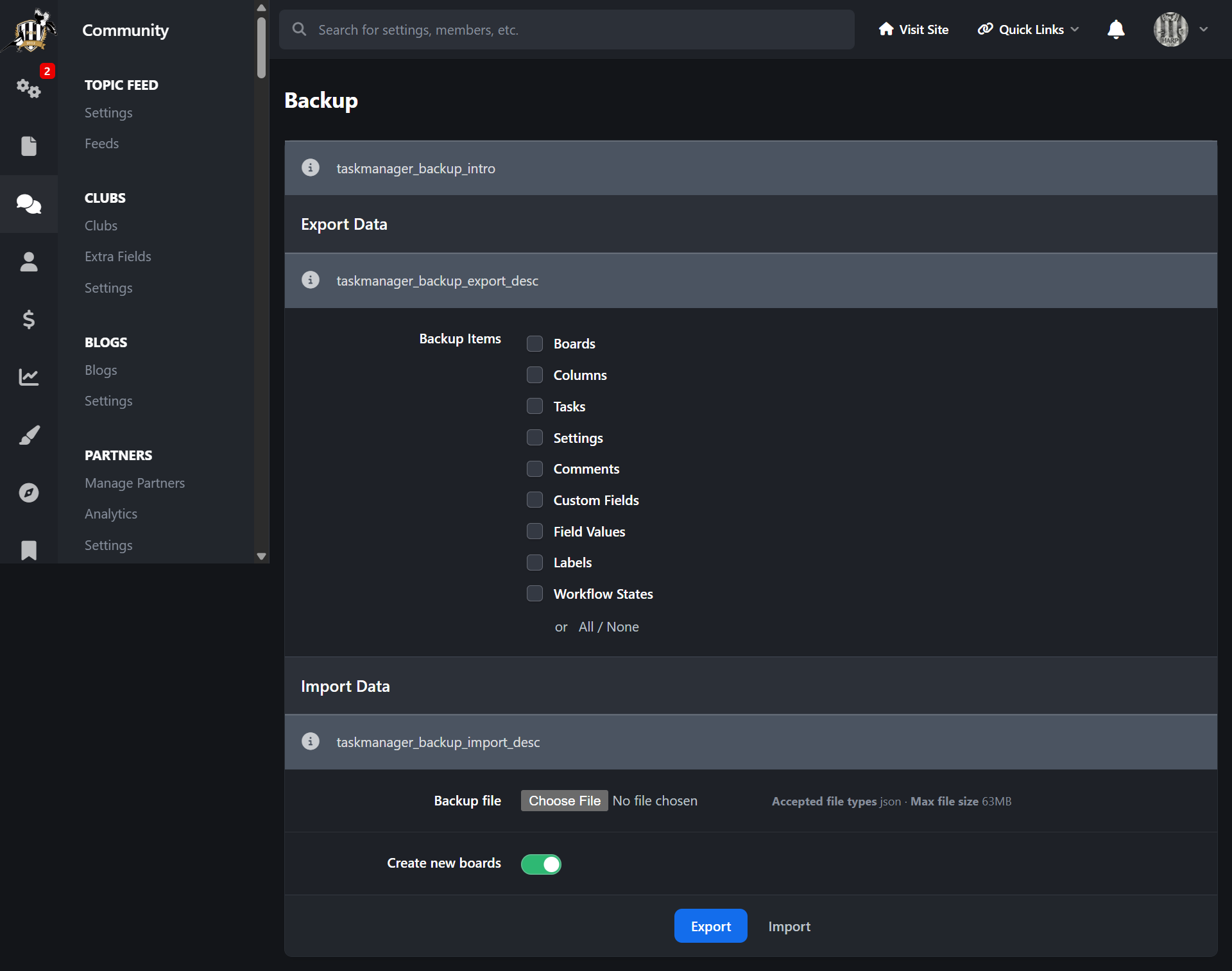
Backup and import tools for Task Manager data
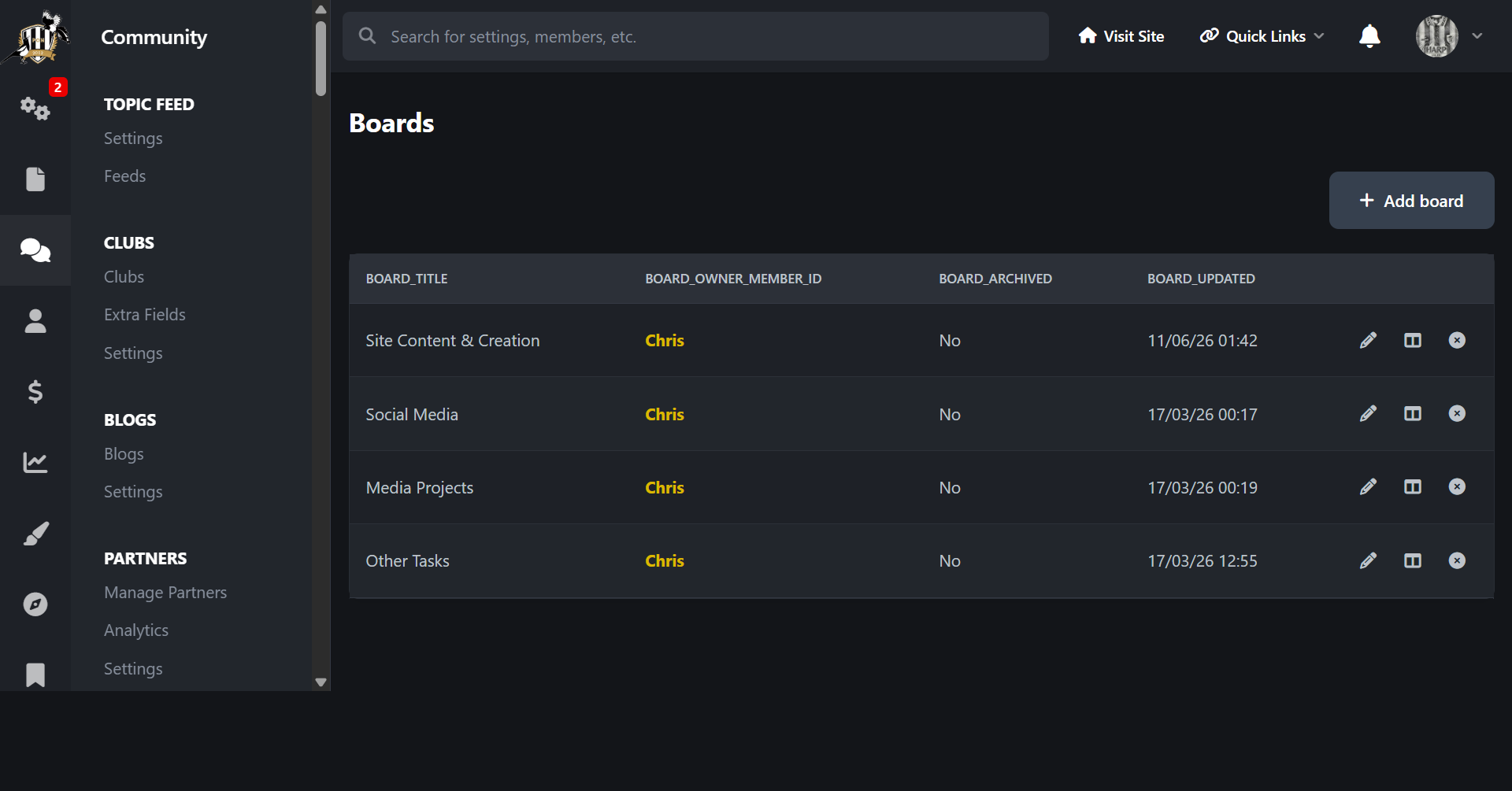
ACP tools for boards, columns, workflow states, labels, tags, custom fields, templates, automations, logs and backup
Built to use native Invision Community 5 styling, permissions, editor handling, notifications and front navigation
Front end path
Domain > Task Manager
ACP path
ACP > Community > Task Manager
Create an account or sign in to leave a review
There are no reviews to display.