Invision Community 5
- Category Admin & Mod Tools
- Downloads 114
- Compatibility IC5: 5.0.0+
- Updated
Overview
Bugs, features, tasks, and reminders. All tracked in one place.Description
Trackable for Invision Community 5
Bugs, features, tasks, and reminders. All tracked in one place.
Running a community or project usually means juggling bug reports, feature ideas, staff tasks, and personal notes across forum posts, messages, and spreadsheets. Trackable replaces all of that with one structured system built directly into Invision Community.
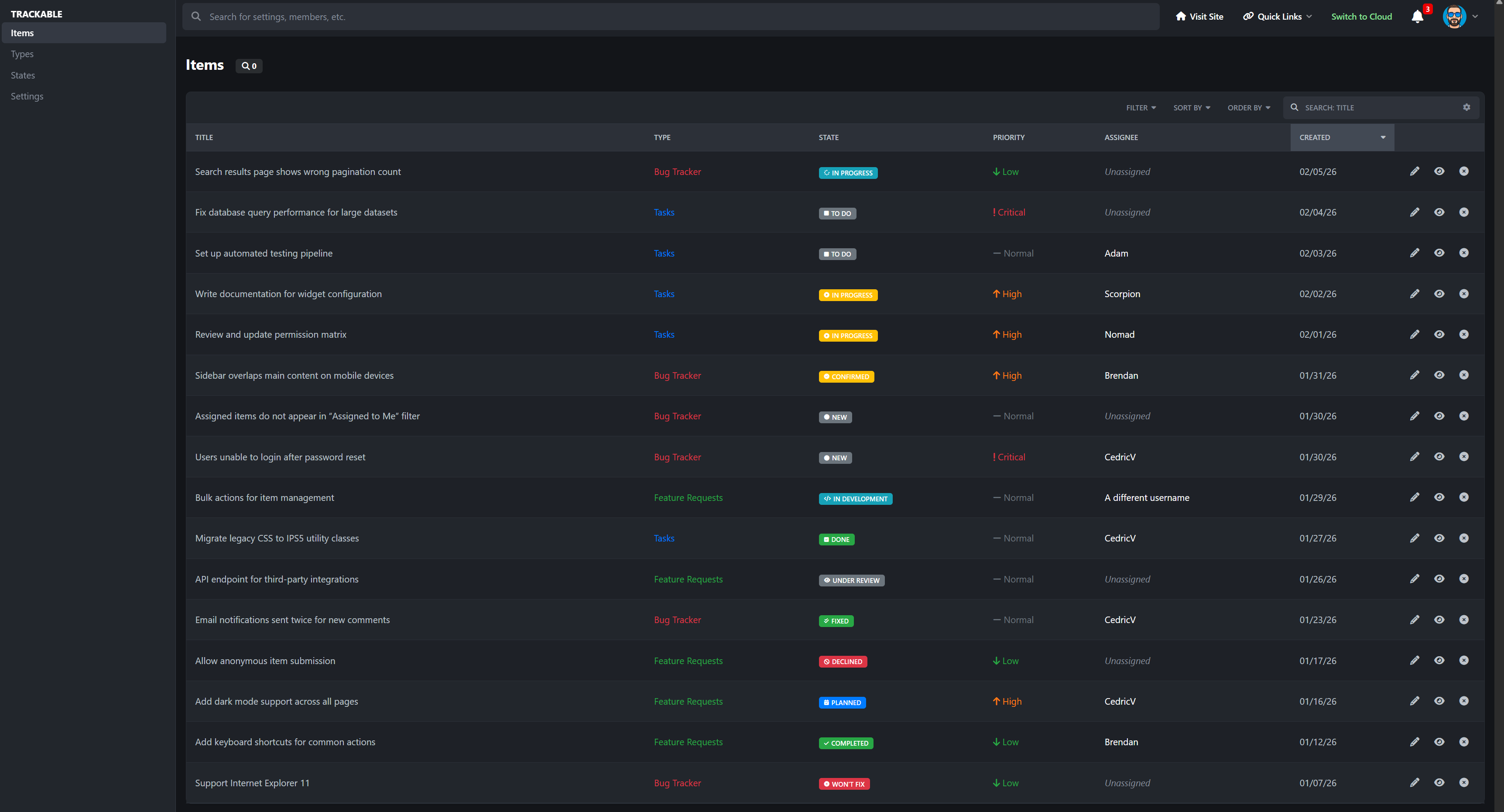
Trackable lets you create clear, organized items with states, priorities, ownership, history, and optional discussion, so nothing gets lost and everyone knows what is happening.
Why Trackable is Useful
As a bug tracker:
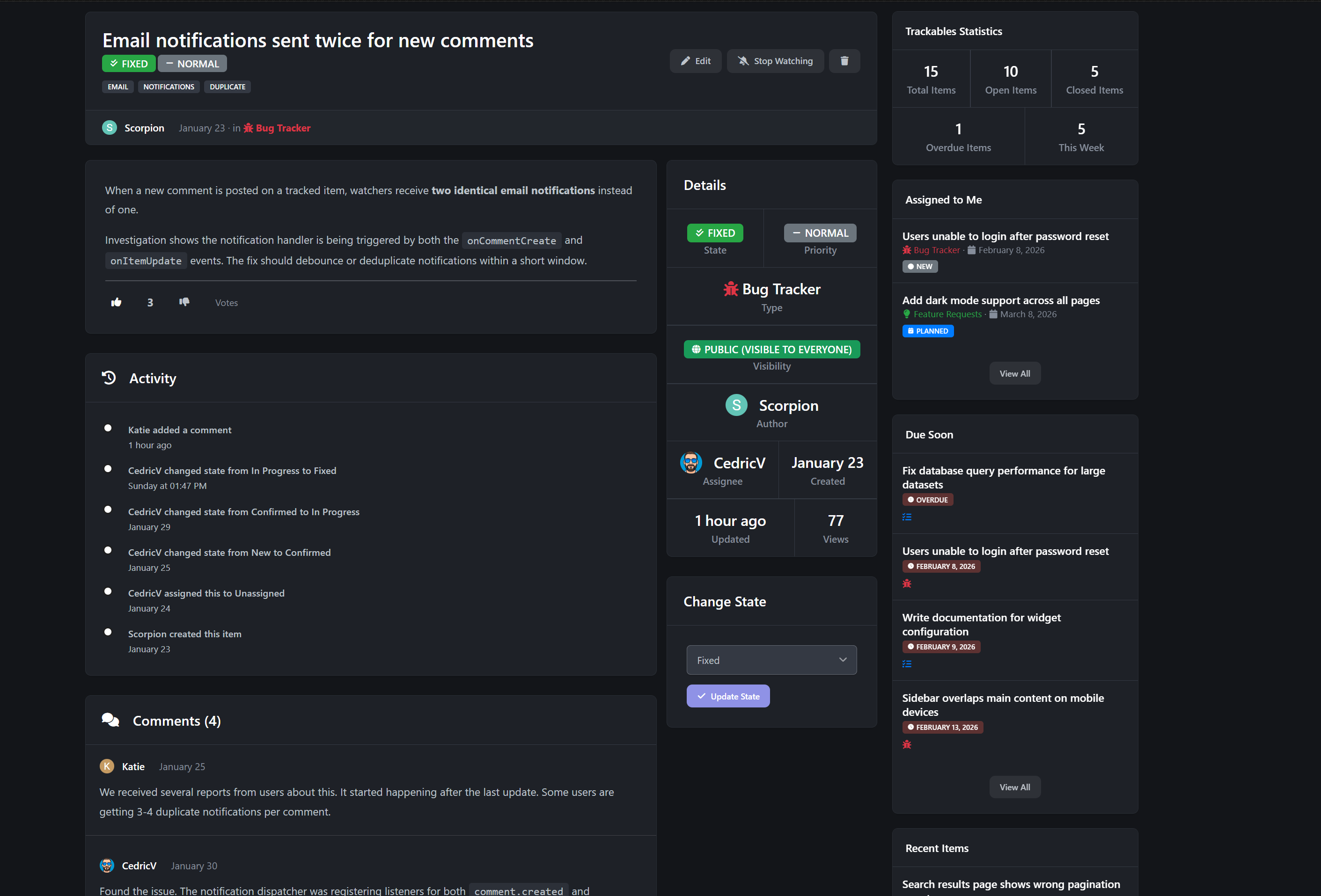
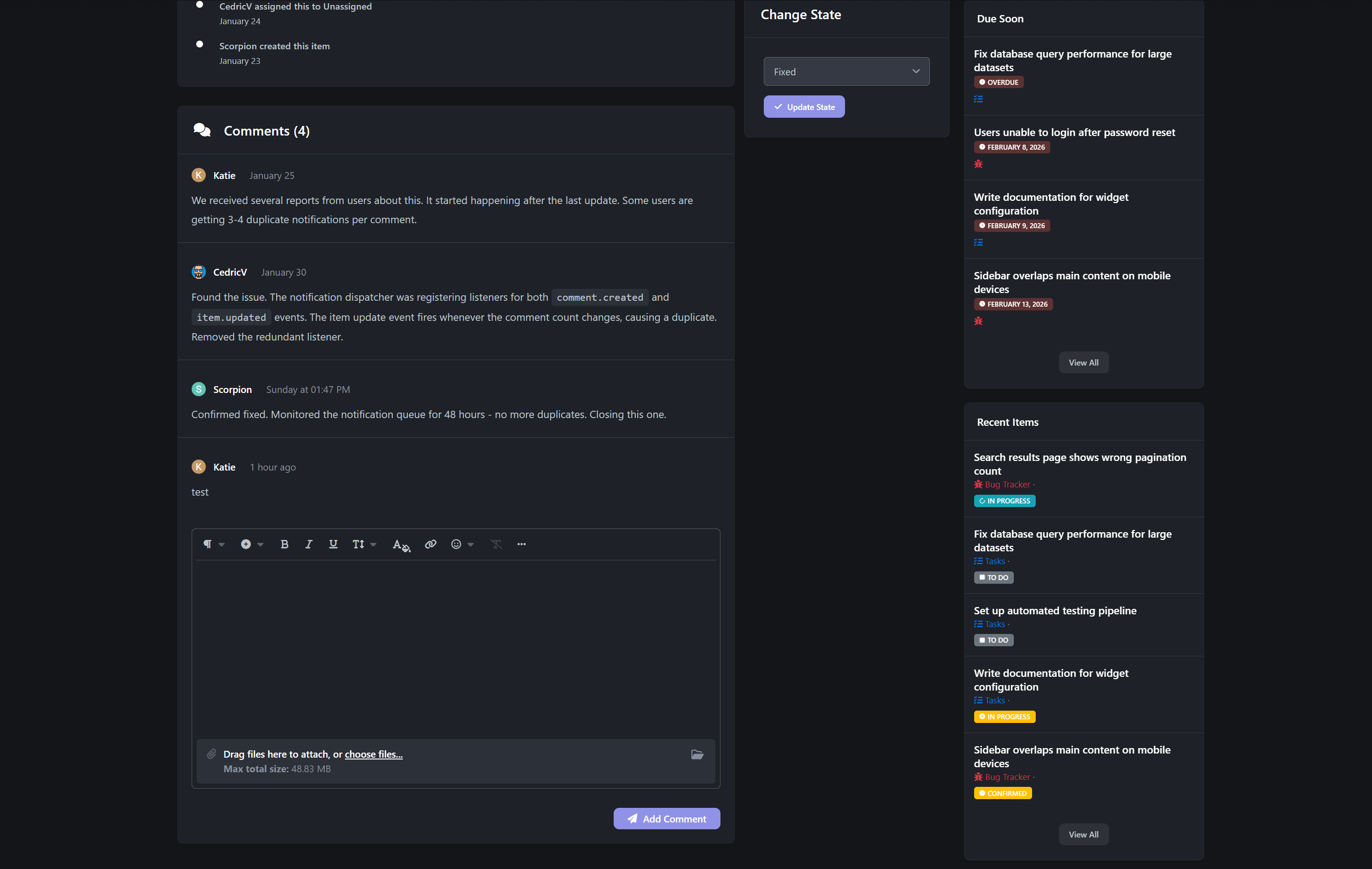
Members can submit bug reports with priority, detailed descriptions, and optional discussion. Staff can assign bugs, move them through states like Open, In Progress, and Fixed, and keep a full history of changes. No more guessing what was fixed or forgotten.
For feature requests
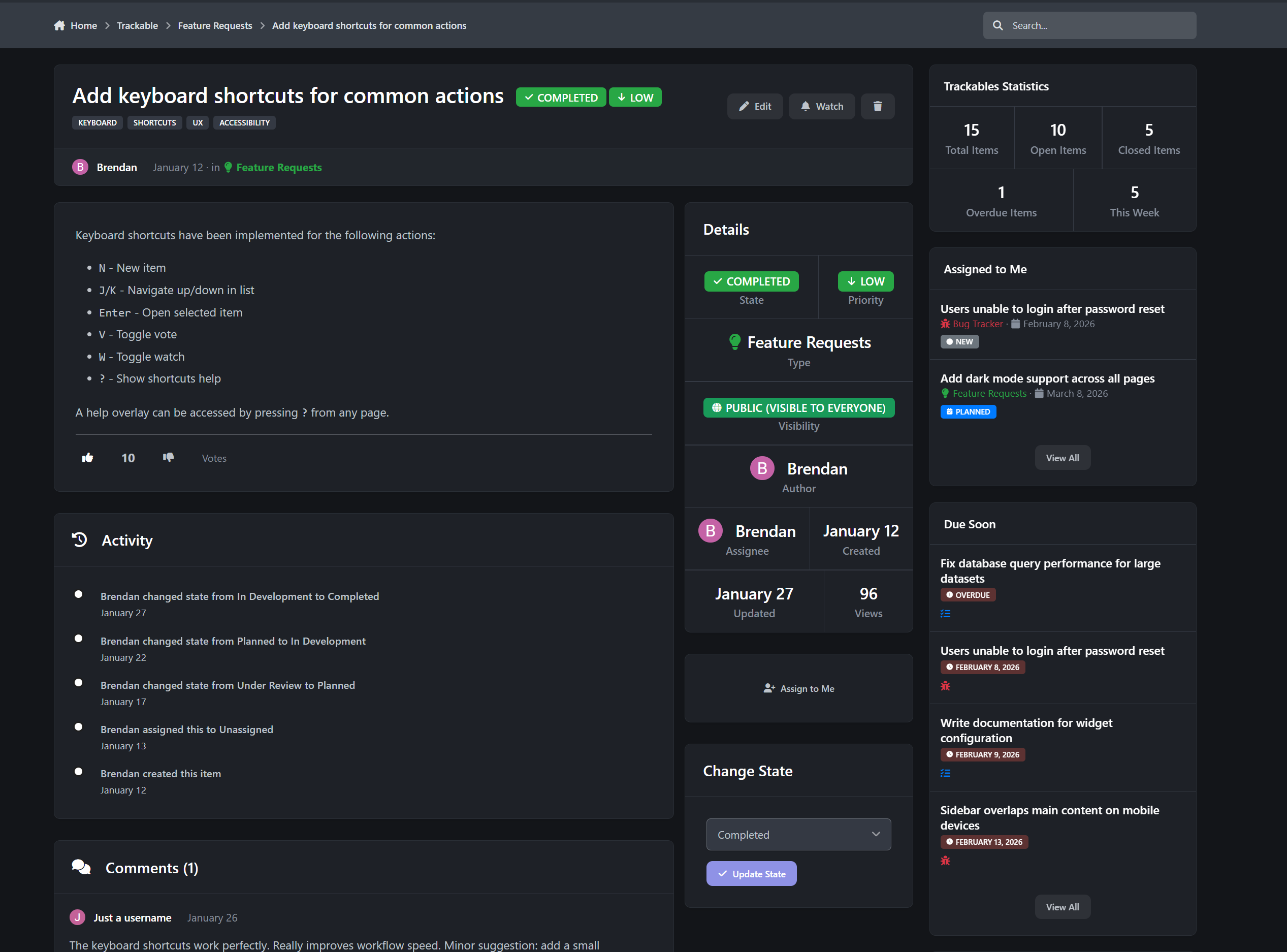
Feature ideas stay organized instead of buried in forum threads. Members can vote on requests, staff can respond, and progress is visible from suggestion to completion. This makes it easy to see what the community actually wants.
For tasks and internal work
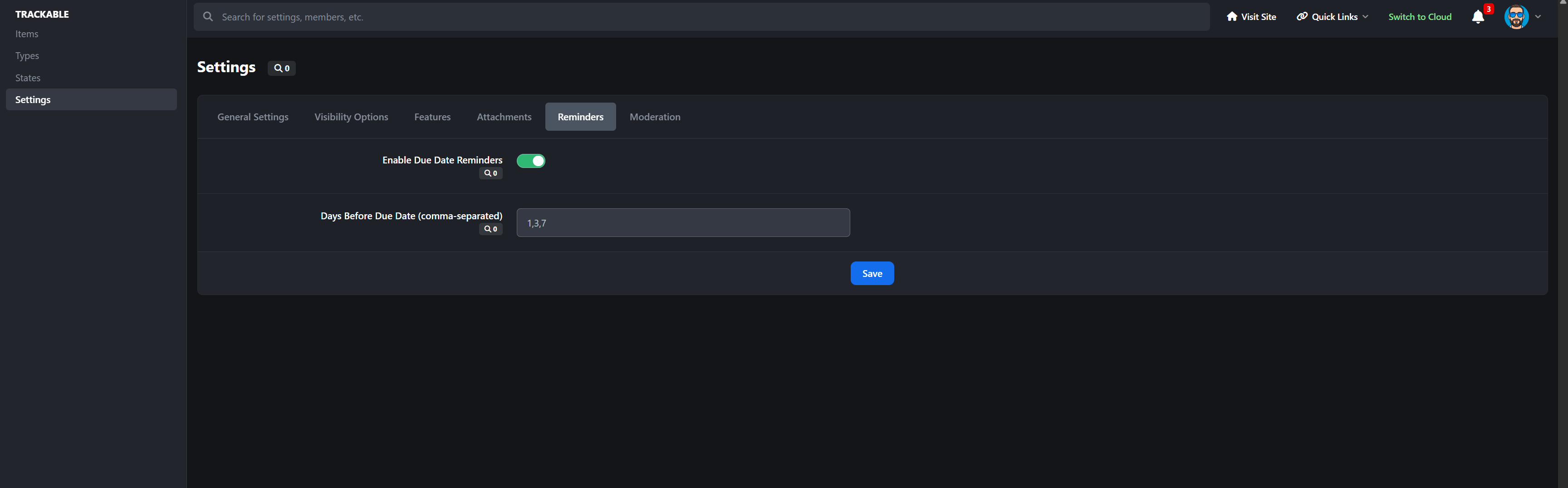
Track staff tasks, moderation follow-ups, content plans, or admin reminders. Assign items, set due dates, and see workloads at a glance. It works just as well for private staff use as it does for public tracking.
Features
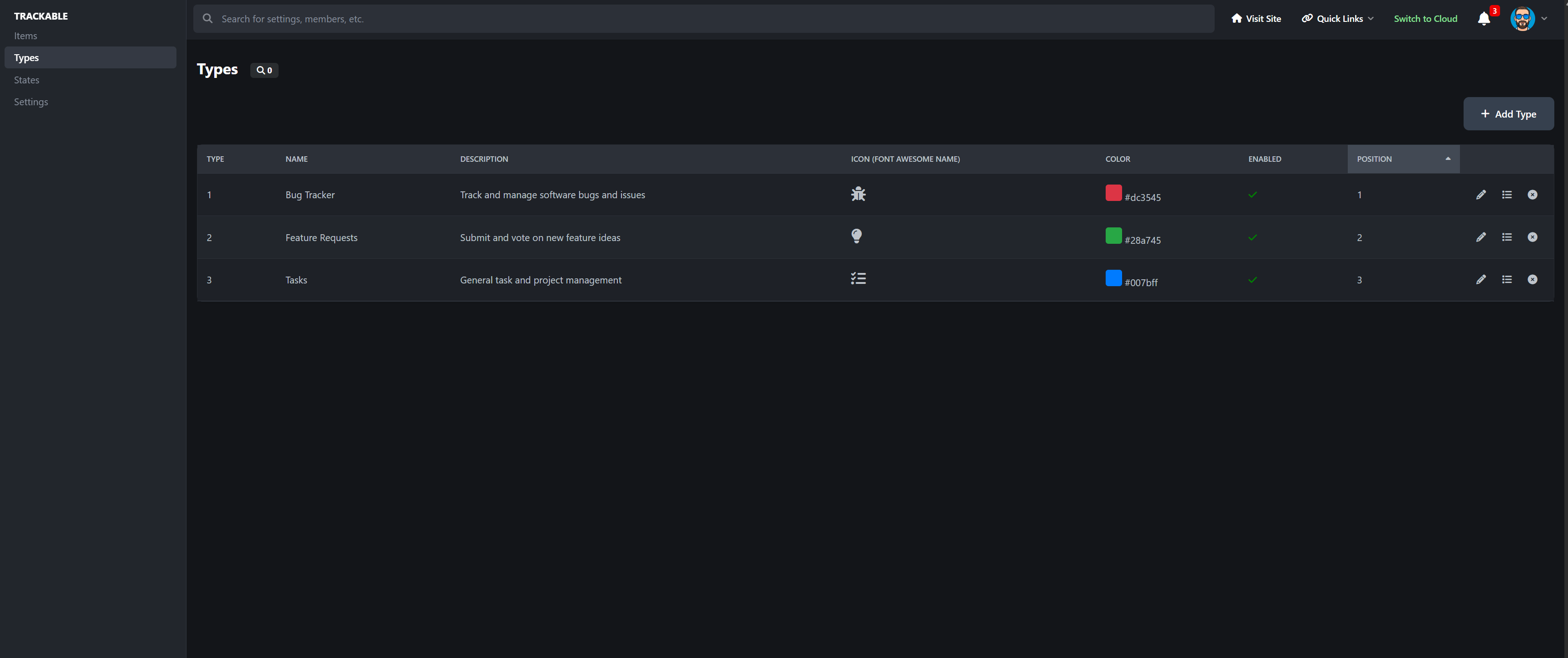
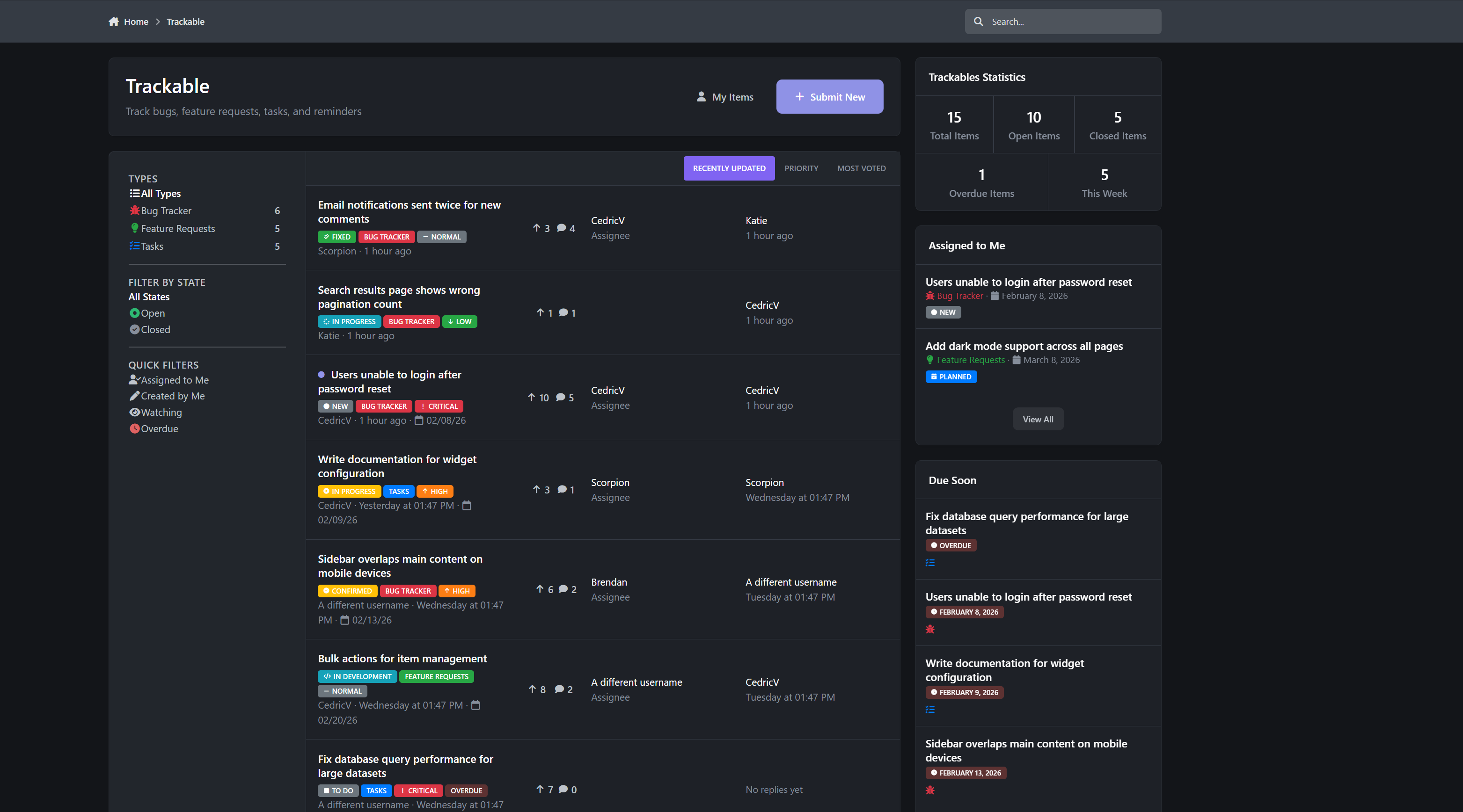
Flexible item types like Bug Reports, Feature Requests, Tasks, or Reminders
Priority levels with clear visual indicators
Assign items to members with proper permissions
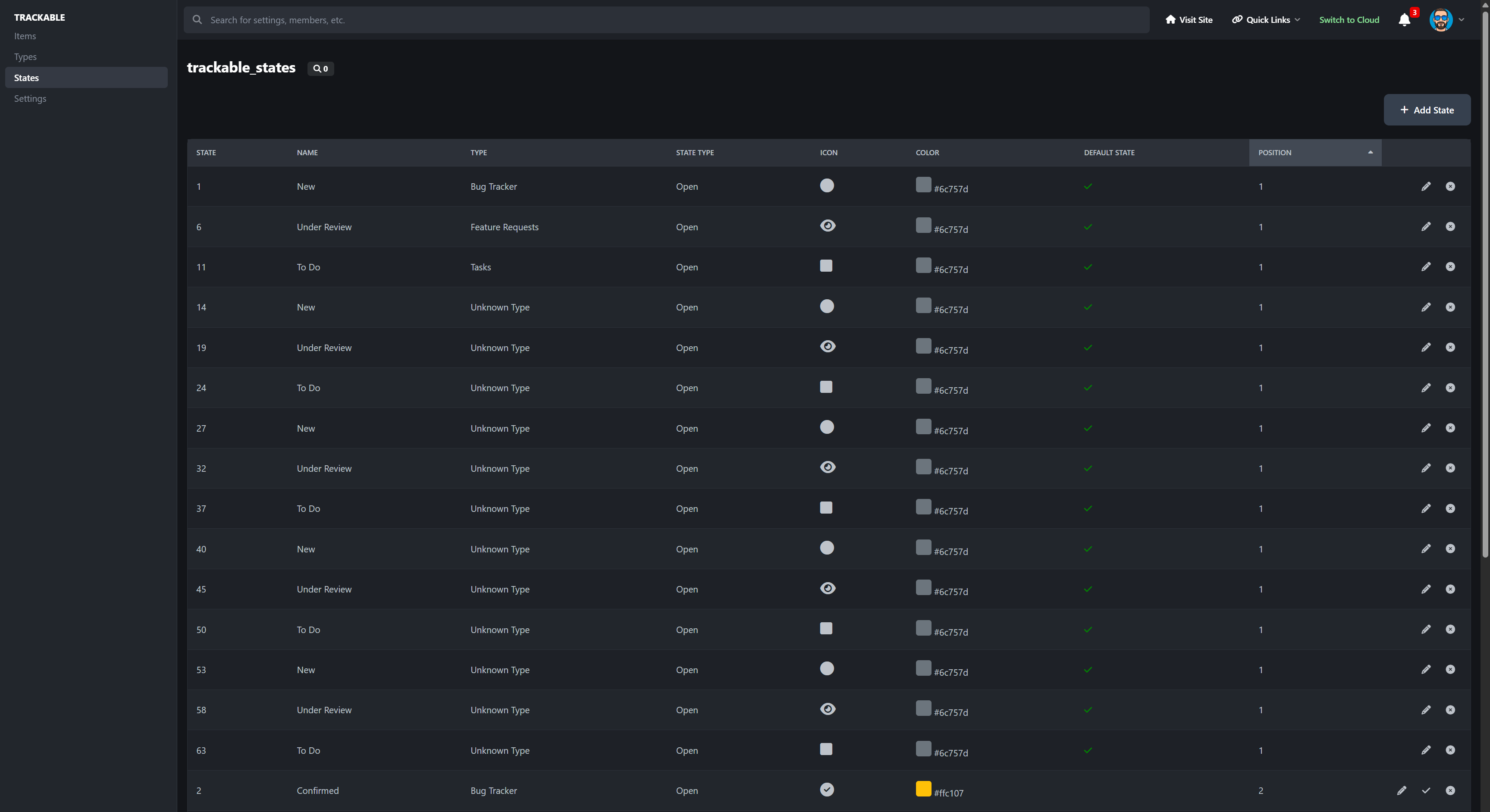
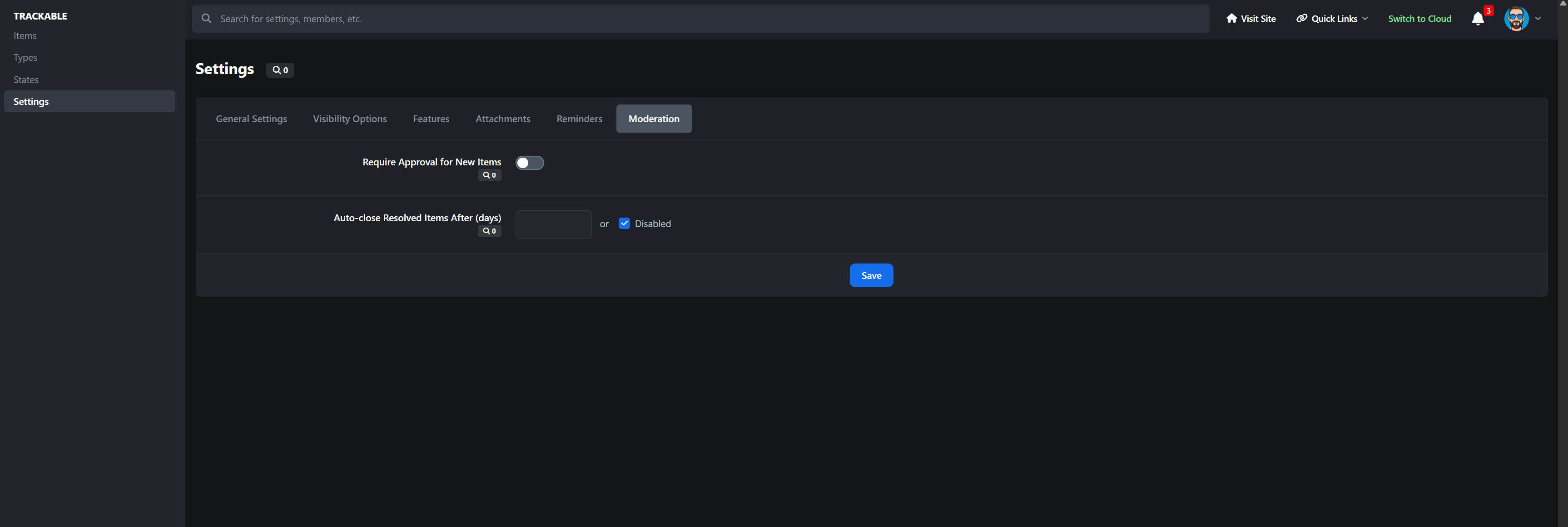
Per-type workflows with custom states
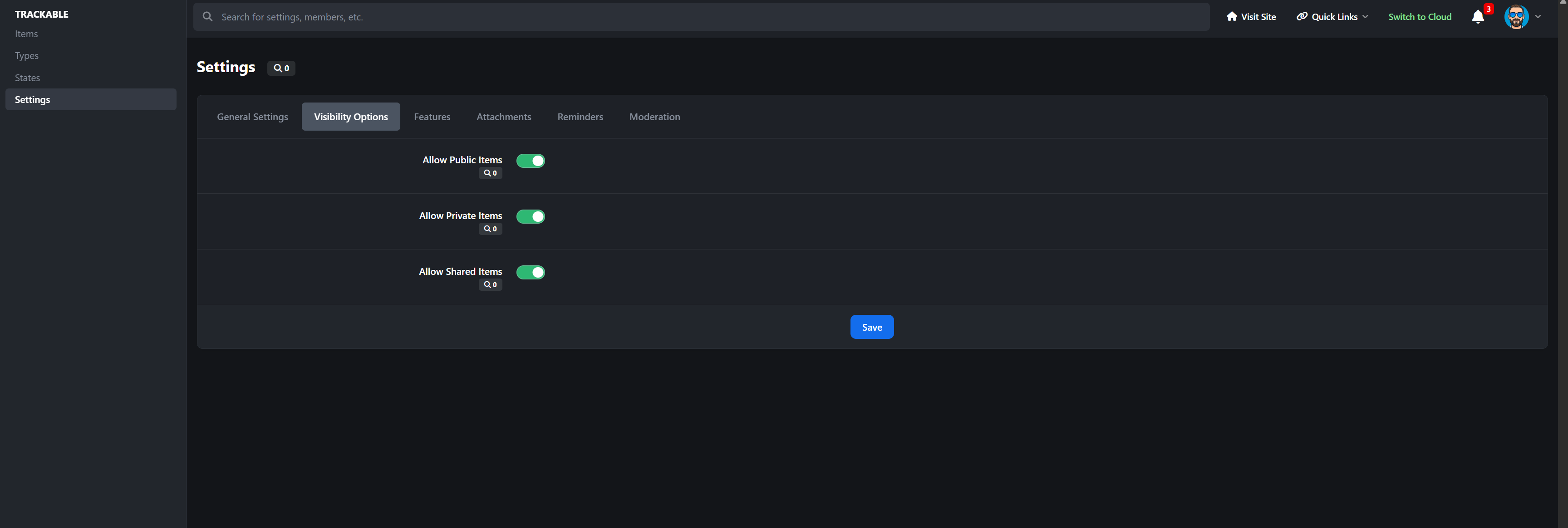
Public, shared, or private visibility options
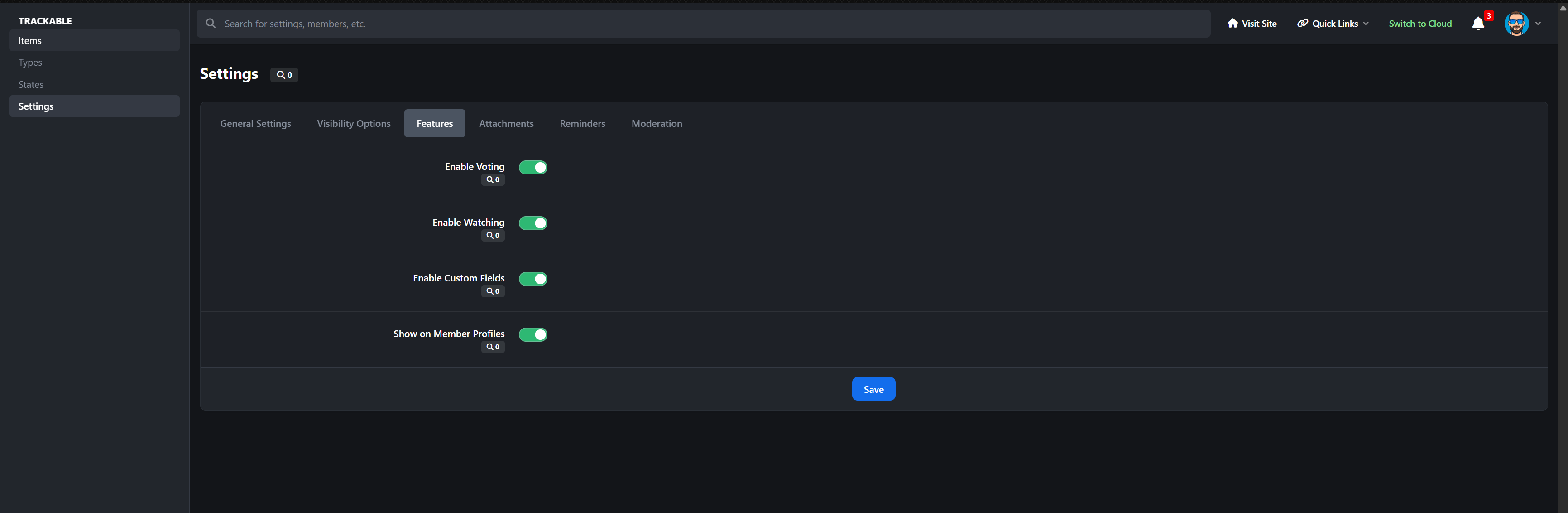
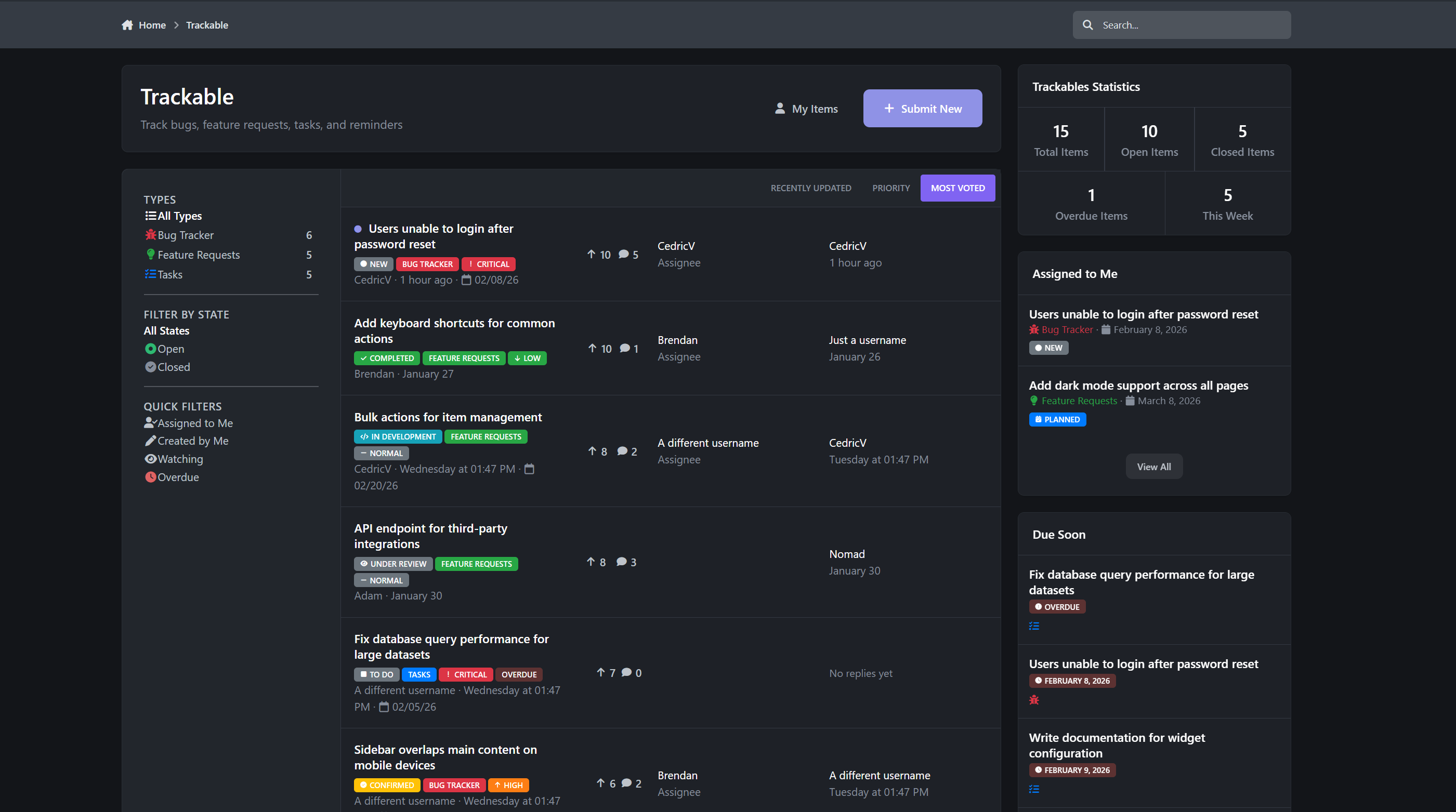
Voting for feature requests and ideas
Watch items and get notified when things change
In-app comments or linked forum discussions
Full activity timeline showing every change
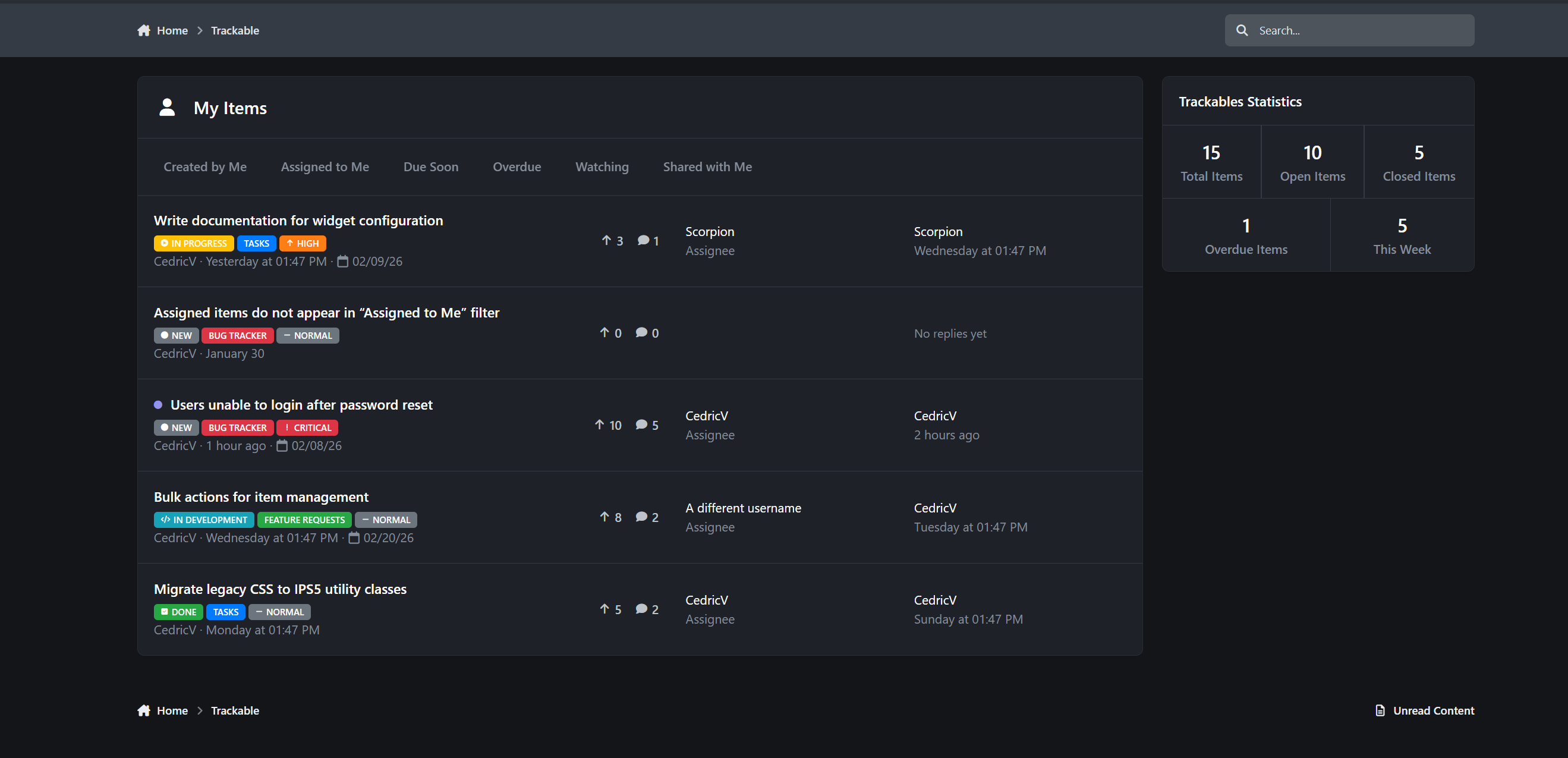
Clean browse pages, filters, and personal dashboards
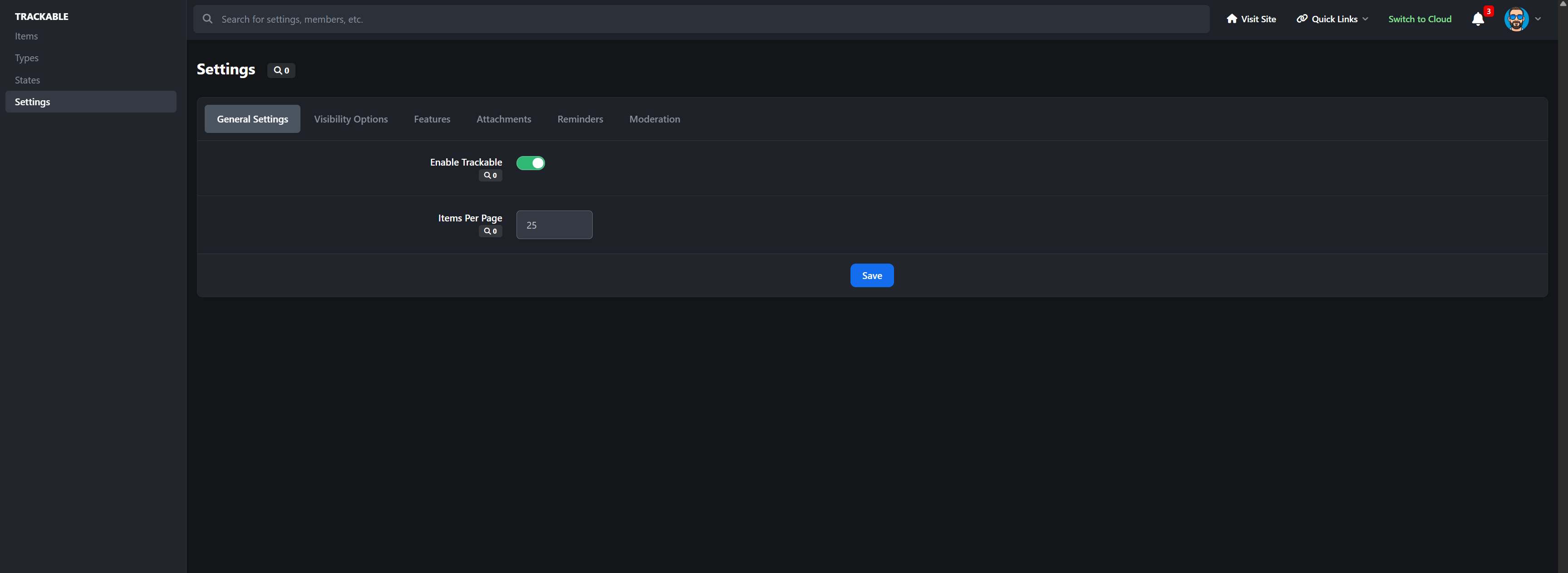
Powerful admin tools for managing everything from one place
If you run a community that needs structure without complexity, Trackable gives you clarity, accountability, and visibility without forcing you to rely on external tools or messy forum threads.
-
 1
1
Create an account or sign in to leave a review
There are no reviews to display.