Invision Community 5
- Category Commerce
- Downloads 191
- Compatibility IC5: 5.0.0+
- Updated
Overview
A modern marketplace built directly into your communityDescription
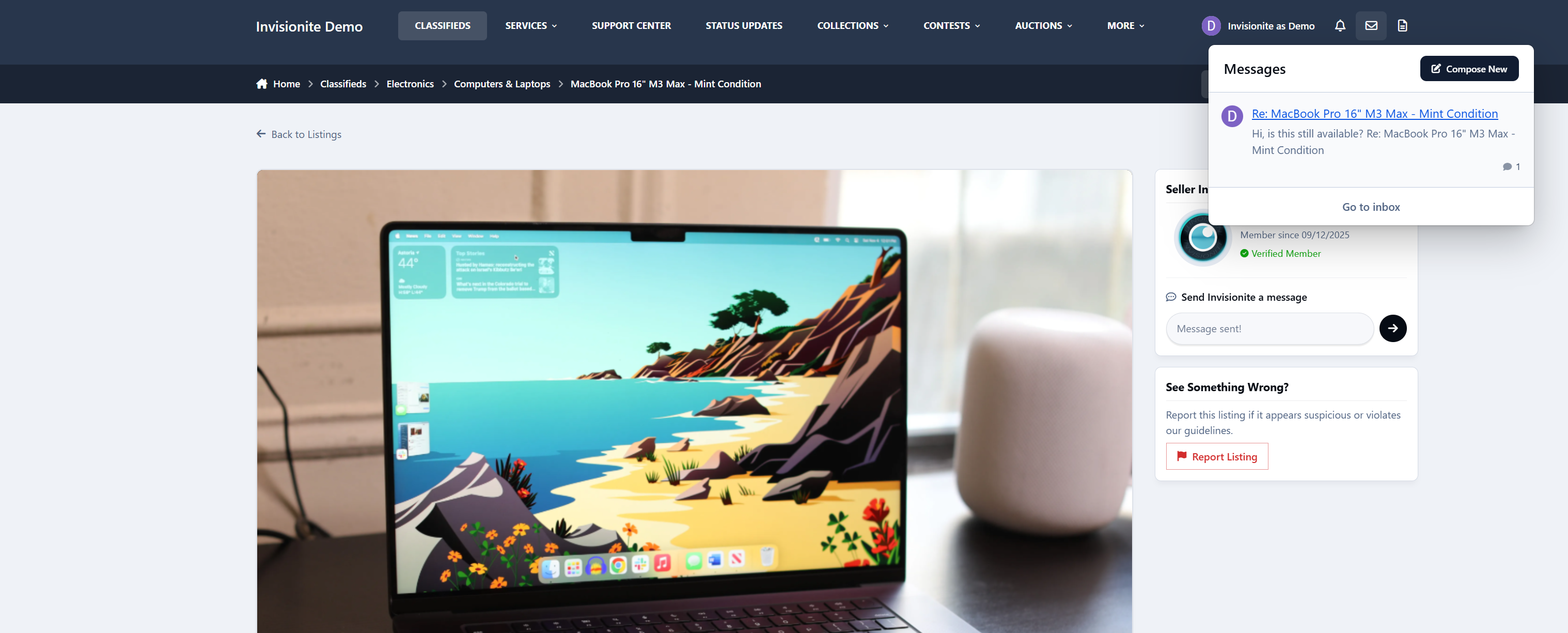
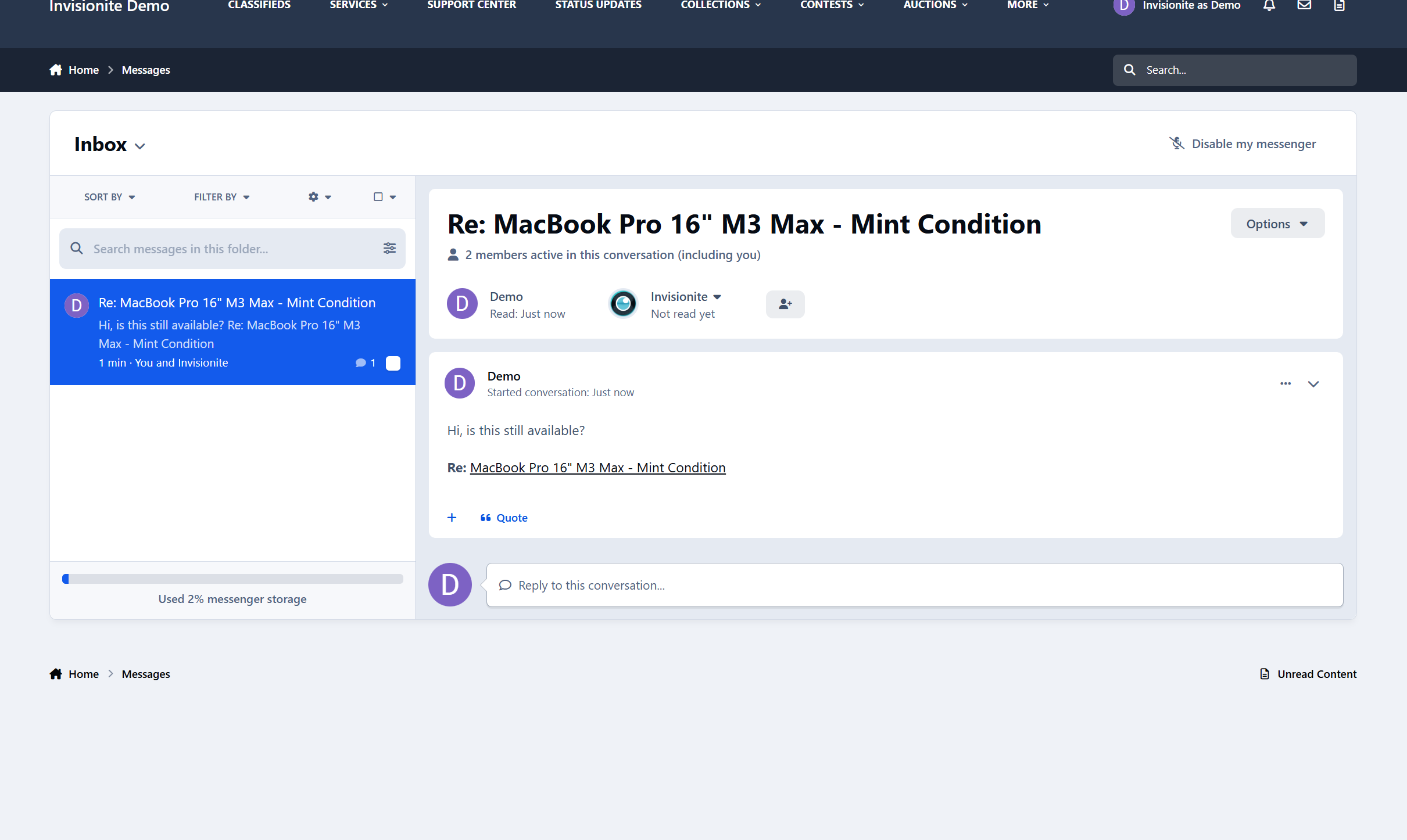
Classifieds for Invision Community 5 lets your members buy, sell, trade, and promote items in a clean, modern interface.
Running a hobby forum, local community, gaming site, or niche marketplace? This app gives your users a familiar, easy way to list items and connect.
Simple, powerful listings
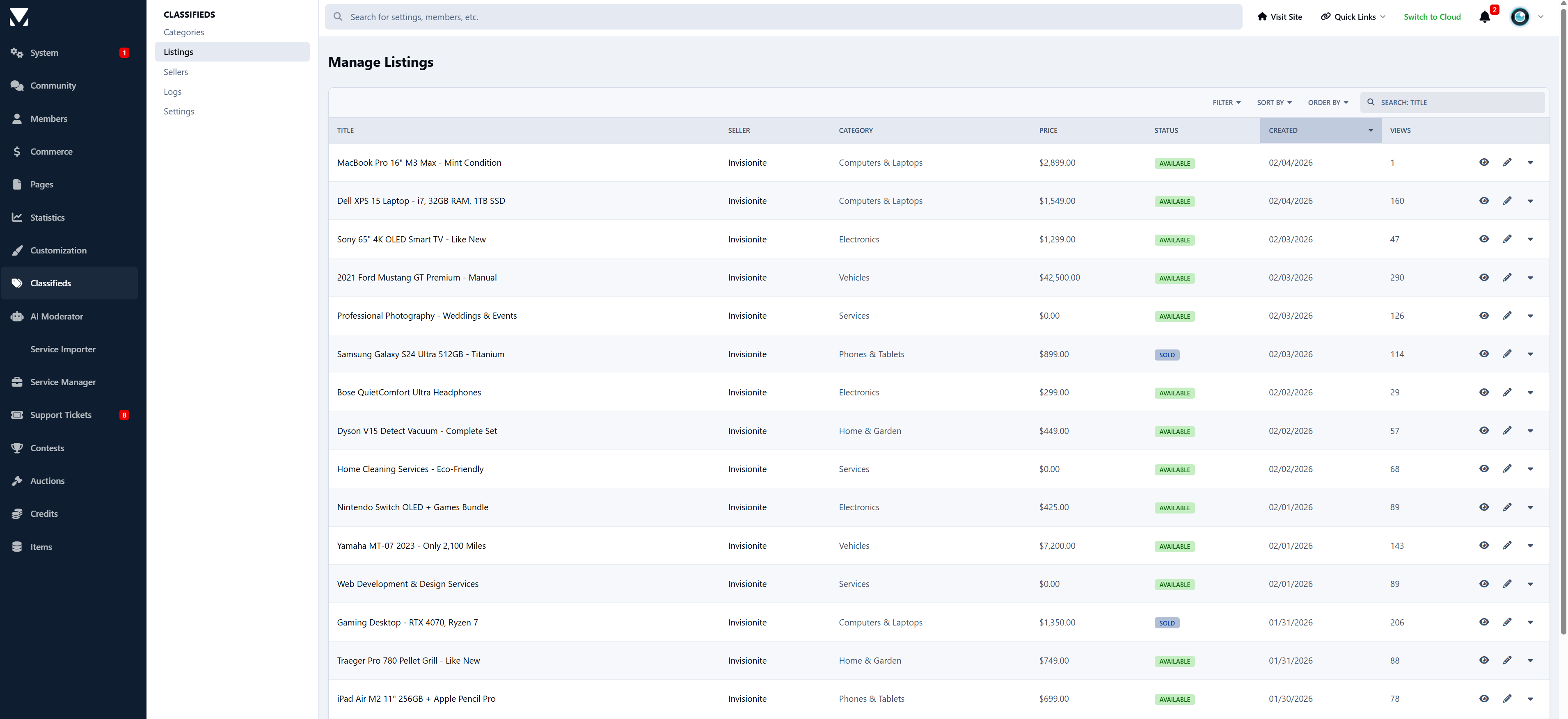
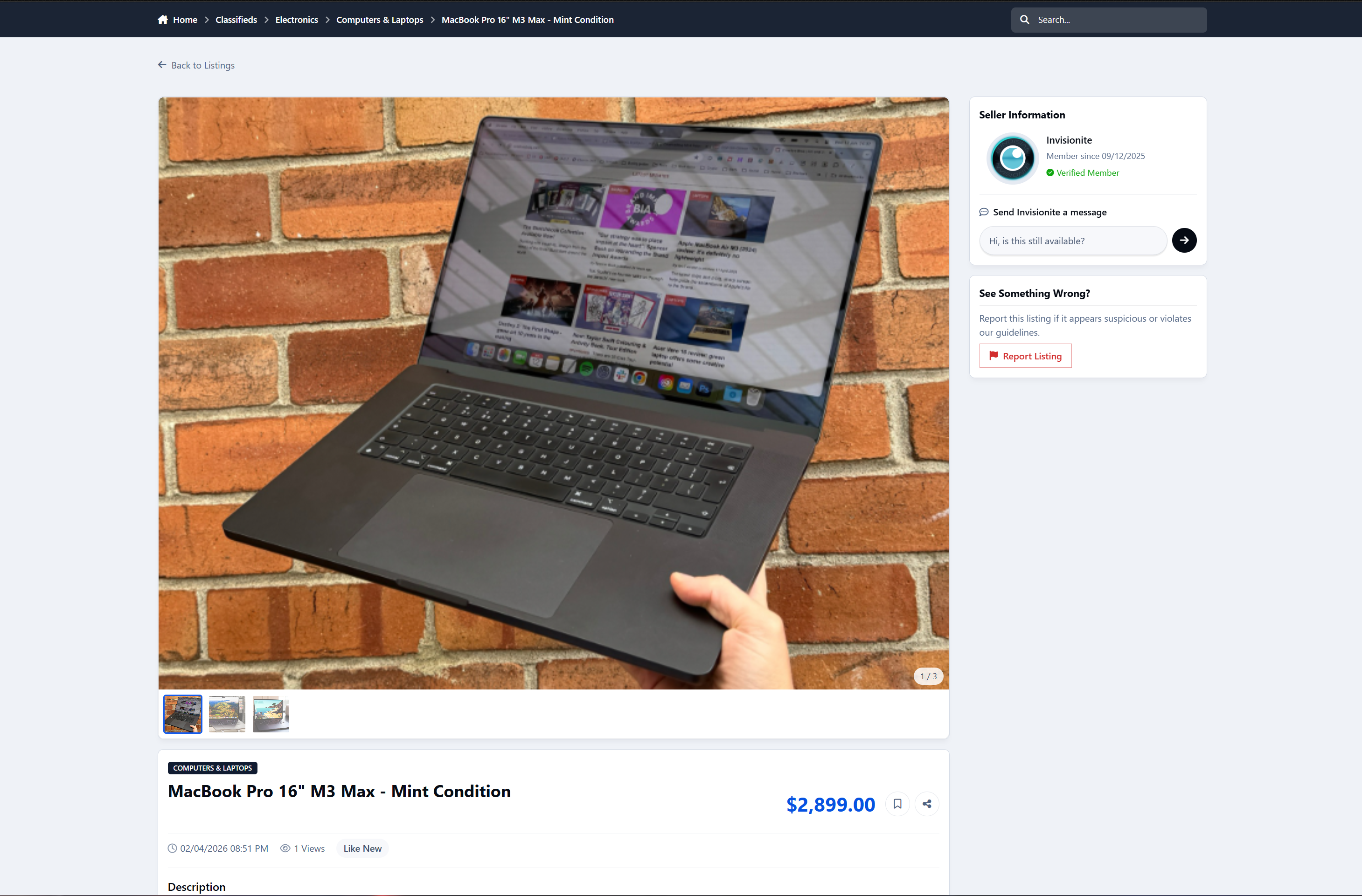
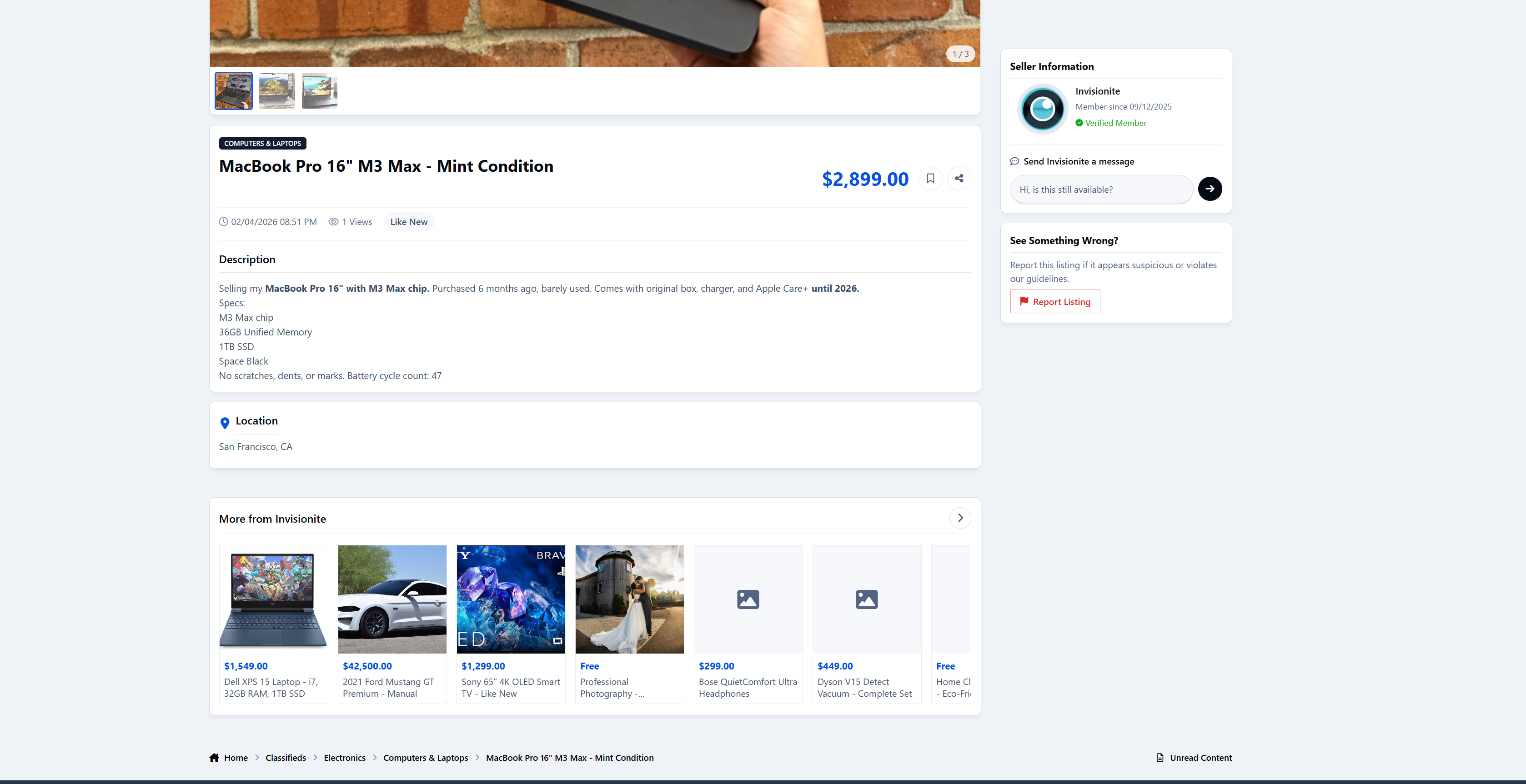
Members can create rich listings with:
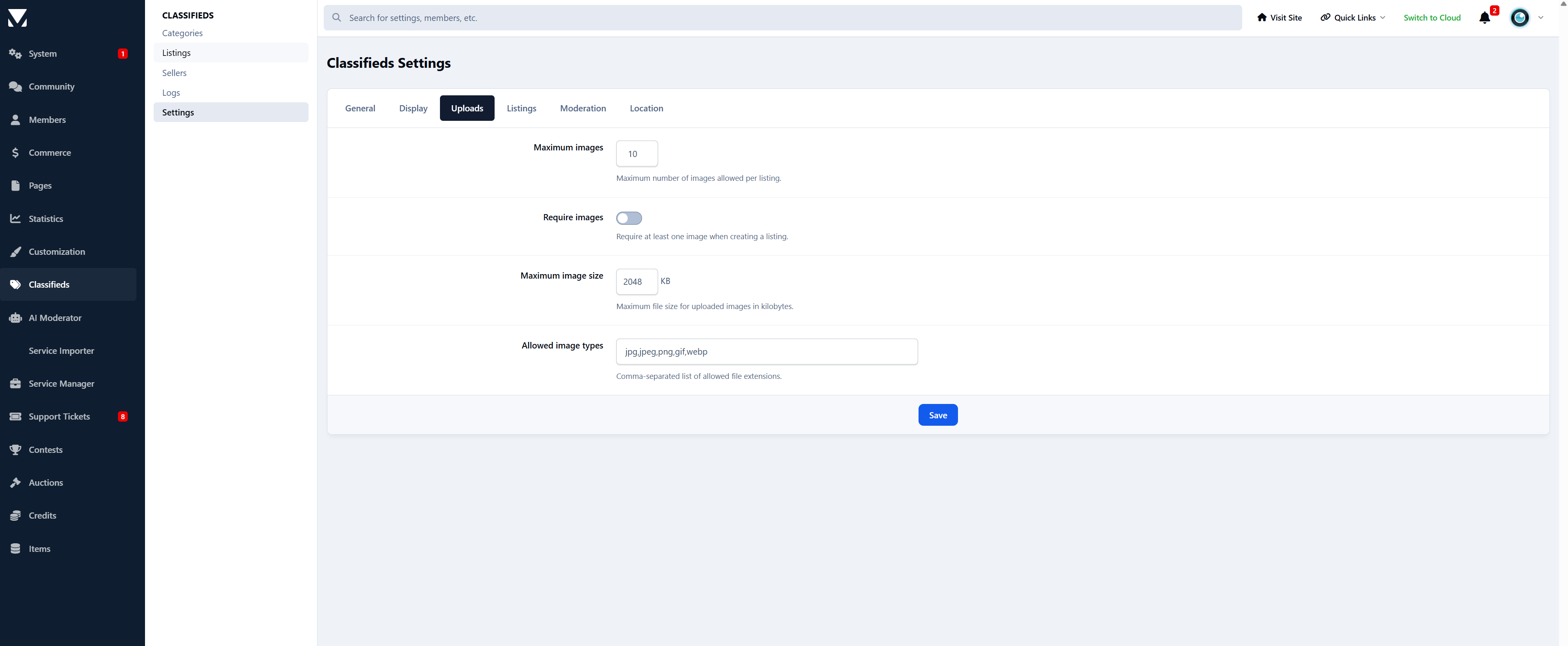
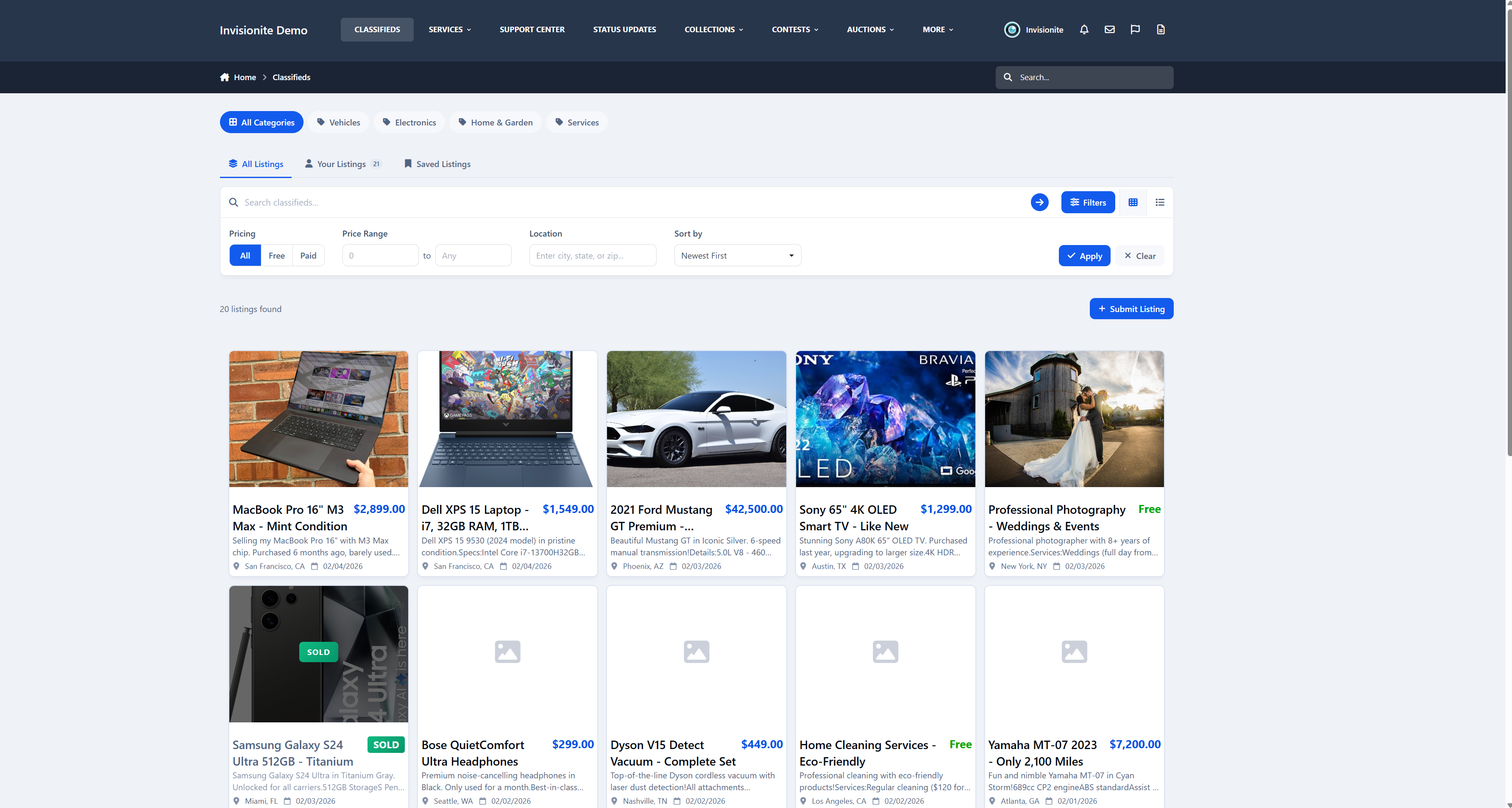
Multiple images
Clear pricing (paid, free, or negotiable)
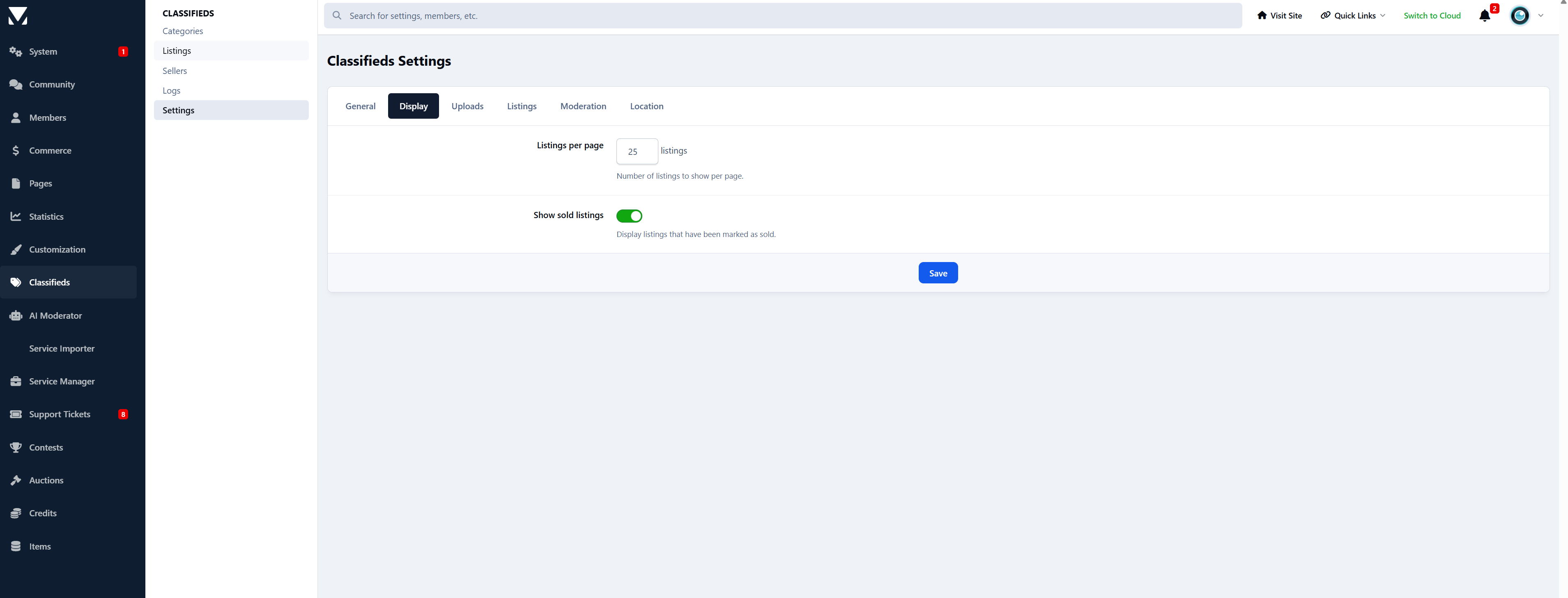
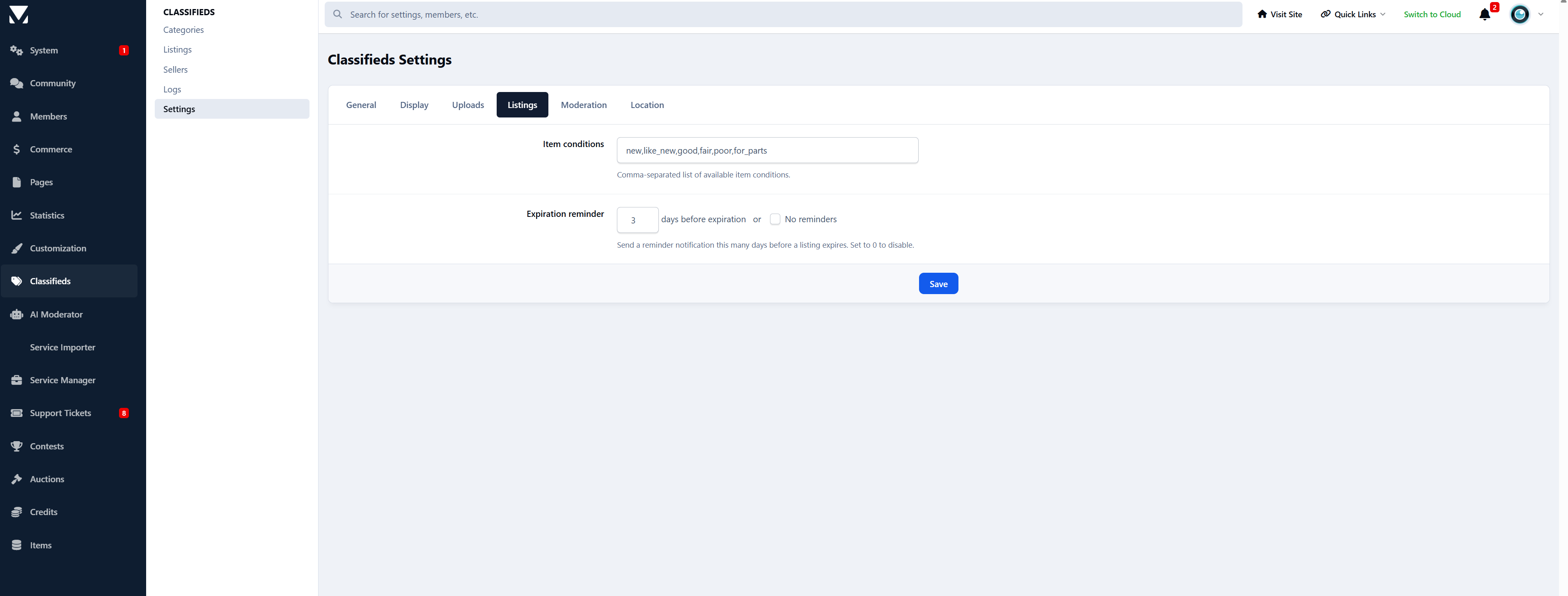
Item condition and location
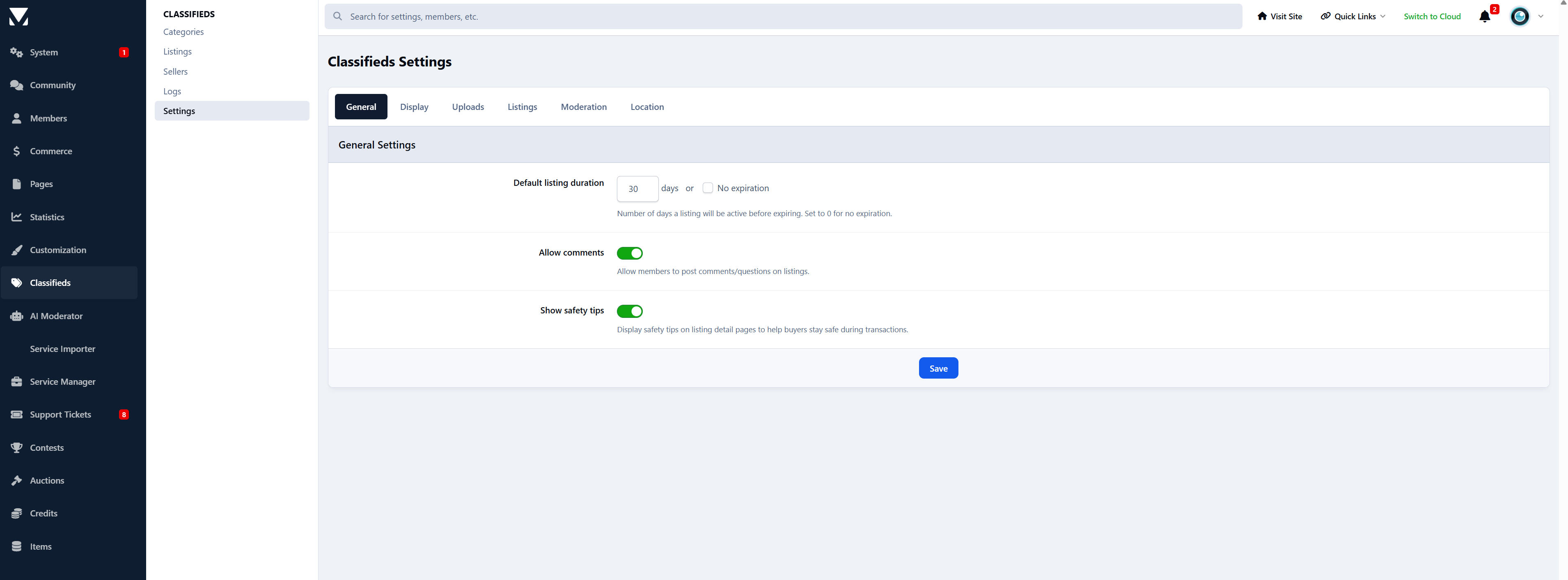
Automatic expiration and renewals
Everything stays clean, organised, and easy to browse.
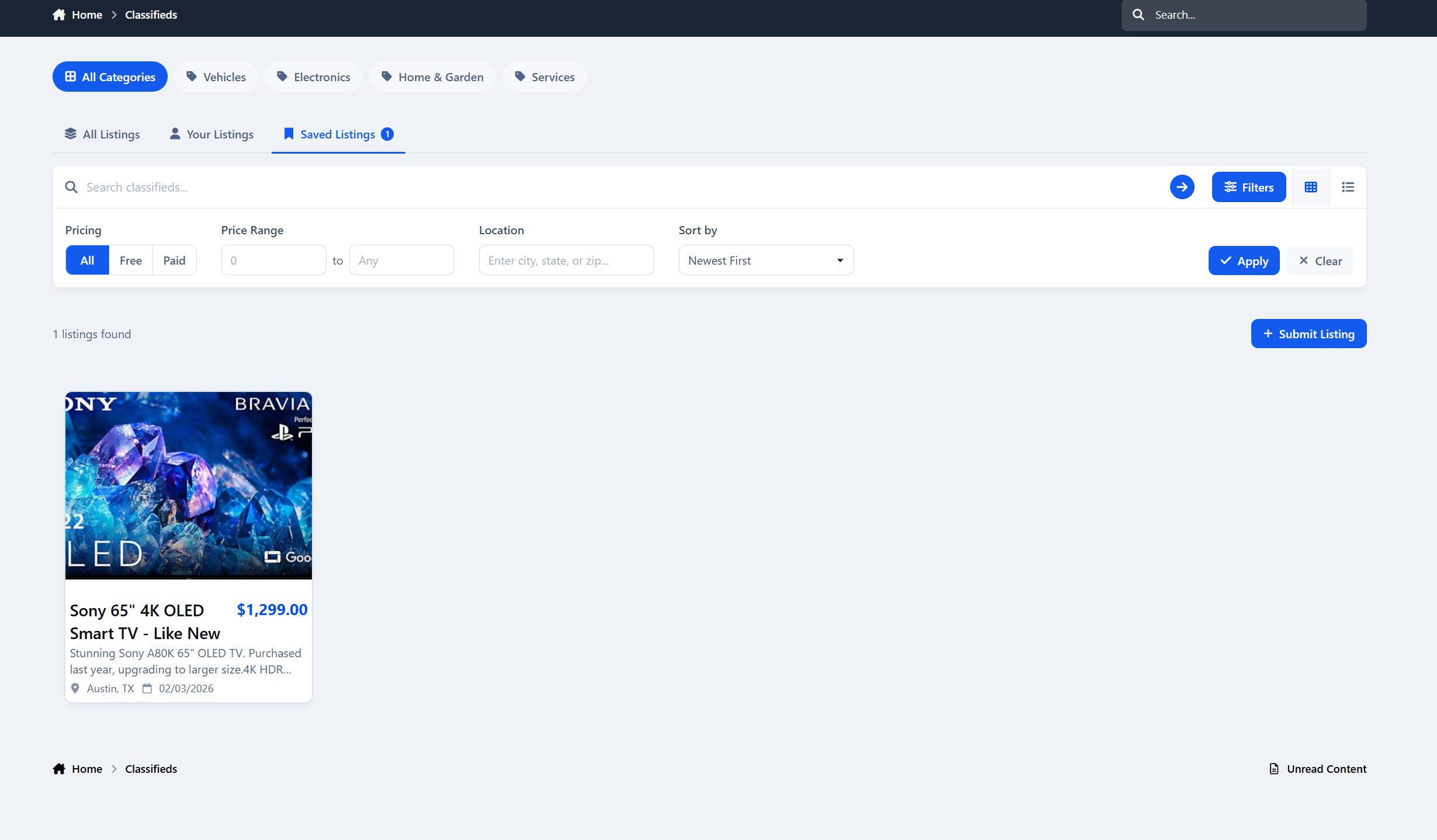
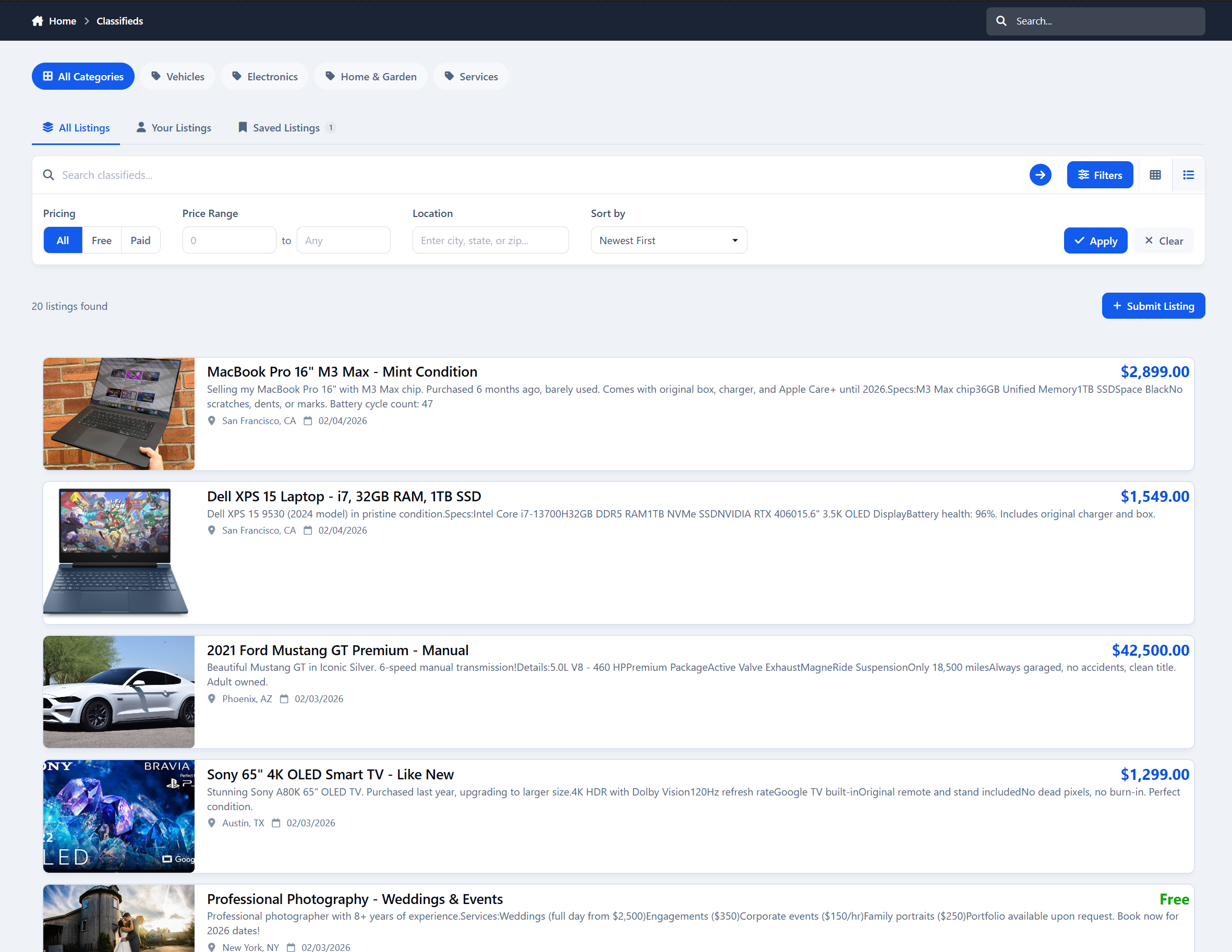
A browsing experience people enjoy
Grid and list views
Advanced filters and smart sorting
Save listings for later
It feels more like a real marketplace - not a forum pretending to be one.
Powerful moderation & control
Admins and moderators get:
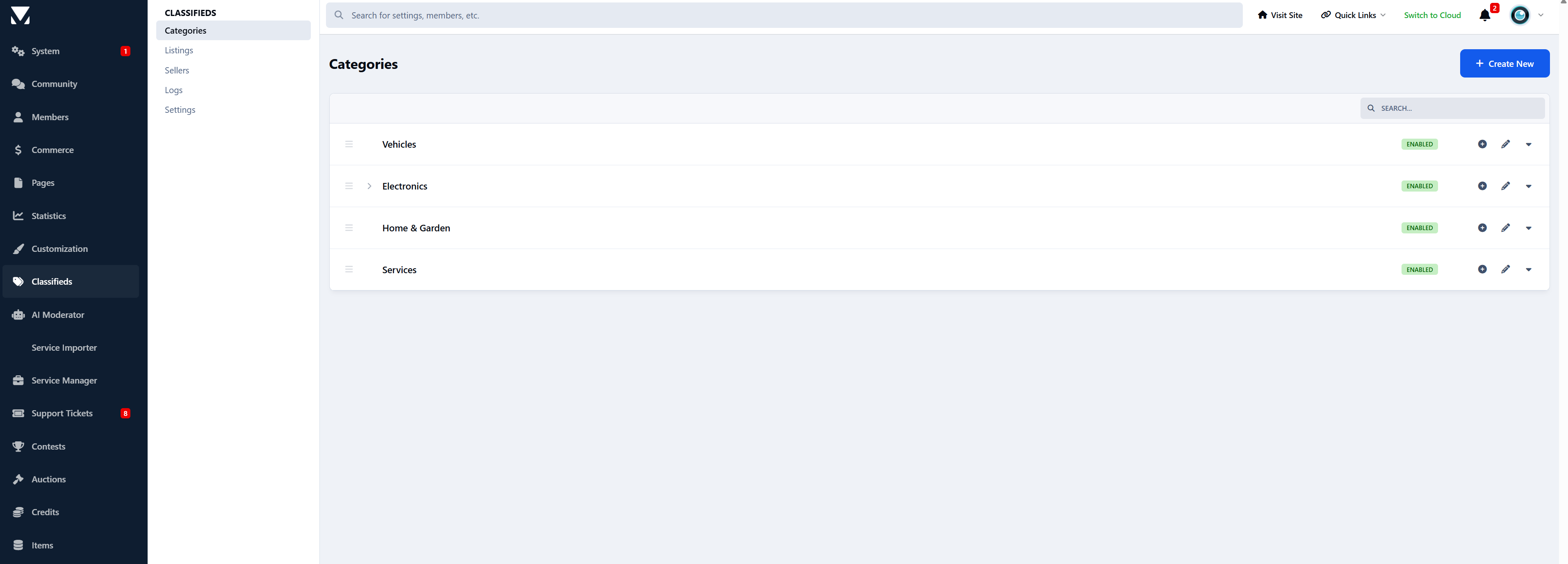
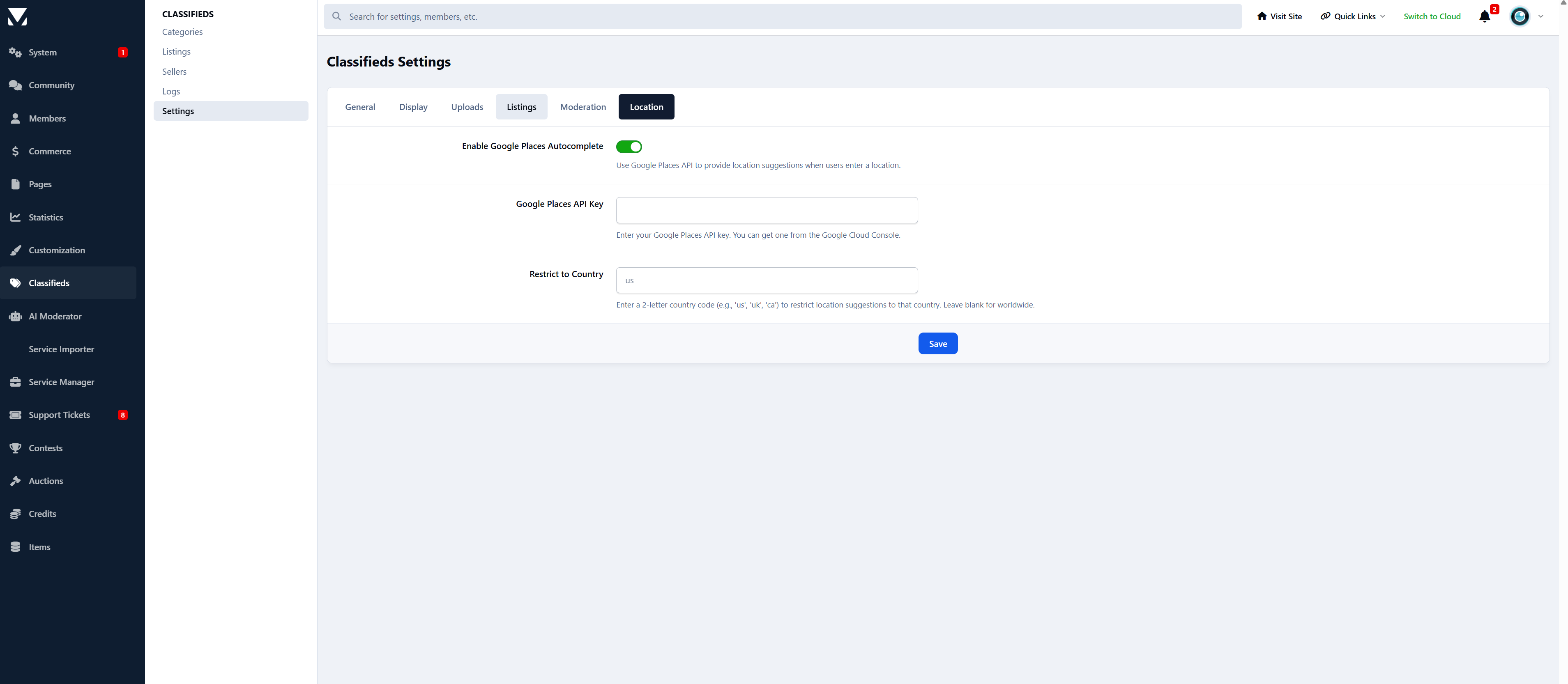
Full category control with custom rules
Optional approval queues
Activity logs and bulk actions
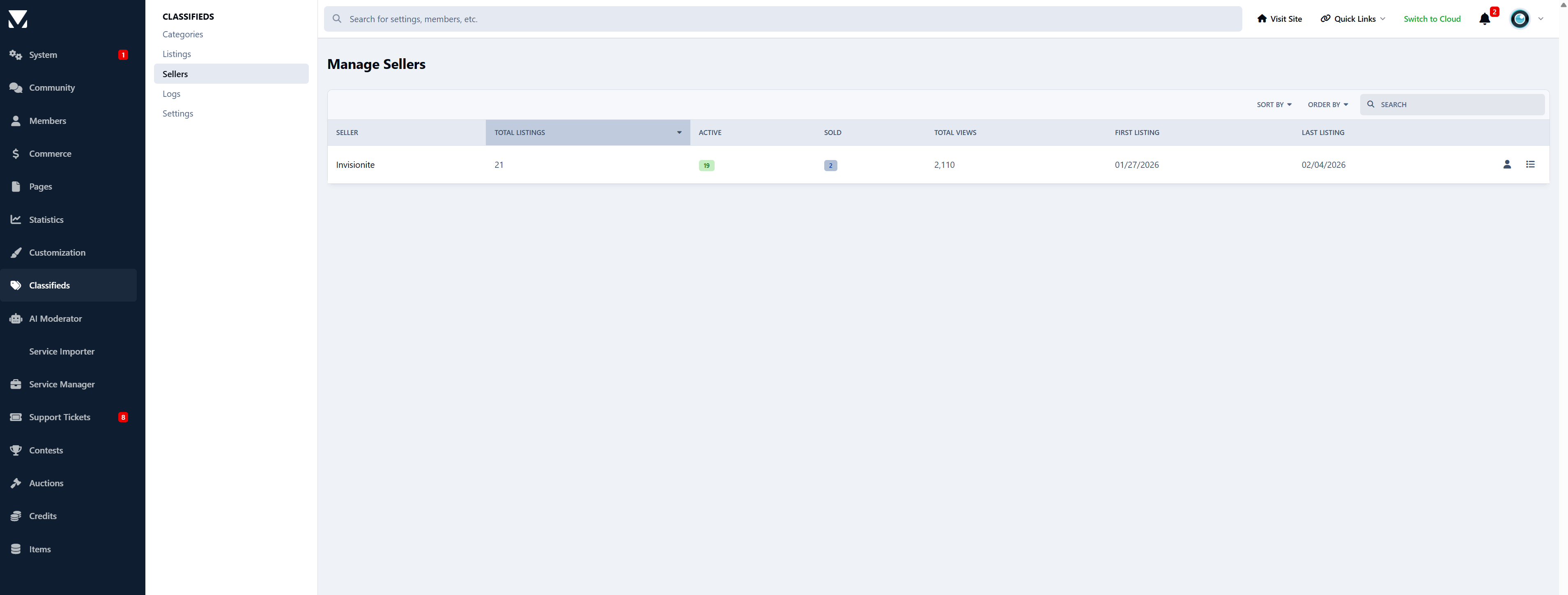
Seller overviews and listing stats
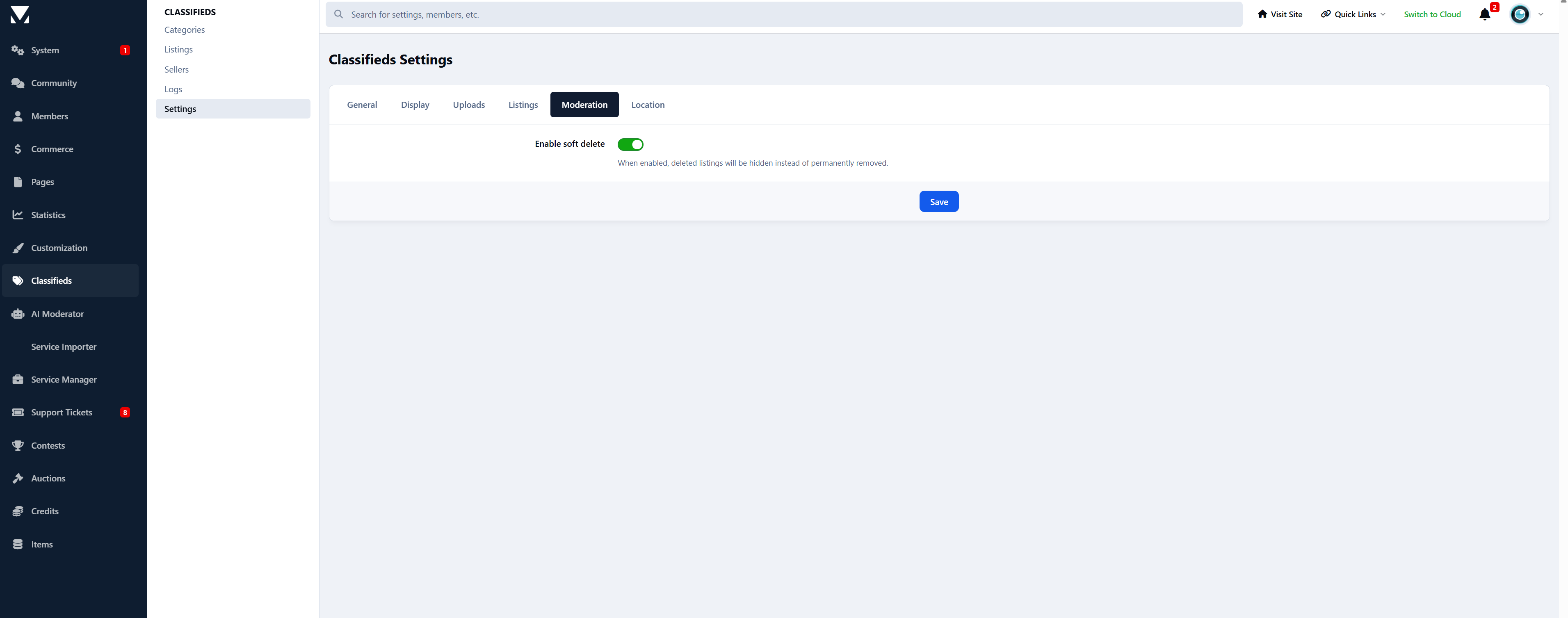
Soft deletes to recover mistakes
Everything you’d expect from a serious IPS app.
Early Release
This app is actively under development.
Upcoming features include:
Featured listings
Paid packages and monetization options
Additional marketplace tools
Replies, reactions and auto topic creation
Digital file sales
....
Feedback and feature requests are very welcome - early adopters help shape the roadmap.
-
 3
3
Create an account or sign in to leave a review
There are no reviews to display.