Community Analytics
Invision Community 5
- Category Analytics & Stats
- Downloads 113
- Compatibility IC5: 5.0.0+
- Updated

Overview
Community Analytics is a responsive statistics and reporting suite for Invision Community, designed to give administrators and members a clearer view of how the community is performing.Description
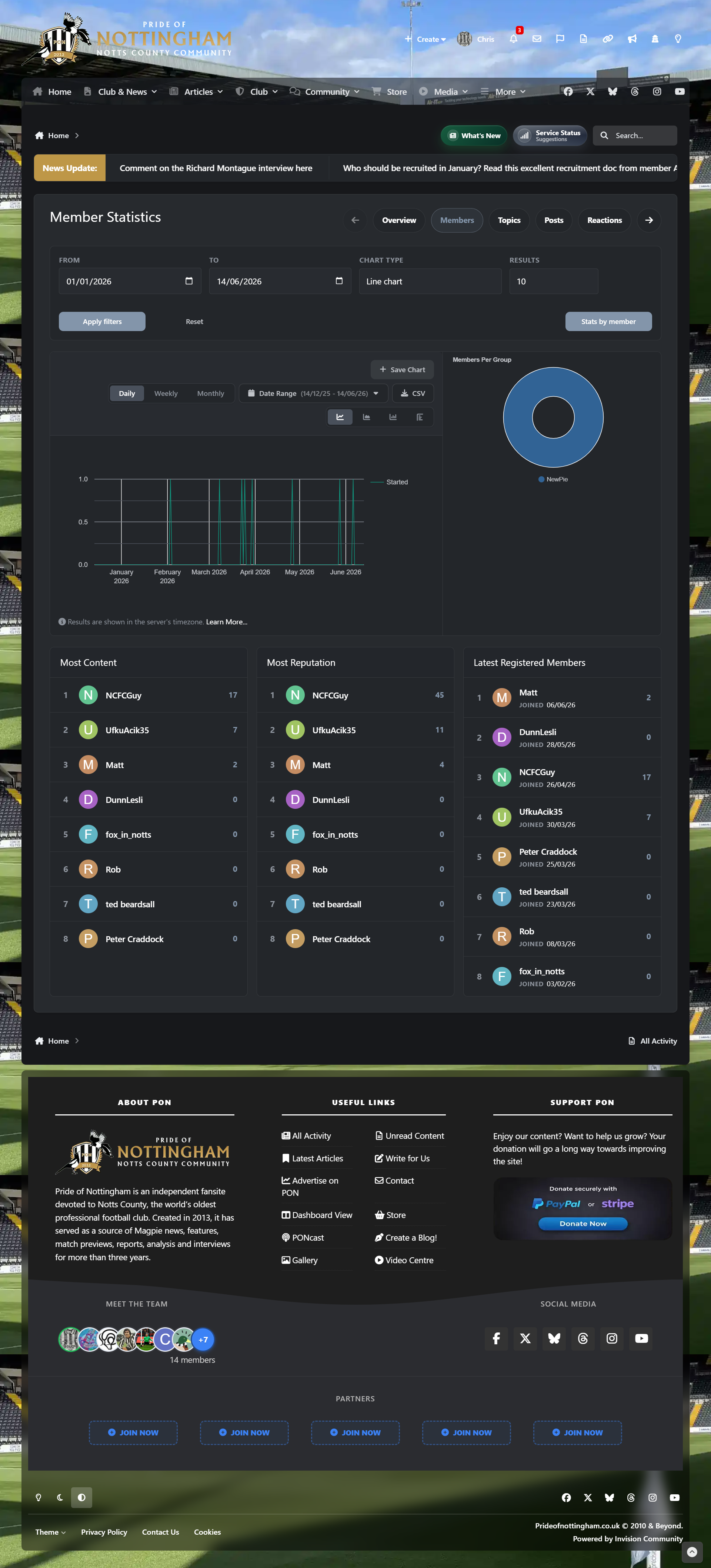
It brings member activity, content growth, engagement, reactions, downloads, gallery activity, clubs, tags, Pages databases, warnings and historical forum trends into one polished analytics area, with configurable permissions, profile statistics, widgets and performance-conscious caching.
The concept is based on Adriano’s 4.7x resource, but this version has been written from the ground up for Invision Community 5. It is also inspired by the historical statistics style found in SMF. I asked Adriano for permission before preparing this release, which he kindly agreed to. Without his approval, I would not have released it.
Feature set
Fully responsive layout for desktop, tablet and mobile users
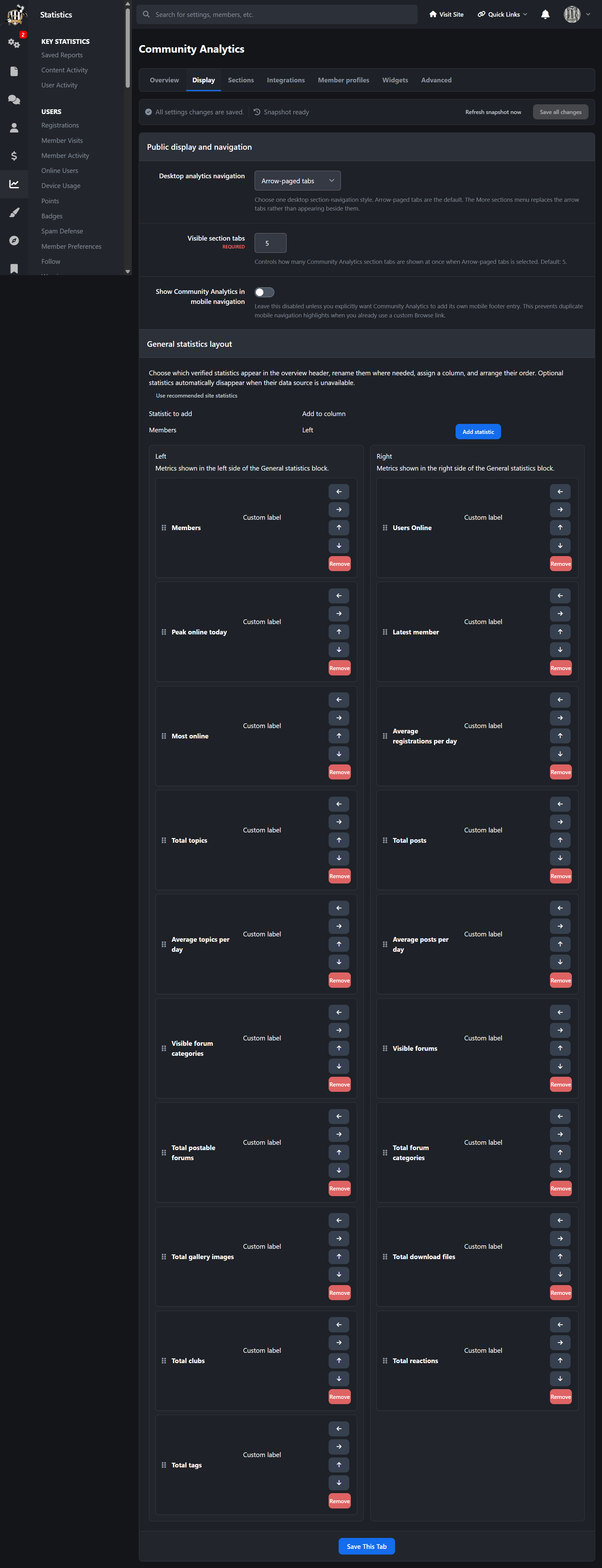
Full community analytics overview with key site statistics
Member analytics, including registrations, activity, top contributors and member lookups
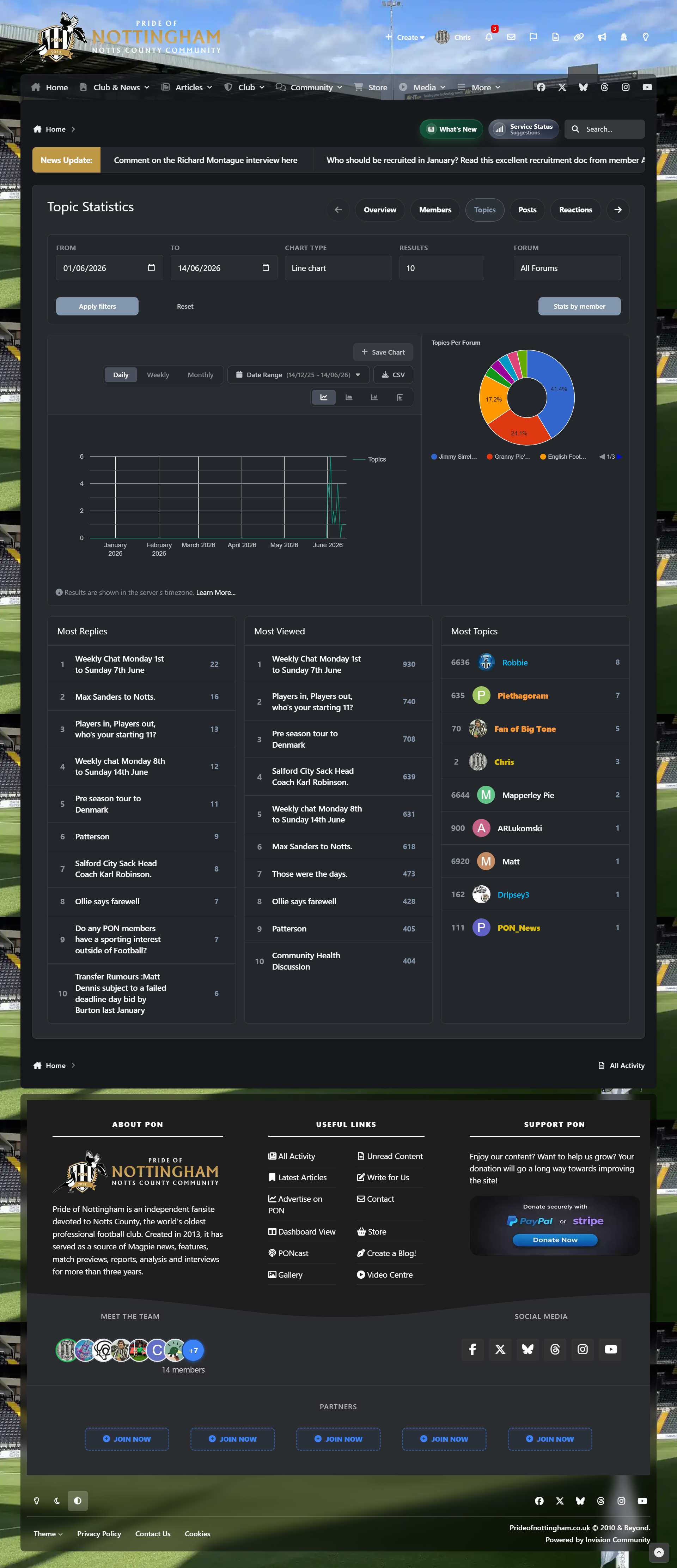
Topic analytics with forum filtering, timeframe controls and member-specific topic stats
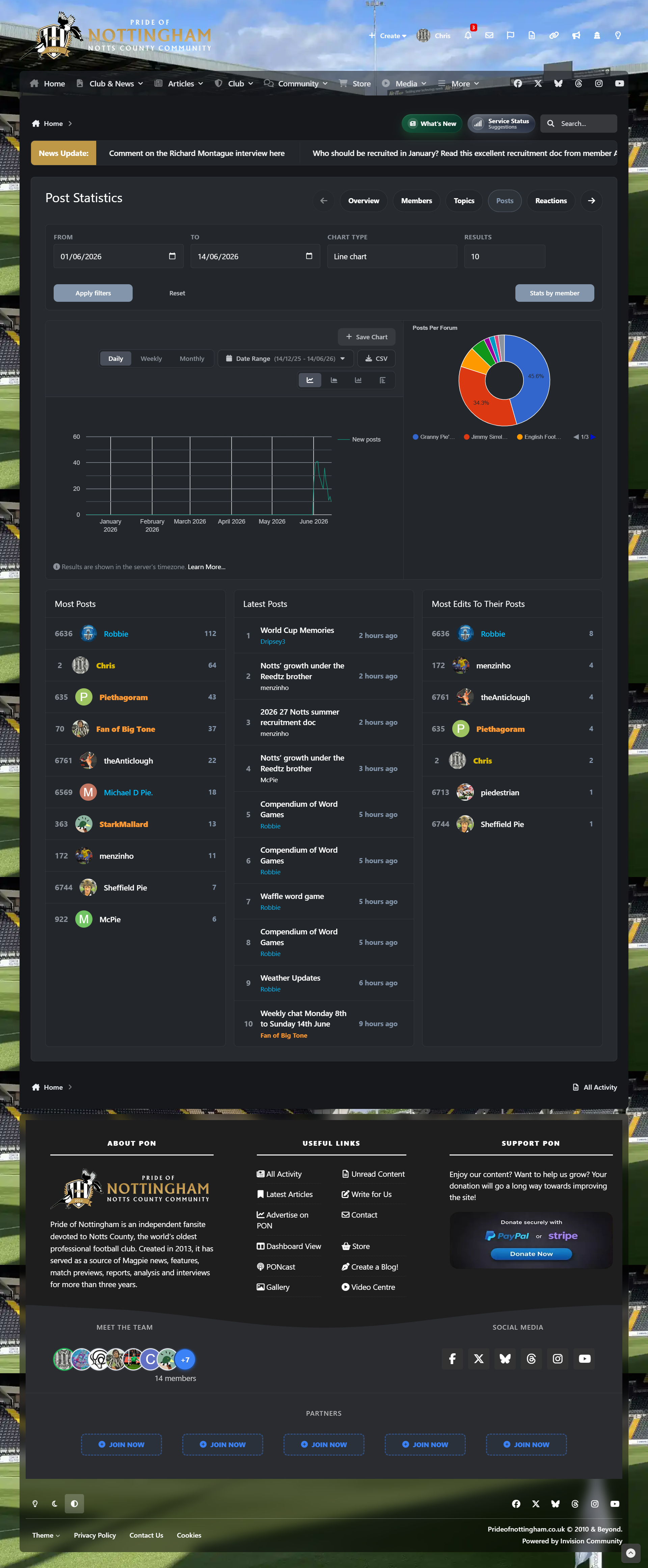
Post analytics with post trends, forum filtering and optional topic-based filtering
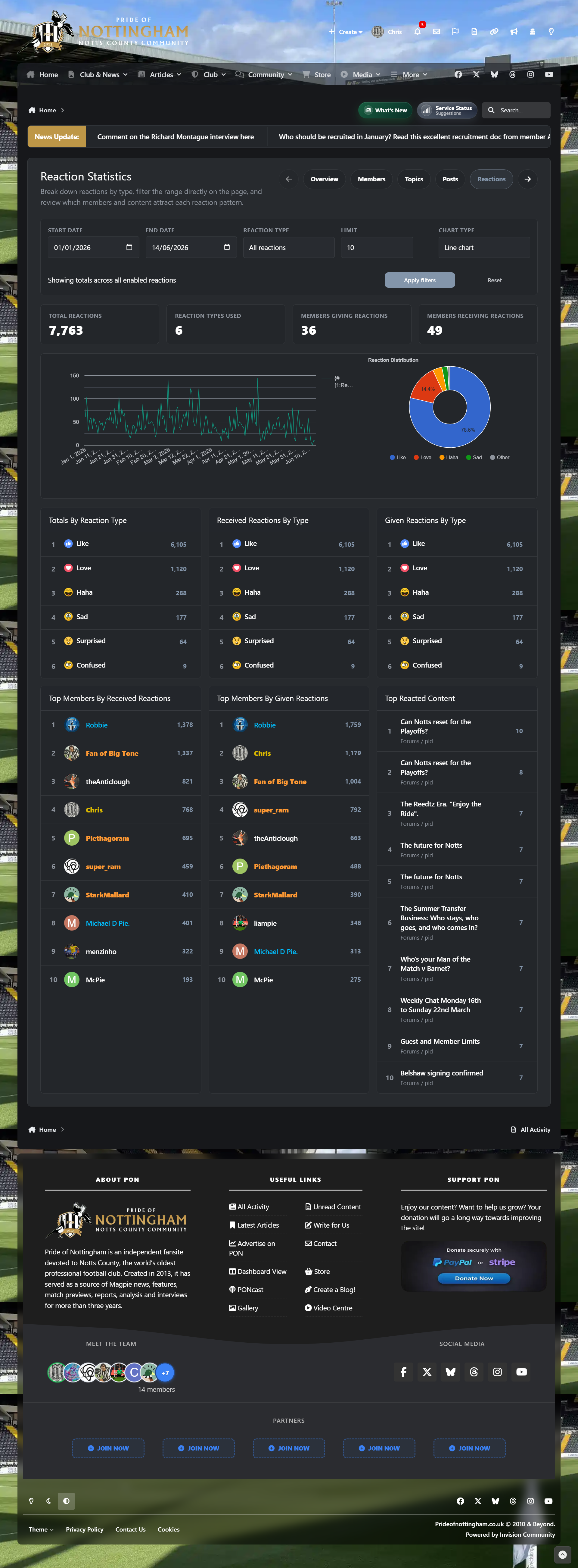
Reaction analytics, including received and given reaction data
Download analytics for files, views, downloads, reviews and authors
Gallery analytics for images, albums, views and category activity
Club analytics for clubs, members, leaders, invites and growth
Tag and prefix analytics, including support for IPS core tags and compatible prefix data
Warning analytics for moderation activity and warning point trends
Pages database analytics with selectable databases and per-database controls
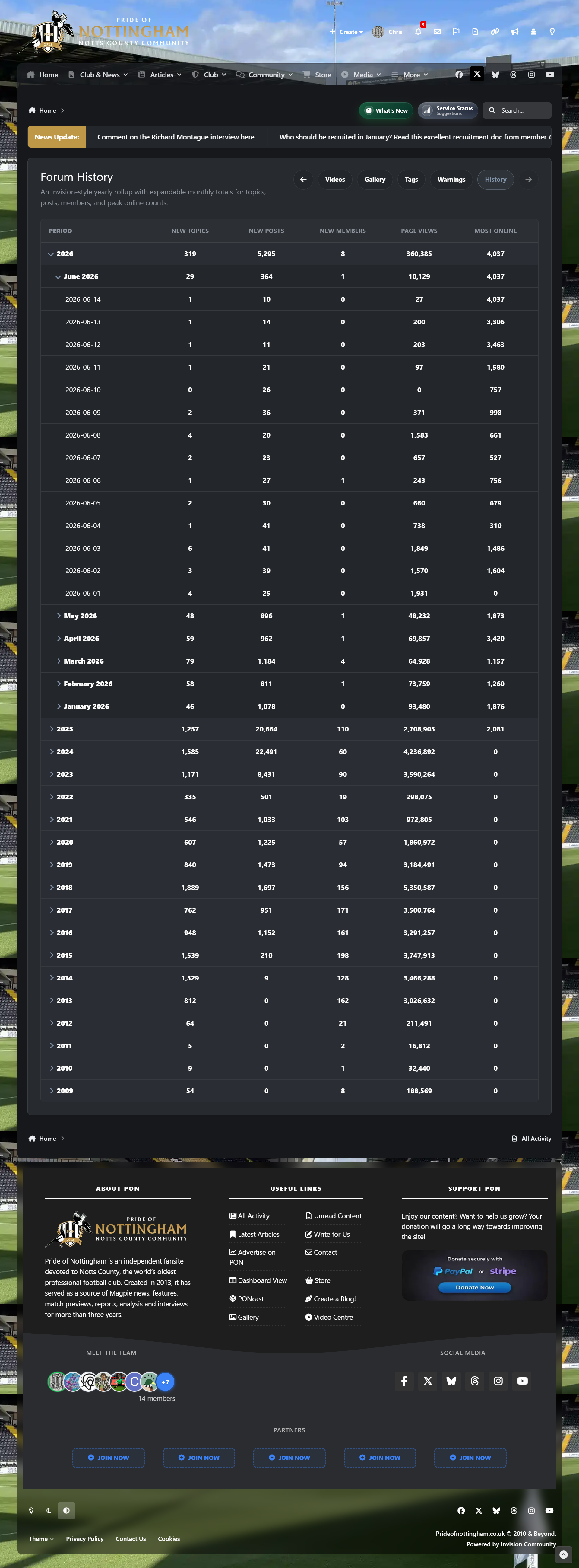
Forum history dashboard with yearly and monthly rollups
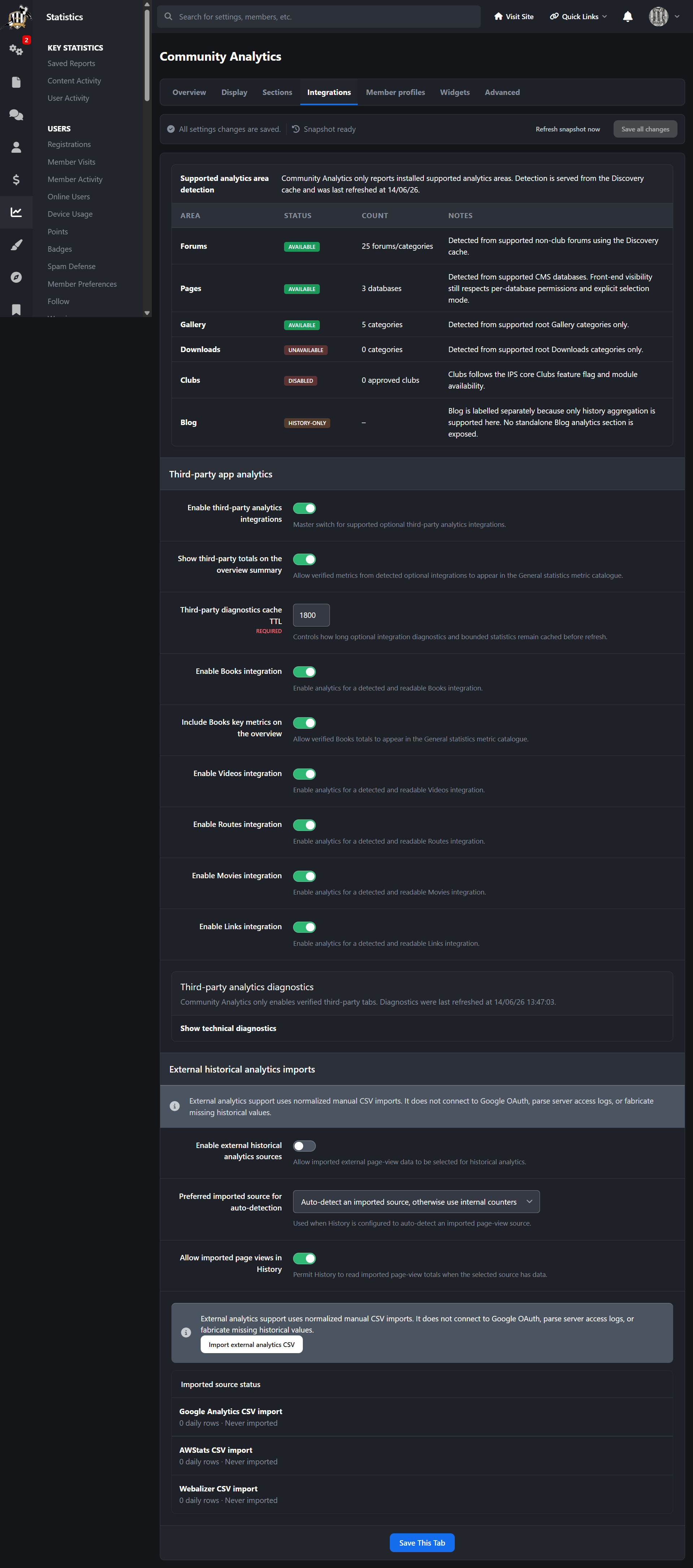
Optional imported historical page-view data from Google Analytics CSV, AWStats CSV or Webalizer CSV
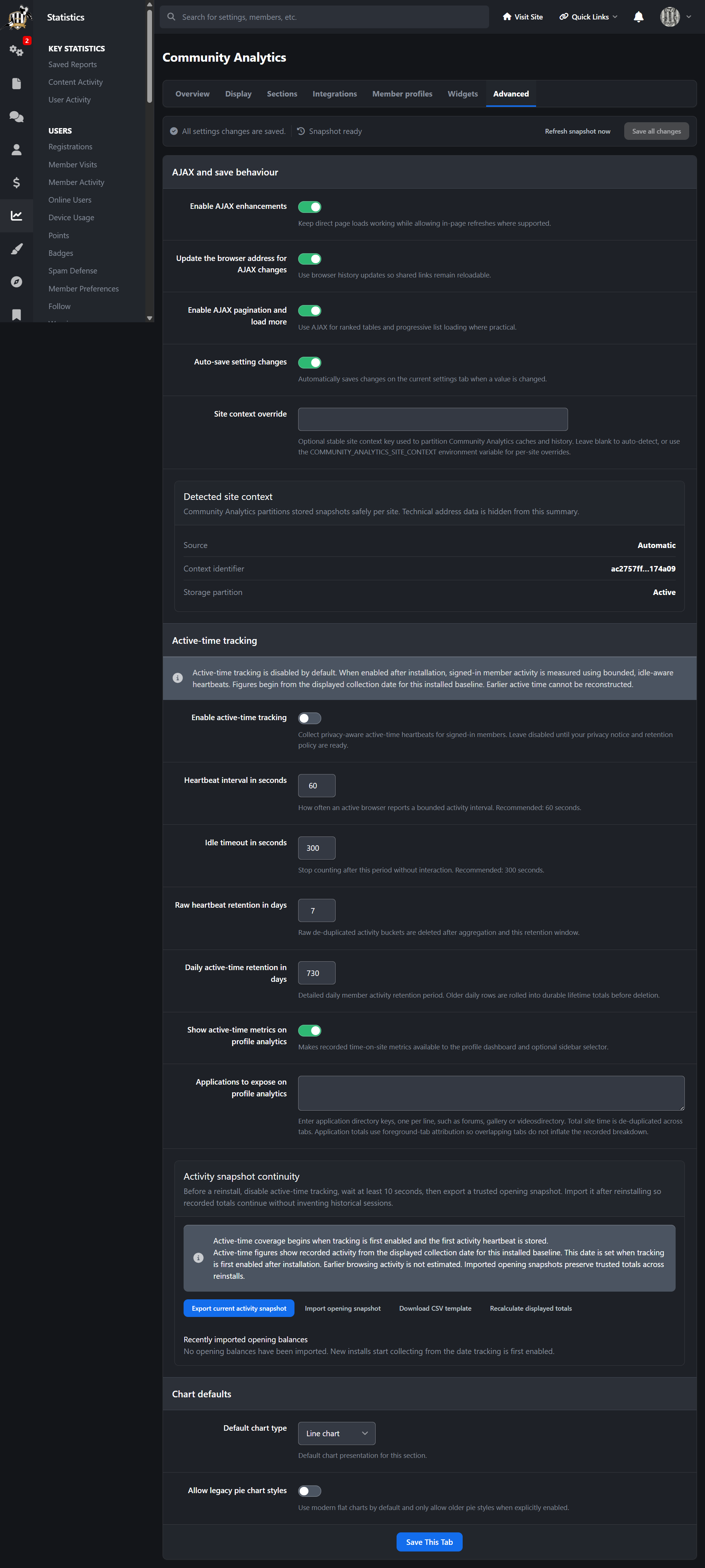
Optional active-time tracking for signed-in members with idle-aware tracking
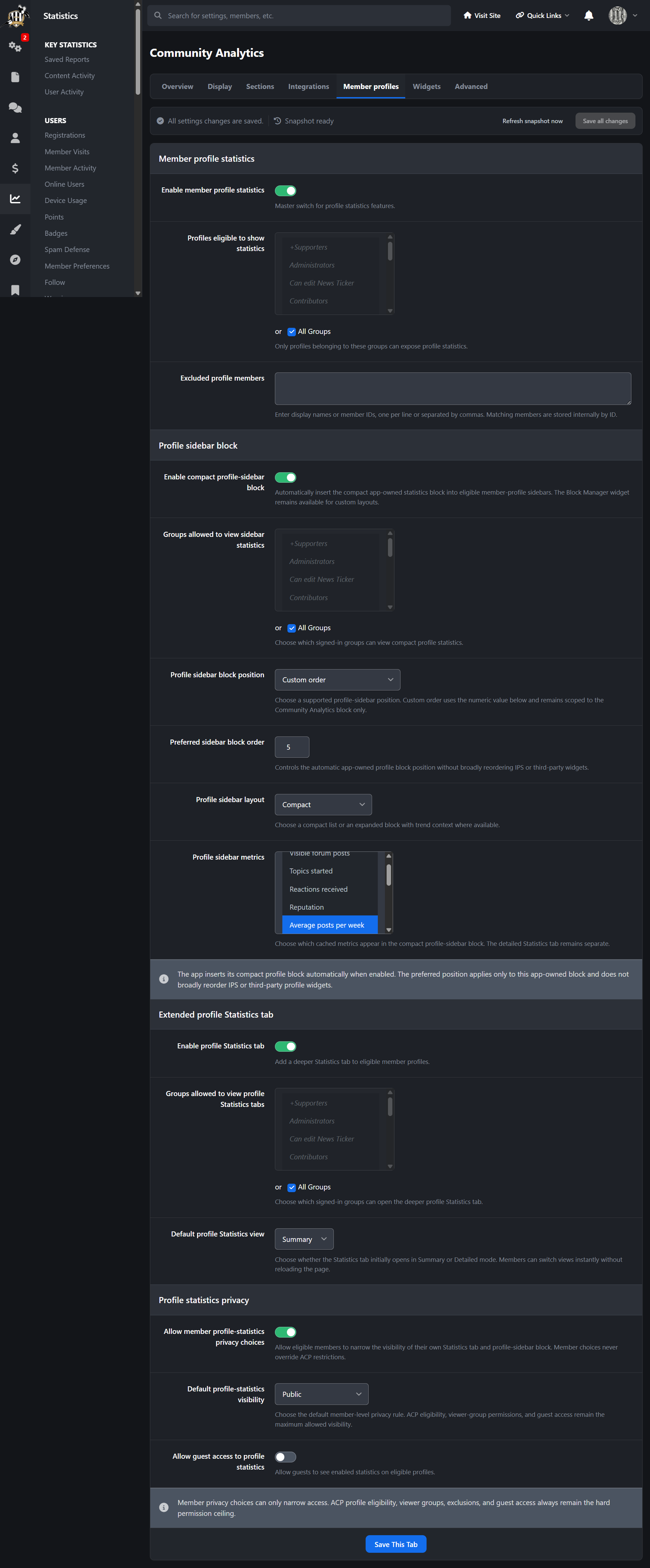
Profile statistics sidebar block and extended profile Statistics tab
Member privacy controls for profile statistics visibility
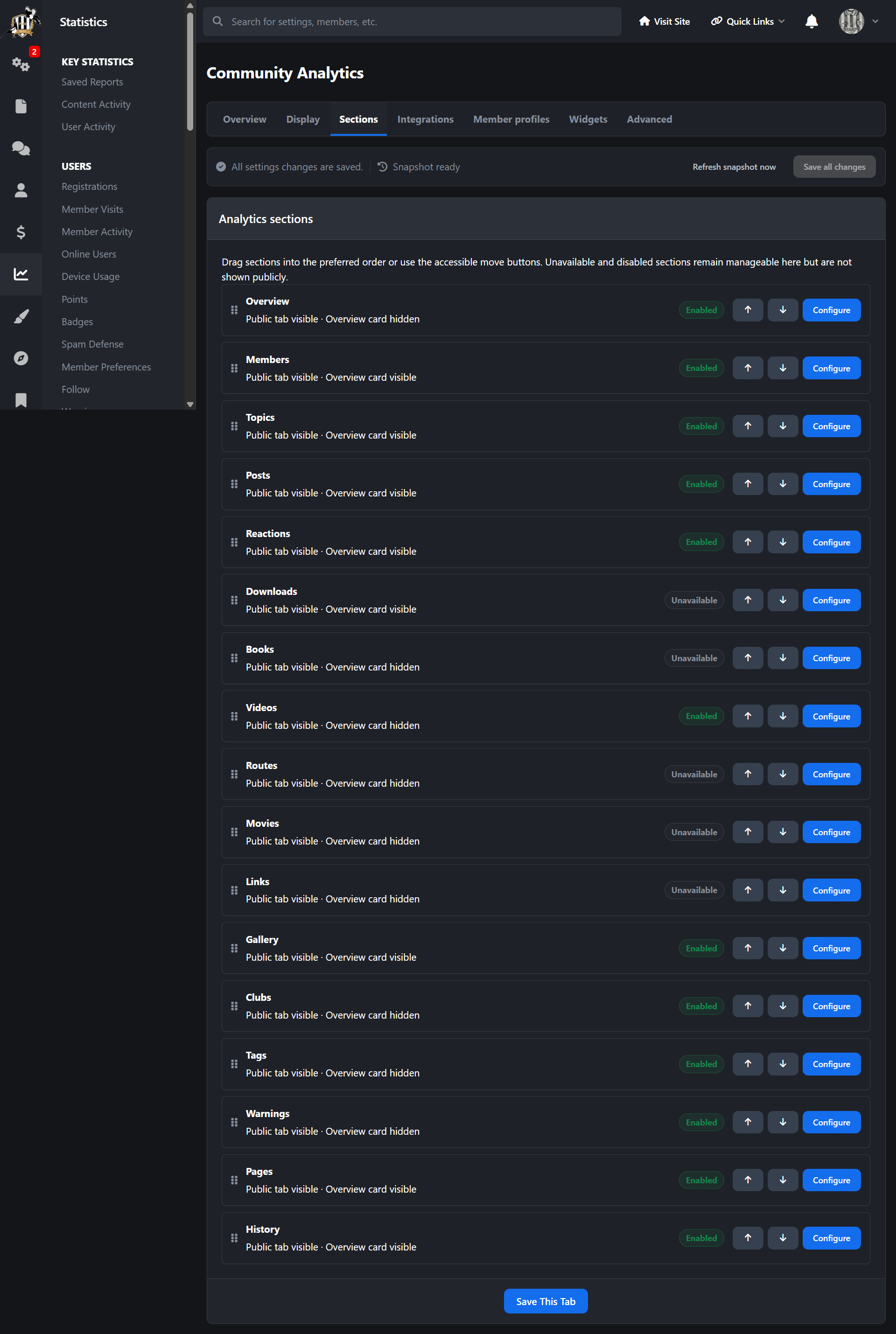
Configurable section labels, order, visibility, result limits and call-to-action labels
Group-based permissions for analytics sections and widgets
Guest access controls where suitable
Configurable chart types, including line, area, column, bar and pie charts
Daily, weekly and monthly chart grouping options
Arrow-paged or compact navigation options for analytics sections
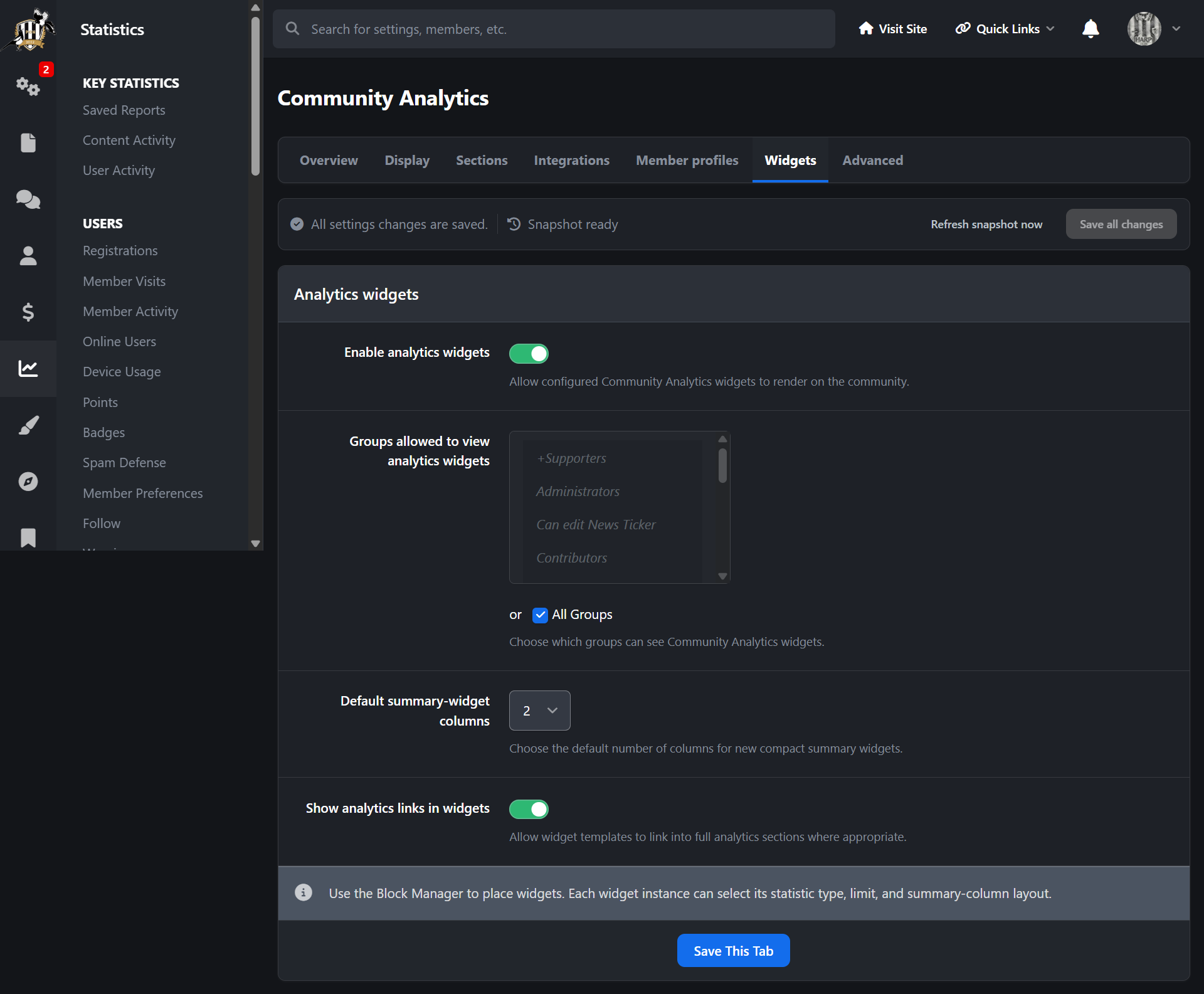
Built-in widgets for community snapshots, member snapshots, forum snapshots, content snapshots and reaction snapshots
Widgets for most content, most reputation, latest members, most posts, latest posts, most topics, most replied topics and most viewed topics
Additional widgets for clubs, downloads, gallery, reactions and warnings where the relevant apps/data are available
Total downloads widget for Downloads-powered communities
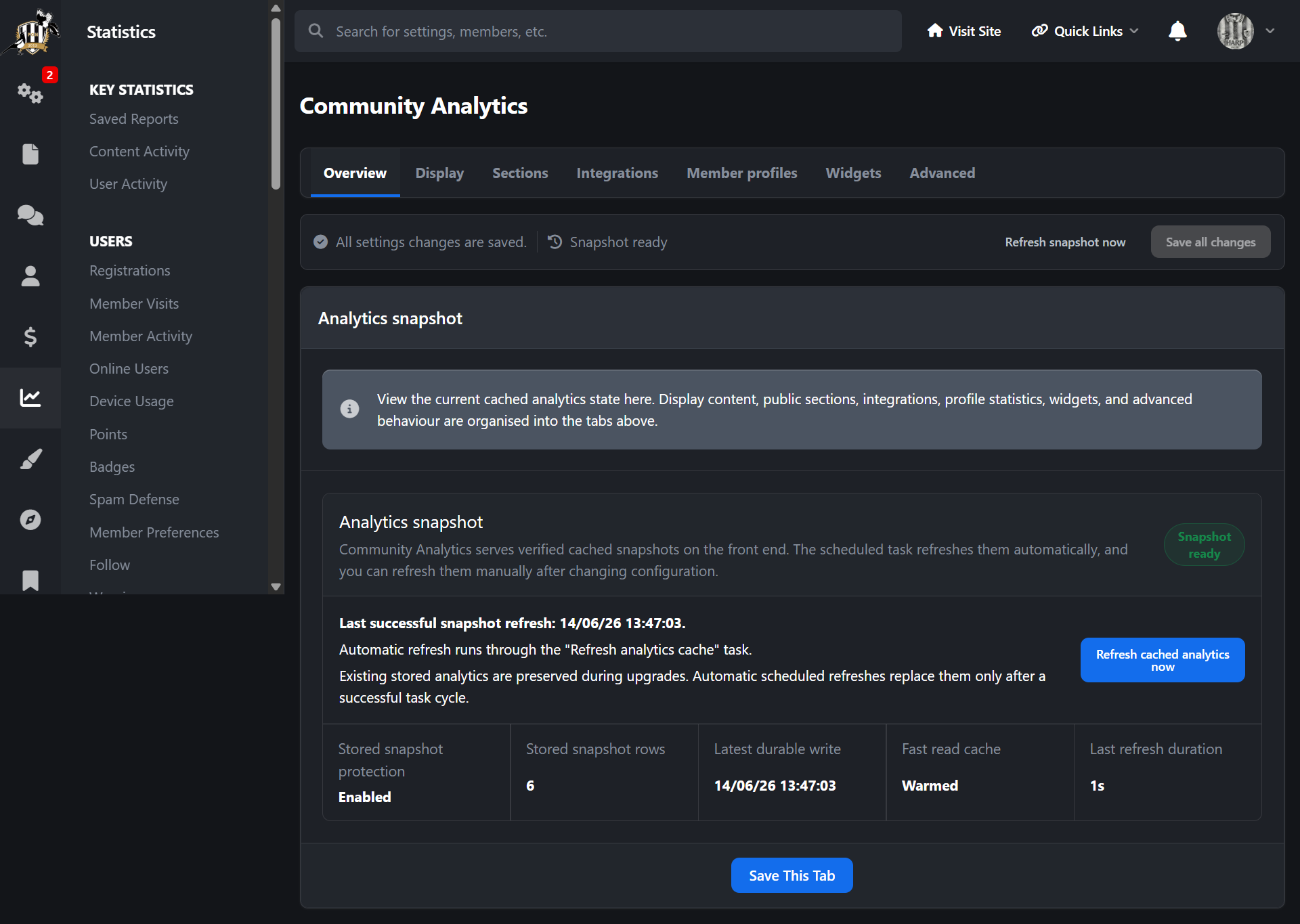
Cached analytics refresh task for better performance on active communities
ACP diagnostics, cache refresh tools and historical rebuild tools
Optional third-party analytics sections for supported apps such as Videos, Books, Routes, Movies and Links
Front end path
Domain > Analytics
ACP path
ACP > Statistics > Community Analytics
-
 1
1
Create an account or sign in to leave a review
There are no reviews to display.