Jump to content
View in the app

A better way to browse. Learn more.

Invision Marketplace

A full-screen app on your home screen with push notifications, badges and more.

To install this app on iOS and iPadOS
  1. Tap the Share icon in Safari
  2. Scroll the menu and tap Add to Home Screen.
  3. Tap Add in the top-right corner.
To install this app on Android
  1. Tap the 3-dot menu (⋮) in the top-right corner of the browser.
  2. Tap Add to Home screen or Install app.
  3. Confirm by tapping Install.

Everything you need for your community

We will be moving to a new server soon, some downtime is expected.

Everything you need for your community

Invision Community 5
  • Category Themes
  • Downloads 61
  • Compatibility IC5: 5.0.0+
  • Updated
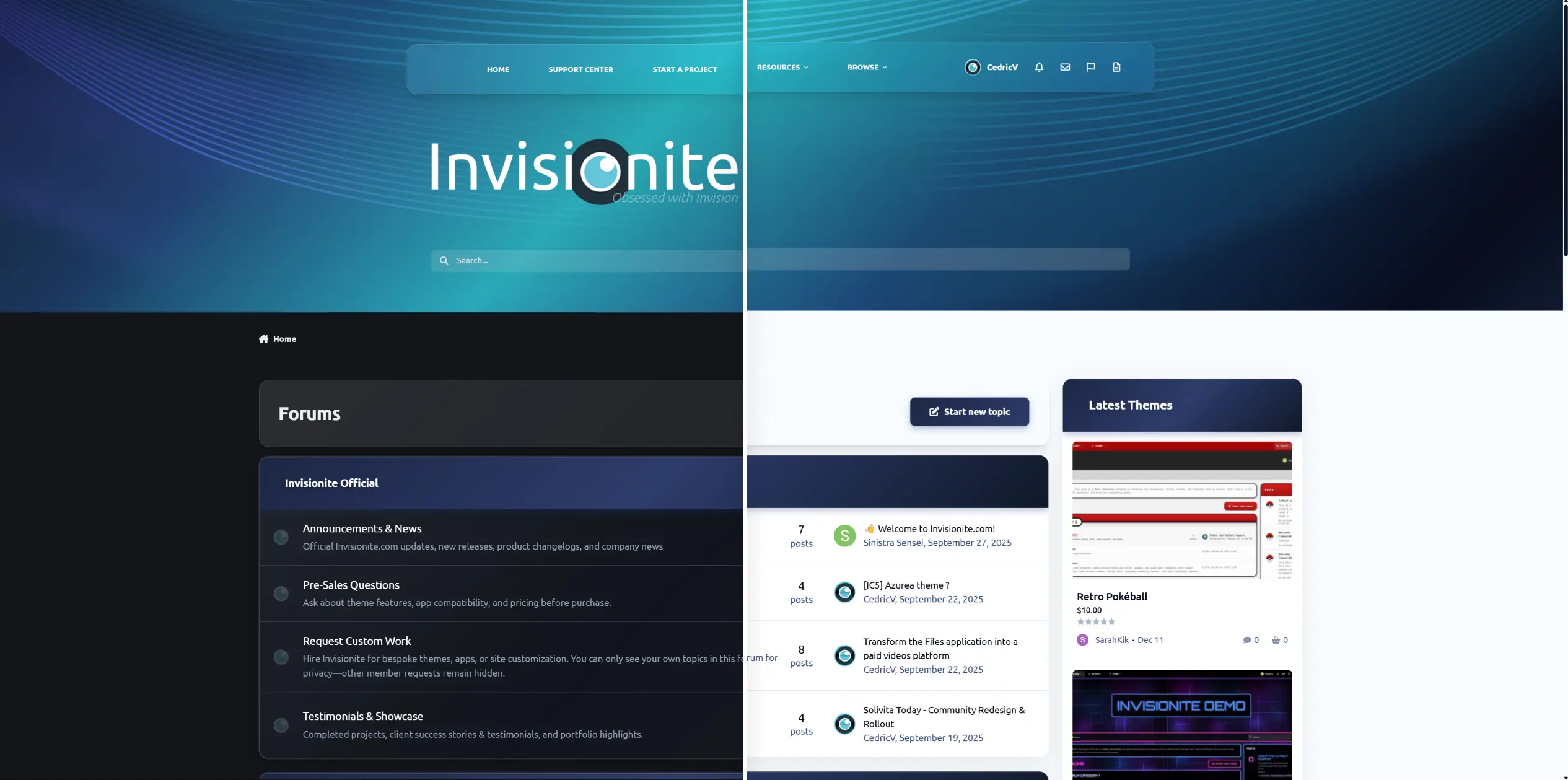
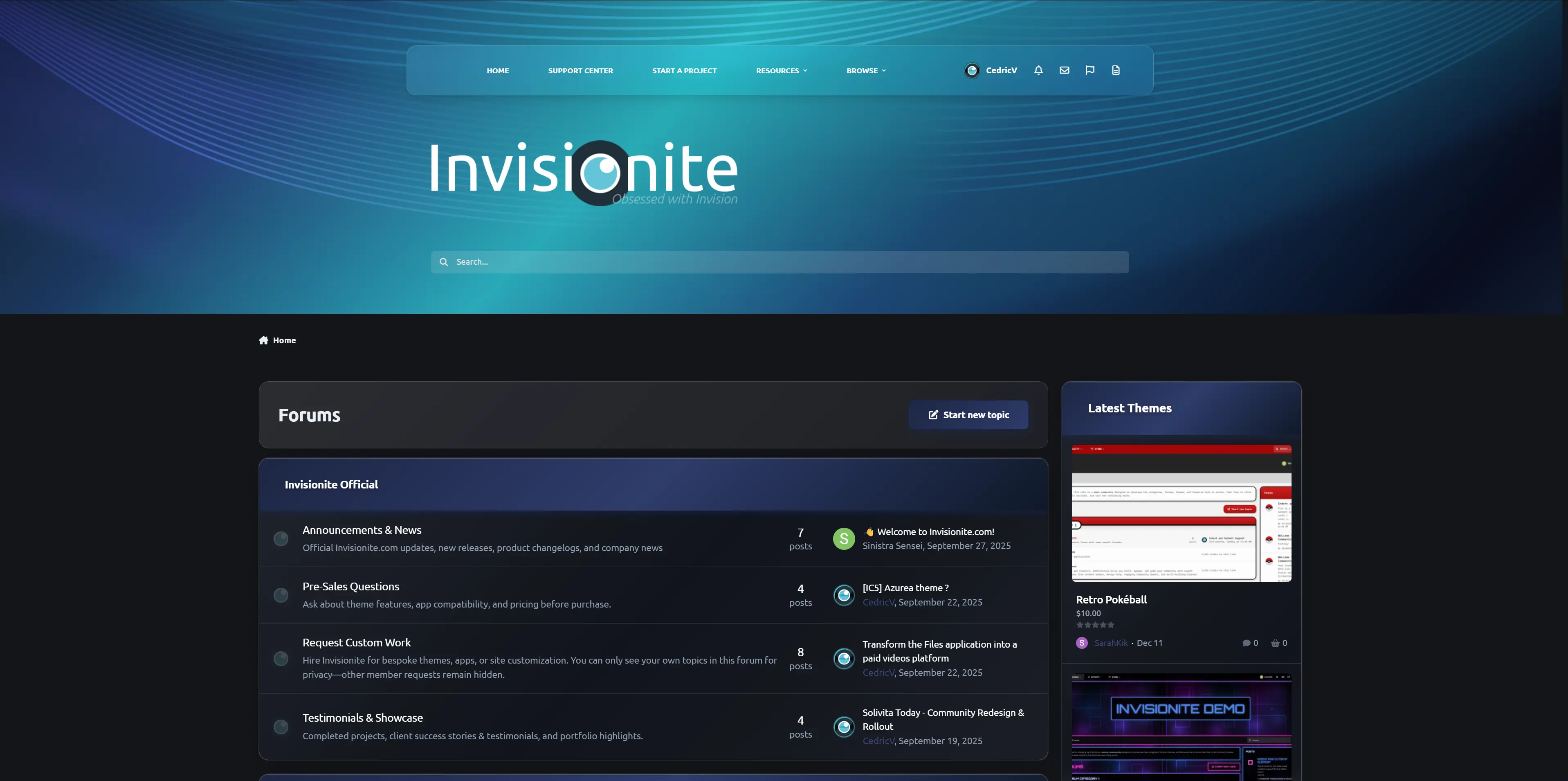
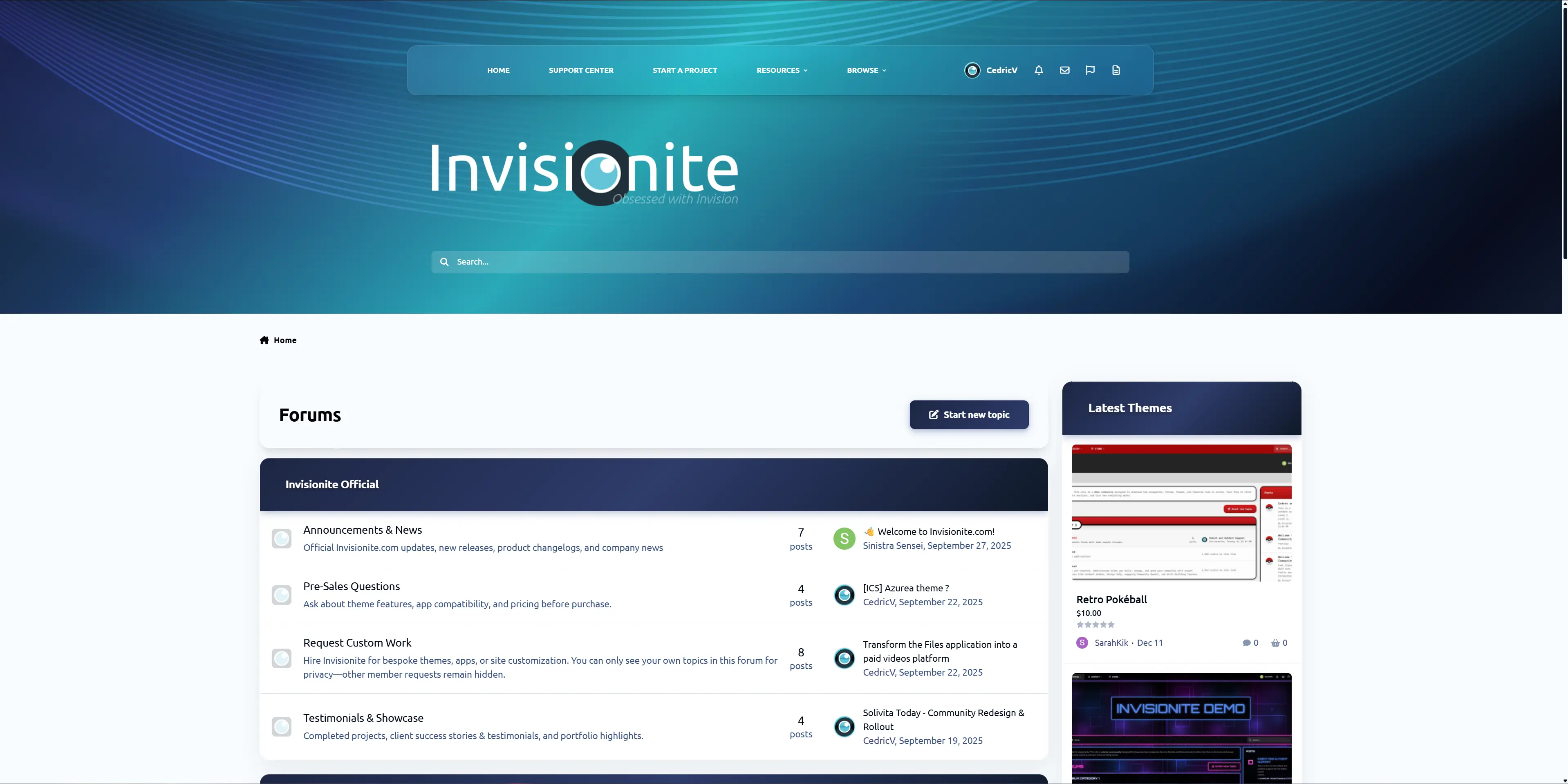
Built with a modern ocean-inspired gradient, soft glass navigation, and a clean professional layout, this theme delivers a premium look without being overdesigned.

Overview

Built with a modern ocean-inspired gradient, soft glass navigation, and a clean professional layout, this theme delivers a premium look without being overdesigned.

Description

Aqualis is the former Invisionite theme, now fully released for free and available. Fair warning: this theme does not play nice with a lot of navigation items.

Demo

Built with a modern ocean-inspired gradient, soft glass navigation, and a clean professional layout, this theme delivers a premium look without being overdesigned.

Features

  • Animated gradient hero header (animation can be simply disabled)

  • Glass-style navigation bar

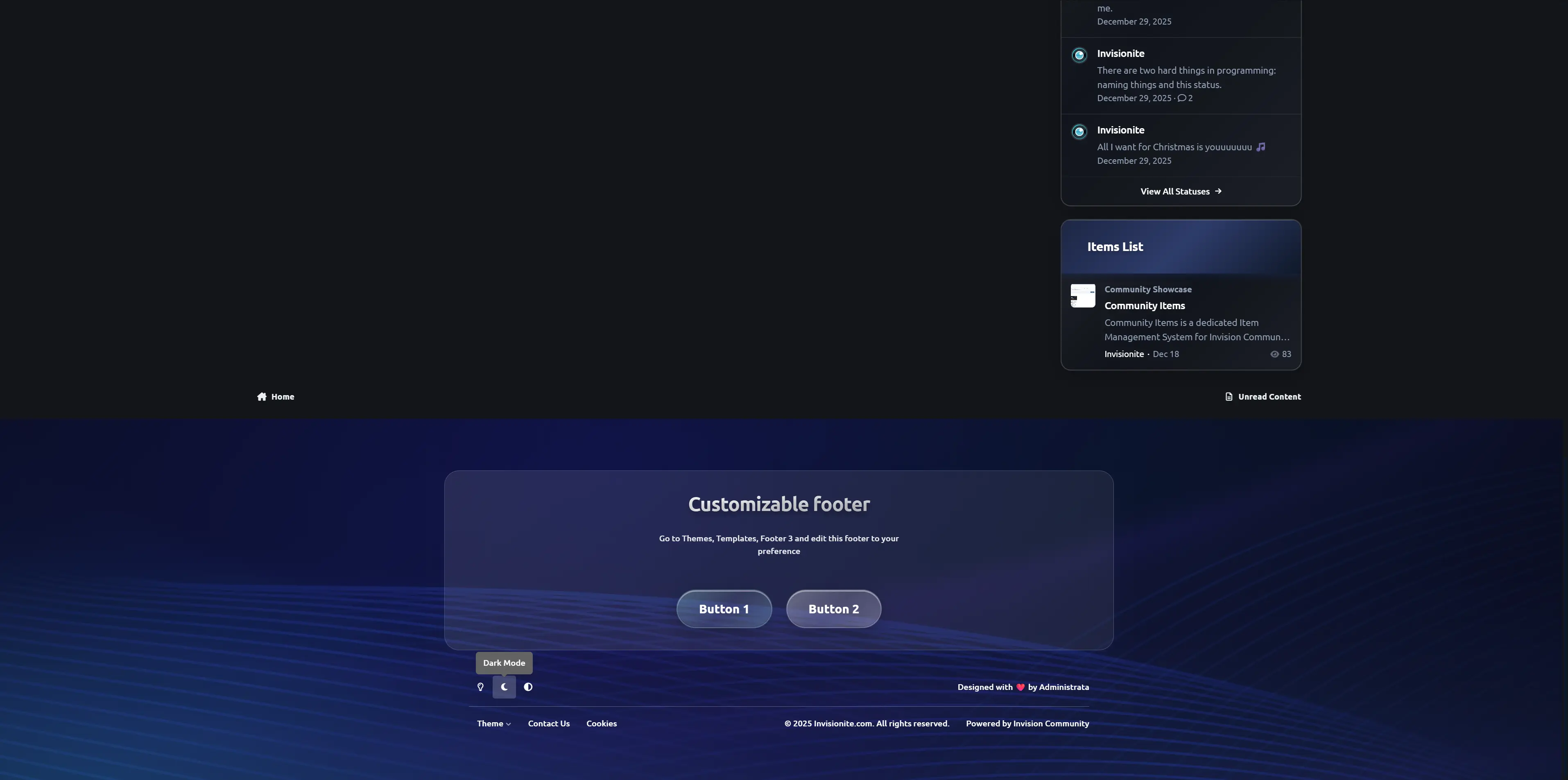
  • Dark & light compatible design

  • Styled widgets & forum categories

  • Custom footer section (easily customizable)

  • Clean typography and spacing

  • Fully responsive

Design Style

Aqualis blends deep navy tones with aqua highlights and smooth wave accents.
It’s ideal for:

  • Community forums

  • Tech projects

  • Creative platforms

  • Premium product showcases

User Feedback

Create an account or sign in to leave a review

There are no reviews to display.

Configure browser push notifications

Chrome (Android)
  1. Tap the lock icon next to the address bar.
  2. Tap Permissions → Notifications.
  3. Adjust your preference.
Chrome (Desktop)
  1. Click the padlock icon in the address bar.
  2. Select Site settings.
  3. Find Notifications and adjust your preference.