Invision Community 5
- Category Themes
- Downloads 107
- Compatibility IC5: 5.0.0+
- Updated
Overview
a modern, glass-gradient IPS themeDescription
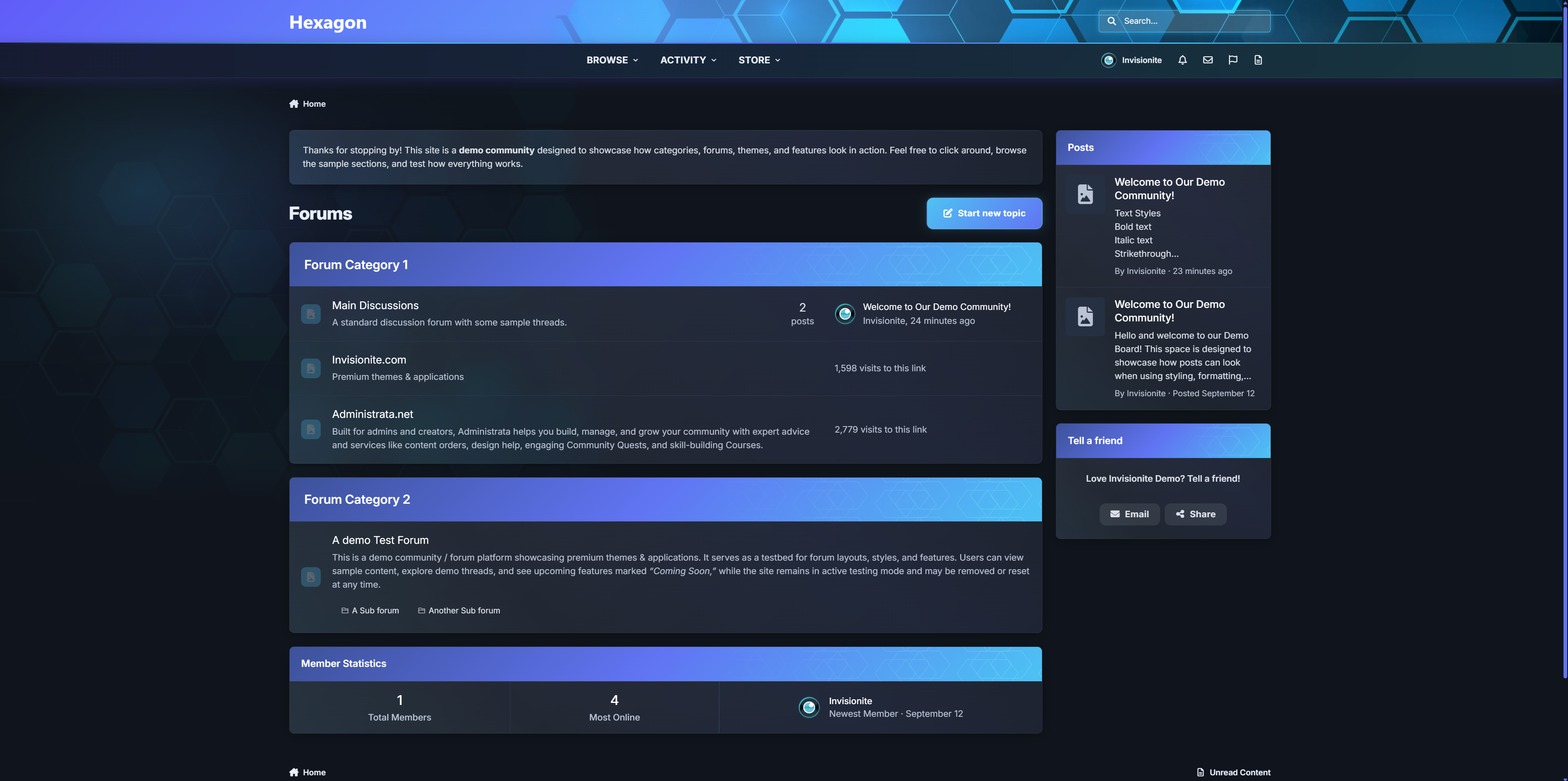
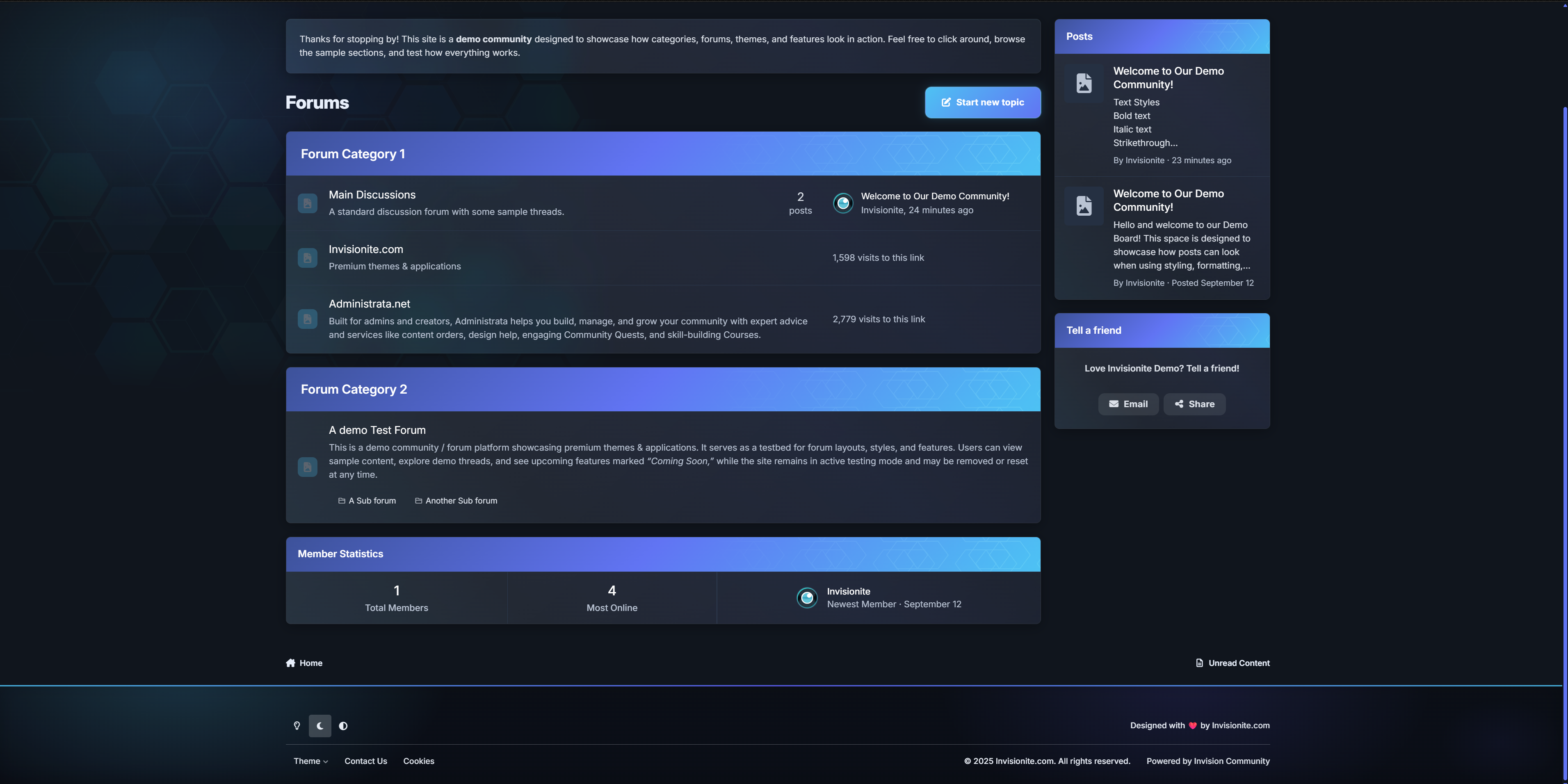
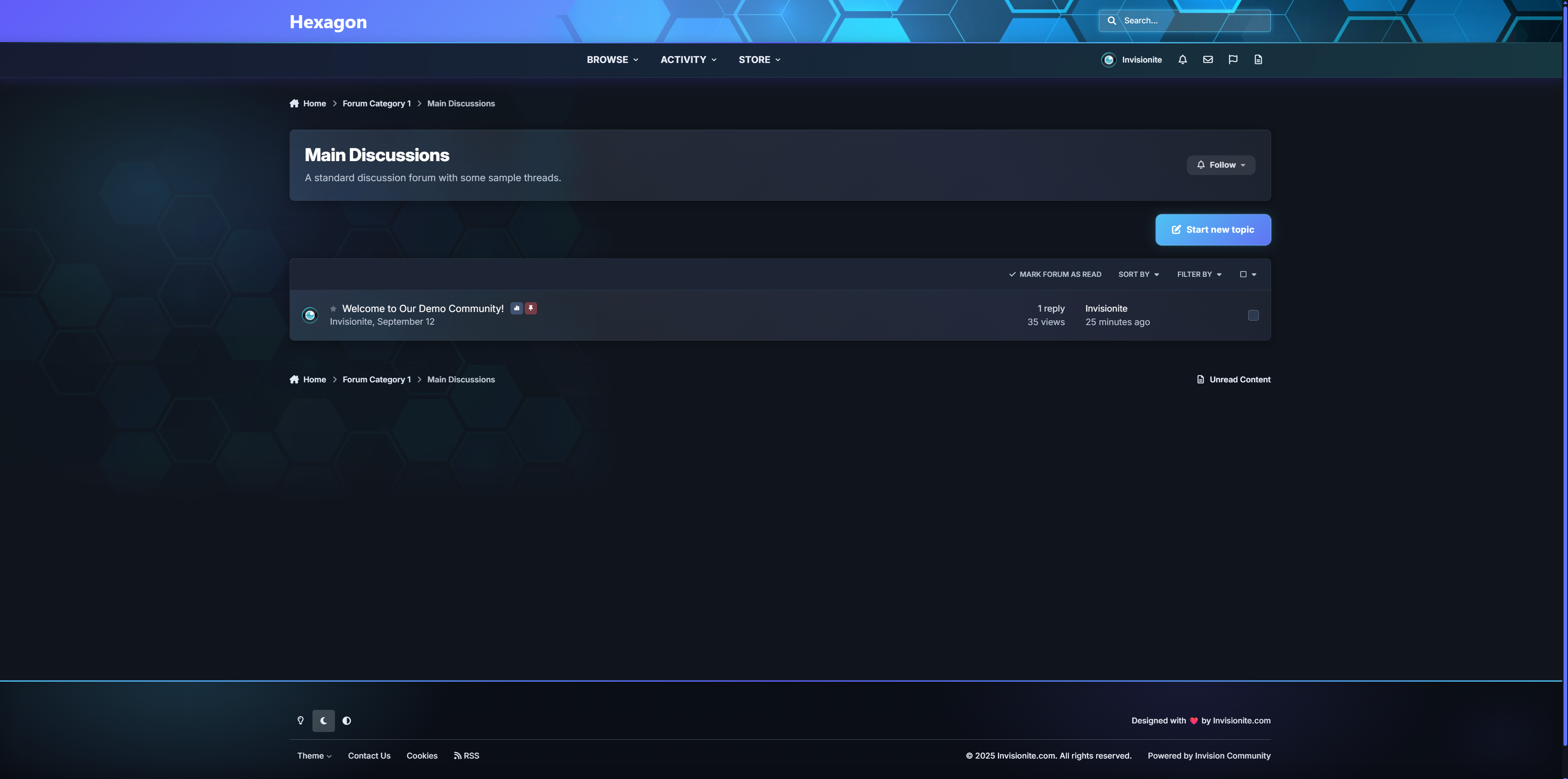
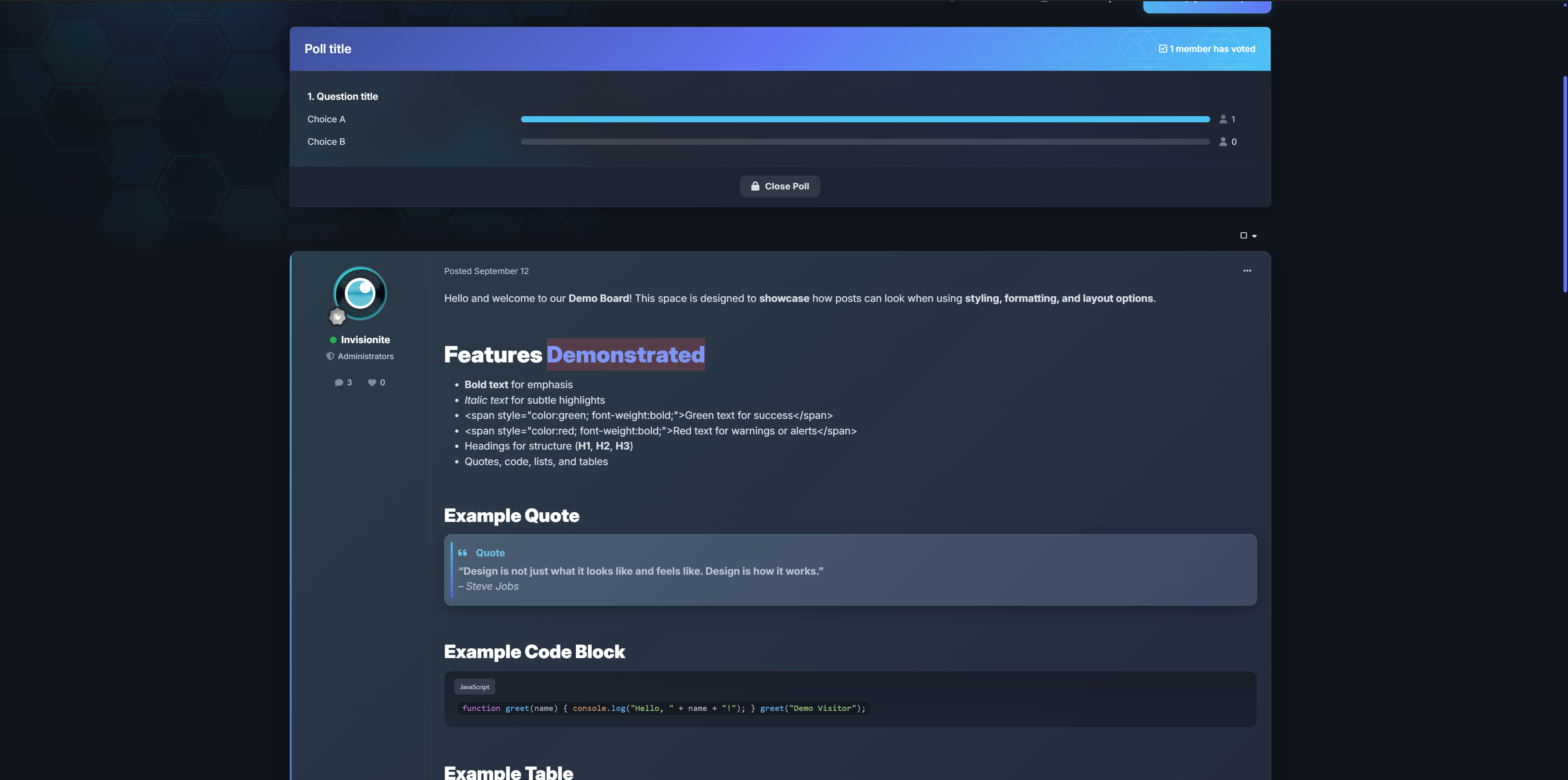
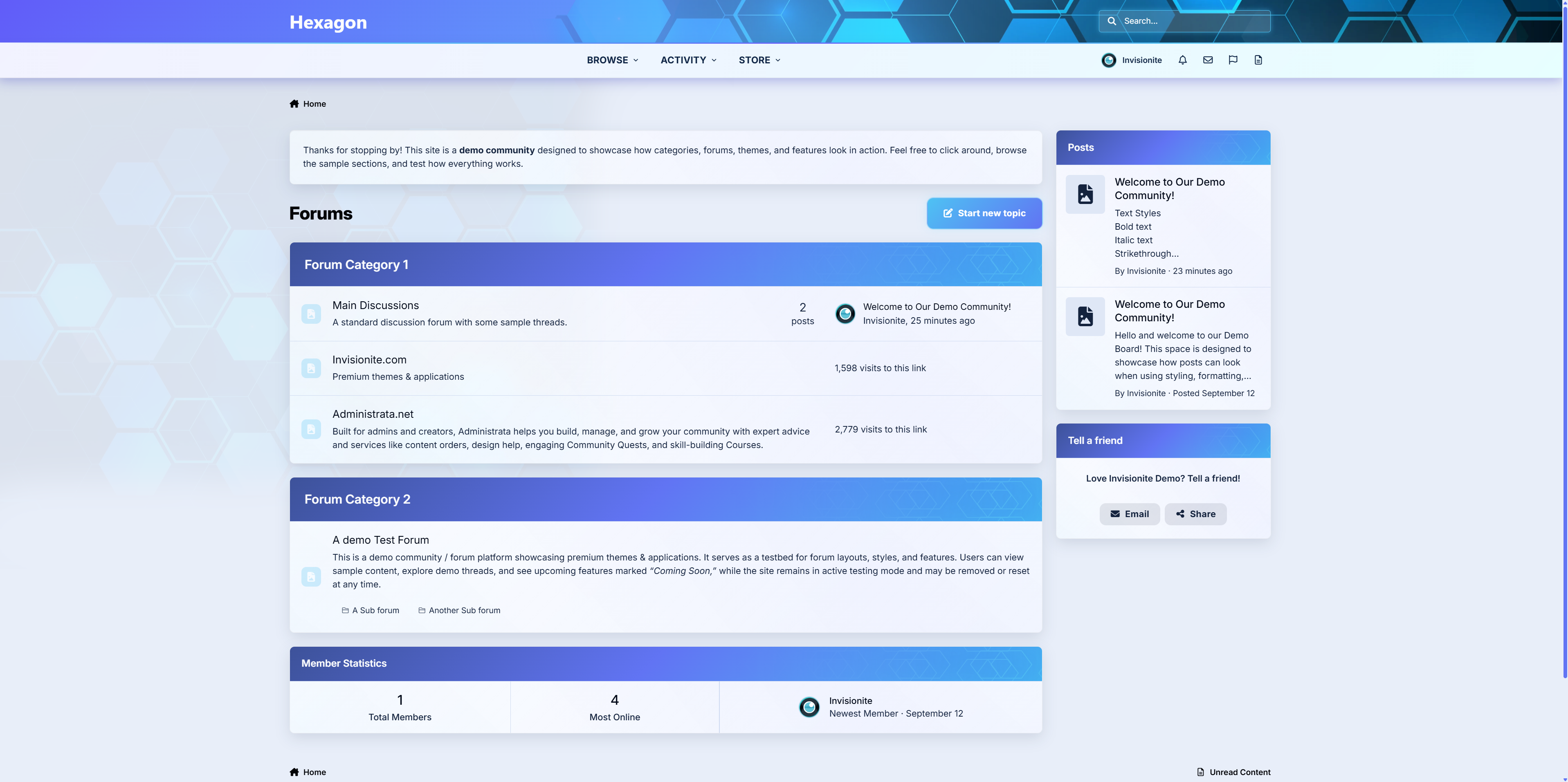
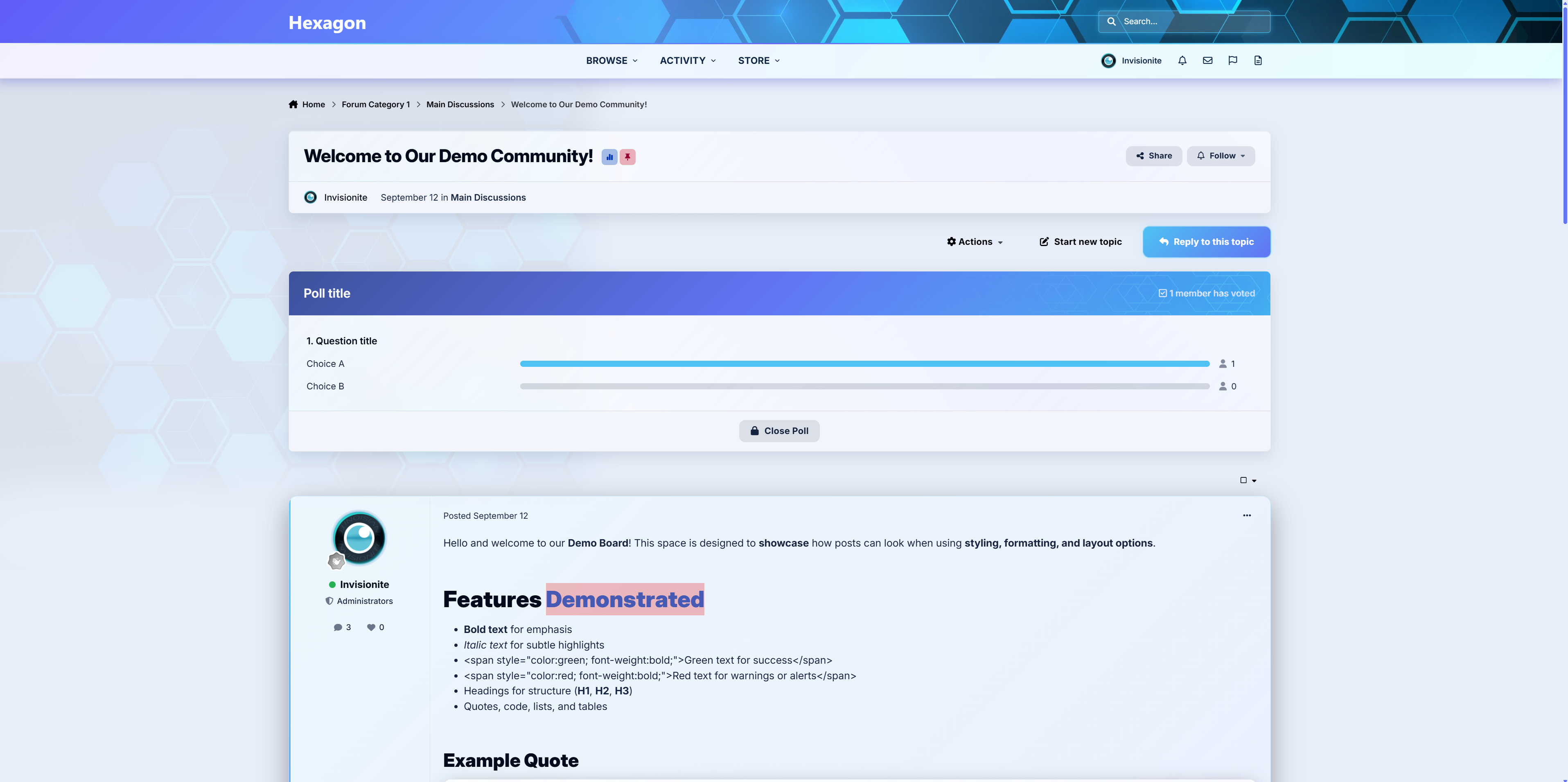
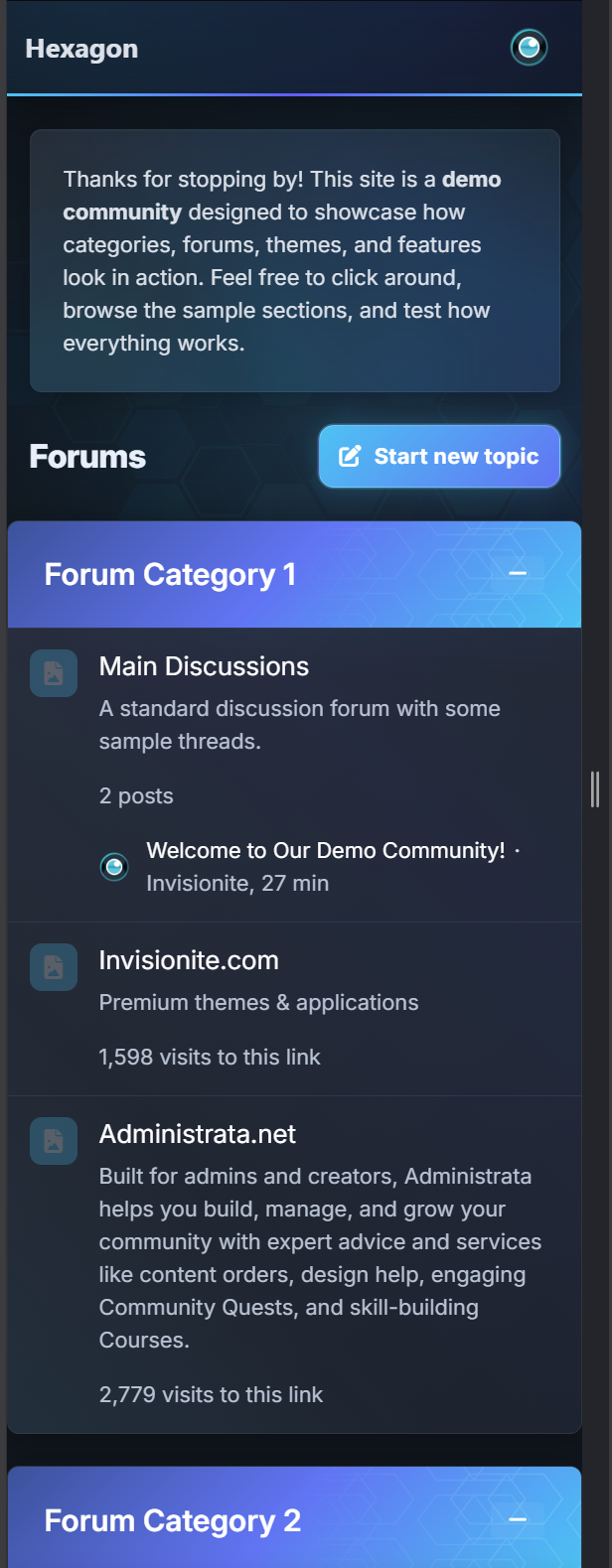
A premium Invision Community theme that blends soft glass surfaces, neon cyan accents, and a subtle hex-mesh motif. Hexagon ships with both dark and light modes, a refined mobile experience, and dozens of tasteful micro-interactions that make communities feel premium without feeling flashy.
Pricing
Price: $39
Renewal: $15 / 6 months
License: 1 community
Highlights
Signature Gradient Header - cyan to purple blend with a hex overlay and masked shine.
Polished Components - boxes, widgets, and cards use glass surfaces, soft shadows, and glowing borders (light & dark tuned).
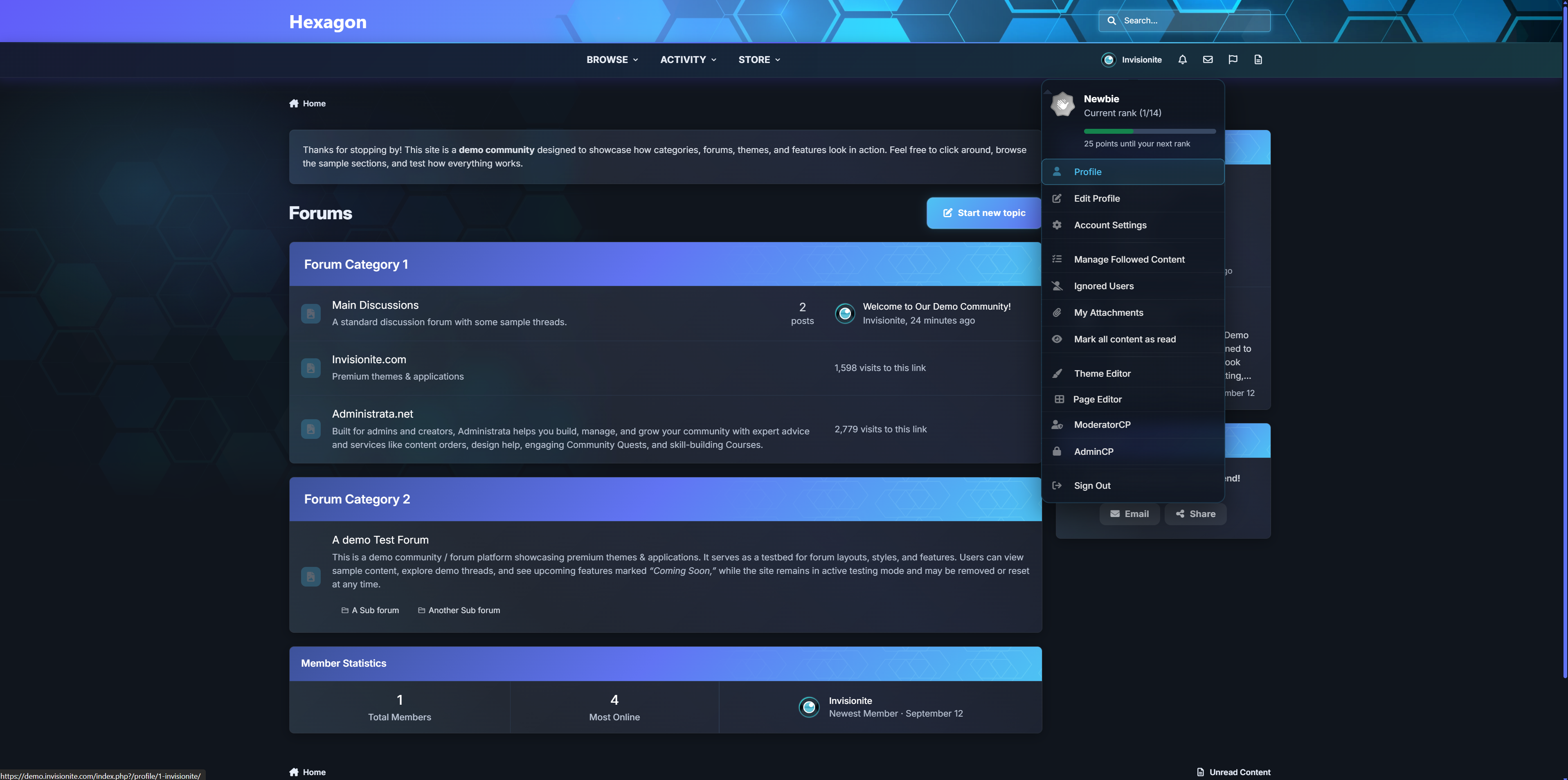
Elegant Menus - user menu, nav dropdowns, etc share one cohesive “glass panel” look with animated highlights.
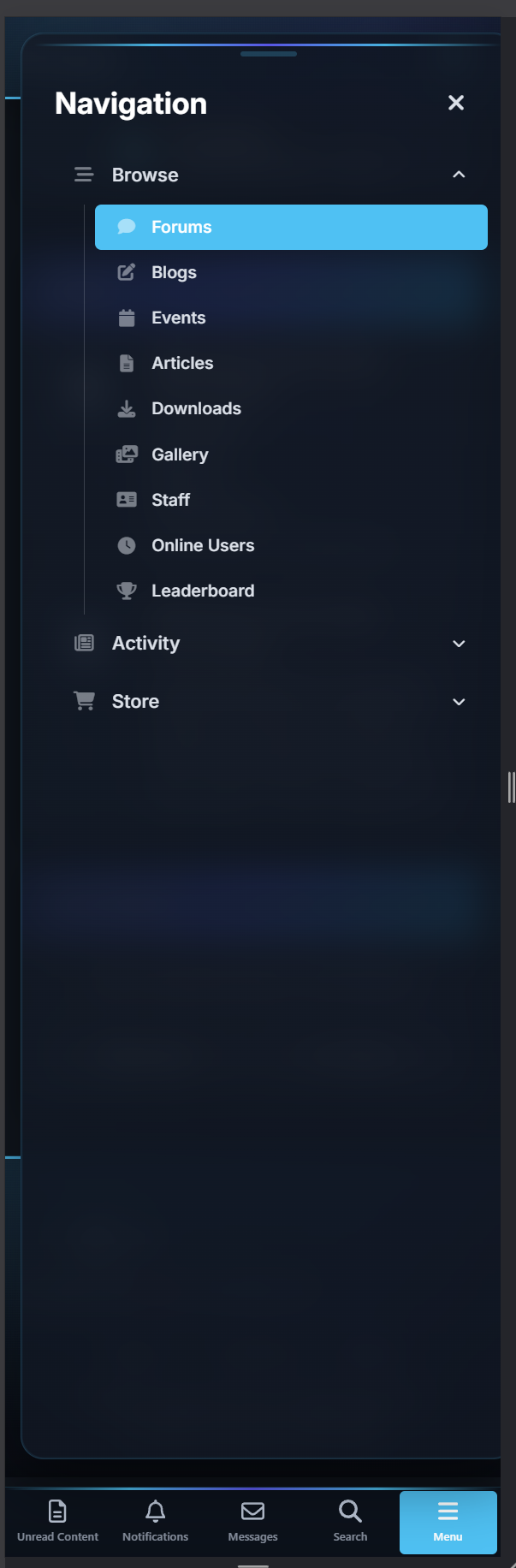
Premium Mobile Header & Footer - beautifully styled with blurred transparent look.
Refined Off-Canvas Panels - notifications, messages, and search use a translucent sheet with drag-handle, blur and depth.
Focused Inputs - search/editor/fields get cyan focus rings, and subtle glow.
First Post - First post in topic is optically styled different to put focus on OP.
Theming Tokens - change a few CSS variables to rebrand colors fast (
--accent-cyan,--new-purple, radii, shadows).Performance-friendly - pure CSS (no JS added), prefers-reduced-motion support, and iOS z-index/safe-area fixes baked in.
Accessibility touches - larger targets, clear focus, high-contrast hover states, semantic aria-expanded behaviors.
Roadmap: extra color presets, and “no-hex” variant.
Create an account or sign in to leave a review
There are no reviews to display.