[IC5] Aurora theme
- Category Themes
- Downloads 116
- Compatibility IC5: 5.0.0+
- Updated
Description
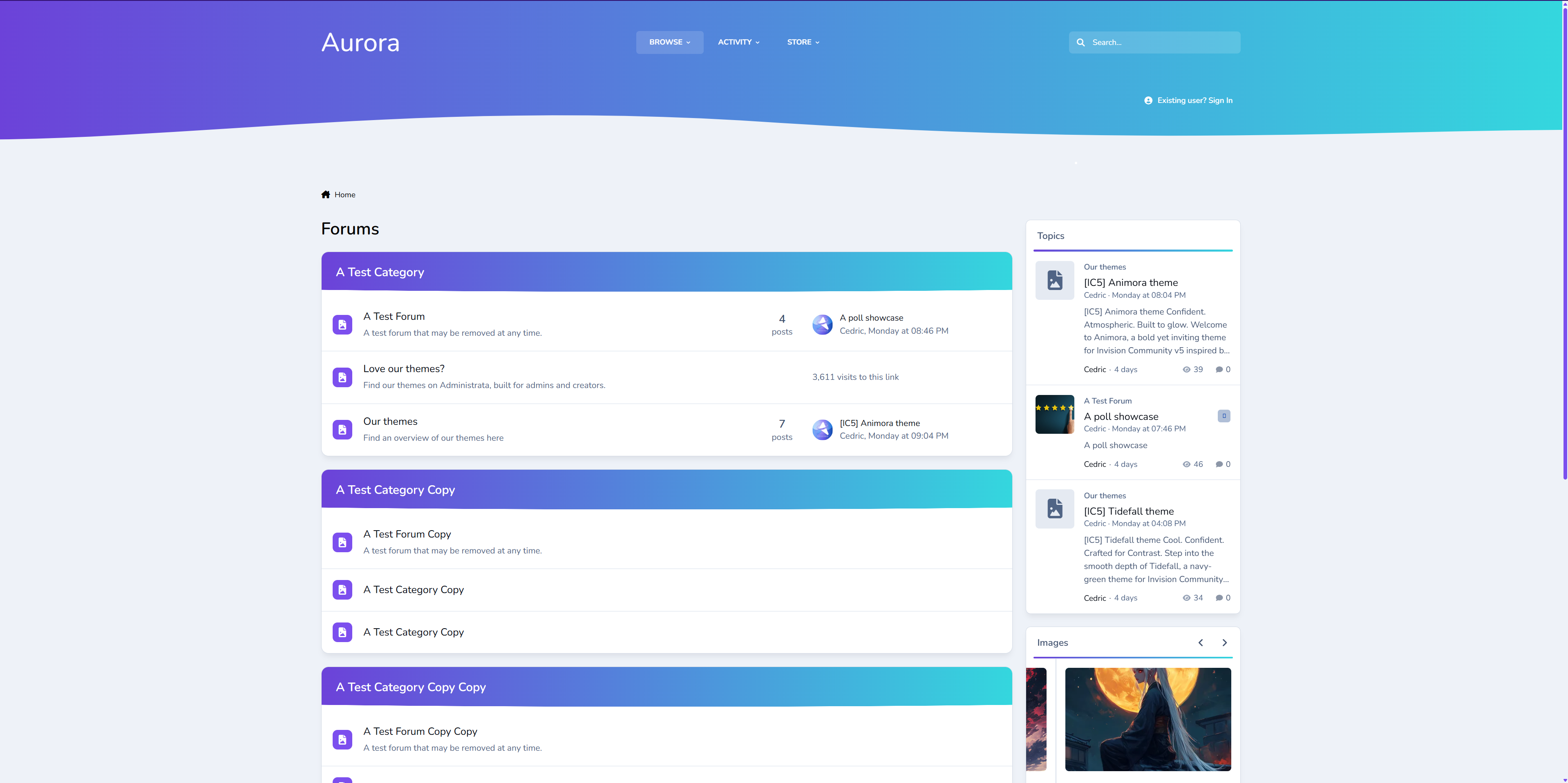
Elegant. Modern. Designed to Flow.
Aurora returns — now rebuilt for Invision Community v5.
A refined remake of our popular XenForo variant, this version of Aurora blends soft gradients, clean panels, and adaptive dark/light modes for a theme that feels as smooth as it looks. It’s professional without being cold, stylish without losing usability.
Perfect for communities that want a premium, future-ready design that still feels effortless.
Demo: Select Aurora from the theme switcher.
✔️ Classic Aurora Reimagined
Our beloved XenForo Aurora design is now optimized for IPS v5 — keeping the signature flowing gradients while reworking every element for Invision’s modern framework.
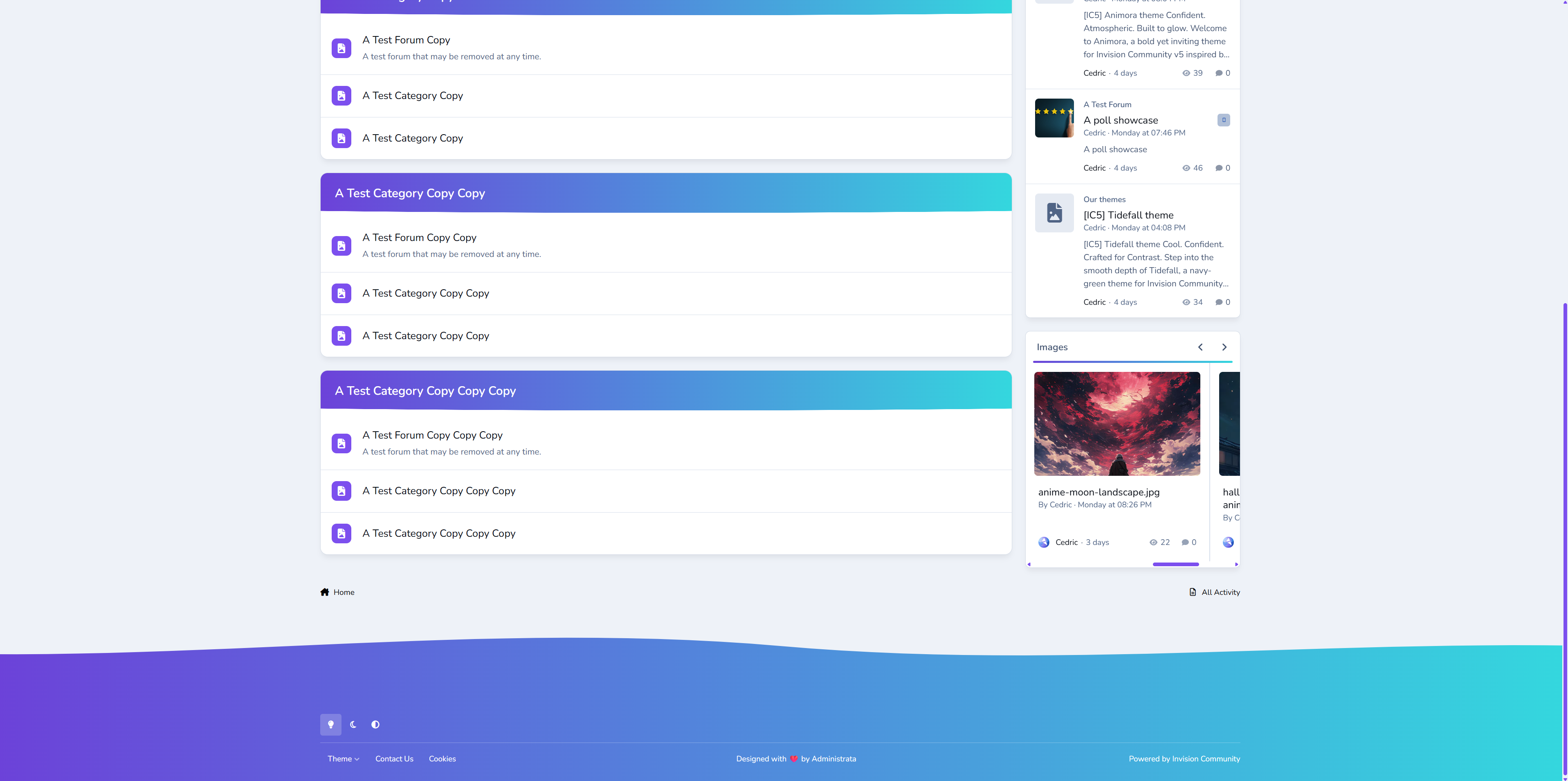
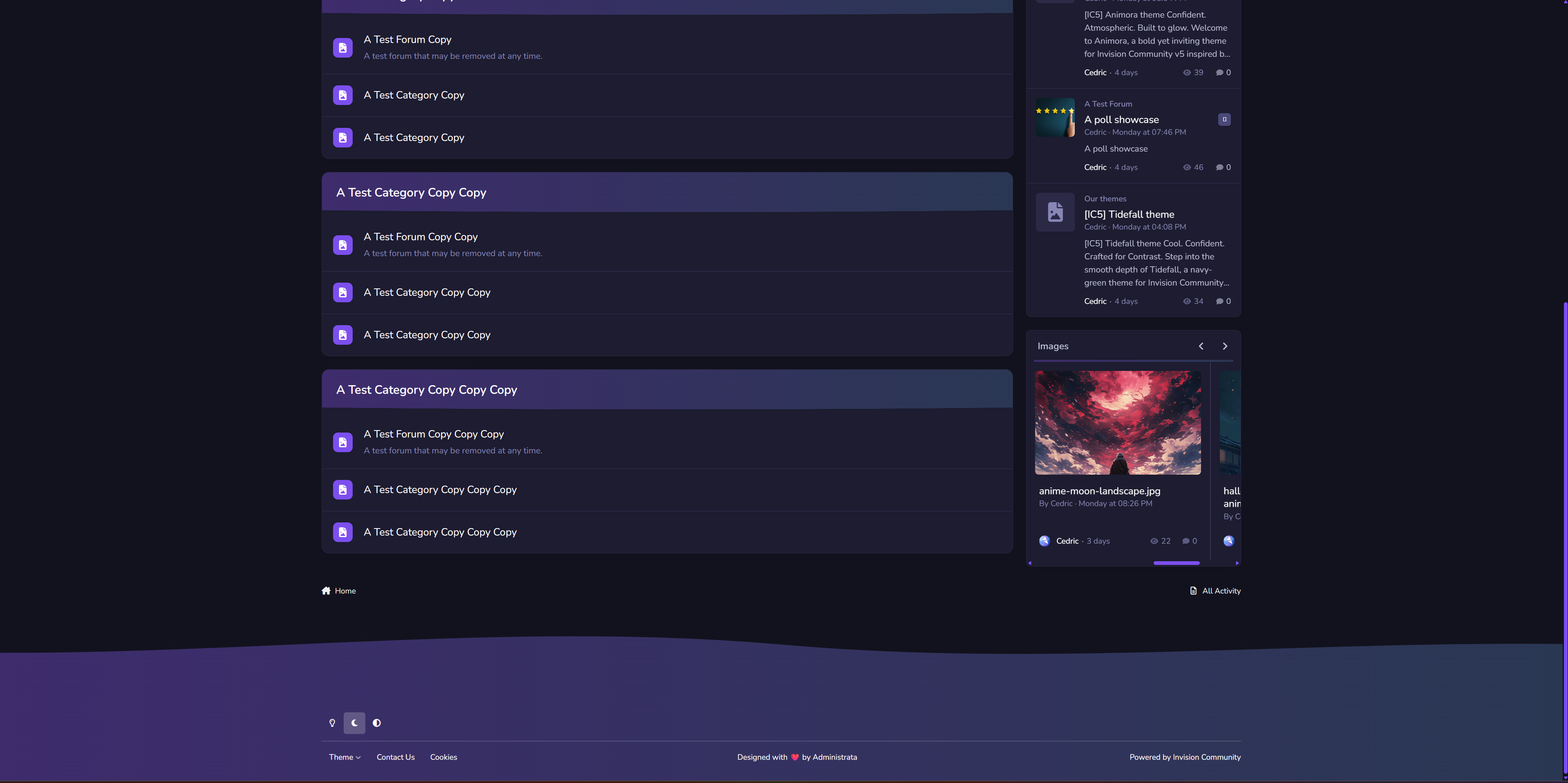
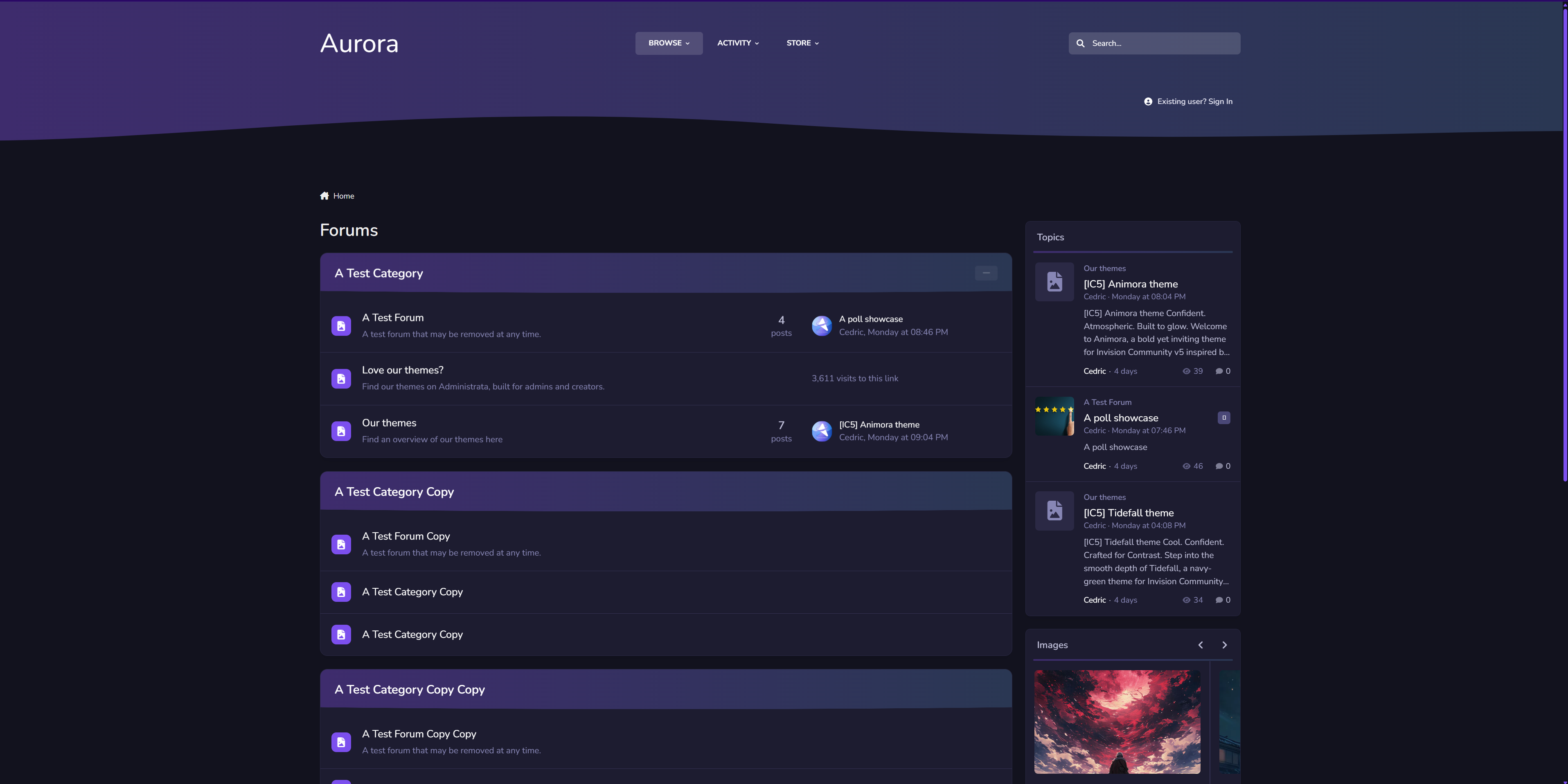
✔️ Adaptive Dark & Light Modes
Aurora automatically adapts to the user’s theme choice or OS setting, delivering consistent, balanced visuals in any environment.
✔️ Gradient Category & Widget Headers
Forum categories and widgets feature Aurora’s signature gradient trim — crisp, modern, and seamlessly blending with the rest of the UI.
✔️ Smooth UI
Panels, widgets, and dropdowns keep it clean, assuring focus on your content while adding depth.
✔️ Styled Scrollbars & Details
Custom-themed scrollbars, button accents, and header lines ensure even the smallest details feel consistent.
✔️ Pixel-Perfect for Any Niche
From tech forums to creative communities, Aurora delivers a clean canvas that’s ready for your brand and content.
We've redefined Aurora — A more polished experience built for today’s IPS communities. If you loved the XenForo version, you’ll feel right at home here.
Create an account or sign in to leave a review
There are no reviews to display.