[IC5] Parallaxa theme
- Category Themes
- Downloads 119
- Compatibility IC5: 5.0.0+
- Updated
Description
Striking. Immersive. Built for motion.
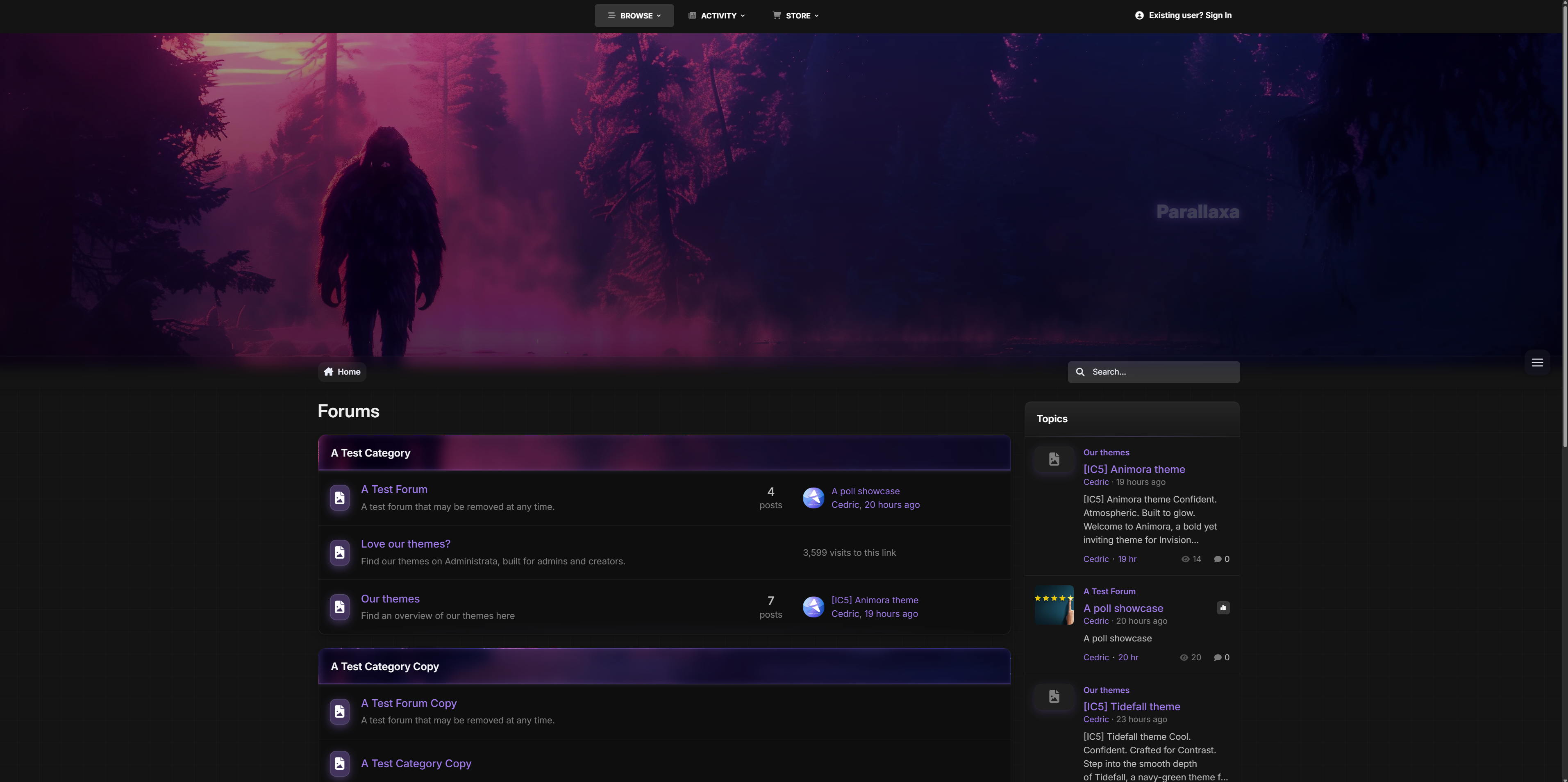
Step into Parallaxa, a game-inspired Invision Community v5 theme designed for depth, energy, and customization. With a responsive parallax header, animated accents, glass surfaces, and dynamic color presets, Parallaxa sets the stage for communities that want more than just a basic skin — they want a vibe.
Whether you run a gaming forum, creative project hub, or a content-heavy platform, Parallaxa delivers immersive style with functional clarity.
Demo: Select Parallaxa from the theme switcher.
✔️ Live Parallax Header
A responsive hero header with optional background selector, layered gradients, and gentle movement to add dimension and presence.
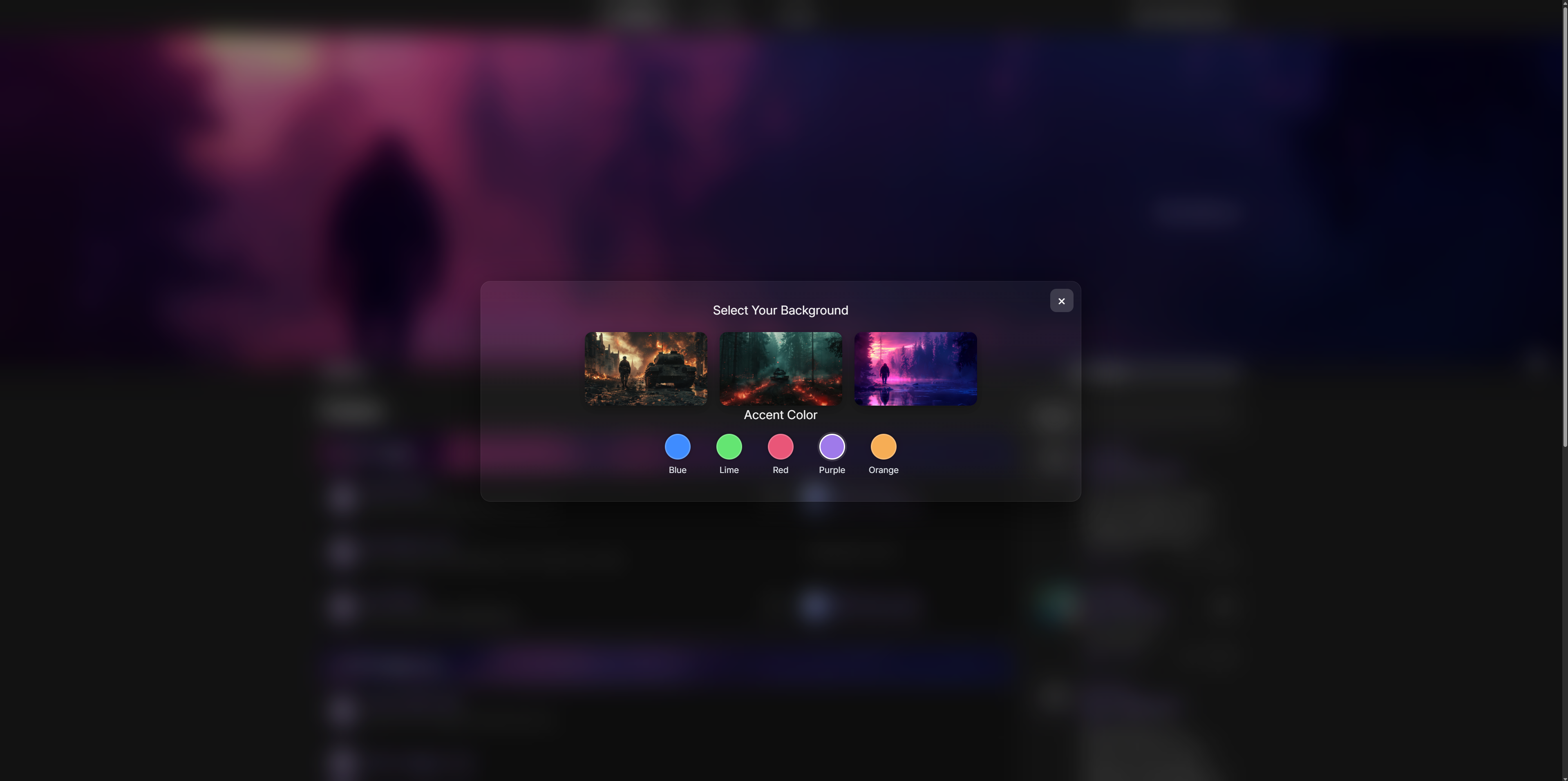
✔️ Dynamic Background Selector
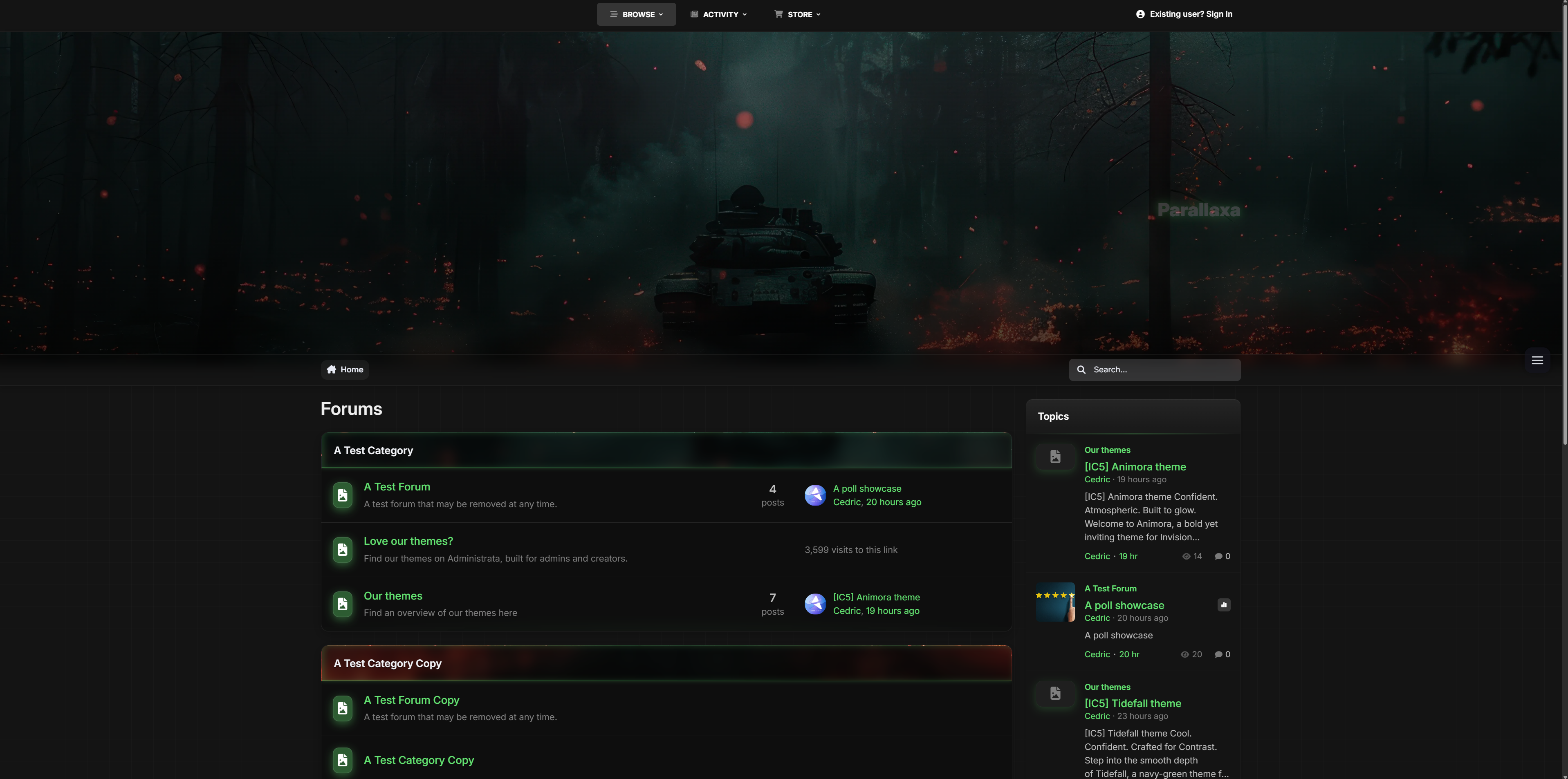
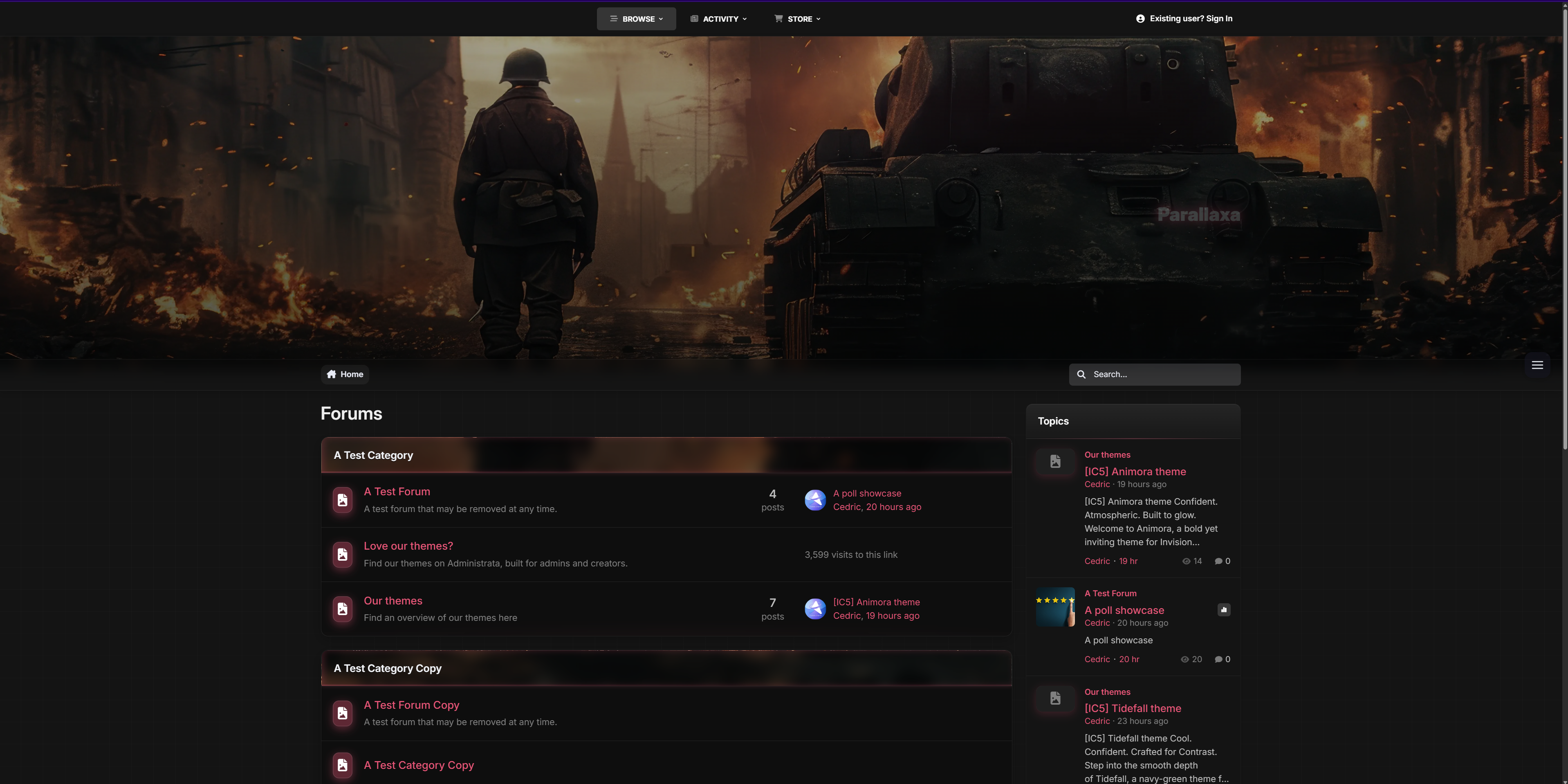
Let your users switch between multiple thematic backgrounds with a seamless, mobile-friendly overlay — complete with animated previews and dark blur effect.
✔️ Accent Color Presets
Switch between vibrant preset colors like blue, red, lime, purple, and more. All UI elements update instantly — from icons to buttons to glow effects.
✔️ Glass UI with Depth
Menus, widgets, and content areas feature soft blurs and transparent panels, evoking that frosted-glass feel while keeping everything readable and responsive.
✔️ Shiny Buttons & Animated Glow
Buttons are styled with a layered gloss and animated sheen. Hover states glow, but never feel jarring. Perfect for modern, sleek navigation.
✔️ Adaptive Widgets & Headers
Box headers match your current background with darkened blur overlays and subtle glowing trims for contrast. Widget headers are styled to blend into the theme softly.
✔️ Built-in Game-Style Elements
From neon-glow badges to pill-style icons and soft-animated dropdowns, Parallaxa brings subtle game UI cues without overwhelming your content.
Ideal for modern forums, gaming clans, project showcases, and creative platforms that want to combine visual punch with polished design.
Need help adding your own backgrounds or expanding the presets? Just ask - Parallaxa was built for flexibility.
-
 1
1
Create an account or sign in to leave a review
There are no reviews to display.