Forum Collection
Invision Community 5
- Category Widgets
- Downloads 42
- Compatibility IC5: 5.0.0+
- Updated
Overview
Display multiple topic collections together in a clean tabbed layout.Description
Forum Collection
Create Unlimited Custom Forum Collections
Support and discussions for IPS Forum Collection.
Forum Collection lets you turn content from your forums and topics into custom, reusable collections that you can display anywhere on your community.
Create unlimited collections, add your own cover, title, and description, and organize your content exactly the way you want.
Key Features
Unlimited Collections — Create as many collections as you need.
Forum & Topic Feeds — Build collections from your existing forums and topics.
Custom Cover, Title & Description — Give every collection its own look and identity.
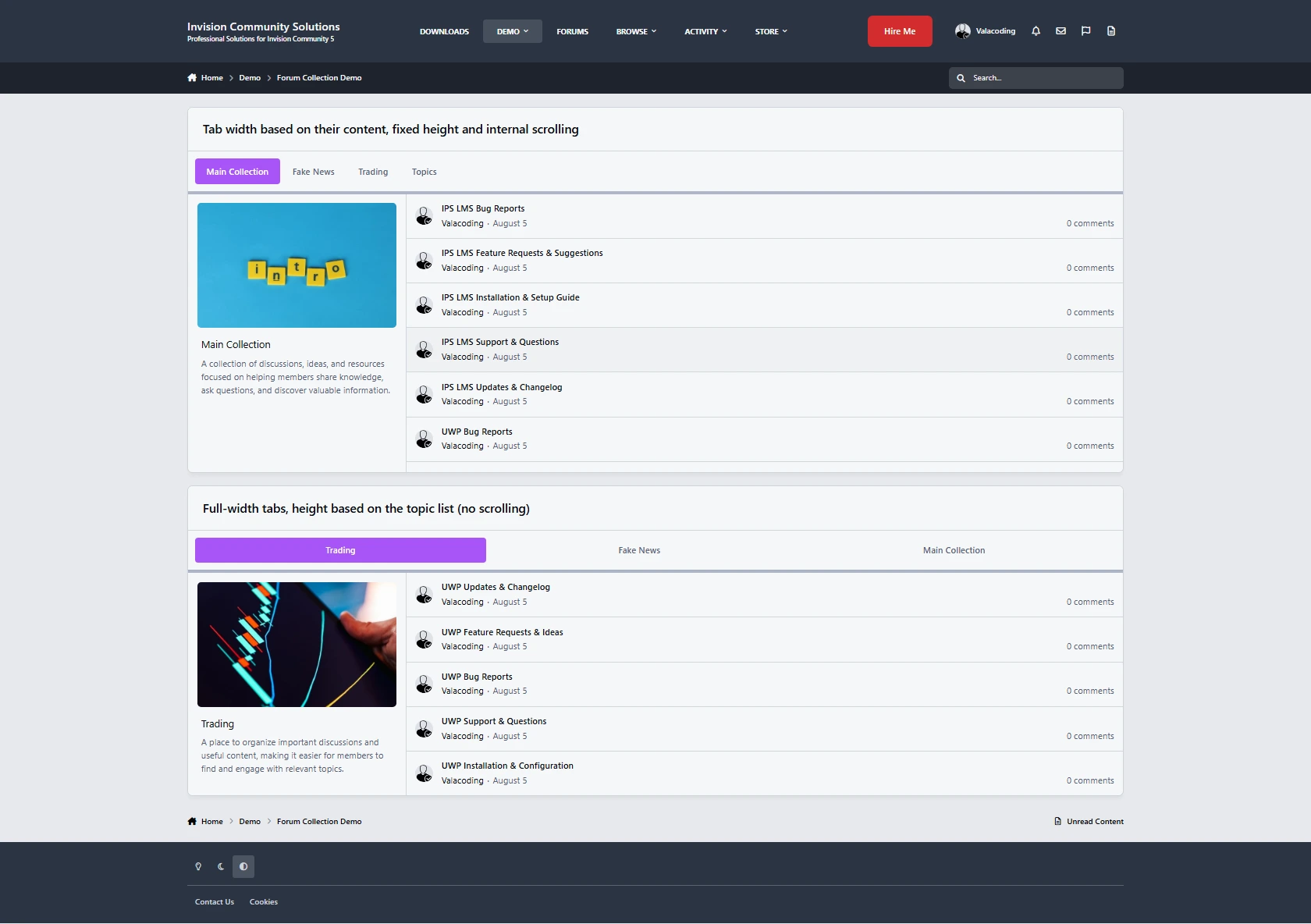
Tabbed Collection Widget — Display multiple collections together in a clean tabbed layout.
Easy Collection Management — Select your collections and reorder them with ease.
Flexible Tab Styling — Customize the tab layout, including height, width, and scrolling behavior.
Place It Anywhere — Display your collections wherever IPS widgets are supported.
Group-Based Visibility — Decide which member groups can see each collection.
Built for Your Community
Use Forum Collection to create featured topic feeds, curated discussions, category highlights, community sections, and more.
Simple to set up, flexible to customize, and completely free.
-
 1
1
There are no reviews to display.