Online Today +Plus
Invision Community 5
- Category Widgets
- Downloads 134
- Compatibility IC5: 5.0.0+
- Updated


Overview
Online Today +Plus is built with efficiency and enhancement in mind, delivering a highly customisable front-end widget for Invision Community.Description
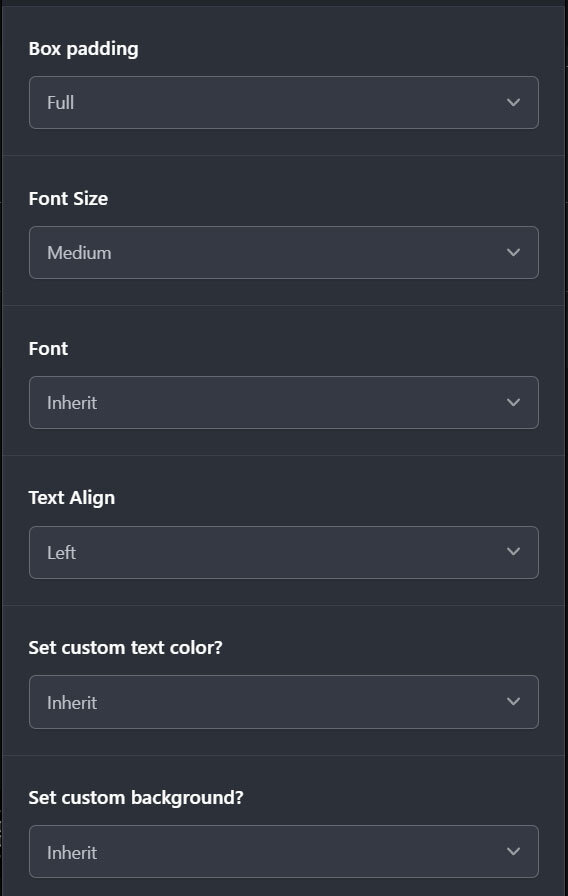
With a broad range of configuration options, including advanced settings for more precise control, you can tailor the widget to match the needs of your community.
Display members active within the last 24 hours, or set your own custom time range. Instead of performing full raw member scans on every page load, Online Today +Plus uses a cached snapshot, filters older rows in memory, runs smaller delta queries for updated activity, and stores only the columns it actually requires. This helps reduce rendering overhead and keeps performance fast and efficient.
Combined with a range of presentation and usability enhancements, Online Today +Plus offers a more refined, flexible, and optimised alternative for displaying recent member activity.
Core widget features
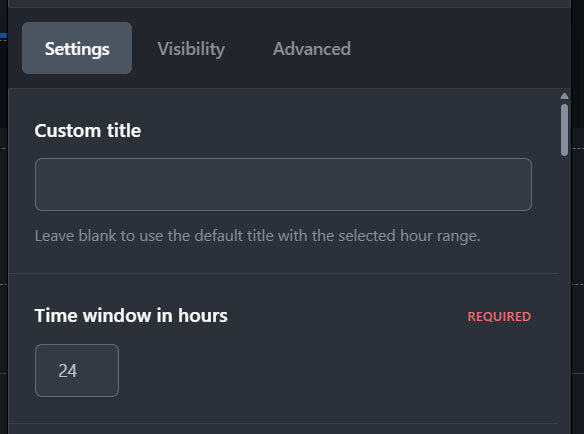
Configurable time window in hours
Configurable custom widget title
Group-based visibility control for who can see the widget
Maximum displayed members limit, including 0 = no limit
Exclude primary groups
sort members by:
Last activity
Name
Primary group
Sort direction:
Ascending
Descending
Display and styling features
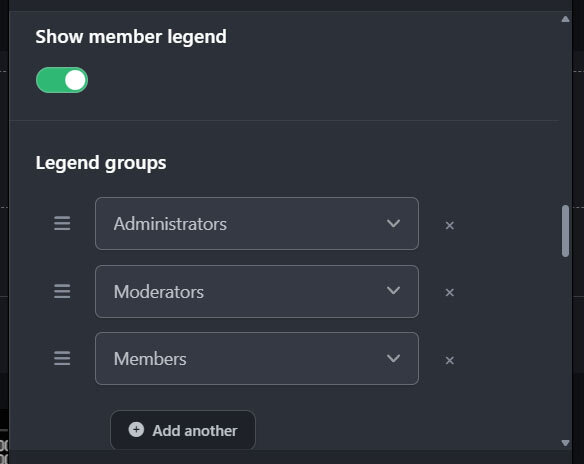
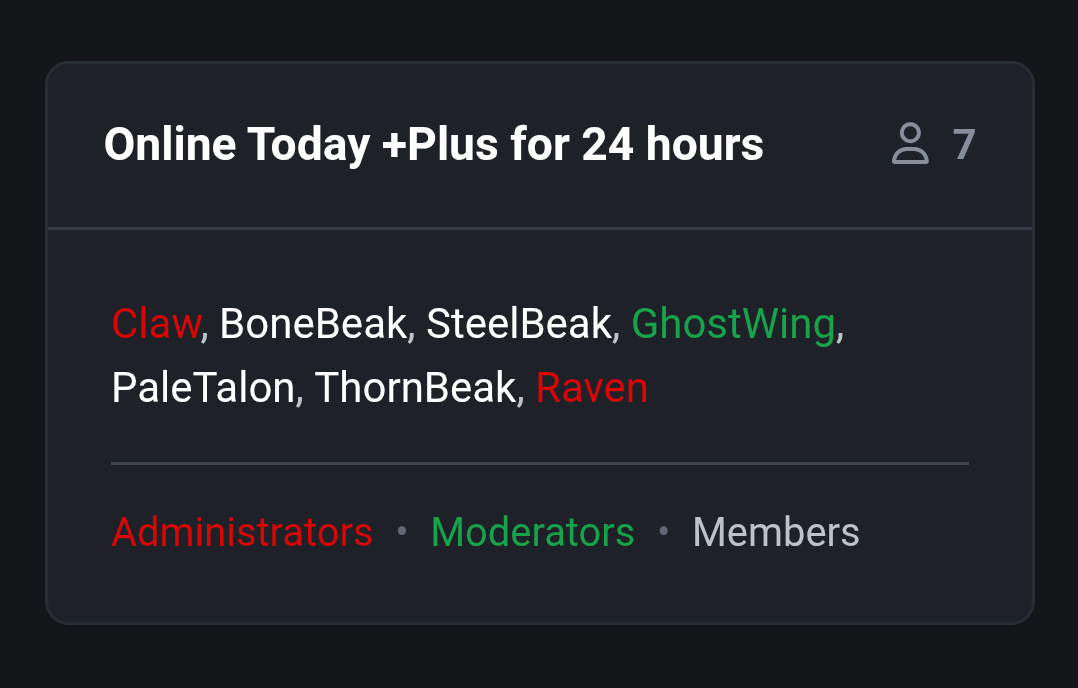
Optional member legend
Optional manual legend group selection and ordering
Automatic legend generation when manual legend groups are not set
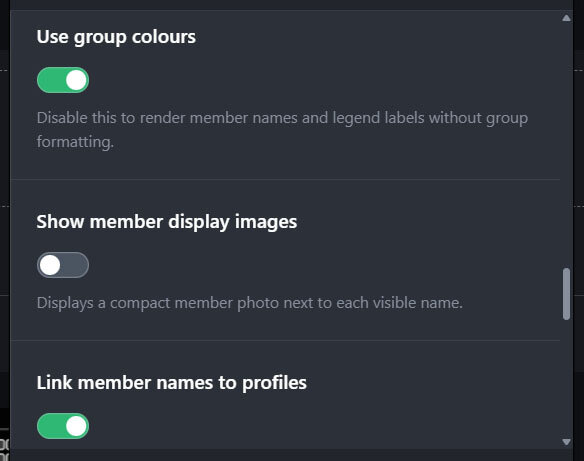
Optional group colour formatting
Optional section separator between members and legend:
None
Single line
Soft line
Double line
Dotted row
Diamond row
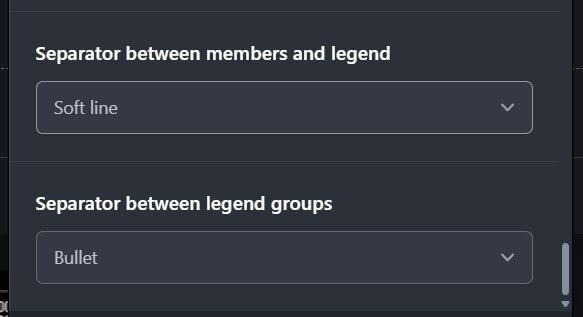
Optional legend separator between legend groups:
None
Middle dot
Bullet
Slash
Vertical bar
Dash
Profile and linking features
Optional profile linking
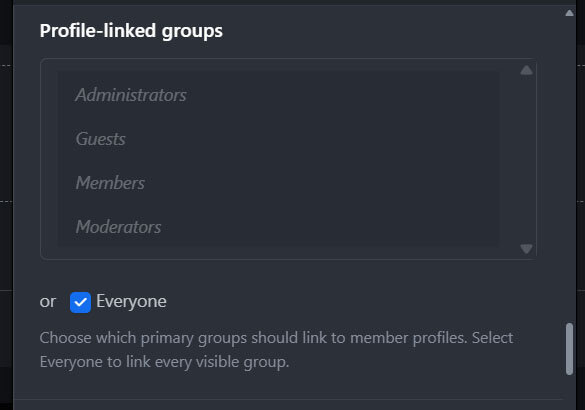
Selectable profile-linked groups
IPS hovercards on linked members
Optional legend group links to ACP group pages for admins with permission
Header count can link to the core online users page when accessible
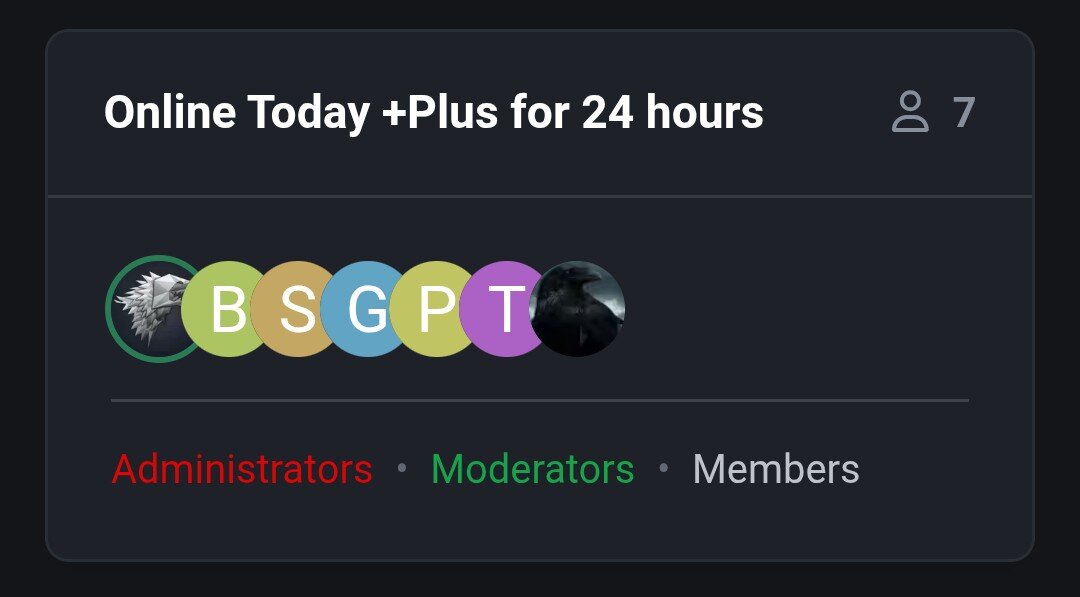
Display image / avatar mode
Optional display images
When enabled, the widget becomes avatar-only
Avatars partially overlap
Hovered avatars come to the front
Avatars wrap onto a new row cleanly
Optional green online ring around avatars for members currently online
Profile links and hovercards remain attached to avatars
-
 1
1
Create an account or sign in to leave a review
There are no reviews to display.