Widgets
-
IPS5.0.x
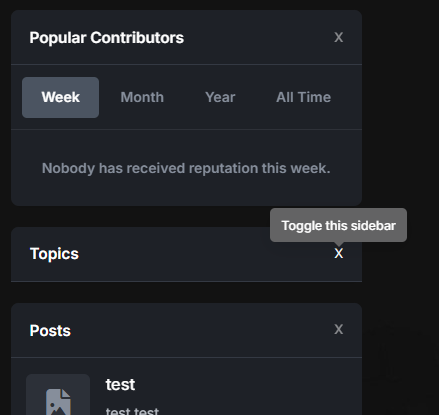
The Toggle Sidebar Widgets plugin for IPS5 allows users to collapse and expand sidebar panels with a smooth animation effect. This feature enhances user experience by providing a cleaner and more organized interface, reducing clutter when panels are not needed. Users can toggle individual widgets using a dedicated button, ensuring efficient space utilization while maintaining accessibility to content. The plugin remembers user preferences, so hidden widgets remain collapsed upon revisiting the page.
-
IPS5.0.x
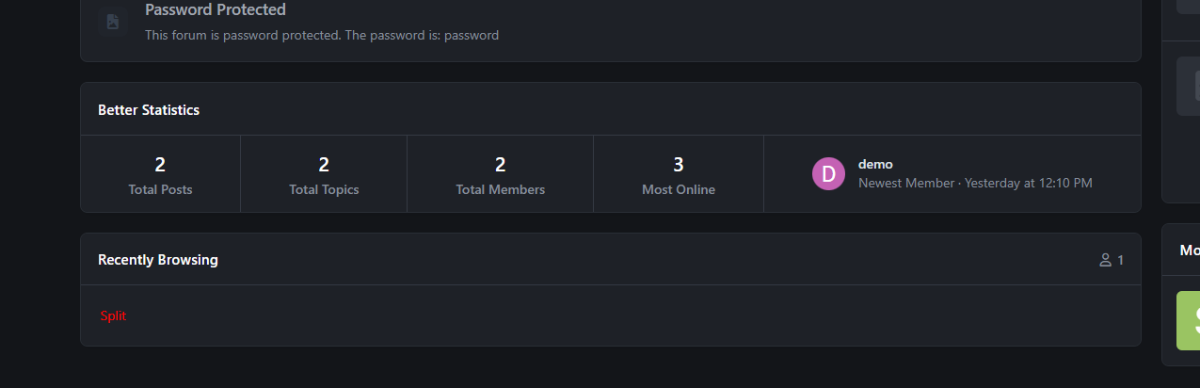
An application that combines the code from two built-in widgets called "Member Statistics" and "Forum Statistics" into one. It also has two built-in themes to change.
-
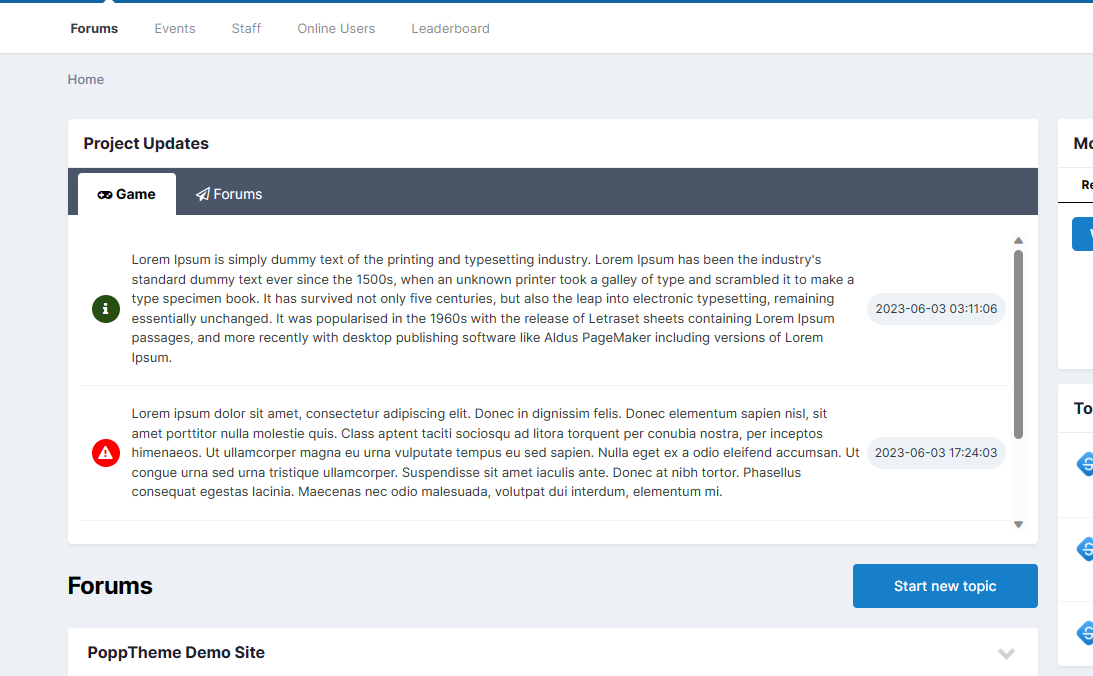
This application adds a widget to the homepage that displays the latest updates from a given project.
Functions:
Added new statuses (Success, Info, Error, etc.) with icons and colors
Adding new projects with icons
Multilingual support
Font Awesome support
An option to configure JSON will be added soon.
-
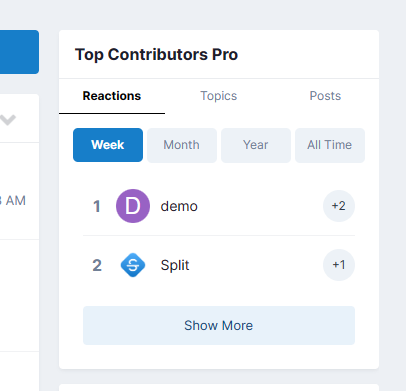
The app adds a new widget that works similarly to Top Contributors, but also displays topics and posts with sorting options.
-
IPS5.0.x
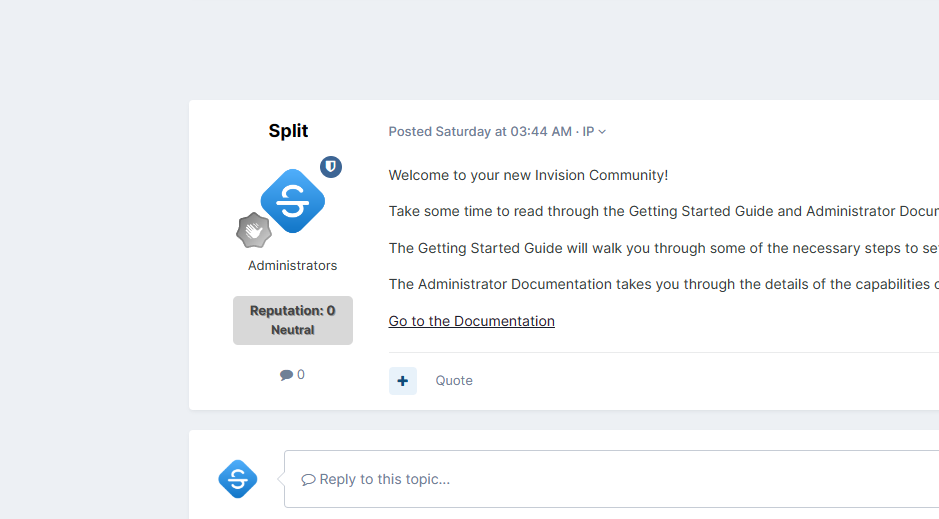
This plugin displays the reputation level along with the title in the post view. The appearance of the level can be edited as desired. More features will be added in future updates.
-
IPS5.0.x
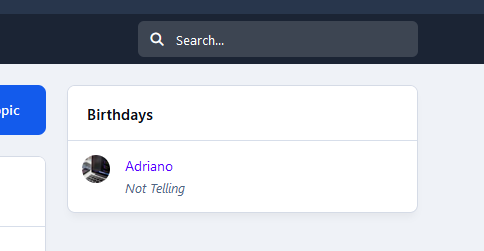
This application allows you to display members celebrating their birthdays who meet the following criteria:
Content Item Count
Reputation Points
Achievements Points
Active in the latest X days
Groups
Two widgets:
All members celebrating birthdays on the day or forthcoming days
Show a birthday greeting to the user celebrating their birthday
Note:
The widget will be visible only if the profile setting Enable birthdays? is set to:
Show birthdays to all in user profiles: will show the widget to everyone.
Show birthdays only to admins and the member themselves: will show the widget to admins only.
Disable birthdays in user profiles: The widget will not show at all.
-
IPS5.0.x
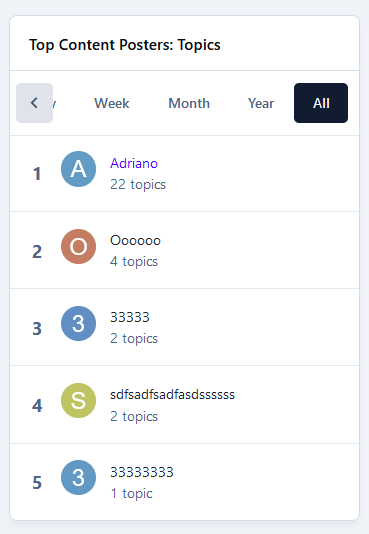
This application will give the admin the ability to create a TOP POSTER CONTENT block similar to the Popular Contributors block, using any of the content available on their board. You can use more than one block on every page.
Filters: The records can be filtered by:
Today
Week
Month
Year
All Time
Content Type: The following content will be automatically recognized and will be available to be used in blocks:
Forums: Top Topics Starter
Forums: Top Posters
Gallery: Top Images Submitter
Downloads: Top Files Submitter
Blog: Top Entries Starter
Calendar: Top Events Starter
Pages: Top Records Starter
Content Type - 3rd party: It will also work with any 3rd party app that meets the requirement for IPS4 Content Item, such as:
Tutorials
Videos Directory
Links Directory
Movies
Games
Raffles
Quizzes
Recipes
Books
Etc.
Those options will appear if you have the application installed on your IPS5 installation.
Settings per widget block:
Block title
Number to show
Type of Content
Groups allowed to view the block
-
IPS5.0.x
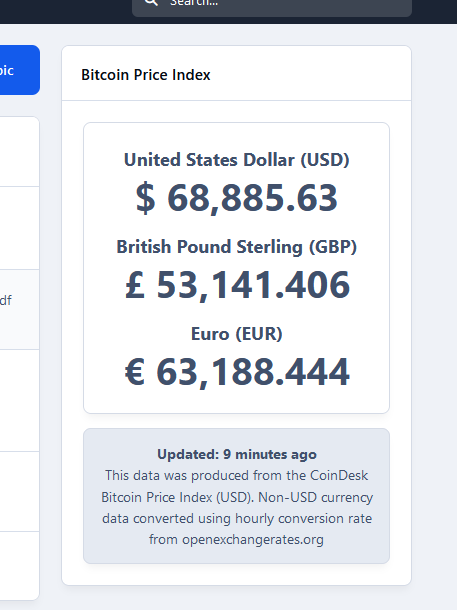
This application will create a widget to display the real-time Bitcoin Price Index (BPI) in USD, GBP, and EUR.
Widget configurations:
Choose the currencies to be displayed:
United States Dollar (USD)
British Pound Sterling (GBP)
Euro (EUR)
Display the last updated date
Display disclaimer
Note:
The support for this resource will continue as long as the API remains operational.
-
IPS5.0.x
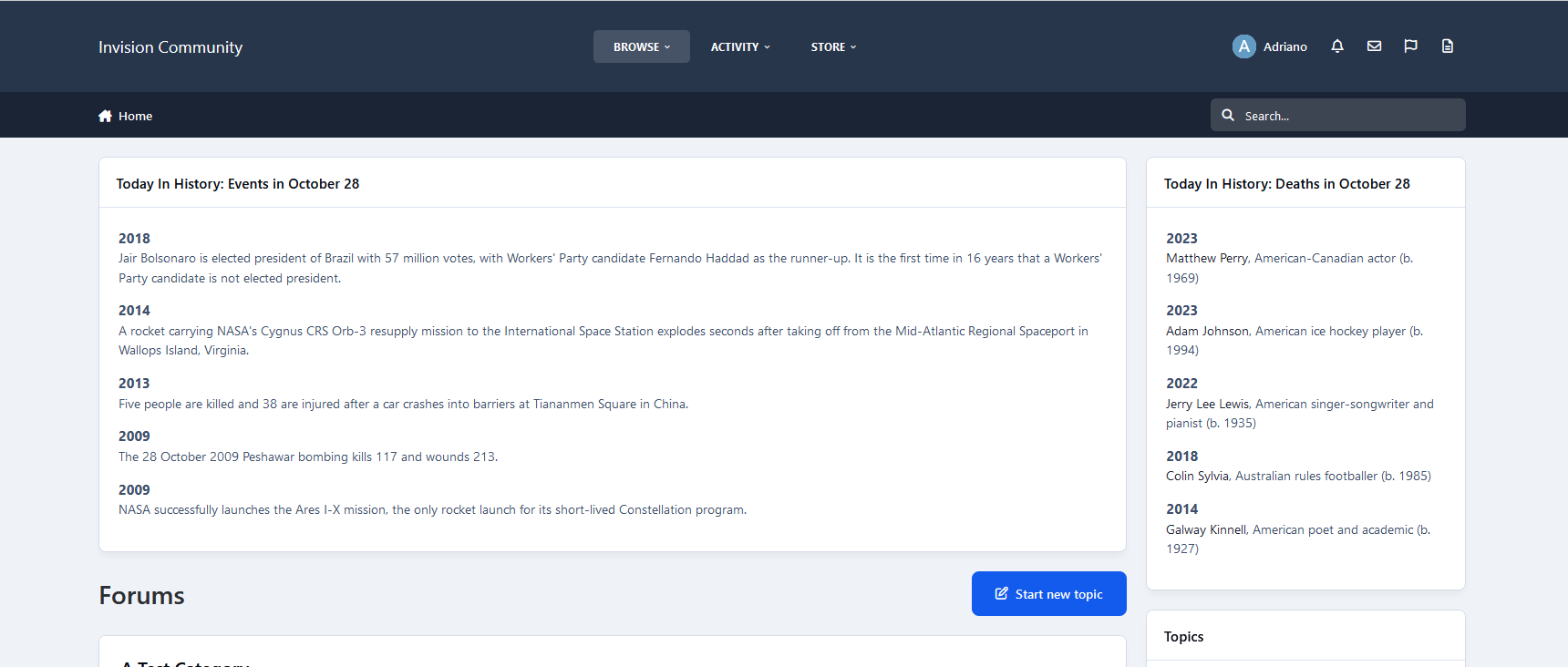
This application will display records from Wikipedia (Example: https://en.wikipedia.org/wiki/February_25)
IMPORTANT NOTES:
ONLY ENGLISH IS SUPPORTED IN THIS WIDGET
Support will be provided while the API is available and functional; otherwise, the resource will be dropped from the Marketplace.
Widget Configurations:
Type of records to show
Births
Events
Deaths
Sorting records
Newest records first
Oldest records first
Display links to wikipedia.org in the records
Number of records to show
You can use more than one instance of the widget per page.
-
IPS5.0.x
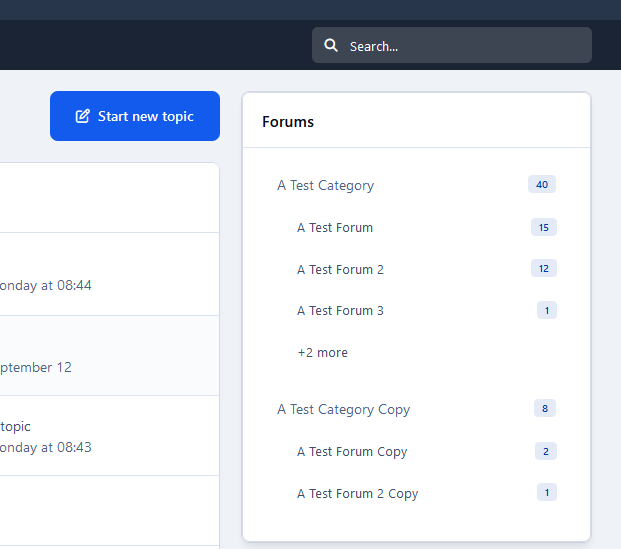
This application will display categories, forums, and subforums within a widget, similar to how other apps like Pages and Downloads do.
Widget configuration:
Number of subforums to display
Notes:
Permissions honored: The user will view categories/forums with permission to view.
Although it is named Sidebar, the block can also be used in the main area.
-
IPS5.0.x
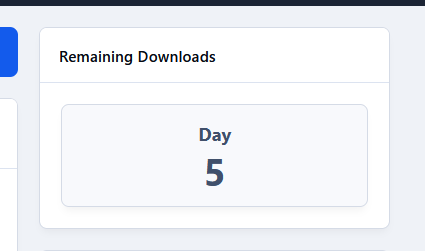
This application will display a widget showing the remaining number of files to be downloaded when the user group has a restricted number of downloads in the Downloads application.