Commerce
-
IPS5.0.0+
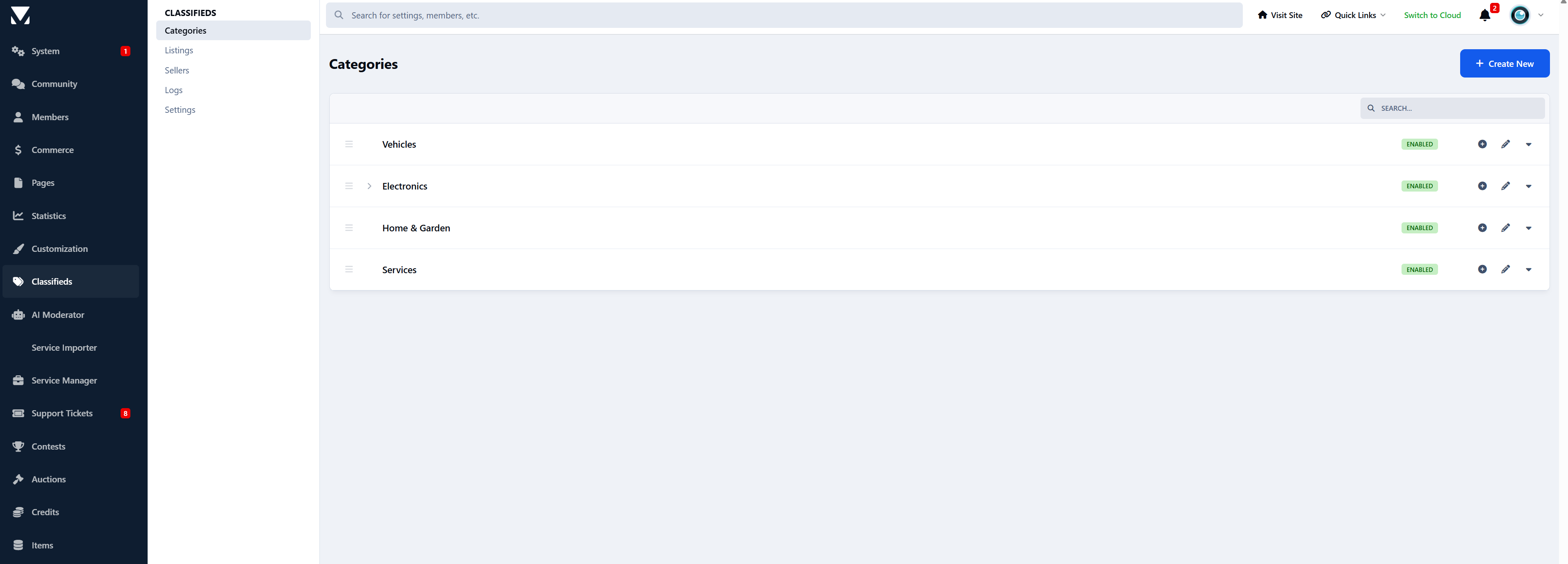
Classifieds for Invision Community 5 lets your members buy, sell, trade, and promote items in a clean, modern interface.
Running a hobby forum, local community, gaming site, or niche marketplace? This app gives your users a familiar, easy way to list items and connect.
Simple, powerful listings
Members can create rich listings with:
Multiple images
Clear pricing (paid, free, or negotiable)
Item condition and location
Automatic expiration and renewals
Everything stays clean, organised, and easy to browse.
A browsing experience people enjoy
Grid and list views
Advanced filters and smart sorting
Save listings for later
It feels more like a real marketplace - not a forum pretending to be one.
Powerful moderation & control
Admins and moderators get:
Full category control with custom rules
Optional approval queues
Activity logs and bulk actions
Seller overviews and listing stats
Soft deletes to recover mistakes
Everything you’d expect from a serious IPS app.
Early Release
This app is actively under development.
Upcoming features include:
Featured listings
Paid packages and monetization options
Additional marketplace tools
Replies, reactions and auto topic creation
Digital file sales
....
Feedback and feature requests are very welcome - early adopters help shape the roadmap.
-
IPS5.0.0+
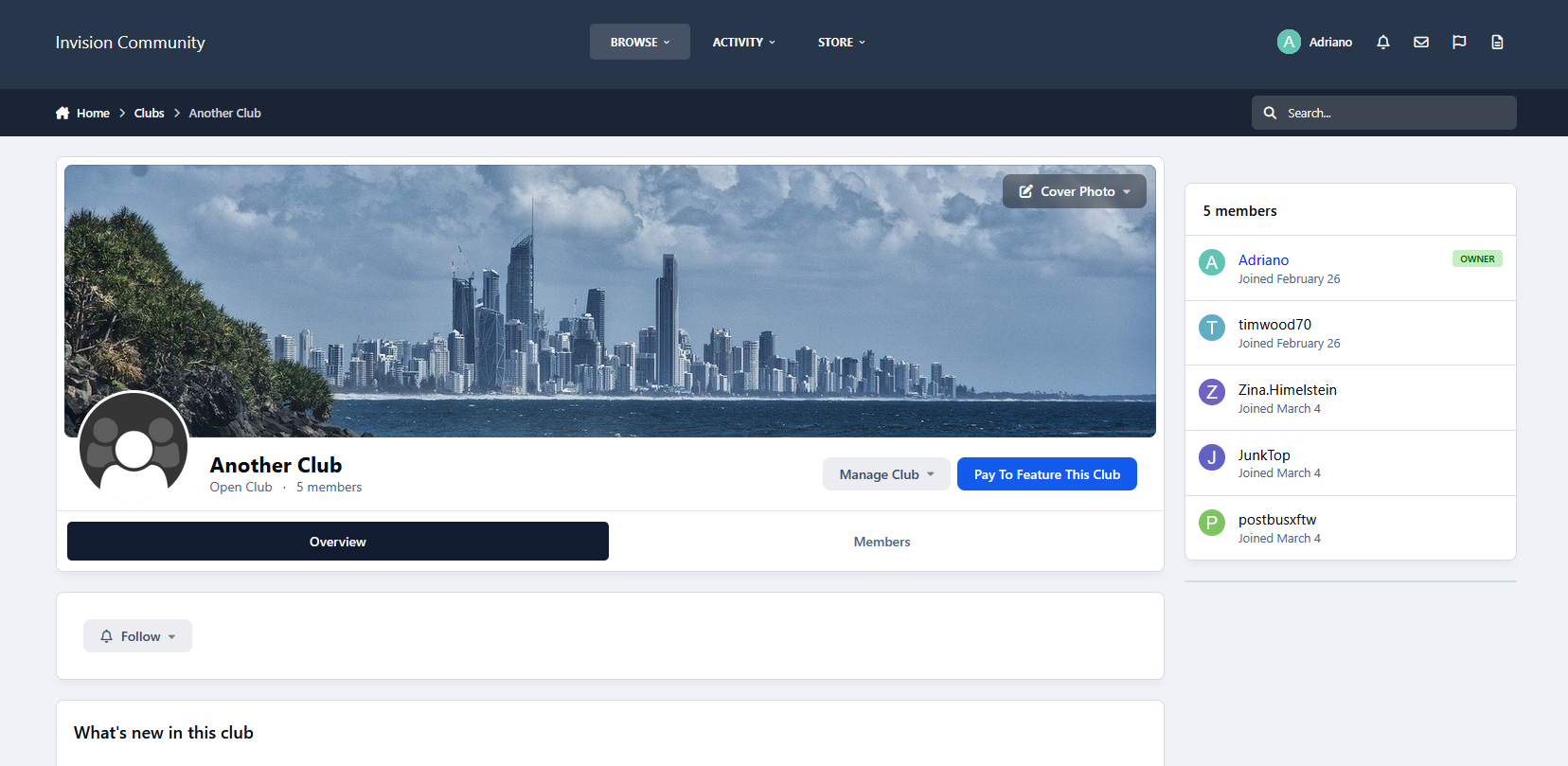
This application will allow you to charge your members to feature their clubs for set times. Since your members can now charge for club memberships, it might be beneficial to let them promote their clubs through the featured settings.
Features
Allow club owners to feature their clubs (at a cost)
Create unlimited packages with different amounts of times the club is featured for
As soon as the purchase is complete, the club will be featured
The club will be unfeatured after the purchase has expired
Set renewals to allow the members to keep their club featured
Show a widget with a list of featured clubs to place anywhere on your site
Requirements
Commerce app
Clubs enabled
-
IPS5.0.0+
This application will allow you to charge your members to feature their files in Downloads for set periods.
Features
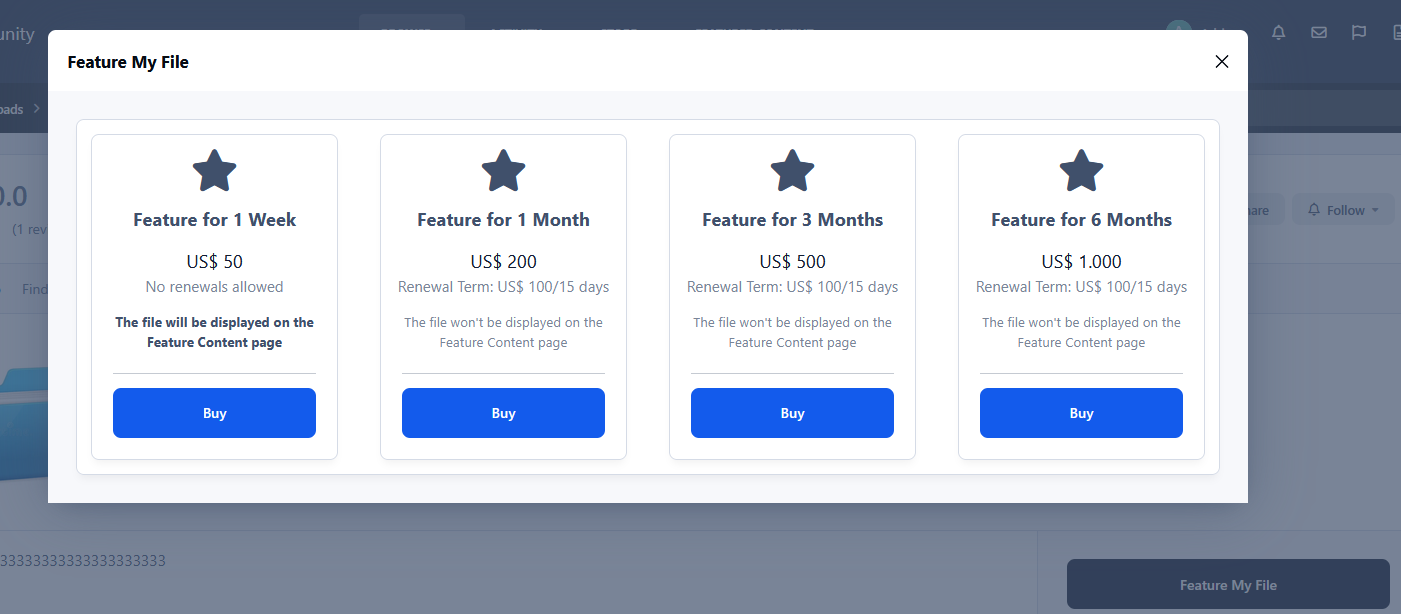
Allow uploaders to feature their file ( At a cost )
Create unlimited packages with different amounts of times the file is featured for
As soon as the purchase is complete, the file will be featured
Ability to add the file to the IPS5 feature FEATURED CONTENT page
The file will be removed from that page when the purchase expires
The file will be unfeatured after the purchase has expired
Set renewals to allow the members to keep their files featured
Requirements
Downloads app
Commerce app
-
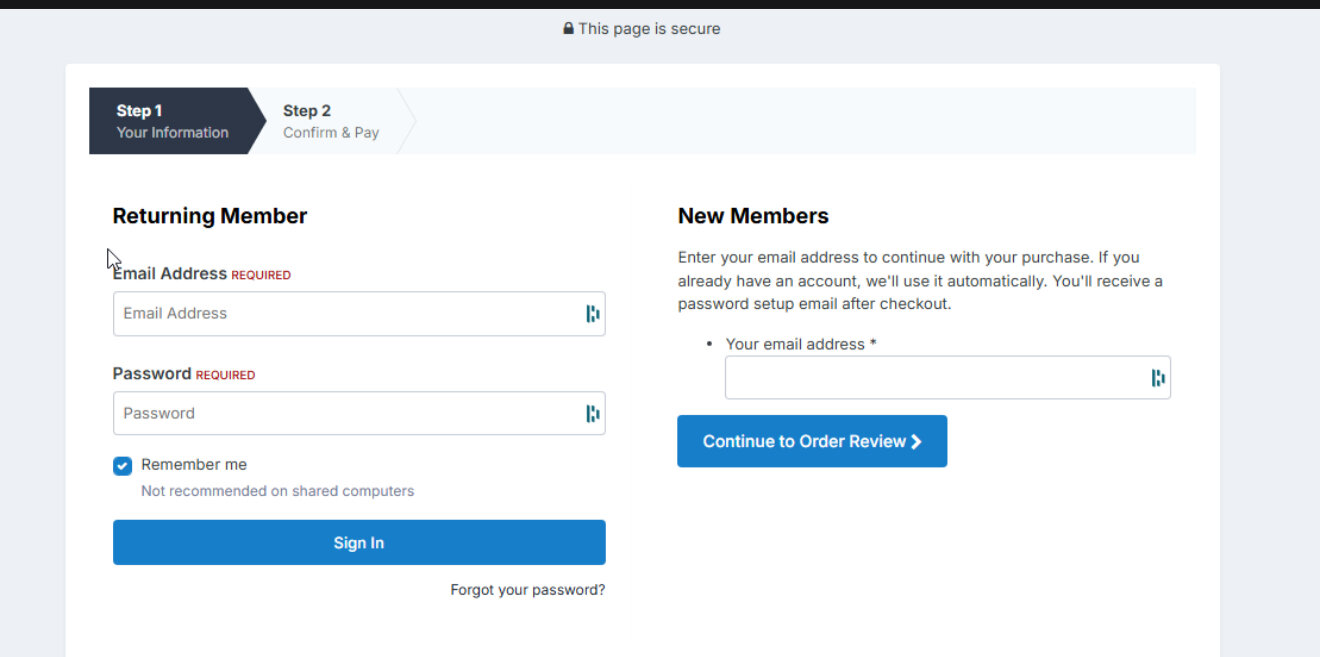
this plugin will allow your users to complete checkout without needing to register. simply input your email for your new or existing account and new users it will automatically create their user and existing users it will tie the order to your existing account!
-
IPS5.0.0+
File Flash Sale - Easily create time-limited flash sales for your Files with automatic discount management.
Select files, set discount percentages, and define start/end times.
Prices are automatically adjusted during the sale and revert back after it ends.
Optionally mark unpaid invoices as expired when the sale ends.
Includes a widget to showcase discounted files with a live countdown timer.
Requirements: This app requires both the Downloads and Commerce apps to be installed.
Note: Only supports Files – does not apply to Products from Commerce or other apps.
-
IPS5.0.x
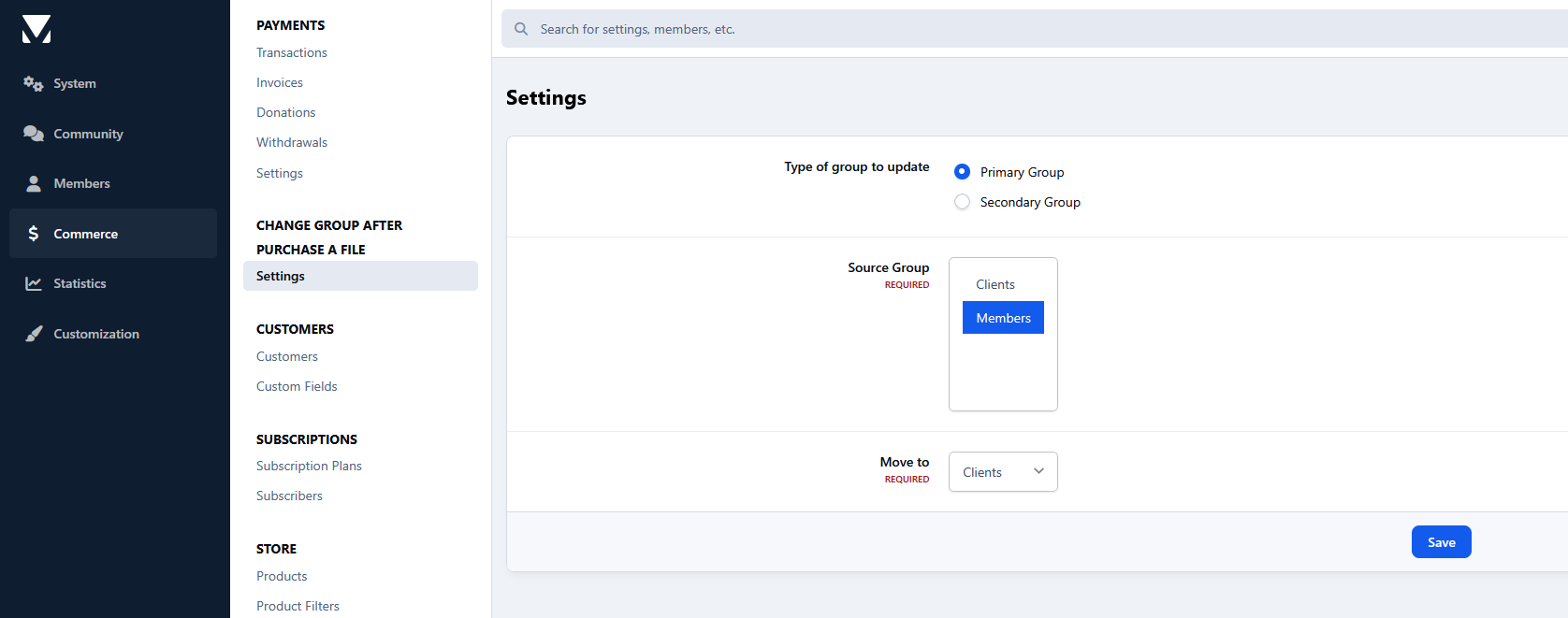
Users will be moved to a chosen group or have their secondary groups changed after purchasing a file.
Requirements:
Downloads app
Settings:
Type of group to update: primary or secondary groups
Source groups
Destination group
-
IPS5.0.x
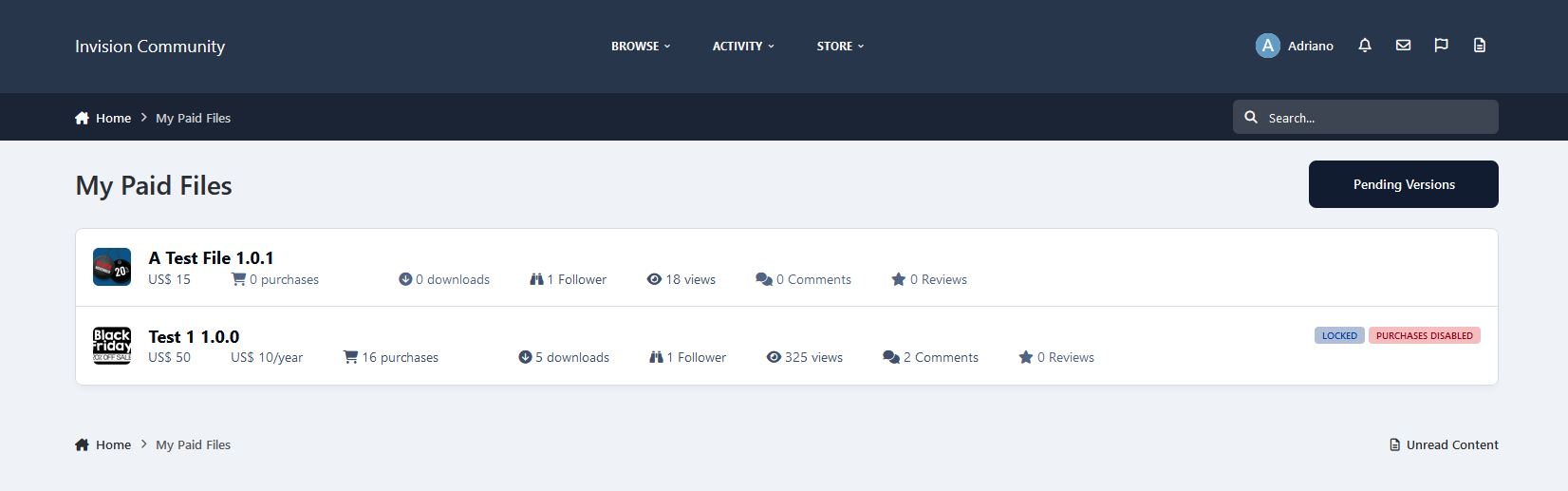
This application will allow file submitters to view a list of purchasers of their files and optionally add the ability to add purchases for their files manually.
Requirements:
Commerce
Downloads, with the Commerce integration enabled.
Settings:
Files per page on the index listing
Purchases per page on file view
Groups allowed to use this feature
Allow file submitters to generate manual purchases for their files
Allow file submitters to enable/disable purchases in their resources
-
IPS5.0.0+
CoinGate Gateway - payment gateway for Invision Community 5. Accept Bitcoin, Stablecoins & Other Cryptocurrencies on Multiple Networks.
-
IPS5.0.0+
ForumPay is meticulously designed to address the challenges faced by global businesses and payment processors by guaranteeing scalability, compliance, speed, and security. ForumPay solutions empower users with the ability to:
Reach over 659 million crypto-consumers via a wallet-agnostic solution.
Avoid cryptocurrency volatility through instant confirmation and conversion to USD, EUR, GBP, or other traditional FIAT currencies.
Receive direct bank deposits on a daily basis.
Integrate the system smoothly into existing payment flows.
Transact safely with dependable security measures.
Assure compliance with all international jurisdictions.
Benefit from established trust with top payment leaders.
-
IPS5.0.0+
Cryptopay - accept crypto payments globally. Payment gateway for Invision Community 5.
-
IPS5.0.0+
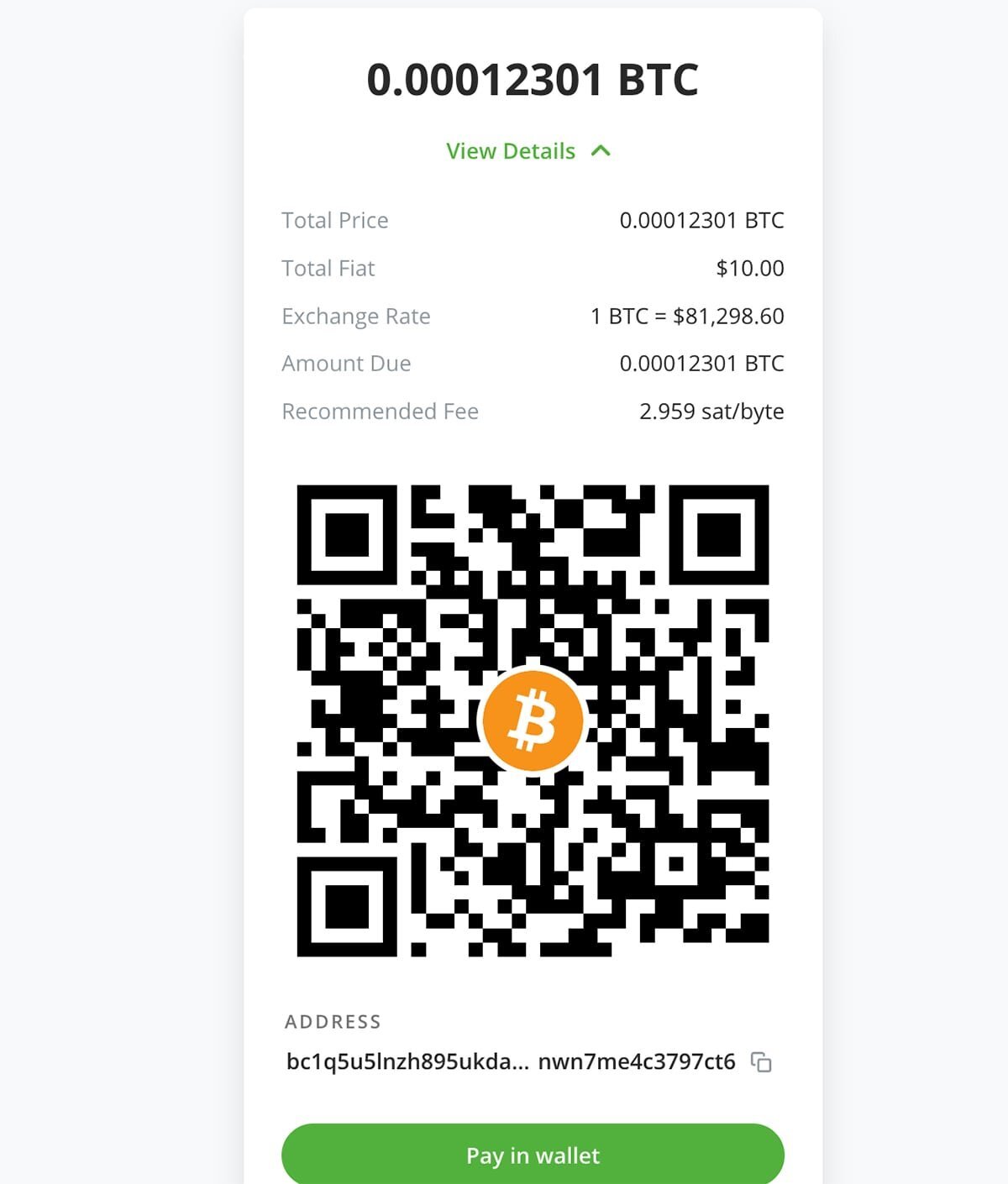
Coinbase Commerce is the most seamless way to start accepting crypto payments.
-
IPS5.0.0+
BTCPay Server is a self-hosted, open-source cryptocurrency payment processor. It's secure, private, censorship-resistant and free. This integration allows you to accept crypto payments in Invision Community 5.
-
IPS5.0.0+
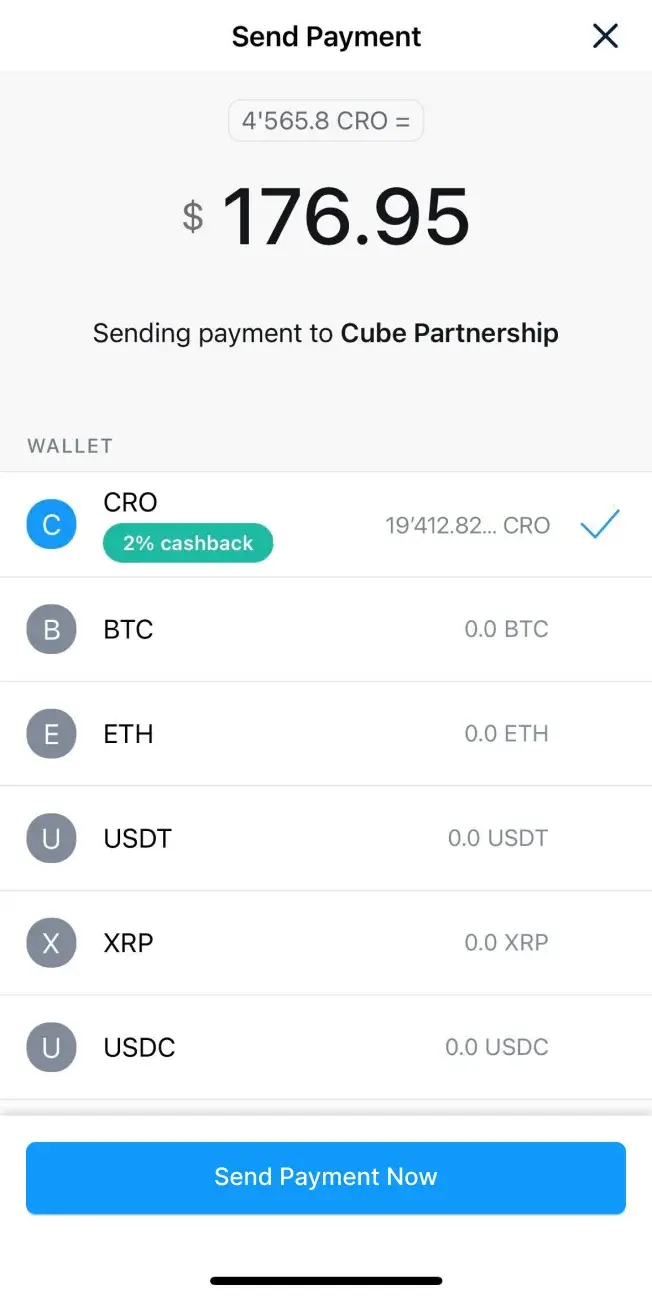
Start accepting crypto payments today - Crypto.com Payment Gateway for Invision Community 5.
Tap into the global cryptocurrency economy and start accepting Bitcoin and other popular cryptocurrencies on your community.
-
IPS5.0.0+
YooMoney Quickpay - application allows you to accept payments on the Invision Community through YooMoney wallets or bank cards.