Integrations
-
IPS5.0.0+
Federation
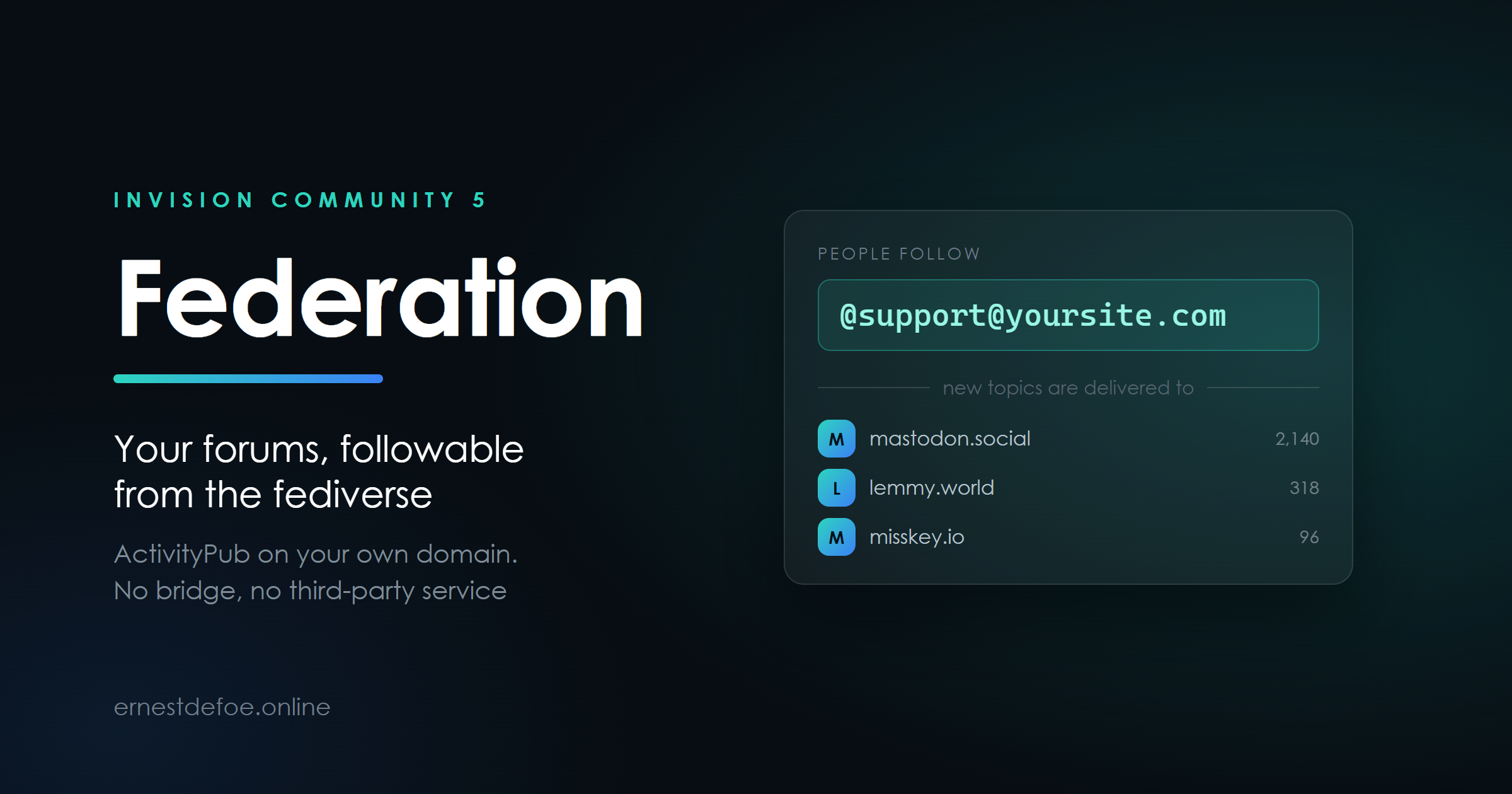
Somebody on Mastodon searches for @support@yoursite.com, presses follow, and from then on every new topic in that forum arrives in their timeline. They reply from where they already are. Nobody signs up for anything.
Federation makes your forums followable from the fediverse over ActivityPub — from your own domain, with no bridge and no third-party service in the middle.
How it works
Each forum is an address
Choose which forums federate and each becomes a followable account — @support@yoursite.com. Your community also has one of its own.
Topics go out
A new topic is delivered to everyone following that forum. Replies follow as replies, so the thread reads as a thread rather than a pile of unrelated posts.
People come back
Follows, likes and boosts arrive from anywhere that speaks ActivityPub — Mastodon, Lemmy, Misskey, Pixelfed and the rest.
Your domain, your posts
Nothing is relayed through anybody else's server. The addresses are yours and the content is served from your site.
No server configuration. Most ActivityPub implementations hand you an nginx rewrite rule and wish you luck. This one is an application: install the tar, pick your forums, done. It serves its own WebFinger, NodeInfo and actor documents through Invision Community's own routing.
Built to be safe with a stranger's instructions
An inbox is the only endpoint on a forum that acts on requests from people you have never heard of, so the checking matters more than the feature list.
Every incoming request is verified with HTTP Signatures — and not only that the signature passes, but what it covers. A signature that omits the request target can otherwise be replayed against a different endpoint, turning a harmless activity into a destructive one.
The body digest is checked against the body. A valid signature over a swapped payload is refused.
Replays are rejected, so a repeated delivery cannot become a duplicate post.
A delete for one of your posts from a remote server is refused outright. Only the original author's server may withdraw their own content.
Stale requests are refused, with enough tolerance for a server whose clock has drifted.
Delivery that tells you the truth
Queued, not inline
Nobody waits on a remote server to finish posting. Delivery runs in the background.
Retries that widen
A server being restarted is retried gently; a server that has gone for good is given up on within about a day and marked, rather than retried forever.
One copy per server
Where a remote offers a shared inbox it gets a single delivery for all its followers, instead of one request each.
Failures kept
The queue shows what went where, how many attempts, and the last error — so "why did that server stop receiving posts" has an answer.
Publishing is one-way and permanent. Anything federated leaves your server and is stored on other people's. It cannot be recalled — a delete is a request that well-behaved servers honour, not a guarantee. Choose the forums deliberately, and do not federate anything you would not put on a public timeline. Federation ships switched off with no forums selected, and stays that way until you choose.
Check it actually works
The AdminCP fetches your own discovery endpoints from the outside and tells you what came back. If a firewall, a CDN rule or an nginx block on dot-directories is swallowing them, you are invisible to the fediverse and there is no other symptom — you simply never appear in anyone's search. This turns that into a line of text you can read.
Requirements
Invision Community 5.0 or newer (self-hosted)
A public hostname over HTTPS, and PHP with OpenSSL
The task scheduler running, since delivery is queued
No account with me, no external service, no per-post fee
Set your community's URL before you federate. Every address this creates is built from it, and other servers remember them. Changing the board URL afterwards orphans every actor, follower and published post on every server that has seen them.
-
IPS5.0.0+
Passkeys — sign in with a face, a fingerprint or a security key
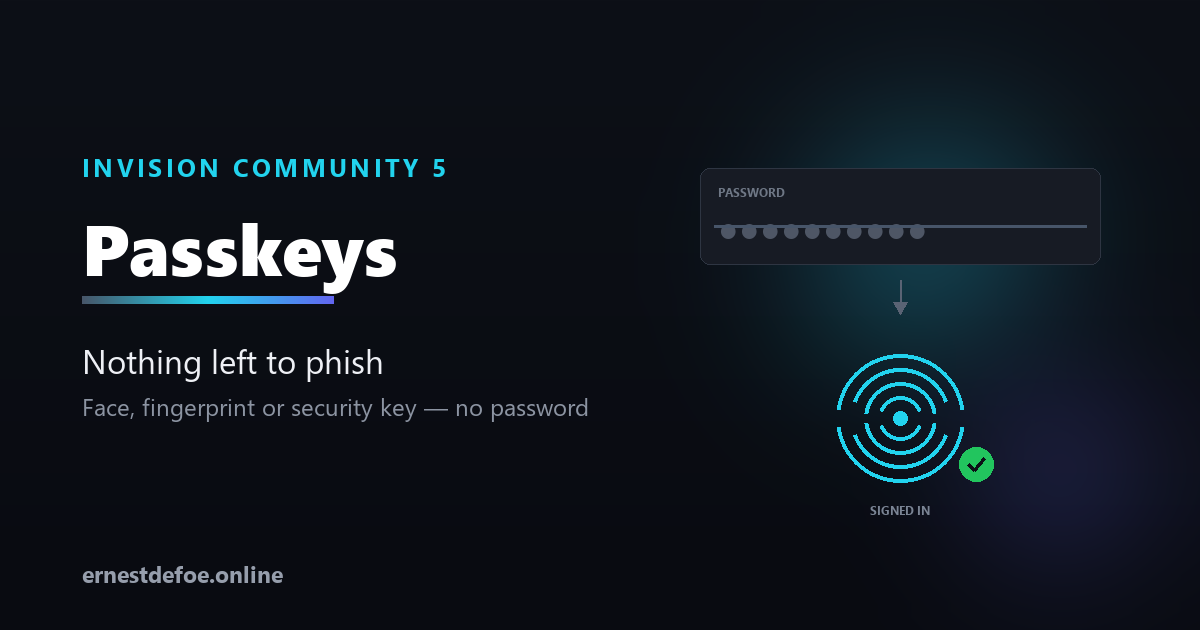
A passkey replaces the password entirely. Your members tap their phone, look at their laptop, or touch a security key, and they are in. Nothing to remember, nothing to type, nothing to leak.
This is a real login method, not a second factor. Invision Community has no WebAuthn support of any kind — this registers through core's own login-handler system, so the passkey button sits alongside your existing sign-in options and behaves like one of them.
Why passkeys and not another password policy
They cannot be phished. A passkey is bound to your domain by the browser. A convincing copy of your login page on another domain simply will not work — the credential refuses to sign for it.
They cannot be reused. Every site gets a different key, so a breach somewhere else cannot reach your community.
There is nothing on your server worth stealing. You store a public key. It verifies signatures and can create none.
Nothing to reset. No "forgot password" flow, no reset emails, no support tickets about them.
What members see
Adding one
A page in their account settings. One button, their device prompts, they name the key. Several devices, several keys.
Signing in
A "Sign in with a passkey" button on the normal login form.
Managing them
Rename or remove any key, with the date added and last used, so an old laptop is easy to spot and revoke.
Works with what people already have
Face ID and Touch ID, Windows Hello, Android biometrics, iCloud Keychain, Google Password Manager, 1Password, Bitwarden, and hardware keys such as YubiKey. Nothing to install — every current browser has this built in.
Built carefully, because this is authentication
Every check the WebAuthn specification asks for is performed, and the reason each one exists is that skipping it breaks the model. The challenge is single-use, purpose-bound and expiring, so a captured ceremony cannot be replayed. The origin is compared exactly — not "starts with" — so a lookalike domain cannot relay it. Registrations cannot be replayed as logins. A signature is verified over exactly the bytes the authenticator signed.
Cloned-device detection. WebAuthn gives one signal that a credential may have been copied: a signature counter that goes backwards. If that happens the passkey is disabled and the member is told why. Authenticators that don't count at all report zero forever — that is normal, and is never mistaken for an attack.
No third-party code. No composer packages, no bundled cryptography library, nothing fetched at runtime. Verification uses PHP's own OpenSSL functions.
Hidden when it cannot work. Browsers refuse passkeys outside a secure context, so on a site without HTTPS the button does not appear rather than failing when pressed.
No core files are edited. Upgrading Invision Community will not break it.
What you control
How many passkeys each member may register
Whether to require user verification — a fingerprint, face or PIN, rather than mere presence
Whether a backwards counter disables the credential
The name members see on their device when it asks them to confirm
Requirements
Invision Community 5.0 or newer (self-hosted)
HTTPS. Browsers will not create or use a passkey without it.
PHP with OpenSSL — standard on every install
-
IPS5.0.0+
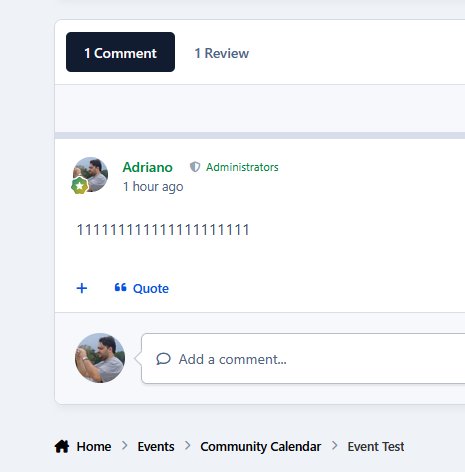
This application reorganizes the Comments and Reviews tabs so that Comments appears first and becomes the default tab.
Supported applications:
Downloads
Calendar Events
Gallery
Pages Databases
-
IPS5.0.0+
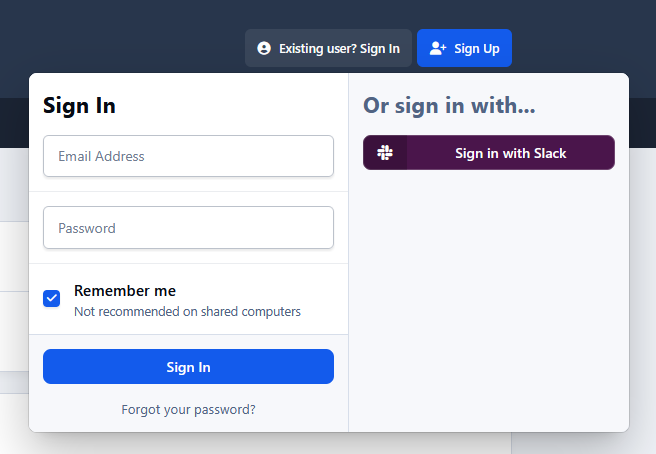
This application connects a Slack account to an IPS5 account. It allows users to sign up and sign in using their Slack account, as well as synchronize their display name and/or profile photo.
You must register your application at https://api.slack.com/apps to obtain:
Client ID
Client Secret
-
IPS5.0.0+
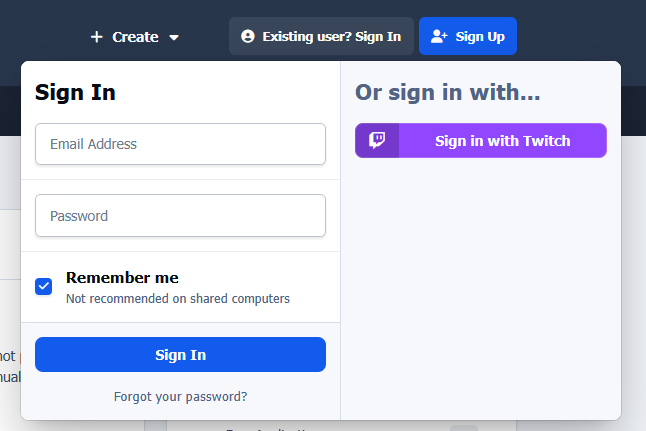
This application will connect the Twitch account to the IPS5 account. It will allow users to sign up and sign in with their Twitch account, as well as synchronize their username and/or profile photo.
You are required to register your application on https://dev.twitch.tv/console/apps to obtain:
Client ID
Client Secret
-
IPS5.0.0+
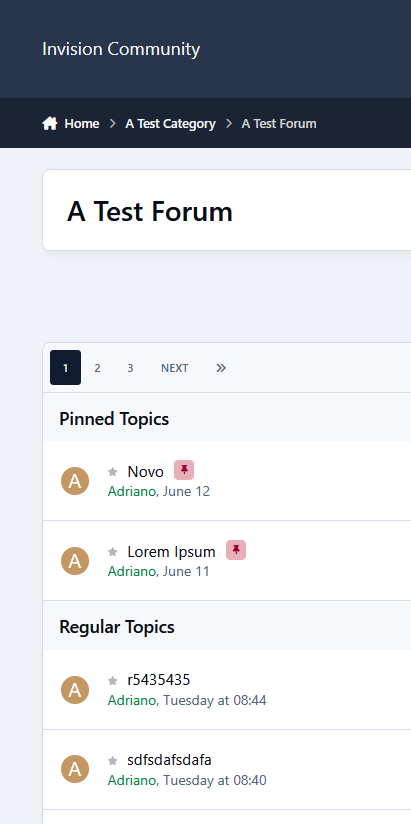
Displays pinned topics in their own section above regular topics on the forum view.
Updated upon request.
-
IPS5.0.0+
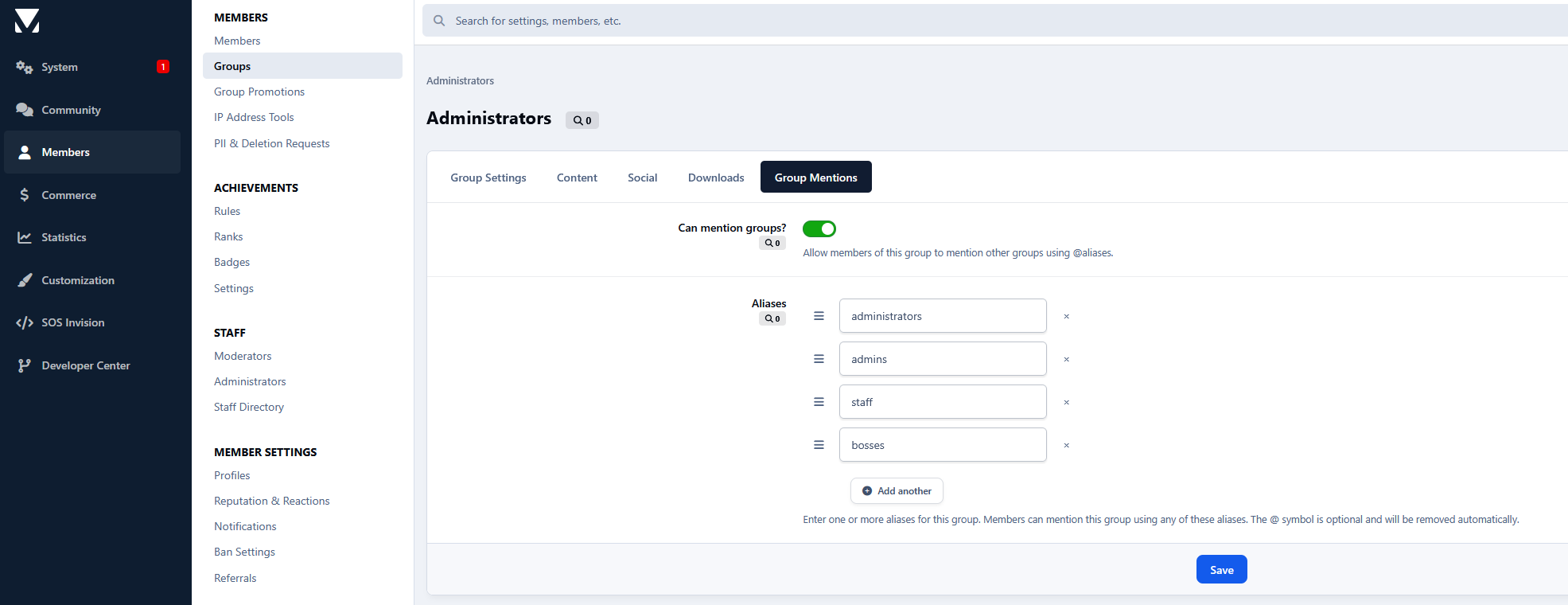
Group Mentions extends the IPS mention system by allowing members to mention entire groups using customizable aliases such as @admins, @moderators, or any alias you define. When a group is mentioned in posts, all eligible members receive a notification (Core mentions), making it easy to reach staff teams, moderators, or any custom group with a single mention.
Requirements:
Forums app.
Features:
Mention entire groups with @groupalias.
Unlimited aliases per group.
Native TipTap autocomplete integration.
Individual permission to allow or deny group mentions.
Guest group automatically excluded.
Styled mentions matching the IPS look and feel.
No core file modifications or hooks required.
Perfect for communities that need to notify teams quickly without mentioning members one by one.
-
IPS5.0.0+
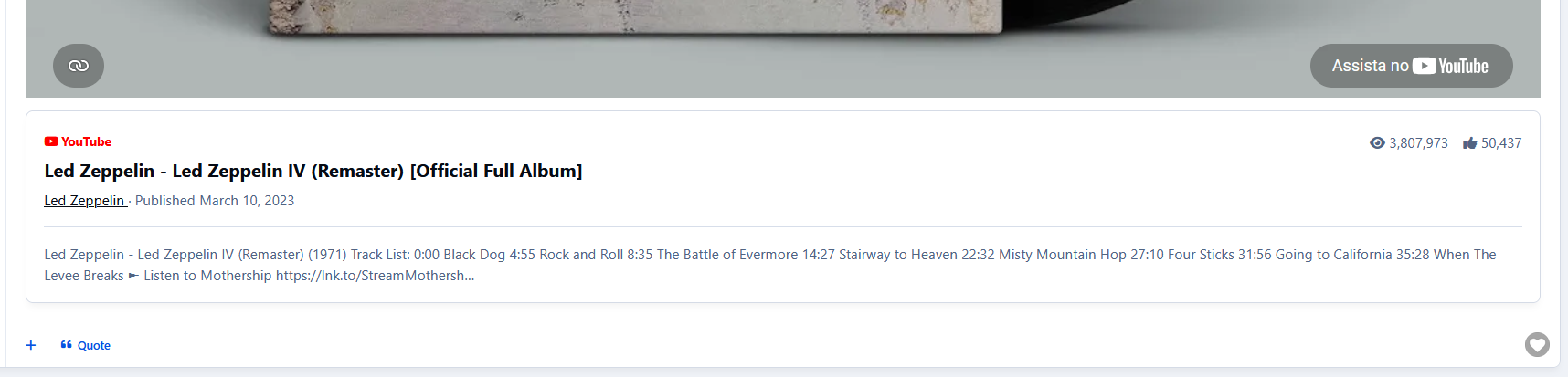
Enhance YouTube embeds in your community by displaying additional video information automatically. The application detects existing and new YouTube embeds and adds useful metadata from the YouTube Data API without modifying the original embed.
Features:
Works with old and new embedded videos
Displays video title, channel, publish date, views, likes, and description
Channel link directly to YouTube
Admin options to enable/disable channel information, statistics, and descriptions
Built-in cache system to reduce API requests and improve performance
A YouTube API key is required. The original video embed always remains untouched.
-
IPS5.0.0+
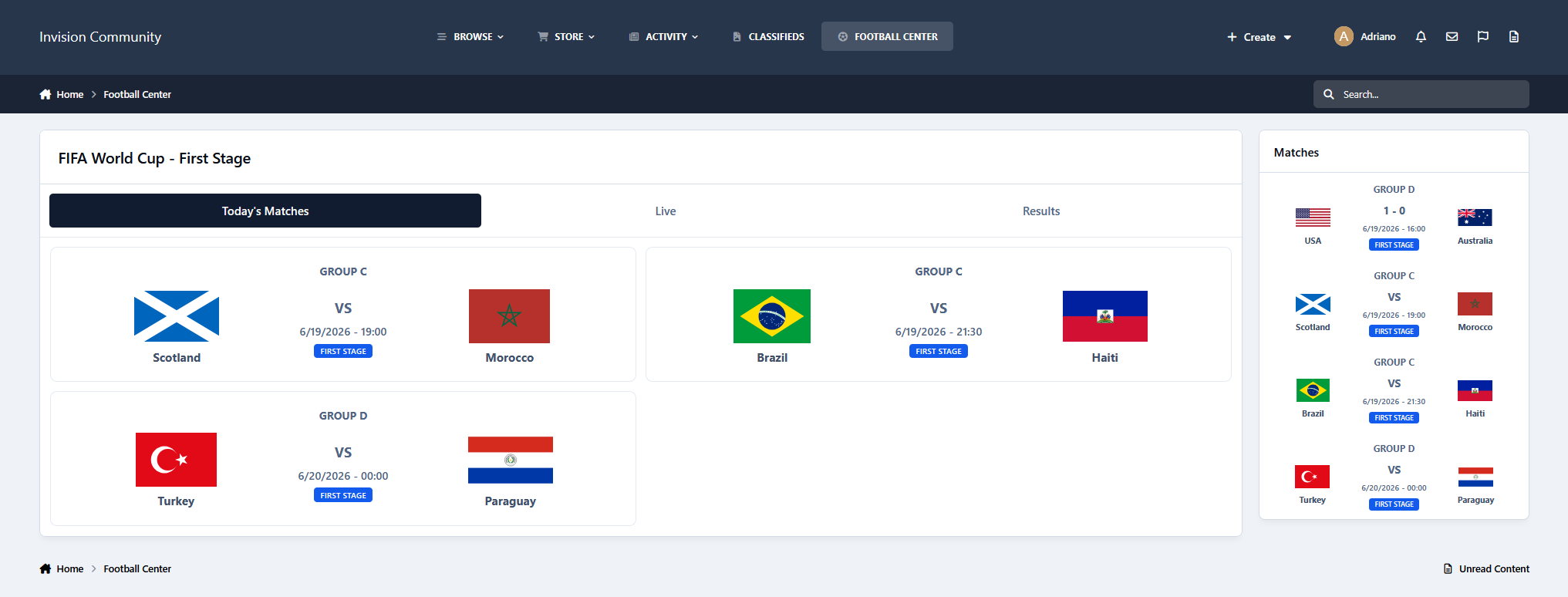
Football Center integrates with the football-data.org API to display fixtures, live scores, and results using a clean IPS 5 interface.
The first release focuses on the FIFA World Cup, with support for more competitions coming soon, including UEFA Champions League, Premier League, La Liga, Serie A, Bundesliga, Ligue 1, Brasileirão Série A, Copa Libertadores, and others.
Features
Today's matches
Live matches with scores
Results grouped by date
Team flags/logos
Competition stages and groups
Responsive layout
Sidebar widget
The app uses IPS Data Store caching with different cache times for schedules, live matches, and results, reducing API requests while keeping information updated.
Requirement:
An API key from football-data.org is required. Create a free account, get your key, and add it to the app settings.
-
IPS5.0.0+
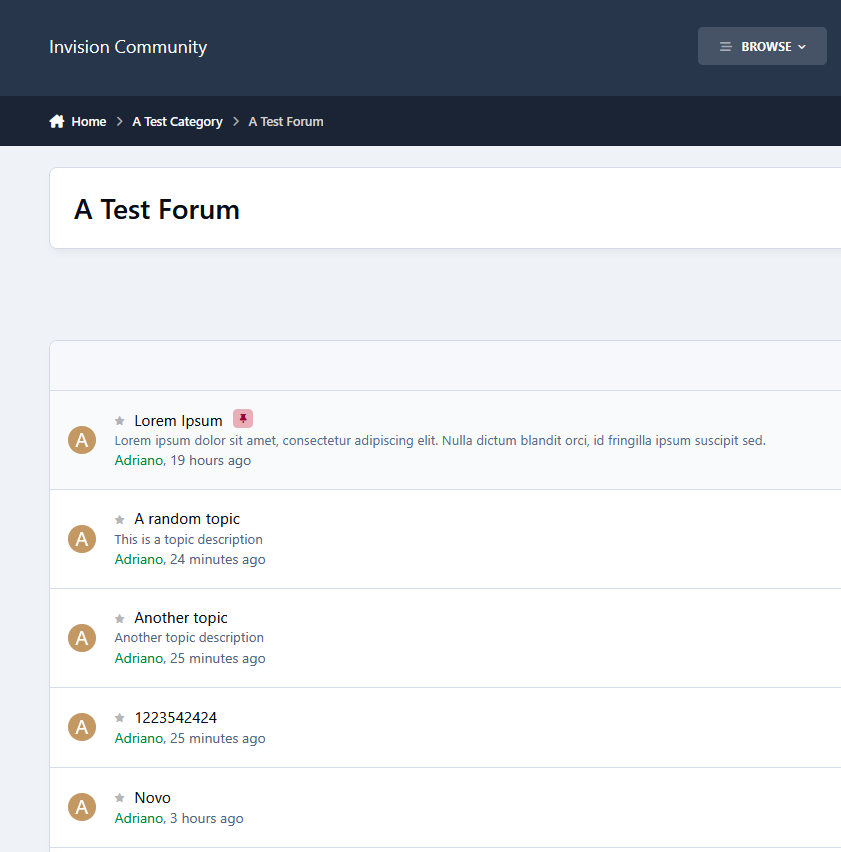
Topic Description allows your members to add a short and informative description when creating or editing topics, giving readers more context before opening a discussion.
Display Areas
Topic descriptions can be displayed in:
Topic View
Forum View
Fluid View
Content-focused view
Activity Streams
Search Results
Member Profile -> Activity Stream
Per Forum Configuration
Each forum can have its own configuration:
Enable/disable topic descriptions
Require a description when creating topics
Set the maximum description length
Choose which member groups can add topic descriptions
Global Settings
Control where topic descriptions are displayed:
Show in Forum View
Table, Fluid, and Content-Focused views
Show in Activity Streams and Search Results
Tools
Administrative tools included:
Mass enable/disable Topic Description across forums
Remove all existing topic descriptions
Moderator Permissions
Control which moderators can:
Add topic descriptions
Edit existing topic descriptions
Remove topic descriptions
-
IPS5.0.0+
This application adds a Preview button to the IPS5 Editor toolbar, allowing users to preview their content before submitting it. The preview window shows how the content will appear after posting and includes different viewing modes:
Desktop view
Tablet view
Phone view
This helps users review formatting, images, links, and overall layout across different screen sizes before publishing their content.
Features:
Native IPS5 Editor integration
No page reload required
Responsive preview modes
Works directly from the editor toolbar
-
IPS5.0.0+
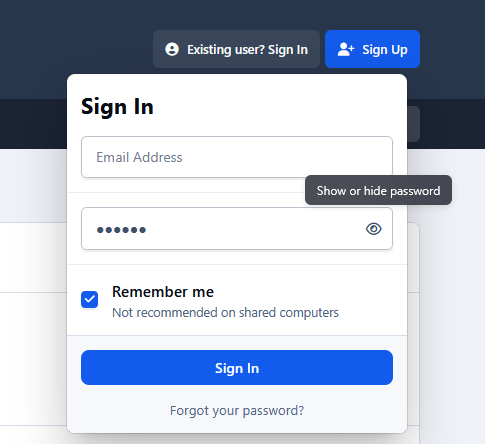
Adds a show/hide password button to password fields, making it easier for members to verify their password before submitting a form.
Tested in the following areas:
Login
Registration
Password-protected forums
Forms that require re-authentication, such as Account Settings → Security and Privacy
It should work with any password field throughout the front end.
-
IPS5.0.11+
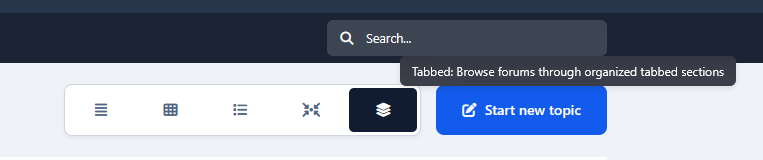
Create custom browsing experiences by grouping categories, forums, or club forums into separate tabs, making large communities easier to navigate and much more user-friendly.
Features:
Multiple tab types:
All Root Categories
Specific Root Categories
Specific Forums
Club Forums
Unlimited tabs
Per-tab permissions
Control which member groups can view each tab.
Font Awesome icons per tab
Optionally add an icon to each tab for better visual organization.
Remember the active tab
The app automatically restores the last active tab when users return to the forum index.
IPS5-native styling
Designed to match the IPS5 interface and support light/dark themes.
No hooks
Built specifically for IPS5 using a modern JS/CSS approach.
Notes
Due to the lack of hooks in IPS5, the Tabs option cannot be added to Account Settings → Content Preferences. Members can switch to the tabbed view directly from the forums index view selector. Change layout views must be enabled for the new tabbed view option to appear.
The app adds a new forum index view option when forum view selection is enabled.
Tabs are generated dynamically from the existing forum index structure.
Specific Forums and Club Forums depend on forums already visible in the index layout.
Using too many tabs or categories may create multiple tab rows. Simpler setups usually provide the best user experience.
-
IPS5.0.0+
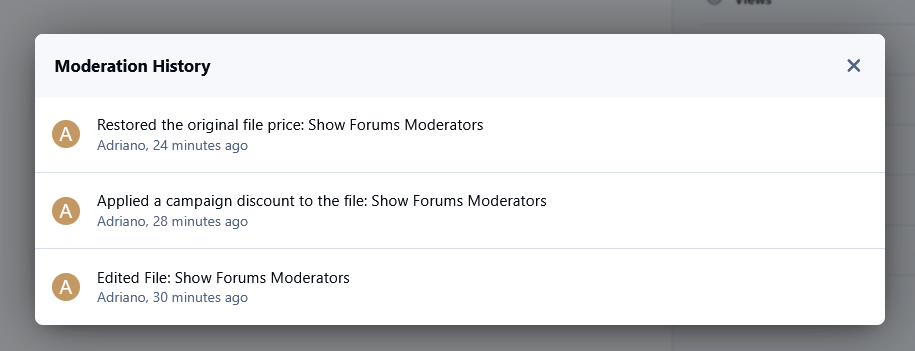
Price Campaigns allows administrators to create bulk discount campaigns for Downloads files in IPS Community Suite 5. Create percentage or fixed amount discounts, set start and end dates, preview changes before applying them, and automatically restore original prices when the campaign ends.
Campaigns can target:
All Files
Specific Files
Specific File Authors
Specific Categories
Perfect for Black Friday, seasonal sales, flash deals, and creator promotions.
-
IPS5.0.0+
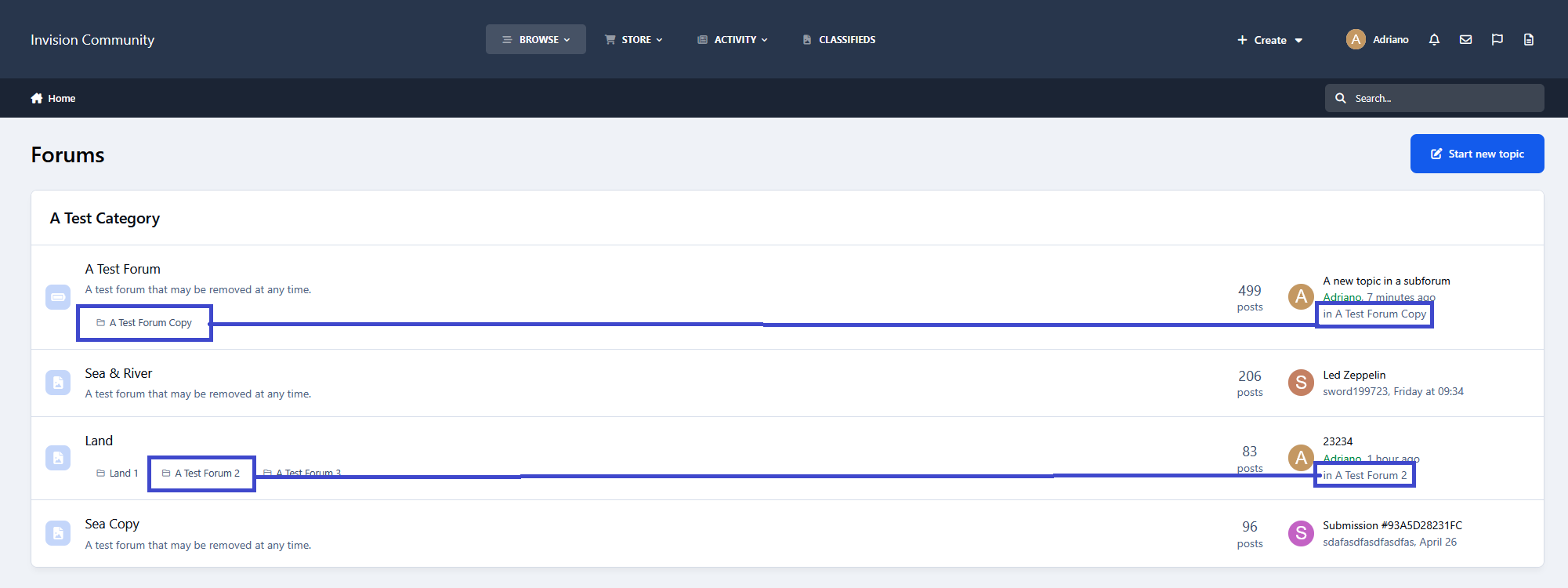
This application displays the subforum name (with a direct link) where the latest topic or post was made on the forum index.
Requirement:
Forums app