Jump to content
View in the app

A better way to browse. Learn more.

Invision Marketplace

A full-screen app on your home screen with push notifications, badges and more.

To install this app on iOS and iPadOS
  1. Tap the Share icon in Safari
  2. Scroll the menu and tap Add to Home Screen.
  3. Tap Add in the top-right corner.
To install this app on Android
  1. Tap the 3-dot menu (⋮) in the top-right corner of the browser.
  2. Tap Add to Home screen or Install app.
  3. Confirm by tapping Install.

Everything you need for your community

We will be moving to a new server soon, some downtime is expected.

Everything you need for your community

 Loading...
 Loading...
 Loading...
StopForumSpam - application to prevent spammers from registering on the forum. When registering a new user, the application checks the email, IP address and/or username, and if this data is in the spam database of the service https://www.stopforumspam.com/ - it bans the account.
IPS5.0.0+
StopForumSpam - application to prevent spammers from registering on the forum. When registering a new user, the application checks the email, IP address and/or username, and if this data is in the spam database of the service https://www.stopforumspam.com/ - it bans the account.
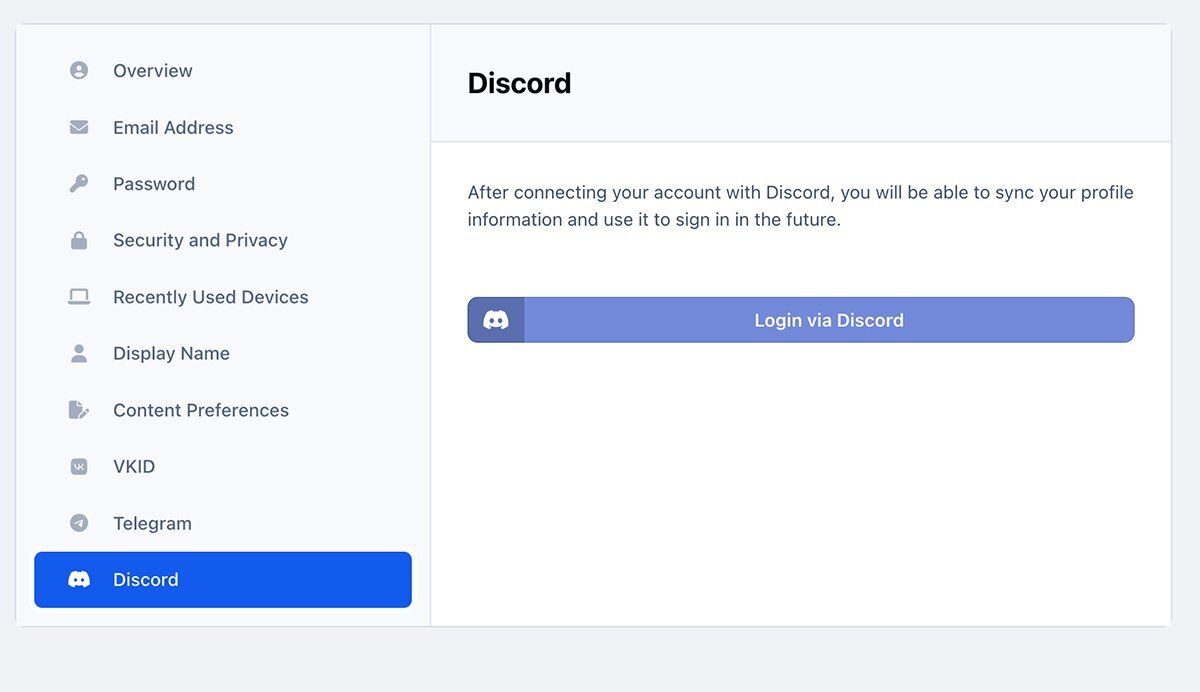
Discord Login - an application that allows your members to register using their own discord account. It can:
Login via Discord account;
Use Discord.com photo as profile photo of registering member.
IPS5.0.0+
Discord Login - an application that allows your members to register using their own discord account. It can:
Login via Discord account;
Use Discord.com photo as profile photo of registering member.
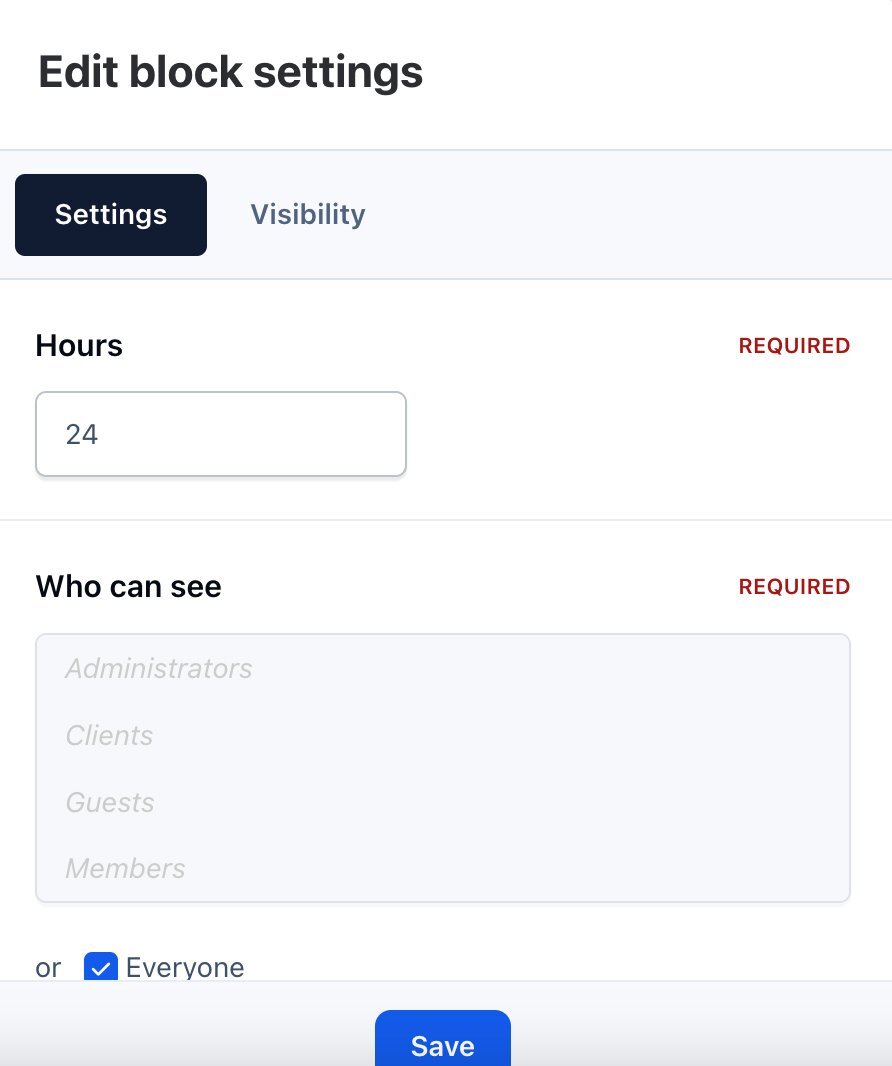
Who was online - widget that adds statistics of users who have been online for the last X hours.
IPS5.0.0+
Who was online - widget that adds statistics of users who have been online for the last X hours.
To set up the application, go to Theme editor > Content > Body > Mention.
Here you can choose four button locations:
Author pane (next to the name).
Post controls.
Post user stats
Post user info
IPS5.0.0+
To set up the application, go to Theme editor > Content > Body > Mention.
Here you can choose four button locations:
Author pane (next to the name).
Post controls.
Post user stats
Post user info
Differences from Stripe by IPS
The entire payment process takes place on the Stripe website, on a special stylized page that you can brand with the style of your community. The client is more confident to enter his card details on the Stripe website. 
Based on the billing address, the tax amount is automatically calculated.
You can change the color scheme, font, rounding of the payment form.
Features
Stripe Tax to automate tax calculation and collection or define applicable tax rates.
Toggle Tax behavior - disabled/inclusive/exclusive.
Dispute processing.
Refunds/partial refunds supporting.
Ability to ban a member after a refund.
Ability to force Stripe to collect a billing address.
Ability to select a specific payment method, such as Card, Klarna, Ali Pay, etc.
Payment methods
Card payments
Alipay
Affirm
Afterpay / Clearpay
Apple Pay
Bacs Direct Debit
Bancontact
Boleto
EPS
FPX
Giropay
Google Pay
GrabPay
iDEAL
Klarna
Link
OXXO
Pre-authorized debits
Przelewy24
SEPA Direct Debit
Sofort
WeChatPay
Kakao Pay
South Korean cards
Naver Pay
Samsung Pay
PAYCO
Alma
IPS5.0.0+
Differences from Stripe by IPS
The entire payment process takes place on the Stripe website, on a special stylized page that you can brand with the style of your community. The client is more confident to enter his card details on the Stripe website. 
Based on the billing address, the tax amount is automatically calculated.
You can change the color scheme, font, rounding of the payment form.
Features
Stripe Tax to automate tax calculation and collection or define applicable tax rates.
Toggle Tax behavior - disabled/inclusive/exclusive.
Dispute processing.
Refunds/partial refunds supporting.
Ability to ban a member after a refund.
Ability to force Stripe to collect a billing address.
Ability to select a specific payment method, such as Card, Klarna, Ali Pay, etc.
Payment methods
Card payments
Alipay
Affirm
Afterpay / Clearpay
Apple Pay
Bacs Direct Debit
Bancontact
Boleto
EPS
FPX
Giropay
Google Pay
GrabPay
iDEAL
Klarna
Link
OXXO
Pre-authorized debits
Przelewy24
SEPA Direct Debit
Sofort
WeChatPay
Kakao Pay
South Korean cards
Naver Pay
Samsung Pay
PAYCO
Alma
Boards
In the ACP, you can create an unlimited number of task boards.
Each board can have its own description.
The board card contains information on how many columns, tasks and editors it contains.
The board has an activity section where all user actions are recorded.
Columns
Columns of tasks exist in a specific board and contain cards (tasks).
Each column has its own name and highlight color.
Columns can be swapped on the fly using Drag-and-drop technology.
Columns can only be created by board editors, and you can add an unlimited number of them.
Task cards
The card has its own name, description, background color and cover.
Cards can be swapped on the fly using Drag-and-drop technology, as well as transferred between columns.
Cards (tasks) can be assigned to other users.
After assigning a task, the user will receive a notification. He will also be able to change the status of the card.
Boards
In the ACP, you can create an unlimited number of task boards.
Each board can have its own description.
The board card contains information on how many columns, tasks and editors it contains.
The board has an activity section where all user actions are recorded.
Columns
Columns of tasks exist in a specific board and contain cards (tasks).
Each column has its own name and highlight color.
Columns can be swapped on the fly using Drag-and-drop technology.
Columns can only be created by board editors, and you can add an unlimited number of them.
Task cards
The card has its own name, description, background color and cover.
Cards can be swapped on the fly using Drag-and-drop technology, as well as transferred between columns.
Cards (tasks) can be assigned to other users.
After assigning a task, the user will receive a notification. He will also be able to change the status of the card.
How it works
Invoice. BitPay displays the invoice for your customer.
Payment. Your customer pays the BitPay invoice at a locked-in exchange rate.
Conversion. BitPay converts the customer’s payment into your local currency.
Transfer. BitPay initiates a bank settlement to you the next business day.
IPS5.0.0+
How it works
Invoice. BitPay displays the invoice for your customer.
Payment. Your customer pays the BitPay invoice at a locked-in exchange rate.
Conversion. BitPay converts the customer’s payment into your local currency.
Transfer. BitPay initiates a bank settlement to you the next business day.
The app adds additional buttons to share services - Telegram, Viber, WhatsApp.
IPS5.0.0+
The app adds additional buttons to share services - Telegram, Viber, WhatsApp.
The Ideas app for Invision Community 5 allows your users to add ideas to various categories. Any users can vote to promote the ideas they like. Administrators can mark ideas as completed.
Features:
Creating categories.
Custom fields in various categories.
Displaying fields in two different places: below the title and below the description.
Enable / disable the display of the sidebar with categories when viewing an idea.
Indexpage Tabs: newest, popular and completed Ideas.
Ajax voting for ideas.
The ability for administrators to mark ideas as completed.
Commenting on ideas.
IPS5.0.0+
The Ideas app for Invision Community 5 allows your users to add ideas to various categories. Any users can vote to promote the ideas they like. Administrators can mark ideas as completed.
Features:
Creating categories.
Custom fields in various categories.
Displaying fields in two different places: below the title and below the description.
Enable / disable the display of the sidebar with categories when viewing an idea.
Indexpage Tabs: newest, popular and completed Ideas.
Ajax voting for ideas.
The ability for administrators to mark ideas as completed.
Commenting on ideas.
Robokassa Payment Gateway for Invision Community 5.
IPS5.0.0+
Robokassa Payment Gateway for Invision Community 5.
NOWPayments Gateway for Commerce of Invision Community 5. The application has been rewritten and improved. 
Added debug mode setting.
Added setting for setting cryptocurrency for payment.
Other improvements.
IPS5.0.0+
NOWPayments Gateway for Commerce of Invision Community 5. The application has been rewritten and improved. 
Added debug mode setting.
Added setting for setting cryptocurrency for payment.
Other improvements.
Revolut Payment Gateway for Invision Community 5. Modern and advanced payment processor.
IPS5.0.0+
Revolut Payment Gateway for Invision Community 5. Modern and advanced payment processor.
Supported symbols:
Latin
Greek
Turkish
Russian
Ukrainian
Czech
Polish
Latvian
IPS5.0.0+
Supported symbols:
Latin
Greek
Turkish
Russian
Ukrainian
Czech
Polish
Latvian

Top Developers

Last reviews

Applications Directory

A complete and convenient directory of applications for Invision Community, with categorization and sorting options.

Ratings and feedback

Only verified and trusted reviews!

Add new Application

Any developer can add their application to this directory.

You need to create account

Configure browser push notifications

Chrome (Android)
  1. Tap the lock icon next to the address bar.
  2. Tap Permissions → Notifications.
  3. Adjust your preference.
Chrome (Desktop)
  1. Click the padlock icon in the address bar.
  2. Select Site settings.
  3. Find Notifications and adjust your preference.