Jump to content
View in the app

A better way to browse. Learn more.

Invision Marketplace

A full-screen app on your home screen with push notifications, badges and more.

To install this app on iOS and iPadOS
  1. Tap the Share icon in Safari
  2. Scroll the menu and tap Add to Home Screen.
  3. Tap Add in the top-right corner.
To install this app on Android
  1. Tap the 3-dot menu (⋮) in the top-right corner of the browser.
  2. Tap Add to Home screen or Install app.
  3. Confirm by tapping Install.

Everything you need for your community

We will be moving to a new server soon, some downtime is expected.

Everything you need for your community

 Loading...
 Loading...
 Loading...
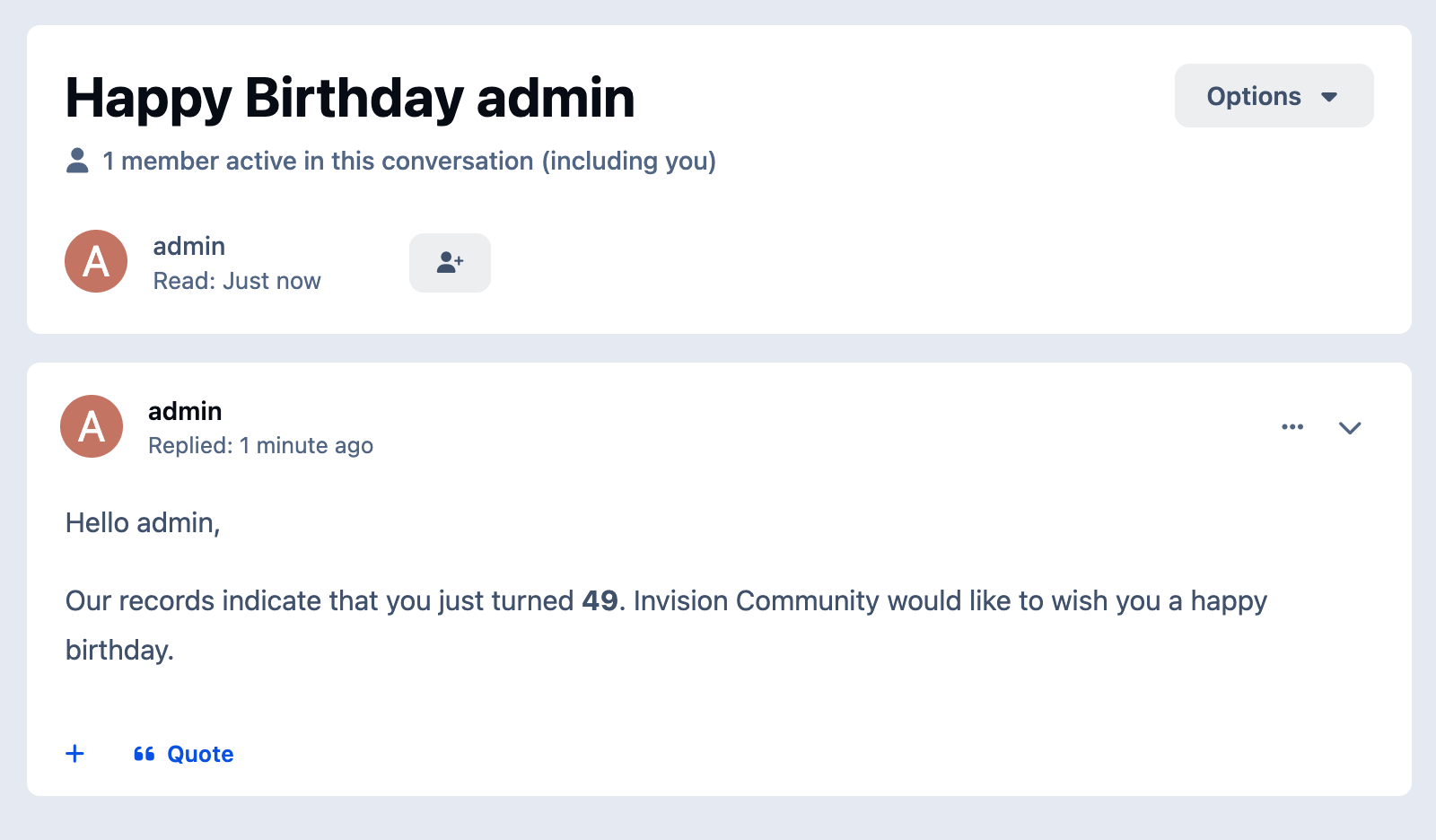
Application features for Birthday Greeter:
Automatic Birthday Greetings
Finds members with birthdays today and sends greetings through enabled channels.
Personal Messages
Sends a birthday PM from a selected sender account.
Email Greetings
Sends a birthday email when the member allows admin emails.
Forum Topics and Replies
Can create individual topics, one daily topic, or post replies into an existing topic.
Topic Settings
Supports forum selection, author selection, title, message body, pinning, and closing topics.
Chatbox Greetings
Posts birthday messages to a supported chat application when available.
Status Updates
Publishes birthday greetings through the status channel when supported.
Today’s Birthdays Widget
Displays members celebrating a birthday today.
Birthday Message Widget
Shows a configurable birthday greeting message on the site.
Activity Filter
Excludes members who have been inactive for a configured number of days.
Content Count Filter
Sends greetings only to members with a minimum amount of content.
Age Range Filter
Limits greetings to members within a configured age range.
Group Exclusions
Excludes selected member groups from receiving greetings.
Duplicate Protection
Tracks sent PM greetings and prevents duplicate birthday messages on the same day.
Recipient Safety Limit
Stops the task if the recipient list is unexpectedly large.
Scheduled Delivery Window
Lets admins configure send time, timezone, and delivery buffer.
Quick Tags
Supports dynamic placeholders in greeting templates.
Optional Logs
Allows delivery, duplicate, error, and safety logs to be enabled or disabled.
Based on the app from devfuse!
IPS5.0.0+
Application features for Birthday Greeter:
Automatic Birthday Greetings
Finds members with birthdays today and sends greetings through enabled channels.
Personal Messages
Sends a birthday PM from a selected sender account.
Email Greetings
Sends a birthday email when the member allows admin emails.
Forum Topics and Replies
Can create individual topics, one daily topic, or post replies into an existing topic.
Topic Settings
Supports forum selection, author selection, title, message body, pinning, and closing topics.
Chatbox Greetings
Posts birthday messages to a supported chat application when available.
Status Updates
Publishes birthday greetings through the status channel when supported.
Today’s Birthdays Widget
Displays members celebrating a birthday today.
Birthday Message Widget
Shows a configurable birthday greeting message on the site.
Activity Filter
Excludes members who have been inactive for a configured number of days.
Content Count Filter
Sends greetings only to members with a minimum amount of content.
Age Range Filter
Limits greetings to members within a configured age range.
Group Exclusions
Excludes selected member groups from receiving greetings.
Duplicate Protection
Tracks sent PM greetings and prevents duplicate birthday messages on the same day.
Recipient Safety Limit
Stops the task if the recipient list is unexpectedly large.
Scheduled Delivery Window
Lets admins configure send time, timezone, and delivery buffer.
Quick Tags
Supports dynamic placeholders in greeting templates.
Optional Logs
Allows delivery, duplicate, error, and safety logs to be enabled or disabled.
Based on the app from devfuse!
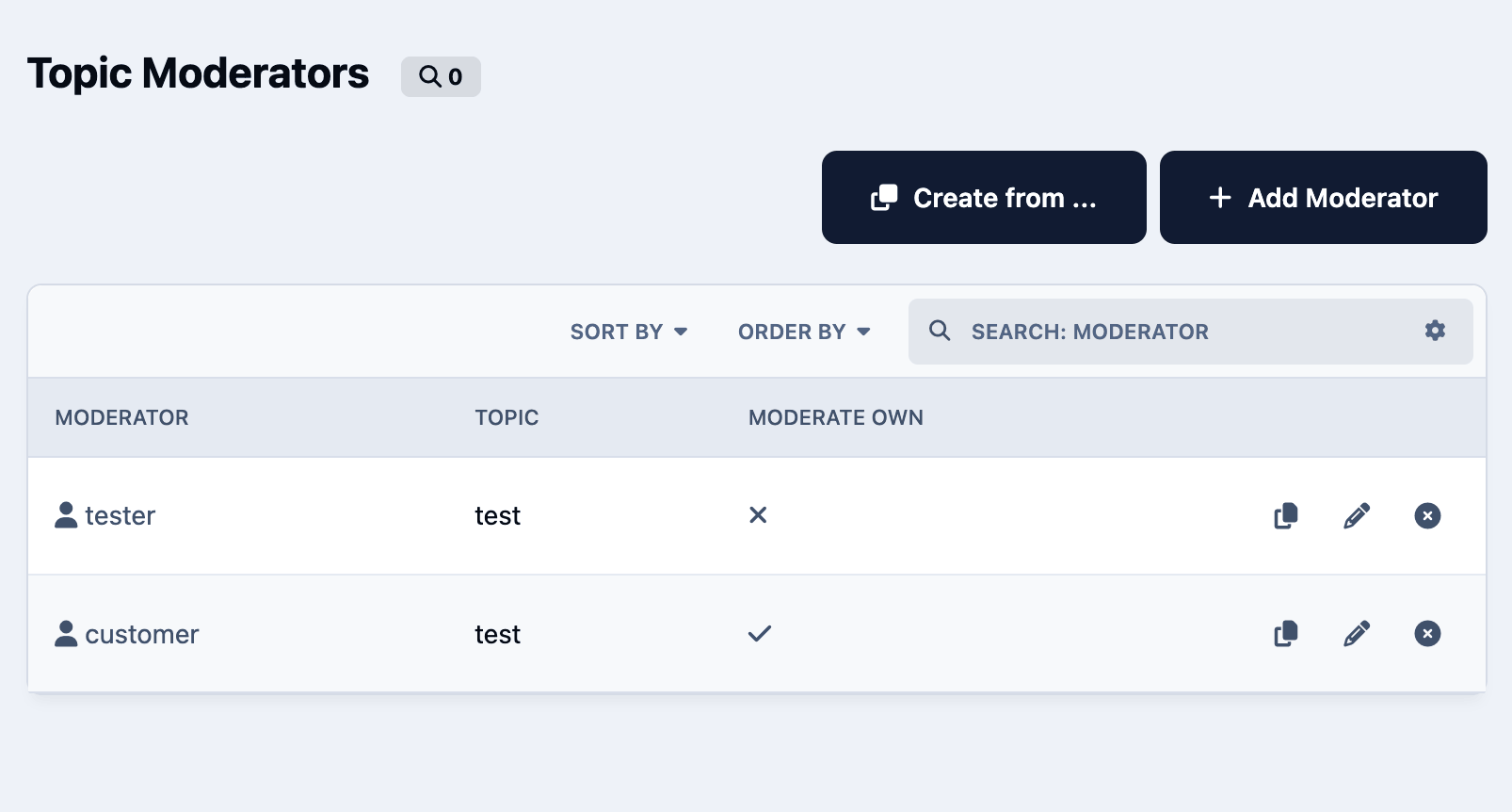
Administrators can assign specific members or groups to moderate selected topics and define exactly which actions they are allowed to perform, such as editing, hiding, approving, pinning, locking, moving, deleting, or viewing hidden content.
The app includes configurable permission tabs, permission copying between moderators, front-end management access, and controls for who can add, edit, or delete topic moderators. It also supports optional moderator badges, including global HTML/image badges or custom badges per moderator.
Feature List
Assign members or groups as moderators for specific topics
Configure detailed moderation permissions per moderator
Allow selected users or groups to manage topic moderators
Copy permissions from an existing moderator
Optionally allow moderators to moderate their own topics in selected forums
Display moderator badges in topic posts
Use global or custom HTML/image badges
Manage moderators from the front end or AdminCP
Choose how topics are selected in the moderator form
Analogue of the NB42 application for IPS4. There is a data converter from the NB42 app to this app.
IPS5.0.0+
Administrators can assign specific members or groups to moderate selected topics and define exactly which actions they are allowed to perform, such as editing, hiding, approving, pinning, locking, moving, deleting, or viewing hidden content.
The app includes configurable permission tabs, permission copying between moderators, front-end management access, and controls for who can add, edit, or delete topic moderators. It also supports optional moderator badges, including global HTML/image badges or custom badges per moderator.
Feature List
Assign members or groups as moderators for specific topics
Configure detailed moderation permissions per moderator
Allow selected users or groups to manage topic moderators
Copy permissions from an existing moderator
Optionally allow moderators to moderate their own topics in selected forums
Display moderator badges in topic posts
Use global or custom HTML/image badges
Manage moderators from the front end or AdminCP
Choose how topics are selected in the moderator form
Analogue of the NB42 application for IPS4. There is a data converter from the NB42 app to this app.
Created to replace the outdated Edit HTML of posts.
Possibilities:
Select users/groups (only admins) that can change HTML code.
Enable/disable logging.
Add/remove icon next to the link.
Supports applications:
Pages
Forums
Commerce
Events
Blogs
Personal Messages
Gallery
Downloads
IPS5.0.0+
Created to replace the outdated Edit HTML of posts.
Possibilities:
Select users/groups (only admins) that can change HTML code.
Enable/disable logging.
Add/remove icon next to the link.
Supports applications:
Pages
Forums
Commerce
Events
Blogs
Personal Messages
Gallery
Downloads
CoinGate Gateway - payment gateway for Invision Community 5. Accept Bitcoin, Stablecoins & Other Cryptocurrencies on Multiple Networks.
IPS5.0.0+
CoinGate Gateway - payment gateway for Invision Community 5. Accept Bitcoin, Stablecoins & Other Cryptocurrencies on Multiple Networks.
ForumPay is meticulously designed to address the challenges faced by global businesses and payment processors by guaranteeing scalability, compliance, speed, and security. ForumPay solutions empower users with the ability to:
Reach over 659 million crypto-consumers via a wallet-agnostic solution.
Avoid cryptocurrency volatility through instant confirmation and conversion to USD, EUR, GBP, or other traditional FIAT currencies.
Receive direct bank deposits on a daily basis.
Integrate the system smoothly into existing payment flows.
Transact safely with dependable security measures.
Assure compliance with all international jurisdictions.
Benefit from established trust with top payment leaders.
IPS5.0.0+
ForumPay is meticulously designed to address the challenges faced by global businesses and payment processors by guaranteeing scalability, compliance, speed, and security. ForumPay solutions empower users with the ability to:
Reach over 659 million crypto-consumers via a wallet-agnostic solution.
Avoid cryptocurrency volatility through instant confirmation and conversion to USD, EUR, GBP, or other traditional FIAT currencies.
Receive direct bank deposits on a daily basis.
Integrate the system smoothly into existing payment flows.
Transact safely with dependable security measures.
Assure compliance with all international jurisdictions.
Benefit from established trust with top payment leaders.
Cryptopay - accept crypto payments globally. Payment gateway for Invision Community 5.
IPS5.0.0+
Cryptopay - accept crypto payments globally. Payment gateway for Invision Community 5.
Secure & Trusted Crypto Payment Gateway for Invision Community 5
IPS5.0.0+
Secure & Trusted Crypto Payment Gateway for Invision Community 5
Coinbase Commerce is the most seamless way to start accepting crypto payments.
IPS5.0.0+
Coinbase Commerce is the most seamless way to start accepting crypto payments.
BTCPay Server is a self-hosted, open-source cryptocurrency payment processor. It's secure, private, censorship-resistant and free. This integration allows you to accept crypto payments in Invision Community 5.
IPS5.0.0+
BTCPay Server is a self-hosted, open-source cryptocurrency payment processor. It's secure, private, censorship-resistant and free. This integration allows you to accept crypto payments in Invision Community 5.
Start accepting crypto payments today - Crypto.com Payment Gateway for Invision Community 5.
Tap into the global cryptocurrency economy and start accepting Bitcoin and other popular cryptocurrencies on your community.
IPS5.0.0+
Start accepting crypto payments today - Crypto.com Payment Gateway for Invision Community 5.
Tap into the global cryptocurrency economy and start accepting Bitcoin and other popular cryptocurrencies on your community.
Step #1
After installing the VK ID Login Handler, you need to create a new app: https://id.vk.com/about/business/go. After which you will receive an App ID and Secure key for the necessary settings.
Step #2
After creating the application, go to the menu Access and enable Email from Basic access area! 
IPS5.0.0+
Step #1
After installing the VK ID Login Handler, you need to create a new app: https://id.vk.com/about/business/go. After which you will receive an App ID and Secure key for the necessary settings.
Step #2
After creating the application, go to the menu Access and enable Email from Basic access area! 
YooMoney Quickpay - application allows you to accept payments on the Invision Community through YooMoney wallets or bank cards.
IPS5.0.0+
YooMoney Quickpay - application allows you to accept payments on the Invision Community through YooMoney wallets or bank cards.
Redesigned from scratch application for accepting payments on the Invision Community via YooMoney wallets. 
IPS5.0.0+
Redesigned from scratch application for accepting payments on the Invision Community via YooMoney wallets. 

Top Developers

Last reviews

Applications Directory

A complete and convenient directory of applications for Invision Community, with categorization and sorting options.

Ratings and feedback

Only verified and trusted reviews!

Add new Application

Any developer can add their application to this directory.

You need to create account

Configure browser push notifications

Chrome (Android)
  1. Tap the lock icon next to the address bar.
  2. Tap Permissions → Notifications.
  3. Adjust your preference.
Chrome (Desktop)
  1. Click the padlock icon in the address bar.
  2. Select Site settings.
  3. Find Notifications and adjust your preference.