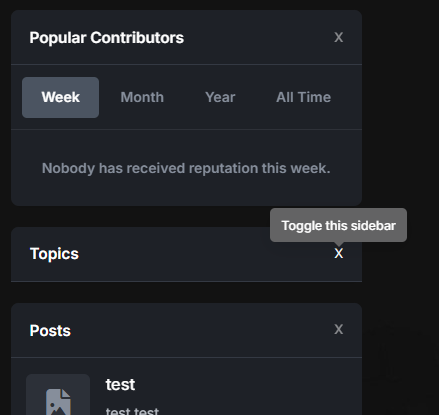
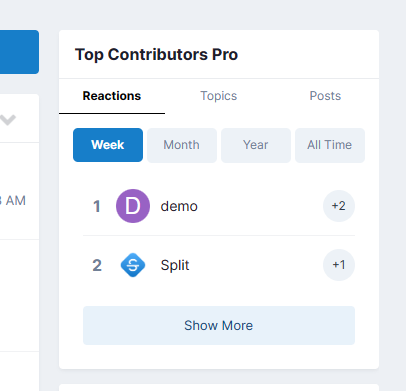
The Toggle Sidebar Widgets plugin for IPS5 allows users to collapse and expand sidebar panels with a smooth animation effect. This feature enhances user experience by providing a cleaner and more organized interface, reducing clutter when panels are not needed. Users can toggle individual widgets using a dedicated button, ensuring efficient space utilization while maintaining accessibility to content. The plugin remembers user preferences, so hidden widgets remain collapsed upon revisiting the page.
IPS5.0.x
The Toggle Sidebar Widgets plugin for IPS5 allows users to collapse and expand sidebar panels with a smooth animation effect. This feature enhances user experience by providing a cleaner and more organized interface, reducing clutter when panels are not needed. Users can toggle individual widgets using a dedicated button, ensuring efficient space utilization while maintaining accessibility to content. The plugin remembers user preferences, so hidden widgets remain collapsed upon revisiting the page.
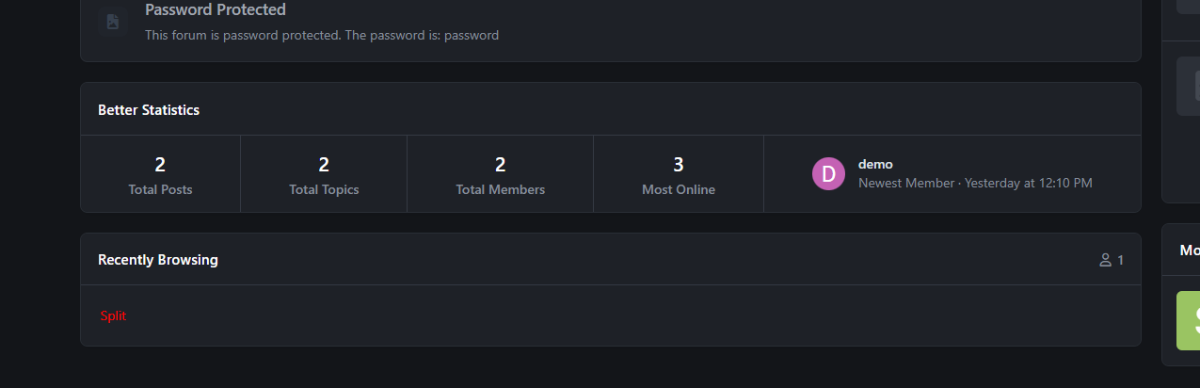
An application that combines the code from two built-in widgets called "Member Statistics" and "Forum Statistics" into one. It also has two built-in themes to change.
IPS5.0.x
An application that combines the code from two built-in widgets called "Member Statistics" and "Forum Statistics" into one. It also has two built-in themes to change.
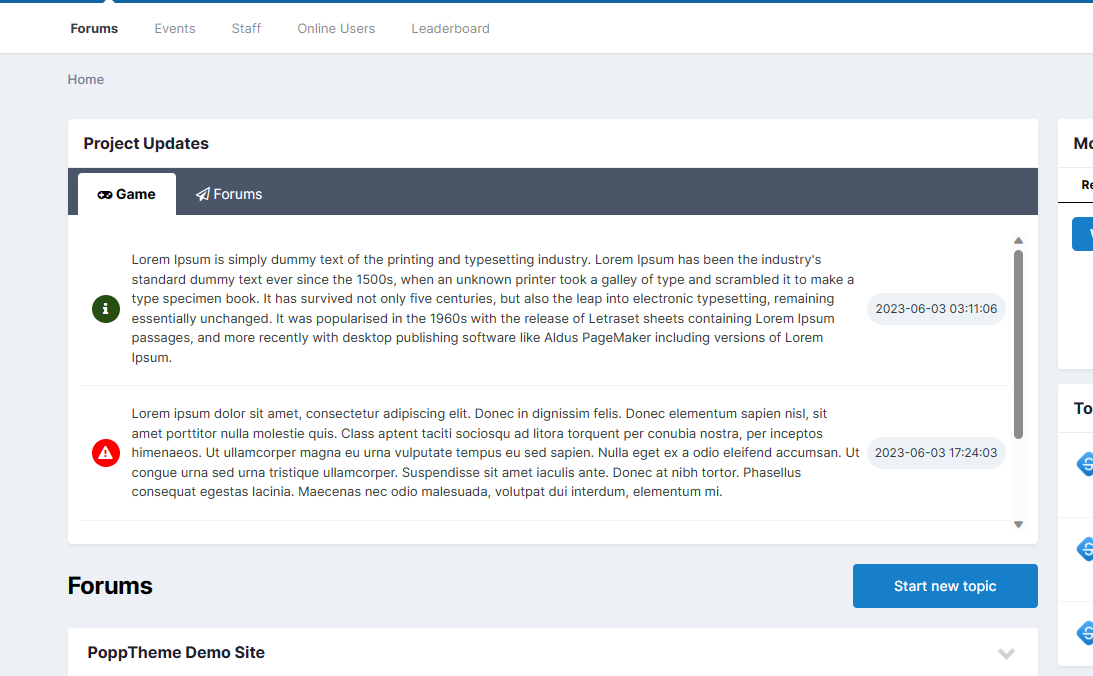
This application adds a widget to the homepage that displays the latest updates from a given project. Functions: Added new statuses (Success, Info, Error, etc.) with icons and colors Adding new projects with icons Multilingual support Font Awesome support An option to configure JSON will be added soon.
This application adds a widget to the homepage that displays the latest updates from a given project. Functions: Added new statuses (Success, Info, Error, etc.) with icons and colors Adding new projects with icons Multilingual support Font Awesome support An option to configure JSON will be added soon.
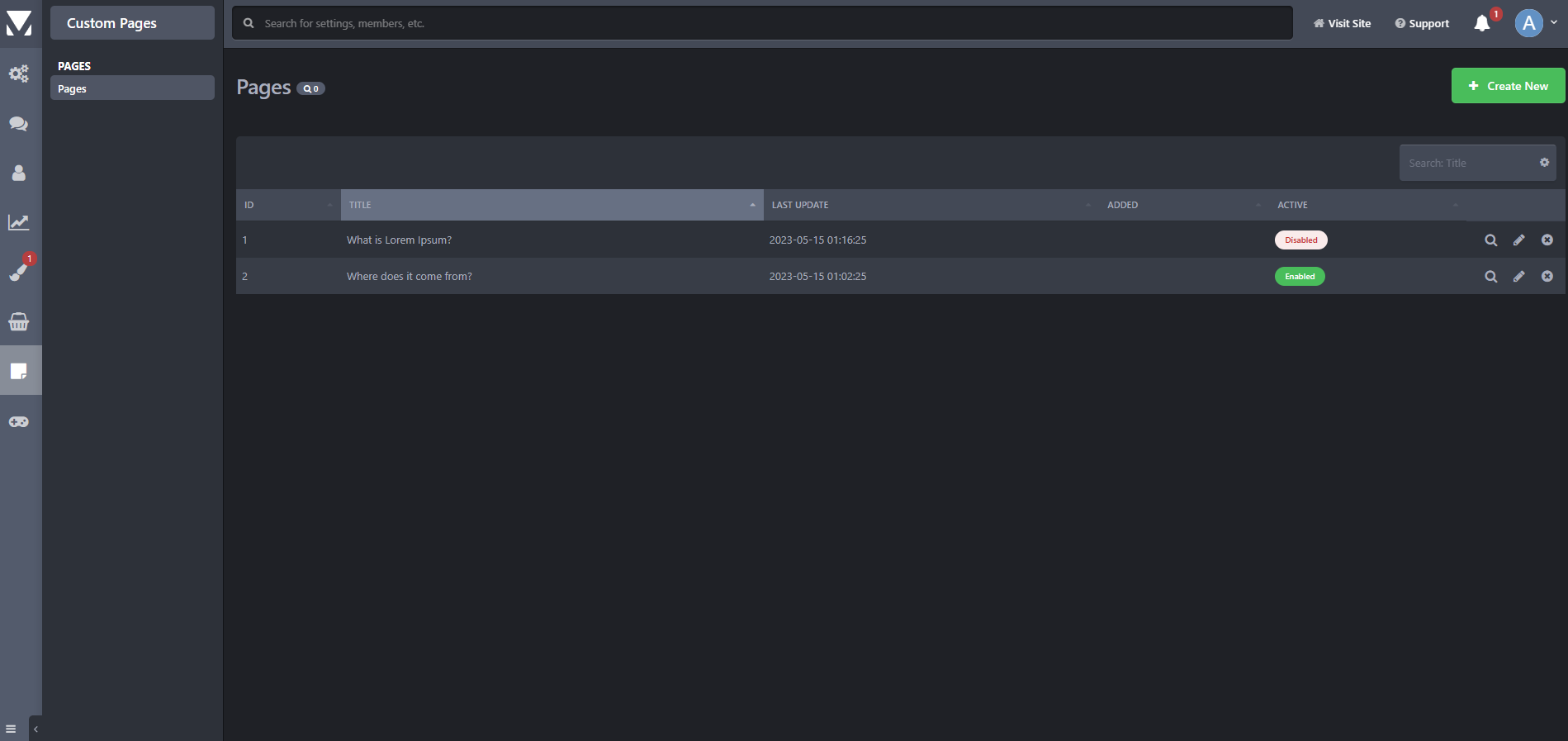
Many people are looking for an equivalent of IPS Pages. My application allows you to add your own subpages with any content. The current version is a bit poor but it will be enriched with additional functions, i.e.: - PHP content support - Password protection
Many people are looking for an equivalent of IPS Pages. My application allows you to add your own subpages with any content. The current version is a bit poor but it will be enriched with additional functions, i.e.: - PHP content support - Password protection
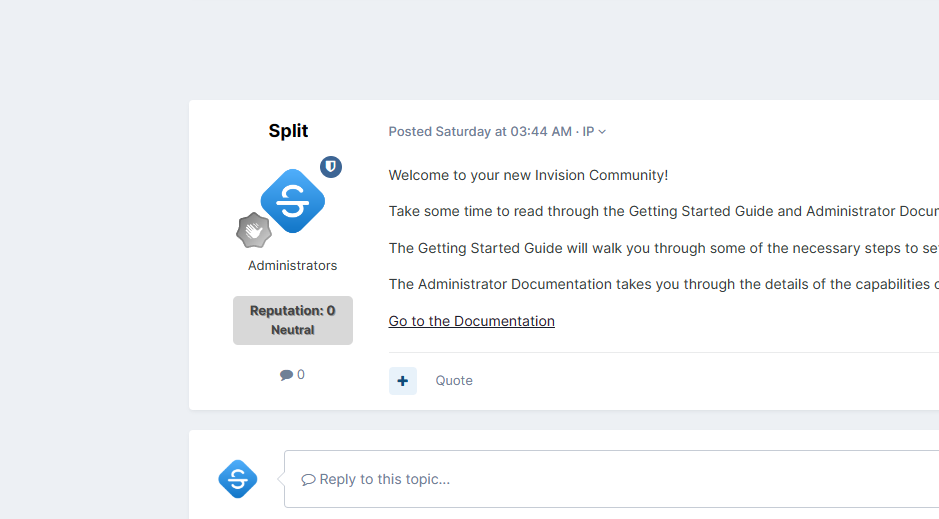
This plugin displays the reputation level along with the title in the post view. The appearance of the level can be edited as desired. More features will be added in future updates.
IPS5.0.x
This plugin displays the reputation level along with the title in the post view. The appearance of the level can be edited as desired. More features will be added in future updates.
White & Blue A new template for your forum straight from the author. It has many built-in functions. It will be enhanced with additional features in future updates. ( IPS version 4.7 )
White & Blue A new template for your forum straight from the author. It has many built-in functions. It will be enhanced with additional features in future updates. ( IPS version 4.7 )
Astroside A new template for your forum straight from the author. It has many built-in functions. It will be enhanced with additional features in future updates. ( IPS version 4.7 )
The template requires the Better Statistics plugin, I recommend installing this plugin before installing the template.
Astroside A new template for your forum straight from the author. It has many built-in functions. It will be enhanced with additional features in future updates. ( IPS version 4.7 )
The template requires the Better Statistics plugin, I recommend installing this plugin before installing the template.
Venus A new template for your forum straight from the author. It has many built-in functions. It will be enhanced with additional features in future updates. ( IPS version 4.7 ) ----- DEMO ----- The template requires the Better Statistics plugin, I recommend installing this plugin before installing the template.
Venus A new template for your forum straight from the author. It has many built-in functions. It will be enhanced with additional features in future updates. ( IPS version 4.7 ) ----- DEMO ----- The template requires the Better Statistics plugin, I recommend installing this plugin before installing the template.
Flux is a modern and elegant theme designed for gaming forums, RP servers, and general community boards. Its dark, refined color palette, clean layout, and polished details give the site a professional look and a unique atmosphere. An ideal choice for communities that value both aesthetics and functionality. If you’re interested in checking out a demo or learning more, you can explore further here.
IPS5.0.x
Flux is a modern and elegant theme designed for gaming forums, RP servers, and general community boards. Its dark, refined color palette, clean layout, and polished details give the site a professional look and a unique atmosphere. An ideal choice for communities that value both aesthetics and functionality. If you’re interested in checking out a demo or learning more, you can explore further here.
Codey is a new template for forums based on Invision Community 5. Designed by the author with extended functionality in mind, it will be enhanced with additional features in future updates. Main Features: Built-in tools – numerous useful features for efficient forum management. Regular updates – each new version introduces additional improvements. Two color versions – available in both dark and light themes. If you’re interested in checking out a demo or learning more, you can explore further here.
IPS5.0.x
Codey is a new template for forums based on Invision Community 5. Designed by the author with extended functionality in mind, it will be enhanced with additional features in future updates. Main Features: Built-in tools – numerous useful features for efficient forum management. Regular updates – each new version introduces additional improvements. Two color versions – available in both dark and light themes. If you’re interested in checking out a demo or learning more, you can explore further here.
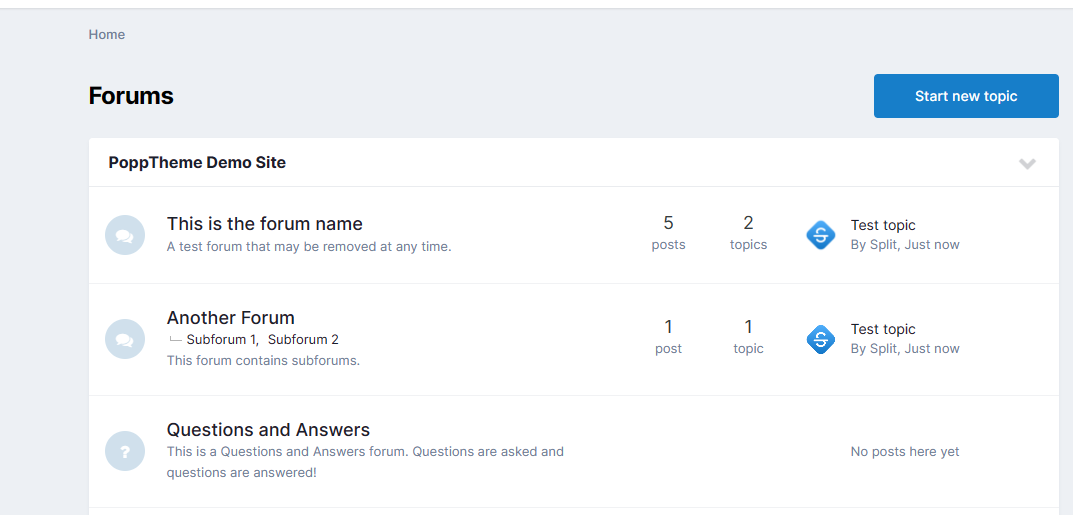
Popp Theme is a fresh template for forums running on Invision Community 5. Designed by the author with extended functionality in mind, it is continuously updated with new features. Main Features: Built-in tools – numerous useful features to enhance forum management. Regular updates – each new version introduces additional improvements. Dark Mode option – available in an alternative dark-themed version. If you’re interested in checking out a demo or learning more, you can explore further here.
IPS5.0.x
Popp Theme is a fresh template for forums running on Invision Community 5. Designed by the author with extended functionality in mind, it is continuously updated with new features. Main Features: Built-in tools – numerous useful features to enhance forum management. Regular updates – each new version introduces additional improvements. Dark Mode option – available in an alternative dark-themed version. If you’re interested in checking out a demo or learning more, you can explore further here.
This app allows your staff, with the appropriate permissions, to see topic viewers/readers as well as track your members topic viewing/reading behavior. Topic readers will be displayed on topic view. Only unique views are logged. This means that whenever someone visits a topic, their latest visit will be logged and displayed. To track members topic reading history, go to their profiles where a new tab has been added called: Recent Viewed Topics. And as last, but not least, topic view logs can be kept permanently or pruned after a certain amount of time.
IPS5.0.0
This app allows your staff, with the appropriate permissions, to see topic viewers/readers as well as track your members topic viewing/reading behavior. Topic readers will be displayed on topic view. Only unique views are logged. This means that whenever someone visits a topic, their latest visit will be logged and displayed. To track members topic reading history, go to their profiles where a new tab has been added called: Recent Viewed Topics. And as last, but not least, topic view logs can be kept permanently or pruned after a certain amount of time.
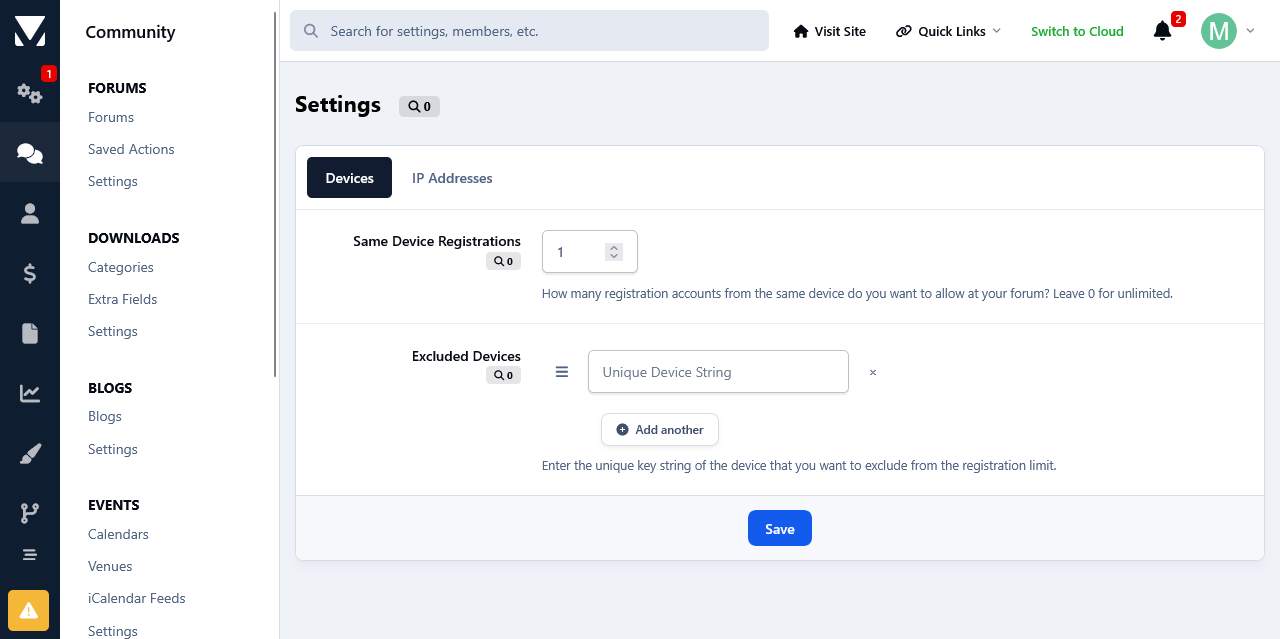
This app will limit the number of accounts that users can register from the same device and/or ip address. Devices and/or IP Addresses can be excluded from this restriction at the app's settings page.
IPS5.0.0
This app will limit the number of accounts that users can register from the same device and/or ip address. Devices and/or IP Addresses can be excluded from this restriction at the app's settings page.
I want to verify exactly what it covers. Could you clarify if it handles the following scenarios? Database Corruption from Updates: Will this actually repair a database table or index that became corrupted during a previous software update, plugin update or Application update? Leftover Plugin/App Data: Will this clean up leftover tables, rows, or orphaned settings left behind by previous system updates, uninstalled applications or plugins? Block Editor Sidebar Glitches: Will this resolve a corrupted sidebar layout or "side block" issue that occurred after adding or removing elements in the block editor? Thanks for clarifying.
This is very cool, as I don't know of any other means of seeing how many people use what. So, I can't guage which themes are popular, but this is a brilliant idea that executes it well.
If you are running an IPS community, this Keywords tool is an absolute must-have. We run a highly technical site, and this app has been a lifesaver for our members. We use it to define complex industry terms and acronyms site-wide, and the rich pop-up tooltips make the user experience flawless. What really blows me away is the rebuild. It doesn't feel like a clunky third-party add-on; it feels like a native part of the IPS framework. It has its own search integration, reactions, comments, and follow system. As an admin, the moderation controls are fantastic. Being able to set up approval workflows for new keywords and comments means we can keep our technical definitions accurate without babysitting the system. If you want to enrich your forum's content and keep your users engaged, look no further. Five stars!
I have missed this so much, and finding out that it has been recreated and improved was a great discovery. Cedric is very active and works to improve this even further. 5 out of 5 is the max I can give in this review, but it is more like 6 out of 5 or even 7 out of five!
Very nice back end options, nicely restrained icon which is also well placed to hide forums or topics. Overall I would have given it five out of five stars except for one small issue ... it seems recognize categories as forums. Clicking on ignore does not ignore category or the sub forums associated with that category. Actually I would expect/prefer categories not be able to be ignored. The hide icon/text should not show since nothing can be actually posted in them ... the opposite would be that all sub forms would also be hidden. But if that was the intent it's not working. One new optional feature that could be added is a way to identify specific forums that cannot be hidden by members.